


Clipchamp Overview
Clipchamp, a Microsoft product, is a versatile and accessible video editing platform designed to simplify video creation for users of all skill levels. It combines a traditional timeline editor with a powerful suite of AI-driven features, making professional-quality video production faster and more intuitive. Whether you're creating content for social media, producing corporate marketing videos, or developing educational materials, Clipchamp provides the tools you need in a single, integrated environment, accessible directly from your browser, as a Windows desktop app, or on your iOS device.
How to use Clipchamp
Getting started with Clipchamp is a straightforward process designed for efficiency:
- Start a Project: Begin by creating a new video. You can upload your own media files (videos, images, audio), choose from a vast library of professional stock assets, or record new content directly using the screen, camera, or audio recorders.
- Edit on the Timeline: Drag and drop your clips onto the intuitive timeline. Use the easy-to-use tools to trim, cut, crop, rotate, and resize your footage. Arrange clips, add transitions, and layer multiple tracks to build your story.
- Leverage AI Features: Enhance your video with powerful AI tools. Automatically generate accurate subtitles in over 80 languages with AI Subtitles. Convert text to natural-sounding voiceovers using the AI Text-to-Speech generator. Clean up your audio with AI Noise Suppression and automatically remove awkward pauses with Silence Removal.
- Add Professional Touches: Customize your video with animated text, titles, and lower thirds. Apply filters and effects, and use the brand kit feature to maintain brand consistency with your own logos, fonts, and colors.
- Export and Share: Once your video is complete, export it in various resolutions up to 4K. Directly share your creations to platforms like YouTube, TikTok, and LinkedIn, or save them to cloud services like OneDrive and Google Drive.
Core Features of Clipchamp
- AI-Powered Tools: Includes AI Subtitles for automatic captioning, an AI Text-to-Speech generator with over 400 voices in 80+ languages, AI Noise Suppression for clear audio, and AI Silence Removal to tighten up editing.
- All-in-One Editor: Features screen and webcam recording, easy trimming and cropping, green screen effects, a GIF maker, and precise audio controls.
- Rich Content Library: Access to millions of royalty-free stock videos, images, and audio tracks to enhance your projects.
- Branding and Customization: A dedicated Brand Kit allows you to easily apply your brand's logo, fonts, and colors to ensure consistency across all your videos.
- Multi-Platform Accessibility: Use Clipchamp as an in-browser editor, a native desktop app for Windows 10/11, or a mobile app for iOS, with projects syncing across devices.
- Seamless Integrations: Connects with Microsoft OneDrive, Google Drive, Dropbox, YouTube, TikTok, LinkedIn, and more for easy import and export workflows.
Use Cases for Clipchamp
Clipchamp is ideal for a wide range of applications:
- Content Creators: Perfect for creating engaging videos for YouTube, TikTok, Instagram Reels, and other social media platforms. Features like text-to-speech and auto-subtitles help boost engagement and accessibility.
- Businesses and Marketers: Create professional product demos, marketing advertisements, corporate presentations, and training videos. The brand kit ensures all content aligns with company branding.
- Educators and Students: Develop instructional videos, record lectures, and create dynamic presentations for the classroom. The simple interface makes it a great tool for student projects.
- Personal Use: Easily compile and edit personal videos from events, travels, and family gatherings into memorable montages.
Advantages of Clipchamp
Clipchamp stands out due to its user-centric design and powerful capabilities. Its primary advantage is its accessibility; no prior editing experience is required to create high-quality videos. The integration of AI tools significantly speeds up the workflow, automating tedious tasks like captioning and voiceover creation. Being a Microsoft product, it offers robust reliability and seamless integration with the Microsoft 365 ecosystem. The combination of a free-to-start model, a rich stock library, and multi-platform availability makes it a highly versatile and cost-effective choice for any video creation need.
Pricing and Plans
Clipchamp operates on a freemium model. The Free plan includes all the core editing tools, access to free stock assets, and allows exports up to 1080p HD resolution, making it highly capable for most users. For advanced features, Clipchamp offers a premium plan, the Essentials plan, which is included with a Microsoft 365 Personal or Family subscription. This premium tier unlocks access to premium stock audio, video, and images, a brand kit for managing brand assets, and content backup.
Traffic
Latest traffic
Status
Monthly traffic trend
- 2026-1: 8.2M
- 2026-2: 7.1M
- 2026-3: 7.5M
- 2026-4: 6.9M
- 2026-5: 7.2M
Geography
Top 5 countries / regions
- 🇺🇸United States38.9%
- 🇮🇳India20.2%
- 🇧🇷Brazil19.3%
- 🇯🇵Japan13.4%
- 🇲🇽Mexico8.3%
Traffic sources
| Source type | Percentage |
|---|---|
Direct | 80.4% |
Referral | 17.8% |
Email | 1.8% |
Top keywords
| Keyword | Cost per click |
|---|---|
| clip champ | $0.57 |
| clipchamp | $0.53 |
| microsoft clipchamp | $0.70 |
| youtube | $0.18 |
| youtube video download | $0.19 |
Clipchamp Videos on YouTube
Microsoft Clipchamp

Justin Brown - Primal Video

Basic IT Academy
Full Course Online

1ClickTutorialen

Microsoft Clipchamp
Clipchamp Alternatives

VideoPlus Studio
VideoPlus Studio is an AI-powered platform that transforms your videos into captivating cartoons and adds realistic AI voiceovers in over 80 languages. It's designed for creating engaging product demos, marketing content, and animated storybooks with ease.
Text To Speech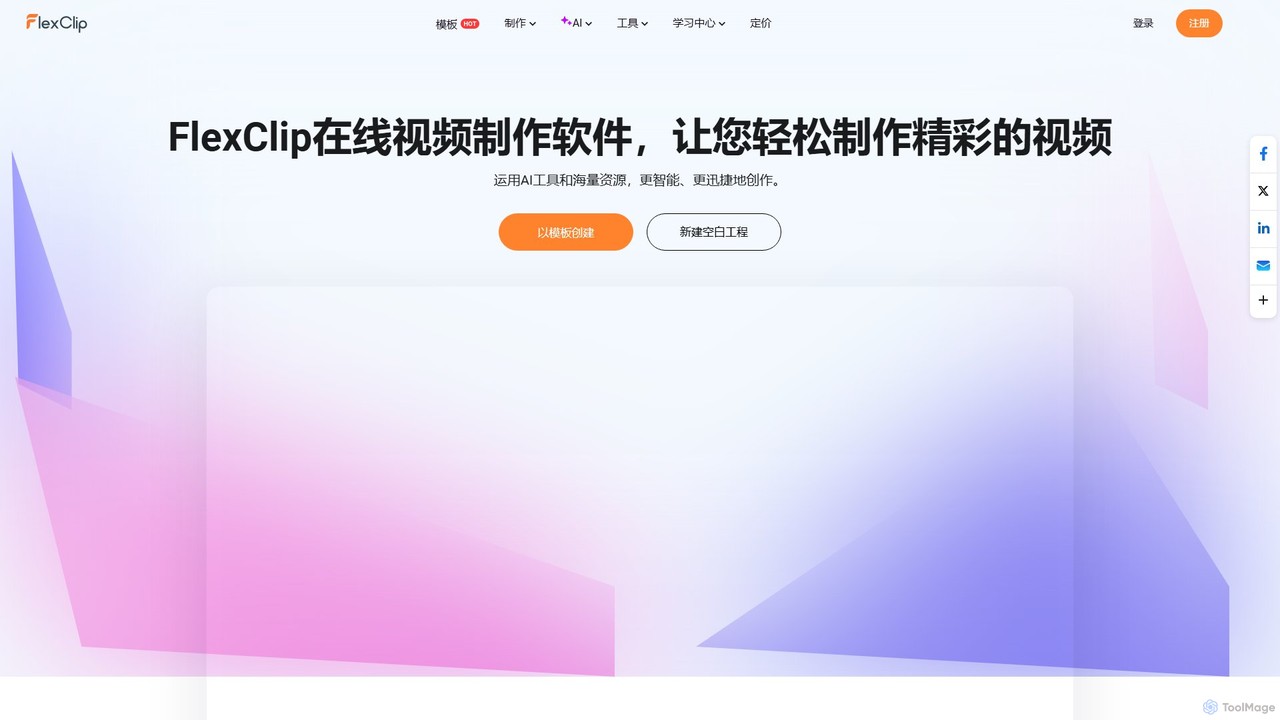
FlexClip
A powerful yet easy-to-use online video maker that combines traditional editing tools with a suite of AI features. Create professional videos for marketing, social media, or personal use with a vast library of templates, stock media, and intelligent tools like AI video generation, auto-subtitling, and text-to-speech.
Social Media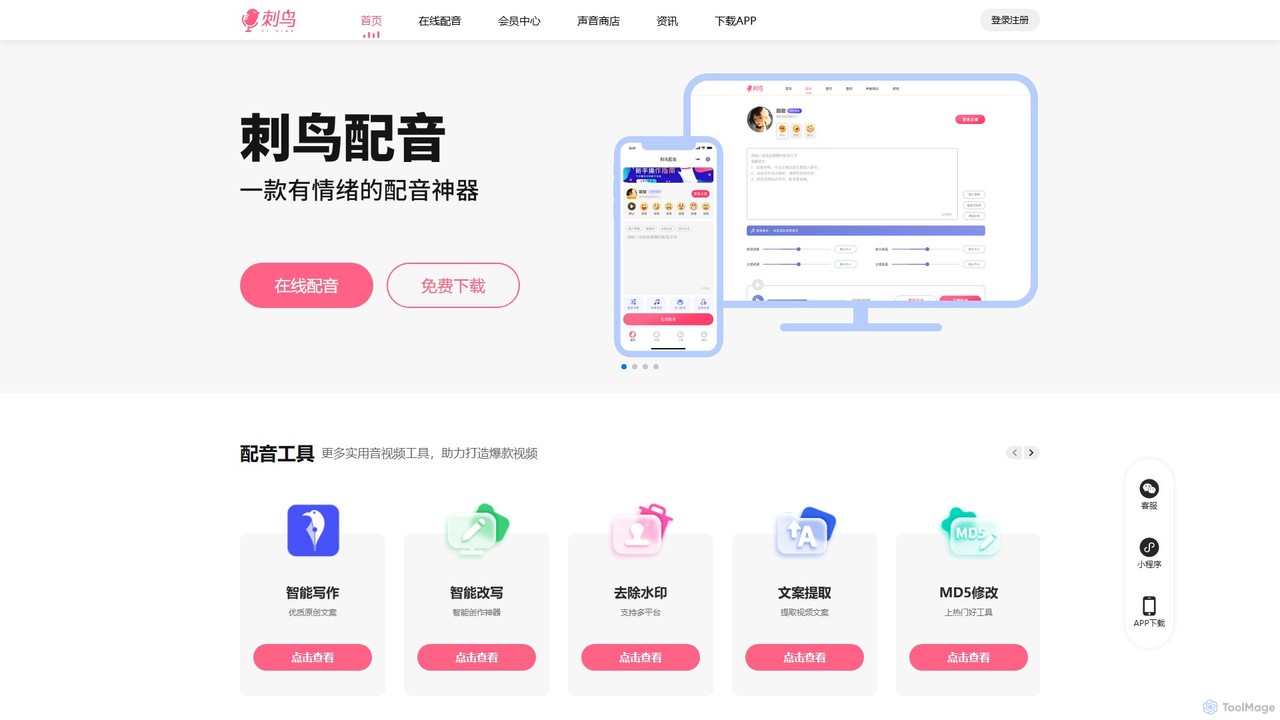
icnpy
icnpy (刺鸟配音) is an all-in-one AI-powered content creation suite, specializing in professional text-to-speech and dubbing. It also offers a range of tools for video creators, including AI writing, watermark removal, script extraction, and audio editing, designed to streamline the production of viral social media content.
Text To Speech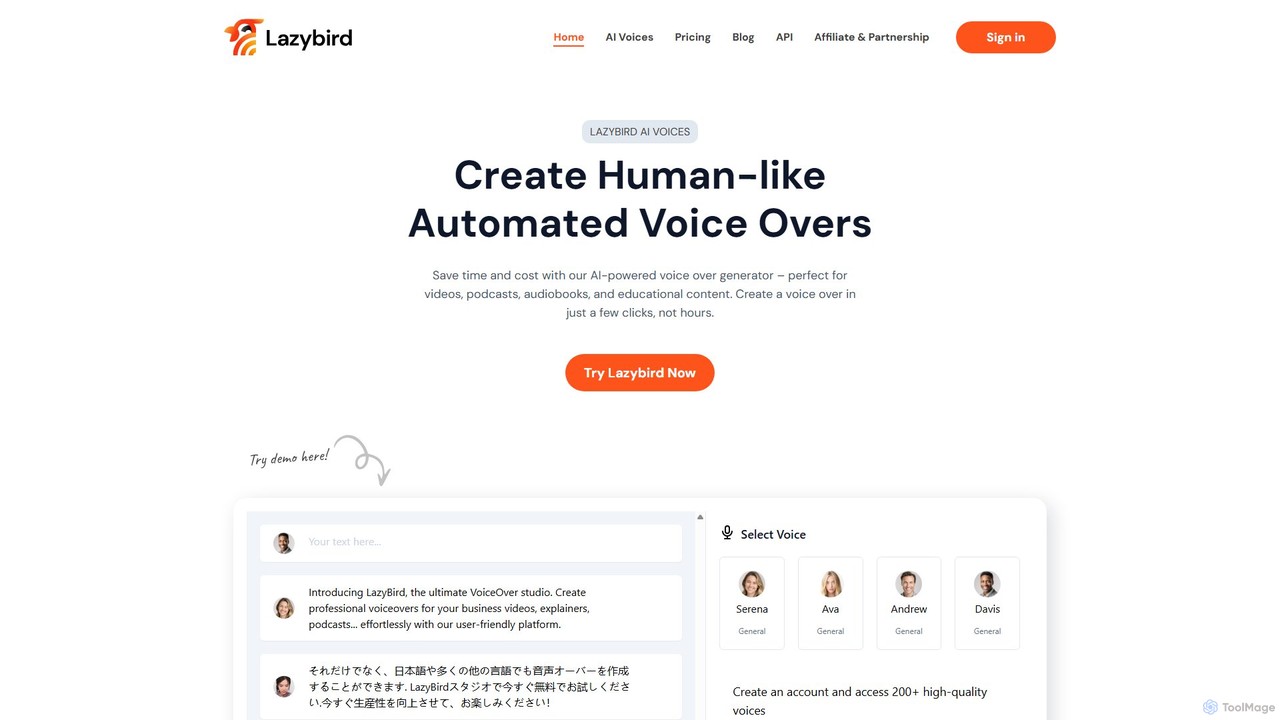
Lazybird
Lazybird is an AI-powered text-to-speech generator that creates high-quality, human-like voice-overs for various content types. With over 200 voices in 100+ languages, it's perfect for videos, podcasts, audiobooks, and educational materials. The platform offers detailed customization of pitch, speed, and pauses, along with voice cloning capabilities. Its cost-effective, pay-as-you-go model makes it accessible for creators and businesses of all sizes.
Text To Speech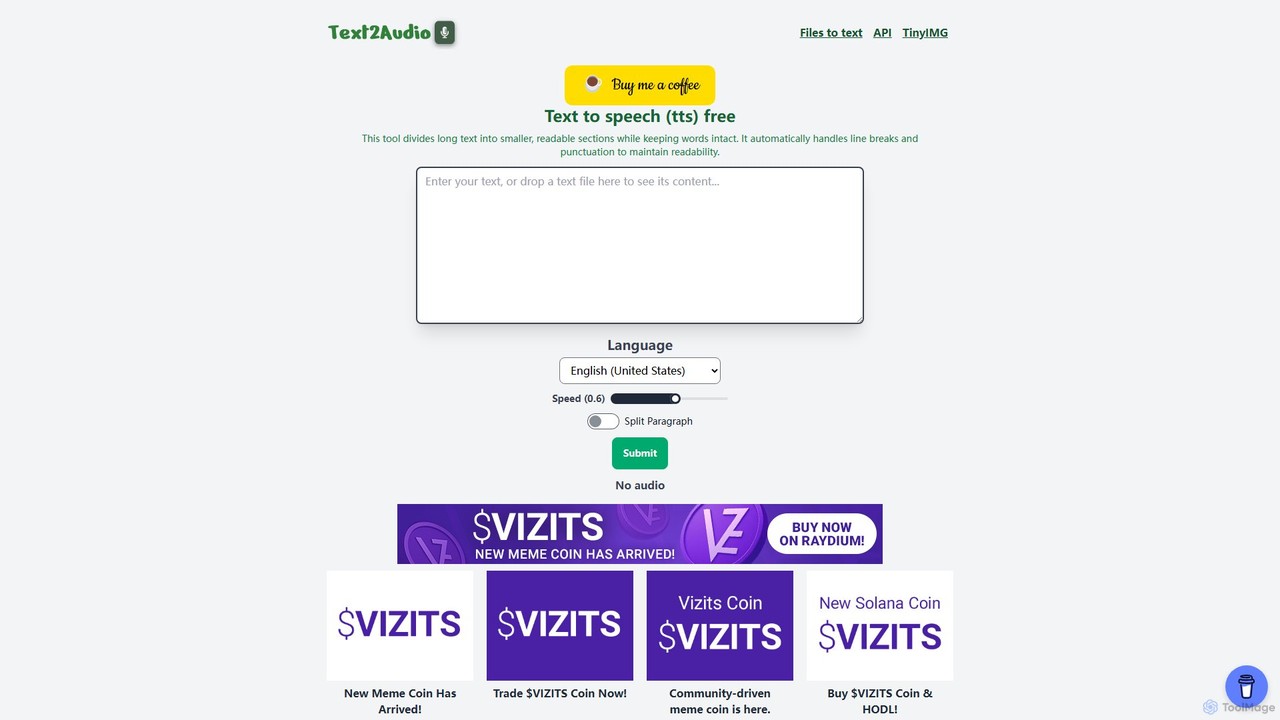
Text2Audio
Text2Audio is a free, web-based text-to-speech (TTS) tool that converts written text into natural-sounding audio. It supports a vast array of languages, allows for voice speed customization, and provides instant MP3 downloads. Ideal for content creators, students, and accessibility purposes.
Text To SpeechClipchamp Categories
Clipchamp Embed Widget
Copy this embed code to place the badge on your blog, article, or product site and send readers directly to this ToolMage detail page.

Related AI tools
edit_videos_online
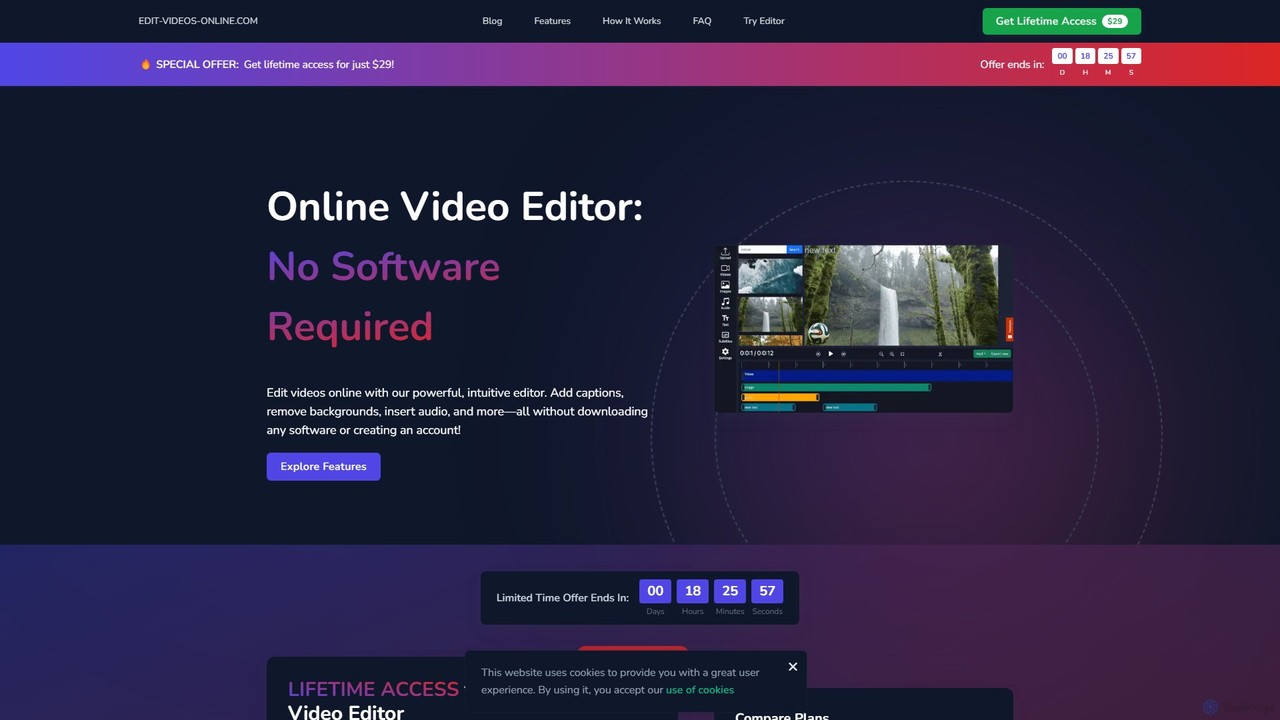
edit_videos_online is a powerful, browser-based video editor that leverages AI to simplify content creation. Easily remove video backgrounds with one click, automatically generate accurate captions, create AI voiceovers, and add dynamic text and watermarks. It's designed for social media creators, marketers, and anyone looking to produce professional-quality videos for platforms like TikTok, Instagram, and YouTube without complex software.
AdvertisingFlexClip
A powerful yet easy-to-use online video maker that combines traditional editing tools with a suite of AI features. Create professional videos for marketing, social media, or personal use with a vast library of templates, stock media, and intelligent tools like AI video generation, auto-subtitling, and text-to-speech.
Social Media
KineMaster
KineMaster is a professional-grade mobile video editing app packed with powerful AI features. It offers a multi-layer timeline, 4K export, and a vast library of templates and assets, making it easy to create stunning videos for social media, vlogs, and marketing directly on your phone.
Mobile Tools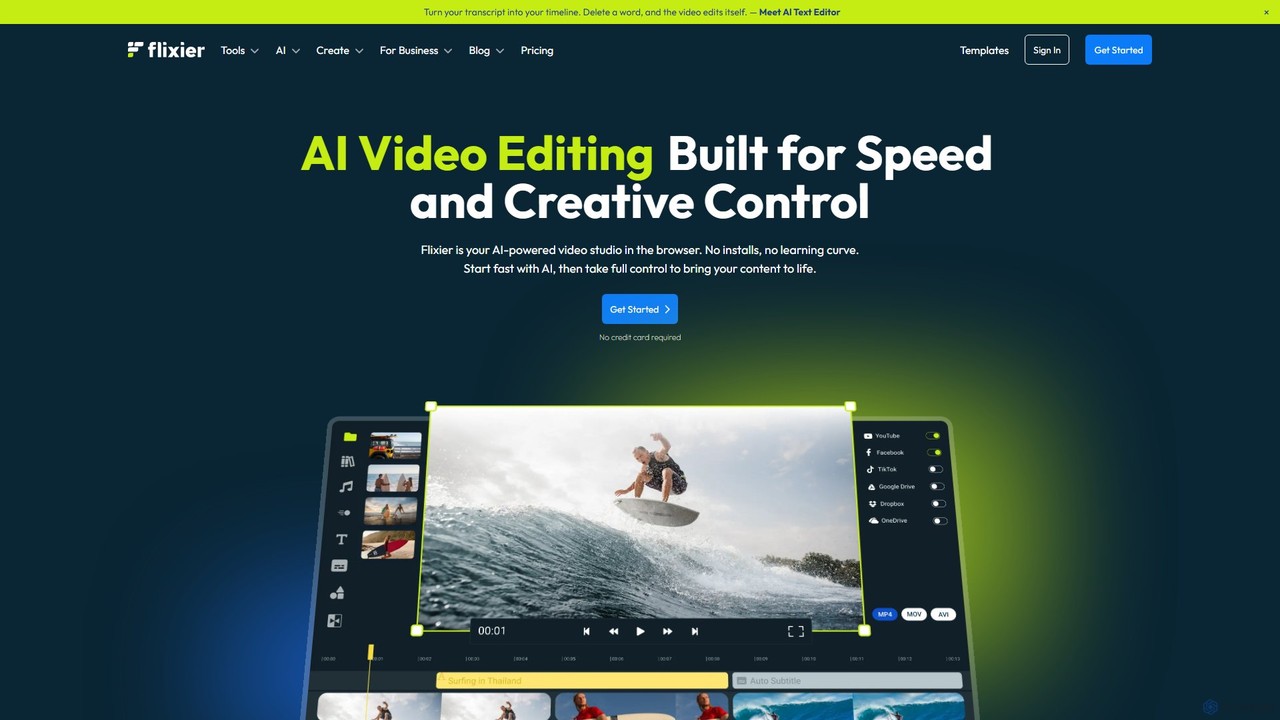
Flixier
Flixier is an AI-powered, cloud-based video editor designed for speed and ease of use. It offers features like text-based editing, AI voiceovers, automatic subtitles, and real-time collaboration, making it ideal for creators, marketers, and educators without needing powerful hardware.
Transcription
Filmora
Filmora is an AI-powered video editor that simplifies the creation process for both beginners and professionals. It offers a vast suite of AI tools, including smart clip generation, text-to-video, and advanced audio enhancement, combined with a user-friendly interface and a massive library of effects and resources to make video editing faster and more creative.
Social Media
Filmora
Filmora is a powerful yet user-friendly AI video editor designed for creators of all levels. It integrates advanced AI tools like text-to-video, smart cutout, and an AI music generator to streamline the editing process. It offers a rich library of effects, templates, and stock media, making it easy to create professional-quality videos for social media, marketing, or personal projects on Windows and macOS.
Video Generation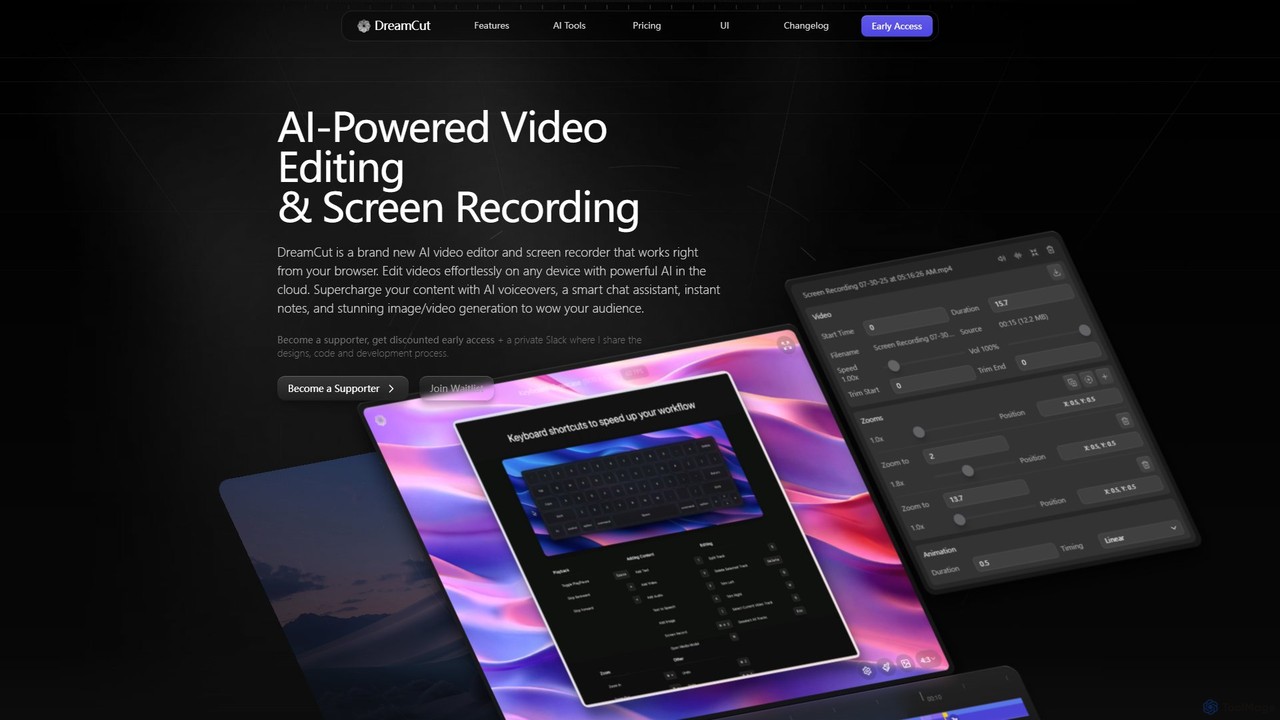
DreamCut
DreamCut is an all-in-one, AI-powered video editor and screen recorder that operates directly from your browser. It combines a multi-track editor, high-quality screen capture, AI voice generation, an AI chat assistant, and image/video creation into a single, cloud-based platform, enabling users to create professional content effortlessly on any device.
Text To Speech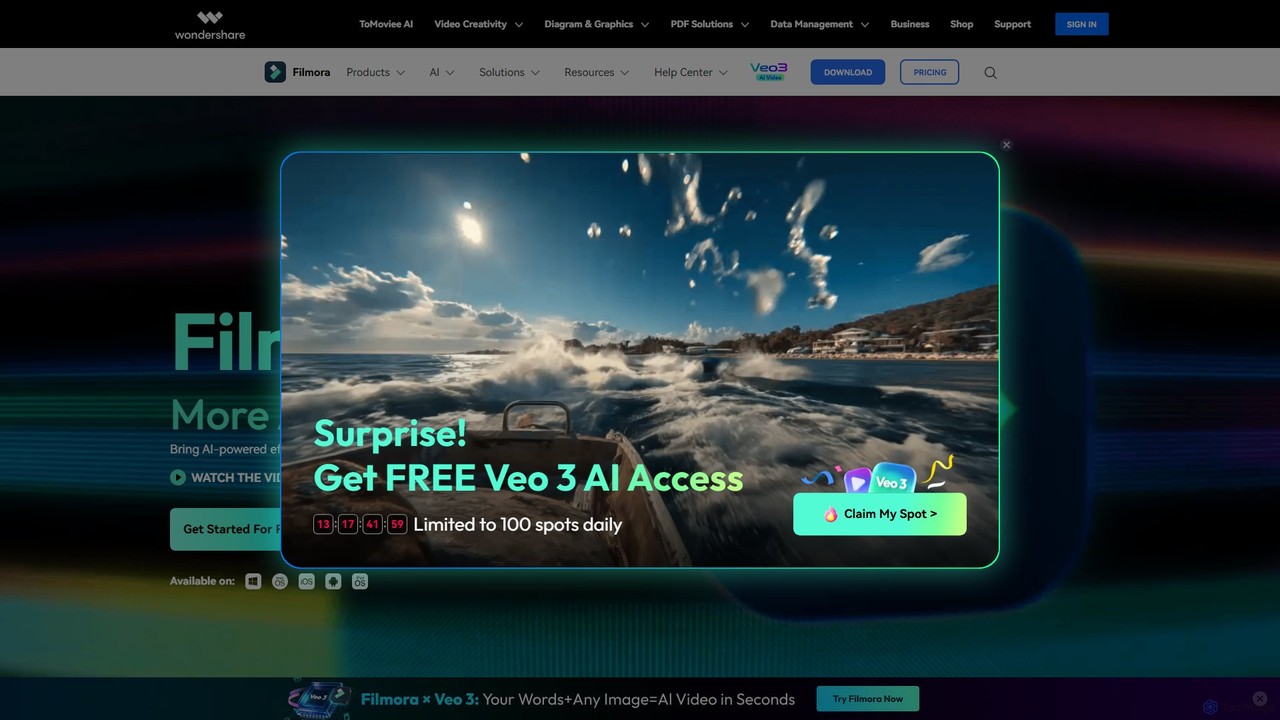
Filmora
Filmora is a powerful and intuitive AI video editor designed for creators of all skill levels. It simplifies the editing process with a suite of AI-powered tools, an extensive library of assets, and a user-friendly interface, making it easy to create professional-quality videos for social media, personal projects, and commercial use.
Social Media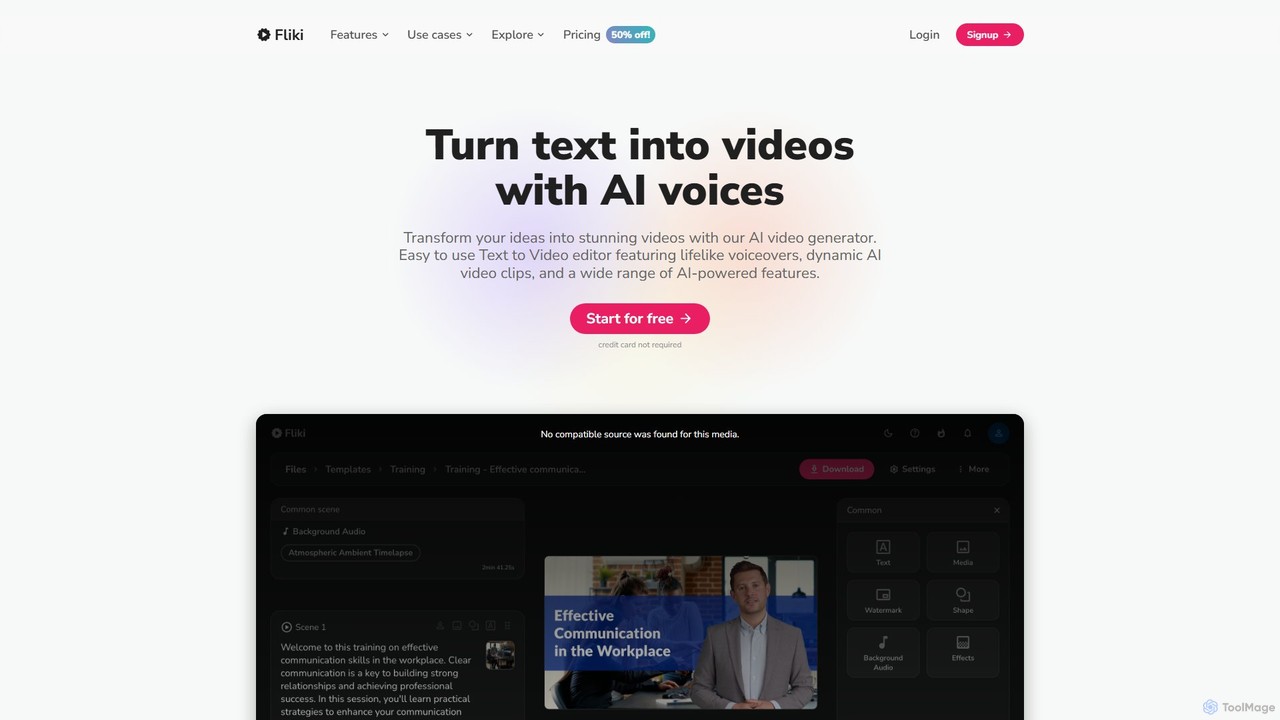
Fliki
Fliki is an AI-powered text-to-video and text-to-speech creator that transforms your text into stunning videos with lifelike AI voices and avatars. Easily convert blog posts, scripts, or ideas into engaging video content for social media, marketing, education, and training.
Text To Speech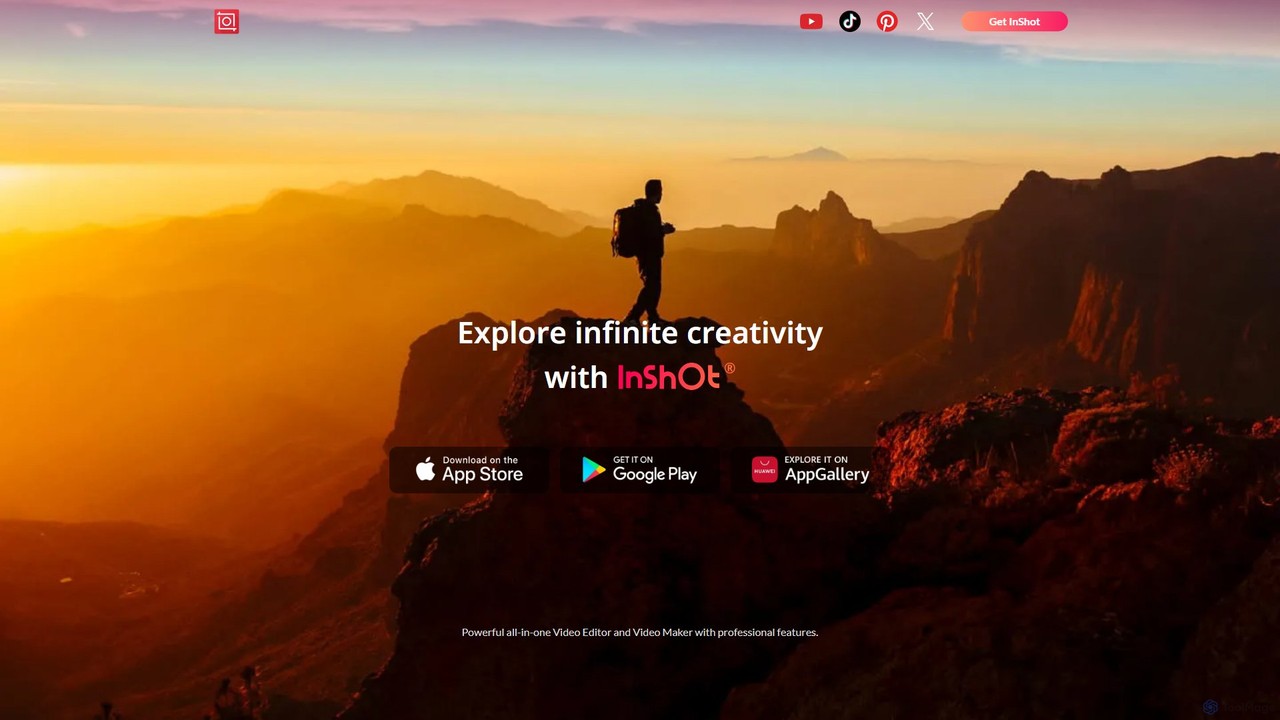
InShot
InShot is a powerful all-in-one video and photo editor for mobile devices, packed with professional-grade features and AI-powered tools. It's designed for everyone from social media creators to beginners, offering an intuitive interface for easy editing, trimming, and enhancing videos. With features like AI auto-captions, advanced effects, a rich music library, and 4K export, InShot makes creating high-quality content for platforms like YouTube, Instagram, and TikTok simple and accessible.
Photo Editing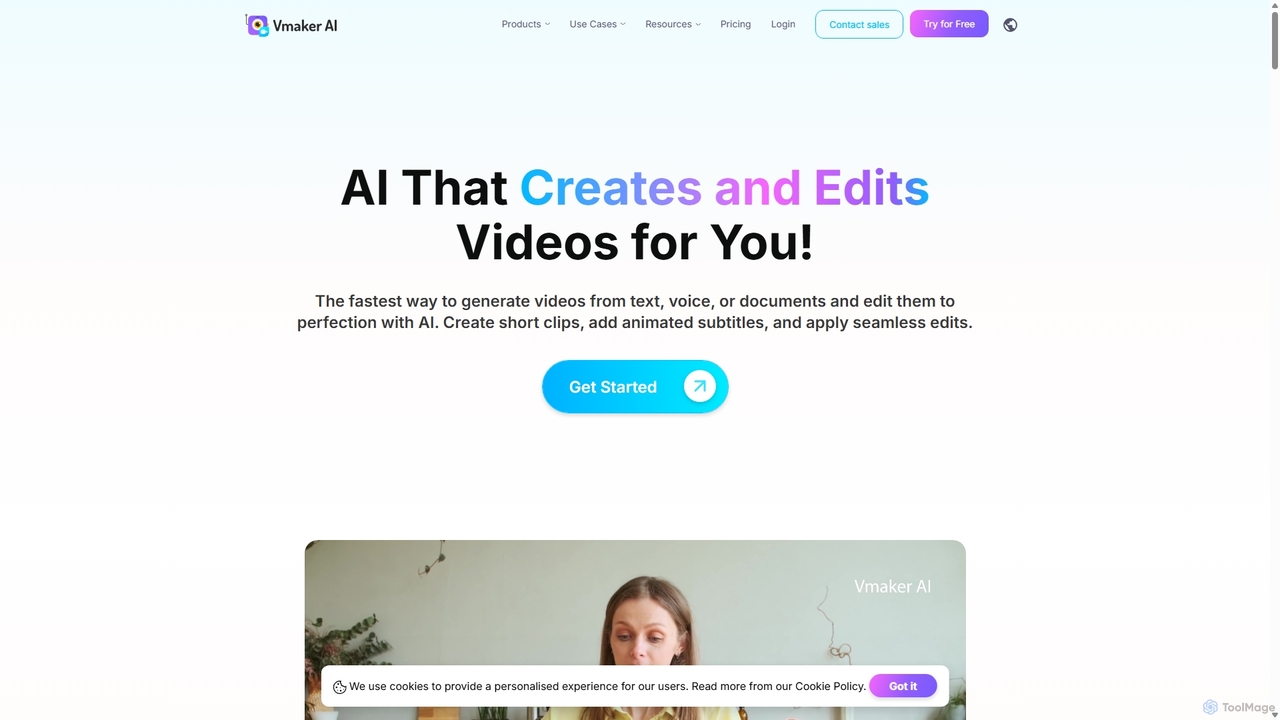
Vmaker
Vmaker is an all-in-one AI video creation and editing suite. It enables users to generate videos from text, audio, or documents using AI avatars, record screens in 4K, and edit footage with a powerful AI editor. Key features include auto-subtitles, background removal, and content repurposing tools, designed for marketers, content creators, and L&D teams.
Training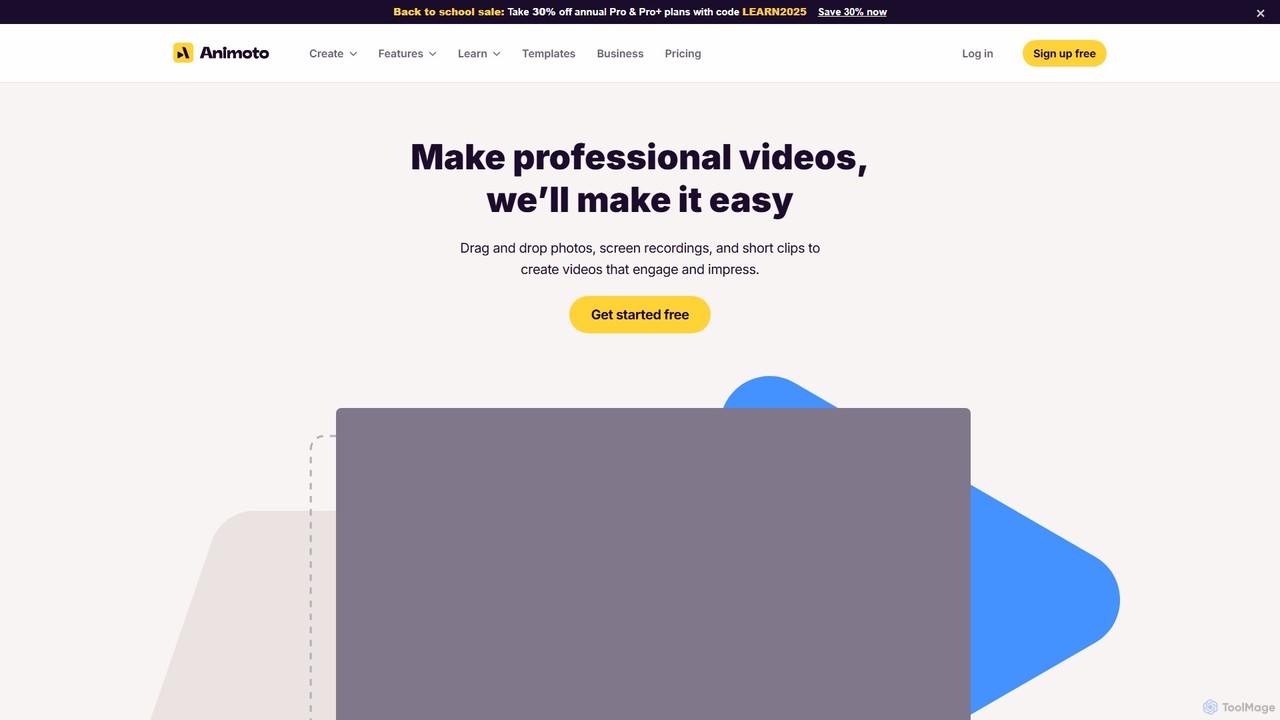
Animoto
Animoto is an intuitive online video maker that enables users to create professional-quality videos with ease. Using a drag-and-drop interface, you can combine photos, video clips, and screen recordings. It offers a vast library of templates, licensed music, and stock media from Getty Images, making it ideal for marketing, business communications, and personal projects without requiring any prior editing experience.
Corporate Communications
Jyek
Jyek is an AI agent platform that understands objectives, creates execution plans, uses tools, and delivers verifiable results for complex, multi-step tasks.
Automation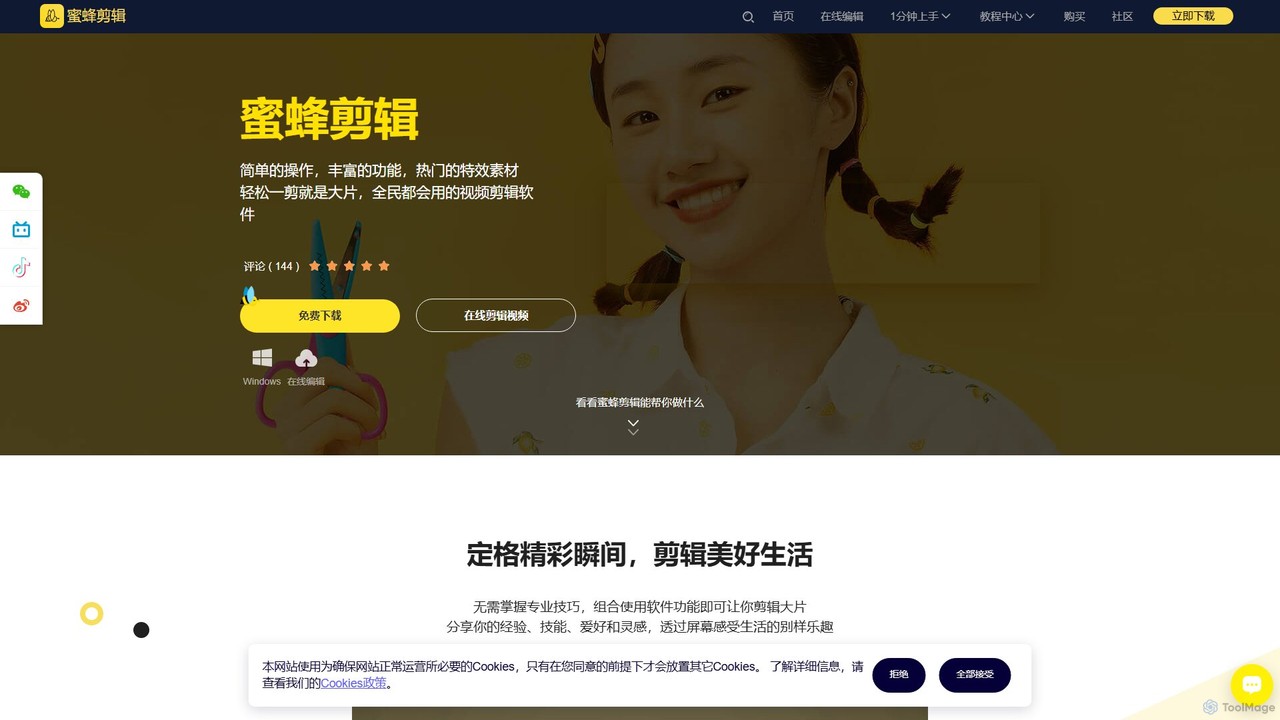
BeeCut
BeeCut is an intuitive and feature-rich video editing software designed for users of all skill levels. It simplifies video creation with a clean interface, extensive asset library, and powerful AI features like auto-subtitling and text-to-speech, making it ideal for vlogs, tutorials, social media content, and more.
Social Media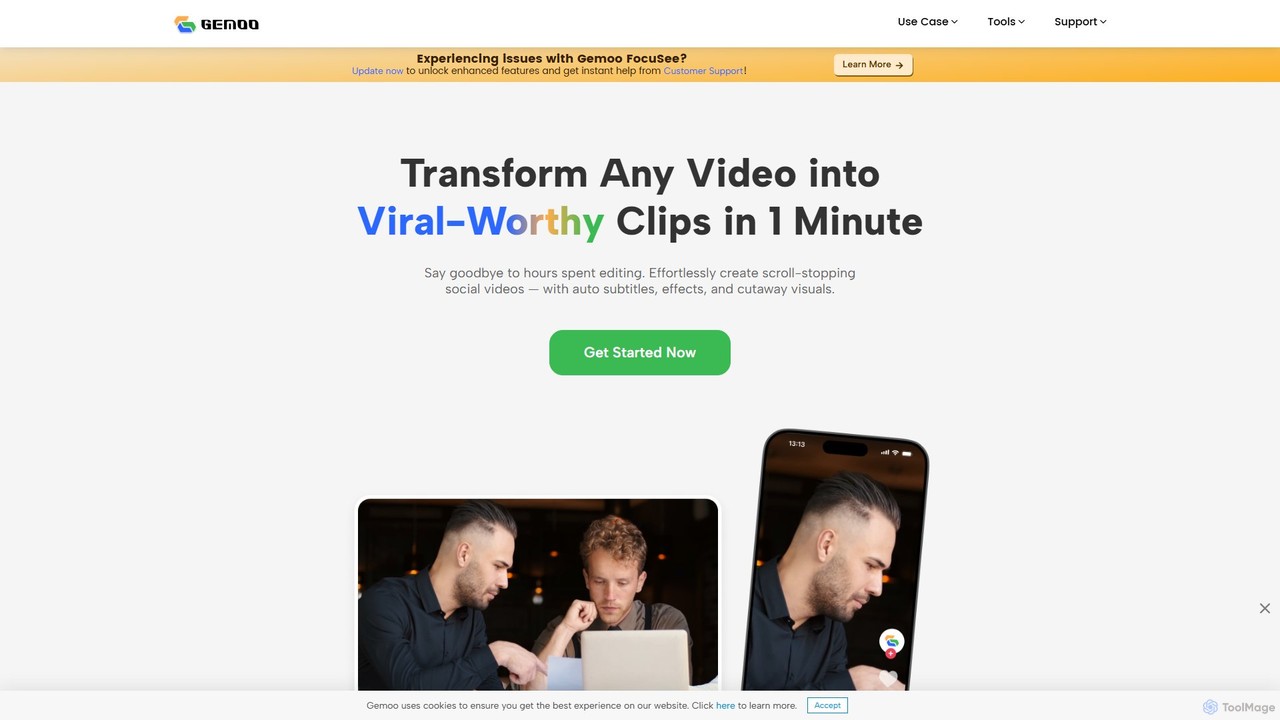
Gemoo
Gemoo is an AI-powered video editor that transforms any video into viral-worthy short clips in minutes. It automates tedious tasks like adding subtitles, inserting relevant B-roll footage, applying effects, and generating social media-optimized titles and descriptions. Ideal for creators, marketers, and educators looking to produce high-quality, engaging content efficiently.
Video Marketing
Clipchamp Comments (0)
Sign in to comment.
Sign inNo comments yet.