ToolMage
Sign in

Best 5 Photo Editing AI tools for Photo

Popular Photo Editing AI tools in Photo include InShot, EaseUS Repair, imgcreator, Storybeat, and Limory, helping you work more efficiently.

Storybeat
Freemium

Storybeat

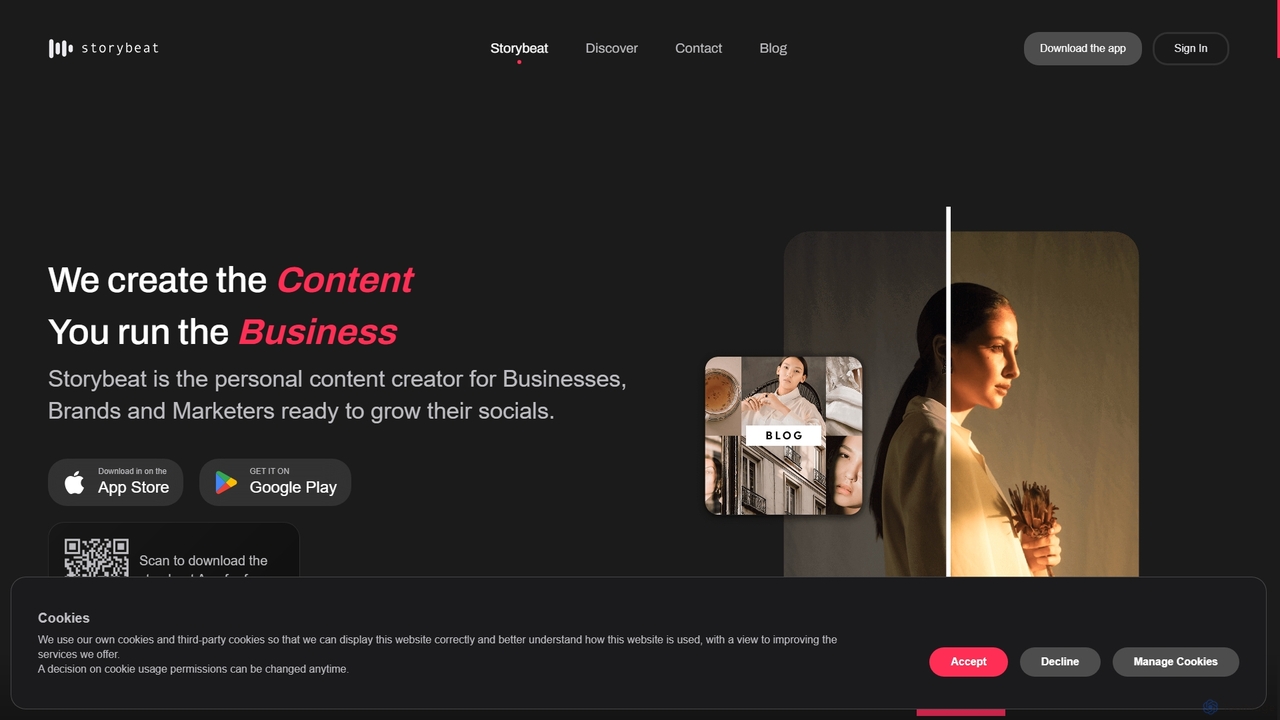
Storybeat is an AI-powered mobile app for creating stunning social media stories and reels. It offers a vast library of templates, filters, and music, along with AI tools like Auto Design, AI Captions, and AI Avatars to help businesses, brands, and creators grow their social presence effortlessly.

Social Media Marketing
Visits 8.1KFavorites 129Likes 119
Limory
Freemium

Limory

Limory is an innovative mobile app that uses Augmented Reality (AR) to bring your physical photos to life. By linking a video to a printed picture, you can simply point your device's camera at the photo to watch it transform into a dynamic video clip. It's a magical way to preserve and share memories, turning static images into unforgettable, interactive experiences for gifts, events, or personal keepsakes.

Gifts
Visits 6.2KFavorites 136Likes 109
EaseUS Repair
Freemium

EaseUS Repair

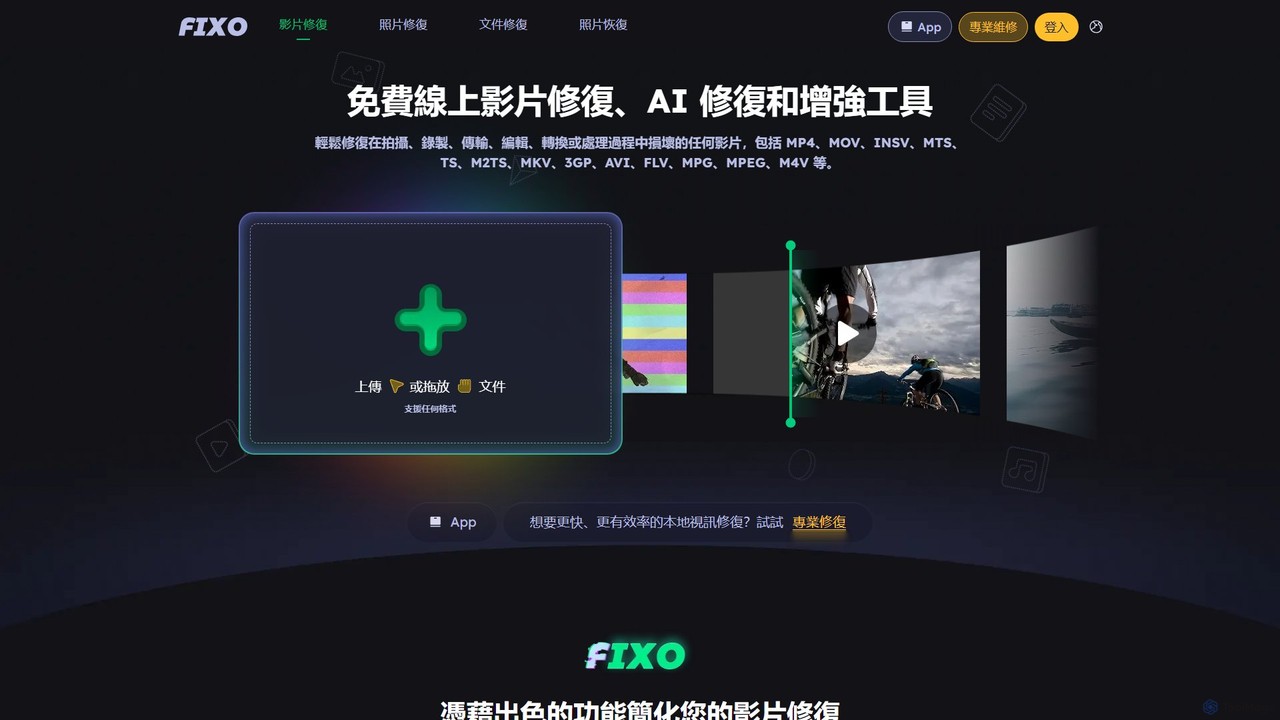
EaseUS Repair is an AI-powered online tool designed to fix corrupted videos, photos, and documents. It supports a wide range of formats and can repair files from various devices, including cameras, drones, and PCs. The tool offers a simple three-step process: upload, automatic repair, and preview before saving, ensuring a high success rate while maintaining original quality.

Photo Editing
Visits 299.6KFavorites 138Likes 141
InShot
Freemium

InShot

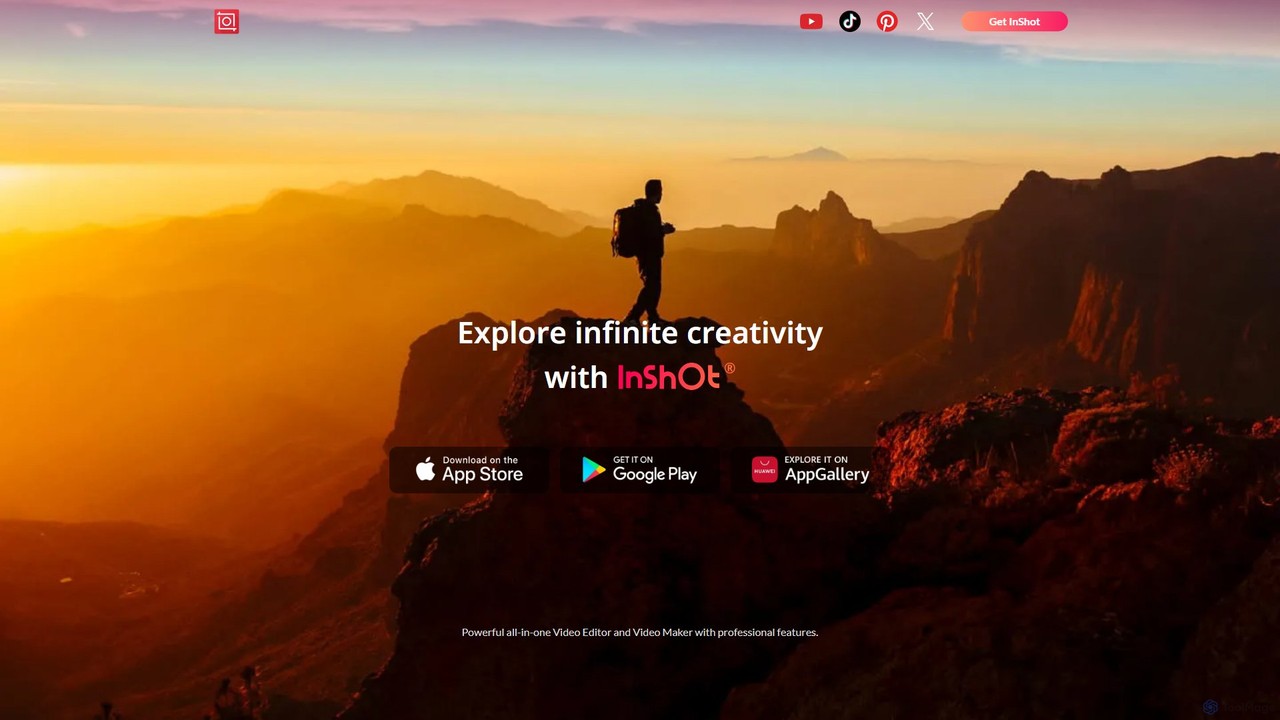
InShot is a powerful all-in-one video and photo editor for mobile devices, packed with professional-grade features and AI-powered tools. It's designed for everyone from social media creators to beginners, offering an intuitive interface for easy editing, trimming, and enhancing videos. With features like AI auto-captions, advanced effects, a rich music library, and 4K export, InShot makes creating high-quality content for platforms like YouTube, Instagram, and TikTok simple and accessible.

Photo Editing
Visits 597.2KFavorites 128Likes 129
imgcreator
Freemium

imgcreator

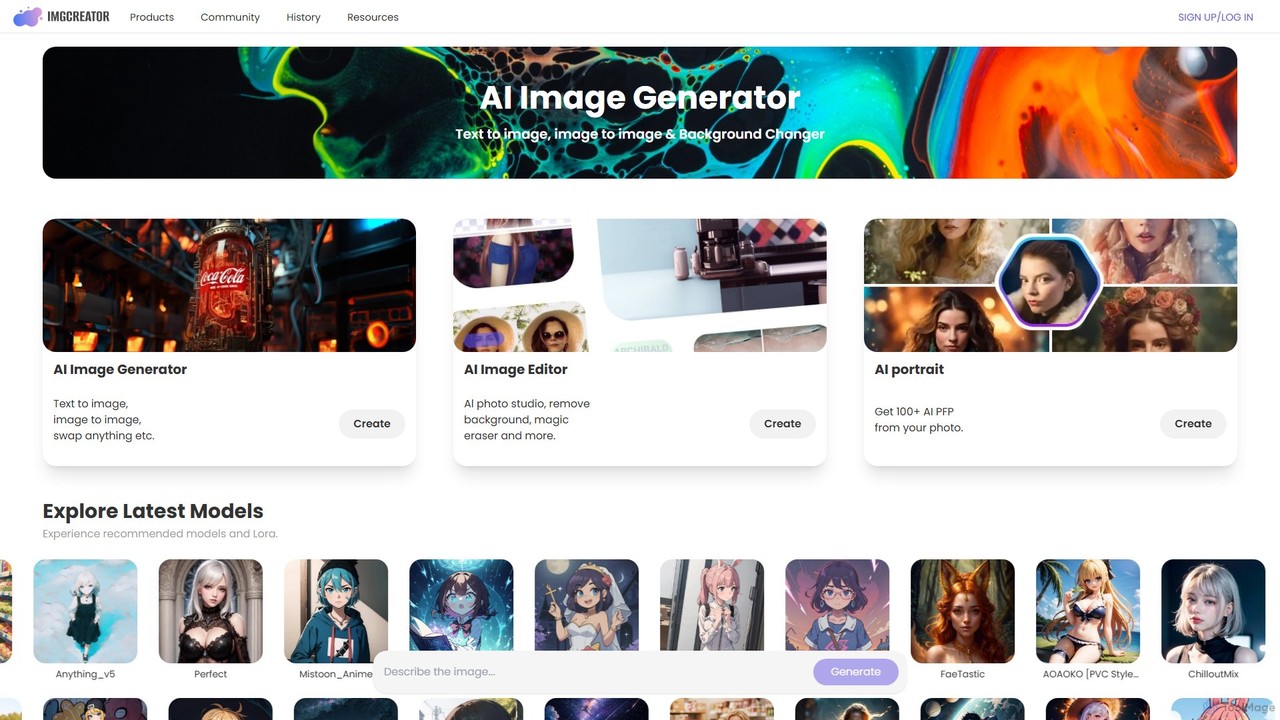
imgcreator is a powerful AI creative suite for generating and editing images. It offers text-to-image, image-to-image, an extensive library of art models (Lora), an AI photo studio with background removal, magic eraser, and an AI portrait generator for creating unique PFPs.

Generative Art
Visits 93.2KFavorites 119Likes 134

About Photo Editing

AI Photo Editing tools are a category of AI-powered software designed to enhance, modify, and correct digital images with automated intelligence. Leveraging advanced machine learning and computer vision, these tools can perform complex editing tasks rapidly, from subtle adjustments to significant transformations. They empower users to achieve professional-grade results, streamline workflows, and unlock new creative possibilities in the broader field of photo manipulation.

Core Features

  • Smart Background Removal: Automatically detects and precisely removes or replaces image backgrounds.
  • Object Removal & Inpainting: Intelligently erases unwanted objects or blemishes, seamlessly filling the void.
  • Image Enhancement & Upscaling: Improves image quality by denoising, sharpening, color correcting, and increasing resolution.
  • Generative Fill & Expansion: Extends image canvases or adds new elements based on textual prompts, maintaining visual consistency.
  • Facial Retouching: Automates skin smoothing, blemish removal, and subtle facial feature adjustments.

Applicable Scenarios

These tools are invaluable for e-commerce businesses optimizing product photos, social media managers creating engaging visual content, and professional photographers streamlining post-production. They also assist graphic designers in quickly iterating on concepts and individuals in enhancing personal memories.

How to Choose

When selecting an AI photo editing tool, consider your primary editing needs (e.g., background removal, generative features), the quality of AI output, ease of integration with your existing workflow, and the pricing model. Evaluate its batch processing capabilities and the intuitiveness of its user interface for your skill level.

Photo Editing use cases

1

Batch Optimize E-commerce Product Photos

E-commerce managers can use AI photo editing tools to automatically remove backgrounds from hundreds of product images, standardize lighting, and upscale low-resolution photos. This significantly reduces the manual effort and time required for product listing preparation, ensuring consistent, high-quality visuals across online stores and marketplaces, leading to increased conversion rates.

2

Enhance Social Media Visuals Quickly

Social media content creators can leverage AI photo editing to quickly enhance their posts. This includes applying trending filters, automatically removing distracting elements from backgrounds, or adjusting colors for brand consistency. The speed and automation allow for rapid content creation and iteration, keeping up with fast-paced social media trends and maintaining a professional online presence.

3

Automate Professional Portrait Retouching

Professional photographers and studios can use AI photo editing for automated portrait retouching. Tools can intelligently smooth skin, remove blemishes, whiten teeth, and enhance eyes without losing natural texture. This significantly speeds up the post-production process for large volumes of photos, allowing photographers to deliver high-quality, consistent results to clients more efficiently.

4

Generate Custom Marketing Visuals

Marketing teams can utilize generative AI photo editing features to create highly customized visuals for campaigns. This includes expanding an image's canvas to fit specific ad dimensions, changing backgrounds to match seasonal themes, or adding new elements (e.g., a product on a beach) based on text prompts. This enables rapid prototyping and personalization of marketing assets without costly photoshoots.

5

Restore and Colorize Old Photographs

Individuals and archivists can use AI photo editing tools to breathe new life into old or damaged photographs. AI can automatically repair scratches, remove dust, enhance faded colors, and even colorize black-and-white images with remarkable accuracy. This preserves historical memories and makes them more accessible and engaging for modern audiences, without requiring extensive manual restoration skills.

6

Remove Unwanted Objects from Scenes

Real estate agents, travel bloggers, and event photographers frequently encounter unwanted elements in their photos, such as power lines, distracting tourists, or litter. AI photo editing tools offer intelligent object removal, allowing users to effortlessly erase these distractions and seamlessly fill the area with contextually appropriate pixels. This results in cleaner, more professional-looking images that better convey the intended message or scene.

Photo Editing FAQ

What are AI Photo Editing tools?

AI Photo Editing tools are software applications that use artificial intelligence, specifically machine learning and computer vision, to automate and enhance various image manipulation tasks. They go beyond traditional editors by intelligently understanding image content, enabling features like automatic background removal, smart object deletion, and generative image expansion. Their core purpose is to simplify complex edits, accelerate workflows, and achieve high-quality results with minimal manual effort.

How do AI Photo Editing tools differ from traditional photo editors?

The primary difference lies in automation and intelligence. Traditional editors rely heavily on manual input and precise user control, requiring significant skill and time. AI photo editing tools, conversely, use algorithms to understand and interpret image data, automating repetitive or complex tasks like background removal, object selection, and color correction. They can also offer generative capabilities, such as expanding images or adding elements based on prompts, which is beyond the scope of most traditional tools.

What are the key features to look for in an AI Photo Editor?

When choosing an AI photo editor, prioritize features that align with your needs. Look for robust background removal and replacement, precise object removal and inpainting, and advanced image enhancement (denoising, sharpening, color grading). Generative fill and expansion capabilities are crucial for creative tasks. Also consider batch processing for efficiency, intuitive user interface, integration with other tools, and the quality/accuracy of the AI's output for your specific use cases.

Who can benefit most from using AI Photo Editing tools?

A wide range of users can benefit from AI photo editing tools. Professional photographers and graphic designers can streamline their workflows and automate repetitive tasks. E-commerce businesses and marketers can quickly generate high-quality product visuals and campaign assets. Social media managers can enhance content rapidly. Even casual users looking to improve personal photos or restore old family pictures will find these tools incredibly helpful for achieving impressive results without extensive technical skills.

Can AI Photo Editing tools replace professional human editors?

While AI photo editing tools significantly automate and streamline many tasks, they are more accurately seen as powerful assistants rather than full replacements for professional human editors. AI excels at repetitive, rule-based, or generative tasks, offering speed and consistency. However, human editors bring nuanced artistic vision, subjective judgment, complex problem-solving, and a deep understanding of client-specific creative briefs that AI currently cannot fully replicate. They complement each other, with AI handling the heavy lifting and humans providing the final creative touch.