
DreamCut Overview
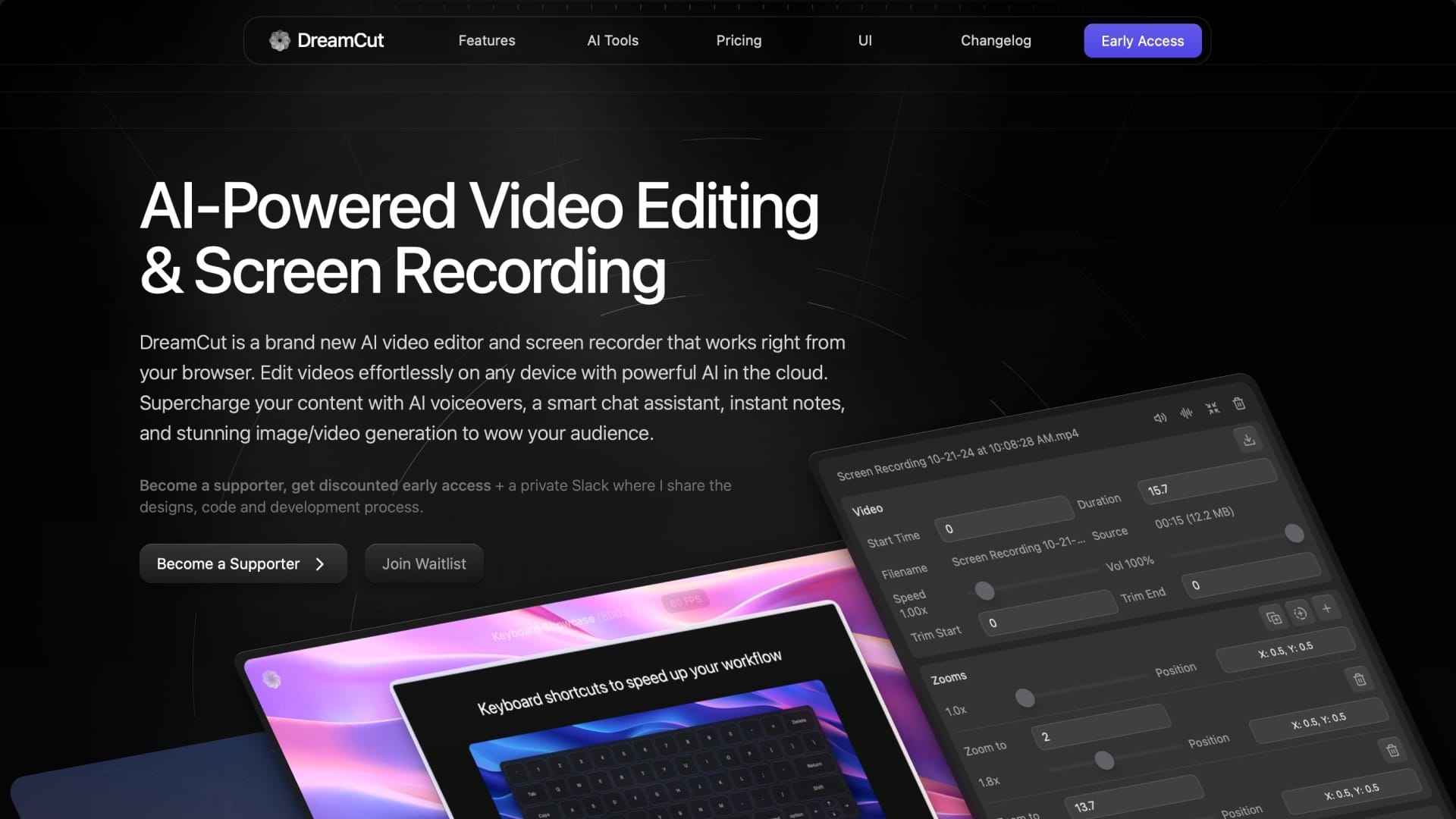
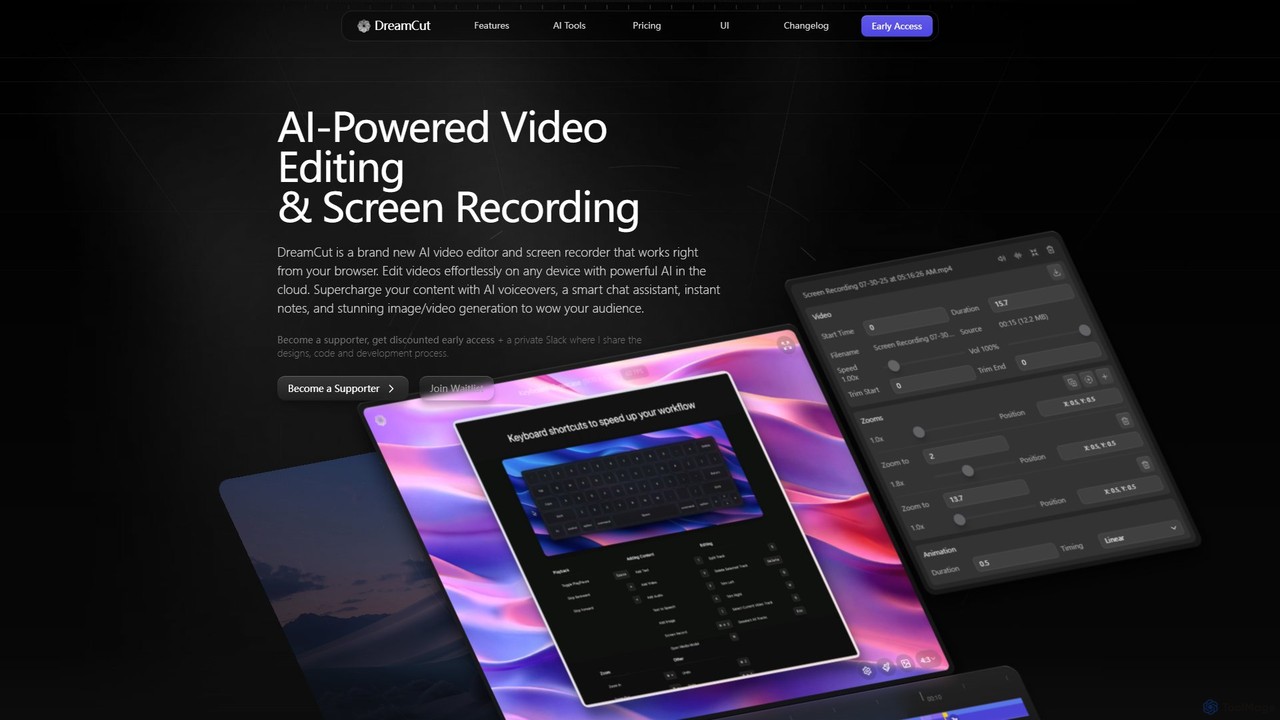
DreamCut is a revolutionary, AI-first video creation suite designed to streamline the entire content production workflow. Operating entirely in the browser, it eliminates the need for powerful hardware or complex software installations. DreamCut integrates a powerful video editor with a professional-grade screen recorder, allowing you to capture, edit, and enhance your footage within a single, intuitive interface. The platform is built on a cloud-based architecture, ensuring all your projects, media, and versions are automatically saved and synced across all your devices, including mobile phones.
At its core, DreamCut leverages advanced AI to automate and simplify tedious tasks. It features an AI chat assistant (powered by GPT-4o) that can help with editing tasks, a text-to-speech engine with natural-sounding voices for creating professional voiceovers, and an AI image/video generator to create custom visuals from simple text prompts. This AI-first approach aims to let the editor do 90% of the work, from generating transitions and captions to removing background noise and creating scripts.
How to use DreamCut
Using DreamCut is designed to be an intuitive and seamless experience. Here’s a typical workflow:
- Start a Project: Begin by creating a new project in the web-based dashboard.
- Add Media: Use the professional screen recorder to capture your screen, a specific window, or just audio. You can also upload your own video clips, audio files, and images directly to the media library.
- Edit on the Timeline: Arrange your clips on the multi-track timeline. Use intuitive tools to split, trim, and crop your footage. Keyboard shortcuts are available to speed up the editing process significantly.
- Leverage AI Tools: Transform your script into a voiceover with the AI Voice Generator. Create custom backgrounds or b-roll with the AI Image and Video Generator. Use the AI Chat Assistant to get help with editing commands or content ideas. Automatically generate notes or blog posts from your video's transcription.
- Enhance and Customize: Add animated backgrounds, apply style presets for captions, and use automatic zoom features to highlight key moments. The tool also offers advanced audio enhancement to remove background noise.
- Export and Share: Once your video is complete, export it in up to 4K resolution at 60 FPS, with presets optimized for platforms like Twitter, TikTok, and Instagram.
Core Features of DreamCut
- AI-Powered Video Editor: A browser-based, multi-track editor with an intuitive canvas, real-time previews, and cloud synchronization.
- Professional Screen Recorder: Capture your screen or windows in high resolution (up to 4K, 60 FPS) with system and microphone audio, beautiful framing, and automatic zooms.
- AI Voice Generator: Convert text to lifelike speech in multiple languages. It supports custom and cloned voices via the Eleven Labs API.
- AI Image & Video Generation: Create stunning visuals, backgrounds, and video clips directly within the editor from text prompts, using models like FLUX and Stable Diffusion.
- AI Chat Assistant: An intelligent assistant (GPT-4o) to help with editing, generate scripts, and provide creative suggestions.
- Cloud Storage and Version Control: All projects are auto-saved in the cloud with version history, allowing you to access and edit your work from any device.
- Automated Note Generation: Instantly convert video captions into structured notes, blog posts, or social media content.
- Advanced Audio & Caption Tools: Features include background noise removal, automatic transcription, and word-by-word caption animation with customizable styles.
Use Cases for DreamCut
DreamCut is ideal for a wide range of users:
- Content Creators: YouTubers, podcasters, and social media influencers can rapidly produce high-quality videos, tutorials, and shorts.
- Educators and Trainers: Create engaging instructional content, online courses, and software tutorials with ease.
- Marketers: Develop promotional videos, product demonstrations, and social media ad campaigns quickly and efficiently.
- Developers and Designers: Showcase software, design mockups, and development processes, just as the creator of DreamCut did.
- Business Professionals: Record meetings, create presentation videos, and generate summaries from video content.
Advantages of DreamCut
DreamCut offers several key advantages:
- All-in-One Platform: It consolidates tools that often require multiple subscriptions (screen recorder, video editor, TTS, AI generator) into one cohesive package.
- Accessibility and Convenience: Being web-based and cloud-synced, it provides the freedom to work from anywhere, on any device, without performance bottlenecks.
- Efficiency and Speed: The AI-first approach dramatically reduces editing time by automating complex and repetitive tasks.
- High-Quality Output: Supports professional-grade export options (4K, 60 FPS) suitable for any platform.
- Transparent Development: Early supporters get behind-the-scenes access and can help shape the product's future.
Pricing and Plans
DreamCut offers a freemium model with three distinct plans:
- Free Plan: $0/month. Includes 3 projects, 1080p/30 FPS export, up to 5-minute recordings, and 500 MB of storage. Available for waitlist users.
- Pro Plan: $20/month (or $14/month billed yearly). Offers unlimited projects, 4K/60 FPS export, unlimited recording length, 50 GB storage, 120 mins/month of AI voices, and 1,000,000 AI tokens/month for chat, notes, and image/video generation.
- Pro+ Plan: $40/month (or $28/month billed yearly). Includes everything in Pro, with storage increased to 100 GB, clip size up to 1 GB, AI voices increased to 240 mins/month, and AI tokens increased to 2,000,000/month.
Early supporters receive a 30% discount on these prices. All plans come with a 30-day money-back guarantee.
Traffic
Latest traffic
Status
Monthly traffic trend
- 2025-9: 6.4K
- 2026-1: 5.6K
- 2026-2: 3.0K
- 2026-3: 3.7K
- 2026-4: 3.6K
- 2026-5: 21.6K
Geography
Top 5 countries / regions
- 🇺🇸United States47.1%
- 🇩🇪Germany20.5%
- 🇻🇳Vietnam12.8%
- 🇮🇳India10.3%
- 🇧🇷Brazil9.3%
Top keywords
| Keyword | Cost per click |
|---|---|
| dream cat ai | $0.00 |
| dream cut | $0.00 |
| dreamcut | $0.00 |
| dreamcut ai | $0.00 |
| meng to video editor | $0.00 |
DreamCut Videos on YouTube

Dara Decodes
Sourany Studio
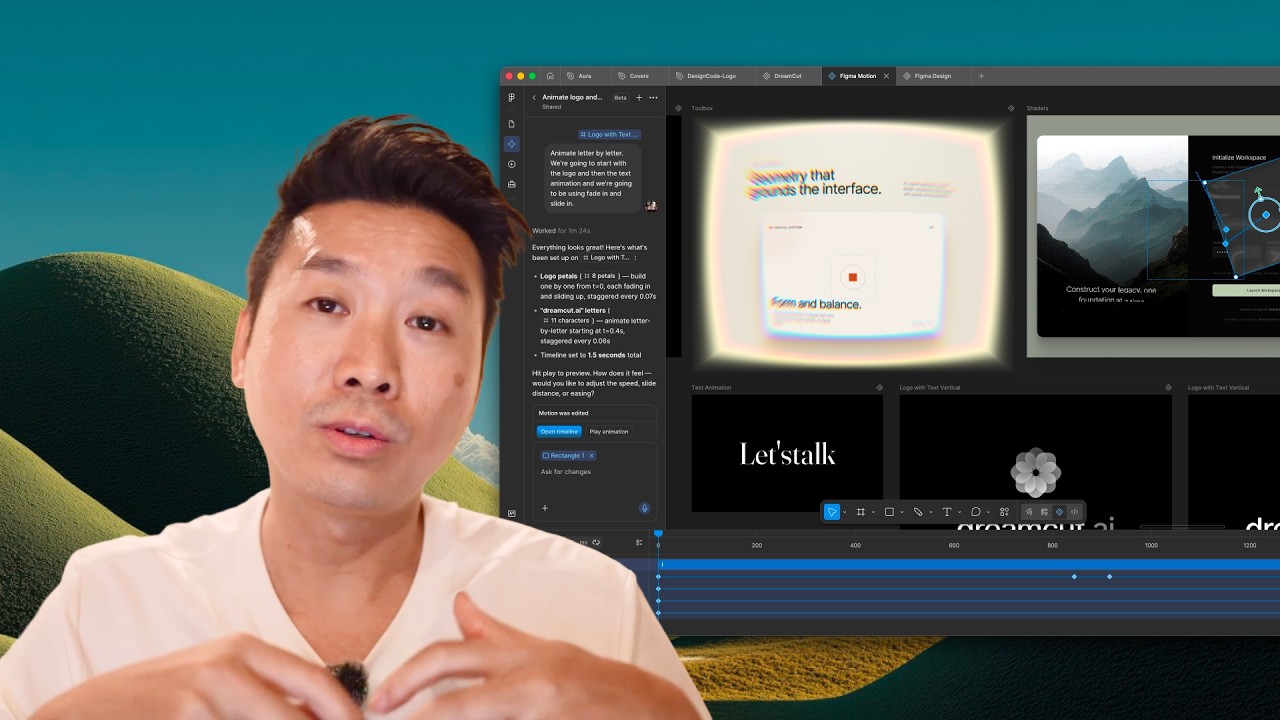
DesignCode

Sourany Studio


DreamCut Alternatives

Clipchamp
Clipchamp is a user-friendly, AI-powered online video editor from Microsoft. It enables everyone, from beginners to professionals, to create stunning videos with features like AI-driven text-to-speech, automatic subtitles, and smart editing tools. Available on browsers, Windows, and iOS, it's an all-in-one solution for content creators, businesses, and educators.
Text To Speech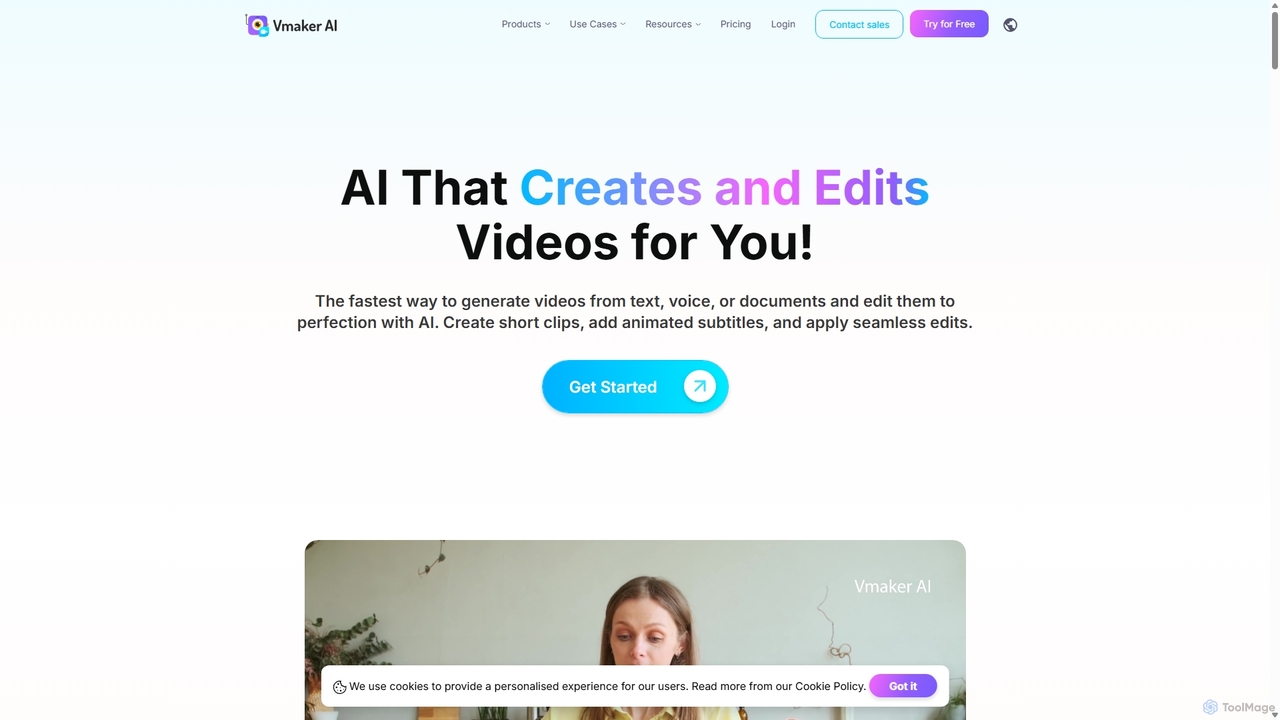
Vmaker
Vmaker is an all-in-one AI video creation and editing suite. It enables users to generate videos from text, audio, or documents using AI avatars, record screens in 4K, and edit footage with a powerful AI editor. Key features include auto-subtitles, background removal, and content repurposing tools, designed for marketers, content creators, and L&D teams.
Training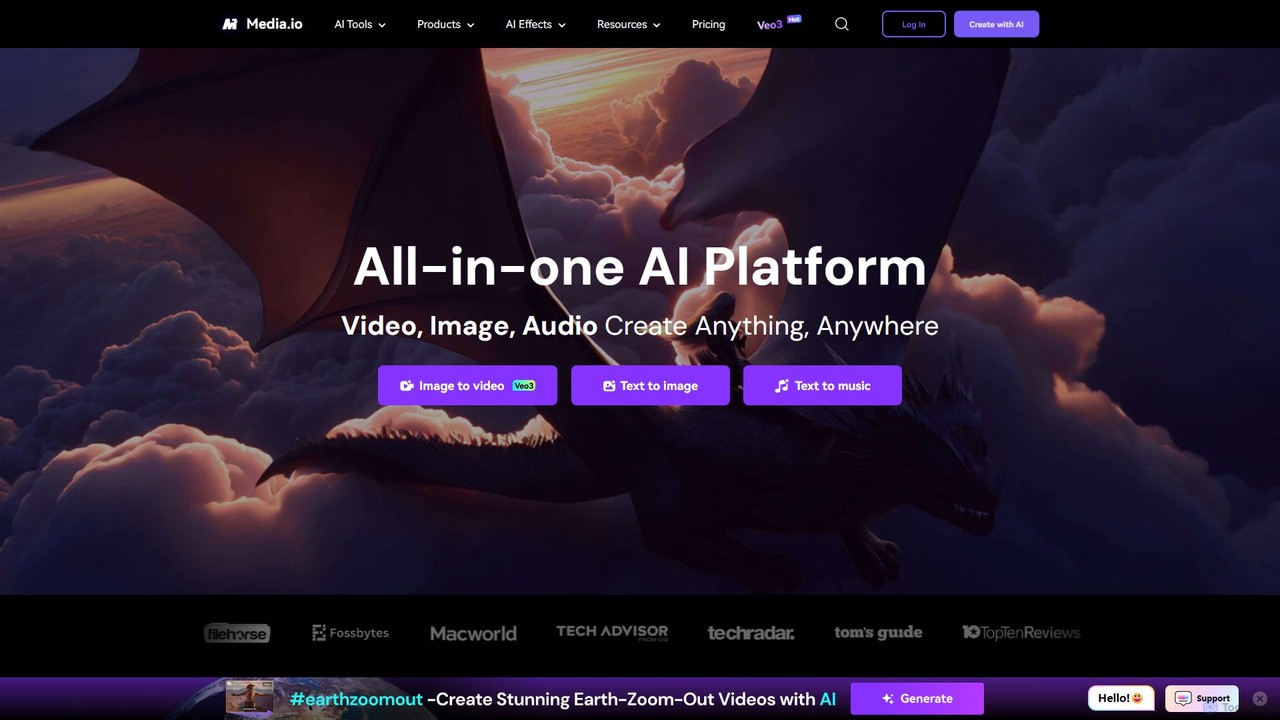
Media.io
Media.io is a comprehensive, all-in-one AI creative platform for video, image, and audio. It empowers users to effortlessly generate and edit high-quality content using advanced AI tools. From text-to-video and image-to-video generation to AI-powered object removal, video enhancement, and music creation, Media.io provides a complete suite for content creators, marketers, and individuals to turn their ideas into compelling visual and auditory experiences directly in their browser.
Music Generation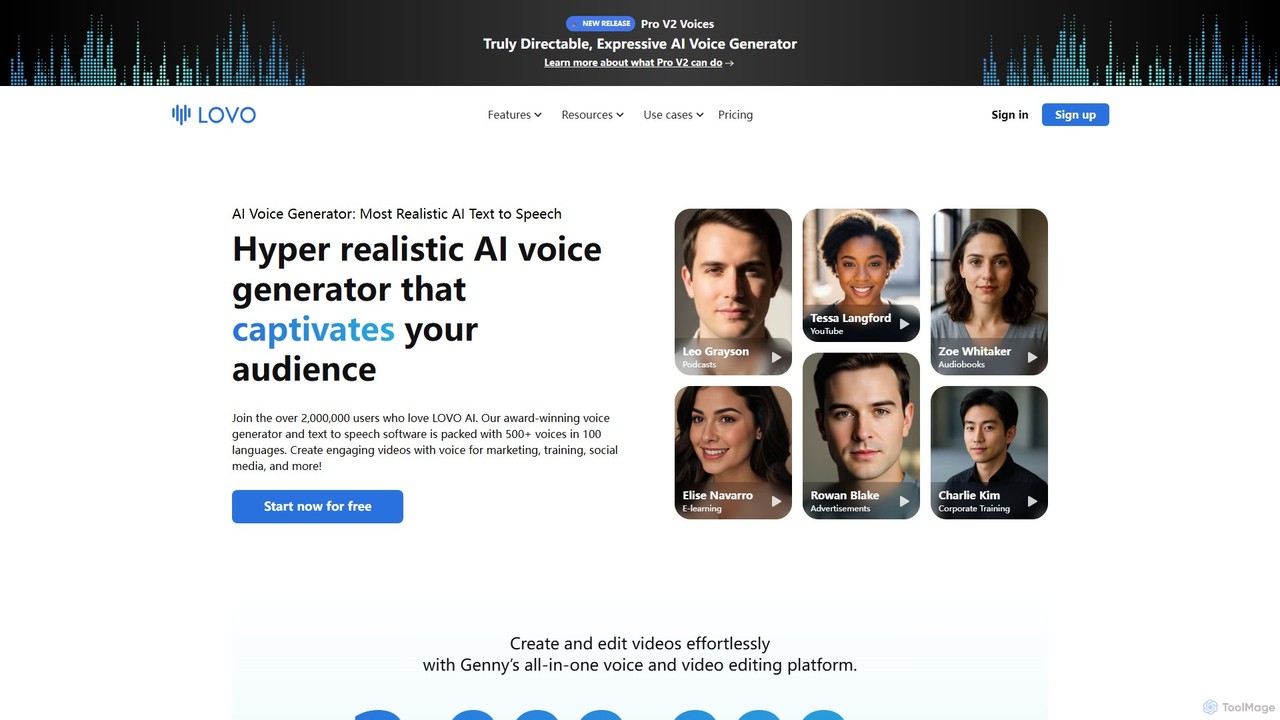
LOVO
LOVO is an award-winning AI voice generator and text-to-speech platform featuring over 500 hyper-realistic voices in 100+ languages. Its all-in-one tool, Genny, combines voice generation with a powerful online video editor, AI writer, and art generator, enabling users to create engaging content for marketing, training, and social media efficiently.
Text To Speech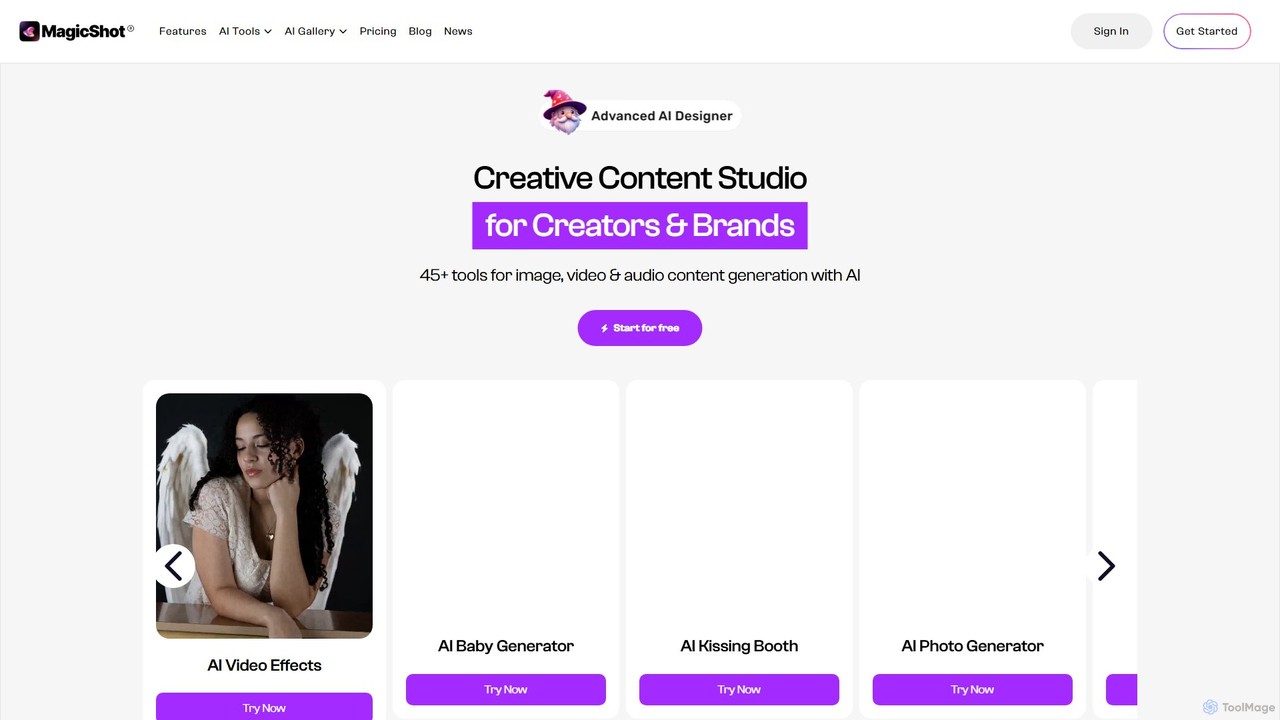
magicshot
MagicShot is a comprehensive AI creative suite with over 50 tools for generating and editing images, videos, and audio. From text-to-image and professional headshots to text-to-video and AI voiceovers, MagicShot provides an all-in-one platform for creators, marketers, and individuals. It leverages advanced models like DALL-E 3 and SD3 to produce high-quality, commercially usable content effortlessly.
Text To SpeechDreamCut Categories
DreamCut Embed Widget
Copy this embed code to place the badge on your blog, article, or product site and send readers directly to this ToolMage detail page.

Related AI tools

Tella
Tella is an AI-powered screen recorder and video editor for Mac and Windows, designed for entrepreneurs and creators. It simplifies video production by recording in manageable clips and using AI to automatically remove filler words and silences. With features like customizable backgrounds, dynamic zooms, and 4K exports, Tella helps users create professional-looking demos, tutorials, and courses in minutes, not hours, without needing any video editing expertise.
Course Creation
FlexClip
A powerful yet easy-to-use online video maker that combines traditional editing tools with a suite of AI features. Create professional videos for marketing, social media, or personal use with a vast library of templates, stock media, and intelligent tools like AI video generation, auto-subtitling, and text-to-speech.
Social MediaClipchamp
Clipchamp is a user-friendly, AI-powered online video editor from Microsoft. It enables everyone, from beginners to professionals, to create stunning videos with features like AI-driven text-to-speech, automatic subtitles, and smart editing tools. Available on browsers, Windows, and iOS, it's an all-in-one solution for content creators, businesses, and educators.
Text To SpeechVmaker
Vmaker is an all-in-one AI video creation and editing suite. It enables users to generate videos from text, audio, or documents using AI avatars, record screens in 4K, and edit footage with a powerful AI editor. Key features include auto-subtitles, background removal, and content repurposing tools, designed for marketers, content creators, and L&D teams.
Training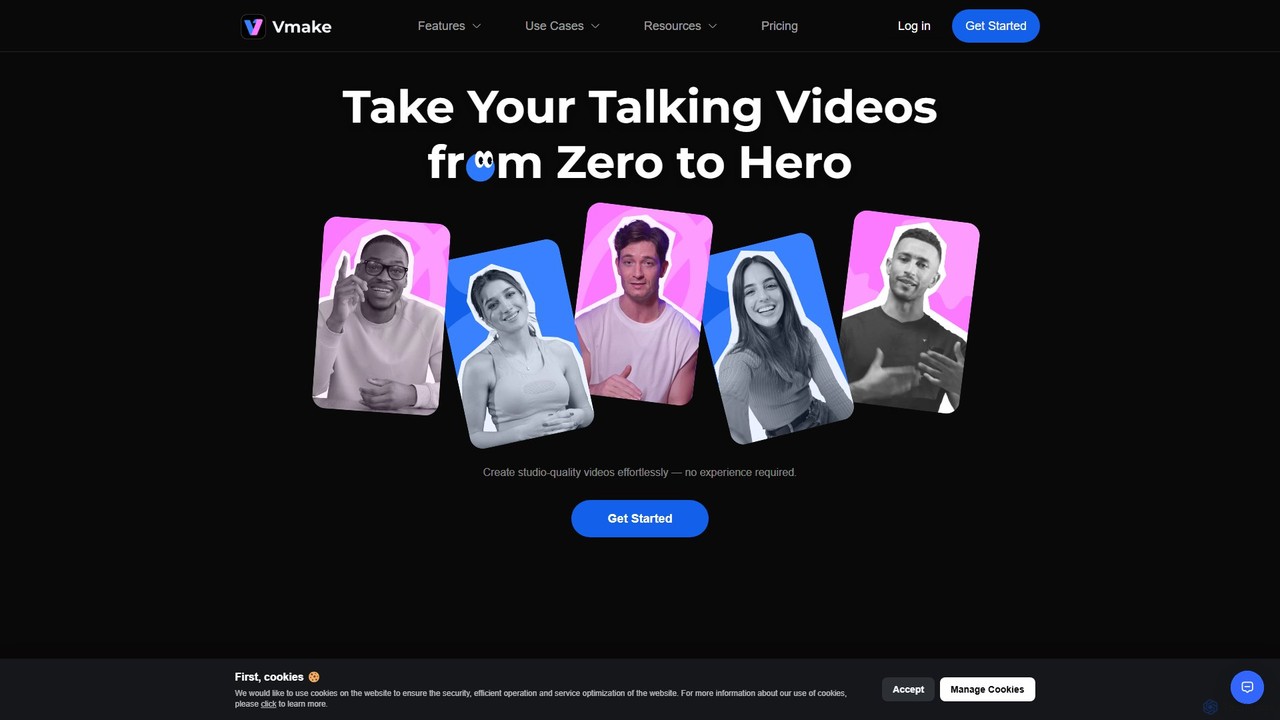
Vmake
Vmake is an all-in-one AI video solution designed for creators. It simplifies video production with features like watermark removal, auto-captions, background removal, and video enhancement. Effortlessly create studio-quality talking videos for social media and marketing without prior experience.
Transcription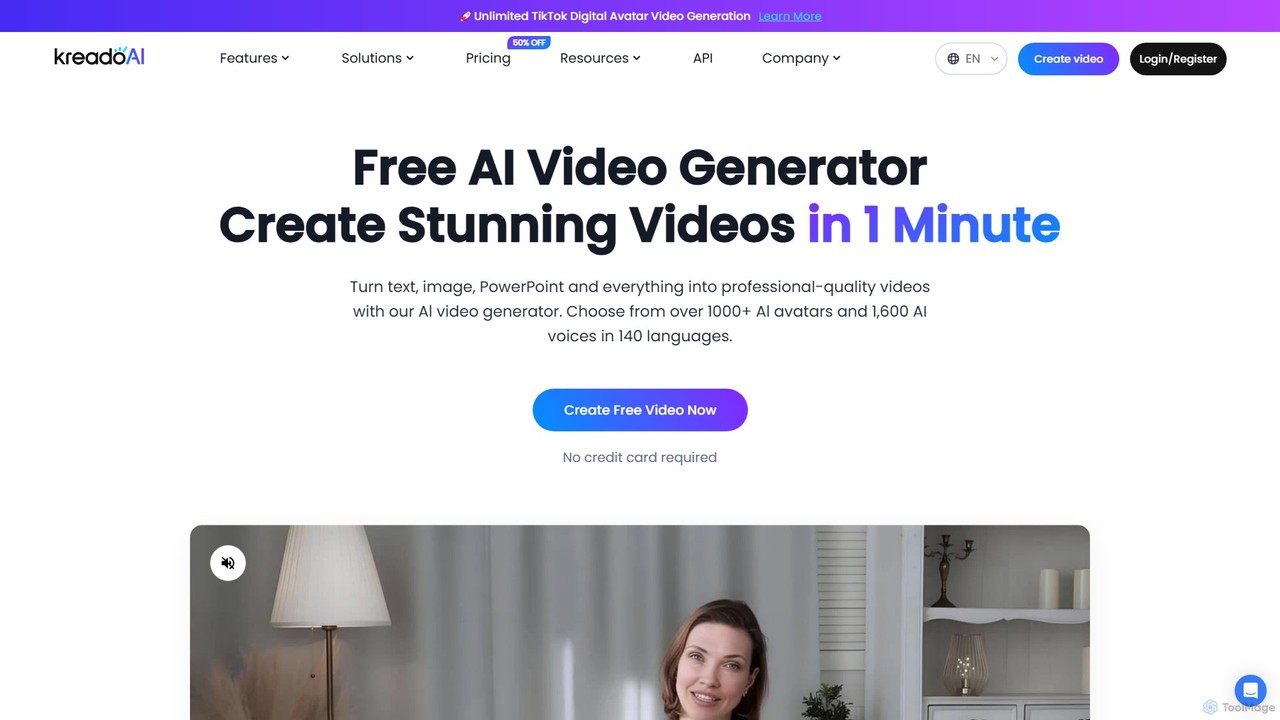
KreadoAI
KreadoAI is an all-in-one AI video generator that transforms text, images, and PowerPoints into professional videos with digital avatars. It offers over 1,000 AI avatars and 1,600 AI voices in 140+ languages, enabling users to create high-quality marketing, training, and educational content in minutes without any technical skills.
Text To Speech
Filmora
Filmora is a powerful yet user-friendly AI video editor designed for creators of all levels. It integrates advanced AI tools like text-to-video, smart cutout, and an AI music generator to streamline the editing process. It offers a rich library of effects, templates, and stock media, making it easy to create professional-quality videos for social media, marketing, or personal projects on Windows and macOS.
Video Generation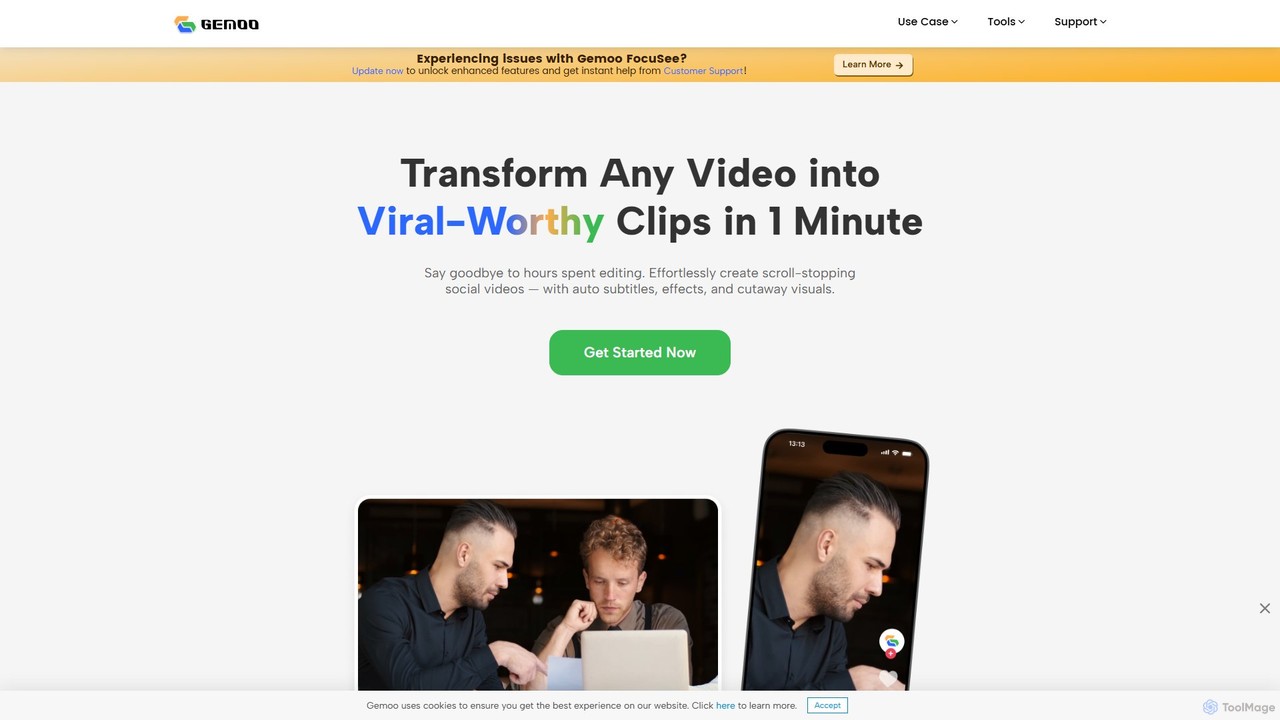
Gemoo
Gemoo is an AI-powered video editor that transforms any video into viral-worthy short clips in minutes. It automates tedious tasks like adding subtitles, inserting relevant B-roll footage, applying effects, and generating social media-optimized titles and descriptions. Ideal for creators, marketers, and educators looking to produce high-quality, engaging content efficiently.
Video Marketing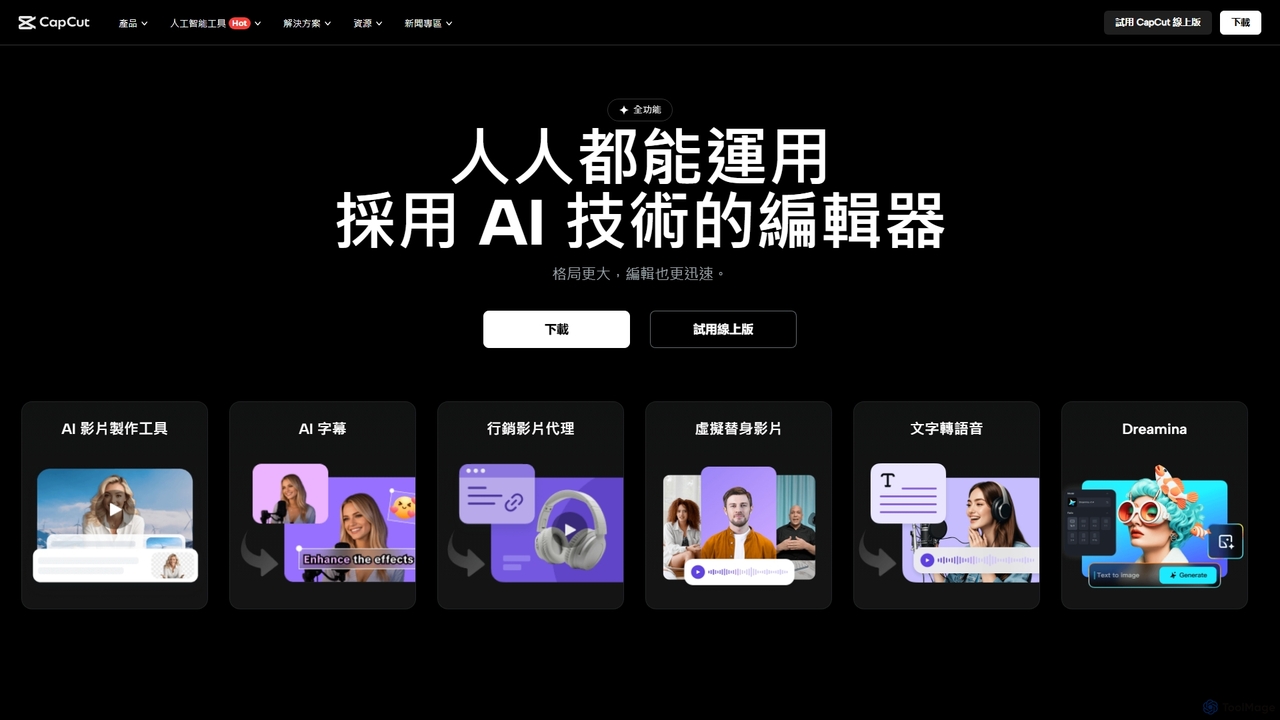
CapCut
CapCut is a powerful, all-in-one AI video editor and creative suite. It simplifies content creation with intuitive tools for video editing, graphic design, and team collaboration. It offers a wide range of AI features like auto-captions, script-to-video, background removal, and video upscaling, making professional-quality content accessible to everyone, from beginners to pros, across web, desktop, and mobile platforms.
Graphics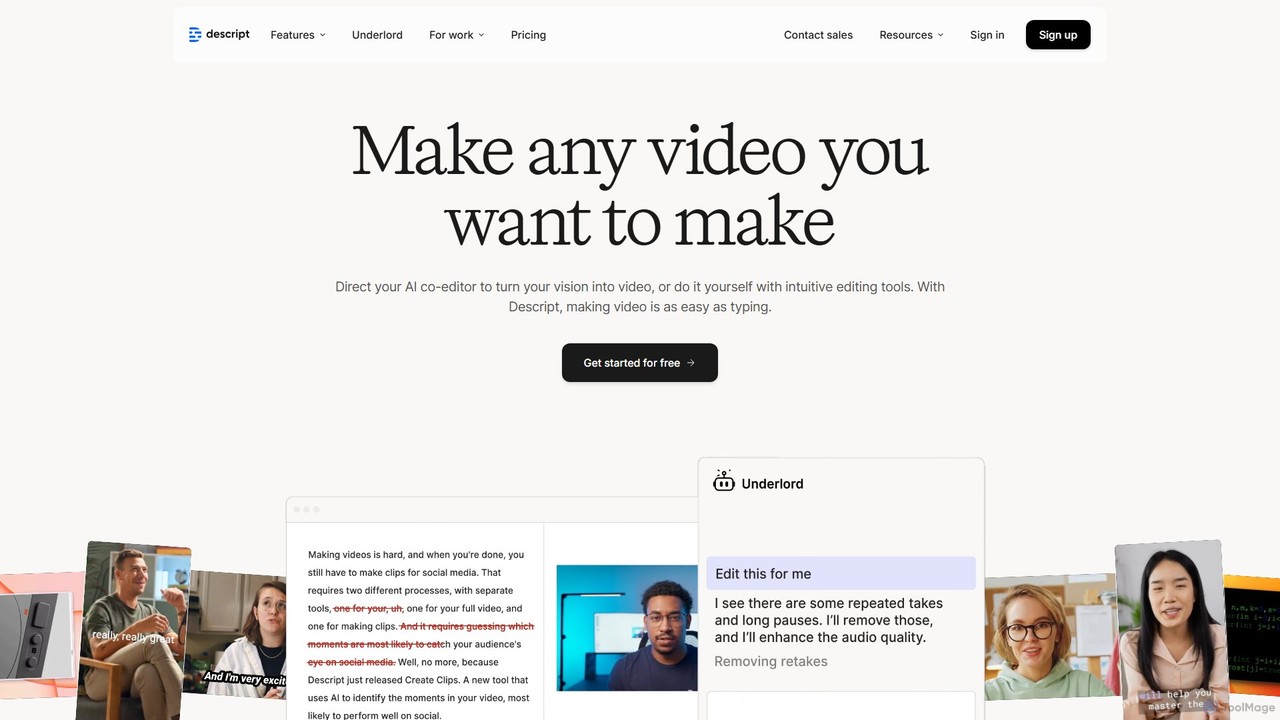
Descript
Descript is an all-in-one AI-powered video and podcast editor that revolutionizes content creation by allowing you to edit media as easily as a text document. It features text-based editing, automatic transcription, and powerful AI tools like Studio Sound, green screen, eye contact correction, and filler word removal. It's the ideal solution for creators and businesses aiming to produce high-quality, professional content with unparalleled efficiency.
Social Media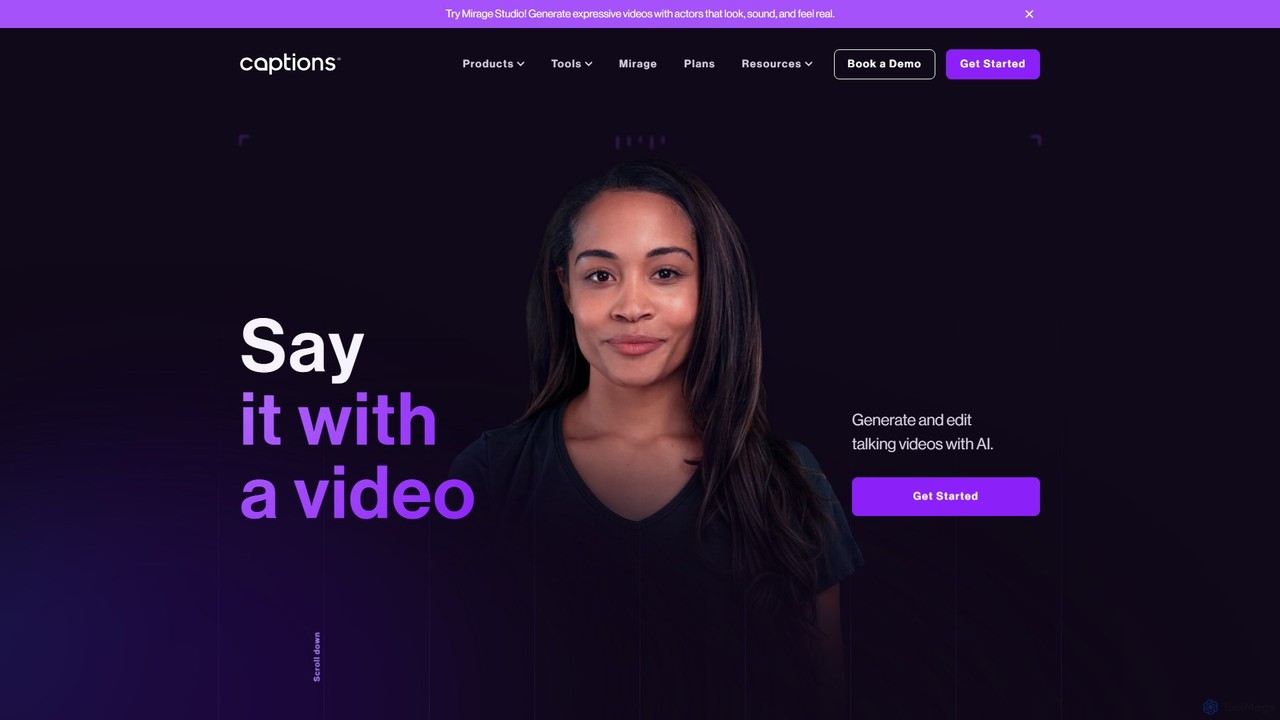
Captions
Captions is an AI-powered creative studio designed for video creators. It automates editing, adds dynamic subtitles, and offers advanced features like AI dubbing, voice generation, and creating a digital twin. It simplifies professional video production, making it accessible for everyone from social media influencers to businesses.
Transcription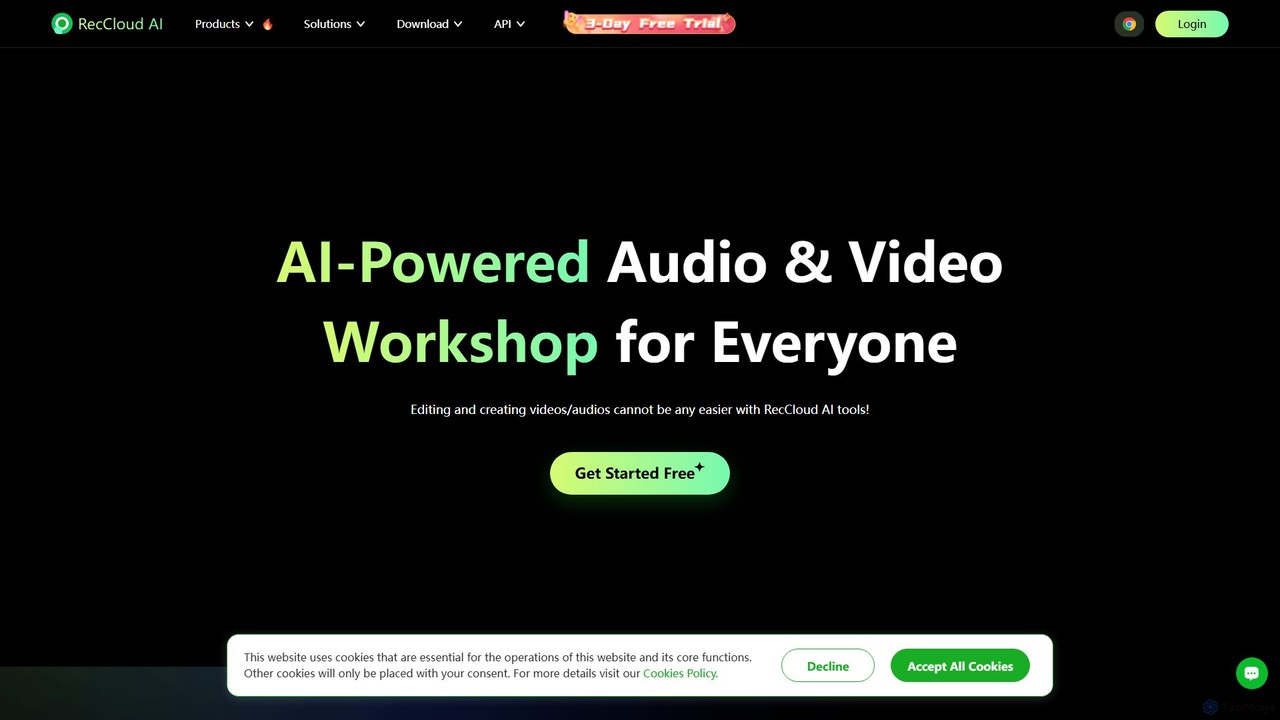
RecCloud
RecCloud is an all-in-one AI-powered video and audio workshop. It integrates screen recording, cloud storage, and a suite of AI tools including speech-to-text, text-to-speech, subtitle generation, and video translation. It's designed to boost productivity for creators, educators, and professionals by simplifying complex editing and processing tasks.
Speech To Text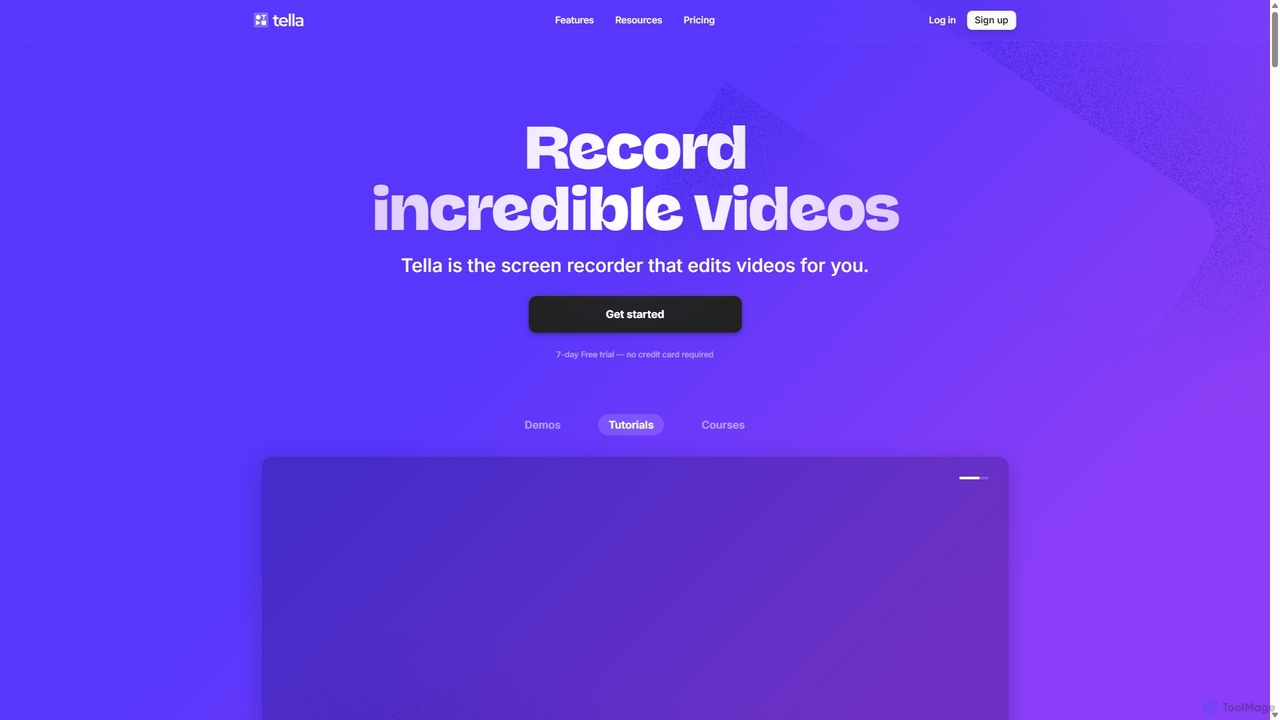
Tella
Tella is an AI-powered screen recorder and video editor for Mac & Windows that simplifies video creation. It automatically removes silences and filler words, offers transcript-based editing, and provides professional customization options like backgrounds, layouts, and zooms. Ideal for creating tutorials, product demos, and online courses in minutes, not hours.
E Learning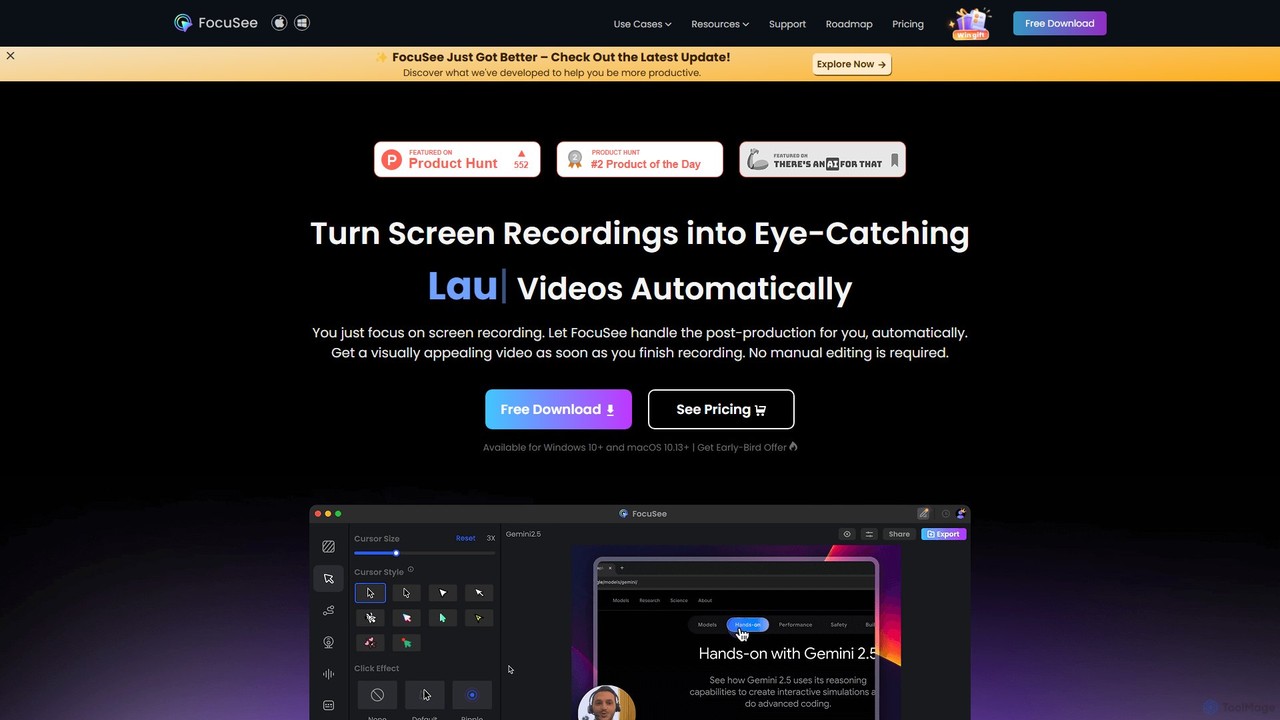
FocuSee
FocuSee is an AI-powered screen recording and video editing software designed to create professional-looking videos with ease. Its standout feature is the automatic zoom and pan effect, which intelligently follows your cursor movements to highlight key actions. This makes it ideal for creating engaging product demos, tutorials, and presentations without complex manual editing, simplifying the entire video creation workflow.
E Learning
BIGVU
BIGVU is an all-in-one AI video studio designed for professionals and content creators. It combines a smart teleprompter with an AI scriptwriter, automatic captions, and a powerful video editor. Easily create polished, branded videos for social media, marketing, and corporate communications, all from your desktop or mobile device. Go from script to share in minutes.
Social Media
DreamCut Comments (0)
Sign in to comment.
Sign inNo comments yet.