

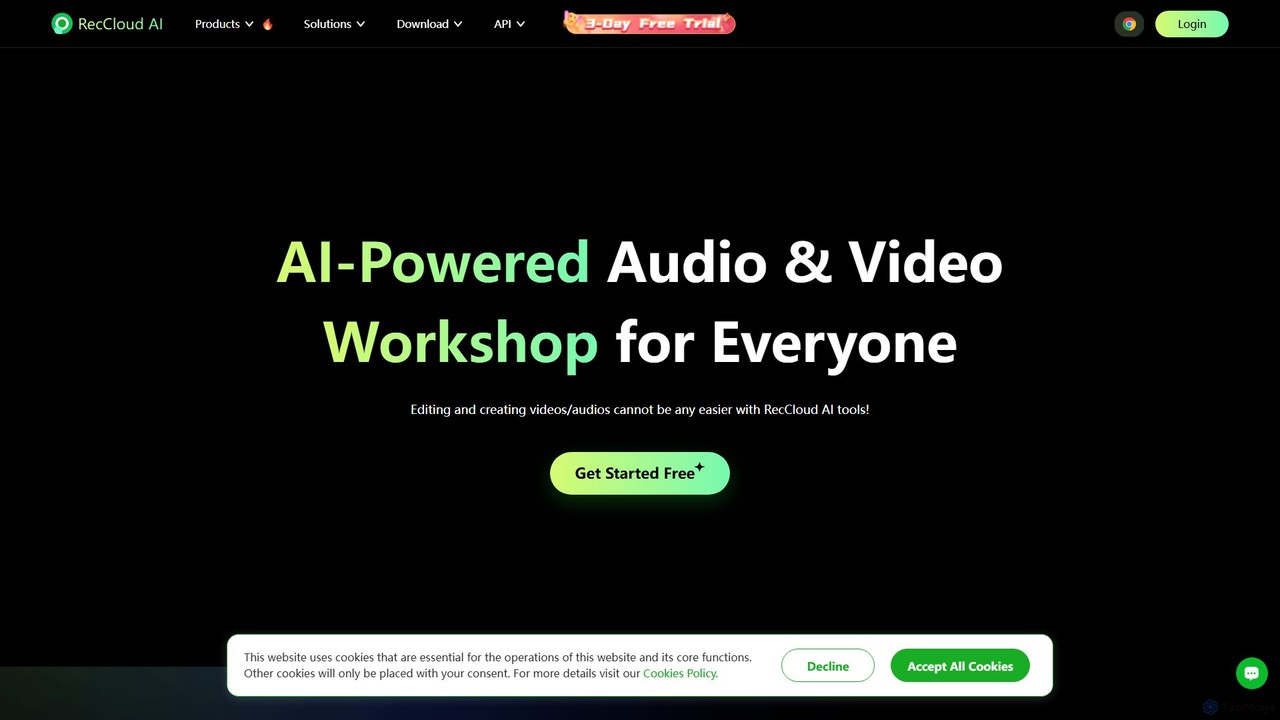
RecCloud Overview
RecCloud stands out as a comprehensive, AI-driven platform designed to revolutionize how users create, edit, and manage video and audio content. It serves as a multifunctional workshop that combines screen recording, secure cloud storage, and a powerful suite of AI-powered tools, making it an indispensable asset for a wide range of users, from students and content creators to business professionals and educators.
At its core, RecCloud simplifies the entire content creation workflow. It eliminates the need for multiple disparate applications by offering an integrated solution. Users can effortlessly capture their screen, webcam, and audio, and then immediately leverage AI to process the recordings. The platform is built on a foundation of security and performance, utilizing HTTPS encryption, advanced distributed storage, and CDN network acceleration to ensure data is safe, access is secure, and playback is smooth and fast.
How to use RecCloud
Getting started with RecCloud is designed to be intuitive. For screen recording, users can opt for the convenient online recorder for quick captures or download the desktop application for more robust, long-form recordings. The process is straightforward: select the recording area (full screen, window, or custom region), choose your audio sources (system sound, microphone), and click 'Record'. Once a recording is complete, it can be automatically uploaded to your personal cloud space. From there, you can use the AI toolkit. For instance, to transcribe a video, simply select the file and choose the 'AI Speech to Text' option. The platform will process the content and generate an accurate, editable transcript. Similarly, generating voiceovers or subtitles is just a few clicks away.
Core Features of RecCloud
- AI Speech to Text: Accurately converts spoken words from audio or video files into editable text. It also includes an AI feature to automatically polish and summarize the transcribed text.
- AI Text to Speech (TTS): Transforms written text into natural-sounding speech in a wide variety of languages and voices, perfect for voiceovers and creating multilingual content.
- AI Subtitle Generator: Automatically generates time-coded subtitles for videos, with options to translate them into different languages to reach a global audience.
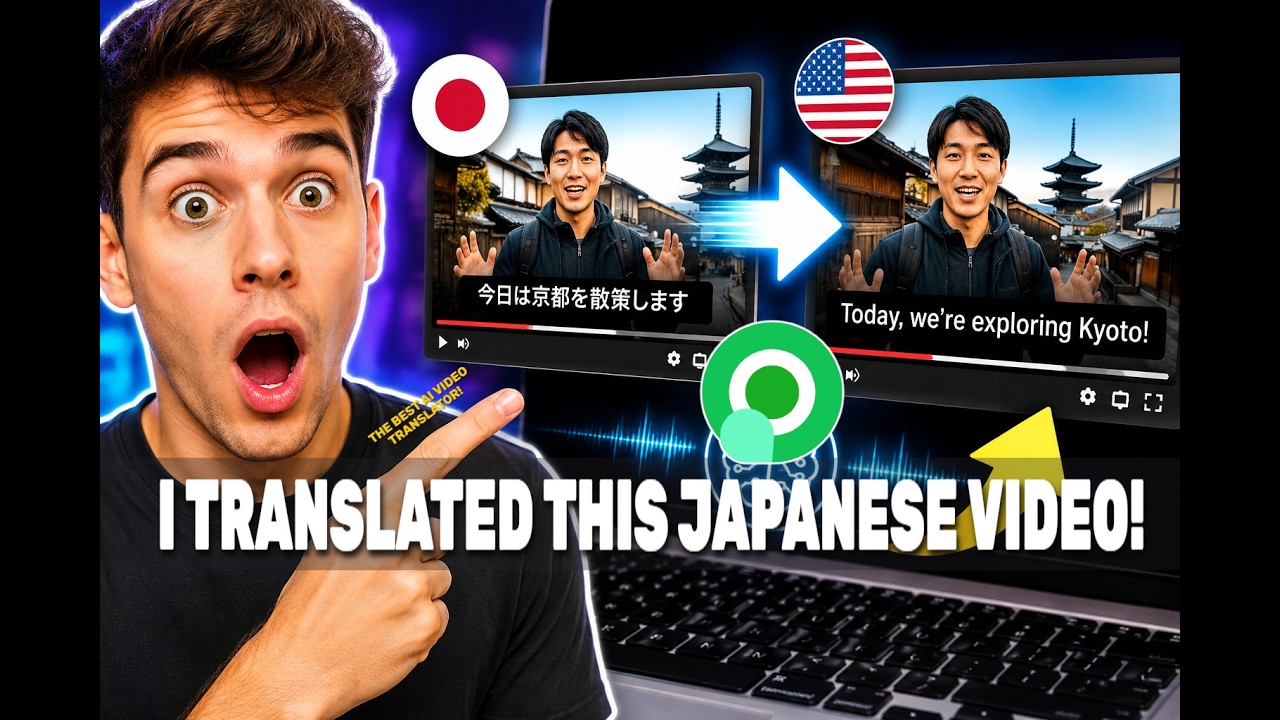
- AI Video Translation: A powerful tool to translate the audio and subtitles of a video, making content accessible across linguistic barriers.
- Screen & Video Recording: High-definition recording of screen activities, webcam, and audio. Available as an online tool, a desktop application (Windows/Mac), and a Chrome extension.
- Cloud Storage & Management: Secure cloud space to store, manage, and organize all your video and audio files. Features include password protection and folder organization.
- Collaboration & Sharing: Easily share videos via direct links or embed codes. The platform also supports team collaboration by allowing users to add members to shared playlists.
- Multi-Platform Support: Fully accessible on Windows, Mac, iOS, and Android, ensuring you can work on your projects from any device.
Use Cases for RecCloud
RecCloud's versatility makes it suitable for numerous applications. Students can record online lectures and use the speech-to-text feature for efficient note-taking and studying. Educators can create accessible course materials by adding accurate subtitles and translations to their videos. Content creators on platforms like YouTube and TikTok can streamline their workflow by using the AI voice generator for voiceovers and the subtitle tool to increase audience engagement. Business professionals can record online meetings, generate transcripts for minutes, and create summary reports effortlessly. Gamers can capture their gameplay in high definition and share it with their community.
Advantages of RecCloud
The primary advantage of RecCloud is its integration of multiple essential tools into a single, user-friendly platform. This AI-powered suite significantly boosts efficiency by automating time-consuming tasks. Its commitment to security, with robust encryption and data protection, gives users peace of mind. The platform is stable, fast, and delivers high-definition, ad-free results. The cross-platform availability ensures a seamless workflow, whether you're at your desk or on the go.
Pricing and Plans
RecCloud operates on a freemium model. It offers a free plan that allows users to get started and test the core functionalities, including the online screen recorder and basic AI features, albeit with certain limitations on recording length, storage space, or AI processing minutes. For users requiring more advanced capabilities, higher limits, and more extensive features, RecCloud provides several paid subscription plans. These premium tiers typically offer unlimited recording, larger cloud storage, priority processing, and full access to the entire suite of AI tools. Specific details on pricing and plan features are available on the official website.
Traffic
Latest traffic
Status
Monthly traffic trend
- 2025-9: 420.3K
- 2026-1: 783.9K
- 2026-2: 519.0K
- 2026-3: 522.6K
- 2026-4: 420.4K
- 2026-5: 467.1K
Geography
Top 5 countries / regions
- 🇺🇸United States25.2%
- 🇮🇳India23.3%
- 🇧🇷Brazil21.2%
- 🇯🇵Japan16.2%
- 🇬🇧United Kingdom14.1%
Traffic sources
| Source type | Percentage |
|---|---|
Direct | 69.7% |
Referral | 23.9% |
Email | 6.4% |
Top keywords
| Keyword | Cost per click |
|---|---|
| reccloud | $0.34 |
| reccloud ai | $0.41 |
| remover legenda de video | $0.15 |
| tirar legenda de video | $0.18 |
| yify subtitles | $0.35 |
RecCloud Videos on YouTube




RecCloud Alternatives
Clipto
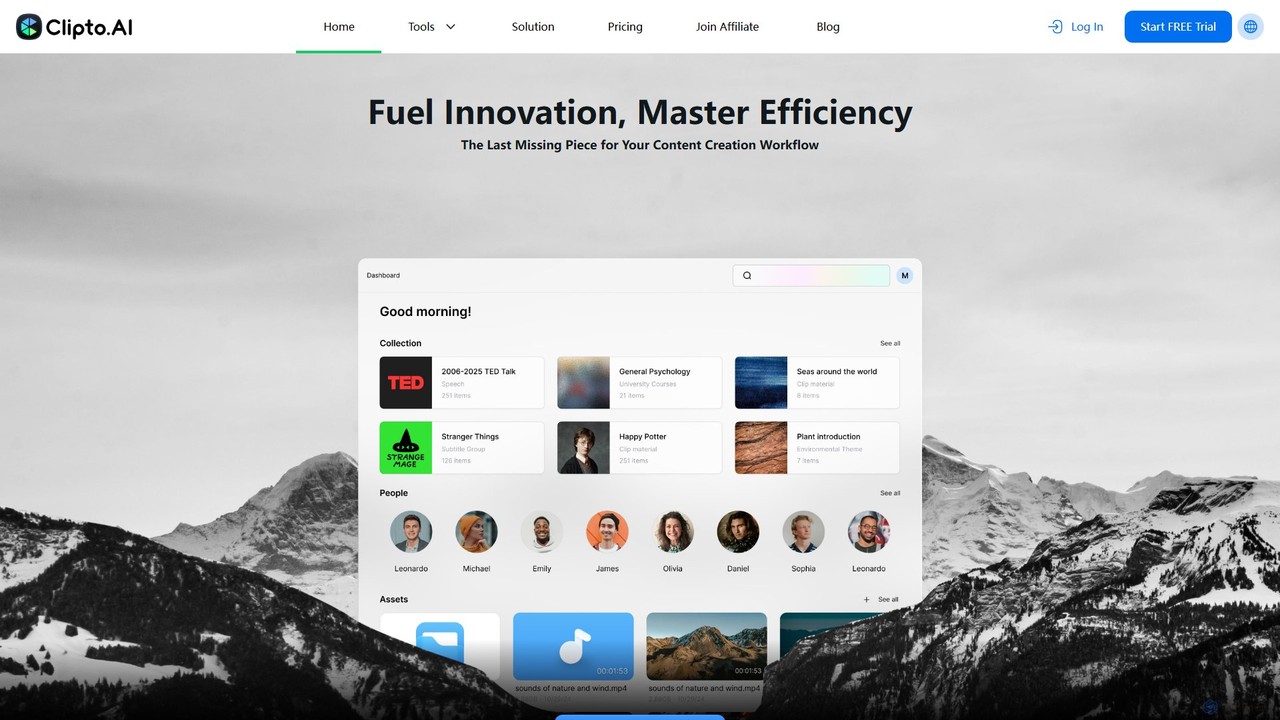
Clipto is an AI-powered transcription assistant that accurately converts audio and video files into text and subtitles. Supporting over 99 languages, it offers fast, reliable service with 99% accuracy, speaker identification, and unlimited usage on paid plans. Ideal for content creators, professionals, and students to streamline their workflow, enhance accessibility, and repurpose content efficiently.
Speech To Text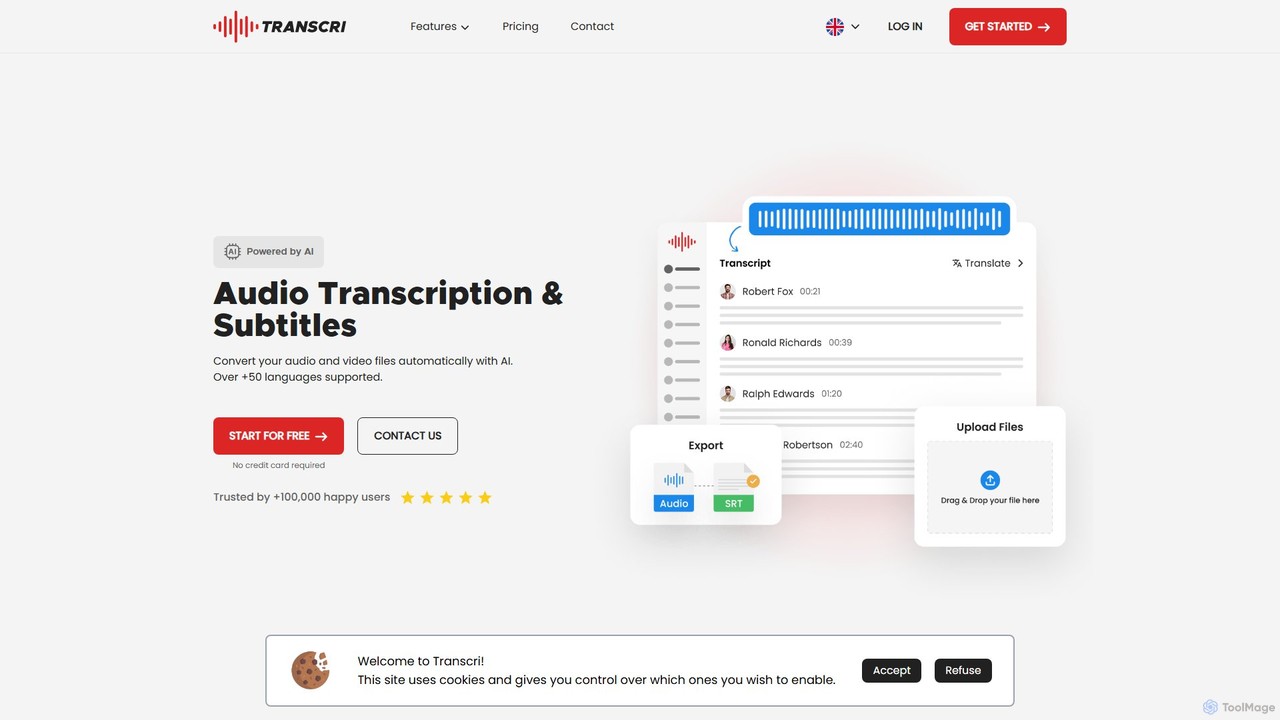
Transcri
Transcri is an AI-powered platform for fast and accurate audio/video transcription and subtitle generation. It supports over 50 languages, offers up to 96% accuracy, and features speaker identification. Ideal for professionals in media, business, and education, it provides flexible export options, a collaborative workspace, and robust data security.
Speech To Text
Cockatoo
Cockatoo is an AI-powered transcription service that converts audio and video files into text with blazing speed and up to 99.8% accuracy. It supports over 90 languages, offers various export formats, and includes features like document translation and secure cloud storage. Ideal for professionals, content creators, and teams.
Speech To Text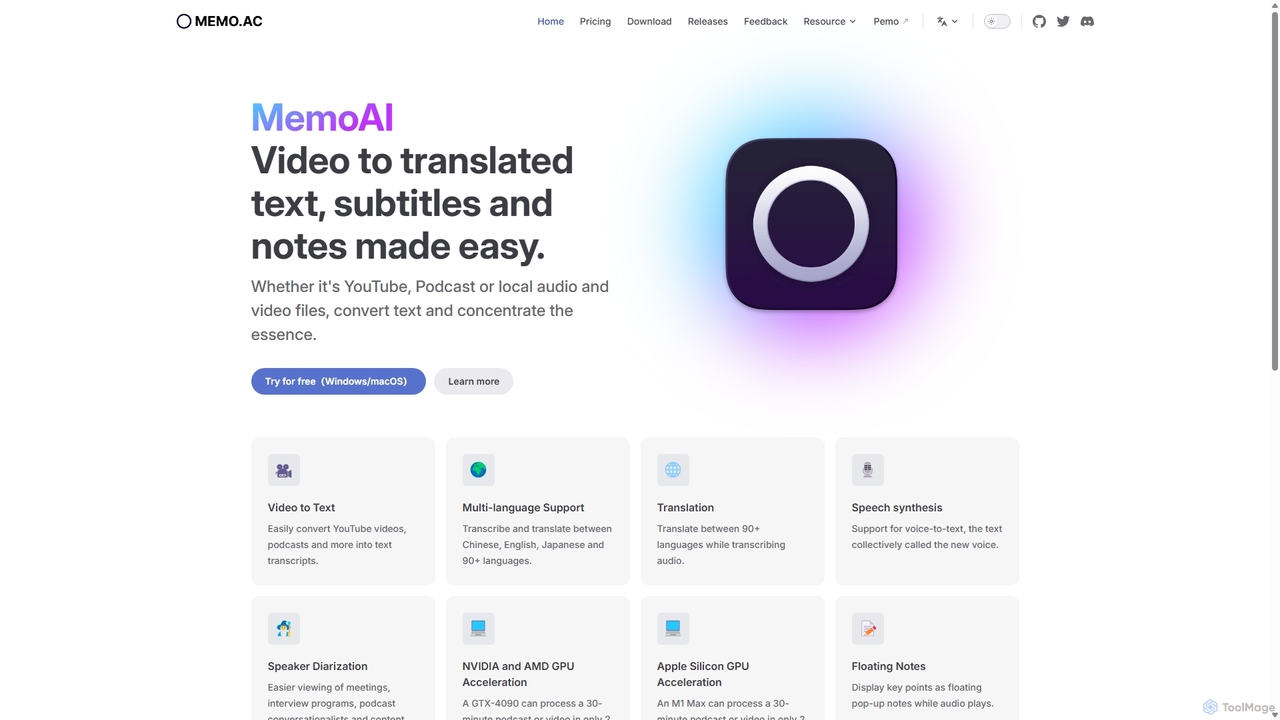
Memo AI
Memo AI is a privacy-focused desktop application for Windows and macOS that provides AI-powered transcription, translation, and summarization for audio and video files. It operates completely offline, leveraging GPU acceleration for fast processing of local files and online content from platforms like YouTube. It supports over 90 languages, speaker diarization, and various export formats.
Speech To Text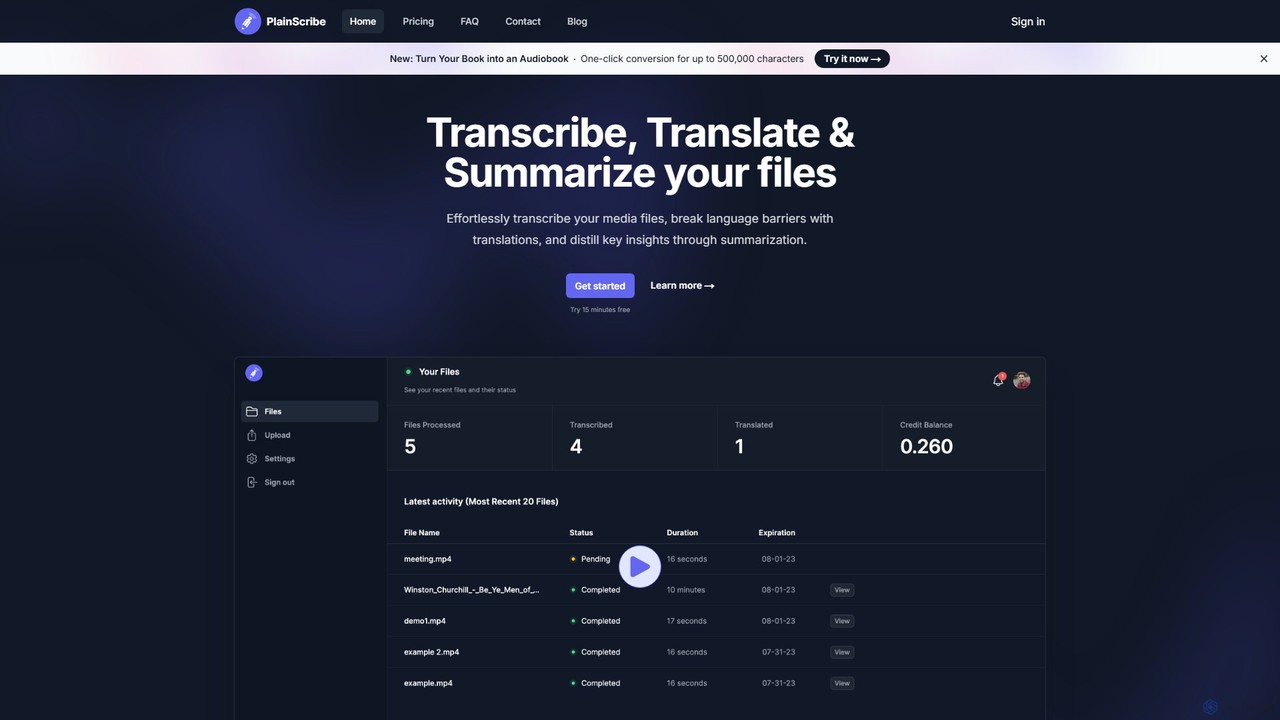
PlainScribe
PlainScribe is an AI-powered platform that effortlessly transcribes, translates, and summarizes your audio and video files. It supports over 50 languages, features a unique "Smart Notes" enhancement to polish your transcripts, and can even convert books into audiobooks with a single click. Its flexible pay-as-you-go pricing model makes it a cost-effective solution for students, professionals, and content creators.
Speech To TextRecCloud Categories
RecCloud Embed Widget
Copy this embed code to place the badge on your blog, article, or product site and send readers directly to this ToolMage detail page.

Related AI tools
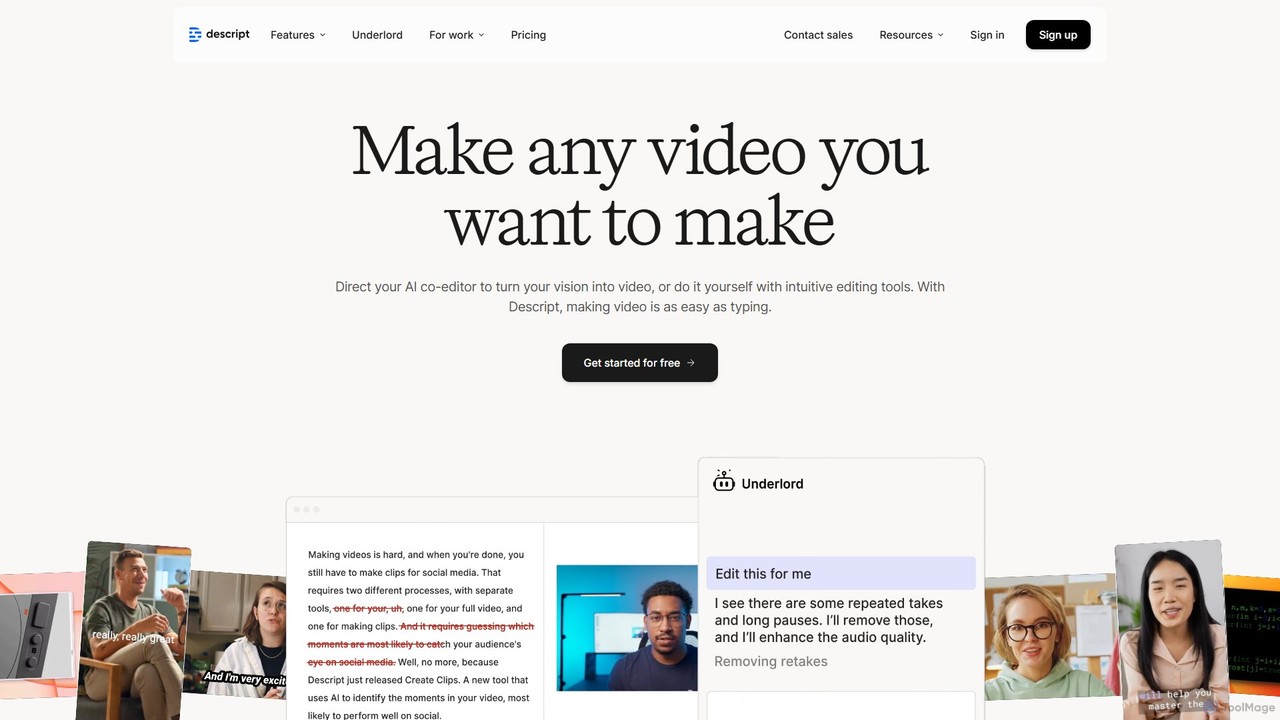
Descript
Descript is an all-in-one AI-powered video and podcast editor that revolutionizes content creation by allowing you to edit media as easily as a text document. It features text-based editing, automatic transcription, and powerful AI tools like Studio Sound, green screen, eye contact correction, and filler word removal. It's the ideal solution for creators and businesses aiming to produce high-quality, professional content with unparalleled efficiency.
Social Media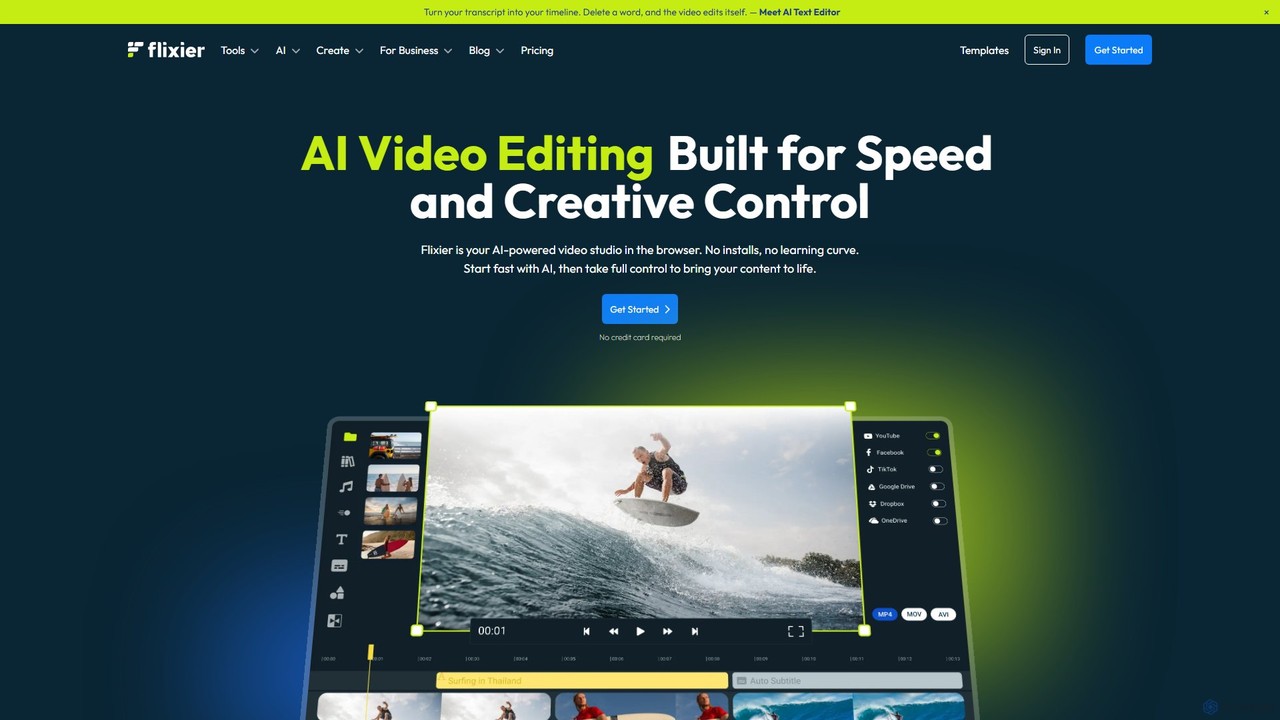
Flixier
Flixier is an AI-powered, cloud-based video editor designed for speed and ease of use. It offers features like text-based editing, AI voiceovers, automatic subtitles, and real-time collaboration, making it ideal for creators, marketers, and educators without needing powerful hardware.
Transcription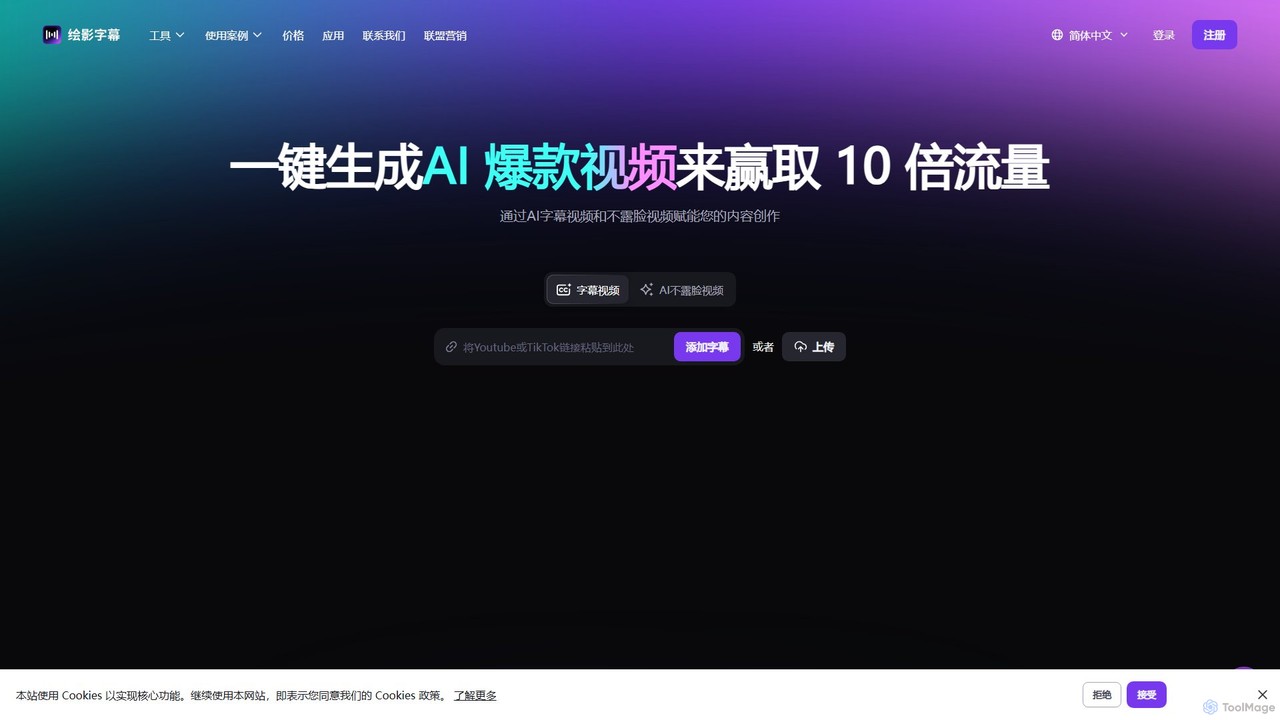
Zeemo
Zeemo is an all-in-one AI-powered video toolkit designed for content creators. It excels at automatic subtitle generation, transcription, and translation in over 95 languages with up to 98% accuracy. It also offers a suite of video editing tools, social media downloaders, and AI video generation features to streamline content creation and boost audience engagement.
Transcription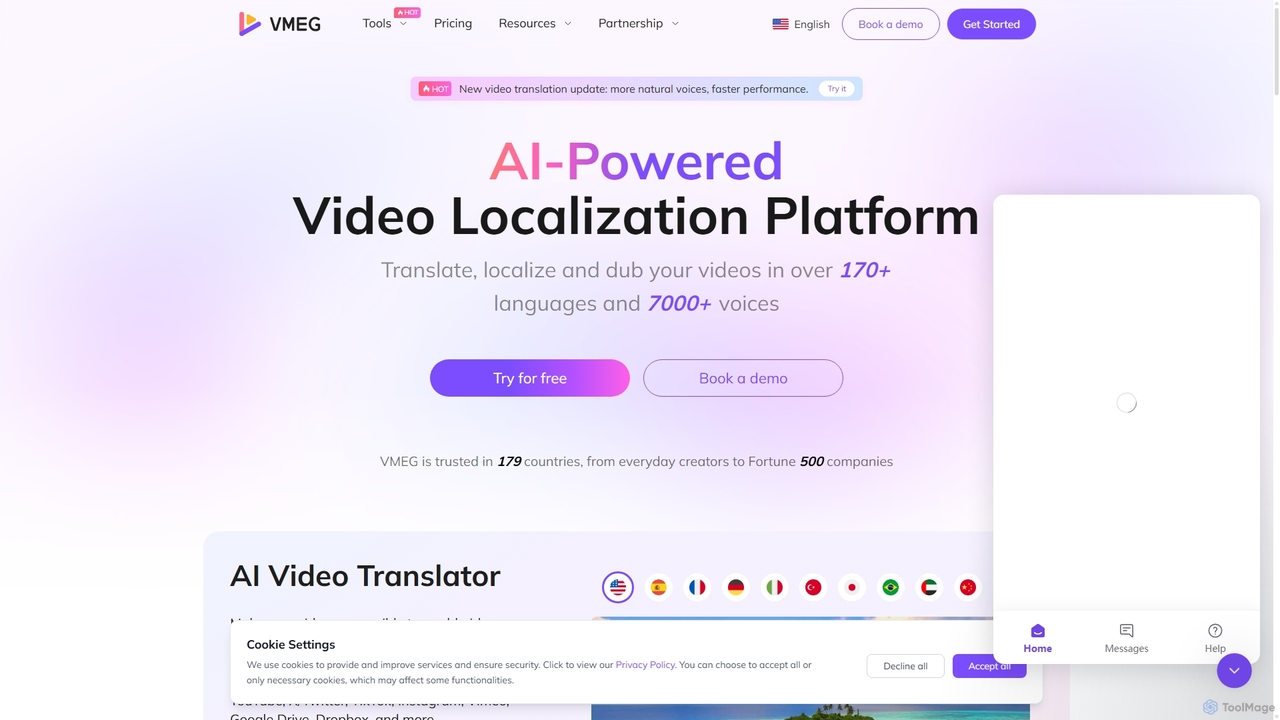
VMEG
VMEG is an AI-powered video localization platform that enables users to translate, dub, and add subtitles to videos in over 170 languages. It features advanced voice cloning, natural-sounding text-to-speech with over 7000 voices, and precise lip-sync technology. Ideal for content creators, marketers, and businesses aiming to reach a global audience, VMEG automates the localization process, saving significant time and cost while enhancing viewer engagement.
Dubbing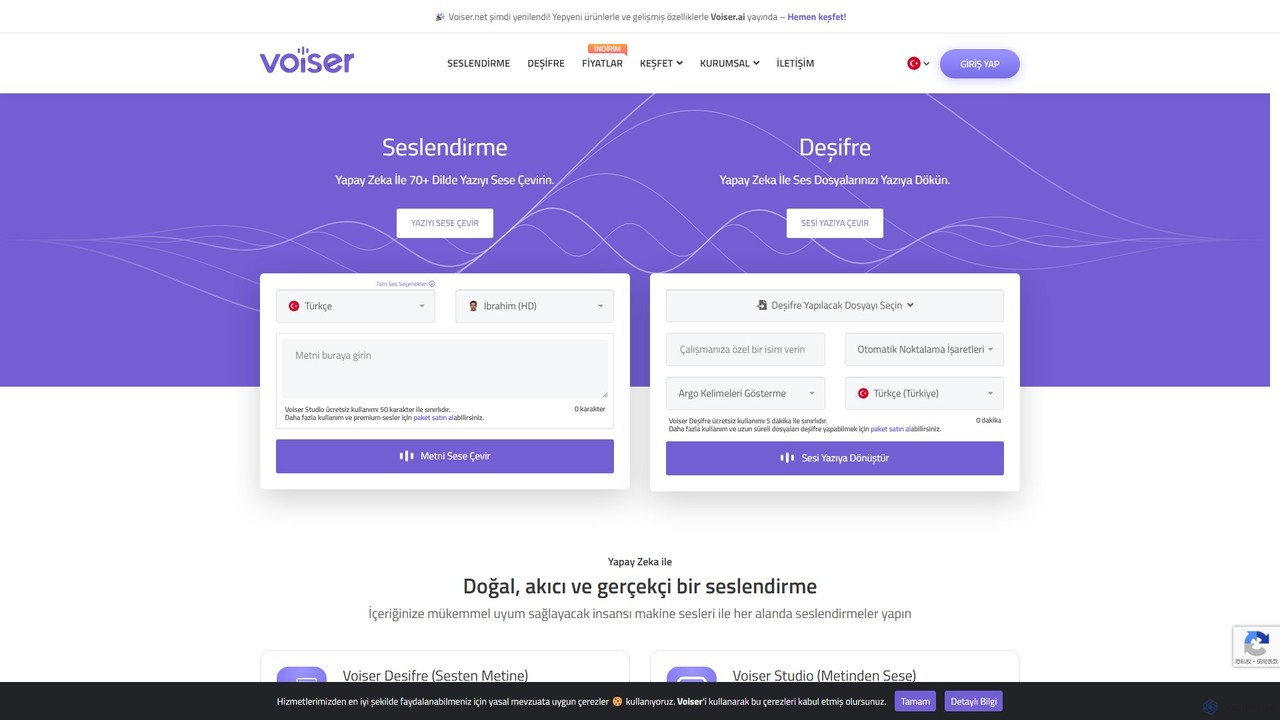
Voiser
Voiser is an advanced AI platform offering high-quality text-to-speech (TTS), accurate speech-to-text (transcription), and innovative voice cloning services. Supporting over 75 languages with 550+ voices, it provides a comprehensive suite of tools for content creators, businesses, and developers, including talking avatars, YouTube dubbing, and API integration.
Text To Speech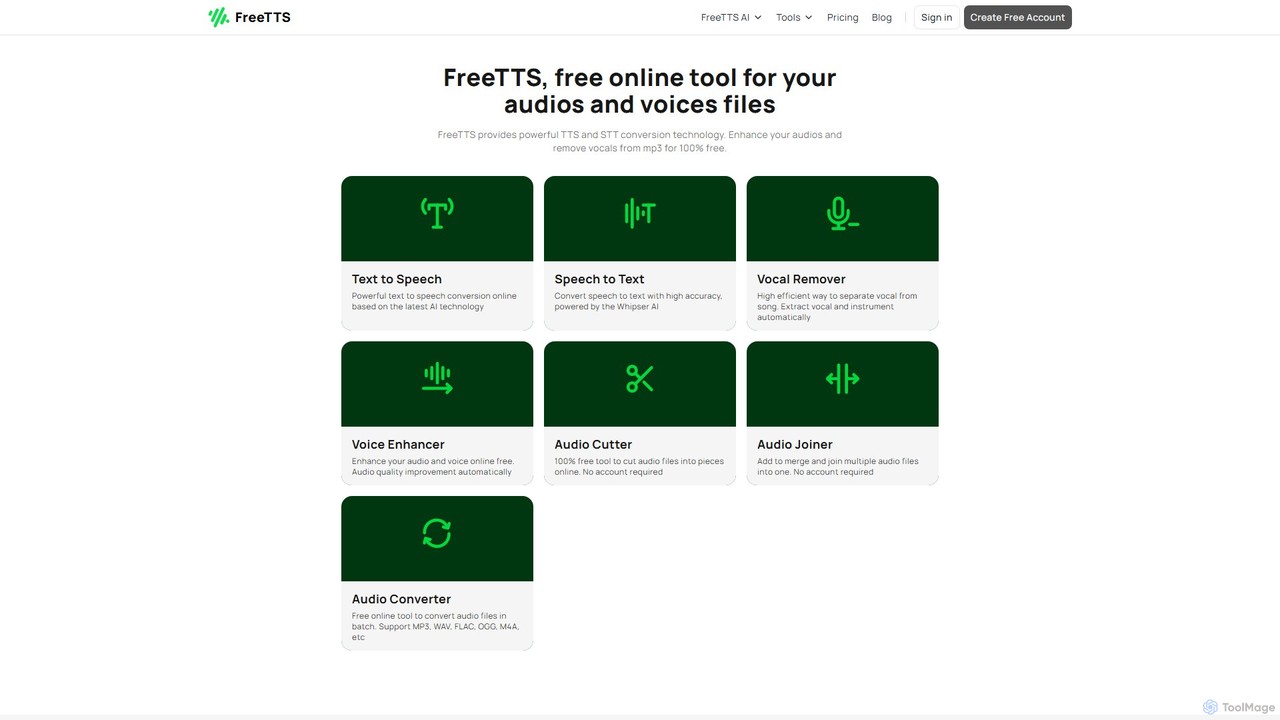
FreeTTS
FreeTTS is a versatile AI-powered audio toolkit offering a suite of free and premium services. It excels in converting text to natural-sounding speech with a wide range of human-like voices. Beyond TTS, it provides high-accuracy speech-to-text transcription, an AI vocal remover, a voice enhancer, and various audio editing tools like a converter, cutter, and joiner. It's an all-in-one solution for content creators, musicians, and anyone needing high-quality audio processing.
Audio EditingClipto
Clipto is an AI-powered transcription assistant that accurately converts audio and video files into text and subtitles. Supporting over 99 languages, it offers fast, reliable service with 99% accuracy, speaker identification, and unlimited usage on paid plans. Ideal for content creators, professionals, and students to streamline their workflow, enhance accessibility, and repurpose content efficiently.
Speech To TextTranscri
Transcri is an AI-powered platform for fast and accurate audio/video transcription and subtitle generation. It supports over 50 languages, offers up to 96% accuracy, and features speaker identification. Ideal for professionals in media, business, and education, it provides flexible export options, a collaborative workspace, and robust data security.
Speech To TextCockatoo
Cockatoo is an AI-powered transcription service that converts audio and video files into text with blazing speed and up to 99.8% accuracy. It supports over 90 languages, offers various export formats, and includes features like document translation and secure cloud storage. Ideal for professionals, content creators, and teams.
Speech To TextMemo AI
Memo AI is a privacy-focused desktop application for Windows and macOS that provides AI-powered transcription, translation, and summarization for audio and video files. It operates completely offline, leveraging GPU acceleration for fast processing of local files and online content from platforms like YouTube. It supports over 90 languages, speaker diarization, and various export formats.
Speech To TextPlainScribe
PlainScribe is an AI-powered platform that effortlessly transcribes, translates, and summarizes your audio and video files. It supports over 50 languages, features a unique "Smart Notes" enhancement to polish your transcripts, and can even convert books into audiobooks with a single click. Its flexible pay-as-you-go pricing model makes it a cost-effective solution for students, professionals, and content creators.
Speech To Text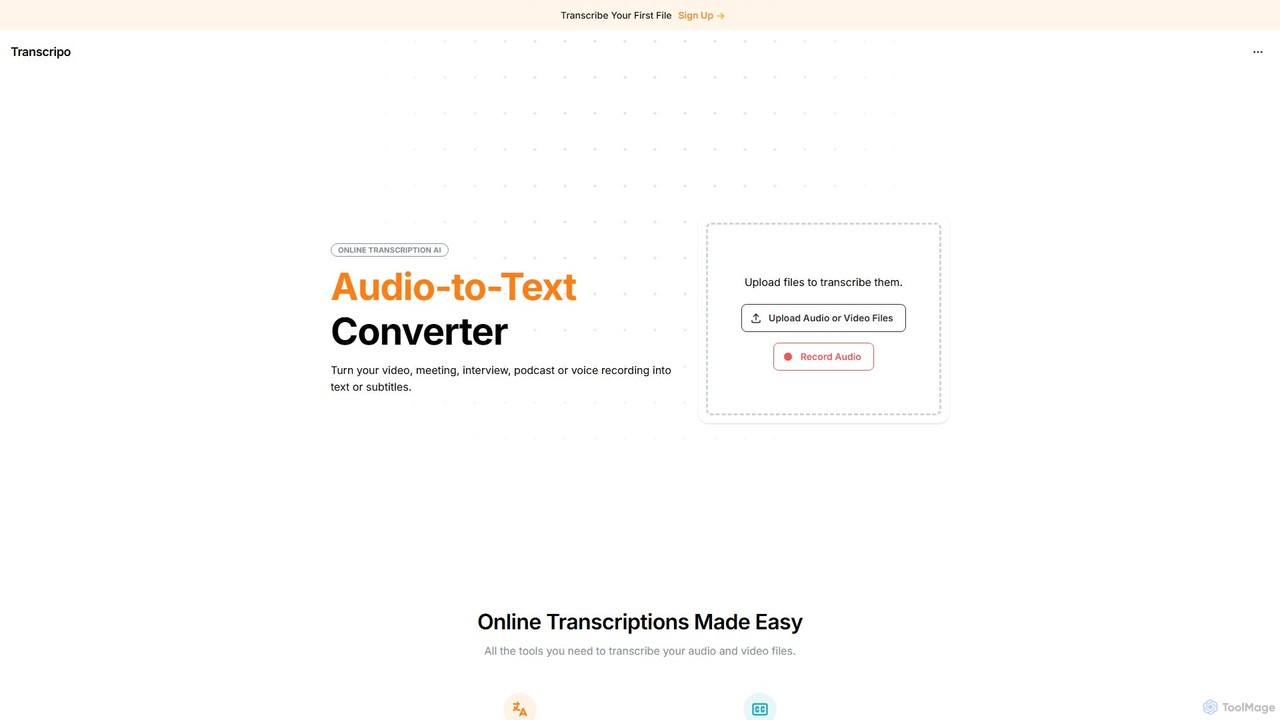
Transcripo
Transcripo is an AI-powered online tool that quickly and accurately converts audio and video files into text and subtitles. It supports over 100 languages, offers AI-generated summaries, and allows users to edit and export transcripts in various formats. Ideal for transcribing interviews, meetings, podcasts, and creating video subtitles to enhance content accessibility and SEO.
Speech To Text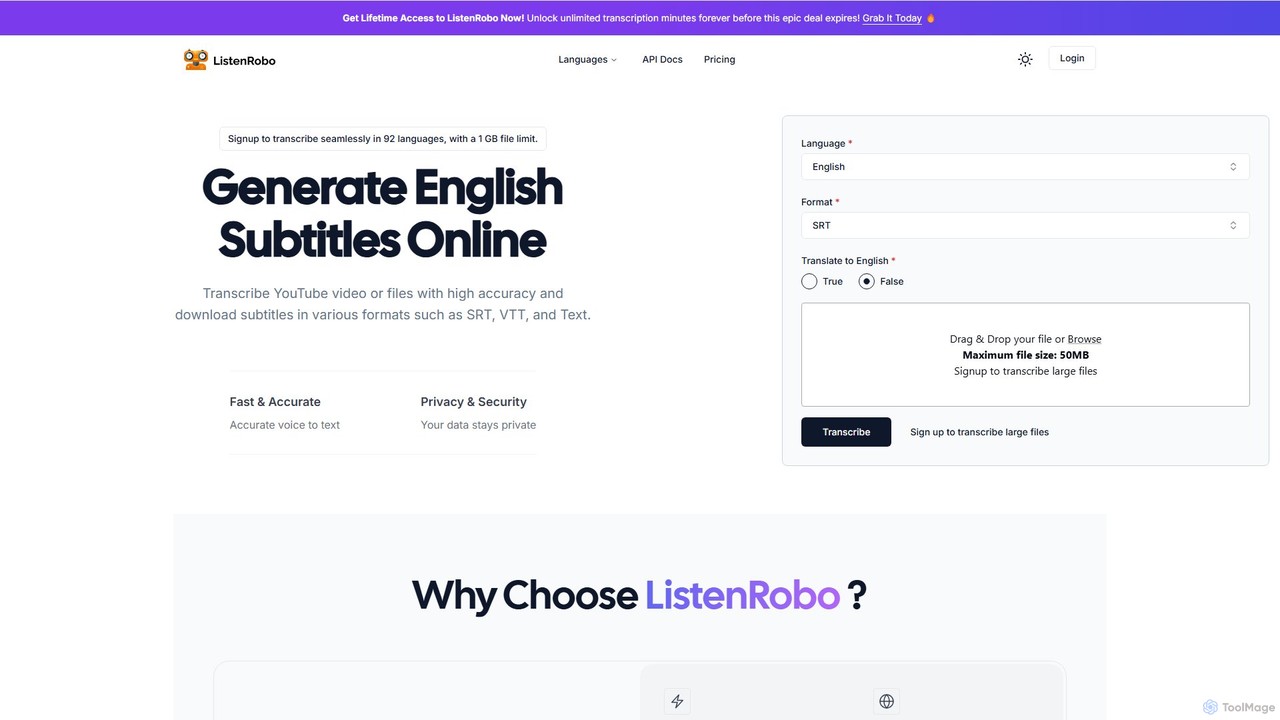
ListenRobo
ListenRobo is an AI-powered transcription service that accurately converts audio and video into text in over 92 languages. It supports various file formats and direct transcription from URLs like YouTube. Key features include high-accuracy voice-to-text, subtitle generation (SRT, VTT), translation into English, and automated summaries. Designed for students, journalists, and businesses, it enhances accessibility, boosts SEO, and streamlines content repurposing.
Speech To Text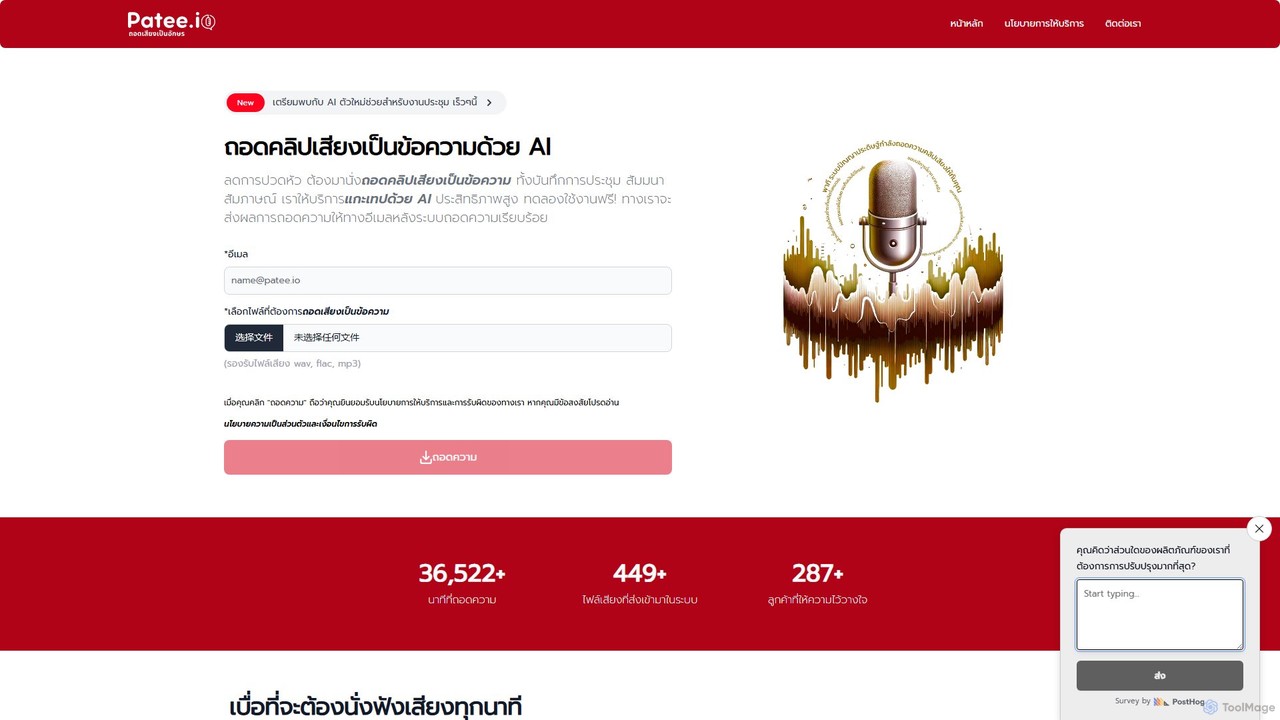
Patee.io
Patee.io is a high-performance AI transcription service that converts audio and video files into accurate text, primarily for the Thai language. It offers fast turnarounds, timestamped transcripts, and a unique 'pay-to-unlock' model, allowing users to preview 25% of the transcript for free before purchasing.
Speech To Text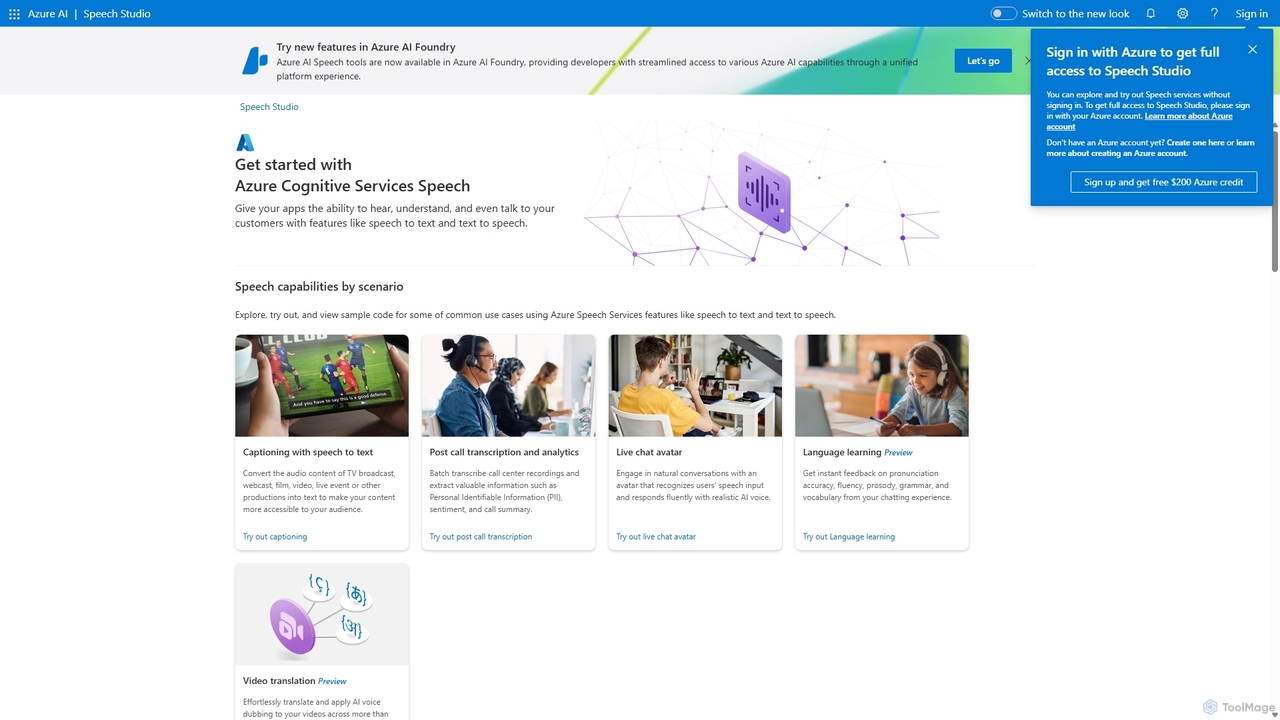
Speech Studio
Speech Studio is a comprehensive suite of AI-powered tools from Microsoft Azure that enables developers to build applications with advanced speech capabilities. It offers highly accurate speech-to-text, natural-sounding text-to-speech, real-time speech translation, and speaker recognition. Users can create custom voice models and conversational interfaces, making it a versatile platform for a wide range of voice-enabled solutions.
Text To Speech
RecCloud Comments (0)
Sign in to comment.
Sign inNo comments yet.