
Descript Overview
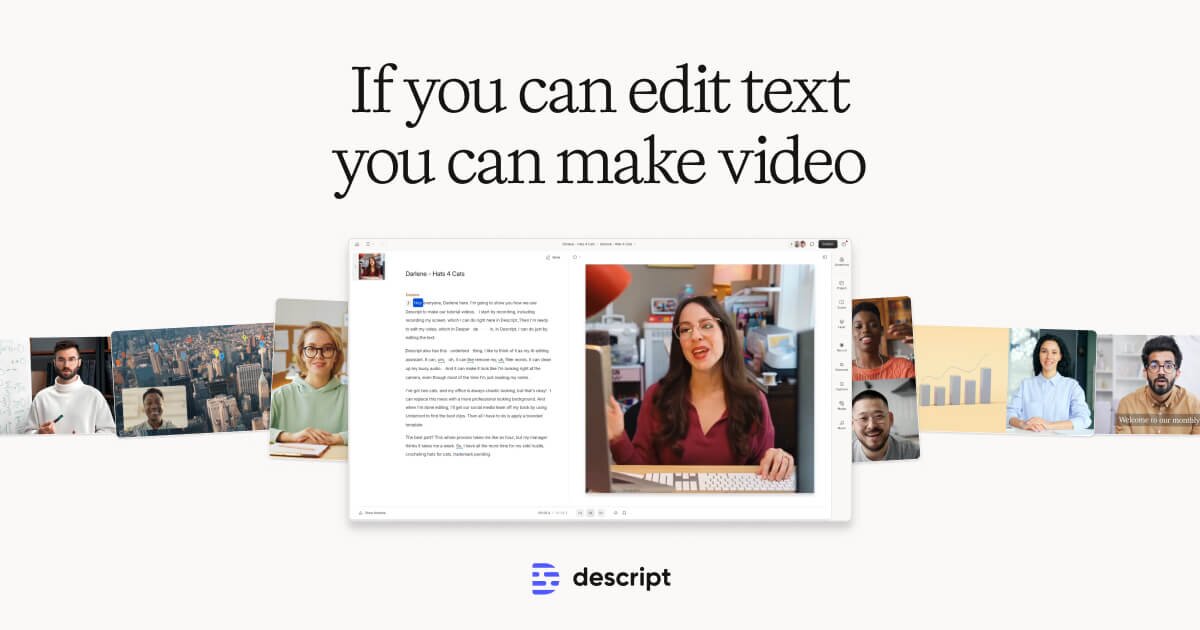
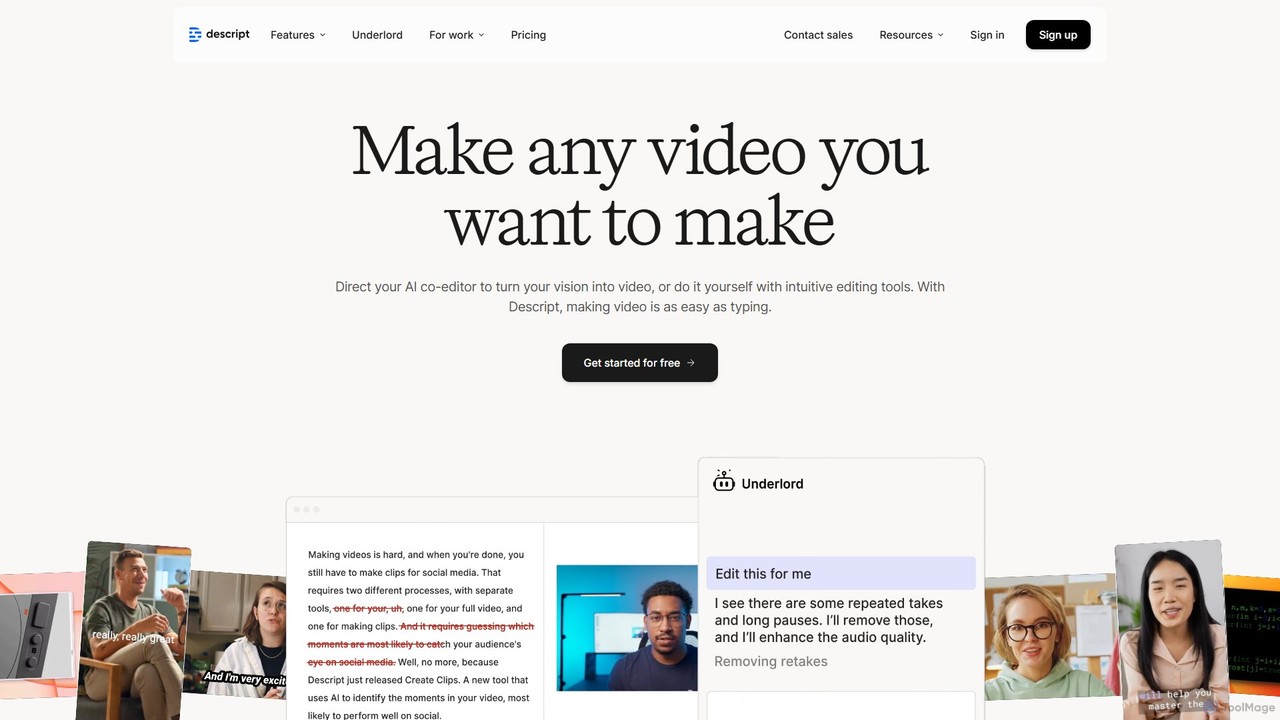
Descript is a revolutionary, all-in-one platform designed to make video and podcast production intuitive, efficient, and accessible to everyone. It fundamentally changes the editing process by transforming your audio and video files into a text document that you can edit. This text-based approach means if you can edit a doc, you can edit a video or podcast. The platform is powered by a suite of advanced AI tools, including an AI co-editor named Underlord, which can help generate scripts, suggest edits, and even design your video's look and feel. Descript is trusted by millions of creators, from top podcasters and YouTubers to large enterprises using video for marketing, sales, and internal communications.
How to use Descript
Using Descript streamlines the entire content creation workflow into a few simple steps:
- Record or Import: Start by recording audio, video, and your screen directly within Descript. You can also simply drag and drop your existing media files into the application.
- Automatic Transcription: Upon import, Descript instantly and accurately transcribes your media into text, automatically identifying and labeling different speakers.
- Edit Like a Doc: This is where the magic happens. Edit your video or audio by simply editing the text transcript. Deleting a word or sentence removes the corresponding media. You can also cut, copy, and paste text to rearrange scenes effortlessly.
- Enhance with AI Tools: With a single click, apply powerful AI features. Use 'Studio Sound' to remove background noise and enhance voice quality, 'Green Screen' to replace your background, 'Eye Contact' to ensure you're always looking at the camera, and 'Filler Word Removal' to clean up your speech.
- Add Visuals and Effects: Enrich your content by adding B-roll, images, GIFs, and music from Descript’s extensive stock library. You can also generate custom images with AI, add dynamic captions, and apply professional transitions between scenes.
- Collaborate and Share: Invite team members to collaborate on projects, leaving timestamped comments and feedback directly on the transcript. When you're done, export your project in up to 4K resolution or publish it as a shareable web page with an interactive transcript.
Core Features of Descript
- Text-Based Video & Audio Editing: The core innovation that lets you edit complex media by simply editing text.
- AI Transcription: Fast, highly accurate, and speaker-labeled transcription in over 25 languages.
- Studio Sound: A one-click AI feature that removes noise and reverb, making recordings sound professionally produced.
- AI Green Screen: Instantly remove and replace the background of any video without needing a physical green screen.
- Eye Contact Correction: AI-powered feature that adjusts your gaze to appear as if you're looking directly into the camera lens.
- Filler Word Removal: Automatically detect and delete filler words like "ums," "uhs," and repeats with a single click.
- Overdub & AI Voices: Correct audio mistakes by typing new words or generate entire voiceovers using ultra-realistic stock AI voices or a clone of your own voice.
- AI Avatars: Generate or choose from a gallery of AI avatars to deliver your script, keeping you off-camera.
- Screen & Remote Recording: High-fidelity, multi-track recording for solo content, interviews, and presentations.
- AI Dubbing & Translation: Translate your content's audio and captions into over 20 languages to reach a global audience.
- Dynamic Captions: Automatically generate and customize animated captions to improve accessibility and engagement.
- Full-Powered Timeline Editor: A traditional multitrack timeline is available for users who need to make precise adjustments to timing, audio levels, and effects.
Use Cases for Descript
Descript is a versatile tool suitable for a wide range of applications:
- Podcasting: An end-to-end solution for recording, editing, mixing, transcribing, and creating promotional clips for both audio and video podcasts.
- Video Marketing & Social Media: Quickly create product demos, tutorials, webinars, and viral social media clips. The AI can even suggest the most engaging moments to clip.
- Corporate & Business Communication: Teams in marketing, sales, L&D, and support can create professional training videos, sales pitches, and internal announcements without needing a dedicated video production team.
- Content Creators: YouTubers, TikTokers, and other online creators can dramatically speed up their editing workflow, allowing them to produce more content faster.
- Education & E-Learning: Educators can easily create polished and accessible instructional videos and course materials.
Advantages of Descript
- Unmatched Simplicity: The text-based editing interface lowers the barrier to entry, making powerful video and audio editing accessible to non-professionals.
- Massive Time Savings: AI-powered features automate the most tedious parts of the editing process, such as transcription, noise removal, and cleaning up speech, saving users countless hours.
- All-in-One Solution: It combines a recorder, transcriber, video editor, and audio editor into a single, seamless application, eliminating the need to switch between multiple tools.
- Professional Results, Low Cost: Achieve studio-quality audio and professional video effects without investing in expensive equipment or software.
- Enhanced Collaboration: Web-based project sharing and commenting make it easy for teams to work together and provide feedback efficiently.
Pricing and Plans
Descript offers a range of plans to suit different needs:
- Free: $0/month. Includes 1 hour of transcription per month, 720p video export with a watermark, and limited trials of AI features.
- Hobbyist: $16/person/month (billed annually). Includes 10 transcription hours/month, 1080p watermark-free export, and 20 uses/month of Basic AI Actions.
- Creator: $24/person/month (billed annually). Includes 30 transcription hours/month, 4K watermark-free export, unlimited Basic & Advanced AI Actions, AI speech, and dubbing capabilities.
- Business: $50/person/month (billed annually). Includes 40 transcription hours/month, advanced team collaboration features, a Brand Studio, and priority support.
- Enterprise: Custom pricing. Offers tailored solutions with enterprise-grade security (SSO, SCIM), a dedicated account representative, and custom invoicing.
Traffic
Latest traffic
Status
Monthly traffic trend
- 2025-9: 3.1M
- 2026-1: 3.5M
- 2026-2: 3.0M
- 2026-3: 3.2M
- 2026-4: 3.1M
- 2026-5: 3.4M
Geography
Top 5 countries / regions
- 🇺🇸United States63.7%
- 🇮🇳India13.8%
- 🇬🇧United Kingdom8.7%
- 🇵🇭Philippines7.3%
- 🇳🇬Nigeria6.6%
Traffic sources
| Source type | Percentage |
|---|---|
Direct | 87.9% |
Referral | 9.1% |
Email | 3.0% |
Top keywords
| Keyword | Cost per click |
|---|---|
| canva | $0.84 |
| capcut | $0.22 |
| descript | $0.94 |
| descript ai | $1.06 |
| youtube to mp3 | $1.30 |
Descript Videos on YouTube



Learn Descript with Ross

Style Factory


Collin Michael Tutorials
Descript Alternatives
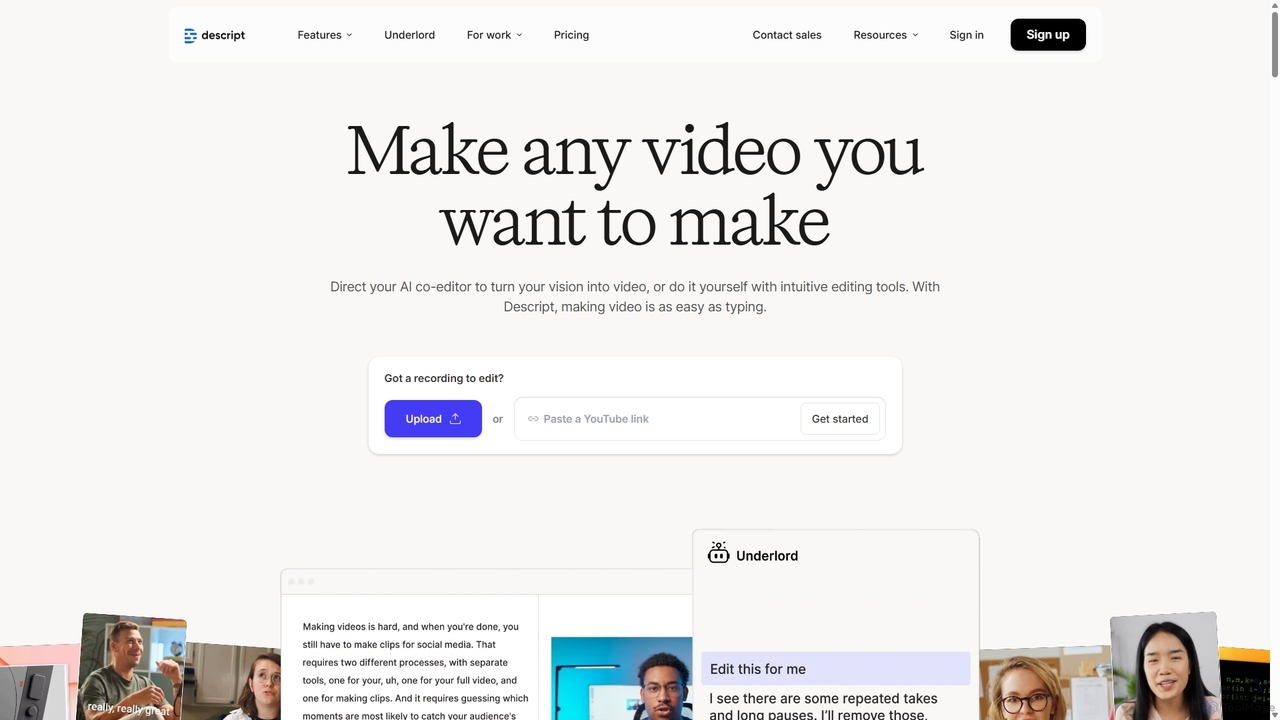
Descript
Descript is an all-in-one AI-powered video and podcast editor that lets you edit media as easily as editing a text document. It features automatic transcription, screen recording, AI voice cloning, filler word removal, and powerful AI effects like Studio Sound and Green Screen to streamline content creation for creators, marketers, and businesses.
Social Media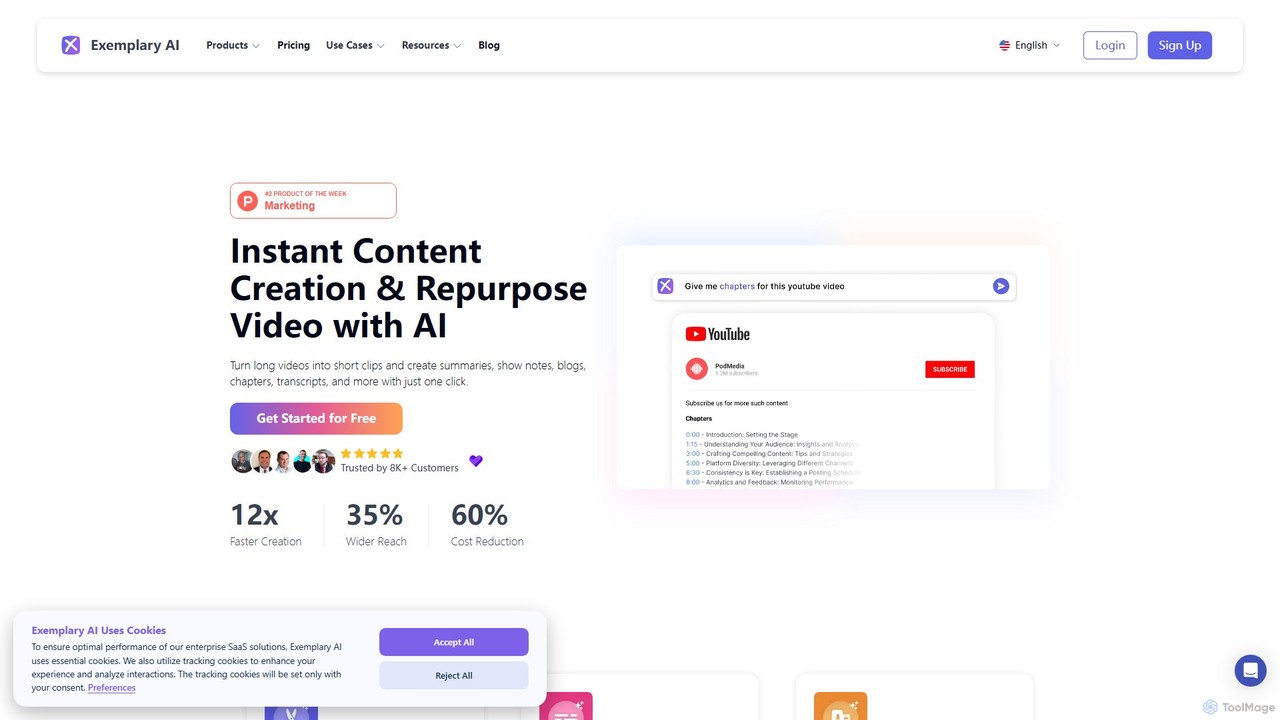
Exemplary AI
Exemplary AI is an all-in-one content repurposing toolkit designed for creators, marketers, and businesses. It uses AI to automatically transcribe, translate, and summarize audio and video content. Key features include a video clip generator, text-based video editing, and automatic subtitle creation, enabling users to effortlessly transform long-form content into engaging social media posts, blogs, and more in over 120 languages.
Repurposing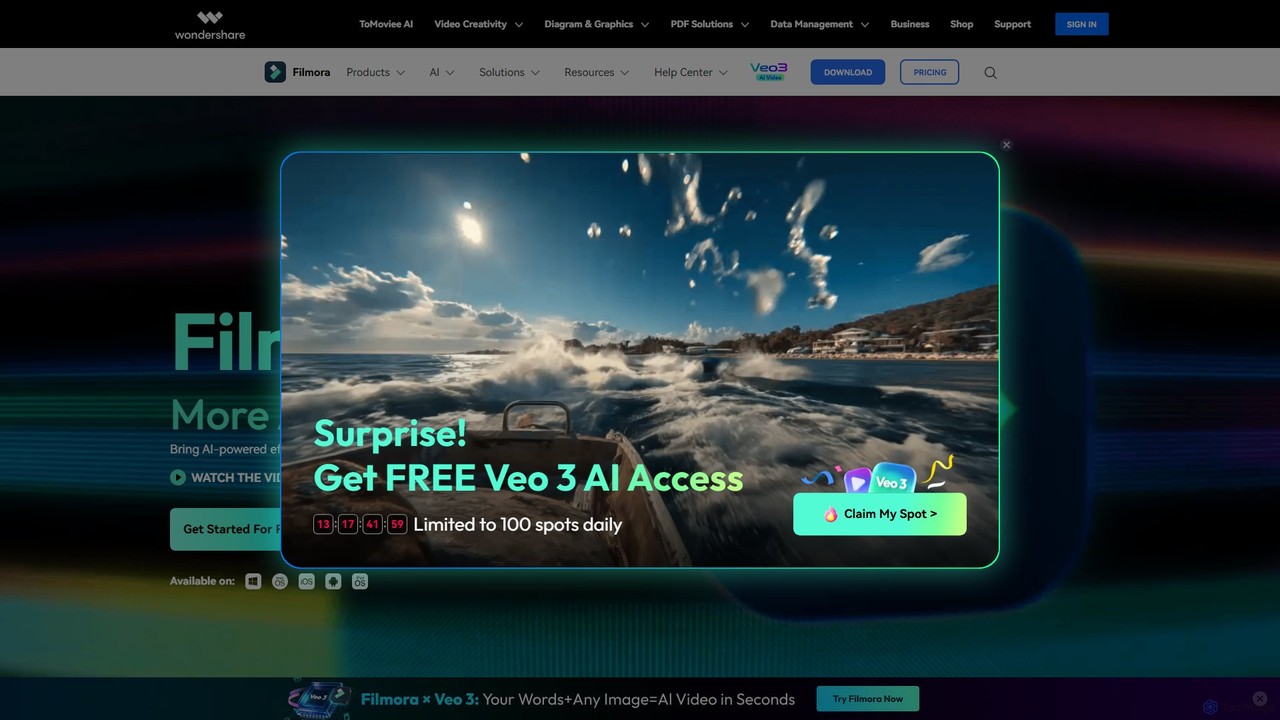
Filmora
Filmora is a powerful and intuitive AI video editor designed for creators of all skill levels. It simplifies the editing process with a suite of AI-powered tools, an extensive library of assets, and a user-friendly interface, making it easy to create professional-quality videos for social media, personal projects, and commercial use.
Social Media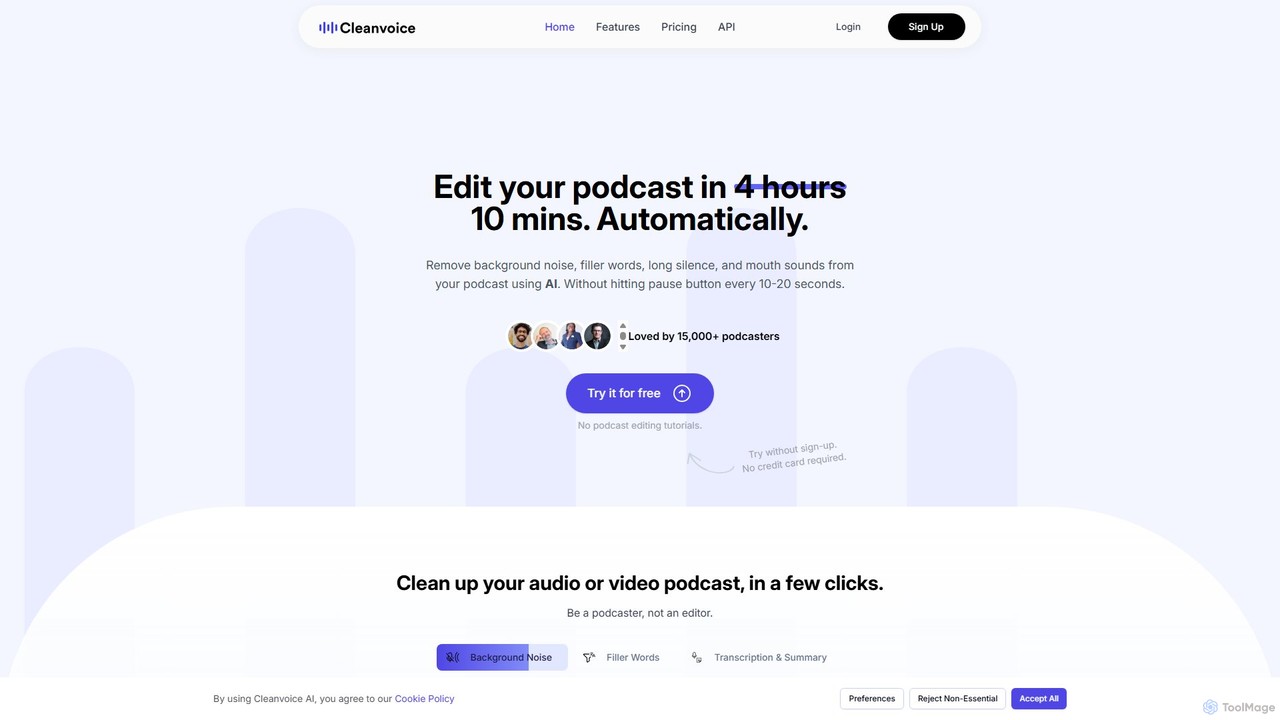
Cleanvoice
Cleanvoice is an AI-powered audio and video editor designed for podcasters and content creators. It automatically removes filler words, background noise, mouth sounds, and long silences from recordings. With features like transcription, summarization, and multitrack editing, it streamlines post-production, saving hours of manual work and delivering studio-quality sound in just a few clicks.
3D
Filmora
Filmora is an AI-powered video editor that simplifies the creation process for both beginners and professionals. It offers a vast suite of AI tools, including smart clip generation, text-to-video, and advanced audio enhancement, combined with a user-friendly interface and a massive library of effects and resources to make video editing faster and more creative.
Social MediaDescript Categories
Descript Embed Widget
Copy this embed code to place the badge on your blog, article, or product site and send readers directly to this ToolMage detail page.

Related AI tools
Descript
Descript is an all-in-one AI-powered video and podcast editor that lets you edit media as easily as editing a text document. It features automatic transcription, screen recording, AI voice cloning, filler word removal, and powerful AI effects like Studio Sound and Green Screen to streamline content creation for creators, marketers, and businesses.
Social MediaFilmora
Filmora is a powerful and intuitive AI video editor designed for creators of all skill levels. It simplifies the editing process with a suite of AI-powered tools, an extensive library of assets, and a user-friendly interface, making it easy to create professional-quality videos for social media, personal projects, and commercial use.
Social MediaCleanvoice
Cleanvoice is an AI-powered audio and video editor designed for podcasters and content creators. It automatically removes filler words, background noise, mouth sounds, and long silences from recordings. With features like transcription, summarization, and multitrack editing, it streamlines post-production, saving hours of manual work and delivering studio-quality sound in just a few clicks.
3DFilmora
Filmora is an AI-powered video editor that simplifies the creation process for both beginners and professionals. It offers a vast suite of AI tools, including smart clip generation, text-to-video, and advanced audio enhancement, combined with a user-friendly interface and a massive library of effects and resources to make video editing faster and more creative.
Social Media
RecCloud
RecCloud is an all-in-one AI-powered video and audio workshop. It integrates screen recording, cloud storage, and a suite of AI tools including speech-to-text, text-to-speech, subtitle generation, and video translation. It's designed to boost productivity for creators, educators, and professionals by simplifying complex editing and processing tasks.
Speech To Text
Zubtitle
Zubtitle is an AI-powered online video editor designed to help creators and marketers quickly optimize videos for social media. It specializes in automatic transcription and subtitling, allowing users to add captions, headlines, logos, and progress bars with just a few clicks. The tool simplifies video repurposing for platforms like Instagram, TikTok, and YouTube Shorts, making it easy to create engaging, professional-looking content that captures attention even when muted.
Transcription
BeeCut
BeeCut is an intuitive and feature-rich video editing software designed for users of all skill levels. It simplifies video creation with a clean interface, extensive asset library, and powerful AI features like auto-subtitling and text-to-speech, making it ideal for vlogs, tutorials, social media content, and more.
Social Media
Detail
Detail is an AI-powered video creation and editing app for iOS and macOS that turns your device into a portable production studio. It automates editing for podcasts, reaction videos, and livestreams with features like a teleprompter, multi-camera recording, green screen, and automatic captions, simplifying professional video creation for everyone.
Content Creation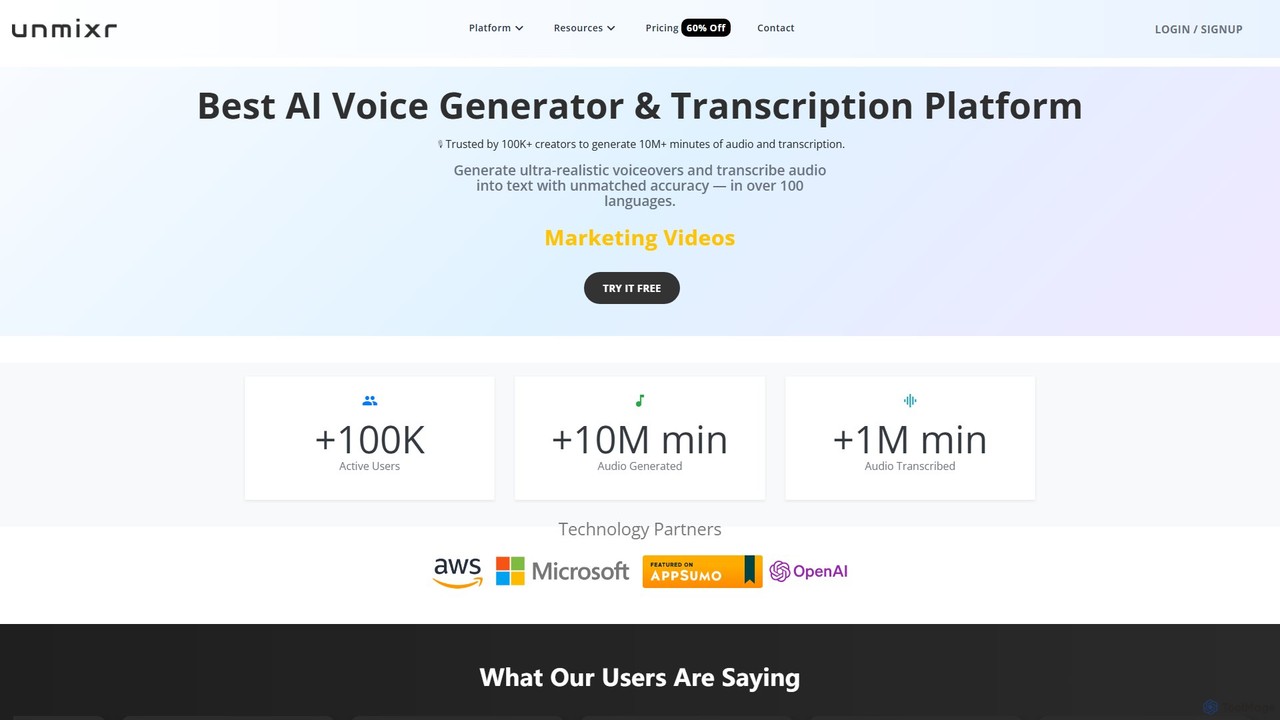
unmixr
unmixr is an all-in-one AI platform for content creation, offering ultra-realistic text-to-speech, highly accurate audio/video transcription, and seamless video dubbing in over 100 languages. It also includes voice cloning, an AI chatbot, and copywriting tools, making it a comprehensive solution for creators, marketers, and filmmakers.
Text To Speech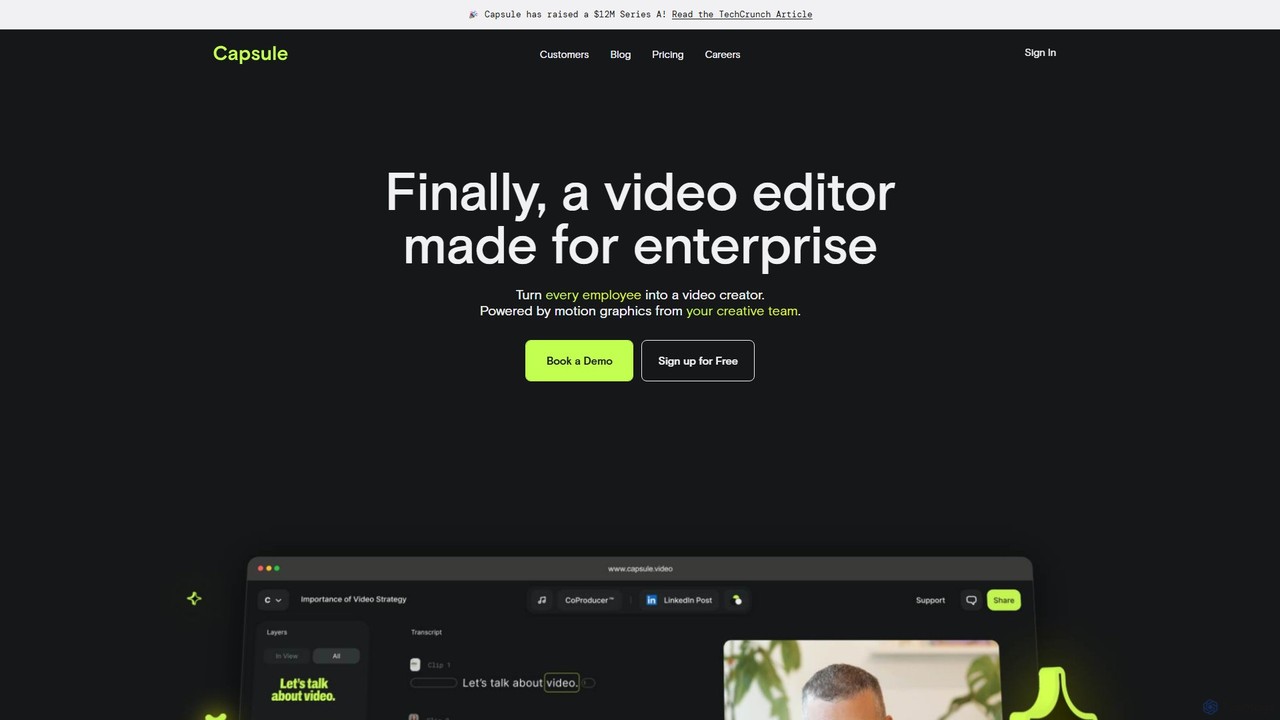
Capsule
Capsule is an AI-powered video editor designed for enterprise teams to create professional, on-brand videos 10x faster. It empowers non-editors with features like AI audio enhancement (VoiceMagic), smart music suggestions, and reusable motion design templates. This collaborative platform streamlines video creation for marketing, sales, and internal communications, ensuring brand consistency at scale.
Social Media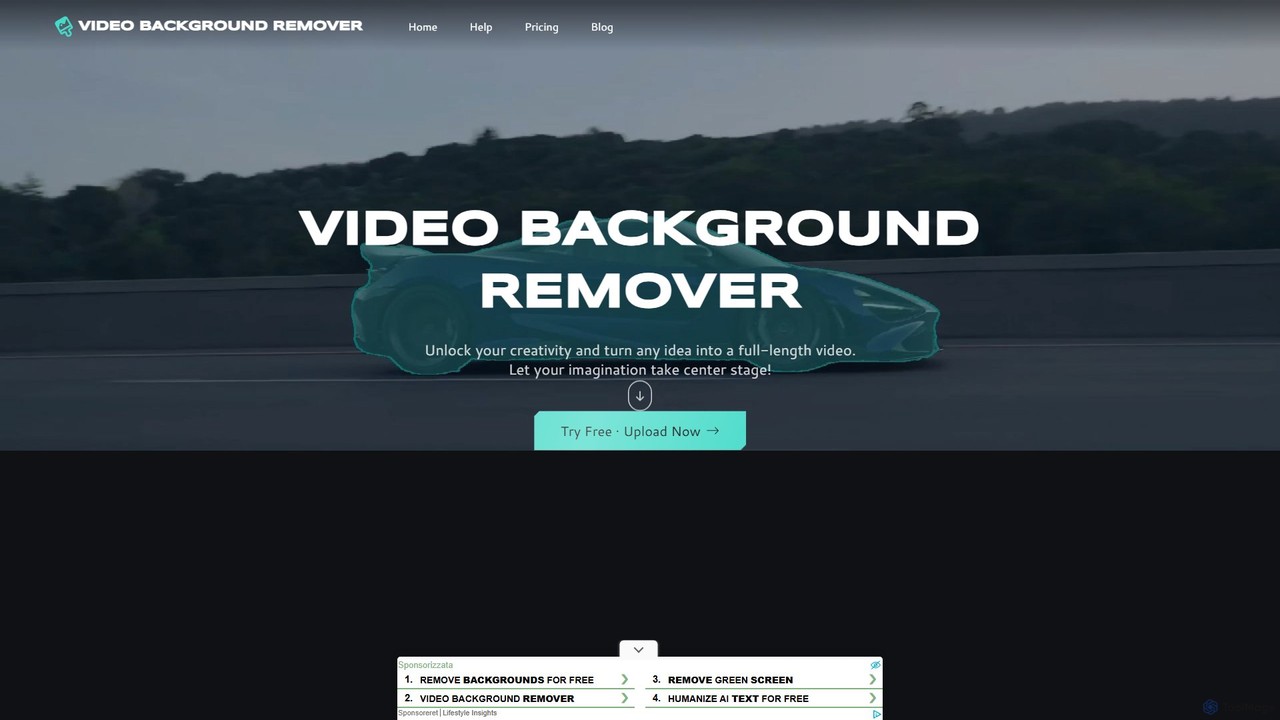
video_background_remover
An AI-powered online tool that allows users to remove video backgrounds instantly without a green screen. It supports multi-subject selection, various editing effects, and Full HD export, all for free and directly in your browser.
Social Media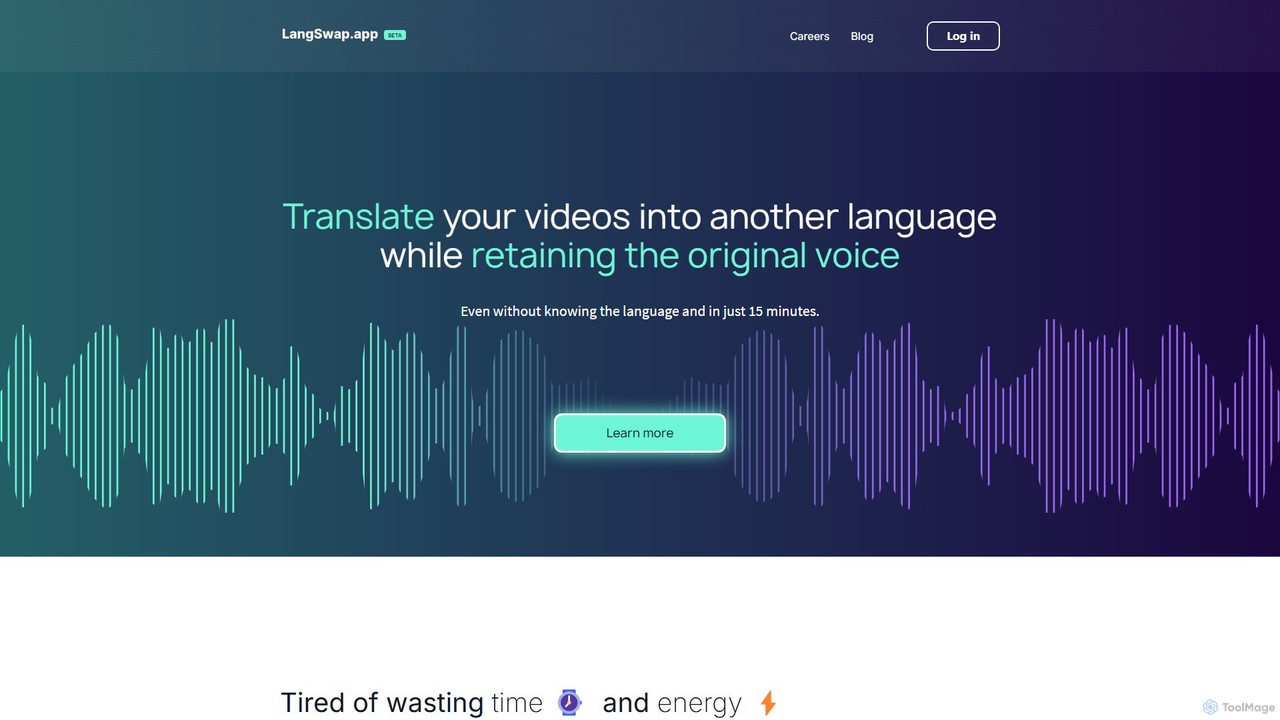
langswap
langswap is an AI-powered platform that translates your videos into multiple languages while preserving your own voice. It uses advanced voice cloning technology to maintain the original speaker's tone, intonation, and style, making video localization fast, affordable, and authentic.
Voice CloningExemplary AI
Exemplary AI is an all-in-one content repurposing toolkit designed for creators, marketers, and businesses. It uses AI to automatically transcribe, translate, and summarize audio and video content. Key features include a video clip generator, text-based video editing, and automatic subtitle creation, enabling users to effortlessly transform long-form content into engaging social media posts, blogs, and more in over 120 languages.
Repurposing
Tella
Tella is an AI-powered screen recorder and video editor for Mac and Windows, designed for entrepreneurs and creators. It simplifies video production by recording in manageable clips and using AI to automatically remove filler words and silences. With features like customizable backgrounds, dynamic zooms, and 4K exports, Tella helps users create professional-looking demos, tutorials, and courses in minutes, not hours, without needing any video editing expertise.
Course Creation
Filmora
Filmora is a powerful yet user-friendly AI video editor designed for creators of all levels. It integrates advanced AI tools like text-to-video, smart cutout, and an AI music generator to streamline the editing process. It offers a rich library of effects, templates, and stock media, making it easy to create professional-quality videos for social media, marketing, or personal projects on Windows and macOS.
Video Generation
Descript Comments (0)
Sign in to comment.
Sign inNo comments yet.