
Detail Overview
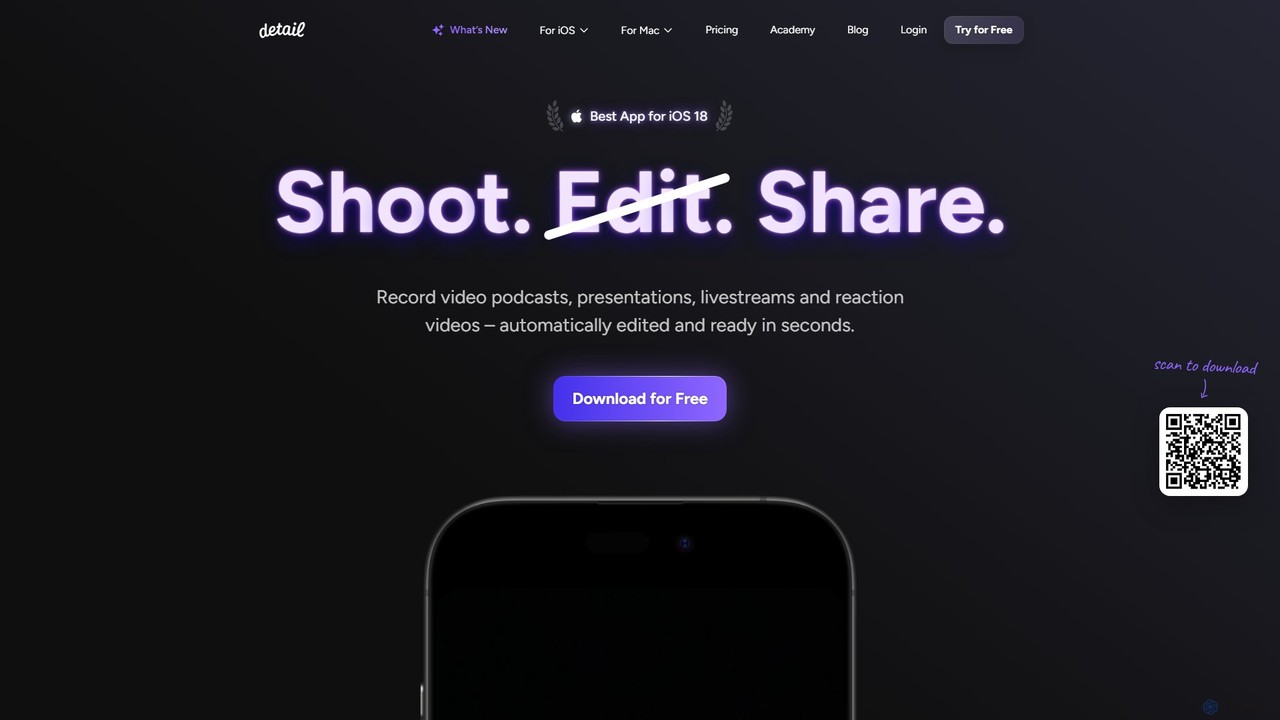
Detail is a comprehensive, AI-powered video studio designed for iOS and macOS, empowering creators to shoot, edit, and share professional-quality videos with unprecedented ease. It effectively transforms your iPhone or Mac into a complete production crew, automating tedious editing tasks and streamlining the entire content creation workflow. Whether you're a podcaster, a social media influencer, an educator, or a marketer, Detail provides the tools to produce engaging content like video podcasts, presentations, reaction videos, and livestreams in seconds.
The platform's core philosophy is to make video production accessible to everyone, eliminating the need for expensive equipment and complex software. With a suite of intelligent features, Detail handles the heavy lifting, allowing you to focus on your message and creativity. From recording with a teleprompter to one-tap AI editing, Detail is built to save you hours of work while delivering polished, share-worthy results.
How to use Detail
Getting started with Detail is intuitive and straightforward. First, download the app on your iPhone, iPad, or Mac. You can then choose your project type: record a solo talking-head video, create a multi-camera shoot by connecting two iPhones, invite a remote guest for a podcast, or make a reaction video by importing a video from a URL. While recording, you can utilize the built-in teleprompter with your own script or one generated by AI. Once you've captured your footage, the magic begins. With a single tap on 'Auto Edit', the AI instantly removes silences, adds dynamic zoom cuts, generates titles and captions, and even selects background music. For more control, you can use the innovative text-based editor to cut and trim your video simply by editing the auto-generated transcript. Finally, customize your video with various layouts, green screen effects, and filters before exporting it in high quality or using the AI to generate short clips and social media posts automatically.
Core Features of Detail
- AI Auto Edit: Automatically edits talking head videos and podcasts by removing silences, switching between speakers, adding zoom cuts, titles, and music.
- Multi-Camera Recording & Livestreaming: Connect two iPhones/iPads wirelessly or invite a remote guest to record and stream from multiple angles to platforms like YouTube, Twitch, and Instagram via RTMP.
- Teleprompter & AI Scripting: Record while reading from a script on-screen. The AI Director can also help brainstorm ideas or generate a script for you.
- Text-Based Video Editing: Edit your video by simply editing the text in the automatically generated transcript. Deleting a word or sentence removes the corresponding video segment.
- Reaction Video Creator: Easily import any online video by pasting a URL (from YouTube, TikTok, etc.) and record your reaction in a seamless picture-in-picture layout.
- Automatic Captions & Transcription: Instantly generate, animate, and customize accurate captions and full transcripts for your videos to improve accessibility and engagement.
- Live Green Screen Editor: Remove your background with a single tap and replace it with an image, video, or professional virtual set, without needing a physical green screen.
- AI Content Repurposing: Automatically generates short, shareable clips, engaging titles, descriptions, and hashtags from your long-form videos.
Use Cases for Detail
Detail is versatile and caters to a wide range of content creators. Podcasters can effortlessly record, edit, and stream high-quality video podcasts with remote guests or multiple local cameras. YouTubers and social media managers can create engaging talking-head videos, tutorials, and reaction videos in a fraction of the time. Educators and coaches can produce professional online course materials and webinars. Marketers and solopreneurs can create promotional videos, product demos, and internal updates without a dedicated video team. It's also perfect for anyone looking to create a polished video resume or simply share their stories and conversations with the world.
Advantages of Detail
The primary advantage of Detail is its ability to dramatically reduce the time and complexity of video production. The AI-powered automation saves hours of manual editing. It democratizes professional video creation by making features like multi-camera setups, green screens, and teleprompters accessible on a mobile device, eliminating the need for costly hardware. The all-in-one workflow, from recording and editing to sharing and repurposing, means you never have to switch between different apps. This integration, combined with its user-friendly interface, empowers even beginners to create high-quality, professional-looking videos.
Pricing and Plans
Detail operates on a freemium model, making it accessible to everyone.
- Basic Plan (€0): This free plan includes unlimited high-quality recording, unlimited editing, unlimited video exports with a watermark, remote recording, multi-camera recording, transcriptions, audio-only exports, automatic captions in 3 styles, a live green screen editor, and a teleprompter.
- Pro Plan (€4.99/month or €59.99/year): This plan includes everything in the Basic plan, plus watermark-free exports, access to all caption styles, AI-generated clips and content, AI Framing for perfect shots, the advanced Podcast Auto Edit feature, and customizable portrait filters.
Note: Detail for iOS and Detail Studio for macOS are separate applications with their own individual subscriptions.
Traffic
Latest traffic
Status
Monthly traffic trend
- 2025-9: 50.8K
- 2026-1: 64.1K
- 2026-2: 54.2K
- 2026-3: 60.2K
- 2026-4: 52.7K
- 2026-5: 74.3K
Geography
Top 5 countries / regions
- 🇺🇸United States50.6%
- 🇳🇬Nigeria15.5%
- 🇬🇧United Kingdom11.6%
- 🇮🇳India11.6%
- 🇻🇳Vietnam10.7%
Traffic sources
| Source type | Percentage |
|---|---|
Direct | 79.2% |
Email | 13.8% |
Referral | 6.9% |
Top keywords
| Keyword | Cost per click |
|---|---|
| detail | $0.56 |
| detail app | $0.00 |
| detail app files | $0.00 |
| how to get transcript of iphone video | $0.00 |
| how to use iphone as a webcam for ipad | $0.00 |
Detail Videos on YouTube

AI Learners India

Shubhankar Raj

We360ai Software


WiseUp Communications
Detail Alternatives
Filmora
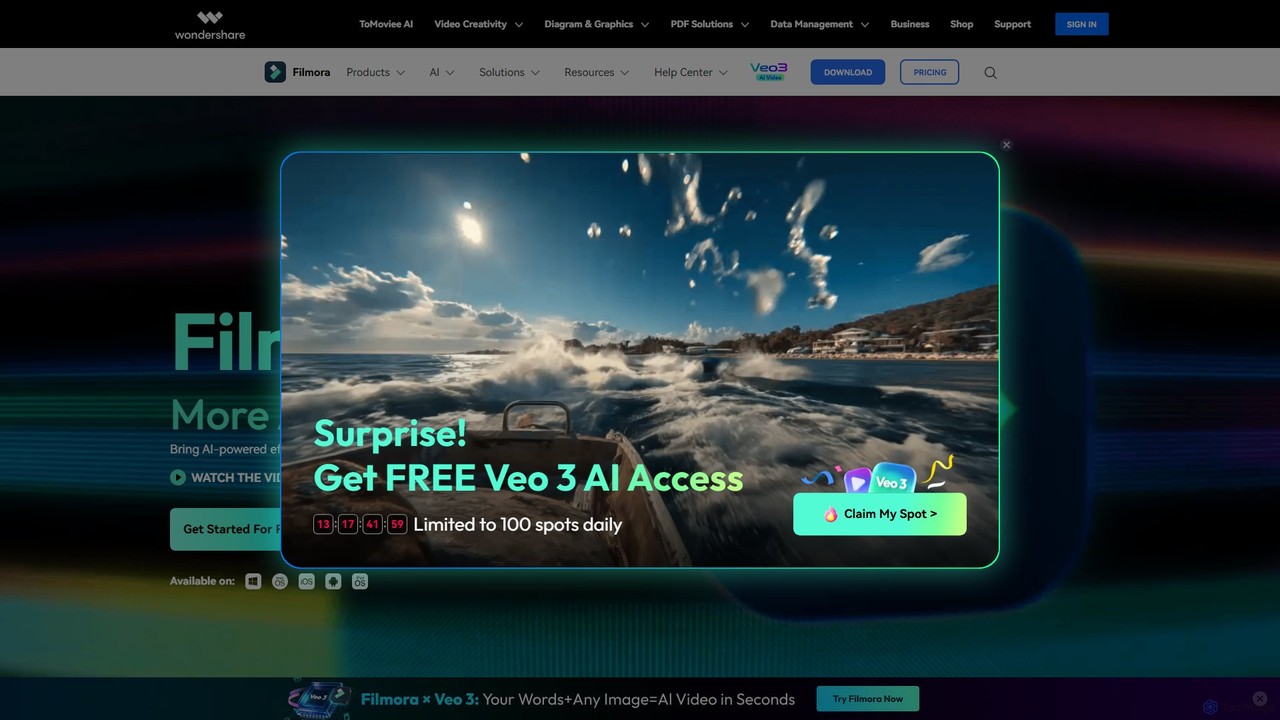
Filmora is a powerful and intuitive AI video editor designed for creators of all skill levels. It simplifies the editing process with a suite of AI-powered tools, an extensive library of assets, and a user-friendly interface, making it easy to create professional-quality videos for social media, personal projects, and commercial use.
Social Media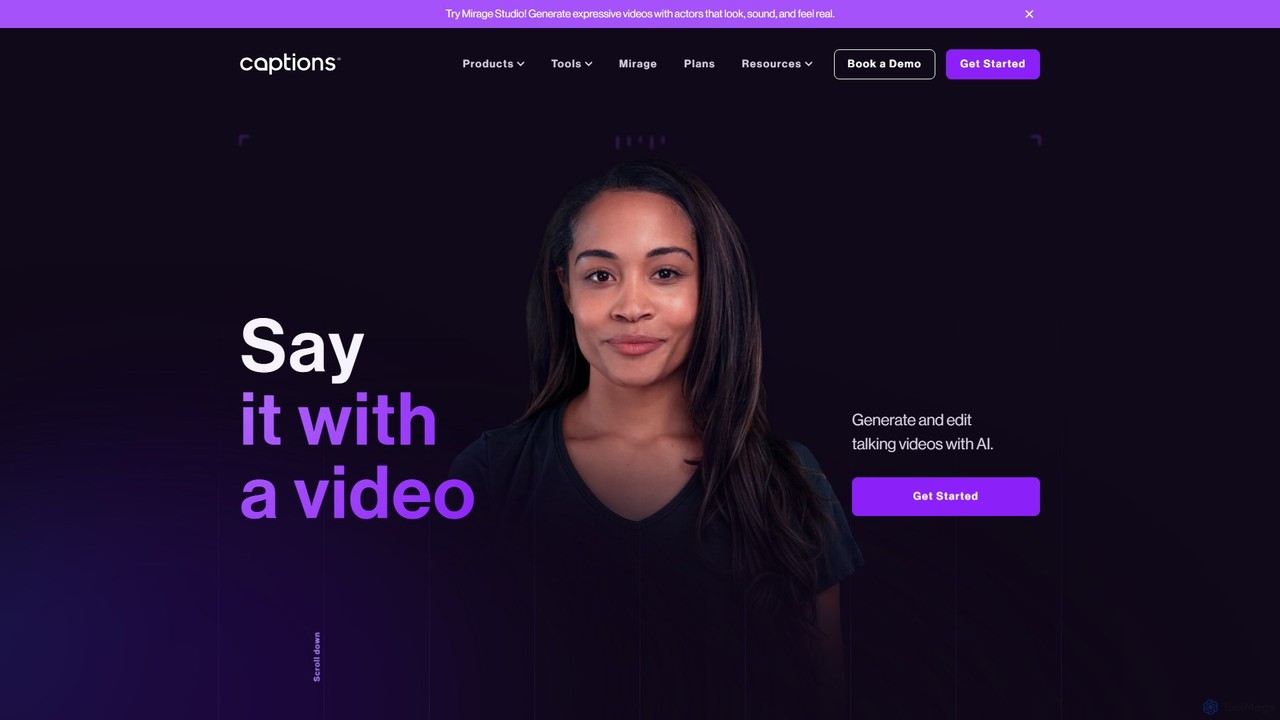
Captions
Captions is an AI-powered creative studio designed for video creators. It automates editing, adds dynamic subtitles, and offers advanced features like AI dubbing, voice generation, and creating a digital twin. It simplifies professional video production, making it accessible for everyone from social media influencers to businesses.
Transcription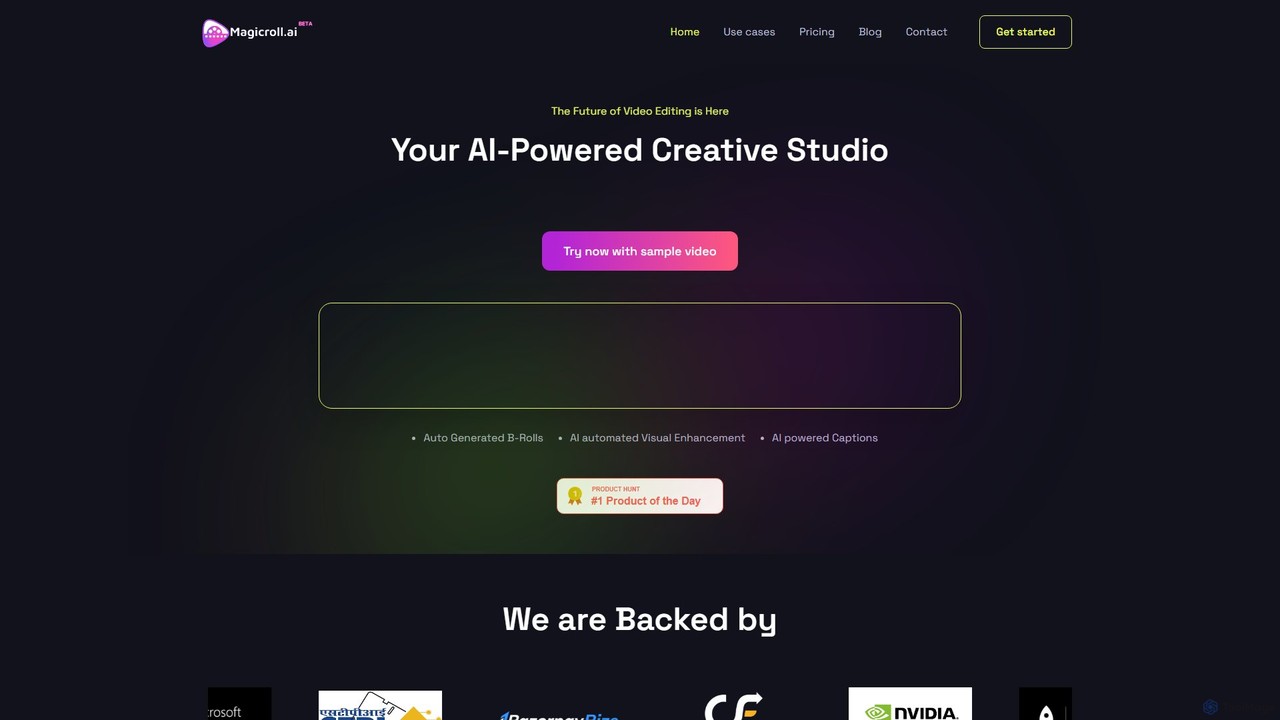
magicroll.ai
magicroll.ai is an AI-powered video editing platform that automates complex tasks. With one click, it generates contextual B-rolls, swaps video backdrops, and adds accurate, multi-language subtitles. It's designed for content creators, marketers, and businesses to produce professional-grade videos in minutes, without any prior editing experience, saving hours of manual work.
Social Media Video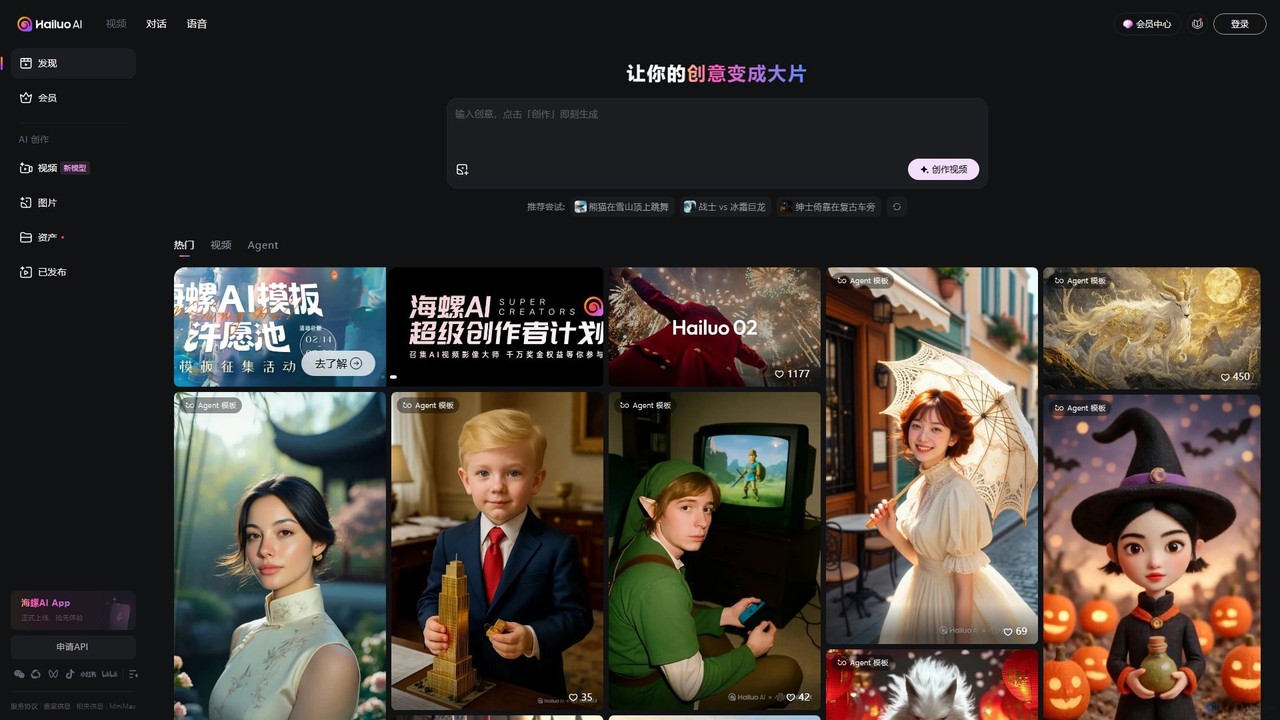
Hailuo AI
Hailuo AI is a powerful AI video generator that transforms your ideas, text prompts, and images into stunning, high-quality videos. Leveraging advanced AI from MiniMax, it offers a wide range of creative templates and customization options, making video creation simple, fun, and efficient for marketers, content creators, and individuals.
Generative Art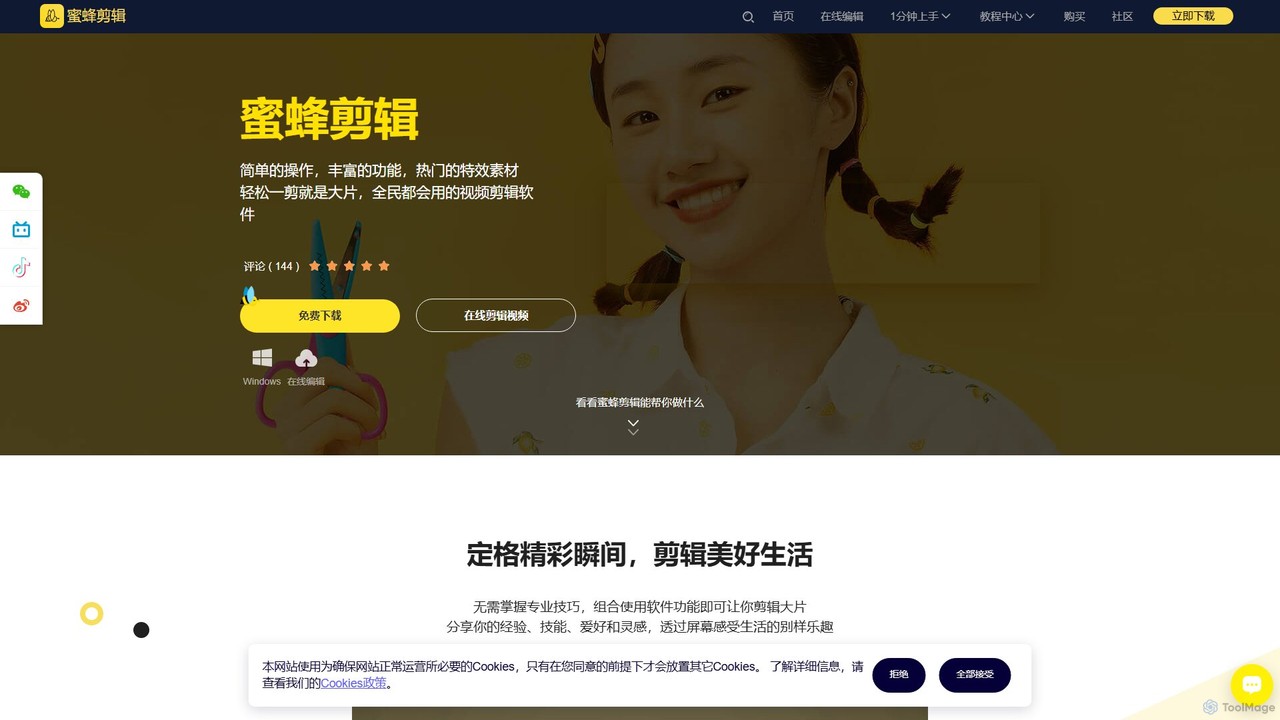
BeeCut
BeeCut is an intuitive and feature-rich video editing software designed for users of all skill levels. It simplifies video creation with a clean interface, extensive asset library, and powerful AI features like auto-subtitling and text-to-speech, making it ideal for vlogs, tutorials, social media content, and more.
Social MediaDetail Categories
Detail Embed Widget
Copy this embed code to place the badge on your blog, article, or product site and send readers directly to this ToolMage detail page.

Related AI tools
Filmora
Filmora is a powerful and intuitive AI video editor designed for creators of all skill levels. It simplifies the editing process with a suite of AI-powered tools, an extensive library of assets, and a user-friendly interface, making it easy to create professional-quality videos for social media, personal projects, and commercial use.
Social Media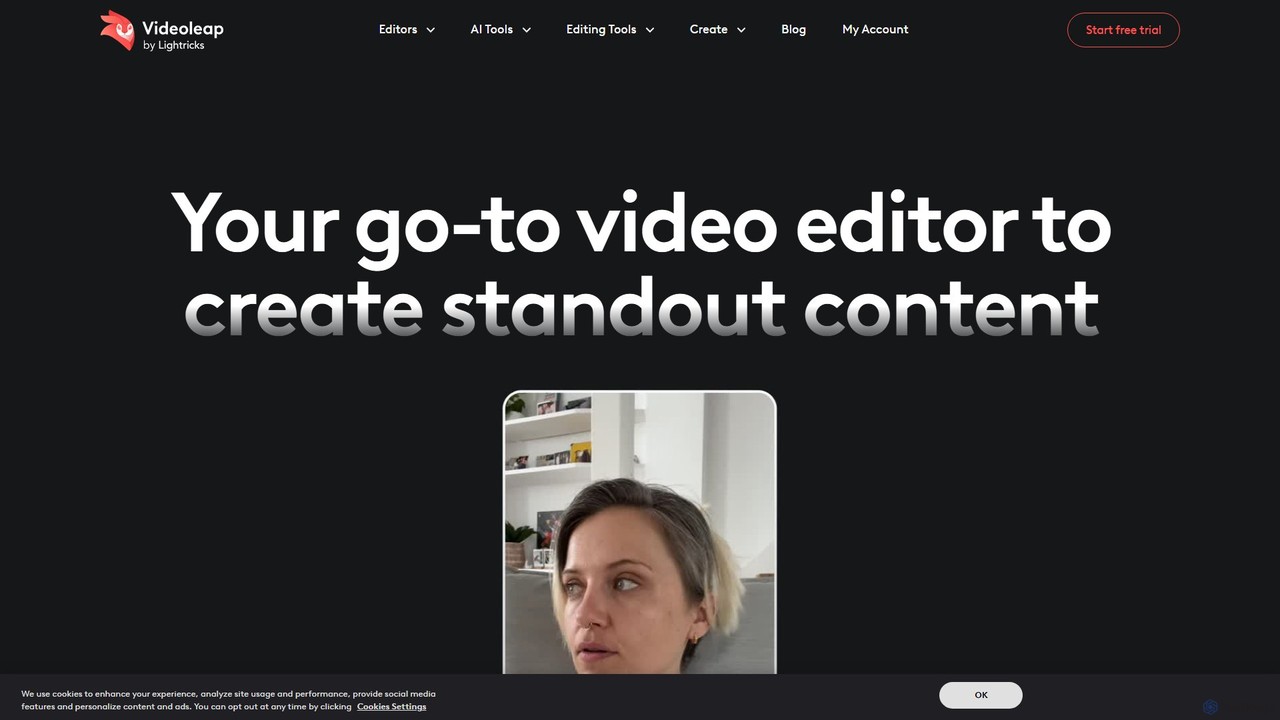
Videoleap
Videoleap is a powerful AI-driven video editor and maker app designed for both beginners and professionals. It combines a full suite of traditional editing tools with cutting-edge AI features like object removal, infinite zoom, and AI-generated effects. Create stunning, professional-quality videos for social media, marketing, or personal projects directly from your mobile device with ease and speed.
Mobile Apps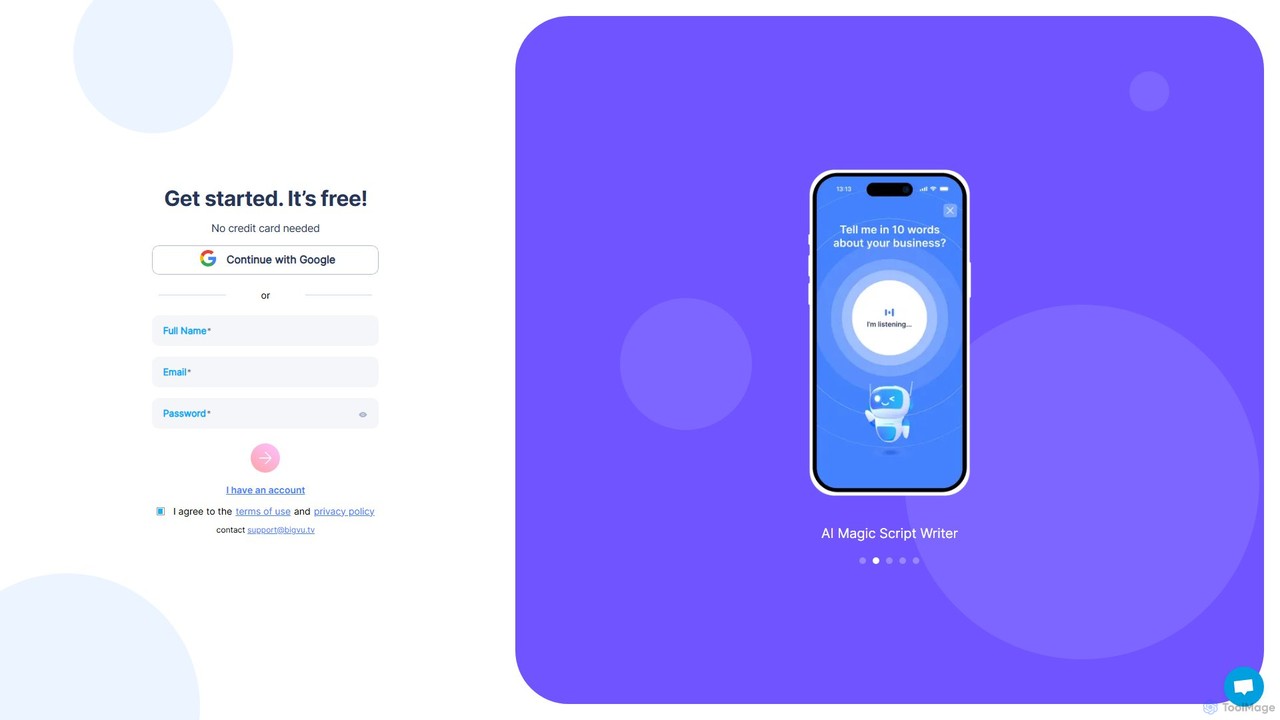
BIGVU
BIGVU is an all-in-one AI video studio designed for professionals and content creators. It combines a smart teleprompter with an AI scriptwriter, automatic captions, and a powerful video editor. Easily create polished, branded videos for social media, marketing, and corporate communications, all from your desktop or mobile device. Go from script to share in minutes.
Social Mediamagicroll.ai
magicroll.ai is an AI-powered video editing platform that automates complex tasks. With one click, it generates contextual B-rolls, swaps video backdrops, and adds accurate, multi-language subtitles. It's designed for content creators, marketers, and businesses to produce professional-grade videos in minutes, without any prior editing experience, saving hours of manual work.
Social Media Video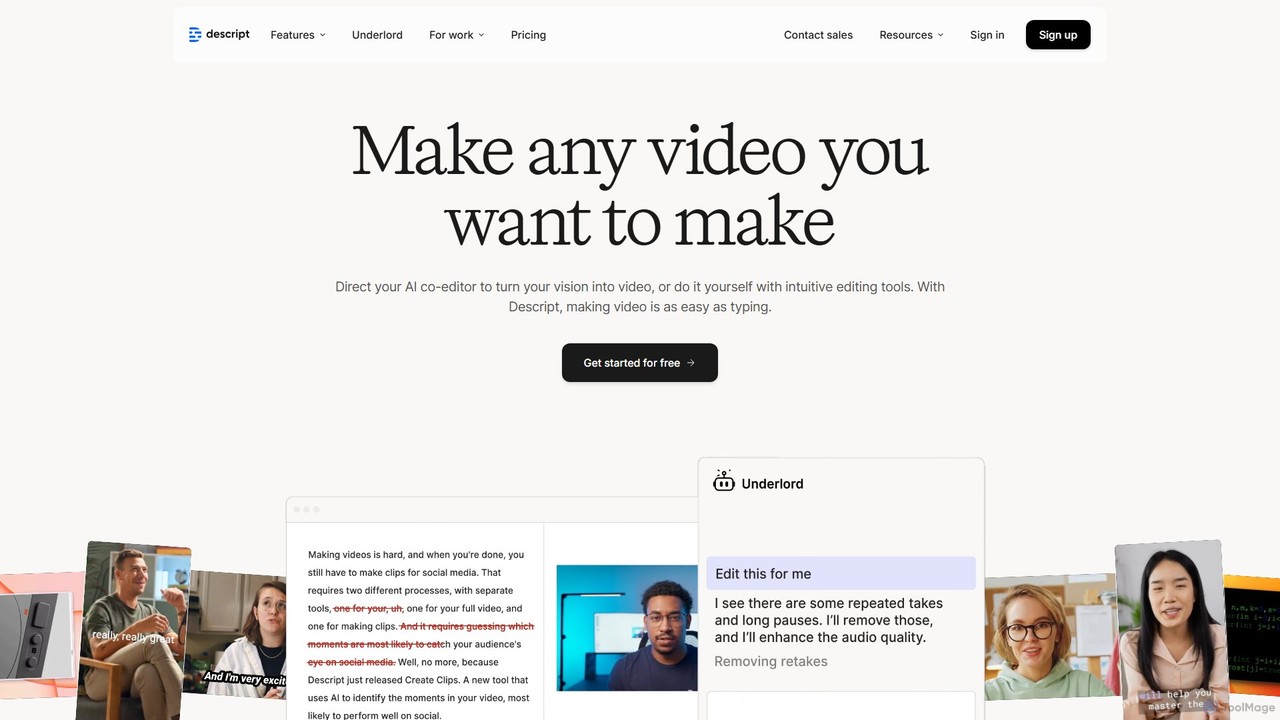
Descript
Descript is an all-in-one AI-powered video and podcast editor that revolutionizes content creation by allowing you to edit media as easily as a text document. It features text-based editing, automatic transcription, and powerful AI tools like Studio Sound, green screen, eye contact correction, and filler word removal. It's the ideal solution for creators and businesses aiming to produce high-quality, professional content with unparalleled efficiency.
Social Media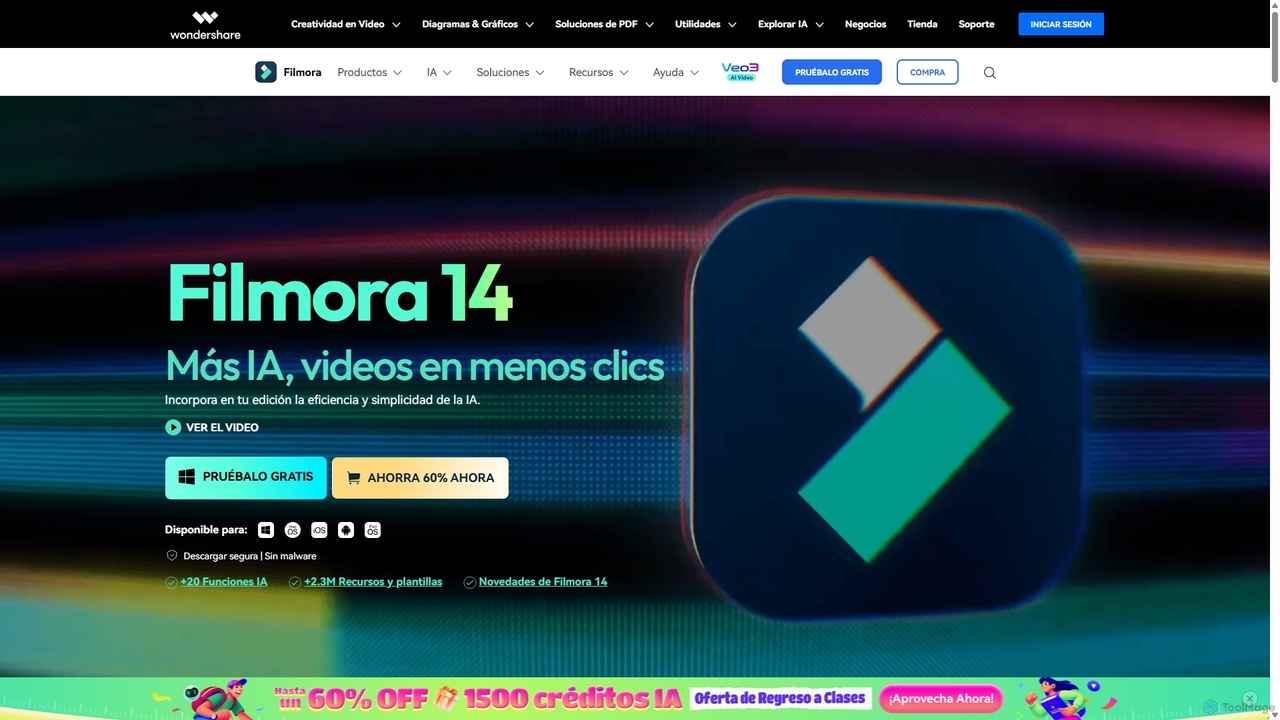
Filmora
Filmora is an AI-powered video editor that simplifies the creation process for both beginners and professionals. It offers a vast suite of AI tools, including smart clip generation, text-to-video, and advanced audio enhancement, combined with a user-friendly interface and a massive library of effects and resources to make video editing faster and more creative.
Social Media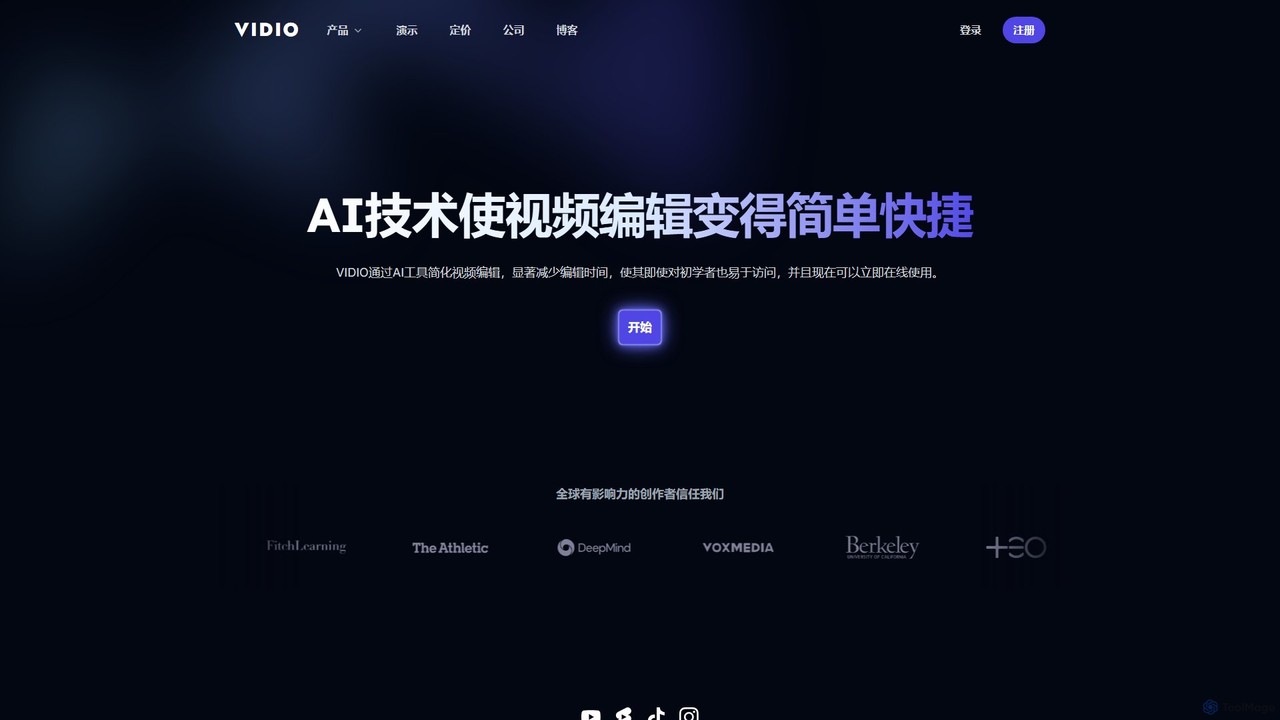
VIDIO
VIDIO is an AI-powered video editing platform that automates and simplifies complex editing tasks. It offers tools for creating motion graphics from text, generating highlight reels, automatic subtitling, face blurring, and more, making professional video creation accessible to everyone.
Social Media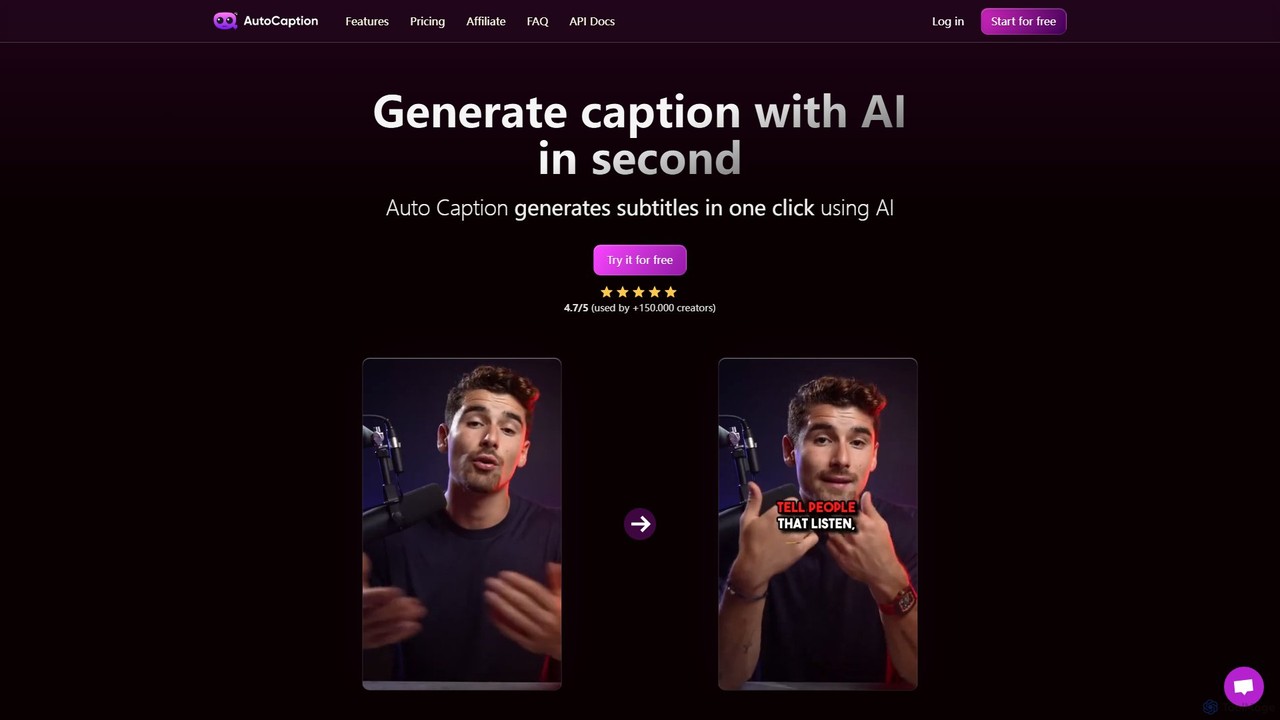
autocaption
autocaption is an AI-powered tool that automatically generates, transcribes, and animates video captions in over 99 languages. Designed for content creators, it saves hours of editing with features like customizable templates, animated emojis, and B-Roll AI. Enhance video engagement and accessibility with fast, fully editable, high-definition subtitles optimized for social media.
Automation
Zubtitle
Zubtitle is an AI-powered online video editor designed to help creators and marketers quickly optimize videos for social media. It specializes in automatic transcription and subtitling, allowing users to add captions, headlines, logos, and progress bars with just a few clicks. The tool simplifies video repurposing for platforms like Instagram, TikTok, and YouTube Shorts, making it easy to create engaging, professional-looking content that captures attention even when muted.
Transcription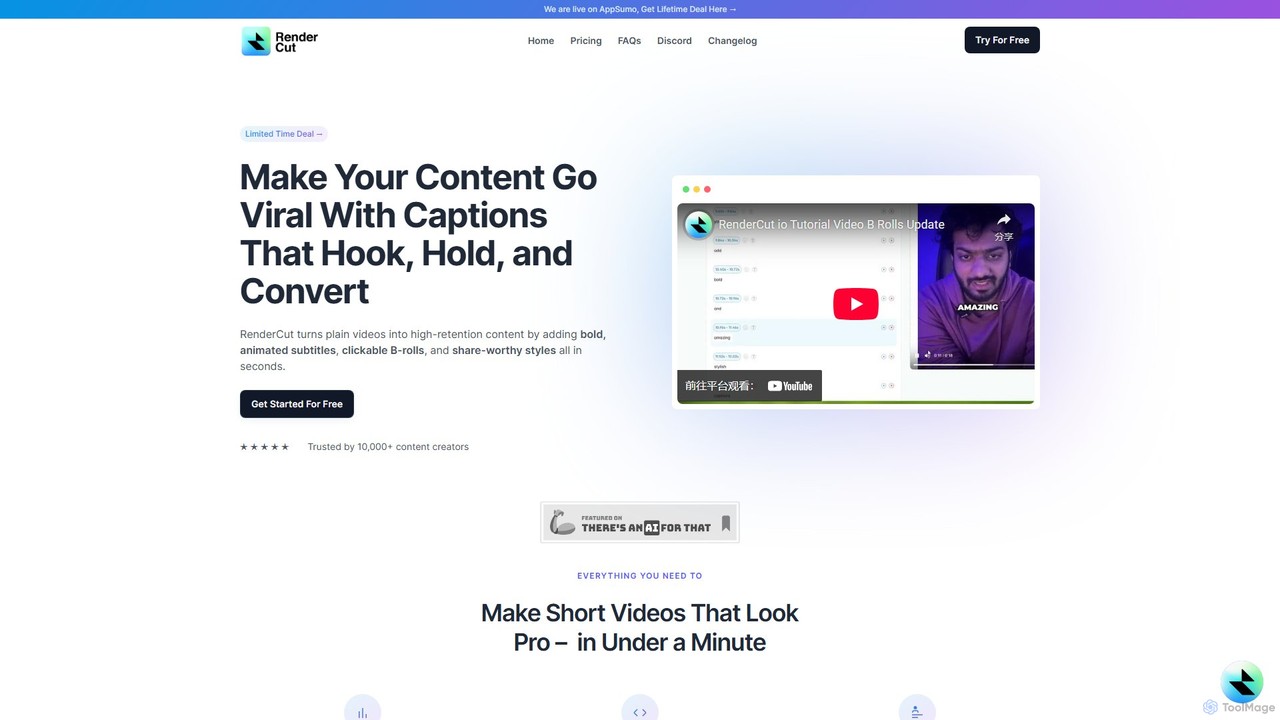
RenderCut
RenderCut is an AI-powered video editing tool that automates the creation of engaging short-form videos. It instantly adds stylish, animated subtitles, B-rolls, emojis, and sound effects, transforming plain videos or audio into high-retention content for platforms like TikTok, Reels, and Shorts. It's designed for content creators, marketers, and businesses to produce professional-looking videos in minutes, not hours.
Video Marketing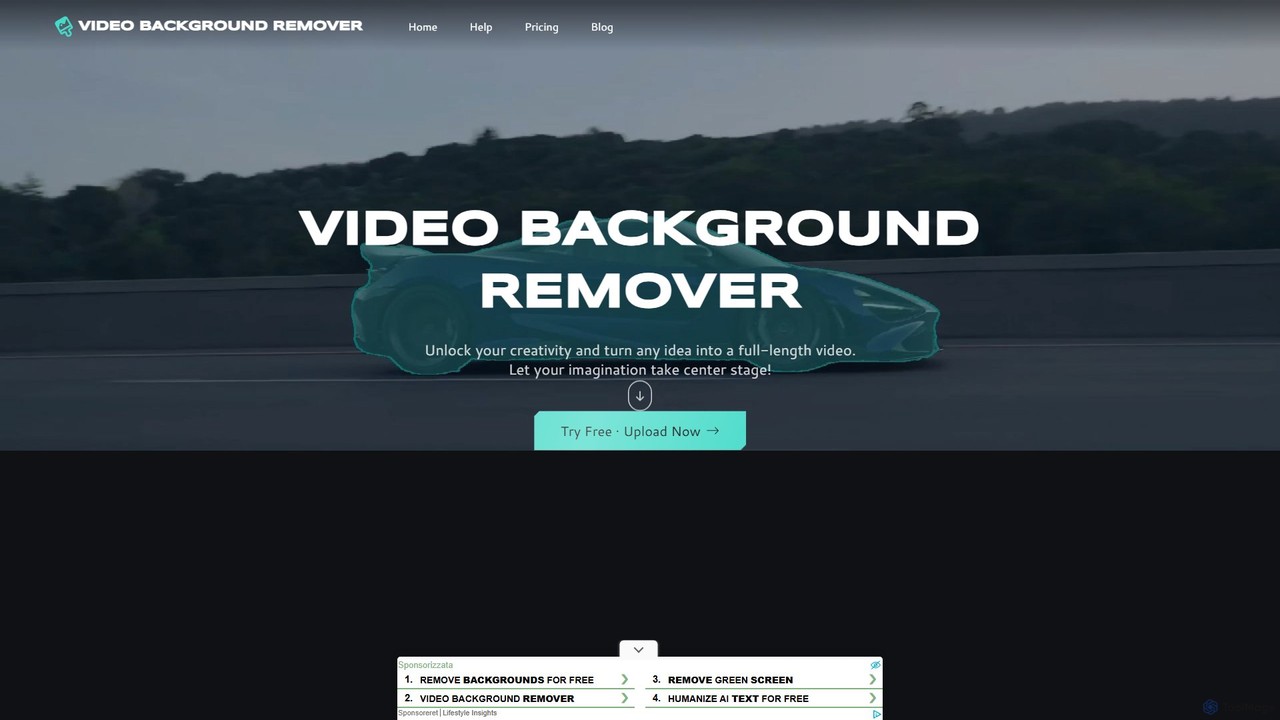
video_background_remover
An AI-powered online tool that allows users to remove video backgrounds instantly without a green screen. It supports multi-subject selection, various editing effects, and Full HD export, all for free and directly in your browser.
Social Media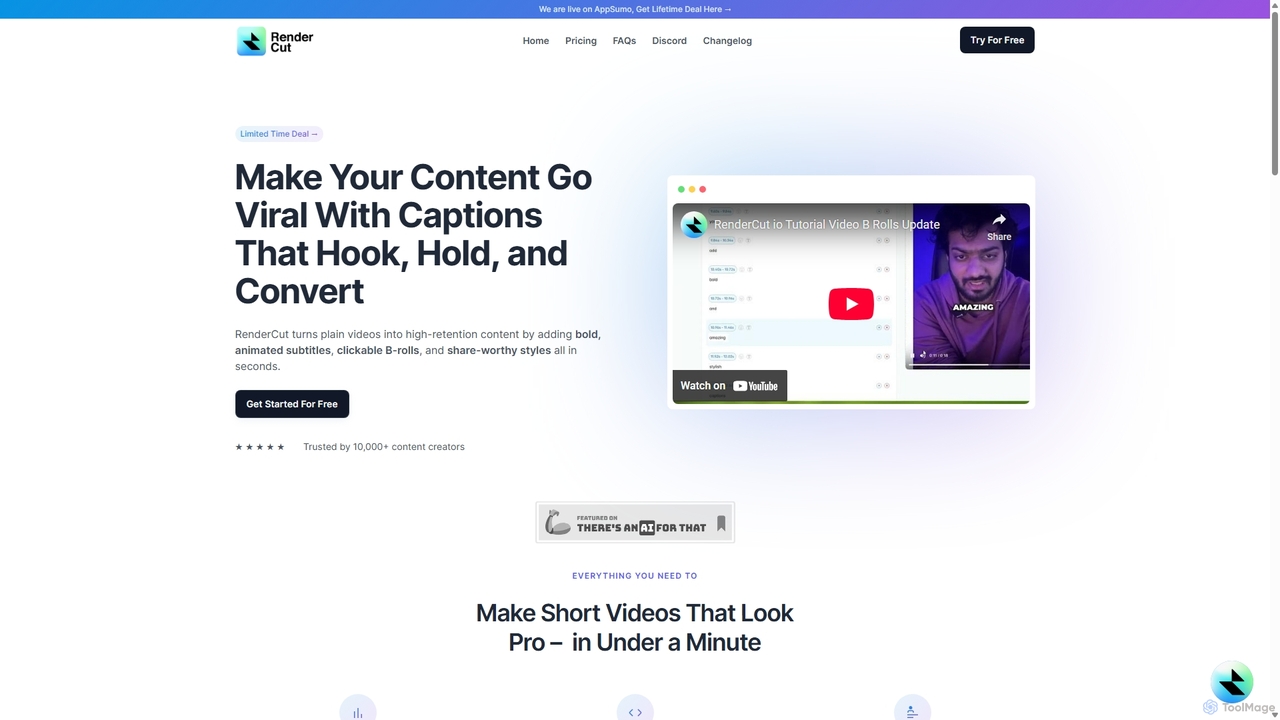
RenderCut
RenderCut is an AI-powered video editing tool that automatically generates stylish, animated subtitles for short-form videos. It helps content creators boost engagement and create viral content by adding customizable captions, B-rolls, emojis, and sound effects in minutes.
Automation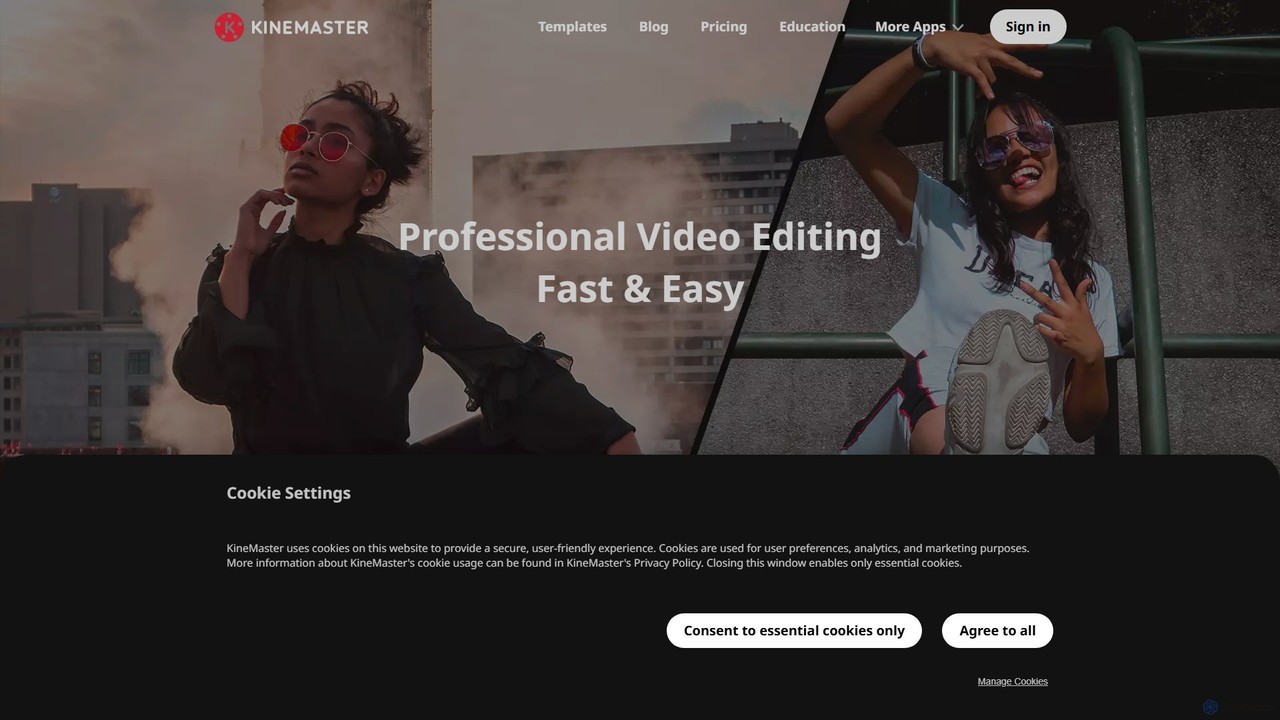
KineMaster
KineMaster is a professional-grade mobile video editing app packed with powerful AI features. It offers a multi-layer timeline, 4K export, and a vast library of templates and assets, making it easy to create stunning videos for social media, vlogs, and marketing directly on your phone.
Mobile Tools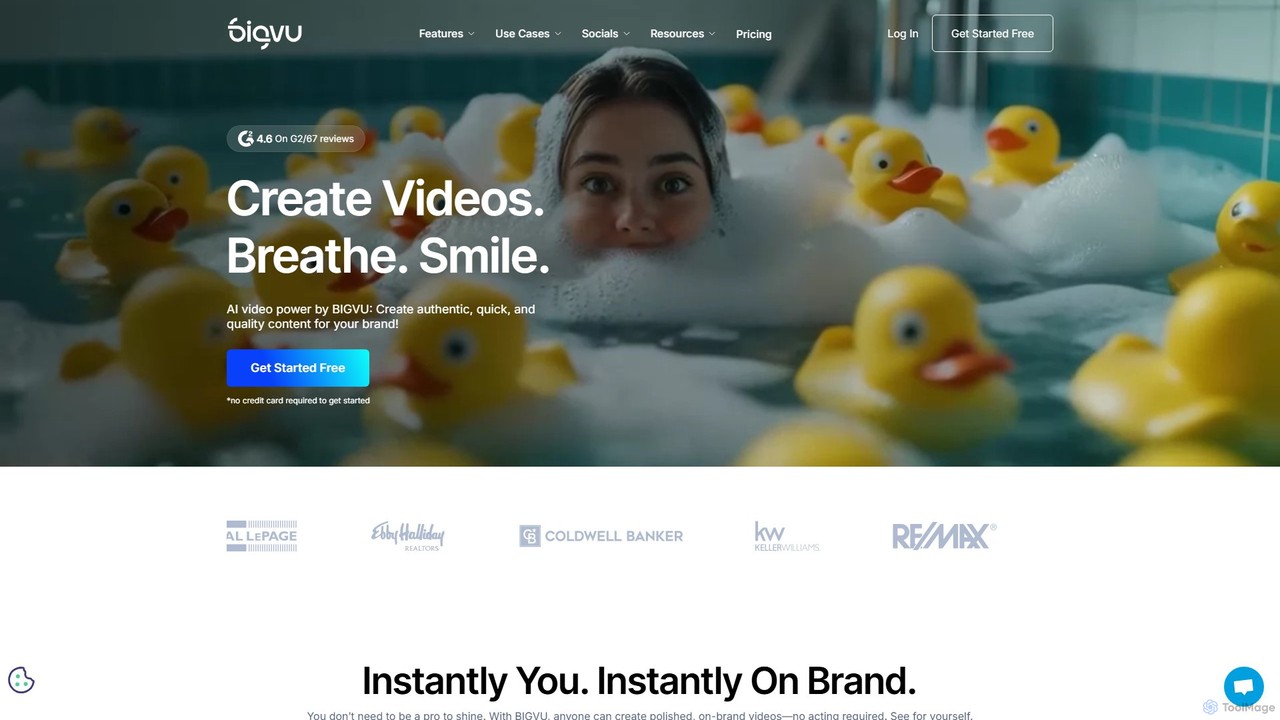
bigvu
bigvu is an all-in-one AI video creation platform that combines a teleprompter, AI script generator, automatic captions, and a powerful video editor. It enables users to script, shoot, style, and share professional-quality videos 10x faster, with features like AI avatars and text-based editing. Ideal for marketing, sales, and content creators.
Script Writing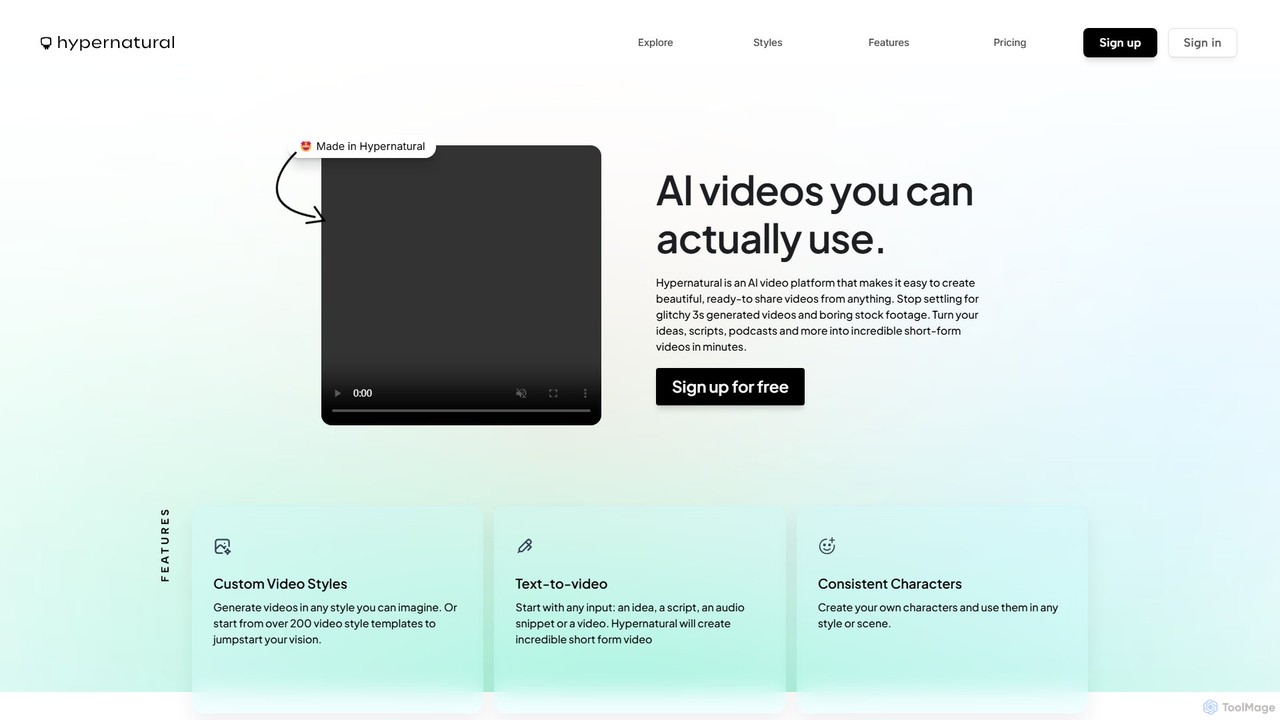
Hypernatural
Hypernatural is an AI video platform that transforms text, scripts, or audio into high-quality, ready-to-share short-form videos. It focuses on creating usable, non-glitchy content with consistent characters and custom styles, making professional video creation accessible to everyone from marketers to content creators.
Advertising
Detail Comments (0)
Sign in to comment.
Sign inNo comments yet.