

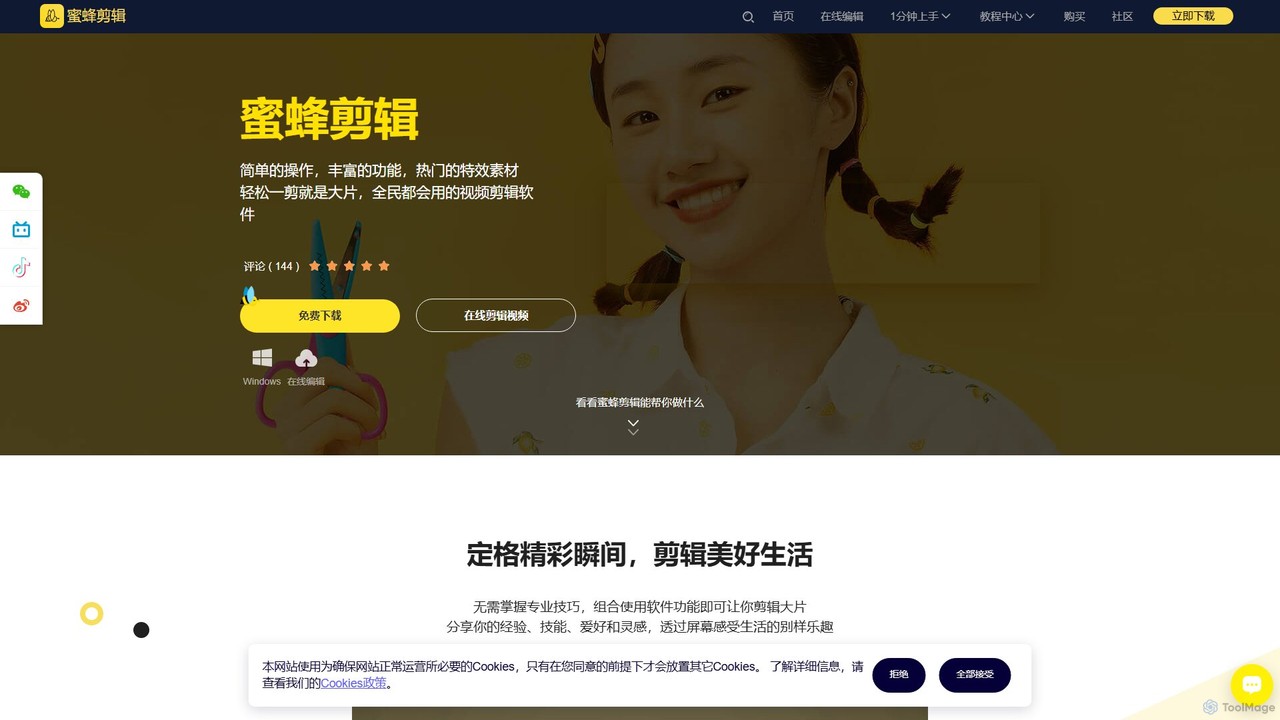
BeeCut Overview
BeeCut is a versatile and user-friendly video editing software developed by Shenzhen Wangxu Technology Co., Ltd. It is designed to make video creation accessible to everyone, from complete beginners to experienced content creators. The software strikes a balance between simplicity and functionality, offering a comprehensive suite of tools within an intuitive interface. Whether you're creating personal vlogs, educational content, marketing videos, or professional-looking films, BeeCut provides the necessary features to bring your vision to life.
The core philosophy of BeeCut is to eliminate the steep learning curve often associated with professional video editing software. It empowers users to produce high-quality videos without needing extensive technical knowledge. The platform is equipped with a vast and constantly updated library of creative assets, including trendy filters, dynamic transitions, stylish overlays, and fun animations, allowing users to add a professional polish to their projects with simple drag-and-drop actions.
How to use BeeCut
Using BeeCut is a straightforward process designed for efficiency and ease of use:
- Import Media: Start by importing your video clips, images, and audio files into the media library. The software supports a wide range of formats.
- Arrange on Timeline: Drag and drop your media files onto the multi-track timeline. You can easily arrange, trim, and split clips directly on the timeline.
- Edit and Enhance: Utilize the toolbar for essential editing tasks like cropping, rotating, adjusting speed, or reversing clips. Enhance your video with color grading tools to adjust brightness, contrast, and saturation.
- Add Creative Elements: Browse the extensive library to add text, subtitles, filters, overlays, transitions, and animations. AI-powered features like Speech-to-Text can automatically generate subtitles, while Text-to-Speech can create voice-overs.
- Incorporate Audio: Add background music from the built-in library or import your own. Adjust volume, add fade-in/out effects, or use the audio denoise feature for clearer sound.
- Export and Share: Once your video is complete, preview it and then export it in various resolutions and formats suitable for social media, websites, or personal storage.
Core Features of BeeCut
- AI-Powered Tools: Includes smart features like Speech-to-Text for automatic subtitle generation and Text-to-Speech for creating voice-overs with various natural-sounding voices.
- Rich Asset Library: Access a vast collection of regularly updated subtitles, filters, overlays, transitions, animations, and royalty-free music to enhance your videos.
- Advanced Editing Functions: Supports advanced features such as Picture-in-Picture (PiP) for overlaying multiple videos, Green Screen (Chroma Key) for changing video backgrounds, and Freeze Frame to highlight specific moments.
- Basic & Precise Editing: Offers all fundamental editing tools, including splitting, cropping, merging, rotating, and precise speed control (from 0.2x to 5x).
- Integrated Screen Recorder: A built-in screen recording function is perfect for creating tutorials, game commentary videos, or recording online meetings.
- Color Grading: Fine-tune the look of your video by adjusting brightness, contrast, saturation, hue, and more to achieve the desired cinematic style.
- Audio Editing: Easily add and edit audio tracks, reduce background noise, and adjust volume levels for professional-quality sound.
Use Cases for BeeCut
BeeCut is adaptable for a wide variety of video production needs:
- Content Creators: Ideal for YouTubers and vloggers creating daily vlogs, tutorials, and game commentary.
- Educators and Trainers: Perfect for producing online courses, instructional videos, and educational presentations with features like screen recording and auto-subtitles.
- Marketers and Businesses: Create engaging promotional videos, product showcases for e-commerce platforms like Taobao, and corporate training materials.
- Personal Use: Easily compile photo albums, wedding videos, travel montages, and family event recordings.
- Social Media Managers: Quickly edit and format videos for platforms like TikTok, Instagram, and Facebook, using trendy effects and animations.
Advantages of BeeCut
BeeCut stands out for its user-centric design and powerful capabilities:
- Ease of Use: Its intuitive interface makes it accessible for beginners without sacrificing advanced features.
- Efficiency: AI-driven features significantly speed up the editing process, especially for tasks like subtitling and voice-overs.
- Versatility: A single tool that caters to diverse needs, from simple personal projects to more complex professional videos.
- Creative Freedom: The constantly growing library of assets ensures you always have fresh and trendy elements to work with.
Pricing and Plans
BeeCut operates on a freemium model. Users can download a free version to explore the basic functionalities. The free version may include limitations such as a watermark on exported videos. To access all advanced features, remove watermarks, and receive dedicated support, users can upgrade to a premium plan. These plans are typically offered as flexible subscriptions, such as monthly, annual, or a one-time lifetime purchase, providing a cost-effective solution for all types of users.
Traffic
Latest traffic
Status
Monthly traffic trend
- 2025-9: 41.2K
- 2026-1: 39.3K
- 2026-2: 25.2K
- 2026-3: 29.7K
- 2026-4: 36.7K
- 2026-5: 25.6K
Geography
Top 5 countries / regions
- 🇨🇳China76.0%
- 🇺🇸United States7.6%
- 🇭🇰Hong Kong SAR China7.1%
- 🇸🇬Singapore5.3%
- 🇮🇳India4.1%
Traffic sources
| Source type | Percentage |
|---|---|
Direct | 75.2% |
Referral | 24.8% |
BeeCut Alternatives
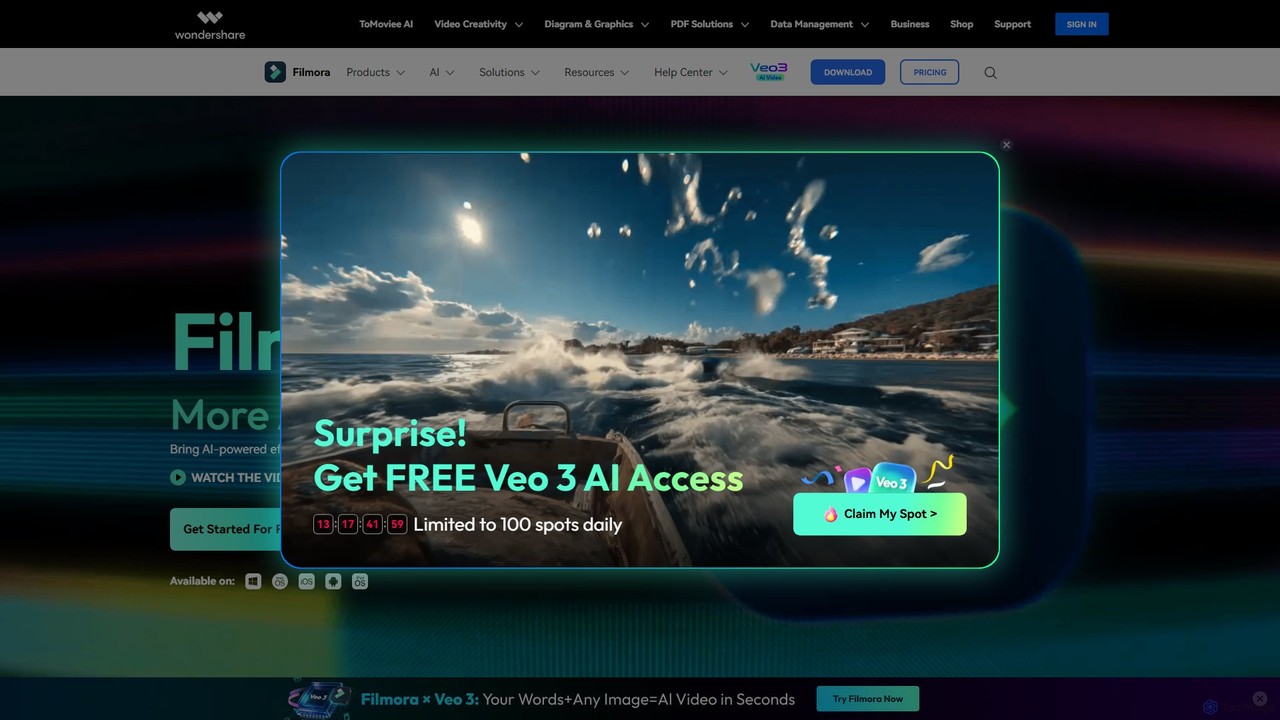
Filmora
Filmora is a powerful and intuitive AI video editor designed for creators of all skill levels. It simplifies the editing process with a suite of AI-powered tools, an extensive library of assets, and a user-friendly interface, making it easy to create professional-quality videos for social media, personal projects, and commercial use.
Social Media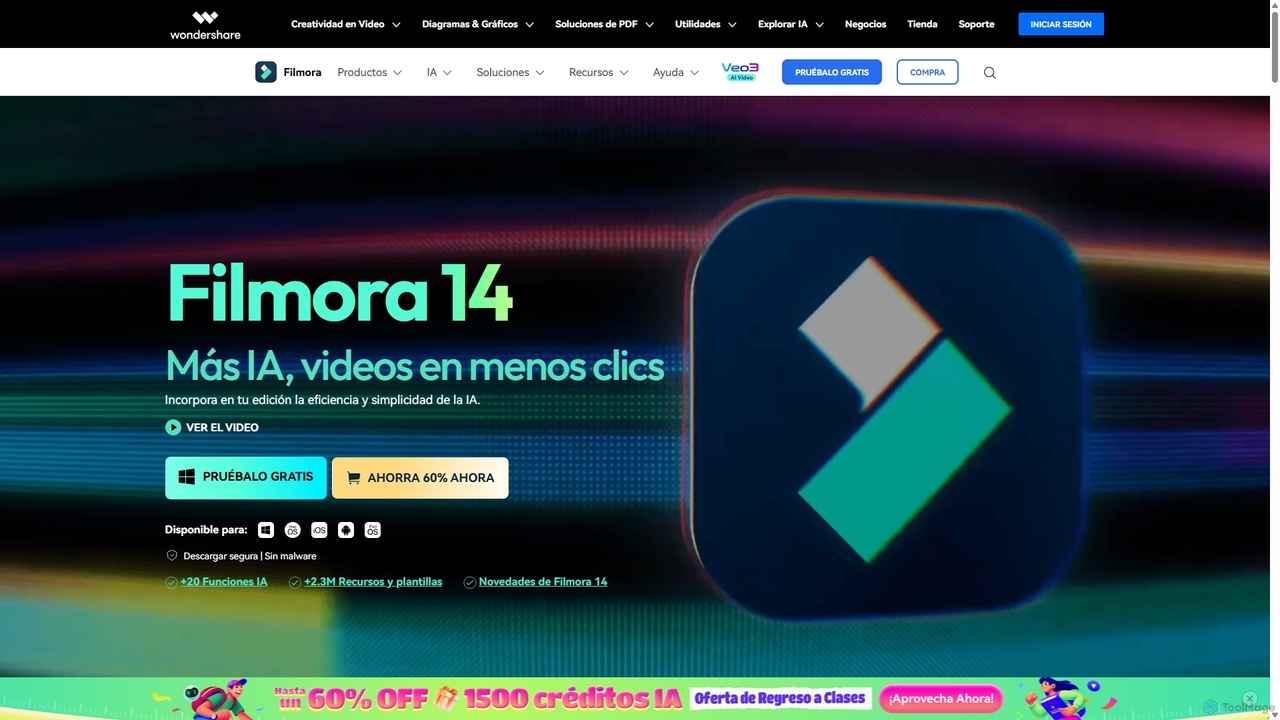
Filmora
Filmora is an AI-powered video editor that simplifies the creation process for both beginners and professionals. It offers a vast suite of AI tools, including smart clip generation, text-to-video, and advanced audio enhancement, combined with a user-friendly interface and a massive library of effects and resources to make video editing faster and more creative.
Social Media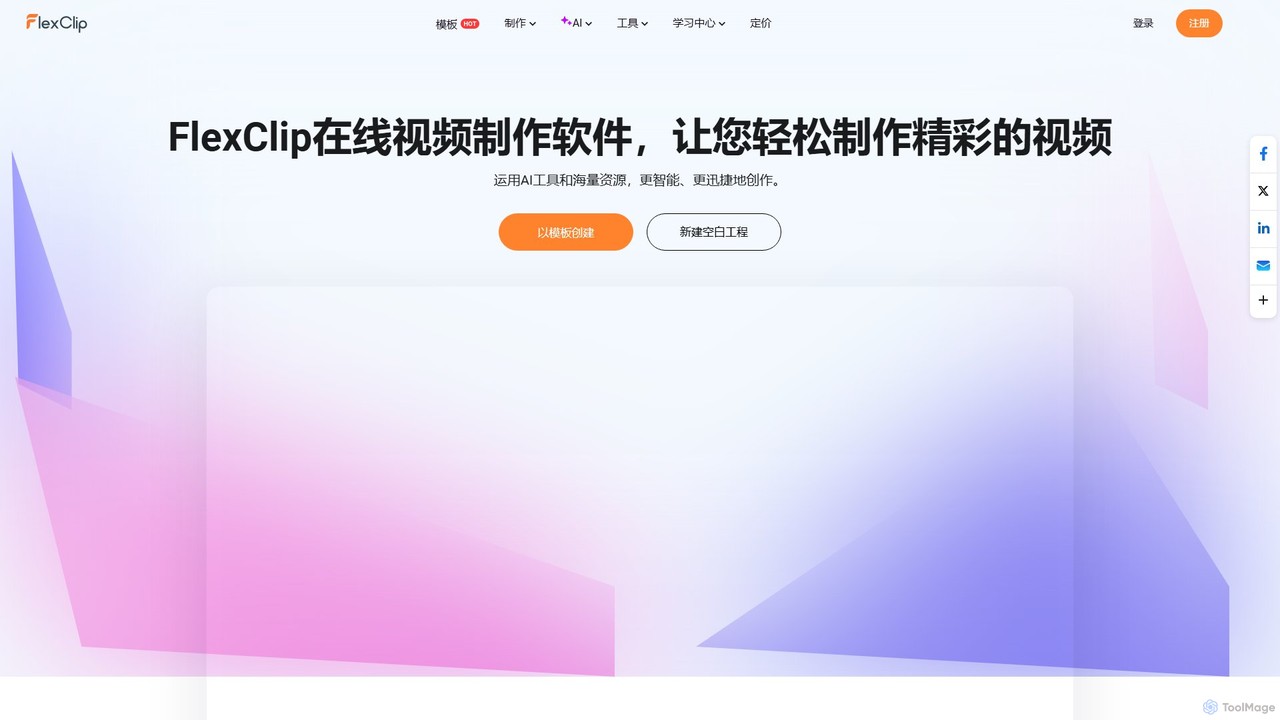
FlexClip
A powerful yet easy-to-use online video maker that combines traditional editing tools with a suite of AI features. Create professional videos for marketing, social media, or personal use with a vast library of templates, stock media, and intelligent tools like AI video generation, auto-subtitling, and text-to-speech.
Social Media
Unscreen
Unscreen is an AI-powered tool that automatically removes video backgrounds without needing a green screen. It allows users to upload videos, GIFs, or URLs to instantly get a transparent background, perfect for content creators, marketers, and video editors seeking a quick, high-quality solution.
Social Media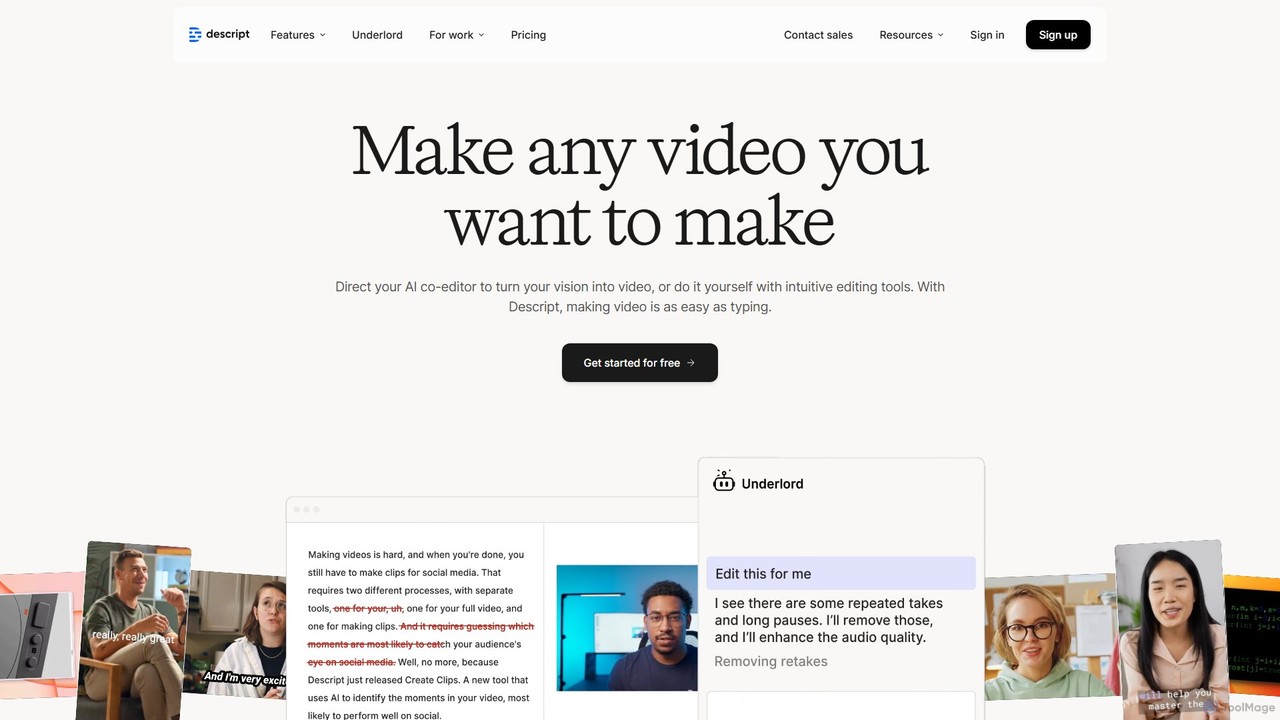
Descript
Descript is an all-in-one AI-powered video and podcast editor that revolutionizes content creation by allowing you to edit media as easily as a text document. It features text-based editing, automatic transcription, and powerful AI tools like Studio Sound, green screen, eye contact correction, and filler word removal. It's the ideal solution for creators and businesses aiming to produce high-quality, professional content with unparalleled efficiency.
Social MediaBeeCut Categories
BeeCut Embed Widget
Copy this embed code to place the badge on your blog, article, or product site and send readers directly to this ToolMage detail page.

Related AI tools
Filmora
Filmora is an AI-powered video editor that simplifies the creation process for both beginners and professionals. It offers a vast suite of AI tools, including smart clip generation, text-to-video, and advanced audio enhancement, combined with a user-friendly interface and a massive library of effects and resources to make video editing faster and more creative.
Social MediaFlexClip
A powerful yet easy-to-use online video maker that combines traditional editing tools with a suite of AI features. Create professional videos for marketing, social media, or personal use with a vast library of templates, stock media, and intelligent tools like AI video generation, auto-subtitling, and text-to-speech.
Social Media
Filmora
Filmora is a powerful yet user-friendly AI video editor designed for creators of all levels. It integrates advanced AI tools like text-to-video, smart cutout, and an AI music generator to streamline the editing process. It offers a rich library of effects, templates, and stock media, making it easy to create professional-quality videos for social media, marketing, or personal projects on Windows and macOS.
Video GenerationFilmora
Filmora is a powerful and intuitive AI video editor designed for creators of all skill levels. It simplifies the editing process with a suite of AI-powered tools, an extensive library of assets, and a user-friendly interface, making it easy to create professional-quality videos for social media, personal projects, and commercial use.
Social MediaDescript
Descript is an all-in-one AI-powered video and podcast editor that revolutionizes content creation by allowing you to edit media as easily as a text document. It features text-based editing, automatic transcription, and powerful AI tools like Studio Sound, green screen, eye contact correction, and filler word removal. It's the ideal solution for creators and businesses aiming to produce high-quality, professional content with unparalleled efficiency.
Social Media
Clipchamp
Clipchamp is a user-friendly, AI-powered online video editor from Microsoft. It enables everyone, from beginners to professionals, to create stunning videos with features like AI-driven text-to-speech, automatic subtitles, and smart editing tools. Available on browsers, Windows, and iOS, it's an all-in-one solution for content creators, businesses, and educators.
Text To Speech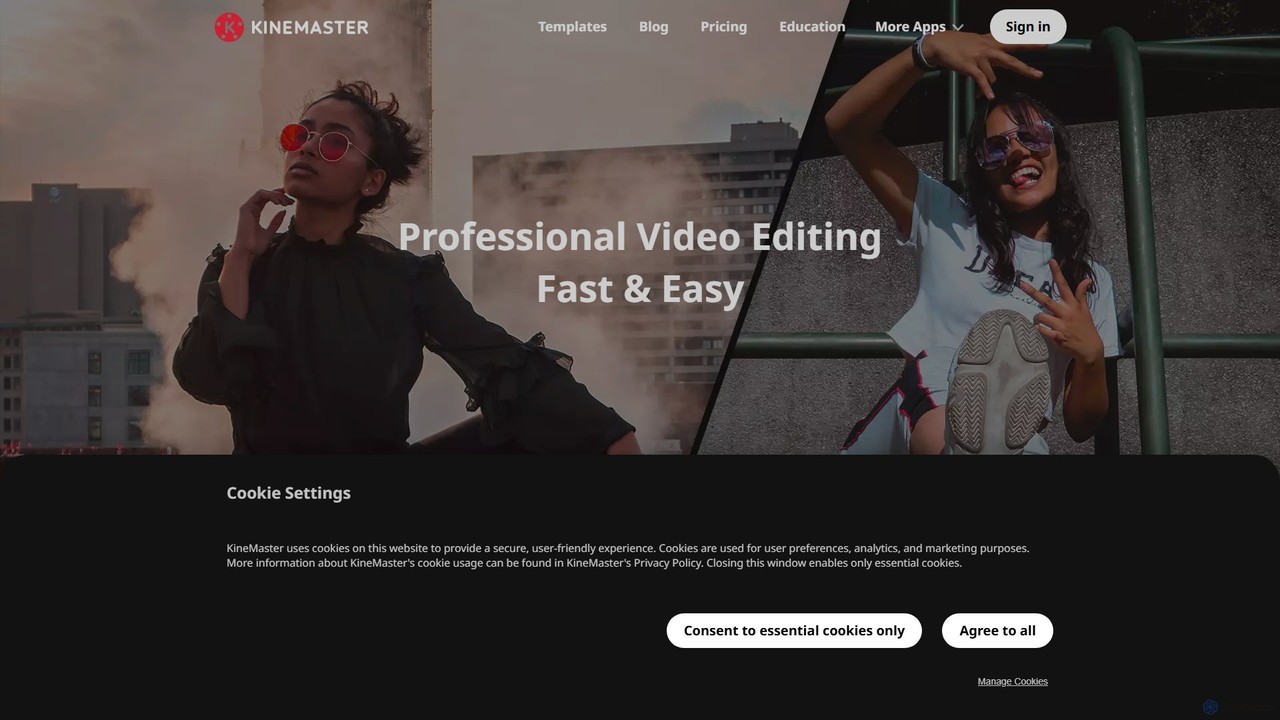
KineMaster
KineMaster is a professional-grade mobile video editing app packed with powerful AI features. It offers a multi-layer timeline, 4K export, and a vast library of templates and assets, making it easy to create stunning videos for social media, vlogs, and marketing directly on your phone.
Mobile Tools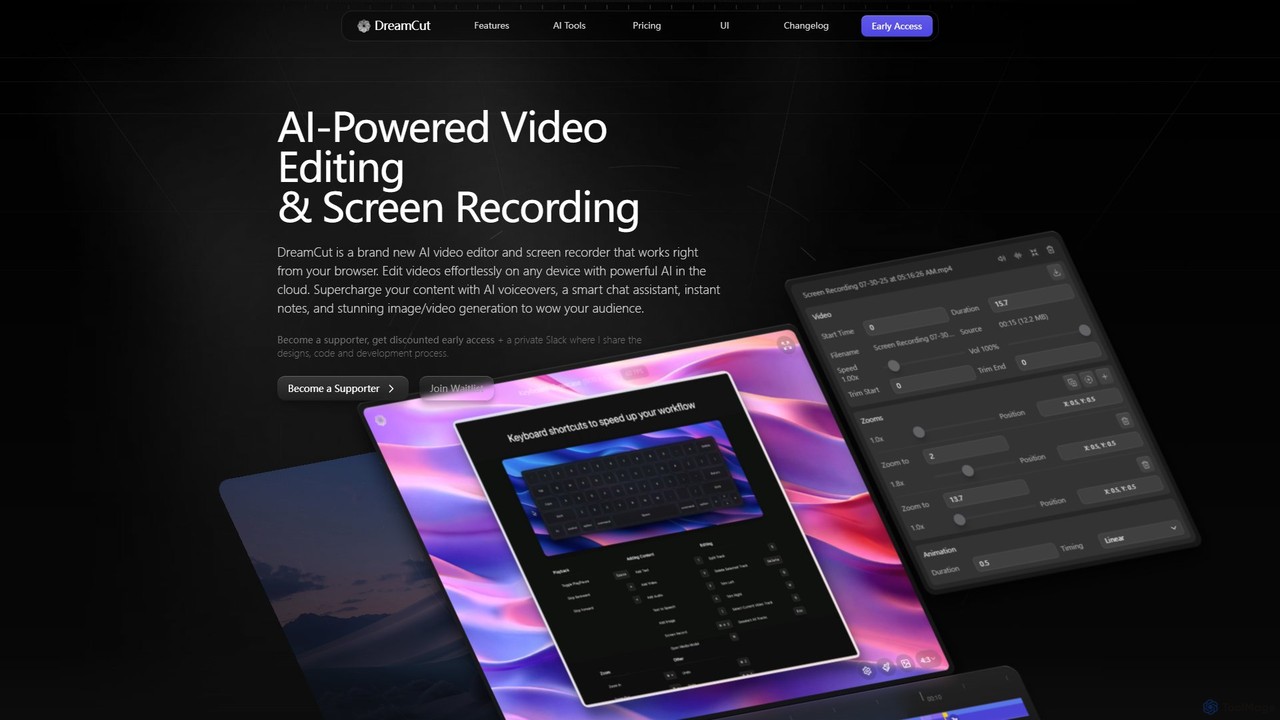
DreamCut
DreamCut is an all-in-one, AI-powered video editor and screen recorder that operates directly from your browser. It combines a multi-track editor, high-quality screen capture, AI voice generation, an AI chat assistant, and image/video creation into a single, cloud-based platform, enabling users to create professional content effortlessly on any device.
Text To Speech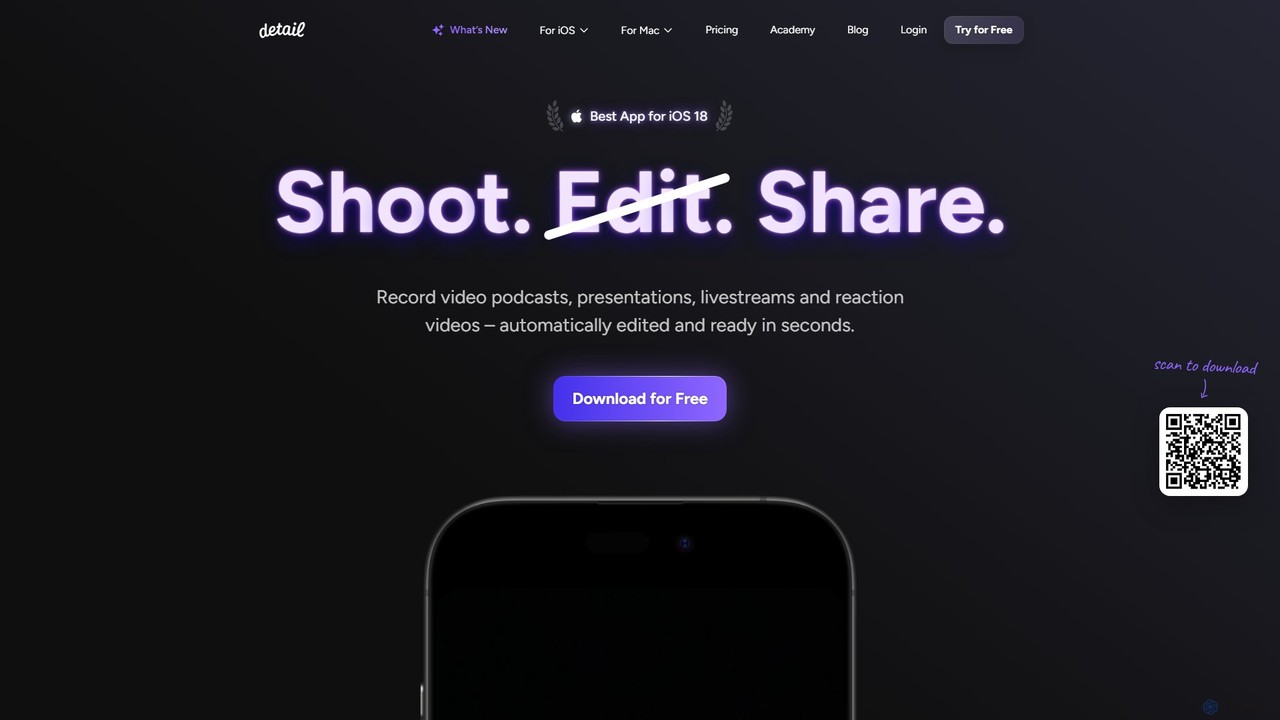
Detail
Detail is an AI-powered video creation and editing app for iOS and macOS that turns your device into a portable production studio. It automates editing for podcasts, reaction videos, and livestreams with features like a teleprompter, multi-camera recording, green screen, and automatic captions, simplifying professional video creation for everyone.
Content Creation
VideoPlus Studio
VideoPlus Studio is an AI-powered platform that transforms your videos into captivating cartoons and adds realistic AI voiceovers in over 80 languages. It's designed for creating engaging product demos, marketing content, and animated storybooks with ease.
Text To Speech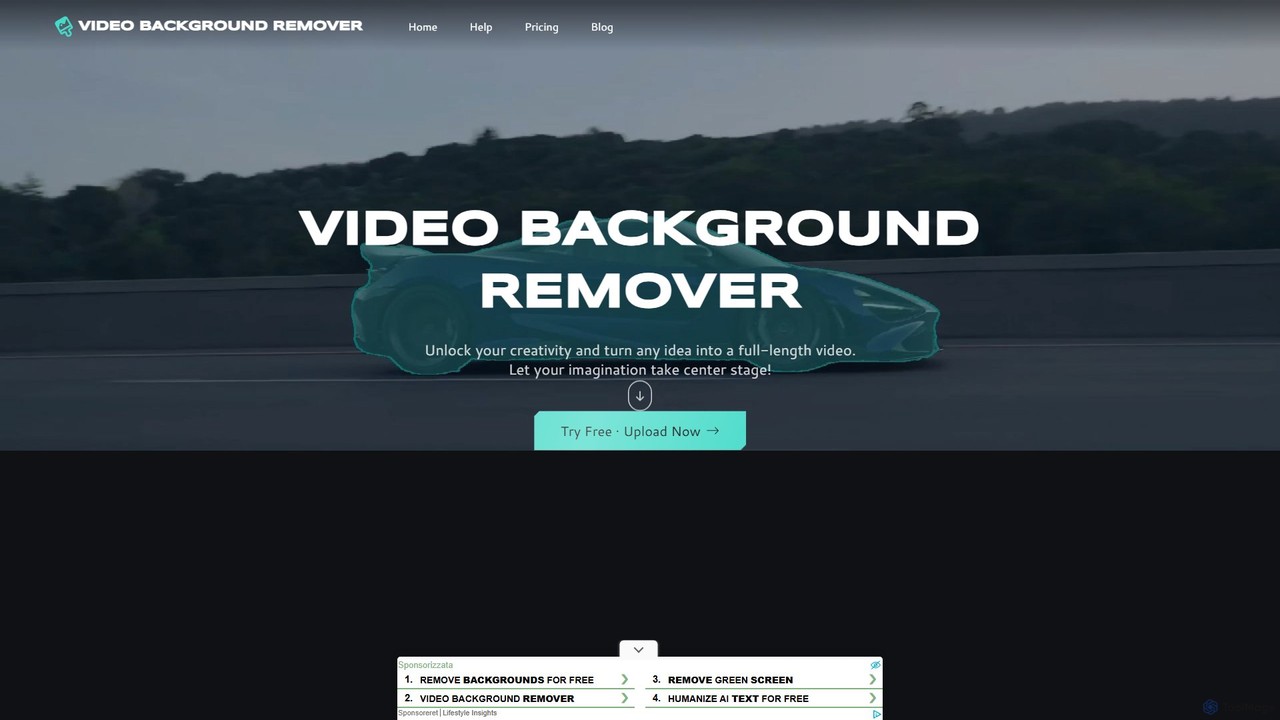
video_background_remover
An AI-powered online tool that allows users to remove video backgrounds instantly without a green screen. It supports multi-subject selection, various editing effects, and Full HD export, all for free and directly in your browser.
Social Media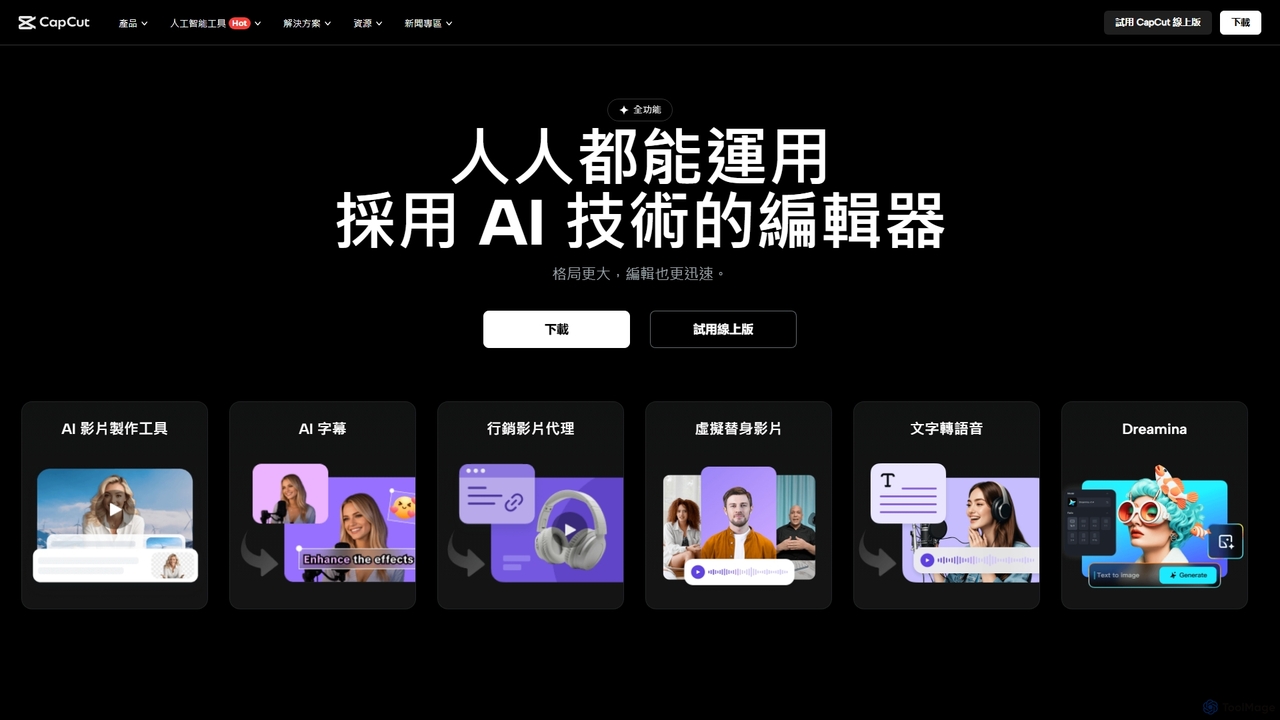
CapCut
CapCut is a powerful, all-in-one AI video editor and creative suite. It simplifies content creation with intuitive tools for video editing, graphic design, and team collaboration. It offers a wide range of AI features like auto-captions, script-to-video, background removal, and video upscaling, making professional-quality content accessible to everyone, from beginners to pros, across web, desktop, and mobile platforms.
Graphics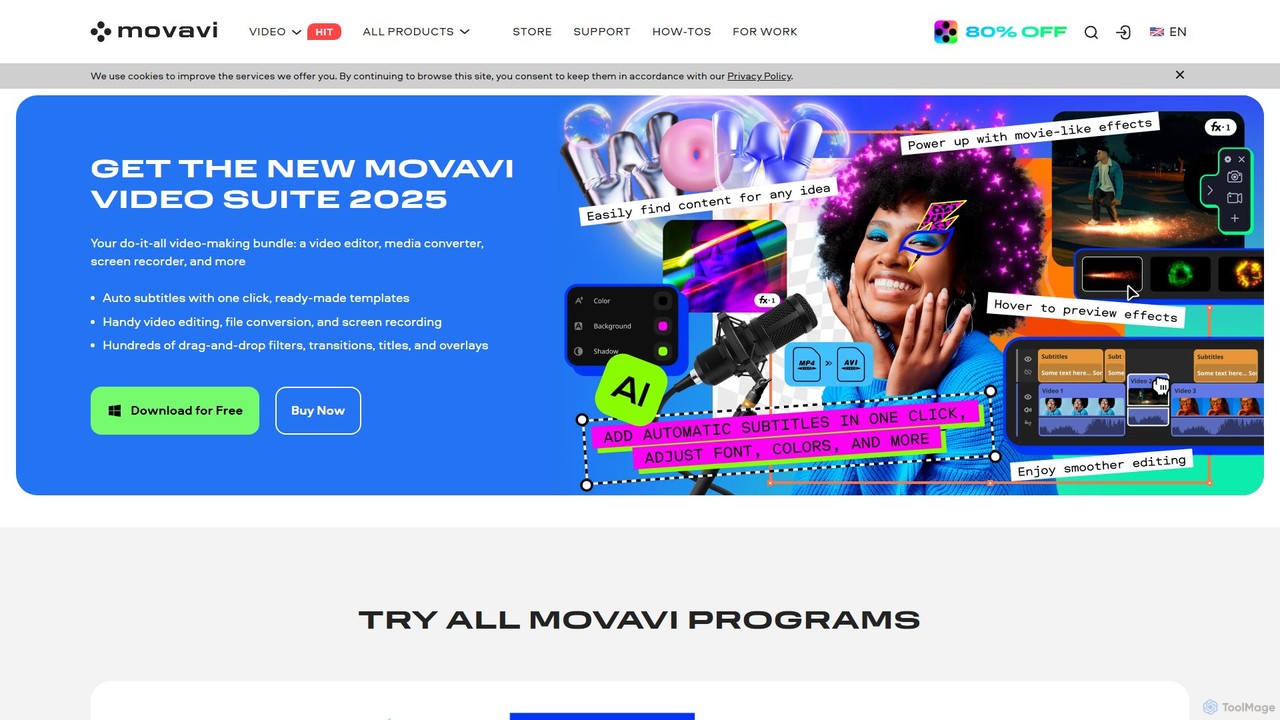
Movavi
Movavi is a comprehensive suite of multimedia programs, featuring a powerful yet user-friendly AI video editor, photo editor, screen recorder, and file converter. It's designed for everyone from beginners to seasoned creators, offering AI-driven features like background removal, motion tracking, and audio denoising to simplify the creative process. Create stunning videos, edit photos, and capture your screen with an intuitive drag-and-drop interface and a vast library of effects.
Screen Recording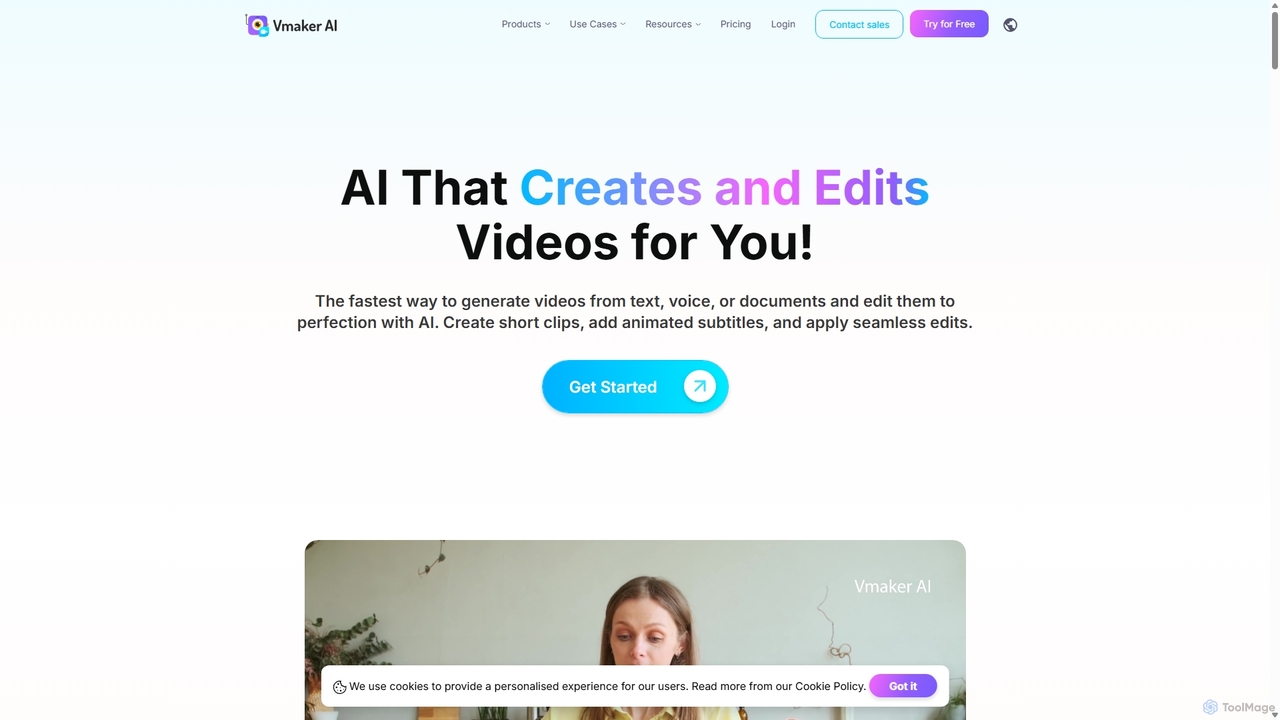
Vmaker
Vmaker is an all-in-one AI video creation and editing suite. It enables users to generate videos from text, audio, or documents using AI avatars, record screens in 4K, and edit footage with a powerful AI editor. Key features include auto-subtitles, background removal, and content repurposing tools, designed for marketers, content creators, and L&D teams.
Training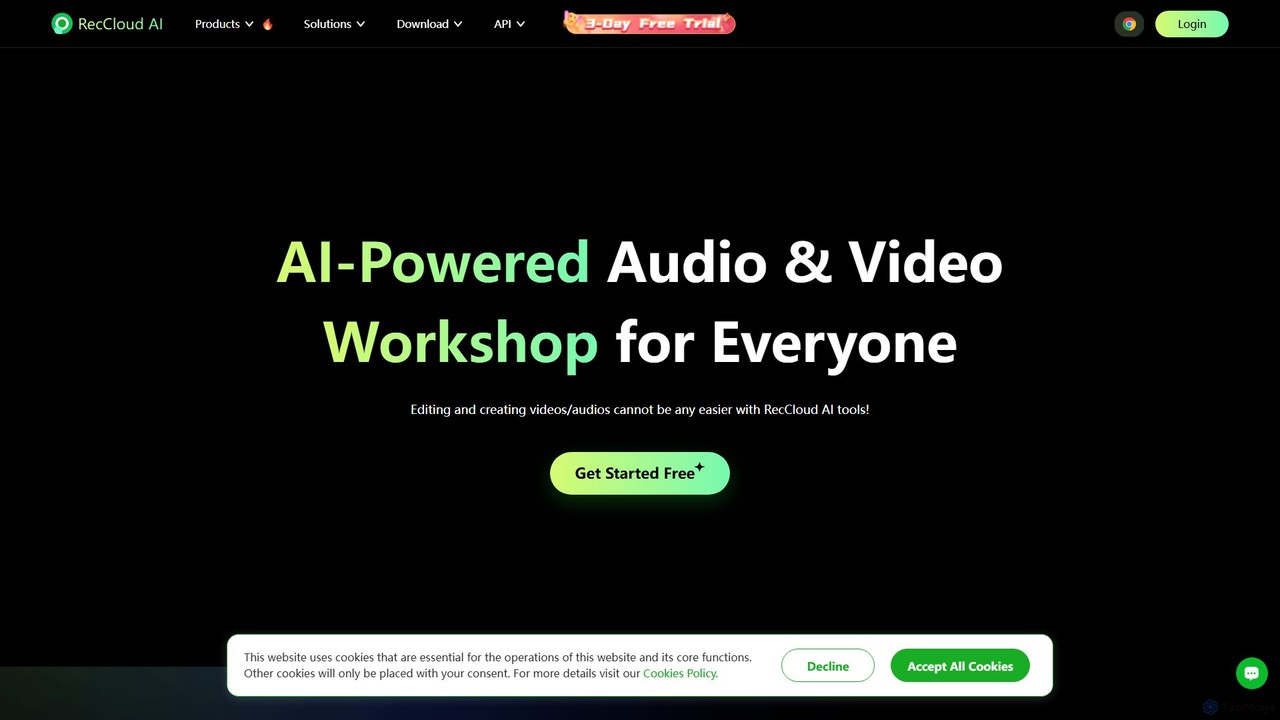
RecCloud
RecCloud is an all-in-one AI-powered video and audio workshop. It integrates screen recording, cloud storage, and a suite of AI tools including speech-to-text, text-to-speech, subtitle generation, and video translation. It's designed to boost productivity for creators, educators, and professionals by simplifying complex editing and processing tasks.
Speech To Text
BeeCut Comments (0)
Sign in to comment.
Sign inNo comments yet.