
KineMaster Overview
KineMaster is a comprehensive and user-friendly mobile video editing application designed for both beginners and professionals. It transforms your smartphone into a powerful editing suite, eliminating the need for a PC for high-quality video production. With over 700 million downloads, KineMaster has established itself as a leading tool for content creators worldwide.
The app's core philosophy is to make professional video editing fast and easy. This is achieved through an intuitive interface and a massive library of thousands of high-quality, trending video templates. Users can simply browse templates on the Mix screen, select one that fits their needs for platforms like YouTube, TikTok, or Instagram, and quickly create engaging content. Furthermore, KineMaster fosters a creative community by allowing users to share their own edited videos as templates for others to use.
KineMaster is packed with advanced features, including a suite of AI-powered tools. The 'Magic Remover' can intelligently remove backgrounds from videos with just a few taps. 'Super Resolution' uses AI to enhance low-resolution media, producing high-definition results. Other AI features include 'AI Style' for artistic filters, AI-powered 'Auto Captions' to save time on subtitling, and 'Text-to-Speech' functionality. For more traditional editing, it offers robust tools like Chroma Key for green screen effects, multi-layer timeline editing, precise color adjustments, and a powerful audio editor with pitch control, reverb, and voice modulation.
How to use KineMaster
Using KineMaster is a straightforward process designed for mobile-first creators:
- Download and Start: Download the KineMaster app from the Google Play Store or Apple App Store. You can start a new project from scratch or choose a pre-made template from the 'Mix' screen to get a head start.
- Import Media: Add your video clips, images, and audio files to the project. KineMaster also integrates with stock media libraries like Pexels and Pixabay, providing access to copyright-free assets directly within the app.
- Edit on the Timeline: Arrange your clips on the multi-layer timeline. You can add as many video, image, text, and effect layers as you need. The full-screen timeline makes it easy to manage even complex projects.
- Apply AI and Pro Tools: Use features like 'Magic Remover' to isolate subjects, 'Chroma Key' for green screen effects, or 'AI Style' to transform your video's look. Fine-tune your visuals with color adjustments and apply effects from the Asset Store.
- Enhance Audio: Use the powerful audio editor to adjust volume, add background music, apply sound effects, or even modulate your voice. Generate automatic captions or use the text-to-speech feature.
- Export and Share: Once your video is complete, export it in resolutions up to 4K at 60 FPS. You can also create GIFs. Save your project to KineCloud to access it on other devices or share the project file with friends for collaboration.
Core Features of KineMaster
- AI-Powered Tools: Includes Magic Remover (background removal), Super Resolution (upscaling), AI Style filters, and Auto Captions.
- Video Templates: Thousands of trending, ready-to-use templates for various social media platforms.
- Multi-Layer Timeline: Add unlimited layers of video, effects, images, stickers, and text for complex compositions.
- Asset Store: A massive library of royalty-free music, sound effects, stickers, fonts, transitions, and video effects.
- 4K 60FPS Export: Produce professional, high-resolution videos directly from your phone.
- Chroma Key (Green Screen): Composite subjects onto different backgrounds with precision controls.
- Advanced Audio Editor: Features pitch control, volume envelopes, reverb, voice modulation, and vocal separation.
- KineCloud Storage: Save and back up your projects to the cloud to continue editing on different devices.
- Template Sharing & Collaboration: Share your own videos as templates or collaborate on projects by sharing .KINE files.
- Text and Subtitle Tools: Advanced text customization, text-to-speech, and support for importing .srt subtitle files.
Use Cases for KineMaster
KineMaster is versatile and suitable for a wide range of video creation needs:
- Social Media Content: Creating engaging TikToks, Instagram Reels, YouTube Shorts, and long-form YouTube videos.
- Vlogging: Editing daily vlogs, travel videos, and lifestyle content on the go.
- Marketing and Business: Producing promotional videos, product demos, and social media ads.
- Education: Teachers can create engaging lecture materials and tutorial videos for students.
- Creative Projects: Making short films, music videos, and artistic video edits using advanced features like Chroma Key and AI styles.
- Personal Use: Compiling family vacation videos, birthday montages, and event highlights.
Advantages of KineMaster
KineMaster stands out with several key advantages:
- Professional Features on Mobile: It brings desktop-grade editing power to your smartphone, making it accessible anywhere, anytime.
- Ease of Use: The intuitive interface and template-driven workflow make it easy for beginners to start, while offering the depth required by professionals.
- Time-Saving AI: AI features like Auto Captions and Magic Remover automate complex tasks, significantly speeding up the editing process.
- All-in-One Ecosystem: With a vast asset store, cloud storage, and template sharing, KineMaster provides a complete ecosystem for video creation.
- High-Quality Output: Support for 4K 60 FPS export ensures that the final product is of professional quality.
Pricing and Plans
KineMaster operates on a freemium model, offering both a free and a premium version.
- Free Version: Includes access to most editing tools but exports videos with a KineMaster watermark and contains ads.
- KineMaster Premium: This subscription removes the watermark and ads, and unlocks the full potential of the app.
- Monthly Plan: $8.99 per month.
- Annual Plan: $44.99 per year (equivalent to $3.75 per month, offering a 58% saving).
- Premium Benefits: No watermark, no ads, unlimited access to all premium assets in the Asset Store, 10GB of KineCloud storage, and a free subscription to their companion app, Spring Premium.
Traffic
Latest traffic
Status
Monthly traffic trend
- 2025-9: 341.4K
- 2026-1: 411.5K
- 2026-2: 355.2K
- 2026-3: 340.8K
- 2026-4: 371.9K
- 2026-5: 301.2K
Geography
Top 5 countries / regions
- 🇺🇸United States33.1%
- 🇻🇳Vietnam28.8%
- 🇮🇳India17.3%
- 🇧🇷Brazil11.8%
- 🇨🇴Colombia9.1%
Traffic sources
| Source type | Percentage |
|---|---|
Direct | 89.7% |
Referral | 9.3% |
Email | 0.9% |
Top keywords
| Keyword | Cost per click |
|---|---|
| kine master | $0.28 |
| kinemaster | $0.28 |
| kinemaster for pc | $0.18 |
| kinemaster online | $0.30 |
| logo transition collab 2.0.5 kine master | $0.00 |
KineMaster Videos on YouTube
KineMaster Alternatives
InShot
InShot is a powerful all-in-one video and photo editor for mobile devices, packed with professional-grade features and AI-powered tools. It's designed for everyone from social media creators to beginners, offering an intuitive interface for easy editing, trimming, and enhancing videos. With features like AI auto-captions, advanced effects, a rich music library, and 4K export, InShot makes creating high-quality content for platforms like YouTube, Instagram, and TikTok simple and accessible.
Photo Editing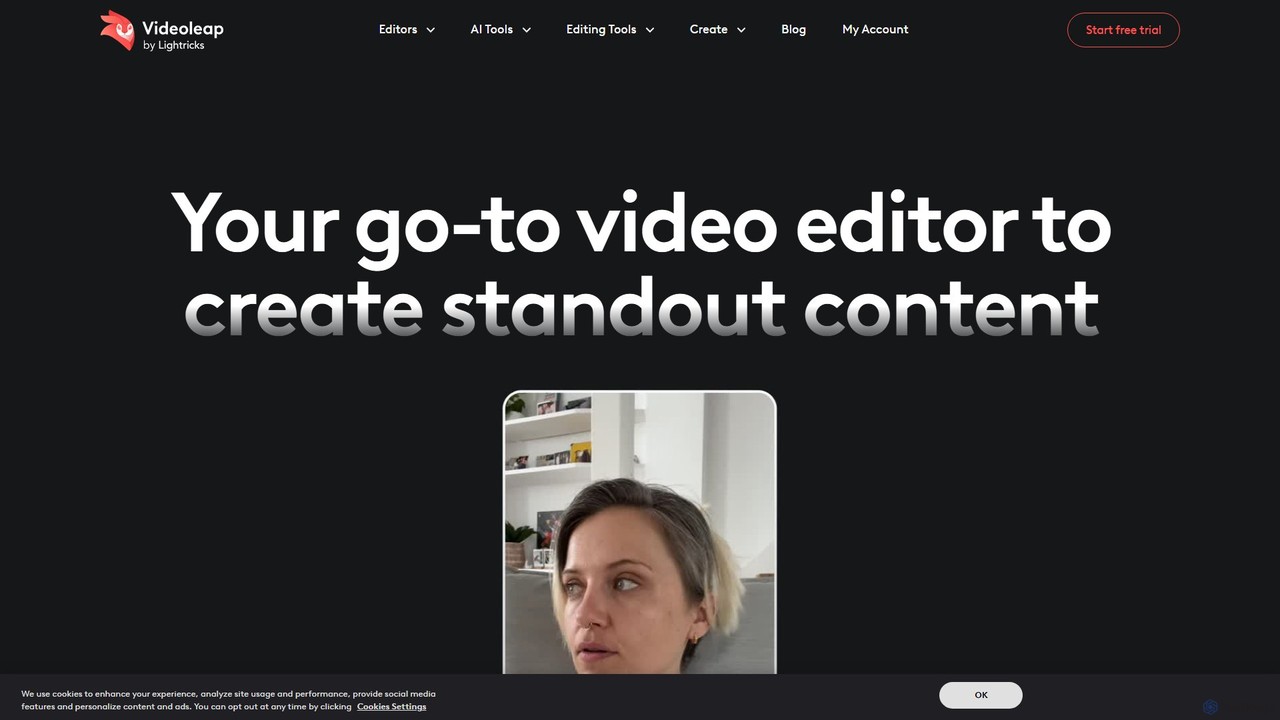
Videoleap
Videoleap is a powerful AI-driven video editor and maker app designed for both beginners and professionals. It combines a full suite of traditional editing tools with cutting-edge AI features like object removal, infinite zoom, and AI-generated effects. Create stunning, professional-quality videos for social media, marketing, or personal projects directly from your mobile device with ease and speed.
Mobile Apps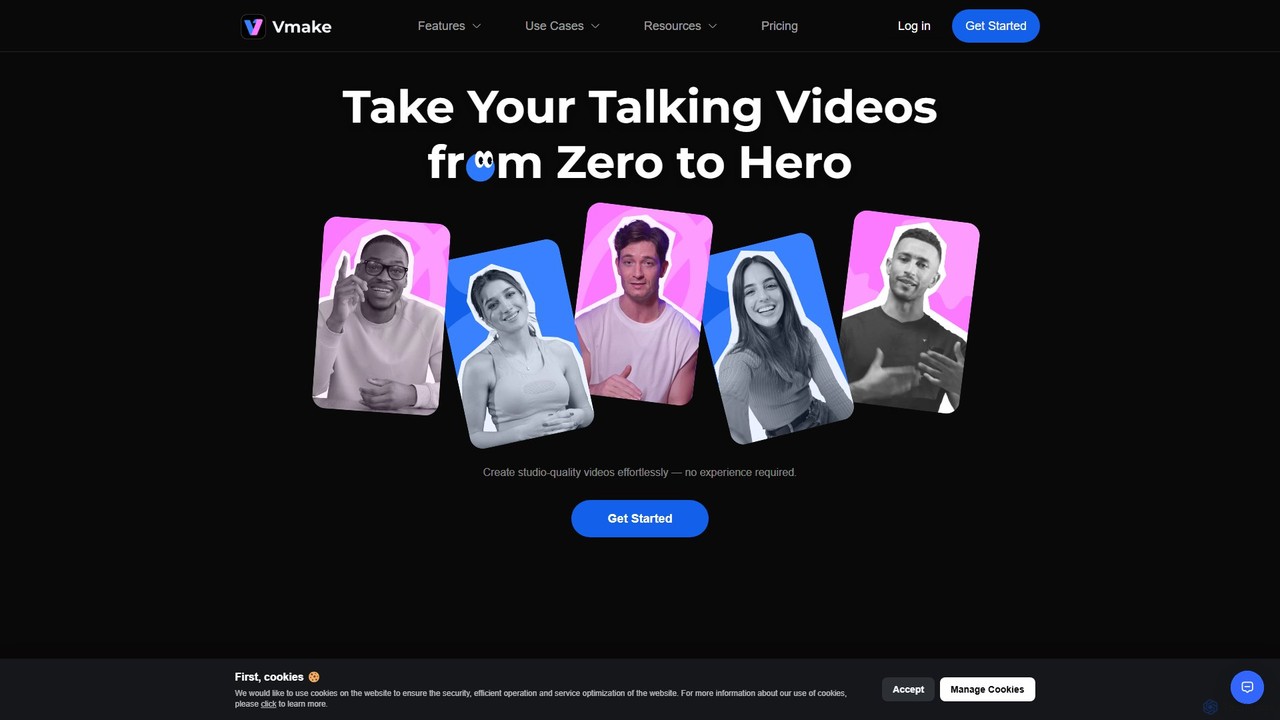
Vmake
Vmake is an all-in-one AI video solution designed for creators. It simplifies video production with features like watermark removal, auto-captions, background removal, and video enhancement. Effortlessly create studio-quality talking videos for social media and marketing without prior experience.
Transcription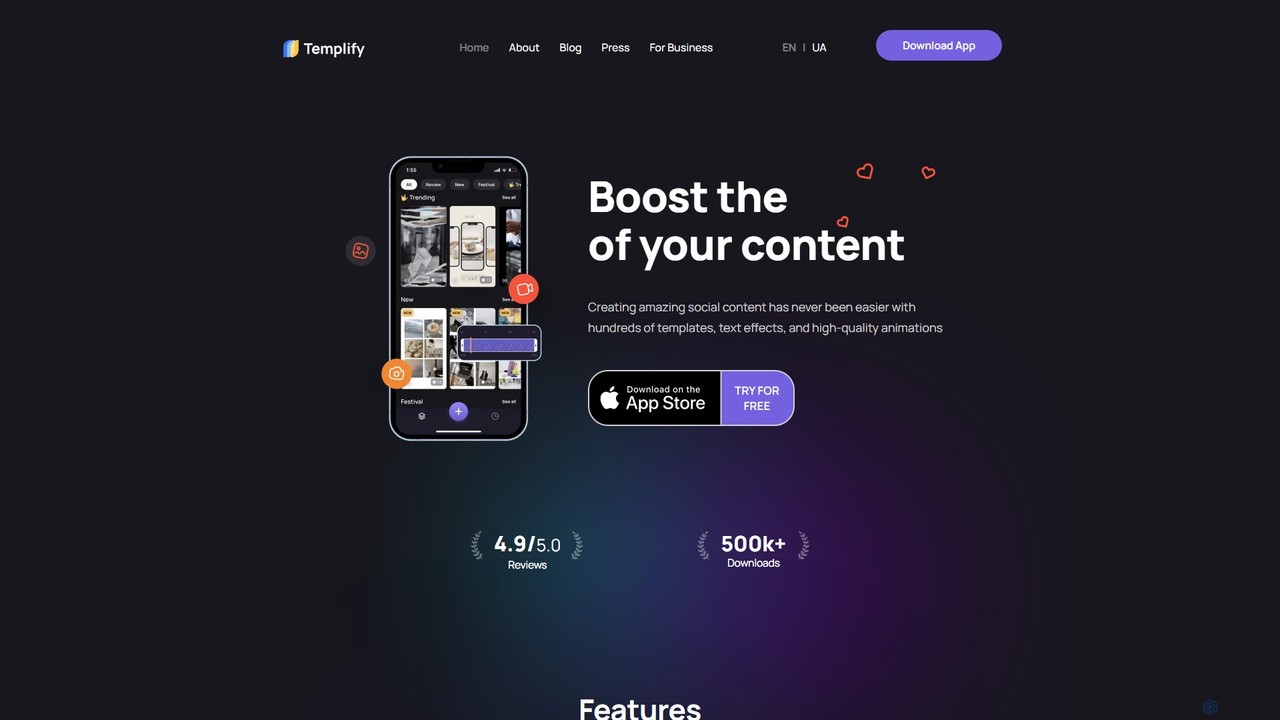
Templify
Templify is an AI-powered mobile video editing app designed to simplify social media content creation. It offers hundreds of ready-made templates, auto-editing, and an Auto Beat Sync feature, enabling users to create professional, engaging videos in minutes. It's ideal for small businesses, creators, and marketers looking to boost their social media presence with high-quality video content without needing complex editing skills.
Social Media Marketing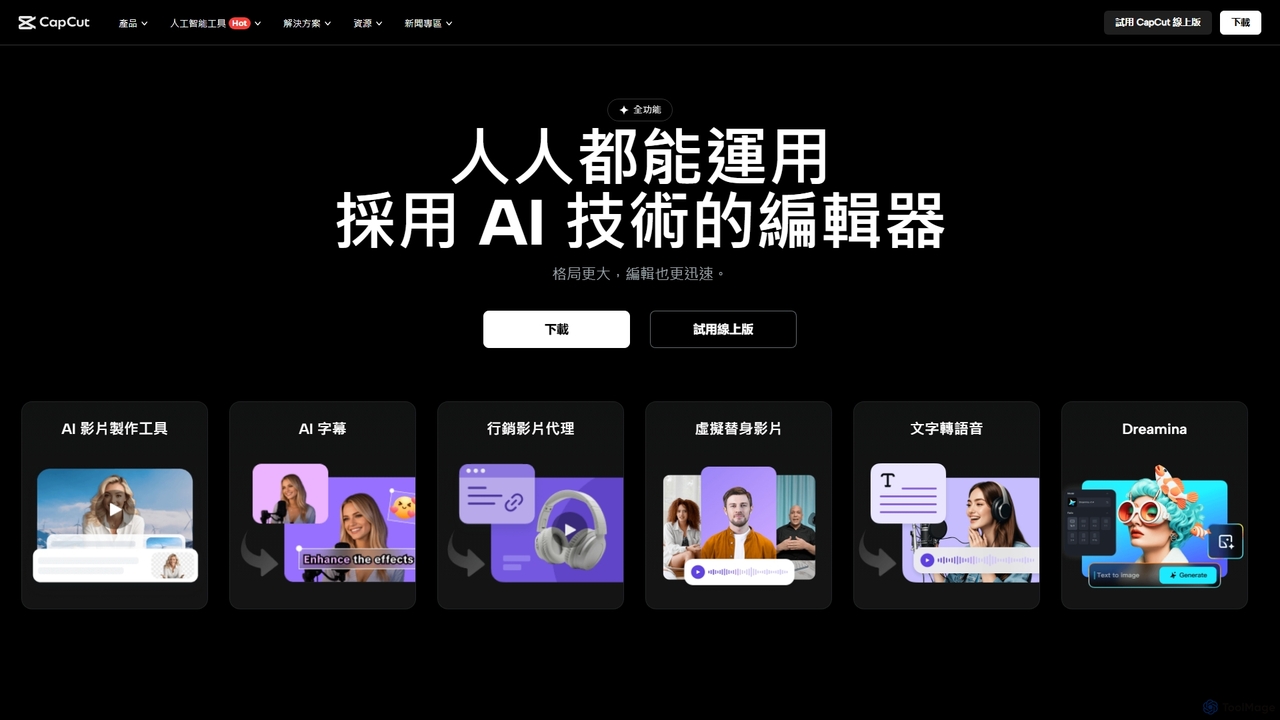
CapCut
CapCut is a powerful, all-in-one AI video editor and creative suite. It simplifies content creation with intuitive tools for video editing, graphic design, and team collaboration. It offers a wide range of AI features like auto-captions, script-to-video, background removal, and video upscaling, making professional-quality content accessible to everyone, from beginners to pros, across web, desktop, and mobile platforms.
GraphicsKineMaster Categories
KineMaster Embed Widget
Copy this embed code to place the badge on your blog, article, or product site and send readers directly to this ToolMage detail page.

Related AI tools
CapCut
CapCut is a powerful, all-in-one AI video editor and creative suite. It simplifies content creation with intuitive tools for video editing, graphic design, and team collaboration. It offers a wide range of AI features like auto-captions, script-to-video, background removal, and video upscaling, making professional-quality content accessible to everyone, from beginners to pros, across web, desktop, and mobile platforms.
Graphics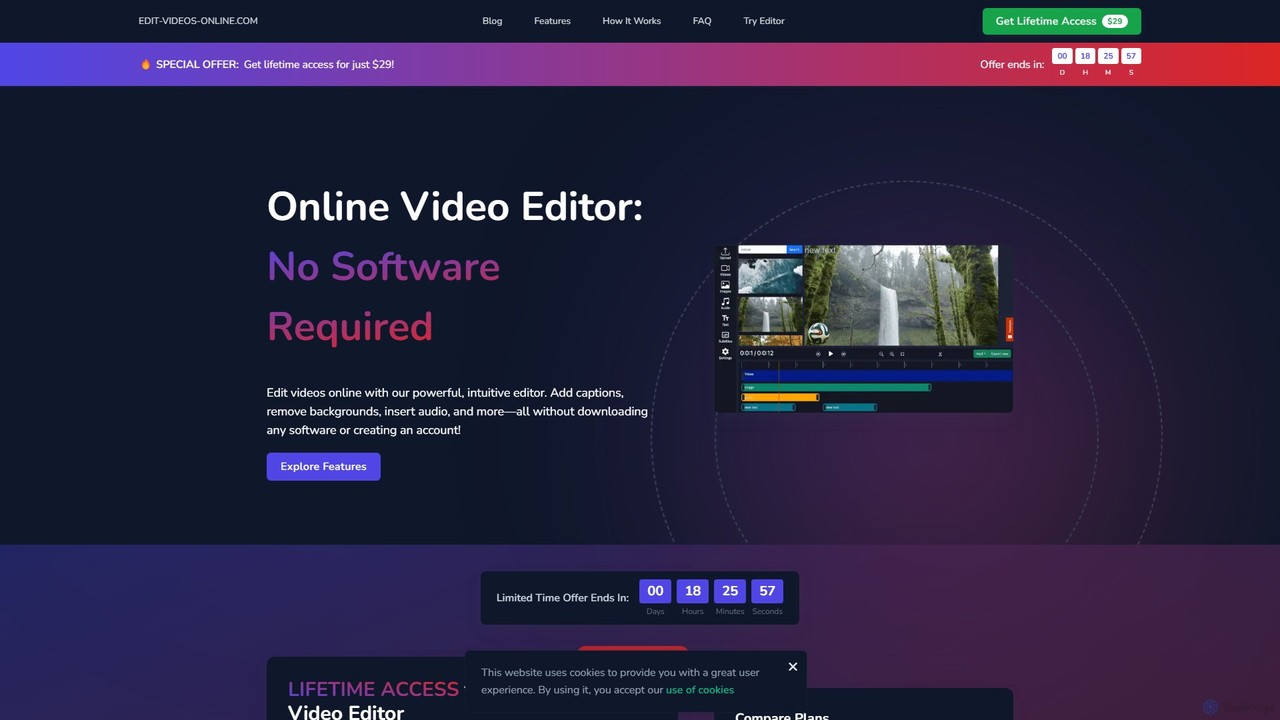
edit_videos_online
edit_videos_online is a powerful, browser-based video editor that leverages AI to simplify content creation. Easily remove video backgrounds with one click, automatically generate accurate captions, create AI voiceovers, and add dynamic text and watermarks. It's designed for social media creators, marketers, and anyone looking to produce professional-quality videos for platforms like TikTok, Instagram, and YouTube without complex software.
AdvertisingInShot
InShot is a powerful all-in-one video and photo editor for mobile devices, packed with professional-grade features and AI-powered tools. It's designed for everyone from social media creators to beginners, offering an intuitive interface for easy editing, trimming, and enhancing videos. With features like AI auto-captions, advanced effects, a rich music library, and 4K export, InShot makes creating high-quality content for platforms like YouTube, Instagram, and TikTok simple and accessible.
Photo EditingVideoleap
Videoleap is a powerful AI-driven video editor and maker app designed for both beginners and professionals. It combines a full suite of traditional editing tools with cutting-edge AI features like object removal, infinite zoom, and AI-generated effects. Create stunning, professional-quality videos for social media, marketing, or personal projects directly from your mobile device with ease and speed.
Mobile Apps
Clipchamp
Clipchamp is a user-friendly, AI-powered online video editor from Microsoft. It enables everyone, from beginners to professionals, to create stunning videos with features like AI-driven text-to-speech, automatic subtitles, and smart editing tools. Available on browsers, Windows, and iOS, it's an all-in-one solution for content creators, businesses, and educators.
Text To Speech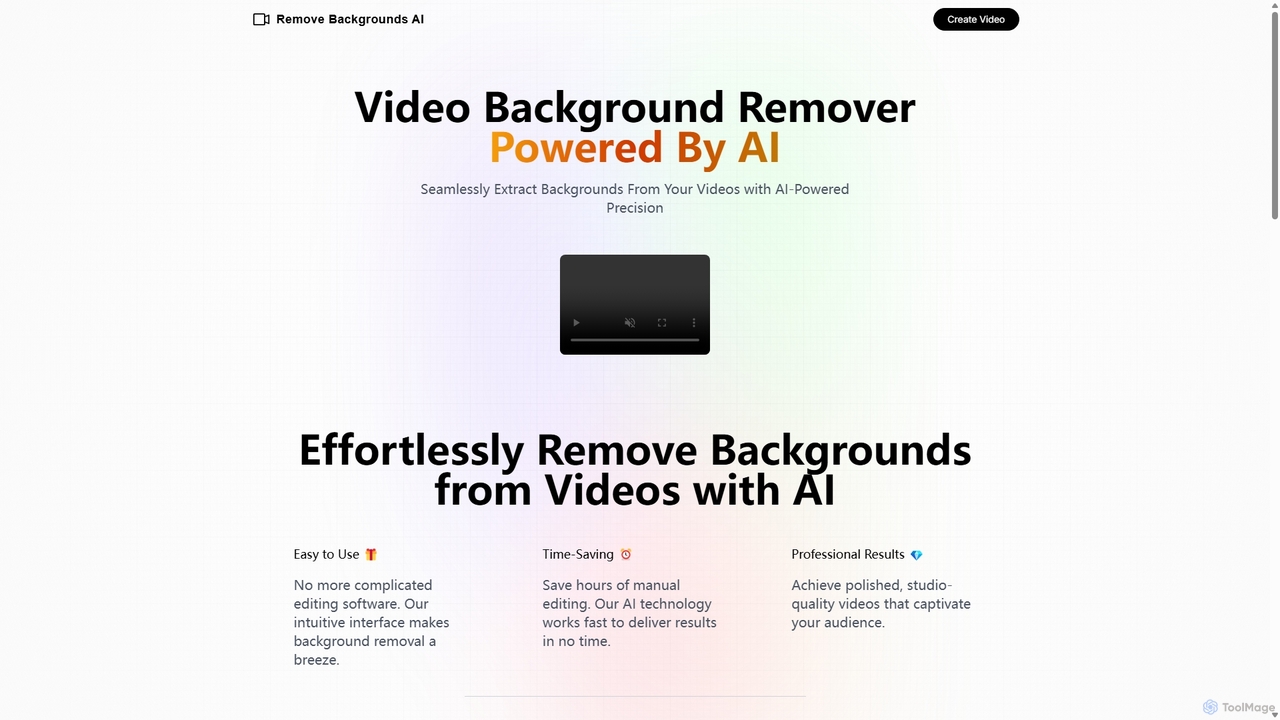
Remove Backgrounds AI
Remove Backgrounds AI is an AI-powered tool for seamless video background removal. It specializes in human video matting, using a recurrent neural network to accurately and quickly extract subjects from their backgrounds. Ideal for content creators and marketers, it delivers professional, studio-quality results in minutes, simplifying complex editing tasks with an intuitive interface and a simple pay-per-video pricing model.
Social MediaVmake
Vmake is an all-in-one AI video solution designed for creators. It simplifies video production with features like watermark removal, auto-captions, background removal, and video enhancement. Effortlessly create studio-quality talking videos for social media and marketing without prior experience.
TranscriptionTemplify
Templify is an AI-powered mobile video editing app designed to simplify social media content creation. It offers hundreds of ready-made templates, auto-editing, and an Auto Beat Sync feature, enabling users to create professional, engaging videos in minutes. It's ideal for small businesses, creators, and marketers looking to boost their social media presence with high-quality video content without needing complex editing skills.
Social Media Marketing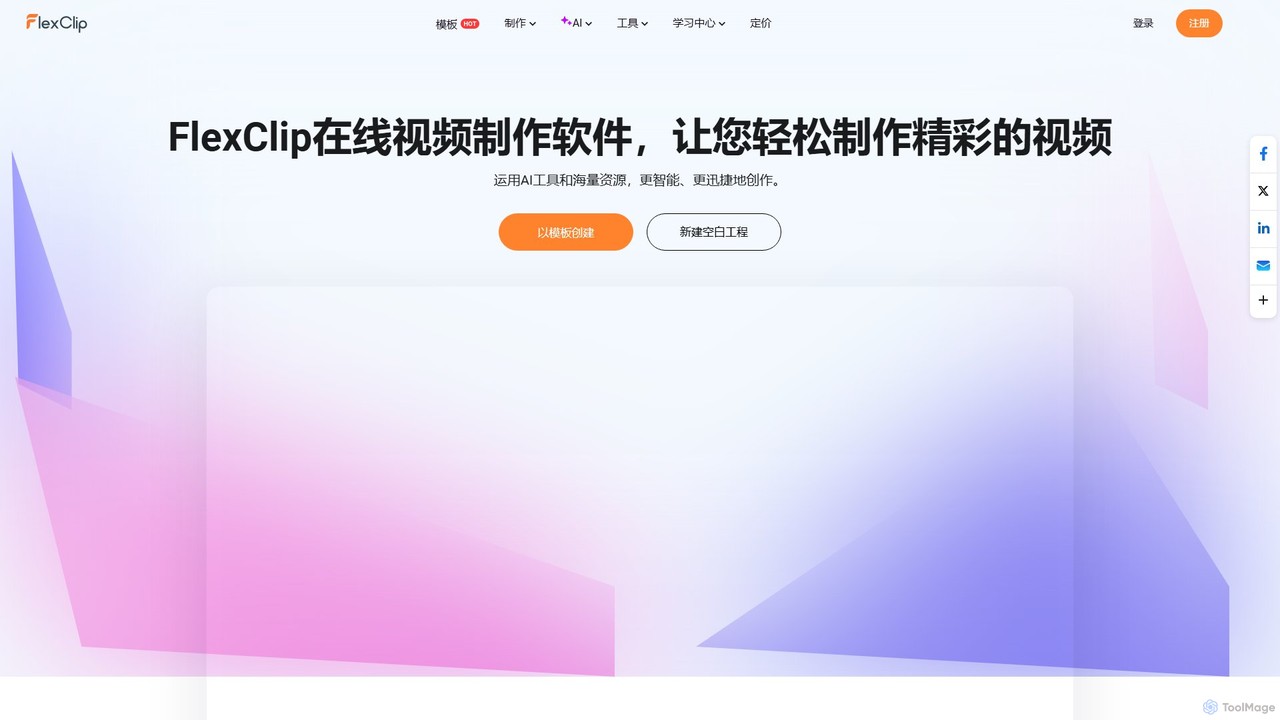
FlexClip
A powerful yet easy-to-use online video maker that combines traditional editing tools with a suite of AI features. Create professional videos for marketing, social media, or personal use with a vast library of templates, stock media, and intelligent tools like AI video generation, auto-subtitling, and text-to-speech.
Social Media
Filme
Filme by iMyFone is an all-in-one AI-powered creative suite for content creators and gamers. It includes a real-time voice changer, a user-friendly video editor, text-to-speech, AI music generation, and image editing tools. Enhance your gaming, streaming, and video production with a comprehensive set of easy-to-use applications for desktop and mobile.
Voice Modulation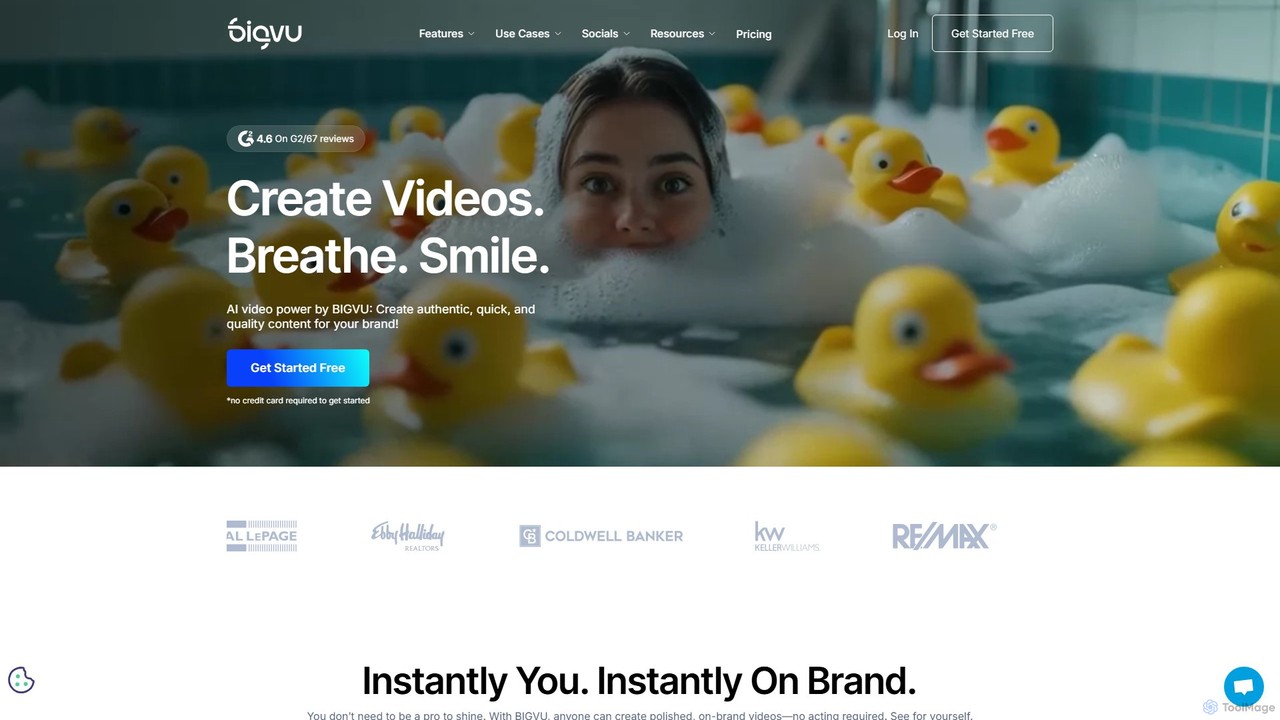
bigvu
bigvu is an all-in-one AI video creation platform that combines a teleprompter, AI script generator, automatic captions, and a powerful video editor. It enables users to script, shoot, style, and share professional-quality videos 10x faster, with features like AI avatars and text-based editing. Ideal for marketing, sales, and content creators.
Script Writing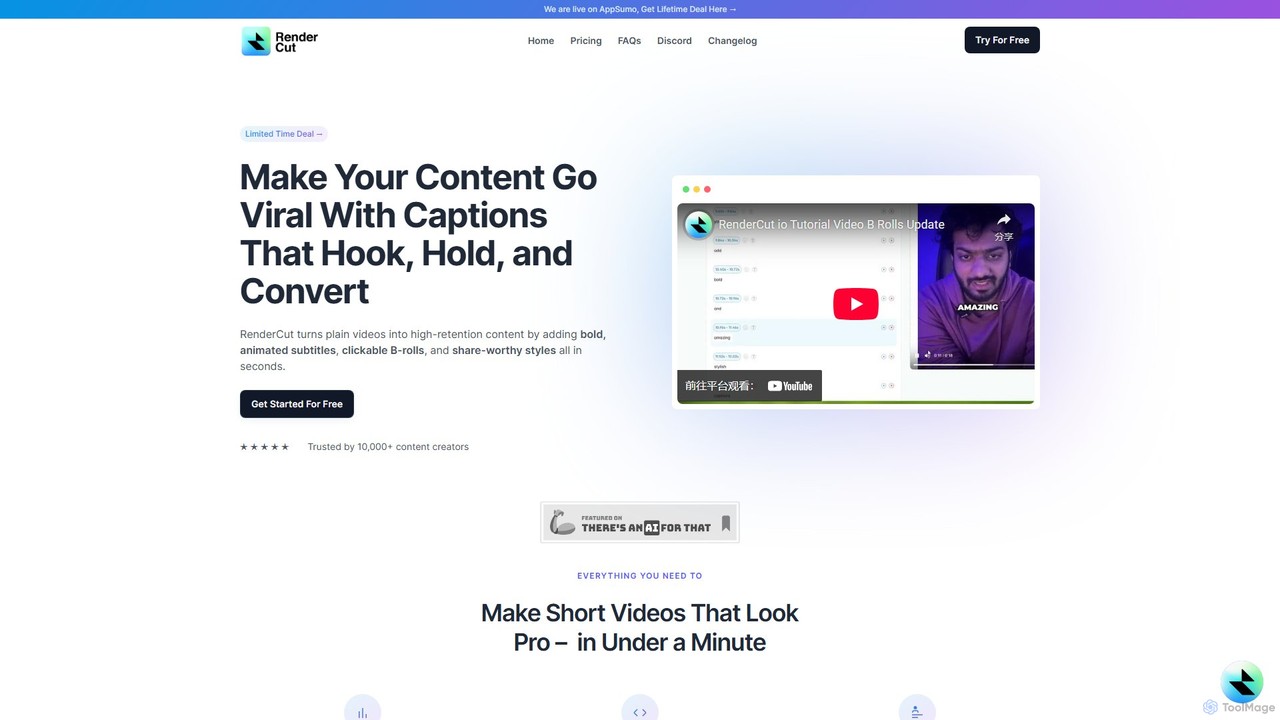
RenderCut
RenderCut is an AI-powered video editing tool that automates the creation of engaging short-form videos. It instantly adds stylish, animated subtitles, B-rolls, emojis, and sound effects, transforming plain videos or audio into high-retention content for platforms like TikTok, Reels, and Shorts. It's designed for content creators, marketers, and businesses to produce professional-looking videos in minutes, not hours.
Video Marketing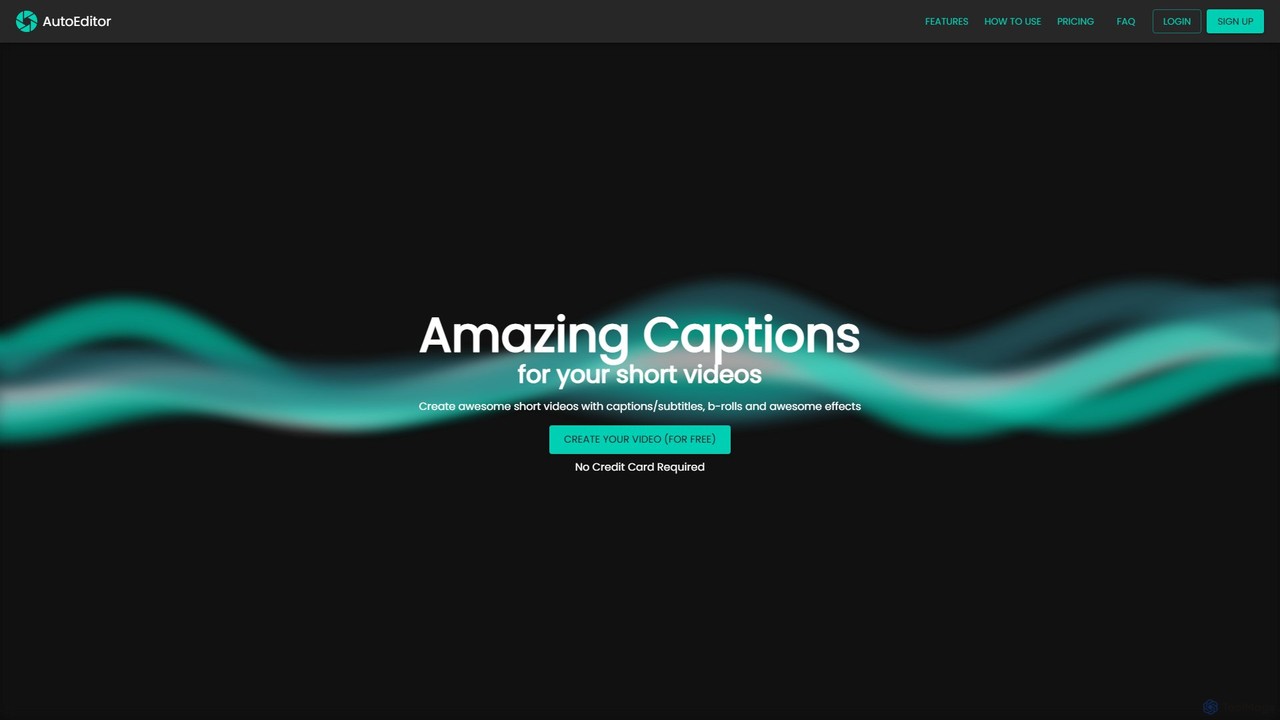
AutoEditor
AutoEditor is an AI-powered video editing tool designed to simplify the creation of engaging short videos. It automatically generates captions in over 40 languages, detects and removes silent parts, and allows users to easily add B-rolls, watermarks, and effects. Ideal for content creators looking to save time and enhance their videos for social media.
Automation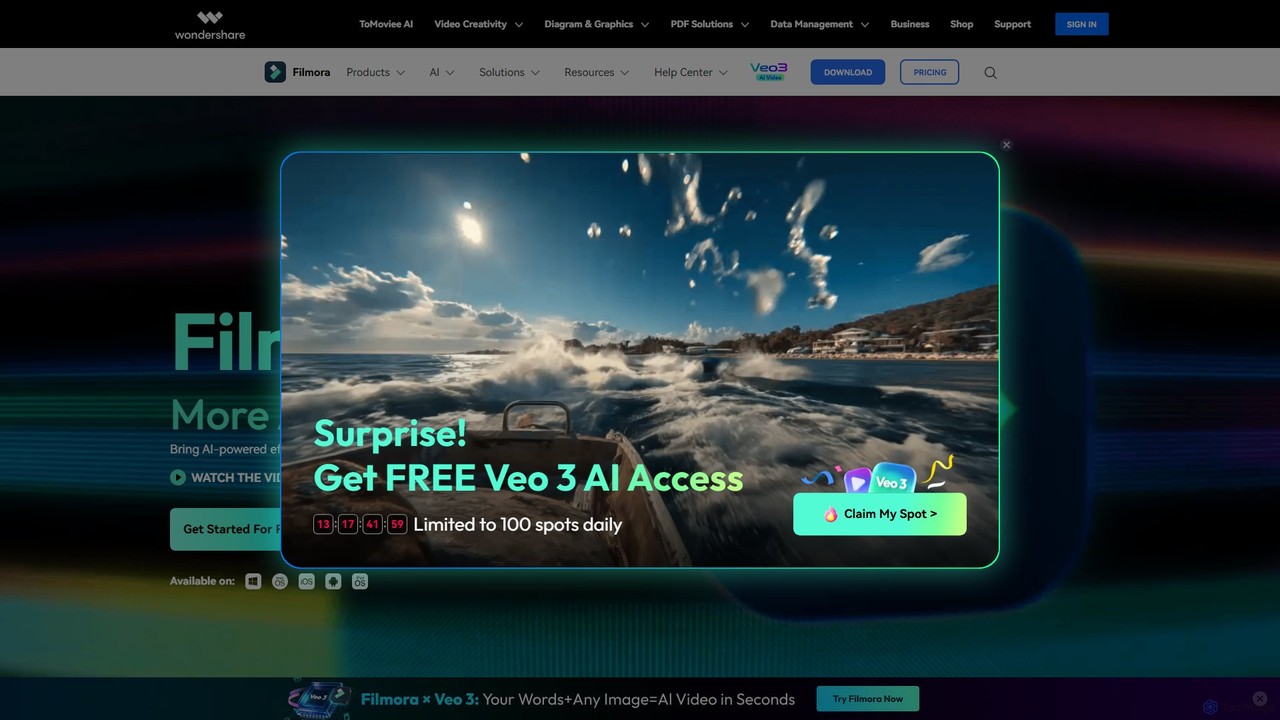
Filmora
Filmora is a powerful and intuitive AI video editor designed for creators of all skill levels. It simplifies the editing process with a suite of AI-powered tools, an extensive library of assets, and a user-friendly interface, making it easy to create professional-quality videos for social media, personal projects, and commercial use.
Social Media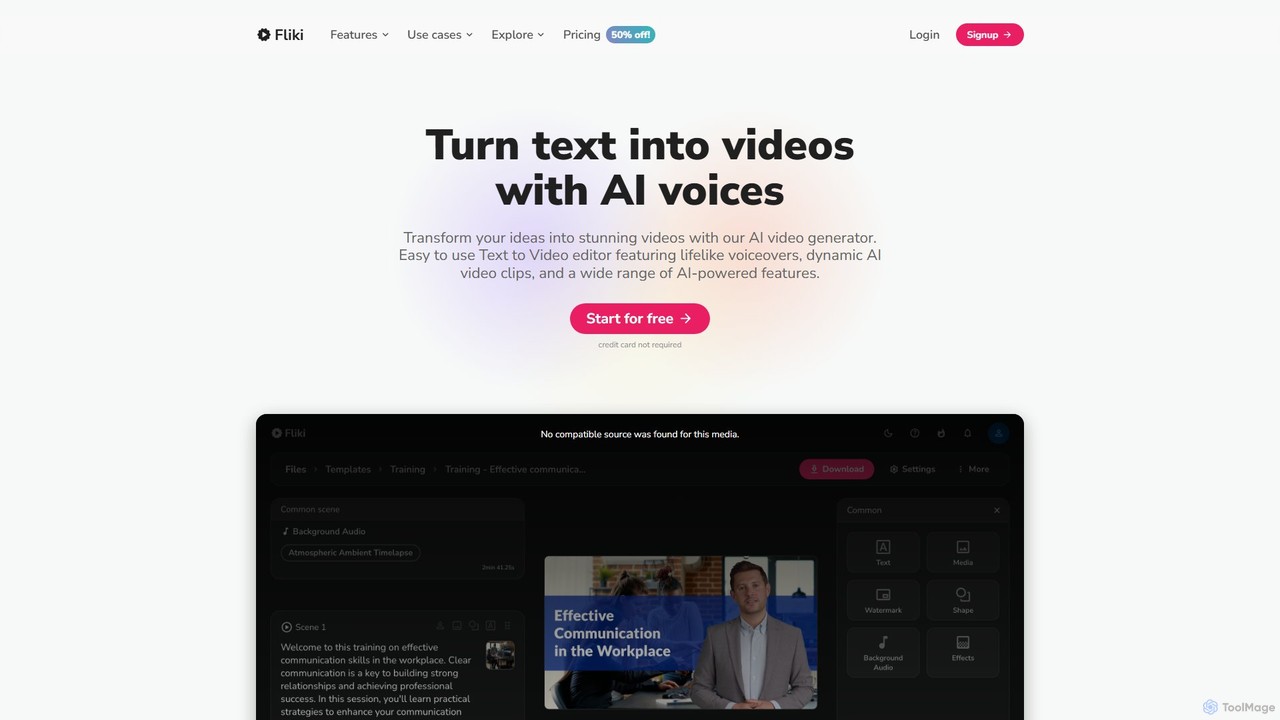
Fliki
Fliki is an AI-powered text-to-video and text-to-speech creator that transforms your text into stunning videos with lifelike AI voices and avatars. Easily convert blog posts, scripts, or ideas into engaging video content for social media, marketing, education, and training.
Text To Speech
KineMaster Comments (0)
Sign in to comment.
Sign inNo comments yet.