
AutoEditor Overview
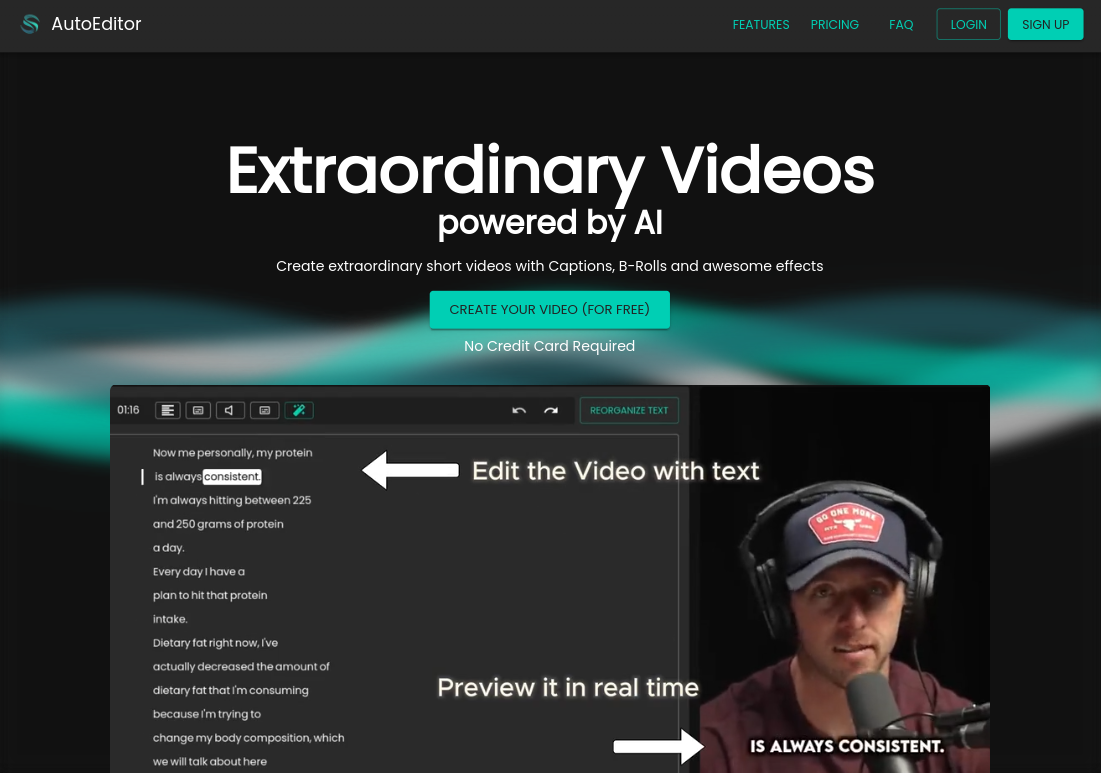
AutoEditor is a smart, web-based video editing platform designed to automate and simplify the video creation process, particularly for short-form content. It empowers creators to produce professional-looking videos with dynamic captions, B-rolls, and effects without needing extensive editing skills. By handling tedious tasks like transcription and silence removal, AutoEditor allows you to focus solely on your content and message, dramatically increasing your productivity and the engagement of your audience. Whether you're repurposing long-form content like podcasts or creating original short videos, AutoEditor provides the tools to make your videos stand out on any platform.
How to use AutoEditor
Using AutoEditor is a straightforward process designed for efficiency. First, you upload your video file directly from your device or simply paste a link to a YouTube video. The platform then processes your video, automatically transcribing the audio to generate subtitles. Once processed, you enter the intuitive editor where you can: review and edit the generated captions, automatically cut out silent segments with a single click, and enhance your video by adding layers such as B-roll footage, images, or your own watermark. You can customize the style of your captions, save your brand's unique style as a preset, and then export the finished video in various qualities, up to 4K.
Core Features of AutoEditor
- Automatic Subtitles: Generates accurate captions for your videos in over 40 languages, making your content accessible to a global audience.
- Silence Detection & Removal: Automatically identifies and cuts out silent or non-speech parts of your video, creating a more dynamic and engaging viewing experience.
- B-Roll & Layer Integration: Easily add B-roll videos, images, and watermarks on top of your main video to provide visual context and enhance storytelling.
- Direct YouTube Import: Save time by directly importing videos from YouTube without needing to download them first.
- Long Video Repurposing: Upload long videos and easily break them down into multiple, shareable short clips.
- Customizable Caption Styles: Full control over the text, font, color, and animation of your captions. You can save your unique style as a preset for consistent branding.
- Simplified Editing Interface: An intuitive editor that allows you to make precise changes without any prior video editing experience.
- High-Quality Export: Export videos in resolutions up to 4K and at 60 frames per second (available on paid plans).
Use Cases for AutoEditor
AutoEditor is ideal for a wide range of content creators and businesses. It's particularly effective for:
- Podcasters and Talk Show Hosts: Quickly turn audio or video podcasts into engaging video clips for platforms like TikTok, Instagram Reels, and YouTube Shorts.
- Educators and Coaches: Create clear and concise educational videos with subtitles for better comprehension and accessibility.
- Marketers and Brands: Produce branded video content with custom watermarks and styles to promote products or services.
- Documentary Makers: Streamline the rough-cut process by quickly removing pauses and generating a base transcript.
- Anyone giving a speech or presentation: Repurpose recordings of speeches into powerful, bite-sized clips for social media sharing.
Advantages of AutoEditor
AutoEditor offers significant advantages over traditional editing software. Its primary benefit is massive time savings by automating repetitive tasks. The platform is incredibly user-friendly, making professional-level video editing accessible to everyone, regardless of their technical skill. The direct import from YouTube and the ability to handle long videos streamline the workflow. A key differentiator is the direct access to the founder for support and feature requests, ensuring the tool evolves with user needs. The generous free tier allows users to experience the core benefits without any financial commitment, offering an excellent price-to-performance ratio in the market.
Pricing and Plans
AutoEditor offers a flexible pricing structure to suit different needs:
- FREE: $0/month. Includes unlimited cuts and up to 10 finished videos per month with basic support.
- INDIVIDUAL: $12/month (or $10/month billed annually). Includes unlimited cuts, up to 40 finished videos, 30 FPS export, and priority support.
- COMPANY: $36/month (or $30/month billed annually). Includes unlimited cuts, up to 200 finished videos, 60 FPS export, up to 4K resolution, high priority support, and Beta API access.
- ENTERPRISE: Starting from $1500/month. Offers top priority support, all features from other tiers, and customized development for specific needs.
Traffic
Latest traffic
Status
Monthly traffic trend
- 2025-7: 1.2K
- 2025-8: 1.5K
- 2025-9: 1.5K
- 2026-3: 0
- 2026-4: 0
- 2026-5: 521
Geography
Top 5 countries / regions
- 🇦🇺Australia71.3%
- 🇧🇷Brazil28.7%
Top keywords
| Keyword | Cost per click |
|---|---|
| youtube autoclipper | $0.00 |
AutoEditor Alternatives
RenderCut
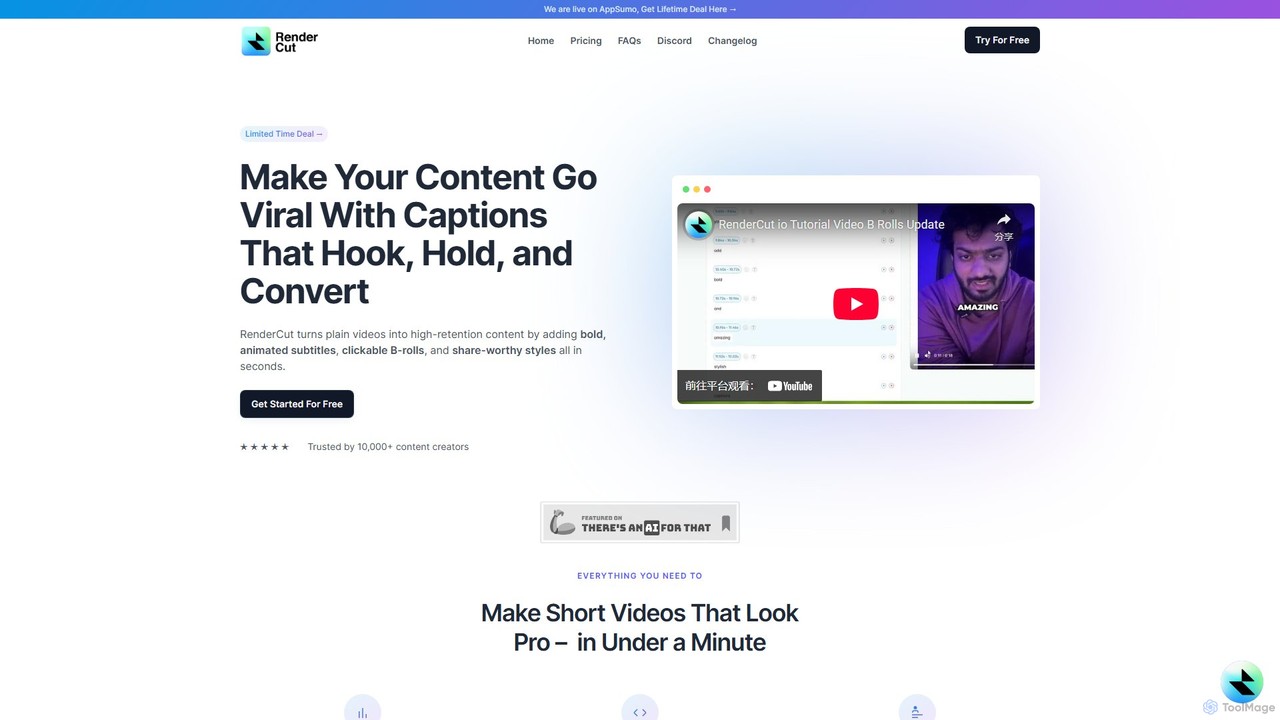
RenderCut is an AI-powered video editing tool that automates the creation of engaging short-form videos. It instantly adds stylish, animated subtitles, B-rolls, emojis, and sound effects, transforming plain videos or audio into high-retention content for platforms like TikTok, Reels, and Shorts. It's designed for content creators, marketers, and businesses to produce professional-looking videos in minutes, not hours.
Video Marketing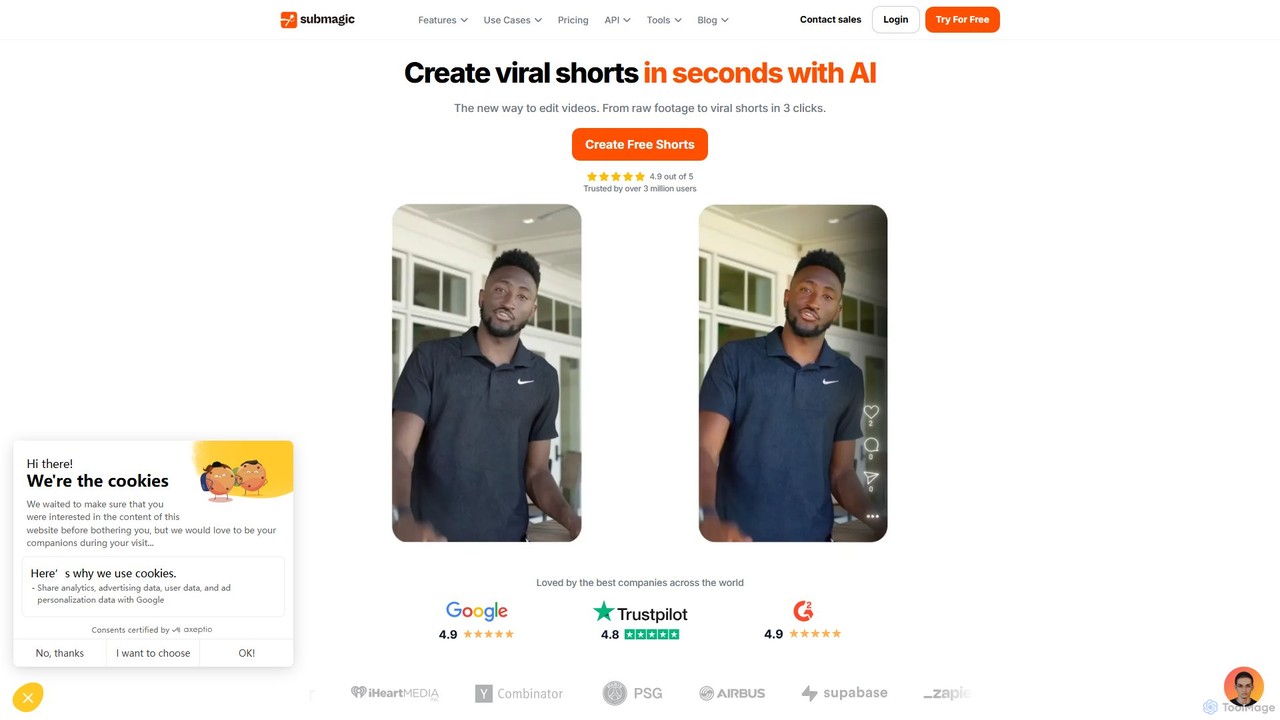
Submagic
Submagic is an all-in-one AI platform designed for creating viral short-form videos in seconds. It automates tedious editing tasks by generating trendy captions with emojis, adding dynamic B-rolls, creating smooth transitions, and extracting key moments from long videos. It's the perfect tool for content creators, marketers, and businesses looking to boost engagement and save time on video production.
Automation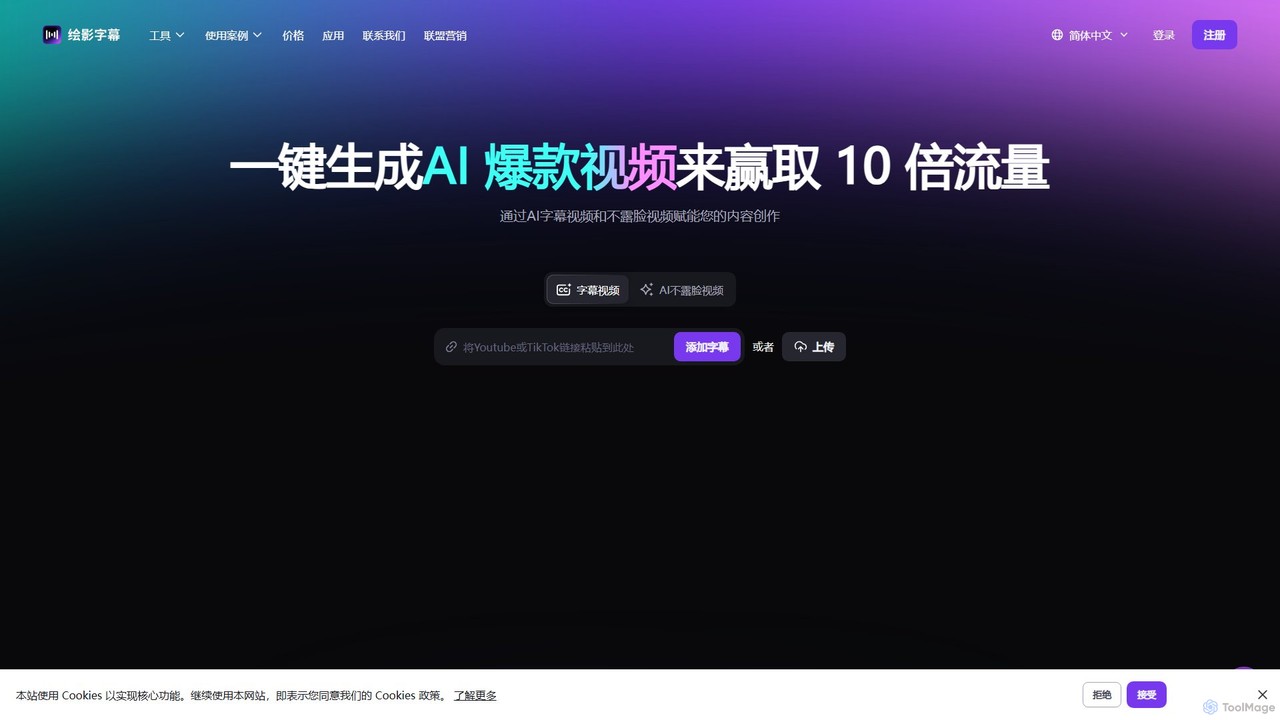
Zeemo
Zeemo is an all-in-one AI-powered video toolkit designed for content creators. It excels at automatic subtitle generation, transcription, and translation in over 95 languages with up to 98% accuracy. It also offers a suite of video editing tools, social media downloaders, and AI video generation features to streamline content creation and boost audience engagement.
Transcription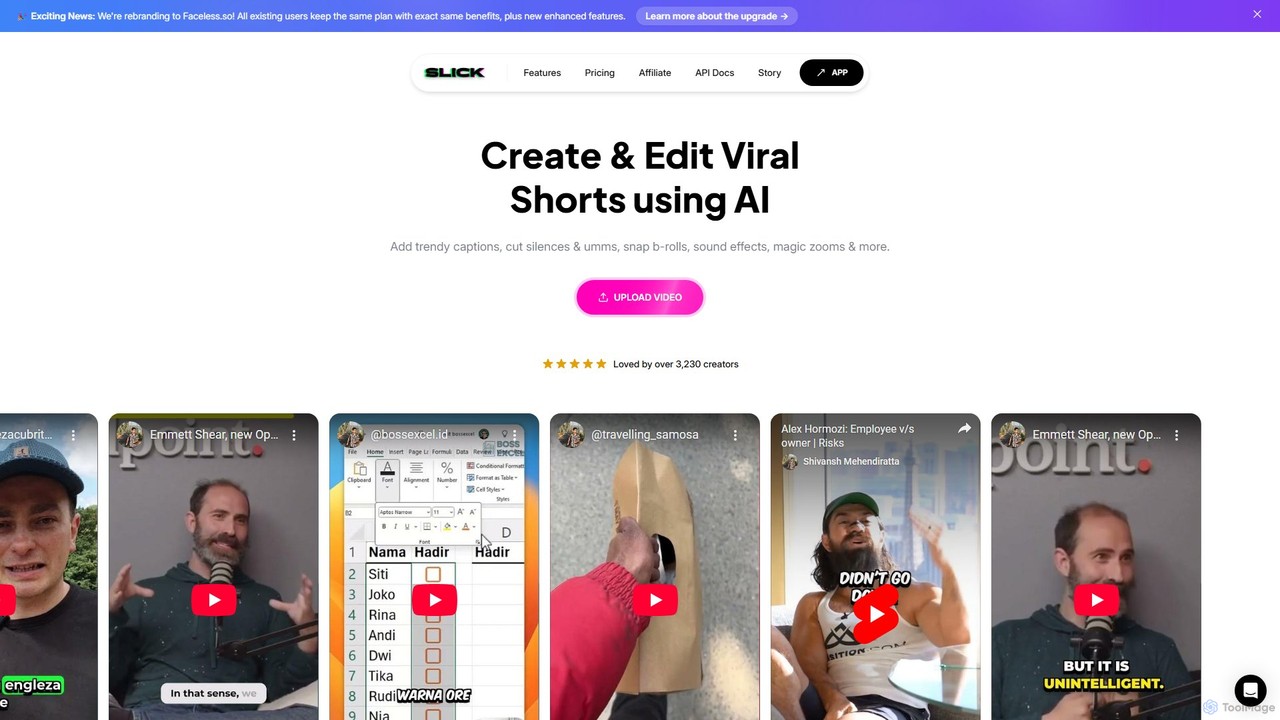
Slick
Slick (now rebranded as Faceless.so) is an AI-powered video editor designed to create and edit viral short videos for platforms like TikTok, Instagram Reels, and YouTube Shorts. It automates tedious tasks like adding trendy captions, inserting B-rolls, removing silences, and generating clips from long videos, enabling creators to produce engaging content effortlessly.
Automation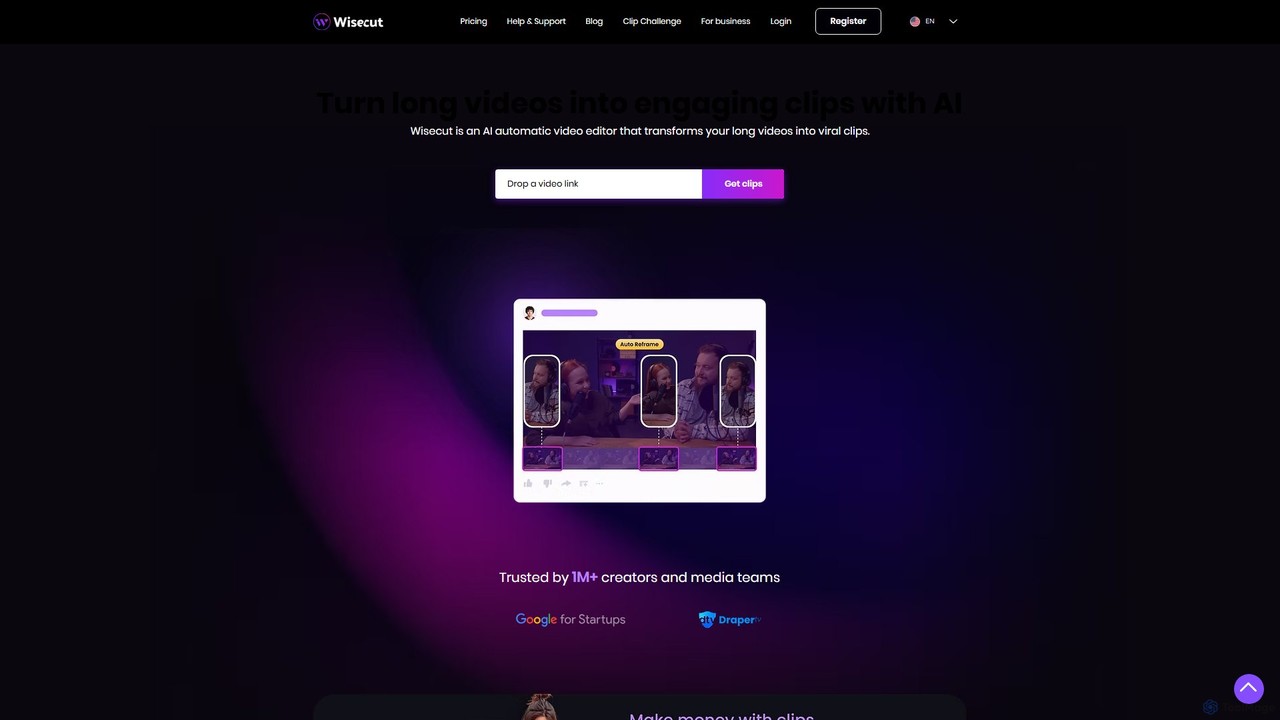
Wisecut
Wisecut is an AI-powered video editor that automatically transforms long videos into short, viral-ready clips. It uses AI to identify highlights, remove silences, add smart background music, and generate captions. Ideal for creators and businesses, it simplifies video editing with a storyboard-based interface, requiring no technical skills to produce professional, engaging content for social media and other platforms.
AutomationAutoEditor Categories
AutoEditor Embed Widget
Copy this embed code to place the badge on your blog, article, or product site and send readers directly to this ToolMage detail page.

Related AI tools
RenderCut
RenderCut is an AI-powered video editing tool that automates the creation of engaging short-form videos. It instantly adds stylish, animated subtitles, B-rolls, emojis, and sound effects, transforming plain videos or audio into high-retention content for platforms like TikTok, Reels, and Shorts. It's designed for content creators, marketers, and businesses to produce professional-looking videos in minutes, not hours.
Video MarketingSubmagic
Submagic is an all-in-one AI platform designed for creating viral short-form videos in seconds. It automates tedious editing tasks by generating trendy captions with emojis, adding dynamic B-rolls, creating smooth transitions, and extracting key moments from long videos. It's the perfect tool for content creators, marketers, and businesses looking to boost engagement and save time on video production.
AutomationZeemo
Zeemo is an all-in-one AI-powered video toolkit designed for content creators. It excels at automatic subtitle generation, transcription, and translation in over 95 languages with up to 98% accuracy. It also offers a suite of video editing tools, social media downloaders, and AI video generation features to streamline content creation and boost audience engagement.
TranscriptionSlick
Slick (now rebranded as Faceless.so) is an AI-powered video editor designed to create and edit viral short videos for platforms like TikTok, Instagram Reels, and YouTube Shorts. It automates tedious tasks like adding trendy captions, inserting B-rolls, removing silences, and generating clips from long videos, enabling creators to produce engaging content effortlessly.
Automation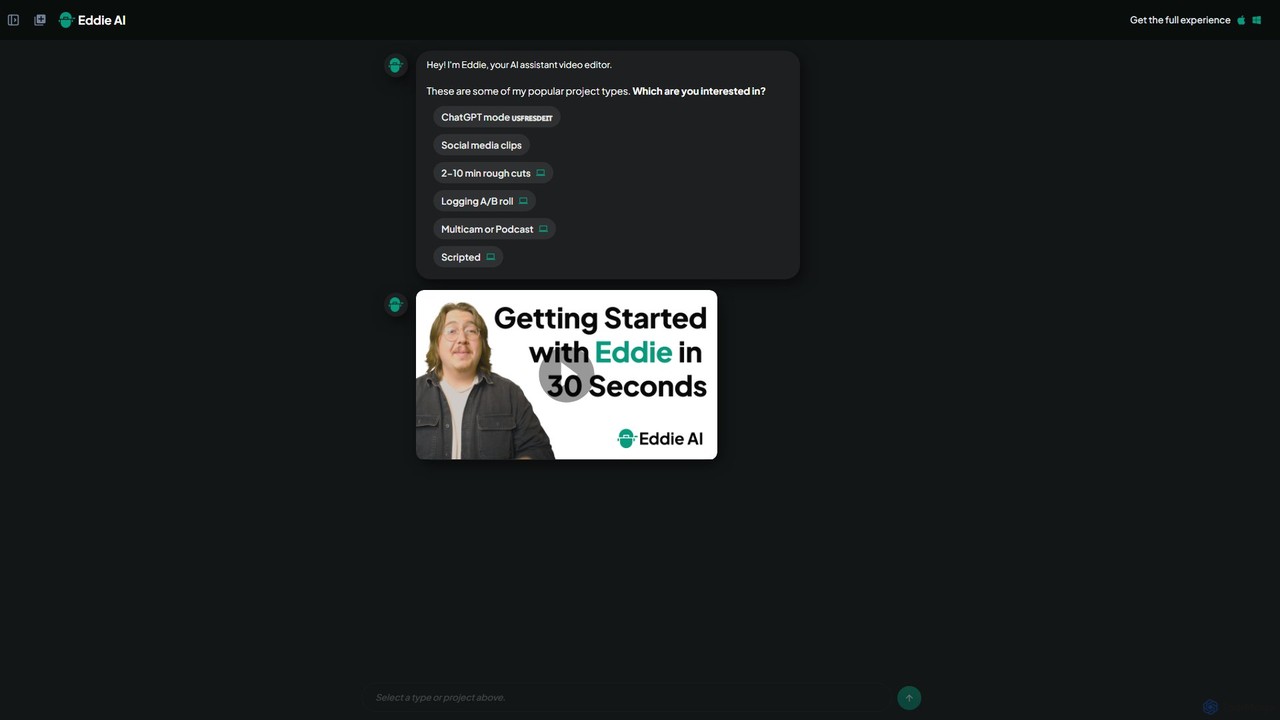
heyeddie
Heyeddie is an AI-powered video editing assistant that streamlines your workflow. Simply use natural language commands to have Eddie automatically create rough cuts, generate social media clips, log A/B roll, sync multicam footage, and edit based on a script. It's designed for content creators, marketers, and podcasters to save time and focus on storytelling.
Automation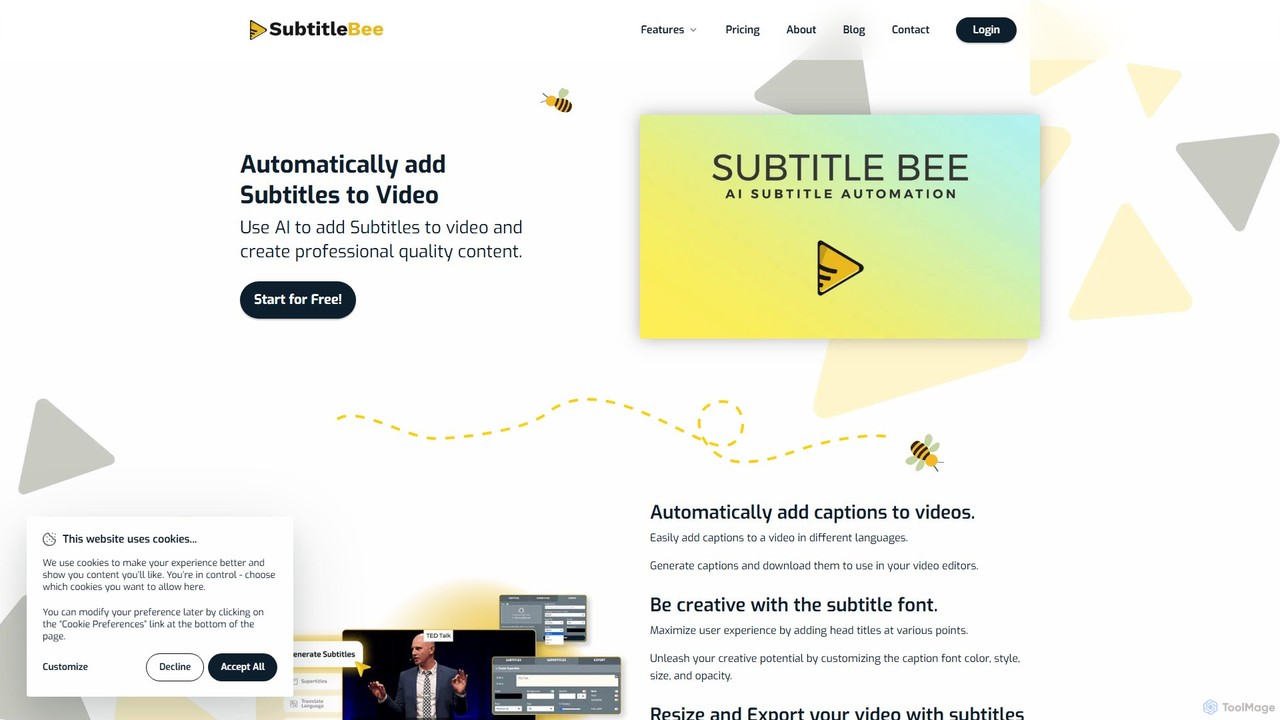
SubtitleBee
An AI-powered platform for automatically generating, translating, and customizing video subtitles. It supports over 120 languages and offers features like audio transcription, video cropping, and branding to enhance content accessibility and engagement for creators and businesses.
Transcription
Jyek
Jyek is an AI agent platform that understands objectives, creates execution plans, uses tools, and delivers verifiable results for complex, multi-step tasks.
Automation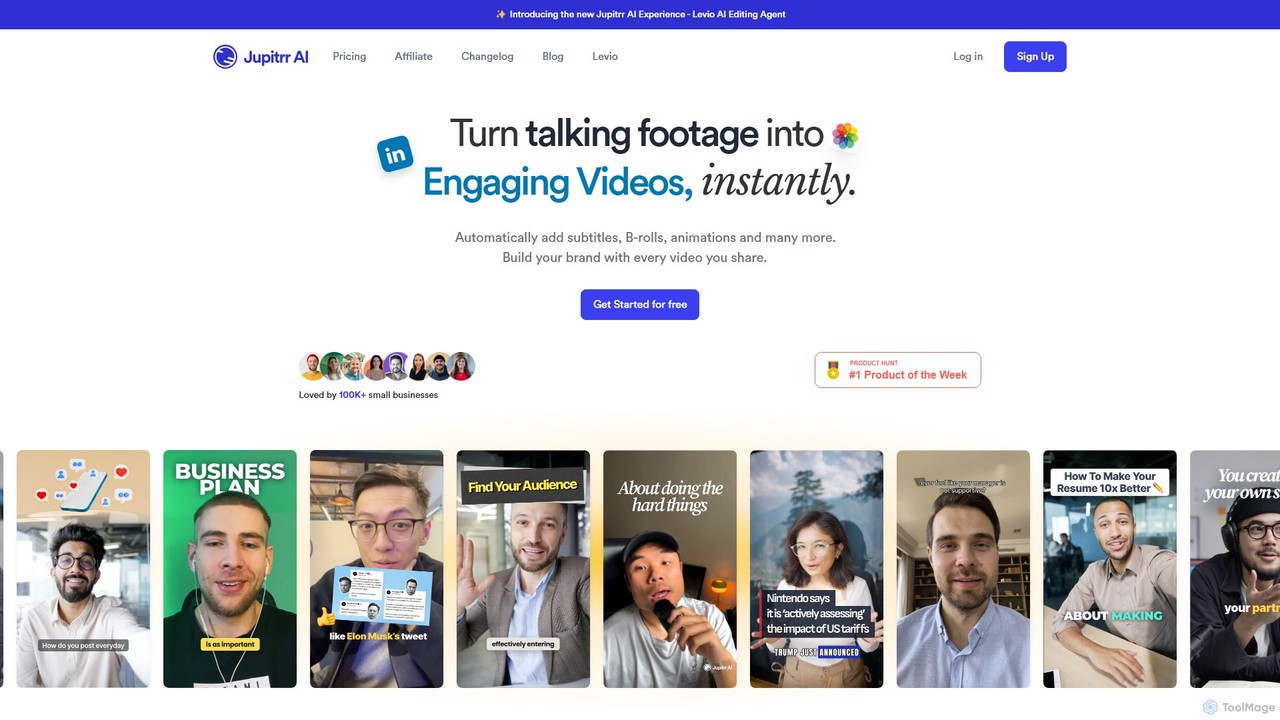
jupitrr
jupitrr is an AI-powered video editor that instantly transforms raw talking-head footage into engaging, shareable video clips. It automatically adds dynamic subtitles, relevant B-rolls from a massive stock library, animations, and background music, making professional video creation accessible to everyone without editing skills.
Automation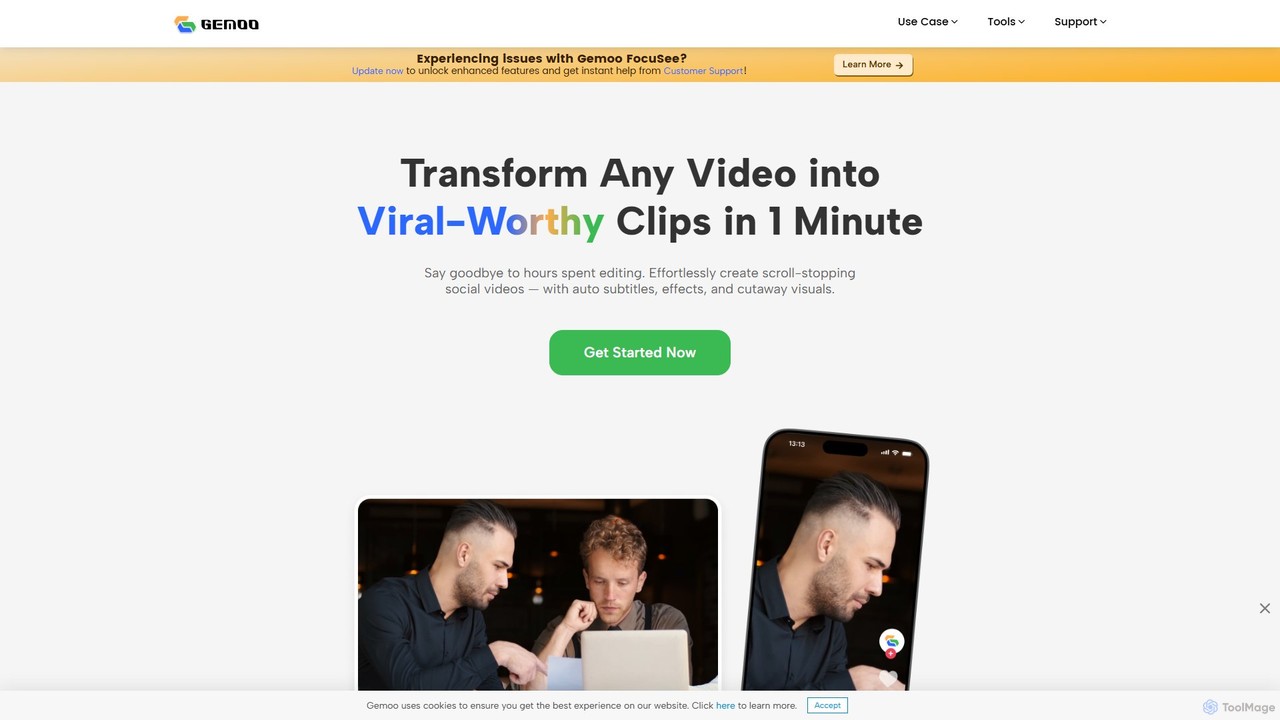
Gemoo
Gemoo is an AI-powered video editor that transforms any video into viral-worthy short clips in minutes. It automates tedious tasks like adding subtitles, inserting relevant B-roll footage, applying effects, and generating social media-optimized titles and descriptions. Ideal for creators, marketers, and educators looking to produce high-quality, engaging content efficiently.
Video Marketing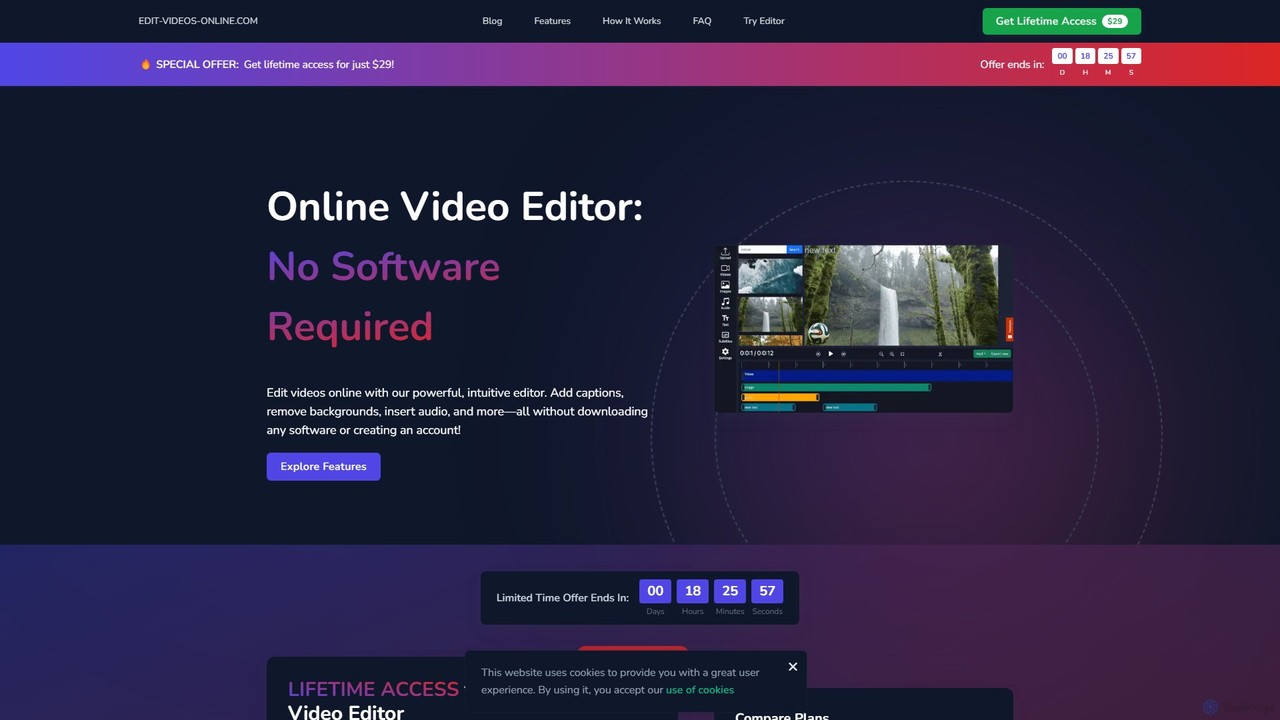
edit_videos_online
edit_videos_online is a powerful, browser-based video editor that leverages AI to simplify content creation. Easily remove video backgrounds with one click, automatically generate accurate captions, create AI voiceovers, and add dynamic text and watermarks. It's designed for social media creators, marketers, and anyone looking to produce professional-quality videos for platforms like TikTok, Instagram, and YouTube without complex software.
Advertising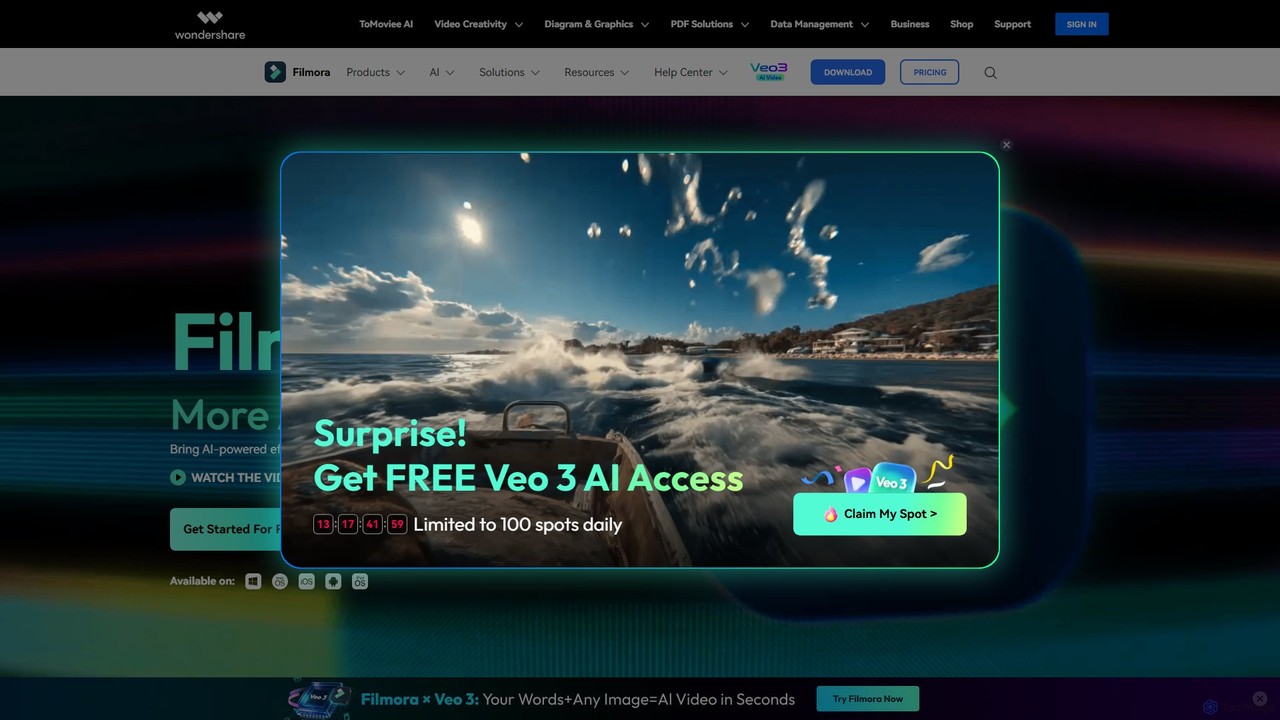
Filmora
Filmora is a powerful and intuitive AI video editor designed for creators of all skill levels. It simplifies the editing process with a suite of AI-powered tools, an extensive library of assets, and a user-friendly interface, making it easy to create professional-quality videos for social media, personal projects, and commercial use.
Social Media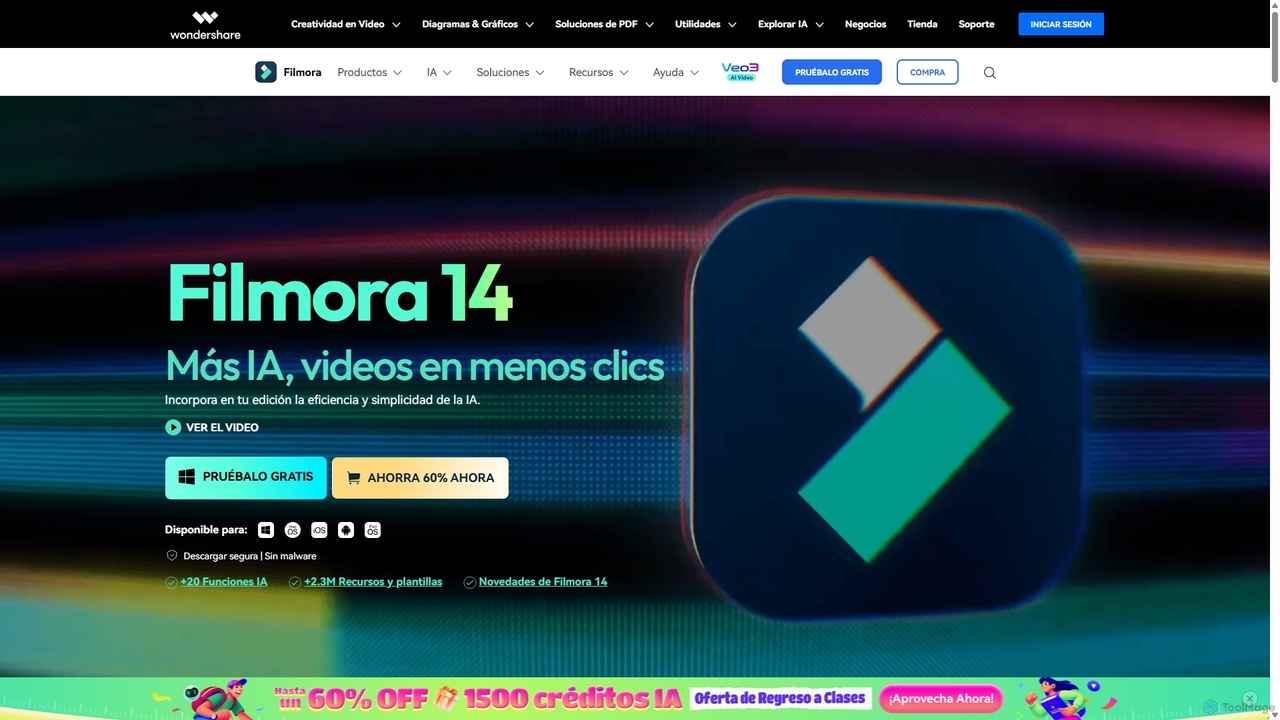
Filmora
Filmora is an AI-powered video editor that simplifies the creation process for both beginners and professionals. It offers a vast suite of AI tools, including smart clip generation, text-to-video, and advanced audio enhancement, combined with a user-friendly interface and a massive library of effects and resources to make video editing faster and more creative.
Social Media
InShot
InShot is a powerful all-in-one video and photo editor for mobile devices, packed with professional-grade features and AI-powered tools. It's designed for everyone from social media creators to beginners, offering an intuitive interface for easy editing, trimming, and enhancing videos. With features like AI auto-captions, advanced effects, a rich music library, and 4K export, InShot makes creating high-quality content for platforms like YouTube, Instagram, and TikTok simple and accessible.
Photo Editing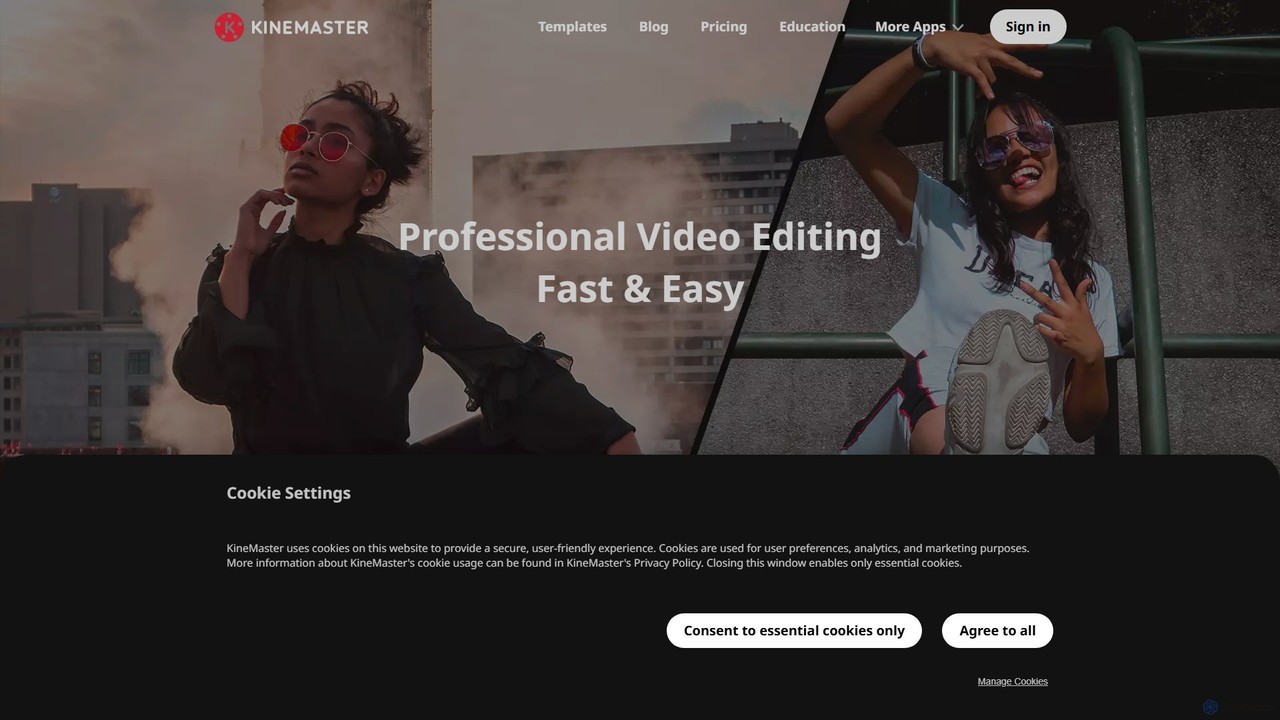
KineMaster
KineMaster is a professional-grade mobile video editing app packed with powerful AI features. It offers a multi-layer timeline, 4K export, and a vast library of templates and assets, making it easy to create stunning videos for social media, vlogs, and marketing directly on your phone.
Mobile Tools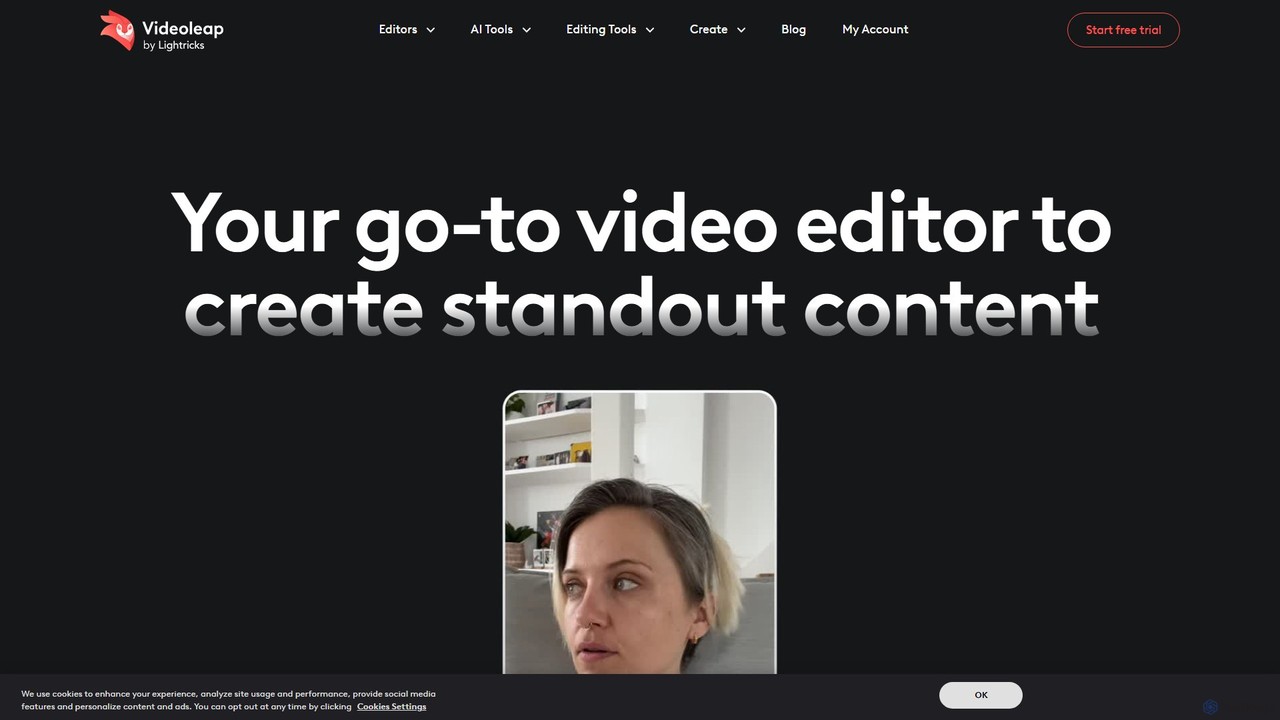
Videoleap
Videoleap is a powerful AI-driven video editor and maker app designed for both beginners and professionals. It combines a full suite of traditional editing tools with cutting-edge AI features like object removal, infinite zoom, and AI-generated effects. Create stunning, professional-quality videos for social media, marketing, or personal projects directly from your mobile device with ease and speed.
Mobile Apps
AutoEditor Comments (0)
Sign in to comment.
Sign inNo comments yet.