

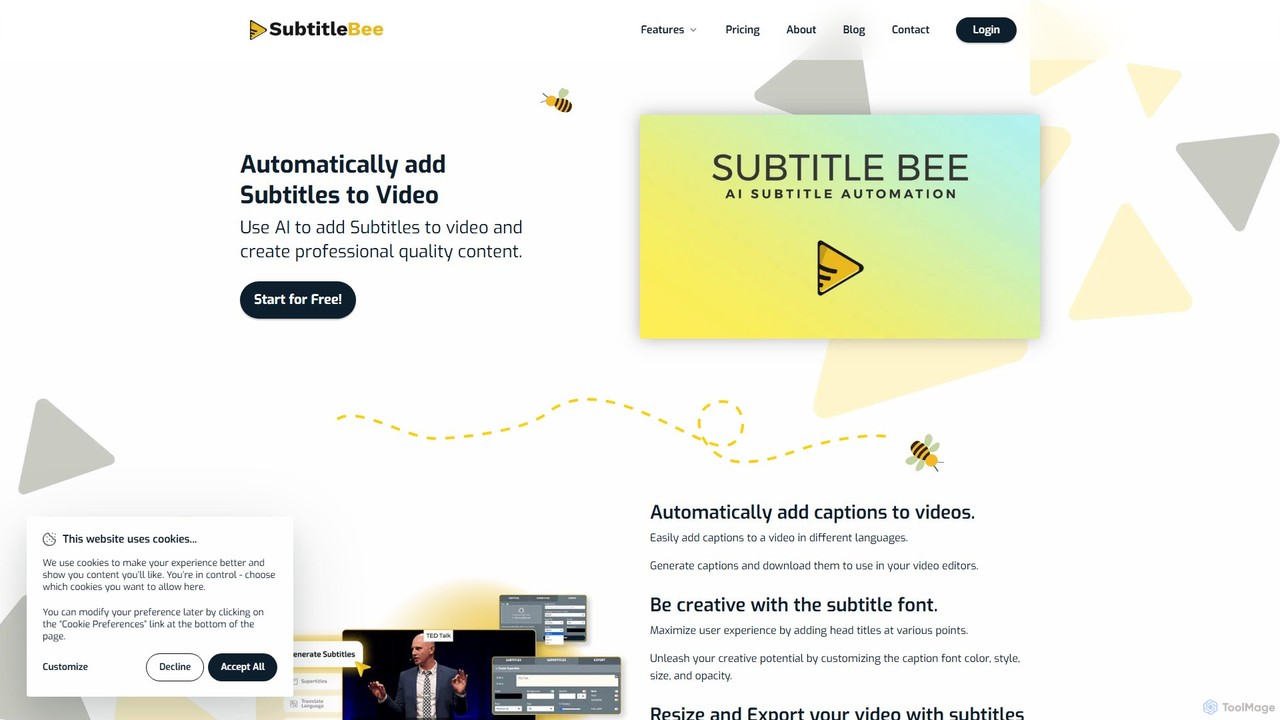
SubtitleBee Overview
SubtitleBee is a comprehensive, AI-driven platform designed to simplify the process of adding subtitles and captions to videos. It leverages artificial intelligence to automatically generate highly accurate subtitles, transcribe audio, and translate content into over 120 languages. This makes it an invaluable tool for content creators, marketers, educators, and businesses aiming to increase their global reach, improve audience engagement, and make their content more accessible. Beyond just subtitles, SubtitleBee offers a suite of editing tools, allowing users to customize the look of their captions, add logos, crop videos for social media, and much more, all within a user-friendly web interface.
How to use SubtitleBee
The platform is designed for efficiency and ease of use, breaking down the subtitling process into three simple steps:
1. Upload Media: Begin by uploading your video file (supports MP4, MOV, WMV, AVI, etc.) or simply pasting a link to your video. The platform can handle files up to 1GB even on the free plan. You can also upload audio files (like MP3) for transcription.
2. Edit and Customize: Once uploaded, SubtitleBee's AI will automatically generate time-stamped subtitles. You can then use the intuitive editor to review and correct any text, adjust timing, and style the subtitles. This is also where you can add your brand logo, overlay text (supertitles), add a progress bar, and crop the video to fit various social media aspect ratios.
3. Download and Share: After finalizing your edits, you can download the video with the subtitles permanently burned in. Alternatively, you can download the subtitle files separately in popular formats like .srt, .vtt, .ass, or .txt to use in other video editors.
Core Features of SubtitleBee
- AI Subtitle Generator: Automatically creates and syncs subtitles for videos with up to 95% accuracy, saving hours of manual work.
- Subtitle Translator: Translates subtitles into over 120 languages, breaking down language barriers and expanding your audience worldwide.
- Audio Transcription: Converts audio files into accurate, readable text, perfect for creating transcripts for podcasts, interviews, or lectures.
- Full Subtitle Customization: Offers complete control over the appearance of subtitles, including font styles, colors, sizes, and opacity to match your brand's aesthetic.
- Video Editing Suite: Includes essential tools like a video cropper for social media formats (TikTok, Instagram Stories), a video resizer, a video compressor, and the ability to add watermarks or custom logos.
- Supertitles and Progress Bars: Enhance viewer engagement by adding eye-catching head titles (supertitles) and a customizable progress bar to your videos.
- Multiple Export Options: Export videos with burned-in captions or download separate subtitle files (.srt, .vtt, .ass, .txt) for maximum flexibility.
Use Cases for SubtitleBee
Content Creators & Influencers: Quickly add engaging, styled captions to YouTube, TikTok, and Instagram videos to boost watch time and retention.
Marketers & Businesses: Create professional, branded promotional videos with clear messaging and translate them to reach international markets.
Educators & Tutors: Make educational content more accessible and easier to follow for students, including those who are deaf or hard-of-hearing, or non-native speakers.
Podcasters: Transcribe podcast episodes into text to create blog posts, show notes, and improve SEO discoverability.
Corporate Communications: Add clear subtitles to internal training videos, announcements, and presentations to ensure the message is understood by all employees.
Advantages of SubtitleBee
Efficiency: Drastically reduces the time and cost associated with manual transcription and subtitling.
Increased Engagement: Captioned videos are proven to have higher viewer retention and click-through rates, especially on social media where many users watch with the sound off.
Global Reach: The powerful translation feature makes it easy to localize content for a worldwide audience.
Improved Accessibility: Ensures content is accessible to the deaf and hard-of-hearing community, promoting inclusivity.
Enhanced SEO: Full text transcripts make your video content discoverable by search engines, driving more organic traffic.
All-in-One Solution: Combines subtitling, translation, and essential video editing features into a single, easy-to-use platform.
Pricing and Plans
SubtitleBee operates on a freemium model, offering a range of plans to suit different needs. Annual subscriptions receive a 12% discount.
Free Trial: Includes 1 video export per month (up to 10 minutes), basic subtitle generation in 5 languages, and a SubtitleBee watermark.
Starter Plan ($19/month): Designed for regular creators, offering 12 video exports per month (up to 20 minutes each), 3 translations per video, 20 languages, custom logo support, and more font styles.
Premium Plan ($49/month): The most popular choice, providing 35 video exports per month (up to 30 minutes each), 10 translations per video, 50 languages, and access to all AI features like advanced cropping and progress bars.
Business Plan ($129/month): For heavy users and agencies, this plan includes 60 video exports per month (up to 60 minutes each), 15 translations per video, unlimited uploads, and premium support.
Custom plans are also available for users with larger volume requirements.
Traffic
Latest traffic
Status
Monthly traffic trend
- 2025-9: 181.2K
- 2026-1: 69.6K
- 2026-2: 57.2K
- 2026-3: 57.9K
- 2026-4: 49.1K
- 2026-5: 44.2K
Geography
Top 5 countries / regions
- 🇮🇳India25.6%
- 🇳🇬Nigeria23.6%
- 🇻🇳Vietnam19.1%
- 🇷🇺Russia16.1%
- 🇺🇸United States15.6%
Top keywords
| Keyword | Cost per click |
|---|---|
| kapwing captions | $0.45 |
| subtitlebee | $0.28 |
| subtitles forced meaning | $0.00 |
| как в да винчи загрузить заранее написанные титры | $0.00 |
| как в давинчи загрузить зарание написаные титры | $0.00 |
SubtitleBee Alternatives
Zeemo
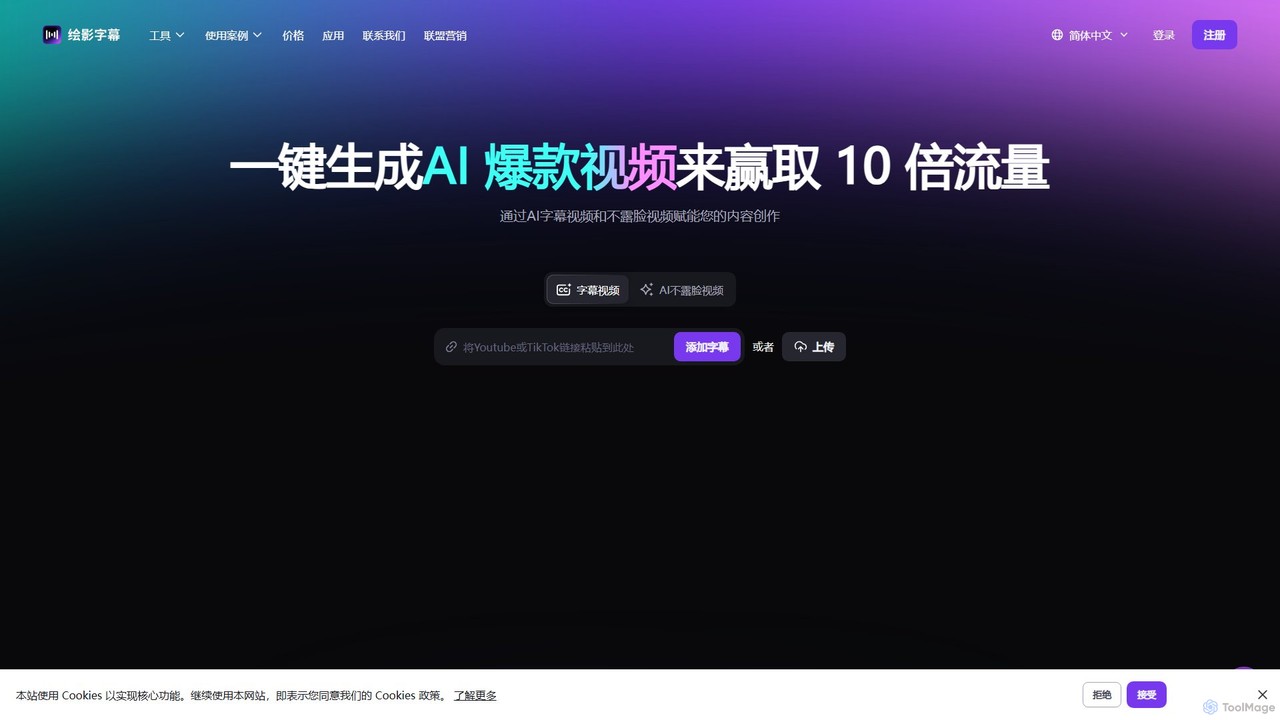
Zeemo is an all-in-one AI-powered video toolkit designed for content creators. It excels at automatic subtitle generation, transcription, and translation in over 95 languages with up to 98% accuracy. It also offers a suite of video editing tools, social media downloaders, and AI video generation features to streamline content creation and boost audience engagement.
Transcription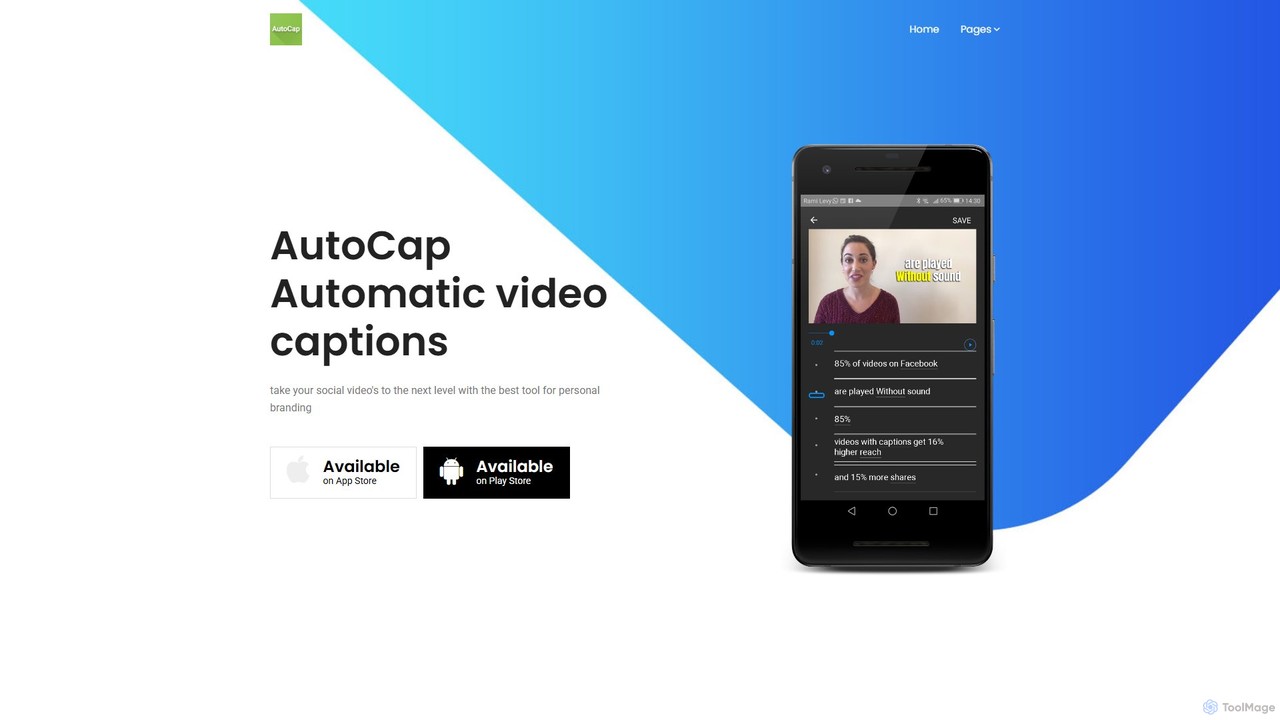
AutoCap
AutoCap is an AI-powered mobile app that automatically adds stunning animated captions to your videos. It uses advanced voice recognition to transcribe audio, provides an intuitive editor for corrections, and offers extensive customization options. Ideal for social media creators, marketers, and educators looking to boost engagement and accessibility.
Transcription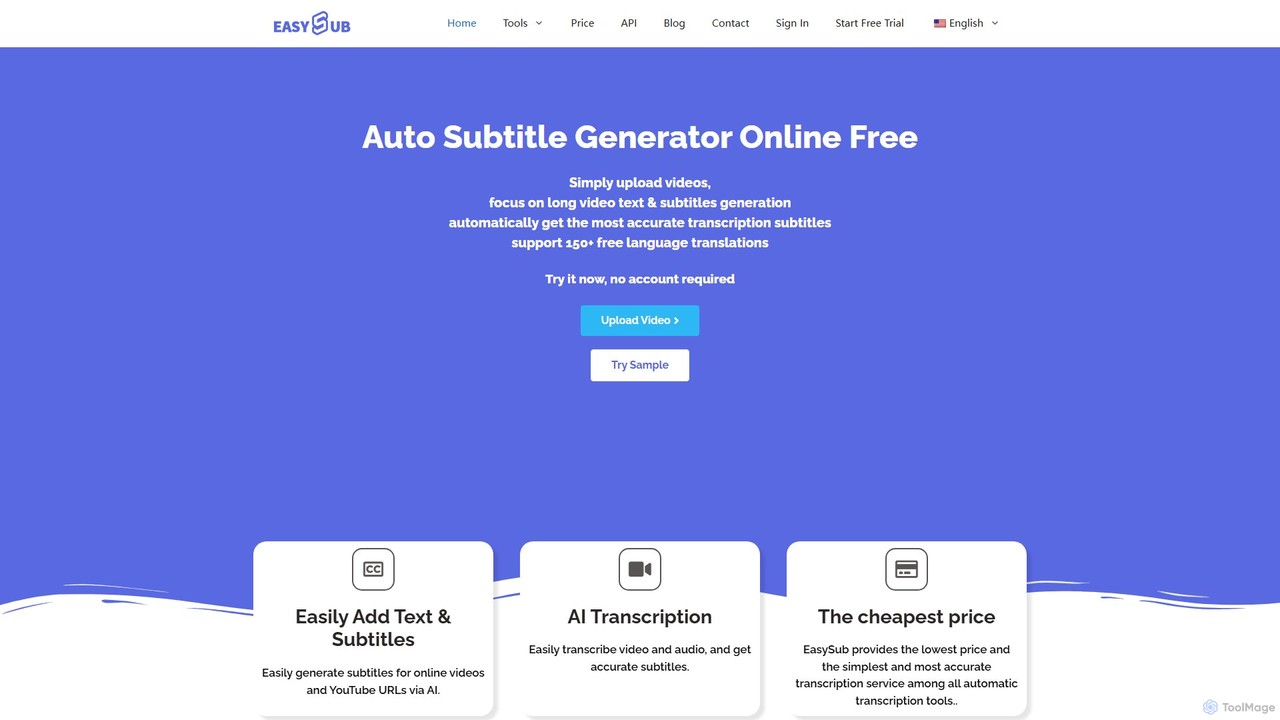
EASYSUB
EASYSUB is an AI-powered online tool for automatically generating, transcribing, and translating video subtitles. It supports over 150 languages, offers high-accuracy transcription, and includes a user-friendly editor to style subtitles and videos for social media platforms like YouTube and TikTok. It's designed for video creators, educators, and subtitlers to save time and increase video accessibility.
Transcription
dubs
dubs is an all-in-one AI video studio designed for content creators and businesses. It offers a suite of powerful tools including automatic subtitles in 100+ languages, voice-cloning dubbing, AI avatars, and script generation. Enhance your videos, reach a global audience, and make your content more accessible and engaging with features like a teleprompter, noise removal, and customizable captions.
Transcription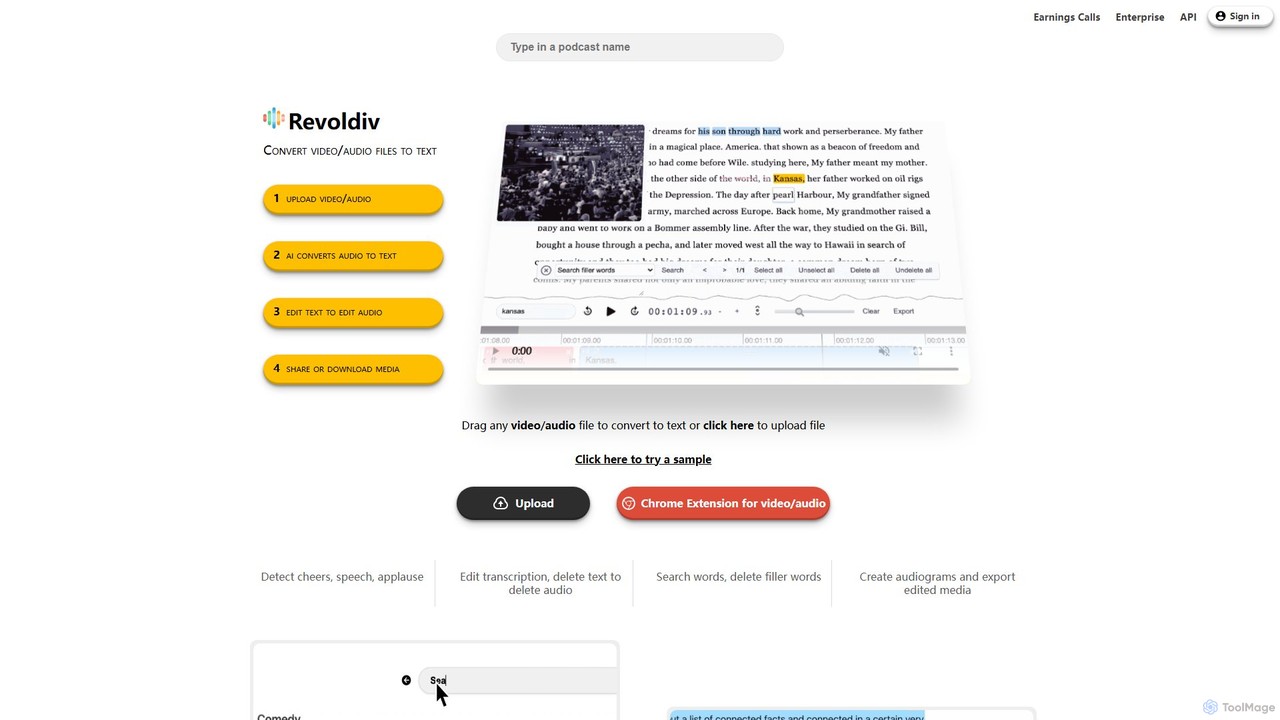
Revoldiv
Revoldiv is an AI-powered platform that transcribes video and audio files into editable text. It revolutionizes content creation by allowing users to edit media by simply editing the text, automatically removing filler words, creating audiograms, and fostering collaboration, making the post-production process fast and intuitive.
TranscriptionSubtitleBee Categories
SubtitleBee Embed Widget
Copy this embed code to place the badge on your blog, article, or product site and send readers directly to this ToolMage detail page.

Related AI tools
Zeemo
Zeemo is an all-in-one AI-powered video toolkit designed for content creators. It excels at automatic subtitle generation, transcription, and translation in over 95 languages with up to 98% accuracy. It also offers a suite of video editing tools, social media downloaders, and AI video generation features to streamline content creation and boost audience engagement.
TranscriptionAutoCap
AutoCap is an AI-powered mobile app that automatically adds stunning animated captions to your videos. It uses advanced voice recognition to transcribe audio, provides an intuitive editor for corrections, and offers extensive customization options. Ideal for social media creators, marketers, and educators looking to boost engagement and accessibility.
Transcription
RenderCut
RenderCut is an AI-powered video editing tool that automates the creation of engaging short-form videos. It instantly adds stylish, animated subtitles, B-rolls, emojis, and sound effects, transforming plain videos or audio into high-retention content for platforms like TikTok, Reels, and Shorts. It's designed for content creators, marketers, and businesses to produce professional-looking videos in minutes, not hours.
Video Marketing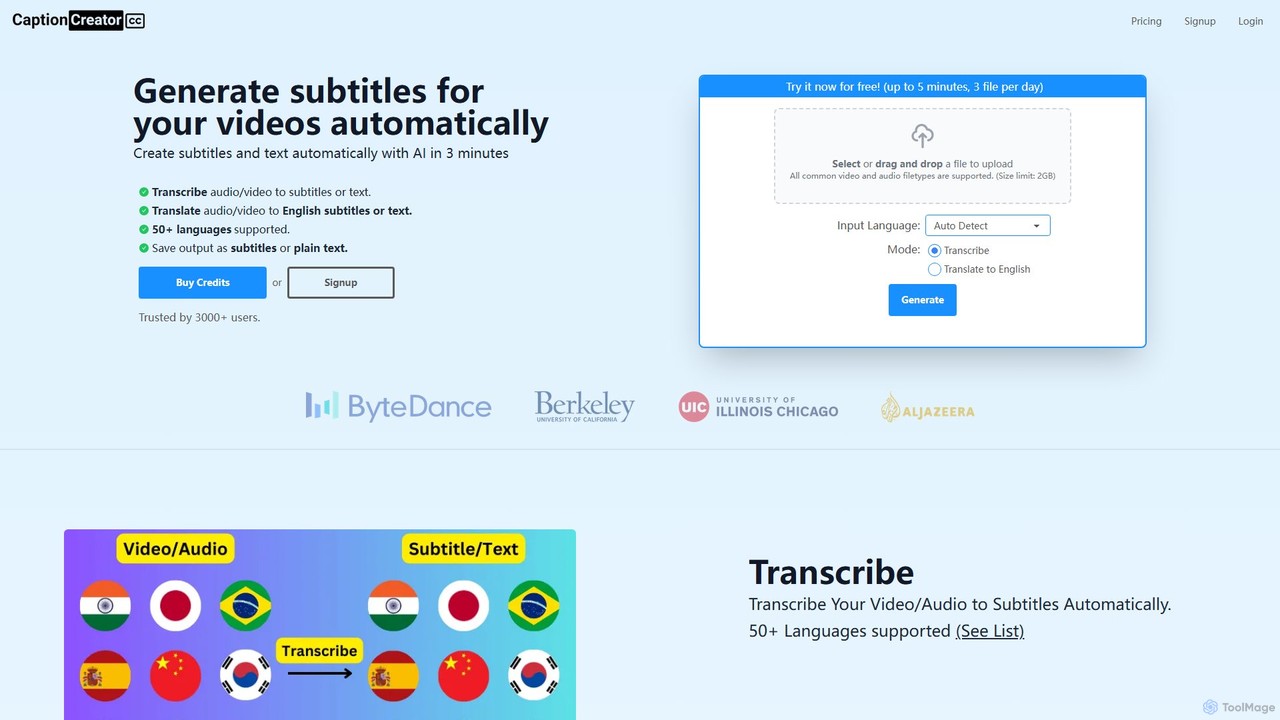
CaptionCreator
CaptionCreator is an AI-powered online tool that automatically generates subtitles and transcribes video or audio files in minutes. Supporting over 50 languages, it offers fast transcription and translation to English, handling noisy audio and diverse accents with high accuracy. It's ideal for content creators, marketers, and educators seeking to improve content accessibility and engagement.
Transcription
AutoEditor
AutoEditor is an AI-powered video editing tool designed to simplify the creation of engaging short videos. It automatically generates captions in over 40 languages, detects and removes silent parts, and allows users to easily add B-rolls, watermarks, and effects. Ideal for content creators looking to save time and enhance their videos for social media.
Automation
Videoleap
Videoleap is a powerful AI-driven video editor and maker app designed for both beginners and professionals. It combines a full suite of traditional editing tools with cutting-edge AI features like object removal, infinite zoom, and AI-generated effects. Create stunning, professional-quality videos for social media, marketing, or personal projects directly from your mobile device with ease and speed.
Mobile AppsEASYSUB
EASYSUB is an AI-powered online tool for automatically generating, transcribing, and translating video subtitles. It supports over 150 languages, offers high-accuracy transcription, and includes a user-friendly editor to style subtitles and videos for social media platforms like YouTube and TikTok. It's designed for video creators, educators, and subtitlers to save time and increase video accessibility.
Transcription
FlexClip
A powerful yet easy-to-use online video maker that combines traditional editing tools with a suite of AI features. Create professional videos for marketing, social media, or personal use with a vast library of templates, stock media, and intelligent tools like AI video generation, auto-subtitling, and text-to-speech.
Social Media
Addsubtitle
Addsubtitle is an AI-powered platform for globalizing video content. It offers instant video translation, automatic subtitle generation, realistic AI dubbing, and innovative text-based video editing. Effortlessly translate your videos into over 100 languages, customize subtitles, and even clone voices to reach a worldwide audience without complex software or re-recording.
Translation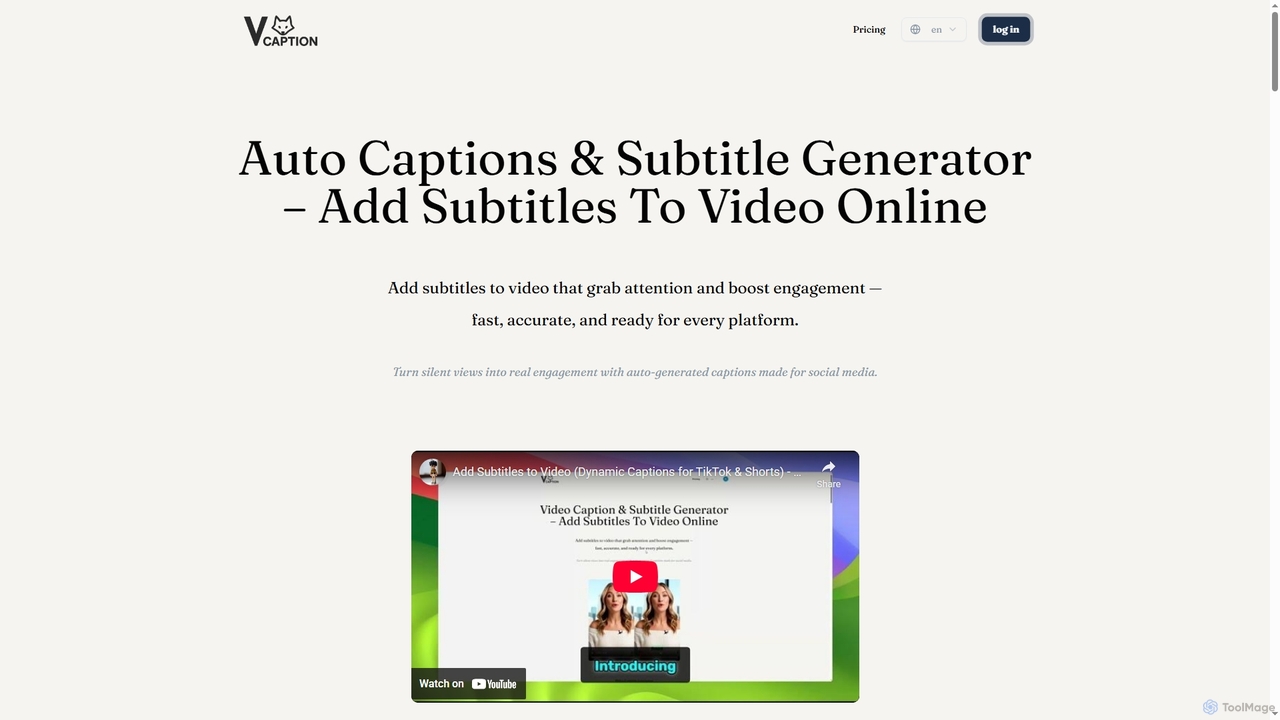
VideoCaption
VideoCaption is an AI-powered online tool that automatically generates and adds stylish, accurate subtitles to your videos. Boost engagement and accessibility across social media, e-learning, and marketing platforms with ease. Transform silent views into meaningful interactions quickly and professionally.
3D
Jyek
Jyek is an AI agent platform that understands objectives, creates execution plans, uses tools, and delivers verifiable results for complex, multi-step tasks.
Automation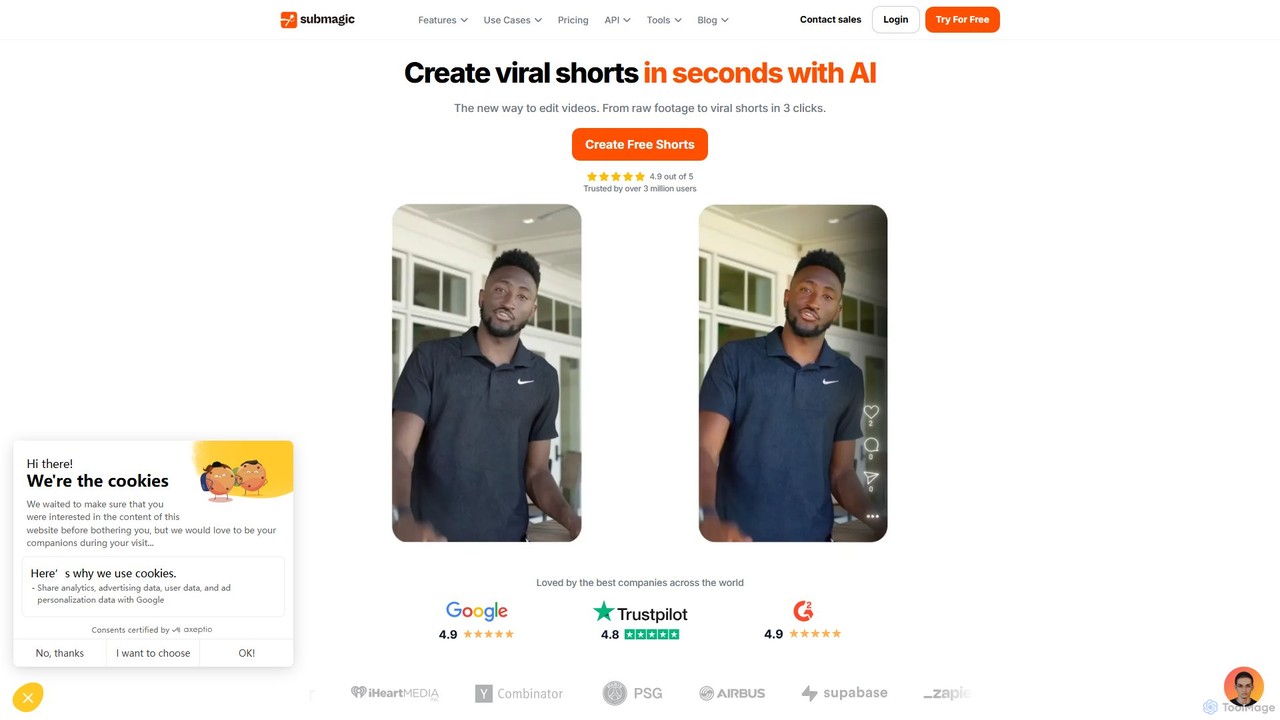
Submagic
Submagic is an all-in-one AI platform designed for creating viral short-form videos in seconds. It automates tedious editing tasks by generating trendy captions with emojis, adding dynamic B-rolls, creating smooth transitions, and extracting key moments from long videos. It's the perfect tool for content creators, marketers, and businesses looking to boost engagement and save time on video production.
Automation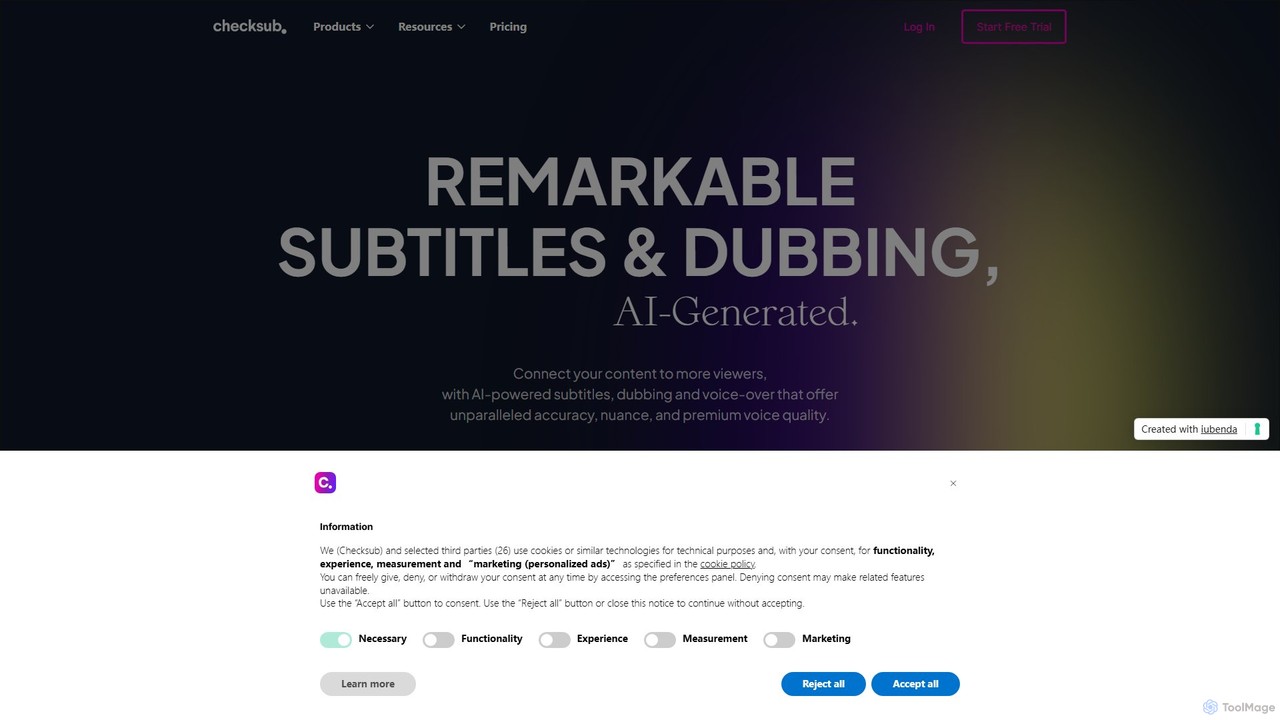
Checksub
Checksub is an AI-powered platform for automatic subtitling, video translation, and dubbing. It helps creators and businesses make their video content accessible to a global audience by generating accurate subtitles and high-quality voice-overs in over 200 languages, complete with voice cloning technology.
Transcription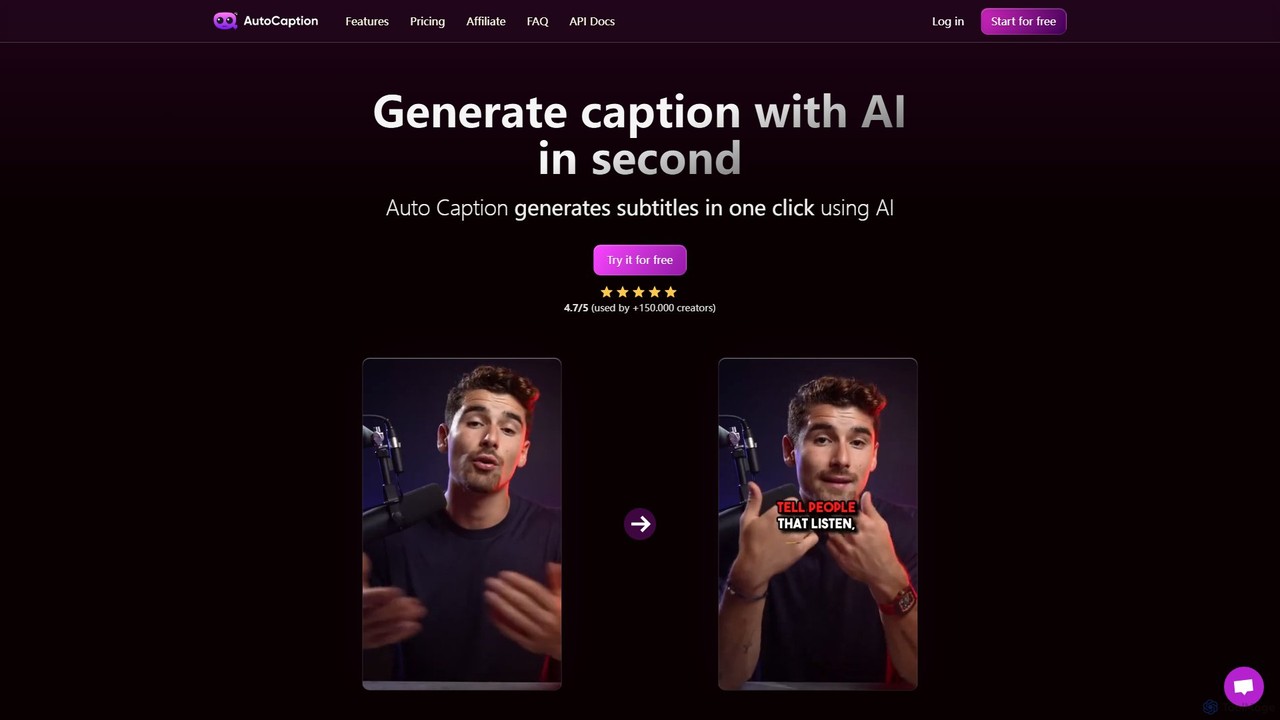
autocaption
autocaption is an AI-powered tool that automatically generates, transcribes, and animates video captions in over 99 languages. Designed for content creators, it saves hours of editing with features like customizable templates, animated emojis, and B-Roll AI. Enhance video engagement and accessibility with fast, fully editable, high-definition subtitles optimized for social media.
Automation
Zubtitle
Zubtitle is an AI-powered online video editor designed to help creators and marketers quickly optimize videos for social media. It specializes in automatic transcription and subtitling, allowing users to add captions, headlines, logos, and progress bars with just a few clicks. The tool simplifies video repurposing for platforms like Instagram, TikTok, and YouTube Shorts, making it easy to create engaging, professional-looking content that captures attention even when muted.
Transcription
SubtitleBee Comments (0)
Sign in to comment.
Sign inNo comments yet.