
CaptionCreator Overview
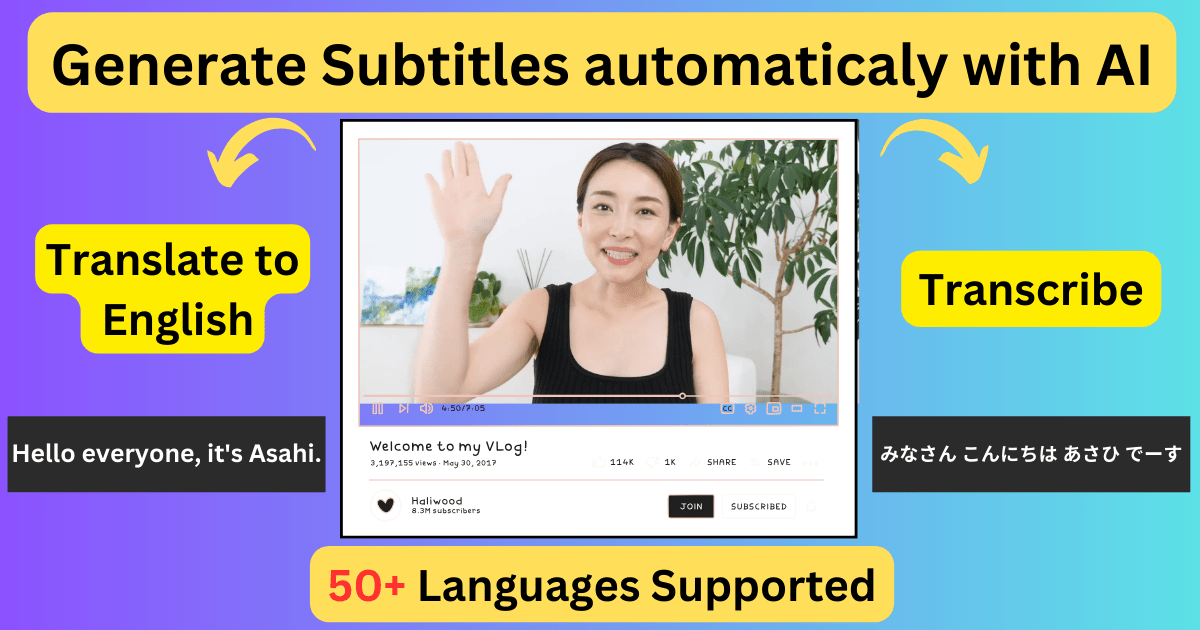
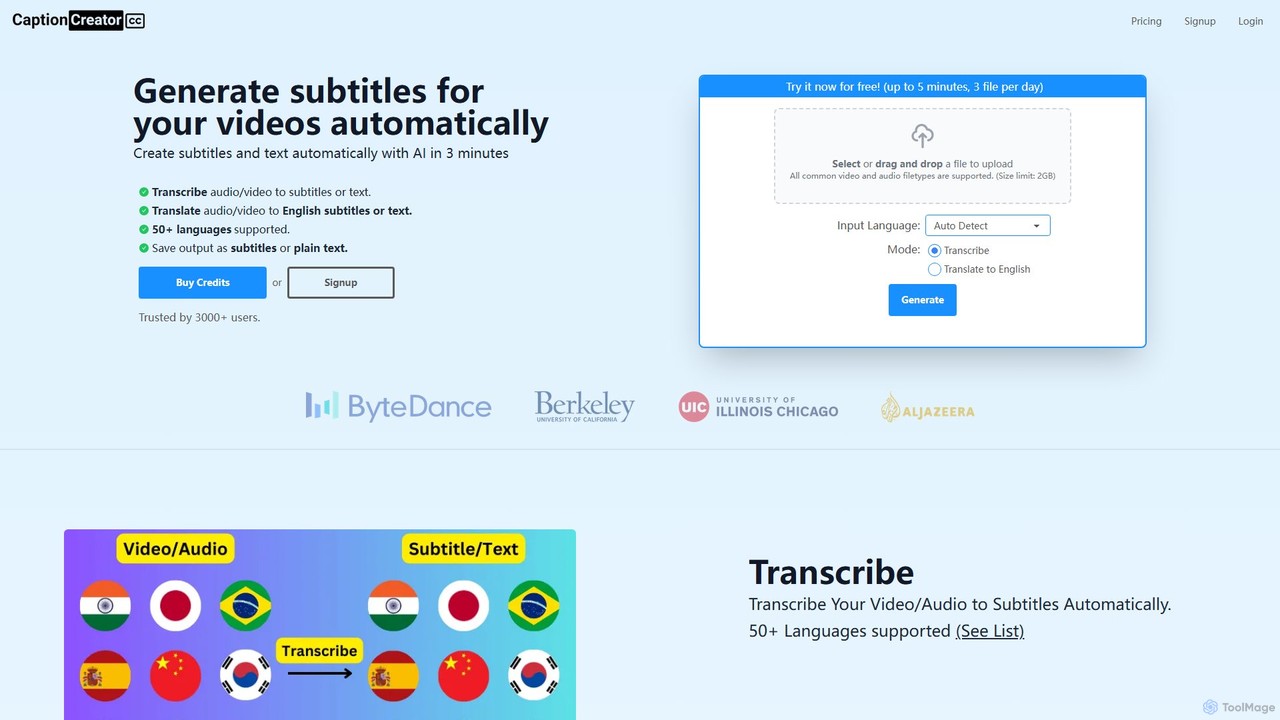
CaptionCreator is a powerful and efficient online AI tool designed to automate the process of generating subtitles and transcribing audio and video content. Leveraging the latest AI models, it delivers highly accurate results in just a few minutes, regardless of the file length. The platform supports over 50 languages, making it an invaluable asset for creators targeting a global audience. Whether you need to transcribe a lecture, add captions to a marketing video, or translate foreign-language content into English subtitles, CaptionCreator streamlines the entire workflow.
The tool is built for convenience and performance. Users can simply upload their files, and the AI handles the rest, even processing audio recorded in noisy environments or videos featuring multiple languages and diverse accents. The output can be saved as standard subtitle files (like SRT) or as plain text, offering flexibility for various applications. Trusted by thousands of users, including prominent YouTubers, CaptionCreator is recognized for its incredible speed and reliability.
How to use CaptionCreator
Using CaptionCreator is a straightforward, three-step process:
- Upload Your File: Drag and drop your video or audio file onto the platform. It supports all common file types with a generous size limit of 2GB.
- Configure Settings: Select the original language of the audio (or use auto-detect). Then, choose your desired mode: 'Transcribe' to create subtitles in the original language, or 'Translate to English' to generate English subtitles from a foreign language source.
- Generate and Download: Click the 'Generate' button. Within approximately 3 minutes, your subtitles or transcript will be ready. You can then review and edit the text using the built-in editor before downloading it in your preferred format.
Core Features of CaptionCreator
- AI-Powered Transcription & Translation: Utilizes advanced AI to automatically transcribe audio to text or translate it into English subtitles with high accuracy.
- Extensive Language Support: Supports transcription and translation for over 50 languages, including major global and regional languages.
- High-Speed Processing: Transcribes or translates hours of content in under 3 minutes, significantly boosting productivity.
- Robust Audio Handling: Effectively processes audio with background noise, multiple speakers using different languages, and a wide range of accents.
- Flexible Output Formats: Allows users to download the results as subtitle files (e.g., SRT) or as a plain text document.
- Built-in Subtitle Editor: Provides an intuitive editor to review, correct, and refine the generated captions before finalizing them.
- User-Friendly Interface: A simple drag-and-drop interface makes the tool accessible to everyone, with no technical expertise required.
Use Cases for CaptionCreator
CaptionCreator is versatile and serves a wide range of users:
- Content Creators (YouTubers, Podcasters): Quickly add accurate captions to videos to increase watch time, engagement, and accessibility for hearing-impaired and international audiences.
- Marketers and Businesses: Enhance social media videos and corporate communications with subtitles, improving message retention and reach.
- Educators and Students: Transcribe lectures, webinars, and academic interviews for easy review, study, and citation.
- Media Professionals: Generate subtitles for foreign films, documentaries, and news clips, breaking down language barriers.
- Researchers: Transcribe interviews and focus group discussions for qualitative data analysis.
Advantages of CaptionCreator
The main advantages of using CaptionCreator include its exceptional speed, which saves countless hours of manual work. Its pay-as-you-go model offers great flexibility and cost-effectiveness, as users only pay for what they need without being tied to a monthly subscription. The high accuracy, even with challenging audio, ensures professional-quality results. Furthermore, the platform is risk-free to try, with a generous free plan and a 30-day money-back guarantee on purchased credits.
Pricing and Plans
CaptionCreator offers a flexible and transparent pricing structure:
- Free Plan: Users can process files for free. Without an account, you can process up to 3 files per day, each less than 5 minutes. With a free account, you can process unlimited files, each less than 5 minutes long.
- Pay-As-You-Go Credits: For longer files, users can purchase credits. The model is simple: 1 credit equals 1 minute of transcription or translation. Credits do not expire as long as the account remains active (used at least once a year).
- Credit Packages: Credits are available in bundles, for example, 100 credits for $10.
- 30-Day Money-Back Guarantee: All credit purchases are protected by a 30-day, no-questions-asked money-back guarantee, allowing users to buy with confidence.
Traffic
Latest traffic
Status
Monthly traffic trend
- 2025-9: 10.3K
- 2026-1: 10.0K
- 2026-2: 6.6K
- 2026-3: 10.0K
- 2026-4: 15.8K
- 2026-5: 10.8K
Geography
Top 5 countries / regions
- 🇮🇳India53.6%
- 🇺🇸United States22.0%
- 🇸🇦Saudi Arabia8.8%
- 🇹🇭Thailand8.6%
- 🇵🇰Pakistan7.1%
Traffic sources
| Source type | Percentage |
|---|---|
Direct | 100.0% |
Top keywords
| Keyword | Cost per click |
|---|---|
| audio to caption generator | $0.21 |
| caption creator | $0.28 |
| caption creator pack | $0.00 |
| generate subtitles from audio | $0.24 |
| hindi audio video to english caption generator | $0.00 |
CaptionCreator Alternatives
EASYSUB
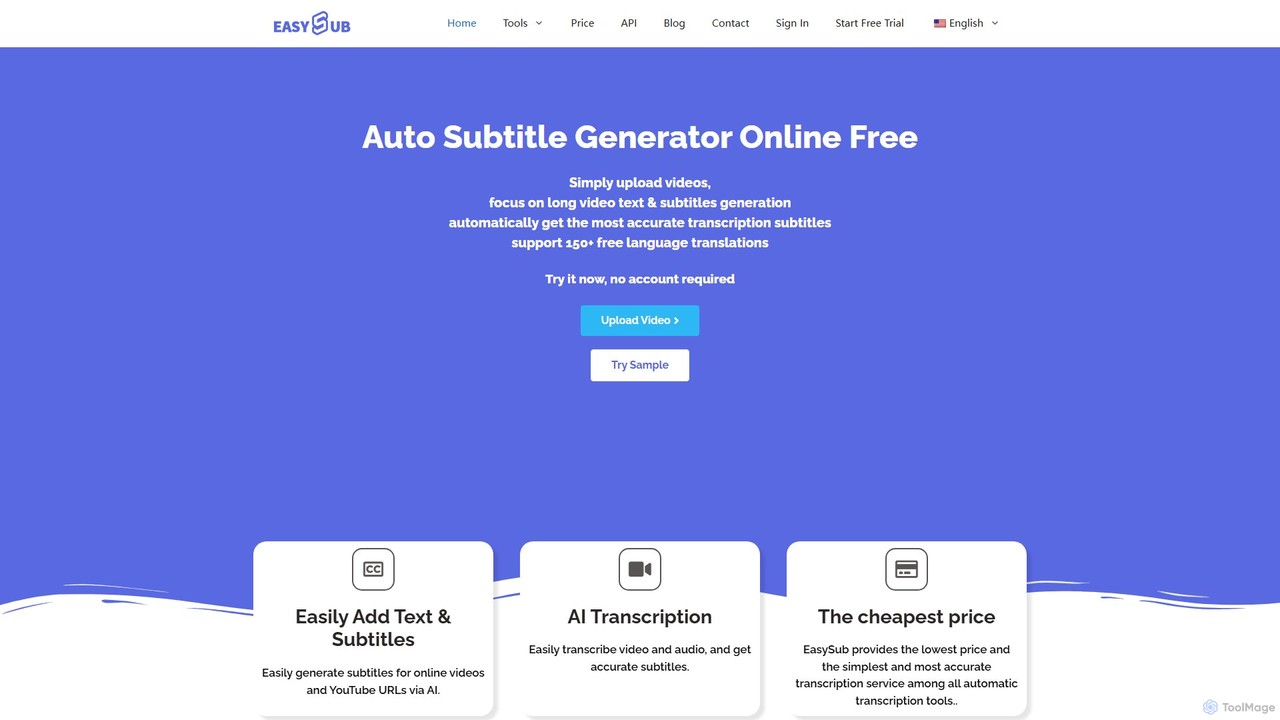
EASYSUB is an AI-powered online tool for automatically generating, transcribing, and translating video subtitles. It supports over 150 languages, offers high-accuracy transcription, and includes a user-friendly editor to style subtitles and videos for social media platforms like YouTube and TikTok. It's designed for video creators, educators, and subtitlers to save time and increase video accessibility.
Transcription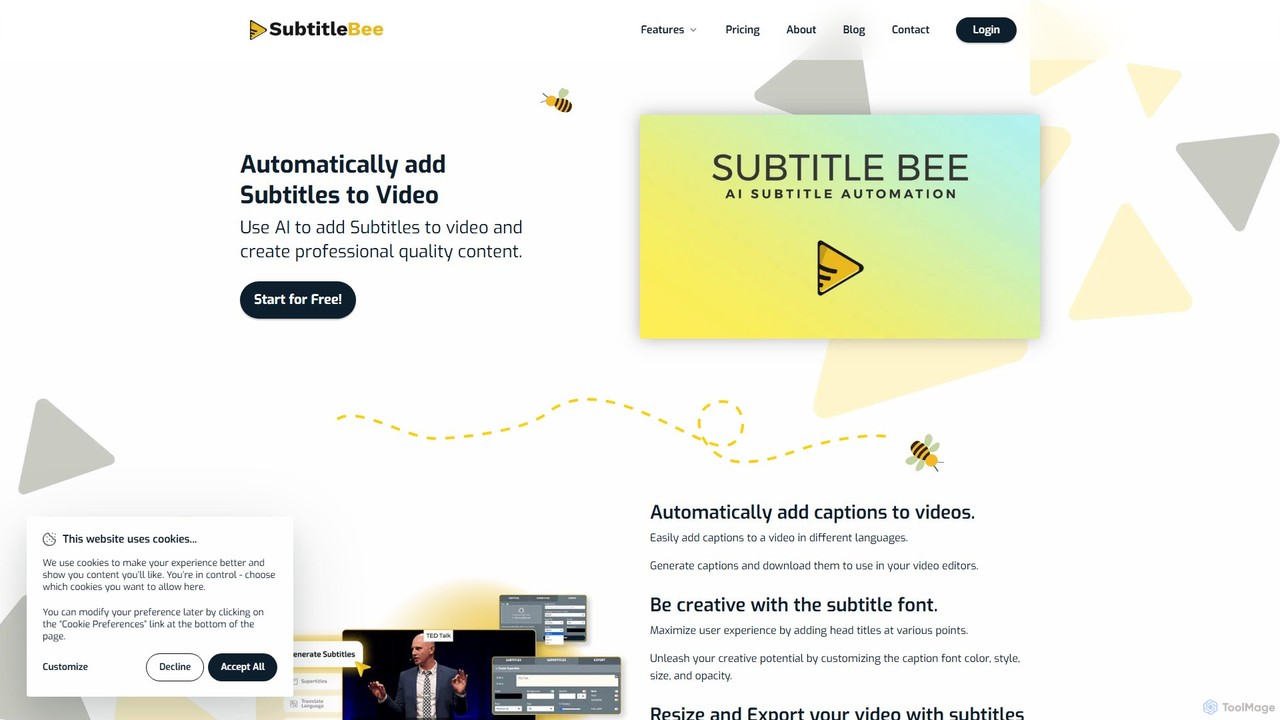
SubtitleBee
An AI-powered platform for automatically generating, translating, and customizing video subtitles. It supports over 120 languages and offers features like audio transcription, video cropping, and branding to enhance content accessibility and engagement for creators and businesses.
Transcription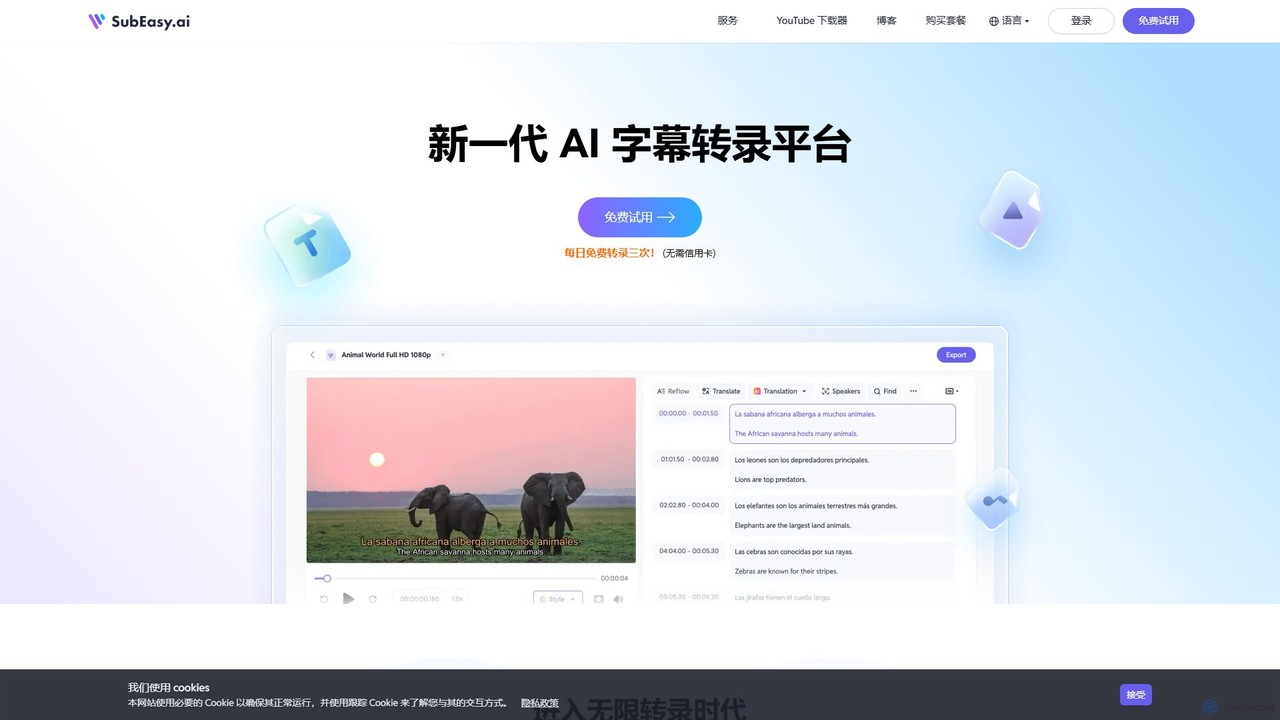
SubEasy
SubEasy is a next-generation AI platform for video and audio transcription, subtitle generation, and translation. Powered by OpenAI's Whisper, it delivers up to 99% accuracy. It supports over 100 languages, offers a unique AI Reflow feature for perfectly timed subtitles, and provides an all-in-one solution from transcription to video export, making it ideal for content creators, educators, and businesses.
Transcription
SubtitleGen
SubtitleGen is an AI-powered tool that automatically transcribes video and audio, generates accurate subtitles, and translates them into multiple languages. It's designed for content creators, marketers, and educators to enhance accessibility and expand their global reach, saving up to 80% of manual effort with 99.8% accuracy.
Transcription
Banva
Banva is an AI-powered platform for lightning-fast, highly accurate video subtitling, transcription, and translation in over 80 languages. Customize, edit, and burn subtitles directly into your videos through an intuitive browser-based interface. Ideal for content creators and businesses aiming for global reach and accessibility.
TranscriptionCaptionCreator Categories
CaptionCreator Embed Widget
Copy this embed code to place the badge on your blog, article, or product site and send readers directly to this ToolMage detail page.

Related AI tools
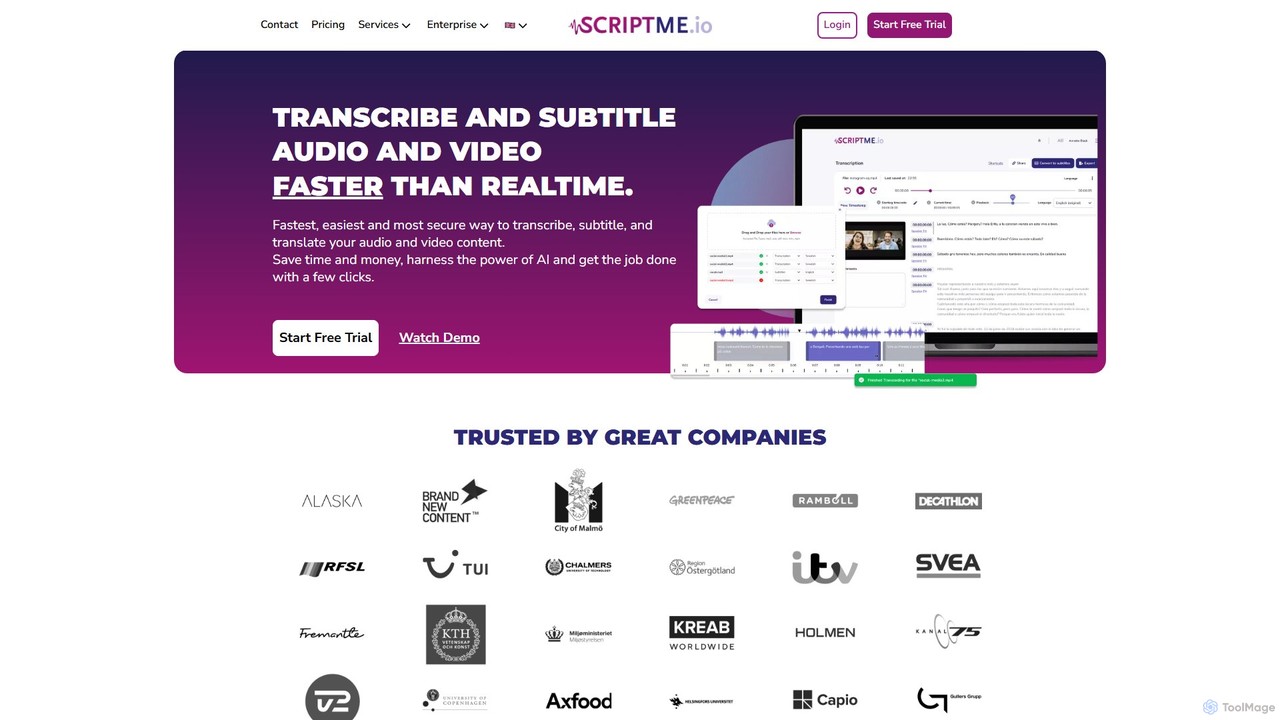
ScriptMe
ScriptMe is an AI-powered platform for fast and accurate automatic transcription of audio and video files. It also provides tools for generating and editing subtitles, making it ideal for content creators, journalists, researchers, and media companies looking to streamline their workflow and improve content accessibility.
Transcription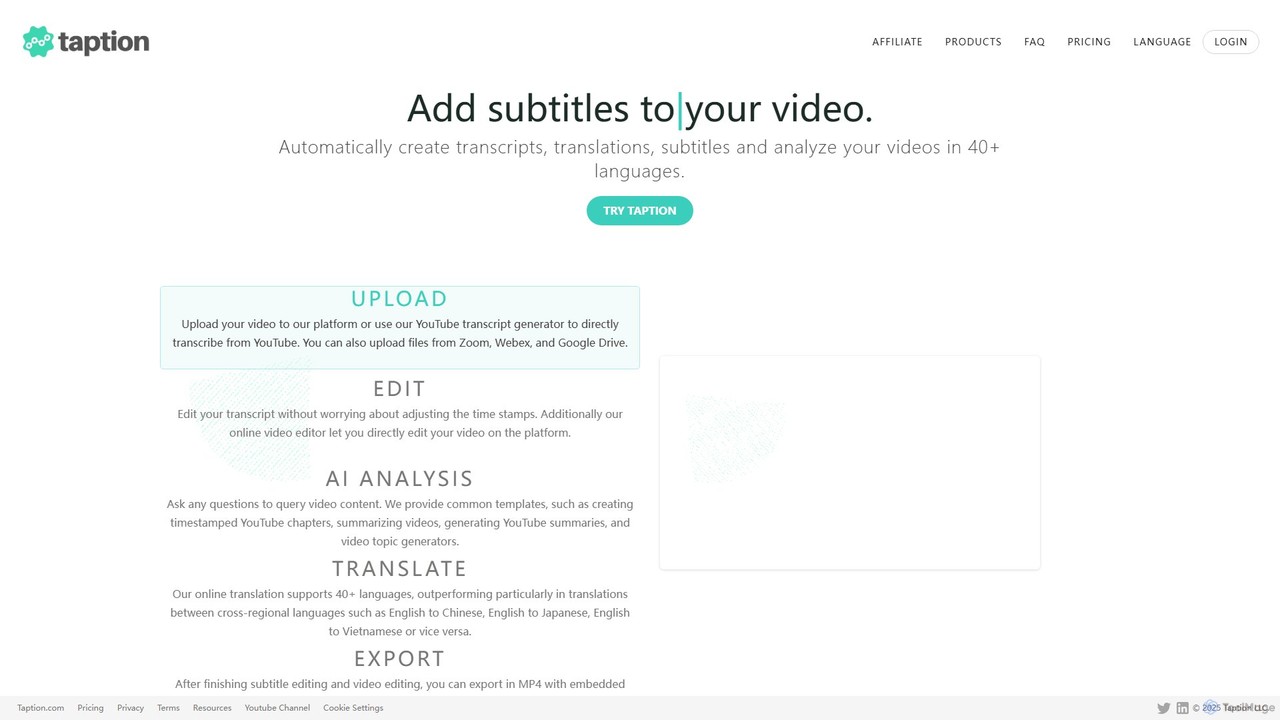
Taption
Taption is an AI-powered platform that automatically generates transcripts, translations, and subtitles for video and audio content. It supports over 50 languages and integrates with platforms like YouTube, Zoom, and Google Drive. Key features include an online video editor, AI-driven content analysis for summaries and chapter creation, and collaborative tools for teams, making it ideal for content creators, marketers, and educators.
Content Creation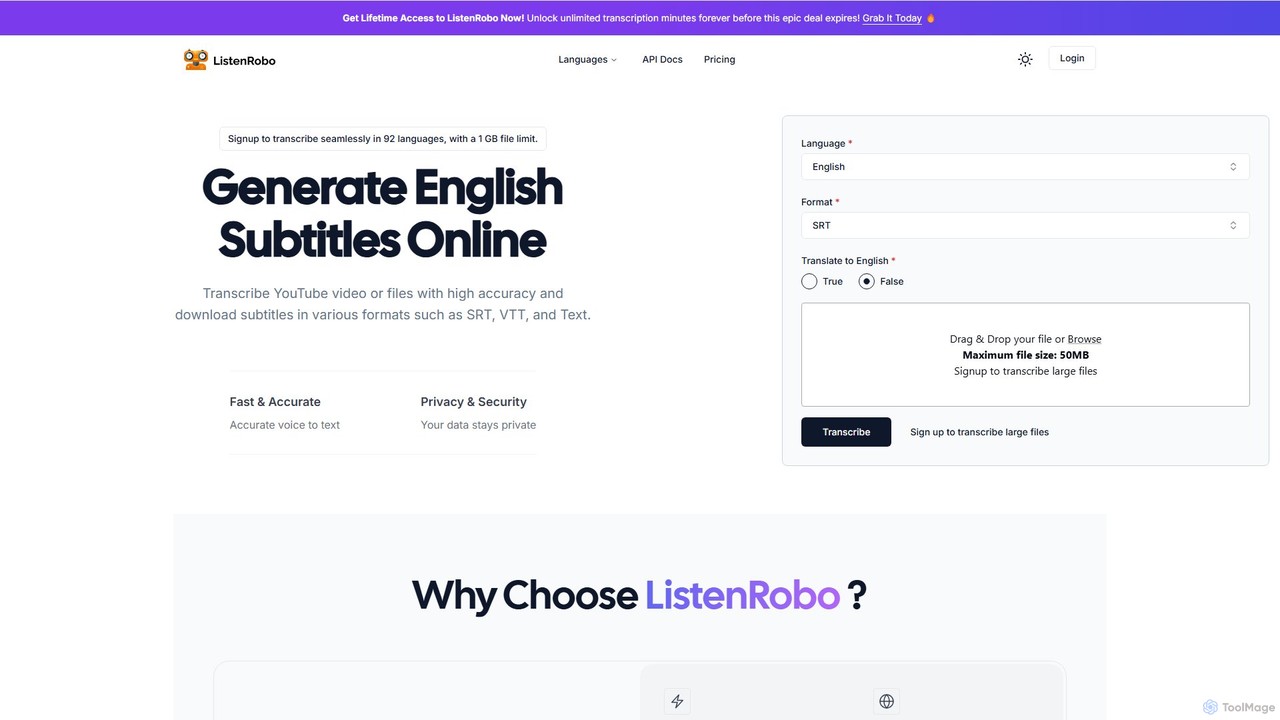
ListenRobo
ListenRobo is an AI-powered transcription service that accurately converts audio and video into text in over 92 languages. It supports various file formats and direct transcription from URLs like YouTube. Key features include high-accuracy voice-to-text, subtitle generation (SRT, VTT), translation into English, and automated summaries. Designed for students, journalists, and businesses, it enhances accessibility, boosts SEO, and streamlines content repurposing.
Speech To TextEASYSUB
EASYSUB is an AI-powered online tool for automatically generating, transcribing, and translating video subtitles. It supports over 150 languages, offers high-accuracy transcription, and includes a user-friendly editor to style subtitles and videos for social media platforms like YouTube and TikTok. It's designed for video creators, educators, and subtitlers to save time and increase video accessibility.
TranscriptionSubtitleBee
An AI-powered platform for automatically generating, translating, and customizing video subtitles. It supports over 120 languages and offers features like audio transcription, video cropping, and branding to enhance content accessibility and engagement for creators and businesses.
Transcription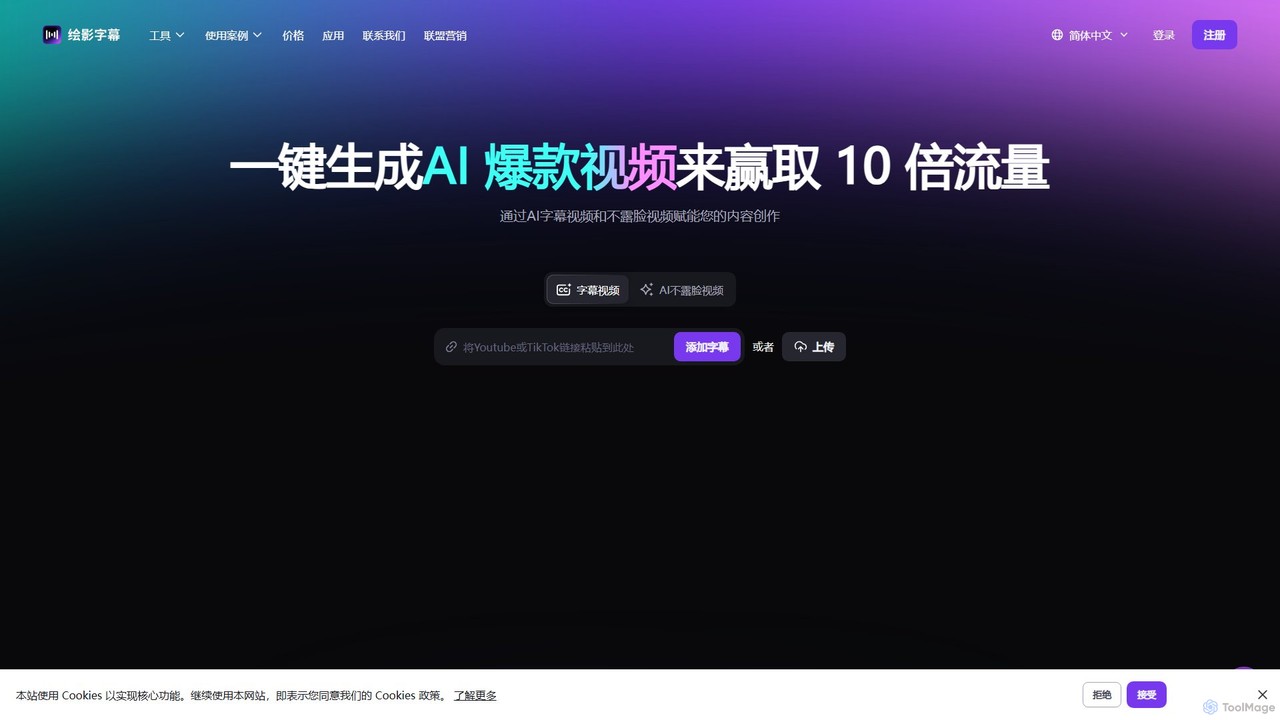
Zeemo
Zeemo is an all-in-one AI-powered video toolkit designed for content creators. It excels at automatic subtitle generation, transcription, and translation in over 95 languages with up to 98% accuracy. It also offers a suite of video editing tools, social media downloaders, and AI video generation features to streamline content creation and boost audience engagement.
Transcription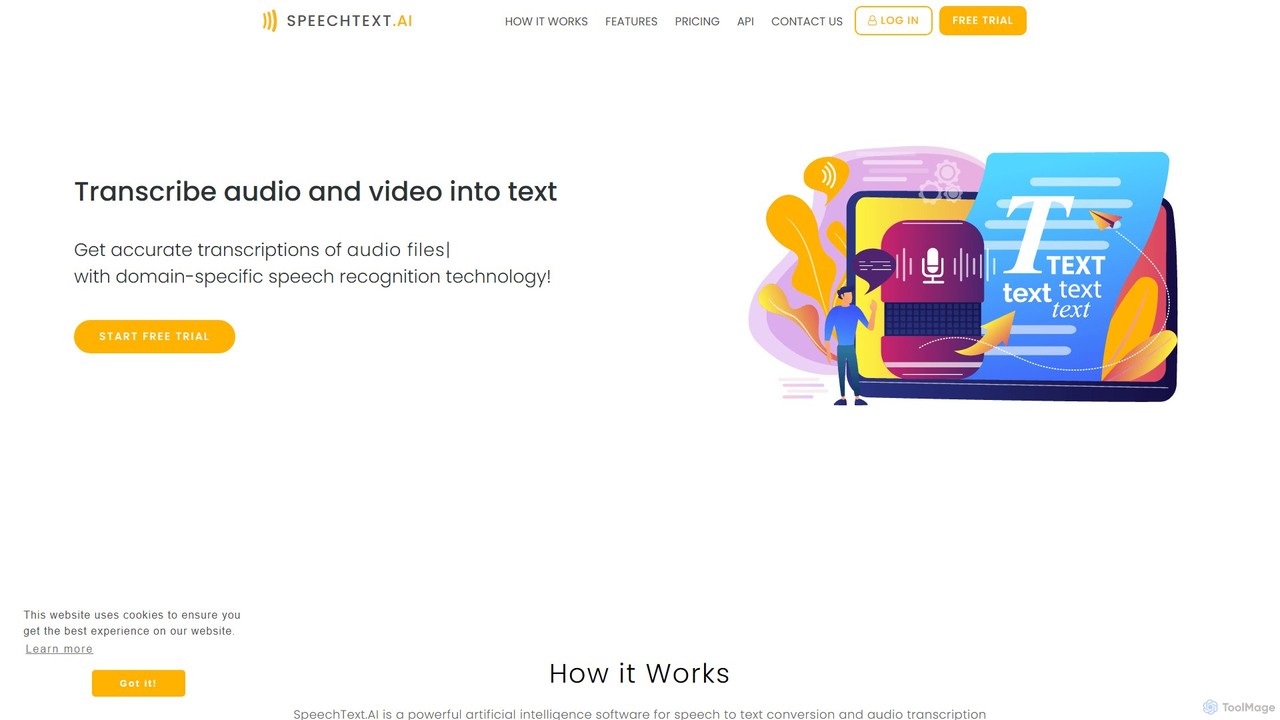
SpeechText.AI
SpeechText.AI is an advanced AI-powered transcription service that automatically converts audio and video files into accurate text. It supports over 30 languages, features speaker identification, and generates subtitles (SRT files). Ideal for content creators, educators, and businesses looking to enhance accessibility and workflow efficiency.
Transcription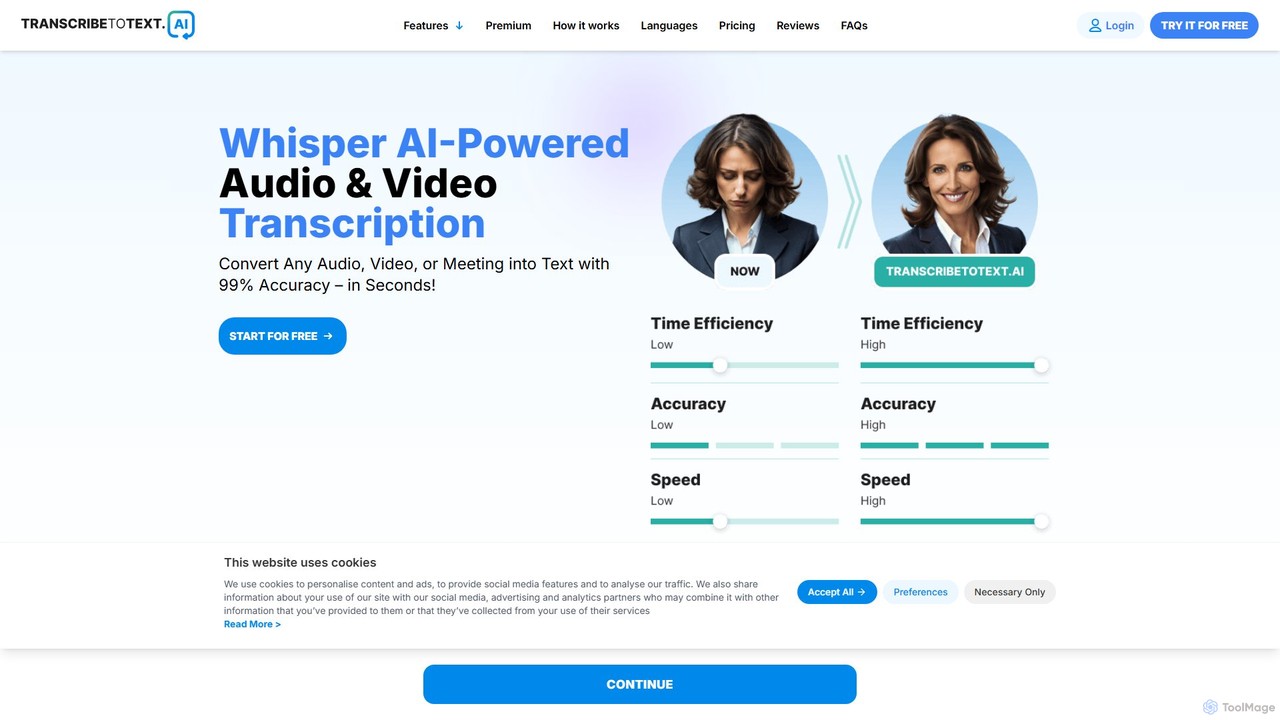
transcribetotext.ai
An AI-powered transcription service that converts audio and video files into accurate text. It offers unlimited transcriptions, supports various formats and sources like YouTube and Zoom, and provides features like speaker diarization and subtitle generation, all powered by Whisper AI for maximum accuracy.
Transcription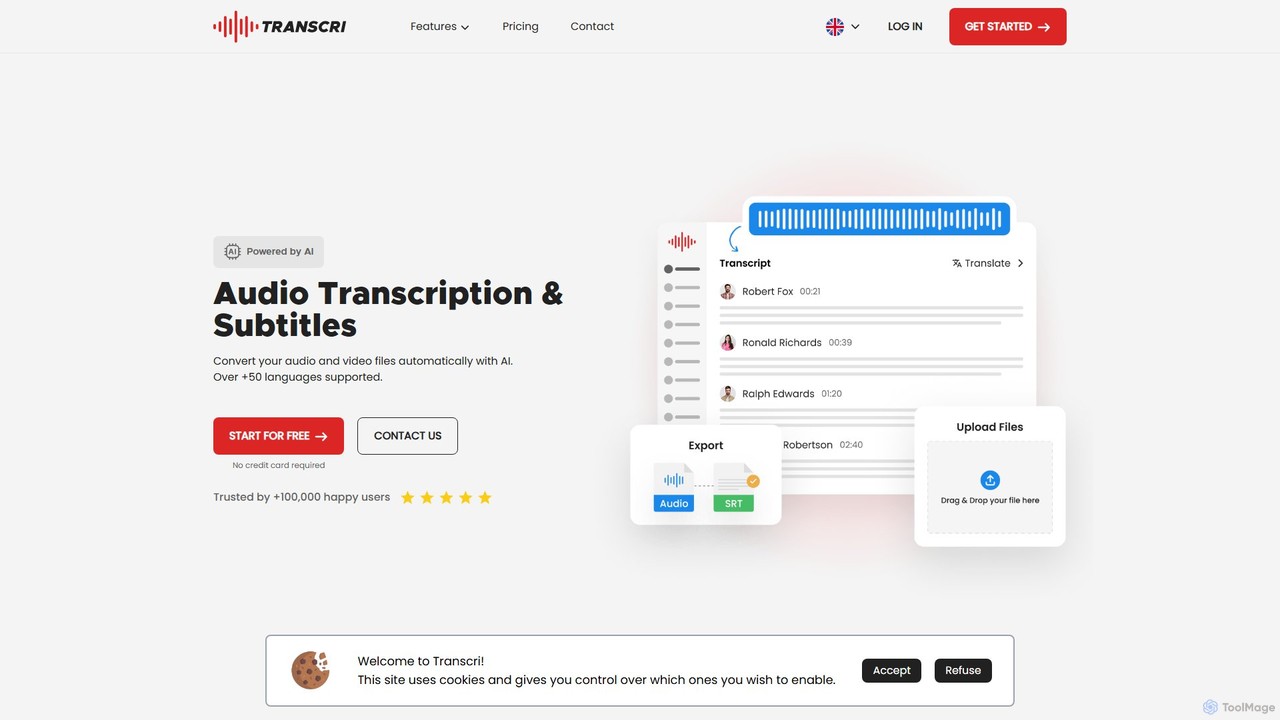
Transcri
Transcri is an AI-powered platform for fast and accurate audio/video transcription and subtitle generation. It supports over 50 languages, offers up to 96% accuracy, and features speaker identification. Ideal for professionals in media, business, and education, it provides flexible export options, a collaborative workspace, and robust data security.
Speech To Text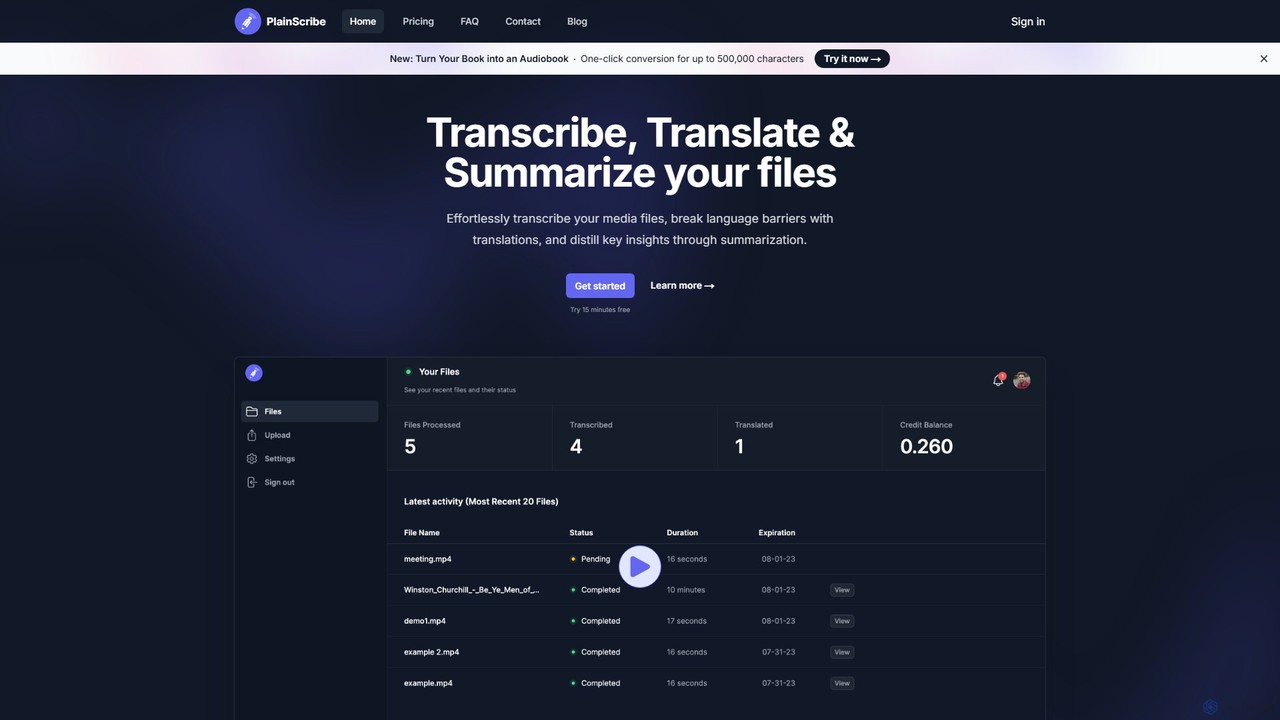
PlainScribe
PlainScribe is an AI-powered platform that effortlessly transcribes, translates, and summarizes your audio and video files. It supports over 50 languages, features a unique "Smart Notes" enhancement to polish your transcripts, and can even convert books into audiobooks with a single click. Its flexible pay-as-you-go pricing model makes it a cost-effective solution for students, professionals, and content creators.
Speech To Text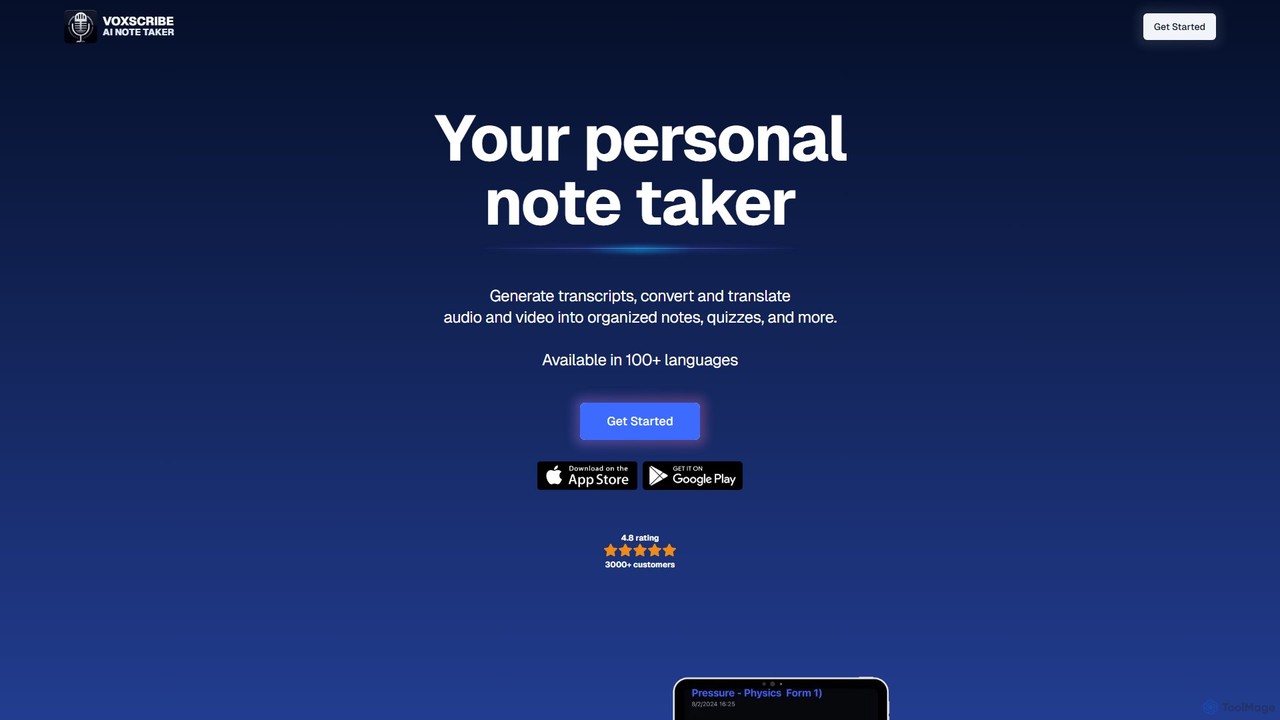
Voxscribe
Voxscribe is an AI-powered tool that transcribes audio and video into text, then transforms it into organized notes, summaries, quizzes, and social media content. Supporting over 100 languages, it streamlines content creation for professionals, writers, and marketers.
Speech To Text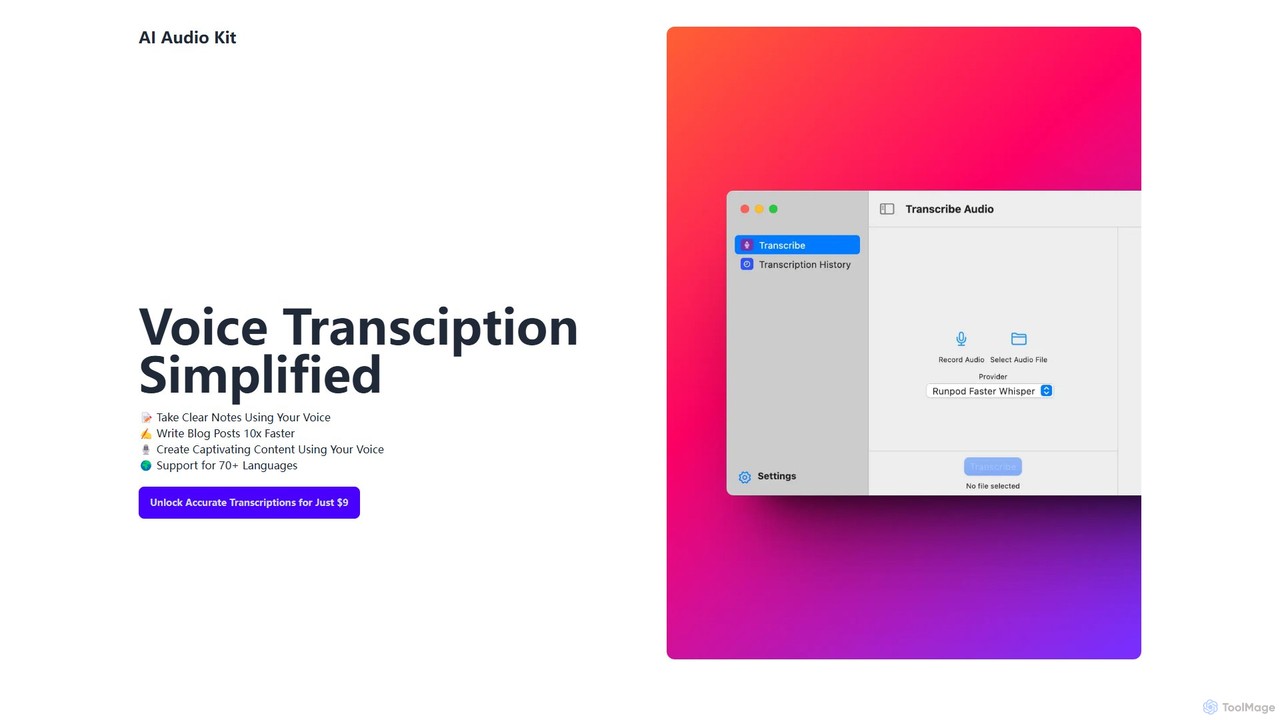
AI Audio Kit
AI Audio Kit is an AI-powered tool that simplifies voice transcription. It accurately converts audio and voice notes into text, supporting over 70 languages. Ideal for content creators, students, and professionals to quickly create notes, blog posts, and other written content from speech, boosting productivity significantly.
Speech To TextSubEasy
SubEasy is a next-generation AI platform for video and audio transcription, subtitle generation, and translation. Powered by OpenAI's Whisper, it delivers up to 99% accuracy. It supports over 100 languages, offers a unique AI Reflow feature for perfectly timed subtitles, and provides an all-in-one solution from transcription to video export, making it ideal for content creators, educators, and businesses.
TranscriptionSubtitleGen
SubtitleGen is an AI-powered tool that automatically transcribes video and audio, generates accurate subtitles, and translates them into multiple languages. It's designed for content creators, marketers, and educators to enhance accessibility and expand their global reach, saving up to 80% of manual effort with 99.8% accuracy.
TranscriptionBanva
Banva is an AI-powered platform for lightning-fast, highly accurate video subtitling, transcription, and translation in over 80 languages. Customize, edit, and burn subtitles directly into your videos through an intuitive browser-based interface. Ideal for content creators and businesses aiming for global reach and accessibility.
Transcription
CaptionCreator Comments (0)
Sign in to comment.
Sign inNo comments yet.