ToolMage
Sign in

Best 6 Subtitles & Captions AI tools for Video

Popular Subtitles & Captions AI tools in Video include Rev, Huiying Zimu, CaptionCreator, Addsubtitle, Captionic, and subcapgenie, helping you work more efficiently.

Rev
Freemium

Rev

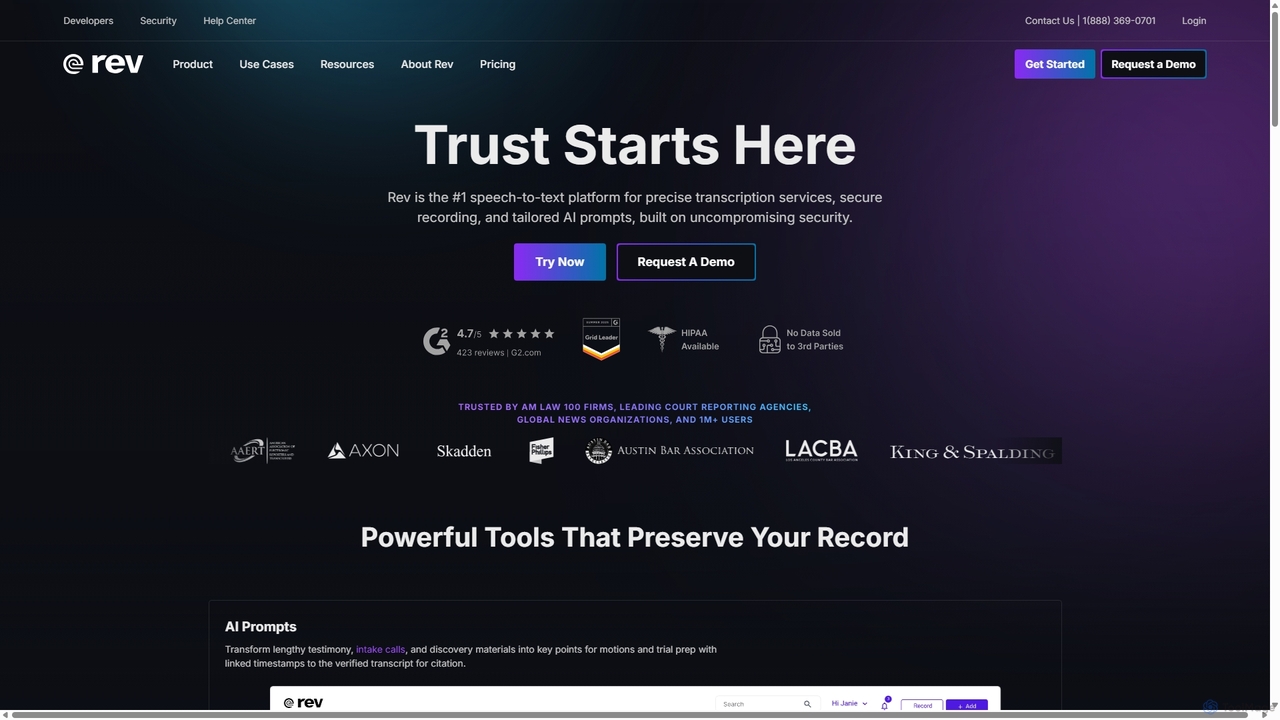
Rev is a leading speech-to-text platform offering both AI-powered and human-based transcription, captioning, and subtitling services. It's designed for professionals in legal, media, and research, providing industry-leading accuracy (up to 99%+). Rev's suite of AI tools helps users analyze audio/video content to uncover key insights, generate summaries, and streamline workflows, all within a secure and compliant environment.

Speech To Text
Visits 1.9MFavorites 126Likes 128
Captionic
Free

Captionic

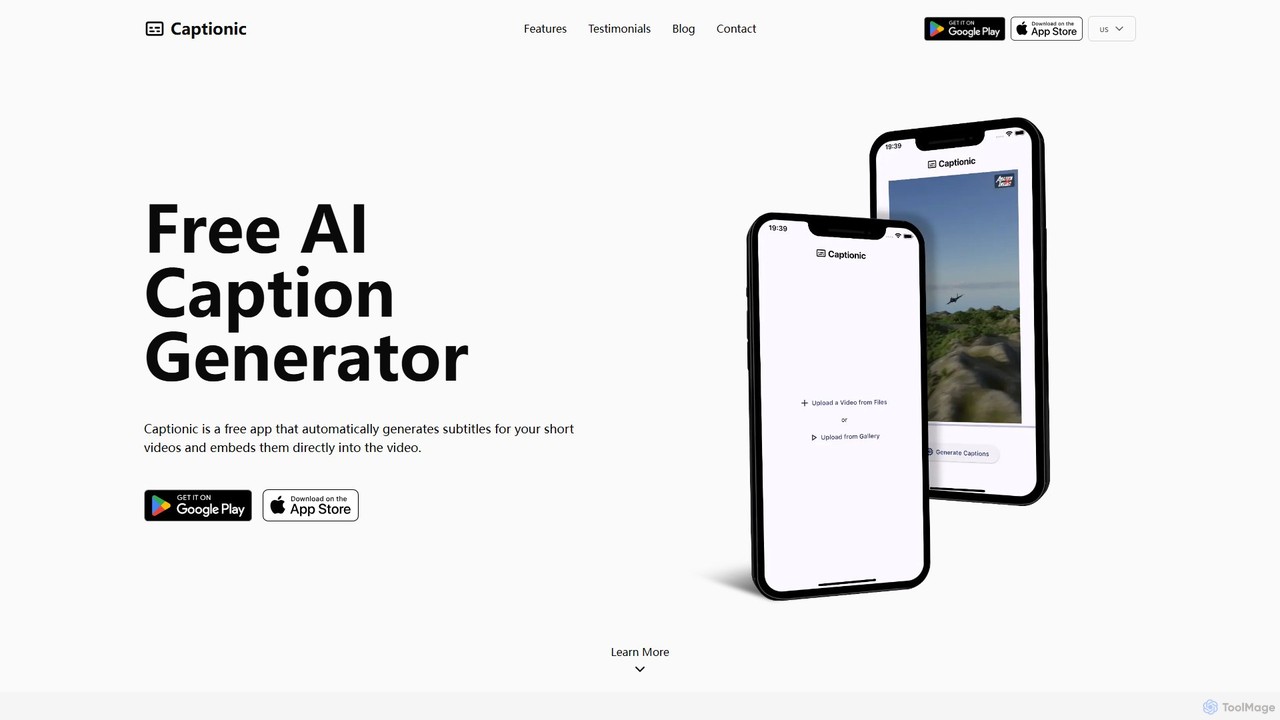
Captionic is a free AI-powered mobile app that automatically generates and embeds accurate captions for your videos in multiple languages. It's designed to boost video engagement, improve SEO, and enhance accessibility for a global audience.

Automation
Visits 10.1KFavorites 157Likes 126
Addsubtitle
Freemium

Addsubtitle

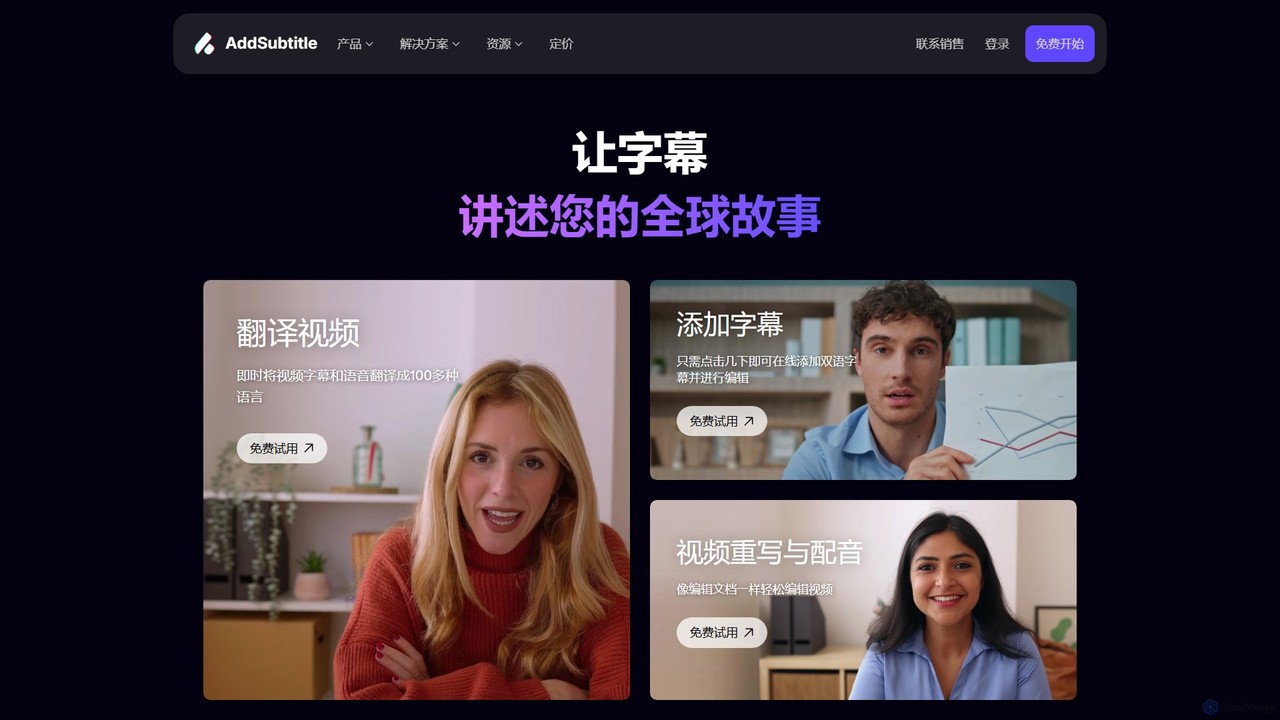
Addsubtitle is an AI-powered platform for globalizing video content. It offers instant video translation, automatic subtitle generation, realistic AI dubbing, and innovative text-based video editing. Effortlessly translate your videos into over 100 languages, customize subtitles, and even clone voices to reach a worldwide audience without complex software or re-recording.

Translation
Visits 16.2KFavorites 119Likes 116
Huiying Zimu
Freemium

Huiying Zimu

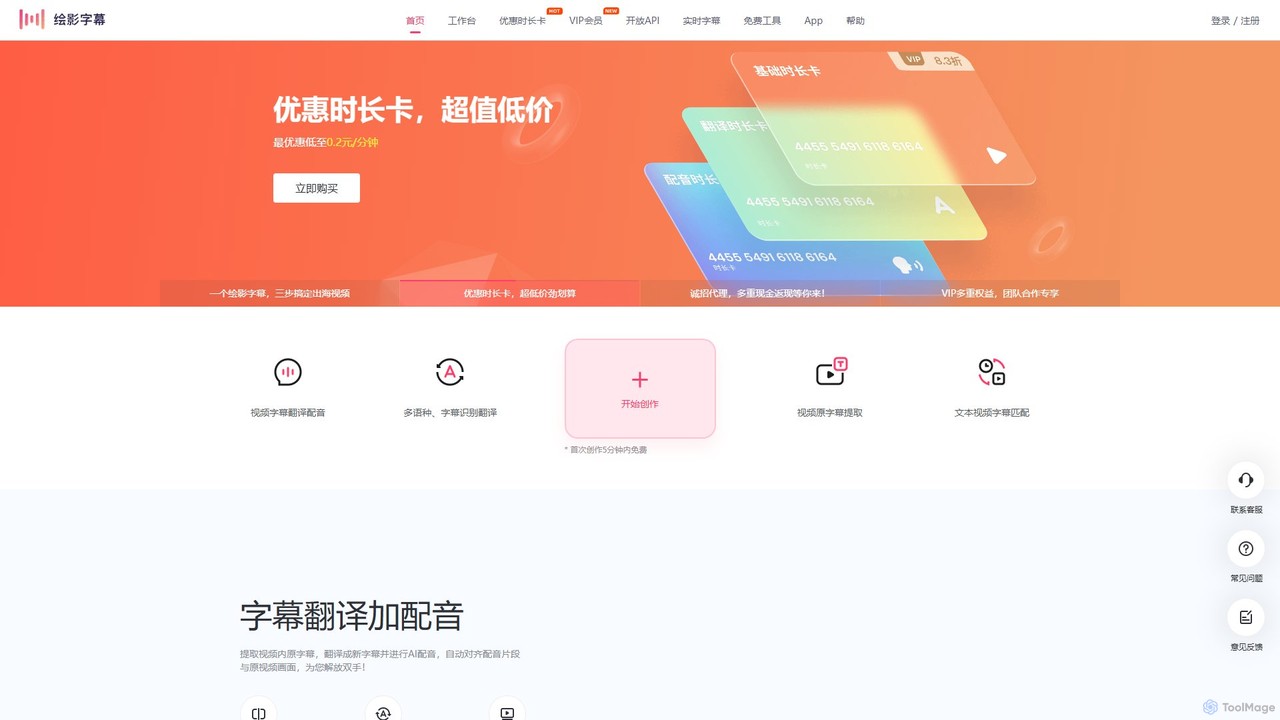
Huiying Zimu is an AI-powered video localization platform that automates subtitling, translation, and dubbing. It enables content creators, educators, and businesses to effortlessly prepare videos for a global audience with high accuracy and efficiency.

Voice Dubbing
Visits 130.3KFavorites 139Likes 141
subcapgenie
Freemium

subcapgenie

subcapgenie is an AI-powered tool that automatically generates accurate subtitles and captions for videos in multiple languages. It helps content creators boost engagement, improve accessibility, and reach a global audience by simplifying the video subtitling workflow.

Transcription
Visits 5.6KFavorites 114Likes 123
CaptionCreator
Freemium

CaptionCreator

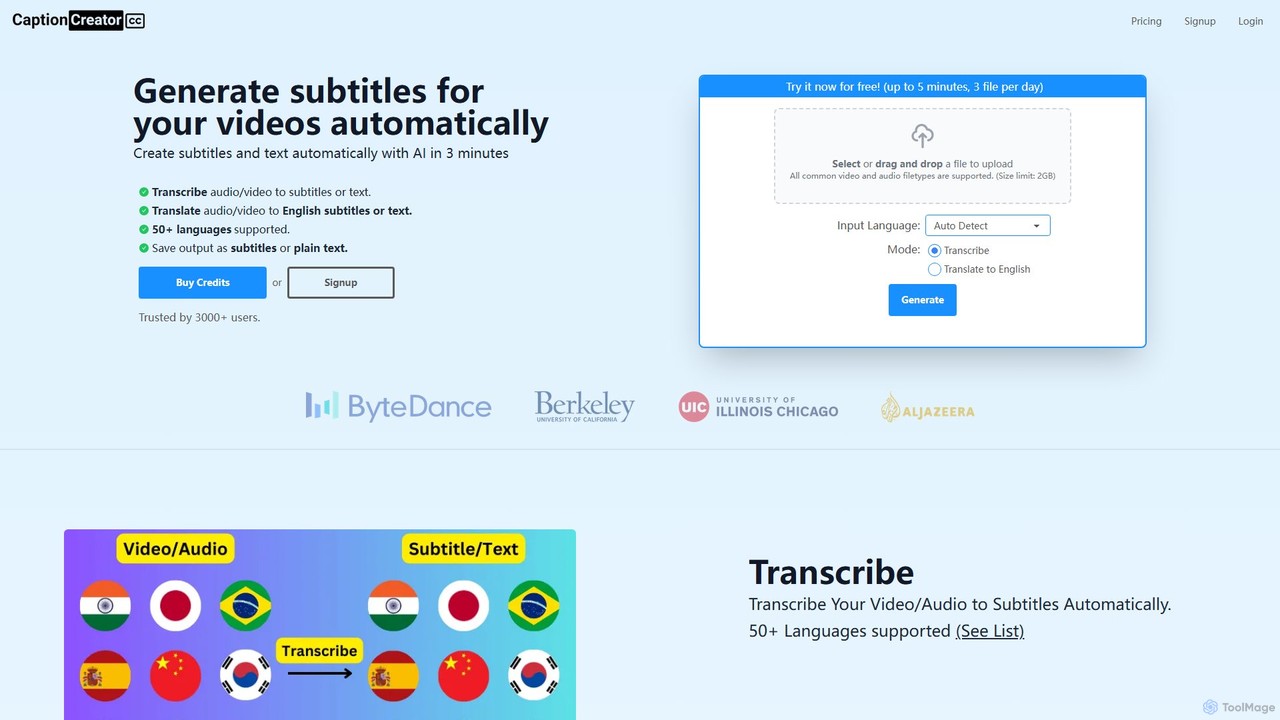
CaptionCreator is an AI-powered online tool that automatically generates subtitles and transcribes video or audio files in minutes. Supporting over 50 languages, it offers fast transcription and translation to English, handling noisy audio and diverse accents with high accuracy. It's ideal for content creators, marketers, and educators seeking to improve content accessibility and engagement.

Transcription
Visits 16.3KFavorites 155Likes 146

About Subtitles & Captions

AI Subtitles & Captions tools are specialized applications that automatically transcribe audio from video content into text. Leveraging advanced speech-to-text (STT) technology, these tools generate time-coded text, ensuring perfect synchronization with the spoken words. This process dramatically enhances video accessibility for hearing-impaired audiences, improves SEO by making video content searchable, and expands global reach through automated translation. Many tools also offer features like speaker identification and custom vocabulary to increase accuracy.

Core Features

  • Automated Transcription: Utilizes AI to convert spoken dialogue into written text with high accuracy.
  • Time-coding & Synchronization: Automatically aligns the generated text with the corresponding audio and video frames.
  • Multi-language Translation: Translates the original subtitles into various languages to reach a global audience.
  • Speaker Identification (Diarization): Distinguishes between different speakers in the video and labels their dialogue accordingly.
  • Format Export: Allows users to download subtitles in standard formats like SRT, VTT, or TXT for use across different platforms.

Use Cases

These tools are essential for content creators on platforms like YouTube, marketing teams producing promotional videos, and educational institutions creating online courses. They help ensure content is accessible, engaging, and discoverable. For example, a media company can quickly add captions to news clips for social media, while a corporation can use them to subtitle internal training videos for a diverse workforce.

How to Choose

When selecting a tool, consider the transcription accuracy, especially for specific accents or technical jargon. Evaluate the number of supported languages for both transcription and translation. Check for customization options, such as the ability to edit text and adjust timing. Finally, assess its integration capabilities with your existing video editing software and the pricing model's suitability for your usage volume.

Subtitles & Captions use cases

1

Enhancing Accessibility for Online Courses

An online educator needs to make their video lectures accessible to all students, including those who are deaf or hard of hearing, to comply with accessibility standards like WCAG. Using an AI Subtitles & Captions tool, they upload their lecture videos. The tool automatically transcribes the entire audio, generates time-synced captions, and even identifies different speakers if there's a Q&A session. The educator can then quickly review and edit the text for any technical terms, saving hours of manual transcription work and ensuring an inclusive learning environment for everyone.

2

Globalizing Marketing Video Content

A marketing team launches a new product with a promotional video. To reach a global audience, they need subtitles in multiple languages. Instead of hiring multiple translators and manually timing each subtitle file, which is slow and costly, they use an AI captioning tool. The tool first generates accurate English captions. Then, with a few clicks, it translates these captions into Spanish, French, German, and Japanese. The team can download all the necessary SRT files within minutes, allowing them to quickly deploy their campaign worldwide and significantly increase their international market reach.

3

Improving SEO for Video Content

A content creator wants to improve the search engine ranking of their YouTube videos. Since search engines cannot 'watch' videos, they rely on text data. By using an AI tool to generate a full transcript and closed captions (CC), the creator provides search engines like Google with a text-rich description of the video's content. This makes the video's topics and keywords indexable, leading to higher visibility in search results. Additionally, providing captions increases watch time and engagement, which are positive ranking signals for YouTube's algorithm.

4

Transcribing Interviews and Meetings for Record-Keeping

A journalist or corporate researcher conducts hours of video interviews. To analyze the content and pull quotes, they need an accurate written record. Manually transcribing these recordings is tedious and time-consuming. They use an AI captioning tool to process the video files. The tool's speaker identification feature is particularly useful, as it automatically labels who is speaking. This produces a structured, searchable transcript that drastically speeds up their analysis, report writing, and content creation workflow, turning hours of audio into usable text in minutes.

5

Creating Captions for Social Media Videos

A social media manager creates short-form videos for platforms like Instagram Reels and TikTok. Since many users watch videos with the sound off, captions are crucial for engagement. Using an AI tool, the manager can quickly generate accurate, synchronized captions. Many tools also offer features to customize the caption's appearance (font, color, background) to match the brand's aesthetic. This process ensures that the video's message is conveyed effectively even without audio, leading to higher retention rates and better overall performance on the platform.

6

Subtitling Foreign Language Films for Distribution

An independent filmmaker has completed a film and wants to submit it to international film festivals and secure distribution deals. To do this, they need high-quality subtitles in English and other key languages. They use an AI tool to get an initial, highly accurate transcription and time-coding of the original dialogue. This AI-generated file serves as a perfect template for a professional translator, who can then focus solely on the nuance and cultural adaptation of the translation, rather than the tedious task of timing each line. This hybrid approach significantly reduces costs and turnaround time for professional-grade subtitling.

Subtitles & Captions FAQ

What are AI Subtitles & Captions tools?

AI Subtitles & Captions tools are software applications that use artificial intelligence, primarily speech-to-text technology, to automatically generate text from the audio in a video. They create synchronized text files (like SRT or VTT) that can be displayed on screen. Their main purpose is to make video content more accessible, searchable, and understandable for a wider audience, including those with hearing impairments or who speak different languages.

How to choose the right AI captioning tool?

To choose the right tool, consider these factors:

  • Accuracy: Check reviews or test the tool's transcription accuracy, especially with accents, multiple speakers, or industry-specific terminology.
  • Language Support: Ensure it supports the languages you need for both transcription and translation.
  • Customization: Look for features to edit the text, adjust timestamps, and customize the appearance of the captions (font, color, style).
  • Integration: Verify if it can integrate with your video editing software or content platforms for a smoother workflow.
  • Pricing: Compare pricing models (e.g., per minute, subscription) to find one that fits your budget and usage volume.
What's the difference between subtitles and closed captions (CC)?

While often used interchangeably, there's a key difference. Subtitles assume the viewer can hear the audio and are primarily a translation of the dialogue for foreign-language content. Closed Captions (CC) assume the viewer cannot hear the audio. Therefore, they include not only the dialogue but also descriptions of important non-dialogue sounds, like '(music playing)' or '(door slams)'. AI tools can often generate both, but closed captions are essential for full accessibility.

What are the main benefits of using AI for subtitles?

The primary benefits are speed and cost-efficiency. AI can transcribe hours of video in minutes, a task that would take a human many hours. This drastically reduces turnaround times and labor costs. Other key benefits include scalability (processing large volumes of video easily), improved accessibility by making content available to the hearing-impaired, and enhanced SEO by converting spoken words into indexable text for search engines.

Can these tools handle multiple speakers and different accents?

Yes, most advanced AI captioning tools are designed to handle these challenges. Many offer 'speaker diarization' or 'speaker identification', a feature that automatically detects and labels different speakers in the audio. Furthermore, these models are trained on vast datasets of diverse speech, allowing them to achieve high accuracy with a wide range of accents, dialects, and speaking styles. However, accuracy can still vary, so it's often a good practice to review and edit the generated transcript, especially for critical content.