Video Best in category 1 results 3D Conversion AI Tool

Popular AI tools in the 3D Conversion field of Video include Immersity, etc., helping you quickly improve efficiency.

Immersity

Immersity

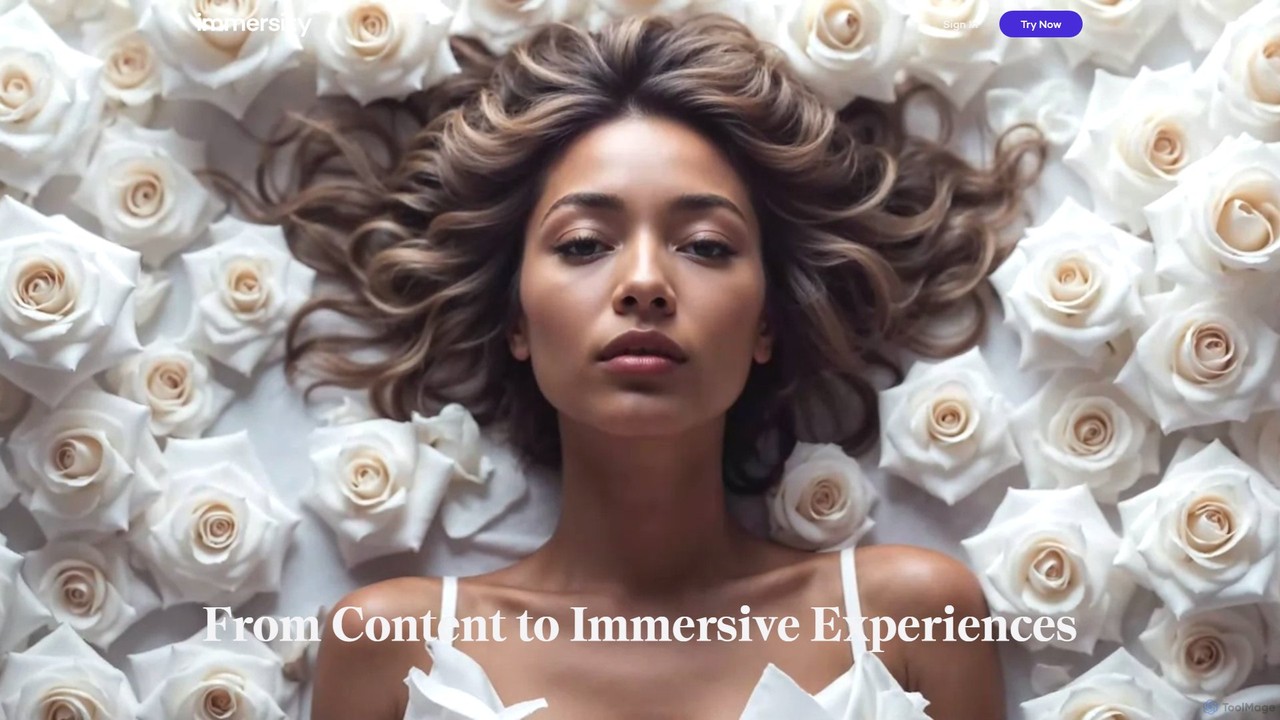
Immersity is an AI-powered platform that converts 2D images and videos into immersive 3D experiences. It generates depth …

101.5K

About 3D Conversion

3D Conversion tools are AI-powered solutions designed to transform two-dimensional content into three-dimensional assets, or to convert between various 3D formats. Leveraging advanced algorithms, these tools can generate depth information, reconstruct models, and apply textures, significantly streamlining the creation of immersive visual experiences. Within the broader "Video" category, 3D Conversion specifically enhances visual depth and interactivity, making content more engaging for applications like gaming, VR/AR, and film.

Core Features

  • 2D to 3D Model Generation: Automatically creates 3D models from single images or video sequences.
  • Depth Map Estimation: Infers depth information from 2D inputs to add a third dimension.
  • Texture & Material Mapping: Applies realistic textures and material properties to generated 3D objects.
  • 3D Format Interoperability: Converts 3D models and scenes between different file formats (e.g., OBJ, FBX, GLB).
  • Point Cloud to Mesh Conversion: Transforms raw scan data into usable 3D mesh models.

Applicable Scenarios

These tools are invaluable for professionals in game development, virtual and augmented reality content creation, architectural visualization, and film post-production. They enable artists and designers to rapidly prototype 3D assets, convert existing media into immersive formats, and optimize models for various platforms, accelerating workflows and expanding creative possibilities.

How to Choose

When selecting a 3D Conversion tool, consider its accuracy in depth estimation and model reconstruction, the range of supported input (2D images, video) and output (3D formats) file types, processing speed, and ease of integration with existing 3D pipelines. Evaluate the quality of generated textures, the level of automation versus manual control, and the overall cost-effectiveness for your specific project needs.

3D ConversionUse Cases

1

Transforming 2D Product Photos into Interactive 3D Models

E-commerce businesses and product designers can utilize 3D Conversion tools to automatically generate interactive 3D models from standard 2D product photographs. This allows customers to view products from all angles, enhancing the online shopping experience and reducing return rates. By simply uploading a few images, the AI reconstructs a detailed 3D representation, saving countless hours compared to manual 3D modeling.

2

Converting Historical Video Footage for Immersive Documentaries

Filmmakers and documentary creators can employ 3D Conversion tools to add depth and immersion to archival 2D video footage. By analyzing frames and estimating depth, these tools can create a pseudo-3D effect or even generate full 3D scenes, making historical events feel more immediate and engaging for viewers in VR experiences or specialized cinema formats. This breathes new life into classic content without extensive manual reconstruction.

3

Rapid Prototyping of Game Assets from Concept Art

Game developers and 3D artists can accelerate their workflow by using 3D Conversion tools to quickly generate initial 3D models from 2D concept art or sketches. This allows for rapid iteration and visualization of character designs, props, and environmental elements in a 3D space, significantly reducing the time spent on early-stage modeling and enabling faster feedback cycles during game development.

4

Creating Immersive Architectural Walkthroughs from Floor Plans

Architects and real estate professionals can leverage 3D Conversion tools to transform 2D architectural blueprints and floor plans into interactive 3D models and virtual walkthroughs. This enables clients to experience proposed designs in a highly immersive manner, facilitating better understanding and decision-making. The AI can interpret structural elements and generate a navigable 3D environment, streamlining visualization processes.

5

Optimizing 3D Models for Cross-Platform Compatibility

3D artists and developers often face challenges with model compatibility across different platforms (e.g., web, mobile, game engines). 3D Conversion tools can convert models between various file formats (e.g., FBX to GLB, OBJ to USDZ) and optimize mesh density, texture resolution, and material properties. This ensures consistent visual quality and performance, making assets ready for deployment in diverse environments like AR apps or web-based viewers.

6

Generating Depth Maps for Visual Effects and Compositing

Visual effects artists and compositors in film and advertising can use 3D Conversion tools to automatically generate accurate depth maps from 2D video footage. These depth maps are crucial for advanced compositing techniques, allowing for realistic fog, depth of field effects, and seamless integration of 3D elements into 2D scenes. This automates a complex manual process, enhancing the realism and efficiency of VFX pipelines.

3D ConversionFrequently Asked Questions