
VideoCaption Overview
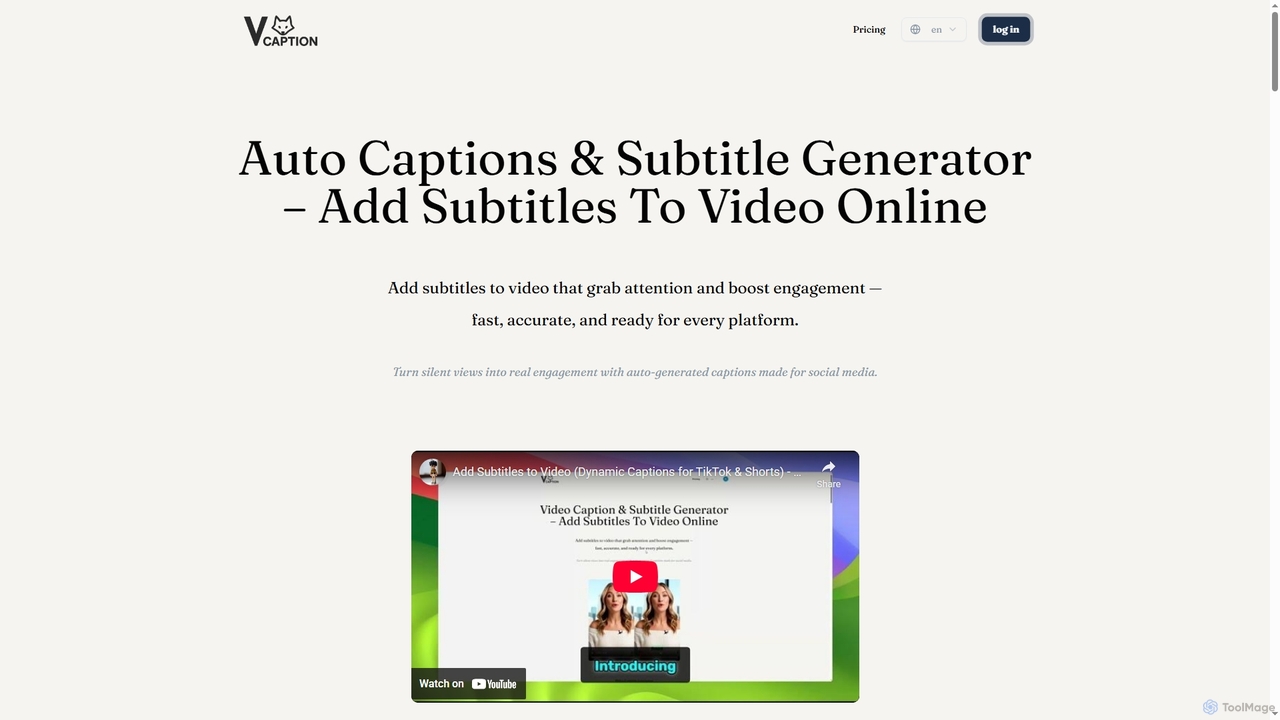
VideoCaption is an advanced, browser-based AI tool designed to streamline the process of adding high-quality, custom-styled subtitles to your video content. It addresses the common challenge of low engagement on social media where most videos are watched on mute, and the tedious nature of manual transcription. By leveraging artificial intelligence, VideoCaption provides fast and accurate transcription, allowing creators to enhance video accessibility, maximize reach, and significantly increase viewer watch time across platforms like TikTok, YouTube, Instagram Reels, and LinkedIn.
How to use VideoCaption
Using VideoCaption to add subtitles to your videos is a straightforward, four-step process:
- Upload Your Video: Begin by uploading your video file directly from your computer. The tool supports all major video formats and ensures secure processing within your browser, keeping your files on your device.
- Generate or Upload Captions: Choose to either utilize VideoCaption's AI Video Caption Generator for automatic transcription of your audio, or save time by uploading your existing .srt or .vtt subtitle files.
- Style Your Subtitles: Make your captions visually appealing and on-brand. Select from a variety of unique fonts, add background colors, apply engaging pop-up animations, and precisely position your text within the video frame.
- Caption & Download: Once satisfied with the styling, click 'Start Captioning' to burn the permanent, stylish subtitles into your video. After a quick review, you can download the universally compatible MP4 file, ready for sharing on any platform.
Core Features of VideoCaption
- AI-powered automatic transcription for high accuracy and efficiency.
- Support for uploading existing .srt or .vtt subtitle files for quick integration.
- Extensive customization options including unique fonts, background colors, pop-up animations, and precise text positioning.
- Completely browser-based workflow, eliminating the need for software installation.
- Enhanced privacy and speed as video files are processed locally on your computer.
- Export of universally compatible MP4 files with burned-in subtitles.
- Free option available for basic captioning by uploading existing subtitle files or limited AI transcription.
Use Cases for VideoCaption
VideoCaption is a versatile tool suitable for a wide range of applications:
- Social Media Engagement: Create dynamic, attention-grabbing subtitles for platforms like TikTok, Instagram Reels, and YouTube Shorts to captivate viewers even when sound is off.
- E-Learning Accessibility: Enhance educational content, tutorials, and online courses with clear, easy-to-read subtitles to improve comprehension and make learning accessible to a broader audience.
- Marketing & Ad Videos: Boost conversion rates and ensure message clarity in promotional content, advertisements, and internal training videos by delivering your brand's message effectively with captions.
- General Video Accessibility: Improve inclusivity by making video content accessible to the hard-of-hearing community, non-native speakers, and those in sound-sensitive environments.
Advantages of VideoCaption
VideoCaption offers several key advantages for content creators and businesses:
- Increased Engagement & Watch Time: Hook viewers in the crucial first few seconds, even without audio, and maintain their attention for longer durations.
- Maximized Reach: Instantly expand your potential viewership by making videos accessible to a global and diverse audience.
- Significant Time Savings: Drastically reduce video production time; what once took hours of manual syncing can now be accomplished in minutes.
- Professional Appearance: Elevate your brand with high-quality, custom-styled captions that look far superior to standard auto-generated platform defaults.
- Privacy and Speed: Benefit from secure and fast processing as your video files remain on your computer, ensuring data privacy.
- Versatile Output: Create once and post everywhere with a single, universally compatible MP4 file with burned-in subtitles, ready for any platform.
Pricing and Plans
VideoCaption offers a flexible pricing structure including a free option and several subscription plans:
- Free Plan: Available without subscription or login. Allows free captioning by uploading your own video and subtitle files. Includes AI transcription for up to 60 seconds per video, with a limit of 3 videos per week.
- Starter Plan: Priced at $16.9/month (or save 40% with yearly billing). Provides 50 credits per month, allowing AI transcription for up to 5 minutes per video. Offers unlimited transcriptions and exports, with usage based on available credits.
- Pro Plan: Priced at $36.9/month (or save 40% with yearly billing). Includes everything in the Starter Plan, plus 250 credits per month, enabling AI transcription for up to 20 minutes per video.
- Platinum Plan: Priced at $66.9/month (or save 40% with yearly billing). Includes everything in the Pro Plan, plus 1500 credits per month, supporting AI transcription for up to 1 hour per video.
- Businesses Plan: Tailored pricing plans are available for businesses. Users are encouraged to contact VideoCaption for personalized options.
Additional Credits: Subscribers can purchase extra credits separately: Basic Pack ($10 for 25 Credits), Pro Pack ($30 for 150 Credits), and Master Pack ($60 for 500 Credits). Purchased credits reset monthly with the regular subscription credits and expire if the subscription becomes inactive.
Credit Explanation: Each minute of AI transcription consumes 1 credit. The exact credit cost is displayed beside the 'Generate' button before starting the process. Credits automatically reset every month.
Early Bird VIP Membership: An annual membership is available at an early bird pricing of $99 for 12 months. This includes 350 credits annually, with the option to purchase extra credits as needed. All credits remain valid during the subscription period.
VideoCaption FAQ
Traffic
Latest traffic
Status
Monthly traffic trend
- 2026-2: 1.7K
- 2026-3: 0
- 2026-4: 2.7K
- 2026-5: 3.8K
Geography
Top 5 countries / regions
- 🇺🇸United States81.8%
- 🇵🇭Philippines18.2%
Top keywords
| Keyword | Cost per click |
|---|---|
| add subtitles to video online free | $0.90 |
| auto subtitle video | $0.16 |
| caption adder | $1.61 |
| video captions | $1.17 |
| video to caption | $0.21 |
VideoCaption Alternatives
Chunks
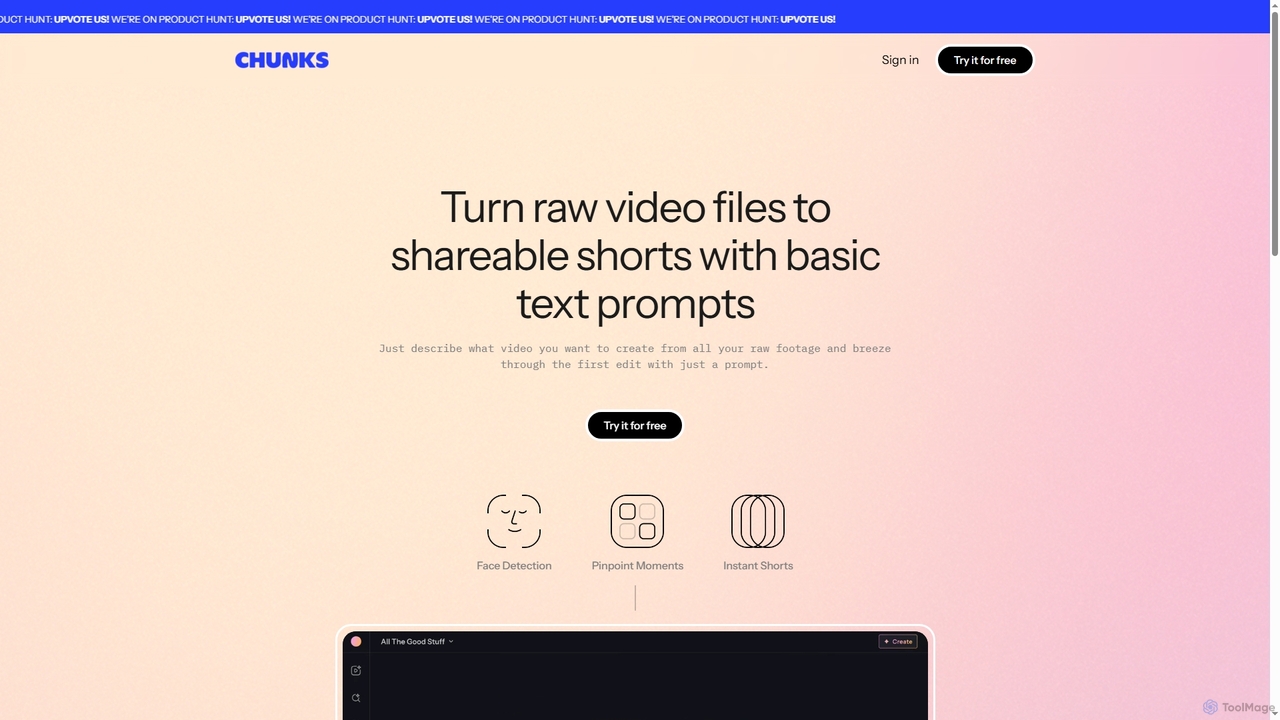
Chunks is an AI-powered video editing tool that automatically transforms raw video footage into shareable short-form content. It uses AI vision models to detect key moments, faces, and highlights, allowing users to generate social-ready video shorts with simple text prompts, saving significant manual editing time.
3D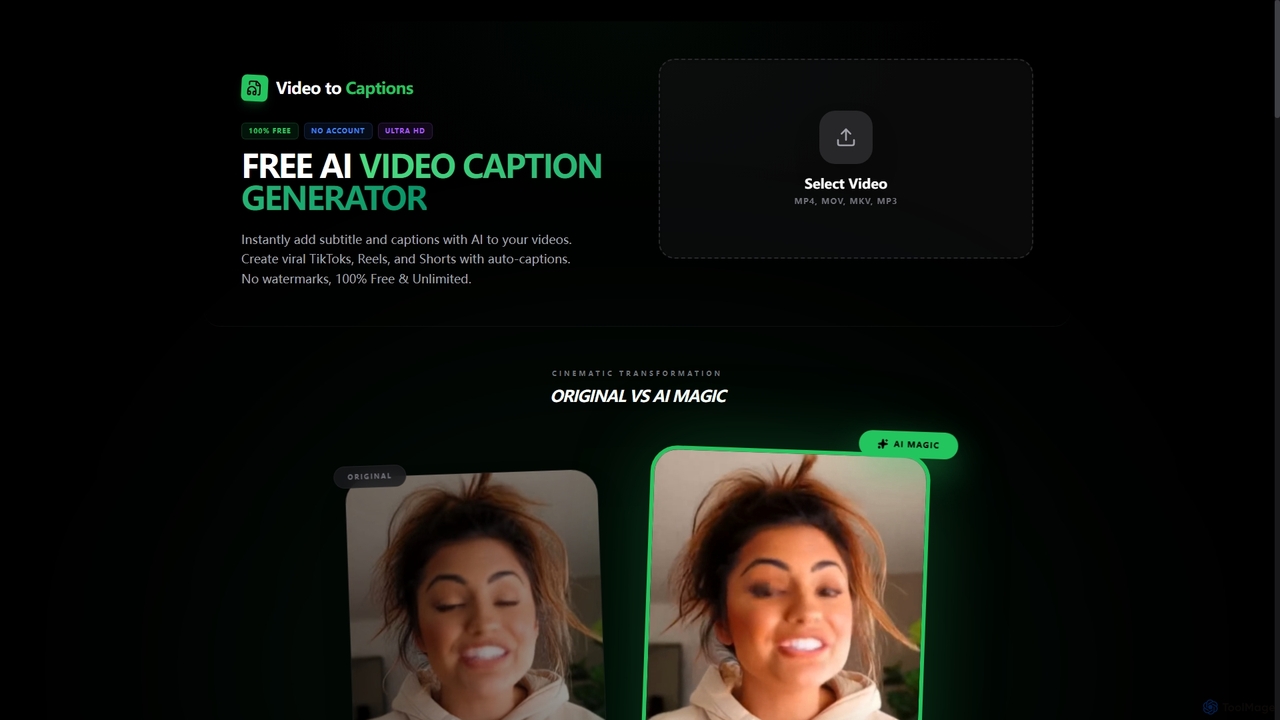
VideotoCaptions
VideotoCaptions is a 100% free AI-powered online tool that instantly generates subtitles and captions for videos. It helps creators boost engagement on platforms like TikTok, Instagram Reels, and YouTube Shorts with various viral caption styles, all without requiring an account or leaving watermarks.
3D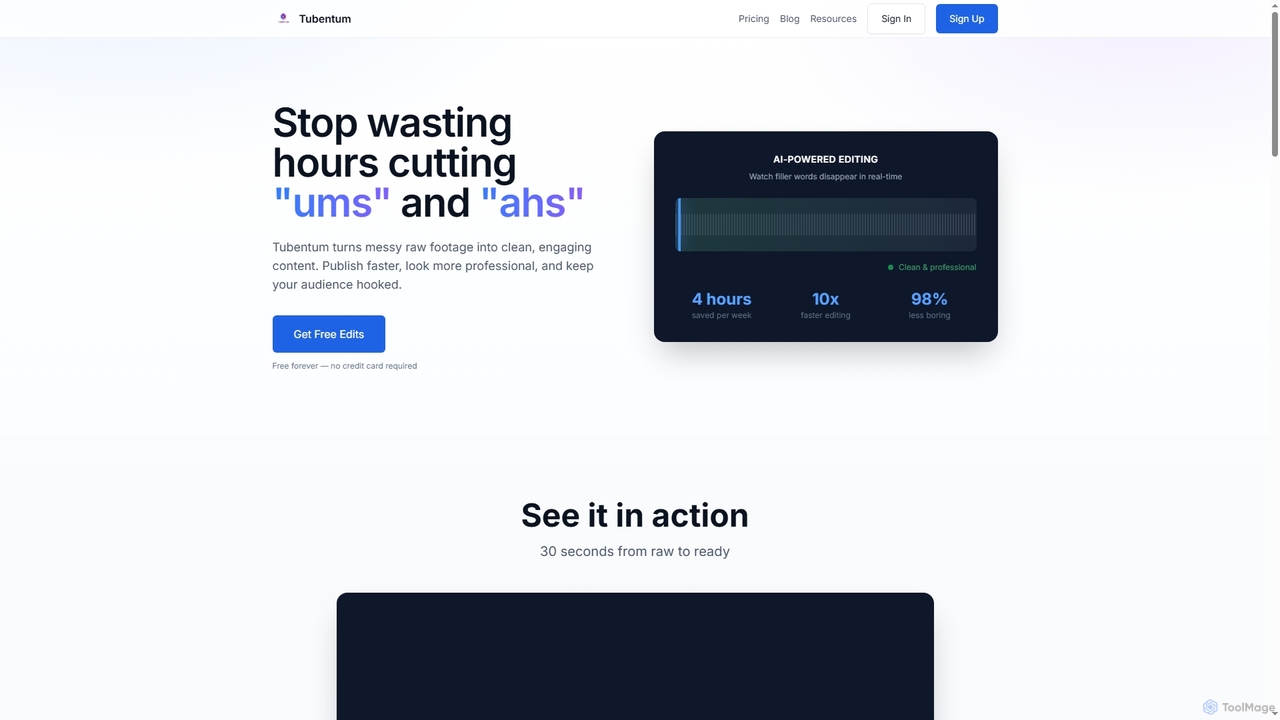
Tubentum
Tubentum is an AI-powered video editing tool that automatically removes filler words like "ums," "ahs," and silences from your raw footage by editing text. It helps content creators, podcasters, and educators produce clean, engaging, and professional video content faster, boosting viewer retention and algorithm performance.
3D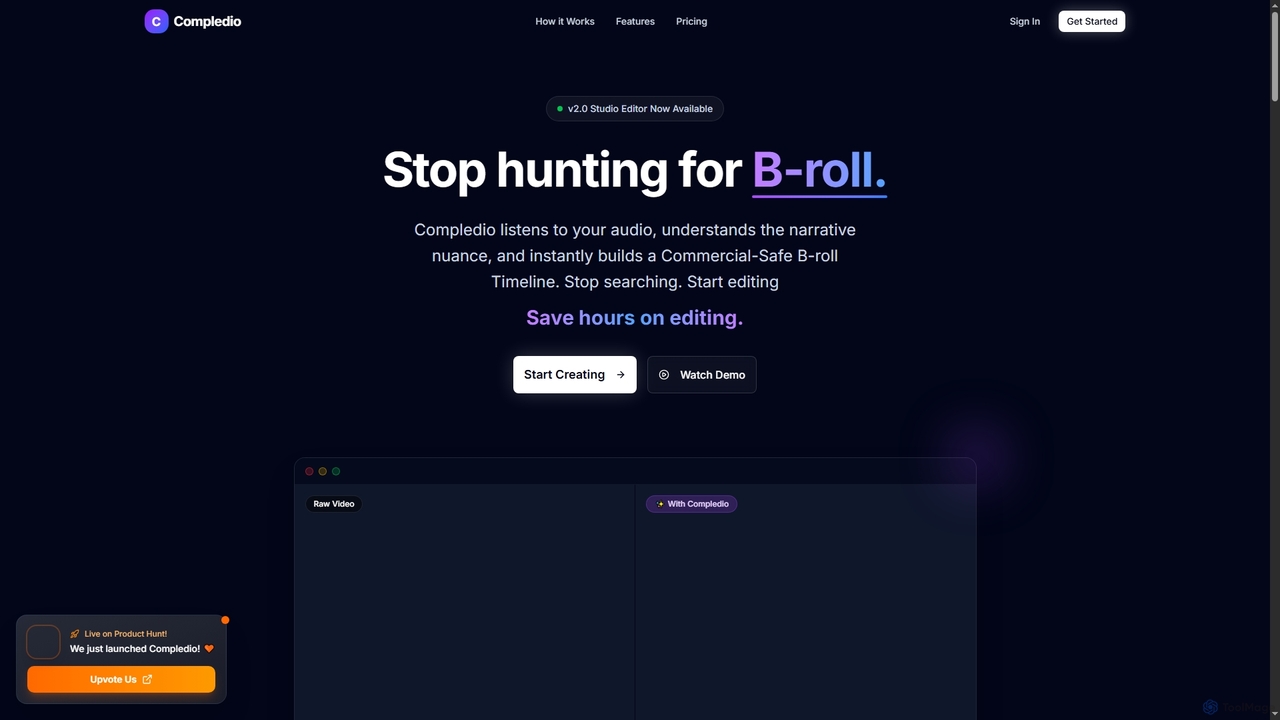
Compledio
Compledio is an AI-powered automated B-roll generator and studio editor that transforms audio and video content into engaging visual narratives. It intelligently analyzes your narrative, synthesizes contextually relevant, commercial-safe B-roll footage, and places it directly onto a professional timeline, saving creators hours of manual editing and stock footage searching.
3D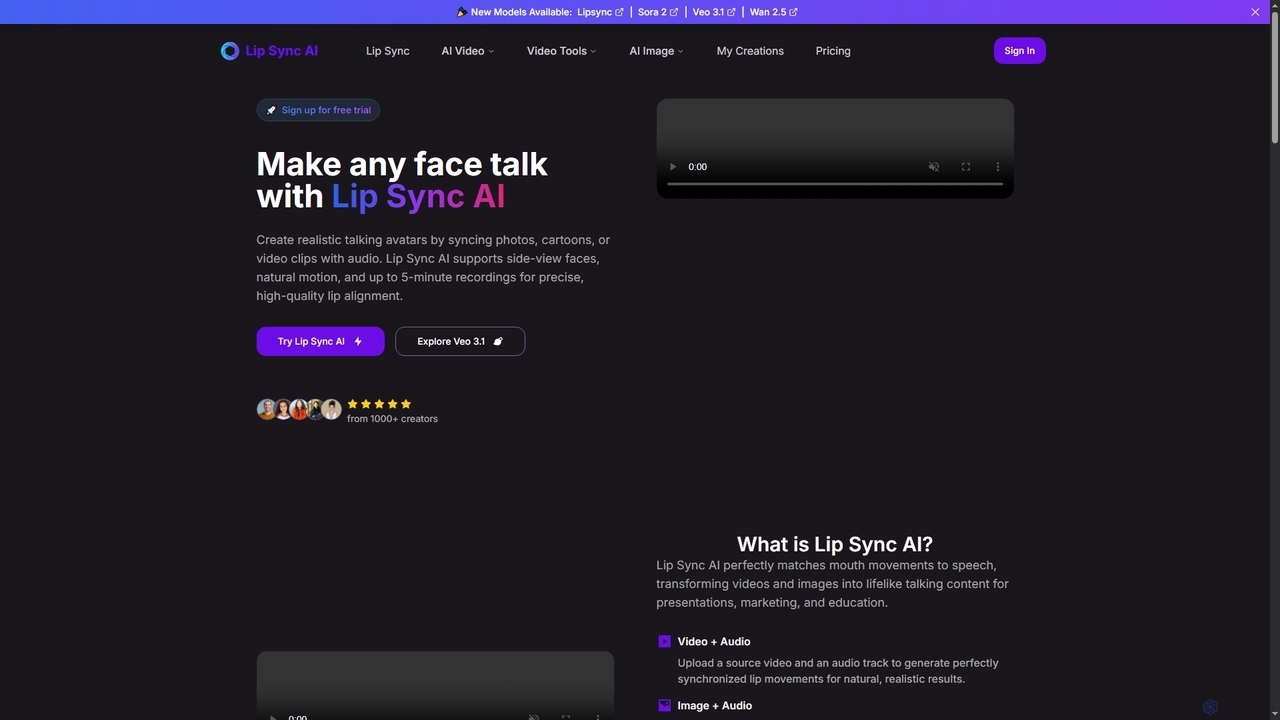
Lipsync AI
Lipsync AI is an advanced online AI tool that transforms images and videos into realistic talking avatars. It precisely synchronizes lip movements with any audio, supporting human and non-human characters for diverse content creation needs.
3DVideoCaption Categories
VideoCaption Jobs
VideoCaption Embed Widget
Copy this embed code to place the badge on your blog, article, or product site and send readers directly to this ToolMage detail page.

Related AI tools
VideotoCaptions
VideotoCaptions is a 100% free AI-powered online tool that instantly generates subtitles and captions for videos. It helps creators boost engagement on platforms like TikTok, Instagram Reels, and YouTube Shorts with various viral caption styles, all without requiring an account or leaving watermarks.
3DChunks
Chunks is an AI-powered video editing tool that automatically transforms raw video footage into shareable short-form content. It uses AI vision models to detect key moments, faces, and highlights, allowing users to generate social-ready video shorts with simple text prompts, saving significant manual editing time.
3D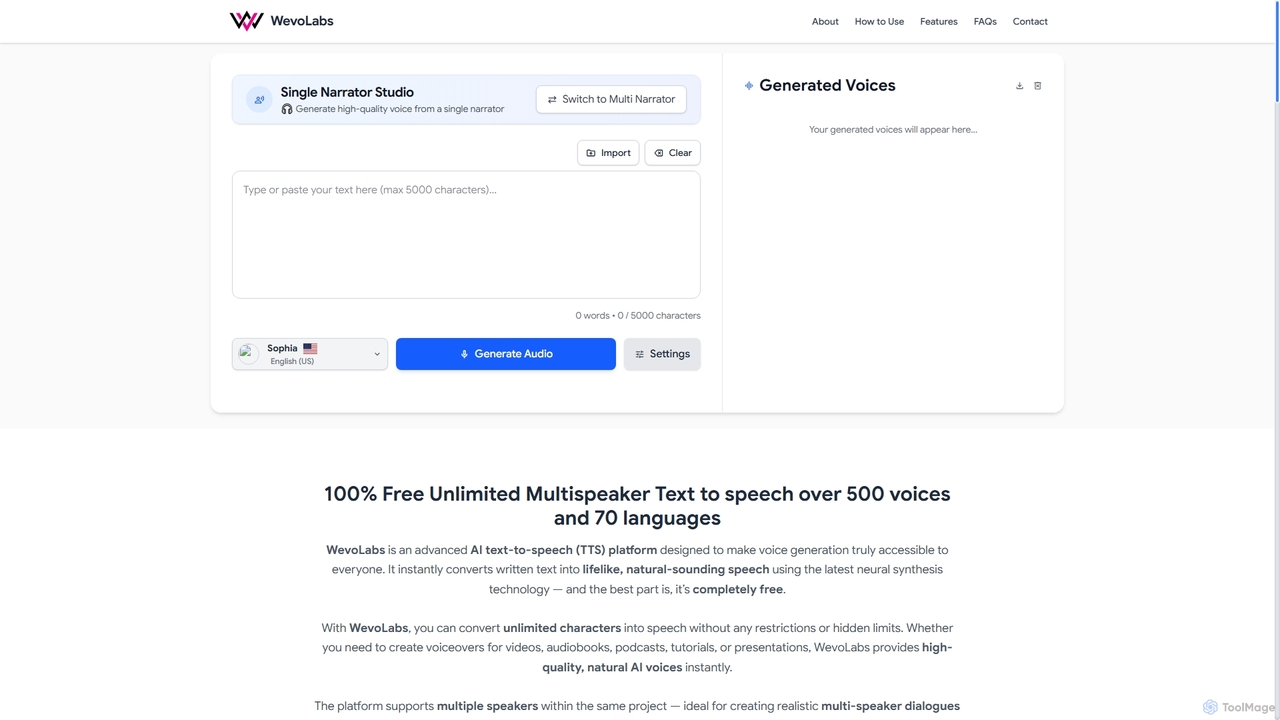
WevoLabs
WevoLabs is a completely free, advanced AI text-to-speech platform that converts written text, PDFs, and Word documents into lifelike, natural-sounding speech. It offers unlimited character conversion, over 580 voices in 75+ languages, and multi-speaker dialogue capabilities, all without requiring registration or imposing watermarks.
3D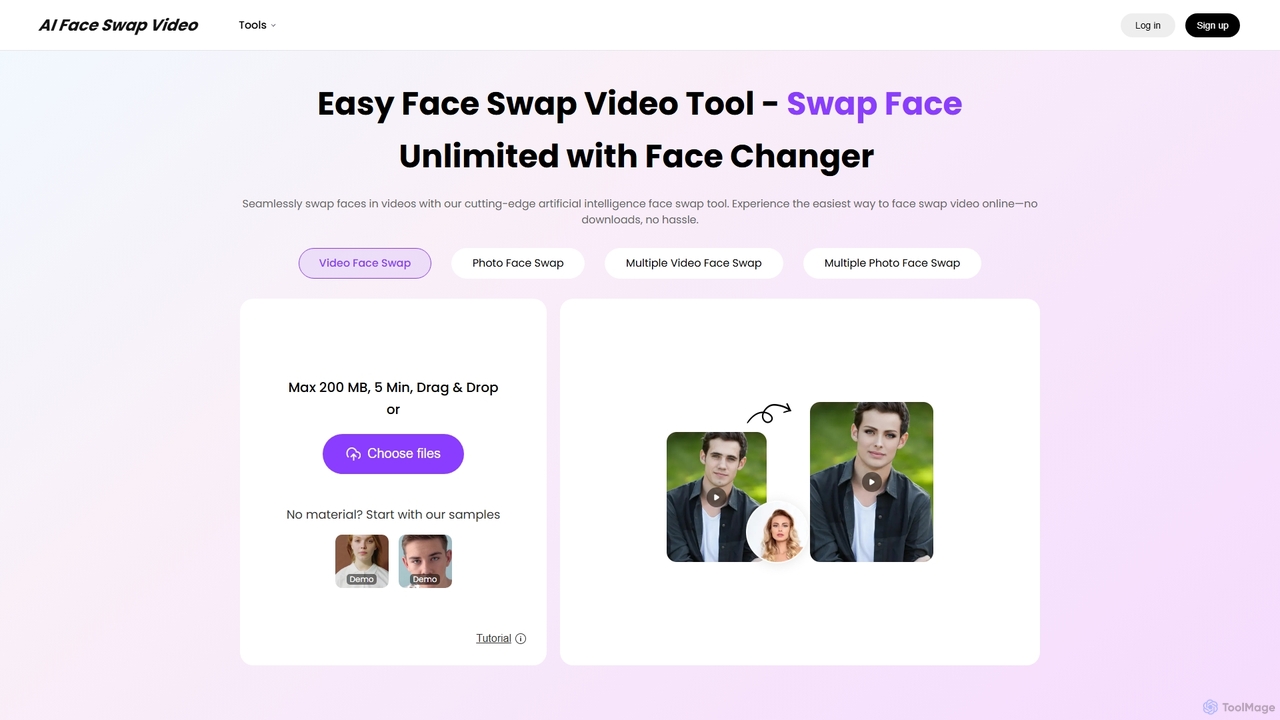
AIFaceSwapVideo
AIFaceSwapVideo is an advanced online AI tool for effortlessly swapping faces in videos, photos, and GIFs. It offers seamless blending, realistic expressions, and precise tracking, making it ideal for creating fun, viral content, or professional edits without any downloads.
3D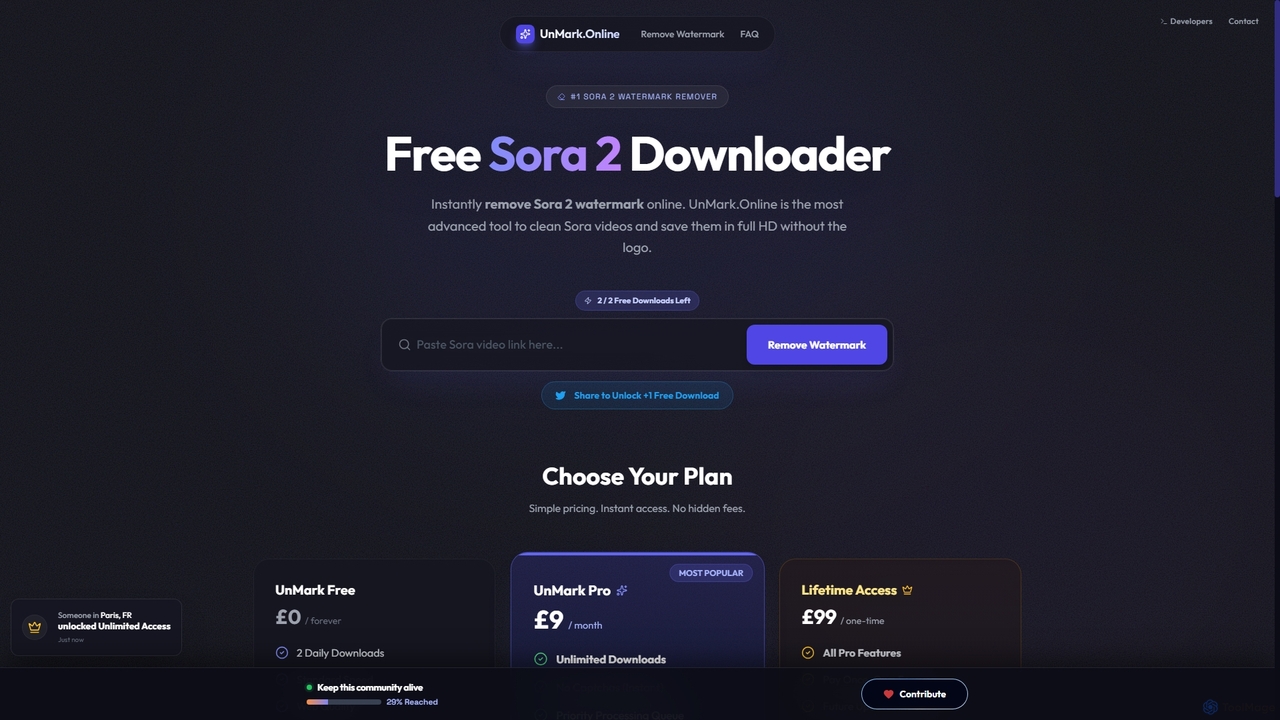
Unmark
Unmark is the premier online tool designed to instantly remove watermarks from Sora AI-generated videos. It offers a proprietary Deep Clean™ technology to deliver pristine, watermark-free 1080p and even 4K videos, making it an essential utility for content creators and professionals alike. Available for free with daily limits or via premium plans for unlimited, priority access.
3D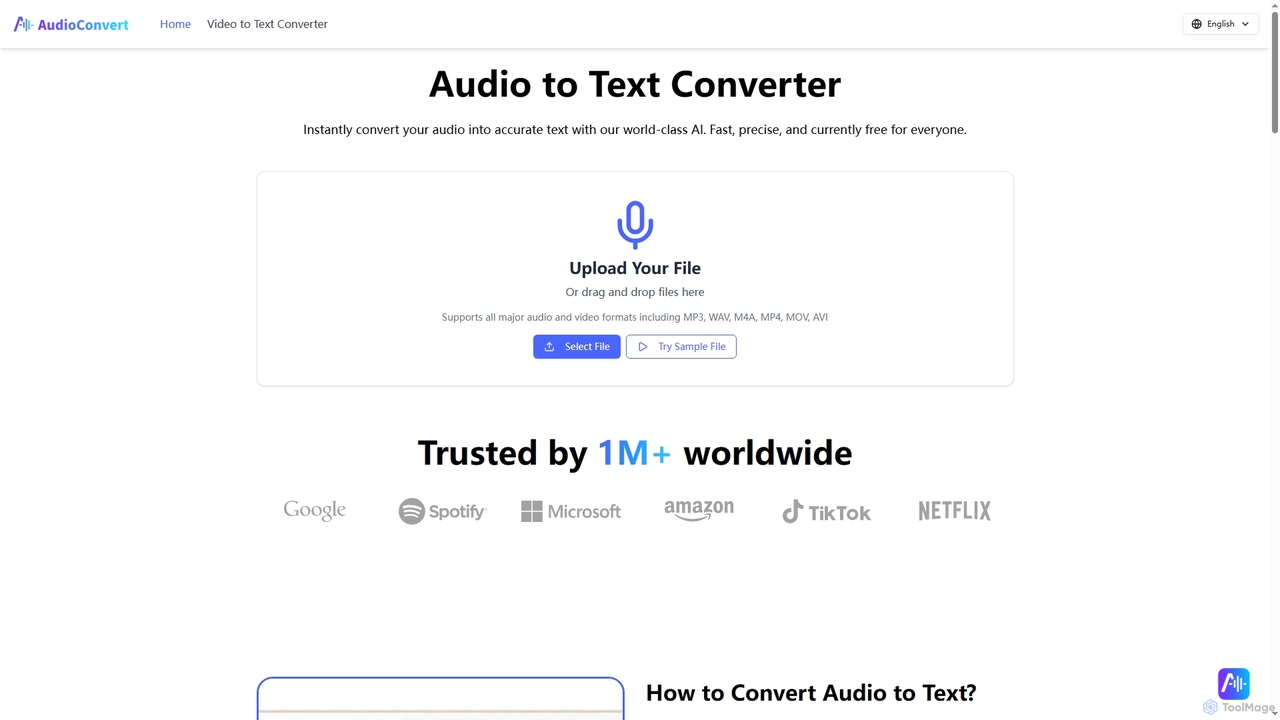
Audioconvert
Audioconvert is an AI-powered tool that swiftly and accurately converts audio and video files into text transcripts. It supports major formats, identifies multiple speakers, provides precise timestamps, and offers various export options like TXT, DOCX, and SRT, all currently available for free.
Meeting Management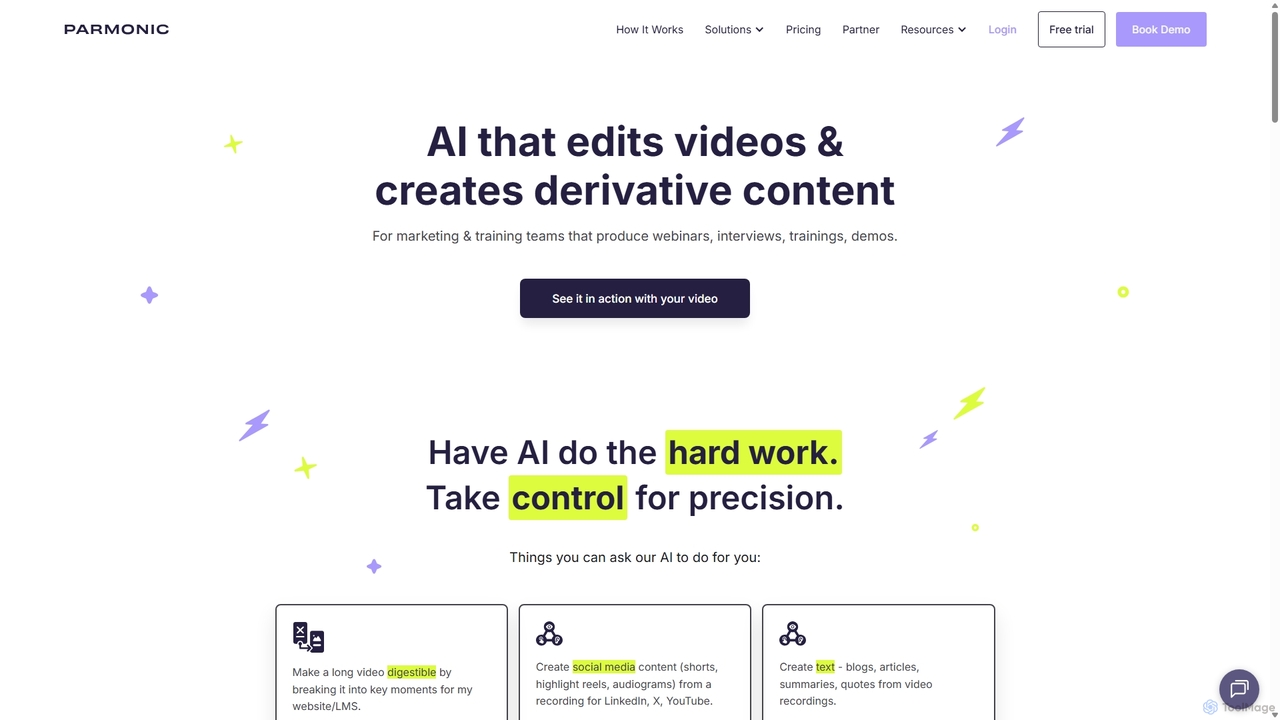
Parmonic
Parmonic is an AI-powered video editor and content repurposing platform designed for marketing and training teams. It automatically transforms long-form videos like webinars, interviews, and training sessions into digestible, shareable content such as social media clips, blogs, summaries, and highlight reels, streamlining content creation and maximizing engagement.
Content Creation
TranslateMom
TranslateMom is an AI-powered video translation, dubbing, and captioning tool designed to help content creators, marketers, and educators reach a global audience. It supports over 100 languages for subtitles and translation, and 29 languages for AI dubbing, making video localization fast and efficient.
3D
Jyek
Jyek is an AI agent platform that understands objectives, creates execution plans, uses tools, and delivers verifiable results for complex, multi-step tasks.
Automation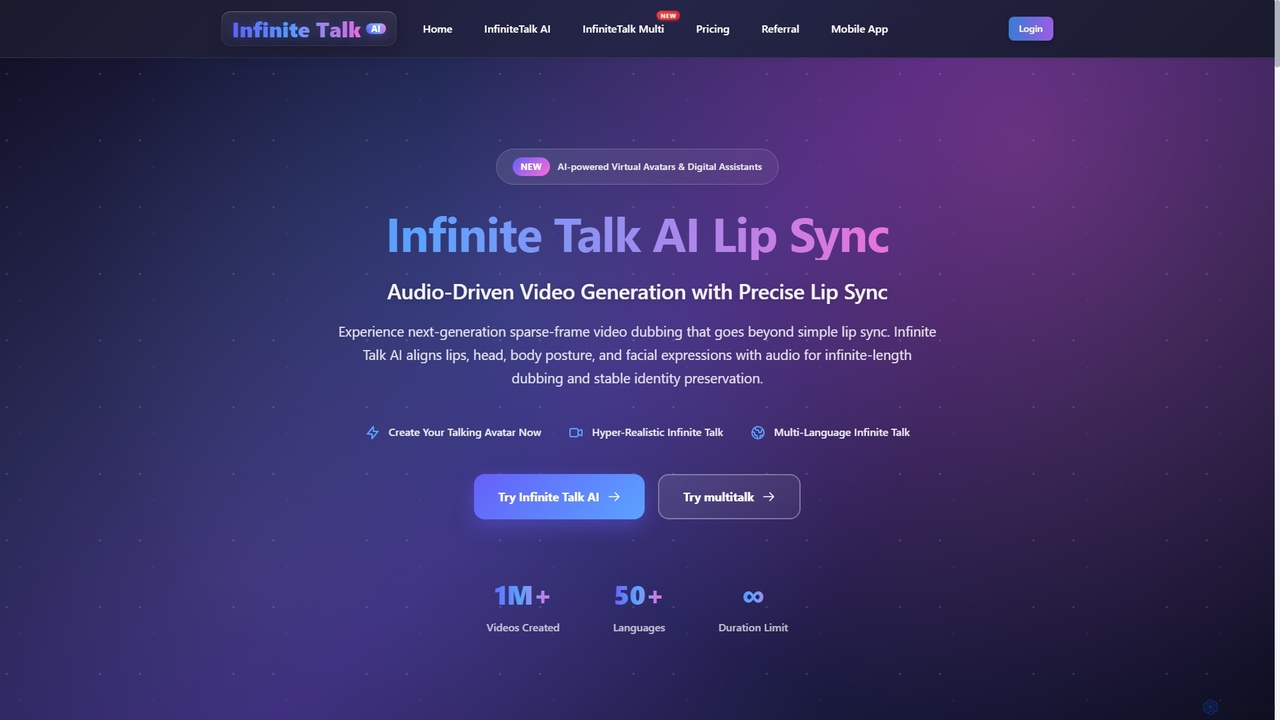
Infinite Talk AI
Infinite Talk AI is an advanced audio-driven lip-sync and motion alignment tool that transforms static images or existing videos into realistic talking avatars. It precisely synchronizes speech with mouth shapes, facial expressions, and body movements, enabling creators to produce high-quality, expressive video content for various applications, from educational materials to marketing and entertainment.
3D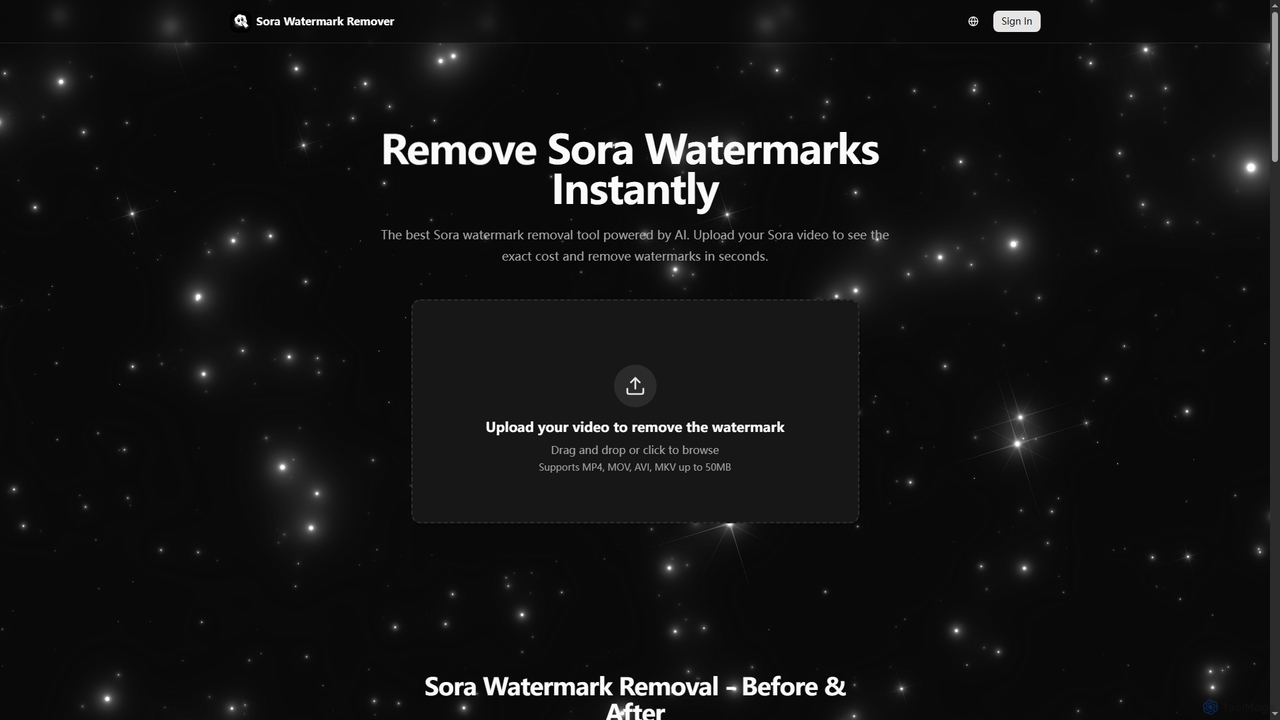
Sora Watermark Remover
Sora Watermark Remover is an AI-powered online tool designed to instantly remove watermarks from Sora AI-generated videos. It offers fast, secure, and high-quality processing, allowing creators and professionals to produce clean, watermark-free video content without subscriptions.
3D
Podcut
Podcut is an AI-powered audio and video editing platform designed for podcasters and content creators. It automates tedious editing tasks by allowing you to edit your media by simply editing the text transcript. Automatically remove filler words, long silences, and background noise to produce studio-quality content in minutes, not hours.
3D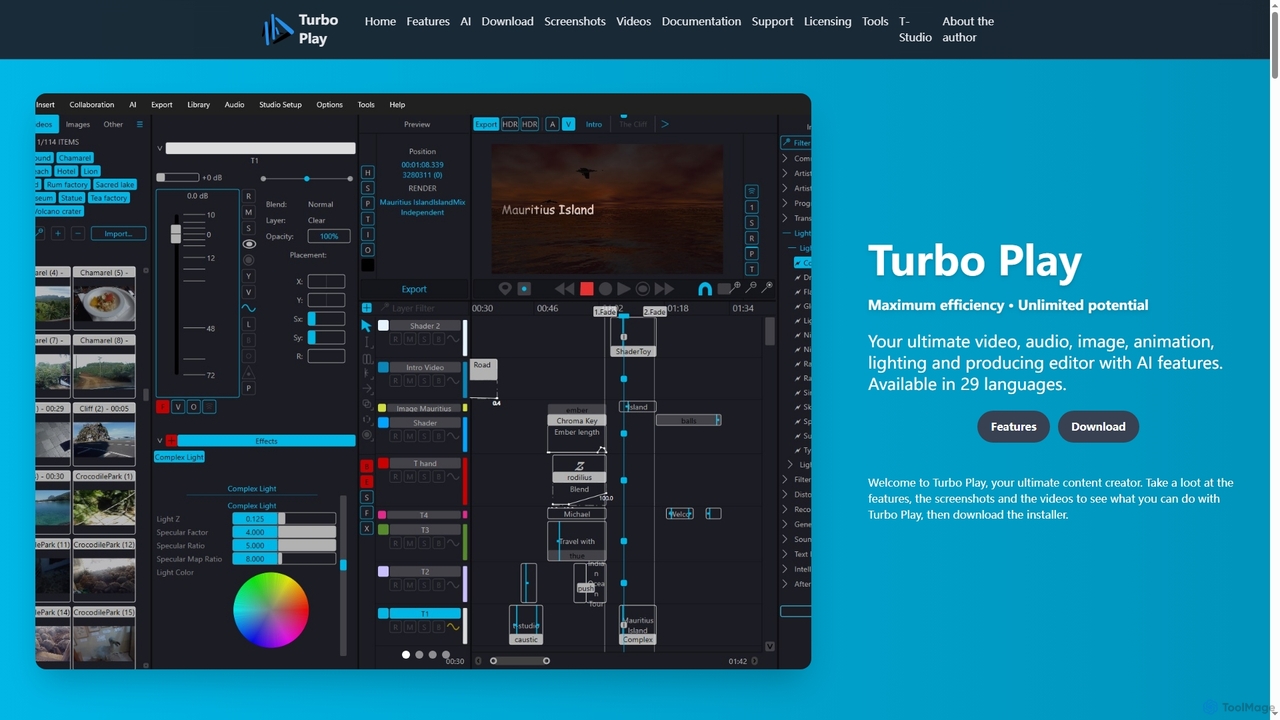
Turbo Play
Turbo Play is an all-in-one AI-powered video, audio, image, and animation editor designed for maximum efficiency and unlimited creative potential. It offers a comprehensive suite of tools for content creation, including advanced AI features for background removal, face swapping, speech separation, and text-to-image generation, catering to both casual and professional users across 29 languages.
3D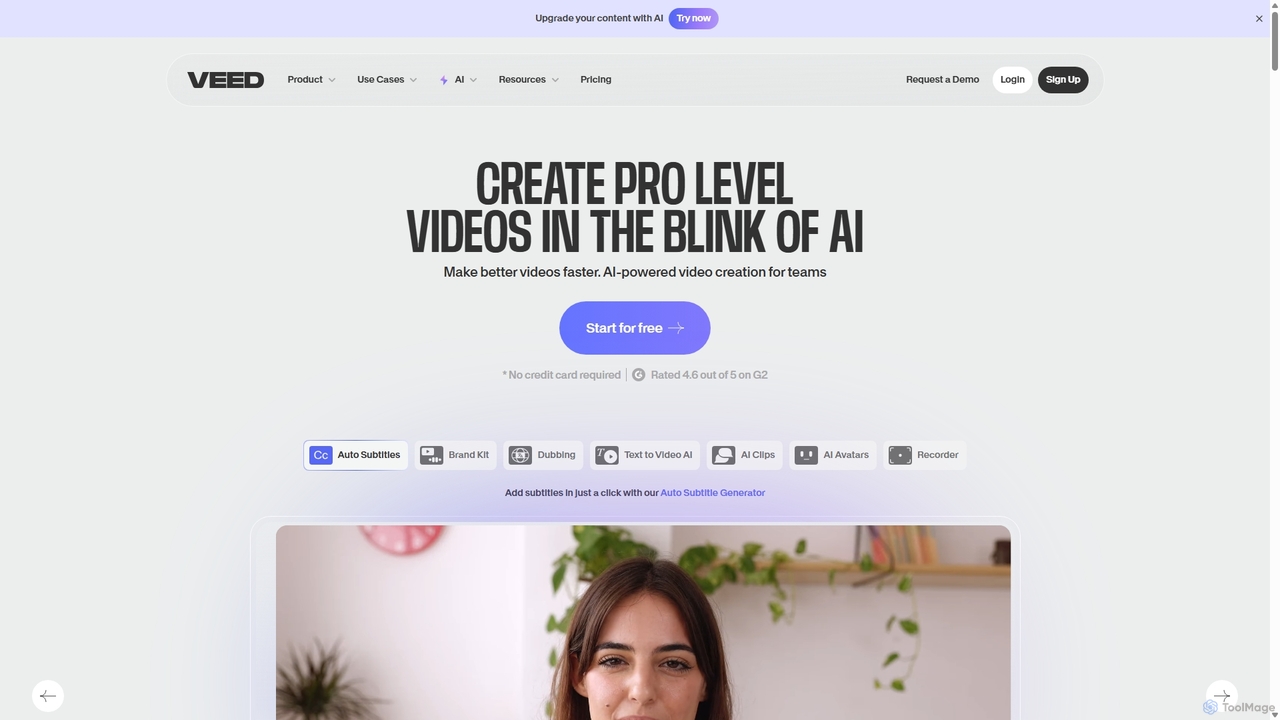
VEED.IO
VEED.IO is a powerful, AI-driven online video editor designed for teams and creators. It simplifies professional video creation with a suite of intuitive tools, including auto-subtitling, text-to-video, AI avatars, and collaborative workspaces. Create, edit, and share high-quality videos directly from your browser, no complex software required.
Social Media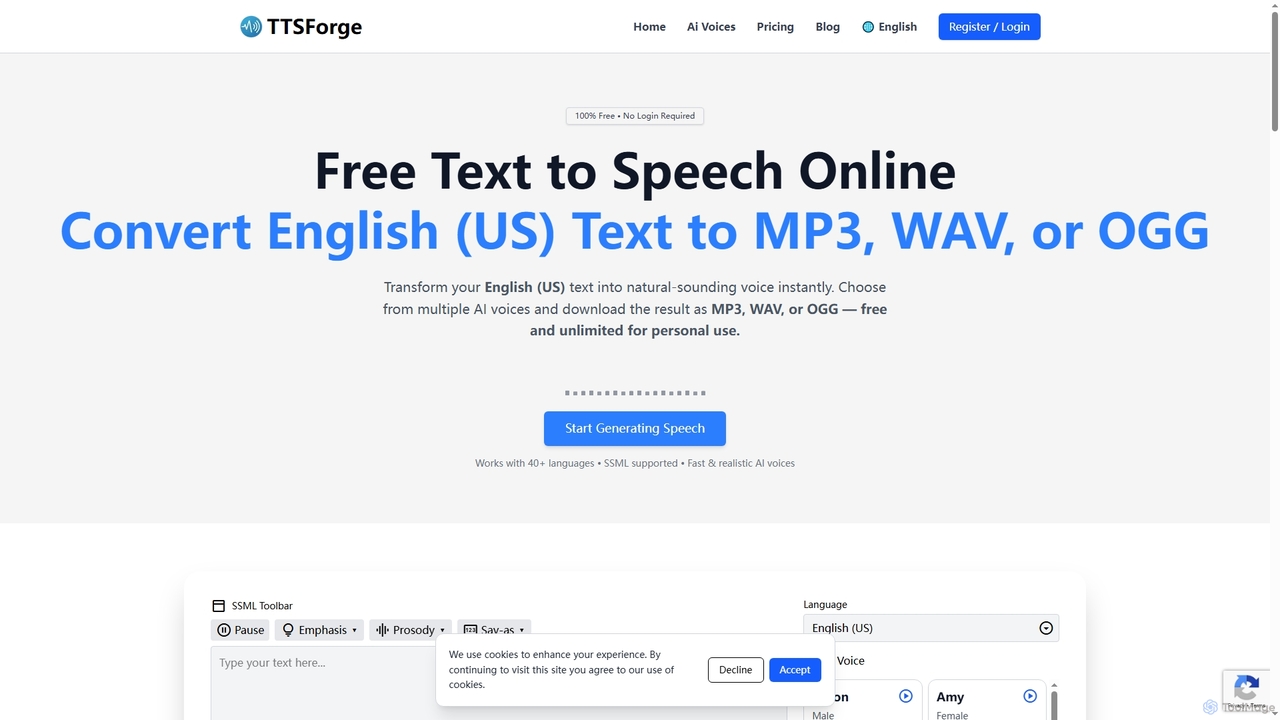
TTSForge
TTSForge is a free online text-to-speech platform that converts written text into natural-sounding audio using advanced AI voices. It supports over 40 languages and allows users to download audio in MP3, WAV, or OGG formats for various personal and commercial projects.
Text To Speech
VideoCaption Comments (0)
Sign in to comment.
Sign inNo comments yet.