


Compledio Overview
Compledio is an innovative AI tool designed to revolutionize video editing by automating the tedious process of finding and integrating B-roll footage. It acts as an intelligent assistant, listening to your audio, understanding its narrative nuances, and instantly building a commercial-safe B-roll timeline. This allows content creators to move from raw footage to a polished masterpiece efficiently, retaining full creative control while the AI handles the grunt work of visual enhancement.
How to use Compledio
Using Compledio is a streamlined three-step process. First, you upload your podcast, vlog, or any video you wish to enhance to the platform. Next, Compledio's AI engine performs a deep analysis, detecting sentiment, irony, and key themes within your content, going beyond simple keyword recognition. Finally, the system synthesizes distinct, style-consistent B-roll footage that perfectly illustrates your words and automatically places it onto your timeline, ready for review and export.
Core Features of Compledio
- AI Analysis & Automated B-roll: Intelligently detects narrative nuances (sentiment, irony, key themes) to generate contextually relevant and commercial-safe B-roll.
- Studio Editor: A pro-grade timeline with full creative authority to swap, trim, crop, and adjust generated visuals.
- Precision Trimming: Offers frame-perfect cuts and transitions for refined video editing.
- Color & Audio Enhancements: Includes auto-leveling and color grading presets to improve visual and auditory quality.
- Multi-Track Editing: Allows effortless layering of B-roll, music, and effects within the timeline.
- Contextual Visualization: Generates unique B-roll that perfectly matches your specific context, moving beyond generic stock clips.
- Royalty-Free Footage: All generated B-roll is 100% royalty-free and safe for commercial use.
- Workflow Integration (Coming Soon): Plugins are being developed for industry-leading non-linear editing platforms like Adobe Premiere Pro, DaVinci Resolve, and After Effects.
Use Cases for Compledio
Compledio is built for modern creators across various platforms and content styles. Podcasters can effortlessly visualize their audio, transforming long episodes into engaging video content for platforms like Spotify and YouTube. Course Creators can keep students highly engaged by automatically illustrating complex concepts with relevant visual aids. YouTubers can significantly scale their output, focusing on scripting and filming while offloading the time-consuming task of B-roll hunting to AI, ensuring professional results every time.
Advantages of Compledio
Compledio offers significant advantages over traditional manual video editing workflows. It dramatically reduces editing time, cutting hours of B-roll hunting and syncing down to minutes. The platform provides tailor-made, contextually relevant footage, eliminating the need to search through generic stock libraries. Users benefit from a low learning curve, a single royalty-free licensing model, and the assurance of professional, high-quality results. Furthermore, it empowers creators with total control in a professional studio environment while automating the most tedious aspects of production.
Pricing and Plans
Compledio offers flexible pricing plans to suit different creative needs, with an option for monthly or a 20% discount for yearly billing:
- Free: $0/month, includes 3 Projects/month, 200 Credits/month, Studio Editor Access, AI Analysis & Automated B-roll, and 720p Export.
- Starter: $20/month, includes 10 Projects/month, 2,000 Credits/month, Studio Editor Access, AI Analysis & Automated B-roll, and 1080p Export.
- Creator (Most Popular): $40/month, includes 20 Projects/month, 4,000 Credits/month, Studio Editor Access, AI Analysis & Automated B-roll, and 2K QHD Export.
- Pro: $100/month, includes 100 Projects/month, 12,000 Credits/month, Studio Editor Access, AI Analysis & Automated B-roll, and 4K Ultra HD Export.
- Agency & Enterprise: Custom pricing for production houses and large teams, offering custom project/credit volume, API Access, dedicated support, SLA & priority queue, and custom invoicing. Contact sales for details.
Compledio FAQ
Compledio Alternatives
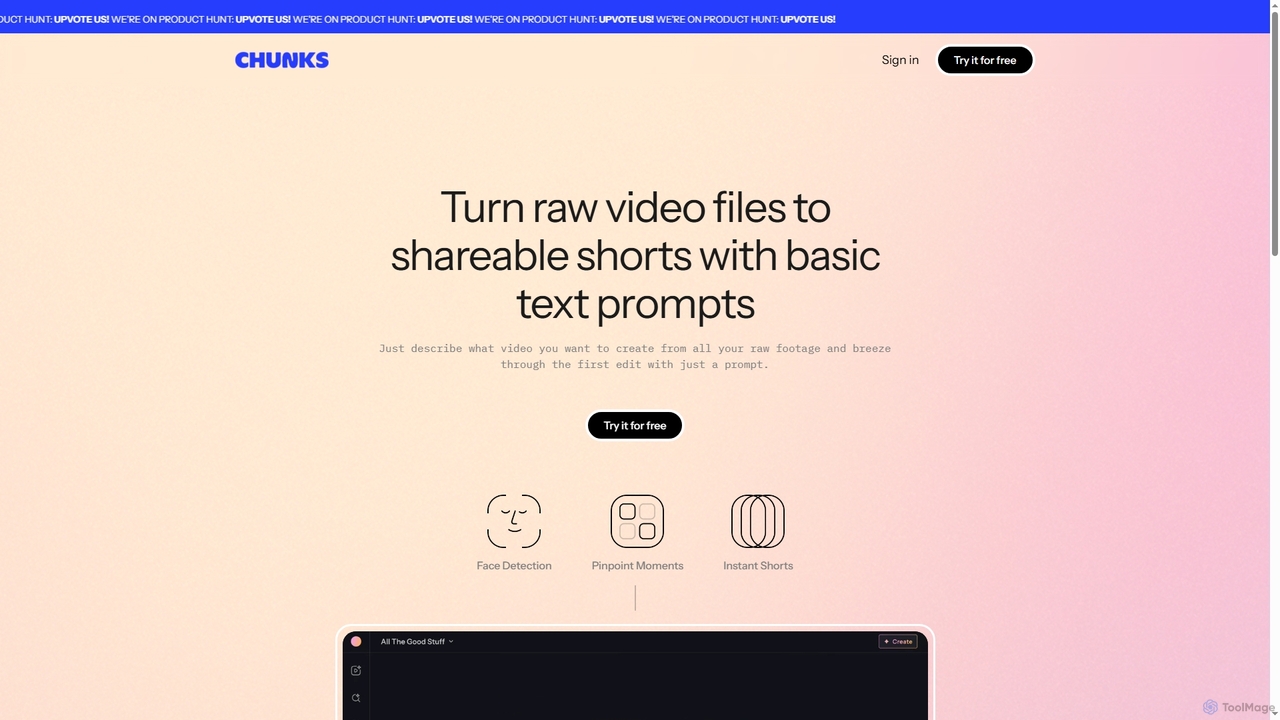
Chunks
Chunks is an AI-powered video editing tool that automatically transforms raw video footage into shareable short-form content. It uses AI vision models to detect key moments, faces, and highlights, allowing users to generate social-ready video shorts with simple text prompts, saving significant manual editing time.
3D
Tubentum
Tubentum is an AI-powered video editing tool that automatically removes filler words like "ums," "ahs," and silences from your raw footage by editing text. It helps content creators, podcasters, and educators produce clean, engaging, and professional video content faster, boosting viewer retention and algorithm performance.
3D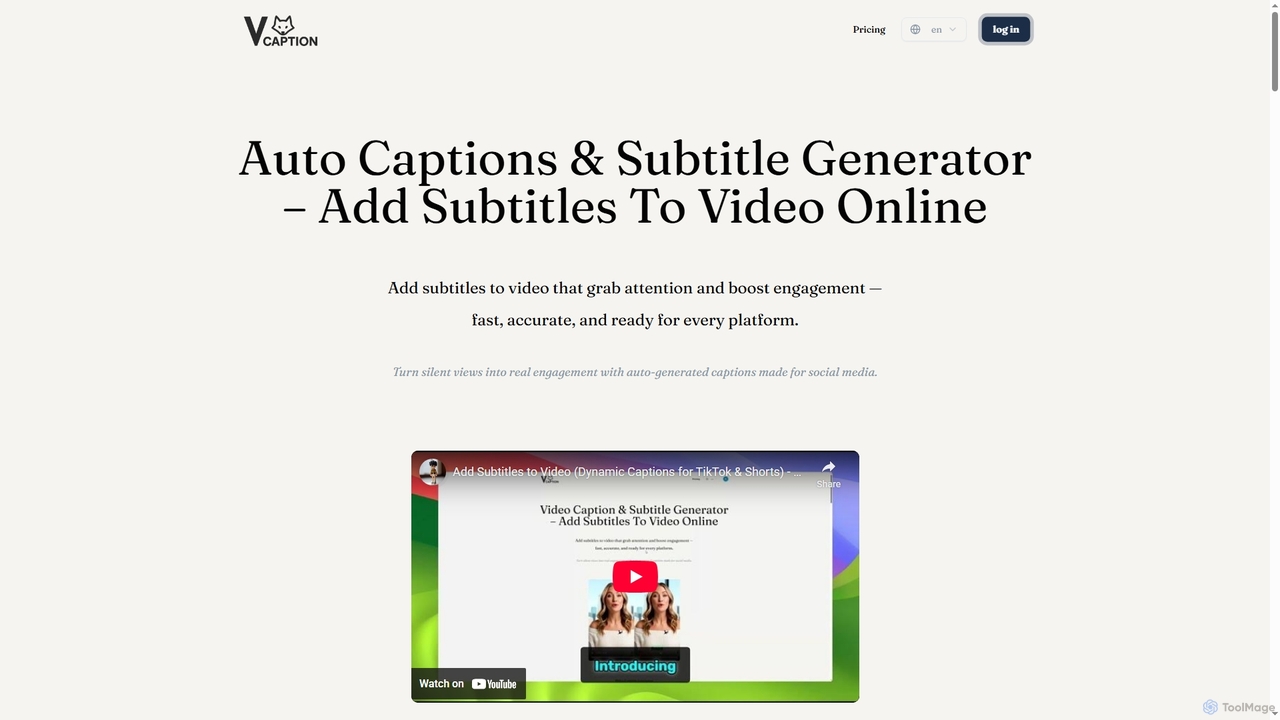
VideoCaption
VideoCaption is an AI-powered online tool that automatically generates and adds stylish, accurate subtitles to your videos. Boost engagement and accessibility across social media, e-learning, and marketing platforms with ease. Transform silent views into meaningful interactions quickly and professionally.
3D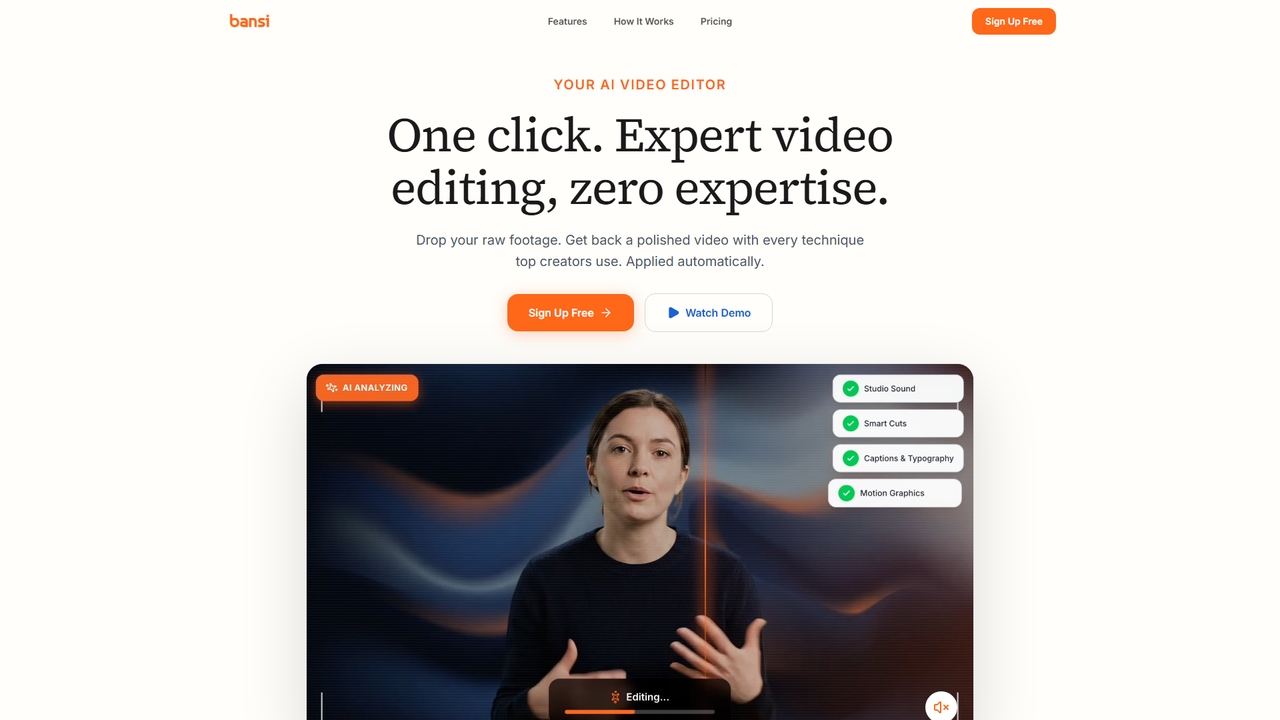
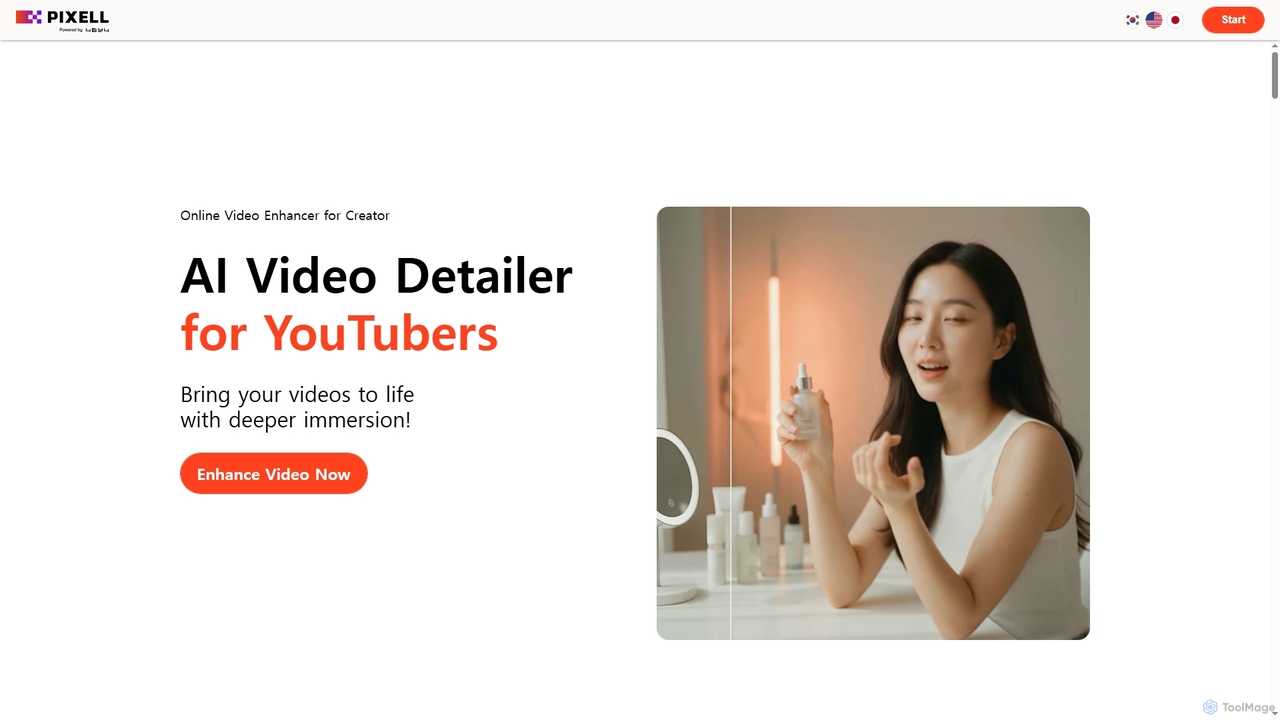
Detailer
Detailer is an AI-powered online video enhancer designed for creators, especially YouTubers, to achieve crystal-clear, professional-grade video quality. It focuses on reducing noise, sharpening edges, and preserving colors and textures, making videos more immersive and suitable for large-screen viewing without distortion.
3DCompledio Categories
Compledio Jobs
Compledio Embed Widget
Copy this embed code to place the badge on your blog, article, or product site and send readers directly to this ToolMage detail page.

Related AI tools
Chunks
Chunks is an AI-powered video editing tool that automatically transforms raw video footage into shareable short-form content. It uses AI vision models to detect key moments, faces, and highlights, allowing users to generate social-ready video shorts with simple text prompts, saving significant manual editing time.
3D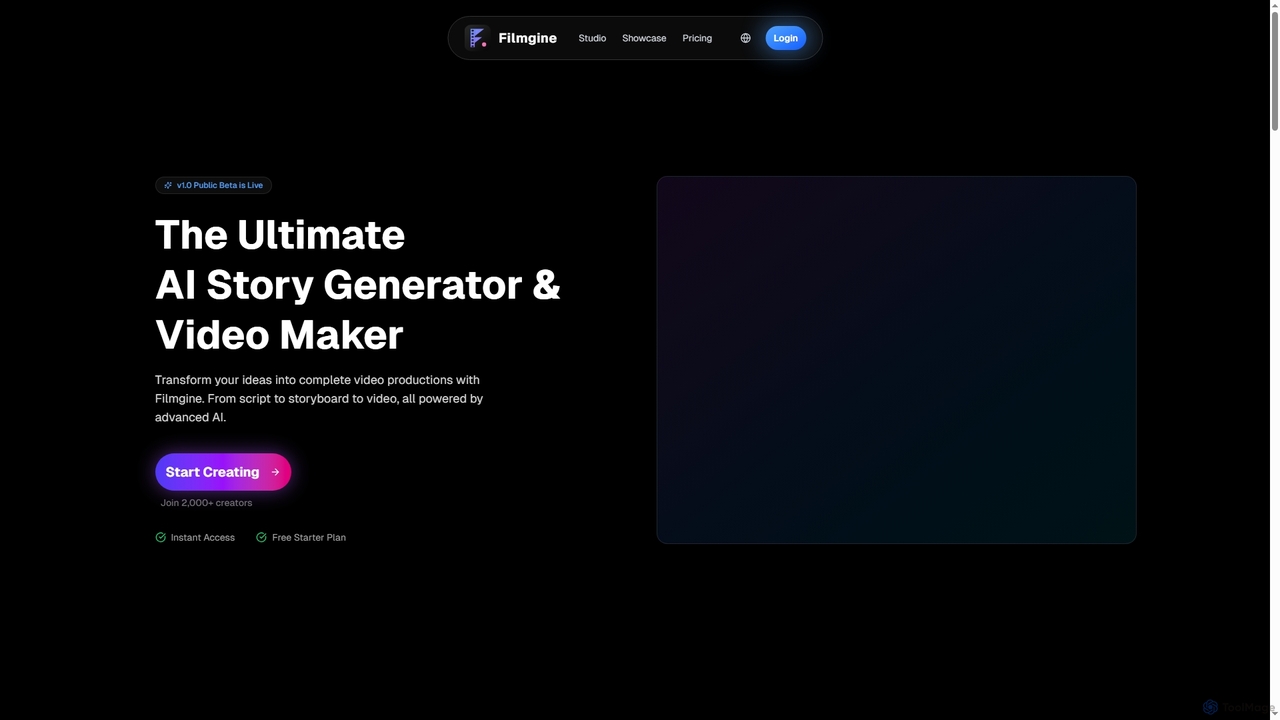
Filmgine
Filmgine is an ultimate AI story generator and video maker that transforms creative ideas into complete video productions. It streamlines the filmmaking process from script to storyboard to dynamic video, all powered by advanced AI, making professional content creation accessible and efficient for creators of all levels.
3D
Podcut
Podcut is an AI-powered audio and video editing platform designed for podcasters and content creators. It automates tedious editing tasks by allowing you to edit your media by simply editing the text transcript. Automatically remove filler words, long silences, and background noise to produce studio-quality content in minutes, not hours.
3D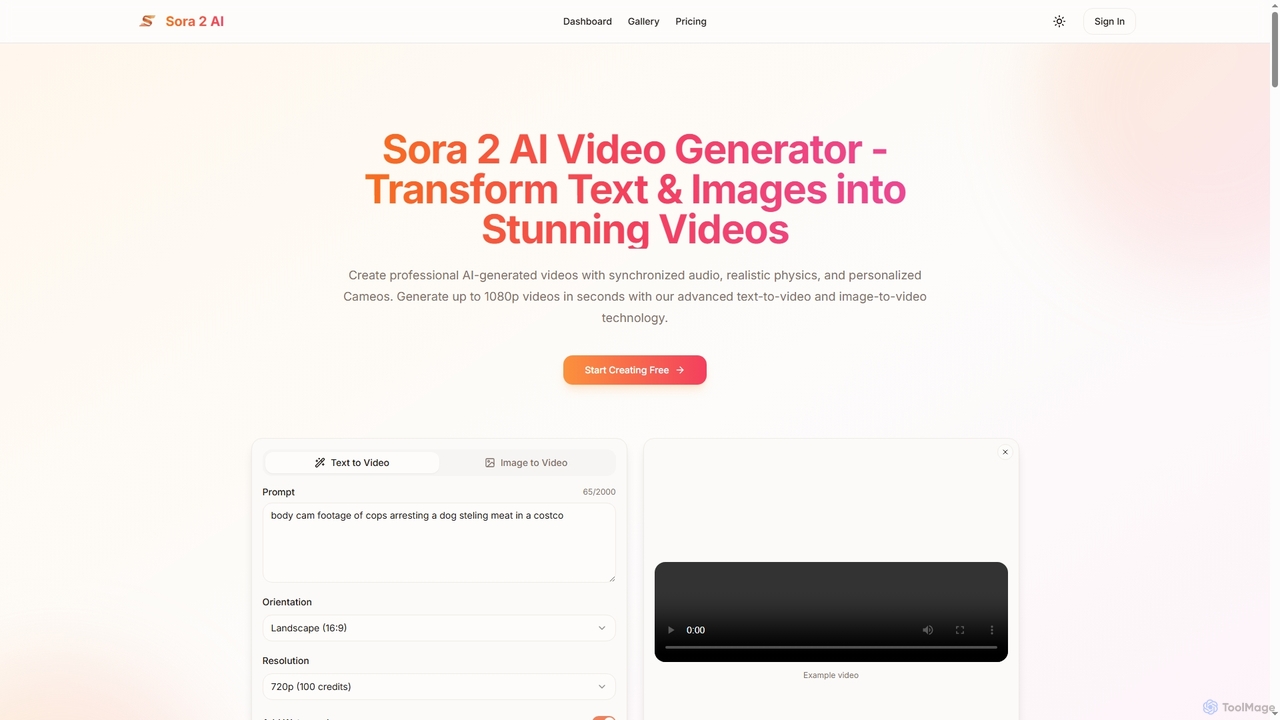
Aisora2
Aisora2 is an advanced AI video generator that transforms text prompts and images into professional-quality videos. It features synchronized audio, realistic physics, and personalized Cameos, enabling creators to produce stunning 1080p videos up to 20 seconds long with ease. Ideal for content creators, marketers, and businesses seeking efficient video production.
Video Editing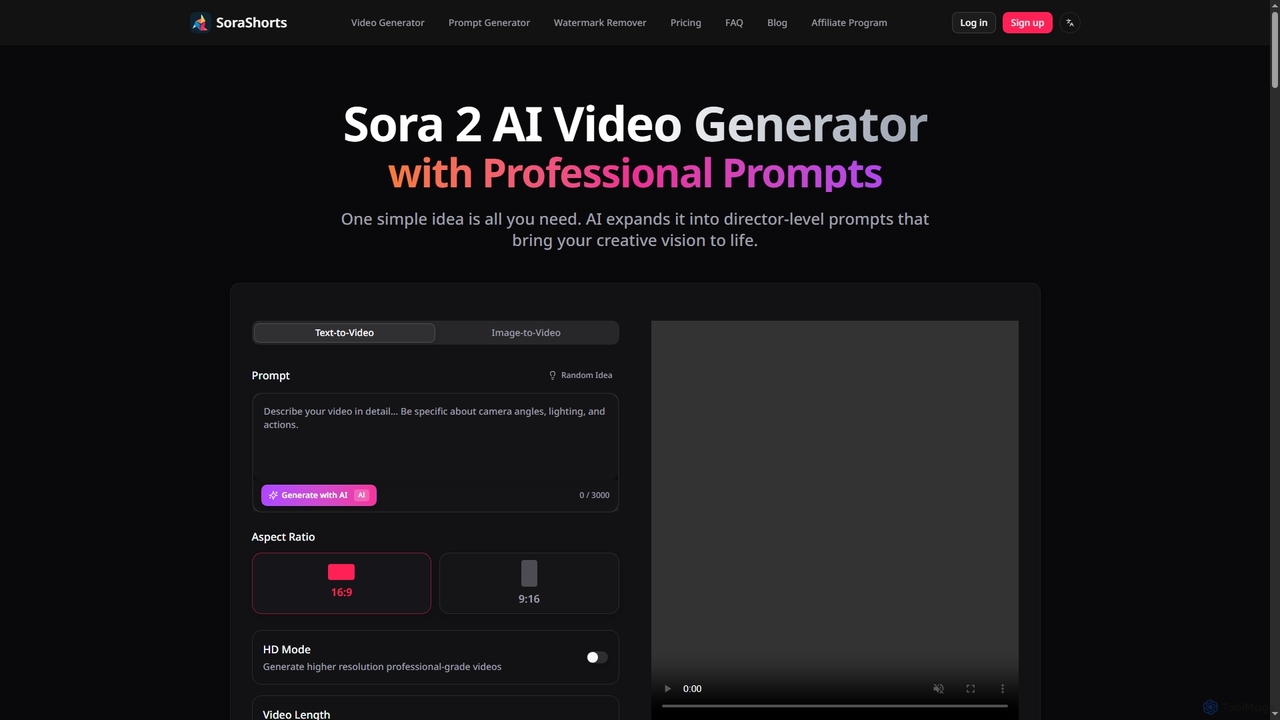
SoraShorts
SoraShorts is an advanced AI video generator powered by Sora 2 technology, enabling users to transform text or images into professional, watermark-free videos. It includes a sophisticated prompt generator for cinematic quality and a tool to remove watermarks, streamlining video creation for various commercial and creative needs.
Prompt Engineering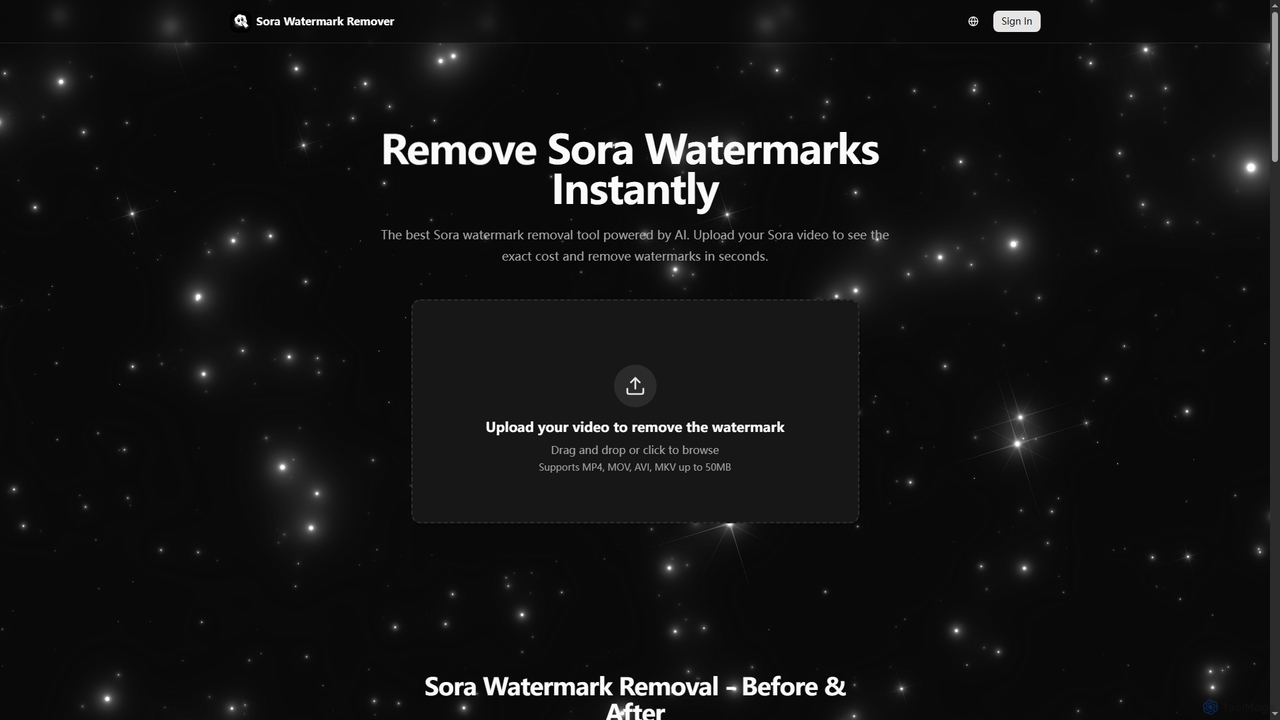
Sora Watermark Remover
Sora Watermark Remover is an AI-powered online tool designed to instantly remove watermarks from Sora AI-generated videos. It offers fast, secure, and high-quality processing, allowing creators and professionals to produce clean, watermark-free video content without subscriptions.
3D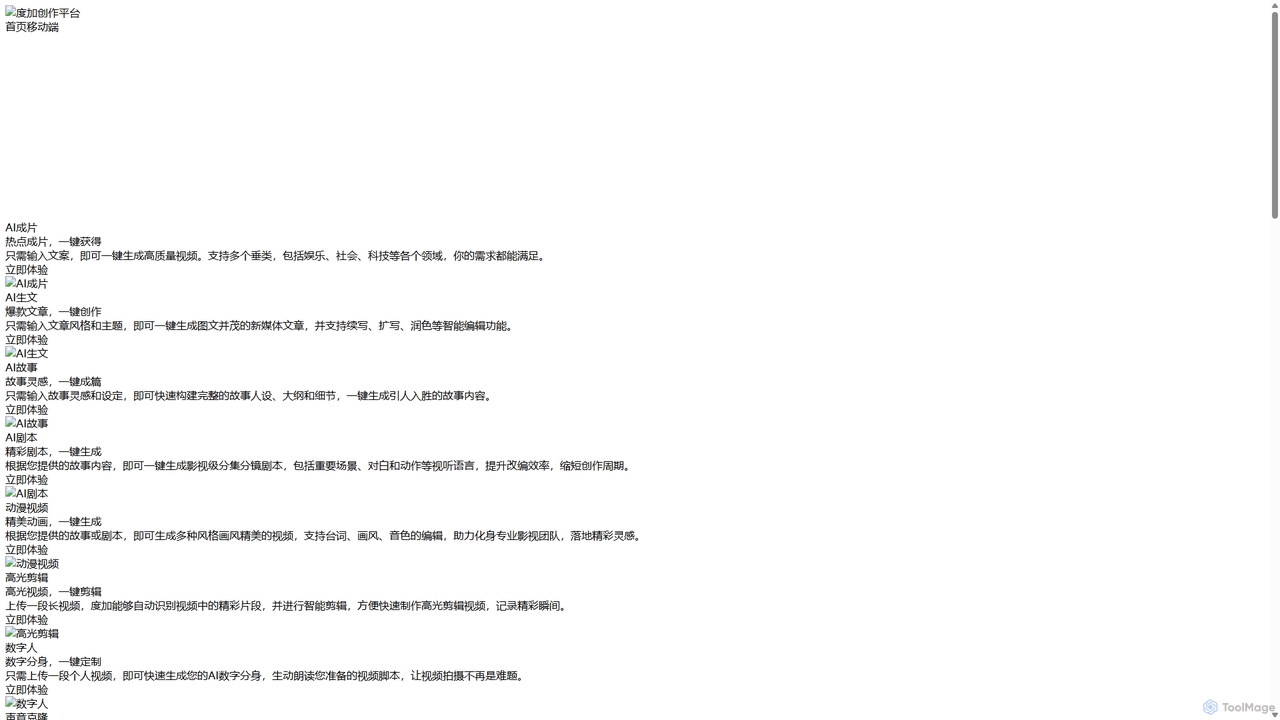
DuJia AIGC Platform
DuJia AIGC Platform is an official all-in-one AIGC creation suite from Baidu. It empowers users to effortlessly generate high-quality videos, articles, stories, scripts, animations, and digital avatars from simple text inputs. Designed for content creators and marketers, it dramatically boosts efficiency by integrating a full suite of AI-powered tools, from ideation and content generation to intelligent editing and one-click publishing.
Voice Cloning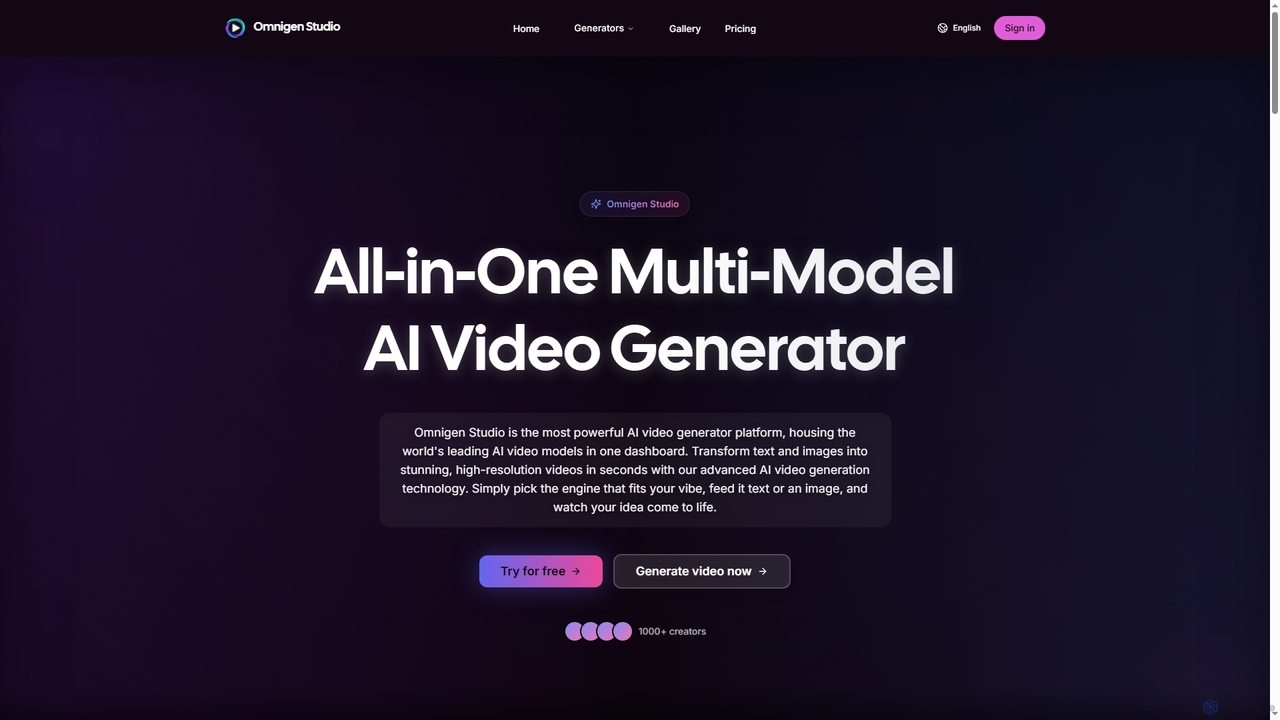
Omnigen
Omnigen is an all-in-one multi-model AI video generator platform that empowers creators to transform text and images into stunning, high-resolution videos in seconds. It integrates leading AI video models like Veo, Wan, and Sora 2, offering a seamless workflow for diverse creative needs, from social media clips to cinematic sequences.
Social Media Video
Unmark
Unmark is the premier online tool designed to instantly remove watermarks from Sora AI-generated videos. It offers a proprietary Deep Clean™ technology to deliver pristine, watermark-free 1080p and even 4K videos, making it an essential utility for content creators and professionals alike. Available for free with daily limits or via premium plans for unlimited, priority access.
3D
Podcastle
Podcastle is an all-in-one, AI-powered platform for audio and video creation. It simplifies the entire workflow from high-quality recording and text-based editing to AI-enhanced post-production and podcast hosting. Features include studio-quality recording, AI noise removal, voice cloning, and seamless video editing, making it ideal for podcasters, content creators, and marketers.
3D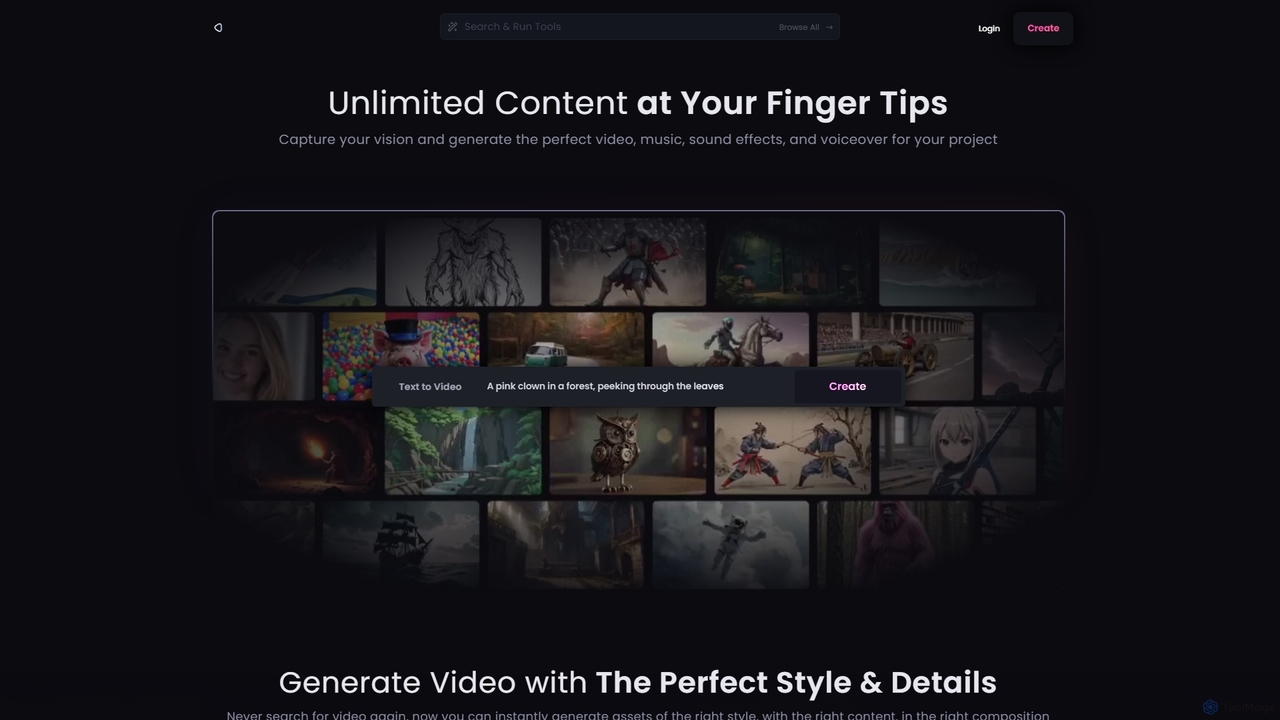
Reel Studio
Reel Studio is an all-in-one AI-powered creative suite that generates high-quality video, music, sound effects, and voiceovers. Transform text, images, or even drawings into stunning visual and audio content. With a wide range of styles, aspect ratios, and customization options, it's the ultimate tool for creators, marketers, and filmmakers to bring their vision to life instantly.
Music Generation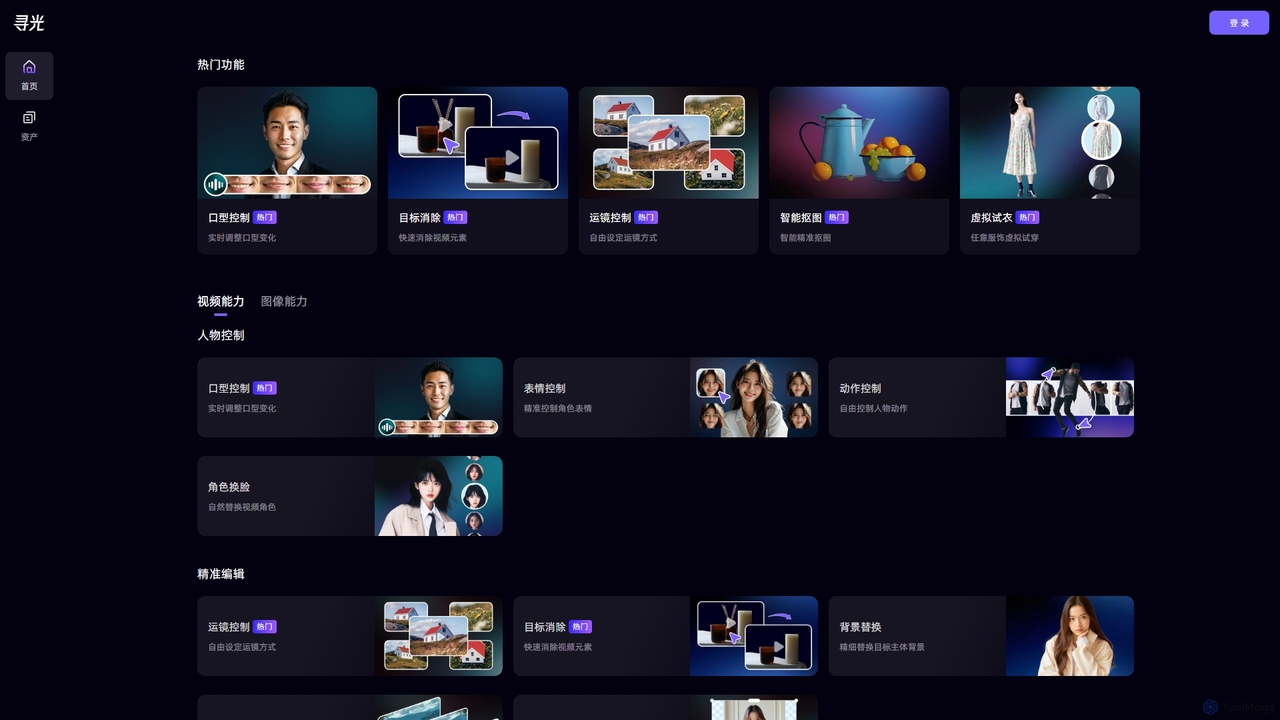
Xunguang AI
Xunguang AI is a powerful, all-in-one AI content creation platform specializing in advanced video and image manipulation. It offers a comprehensive suite of tools, including lip-sync control, object removal, face swapping, and virtual try-on, designed to streamline complex editing tasks and empower creators, marketers, and e-commerce professionals to produce high-quality content with unprecedented ease and efficiency.
Product Visualization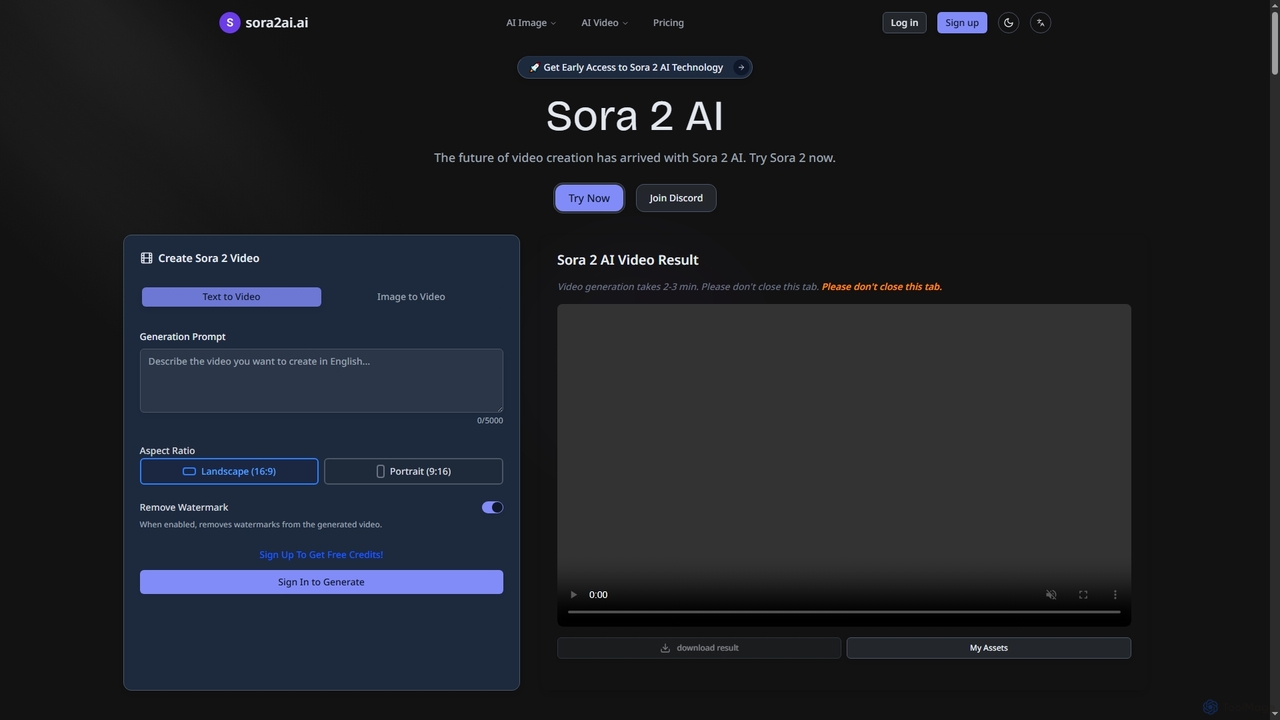
Sora2ai
Sora2ai is a comprehensive AI creative platform offering early access to advanced AI video and image generation. It integrates cutting-edge models like Sora 2 for 20-second continuous video generation with unique cameos and native audio, Google's Veo 3 for cinematic videos, and NanoBanana for powerful image editing, providing a unified workflow for diverse creative needs.
Content Creation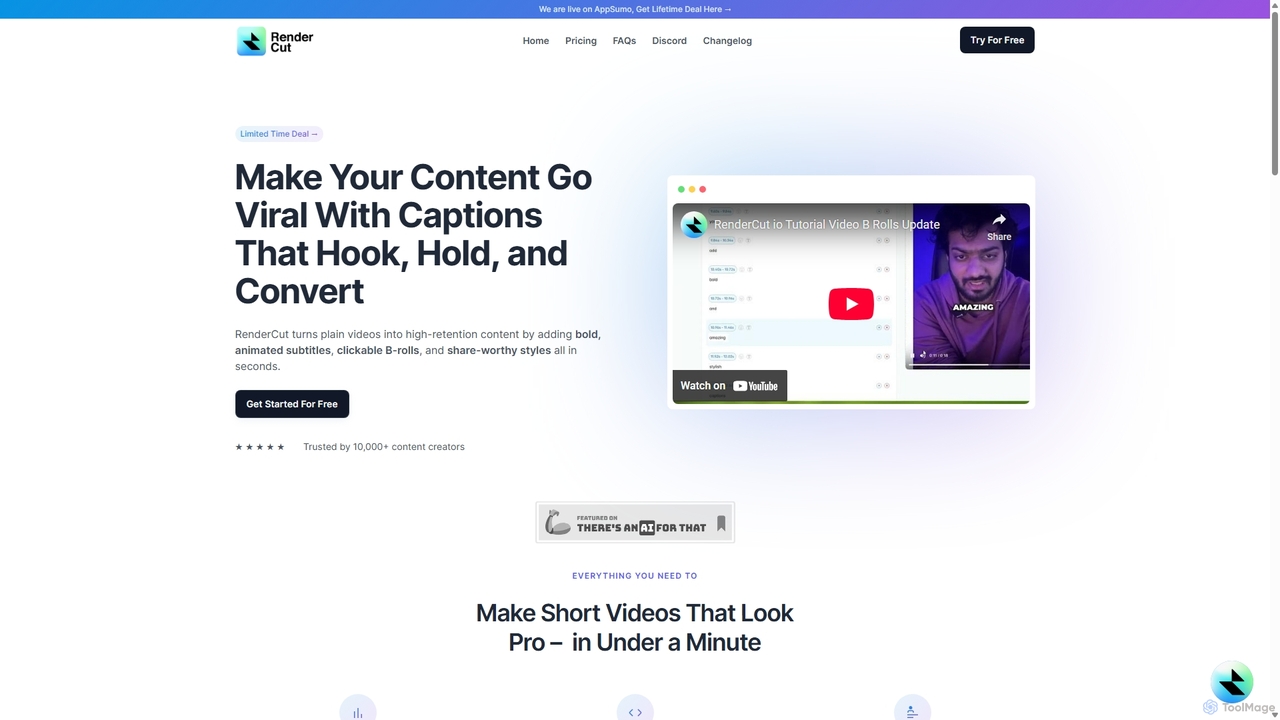
RenderCut
RenderCut is an AI-powered video editing tool that automatically generates stylish, animated subtitles for short-form videos. It helps content creators boost engagement and create viral content by adding customizable captions, B-rolls, emojis, and sound effects in minutes.
Automation
Compledio Comments (0)
Sign in to comment.
Sign inNo comments yet.