

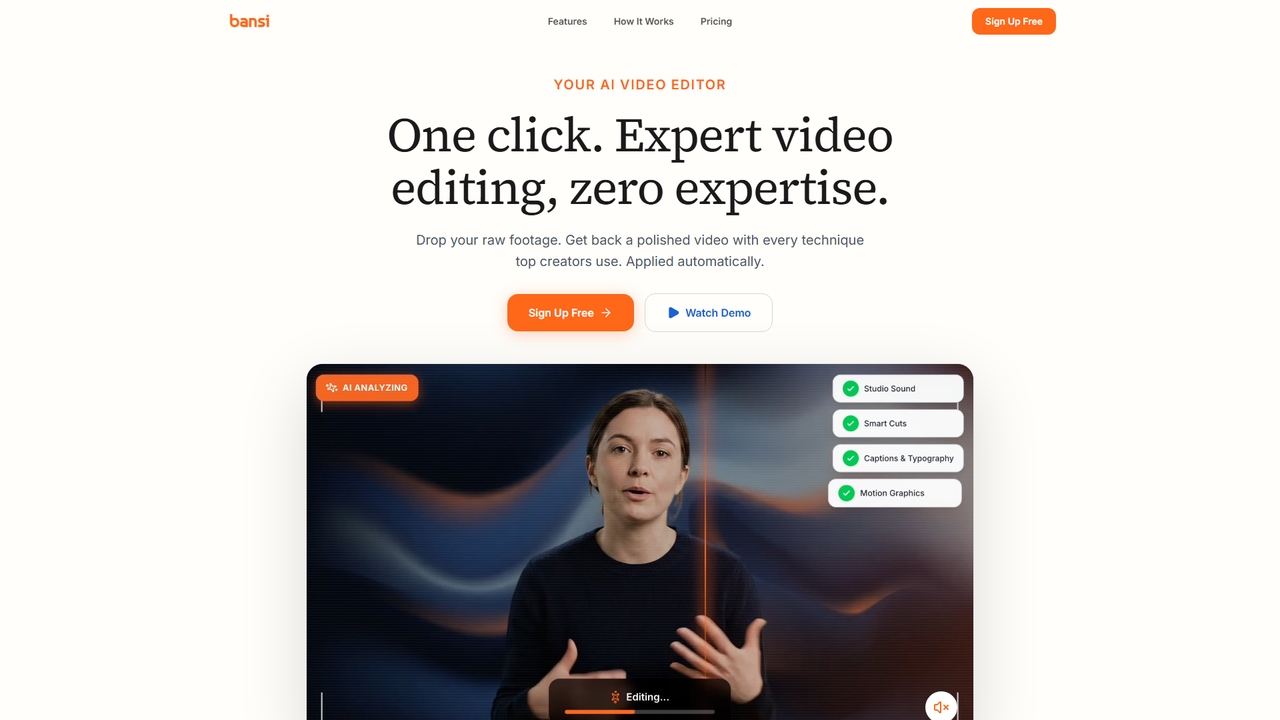
Bansi Overview
Bansi is an AI-powered video editor designed specifically for long-form content creators. With a single click, you can drop in your raw footage and receive a fully edited video that incorporates every technique used by top creators — automatically. Bansi eliminates the need for manual editing expertise, saving you an average of 18 hours per video. It supports MP4, MOV, AVI, and MKV formats, with videos up to 2 hours in length. Most videos are processed in minutes. Beginners can publish directly from Bansi, while professionals can export to Adobe Premiere Pro, DaVinci Resolve, or Final Cut Pro for further refinement.
How to use Bansi
Using Bansi is straightforward: upload your raw video footage (MP4, MOV, AVI, or MKV, up to 2 hours) by dragging and dropping it onto the platform. Bansi automatically uploads and processes the video. During processing, the AI enhances your video with studio sound (noise removal and audio mastering), smart cuts (removes silences and bad takes), auto zooms (adds emphasis zooms), b-roll and motion graphics insertion, styled captions and typography, and more. Once processing is complete (usually within minutes), you can preview the result and either publish directly or export to your preferred professional editor.
Core Features of Bansi
- Studio Sound: Automatic noise removal and audio mastering for professional-quality audio.
- Smart Cuts: Detects and removes silences, bad takes, and awkward pauses.
- Auto Zooms: Automatically adds zoom effects to emphasize key moments.
- B-Roll & Graphics: Inserts relevant b-roll clips and motion graphics.
- Captions & Typography: Generates auto-captions with styled typography (98% accuracy claimed).
- Pattern Interrupts & Sound Effects: Adds engaging pattern interrupts and sound design.
- Color Grading: Automatic color grading for a consistent look.
- Background Music & Text Behind Effect: Enhances storytelling with music and kinetic text.
- Emojis & Graphics: Adds visual elements to increase engagement.
Use Cases for Bansi
Bansi is ideal for YouTube creators, podcasters, educators, marketing teams, and any content producer who regularly creates long-form videos. It works well for talking-head videos, interviews, tutorials, vlogs, product reviews, and corporate communications. The tool is especially valuable for solo creators who lack editing skills or time, as well as agencies and production teams that need to streamline their post-production workflow.
Advantages of Bansi
The primary advantage of Bansi is the massive time savings — averaging 18 hours saved per video compared to DIY editing. It eliminates the guesswork of what makes a video engaging by applying best practices from top creators. The one-click automation means no learning curve for beginners, while professionals benefit from the ability to export to industry-standard NLE software. The transparent building-in-public approach also builds trust and community engagement.
Pricing and Plans
Bansi offers a freemium pricing model. The Free plan costs $0 per month and includes 12 minutes of video processing per month, 20 AI credits, and watermarked exports. The Pro plan costs $49 per month and provides 2 hours of video processing per month (with a 12-minute limit per video), 100 AI credits, priority support, and no watermark. For agencies and production teams, the Enterprise plan (contact for pricing) includes unlimited video processing, unlimited team members, brand kit & style presets, API access, dedicated account manager, custom integrations, SLA & priority support.
Bansi FAQ
Traffic
Bansi Alternatives

Podcut
Podcut is an AI-powered audio and video editing platform designed for podcasters and content creators. It automates tedious editing tasks by allowing you to edit your media by simply editing the text transcript. Automatically remove filler words, long silences, and background noise to produce studio-quality content in minutes, not hours.
3D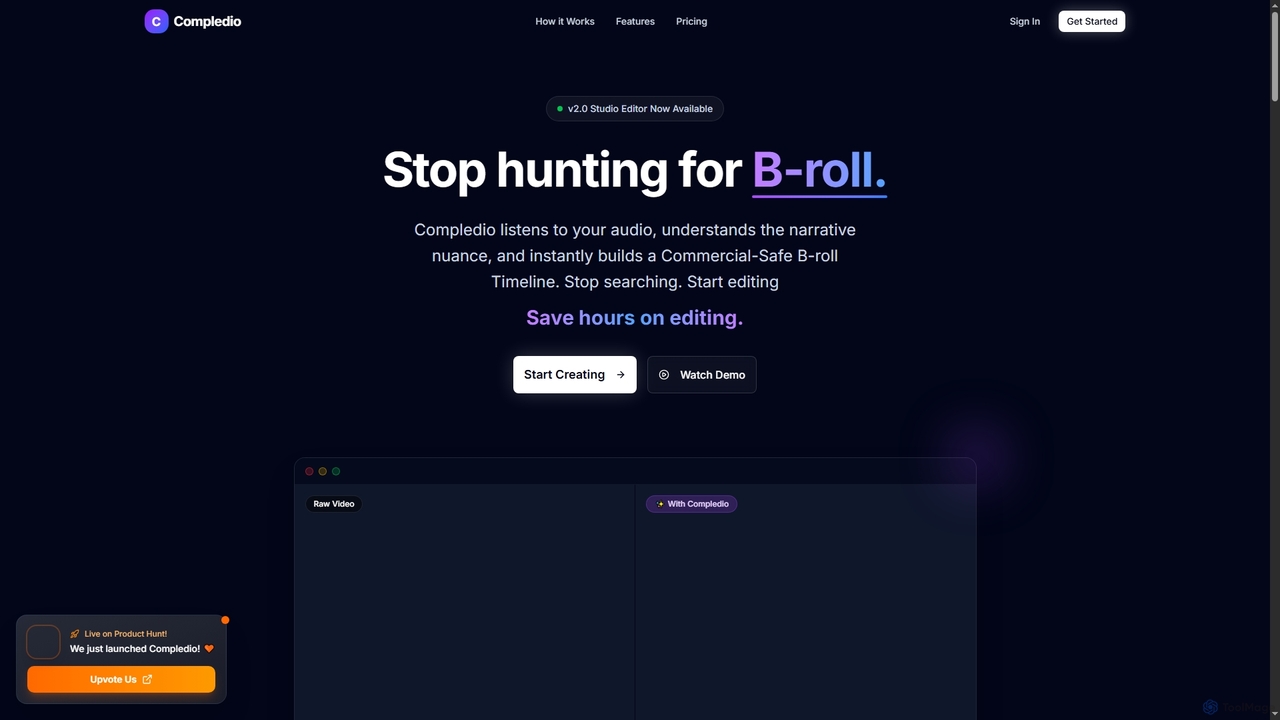
Compledio
Compledio is an AI-powered automated B-roll generator and studio editor that transforms audio and video content into engaging visual narratives. It intelligently analyzes your narrative, synthesizes contextually relevant, commercial-safe B-roll footage, and places it directly onto a professional timeline, saving creators hours of manual editing and stock footage searching.
3D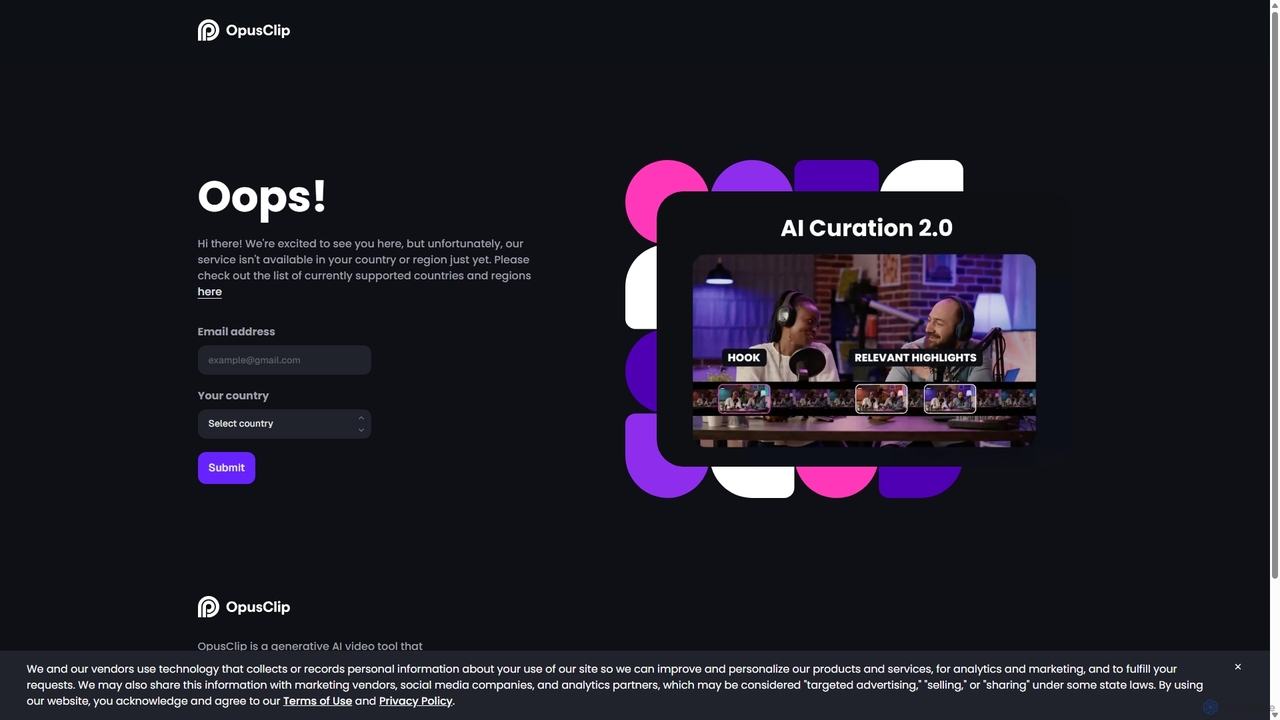
OpusClip
OpusClip is a generative AI video repurposing tool that turns long videos into viral short clips with one click. It automatically identifies the most compelling hooks, reframes the video, adds dynamic captions, and scores clips for virality, streamlining content creation for social media.
Video Marketing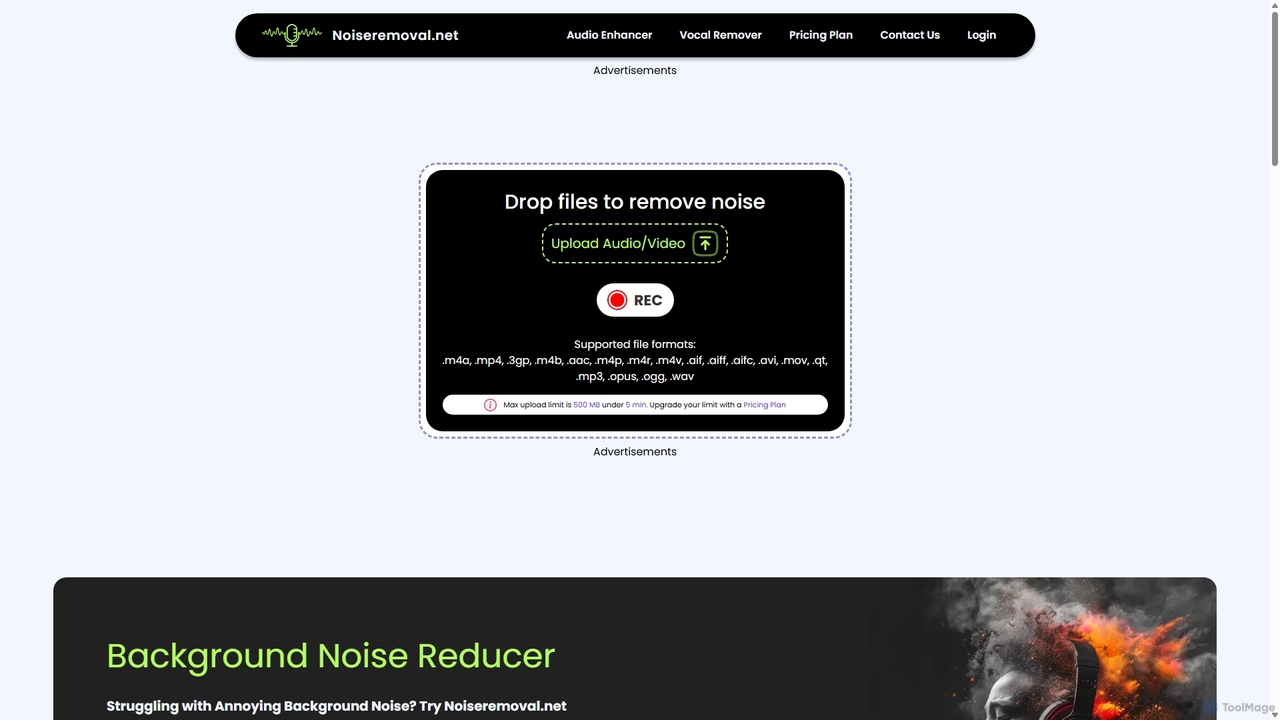
Noiseremoval.net
Noiseremoval.net is an AI-powered online tool designed to enhance audio quality effortlessly. It offers a suite of features including background noise removal from audio and video, a comprehensive audio enhancer to clarify speech and fix levels, and a vocal remover to isolate instrumentals. Ideal for content creators, podcasters, and musicians seeking professional-grade sound with a simple, one-click interface.
3D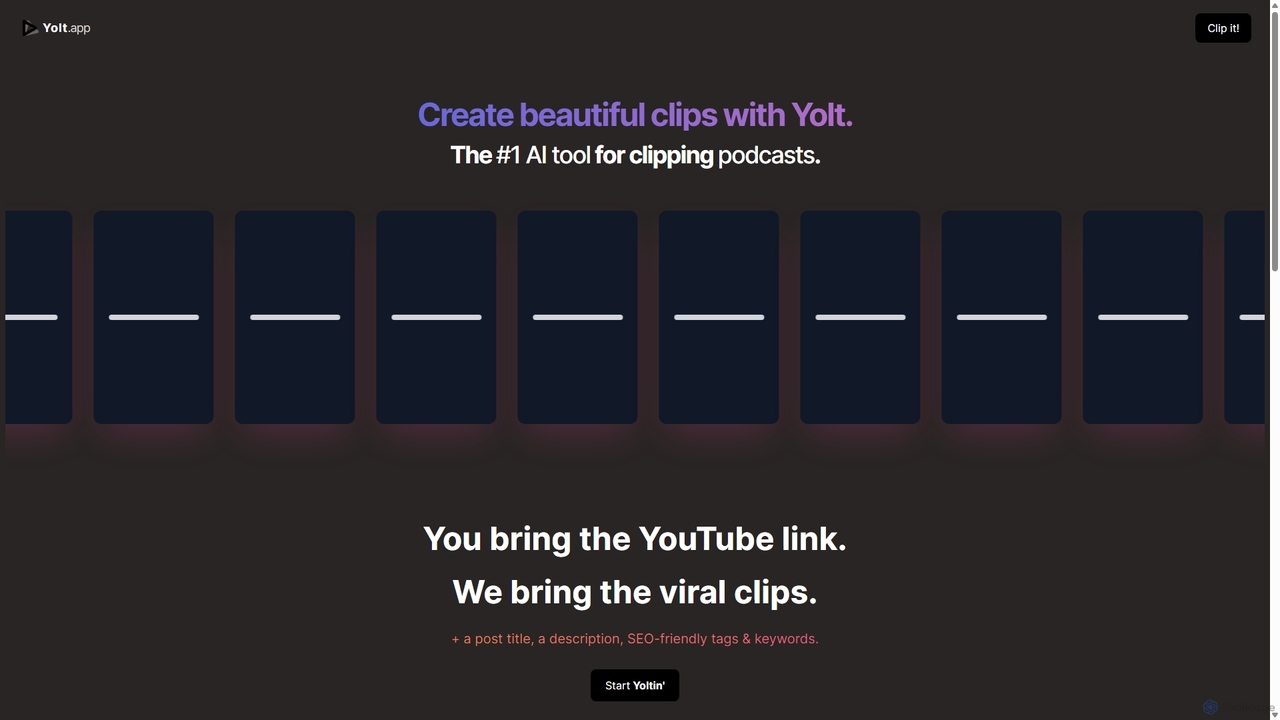
Yolt
Yolt is an AI-powered tool that transforms long-form YouTube videos, especially podcasts, into engaging, short, viral clips for social media. Simply provide a YouTube link, and Yolt's AI identifies the best moments, generates clips with subtitles, and provides optimized titles, descriptions, and SEO tags to maximize your reach and engagement on platforms like TikTok, Instagram Reels, and YouTube Shorts.
Video MarketingBansi Categories
Bansi Jobs
Bansi Embed Widget
Copy this embed code to place the badge on your blog, article, or product site and send readers directly to this ToolMage detail page.

Related AI tools
Compledio
Compledio is an AI-powered automated B-roll generator and studio editor that transforms audio and video content into engaging visual narratives. It intelligently analyzes your narrative, synthesizes contextually relevant, commercial-safe B-roll footage, and places it directly onto a professional timeline, saving creators hours of manual editing and stock footage searching.
3DOpusClip
OpusClip is a generative AI video repurposing tool that turns long videos into viral short clips with one click. It automatically identifies the most compelling hooks, reframes the video, adds dynamic captions, and scores clips for virality, streamlining content creation for social media.
Video MarketingNoiseremoval.net
Noiseremoval.net is an AI-powered online tool designed to enhance audio quality effortlessly. It offers a suite of features including background noise removal from audio and video, a comprehensive audio enhancer to clarify speech and fix levels, and a vocal remover to isolate instrumentals. Ideal for content creators, podcasters, and musicians seeking professional-grade sound with a simple, one-click interface.
3DYolt
Yolt is an AI-powered tool that transforms long-form YouTube videos, especially podcasts, into engaging, short, viral clips for social media. Simply provide a YouTube link, and Yolt's AI identifies the best moments, generates clips with subtitles, and provides optimized titles, descriptions, and SEO tags to maximize your reach and engagement on platforms like TikTok, Instagram Reels, and YouTube Shorts.
Video Marketing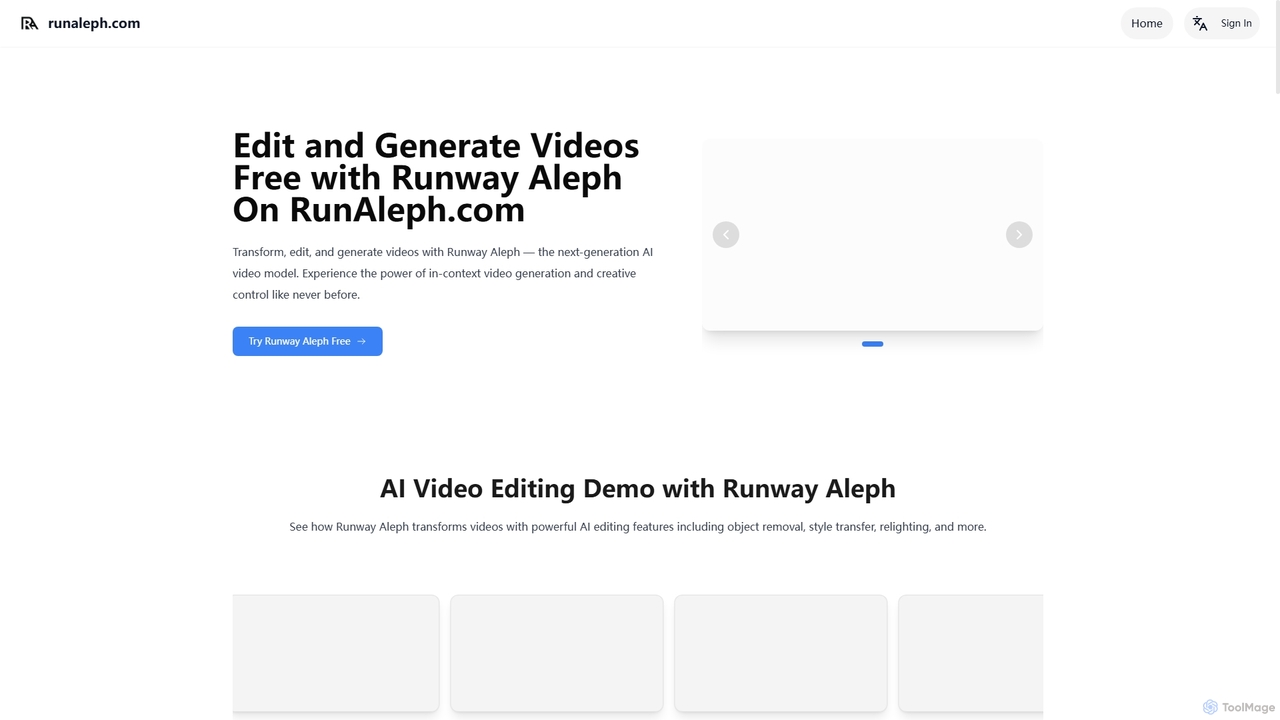
Runaleph
runaleph is a free online gateway to Runway Aleph, a next-generation AI video model. It allows users to edit, transform, and generate videos using simple text prompts. Key features include video-to-video transformation, in-context object manipulation, camera angle generation, and scene restyling without any prior editing experience.
Generative Art
Runway Aleph
Runway Aleph is a revolutionary AI video editing and generation platform. It empowers users to transform existing videos by adding, removing, or changing objects, altering lighting and styles, and generating new camera angles with simple text prompts. It also creates stunning videos from text or images, making professional-grade video production accessible to everyone.
Content CreationPodcut
Podcut is an AI-powered audio and video editing platform designed for podcasters and content creators. It automates tedious editing tasks by allowing you to edit your media by simply editing the text transcript. Automatically remove filler words, long silences, and background noise to produce studio-quality content in minutes, not hours.
3D
SendShort.ai
SendShort.ai is an AI-powered platform that transforms long-form videos into engaging, viral-ready short clips for social media. Automatically identify key moments, add dynamic captions, and repurpose your content for TikTok, Reels, and Shorts in minutes, maximizing your reach and saving hours of editing time.
Video Marketing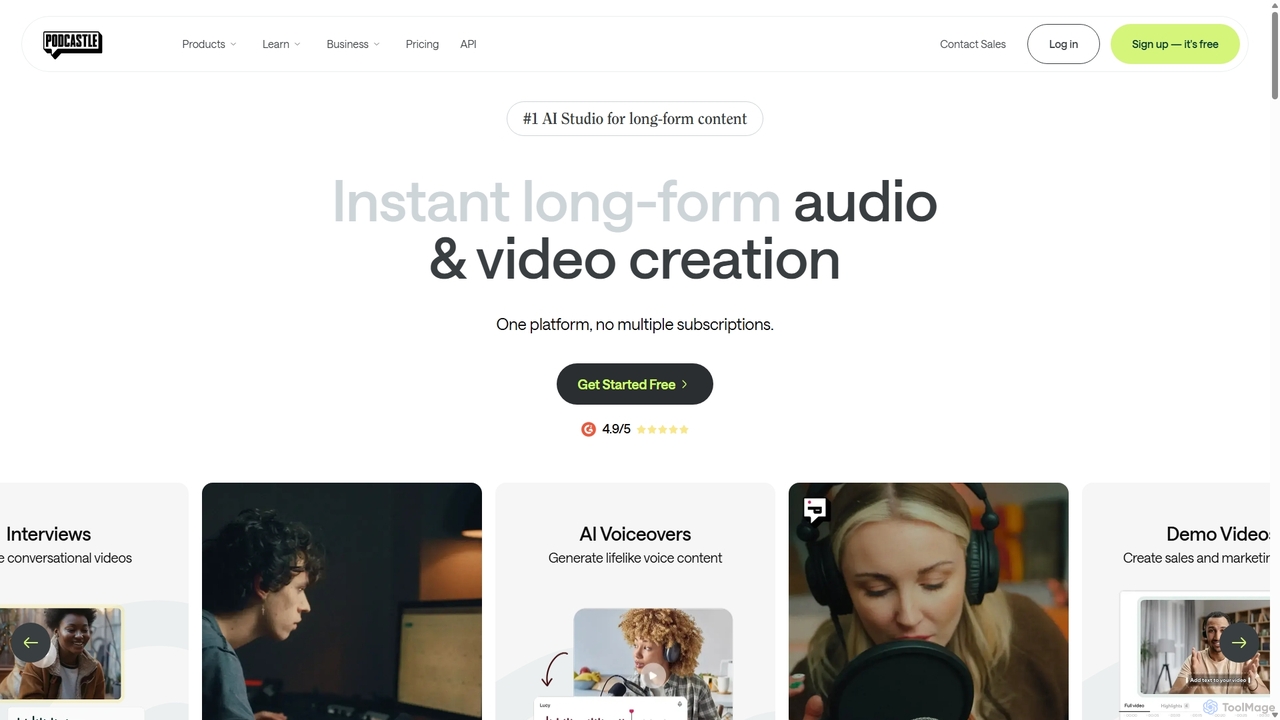
Podcastle
Podcastle is an all-in-one, AI-powered platform for audio and video creation. It simplifies the entire workflow from high-quality recording and text-based editing to AI-enhanced post-production and podcast hosting. Features include studio-quality recording, AI noise removal, voice cloning, and seamless video editing, making it ideal for podcasters, content creators, and marketers.
3D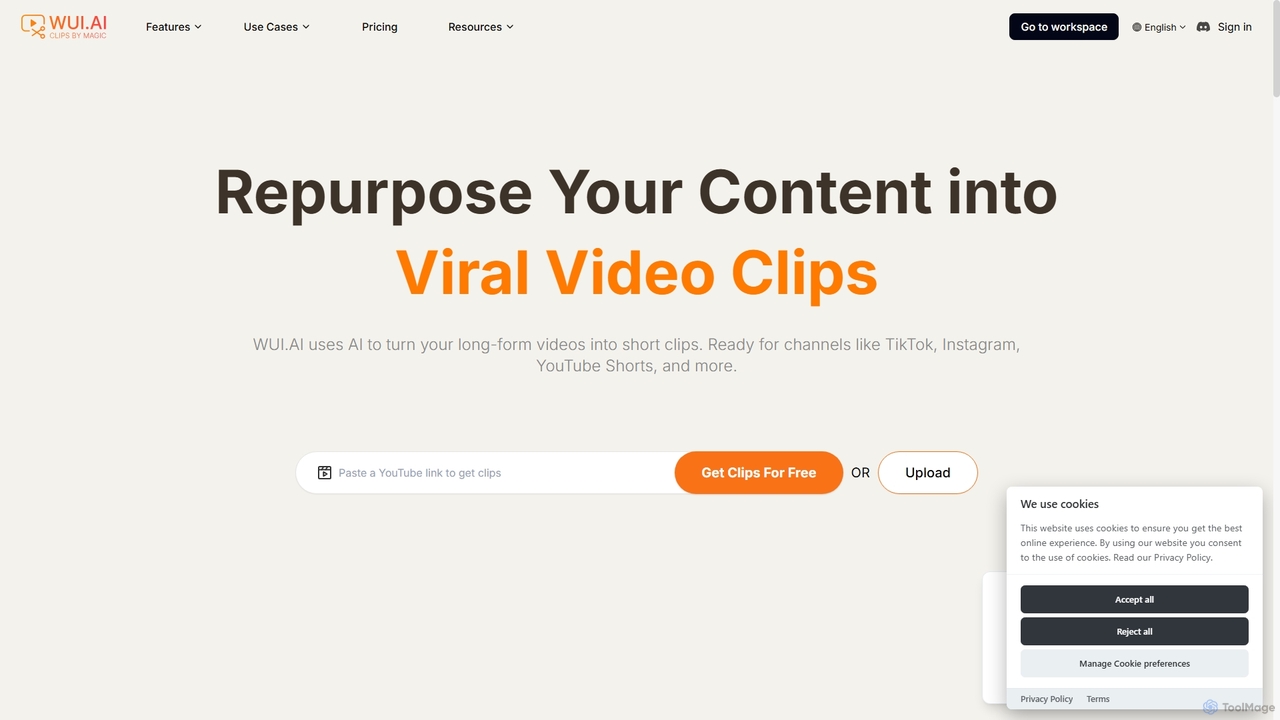
WUI.AI
WUI.AI is an AI-powered platform that transforms long-form videos and podcasts into engaging, viral short clips for social media. It automates highlight detection, subtitling, resizing, and translation, helping creators and marketers save time and maximize their content's reach on platforms like TikTok, Instagram, and YouTube Shorts.
Automation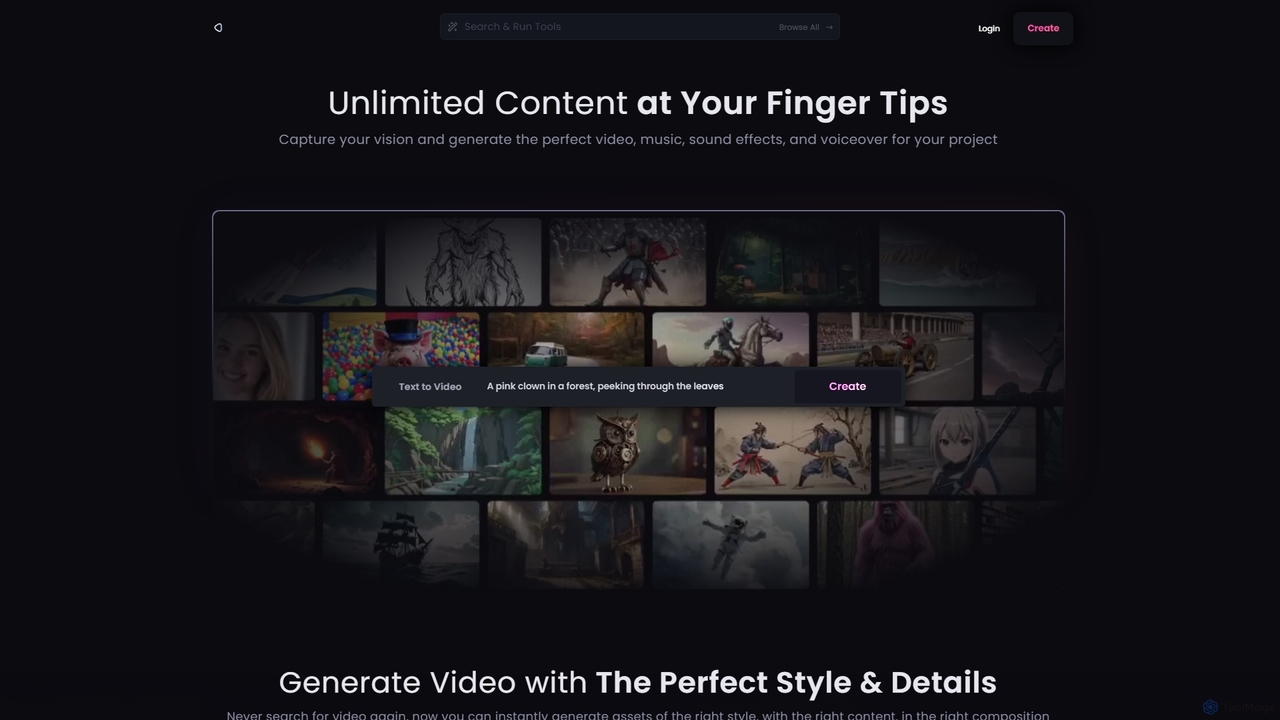
Reel Studio
Reel Studio is an all-in-one AI-powered creative suite that generates high-quality video, music, sound effects, and voiceovers. Transform text, images, or even drawings into stunning visual and audio content. With a wide range of styles, aspect ratios, and customization options, it's the ultimate tool for creators, marketers, and filmmakers to bring their vision to life instantly.
Music Generation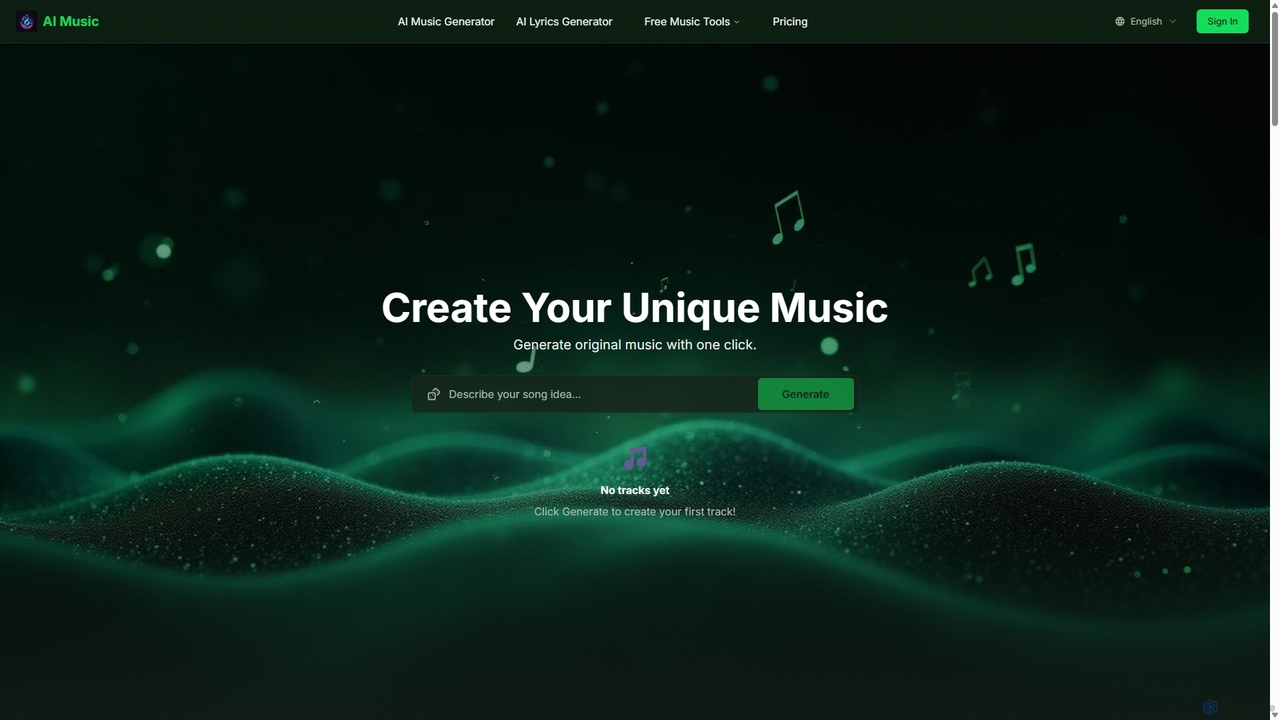
Aisongcreator
Aisongcreator is a powerful AI music and lyrics generator that transforms text prompts into studio-quality, royalty-free songs. Create full tracks with vocals, background music, or catchy lyrics in seconds. No sign-up required to start, making it perfect for content creators, musicians, and marketers.
Music Generation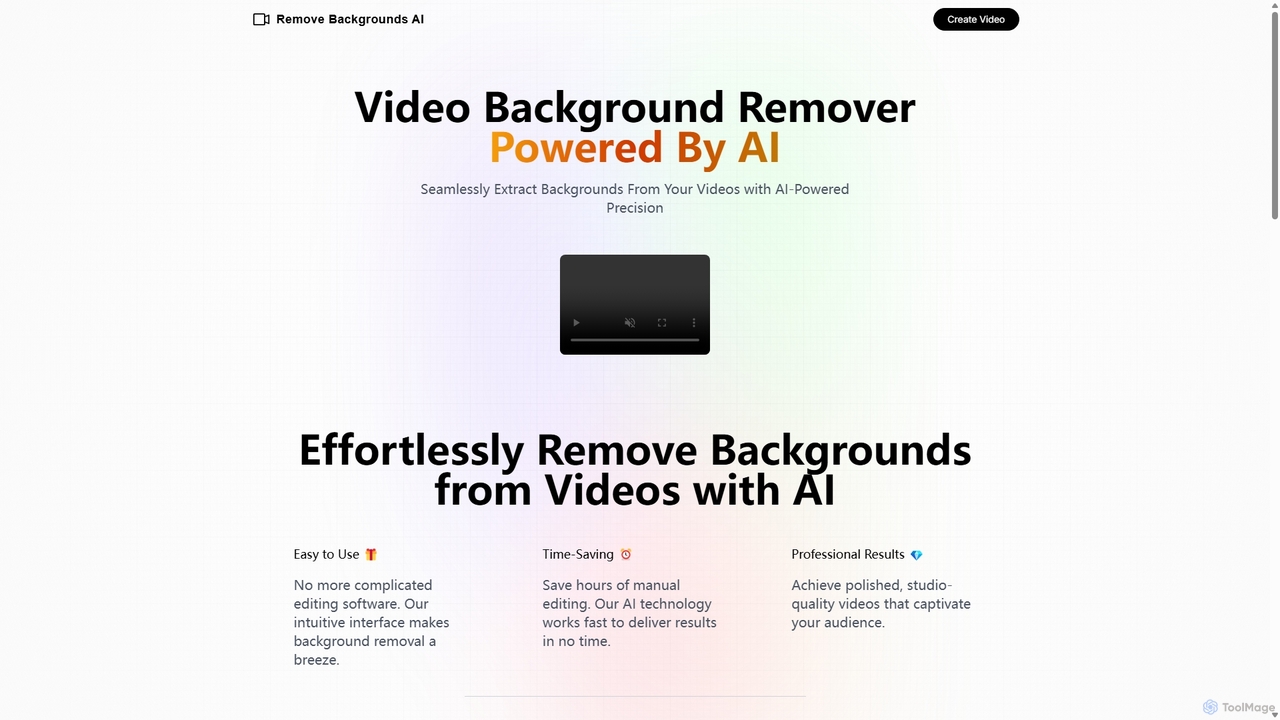
Remove Backgrounds AI
Remove Backgrounds AI is an AI-powered tool for seamless video background removal. It specializes in human video matting, using a recurrent neural network to accurately and quickly extract subjects from their backgrounds. Ideal for content creators and marketers, it delivers professional, studio-quality results in minutes, simplifying complex editing tasks with an intuitive interface and a simple pay-per-video pricing model.
Social Media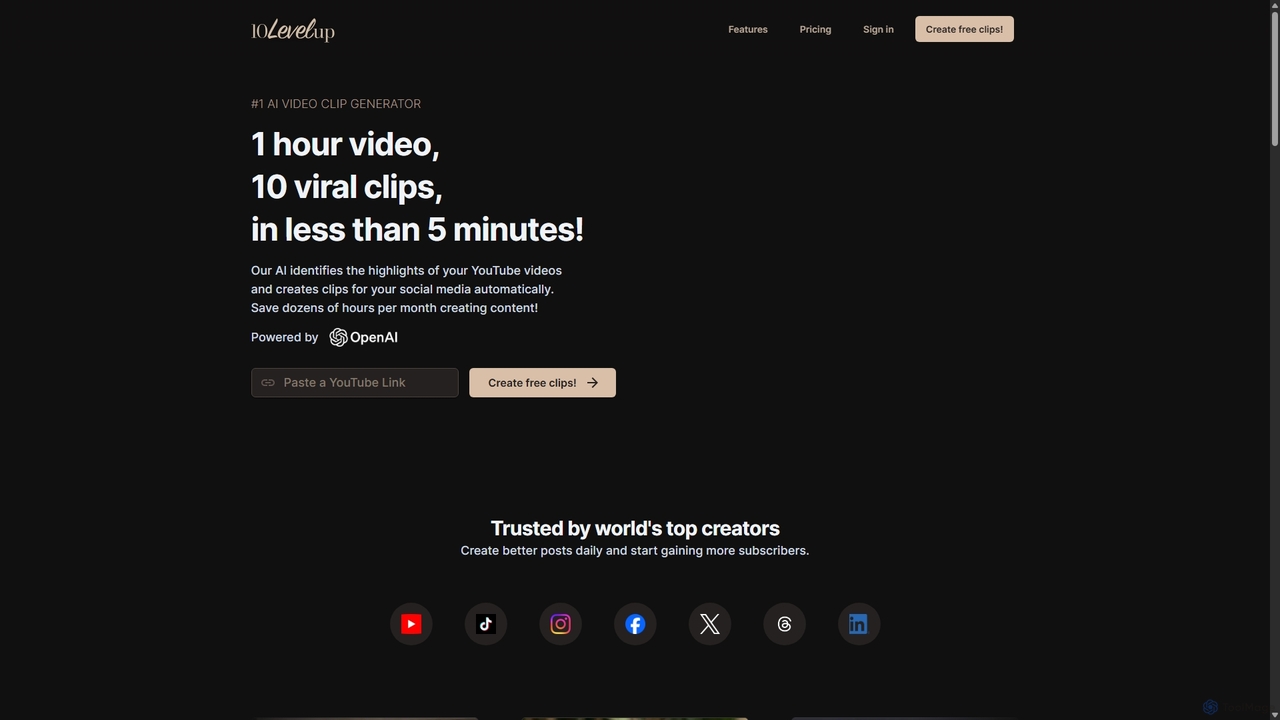
10LevelUp
10LevelUp is an AI-powered video clip generator that automatically transforms long videos and podcasts into engaging, shareable short clips for social media. It intelligently identifies the most compelling moments, formats them for platforms like TikTok, Reels, and Shorts, and supports over 100 languages, helping creators and marketers save time and grow their audience.
Automation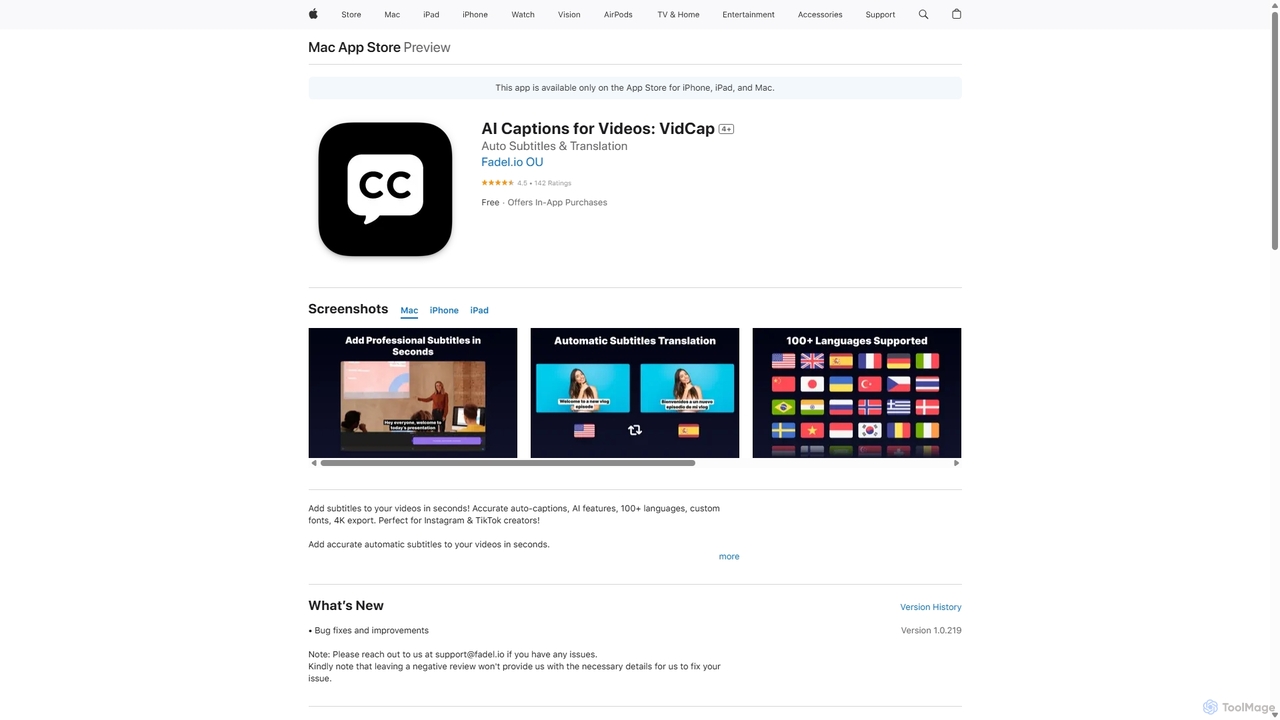
VidCap
VidCap is an AI-powered mobile application designed for content creators to effortlessly add accurate, automatic subtitles to videos. It supports over 100 languages, offers extensive customization options like fonts and animations, and includes advanced features such as AI Eye Contact, a video teleprompter, and background noise removal. Export videos in stunning 4K quality, perfect for boosting engagement on platforms like Instagram and TikTok.
Transcription
Bansi Comments (0)
Sign in to comment.
Sign inNo comments yet.