


Podcut Overview
Podcut is a revolutionary AI-driven editing tool that transforms the post-production workflow for podcasters, video creators, and marketers. By leveraging advanced speech recognition and audio processing algorithms, Podcut simplifies the complex task of editing into an intuitive, text-based process. This approach makes professional-quality editing accessible to everyone, regardless of their technical expertise. Instead of spending hours manually cutting clips and cleaning audio, users can now polish their content in a fraction of the time, freeing them up to focus on creating great content.
How to use Podcut
Using Podcut is designed to be simple and efficient. Follow these steps to streamline your editing process:
- Upload Your File: Start by uploading your raw audio or video file to the Podcut platform. The tool supports various common formats.
- AI-Powered Transcription: Podcut's AI will automatically transcribe your entire file with high accuracy, creating a text document that is perfectly synced with your media.
- Edit the Transcript: Review the transcript and simply delete the text corresponding to mistakes, filler words (like 'um', 'ah'), or unwanted pauses. Deleting the text automatically cuts the corresponding audio/video segment.
- Apply AI Enhancements: With a single click, use features like 'Studio Sound' to remove background noise, balance volume levels, and enhance voice clarity.
- Export and Share: Once you're satisfied with the edits, export your polished audio or video file. You can also export the transcript for show notes or subtitles.
Core Features of Podcut
- Text-Based Editing: Edit your audio and video by simply editing the text transcript. It's as easy as editing a Word document.
- Automatic Filler Word Removal: The AI identifies and removes common filler words and sounds ('ums', 'ahs', 'you know') with one click, cleaning up your dialogue instantly.
- Silence Removal (Smart Trim): Automatically detect and shorten long, awkward pauses to keep your content engaging and well-paced.
- Studio Sound Enhancement: A one-click feature that uses AI to reduce background noise, equalize audio, and master the final track for a professional, studio-quality finish.
- High-Accuracy Transcription: Generates a precise, time-stamped transcript of your media, which can be exported in various formats (SRT, VTT, TXT).
- Social Media Clip Creator: Easily select key moments from your transcript to generate short, engaging video clips with animated captions, perfect for promoting your content on social media platforms.
- Multi-track Editing: For interview-style podcasts, upload separate tracks for each speaker to ensure precise editing and audio balancing.
Use Cases for Podcut
Podcut is a versatile tool suitable for a wide range of users:
- Podcasters: Drastically reduce editing time for weekly episodes, remove mistakes, and improve overall audio quality.
- Video Creators & YouTubers: Quickly edit vlogs, tutorials, and interviews by cutting out mistakes from the transcript and creating promotional clips.
- Marketers & Businesses: Repurpose webinars, interviews, and meetings into polished content for marketing campaigns, training materials, and internal communications.
- Educators & Students: Clean up recorded lectures and create easily digestible study materials.
Advantages of Podcut
Podcut offers significant benefits over traditional editing software:
- Massive Time Savings: Automates the most time-consuming parts of editing, reducing post-production time by up to 90%.
- Cost-Effective: Provides professional-grade editing tools at a fraction of the cost of hiring a human editor or purchasing complex software.
- User-Friendly Interface: No steep learning curve. If you can edit a text document, you can edit with Podcut.
- Improved Content Quality: Consistently produce clean, professional-sounding audio and video that keeps your audience engaged.
Pricing and Plans
Podcut offers a flexible pricing structure to suit different needs:
- Free Plan: Ideal for trying out the platform. Includes a limited amount of monthly transcription minutes and basic features, with a watermark on video exports.
- Creator Plan: A monthly subscription designed for individual creators, offering more transcription hours, no watermarks, and access to all core AI features.
- Pro Plan: Aimed at professional podcasters and frequent creators, this plan includes a higher volume of transcription minutes, advanced features like multi-track editing, and priority support.
- Enterprise Plan: Custom plans for teams and agencies requiring large volumes, collaborative features, and dedicated support.
Podcut Alternatives
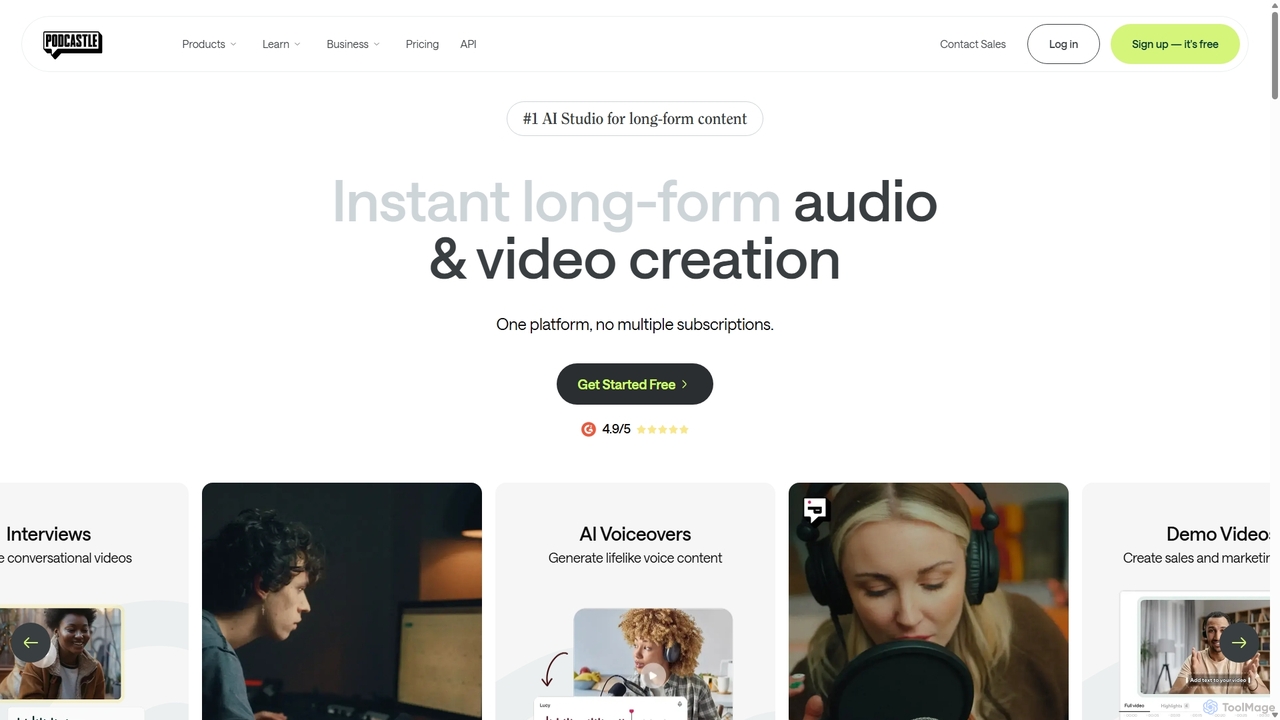
Podcastle
Podcastle is an all-in-one, AI-powered platform for audio and video creation. It simplifies the entire workflow from high-quality recording and text-based editing to AI-enhanced post-production and podcast hosting. Features include studio-quality recording, AI noise removal, voice cloning, and seamless video editing, making it ideal for podcasters, content creators, and marketers.
3D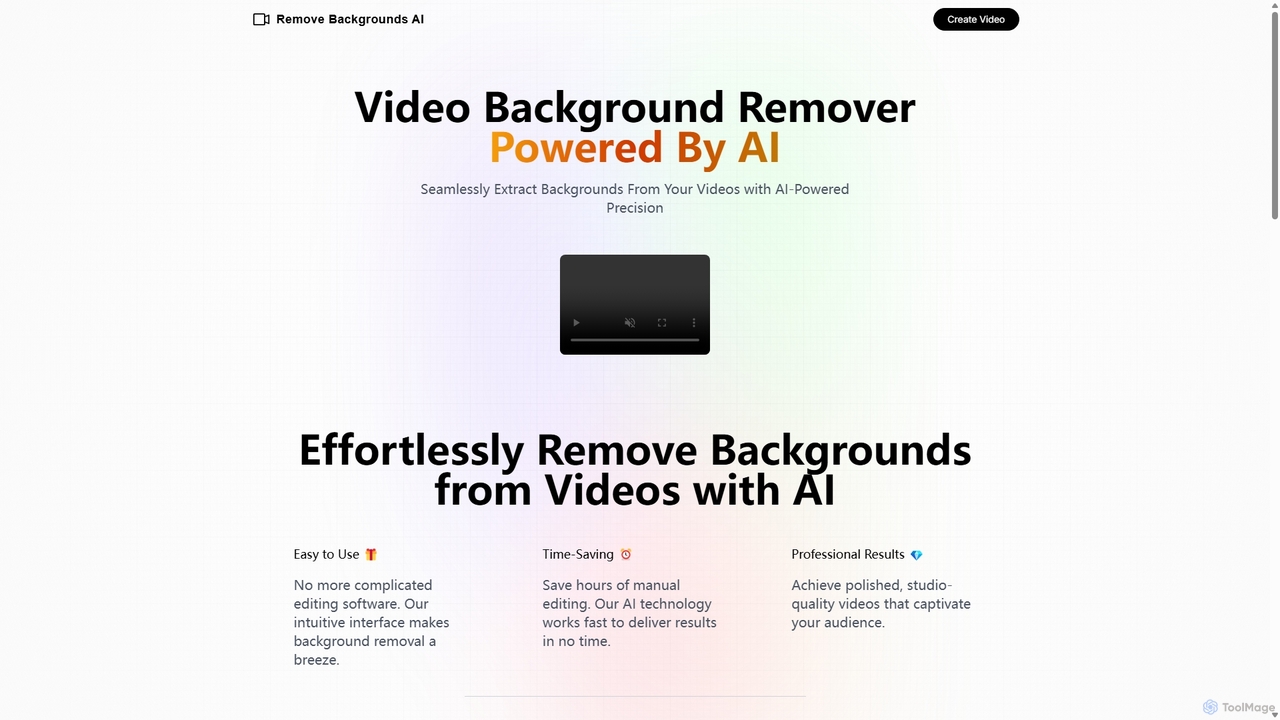
Remove Backgrounds AI
Remove Backgrounds AI is an AI-powered tool for seamless video background removal. It specializes in human video matting, using a recurrent neural network to accurately and quickly extract subjects from their backgrounds. Ideal for content creators and marketers, it delivers professional, studio-quality results in minutes, simplifying complex editing tasks with an intuitive interface and a simple pay-per-video pricing model.
Social Media
OpusClip
OpusClip is a generative AI video repurposing tool that turns long videos into viral short clips with one click. It automatically identifies the most compelling hooks, reframes the video, adds dynamic captions, and scores clips for virality, streamlining content creation for social media.
Video Marketing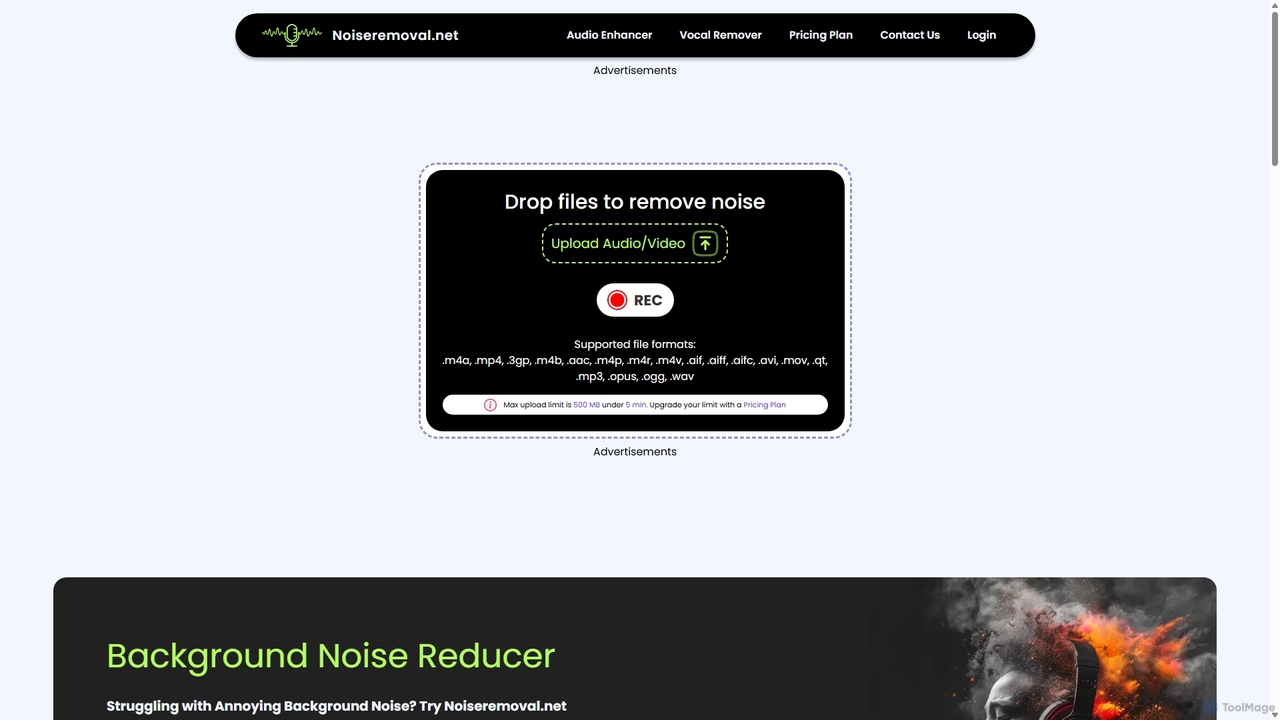
Noiseremoval.net
Noiseremoval.net is an AI-powered online tool designed to enhance audio quality effortlessly. It offers a suite of features including background noise removal from audio and video, a comprehensive audio enhancer to clarify speech and fix levels, and a vocal remover to isolate instrumentals. Ideal for content creators, podcasters, and musicians seeking professional-grade sound with a simple, one-click interface.
3D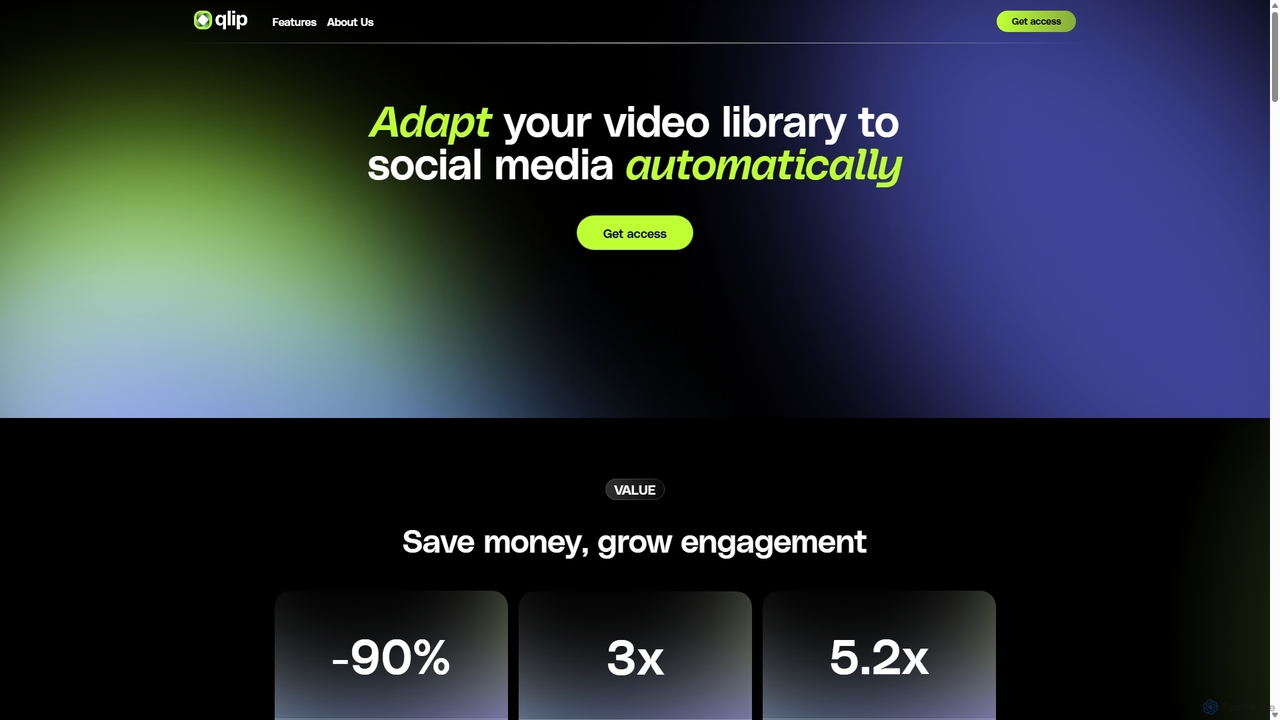
Qlip
Qlip is an AI-powered platform that automatically extracts impactful short clips from long-form videos. Designed for marketers and content creators, it simplifies repurposing content for social media with features like auto-reframing, branded subtitles, and transcription, helping to save costs and boost engagement.
Video MarketingPodcut Categories
Podcut Jobs
Podcut Embed Widget
Copy this embed code to place the badge on your blog, article, or product site and send readers directly to this ToolMage detail page.

Related AI tools
Podcastle
Podcastle is an all-in-one, AI-powered platform for audio and video creation. It simplifies the entire workflow from high-quality recording and text-based editing to AI-enhanced post-production and podcast hosting. Features include studio-quality recording, AI noise removal, voice cloning, and seamless video editing, making it ideal for podcasters, content creators, and marketers.
3DQlip
Qlip is an AI-powered platform that automatically extracts impactful short clips from long-form videos. Designed for marketers and content creators, it simplifies repurposing content for social media with features like auto-reframing, branded subtitles, and transcription, helping to save costs and boost engagement.
Video Marketing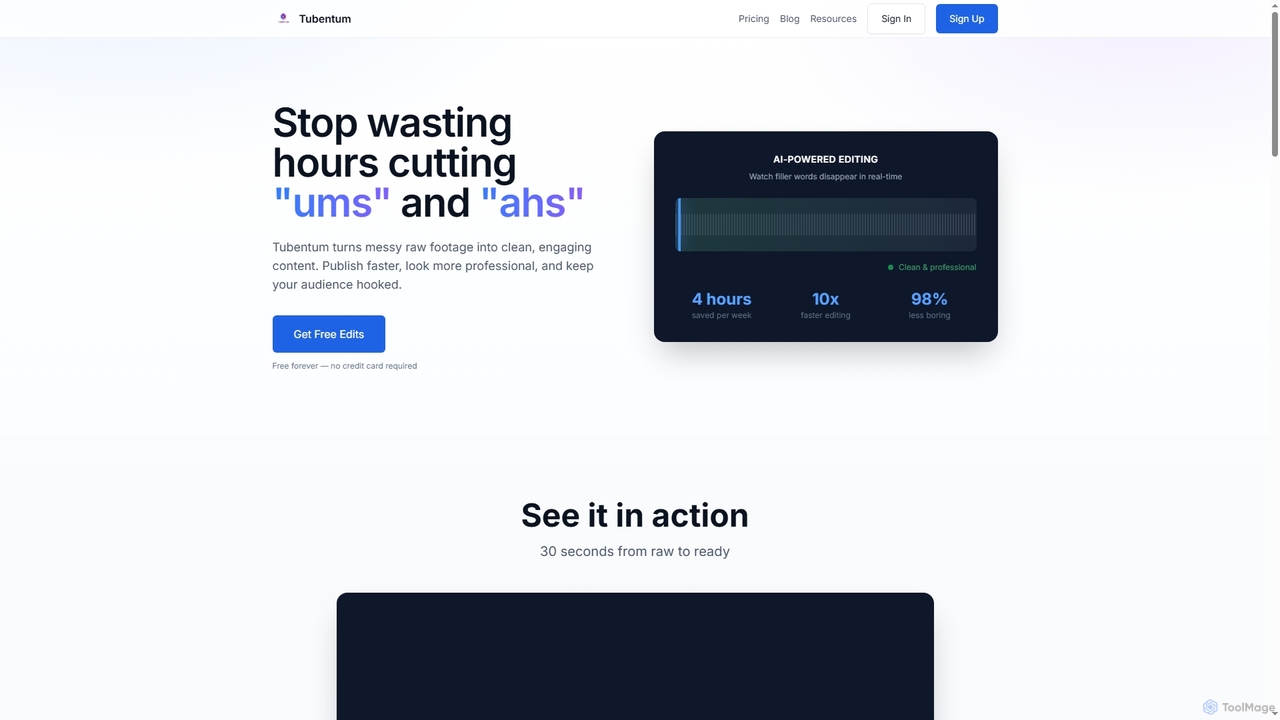
Tubentum
Tubentum is an AI-powered video editing tool that automatically removes filler words like "ums," "ahs," and silences from your raw footage by editing text. It helps content creators, podcasters, and educators produce clean, engaging, and professional video content faster, boosting viewer retention and algorithm performance.
3D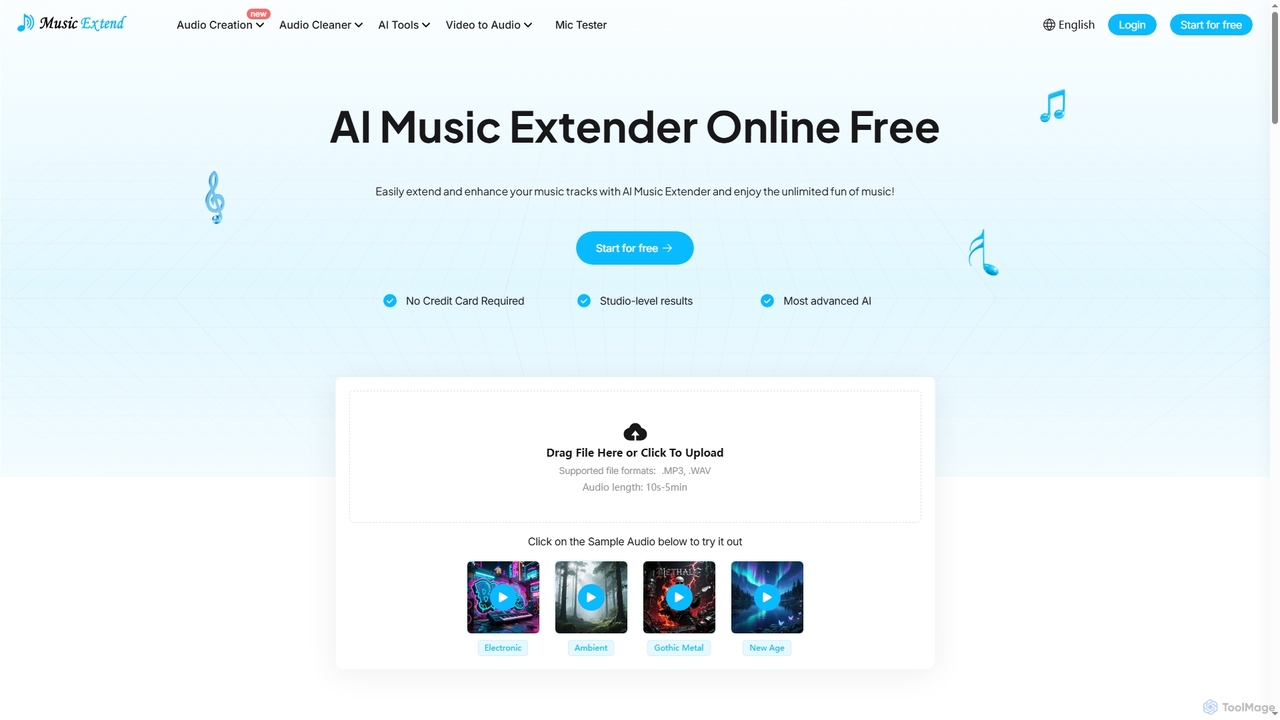
MusicExtend
MusicExtend is an advanced AI-powered online platform offering a suite of audio tools, including music extension, sound effect generation, voice cloning, music mashup creation, BPM detection, and comprehensive audio cleaning. It allows users to enhance, create, and refine audio content with studio-level results, all accessible for free without signup or credit card.
Audio EnhancementOpusClip
OpusClip is a generative AI video repurposing tool that turns long videos into viral short clips with one click. It automatically identifies the most compelling hooks, reframes the video, adds dynamic captions, and scores clips for virality, streamlining content creation for social media.
Video MarketingNoiseremoval.net
Noiseremoval.net is an AI-powered online tool designed to enhance audio quality effortlessly. It offers a suite of features including background noise removal from audio and video, a comprehensive audio enhancer to clarify speech and fix levels, and a vocal remover to isolate instrumentals. Ideal for content creators, podcasters, and musicians seeking professional-grade sound with a simple, one-click interface.
3D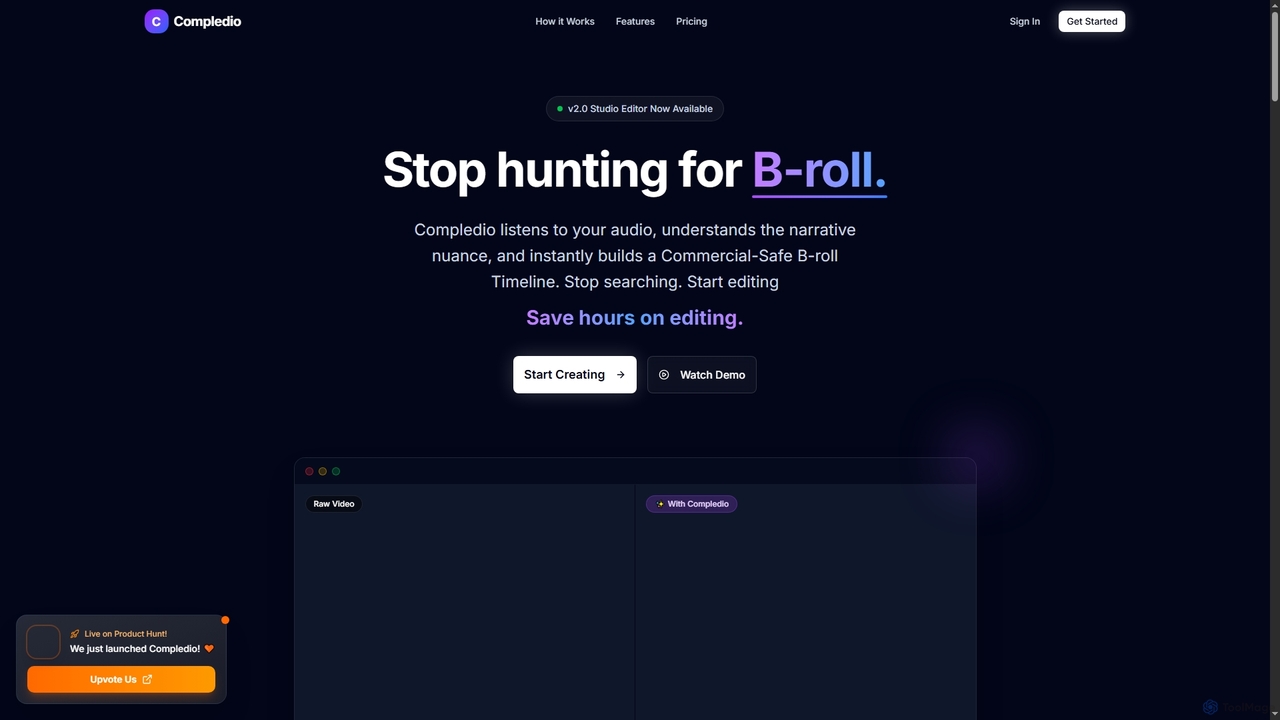
Compledio
Compledio is an AI-powered automated B-roll generator and studio editor that transforms audio and video content into engaging visual narratives. It intelligently analyzes your narrative, synthesizes contextually relevant, commercial-safe B-roll footage, and places it directly onto a professional timeline, saving creators hours of manual editing and stock footage searching.
3D
OneTake AI
OneTake AI is an autonomous video editing and translation agent that transforms raw talking videos into professional presentations with a single click. It automatically handles transcription, removes filler words, eliminates background noise, adds custom music, and creates engaging visuals. Ideal for content creators, educators, and businesses, it also offers voice-cloned translation and dubbing to reach a global audience effortlessly.
E Learning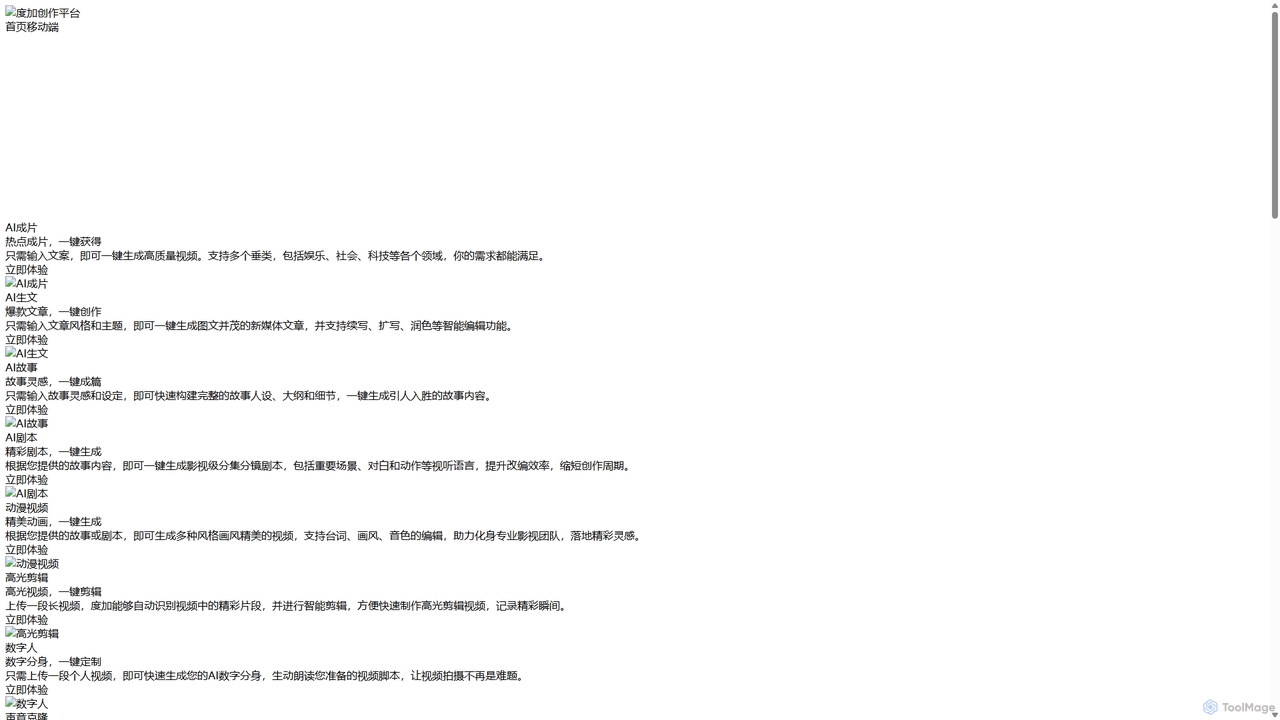
DuJia AIGC Platform
DuJia AIGC Platform is an official all-in-one AIGC creation suite from Baidu. It empowers users to effortlessly generate high-quality videos, articles, stories, scripts, animations, and digital avatars from simple text inputs. Designed for content creators and marketers, it dramatically boosts efficiency by integrating a full suite of AI-powered tools, from ideation and content generation to intelligent editing and one-click publishing.
Voice Cloning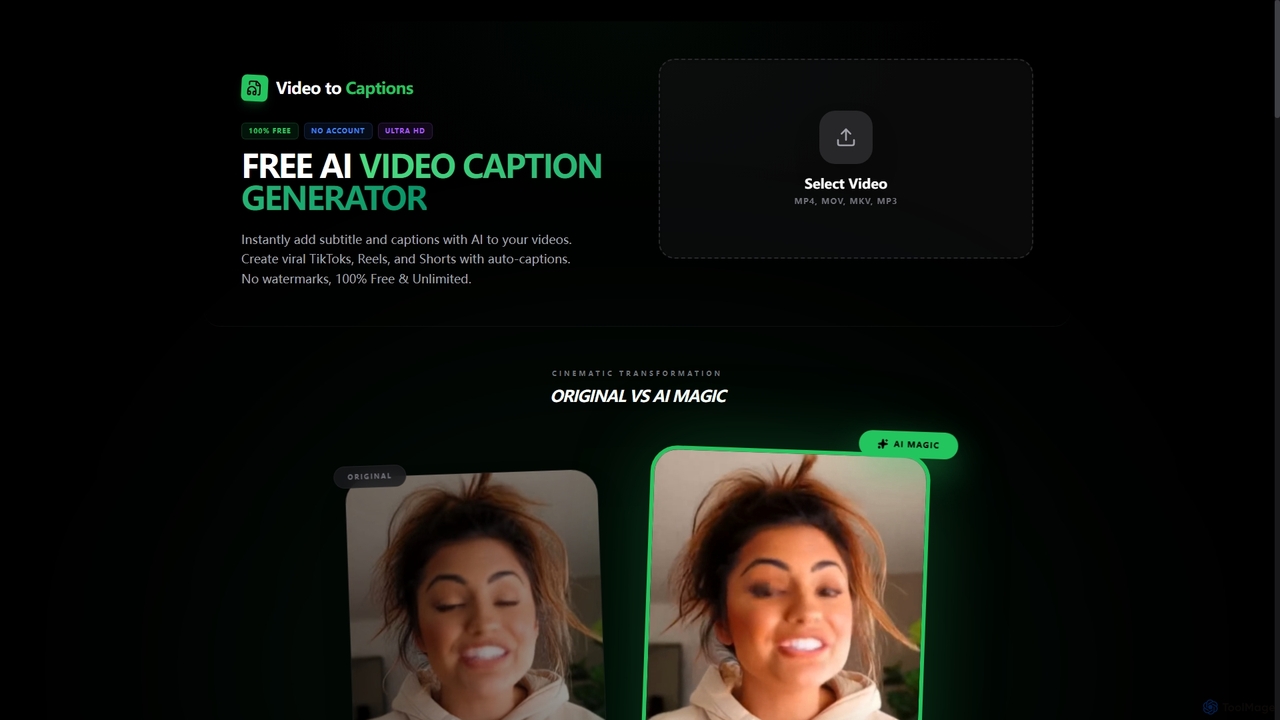
VideotoCaptions
VideotoCaptions is a 100% free AI-powered online tool that instantly generates subtitles and captions for videos. It helps creators boost engagement on platforms like TikTok, Instagram Reels, and YouTube Shorts with various viral caption styles, all without requiring an account or leaving watermarks.
3D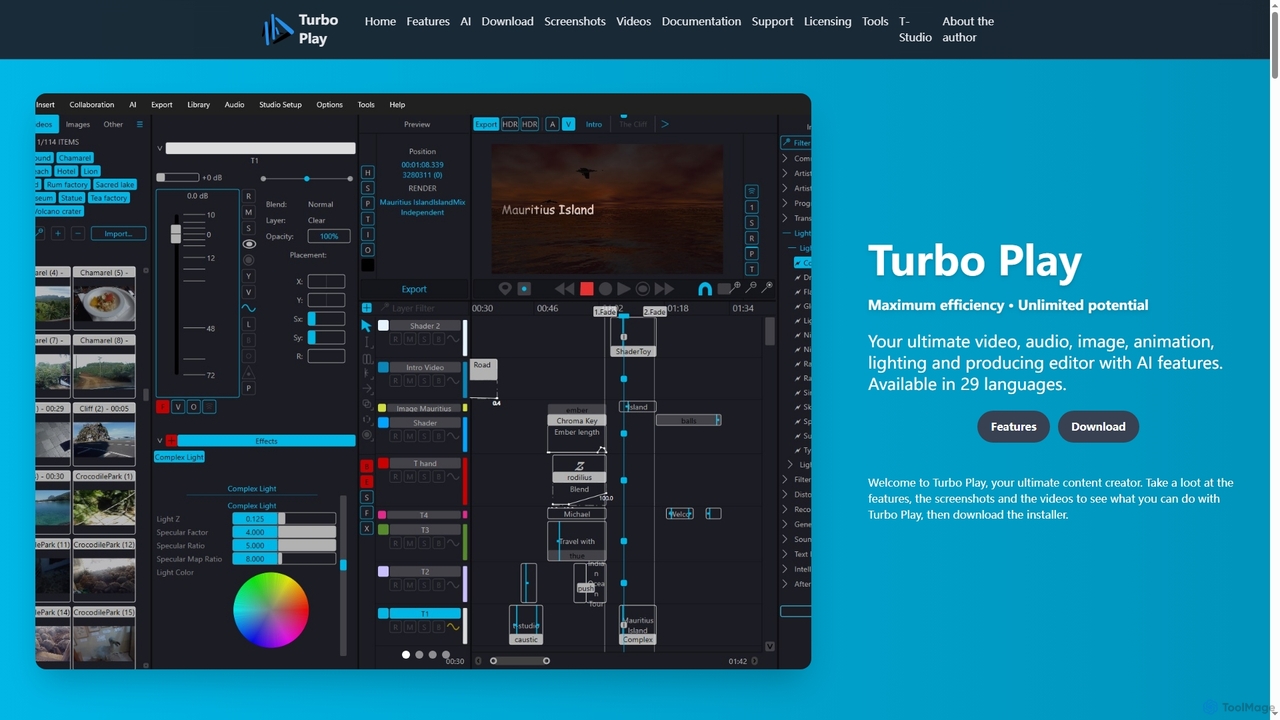
Turbo Play
Turbo Play is an all-in-one AI-powered video, audio, image, and animation editor designed for maximum efficiency and unlimited creative potential. It offers a comprehensive suite of tools for content creation, including advanced AI features for background removal, face swapping, speech separation, and text-to-image generation, catering to both casual and professional users across 29 languages.
3D
Jyek
Jyek is an AI agent platform that understands objectives, creates execution plans, uses tools, and delivers verifiable results for complex, multi-step tasks.
Automation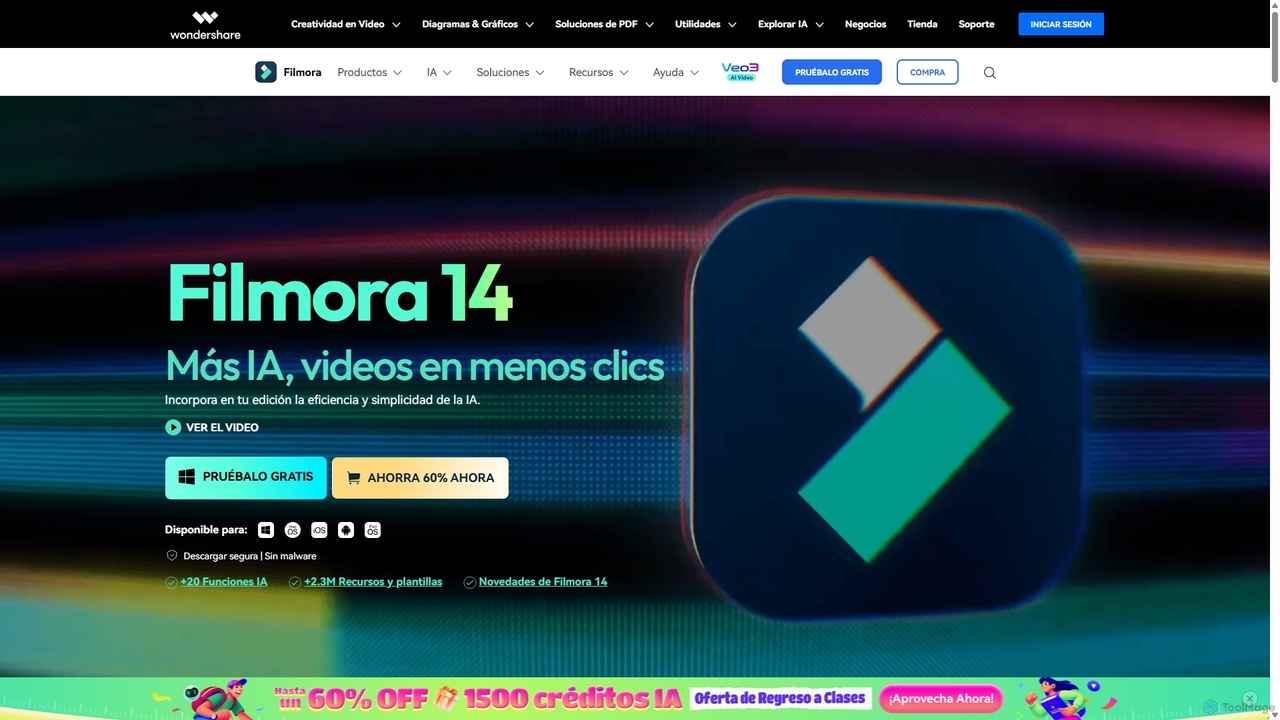
Filmora
Filmora is an AI-powered video editor that simplifies the creation process for both beginners and professionals. It offers a vast suite of AI tools, including smart clip generation, text-to-video, and advanced audio enhancement, combined with a user-friendly interface and a massive library of effects and resources to make video editing faster and more creative.
Social Media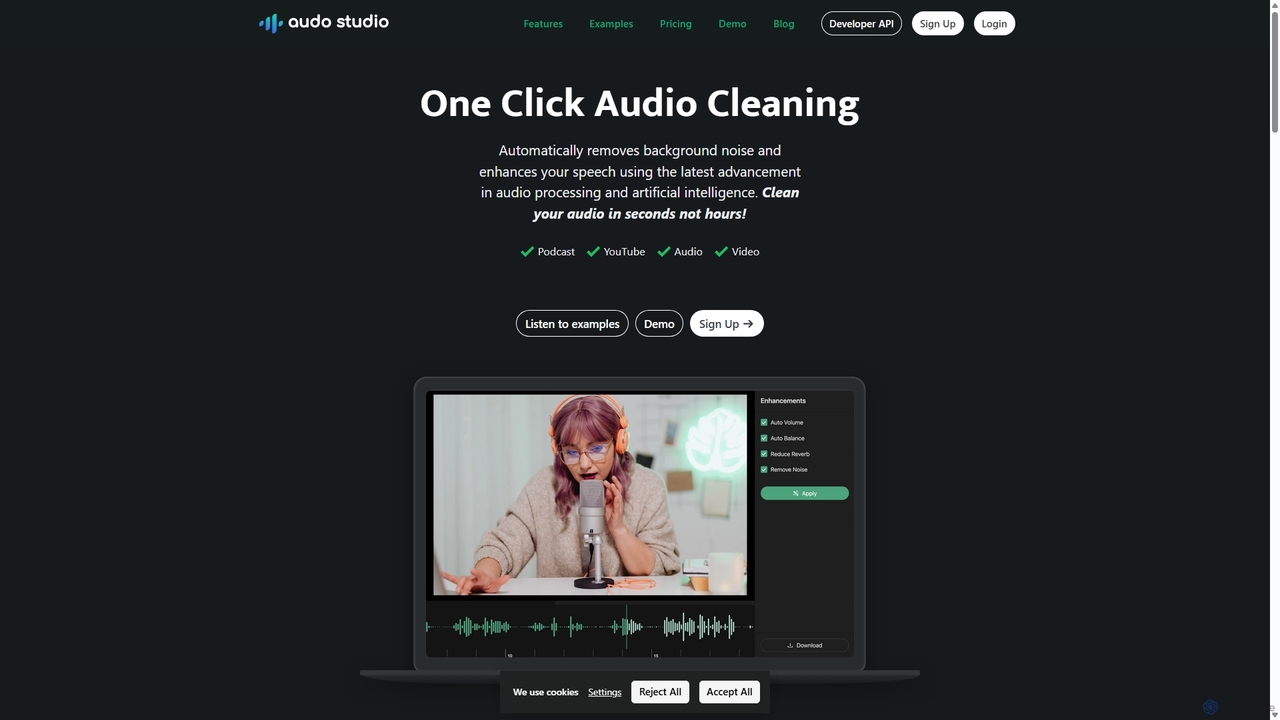
Audo Studio
Audo Studio is an AI-powered audio cleaning tool that removes background noise, reduces echo, and automatically levels volume with a single click. It's designed for content creators, podcasters, and video producers to achieve studio-quality sound effortlessly, without needing complex audio engineering skills.
3D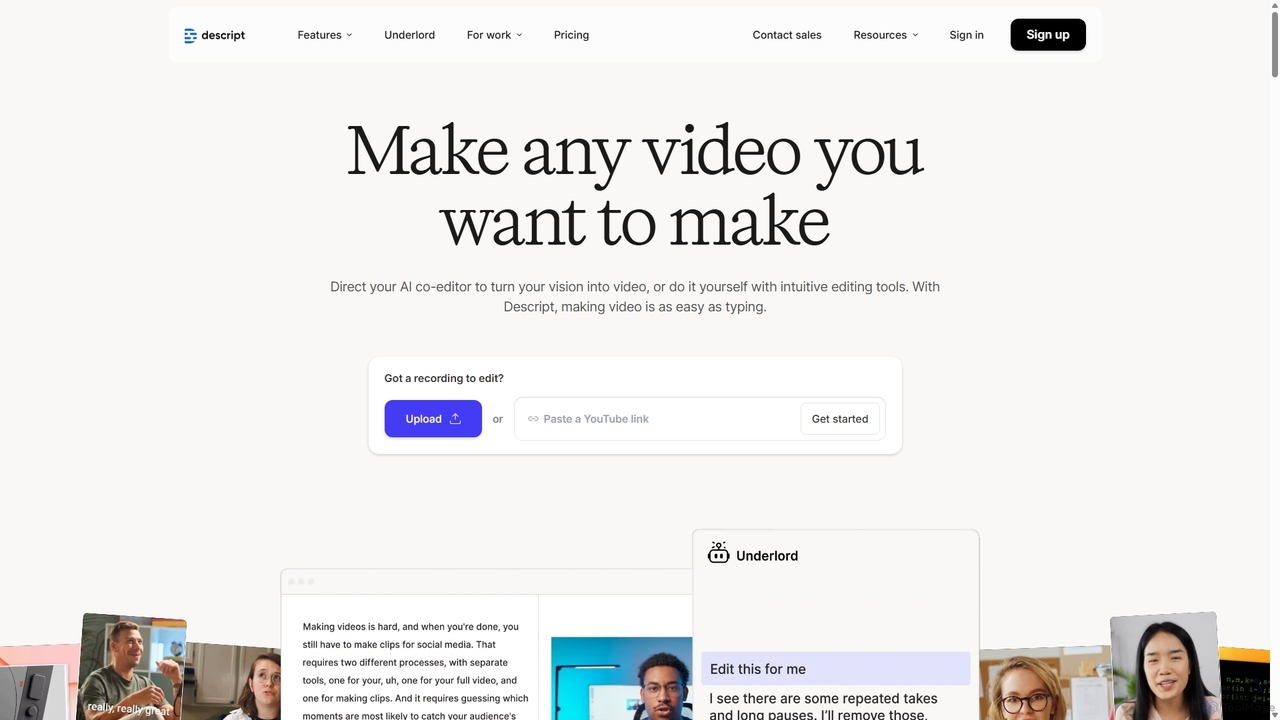
Descript
Descript is an all-in-one AI-powered video and podcast editor that lets you edit media as easily as editing a text document. It features automatic transcription, screen recording, AI voice cloning, filler word removal, and powerful AI effects like Studio Sound and Green Screen to streamline content creation for creators, marketers, and businesses.
Social Media
Podcut Comments (0)
Sign in to comment.
Sign inNo comments yet.