

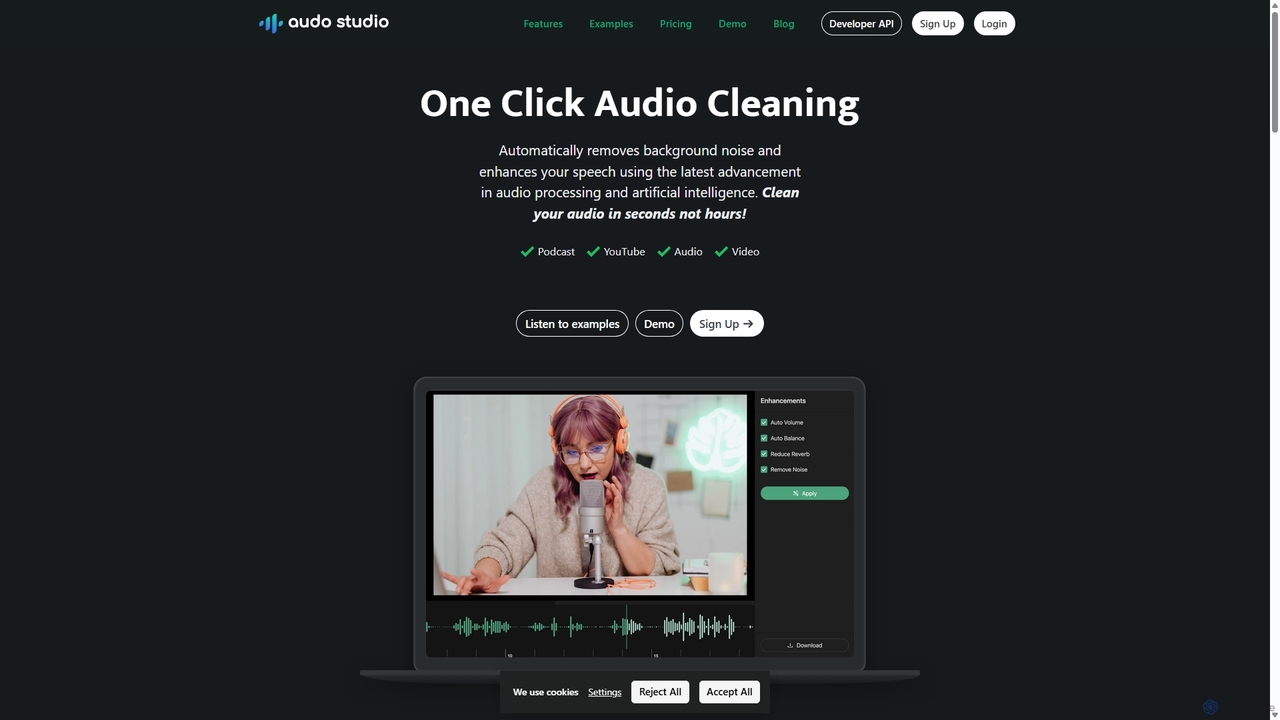
Audo Studio Overview
Audo Studio is an advanced, AI-driven audio enhancement platform designed to simplify the complexities of audio post-production. With its powerful one-click functionality, it serves as an essential tool for anyone looking to produce crystal-clear, professional-grade audio without a steep learning curve. Whether you're a podcaster recording in a less-than-ideal environment, a YouTuber battling background noise, or an online course creator needing pristine voiceovers, Audo Studio intelligently identifies and eliminates unwanted sounds like hiss, hum, traffic, and echo, while preserving the clarity and richness of the main vocal track. It effectively democratizes audio engineering, making studio-quality sound accessible to all creators.
How to use Audo Studio
Using Audo Studio is designed to be incredibly straightforward, requiring just a few simple steps to transform your raw audio into a polished masterpiece:
- Upload Your File: Begin by navigating to the Audo Studio website. You can drag and drop your audio or video file directly onto the platform or select it from your computer. The tool supports a wide range of common file formats.
- One-Click Enhancement: Once your file is uploaded, Audo Studio's AI gets to work. Simply press the 'Enhance' or 'Clean' button. The artificial intelligence will automatically analyze the audio, detect background noise, echo, and volume inconsistencies.
- Preview and Adjust: After the initial processing, you can preview the cleaned audio. The platform provides a simple before-and-after comparison, allowing you to hear the significant improvement. While the one-click process is highly effective, some options may be available for minor adjustments if needed.
- Download Your Clean Audio: Once you are satisfied with the result, you can download the enhanced audio file. The final output will be a clean, balanced, and professional-sounding track ready for your project.
Core Features of Audo Studio
- Advanced AI Noise Reduction: Intelligently removes a wide variety of background noises, including street sounds, air conditioning hum, fan noise, and electronic hiss, without distorting the primary voice.
- Echo and Reverb Removal: Reduces reverberation and echo from recordings made in untreated rooms, making your audio sound as if it were recorded in a professional studio.
- Automatic Volume Leveling: Analyzes the audio track and automatically adjusts the volume to a consistent, standard level, eliminating sudden loud peaks or quiet moments.
- One-Click Simplicity: The entire audio cleaning process is condensed into a single click, making it accessible for users of all skill levels, from beginners to professionals.
- Fast Processing Speed: Leverages powerful cloud-based AI to process audio files quickly, saving creators valuable time in post-production.
- High-Quality Output: Delivers clean, crisp, and professional-sounding audio that significantly enhances the overall quality of your content.
Use Cases for Audo Studio
Audo Studio is versatile and beneficial for a wide range of applications:
- Podcasting: Podcasters can clean up interviews and monologues, ensuring a consistent and enjoyable listening experience for their audience, regardless of where the audio was recorded.
- Video Creation & YouTube: YouTubers and video creators can improve the audio quality of their vlogs, tutorials, and reviews, making their content more professional and engaging.
- Online Courses & E-Learning: Educators can produce clear and easy-to-understand instructional videos and audio lessons, free from distracting background noise.
- Journalism and Interviews: Journalists can clean up field recordings and remote interviews, ensuring that every word is intelligible.
- Social Media Content: Creators on platforms like Instagram, TikTok, and LinkedIn can enhance the audio of their short-form videos to stand out.
Advantages of Audo Studio
Compared to traditional audio editing software like Audacity or Adobe Audition, Audo Studio offers significant advantages. Its primary strength lies in its simplicity and efficiency. While professional DAWs (Digital Audio Workstations) require extensive knowledge of filters, EQs, and compressors, Audo Studio automates this entire process with its sophisticated AI. This not only saves an immense amount of time but also empowers creators without a background in audio engineering to achieve results that rival those of a professional. The platform is web-based, requiring no software installation, and its results are often superior for noise reduction tasks, as noted in comparisons.
Pricing and Plans
Audo Studio operates on a freemium model, making it accessible for everyone to get started.
- Free Plan: Ideal for new creators or small projects, this plan typically offers a limited amount of free audio processing minutes per month (e.g., 20-30 minutes).
- Creator Plan: A paid subscription plan designed for regular content creators. It includes a significantly higher number of processing minutes per month (e.g., 600 minutes), access to premium features, and priority support. This plan is usually priced on a monthly or annual basis.
- Enterprise/Custom Plans: For businesses and large-scale operations, Audo Studio may offer custom plans with API access, team collaboration features, and bulk processing capabilities.
Please visit the official Audo Studio website for the most current and detailed pricing information.
Traffic
Latest traffic
Status
Monthly traffic trend
- 2025-9: 245.9K
- 2026-1: 196.5K
- 2026-2: 164.6K
- 2026-3: 151.5K
- 2026-4: 132.7K
- 2026-5: 139.3K
Geography
Top 5 countries / regions
- 🇺🇸United States30.2%
- 🇮🇳India20.0%
- 🇮🇩Indonesia17.5%
- 🇻🇳Vietnam16.8%
- 🇳🇬Nigeria15.5%
Traffic sources
| Source type | Percentage |
|---|---|
Direct | 83.9% |
Email | 14.5% |
Referral | 1.6% |
Top keywords
| Keyword | Cost per click |
|---|---|
| audio ai | $0.70 |
| audio studio | $0.48 |
| audo studio | $0.31 |
| background noise removal | $0.24 |
| noise remover | $0.21 |
Audo Studio Alternatives
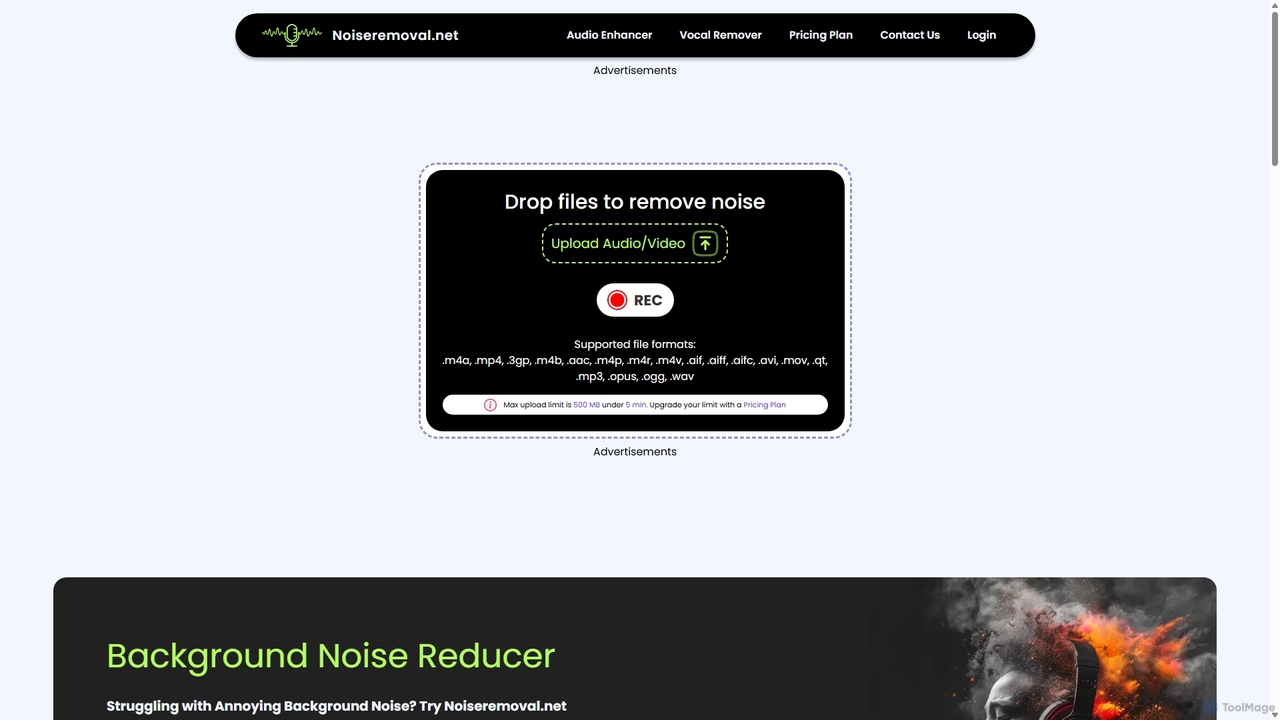
Noiseremoval.net
Noiseremoval.net is an AI-powered online tool designed to enhance audio quality effortlessly. It offers a suite of features including background noise removal from audio and video, a comprehensive audio enhancer to clarify speech and fix levels, and a vocal remover to isolate instrumentals. Ideal for content creators, podcasters, and musicians seeking professional-grade sound with a simple, one-click interface.
3D
Podcut
Podcut is an AI-powered audio and video editing platform designed for podcasters and content creators. It automates tedious editing tasks by allowing you to edit your media by simply editing the text transcript. Automatically remove filler words, long silences, and background noise to produce studio-quality content in minutes, not hours.
3D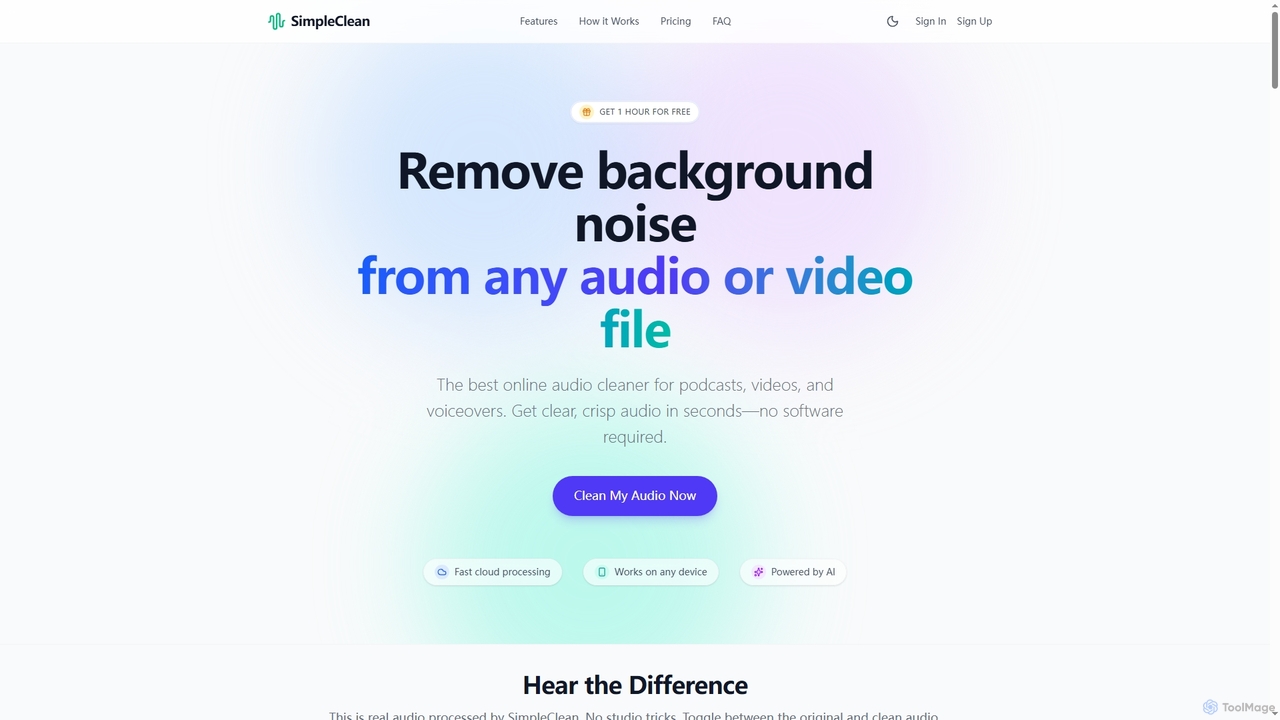
SimpleClean
SimpleClean is an AI-powered online tool designed to remove distracting background noise from audio and video files. It offers a quick, free, and easy solution for creators and professionals to achieve studio-quality speech with just one click, supporting a wide array of popular media formats.
Noise Reduction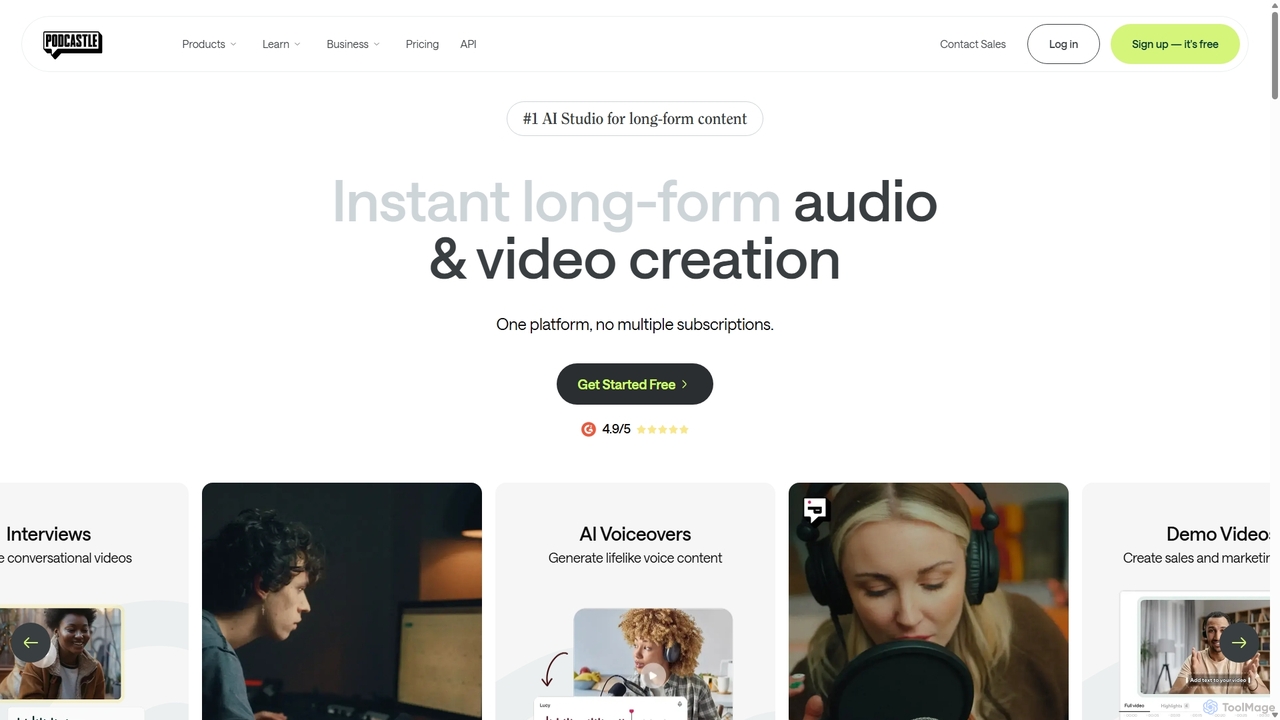
Podcastle
Podcastle is an all-in-one, AI-powered platform for audio and video creation. It simplifies the entire workflow from high-quality recording and text-based editing to AI-enhanced post-production and podcast hosting. Features include studio-quality recording, AI noise removal, voice cloning, and seamless video editing, making it ideal for podcasters, content creators, and marketers.
3D
Echosync
Echosync is an AI-powered content repurposing and synchronization platform. It automatically transforms a single piece of content, like a video or blog post, into dozens of unique assets for social media, email, and other channels, ensuring a consistent brand message everywhere.
Content RepurposingAudo Studio Categories
Audo Studio Jobs
Audo Studio Embed Widget
Copy this embed code to place the badge on your blog, article, or product site and send readers directly to this ToolMage detail page.

Related AI tools
SimpleClean
SimpleClean is an AI-powered online tool designed to remove distracting background noise from audio and video files. It offers a quick, free, and easy solution for creators and professionals to achieve studio-quality speech with just one click, supporting a wide array of popular media formats.
Noise Reduction
Voice Isolator
Voice Isolator is a comprehensive AI-powered audio suite designed for pristine sound quality. It excels at removing background noise, isolating vocals and instruments from any track, cleaning up voice recordings for clarity, and generating natural-sounding speech from text. Ideal for podcasters, musicians, and content creators seeking professional-grade audio processing with a simple, fast, and intuitive web-based interface.
3DNoiseremoval.net
Noiseremoval.net is an AI-powered online tool designed to enhance audio quality effortlessly. It offers a suite of features including background noise removal from audio and video, a comprehensive audio enhancer to clarify speech and fix levels, and a vocal remover to isolate instrumentals. Ideal for content creators, podcasters, and musicians seeking professional-grade sound with a simple, one-click interface.
3DPodcut
Podcut is an AI-powered audio and video editing platform designed for podcasters and content creators. It automates tedious editing tasks by allowing you to edit your media by simply editing the text transcript. Automatically remove filler words, long silences, and background noise to produce studio-quality content in minutes, not hours.
3D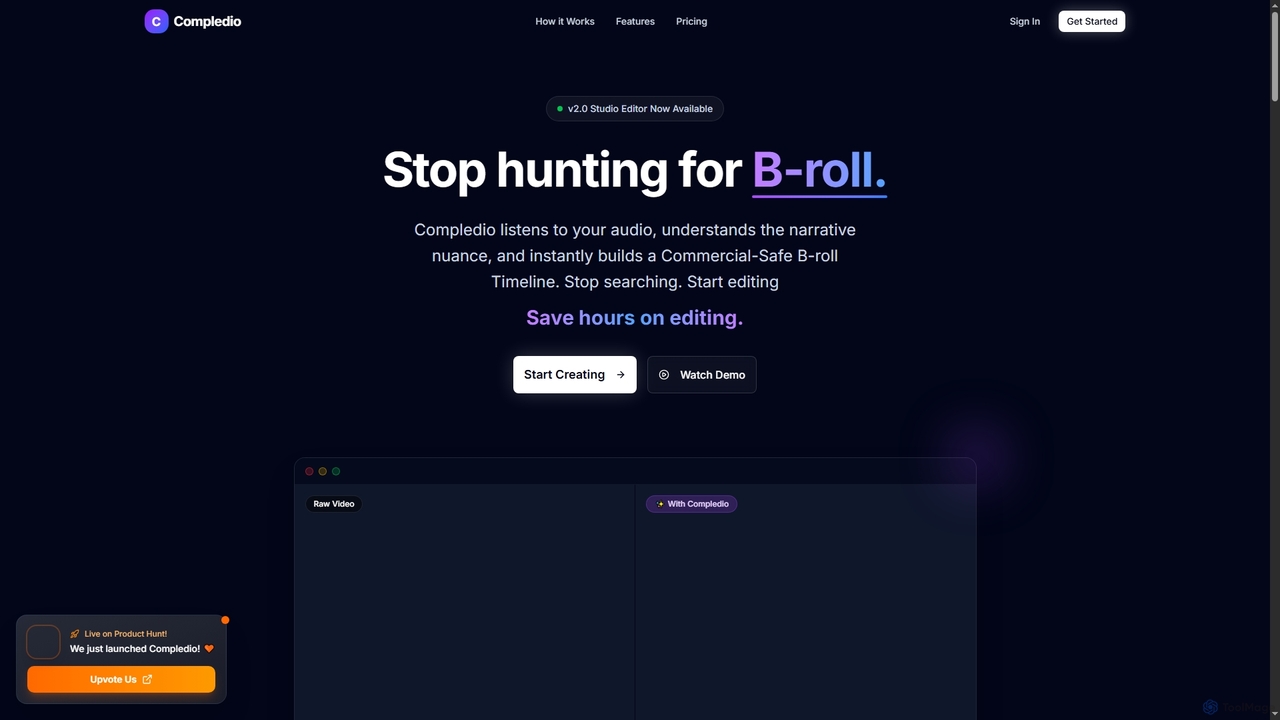
Compledio
Compledio is an AI-powered automated B-roll generator and studio editor that transforms audio and video content into engaging visual narratives. It intelligently analyzes your narrative, synthesizes contextually relevant, commercial-safe B-roll footage, and places it directly onto a professional timeline, saving creators hours of manual editing and stock footage searching.
3D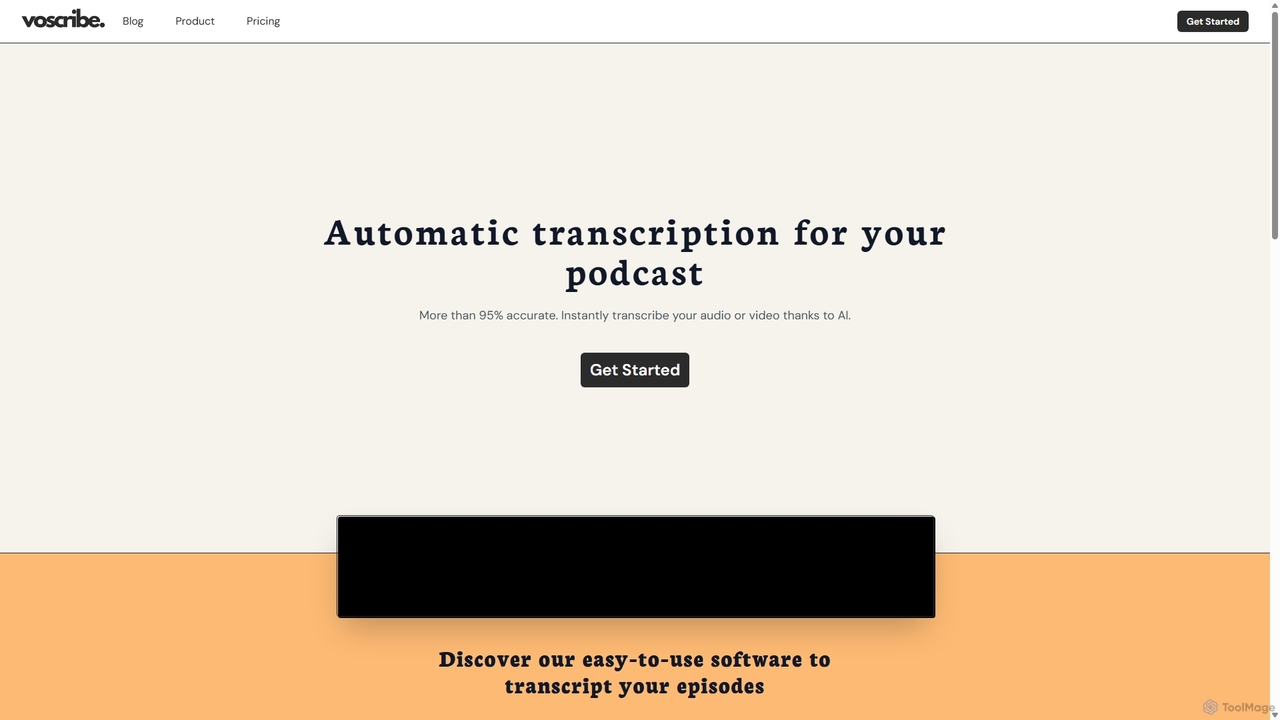
Voscribe
Voscribe is an AI-powered suite for podcasters and video creators, offering highly accurate, fast, and automatic transcription services. It converts audio and video to text in minutes, provides an intuitive editor to sync and edit transcripts, and generates subtitles (SRT) effortlessly. Ideal for content repurposing, enhancing accessibility, and saving valuable production time.
Transcription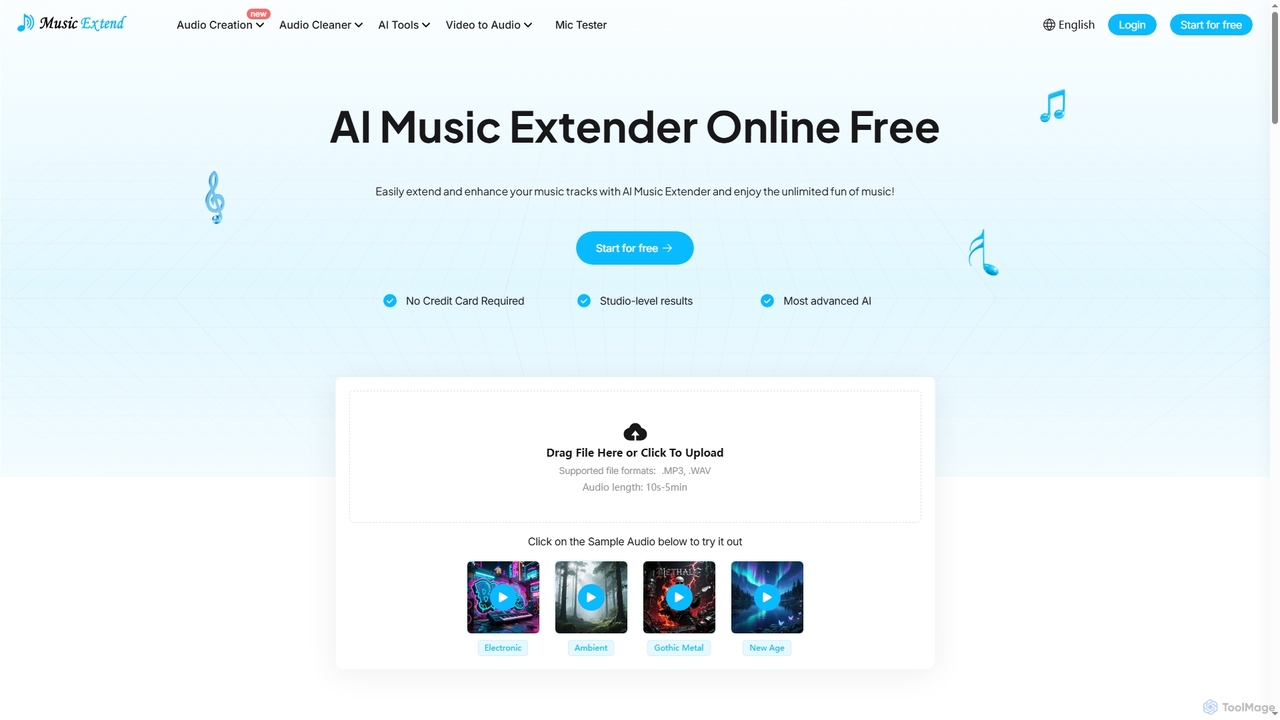
MusicExtend
MusicExtend is an advanced AI-powered online platform offering a suite of audio tools, including music extension, sound effect generation, voice cloning, music mashup creation, BPM detection, and comprehensive audio cleaning. It allows users to enhance, create, and refine audio content with studio-level results, all accessible for free without signup or credit card.
Audio Enhancement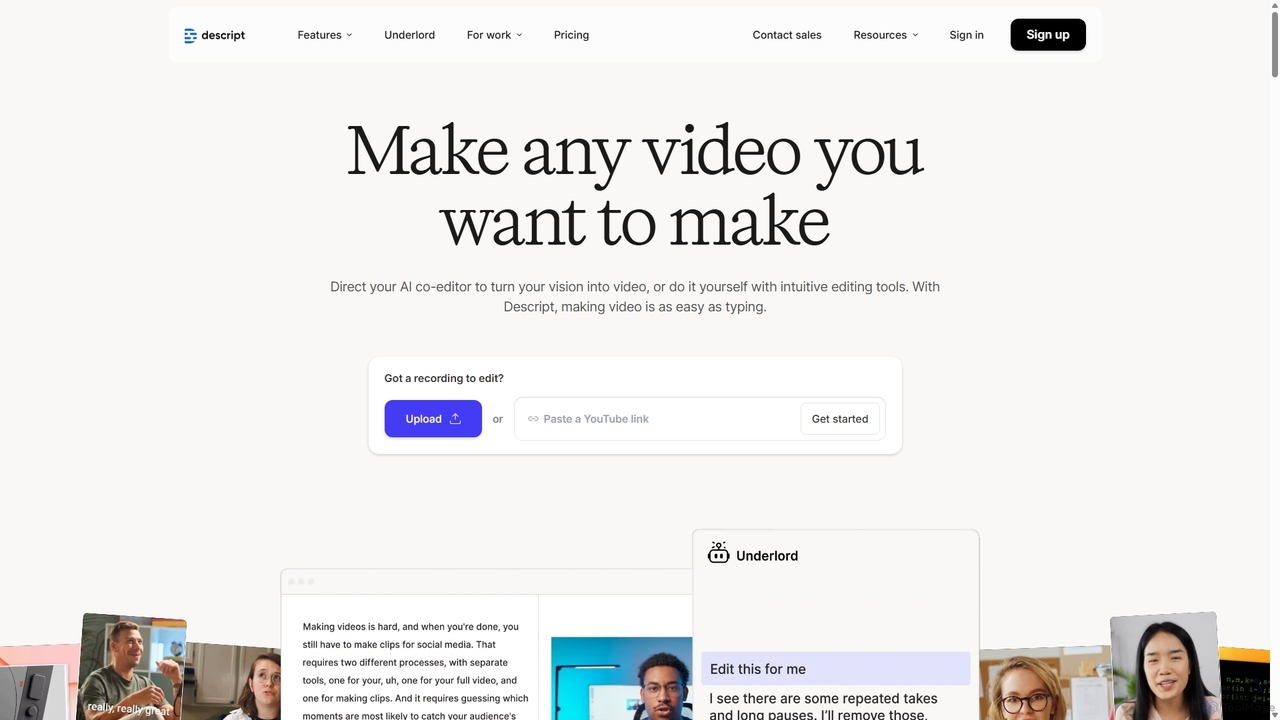
Descript
Descript is an all-in-one AI-powered video and podcast editor that lets you edit media as easily as editing a text document. It features automatic transcription, screen recording, AI voice cloning, filler word removal, and powerful AI effects like Studio Sound and Green Screen to streamline content creation for creators, marketers, and businesses.
Social Media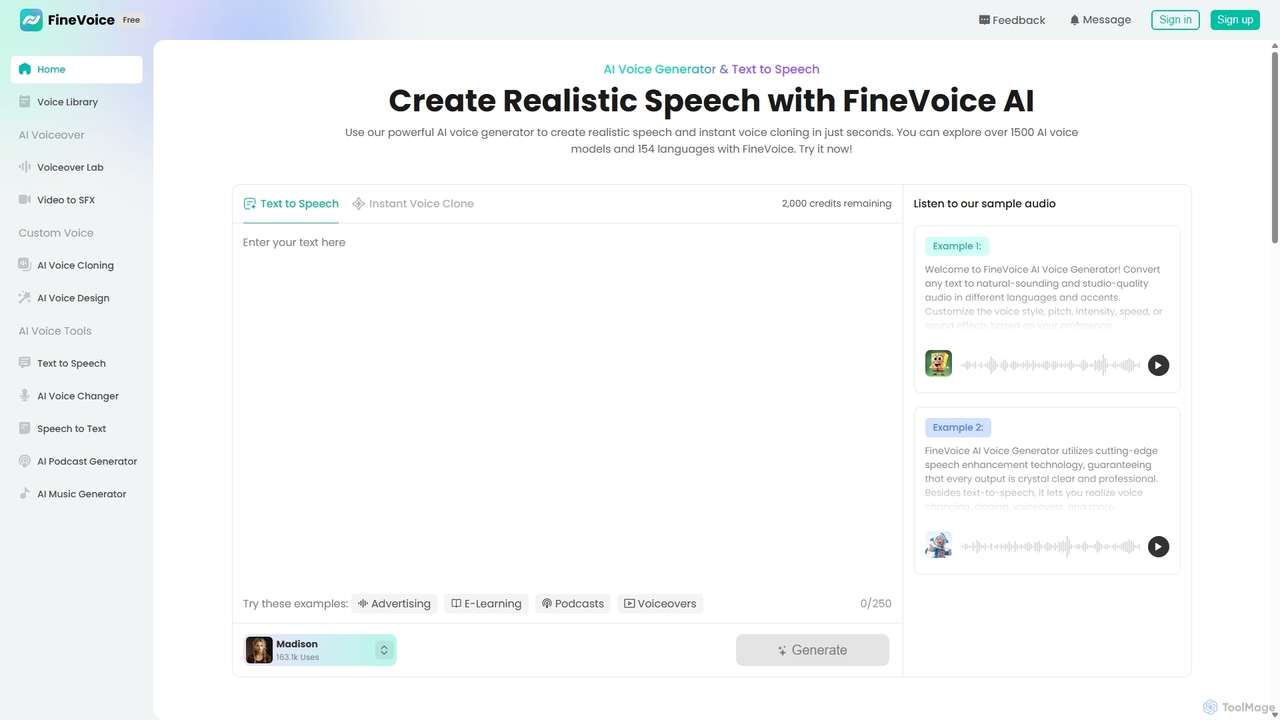
FineVoice
FineVoice is a powerful AI voice generator and audio creation suite. It offers realistic text-to-speech, instant voice cloning, a real-time voice changer, and professional voiceover tools. With a library of over 1500 AI voices in 154 languages, it's designed for content creators, marketers, podcasters, and developers seeking high-quality, customizable audio solutions.
Voice Synthesis
Jyek
Jyek is an AI agent platform that understands objectives, creates execution plans, uses tools, and delivers verifiable results for complex, multi-step tasks.
Automation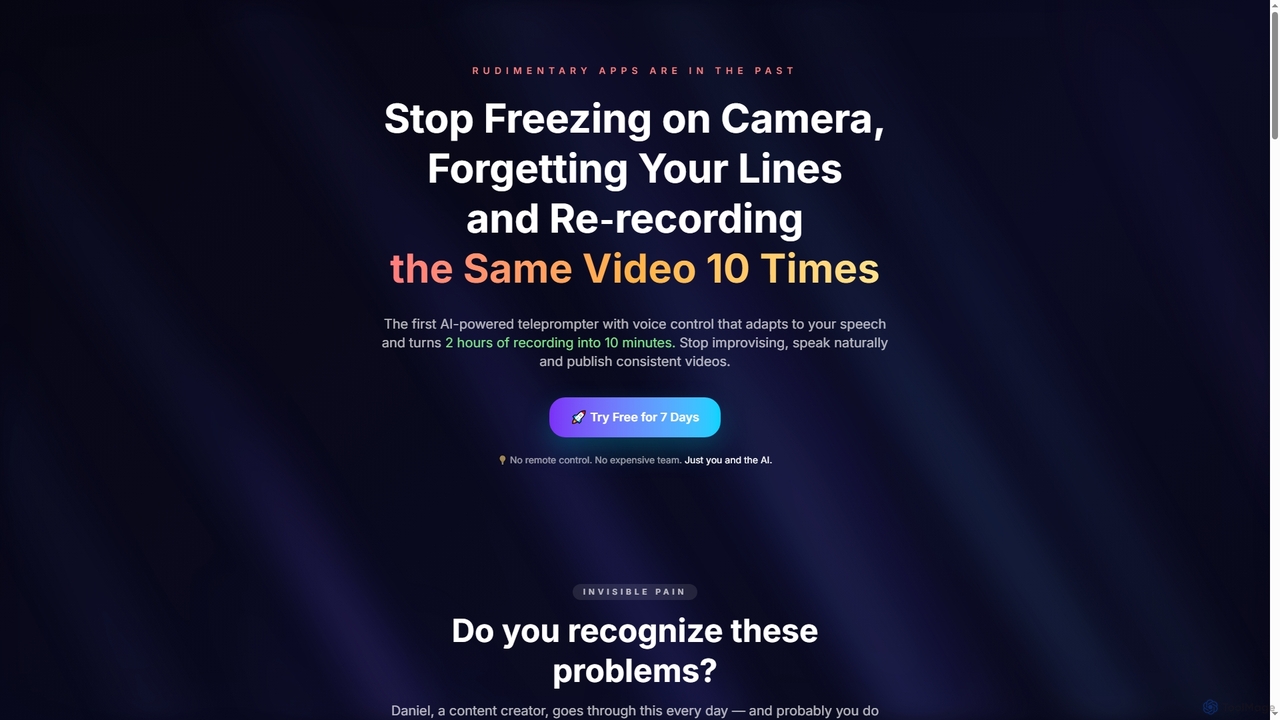
Tpflow
Tpflow is an AI-powered teleprompter that automatically adapts to your speaking pace. It features voice control and multi-device sync, designed to help content creators record videos naturally and efficiently, drastically reducing recording and editing time.
Speech Recognition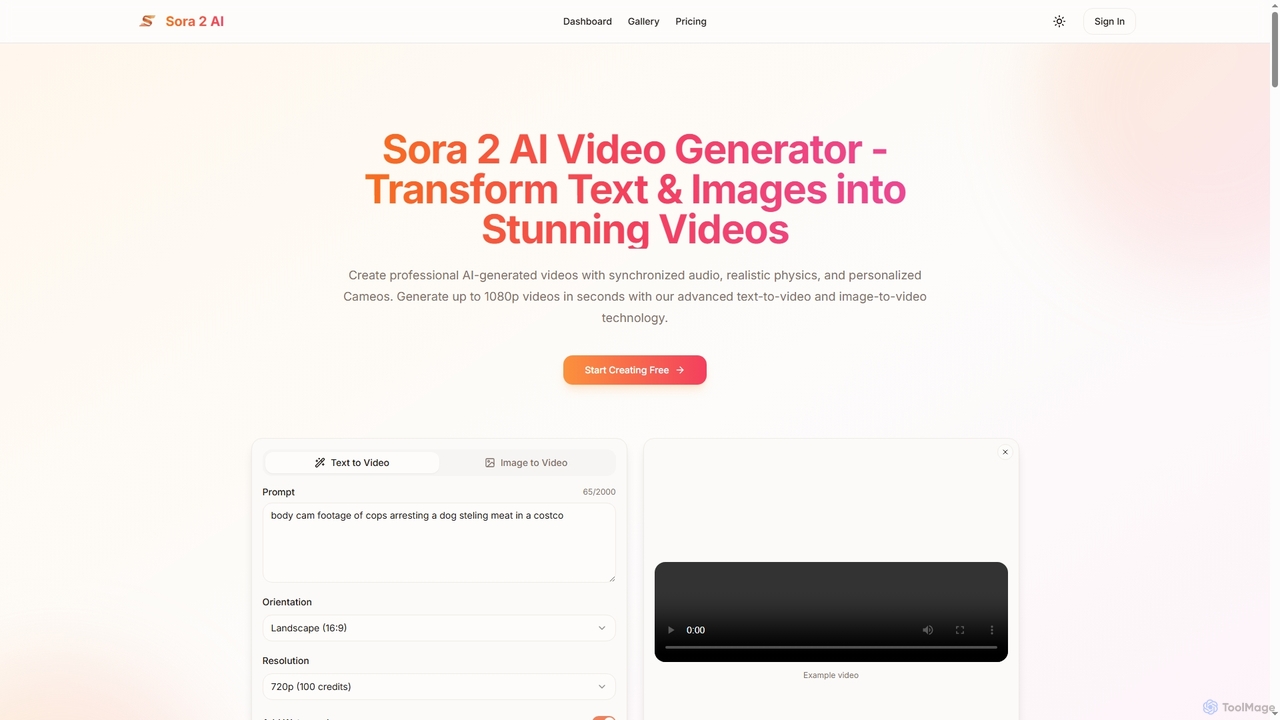
Aisora2
Aisora2 is an advanced AI video generator that transforms text prompts and images into professional-quality videos. It features synchronized audio, realistic physics, and personalized Cameos, enabling creators to produce stunning 1080p videos up to 20 seconds long with ease. Ideal for content creators, marketers, and businesses seeking efficient video production.
Video Editing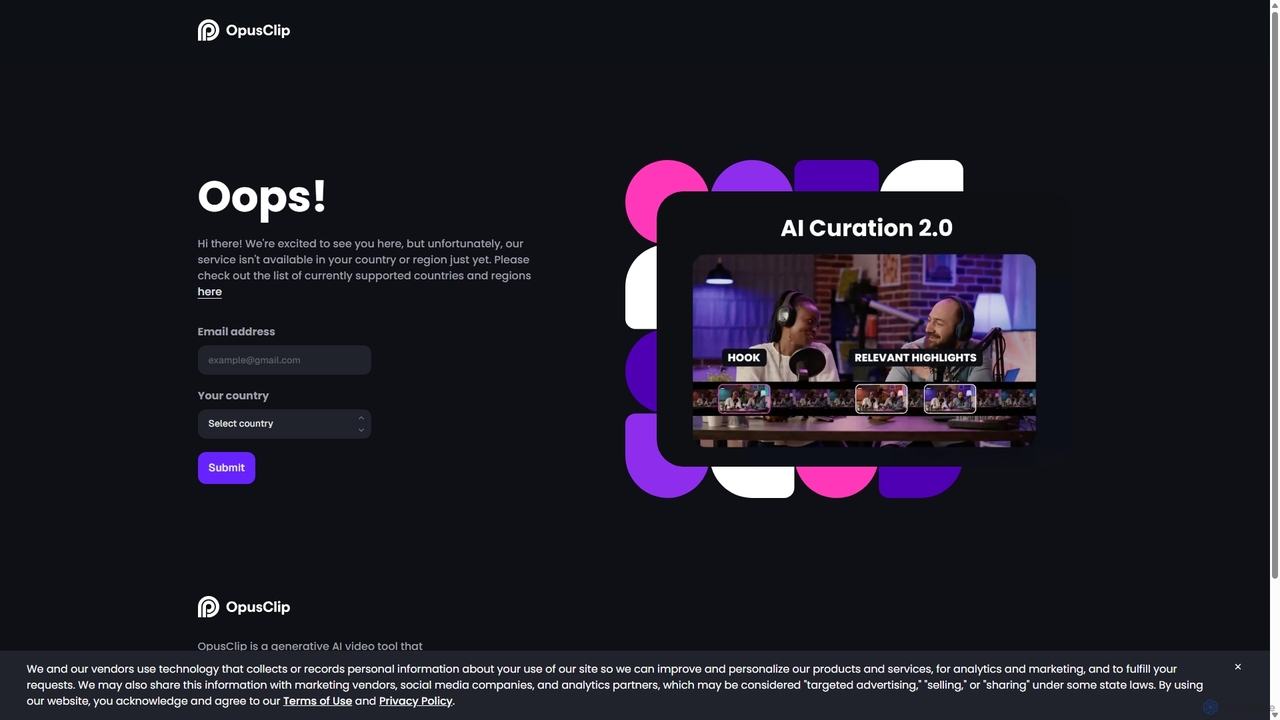
OpusClip
OpusClip is a generative AI video repurposing tool that turns long videos into viral short clips with one click. It automatically identifies the most compelling hooks, reframes the video, adds dynamic captions, and scores clips for virality, streamlining content creation for social media.
Video Marketing
TranslateMom
TranslateMom is an AI-powered video translation, dubbing, and captioning tool designed to help content creators, marketers, and educators reach a global audience. It supports over 100 languages for subtitles and translation, and 29 languages for AI dubbing, making video localization fast and efficient.
3D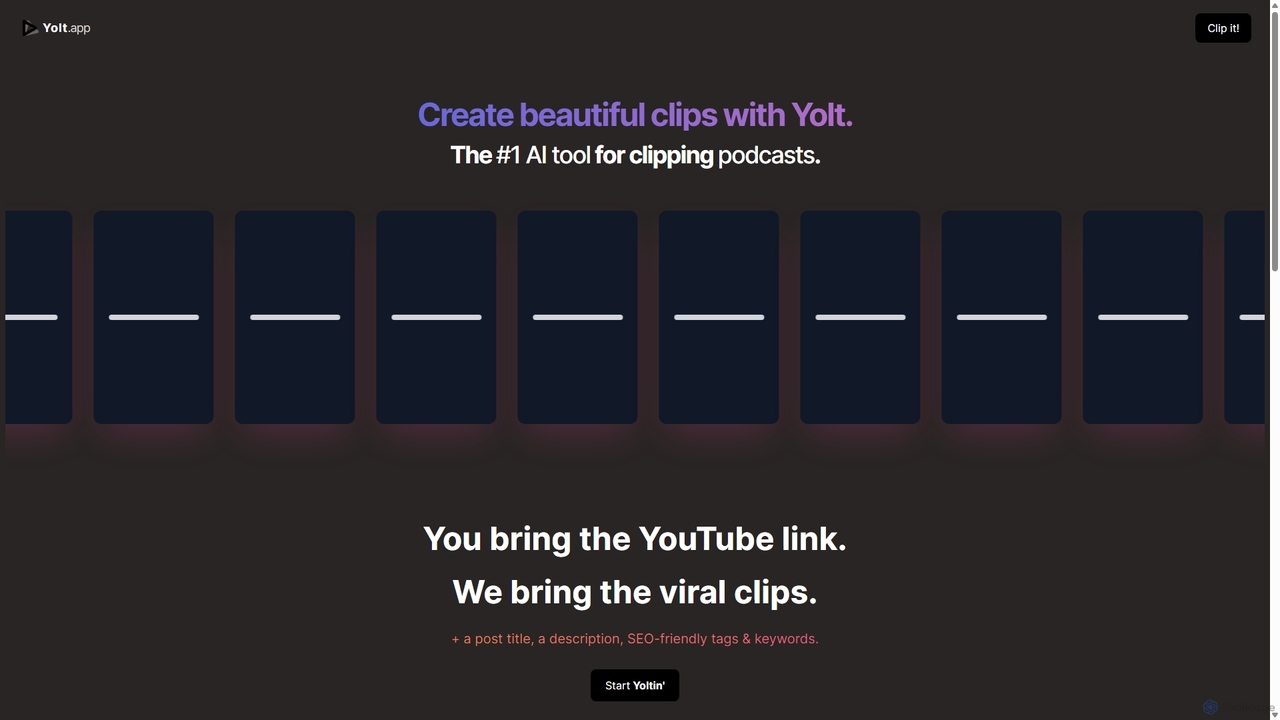
Yolt
Yolt is an AI-powered tool that transforms long-form YouTube videos, especially podcasts, into engaging, short, viral clips for social media. Simply provide a YouTube link, and Yolt's AI identifies the best moments, generates clips with subtitles, and provides optimized titles, descriptions, and SEO tags to maximize your reach and engagement on platforms like TikTok, Instagram Reels, and YouTube Shorts.
Video Marketing
Audo Studio Comments (0)
Sign in to comment.
Sign inNo comments yet.