Ai Best in category 1 results Speech Recognition AI Tool

Popular AI tools in the Speech Recognition field of Ai include Tpflow, etc., helping you quickly improve efficiency.

Tpflow

Tpflow

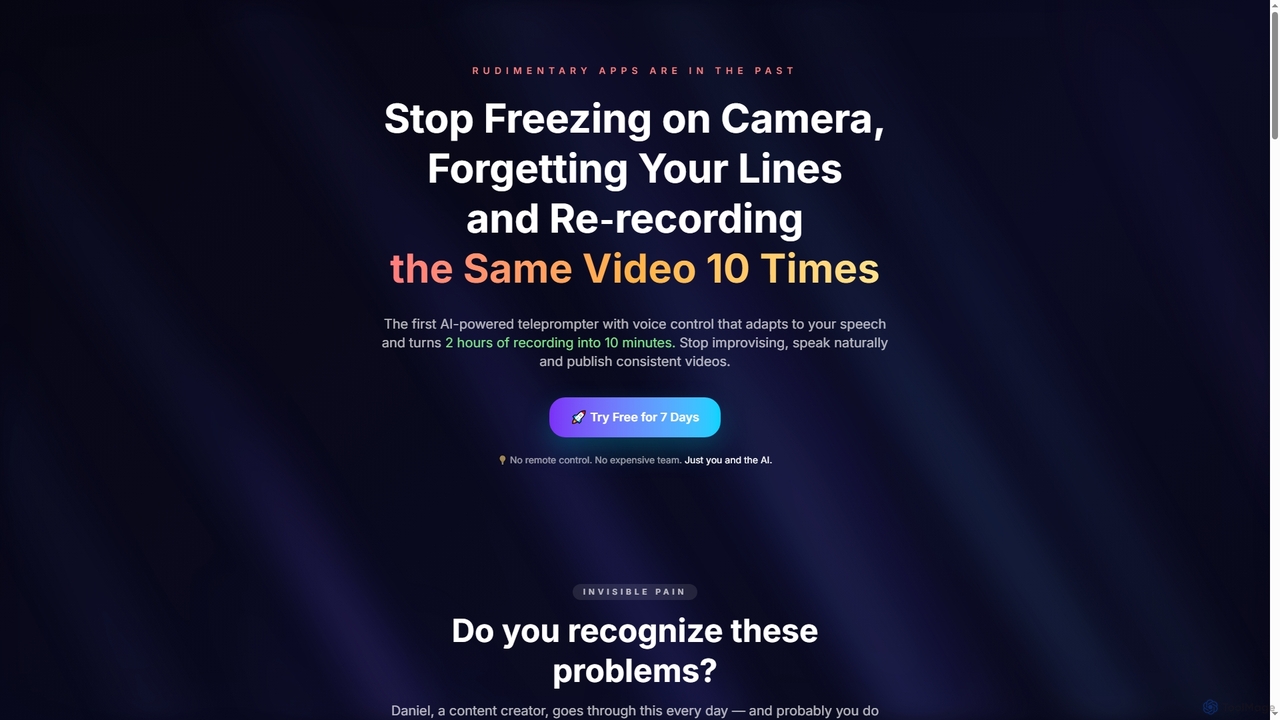
Tpflow is an AI-powered teleprompter that automatically adapts to your speaking pace. It features voice control and multi-device …

2.7K

About Speech Recognition

Speech Recognition tools are a class of AI applications that convert spoken language into machine-readable text. These tools utilize Automatic Speech Recognition (ASR) technology to analyze audio signals, identify phonetic components, and transcribe them into words with high accuracy. Their primary value lies in automating transcription tasks, enabling voice-controlled interfaces, and extracting insights from audio data. Many advanced tools also support multiple languages, identify different speakers, and automatically apply punctuation for clean, ready-to-use text.

Core Features

  • Real-time Transcription: Converts live speech into text as it happens, ideal for live captioning and dictation.
  • Speaker Diarization: Identifies and labels who is speaking and when in audio with multiple participants.
  • Custom Vocabulary: Allows users to add specific industry jargon, names, or acronyms to improve recognition accuracy.
  • Automatic Punctuation & Formatting: Intelligently adds periods, commas, and paragraph breaks to create readable transcripts.
  • Multilingual & Dialect Support: Accurately transcribes audio from a wide range of languages and regional dialects.

Use Cases

Speech Recognition tools are widely used across various sectors. In media, they generate subtitles and captions for videos. In healthcare, they enable medical professionals to dictate patient notes directly into records. Customer service centers use them to transcribe and analyze calls for quality assurance, while legal professionals rely on them for transcribing depositions and court proceedings.

How to Choose

When selecting a Speech Recognition tool, consider its accuracy rate (often measured by Word Error Rate) for your specific audio type. Evaluate its support for necessary languages and dialects. Determine if you need real-time (streaming) or batch (file-based) processing. For developers, API availability and documentation are crucial, while all users should assess the pricing model, whether it's per-minute, per-hour, or a subscription.

Speech RecognitionUse Cases

1

Automating Meeting Minutes Generation

For project managers and team assistants, manually transcribing meeting recordings is time-consuming. A Speech Recognition tool can automate this process. By uploading the audio file of a one-hour meeting, the tool can generate a full transcript in minutes. Using speaker diarization, it identifies who said what, making it easy to assign action items. The resulting text is searchable, allowing team members to quickly find key decisions or discussions without re-listening to the entire recording, saving significant administrative time.

2

Creating Accessible Video Content with Subtitles

Content creators and marketers need to make their video content accessible and engaging for a wider audience, including those who are deaf or hard of hearing, or watch videos on mute. A Speech Recognition tool can transcribe the audio from a video file into a time-stamped text file. This transcript can then be easily converted into standard subtitle formats like SRT or VTT. This not only improves accessibility but also boosts SEO, as search engines can index the text content of the video, making it more discoverable.

3

Analyzing Customer Service Calls for Quality Assurance

Call center managers need to monitor agent performance and understand customer pain points. Manually listening to hundreds of calls is impractical. By using a Speech Recognition tool to transcribe all incoming and outgoing calls, managers can create a searchable database of conversations. They can then analyze transcripts for keywords related to complaints, product mentions, or compliance scripts. This data-driven approach helps identify training needs for agents, spot emerging customer issues, and ensure consistent service quality across the team.

4

Streamlining Medical Dictation and Note-Taking

Healthcare professionals, such as doctors and therapists, spend a significant amount of time on administrative tasks like updating patient records. A Speech Recognition tool specialized for medical terminology can streamline this. A doctor can dictate notes during or after a patient consultation, and the tool transcribes the speech directly into the Electronic Health Record (EHR) system. This eliminates manual typing, reduces the risk of data entry errors, and allows clinicians to spend more time on patient care rather than paperwork.

5

Enabling Voice Commands in Applications and Devices

For software developers and IoT engineers, integrating voice control can significantly improve user experience. By using a Speech Recognition API, they can build voice command functionality into their applications or smart devices. For example, a user could control a smart home device by saying 'Turn on the lights' or search within a mobile app using their voice. The API processes the spoken command, converts it to text, and triggers the corresponding action in the software, providing a hands-free and more intuitive way for users to interact with technology.

6

Transcribing Interviews for Journalism and Research

Journalists and academic researchers often conduct long interviews that must be accurately transcribed for analysis or publication. Manually transcribing an hour-long interview can take several hours. A Speech Recognition tool drastically reduces this time. By uploading the audio recording, a researcher can get a draft transcript in minutes. While it may require a quick proofread for names or specific terms, this process is significantly faster than manual transcription from scratch, allowing them to focus more on analyzing the content and writing their articles or papers.

Speech RecognitionFrequently Asked Questions