

AutoCap Overview
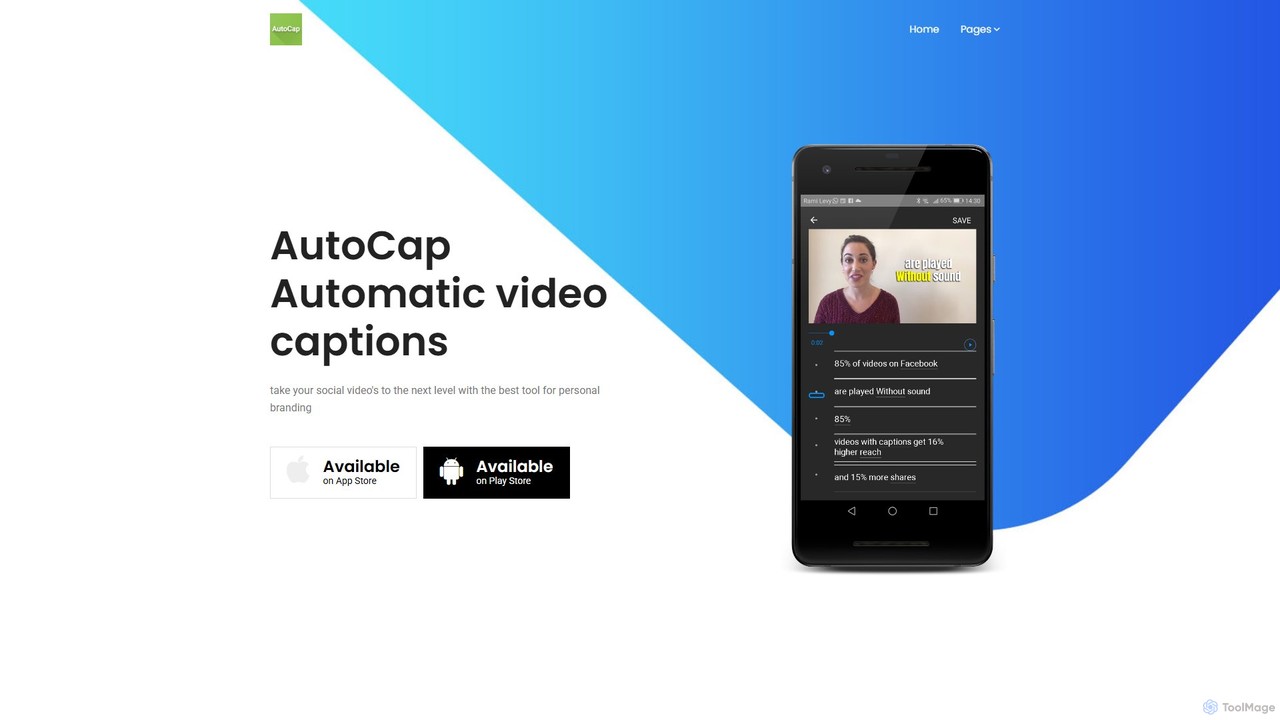
AutoCap is a comprehensive mobile application designed to revolutionize video content creation by automatically generating and embedding animated captions. Leveraging state-of-the-art AI and voice recognition technology, AutoCap transcribes the audio from your videos with remarkable speed and accuracy, transforming spoken words into dynamic, readable text on screen. This tool is an indispensable asset for anyone looking to enhance their video's impact, from social media influencers to business professionals.
The platform is built around a user-friendly experience, ensuring that even those with no technical editing skills can produce professional-quality results. Beyond simple transcription, AutoCap offers a suite of powerful features, including an AI-powered script generator and a smart teleprompter, making it an all-in-one solution for the entire video creation workflow, from ideation to final export.
How to use AutoCap
Using AutoCap is a straightforward process designed for efficiency:
- Download and Install: Get the AutoCap app from the Apple App Store or Google Play Store.
- Import or Record: Choose an existing video from your gallery or record a new one directly within the app.
- Automatic Transcription: Once a video is selected, AutoCap's AI will automatically analyze the audio and generate time-synced captions. You can select the language of the video for higher accuracy.
- Edit and Refine: Use the intuitive editor to review the generated captions. You can easily correct any transcription errors, adjust timing, and split or merge text blocks.
- Customize Appearance: Personalize your captions to match your brand or style. Choose from a wide variety of fonts, colors, text animations, and background styles.
- Utilize Advanced Features: For new content, use the 'AI Script' feature to generate a video script based on a simple prompt. Then, use the 'Smart Sync Teleprompter' to read the script while recording, which automatically creates perfectly synced captions.
- Export and Share: Once you are satisfied with the result, export the video with the captions burned-in. The app supports various aspect ratios suitable for platforms like Instagram, TikTok, YouTube, and more.
Core Features of AutoCap
- AI-Powered Automatic Transcription: Employs advanced speech-to-text technology to quickly and accurately transcribe video audio in multiple languages.
- Intuitive Caption Editor: A user-friendly interface for easily editing text, adjusting punctuation, and fine-tuning the timing of each caption.
- Extensive Styling Options: Offers a wide range of customization, including hundreds of fonts, a full spectrum of colors, and various eye-catching text animations to make your videos stand out.
- AI Script Generator: Integrated with ChatGPT, this feature allows you to generate compelling video scripts from a simple idea or keyword, streamlining the content creation process.
- Smart Sync Teleprompter: A built-in teleprompter camera that displays your script as you record. It intelligently syncs the generated captions with your speech, drastically reducing post-production time.
- Multi-Language Support: Capable of recognizing and transcribing audio from numerous languages, making it a global tool for content creators.
- Multiple Export Formats: Save and export videos in different aspect ratios (e.g., 16:9, 9:16, 1:1) optimized for various social media platforms.
Use Cases for AutoCap
AutoCap is versatile and benefits a wide range of users:
- Social Media Creators: Enhance Instagram Reels, TikToks, and YouTube Shorts to capture attention in sound-off environments and boost engagement.
- Marketers and Businesses: Create professional-looking promotional videos, product demonstrations, and advertisements with clear, accessible messaging.
- Educators and Online Coaches: Make educational content and online courses more accessible and easier to follow for all students, including those who are deaf or hard of hearing.
- Journalists and V-loggers: Quickly add subtitles to interviews, news clips, and personal vlogs to ensure clarity and reach a broader audience.
- Personal Use: Add captions to family videos or travel vlogs to add context and create lasting memories.
Advantages of AutoCap
The primary advantage of AutoCap is its ability to save significant time and effort. The automated workflow eliminates the tedious task of manual captioning. Furthermore, it increases video accessibility, making content available to a wider audience, including the 360 million people worldwide with disabling hearing loss. Captioned videos are also proven to have higher retention and engagement rates on social media platforms. The all-in-one nature of the app, combining transcription, editing, scriptwriting, and a teleprompter, provides immense value and convenience.
Pricing and Plans
AutoCap operates on a freemium model. Users can download the app and use its core features for free, which may include limitations such as a watermark on exported videos or a cap on video length. To unlock the full potential of the app, users can subscribe to a Pro plan. The premium subscription typically removes the watermark, allows for longer video transcriptions, and provides access to all premium fonts, animations, and advanced features. Specific pricing details are available within the app through in-app purchases on the App Store and Google Play Store.
Traffic
Latest traffic
Status
Monthly traffic trend
- 2025-9: 10.2K
- 2026-1: 20.7K
- 2026-2: 4.2K
- 2026-3: 4.9K
- 2026-4: 6.2K
- 2026-5: 5.6K
Geography
Top 5 countries / regions
- 🇺🇸United States39.5%
- 🇮🇳India27.6%
- 🇧🇷Brazil21.6%
- 🇬🇷Greece7.3%
- 🇪🇬Egypt4.0%
Top keywords
| Keyword | Cost per click |
|---|---|
| auto cap | $0.12 |
| autocap | $0.07 |
| autocap for pc | $0.00 |
| auto caption | $0.44 |
| auto captions | $0.52 |
AutoCap Alternatives
dubs
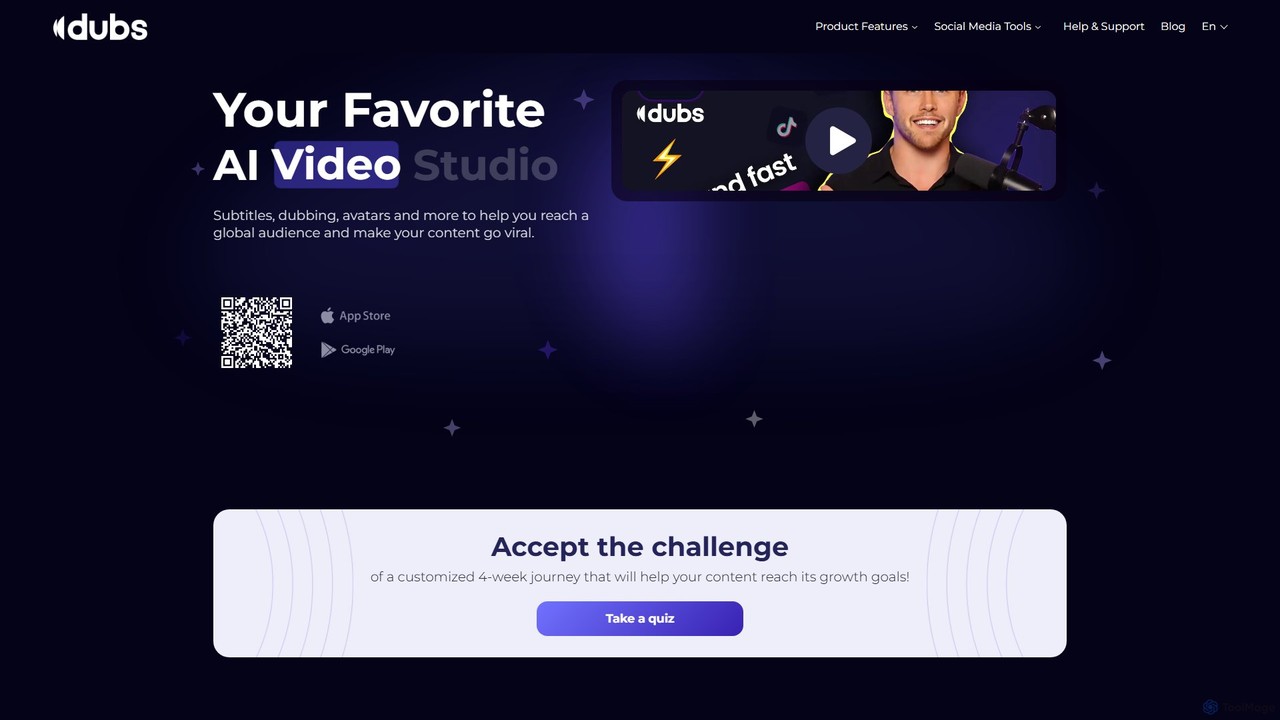
dubs is an all-in-one AI video studio designed for content creators and businesses. It offers a suite of powerful tools including automatic subtitles in 100+ languages, voice-cloning dubbing, AI avatars, and script generation. Enhance your videos, reach a global audience, and make your content more accessible and engaging with features like a teleprompter, noise removal, and customizable captions.
Transcription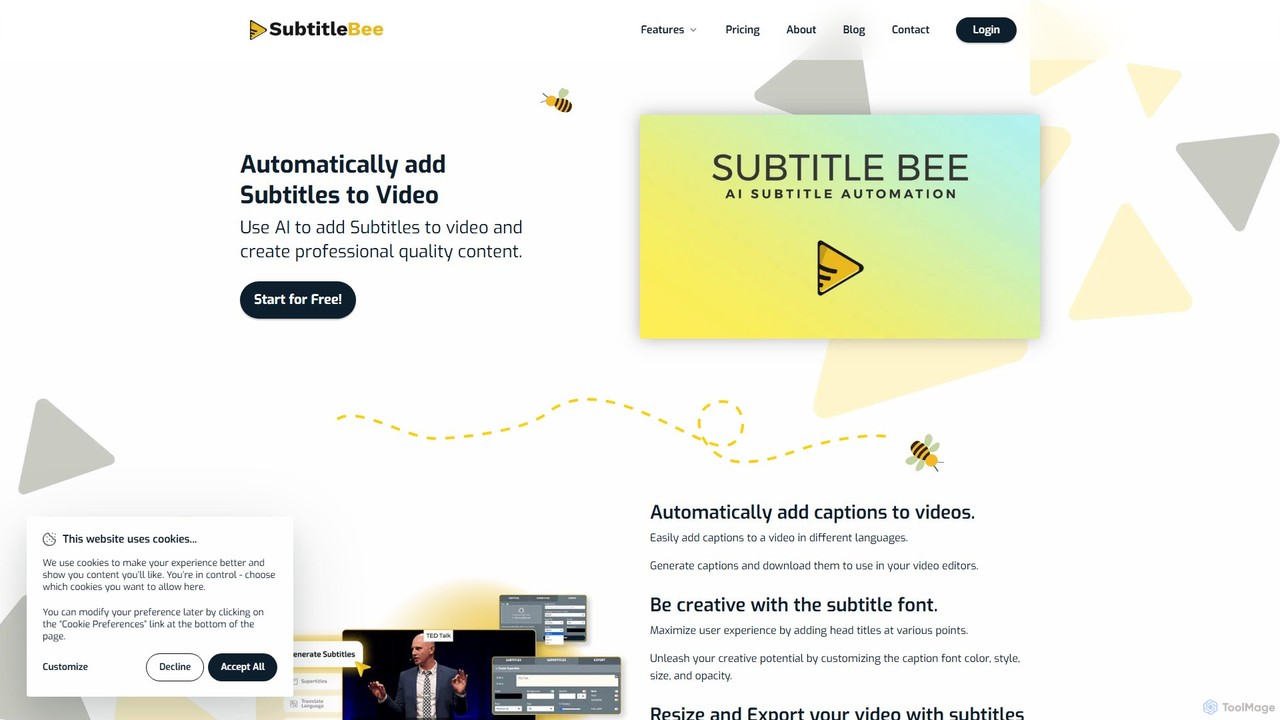
SubtitleBee
An AI-powered platform for automatically generating, translating, and customizing video subtitles. It supports over 120 languages and offers features like audio transcription, video cropping, and branding to enhance content accessibility and engagement for creators and businesses.
Transcription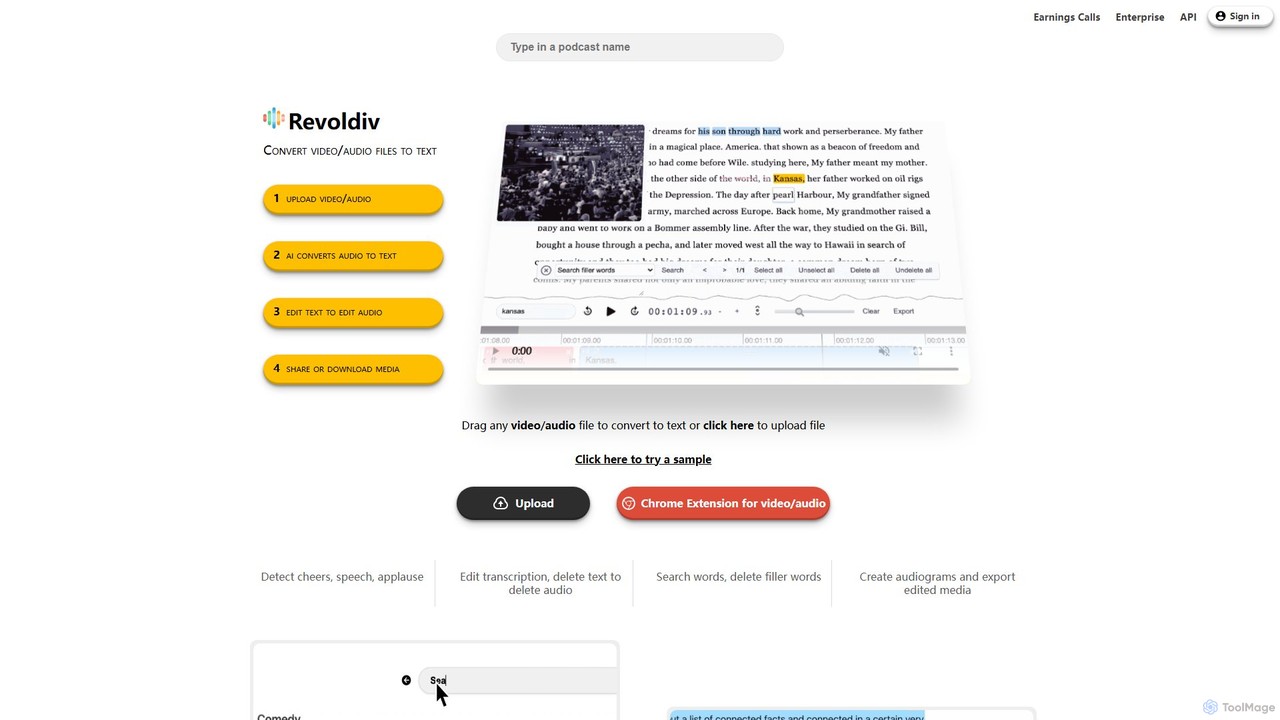
Revoldiv
Revoldiv is an AI-powered platform that transcribes video and audio files into editable text. It revolutionizes content creation by allowing users to edit media by simply editing the text, automatically removing filler words, creating audiograms, and fostering collaboration, making the post-production process fast and intuitive.
Transcription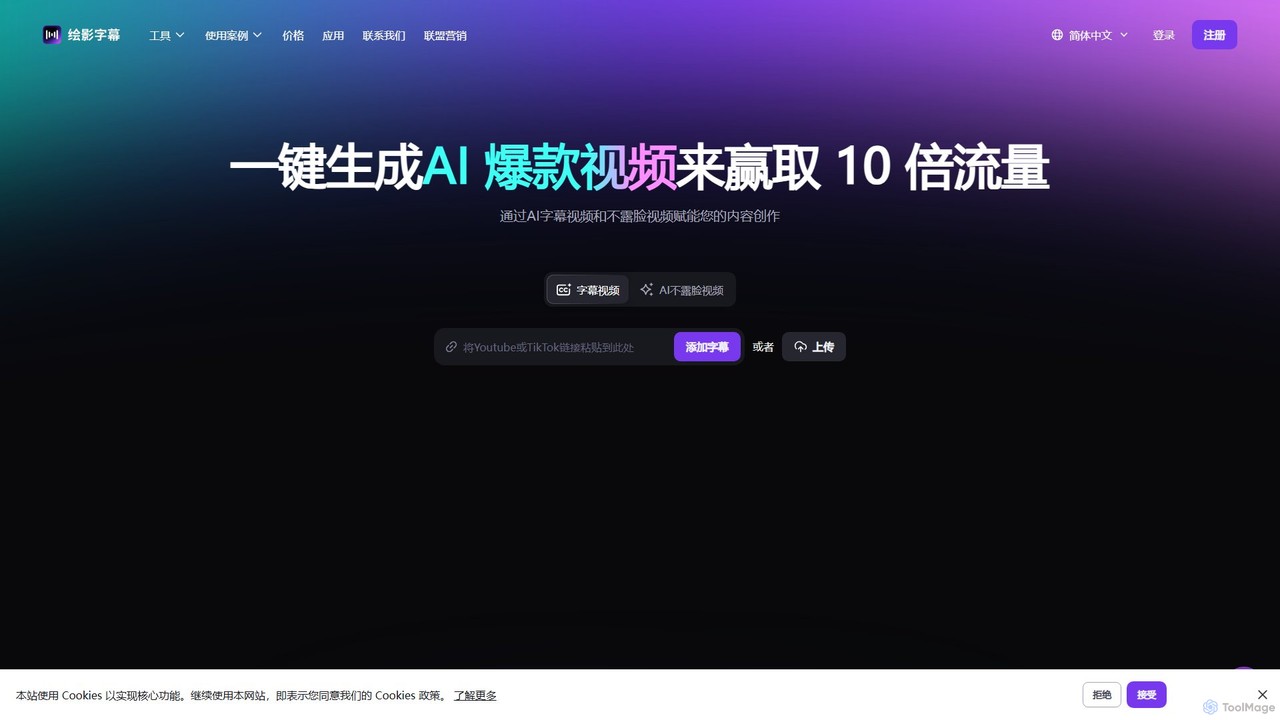
Zeemo
Zeemo is an all-in-one AI-powered video toolkit designed for content creators. It excels at automatic subtitle generation, transcription, and translation in over 95 languages with up to 98% accuracy. It also offers a suite of video editing tools, social media downloaders, and AI video generation features to streamline content creation and boost audience engagement.
Transcription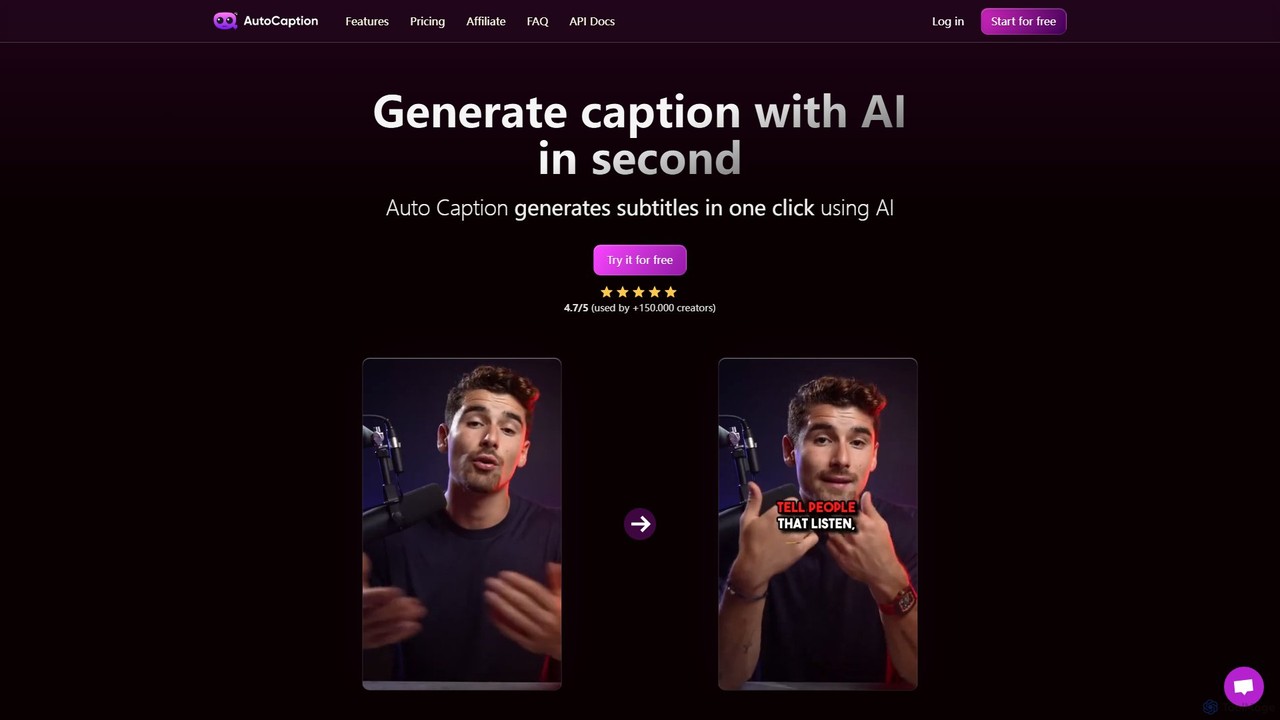
autocaption
autocaption is an AI-powered tool that automatically generates, transcribes, and animates video captions in over 99 languages. Designed for content creators, it saves hours of editing with features like customizable templates, animated emojis, and B-Roll AI. Enhance video engagement and accessibility with fast, fully editable, high-definition subtitles optimized for social media.
AutomationAutoCap Categories
AutoCap Embed Widget
Copy this embed code to place the badge on your blog, article, or product site and send readers directly to this ToolMage detail page.

Related AI tools
dubs
dubs is an all-in-one AI video studio designed for content creators and businesses. It offers a suite of powerful tools including automatic subtitles in 100+ languages, voice-cloning dubbing, AI avatars, and script generation. Enhance your videos, reach a global audience, and make your content more accessible and engaging with features like a teleprompter, noise removal, and customizable captions.
TranscriptionSubtitleBee
An AI-powered platform for automatically generating, translating, and customizing video subtitles. It supports over 120 languages and offers features like audio transcription, video cropping, and branding to enhance content accessibility and engagement for creators and businesses.
Transcriptionautocaption
autocaption is an AI-powered tool that automatically generates, transcribes, and animates video captions in over 99 languages. Designed for content creators, it saves hours of editing with features like customizable templates, animated emojis, and B-Roll AI. Enhance video engagement and accessibility with fast, fully editable, high-definition subtitles optimized for social media.
Automation
Zubtitle
Zubtitle is an AI-powered online video editor designed to help creators and marketers quickly optimize videos for social media. It specializes in automatic transcription and subtitling, allowing users to add captions, headlines, logos, and progress bars with just a few clicks. The tool simplifies video repurposing for platforms like Instagram, TikTok, and YouTube Shorts, making it easy to create engaging, professional-looking content that captures attention even when muted.
Transcription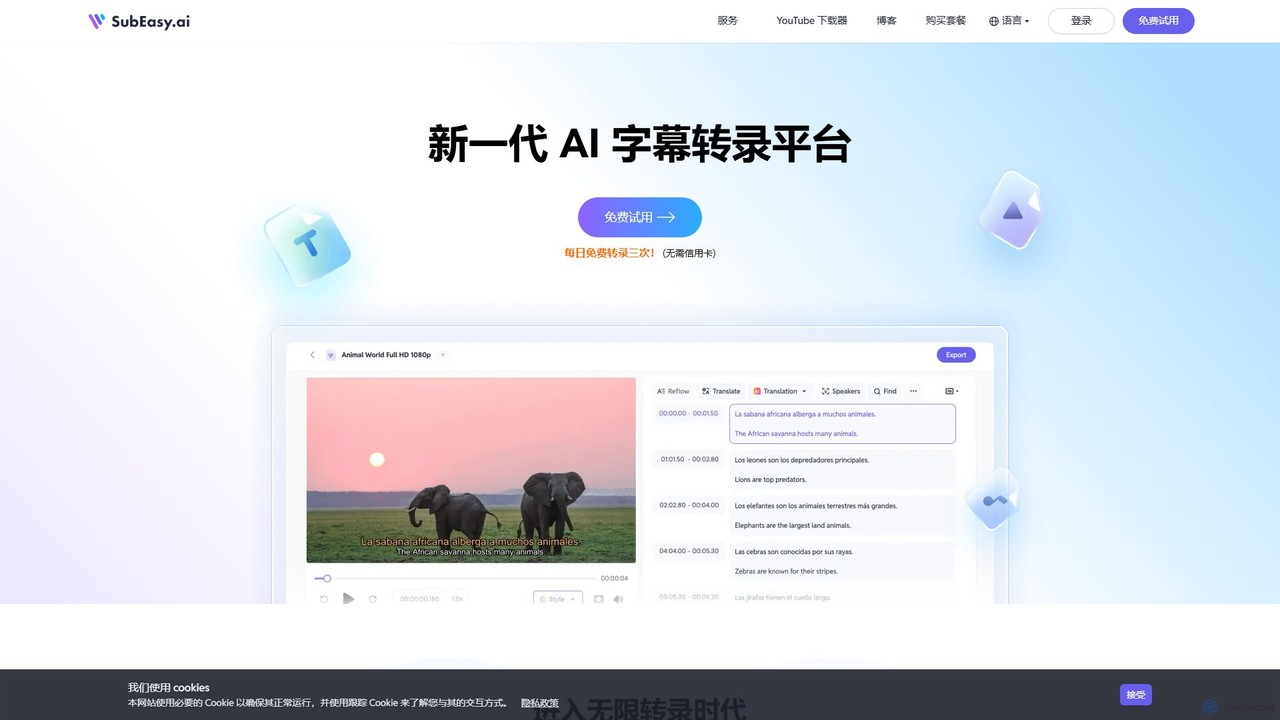
SubEasy
SubEasy is a next-generation AI platform for video and audio transcription, subtitle generation, and translation. Powered by OpenAI's Whisper, it delivers up to 99% accuracy. It supports over 100 languages, offers a unique AI Reflow feature for perfectly timed subtitles, and provides an all-in-one solution from transcription to video export, making it ideal for content creators, educators, and businesses.
Transcription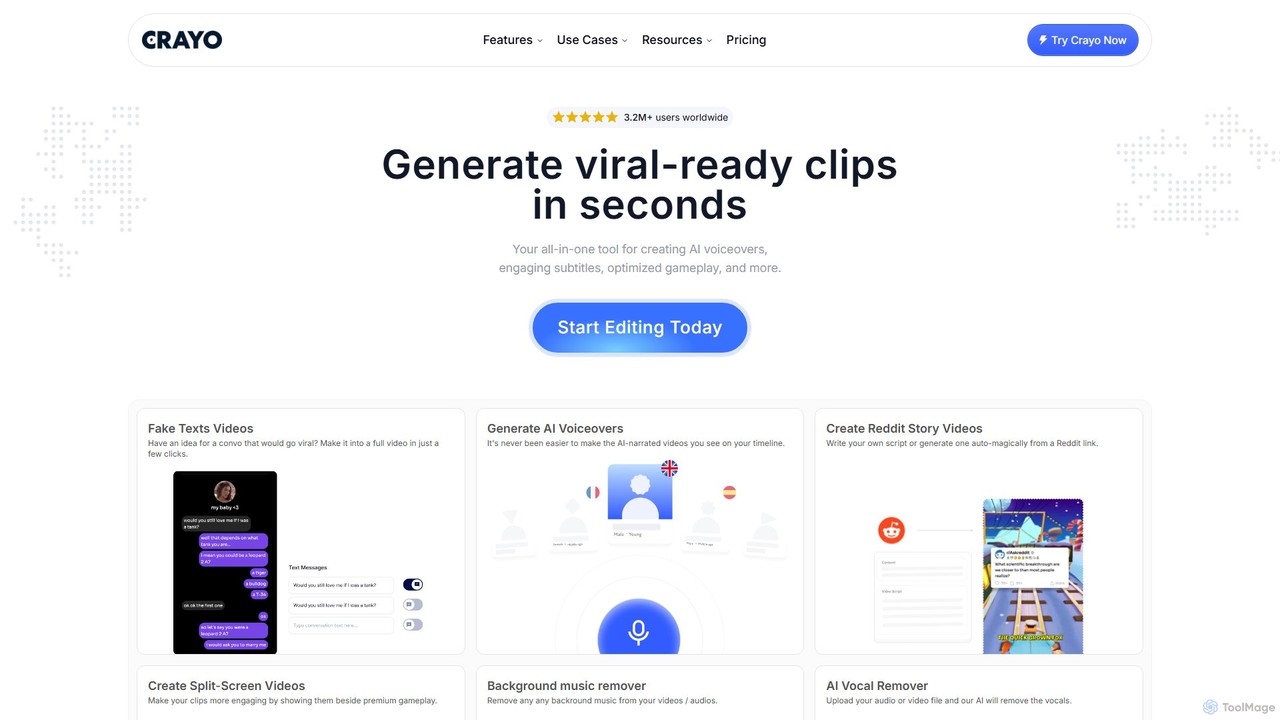
Crayo
Crayo is an all-in-one AI video editor designed for creating viral-ready short-form content in seconds. It automates tedious tasks with features like AI voiceovers, engaging subtitles, split-screen gameplay videos, and unique formats like fake text conversations and Reddit story videos. Ideal for content creators, streamers, and marketers looking to scale their video production and go viral on platforms like TikTok and YouTube.
Voice Generation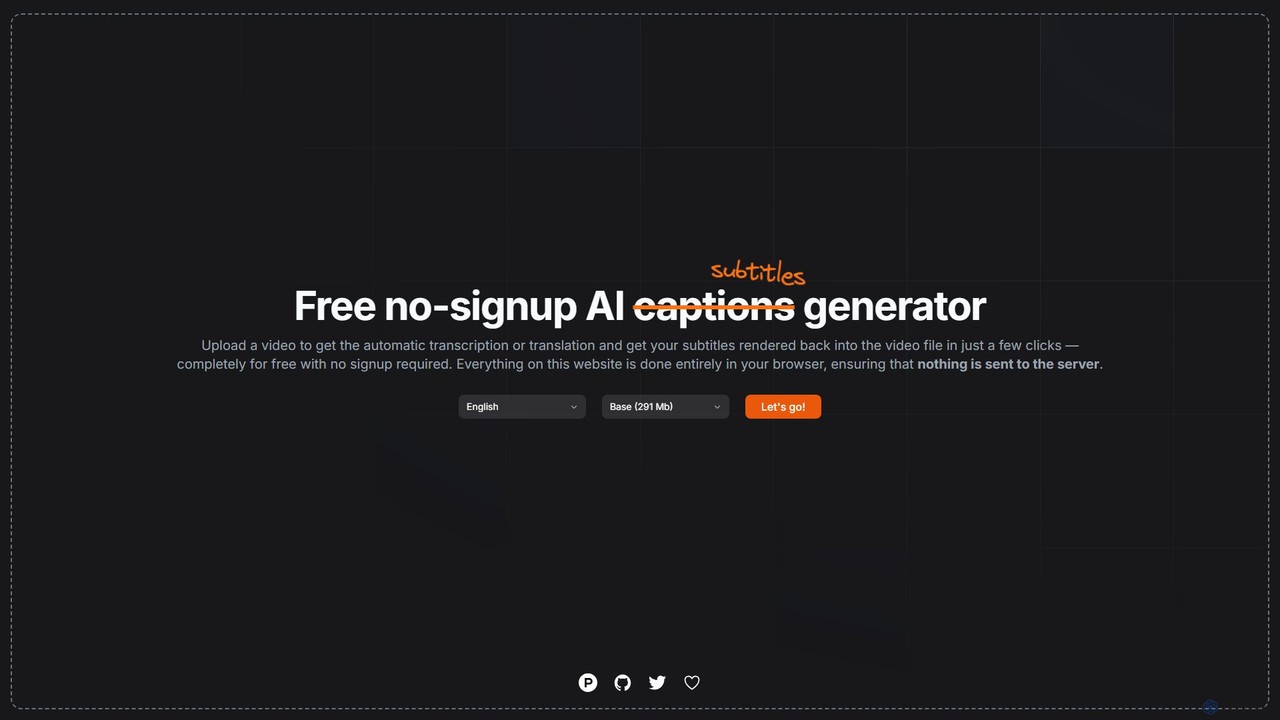
subtitles by fframes
A free, no-signup, browser-based AI tool for automatically generating, translating, and rendering subtitles directly into your videos. It ensures privacy by processing everything locally on your device.
Transcription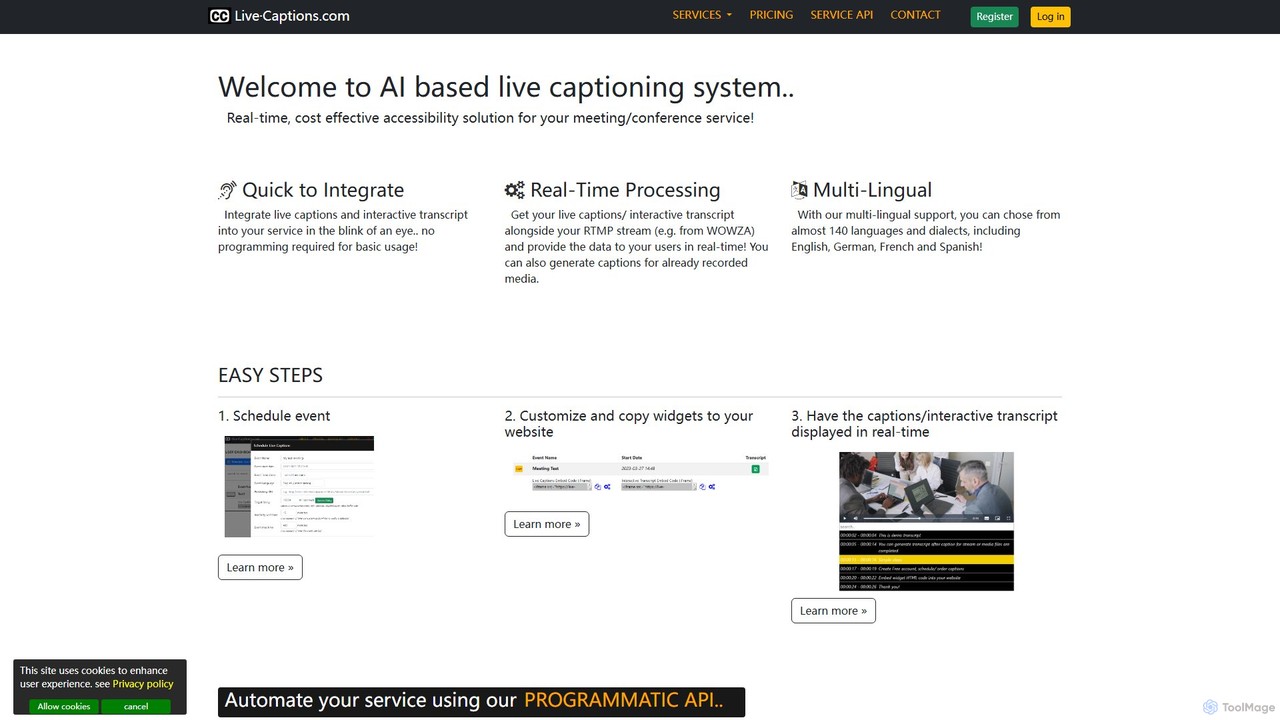
live_captions
An AI-powered service providing real-time, cost-effective live captioning and transcription for meetings, conferences, and streams. It supports nearly 140 languages and offers easy integration for both live and pre-recorded media.
InclusivityRevoldiv
Revoldiv is an AI-powered platform that transcribes video and audio files into editable text. It revolutionizes content creation by allowing users to edit media by simply editing the text, automatically removing filler words, creating audiograms, and fostering collaboration, making the post-production process fast and intuitive.
Transcription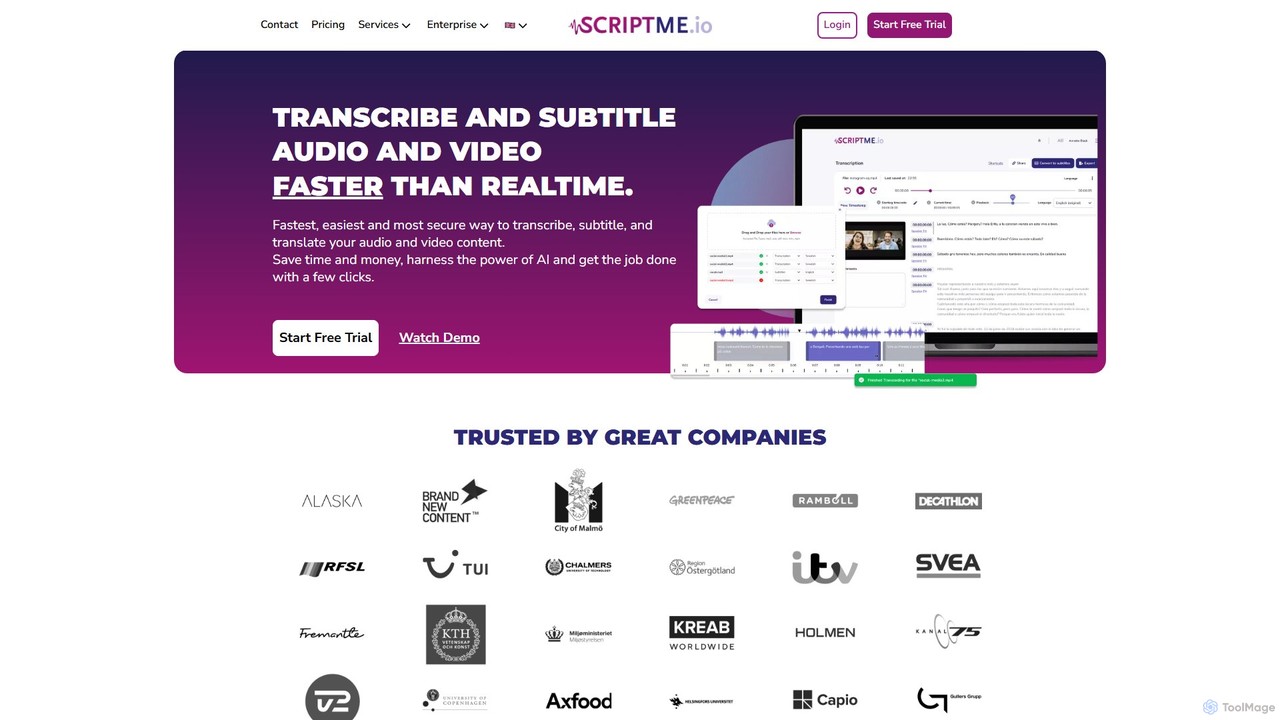
ScriptMe
ScriptMe is an AI-powered platform for fast and accurate automatic transcription of audio and video files. It also provides tools for generating and editing subtitles, making it ideal for content creators, journalists, researchers, and media companies looking to streamline their workflow and improve content accessibility.
Transcription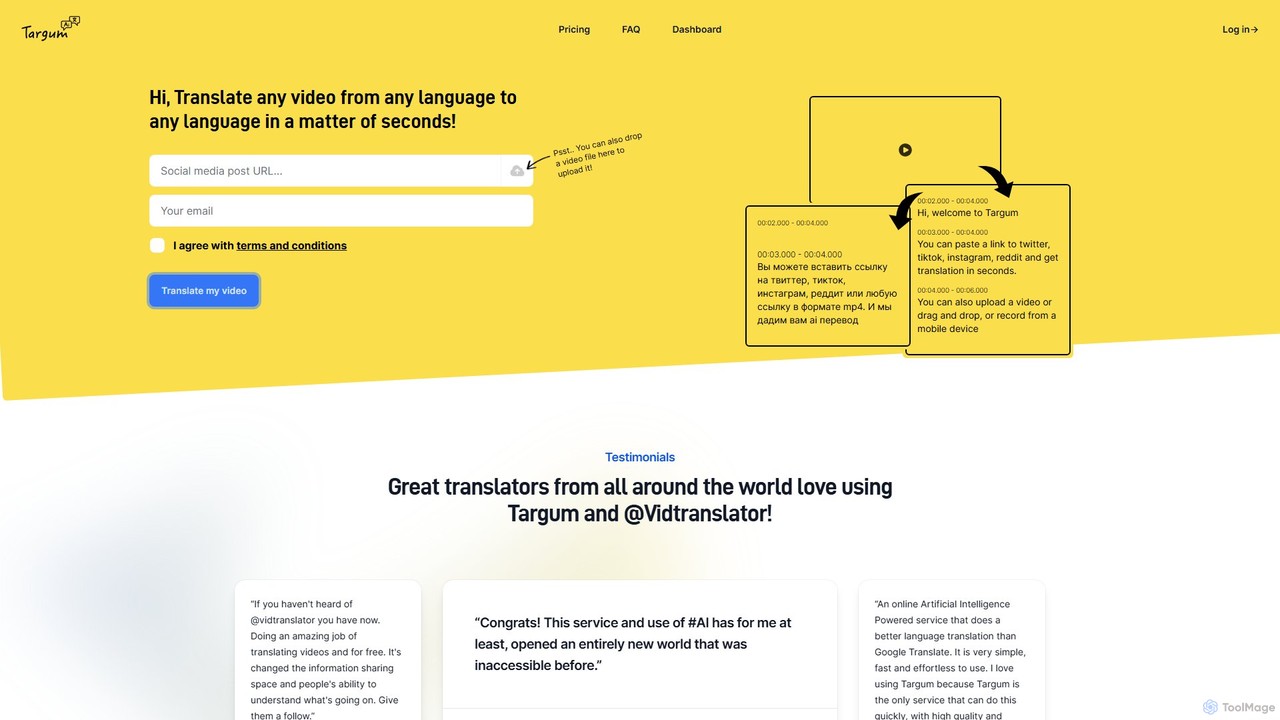
Targum
Targum is an AI-powered video translation service that rapidly translates video content from any language to over 99 other languages. By simply pasting a video link from platforms like Twitter, TikTok, and Instagram, or uploading a file, users can get accurate translations with subtitles in seconds. It's designed for content creators, journalists, businesses, and anyone looking to break language barriers and access global information.
Localization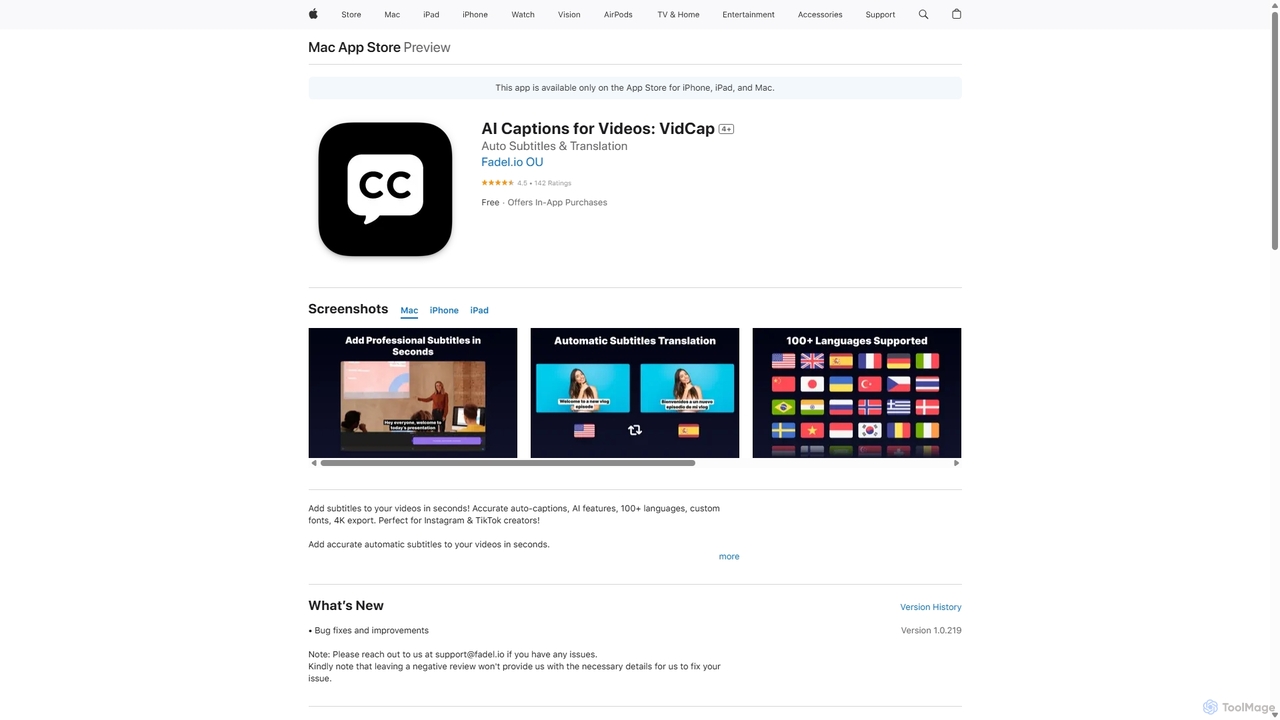
VidCap
VidCap is an AI-powered mobile application designed for content creators to effortlessly add accurate, automatic subtitles to videos. It supports over 100 languages, offers extensive customization options like fonts and animations, and includes advanced features such as AI Eye Contact, a video teleprompter, and background noise removal. Export videos in stunning 4K quality, perfect for boosting engagement on platforms like Instagram and TikTok.
Transcription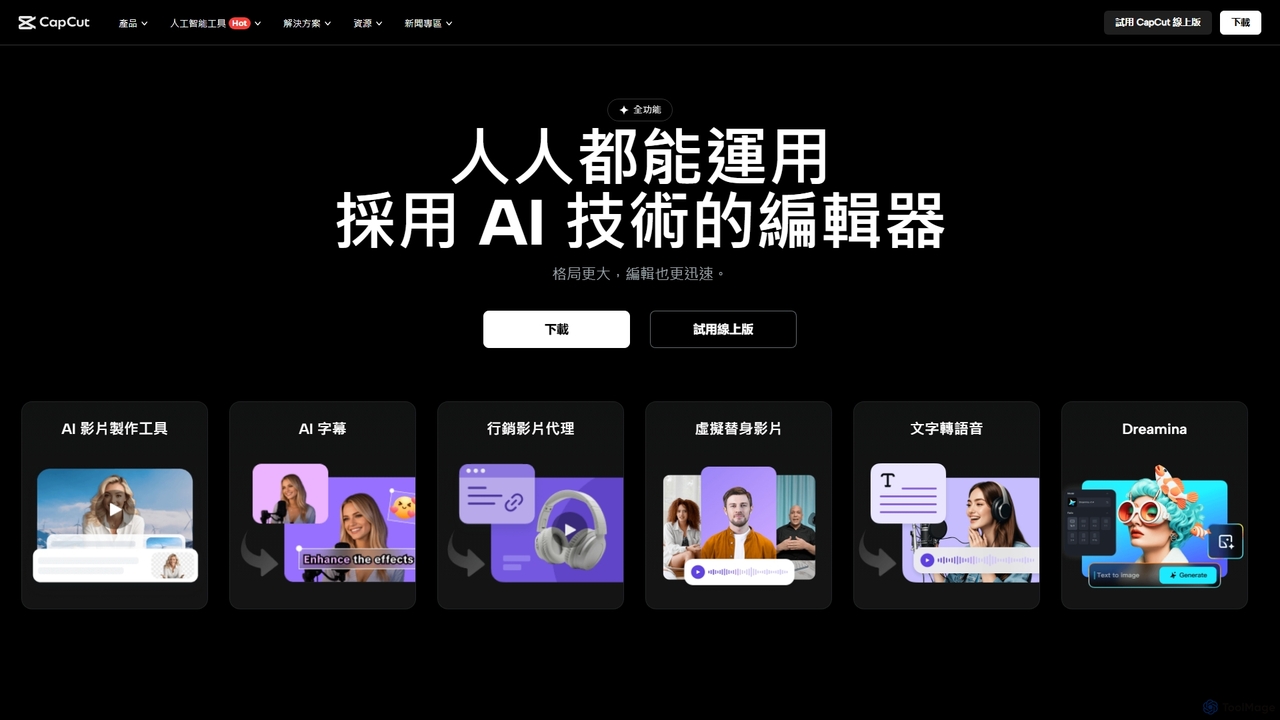
CapCut
CapCut is a powerful, all-in-one AI video editor and creative suite. It simplifies content creation with intuitive tools for video editing, graphic design, and team collaboration. It offers a wide range of AI features like auto-captions, script-to-video, background removal, and video upscaling, making professional-quality content accessible to everyone, from beginners to pros, across web, desktop, and mobile platforms.
Graphics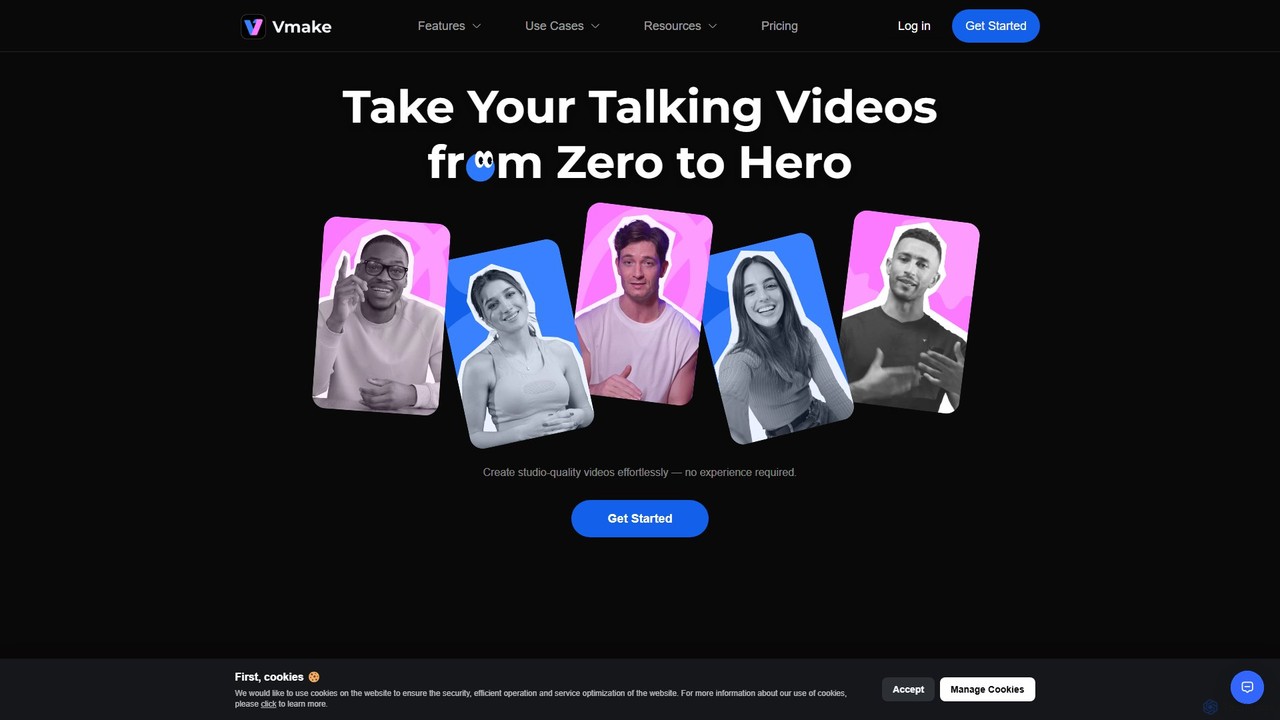
Vmake
Vmake is an all-in-one AI video solution designed for creators. It simplifies video production with features like watermark removal, auto-captions, background removal, and video enhancement. Effortlessly create studio-quality talking videos for social media and marketing without prior experience.
Transcription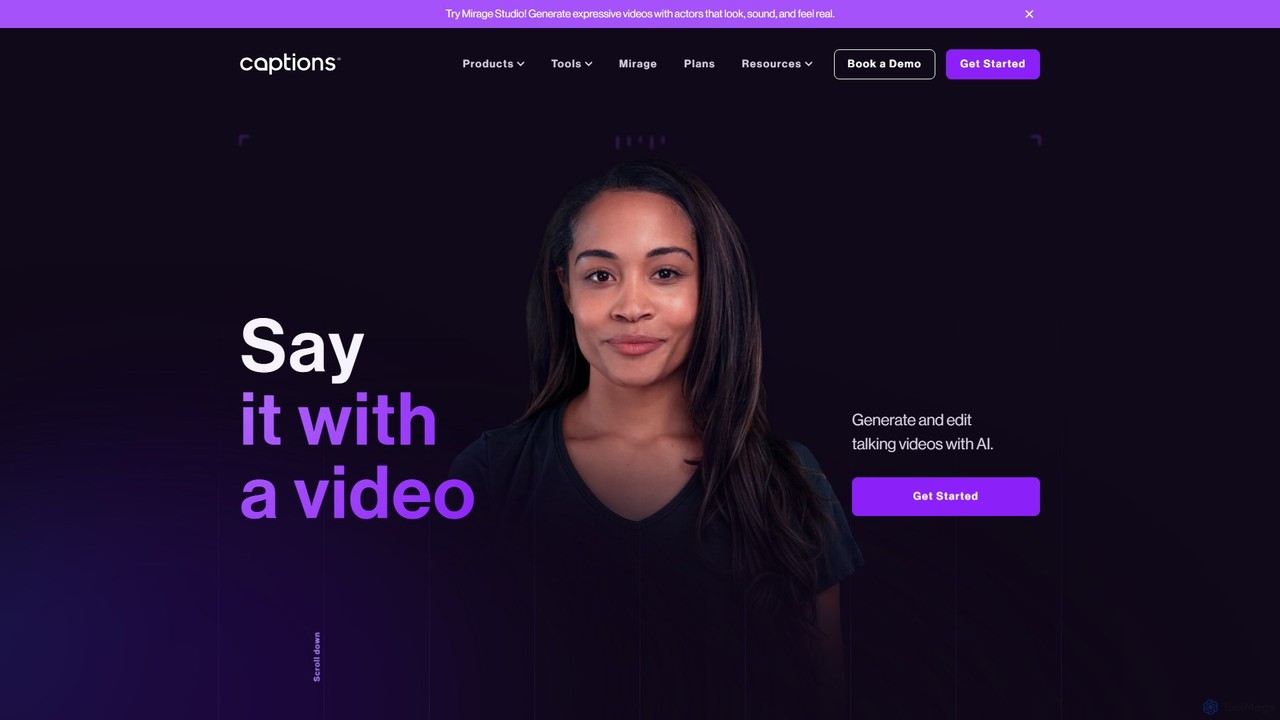
Captions
Captions is an AI-powered creative studio designed for video creators. It automates editing, adds dynamic subtitles, and offers advanced features like AI dubbing, voice generation, and creating a digital twin. It simplifies professional video production, making it accessible for everyone from social media influencers to businesses.
Transcription
AutoCap Comments (0)
Sign in to comment.
Sign inNo comments yet.