

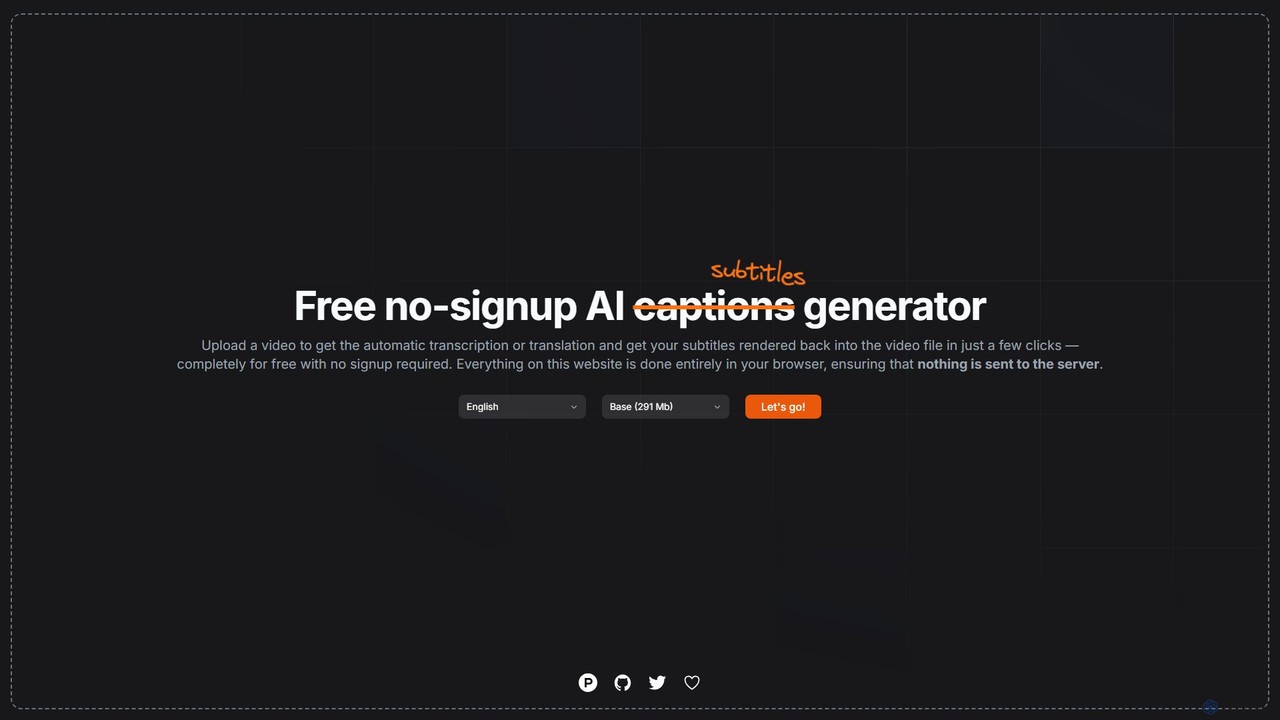
subtitles by fframes Overview
subtitles by fframes is a powerful and user-friendly AI-powered tool designed for effortless creation of video captions and subtitles. It stands out by offering a completely free, registration-free service that runs entirely within your web browser. This unique client-side approach guarantees user privacy, as no video files are ever uploaded to a server. Whether you need to transcribe audio, translate subtitles for a global audience, or permanently embed captions into your video, this tool provides a seamless, one-stop solution.
Developed for content creators, marketers, educators, and anyone needing to make their video content more accessible and engaging, subtitles by fframes simplifies a traditionally complex process into just a few clicks. Its intuitive interface and powerful underlying AI technology make it an indispensable utility for enhancing video accessibility and reach.
How to use subtitles by fframes
Using the tool is designed to be incredibly straightforward. Here is a typical workflow:
- Upload Video: Navigate to the subtitles by fframes website and click the 'Let's go!' button to select a video file from your computer. Supported formats typically include MP4, MOV, WebM, and more.
- Language Selection & Transcription: Once the video is loaded, specify the original language spoken in the video. The AI engine will then begin transcribing the audio directly in your browser. The duration of this process depends on the video's length and your computer's processing power.
- Review and Edit: After the transcription is complete, you can review the generated text. The tool provides an editor to correct any inaccuracies in wording or timing to ensure perfect synchronization.
- Translate (Optional): If you want to reach an international audience, you can use the built-in translation feature. Select a target language, and the AI will translate the entire transcript in seconds.
- Customize Appearance: Personalize the look of your subtitles. You can typically adjust the font, size, color, background, and on-screen position to match your brand or improve readability.
- Export Your File: Choose your desired output. You can either download the subtitles as a separate file (in common formats like SRT or VTT) or render them directly into the video (hardsubbing). The rendering process also happens locally in your browser before the final video is available for download.
Core Features of subtitles by fframes
- Automatic AI Transcription: Utilizes advanced speech-to-text AI to accurately convert spoken words into time-coded text.
- Multi-language Translation: Instantly translate your subtitles into dozens of different languages to expand your video's global reach.
- Browser-Based Processing: All operations, from transcription to rendering, are performed on the user's device. This ensures 100% privacy and security, as no data is sent to external servers.
- No Signup Required: Access all features immediately without the need for an account or subscription, eliminating any entry barriers.
- Subtitle Customization: Offers controls to edit the text and adjust the visual style of the captions, including font, size, color, and position.
- Hardsub Rendering: The ability to permanently burn the subtitles into the video file, ensuring they are visible on any platform or device.
- Subtitle File Export: Option to download the generated captions as standard .SRT or .VTT files for use on platforms like YouTube, Vimeo, or with various media players.
Use Cases for subtitles by fframes
This tool is versatile and serves a wide range of users:
- Content Creators: YouTubers, TikTokers, and Instagram influencers can quickly add captions to increase engagement and accessibility for viewers who watch videos on mute.
- Marketers: Businesses can add clear, translated subtitles to promotional videos and advertisements to improve message clarity and reach international markets.
- Educators and E-Learning: Teachers and online course creators can transcribe lectures and educational content, making it easier for students, including those with hearing impairments or non-native speakers, to follow along.
- Journalists and Researchers: Quickly transcribe interviews and video footage for analysis and reporting without compromising the confidentiality of the source material.
- Personal Use: Add subtitles to family videos or personal projects to make them accessible to all friends and family members.
Advantages of subtitles by fframes
The primary advantages of this tool are its focus on simplicity, privacy, and cost-effectiveness. Being completely free and requiring no registration makes it one of the most accessible subtitling tools available. The client-side processing model is a significant differentiator, offering peace of mind to users working with sensitive or confidential video content. Its combination of transcription, translation, and rendering in a single, easy-to-use interface saves users time and effort.
Pricing and Plans
subtitles by fframes is offered completely for free. There are no hidden fees, subscriptions, or usage limits mentioned. The project is likely sustained by donations or as a promotional tool for the fframes studio, as indicated by the 'Support this project' link on the website. Users can enjoy the full range of features without any financial commitment.
Traffic
Latest traffic
Status
Monthly traffic trend
- 2025-9: 518
- 2026-1: 364
- 2026-2: 1.8K
- 2026-3: 1.3K
- 2026-4: 707
- 2026-5: 304
Top keywords
| Keyword | Cost per click |
|---|---|
| f some subtitles. | $0.00 |
| vidnest subtitle | $0.00 |
subtitles by fframes Alternatives
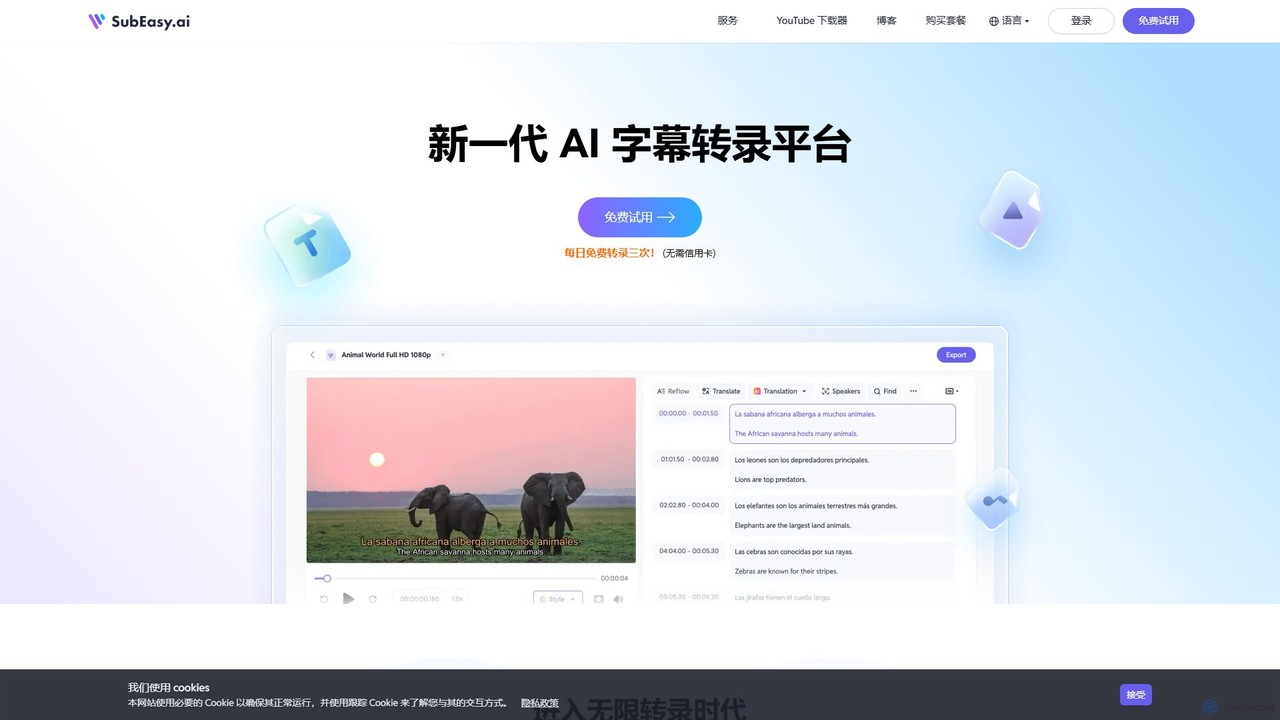
SubEasy
SubEasy is a next-generation AI platform for video and audio transcription, subtitle generation, and translation. Powered by OpenAI's Whisper, it delivers up to 99% accuracy. It supports over 100 languages, offers a unique AI Reflow feature for perfectly timed subtitles, and provides an all-in-one solution from transcription to video export, making it ideal for content creators, educators, and businesses.
Transcription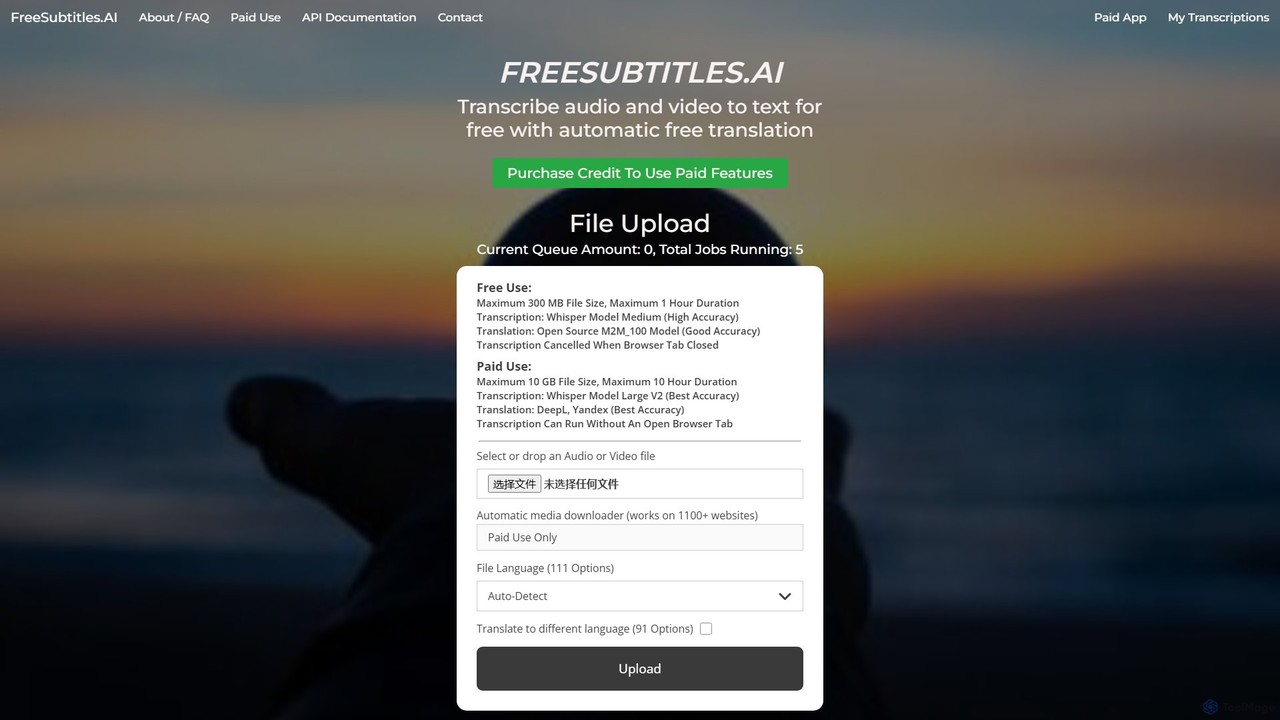
freesubtitles.ai
An AI-powered tool that offers free and paid services for transcribing audio and video into text with high accuracy. It supports over 111 languages for transcription and 91 for translation, utilizing models like OpenAI's Whisper. Paid features include higher limits, API access, and faster processing.
Transcription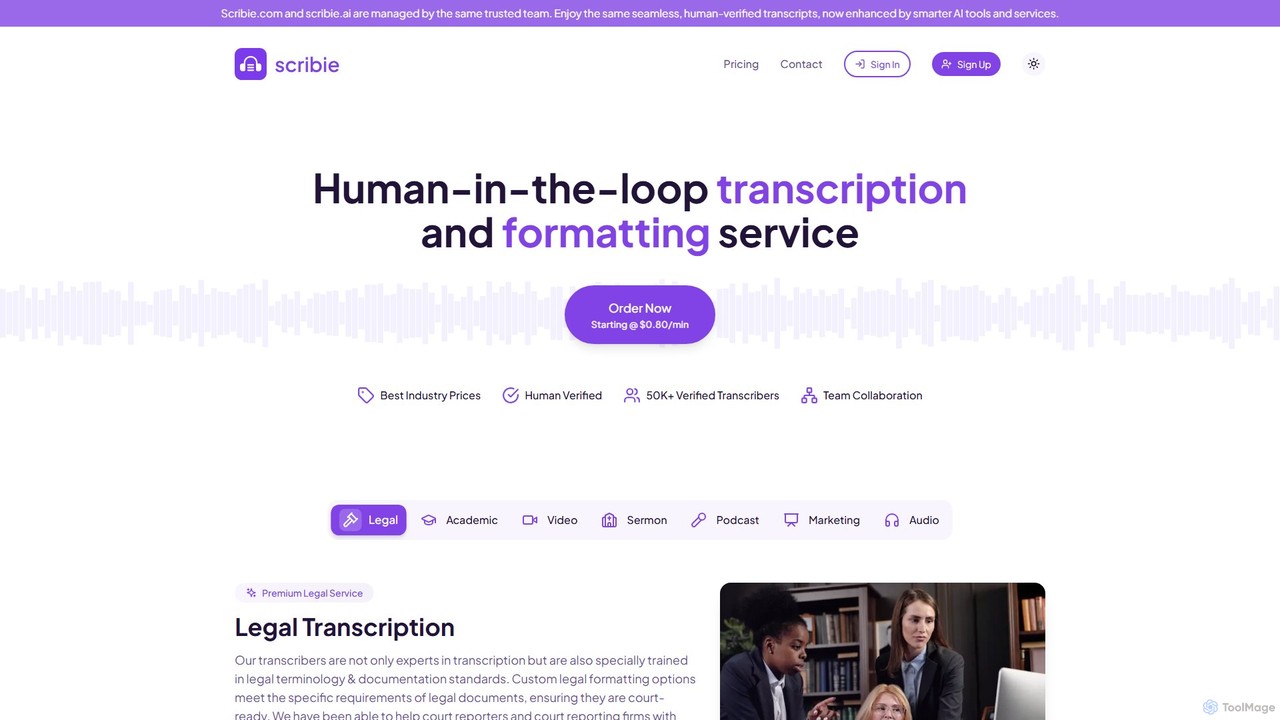
Scribie
Scribie offers AI-enhanced, human-verified transcription services, providing highly accurate and affordable transcripts. It combines advanced technology with a network of over 50,000 certified transcribers to guarantee 99% accuracy. Ideal for legal, academic, media, and business professionals, Scribie offers a simple, secure, and scalable solution for converting audio and video to text, starting at just $0.80 per minute.
Transcription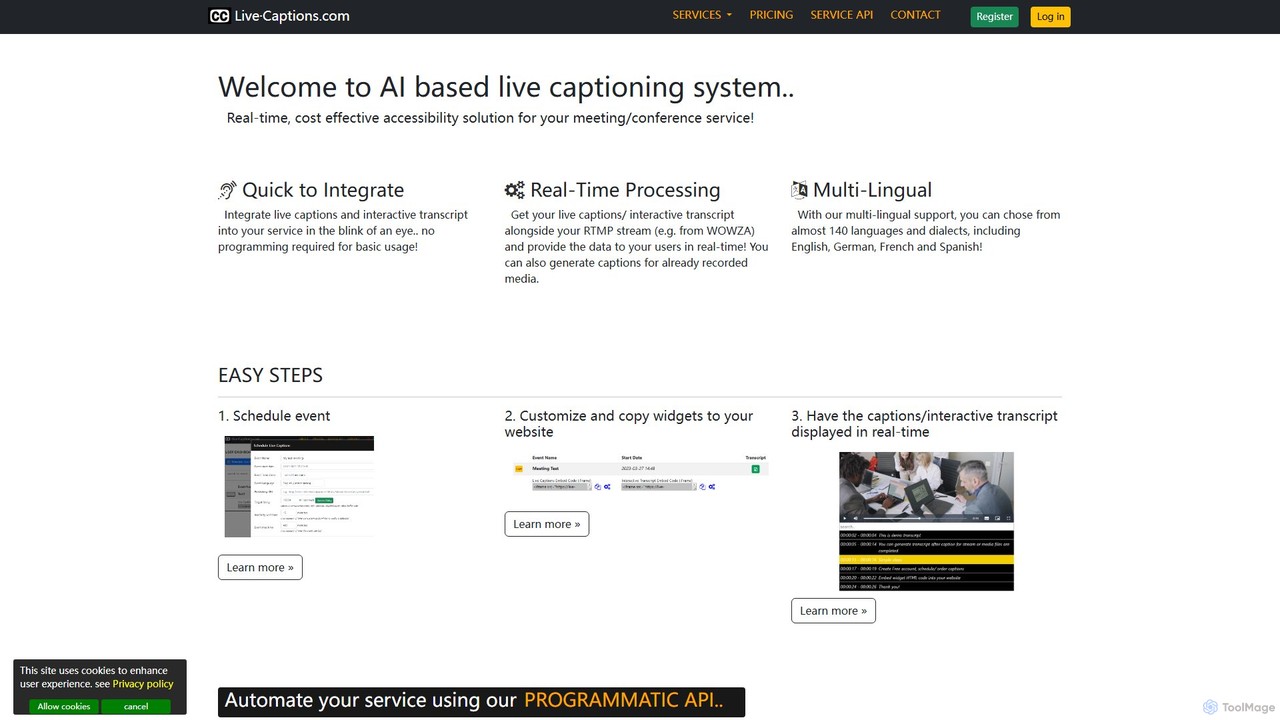
live_captions
An AI-powered service providing real-time, cost-effective live captioning and transcription for meetings, conferences, and streams. It supports nearly 140 languages and offers easy integration for both live and pre-recorded media.
Inclusivity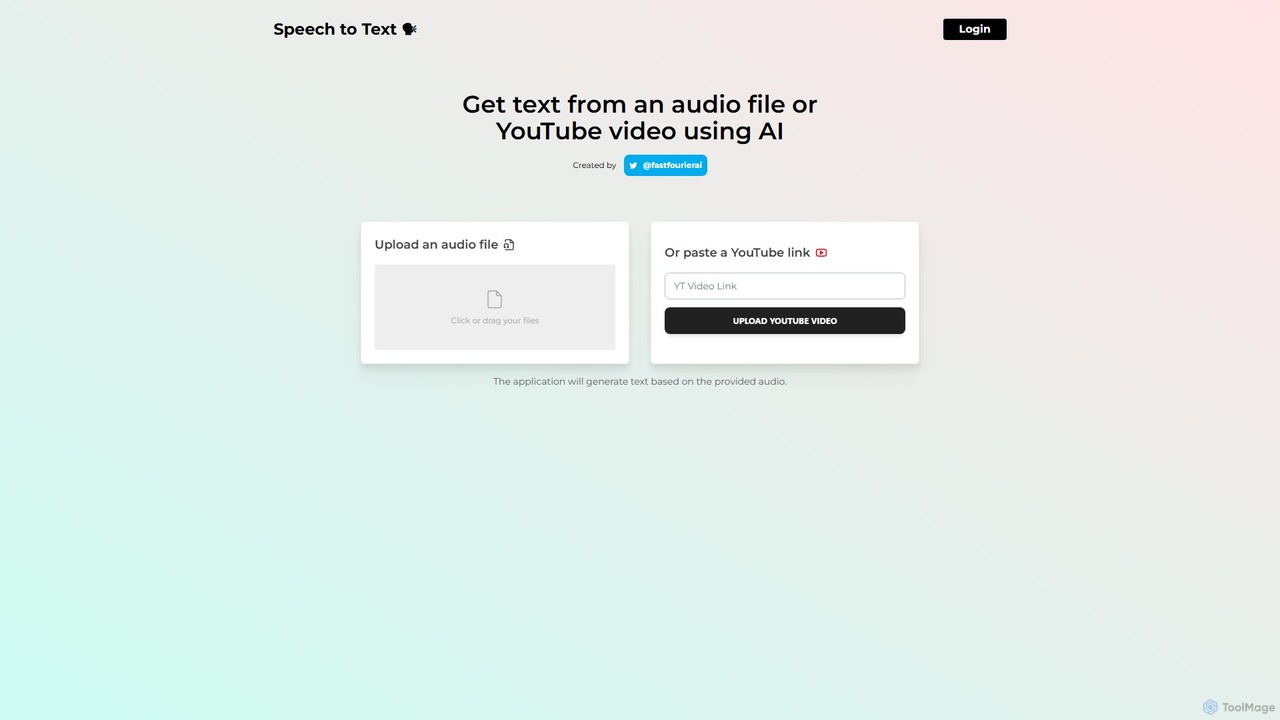
speechtotextai
speechtotextai is a free, AI-powered web tool that quickly transcribes audio files and YouTube videos into text. Simply upload a file or paste a YouTube link to receive an accurate, machine-generated transcript. Ideal for content creators, students, and professionals who need to convert spoken content into written format efficiently.
Transcriptionsubtitles by fframes Categories
subtitles by fframes Embed Widget
Copy this embed code to place the badge on your blog, article, or product site and send readers directly to this ToolMage detail page.

Related AI tools
SubEasy
SubEasy is a next-generation AI platform for video and audio transcription, subtitle generation, and translation. Powered by OpenAI's Whisper, it delivers up to 99% accuracy. It supports over 100 languages, offers a unique AI Reflow feature for perfectly timed subtitles, and provides an all-in-one solution from transcription to video export, making it ideal for content creators, educators, and businesses.
Transcription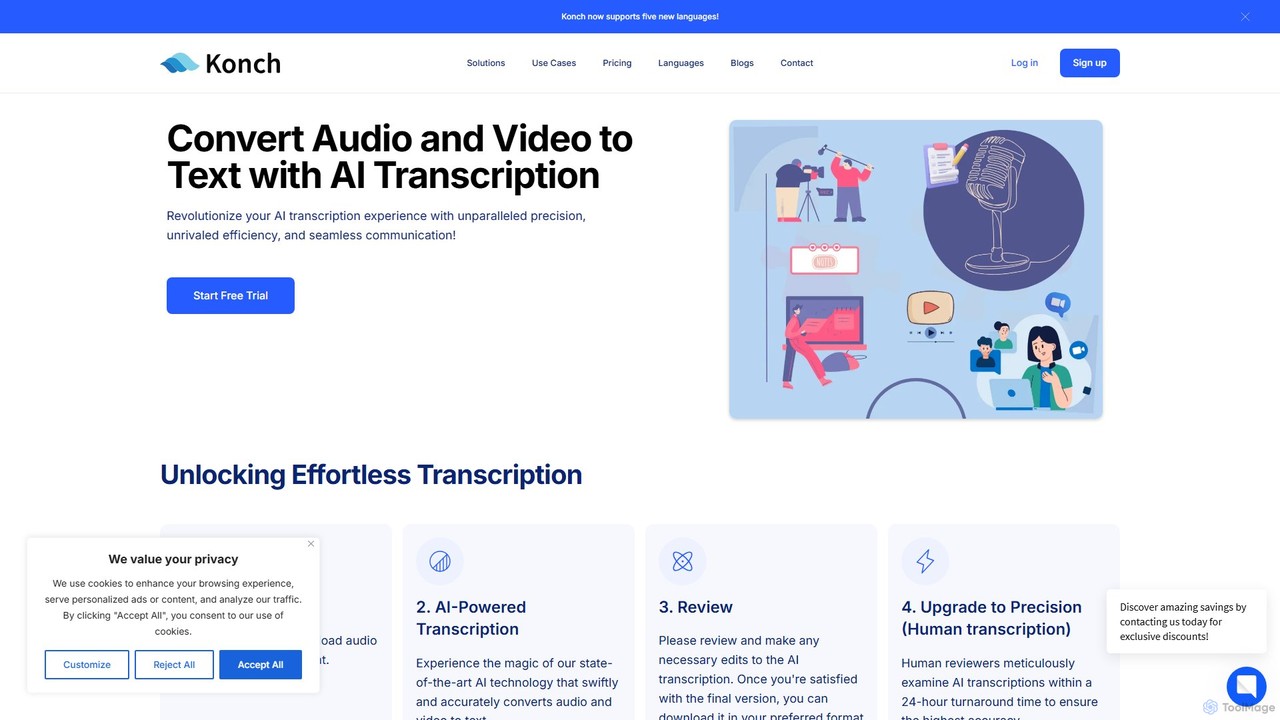
Konch
Konch is an advanced AI-powered transcription service that converts audio and video to text with up to 99% accuracy in over 55 languages. It offers real-time transcription, translation, and in-depth analysis features like summarization and speaker identification. Ideal for journalists, researchers, content creators, and businesses seeking to unlock insights from their voice and video content efficiently.
Speech To Text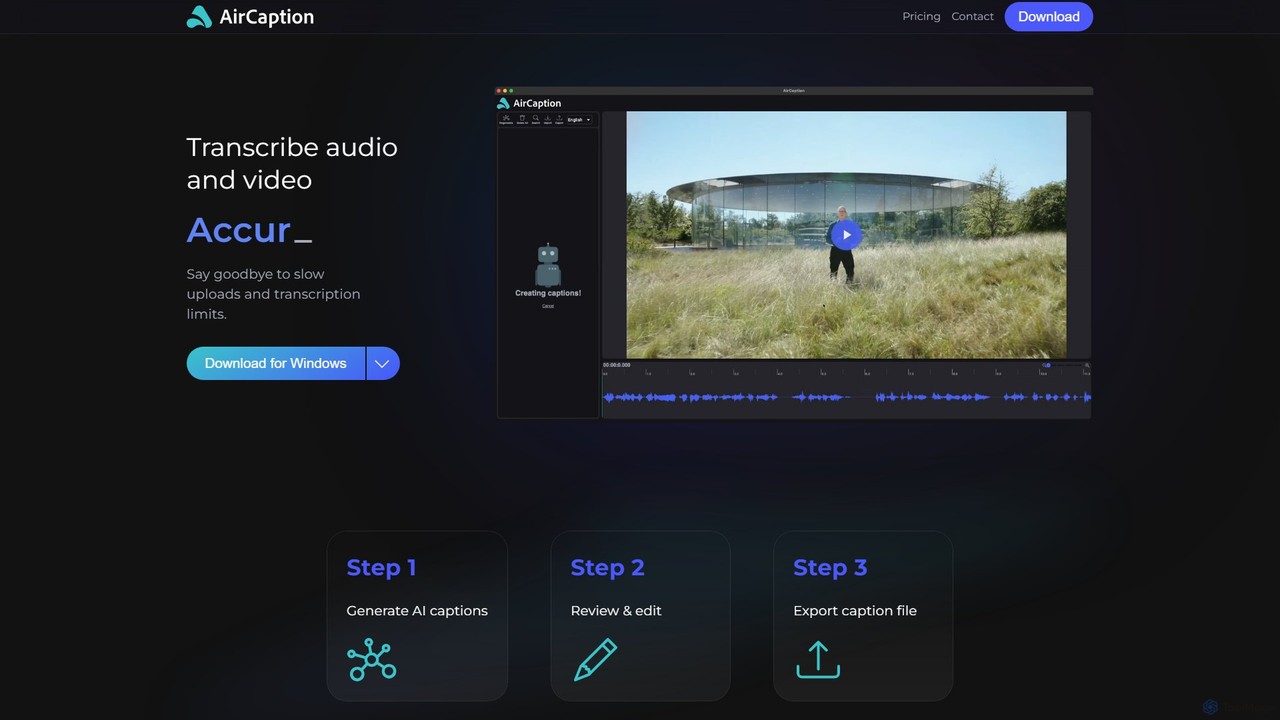
AirCaption
A desktop application for Windows and Mac that provides fast, accurate, and private AI-powered speech-to-text transcription. It generates subtitles for audio and video files in over 60 languages, works entirely offline to protect user data, and offers powerful editing tools for content creators, marketers, and professionals.
Accessibility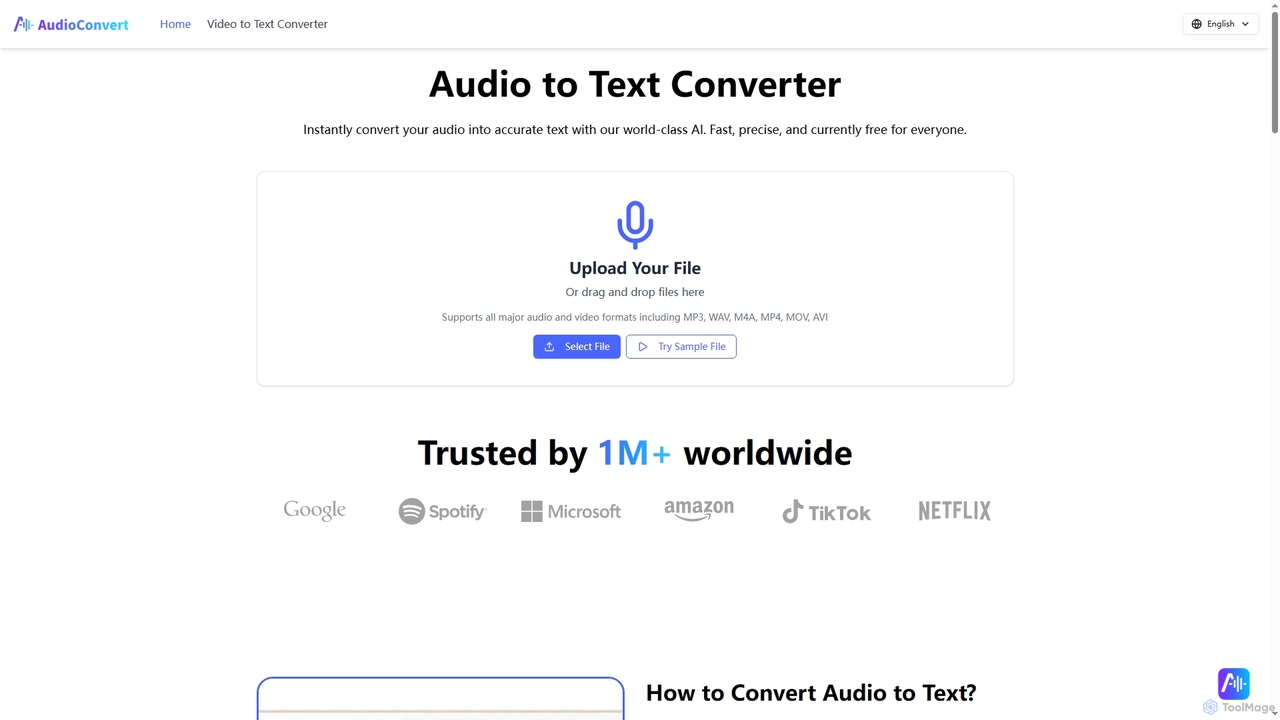
Audioconvert
Audioconvert is an AI-powered tool that swiftly and accurately converts audio and video files into text transcripts. It supports major formats, identifies multiple speakers, provides precise timestamps, and offers various export options like TXT, DOCX, and SRT, all currently available for free.
Meeting Management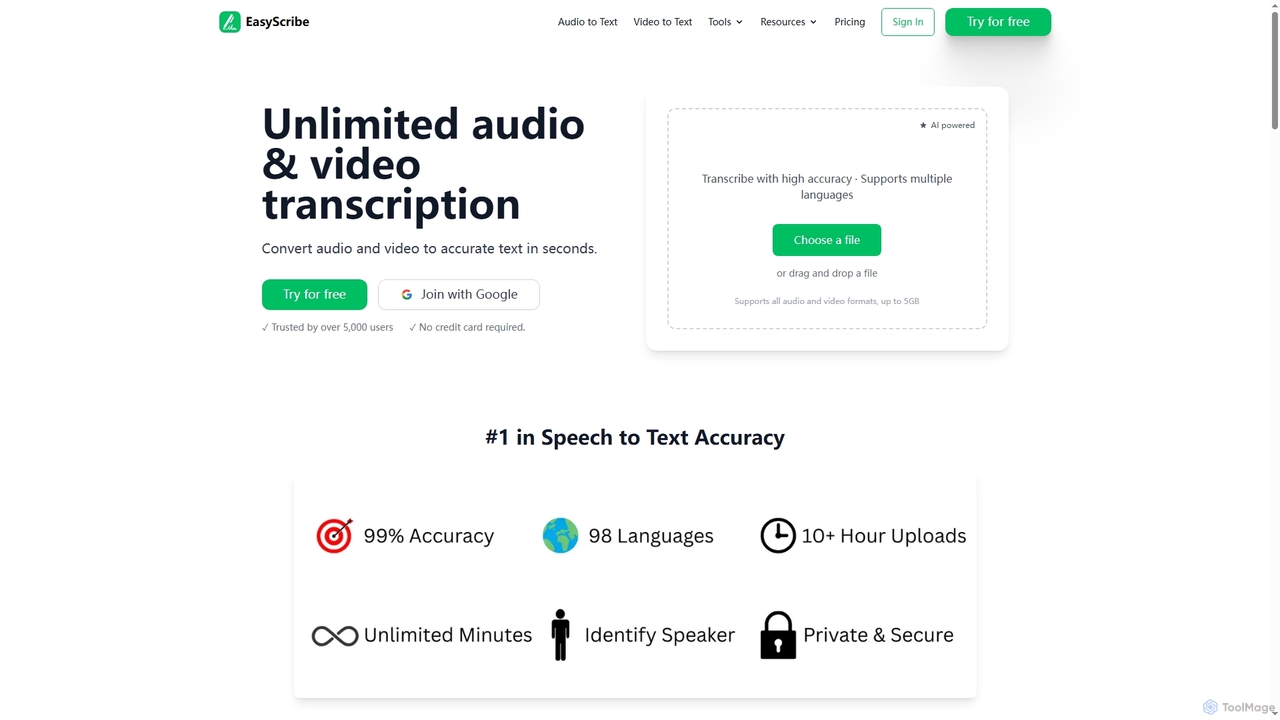
EasyScribe
EasyScribe is an AI-powered transcription tool that converts audio and video files into accurate text in seconds. It supports 98+ languages, offers speaker identification, and allows translation to 134+ languages, making it ideal for global communication and content creation.
Meeting Management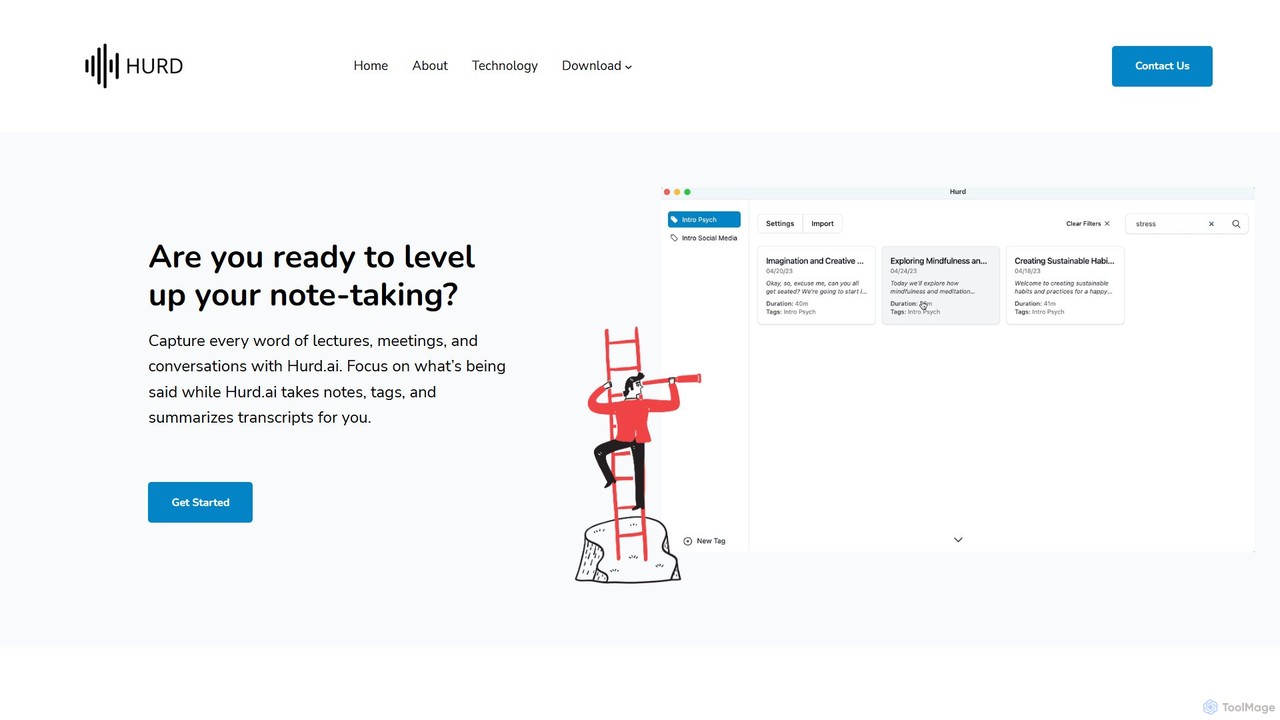
Hurd.ai
Hurd.ai is a free, privacy-focused AI transcription tool for macOS. It automatically transcribes, summarizes, and tags your lectures, meetings, and conversations from audio/video files. Powered by OpenAI's Whisper, it offers high accuracy in over 90 languages. All processing is done locally on your device, ensuring your data remains private. Ideal for students, professionals, and anyone needing to capture spoken information without the distraction of manual note-taking.
Speech To Textfreesubtitles.ai
An AI-powered tool that offers free and paid services for transcribing audio and video into text with high accuracy. It supports over 111 languages for transcription and 91 for translation, utilizing models like OpenAI's Whisper. Paid features include higher limits, API access, and faster processing.
TranscriptionScribie
Scribie offers AI-enhanced, human-verified transcription services, providing highly accurate and affordable transcripts. It combines advanced technology with a network of over 50,000 certified transcribers to guarantee 99% accuracy. Ideal for legal, academic, media, and business professionals, Scribie offers a simple, secure, and scalable solution for converting audio and video to text, starting at just $0.80 per minute.
Transcriptionlive_captions
An AI-powered service providing real-time, cost-effective live captioning and transcription for meetings, conferences, and streams. It supports nearly 140 languages and offers easy integration for both live and pre-recorded media.
Inclusivityspeechtotextai
speechtotextai is a free, AI-powered web tool that quickly transcribes audio files and YouTube videos into text. Simply upload a file or paste a YouTube link to receive an accurate, machine-generated transcript. Ideal for content creators, students, and professionals who need to convert spoken content into written format efficiently.
Transcription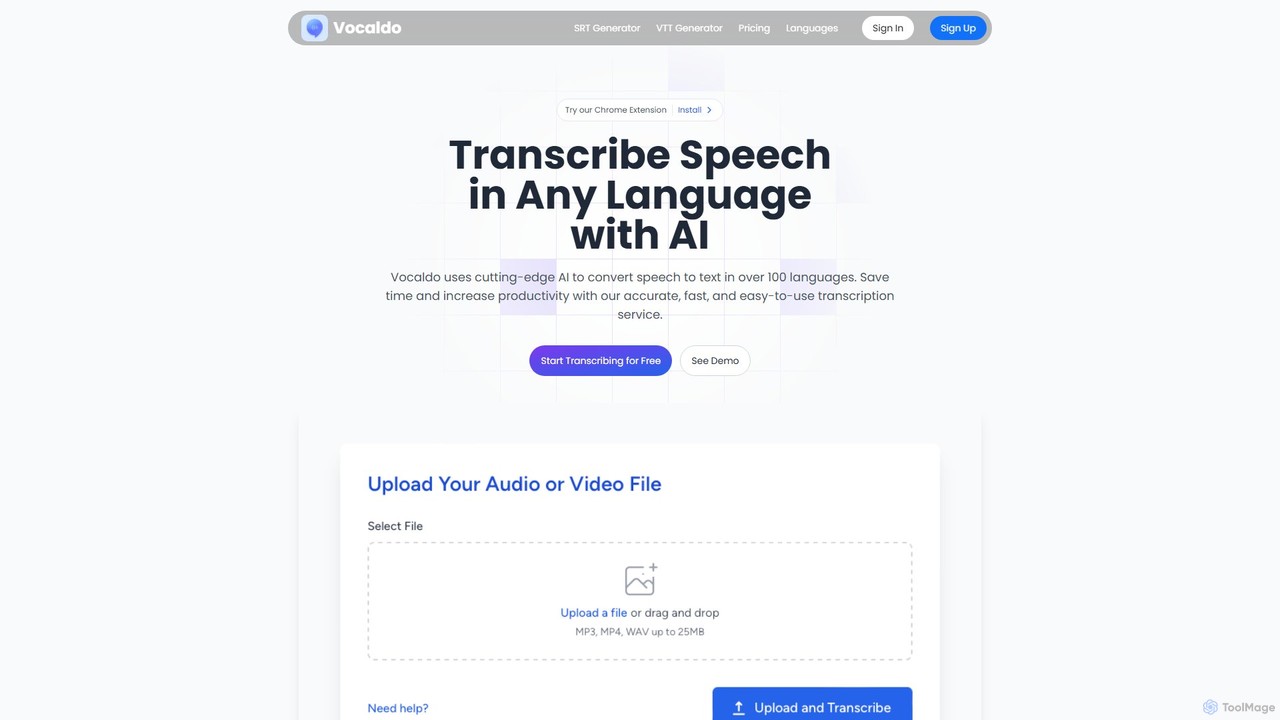
Vocaldo
Vocaldo is an AI-powered transcription service that accurately converts speech to text in over 100 languages. It offers fast processing, high accuracy, and supports various file formats like TXT, SRT, and VTT. Features include automatic summarization, translation, and a user-friendly editor, making it ideal for content creators, businesses, and professionals to save time and expand their global reach.
Transcription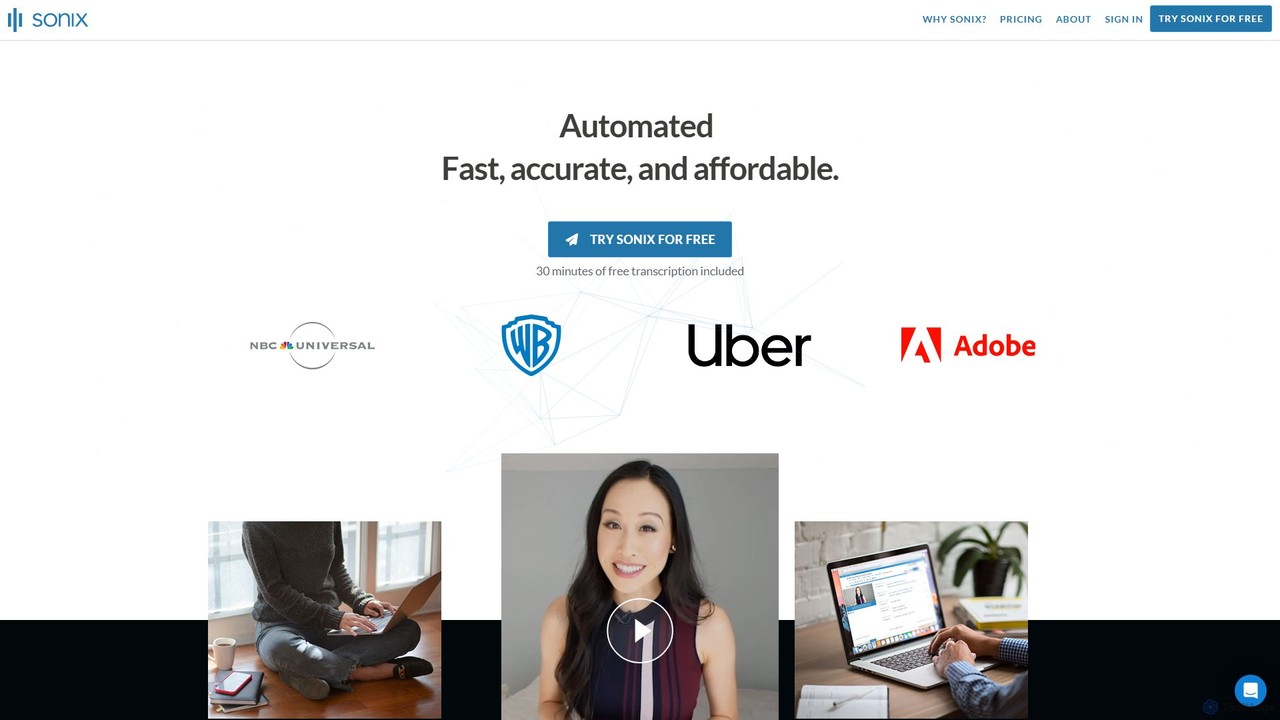
Sonix
Sonix is an advanced AI-powered platform that automatically transcribes, translates, and analyzes audio and video content. It delivers fast, highly accurate speech-to-text conversion in over 53 languages. The platform includes an in-browser editor, automated subtitling, AI-driven summaries, and collaboration tools, making it ideal for journalists, researchers, marketers, and businesses to unlock insights from their media files.
Content Creation
Accuratescribe
Accuratescribe is an AI-powered transcription service that converts audio and video to text with 99.8% accuracy. Powered by Whisper technology, it supports 134+ languages, speaker detection, and large file processing. Ideal for content creators, researchers, and legal professionals, it offers fast, secure, and reliable transcription with flexible export options like SRT, VTT, DOCX, and PDF.
Speech To Text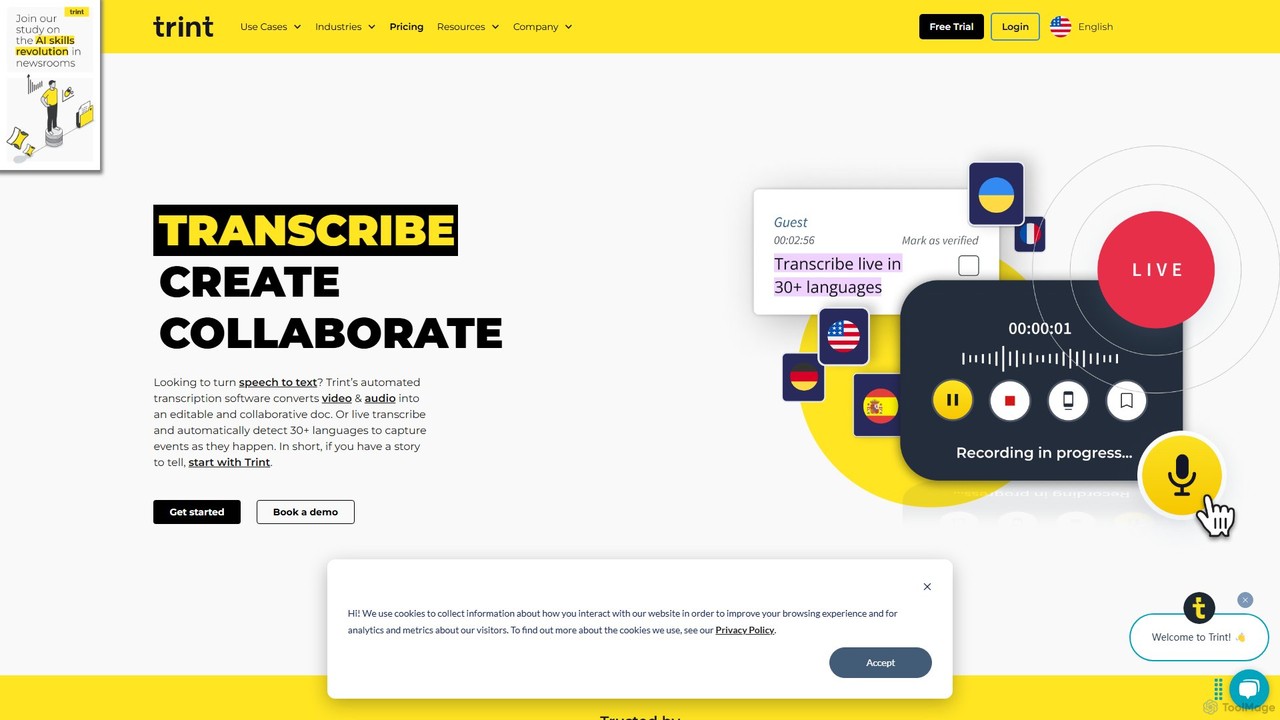
Trint
Trint is an AI-powered transcription platform that converts audio and video to text with up to 99% accuracy. It supports over 40 languages for transcription and 50+ for translation, offering real-time collaboration, an interactive editor, and content creation tools for journalists, marketers, and researchers to streamline their workflow and tell stories faster.
Content Creation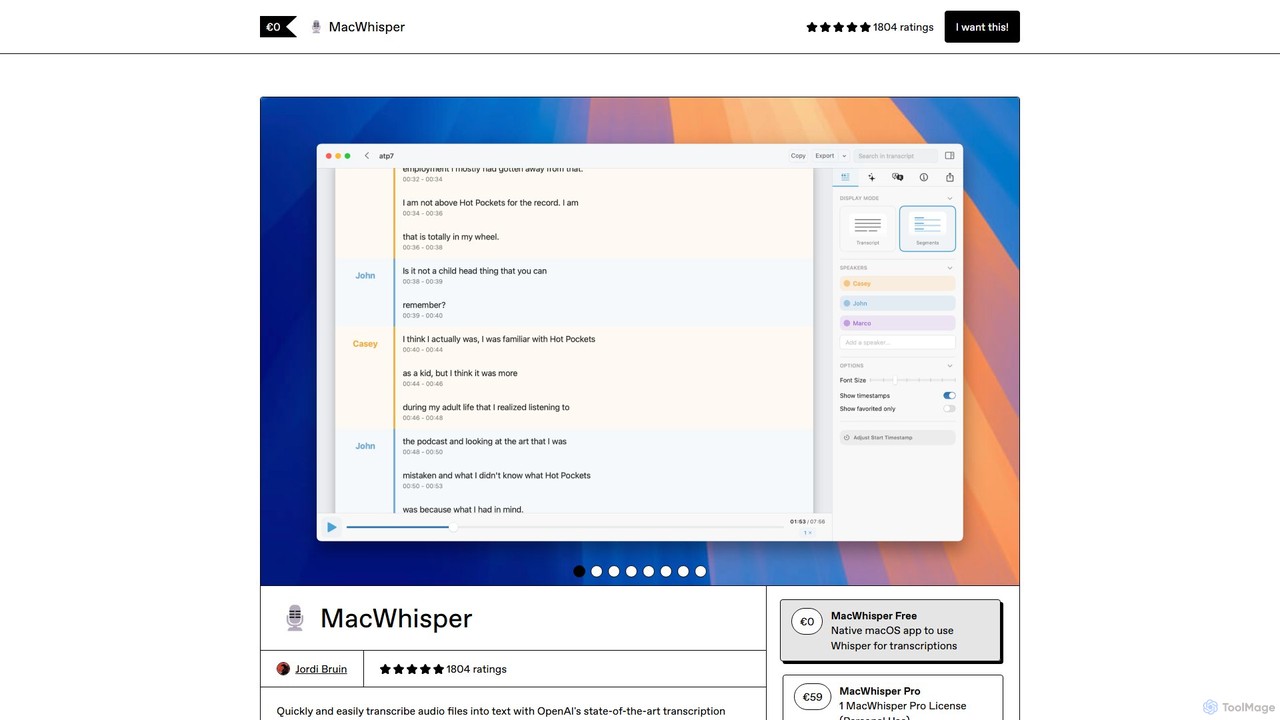
MacWhisper
MacWhisper is a powerful macOS application that leverages OpenAI's Whisper and other advanced models for fast, accurate, and private audio-to-text transcription. It allows users to easily transcribe audio/video files, record meetings, and use system-wide dictation, all processed locally on your device. It offers a free version for basic use and a Pro version with a one-time purchase for advanced features like speaker recognition, batch processing, and translation.
Speech To Text
subtitles by fframes Comments (0)
Sign in to comment.
Sign inNo comments yet.