

speechtotextai Overview
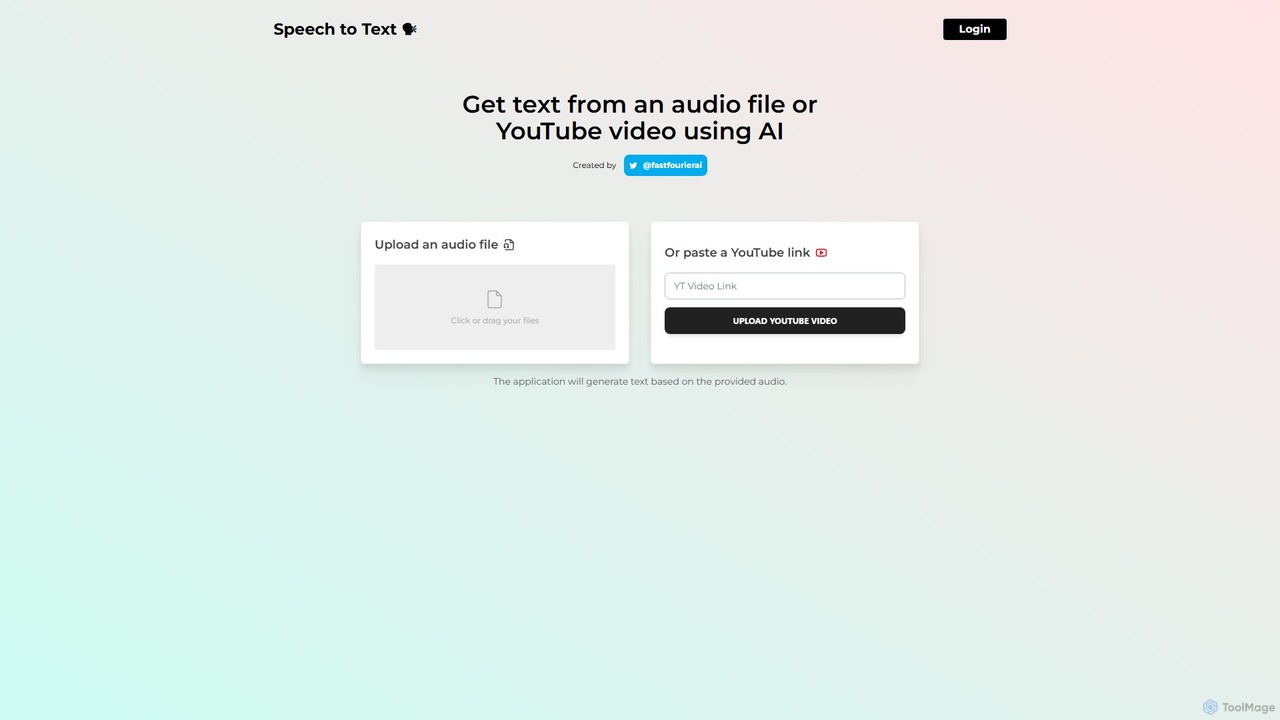
speechtotextai is a highly accessible and efficient AI-powered tool designed to convert spoken language from audio files and YouTube videos into written text. Leveraging advanced Automatic Speech Recognition (ASR) technology, this web-based application provides a straightforward solution for anyone needing quick and accurate transcriptions without the complexity of professional software or the cost of manual services. Created by @fastfourierai, the tool emphasizes simplicity and speed, making it an invaluable asset for a wide range of users.
The core value of speechtotextai lies in its dual-functionality. Users can either upload local audio files directly from their computer or paste a URL from YouTube. The AI engine then processes the audio content, generating a comprehensive text transcript. This process is designed to be as seamless as possible, with a clean, minimalist interface that guides the user through the necessary steps without any clutter or confusion.
How to use speechtotextai
Using the tool is incredibly simple and requires no registration or setup. The process can be completed in just a few steps:
- Choose Your Source: Navigate to the speechtotextai website. You will be presented with two clear options: uploading an audio file or providing a YouTube link.
- Upload an Audio File: If you have a local audio file (such as an MP3, WAV, or M4A), you can either click the designated area to open a file browser or simply drag and drop your file onto the page.
- Paste a YouTube Link: If you want to transcribe a video, copy the URL of the YouTube video and paste it into the specified input field.
- Initiate Transcription: Click the "UPLOAD" or "UPLOAD YOUTUBE VIDEO" button. The AI will begin processing the audio from your source.
- Receive Your Transcript: After a short processing time, the application will display the generated text directly on the page, ready for you to copy, save, and use as needed.
Core Features of speechtotextai
- AI-Powered Transcription: Utilizes a sophisticated AI model to ensure high accuracy in converting speech to text, capturing nuances in language.
- YouTube Video Transcription: Seamlessly extracts audio from any public YouTube video via its URL and transcribes it, perfect for creating subtitles or content summaries.
- Direct Audio File Upload: Supports various common audio formats, allowing users to transcribe recordings from meetings, lectures, interviews, and more.
- Multi-Language Support: The underlying AI is capable of recognizing and transcribing speech in numerous languages, making it a versatile tool for a global audience.
- Simple & Intuitive Interface: A clean, web-based UI with no unnecessary features ensures a user-friendly experience for everyone, regardless of technical skill.
- Fast Processing: Delivers transcripts significantly faster than manual transcription, saving users valuable time.
- Timestamping (Inferred): Transcripts are often generated with timestamps, allowing users to easily navigate to specific points in the original audio or video.
Use Cases for speechtotextai
speechtotextai is a versatile tool with applications across various fields:
- Content Creators & YouTubers: Instantly generate transcripts for video descriptions or create subtitles (SRT files), improving video SEO and accessibility for hearing-impaired viewers.
- Students & Academics: Transcribe lectures, seminars, and research interviews to create searchable study notes and accurate records.
- Journalists & Podcasters: Quickly convert interviews and podcast episodes into written articles, show notes, or full transcripts for their websites.
- Business Professionals: Create accurate minutes from meetings, conference calls, and webinars, ensuring no critical information is lost.
- Language Learners: Transcribe audio in a foreign language to study vocabulary, sentence structure, and pronunciation.
Advantages of speechtotextai
The primary advantage of speechtotextai is its combination of simplicity, accessibility, and power. It democratizes transcription technology by offering it for free in an easy-to-use web format. Users can avoid expensive software licenses or per-minute fees charged by transcription services. Its speed allows for rapid content turnaround, boosting productivity for professionals and creators alike. The direct support for YouTube links is a standout feature that saves the extra step of downloading a video before transcribing it.
Pricing and Plans
Based on the information available on the website, speechtotextai appears to be a completely free tool. There are no visible subscription tiers, pricing pages, or payment requirements to use the service. This makes it an exceptional choice for individuals, students, and small-scale projects that require high-quality transcription without a budget. The service is provided as-is, offering powerful functionality at no cost.
speechtotextai Alternatives
skeletonfingers
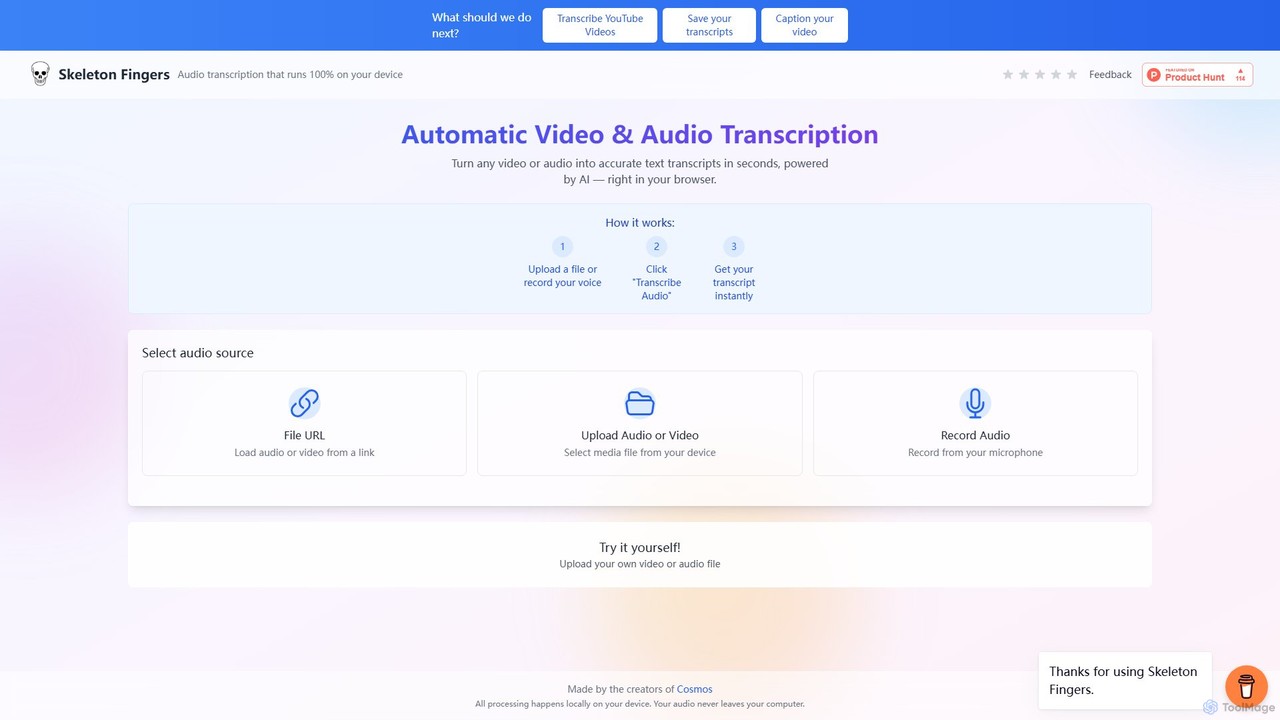
An AI-powered, browser-based tool that provides fast and accurate transcription for audio and video files. Instantly convert speech to text from file uploads, URLs (like YouTube), or direct microphone recordings to generate transcripts and captions.
Transcription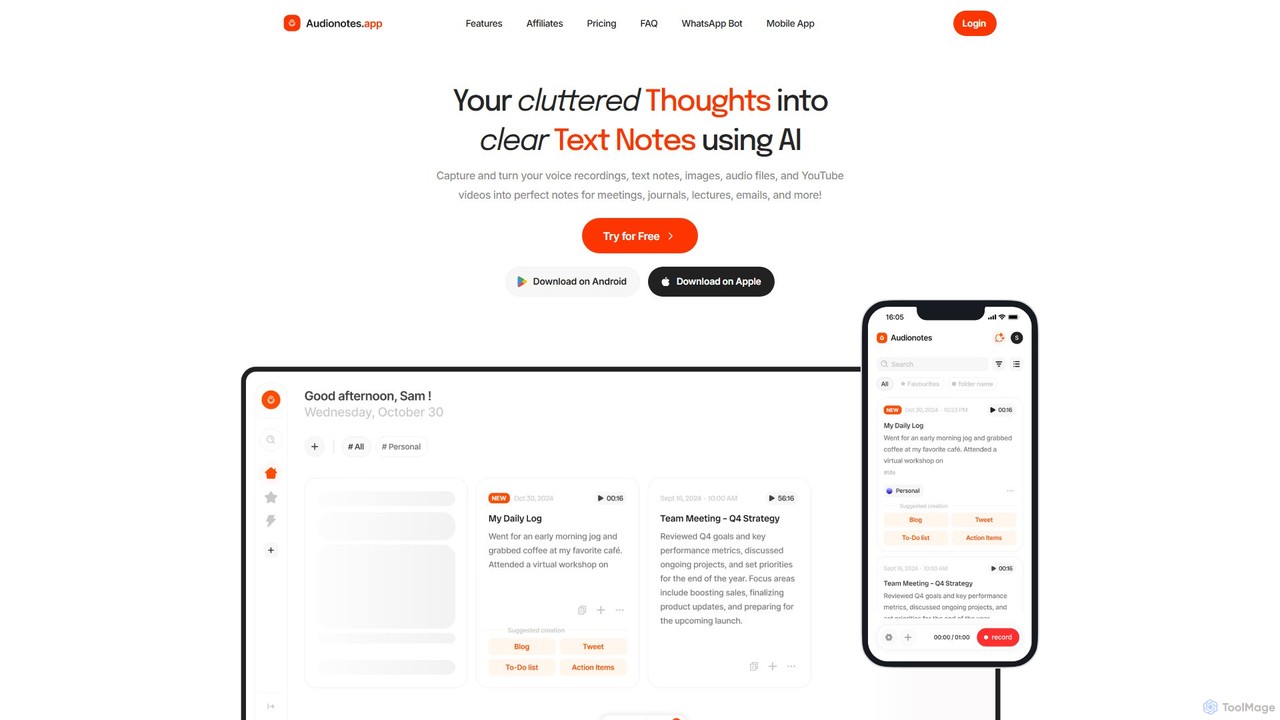
Audionotes.app
Audionotes.app is an AI-powered assistant that transforms your voice notes, text, images, audio/video files, and YouTube videos into clear, structured text. It's designed for professionals, students, and creators to capture ideas, transcribe meetings, summarize lectures, and generate content effortlessly across multiple platforms.
Transcription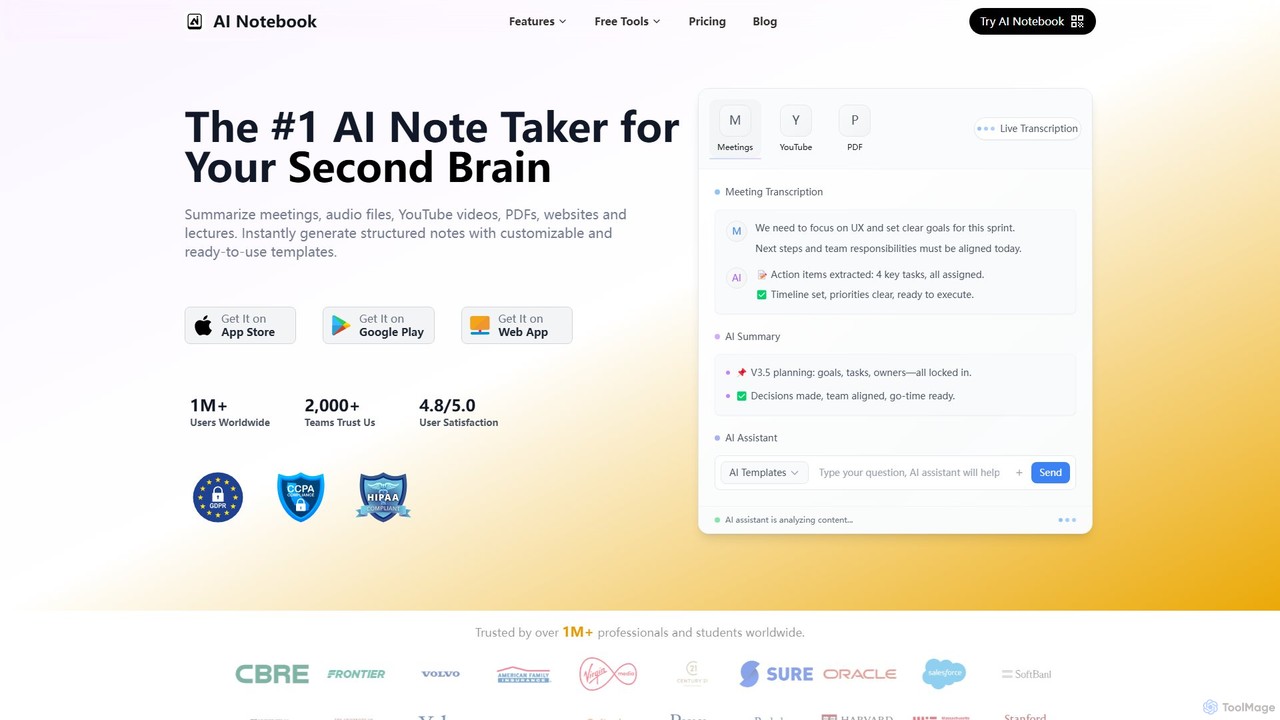
AI Notebook
AI Notebook is an intelligent note-taking and transcription tool that acts as your second brain. It instantly transcribes and summarizes meetings, lectures, audio/video files, YouTube videos, and PDFs. Using AI, it extracts key points, action items, and creates structured notes, boosting productivity for professionals, students, and teams.
Transcription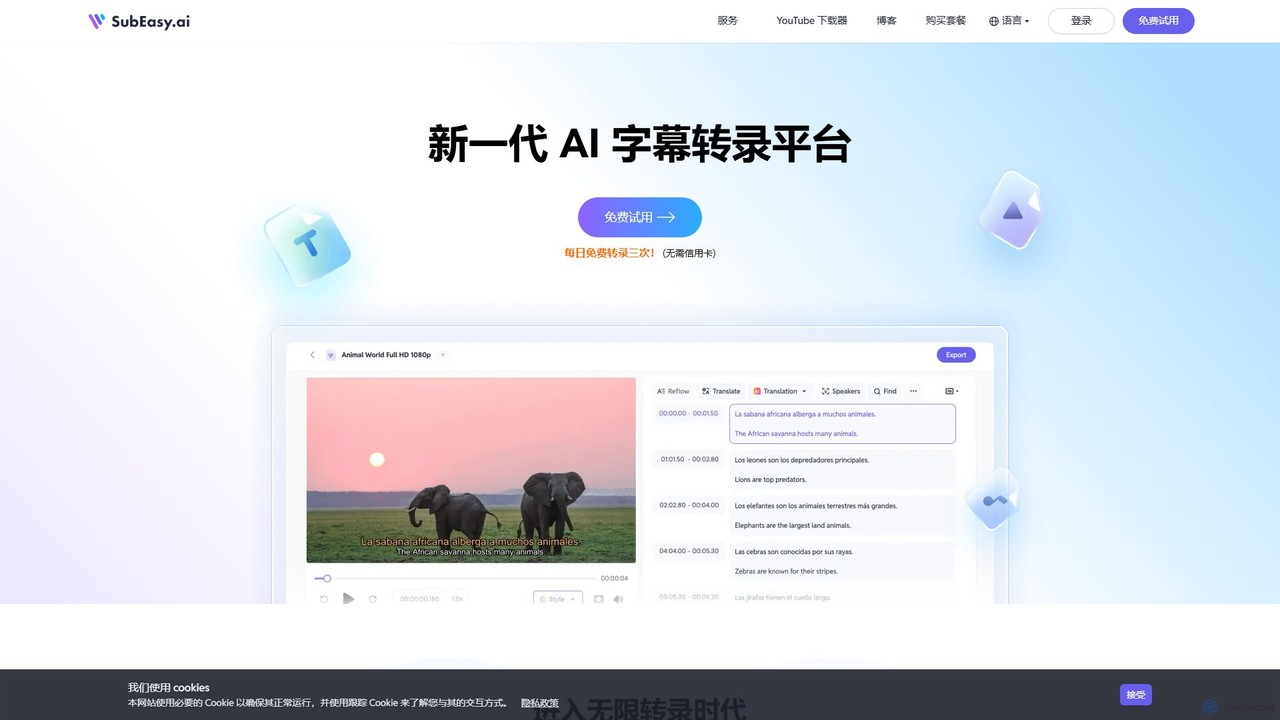
SubEasy
SubEasy is a next-generation AI platform for video and audio transcription, subtitle generation, and translation. Powered by OpenAI's Whisper, it delivers up to 99% accuracy. It supports over 100 languages, offers a unique AI Reflow feature for perfectly timed subtitles, and provides an all-in-one solution from transcription to video export, making it ideal for content creators, educators, and businesses.
Transcription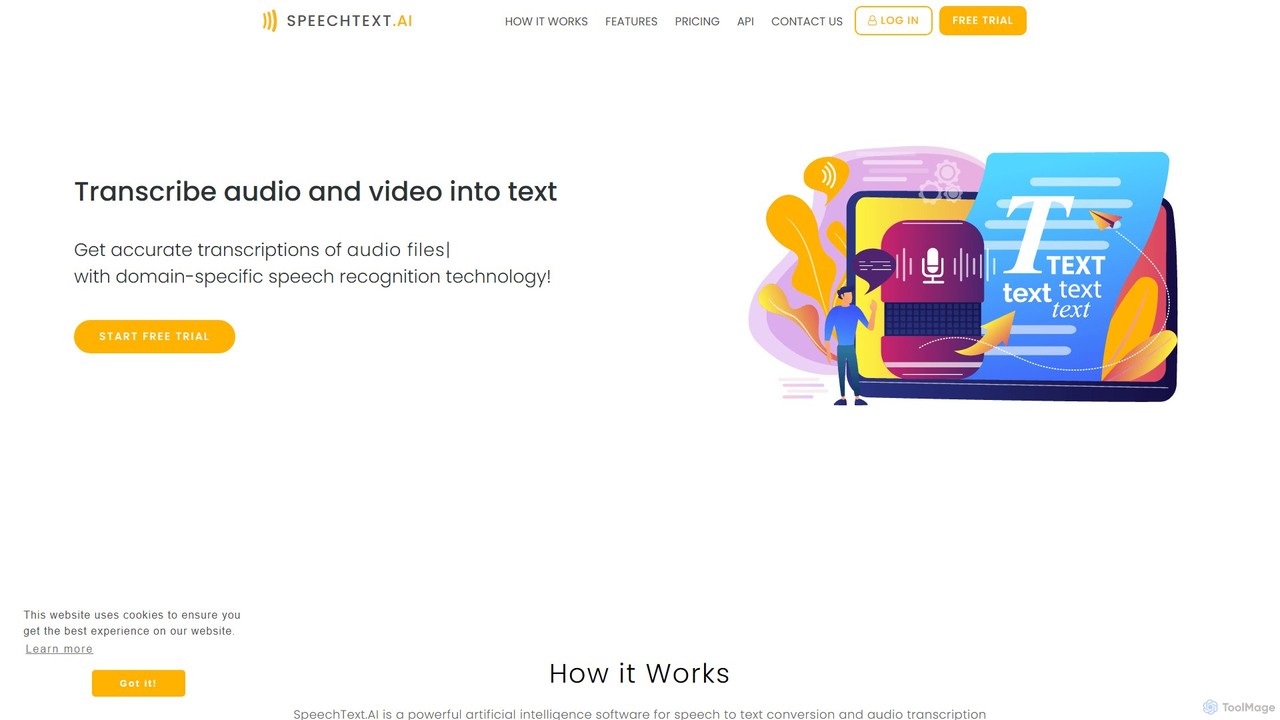
SpeechText.AI
SpeechText.AI is an advanced AI-powered transcription service that automatically converts audio and video files into accurate text. It supports over 30 languages, features speaker identification, and generates subtitles (SRT files). Ideal for content creators, educators, and businesses looking to enhance accessibility and workflow efficiency.
Transcriptionspeechtotextai Categories
speechtotextai Embed Widget
Copy this embed code to place the badge on your blog, article, or product site and send readers directly to this ToolMage detail page.

Related AI tools
Good Tape
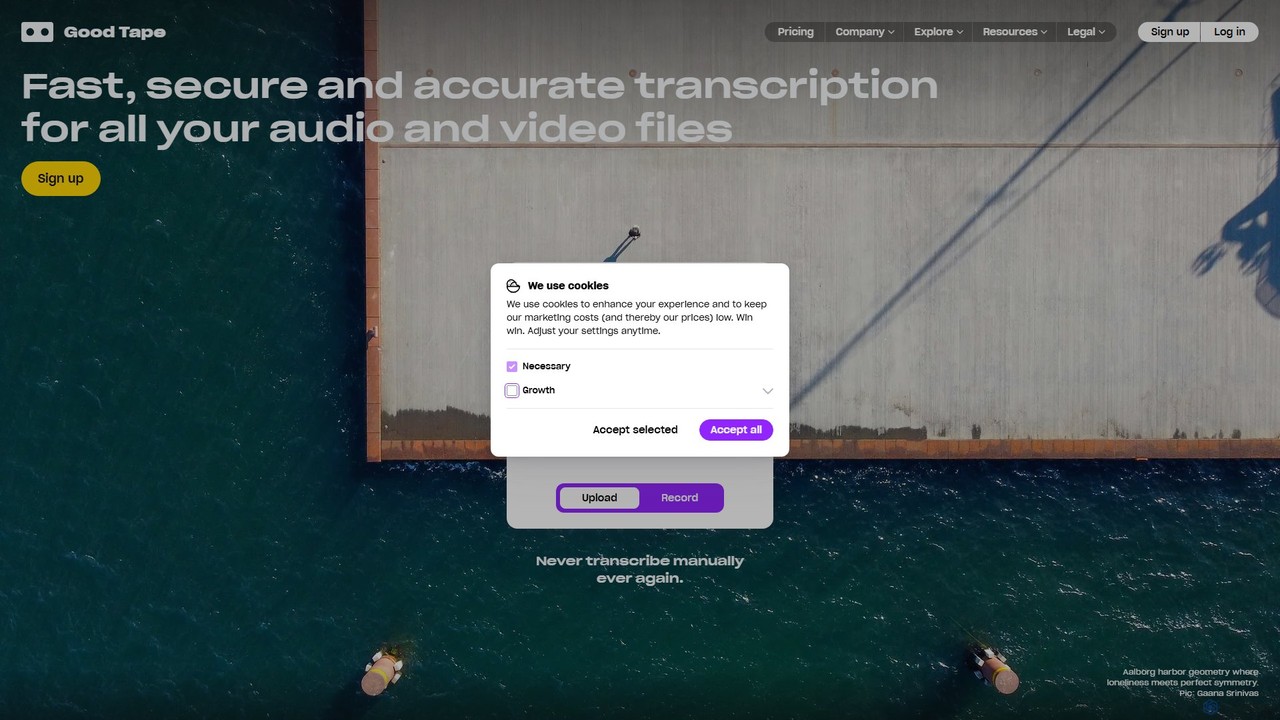
Good Tape is an AI-powered transcription service designed for journalists, researchers, and content creators. It provides fast, secure, and highly accurate transcriptions for audio and video files in over 90 languages. The platform focuses on a simple user experience, robust security, and delivering reliable text output to save users significant time and effort.
Speech To Text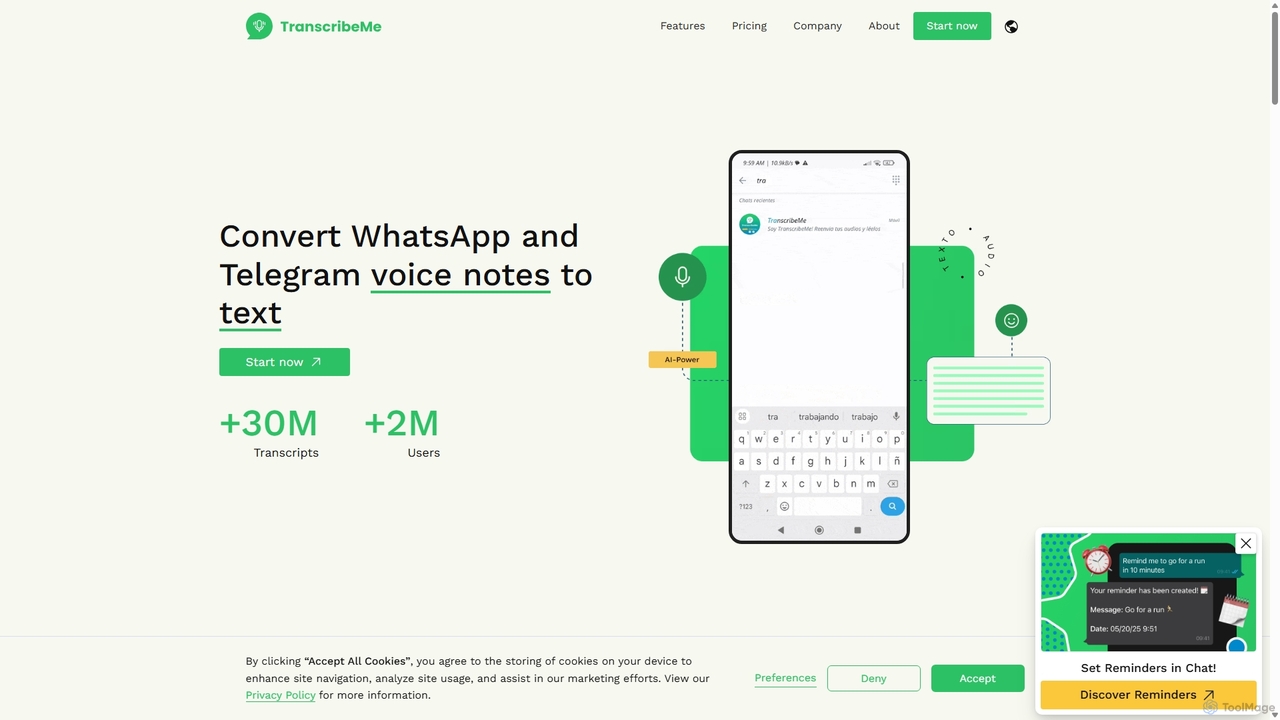
TranscribeMe
TranscribeMe is an advanced AI-powered transcription service that quickly and accurately converts audio and video files into text. It supports multiple languages, identifies different speakers, and provides an intuitive editor for easy review and correction. Ideal for podcasters, journalists, researchers, and students, TranscribeMe streamlines the process of creating searchable, editable transcripts.
Speech To Text
Verba AI
Verba AI is an advanced AI-powered platform for highly accurate audio and video transcription. It converts speech to text in real-time across multiple languages, offering features like AI chat for text analysis, interactive quiz generation for students, and SRT subtitle creation for content creators. With unlimited transcription and versatile export options (PDF, SRT), it's designed to boost productivity for students, professionals, and creators by transforming spoken content into actionable, organized information.
Study Toolsskeletonfingers
An AI-powered, browser-based tool that provides fast and accurate transcription for audio and video files. Instantly convert speech to text from file uploads, URLs (like YouTube), or direct microphone recordings to generate transcripts and captions.
Transcription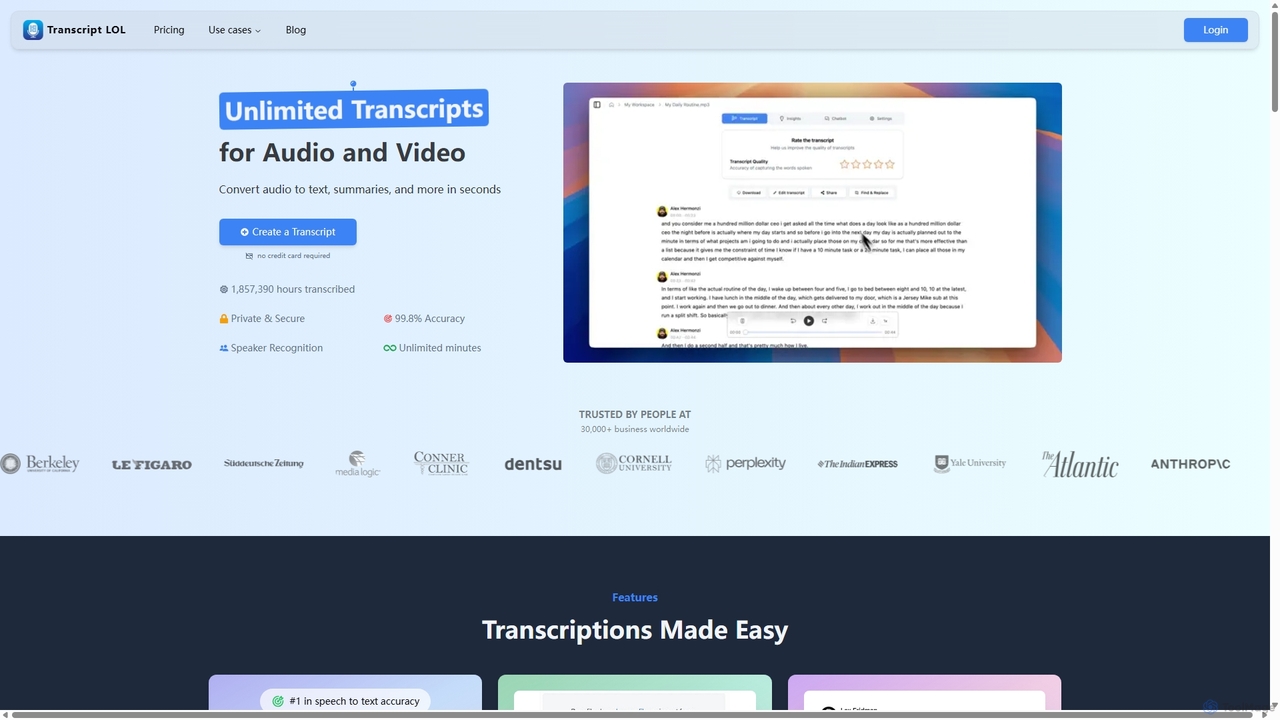
Transcript LOL
Transcript LOL is an AI-powered transcription service that rapidly converts audio and video files into accurate text. It offers unlimited transcriptions, speaker recognition, and advanced AI features to generate summaries, blog posts, social media content, and more, streamlining content creation and analysis workflows.
Speech To Text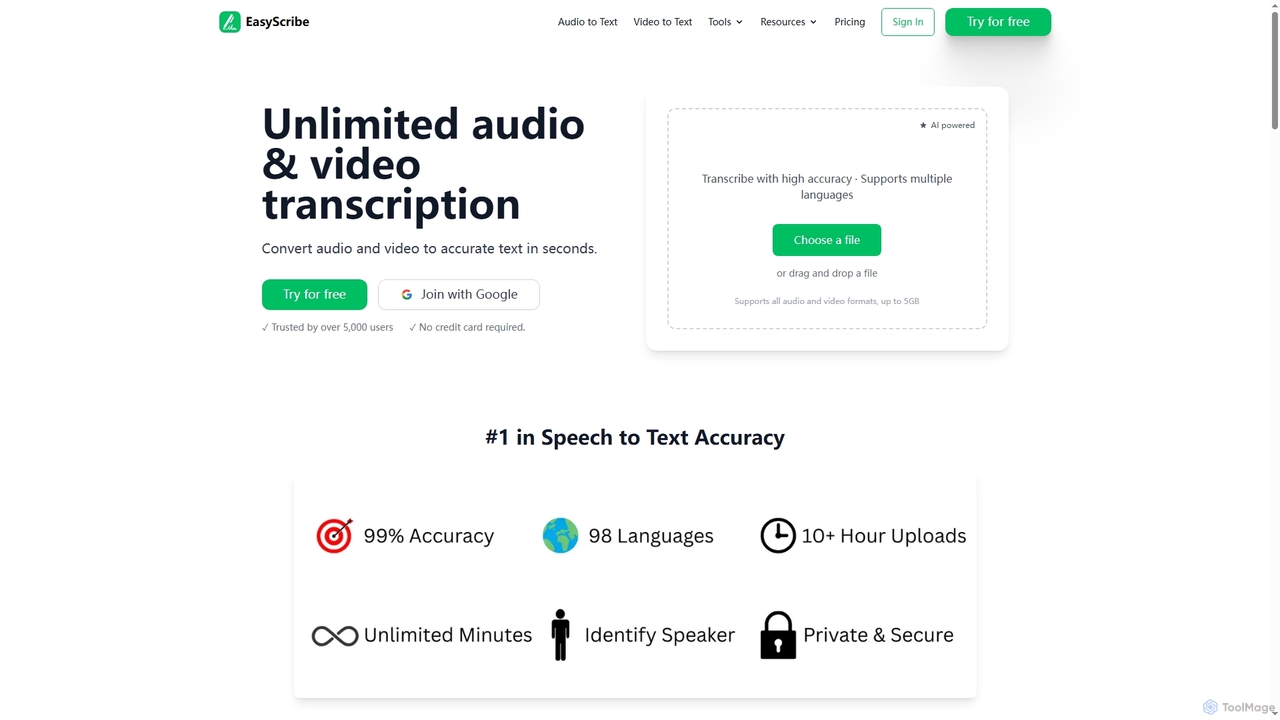
EasyScribe
EasyScribe is an AI-powered transcription tool that converts audio and video files into accurate text in seconds. It supports 98+ languages, offers speaker identification, and allows translation to 134+ languages, making it ideal for global communication and content creation.
Meeting Management
voicetotextapp
An AI-powered transcription service that accurately converts voice and audio into text in real-time. Supports multiple languages, speaker identification, and various export formats. Ideal for transcribing meetings, interviews, podcasts, and lectures with high speed and precision.
Speech To Text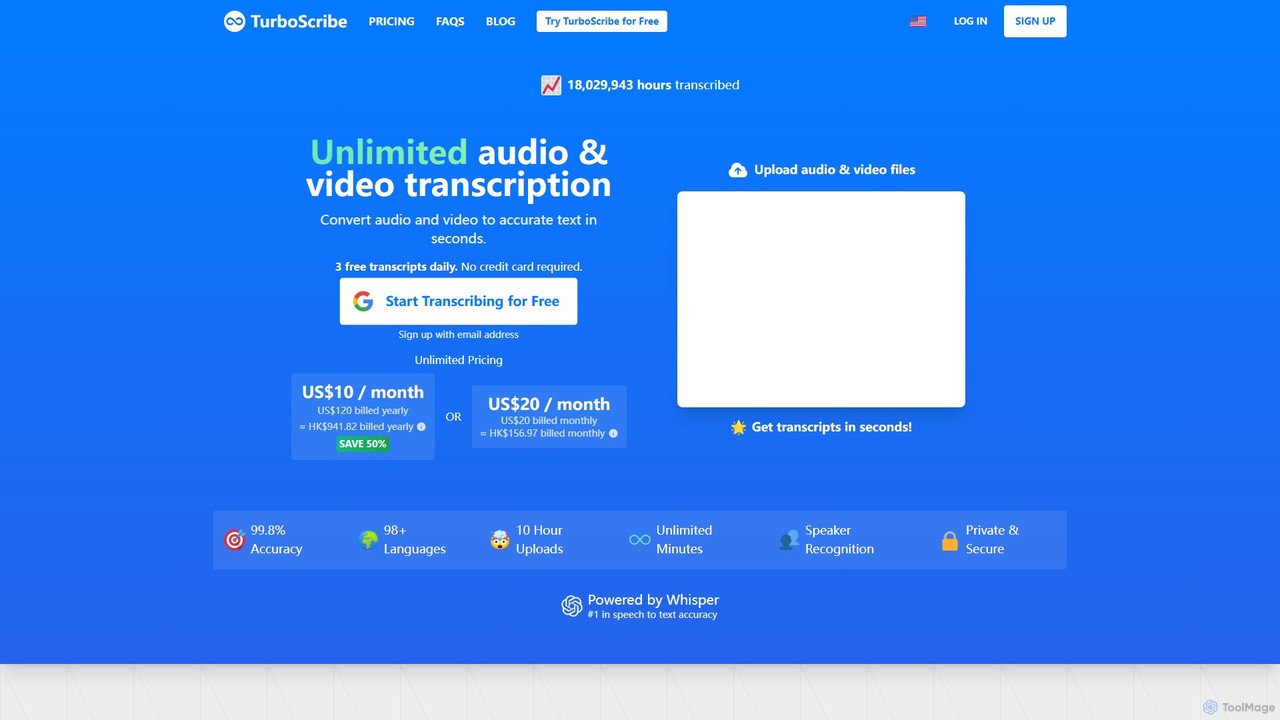
TurboScribe
TurboScribe is an AI-powered transcription service that converts unlimited audio and video files to highly accurate text in seconds. Powered by Whisper, it supports over 98 languages, features speaker recognition, and offers built-in translation to 134+ languages. Ideal for transcribing meetings, interviews, podcasts, and videos with up to 99.8% accuracy. It offers a generous free plan and an affordable unlimited plan.
Transcription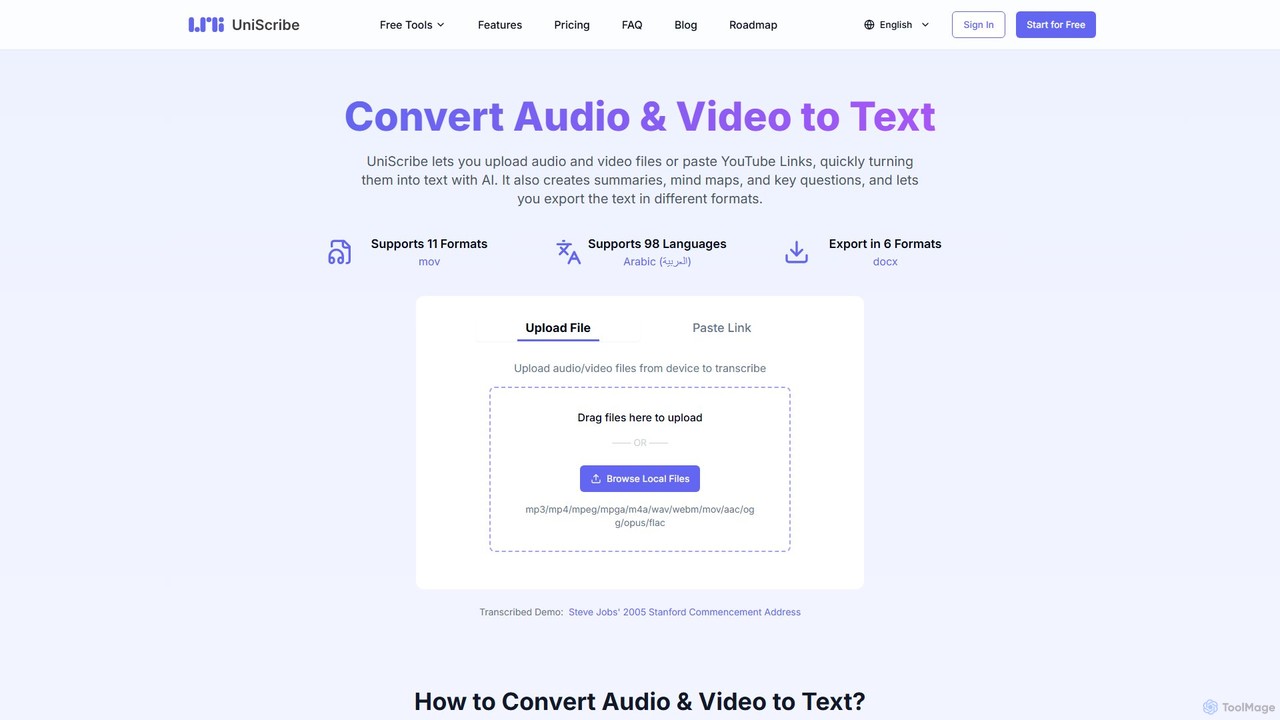
Uniscribe
Uniscribe is an AI-powered transcription service that quickly converts audio and video files into accurate text. It supports 98 languages and various file formats. Beyond simple transcription, Uniscribe automatically generates concise summaries, visual mind maps, and key questions from your content. Users can export transcripts in multiple formats like TXT, SRT, DOCX, and PDF, or share them directly via a link. It's an ideal tool for students, journalists, content creators, and researchers looking to save time and enhance productivity.
Speech To Text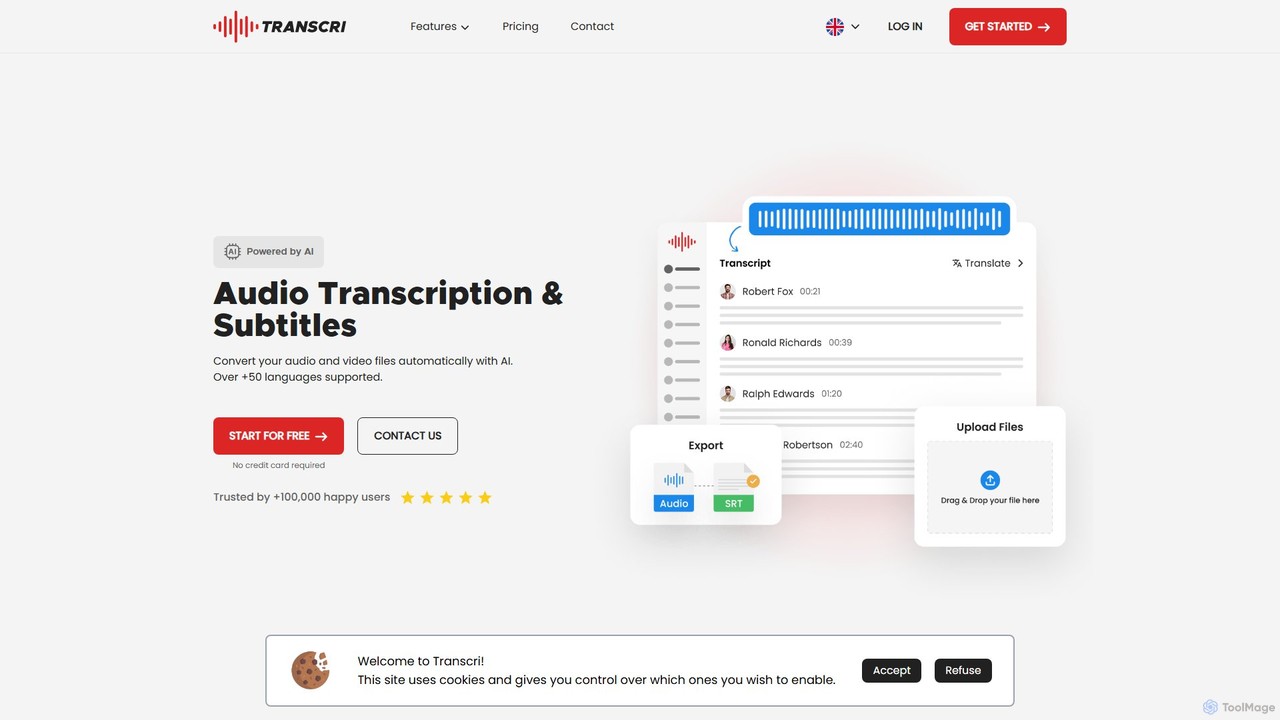
Transcri
Transcri is an AI-powered platform for fast and accurate audio/video transcription and subtitle generation. It supports over 50 languages, offers up to 96% accuracy, and features speaker identification. Ideal for professionals in media, business, and education, it provides flexible export options, a collaborative workspace, and robust data security.
Speech To Text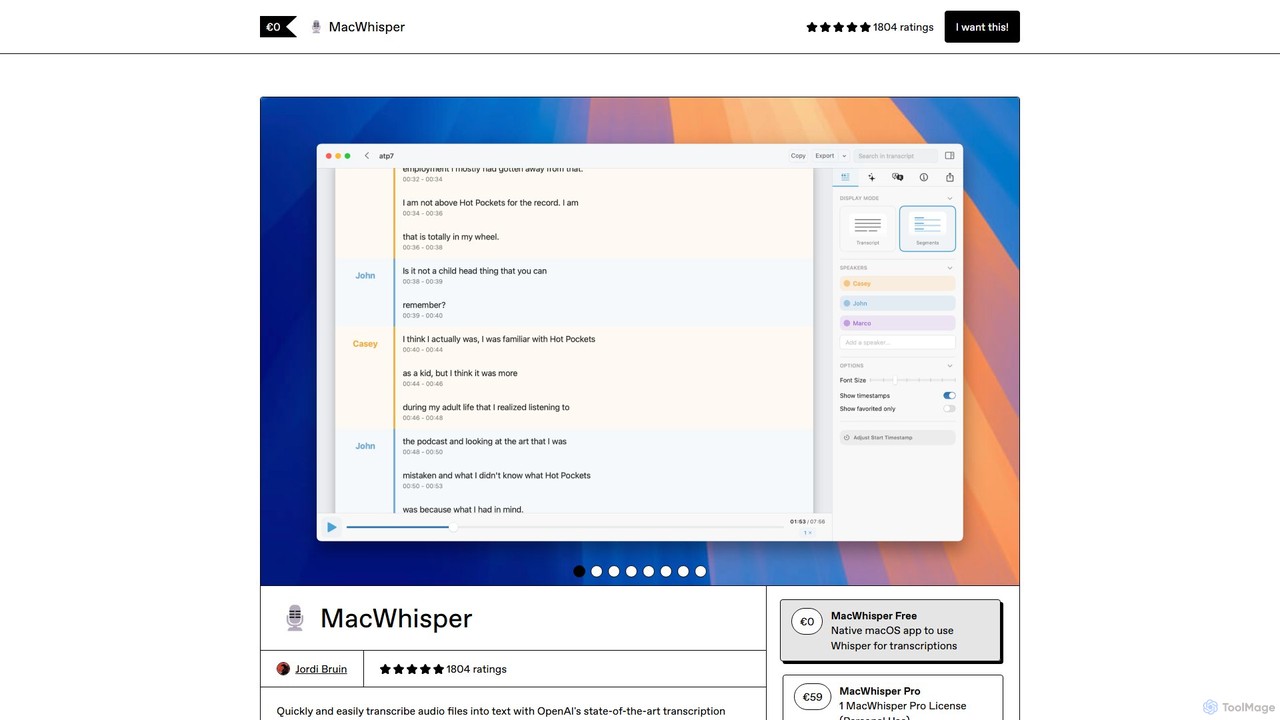
MacWhisper
MacWhisper is a powerful macOS application that leverages OpenAI's Whisper and other advanced models for fast, accurate, and private audio-to-text transcription. It allows users to easily transcribe audio/video files, record meetings, and use system-wide dictation, all processed locally on your device. It offers a free version for basic use and a Pro version with a one-time purchase for advanced features like speaker recognition, batch processing, and translation.
Speech To Text
Jyek
Jyek is an AI agent platform that understands objectives, creates execution plans, uses tools, and delivers verifiable results for complex, multi-step tasks.
Automation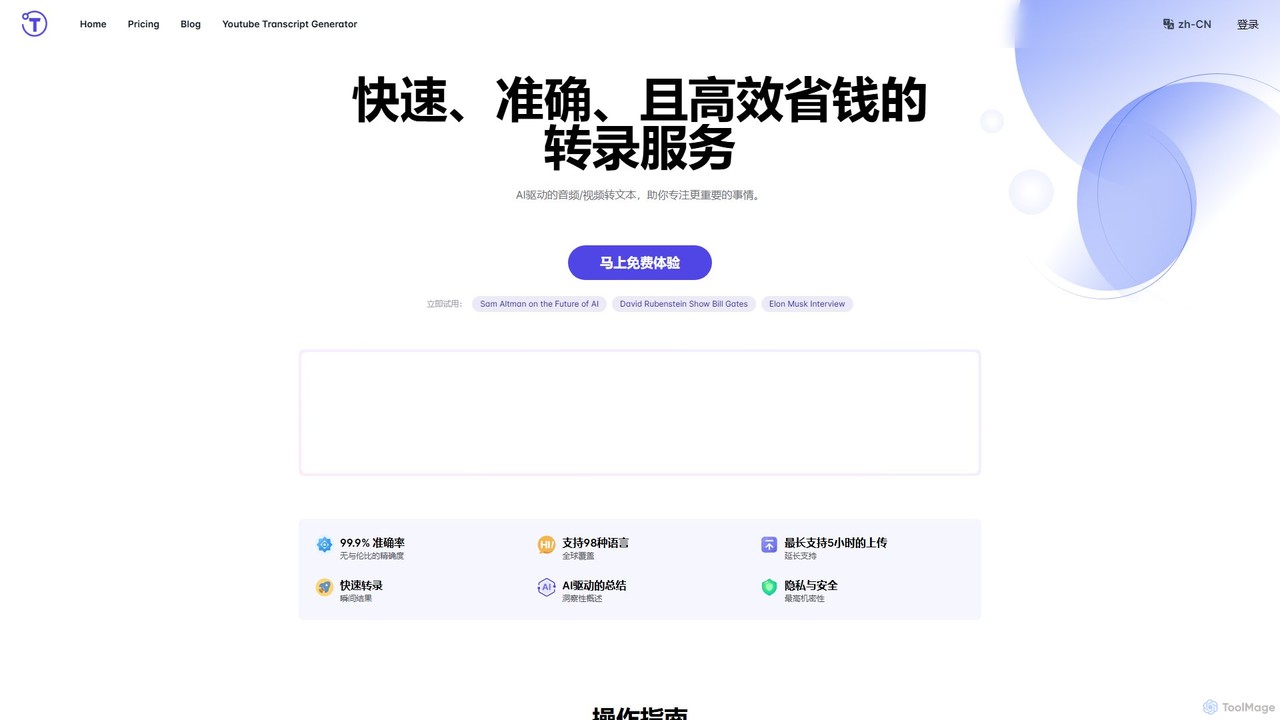
yescribe
yescribe is an AI-powered transcription service that quickly and accurately converts audio and video files into text. Supporting 98 languages, it offers 99.9% accuracy, AI-driven summaries, and speaker identification. Ideal for professionals, researchers, and content creators to streamline workflows, enhance accessibility, and unlock insights from their media content.
Speech To Text
inkr
inkr is an AI-powered transcription service that converts audio and video to text with exceptional speed and accuracy. It supports over 100 languages and features an AI assistant for querying transcripts, smart note-taking with templates, and speaker identification. Ideal for professionals, students, and teams.
Speech To Text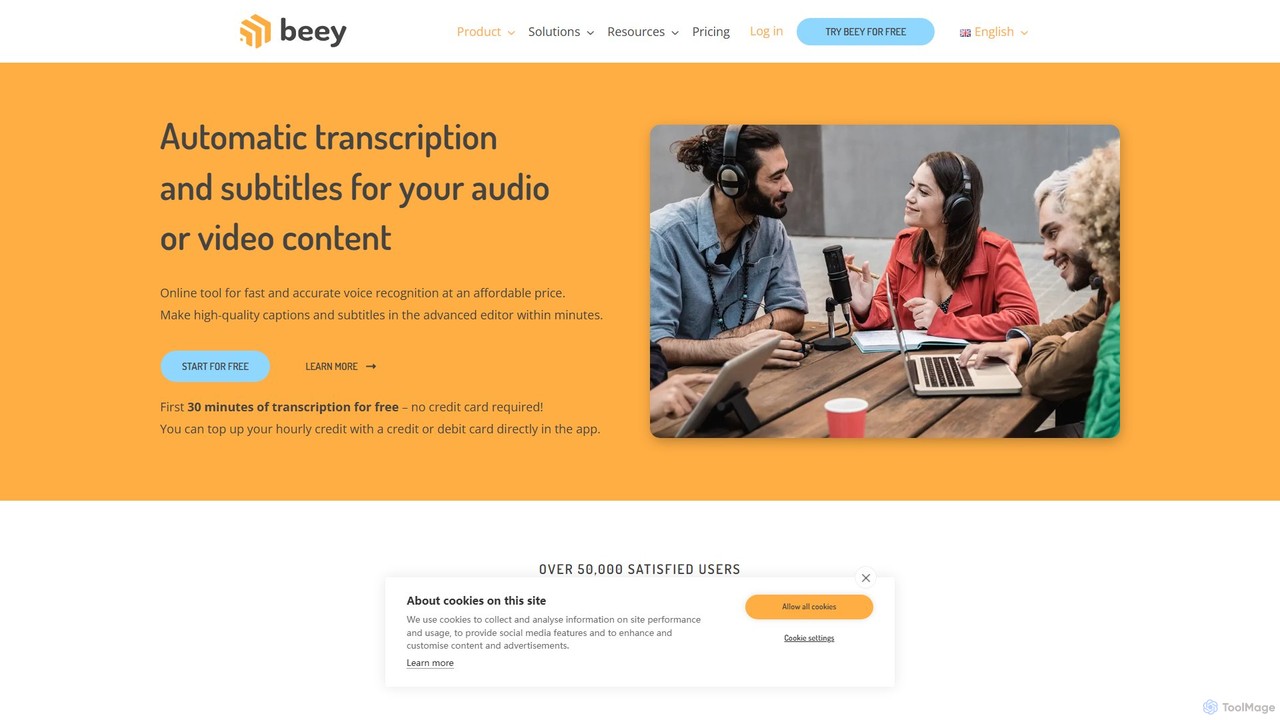
Beey
Beey is an AI-powered online tool for fast and accurate automatic transcription and subtitling of audio and video content. It supports over 30 languages, offers a smart editor for corrections, and provides features like speaker recognition, automatic translation, and team collaboration.
Content Creation
speechtotextai Comments (0)
Sign in to comment.
Sign inNo comments yet.