
Targum Overview
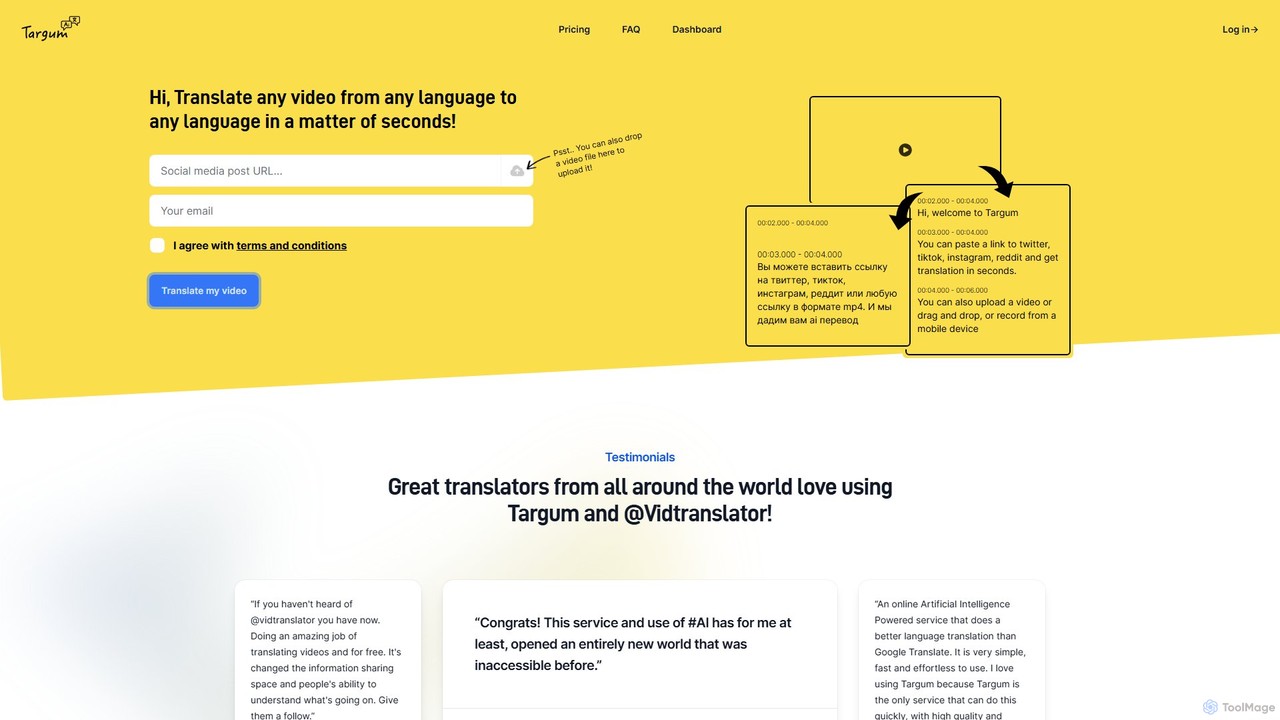
Targum is a cutting-edge, AI-based video translation service designed to make video content universally accessible. The name "Targum" itself means "translation" in Ancient Aramaic, reflecting the tool's core mission to bridge communication gaps in the modern digital world. It allows users to translate any video from any source language into over 99 target languages with remarkable speed and simplicity. Whether you're a content creator aiming for a global audience, a journalist covering international events, or simply a curious individual, Targum provides the tools to understand and share video content without language barriers.
The service is built for convenience, supporting video imports from popular social media platforms like Twitter, TikTok, Instagram, and Reddit, as well as direct MP4 links and local file uploads. The AI engine at its heart not only transcribes the original audio but also translates it and generates synchronized subtitles, and in some cases, can produce a translated video output. This seamless process has been praised by users worldwide for opening up a new world of previously inaccessible information.
How to use Targum
Using Targum is designed to be an effortless, three-step process:
- Provide the Video: You can start by pasting a URL to a video from Twitter, TikTok, Instagram, Reddit, or any direct MP4 link into the input box on the Targum website. Alternatively, you can drag and drop a video file directly onto the page or upload it from your device. The platform is also mobile-friendly, allowing you to record and upload from a mobile device.
- Select Language and Translate: Once the video is uploaded, you select the desired target language from a list of over 99 options. The AI then processes the video, which typically takes just a few seconds to a few minutes depending on the length.
- Access and Share: After processing, the translated video with subtitles is ready. Depending on your plan, you can view it online, share it, or download the translated MP4 video file and/or the SRT subtitle file for use in other applications or platforms. For Twitter users, the @vidtranslator bot offers a convenient way to get translations directly on the platform.
Core Features of Targum
- Multi-Language Support: Translate videos to and from over 99 languages, breaking down nearly any language barrier.
- High-Speed AI Translation: Leverages advanced AI to deliver translations in seconds or minutes, far faster than manual methods.
- Multiple Input Methods: Supports video links from major social media platforms (Twitter, TikTok, Instagram, etc.) and direct file uploads.
- Downloadable Files: Paid plans offer the ability to download the translated video as an MP4 file and the subtitles as a separate SRT file.
- Social Media Integration: Features a Twitter bot (@vidtranslator) and a Telegram bot for on-the-go translations within those platforms.
- Customizable Watermark: Higher-tier plans allow users to customize or completely remove the Targum watermark for a professional look.
- API Access: A forthcoming feature for Creator and Business plans will allow for programmatic integration of Targum's translation capabilities into other workflows and applications.
- GPT-4 Enhancements: Future updates include GPT-4 augmented translations for higher accuracy and automated generation of video titles and descriptions.
Use Cases for Targum
Targum is a versatile tool for various users:
- Content Creators & YouTubers: Easily localize video content to reach a global audience, increasing views and engagement across different regions.
- Journalists & Researchers: Quickly understand and cite video sources from around the world, such as eyewitness accounts or foreign news reports.
- Businesses & Marketers: Translate marketing videos, product demos, or training materials to cater to international markets and teams.
- Educators & Students: Access and use educational video resources from other languages for learning and research.
- Social Media Users: Understand viral videos, news clips, and commentary from different cultures on platforms like Twitter and TikTok.
Advantages of Targum
Targum stands out for its speed, simplicity, and quality. Unlike generic translation tools, it is specifically optimized for video content, ensuring accurate synchronization of subtitles. Its freemium model makes it accessible to everyone, while its paid plans offer powerful features for professionals. Users have praised it for creating shared empathy and understanding by making diverse global perspectives easily accessible. The service is significantly faster and more user-friendly than alternatives like Google Translate for video.
Pricing and Plans
Targum offers a freemium model with several tiers to suit different needs:
- Starter Plan: $6/month. Includes up to 30 minutes of translation per month, translation to 99+ languages, and access to the @vidtranslator bot on Twitter.
- Basic Plan: $15/month. Includes up to 90 minutes of translation per month, all Starter features, plus the ability to download translated .mp4 files and .srt subtitle files, and access to the Telegram bot.
- Creator/Business Plan: $50/month. Designed for high-volume users, this plan includes 300 minutes/month, higher upload limits (up to 500MB and 60 min duration), priority queue processing, customizable or removable watermarks, priority support, and upcoming API access. Post-paid metered usage is available at $0.2/min.
An annual subscription option is available for all paid plans, offering a discount equivalent to two months free.
Traffic
Latest traffic
Status
Monthly traffic trend
- 2025-9: 2.5K
- 2026-1: 1.3K
- 2026-2: 0
- 2026-3: 1.4K
- 2026-4: 2.3K
- 2026-5: 909
Geography
Top 5 countries / regions
- 🇩🇪Germany63.4%
- 🇺🇸United States25.9%
- 🇹🇷Türkiye10.7%
Top keywords
| Keyword | Cost per click |
|---|---|
| adolf hitler speech at krupp factory in germany | $0.00 |
| targum | $1.44 |
| targum tranlsator telegram | $0.00 |
| translate twitter video | $0.00 |
| twitter video translation | $0.00 |
Targum Alternatives
translatetracks
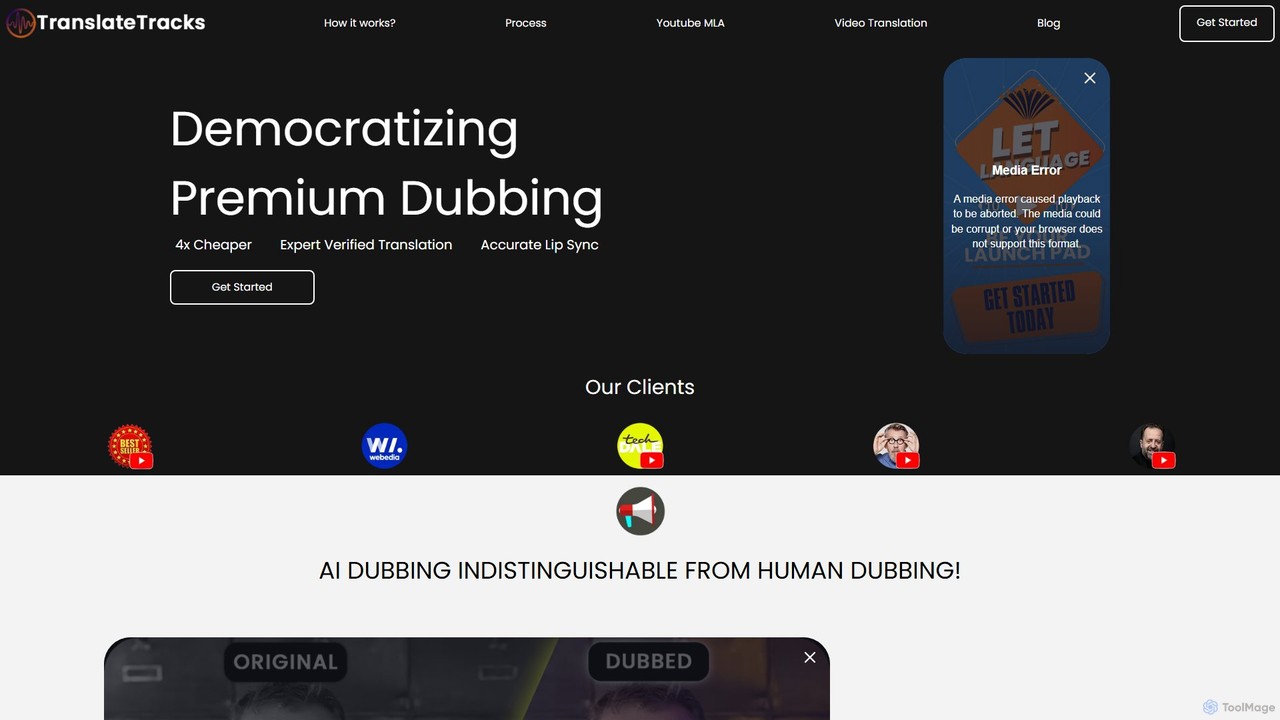
translatetracks offers premium AI-powered video dubbing and translation services, enhanced by human experts. It provides accurate lip-sync, on-screen text translation, and subtitles in over 50 languages, enabling content creators to globalize their content affordably and quickly, with results nearly indistinguishable from human dubbing.
Dubbing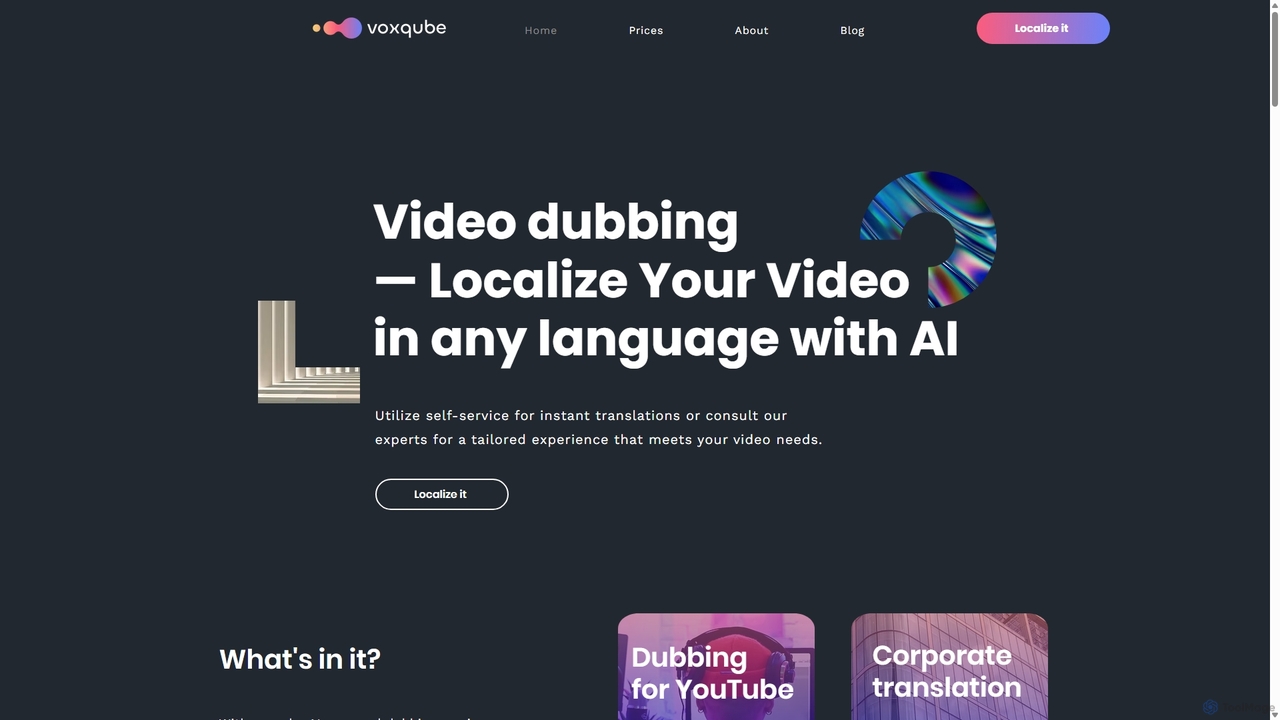
Voxqube
Voxqube is an AI-powered video dubbing platform that enables creators and businesses to automatically translate and localize their video content into over 30 languages. It offers a seamless, one-stop solution for transcription, translation, and generating human-like neural voice-overs, making global content distribution fast, affordable, and scalable.
Dubbing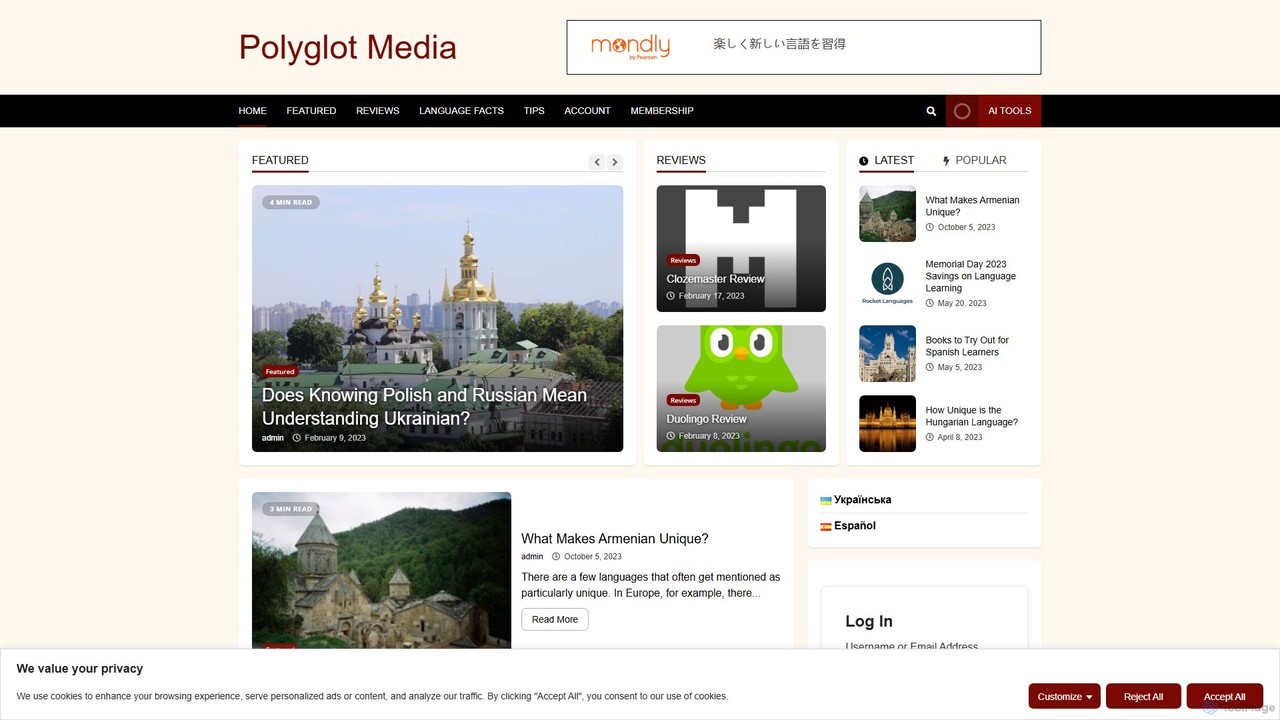
Polyglot Media
Polyglot Media is an AI-powered platform for seamless video and audio content localization. It enables creators and businesses to translate, dub, and subtitle their media into numerous languages, utilizing advanced voice cloning and realistic text-to-speech technology to reach a global audience effortlessly.
Dubbing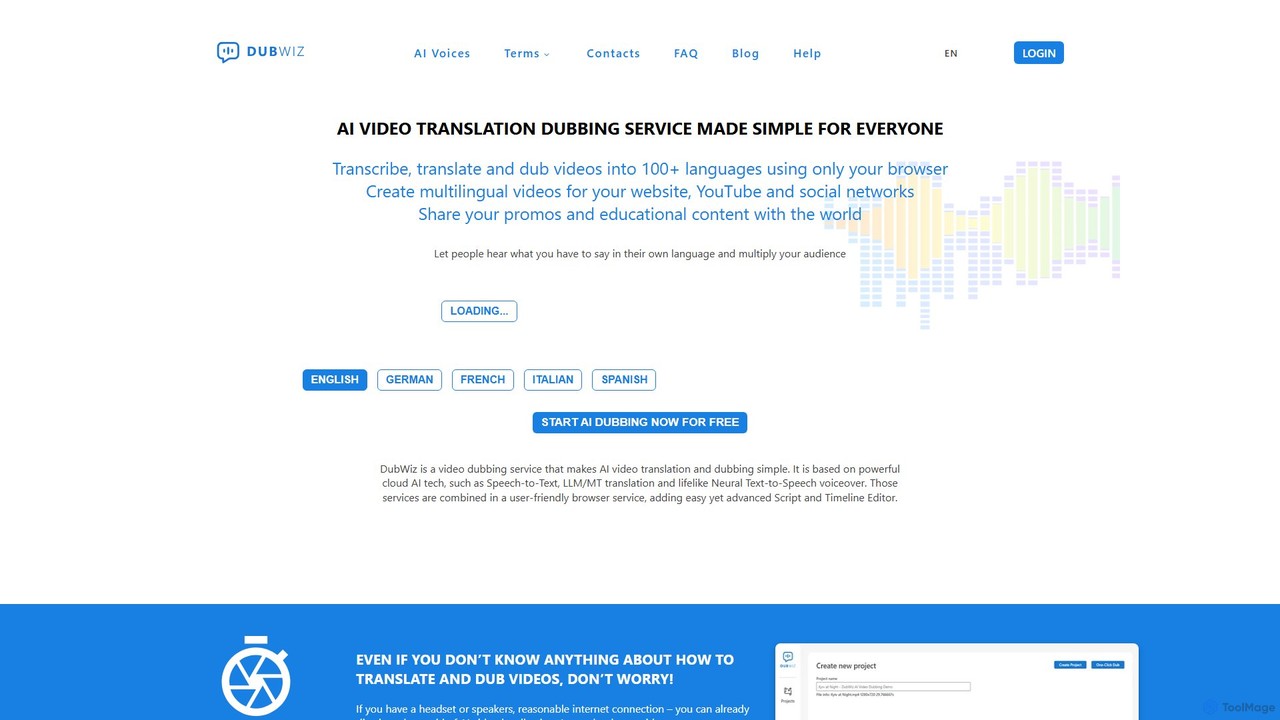
DubWiz
DubWiz is an AI-powered video dubbing and translation service that simplifies creating multilingual content. It allows users to automatically transcribe, translate, and dub videos into over 100 languages using lifelike neural voices. The browser-based platform features an advanced editor for full control over scripts, timing, and audio, making it ideal for creators and businesses aiming for a global audience.
Localization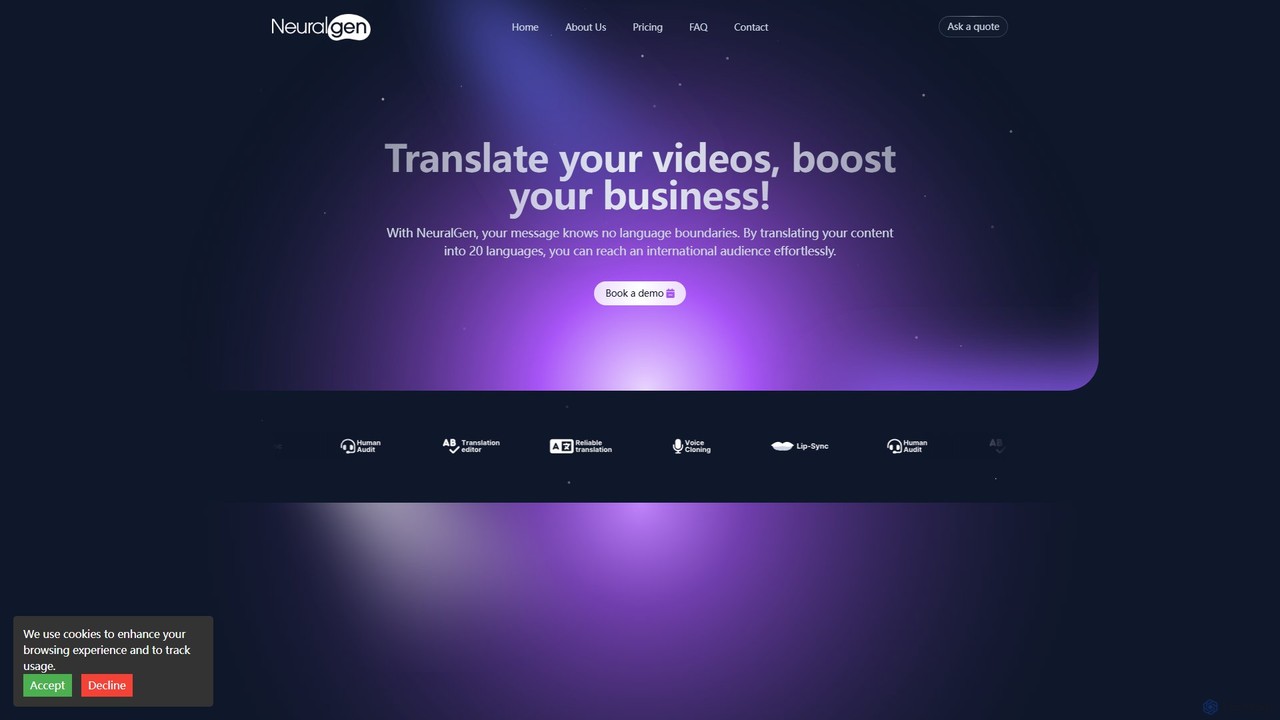
NeuralGen.ai
NeuralGen.ai is an advanced AI-powered platform for video translation and dubbing. It automatically translates video content into over 20 languages, featuring realistic voice cloning to preserve the original speaker's voice and precise lip-sync technology for a natural viewing experience. Designed for businesses and creators, it helps break language barriers and expand global reach by making content accessible to an international audience with high-quality, synchronized translations and subtitles.
DubbingTargum Categories
Targum Embed Widget
Copy this embed code to place the badge on your blog, article, or product site and send readers directly to this ToolMage detail page.

Related AI tools
Translate.video
Translate.video is an AI-powered platform for one-click video translation into over 81 languages. It offers automated dubbing, subtitles, captions, and instant voice cloning. Ideal for creators and businesses looking to expand their global reach quickly and affordably.
Dubbing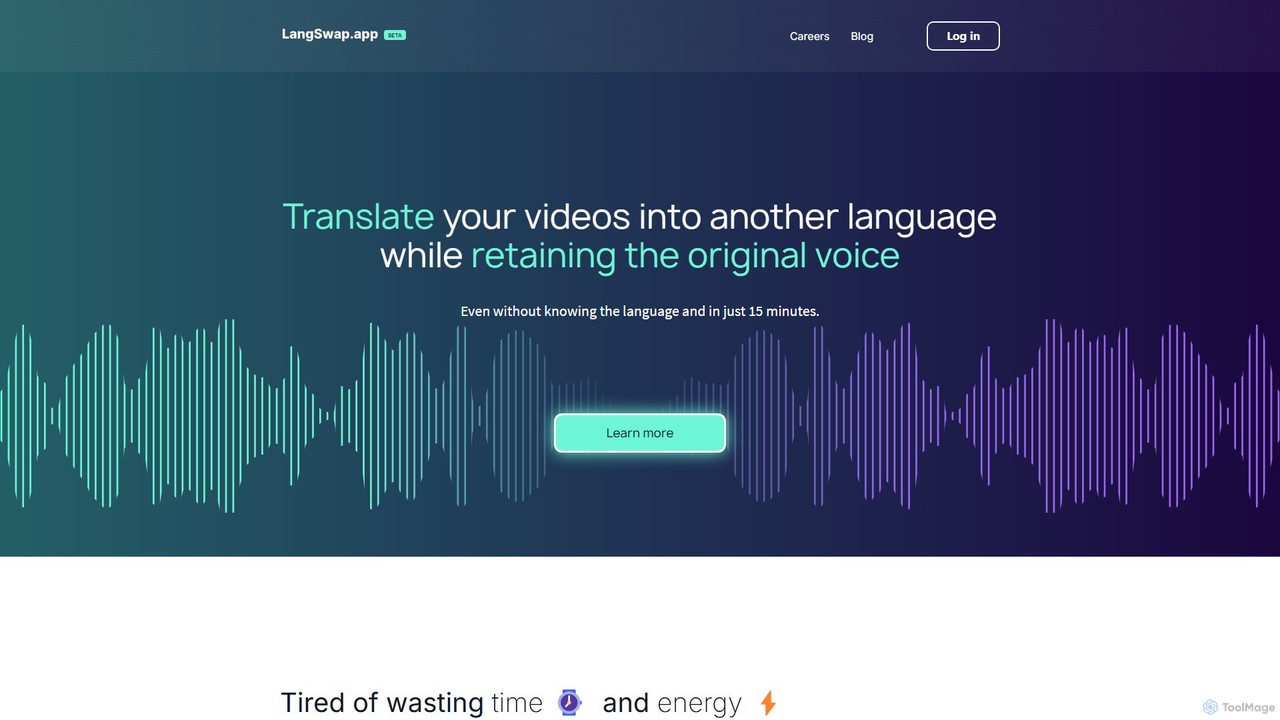
langswap
langswap is an AI-powered platform that translates your videos into multiple languages while preserving your own voice. It uses advanced voice cloning technology to maintain the original speaker's tone, intonation, and style, making video localization fast, affordable, and authentic.
Voice Cloningtranslatetracks
translatetracks offers premium AI-powered video dubbing and translation services, enhanced by human experts. It provides accurate lip-sync, on-screen text translation, and subtitles in over 50 languages, enabling content creators to globalize their content affordably and quickly, with results nearly indistinguishable from human dubbing.
Dubbing
TransDuck
TransDuck is an AI-powered platform for seamless video and audio translation, transcription, and dubbing. It helps content creators, marketers, and businesses make their multimedia content globally accessible by automatically generating accurate subtitles and natural-sounding voice-overs in multiple languages.
Transcription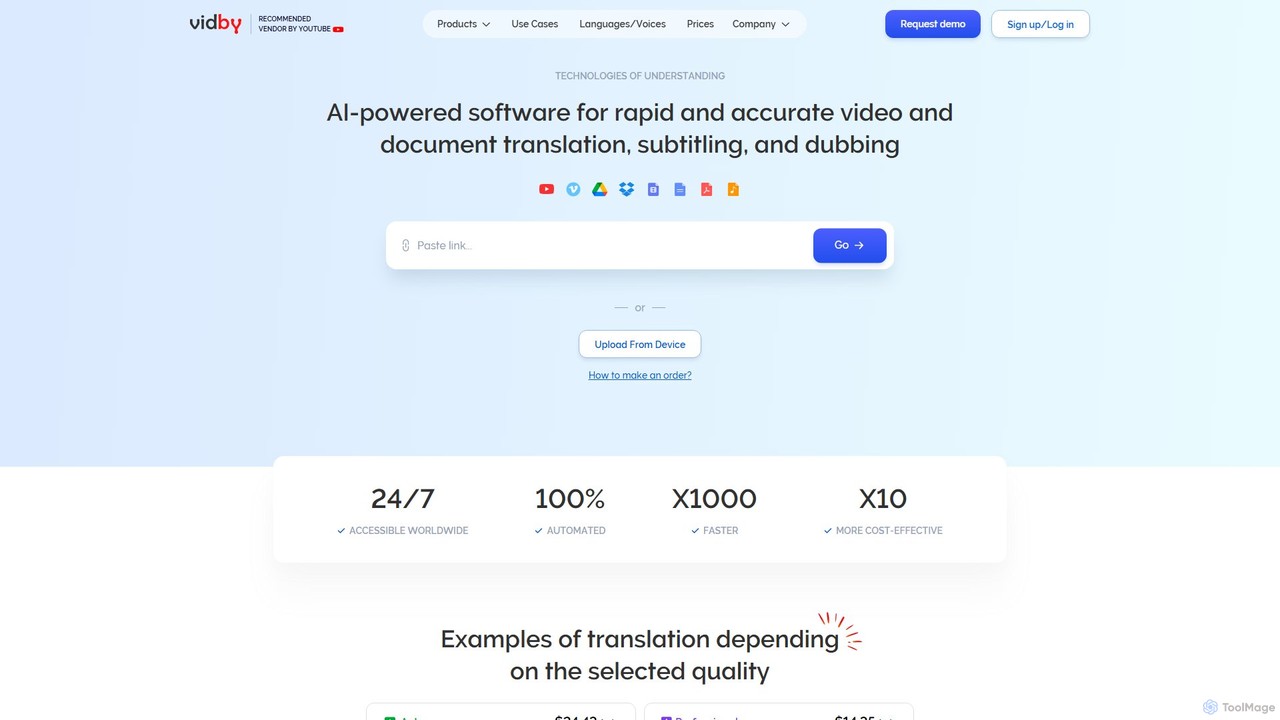
vidby
vidby is an advanced AI-powered platform for fast and accurate video translation, dubbing, subtitling, and voice cloning. It supports over 150 languages, offering features like lip-sync, real-time meeting translation, and document translation to help creators and businesses reach a global audience effortlessly.
Dubbing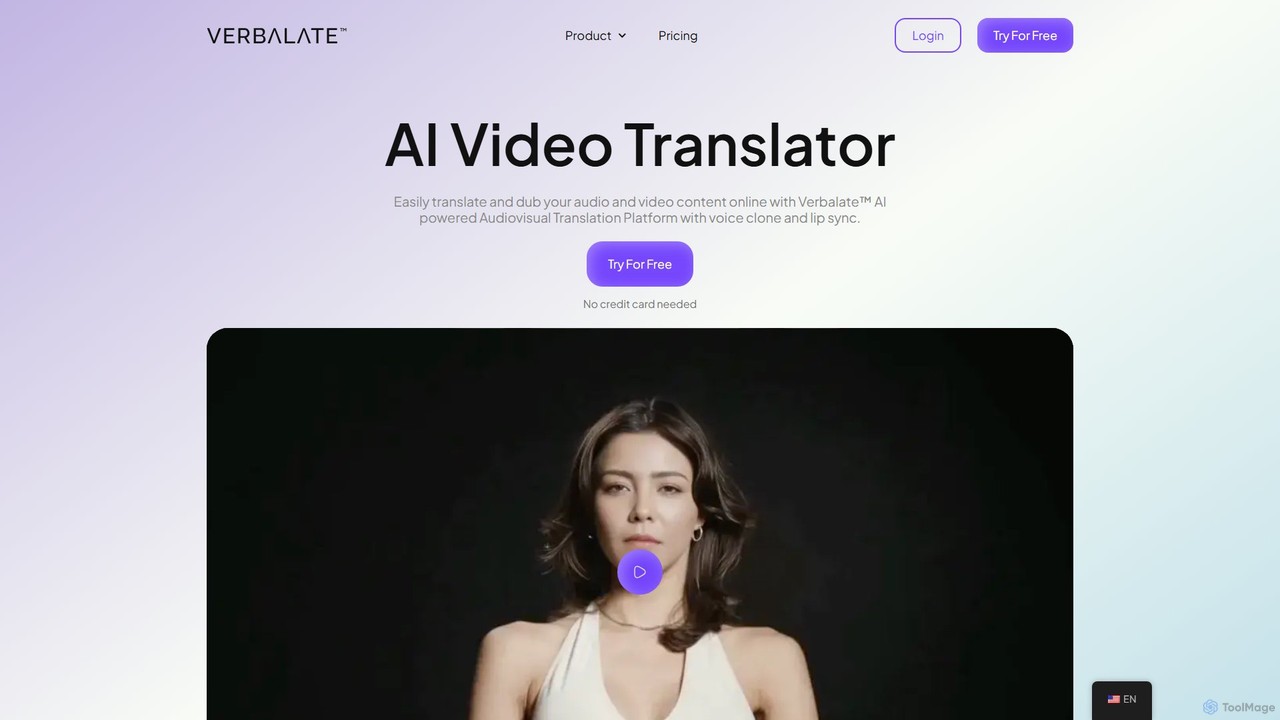
Verbalate
Verbalate is an AI-powered audiovisual translation platform that enables users to translate and dub video and audio content into over 230 languages. It features advanced voice cloning, optional lip-sync, and subtitle generation to help creators, educators, and businesses reach a global audience effortlessly. The platform is designed to maintain the original tone and nuance, creating a natural viewing experience for international audiences.
Dubbing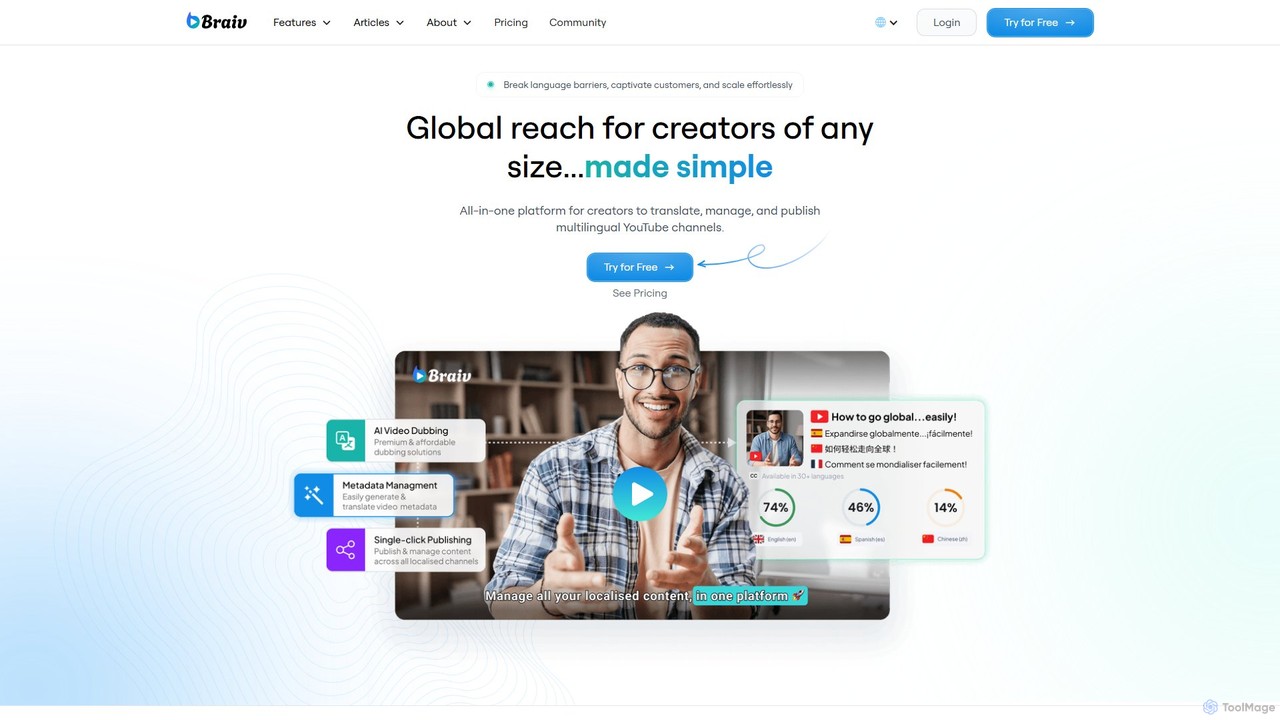
Braiv
Braiv is an all-in-one AI platform for media translation, designed to help creators, educators, and marketers reach a global audience. It offers AI-powered video dubbing with voice cloning, animated captions, and document translation in over 29 languages. With its intuitive multi-language video player and automated workflows, Braiv simplifies the process of localizing content, making it easy to scale videos, courses, and marketing materials for international markets.
Dubbing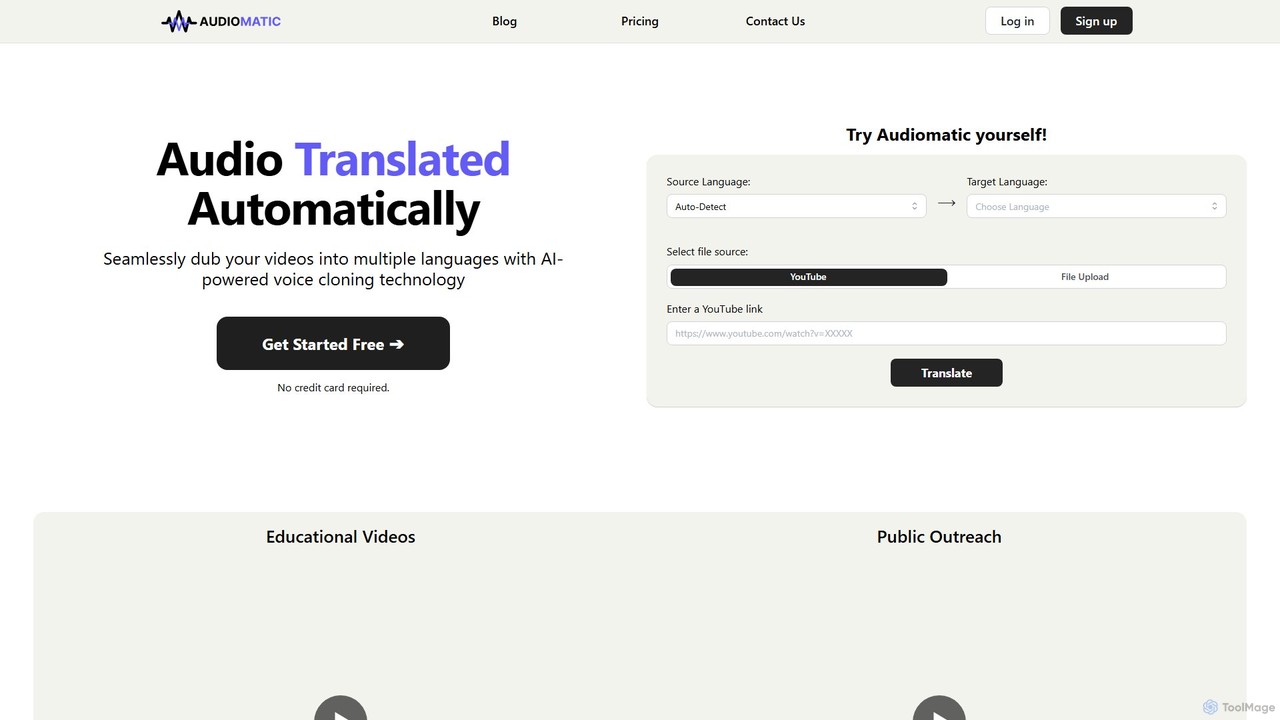
Audiomatic
Audiomatic is an AI-powered platform that automatically translates and dubs videos into multiple languages. It uses advanced voice cloning technology to preserve the original speaker's voice and style, enabling creators and businesses to seamlessly reach a global audience.
Dubbing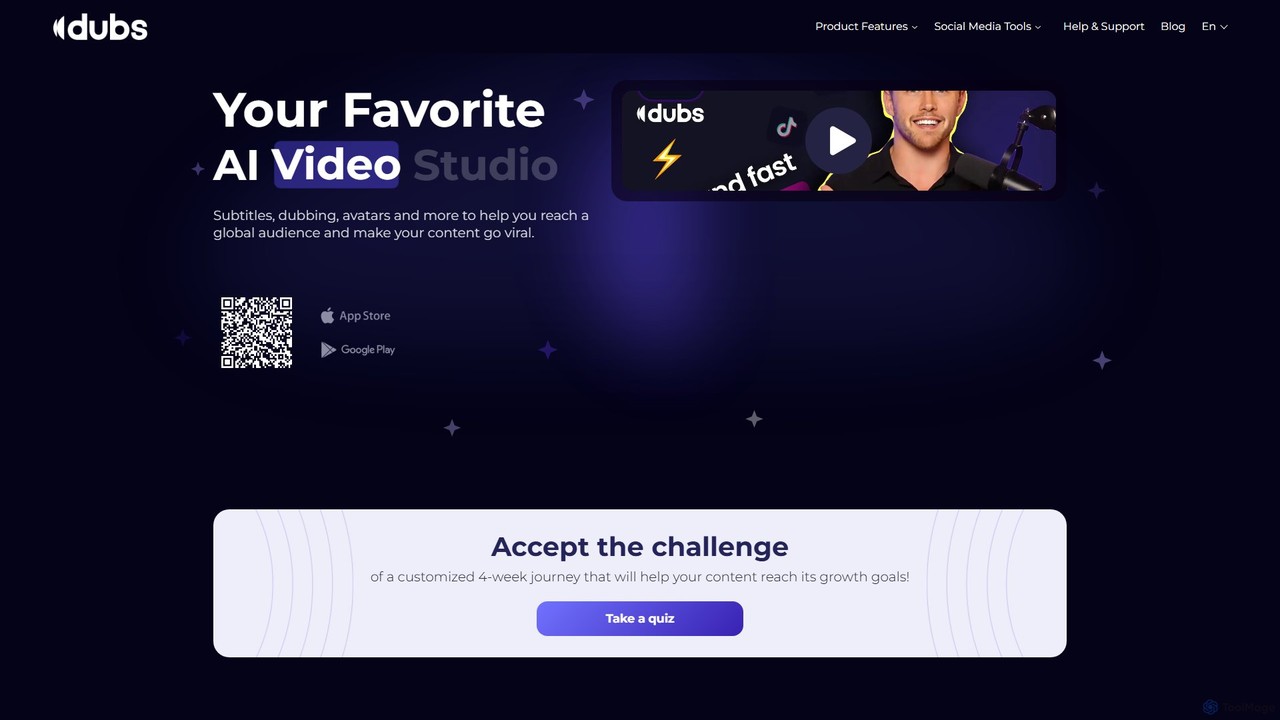
dubs
dubs is an all-in-one AI video studio designed for content creators and businesses. It offers a suite of powerful tools including automatic subtitles in 100+ languages, voice-cloning dubbing, AI avatars, and script generation. Enhance your videos, reach a global audience, and make your content more accessible and engaging with features like a teleprompter, noise removal, and customizable captions.
Transcription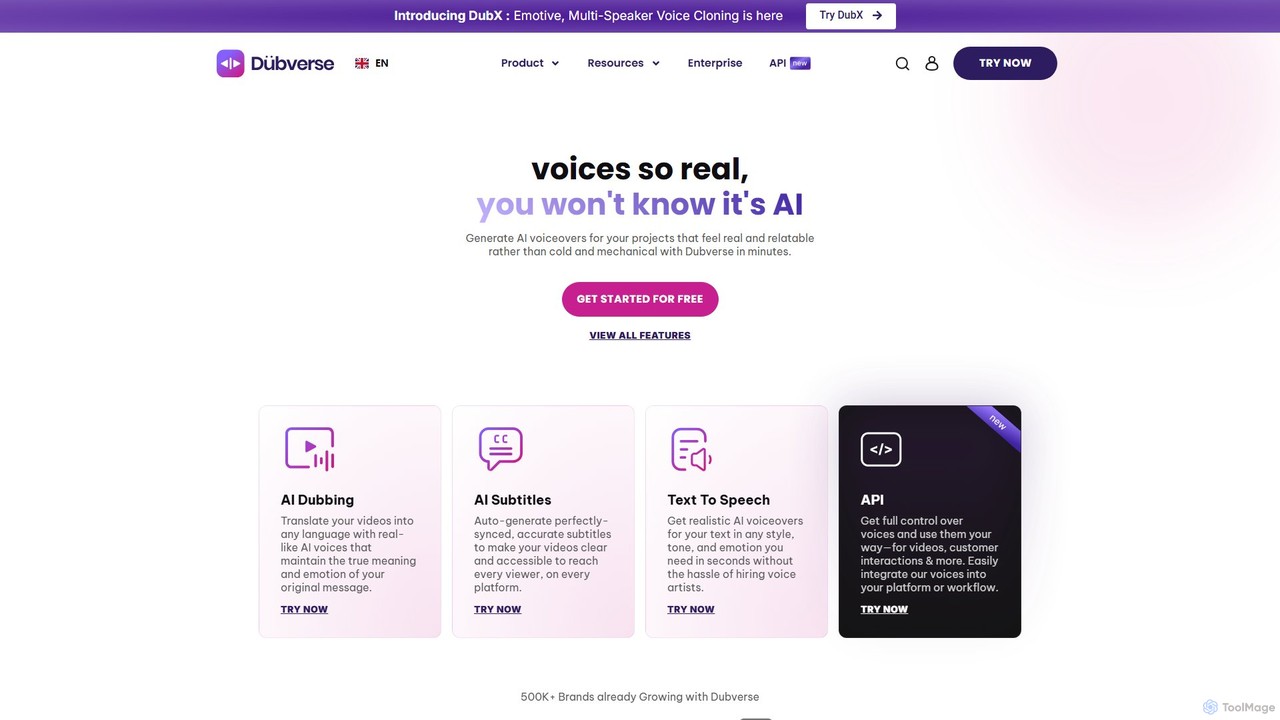
Dubverse
Dubverse is an AI-powered video content creation and localization platform. It enables creators and businesses to effortlessly dub videos, generate realistic text-to-speech voiceovers, create accurate subtitles, and clone voices in over 70 languages. Its advanced features like multi-speaker support, emotive delivery, and lip-syncing help users break language barriers and reach a global audience efficiently.
Voice GenerationVoxqube
Voxqube is an AI-powered video dubbing platform that enables creators and businesses to automatically translate and localize their video content into over 30 languages. It offers a seamless, one-stop solution for transcription, translation, and generating human-like neural voice-overs, making global content distribution fast, affordable, and scalable.
DubbingPolyglot Media
Polyglot Media is an AI-powered platform for seamless video and audio content localization. It enables creators and businesses to translate, dub, and subtitle their media into numerous languages, utilizing advanced voice cloning and realistic text-to-speech technology to reach a global audience effortlessly.
DubbingDubWiz
DubWiz is an AI-powered video dubbing and translation service that simplifies creating multilingual content. It allows users to automatically transcribe, translate, and dub videos into over 100 languages using lifelike neural voices. The browser-based platform features an advanced editor for full control over scripts, timing, and audio, making it ideal for creators and businesses aiming for a global audience.
LocalizationNeuralGen.ai
NeuralGen.ai is an advanced AI-powered platform for video translation and dubbing. It automatically translates video content into over 20 languages, featuring realistic voice cloning to preserve the original speaker's voice and precise lip-sync technology for a natural viewing experience. Designed for businesses and creators, it helps break language barriers and expand global reach by making content accessible to an international audience with high-quality, synchronized translations and subtitles.
Dubbing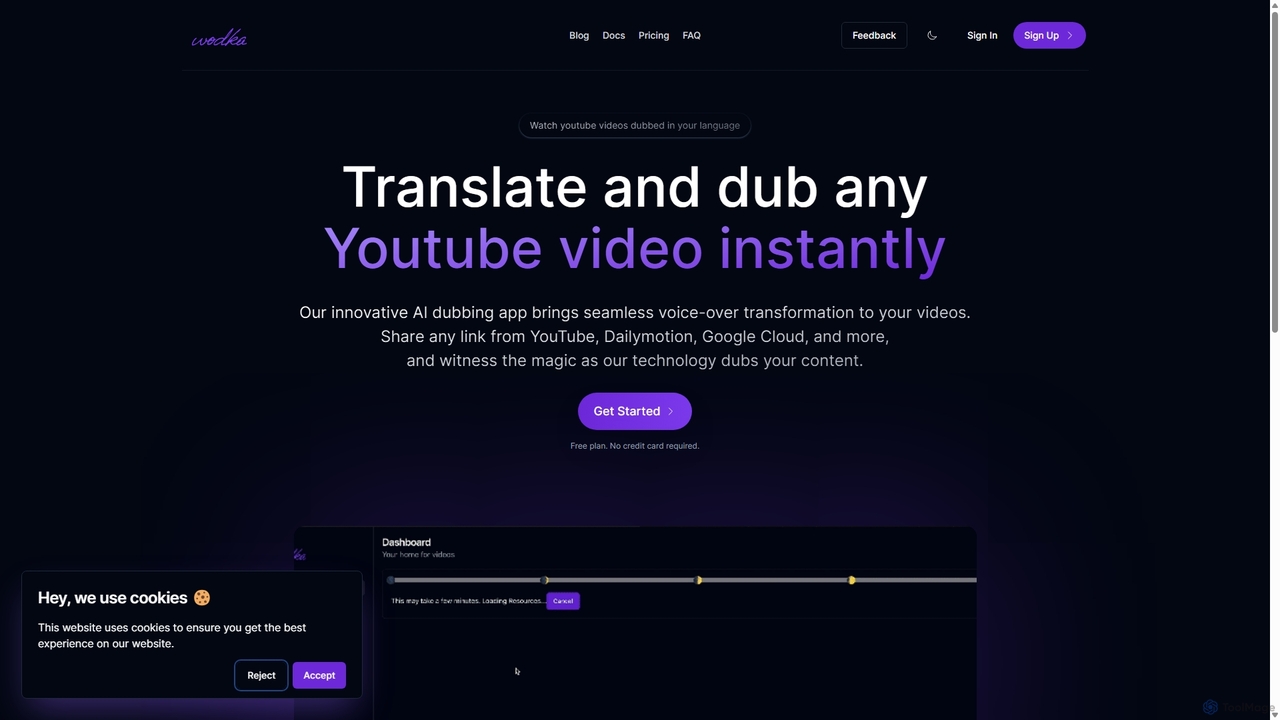
Wodka.ai
Wodka.ai is an AI-powered platform that instantly translates and dubs videos from YouTube and other platforms into multiple languages. It enables content creators and viewers to overcome language barriers, making content globally accessible while preserving the original emotion and nuance of the voice.
Localization
Targum Comments (0)
Sign in to comment.
Sign inNo comments yet.