

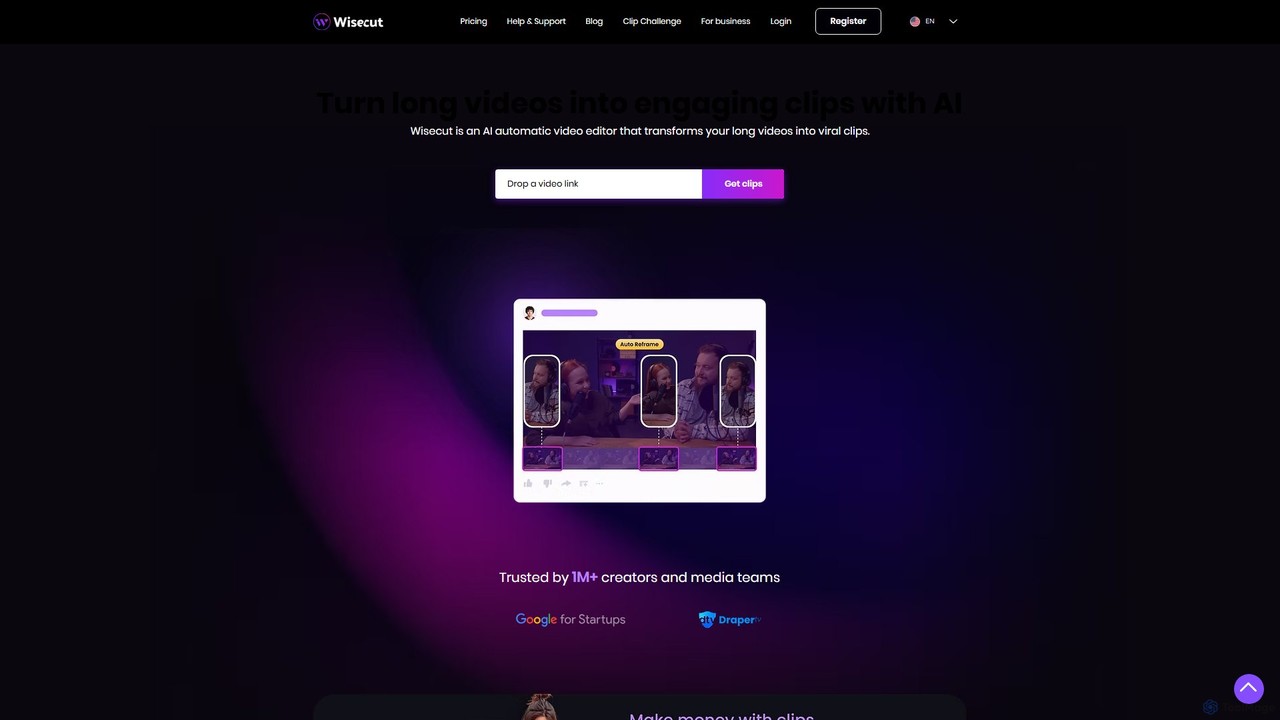
Wisecut Overview
Wisecut is a revolutionary AI-driven automatic video editor designed to streamline the content creation process. It empowers creators, marketers, and media teams to effortlessly convert long-form videos, such as podcasts, interviews, or webinars, into a multitude of engaging, short-form clips perfect for platforms like TikTok, Instagram Reels, and YouTube Shorts. Trusted by over a million users, Wisecut minimizes editing time and maximizes content output, allowing you to expand your audience reach and boost engagement without needing complex video editing skills.
The platform's core philosophy is 'long to short made wise'. By leveraging sophisticated artificial intelligence, Wisecut analyzes your footage to automatically identify the most compelling moments, creating a narrative that captivates viewers. It's like having a professional video editor who intuitively knows what will resonate with your audience, working for you 24/7.
How to use Wisecut
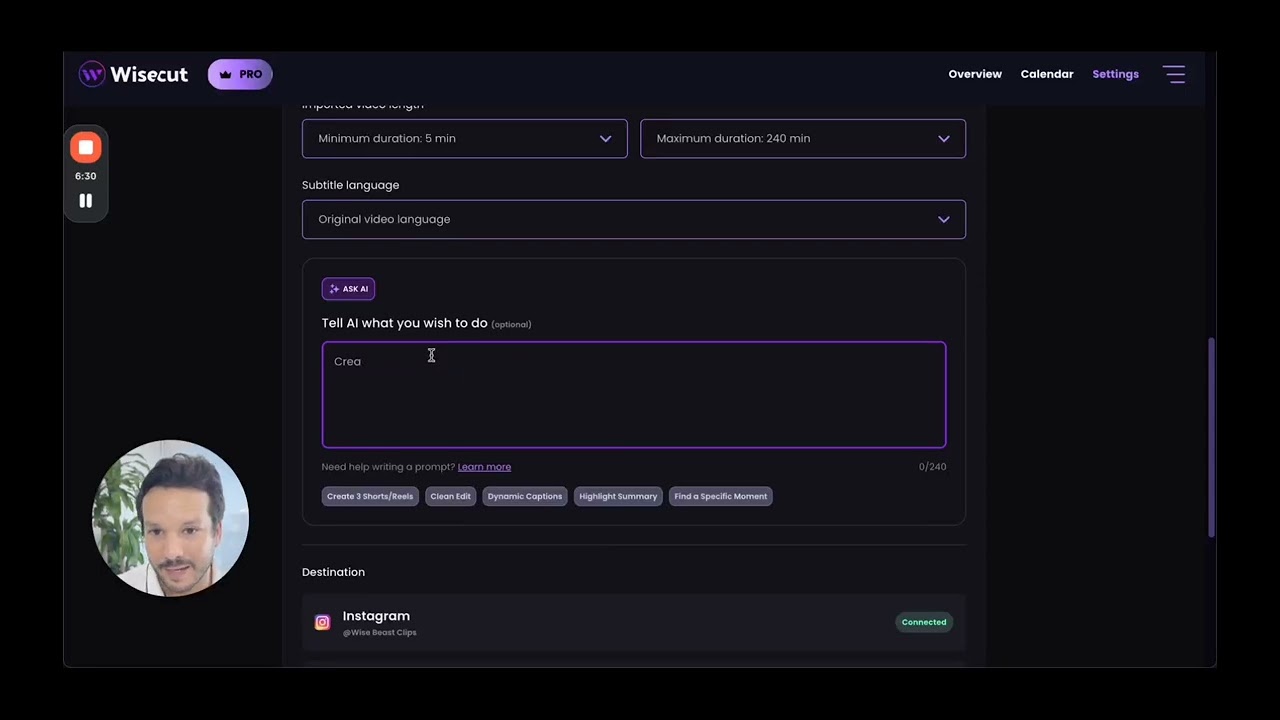
The workflow in Wisecut is designed for simplicity and efficiency. First, you upload your long video file to the platform. Wisecut's AI then gets to work, transcribing the audio and analyzing the content to identify key moments and remove awkward pauses. Within minutes, it generates a transcribed storyboard. This is where the magic happens: instead of navigating complex timelines and keyframes, you edit your video by simply editing the text. You can delete sentences to remove a video segment or rearrange text blocks to change the scene order. Once you're happy with the narrative, you can further enhance your video with features like auto-captions, smart background music, and reframing for different aspect ratios before exporting the final, polished clips.
Core Features of Wisecut
- AI Highlight Detection: The AI automatically sifts through hours of footage to pinpoint the most engaging and viral-worthy snippets, saving you the manual effort of scrubbing through timelines.
- Storyboard-based Video Editing: Edit your video as easily as editing a text document. Wisecut generates a storyboard from your speech, allowing you to cut, trim, and rearrange scenes by manipulating the corresponding text.
- Automatic Silence Removal: Wisecut intelligently detects and cuts out silent pauses, ensuring your video has a smooth, professional flow that keeps viewers engaged.
- Auto Captions and Translations: Automatically generate accurate subtitles to improve accessibility, especially since many users watch videos on mute. You can also translate captions into multiple languages to reach a global audience.
- Smart Background Music & Auto Ducking: The AI selects royalty-free background music that fits the mood of your video and automatically lowers its volume (audio ducking) when someone is speaking, then raises it during silent parts.
- Auto Punch-in/out & Reframe: Add dynamic visual interest by automatically zooming in on key moments. Seamlessly reframe your video to fit vertical (9:16), square (1:1), or horizontal (16:9) formats.
- Studio Voice & Noise Cancelling: Enhance your audio quality to sound like a professional podcaster with the Studio Voice feature and eliminate distracting background noise for crystal-clear sound.
- Hook Titles: Create scroll-stopping, animated text titles that appear in the first few seconds of your video to grab viewer attention immediately.
Use Cases for Wisecut
Wisecut is a versatile tool for various professionals. Content creators can repurpose a single long YouTube video into dozens of short clips for all their social media channels. Businesses can quickly create promotional videos, client testimonials, and internal training materials. Podcasters can turn audio episodes into engaging video clips with dynamic captions. Educators and online course instructors can create bite-sized learning modules and highlights from longer lectures to improve student engagement.
Advantages of Wisecut
The primary advantage of Wisecut is the immense time savings. What would take hours of manual editing can be accomplished in minutes. This allows for a significant increase in content production, leading to greater visibility and audience growth. It democratizes video editing, making professional-quality results accessible to everyone, regardless of their technical expertise. Furthermore, its features are specifically designed to maximize engagement on modern social media platforms, helping your content perform better and reach a wider, more diverse audience organically.
Pricing and Plans
Wisecut operates on a freemium model, offering a range of plans to suit different needs. There is a Free Plan that allows users to test the platform with a limited number of minutes per month and a Wisecut watermark. Paid plans, such as the Starter and Professional tiers, offer more processing minutes, higher resolution exports (up to 4K), increased storage, and access to premium features like Studio Voice and the removal of the watermark. For larger teams and enterprises, a custom Business Plan is available with tailored features and support. For the most current pricing details, it is recommended to visit the official Wisecut website.
Traffic
Latest traffic
Status
Monthly traffic trend
- 2025-9: 219.4K
- 2026-1: 210.0K
- 2026-2: 158.6K
- 2026-3: 138.3K
- 2026-4: 134.1K
- 2026-5: 185.7K
Geography
Top 5 countries / regions
- 🇧🇷Brazil47.0%
- 🇮🇳India18.9%
- 🇺🇸United States18.1%
- 🇦🇴Angola8.2%
- 🇳🇬Nigeria7.8%
Traffic sources
| Source type | Percentage |
|---|---|
Direct | 75.1% |
Referral | 21.5% |
Email | 3.5% |
Top keywords
| Keyword | Cost per click |
|---|---|
| vídeo curto highlight | $0.00 |
| wise cut | $0.24 |
| wisecut | $0.70 |
| wisecut ai | $0.17 |
| wisecut video | $0.60 |
Wisecut Videos on YouTube


Vil Vas - Software Reviews


Manmohit AI Simplified


Web Succes
Wisecut Alternatives
WUI.AI
WUI.AI is an AI-powered platform that transforms long-form videos and podcasts into engaging, viral short clips for social media. It automates highlight detection, subtitling, resizing, and translation, helping creators and marketers save time and maximize their content's reach on platforms like TikTok, Instagram, and YouTube Shorts.
Automation
Snapcut
Snapcut is an AI-powered video editing tool that automatically repurposes long-form videos into multiple viral-ready short clips. With one click, it identifies engaging moments, adds animated captions, and reframes content for social media, saving creators up to 70% of their editing time.
Automation
OpusClip
OpusClip is a generative AI video repurposing tool that turns long videos into viral short clips with one click. It automatically identifies the most compelling hooks, reframes the video, adds dynamic captions, and scores clips for virality, streamlining content creation for social media.
Video Marketing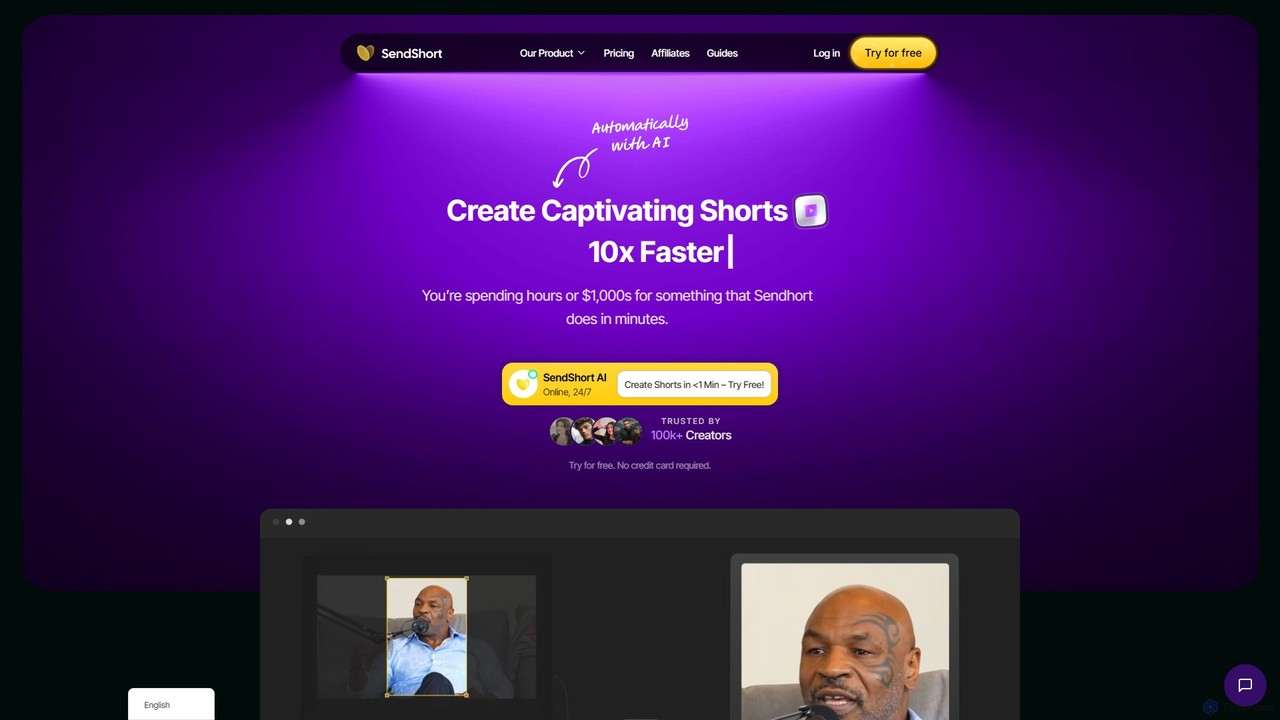
SendShort
SendShort is an AI-powered video platform that instantly transforms long-form videos into dozens of viral short clips for TikTok, Reels, and Shorts. It automates editing, adds dynamic captions, generates faceless content, and provides tools for scheduling, saving creators hours of work and thousands in costs.
Automation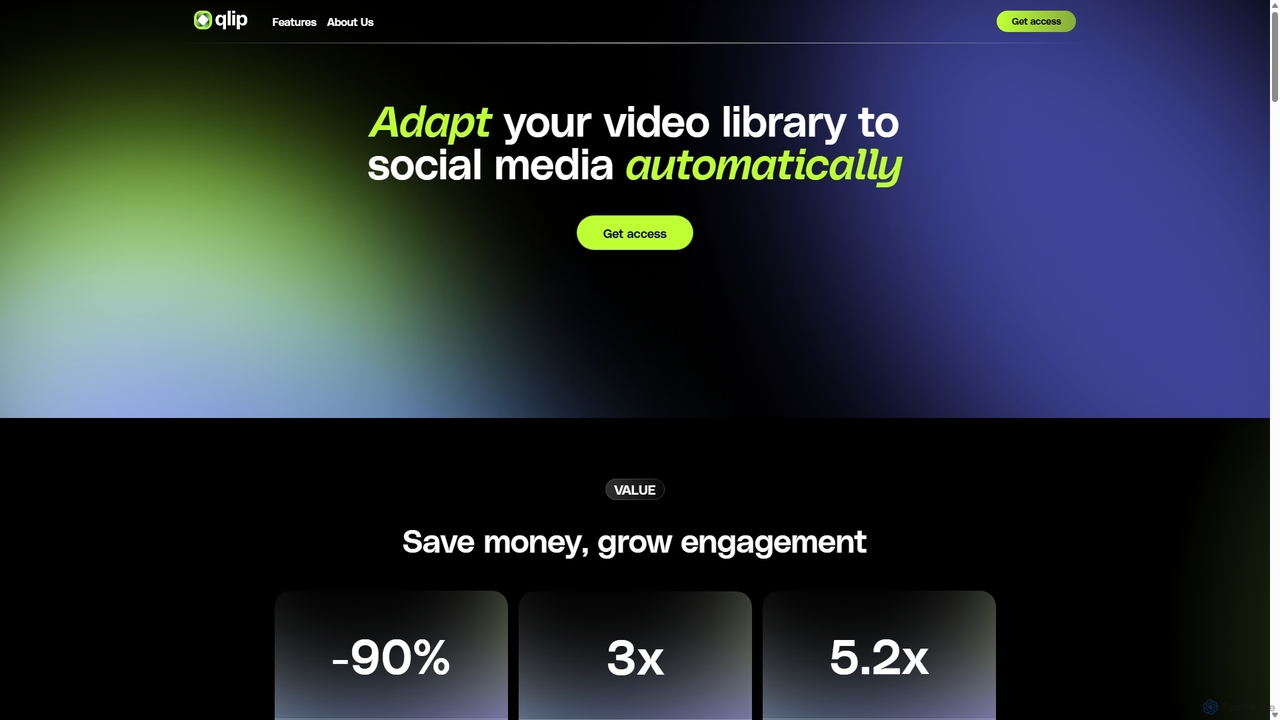
Qlip
Qlip is an AI-powered platform that automatically extracts impactful short clips from long-form videos. Designed for marketers and content creators, it simplifies repurposing content for social media with features like auto-reframing, branded subtitles, and transcription, helping to save costs and boost engagement.
Video MarketingWisecut Categories
Wisecut Embed Widget
Copy this embed code to place the badge on your blog, article, or product site and send readers directly to this ToolMage detail page.

Related AI tools
WUI.AI
WUI.AI is an AI-powered platform that transforms long-form videos and podcasts into engaging, viral short clips for social media. It automates highlight detection, subtitling, resizing, and translation, helping creators and marketers save time and maximize their content's reach on platforms like TikTok, Instagram, and YouTube Shorts.
AutomationSnapcut
Snapcut is an AI-powered video editing tool that automatically repurposes long-form videos into multiple viral-ready short clips. With one click, it identifies engaging moments, adds animated captions, and reframes content for social media, saving creators up to 70% of their editing time.
AutomationOpusClip
OpusClip is a generative AI video repurposing tool that turns long videos into viral short clips with one click. It automatically identifies the most compelling hooks, reframes the video, adds dynamic captions, and scores clips for virality, streamlining content creation for social media.
Video MarketingSendShort
SendShort is an AI-powered video platform that instantly transforms long-form videos into dozens of viral short clips for TikTok, Reels, and Shorts. It automates editing, adds dynamic captions, generates faceless content, and provides tools for scheduling, saving creators hours of work and thousands in costs.
AutomationQlip
Qlip is an AI-powered platform that automatically extracts impactful short clips from long-form videos. Designed for marketers and content creators, it simplifies repurposing content for social media with features like auto-reframing, branded subtitles, and transcription, helping to save costs and boost engagement.
Video Marketing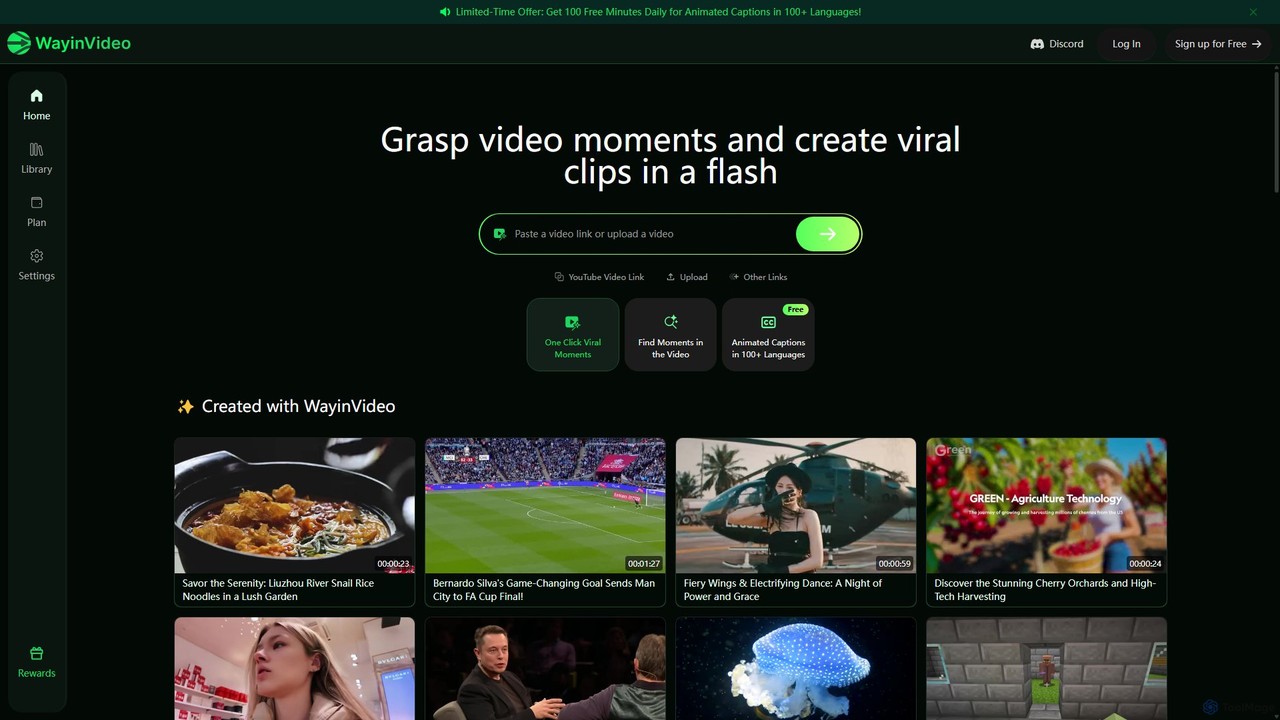
WayinVideo
WayinVideo is an AI-powered tool that transforms long videos from platforms like YouTube into engaging, viral short clips. It automatically identifies key moments, adds animated captions in over 100 languages, and generates shareable content in a flash. Ideal for content creators, marketers, and social media managers looking to maximize their video reach with minimal effort.
Video Marketing
Yolt
Yolt is an AI-powered tool that transforms long-form YouTube videos, especially podcasts, into engaging, short, viral clips for social media. Simply provide a YouTube link, and Yolt's AI identifies the best moments, generates clips with subtitles, and provides optimized titles, descriptions, and SEO tags to maximize your reach and engagement on platforms like TikTok, Instagram Reels, and YouTube Shorts.
Video Marketing
ClipRemix
ClipRemix is an AI-powered platform that transforms long-form videos and podcasts into engaging, short-form clips for social media. It automatically identifies key moments, adds dynamic captions, and reformats content for platforms like TikTok, Reels, and Shorts, helping creators and marketers maximize their reach.
Repurposing
Ssemble
Ssemble is an AI-powered video editing platform that transforms long-form videos into engaging, viral short-form clips. It automates finding key moments, adding captions, reframing for vertical formats, and scheduling posts for TikTok, YouTube Shorts, and Instagram Reels. Ideal for content creators and marketers looking to maximize their reach and engagement with minimal effort.
Video Marketing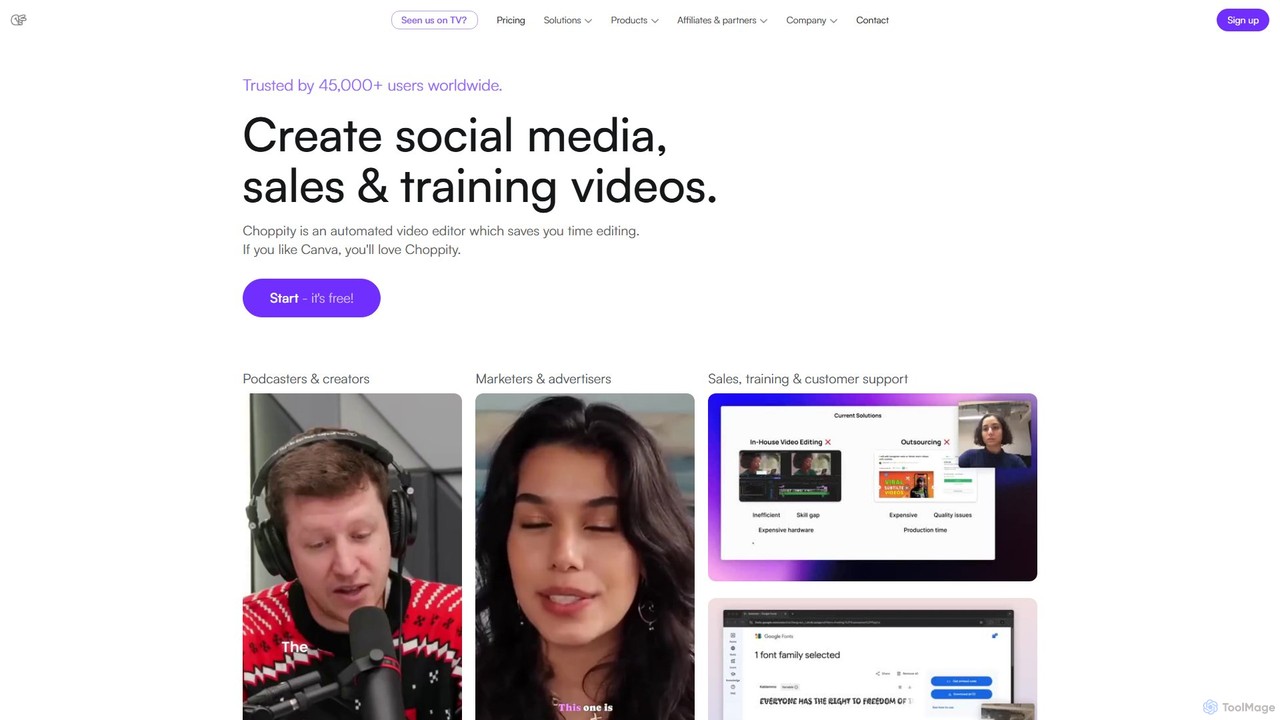
Choppity
Choppity is an AI-powered video editing platform designed to automate and accelerate the creation of short-form videos for social media and marketing. It automatically finds viral clips from long videos, adds customizable captions, reframes content for vertical formats, and applies consistent brand styling, allowing creators to produce more content with less editing effort.
Automation
Spikes Studio
Spikes Studio is an AI-powered video editing platform that transforms long-form videos into engaging, shareable short clips for social media like TikTok, Reels, and YouTube Shorts. It automates clip detection, adds animated captions, and provides tools for scheduling and analytics, helping creators and marketers save time and grow their audience.
Automation
getcapte
getcapte is an AI-powered video editing platform designed to streamline content creation. It automatically generates accurate subtitles, translates them into multiple languages, and repurposes long-form videos into engaging short clips for social media. Ideal for creators, marketers, and podcasters looking to maximize their content's reach with minimal effort.
Repurposing
SendShort.ai
SendShort.ai is an AI-powered platform that transforms long-form videos into engaging, viral-ready short clips for social media. Automatically identify key moments, add dynamic captions, and repurpose your content for TikTok, Reels, and Shorts in minutes, maximizing your reach and saving hours of editing time.
Video Marketing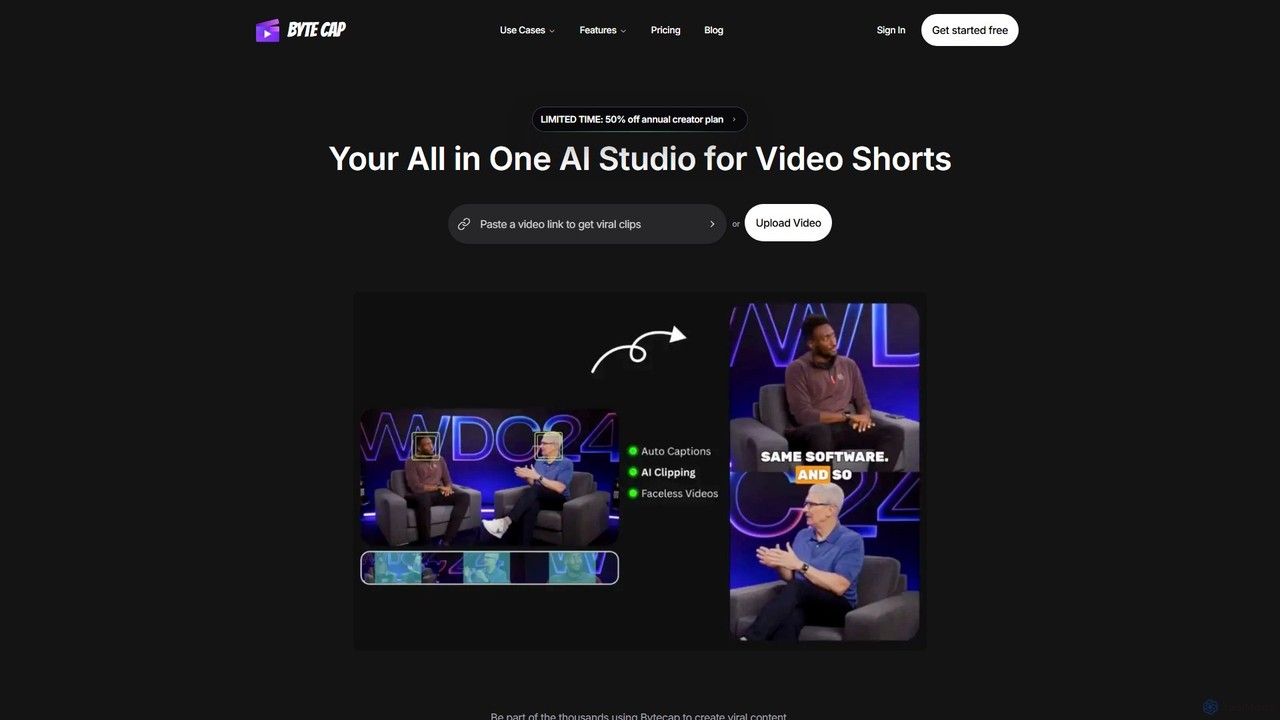
Bytecap
Bytecap is an all-in-one AI video studio that automates the creation of viral short videos. It uses AI to clip the best moments from long-form content, add highly accurate and customizable captions, and generate engaging faceless videos from simple text prompts. Designed for creators, marketers, and professionals, it streamlines video production for platforms like TikTok, Reels, and YouTube Shorts, requiring no prior editing skills.
Video Marketing
Jyek
Jyek is an AI agent platform that understands objectives, creates execution plans, uses tools, and delivers verifiable results for complex, multi-step tasks.
Automation
Wisecut Comments (0)
Sign in to comment.
Sign inNo comments yet.