
getcapte Overview
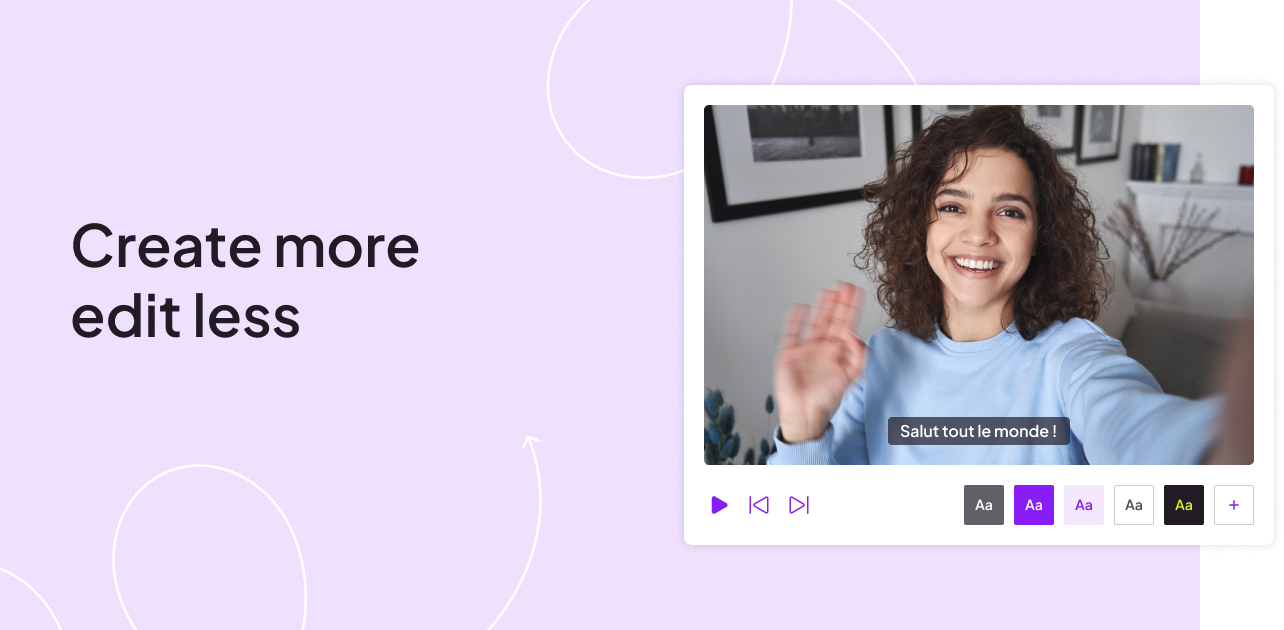
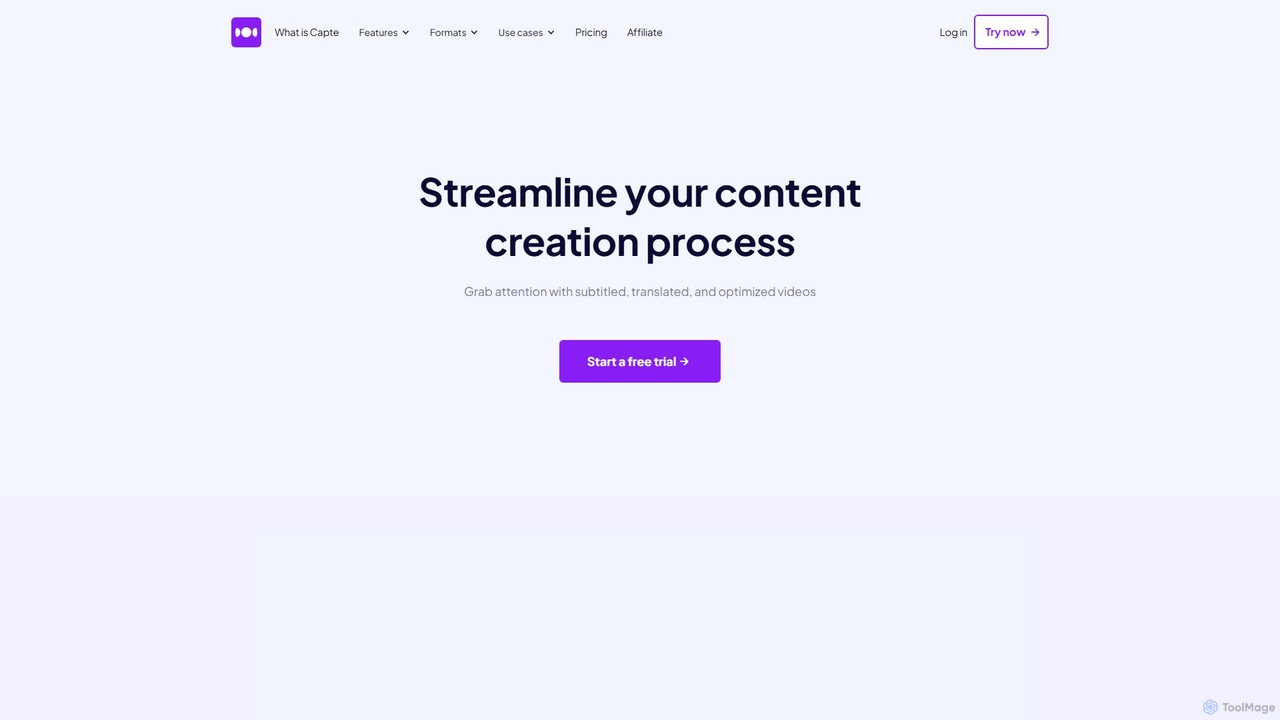
getcapte is an innovative AI-driven platform that revolutionizes the video content creation process under the motto "Create more, edit less." It is specifically designed for content creators, marketers, podcasters, and entrepreneurs who want to efficiently produce high-quality, engaging videos for social media platforms like TikTok, Instagram Reels, and YouTube Shorts. The tool tackles some of the most time-consuming tasks in video editing, allowing users to transform a single long video into dozens of captivating, subtitled short clips in minutes.
The core of getcapte is its powerful artificial intelligence, which automates transcription, translation, and video clipping. With over 60,000 satisfied users, the platform has proven its effectiveness in increasing viewer engagement, with data suggesting that subtitled videos can boost views by up to 12%. It provides a simple, intuitive, and fast solution for anyone, even those without a professional production team, to create polished and impactful video content.
How to use getcapte
The workflow in getcapte is streamlined into a simple, three-step process that makes video creation accessible to everyone:
- Upload Your Video: Begin by uploading your video file. getcapte supports a wide range of formats, including MP4, MOV, and MKV. The platform is built to handle various video sources, from professional recordings to casual vlogs.
- Let AI Do the Work: Once uploaded, getcapte's AI gets to work instantly. It transcribes the audio into text with high accuracy in just a few seconds. Simultaneously, its smart technology identifies the most engaging moments and automatically suggests short, shareable clips from your original video.
- Edit, Customize, and Export: Dive into the user-friendly editor to refine the generated content. You can correct any transcription errors, customize the appearance of your subtitles with unique styles, fonts, and colors, add 'Magic Emojis' for extra flair, and apply pre-made themes. The editor also allows you to fine-tune the clips, ensuring they are perfectly optimized for each social network with built-in safezone guides. Once you're happy with the result, export your video in Full HD or even 4K quality.
Core Features of getcapte
- Automatic Subtitles & Transcription: Leverages state-of-the-art voice recognition to generate precise, time-synced subtitles in a minute or less.
- AI-Powered Clipping (Automatic Shorts): Intelligently analyzes long videos to automatically extract dozens of viral-potential short clips, saving hours of manual editing.
- Multi-Language Translation: Instantly translate your subtitles into over a dozen languages with a single click, making your content accessible to a global audience.
- Advanced Subtitle Customization: Offers extensive options to personalize subtitles, including various fonts, colors, backgrounds, dynamic effects, and unique themes to match your brand identity.
- Magic Emojis: An AI feature that automatically suggests and inserts relevant emojis into your subtitles to enhance visual appeal and emotional connection.
- AI-Generated Social Posts (Magic Post): For each video clip, the AI assists in generating compelling post copy tailored for the associated social network, streamlining your publishing workflow.
- Social Media Safezones: Visual guides in the editor ensure that your text and key elements are perfectly placed and visible on platforms like TikTok, Instagram, and YouTube.
- High-Resolution Export: Export your finished videos in Full HD (1080p) and 4K, ensuring no loss of quality.
- Brand Kit: (Premium plan) Upload your own fonts, define brand colors, and create custom themes to maintain brand consistency across all your videos.
- SRT File Support: Import your own SRT subtitle files or export the ones generated by getcapte for use in other platforms.
Use Cases for getcapte
getcapte is a versatile tool suitable for a wide range of users:
- Podcasters: Easily turn audio or video podcast episodes into engaging audiograms or video clips for social media promotion.
- YouTubers & Content Creators: Repurpose long-form YouTube videos into an endless stream of Shorts, Reels, and TikToks to attract new subscribers.
- Marketers & Businesses: Transform webinars, product demos, or customer testimonials into bite-sized promotional content for social media campaigns.
- Solopreneurs & Coaches: Efficiently create a consistent stream of valuable content to build their personal brand and engage with their community without a dedicated video team.
- Educators: Break down long lectures or tutorials into digestible micro-learning videos for students.
Advantages of getcapte
Users choose getcapte for its significant benefits:
- Time and Cost Efficiency: Drastically reduces the time and expense associated with video editing and content repurposing.
- Increased Engagement & Reach: Subtitled and well-formatted videos are proven to perform better on social media, capturing attention and expanding audience reach.
- Ease of Use: The platform is praised for its intuitive and user-friendly interface, making advanced video editing accessible to beginners.
- High-Quality Output: With Full HD and 4K export, the final product is always professional and crisp.
- Strong Customer Support: Provides responsive and helpful support from a team of real people dedicated to user success.
Pricing and Plans
getcapte offers a freemium model with a 3-day free trial on its paid plans, which are commitment-free.
- Starter Plan: $7/month. Ideal for beginners, this plan includes 100 minutes/month, max 10 min video duration, Full HD export, and up to 40 video exports per month.
- Standard Plan: $20/month. The most popular choice, offering 500 minutes/month, max 35 min video duration, automatic translation, social media templates, unlimited chat support, and up to 120 video exports per month.
- Premium Plan: $50/month. For experts and professionals, this plan provides 1500 minutes/month, max 120 min video duration, 4K export, the Brand Kit feature, priority support, and up to 360 video exports per month.
- Enterprise: Custom plans are available for users with larger needs, such as longer video durations or higher volume.
Traffic
Latest traffic
Status
Monthly traffic trend
- 2026-1: 62.0K
- 2026-2: 58.8K
- 2026-3: 55.8K
- 2026-4: 66.2K
- 2026-5: 59.7K
Geography
Top 5 countries / regions
- 🇫🇷France50.1%
- 🇸🇳Senegal20.4%
- 🇳🇬Nigeria10.9%
- 🇺🇸United States10.7%
- 🇵🇱Poland7.9%
Traffic sources
| Source type | Percentage |
|---|---|
Direct | 84.3% |
Referral | 13.7% |
Email | 2.0% |
Top keywords
| Keyword | Cost per click |
|---|---|
| capte | $5.43 |
| convertidor instagram a mp4 | $0.13 |
| instagram mp4 | $0.17 |
| instagram to mp4 | $0.39 |
| mp4 instagram | $0.12 |
getcapte Alternatives
Clipwing
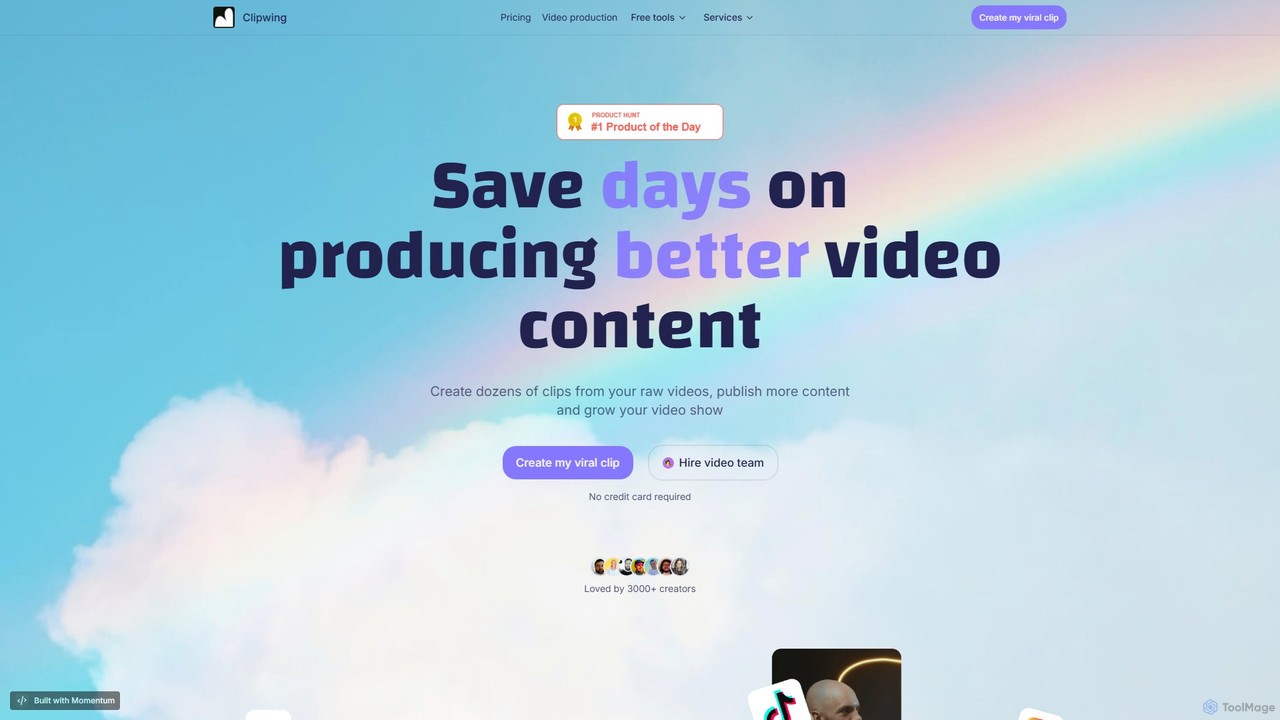
Clipwing is an AI-powered video repurposing platform that transforms long-form videos, like podcasts and webinars, into dozens of viral-ready short clips. It simplifies content creation with features like text-based editing, automatic subtitles, and AI-driven clip suggestions, helping creators and businesses save time and grow their audience on social media.
Repurposing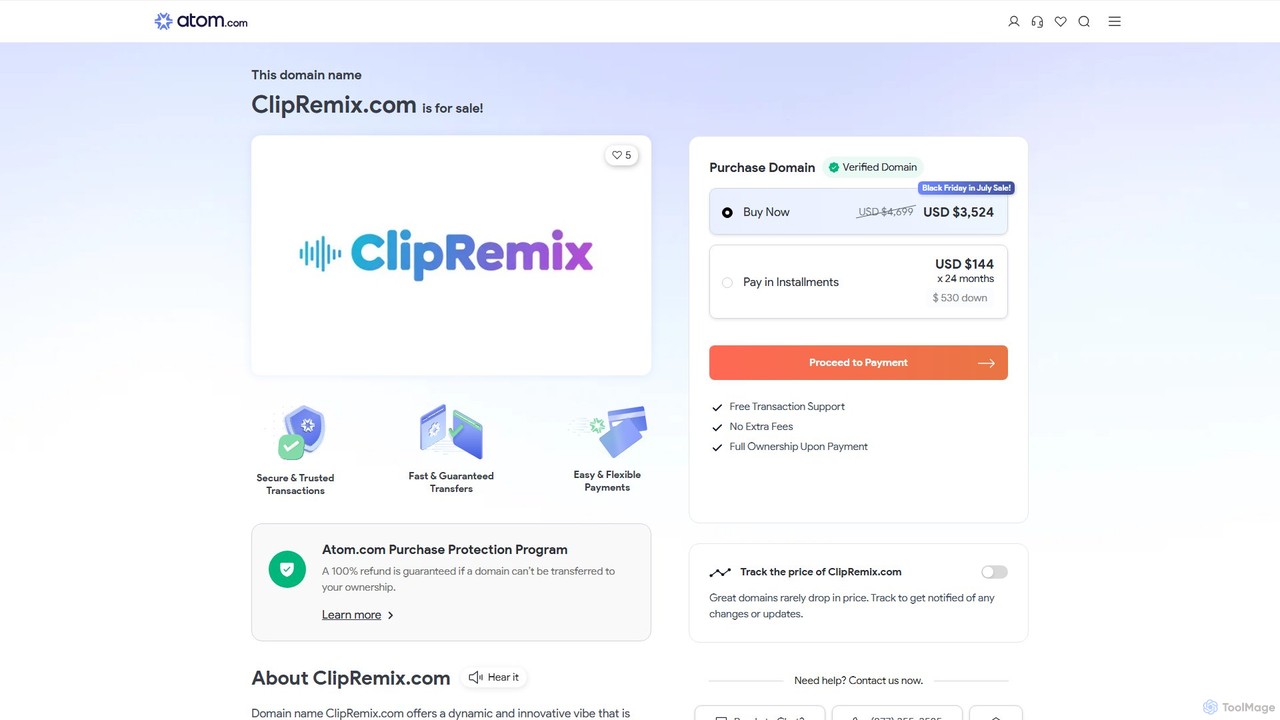
ClipRemix
ClipRemix is an AI-powered platform that transforms long-form videos and podcasts into engaging, short-form clips for social media. It automatically identifies key moments, adds dynamic captions, and reformats content for platforms like TikTok, Reels, and Shorts, helping creators and marketers maximize their reach.
Repurposing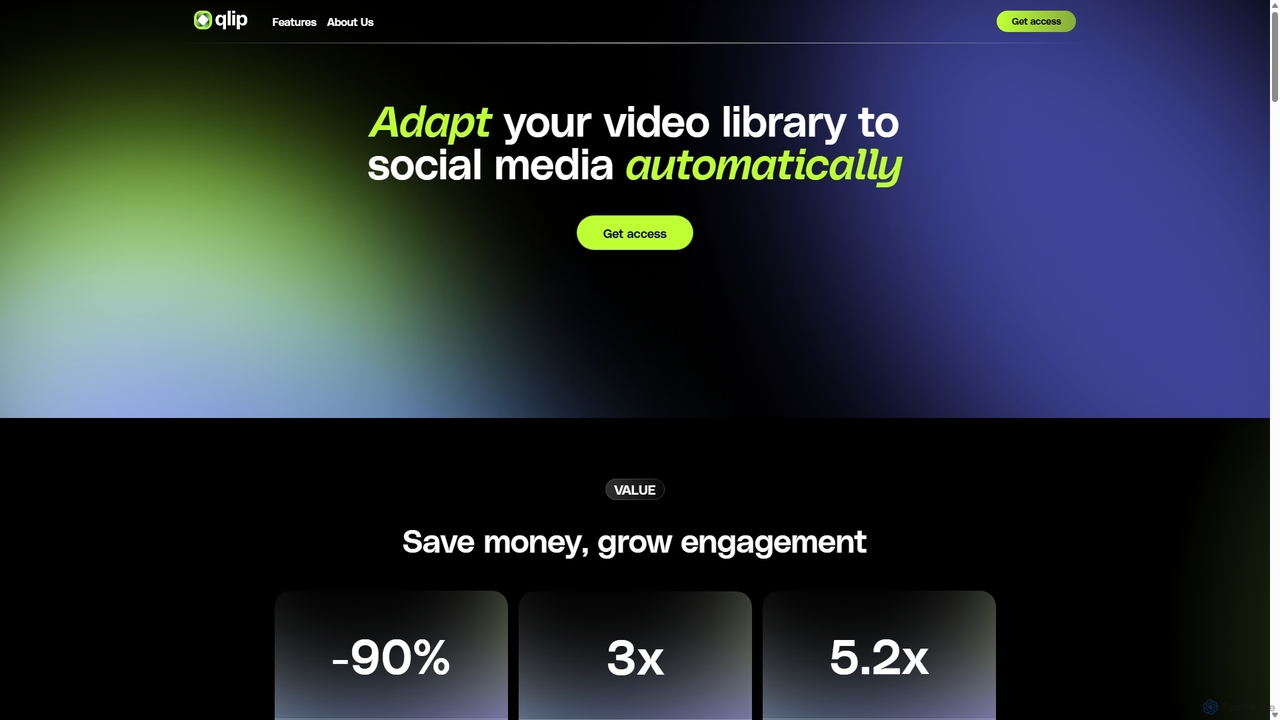
Qlip
Qlip is an AI-powered platform that automatically extracts impactful short clips from long-form videos. Designed for marketers and content creators, it simplifies repurposing content for social media with features like auto-reframing, branded subtitles, and transcription, helping to save costs and boost engagement.
Video Marketing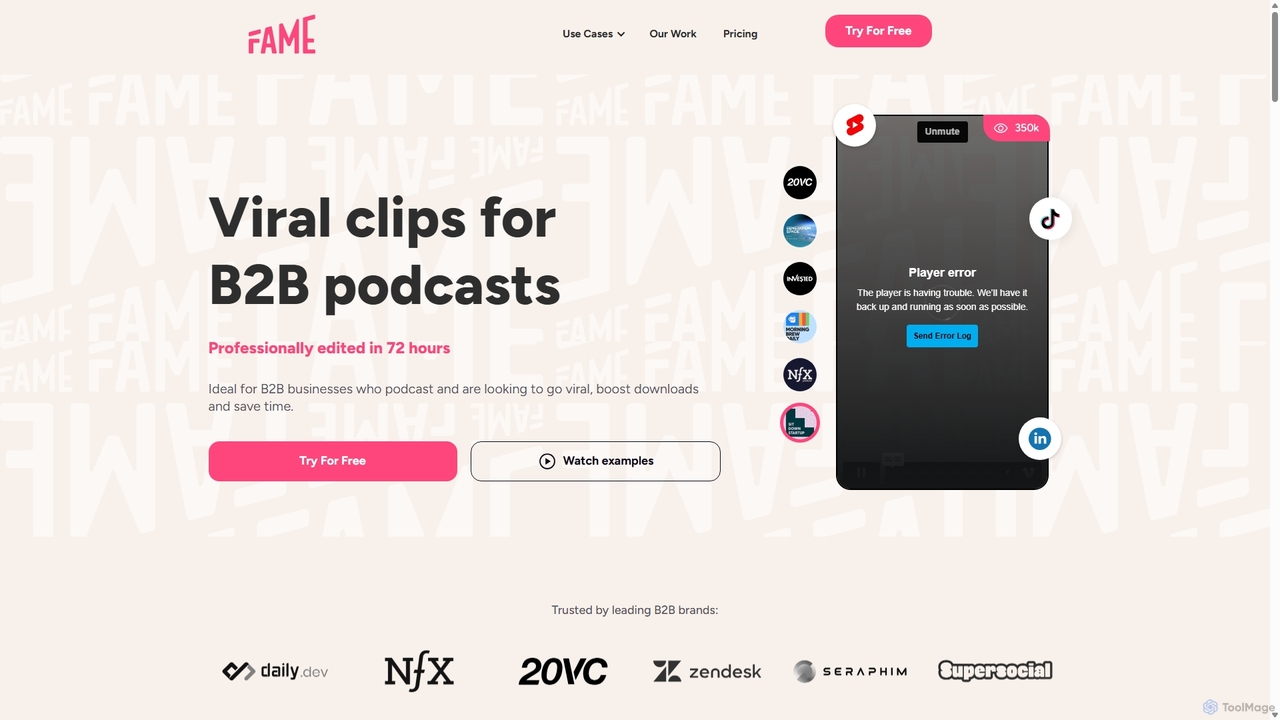
Fame Clips
Fame Clips is a hybrid AI and human-powered service that transforms B2B podcasts into professionally edited, viral-ready short-form video clips for social media. It delivers high-quality, branded content in 72 hours, helping businesses boost engagement, increase downloads, and save significant time and resources compared to pure AI tools or traditional agencies.
Podcast Marketing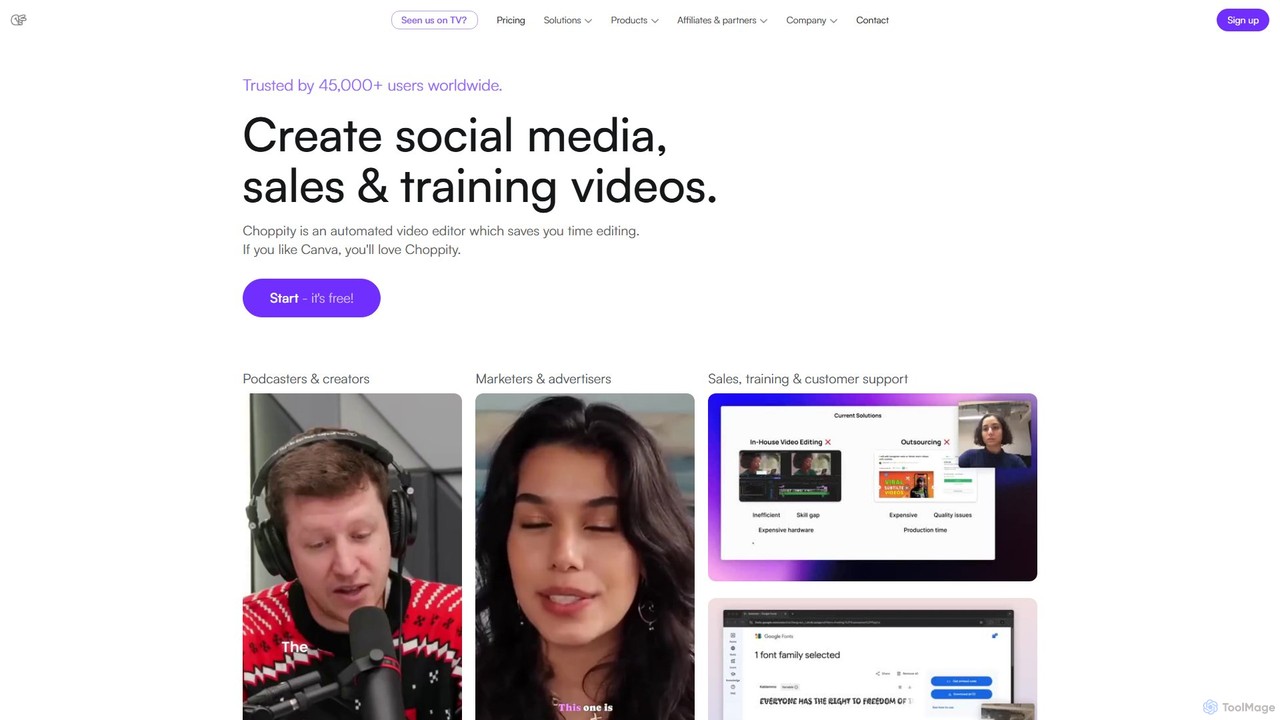
Choppity
Choppity is an AI-powered video editing platform designed to automate and accelerate the creation of short-form videos for social media and marketing. It automatically finds viral clips from long videos, adds customizable captions, reframes content for vertical formats, and applies consistent brand styling, allowing creators to produce more content with less editing effort.
Automationgetcapte Categories
getcapte Embed Widget
Copy this embed code to place the badge on your blog, article, or product site and send readers directly to this ToolMage detail page.

Related AI tools
Qlip
Qlip is an AI-powered platform that automatically extracts impactful short clips from long-form videos. Designed for marketers and content creators, it simplifies repurposing content for social media with features like auto-reframing, branded subtitles, and transcription, helping to save costs and boost engagement.
Video MarketingClipwing
Clipwing is an AI-powered video repurposing platform that transforms long-form videos, like podcasts and webinars, into dozens of viral-ready short clips. It simplifies content creation with features like text-based editing, automatic subtitles, and AI-driven clip suggestions, helping creators and businesses save time and grow their audience on social media.
Repurposing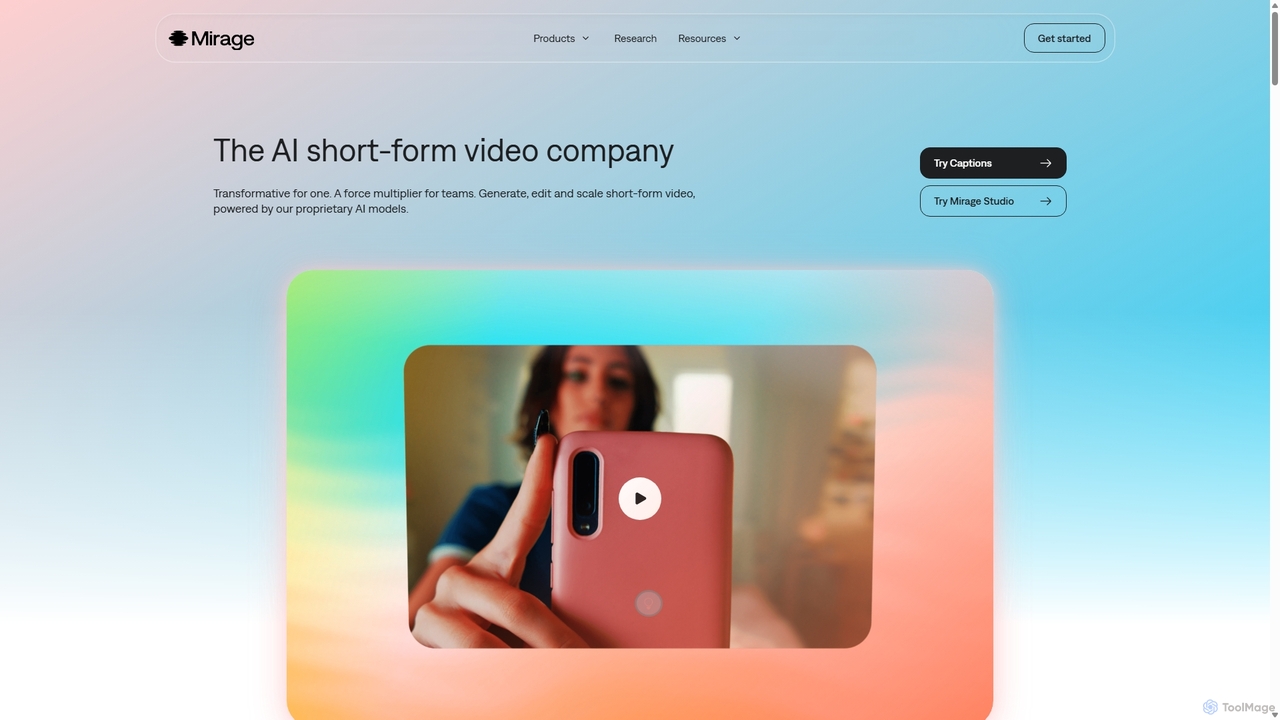
Mirage
Mirage is an AI video platform that transforms ideas into engaging short-form videos. It offers the Captions app for creators to generate and edit talking videos with text prompts, and Mirage Studio for teams to scale video production. Powered by proprietary AI, Mirage creates photorealistic footage and AI avatars, streamlining video creation for platforms like TikTok and Instagram.
Advertising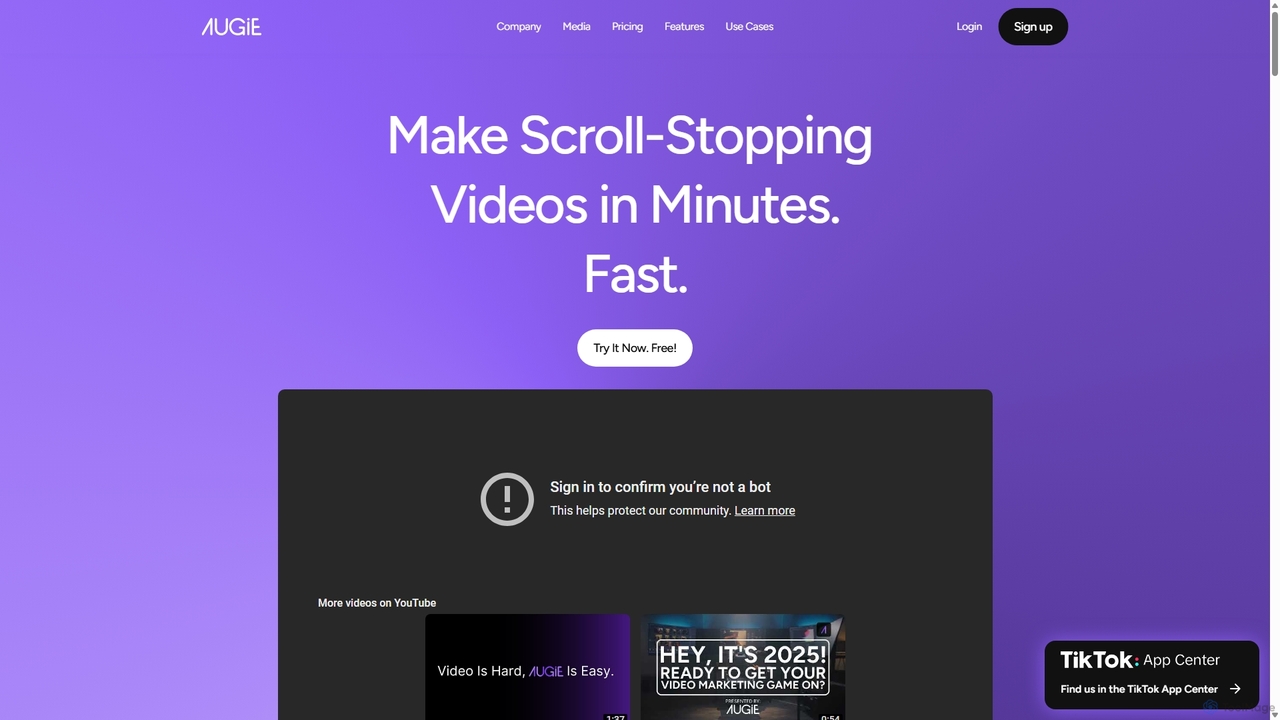
Augie
Augie is an AI-powered video studio designed for creators, marketers, and brands to effortlessly transform long-form content like podcasts and streams into engaging, short-form social videos. It automates the editing process, identifies key moments, and provides a vast library of stock media and AI-generated content to create professional-quality videos for TikTok, Reels, and YouTube Shorts in minutes, with no complex editing skills required.
Social Media MarketingClipRemix
ClipRemix is an AI-powered platform that transforms long-form videos and podcasts into engaging, short-form clips for social media. It automatically identifies key moments, adds dynamic captions, and reformats content for platforms like TikTok, Reels, and Shorts, helping creators and marketers maximize their reach.
RepurposingFame Clips
Fame Clips is a hybrid AI and human-powered service that transforms B2B podcasts into professionally edited, viral-ready short-form video clips for social media. It delivers high-quality, branded content in 72 hours, helping businesses boost engagement, increase downloads, and save significant time and resources compared to pure AI tools or traditional agencies.
Podcast Marketing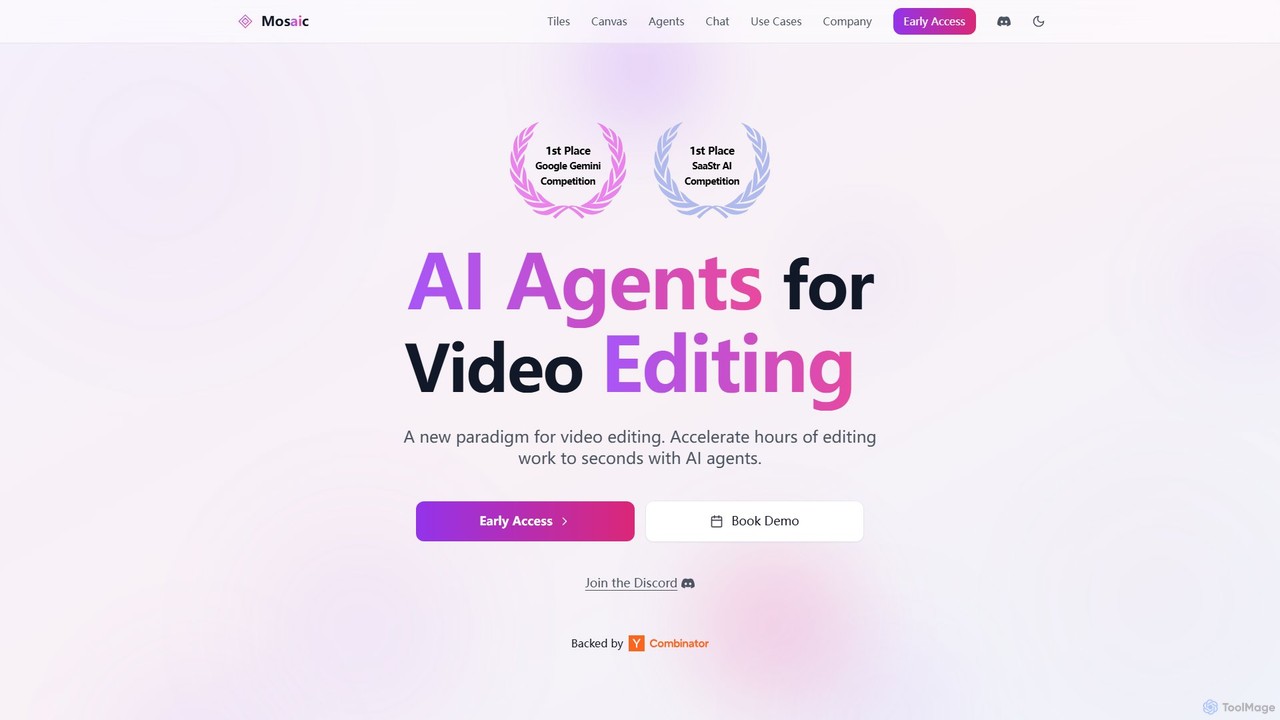
Mosaic
Mosaic is a revolutionary video editing platform that utilizes AI agents to automate complex editing workflows. It transforms hours of manual work into seconds, enabling creators and marketers to generate multiple video variations, localize content, and optimize for engagement at scale.
Translation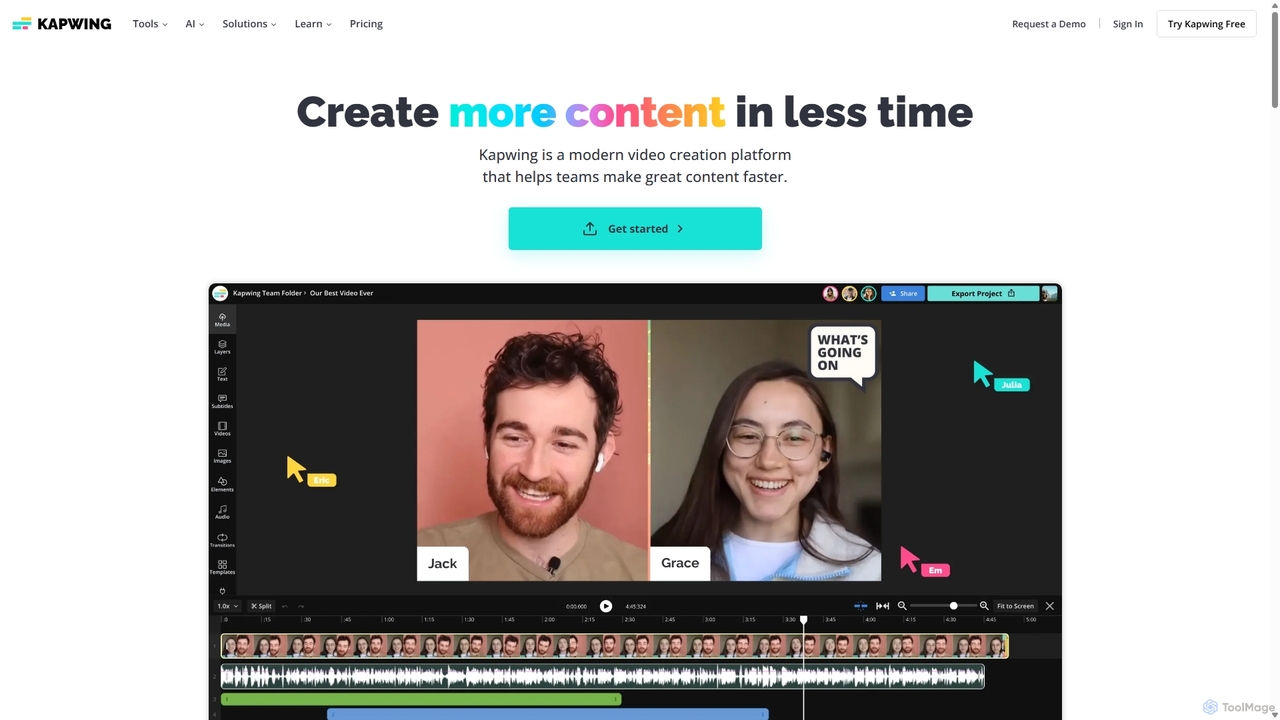
Kapwing
Kapwing is an AI-powered online video editor designed for teams and creators to produce high-quality content faster. It combines a full suite of editing tools with intelligent AI features like text-to-video, automatic subtitling, and background removal in a collaborative, browser-based platform, making video creation accessible to everyone.
Video Marketing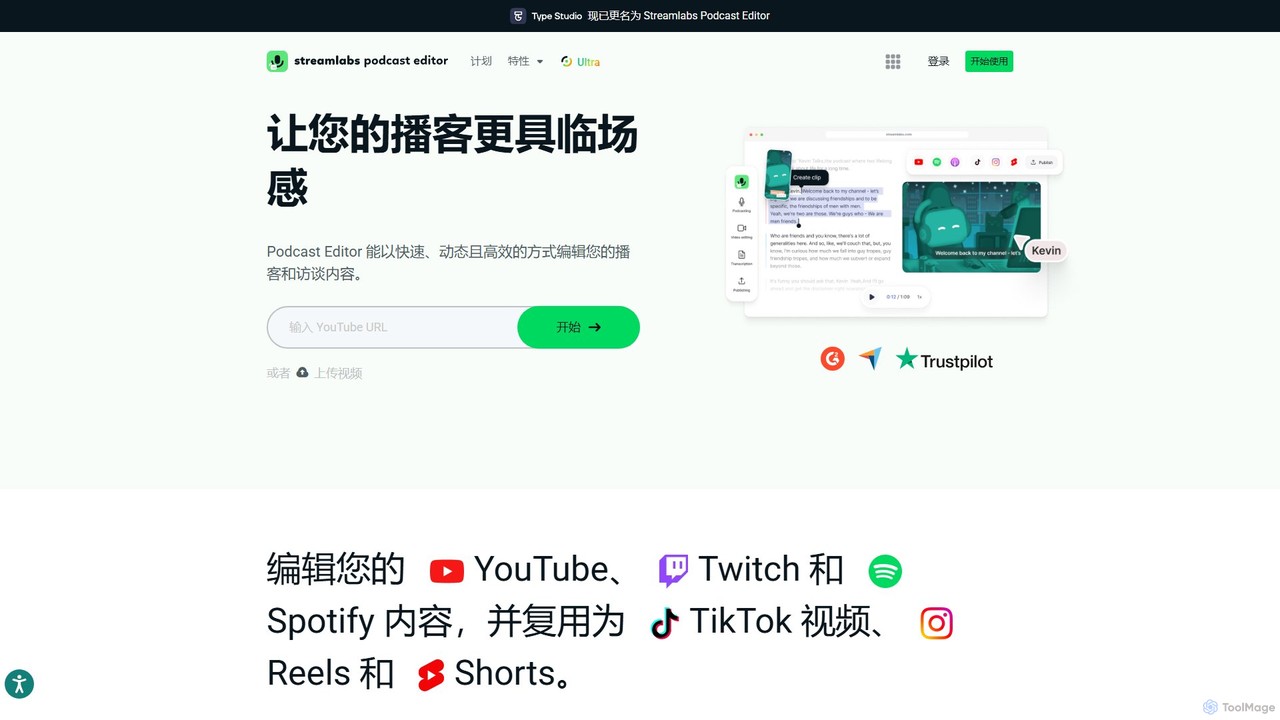
Type Studio
Type Studio (now Streamlabs Podcast Editor) is an AI-powered video editor that lets you edit video by simply editing its text transcript. It automatically transcribes your content, allowing you to cut scenes, remove filler words, and create short clips just by deleting text. It's designed for podcasters, streamers, and creators to repurpose long-form content for social media quickly and effortlessly, no editing experience required.
Podcast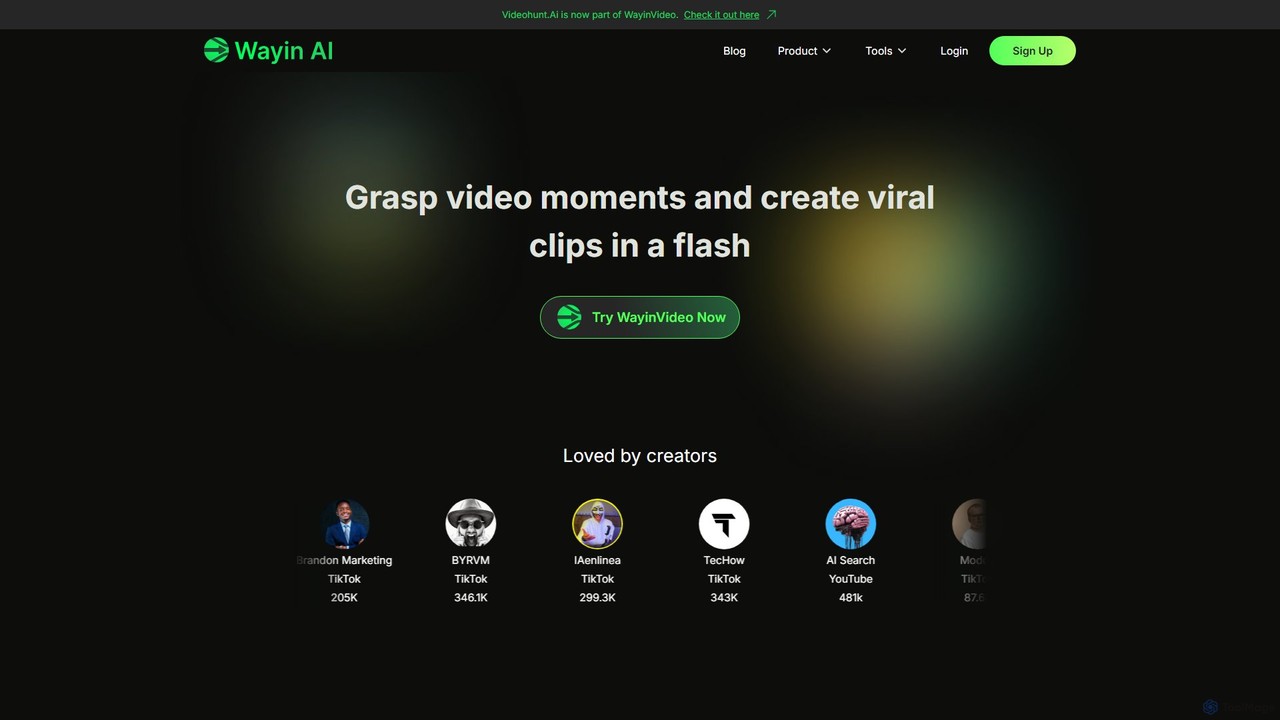
WayinVideo
WayinVideo is an AI-powered platform designed for content creators and marketers to effortlessly transform long-form videos into engaging, viral short clips. By simply pasting a video link or uploading a file, the AI automatically identifies key moments, generates animated captions, and reframes content for social media platforms like TikTok, YouTube Shorts, and Instagram Reels, saving hours of manual editing.
Automation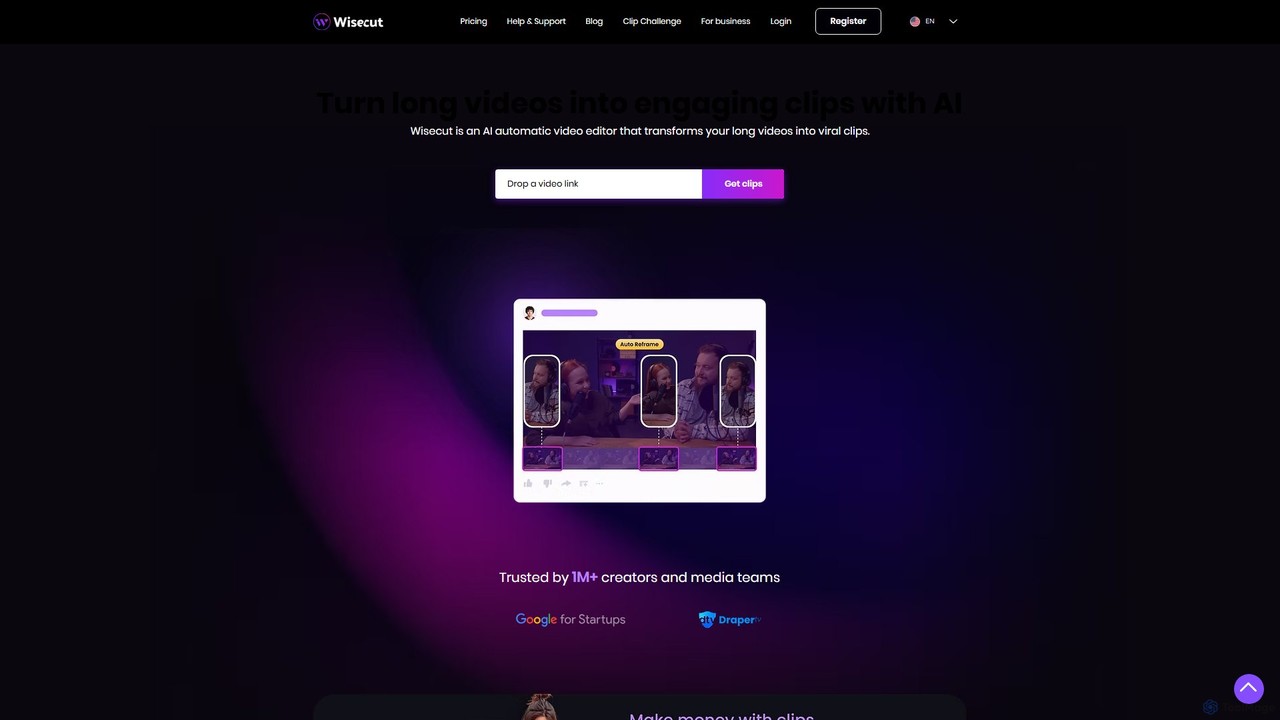
Wisecut
Wisecut is an AI-powered video editor that automatically transforms long videos into short, viral-ready clips. It uses AI to identify highlights, remove silences, add smart background music, and generate captions. Ideal for creators and businesses, it simplifies video editing with a storyboard-based interface, requiring no technical skills to produce professional, engaging content for social media and other platforms.
Automation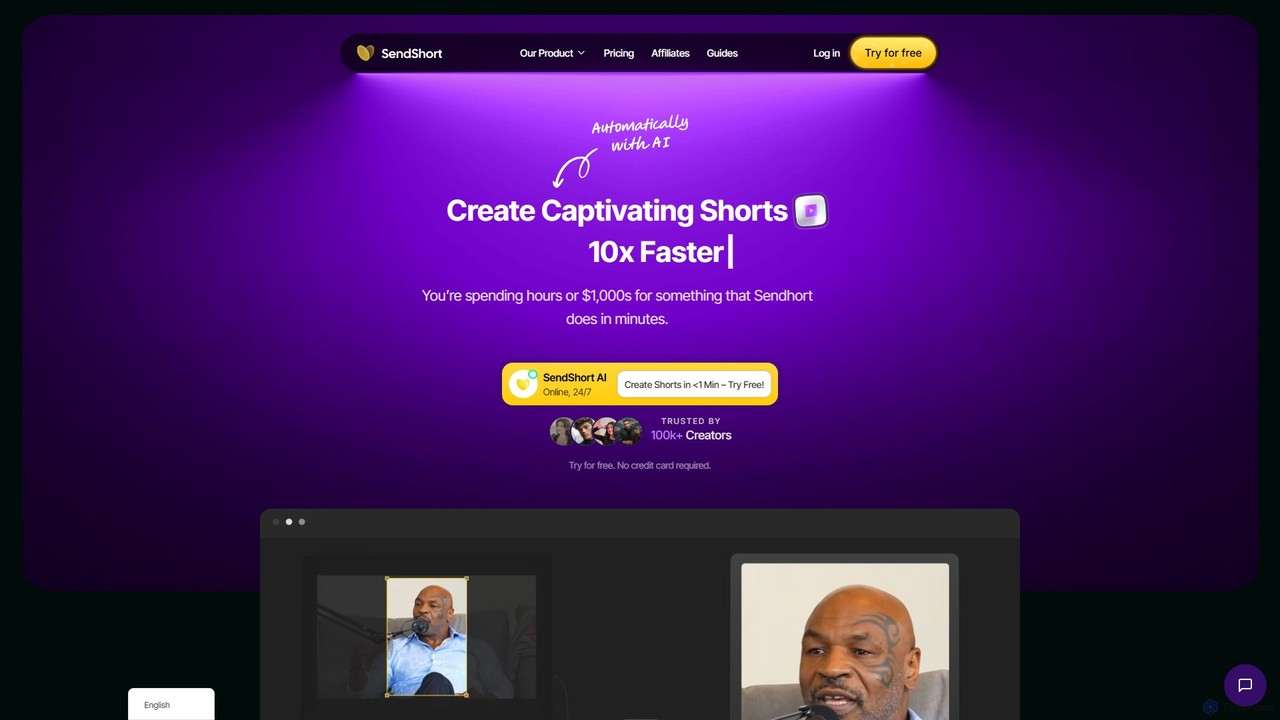
SendShort
SendShort is an AI-powered video platform that instantly transforms long-form videos into dozens of viral short clips for TikTok, Reels, and Shorts. It automates editing, adds dynamic captions, generates faceless content, and provides tools for scheduling, saving creators hours of work and thousands in costs.
Automation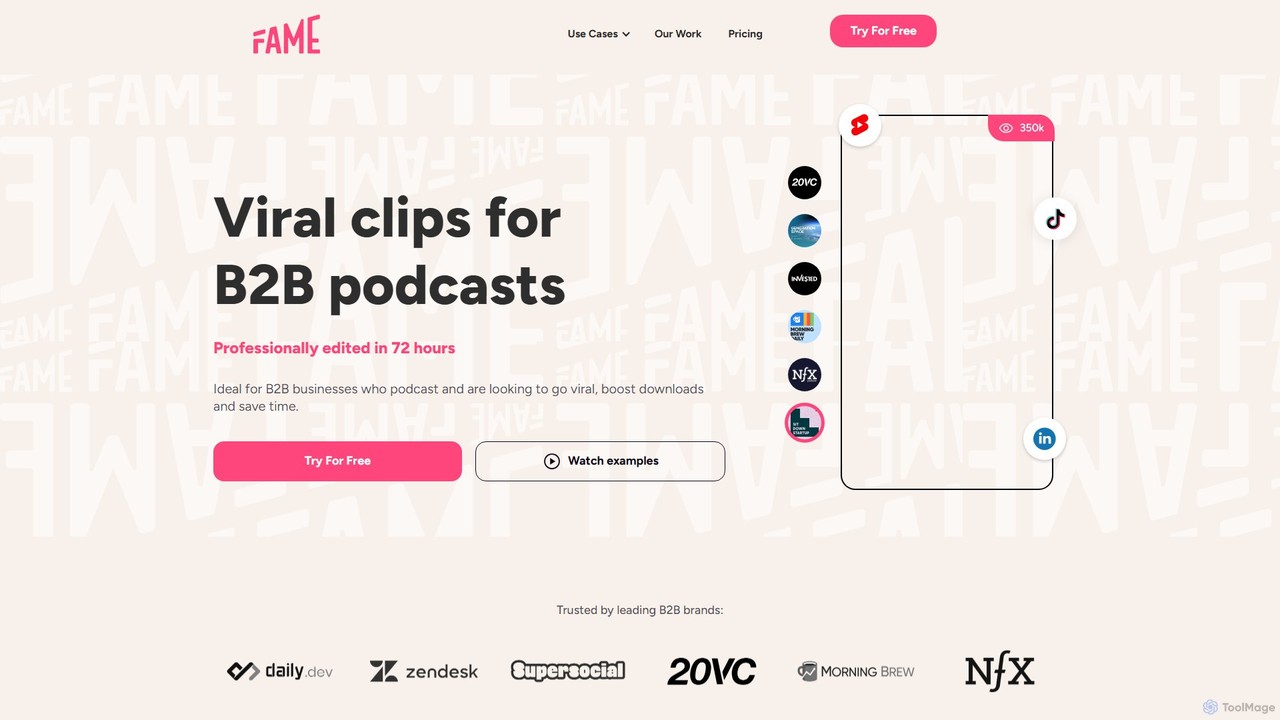
Fame Clips
Fame Clips is a done-for-you service that combines AI with professional human editors to create high-performance, viral-ready video clips from podcasts and X Spaces. Designed for B2B businesses, it delivers professionally edited clips in 72 hours, optimized for social media platforms, helping to boost downloads and save significant time.
Podcast Marketing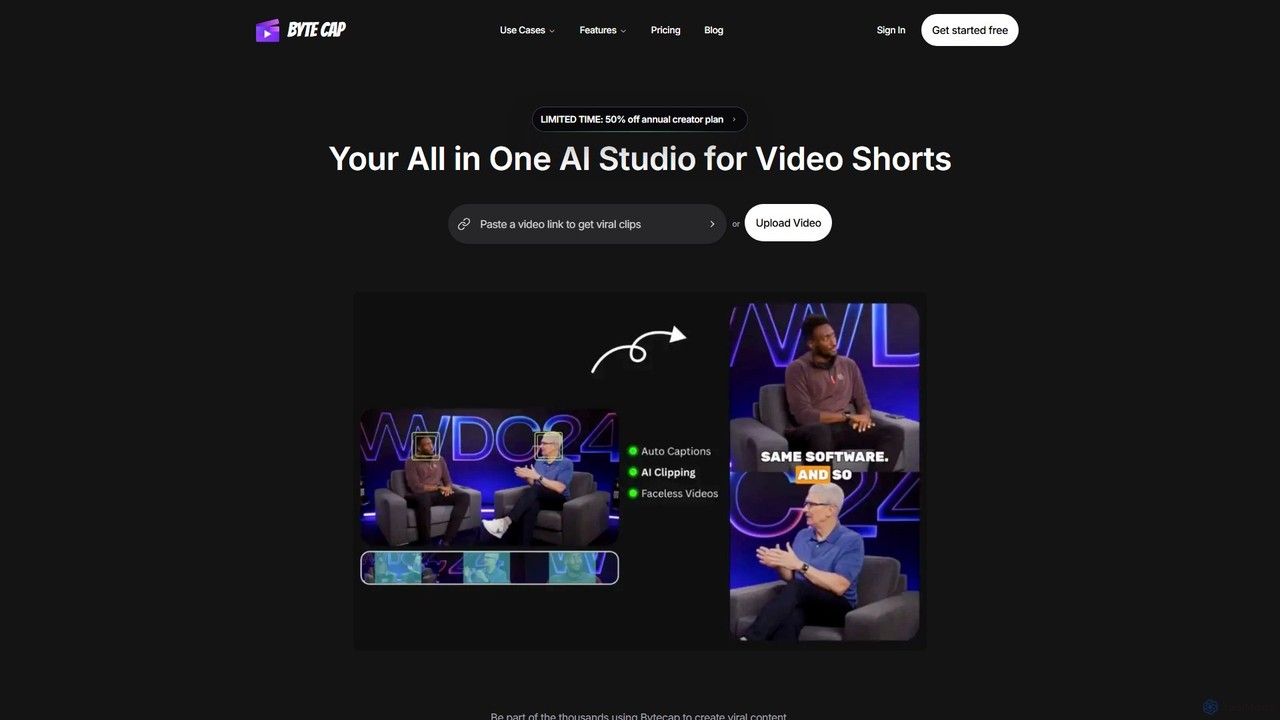
Bytecap
Bytecap is an all-in-one AI video studio that automates the creation of viral short videos. It uses AI to clip the best moments from long-form content, add highly accurate and customizable captions, and generate engaging faceless videos from simple text prompts. Designed for creators, marketers, and professionals, it streamlines video production for platforms like TikTok, Reels, and YouTube Shorts, requiring no prior editing skills.
Video Marketing
Latte Social
Latte Social is an AI-powered creative studio designed to simplify video production for social media. It automates content creation by transforming long-form videos into viral short clips, editing raw footage, adding animated subtitles, and even generating videos from text. It's built for creators and businesses looking to grow their audience with professional content, effortlessly.
Automation
getcapte Comments (0)
Sign in to comment.
Sign inNo comments yet.