
Mosaic Overview
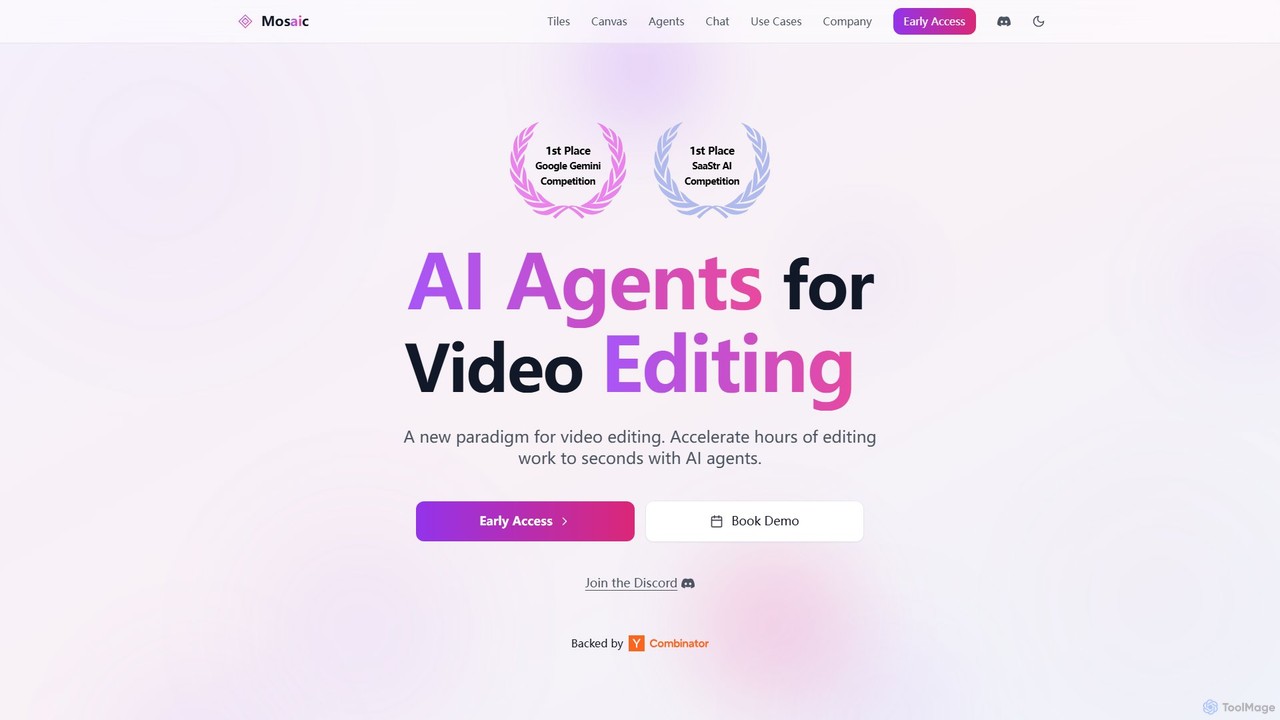
Mosaic introduces a new paradigm in video editing by leveraging powerful AI agents. This award-winning platform, recognized in the Google Gemini and SaaStr AI competitions, is designed to dramatically accelerate video production. Instead of tedious manual editing, users can build, customize, and deploy automated workflows using a visual, node-based system.
The core of Mosaic is its agent-based architecture. Each AI agent is a sequence of configurable operations, called "Tiles," designed for a specific editing task. This modular approach allows for unparalleled flexibility and control over the final output. Users can either start with pre-built agent templates or create their own from scratch to perfectly match their creative vision.
How to use Mosaic
Using Mosaic is an intuitive process designed for both beginners and professionals:
- Upload Your Video: Start by uploading your long-form video, podcast, or raw footage to the platform.
- Design Your Workflow on the Canvas: Use the visual Canvas to map out your editing process. Drag and drop "Tiles"—individual operations like 'Add Captions', 'Reframe for 9:16', 'Find B-Roll', or 'Enhance Audio'.
- Use Pre-built Agents: For common tasks, select a pre-built Agent template. For example, the 'Curator Agent' automatically turns long-form content into engaging short-form clips, while the 'Linguist Agent' handles full localization.
- Configure and Customize: Click on any Tile or Agent to configure its parameters, guiding the AI to achieve your desired style and result.
- Run in Parallel: Execute multiple workflows or branches simultaneously to generate dozens of video variations for A/B testing or multi-platform distribution from a single source video.
- Preview and Refine: Track the progress of your edits in real-time directly on the Canvas. For fine-tuning, jump into the editor or use the multimodal Chat feature to make specific changes with natural language commands like, "Make the first 5 seconds more dynamic" or "Change the background music here."
Core Features of Mosaic
- AI Editing Agents: Specialized agents like the Curator (short-form content), Linguist (localization), and Attention (engagement optimization) automate complex, multi-step editing tasks.
- Visual Workflow Canvas: A drag-and-drop interface for building, visualizing, and managing editing workflows with modular "Tiles."
- Parallel Video Generation: Create and render multiple versions of a video simultaneously, enabling rapid experimentation and content scaling.
- Multimodal Chat Editor: Interact with a powerful AI in natural language to perform edits. The AI understands visual, audio, and timeline context, allowing for precise, conversational editing.
- Advanced Localization: The Linguist Agent provides voice cloning, dubbing, lip-sync, and translation in over 30 languages, making global content distribution seamless.
- Automated Content Enhancement: Automatically generate and add relevant B-roll, dynamic captions, and suitable background music to enhance viewer engagement.
- Instant Preview & Timeline Integration: Monitor edits as they happen and jump into a traditional timeline editor from any step in the workflow for granular control.
Use Cases for Mosaic
Mosaic is ideal for a wide range of applications:
- Content Repurposing: Marketers and creators can transform a single podcast or webinar into dozens of short-form videos for TikTok, Instagram Reels, and YouTube Shorts.
- Global Marketing Campaigns: Brands can localize a single video ad for multiple international markets with accurate dubbing and lip-syncing in minutes.
- A/B Testing at Scale: Generate numerous variations of a promotional video with different hooks, calls-to-action, or visual styles to identify the highest-performing version.
- Educational & Corporate Video Production: Quickly enhance training materials, lectures, and internal communications with professional edits, captions, and visuals.
Advantages of Mosaic
The primary advantage of Mosaic is its massive efficiency gain, reducing editing time from hours to seconds. Its scalable architecture allows for the production of content at a volume previously unimaginable. The visual, no-code workflow builder makes advanced editing accessible to non-experts, while the AI chat provides an intuitive new way to interact with and control the editing process. Finally, its powerful localization features break down language barriers for global content creators.
Pricing and Plans
Mosaic is currently available through an Early Access program. Specific pricing and plan details are provided upon booking a demo. This approach allows them to tailor packages to the specific needs of different users, from individual creators to large enterprise teams. It is expected that plans will be structured based on usage, number of users, and access to advanced features like the API and specialized agents.
Mosaic Alternatives
Lens
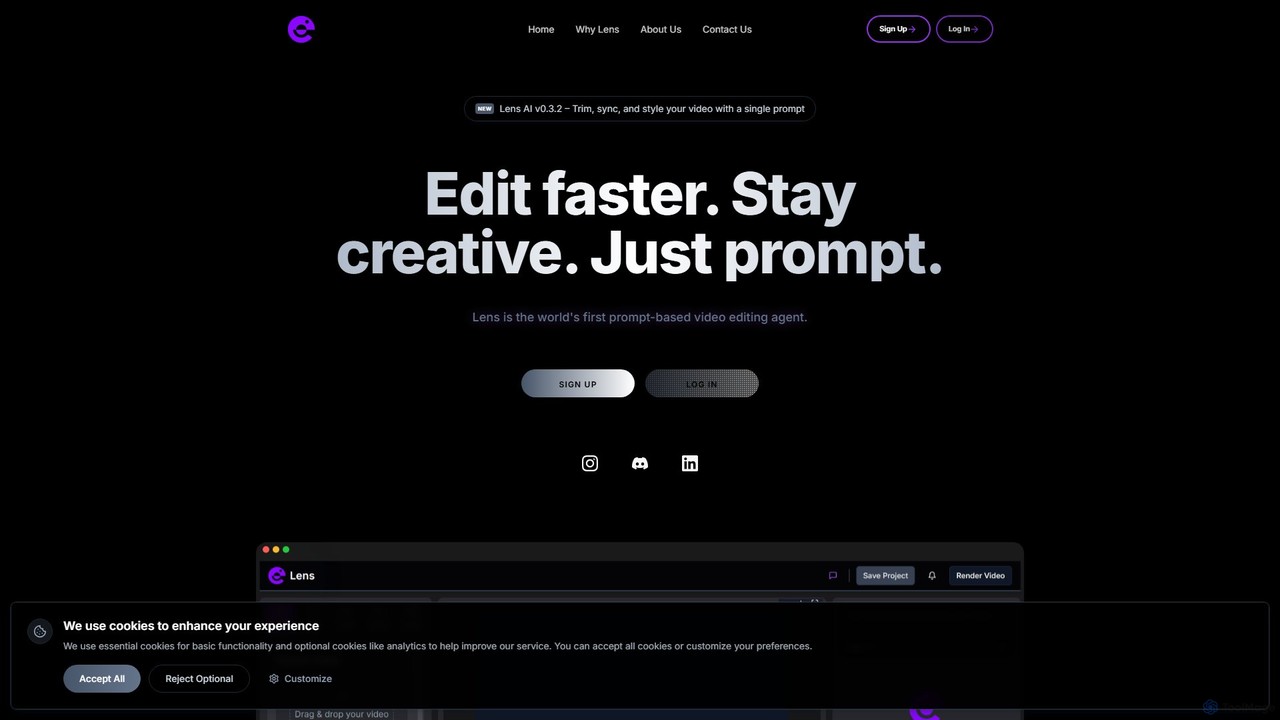
Lens is the world's first prompt-based video editing agent, designed to revolutionize the editing process. It allows creators to trim, sync, and style videos using simple text commands, eliminating the need for complex timelines and manual tasks. Focus on your creativity while Lens handles the heavy lifting, making video editing faster, more intuitive, and accessible to everyone.
Social Media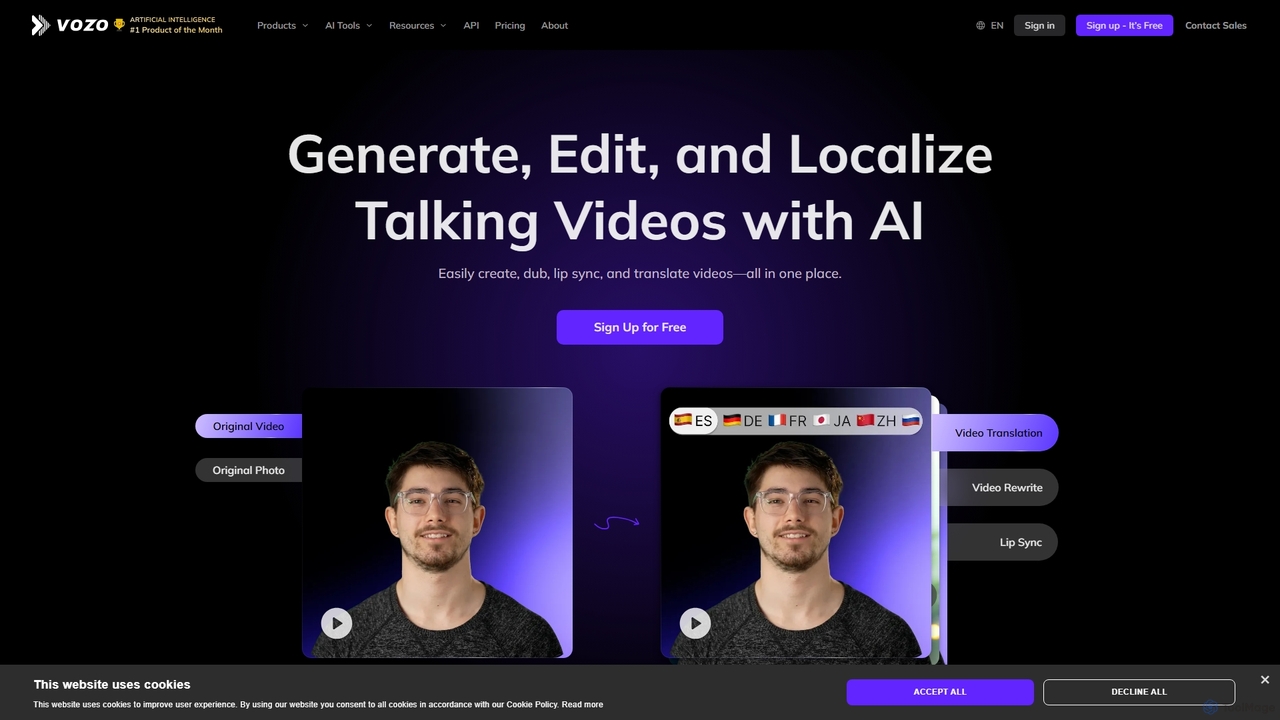
Vozo
Vozo is an all-in-one AI video platform that enables users to generate, edit, and localize talking videos. It offers features like precise video translation, realistic lip-syncing, authentic voice cloning, and talking photo animation. Designed for marketers, creators, and businesses, Vozo simplifies video production, allowing for easy content updates, multilingual dubbing, and repurposing for global audiences across various social media platforms, all within a single, user-friendly interface.
Translation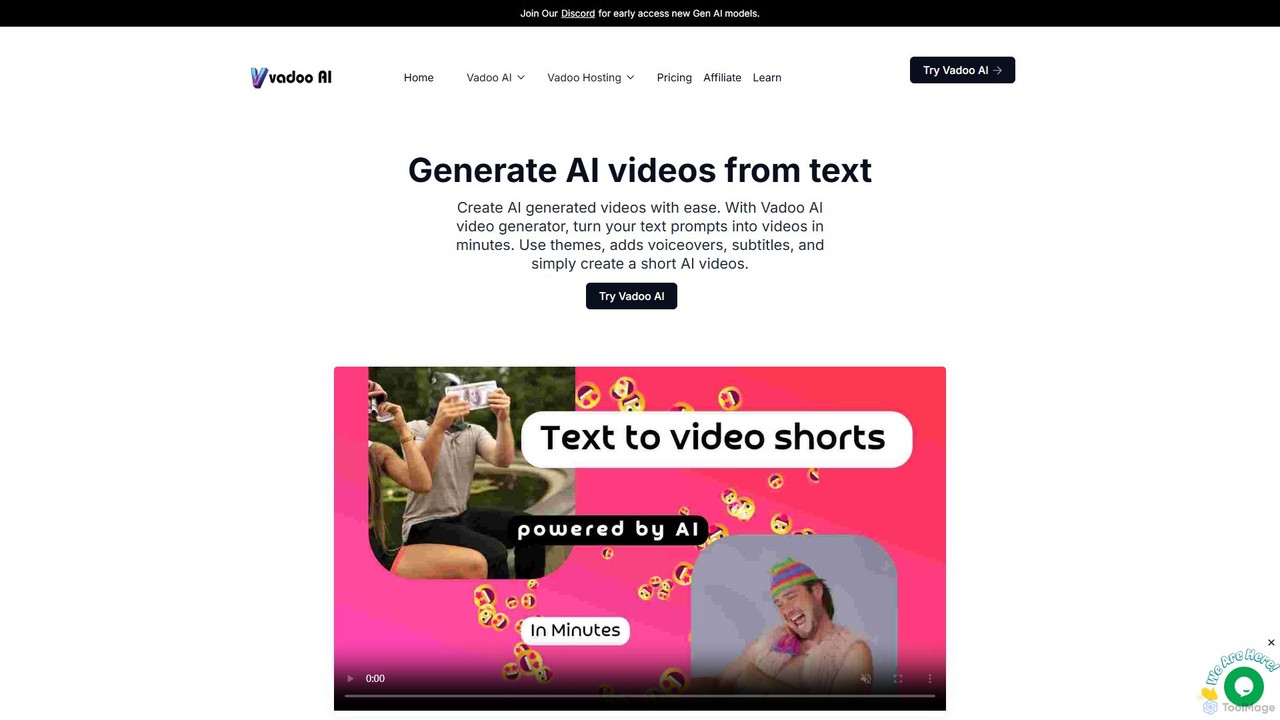
Vadoo AI
Vadoo AI is an all-in-one platform for video creation, editing, hosting, and distribution. It uses AI to generate videos from text, create shorts from long-form content, add voiceovers and captions, and automate posting to social media. It also includes secure, ad-free video hosting.
Social Media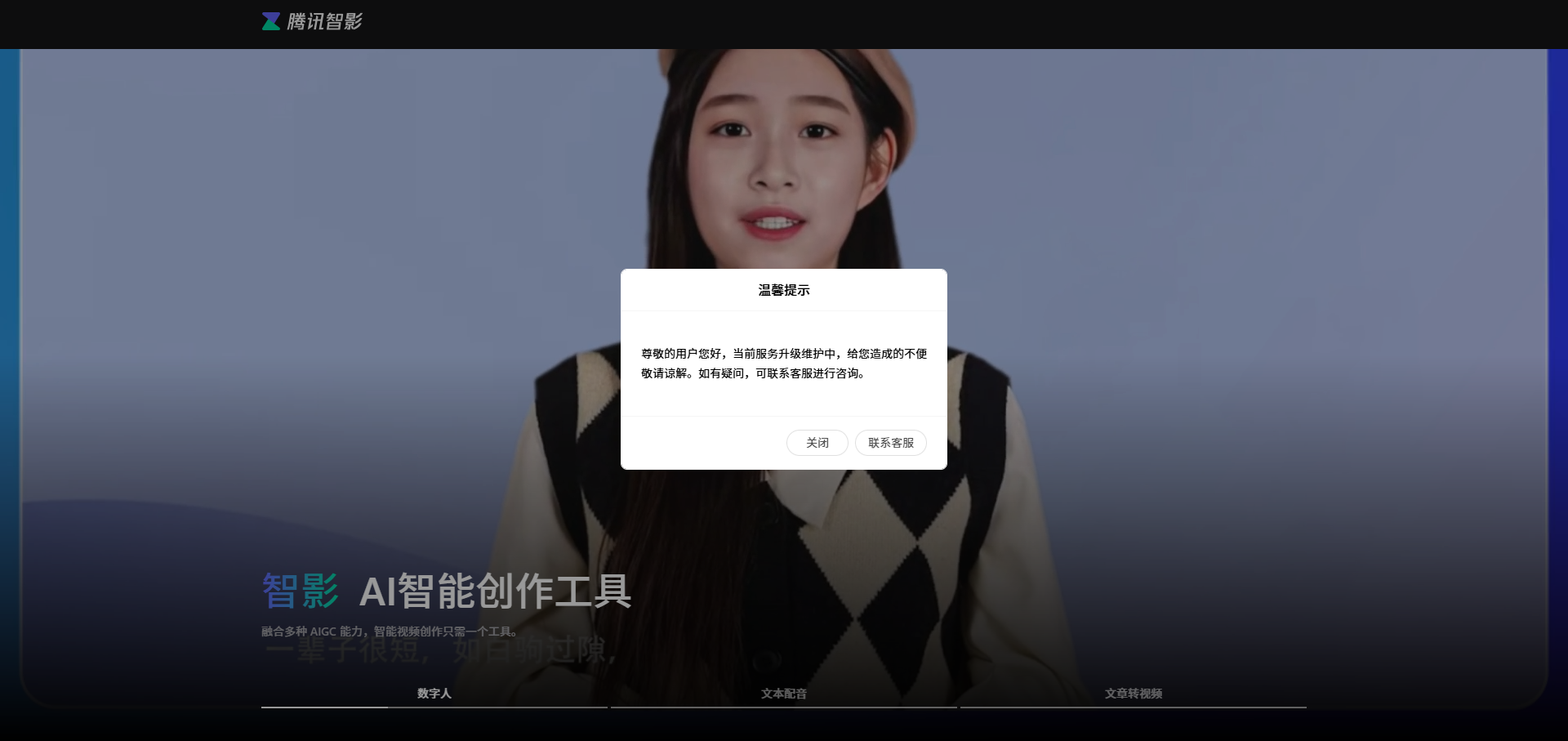
Zenvideo
Zenvideo is an intelligent video creation platform by Tencent, leveraging AI to simplify and automate the entire video production workflow. It enables users to effortlessly generate professional-quality videos from text, create content with digital human avatars, and utilize smart editing tools, making it ideal for marketing, education, and content creation.
Social Media
vverse
vverse is an AI-powered video solutions platform for enterprises, broadcasters, and content creators. It automates the creation of engaging short-form video highlights from long-form content like live sports and esports. Using advanced AI, vverse streamlines content production, boosts fan engagement, and opens new monetization avenues with remarkable speed and efficiency.
Social MediaMosaic Categories
Mosaic Embed Widget
Copy this embed code to place the badge on your blog, article, or product site and send readers directly to this ToolMage detail page.

Related AI tools
Lens
Lens is the world's first prompt-based video editing agent, designed to revolutionize the editing process. It allows creators to trim, sync, and style videos using simple text commands, eliminating the need for complex timelines and manual tasks. Focus on your creativity while Lens handles the heavy lifting, making video editing faster, more intuitive, and accessible to everyone.
Social Media
Jyek
Jyek is an AI agent platform that understands objectives, creates execution plans, uses tools, and delivers verifiable results for complex, multi-step tasks.
Automation
getcapte
getcapte is an AI-powered video editing platform designed to streamline content creation. It automatically generates accurate subtitles, translates them into multiple languages, and repurposes long-form videos into engaging short clips for social media. Ideal for creators, marketers, and podcasters looking to maximize their content's reach with minimal effort.
Repurposing
ShortX.ai
ShortX.ai is an AI-powered platform that automates the creation of engaging short-form videos from long-form content. Ideal for creators and marketers, it uses AI to find viral moments, add dynamic captions, and reformat videos for platforms like TikTok, Reels, and YouTube Shorts, saving hours of editing time.
Video Marketing
Vivu.ai
Vivu.ai is an AI-powered video editing platform that simplifies and accelerates the video creation process. It uses AI to automatically generate smart rough cuts, index and search video content, and suggest background music, enabling creators of all skill levels to produce professional-quality videos with ease.
Social Media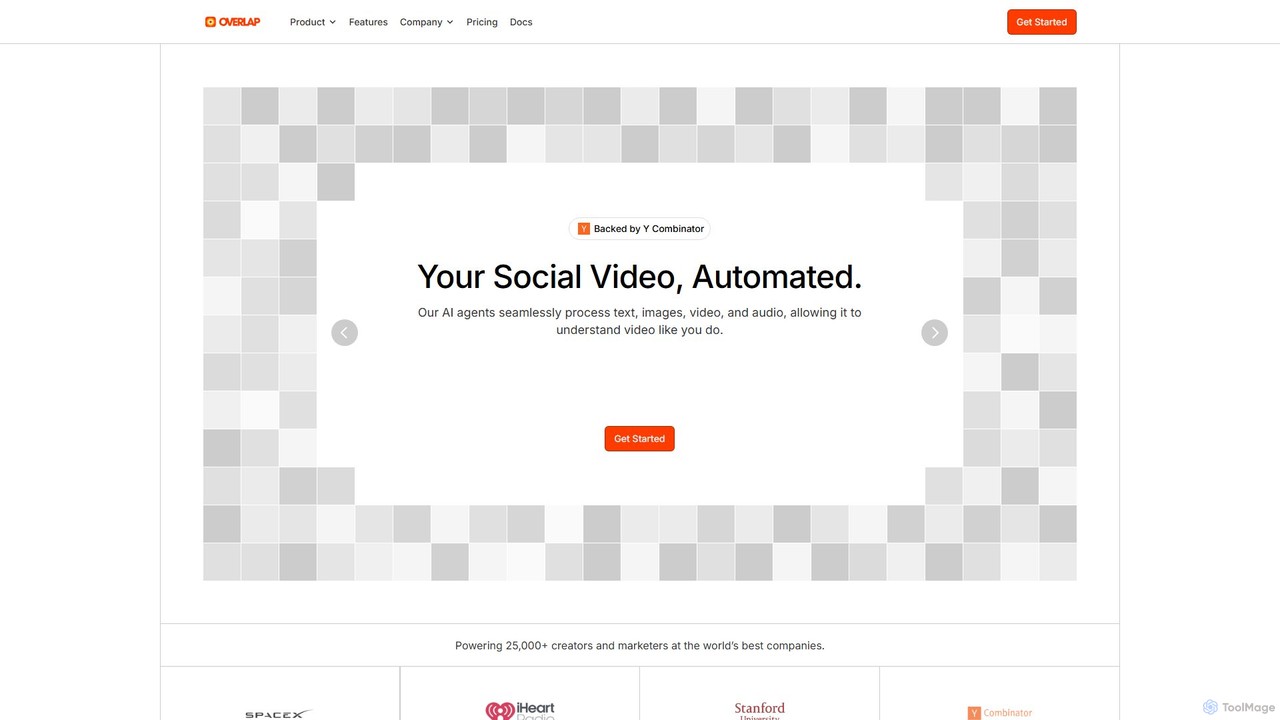
Overlap
Overlap is a Y Combinator-backed AI video marketing agent that automates the entire video creation workflow. It transforms long-form content like podcasts and webinars into engaging, short-form social media clips. The platform uses advanced AI to edit, reframe, and enhance videos, helping creators and marketers significantly boost their online presence and engagement.
Social Media Marketing
OneTake AI
OneTake AI is an autonomous video editing and translation agent that transforms raw talking videos into professional presentations with a single click. It automatically handles transcription, removes filler words, eliminates background noise, adds custom music, and creates engaging visuals. Ideal for content creators, educators, and businesses, it also offers voice-cloned translation and dubbing to reach a global audience effortlessly.
E Learning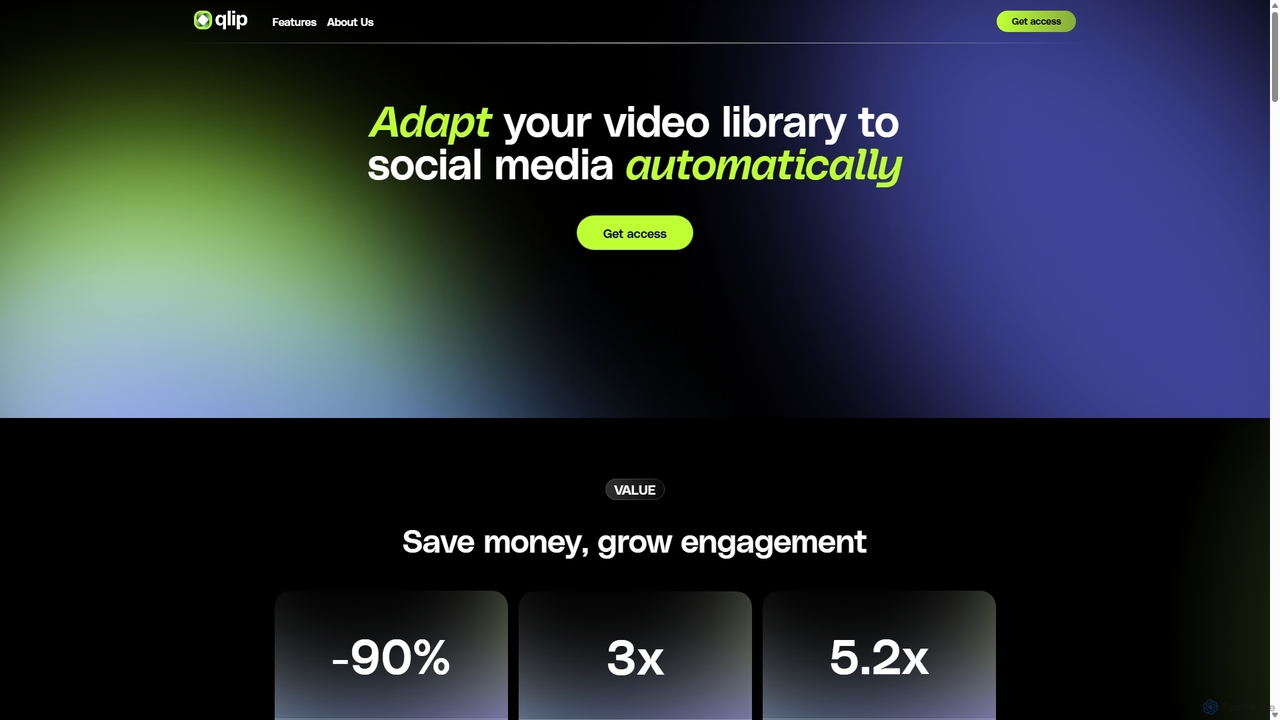
Qlip
Qlip is an AI-powered platform that automatically extracts impactful short clips from long-form videos. Designed for marketers and content creators, it simplifies repurposing content for social media with features like auto-reframing, branded subtitles, and transcription, helping to save costs and boost engagement.
Video Marketing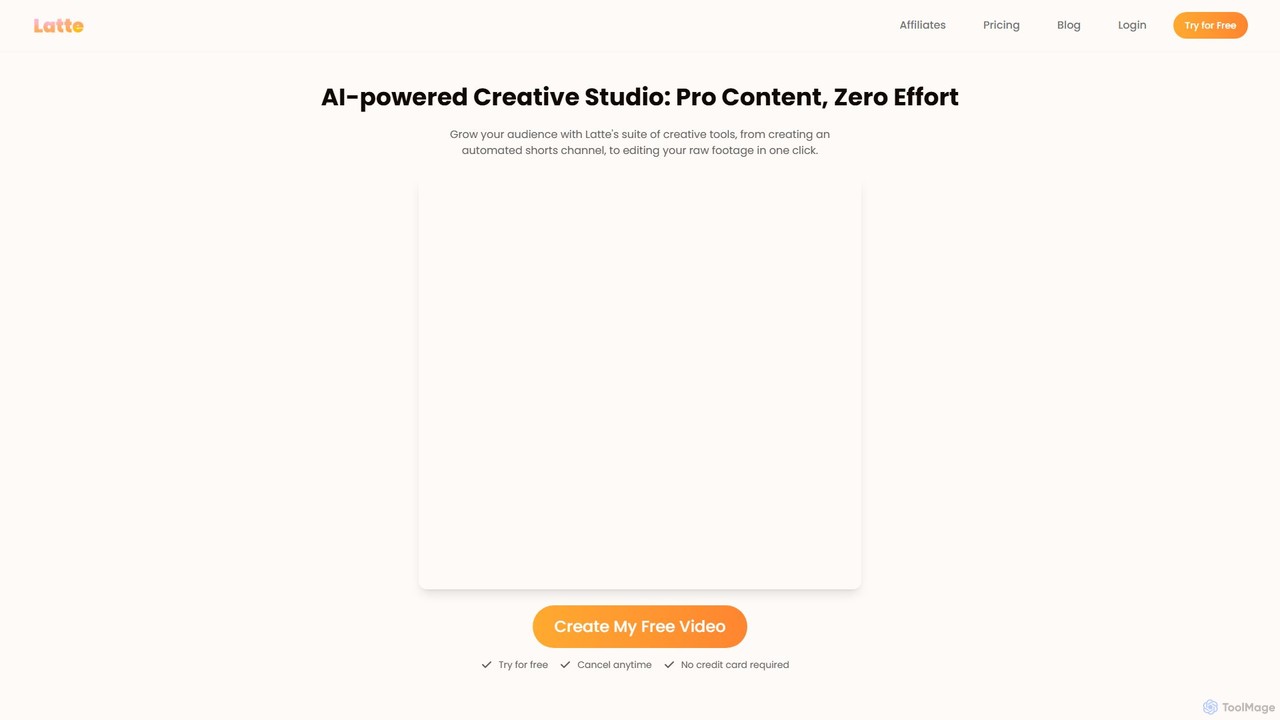
Latte Social
Latte Social is an AI-powered creative studio designed to simplify video production for social media. It automates content creation by transforming long-form videos into viral short clips, editing raw footage, adding animated subtitles, and even generating videos from text. It's built for creators and businesses looking to grow their audience with professional content, effortlessly.
Automation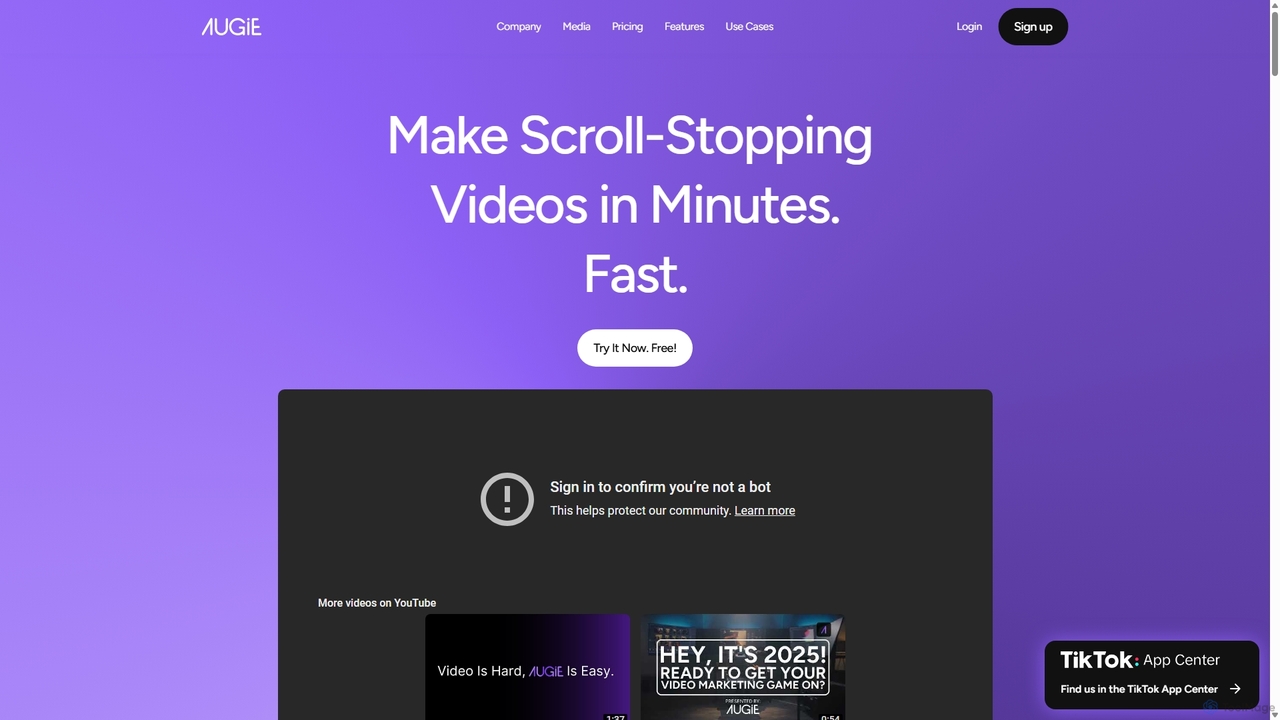
Augie
Augie is an AI-powered video studio designed for creators, marketers, and brands to effortlessly transform long-form content like podcasts and streams into engaging, short-form social videos. It automates the editing process, identifies key moments, and provides a vast library of stock media and AI-generated content to create professional-quality videos for TikTok, Reels, and YouTube Shorts in minutes, with no complex editing skills required.
Social Media MarketingVozo
Vozo is an all-in-one AI video platform that enables users to generate, edit, and localize talking videos. It offers features like precise video translation, realistic lip-syncing, authentic voice cloning, and talking photo animation. Designed for marketers, creators, and businesses, Vozo simplifies video production, allowing for easy content updates, multilingual dubbing, and repurposing for global audiences across various social media platforms, all within a single, user-friendly interface.
TranslationVadoo AI
Vadoo AI is an all-in-one platform for video creation, editing, hosting, and distribution. It uses AI to generate videos from text, create shorts from long-form content, add voiceovers and captions, and automate posting to social media. It also includes secure, ad-free video hosting.
Social MediaZenvideo
Zenvideo is an intelligent video creation platform by Tencent, leveraging AI to simplify and automate the entire video production workflow. It enables users to effortlessly generate professional-quality videos from text, create content with digital human avatars, and utilize smart editing tools, making it ideal for marketing, education, and content creation.
Social Mediavverse
vverse is an AI-powered video solutions platform for enterprises, broadcasters, and content creators. It automates the creation of engaging short-form video highlights from long-form content like live sports and esports. Using advanced AI, vverse streamlines content production, boosts fan engagement, and opens new monetization avenues with remarkable speed and efficiency.
Social Media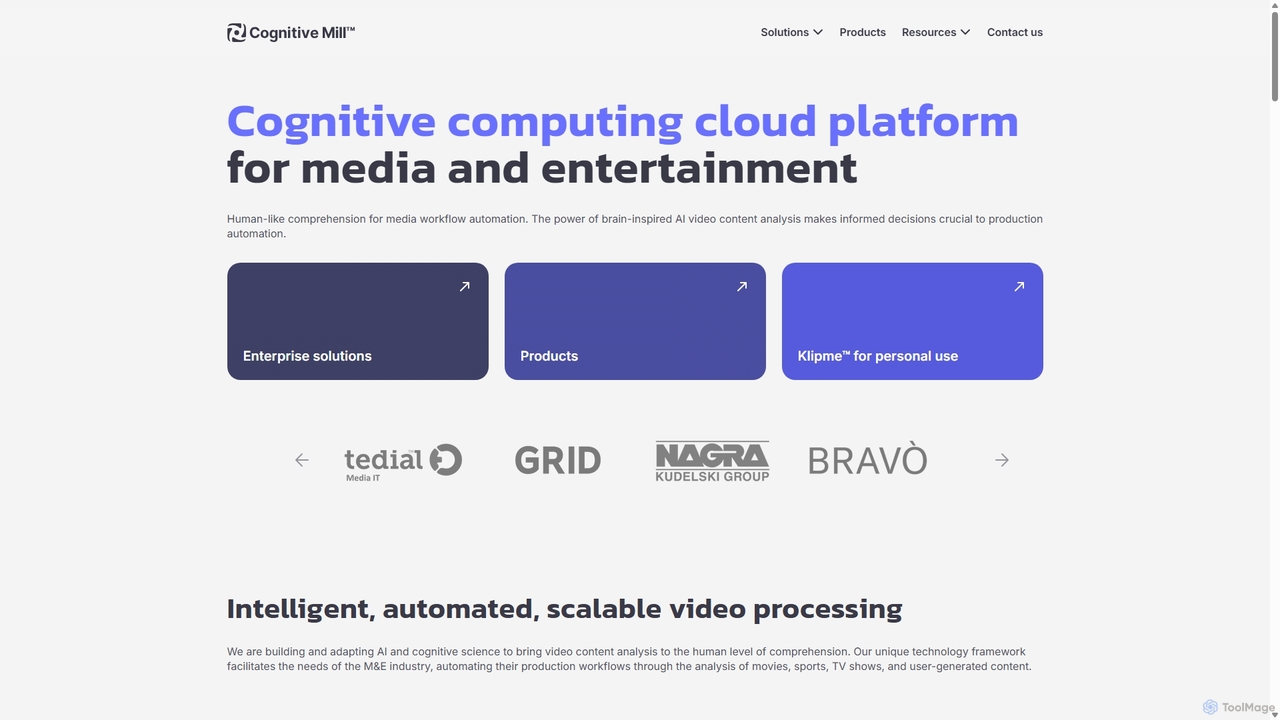
CognitiveMill
CognitiveMill is a cognitive computing cloud platform for the media and entertainment industry. It uses brain-inspired AI to provide human-like video content analysis, automating complex workflows like editing, metadata generation, and content moderation at scale.
Social Media
Mosaic Comments (0)
Sign in to comment.
Sign inNo comments yet.