


Vivu.ai Overview
Vivu.ai is a revolutionary AI-powered video editing and generation platform designed to make video creation effortless and accessible for everyone, from individual content creators to large marketing teams. It tackles the most time-consuming aspects of video editing by leveraging advanced artificial intelligence to automate tedious tasks. This allows users to shift their focus from the technical complexities of editing to the creative art of storytelling.
The platform's core philosophy is to streamline the entire video production workflow. Upon uploading raw footage, Vivu.ai's intelligent system gets to work, automatically transcribing audio, recognizing objects, and analyzing scenes. This creates a fully indexed and searchable library of your content, transforming how you find and utilize your clips. Instead of manually scrubbing through hours of footage, you can simply search for specific moments, dialogue, or visual elements, saving invaluable time.
How to use Vivu.ai
Using Vivu.ai is designed to be an intuitive and straightforward process:
- Upload Your Footage: Begin by uploading all your raw video clips, audio files, and other media assets directly to the Vivu.ai web platform.
- AI Analysis & Indexing: The platform's AI will automatically process your media. It transcribes speech, identifies objects and scenes, and creates a searchable index of your entire library.
- Generate a Smart Rough Cut: Utilize the 'Smart Rough Cut' feature. The AI analyzes your footage to identify the best takes, key moments, and narrative flow, then automatically assembles a first draft of your video.
- Refine and Edit: Open the AI-generated draft in the user-friendly timeline editor. You can easily rearrange clips, trim scenes, and use the indexed search to find and insert specific B-roll or alternative takes by typing simple text queries.
- Enhance with AI Features: Leverage AI-driven tools to add the perfect background music with 'Smart BGM Suggestions'. The system can also automatically balance audio levels and suggest visual enhancements.
- Finalize and Export: Once you are satisfied with your edit, choose your desired aspect ratio (e.g., for YouTube, TikTok, or Instagram) and export the final video in high definition, ready for publishing.
Core Features of Vivu.ai
- AI Smart Rough Cut: Automatically analyzes hours of footage to create a coherent and compelling first draft in minutes, saving significant editing time.
- Intelligent Video Indexing and Search: Transcribes all dialogue and recognizes visual elements, making your entire video library searchable with simple text commands. Find any clip instantly.
- AI-Driven Music Suggestions: Recommends royalty-free background music that matches the mood and pace of your video. It also offers smart adjustments to ensure audio is perfectly balanced.
- Text-to-Video Generation: Create compelling video sequences from simple text prompts. The AI can pull from your uploaded media or a library of stock footage to bring your ideas to life visually.
- Automated Workflow: Streamlines the entire editing process, from media management and clip selection to final rendering, making it highly efficient.
- Intuitive User Interface: Designed for both beginners and professionals, the platform is easy to navigate, removing the steep learning curve associated with traditional editing software.
Use Cases for Vivu.ai
Vivu.ai is a versatile tool suitable for a wide range of users:
- YouTubers and Content Creators: Drastically cut down editing time for vlogs, tutorials, and reviews, allowing for more frequent and consistent content production.
- Marketing Professionals: Quickly create high-impact promotional videos, social media ads, and customer testimonials without relying on external agencies or specialized editors.
- Small Business Owners: Produce professional-grade video content for their brand, including product demos and company stories, to stand out in a competitive market.
- Filmmakers and Directors: Use the smart rough cut and indexed search to accelerate the post-production process, quickly assembling initial edits and locating specific shots.
- Social Media Managers: Effortlessly create and repurpose video content for various platforms like Instagram Reels, TikTok, and YouTube Shorts.
Advantages of Vivu.ai
The primary advantage of Vivu.ai is its ability to democratize video creation. It empowers users without technical editing skills to produce polished, professional videos. By automating the most laborious tasks, it saves immense amounts of time and resources, leading to a more efficient and cost-effective production cycle. This allows creators and businesses to focus on what truly matters: their message and creativity.
Pricing and Plans
Vivu.ai likely operates on a freemium model, offering various tiers to suit different needs:
- Free Plan: A great starting point to explore the core features, which may include a limited number of projects, lower resolution exports, and a Vivu.ai watermark.
- Pro Plan: A monthly or annual subscription for individual creators and professionals, offering unlimited projects, high-resolution exports, no watermark, and access to advanced AI features.
- Business/Team Plan: Custom pricing for teams and agencies, providing collaborative workspaces, priority support, increased storage, and potentially API access.
For the most current and detailed pricing information, please visit the official Vivu.ai website.
Traffic
Latest traffic
Status
Monthly traffic trend
- 2025-9: 1.3K
- 2026-1: 3.1K
- 2026-2: 1.9K
- 2026-3: 272
- 2026-4: 1.8K
- 2026-5: 1.7K
Geography
Top 5 countries / regions
- 🇻🇳Vietnam68.8%
- 🇵🇰Pakistan31.2%
Top keywords
| Keyword | Cost per click |
|---|---|
| vibu | $0.00 |
| vivu | $0.30 |
| vivu video | $0.00 |
| vivuvideo | $0.00 |
Vivu.ai Alternatives
Magnifi
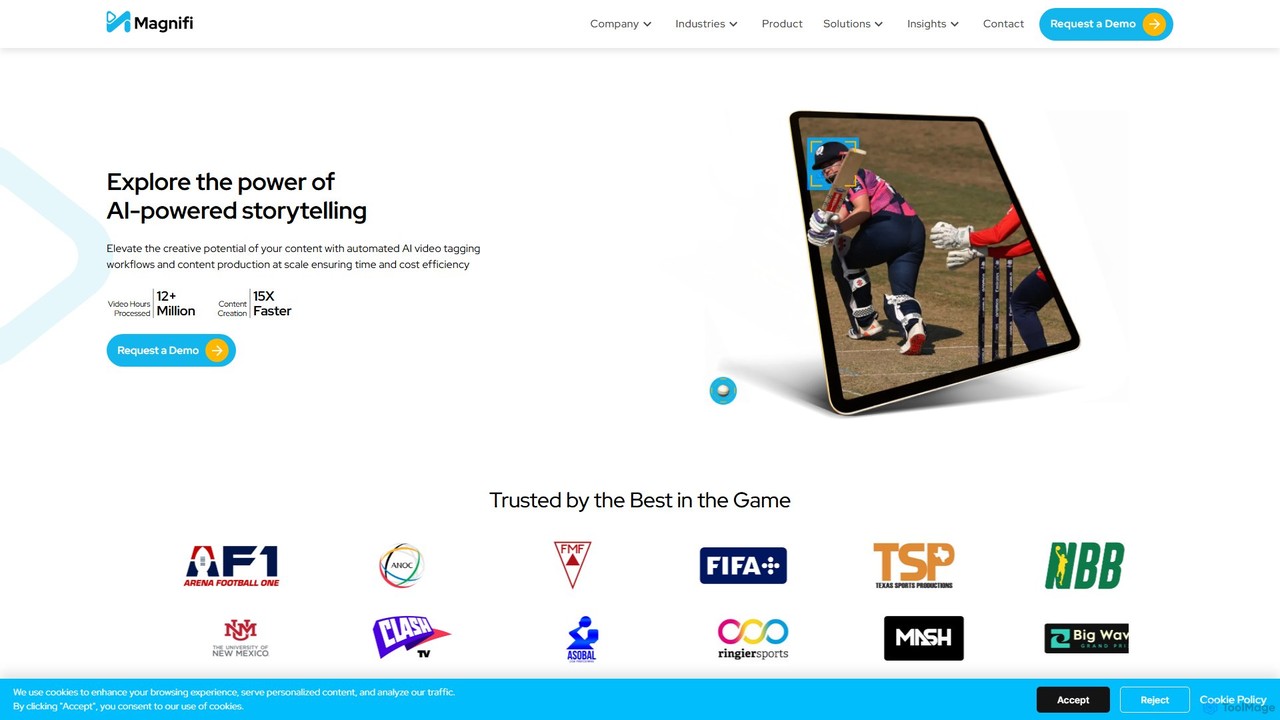
Magnifi is an AI-powered video platform that automates the creation of highlights and summaries from long-form content. Ideal for sports, news, and media broadcasters, it uses AI to detect key moments, automatically generate engaging clips, resize them for social media, and distribute them across multiple channels, saving significant time and cost.
Social Media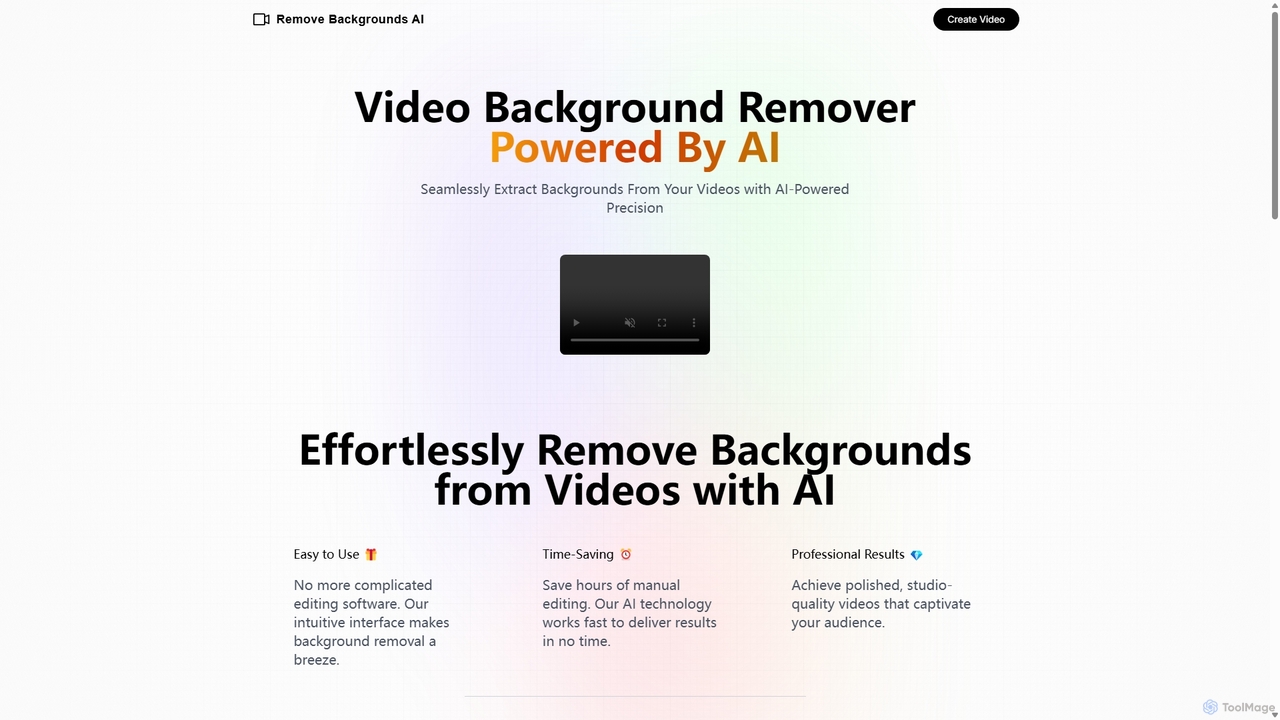
Remove Backgrounds AI
Remove Backgrounds AI is an AI-powered tool for seamless video background removal. It specializes in human video matting, using a recurrent neural network to accurately and quickly extract subjects from their backgrounds. Ideal for content creators and marketers, it delivers professional, studio-quality results in minutes, simplifying complex editing tasks with an intuitive interface and a simple pay-per-video pricing model.
Social Media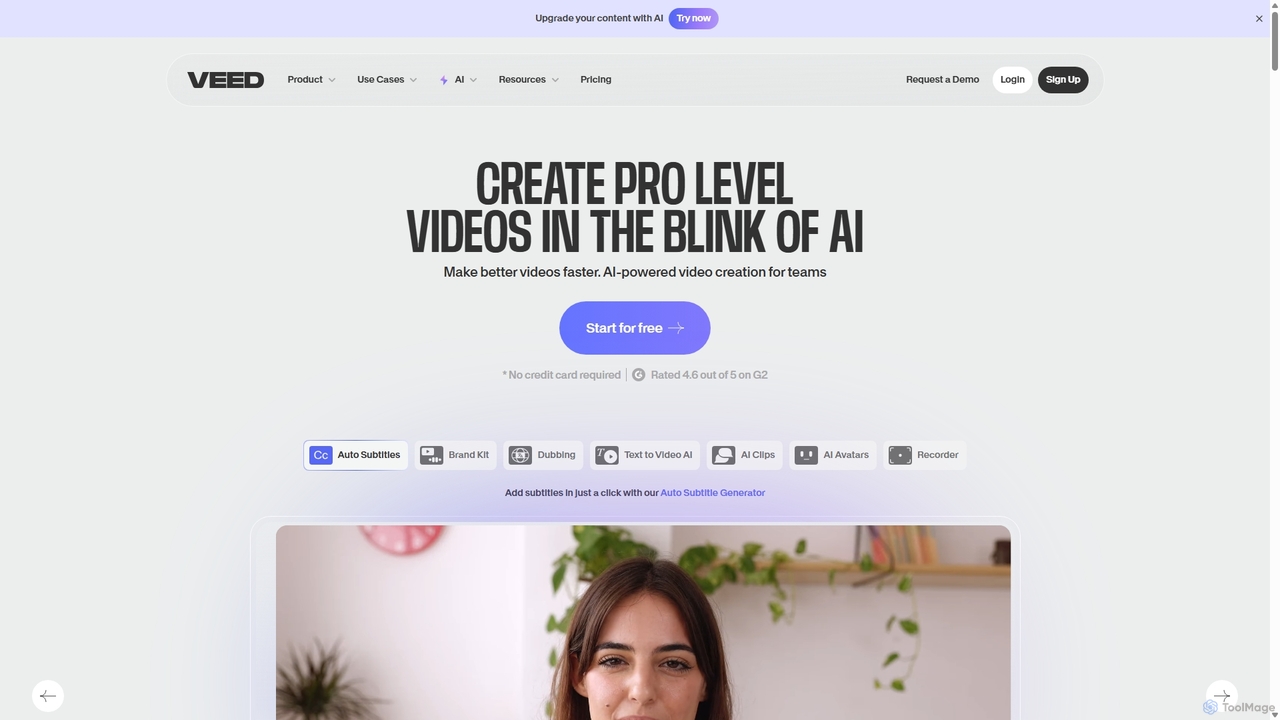
VEED.IO
VEED.IO is a powerful, AI-driven online video editor designed for teams and creators. It simplifies professional video creation with a suite of intuitive tools, including auto-subtitling, text-to-video, AI avatars, and collaborative workspaces. Create, edit, and share high-quality videos directly from your browser, no complex software required.
Social Media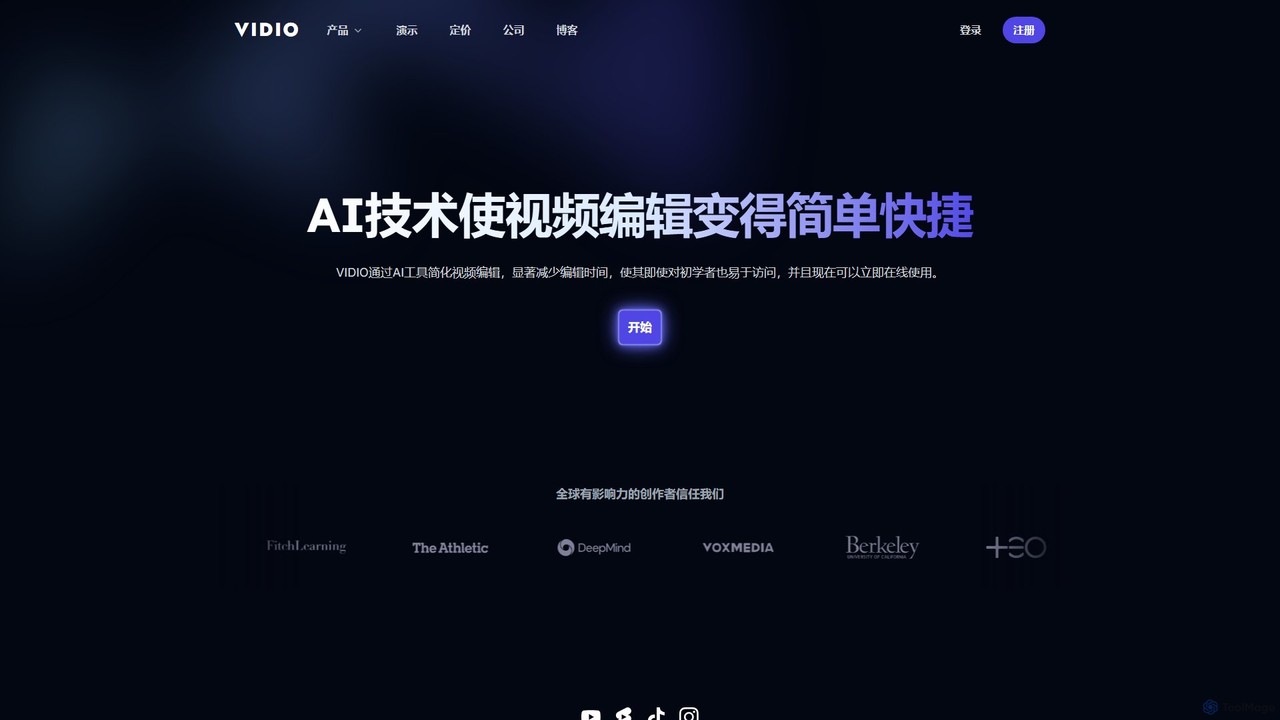
VIDIO
VIDIO is an AI-powered video editing platform that automates and simplifies complex editing tasks. It offers tools for creating motion graphics from text, generating highlight reels, automatic subtitling, face blurring, and more, making professional video creation accessible to everyone.
Social Media
Podcut
Podcut is an AI-powered audio and video editing platform designed for podcasters and content creators. It automates tedious editing tasks by allowing you to edit your media by simply editing the text transcript. Automatically remove filler words, long silences, and background noise to produce studio-quality content in minutes, not hours.
3DVivu.ai Categories
Vivu.ai Embed Widget
Copy this embed code to place the badge on your blog, article, or product site and send readers directly to this ToolMage detail page.

Related AI tools
Lens
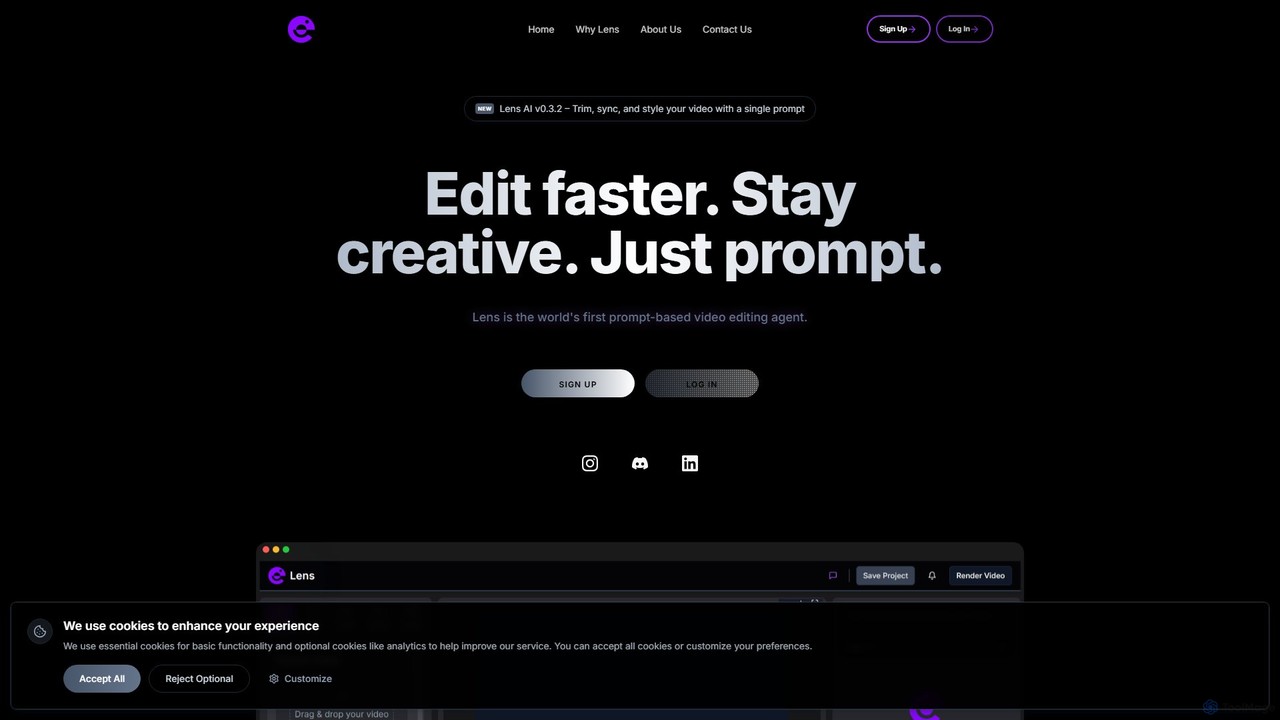
Lens is the world's first prompt-based video editing agent, designed to revolutionize the editing process. It allows creators to trim, sync, and style videos using simple text commands, eliminating the need for complex timelines and manual tasks. Focus on your creativity while Lens handles the heavy lifting, making video editing faster, more intuitive, and accessible to everyone.
Social Media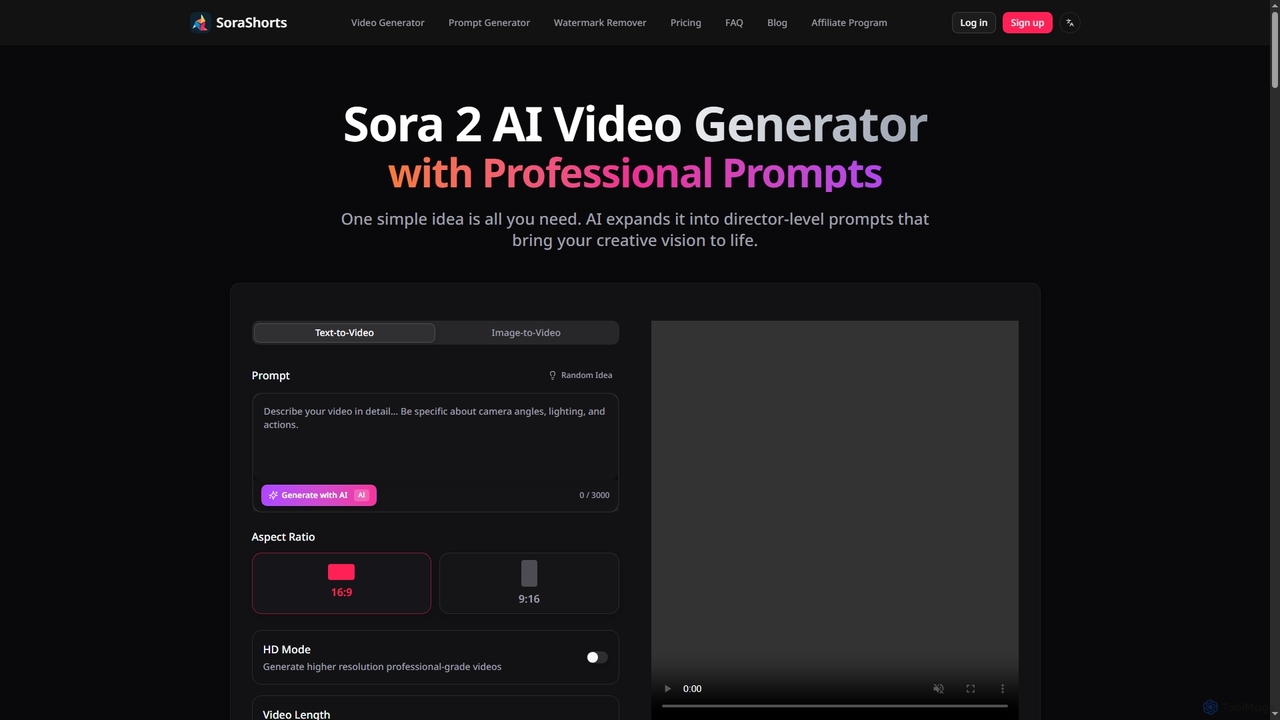
SoraShorts
SoraShorts is an advanced AI video generator powered by Sora 2 technology, enabling users to transform text or images into professional, watermark-free videos. It includes a sophisticated prompt generator for cinematic quality and a tool to remove watermarks, streamlining video creation for various commercial and creative needs.
Prompt Engineering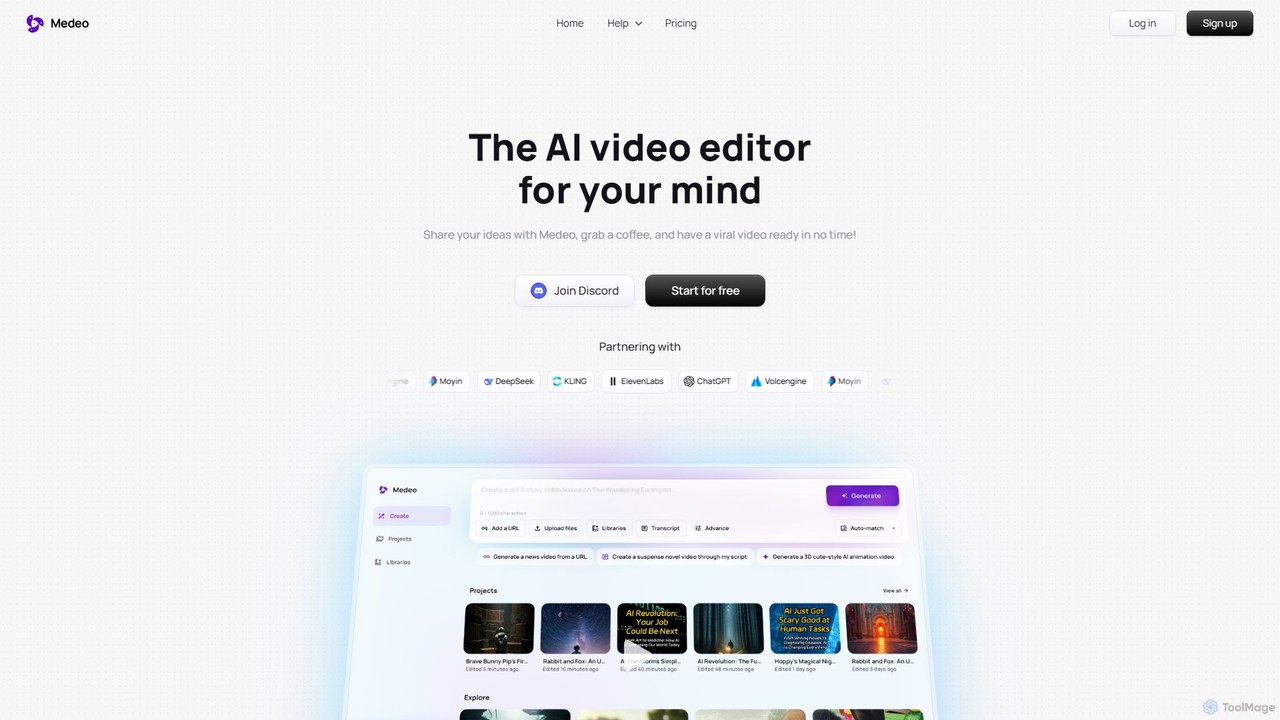
Medeo
Medeo is an AI-powered video editor that transforms your ideas, text prompts, or URLs into professional, engaging videos in minutes. It automates the entire creation process, from scriptwriting and asset selection to voiceover and editing, requiring no technical skills.
Social Media
Zenvideo
Zenvideo is an intelligent video creation platform by Tencent, leveraging AI to simplify and automate the entire video production workflow. It enables users to effortlessly generate professional-quality videos from text, create content with digital human avatars, and utilize smart editing tools, making it ideal for marketing, education, and content creation.
Social Media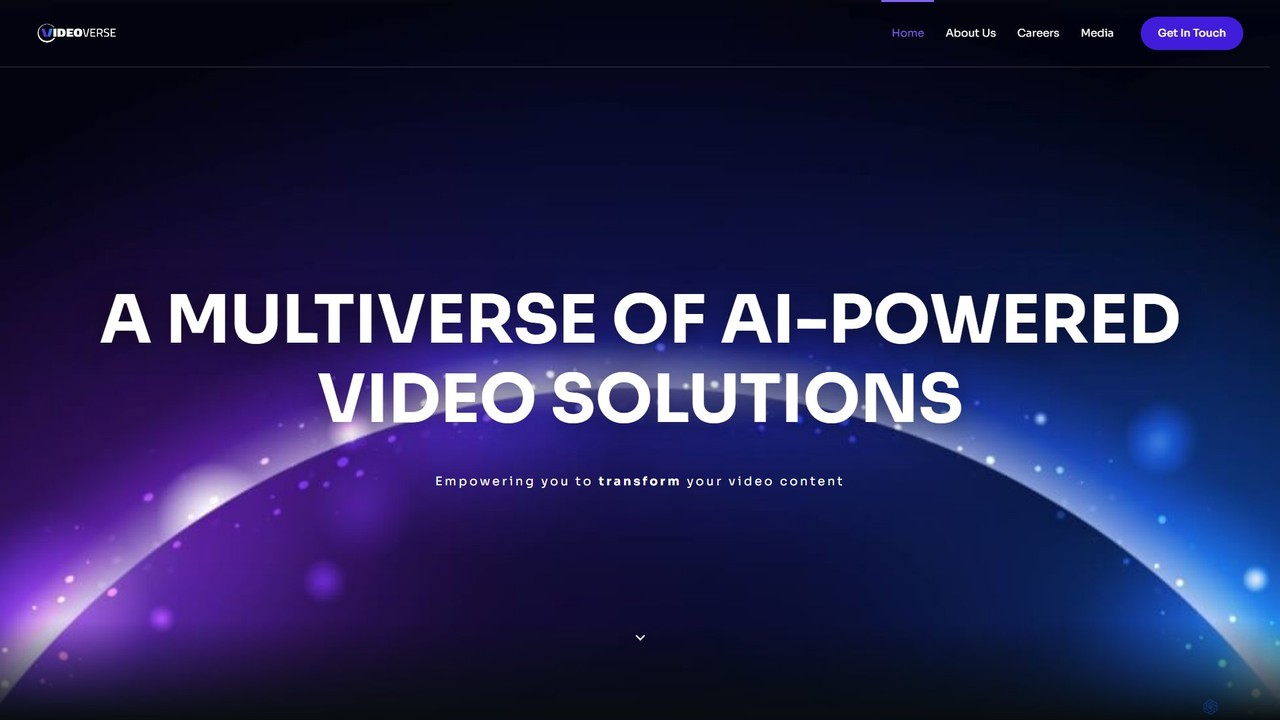
vverse
vverse is an AI-powered video solutions platform for enterprises, broadcasters, and content creators. It automates the creation of engaging short-form video highlights from long-form content like live sports and esports. Using advanced AI, vverse streamlines content production, boosts fan engagement, and opens new monetization avenues with remarkable speed and efficiency.
Social Media
Jyek
Jyek is an AI agent platform that understands objectives, creates execution plans, uses tools, and delivers verifiable results for complex, multi-step tasks.
Automation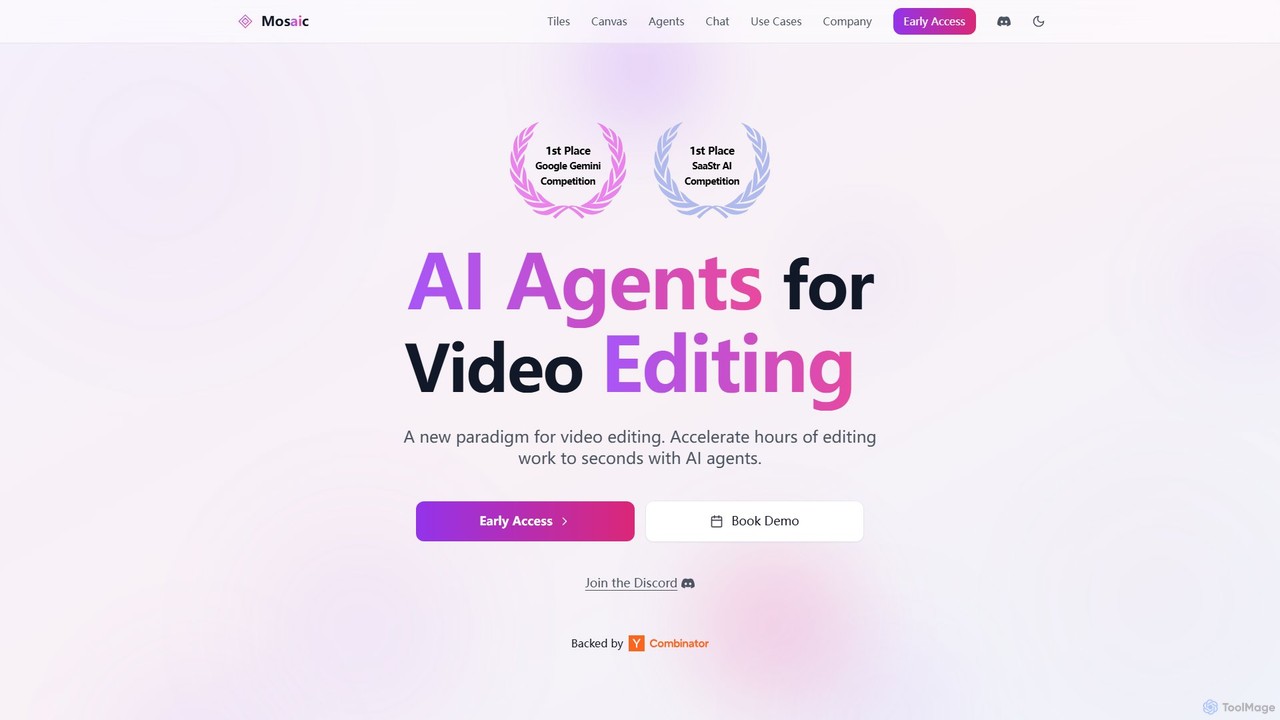
Mosaic
Mosaic is a revolutionary video editing platform that utilizes AI agents to automate complex editing workflows. It transforms hours of manual work into seconds, enabling creators and marketers to generate multiple video variations, localize content, and optimize for engagement at scale.
Translation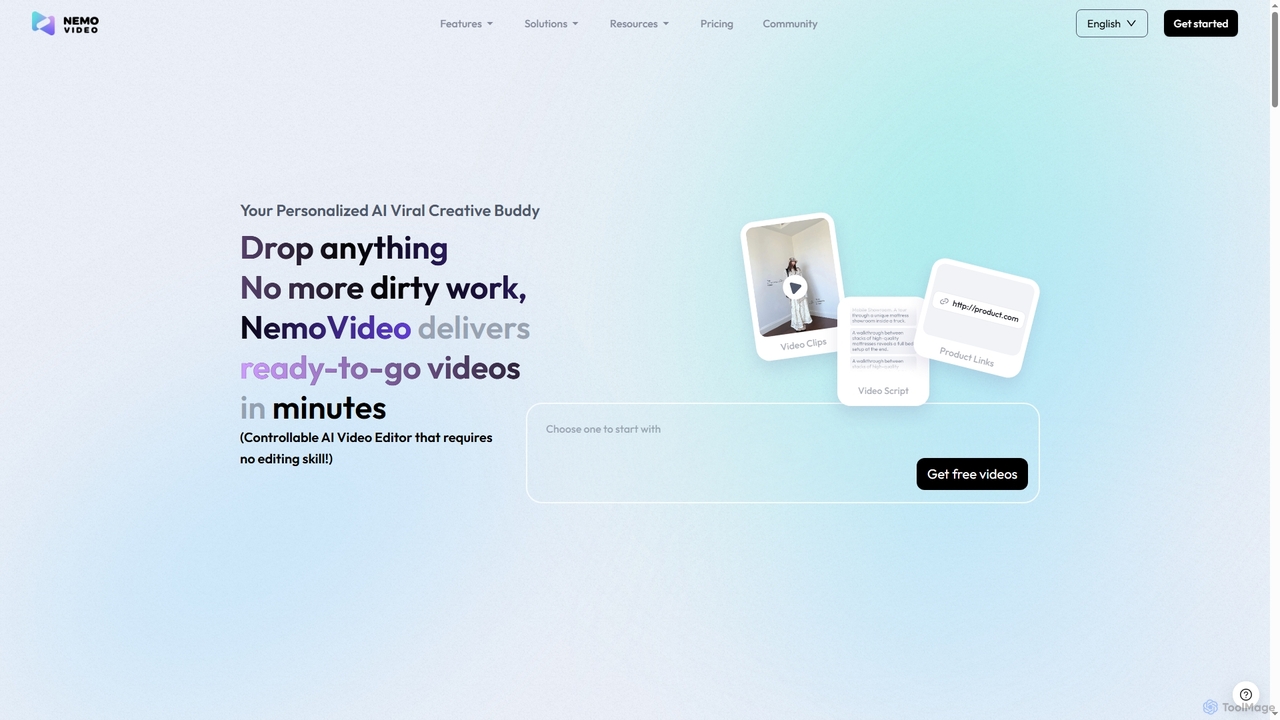
Nemovideo
Nemovideo is an AI-powered video editor that transforms your ideas, links, or raw clips into viral-ready marketing videos. It analyzes successful video formulas and automates the entire editing process, from scriptwriting to final cuts, requiring no prior editing skills.
Social Media Marketing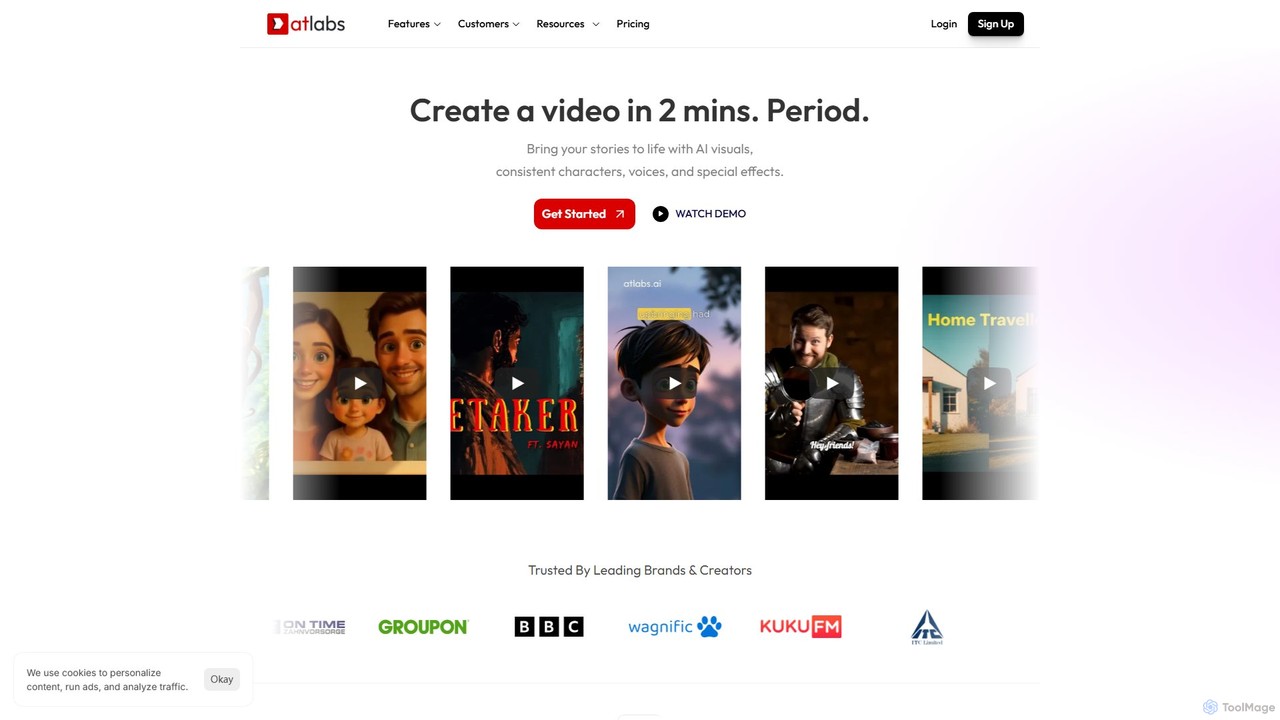
atlabs
atlabs is a powerful AI video generator that transforms text scripts into engaging visual stories in minutes. It features AI-driven scriptwriting, consistent character generation, ultra-realistic voiceovers, and intelligent editing. With support for over 40 languages and various visual styles, it's designed for marketers, creators, and businesses to produce high-quality video content efficiently, from social media clips to full-length series.
Social Media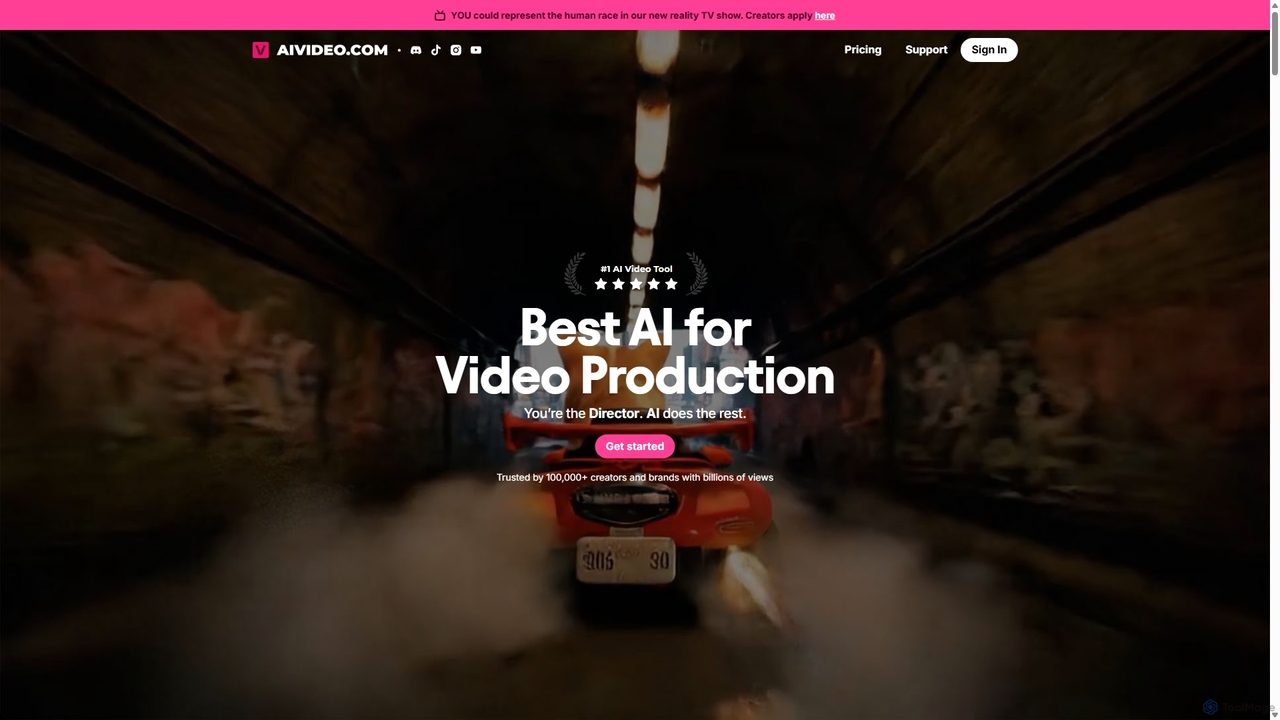
AIVideo
AIVideo is a comprehensive AI video production platform that integrates leading models like Google Veo, OpenAI, Luma, and Kling. It empowers creators to generate, edit, and produce high-quality videos from simple text prompts, offering full creative control, character consistency, and AI-powered sound design in an all-in-one solution.
Voice Generation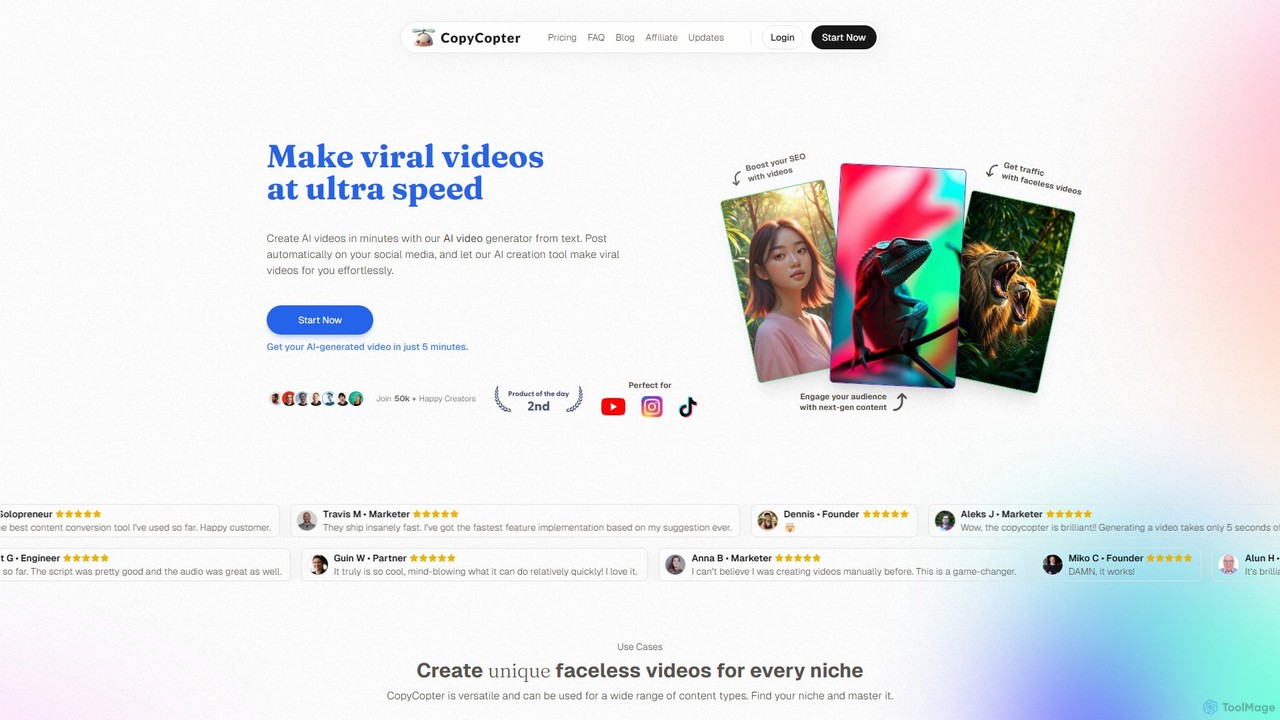
CopyCopter
CopyCopter is an AI-powered text-to-video generator that transforms your ideas, articles, or links into engaging, viral-style videos in minutes. It's designed for creators and marketers to produce faceless content for social media effortlessly, featuring AI-generated scripts, realistic voiceovers, and a mix of stock and AI-generated visuals.
Automation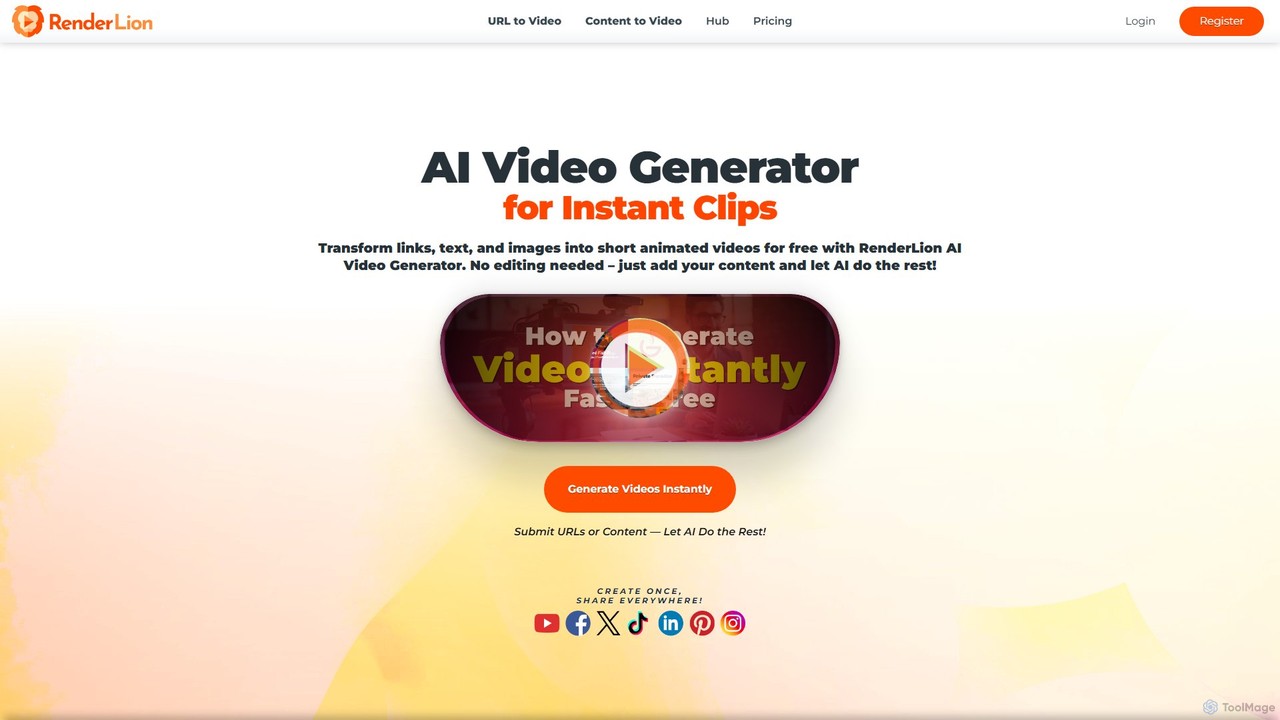
RenderLion
RenderLion is an AI-powered video generator that effortlessly transforms text, images, and URLs into engaging short animated videos. Designed for marketers, creators, and businesses, it requires no editing skills. Users can customize videos with brand assets, choose from multiple formats for any platform, and generate content instantly. It's a fast, simple, and free way to create professional-looking videos for social media, ads, and announcements.
Social Media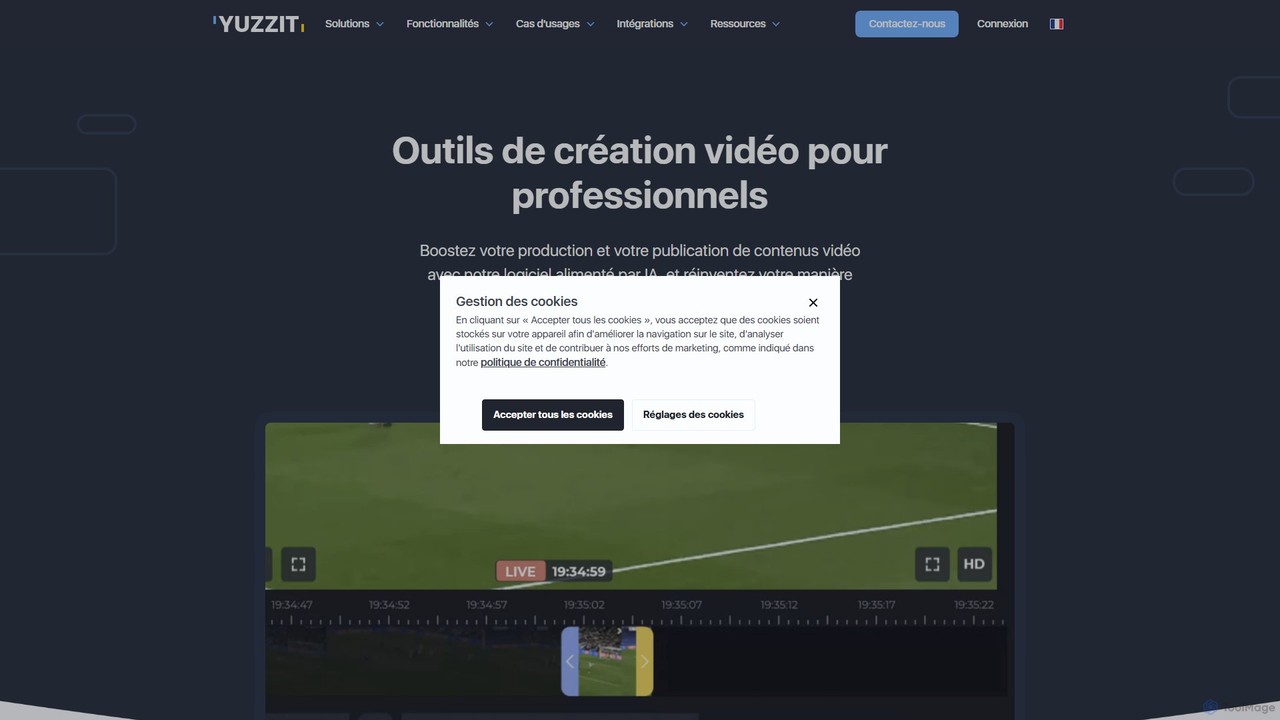
Yuzzit
Yuzzit is an AI-powered online video editing platform for professionals. It specializes in real-time clipping of live streams, automated editing, and multi-platform publishing. Designed for speed and collaboration, it helps media, sports, and marketing teams create and distribute engaging video content effortlessly.
Collaboration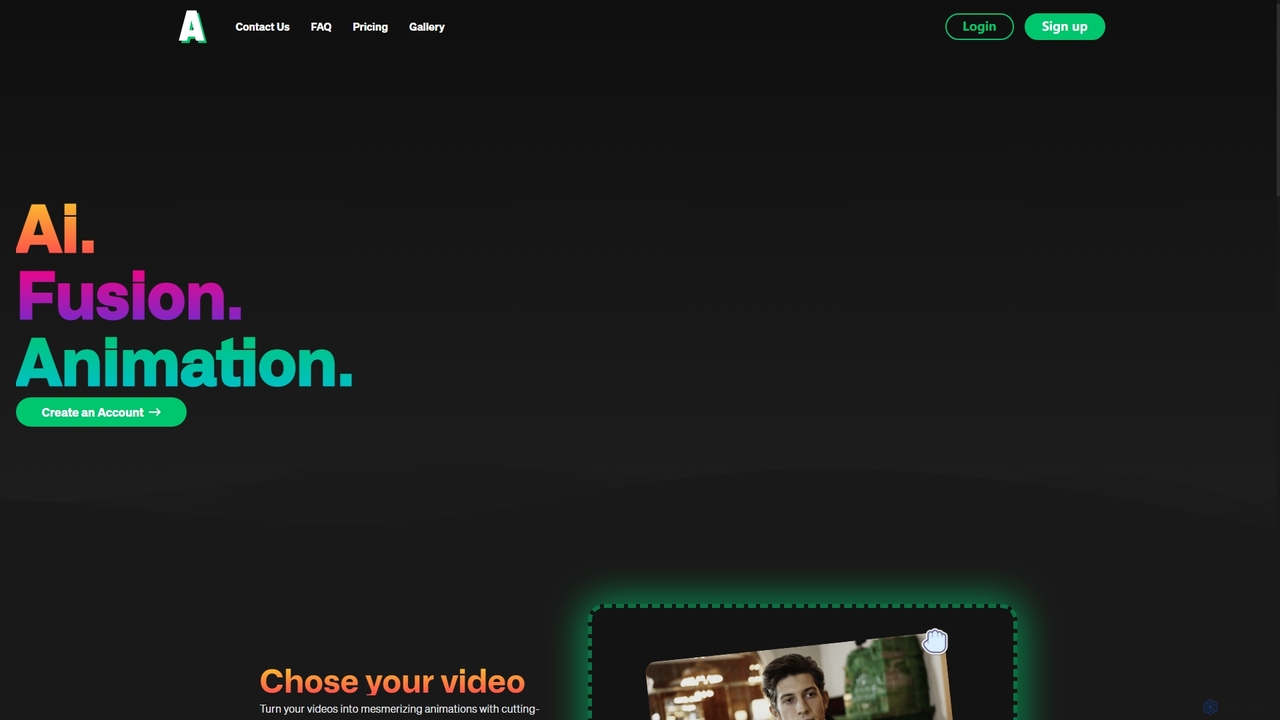
Animatable
Animatable is an AI-powered platform that transforms your videos into captivating animations. Simply upload a video, choose a style, and use text prompts to customize details like hair, clothing, and background. It offers fast generation, full commercial rights, and a flexible credit-based system, making it ideal for creators, marketers, and artists.
Generative Art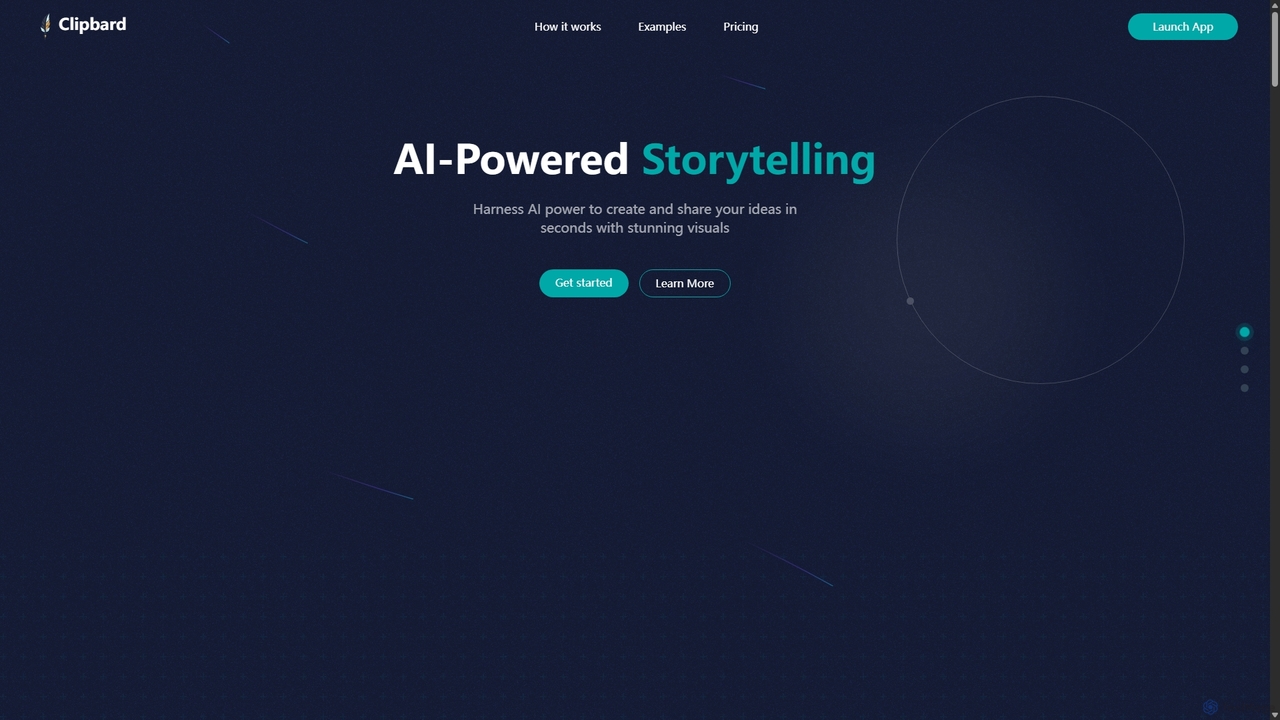
Clipbard
Clipbard is an AI-powered video creation platform that transforms your ideas into visually stunning videos in minutes. Whether you write your own script or let the AI generate one from a prompt, Clipbard automates the creation of visuals and voiceovers, making storytelling accessible to everyone. It's ideal for marketers, content creators, and educators looking to produce high-quality video content quickly and affordably, without needing any technical editing skills.
Social Media
Vivu.ai Comments (0)
Sign in to comment.
Sign inNo comments yet.