


Unscreen Overview
Unscreen is a revolutionary AI-powered tool designed to automatically and effortlessly remove the background from any video. Developed by the same team behind the popular image background remover, remove.bg, Unscreen brings the same level of simplicity and power to the world of video. It eliminates the need for complex and time-consuming techniques like chroma keying or using a green screen. Now, you can record your footage anywhere and let the AI handle the background removal with incredible accuracy, saving you time, effort, and production costs.
How to use Unscreen
Using Unscreen is designed to be incredibly straightforward and accessible to everyone, regardless of their technical skill level. Here’s a simple step-by-step guide:
- Upload Your Footage: Navigate to the Unscreen website. You can either click 'Upload Clip' to select a video file from your computer, paste a video URL directly into the input field, or use the 'Search GIF' function to find a clip to edit.
- Automatic Processing: Once your video is uploaded, Unscreen's AI gets to work immediately. It automatically analyzes the footage, detects the subject, and separates it from the background. This process requires no manual input, such as pixel selection or masking.
- Preview and Customize: In seconds, you'll see a preview of your video with a transparent background. Unscreen provides options to instantly replace the removed background with a solid color, an image, or even another video from their library or your own uploads.
- Download Your Video: For free users, the output can be downloaded as a GIF, animated PNG, or a sequence of single frames. These are ideal for short clips, social media posts, or memes.
- Go Pro for Full Features: For professional use, upgrading to Unscreen Pro unlocks full-length video downloads in high-definition (Full HD), with audio support and no watermarks. Pro users can download their final video as an MP4 file.
- Integrate into Your Workflow: For advanced users and developers, Unscreen offers a powerful API for programmatic integration and a dedicated plugin for Adobe Premiere Pro & After Effects, allowing for seamless background removal directly within your professional editing software.
Core Features of Unscreen
- 100% Automatic Background Removal: The core of Unscreen is its powerful AI that works automatically, requiring no manual intervention from the user.
- No Green Screen Required: It liberates creators from the need for a physical green screen, allowing for background removal from videos shot in any location.
- High-Quality and Accurate Results: The AI is trained to handle complex details like hair and fine edges, delivering a clean and professional-looking cutout.
- Flexible Input and Output: Supports various formats like MP4, WEBM, OGG, MOV, and GIF for input. Outputs can be transparent GIFs, Animated PNGs, or Full HD MP4 videos (Pro).
- Professional Integrations: Offers an API for developers and plugins for Adobe Premiere Pro and After Effects, making it a valuable tool for professional workflows.
- Instant Background Replacement: Easily swap the original background with a transparent layer, a solid color, an image, or another video.
- Audio Support (Pro): The Pro version retains the original audio track in the final video output.
Use Cases for Unscreen
Unscreen's versatility makes it suitable for a wide range of applications:
- Content Creation: YouTubers, TikTokers, and social media influencers can create more dynamic and engaging content by easily changing their backgrounds to match their video's theme.
- Marketing and Advertising: Businesses can produce professional-looking product videos and promotional materials without the expense of a studio shoot.
- E-learning and Corporate Training: Instructors can overlay themselves onto presentations, software demonstrations, or other educational materials for a more personal and engaging learning experience.
- Video Production and Post-Production: Video editors can use Unscreen to quickly generate mattes for compositing, significantly speeding up their workflow compared to manual rotoscoping.
- Personal Projects: Create fun GIFs, memes, and personalized video messages for friends and family.
Advantages of Unscreen
Unscreen offers significant advantages over traditional methods:
- Simplicity and Accessibility: Its user-friendly interface makes video background removal accessible to everyone, not just professional video editors.
- Time and Cost Savings: It drastically reduces the time and cost associated with green screen setups, studio rentals, and manual editing work.
- Creative Freedom: By removing the dependency on a specific filming environment, it gives creators the freedom to shoot anywhere and still achieve a professional look.
- Seamless Workflow Integration: The API and plugins for professional software ensure that Unscreen can be easily incorporated into existing production pipelines.
Pricing and Plans
Unscreen operates on a freemium model, offering both free and paid options:
- Free Plan: Ideal for testing and short clips. Allows for background removal on videos up to 5 seconds long (10 seconds for registered users). Downloads are limited to GIF, Animated PNG, and single frames, and may include a watermark.
- Subscription Plans (Unscreen Pro): For regular users, subscriptions offer the best value. Plans are tiered (e.g., Hobby, Artist, Creator, Maker, Studio) and provide a monthly budget of video minutes at a reduced per-minute cost. Billing is precise (per-second), and plans are flexible, allowing users to upgrade, downgrade, or cancel at any time.
- Pay As You Go (Unscreen Pro): For users with occasional needs, this option allows you to purchase credits for video minutes without a monthly commitment.
- All Pro plans include: Full HD resolution, no watermark, full-length video support, video file download (MP4), audio support, and API/plugin access.
Traffic
Latest traffic
Status
Monthly traffic trend
- 2025-9: 929.7K
- 2026-1: 735.6K
- 2026-2: 557.7K
- 2026-3: 472.8K
- 2026-4: 372.9K
- 2026-5: 358.0K
Geography
Top 5 countries / regions
- 🇮🇳India38.7%
- 🇺🇸United States29.3%
- 🇵🇭Philippines11.8%
- 🇻🇳Vietnam10.1%
- 🇫🇷France10.1%
Traffic sources
| Source type | Percentage |
|---|---|
Direct | 89.2% |
Referral | 10.3% |
Email | 0.5% |
Top keywords
| Keyword | Cost per click |
|---|---|
| remove background from video | $0.48 |
| remove background video | $0.22 |
| unscreen | $0.24 |
| unscreen. com | $0.00 |
| video background remover | $0.25 |
Unscreen Videos on YouTube
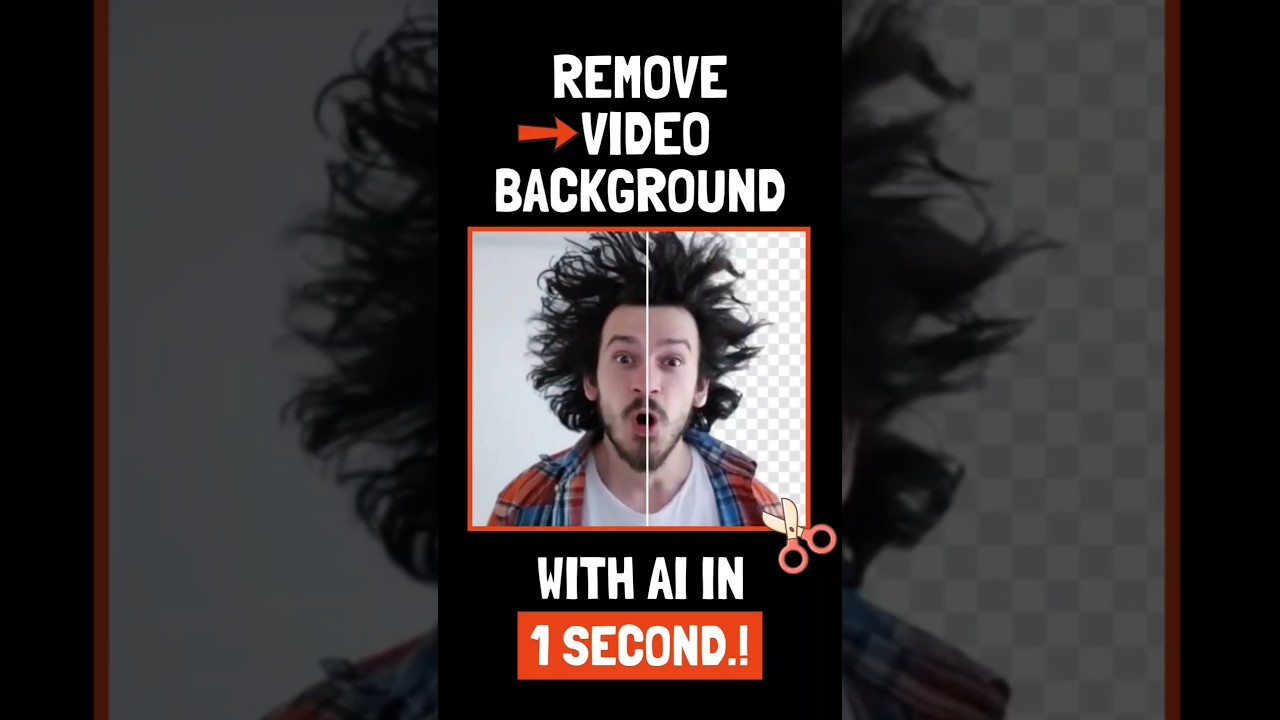
Curious Steve
Unscreen Alternatives
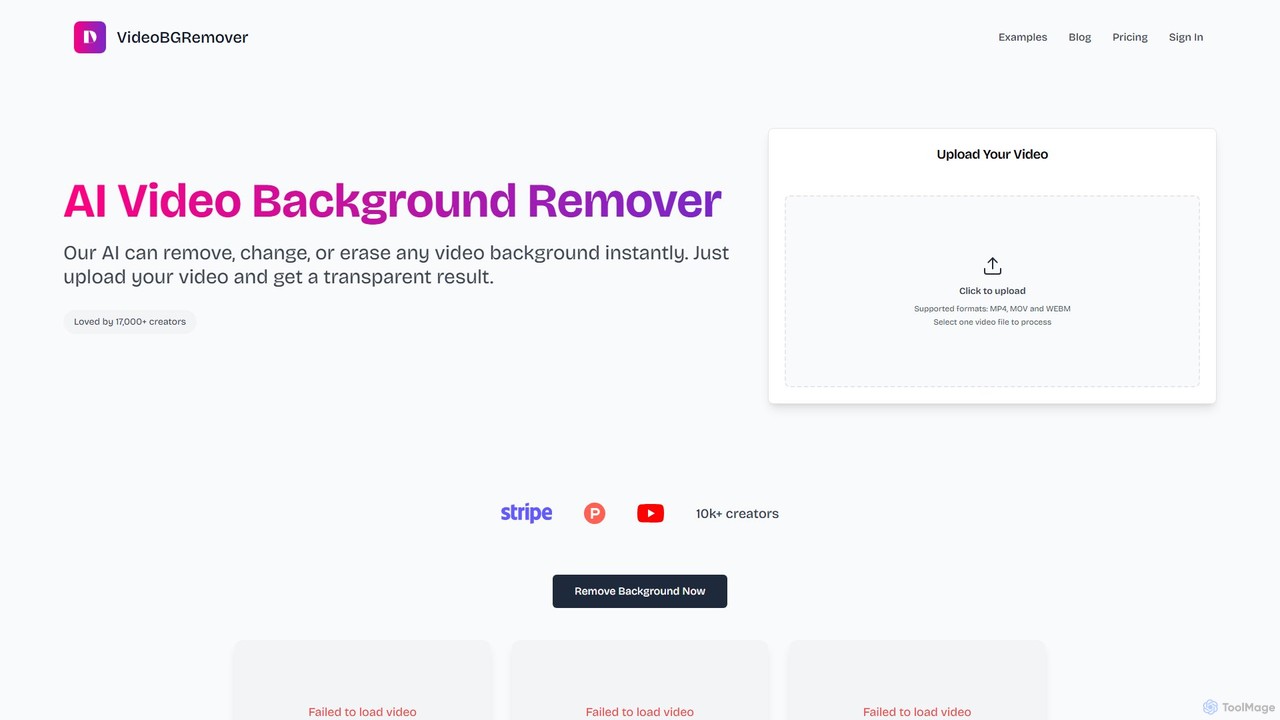
VideoBGRemover
VideoBGRemover is an AI-powered online tool that instantly removes or changes video backgrounds without a green screen. Simply upload your video (MP4, MOV, WEBM) to get a professional-looking result with a transparent, solid color, or custom background. Ideal for creators, marketers, and businesses, it offers HD exports, batch processing, and an API for streamlined workflows.
Video Marketing
Filmora
Filmora is a powerful and intuitive AI video editor designed for creators of all skill levels. It simplifies the editing process with a suite of AI-powered tools, an extensive library of assets, and a user-friendly interface, making it easy to create professional-quality videos for social media, personal projects, and commercial use.
Social Media
BeeCut
BeeCut is an intuitive and feature-rich video editing software designed for users of all skill levels. It simplifies video creation with a clean interface, extensive asset library, and powerful AI features like auto-subtitling and text-to-speech, making it ideal for vlogs, tutorials, social media content, and more.
Social Media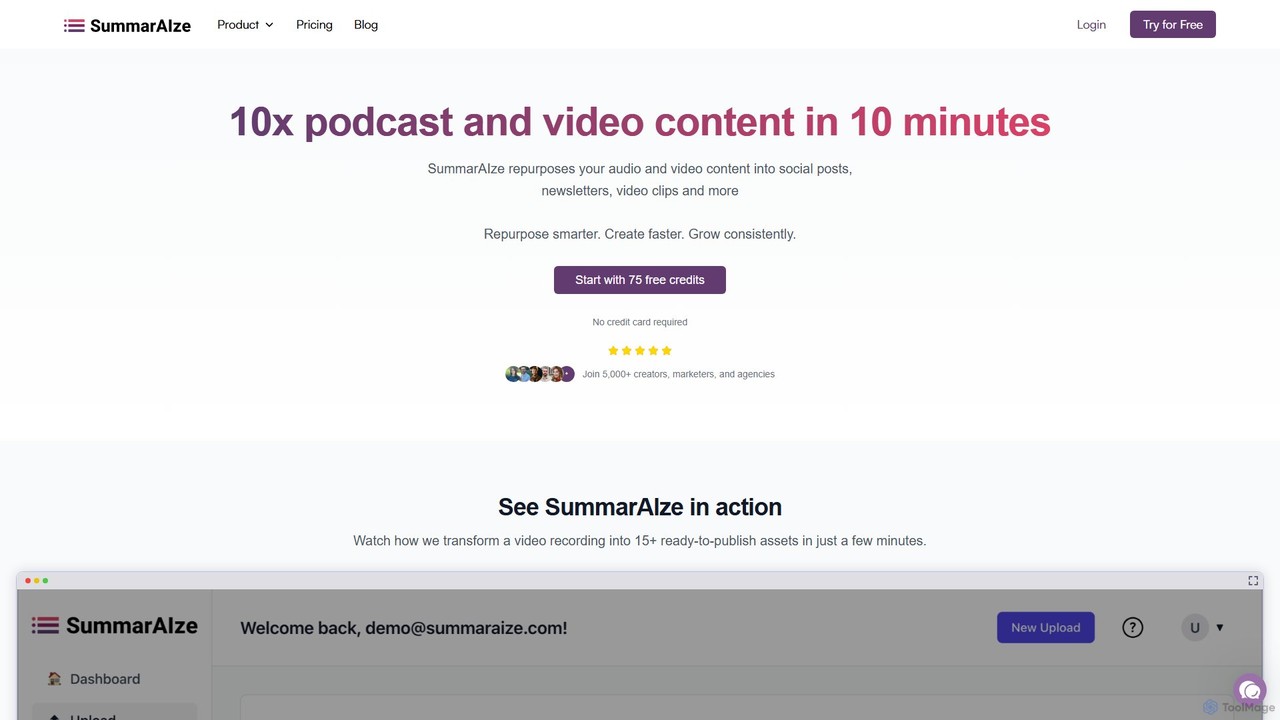
SummarAIze
SummarAIze is an AI-powered platform that repurposes long-form audio and video content into a wide range of ready-to-publish assets. It automates the creation of social media posts, newsletters, blog articles, video clips, and more, helping creators, marketers, and agencies save time and scale their content strategy efficiently.
Transcription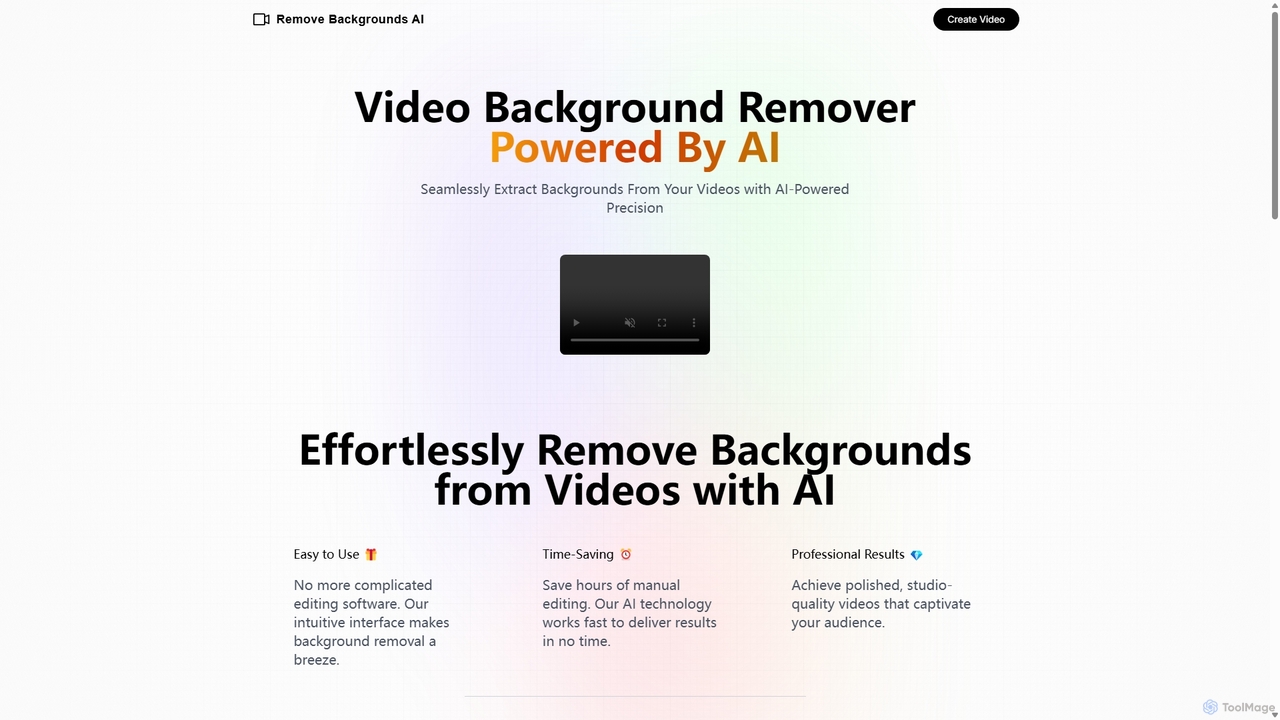
Remove Backgrounds AI
Remove Backgrounds AI is an AI-powered tool for seamless video background removal. It specializes in human video matting, using a recurrent neural network to accurately and quickly extract subjects from their backgrounds. Ideal for content creators and marketers, it delivers professional, studio-quality results in minutes, simplifying complex editing tasks with an intuitive interface and a simple pay-per-video pricing model.
Social MediaUnscreen Categories
Unscreen Embed Widget
Copy this embed code to place the badge on your blog, article, or product site and send readers directly to this ToolMage detail page.

Related AI tools
VideoBGRemover
VideoBGRemover is an AI-powered online tool that instantly removes or changes video backgrounds without a green screen. Simply upload your video (MP4, MOV, WEBM) to get a professional-looking result with a transparent, solid color, or custom background. Ideal for creators, marketers, and businesses, it offers HD exports, batch processing, and an API for streamlined workflows.
Video MarketingRemove Backgrounds AI
Remove Backgrounds AI is an AI-powered tool for seamless video background removal. It specializes in human video matting, using a recurrent neural network to accurately and quickly extract subjects from their backgrounds. Ideal for content creators and marketers, it delivers professional, studio-quality results in minutes, simplifying complex editing tasks with an intuitive interface and a simple pay-per-video pricing model.
Social Media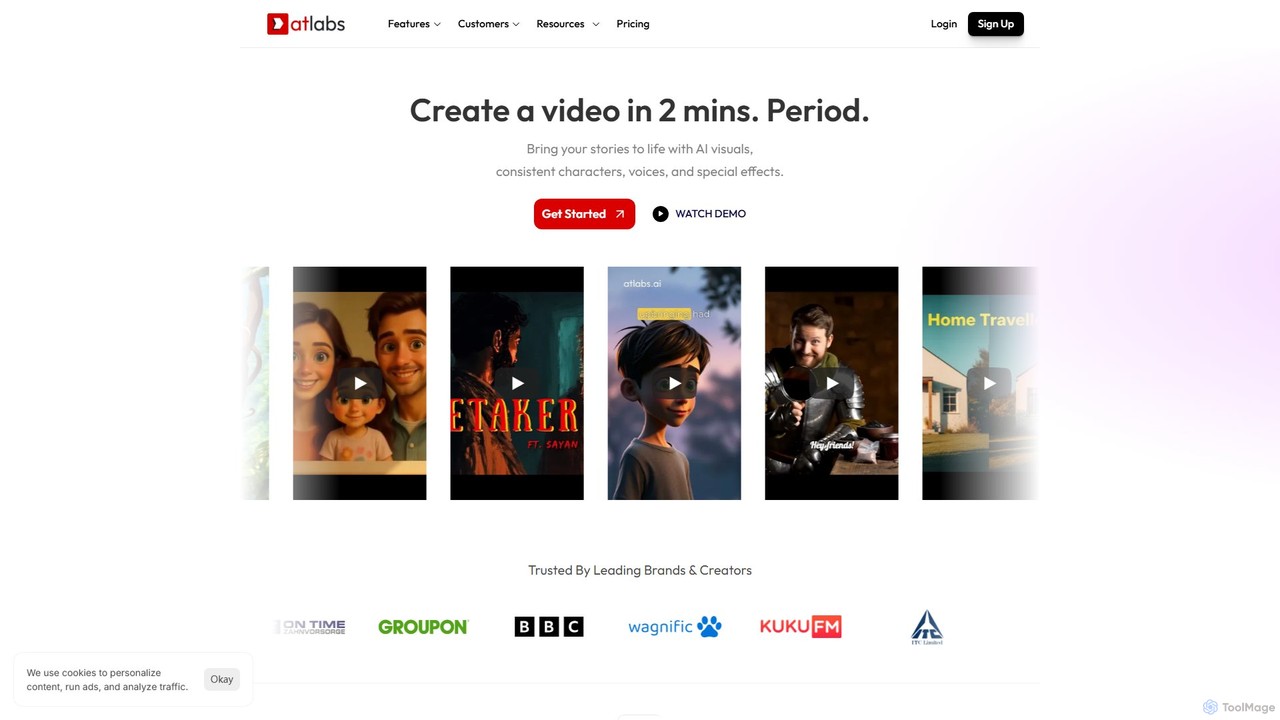
atlabs
atlabs is a powerful AI video generator that transforms text scripts into engaging visual stories in minutes. It features AI-driven scriptwriting, consistent character generation, ultra-realistic voiceovers, and intelligent editing. With support for over 40 languages and various visual styles, it's designed for marketers, creators, and businesses to produce high-quality video content efficiently, from social media clips to full-length series.
Social Media
Vivu.ai
Vivu.ai is an AI-powered video editing platform that simplifies and accelerates the video creation process. It uses AI to automatically generate smart rough cuts, index and search video content, and suggest background music, enabling creators of all skill levels to produce professional-quality videos with ease.
Social Media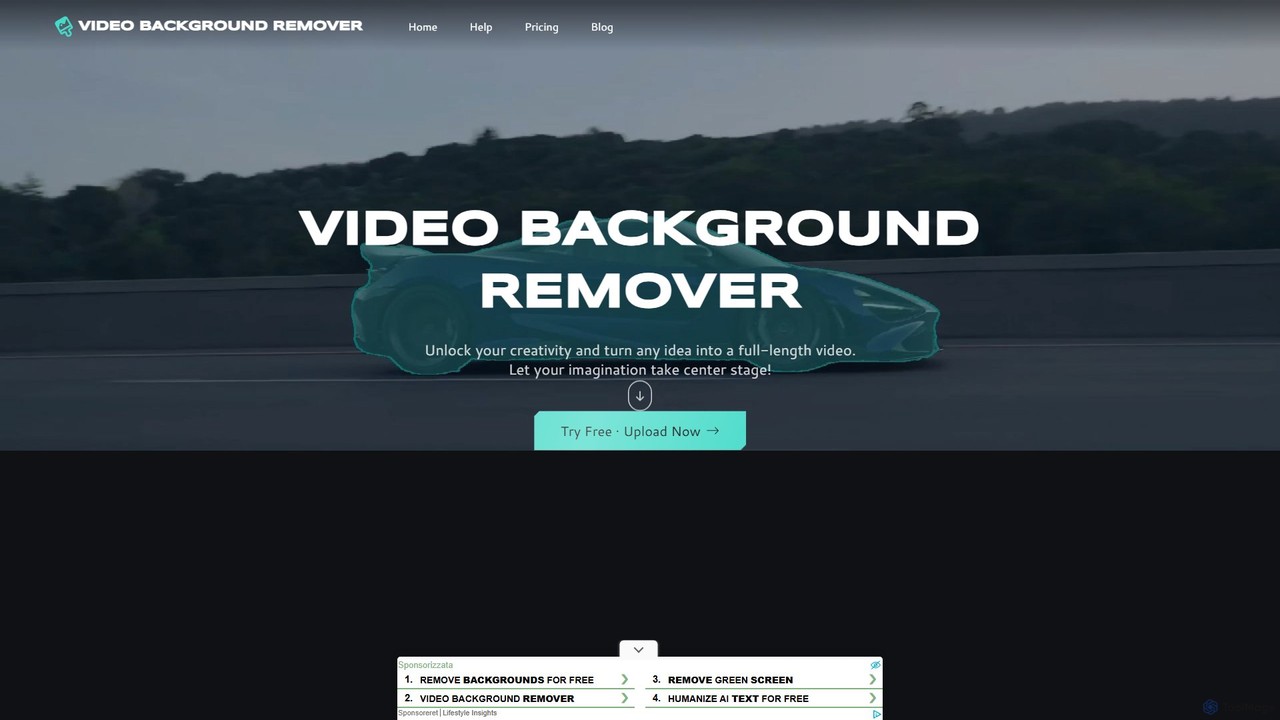
video_background_remover
An AI-powered online tool that allows users to remove video backgrounds instantly without a green screen. It supports multi-subject selection, various editing effects, and Full HD export, all for free and directly in your browser.
Social Media
Fluxvid
Fluxvid is an AI-powered video creation platform that effortlessly transforms text and images into stunning, cinematic videos. Featuring movie-like camera movements and lifelike visuals, it's perfect for marketers, creators, and storytellers. Generate high-quality content for social media, ads, and creative projects in seconds, with support for multiple languages and aspect ratios. Start for free to experience the next generation of video creation.
Social Media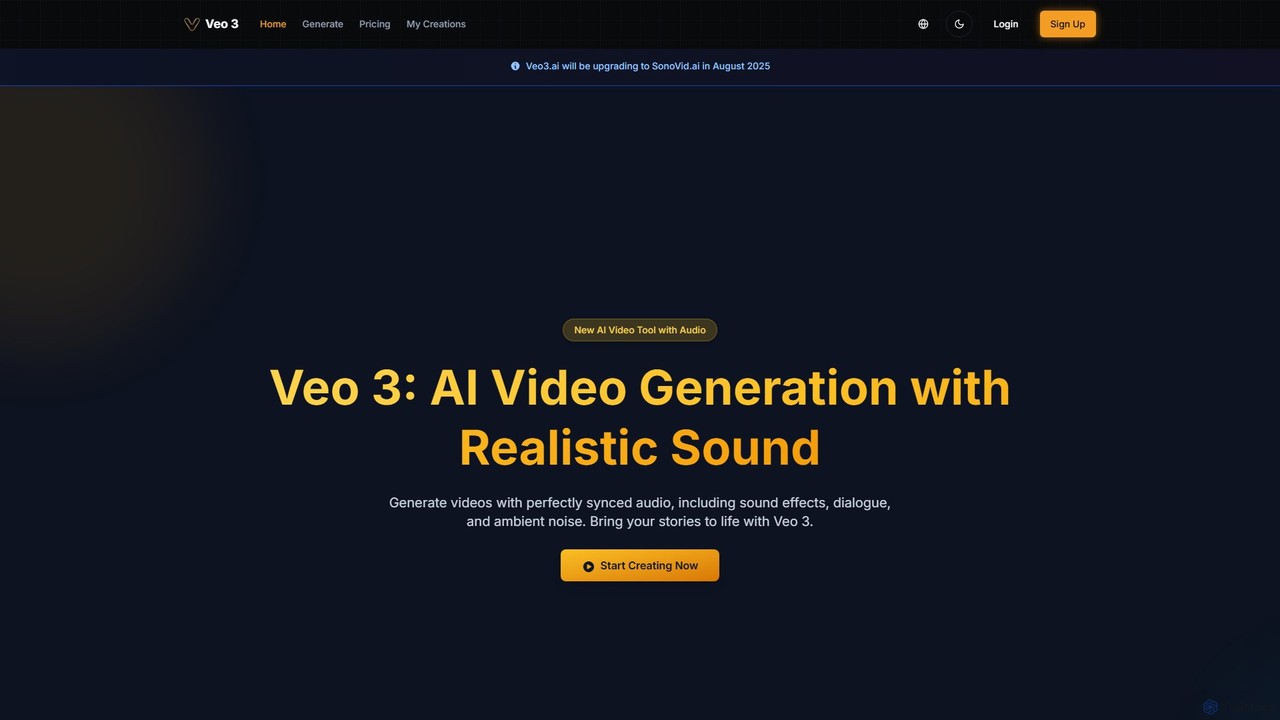
veo3.bot
veo3.bot is an AI video generation platform that provides access to Google's advanced Veo 3 model. It enables users to create high-quality 1080p videos from text or images, complete with native synchronized audio and precise lip-sync. The platform offers a free trial and flexible pricing without requiring a Google Gemini subscription, making advanced video creation accessible to creators, marketers, and developers.
Social Media
aiplix
aiplix is an AI-powered video generation platform that transforms text, scripts, or articles into professional-quality videos in minutes. It's designed for marketers, content creators, and businesses to effortlessly produce engaging video content with AI voiceovers, stock media, and automated editing, no technical skills required.
Text To Speech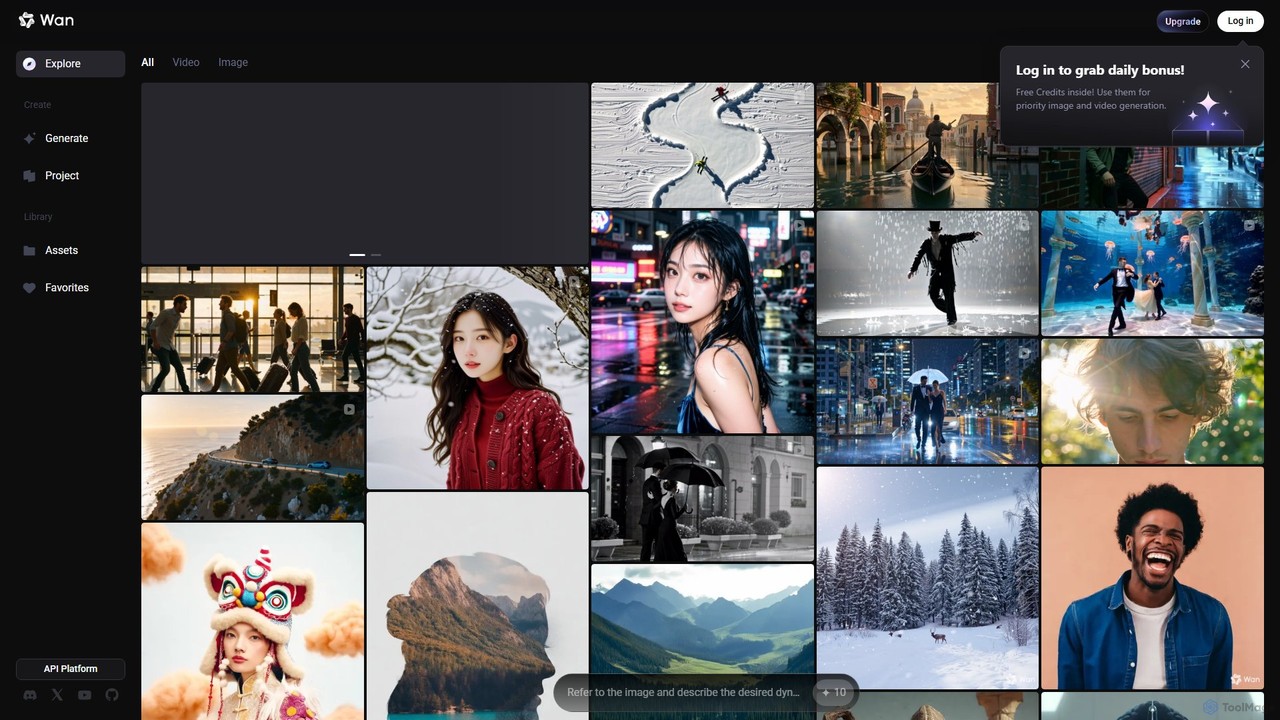
Wan AI
Wan AI is a leading AI video generation platform powered by the Wan 2.2 model. It transforms text prompts and static images into high-quality, dynamic video clips. Ideal for creators, marketers, and developers, it offers an intuitive interface, a project library, and a powerful API for seamless integration.
Generative Art
Nim
Nim is an all-in-one AI video production platform that consolidates the best AI models and editing tools. It enables users to create full-length videos from text or images with features like text-to-video, lip-sync, upscaling, and a comprehensive clip editor, catering to over 1.5 million creators.
Generative Art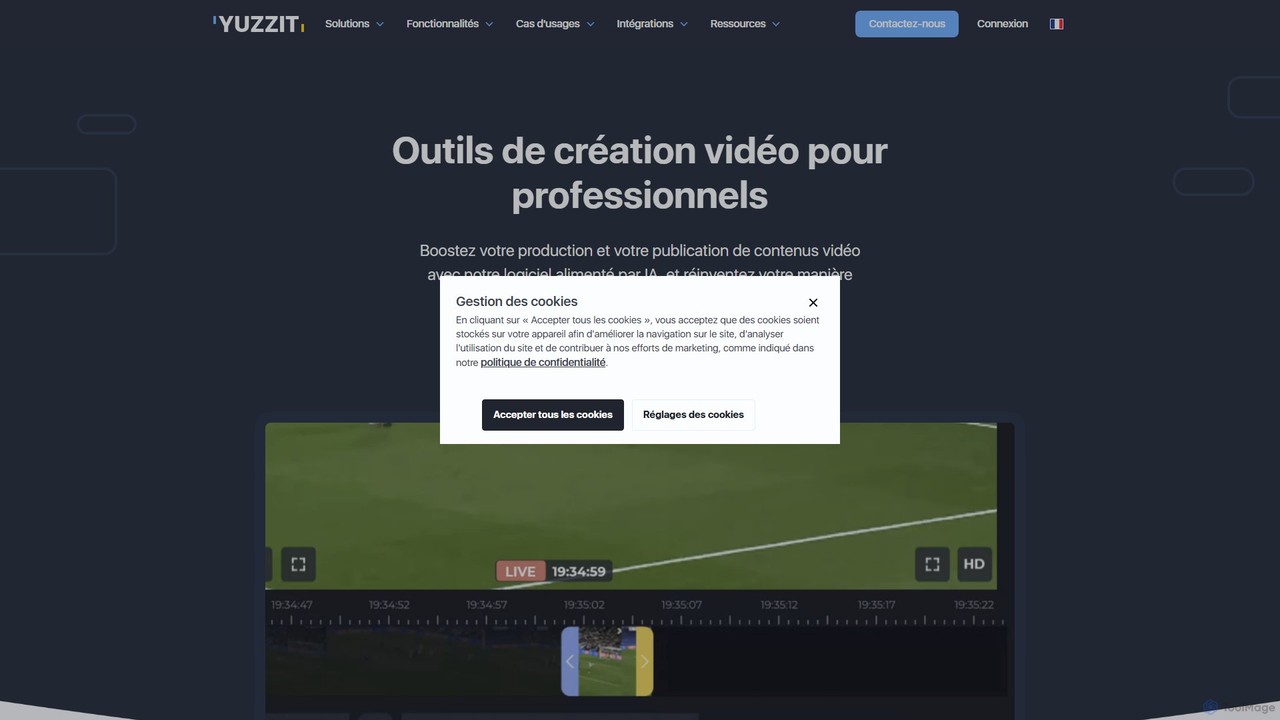
Yuzzit
Yuzzit is an AI-powered online video editing platform for professionals. It specializes in real-time clipping of live streams, automated editing, and multi-platform publishing. Designed for speed and collaboration, it helps media, sports, and marketing teams create and distribute engaging video content effortlessly.
Collaboration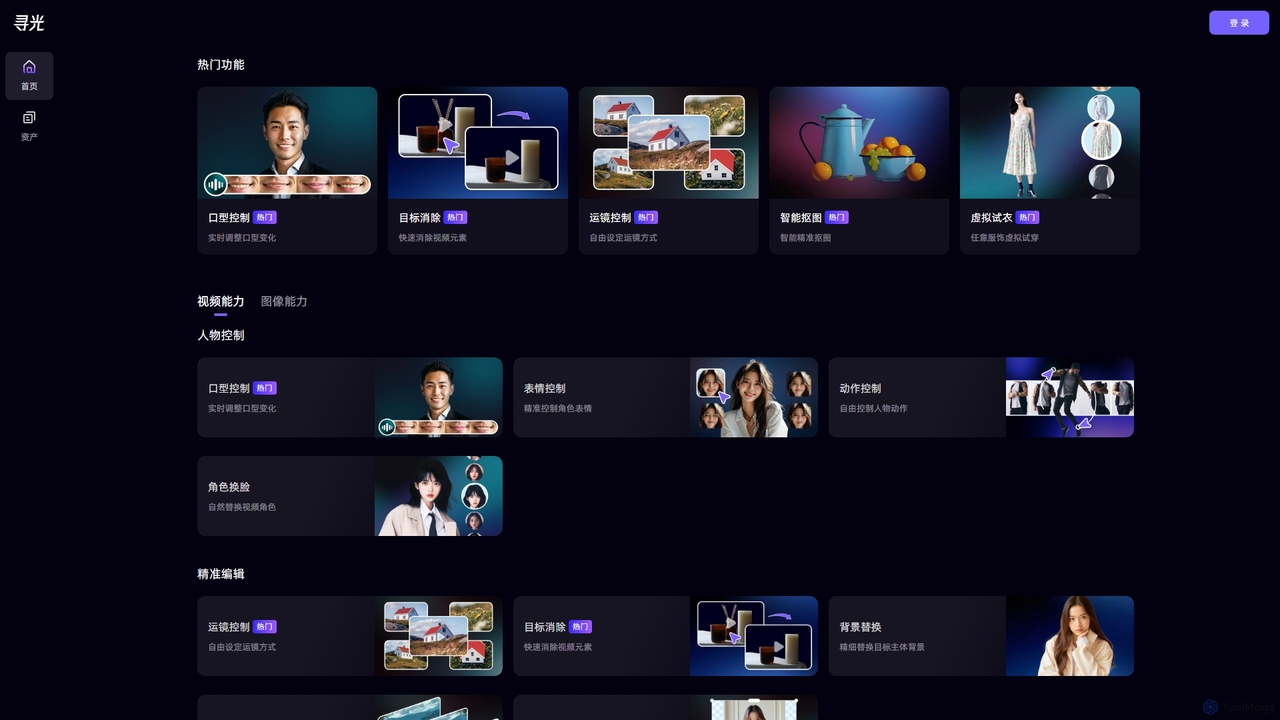
Xunguang AI
Xunguang AI is a powerful, all-in-one AI content creation platform specializing in advanced video and image manipulation. It offers a comprehensive suite of tools, including lip-sync control, object removal, face swapping, and virtual try-on, designed to streamline complex editing tasks and empower creators, marketers, and e-commerce professionals to produce high-quality content with unprecedented ease and efficiency.
Product Visualization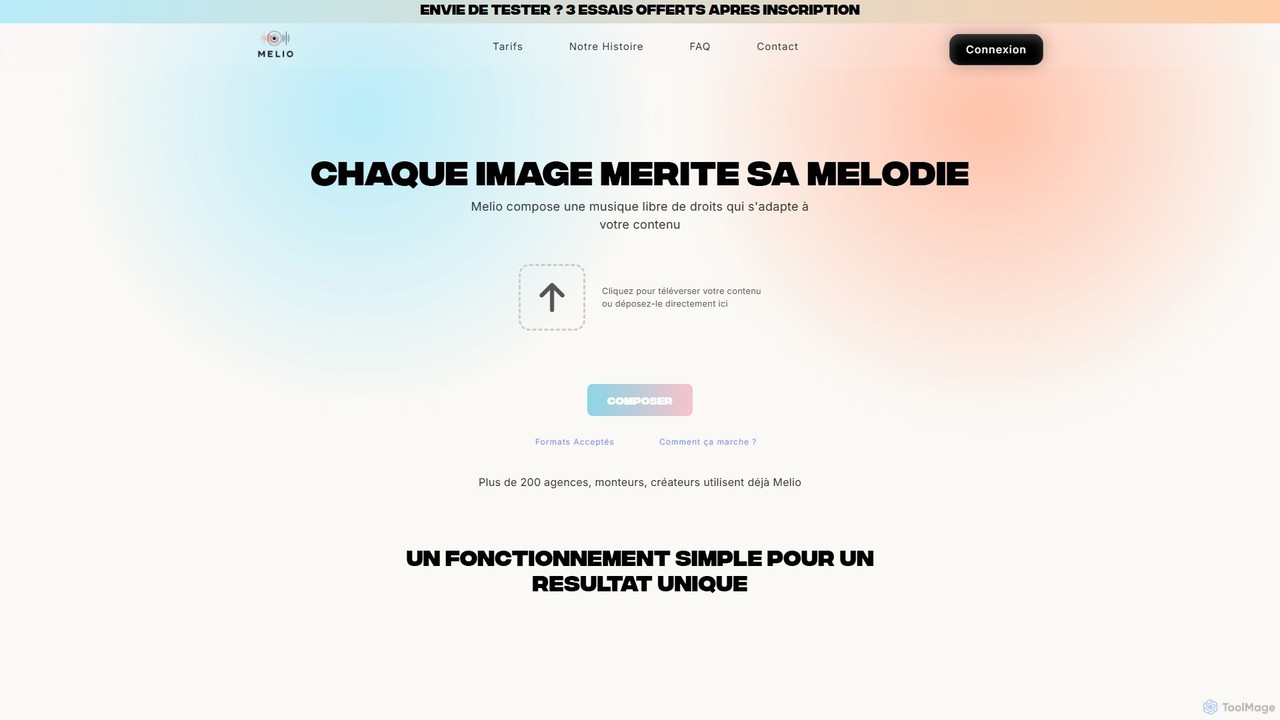
Melio
Melio is an AI-powered music composer that creates unique, royalty-free soundtracks tailored to your video content. By analyzing your video's mood, rhythm, and visuals, Melio generates high-quality, custom music in minutes. It's designed for content creators, marketers, and agencies to save time and enhance their productions with the perfect score, eliminating the hassle of searching through stock music libraries.
Music Generation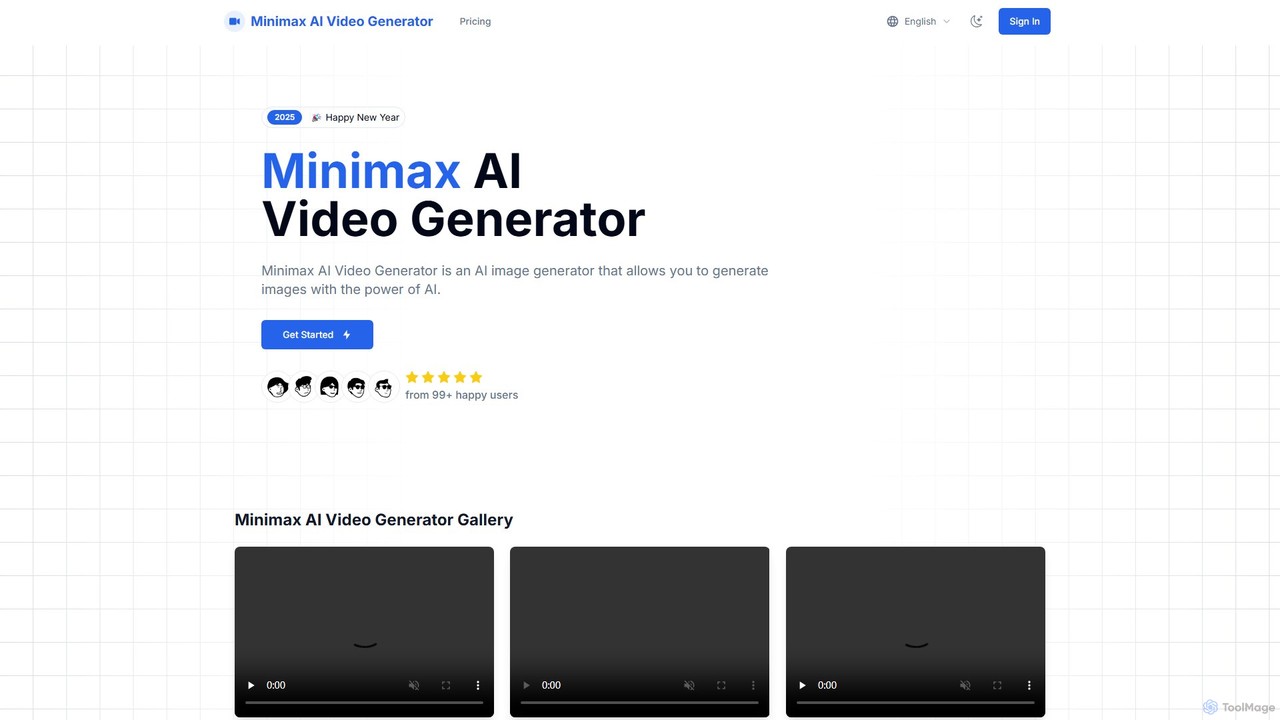
Minimax AI Video Generator
A powerful AI tool that generates high-definition videos from text and images. Developed by MiniMax, it uses the advanced Video-01 model to create stunningly clear and smooth 6-second clips, ideal for marketers, creators, and artists.
Generative ArtFilmora
Filmora is a powerful and intuitive AI video editor designed for creators of all skill levels. It simplifies the editing process with a suite of AI-powered tools, an extensive library of assets, and a user-friendly interface, making it easy to create professional-quality videos for social media, personal projects, and commercial use.
Social Media
Unscreen Comments (0)
Sign in to comment.
Sign inNo comments yet.