
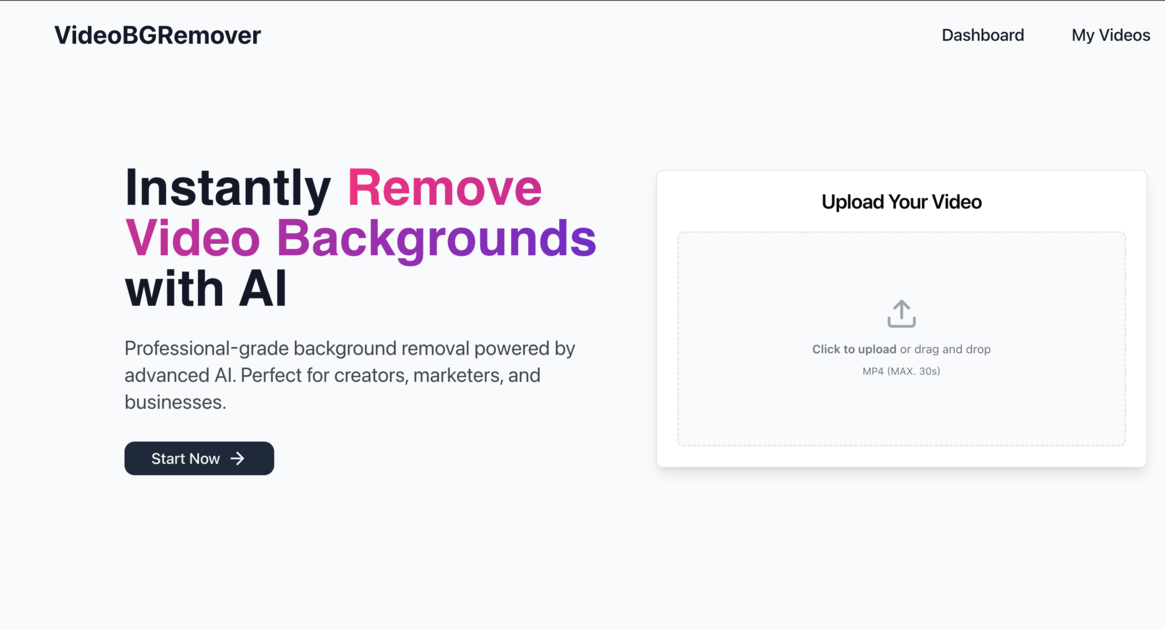
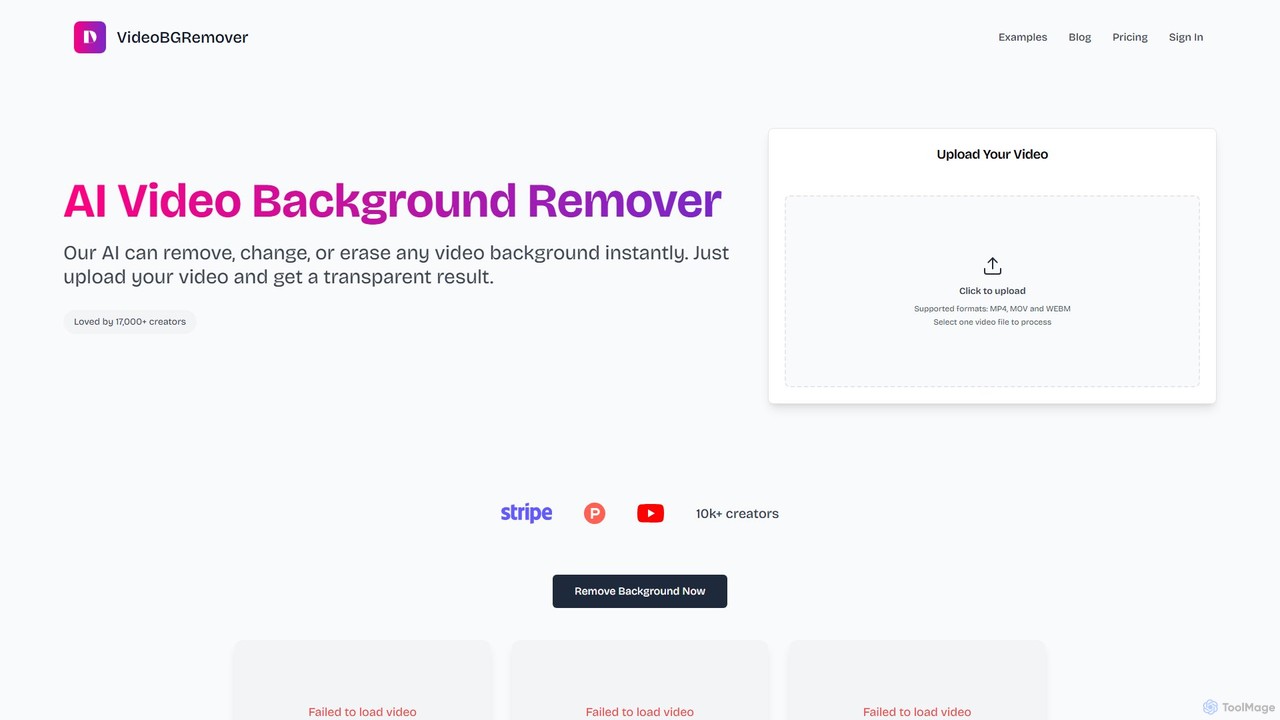
VideoBGRemover Overview
VideoBGRemover is a cutting-edge online tool designed to simplify video editing by automatically removing backgrounds from any video. Powered by advanced artificial intelligence, it eliminates the need for complex techniques like chroma keying or using a green screen. This tool is perfect for a wide range of users, from individual content creators and social media managers to e-commerce businesses and marketing teams, enabling them to produce professional-quality videos with clean, customizable backgrounds in just a few clicks.
The platform's core strength lies in its AI-driven subject detection, which can accurately identify and isolate the main subject—be it a person, an object, or an animation—from its background. The process is entirely automated, preserving the original video's quality and frame rate while delivering a clean cutout. Users can then choose to download the video with a transparent background or replace the original background with a solid color or a custom image/video, opening up endless creative possibilities.
How to use VideoBGRemover
Using VideoBGRemover is a straightforward, three-step process that requires no technical expertise or software installation:
- Upload Your Video: Visit the VideoBGRemover website and upload your video file. The platform supports common formats like MP4, MOV, and WEBM, with a generous limit of up to 120 minutes per video. The entire process is web-based, with no login required for a preview.
- Let AI Do the Rest: Once uploaded, the AI engine automatically analyzes the video, detects the subject, and removes the background. This process is quick and maintains the integrity of the original footage, including fine details like hair.
- Download Your Result: After processing, you can preview the result. You can then download the final video. For maximum flexibility, you can export it as a standard MP4 with a new background or in formats that support transparency like a PNG sequence, WebM, or MOV. These files are ready to be used in other video editing tools like CapCut, Adobe Premiere Pro, or Final Cut Pro.
Core Features of VideoBGRemover
- AI-Powered Automatic Removal: Utilizes advanced AI to automatically detect and isolate subjects, removing backgrounds without any manual work or green screens.
- Customizable Backgrounds: Users can replace the original background with a solid color, a custom image, or another video.
- Transparent Background Export: Offers the ability to export videos with a transparent background in formats like PNG sequence, WebM, and MOV, perfect for layering in other projects.
- High-Resolution Support: The Pro plan supports Full HD (1080p) resolution exports for crisp, professional-quality videos.
- Batch Processing: Pro users can upload and process multiple videos simultaneously, significantly speeding up workflows for large projects.
- API Access: Provides an API for developers and businesses to integrate VideoBGRemover's functionality into their own applications and workflows for bulk processing.
- Optimized for Various Content Types: The AI is fine-tuned for different categories, including people, facecams, animations, gaming content, product showcases, and more, ensuring optimal results for any video type.
Use Cases for VideoBGRemover
VideoBGRemover is versatile and serves numerous purposes:
- Content Creation: YouTubers, vloggers, and tutorial makers can record anywhere and replace their background with a branded visual or a more professional setting.
- E-commerce & Product Marketing: Businesses can create clean product showcase videos with uniform backgrounds (e.g., white or gray) for their websites and online stores, enhancing product appeal.
- Social Media Marketing: Marketers can quickly create engaging video ads and posts with eye-catching backgrounds for platforms like Instagram, TikTok, and Facebook.
- Corporate & Education: Create professional explainer videos, training materials, and video presentations without the need for a physical studio.
- Gaming: Gamers can easily remove their background from facecam footage to overlay it cleanly onto their gameplay streams.
- Creative Projects: Animators and digital artists can isolate characters and elements for use in motion graphics and other creative endeavors.
Advantages of VideoBGRemover
The tool offers significant advantages over traditional methods. It is incredibly efficient, saving hours of manual masking and editing. The quality of the AI-powered cutout is often superior to basic chroma key tools, especially with complex subjects. Its accessibility as an online tool means no powerful computer or expensive software is needed. Finally, the freemium model allows anyone to test its capabilities before committing to a paid plan.
Pricing and Plans
VideoBGRemover operates on a freemium model, offering flexibility for different user needs:
- Preview Plan ($0): This free plan allows users to test the tool with a quick preview. Exports are limited to 720p resolution with a green screen background and processed with standard priority. No credit card is required.
- Pro Plan (Pay-as-you-go): Starts at $6. Users purchase minutes, and the price per minute decreases with larger packages (e.g., 15 minutes for $20, with rates going as low as $0.50/min for bulk purchases). This plan includes Full HD (1080p) export, no watermarks, custom backgrounds, priority processing, and batch processing capabilities.
- API & Bulk Plan: Custom pricing is available for teams and businesses that require API access, high-volume processing, or custom terms. This plan offers the lowest per-minute rates and dedicated support.
Traffic
Latest traffic
Status
Monthly traffic trend
- 2025-9: 235.4K
- 2026-1: 290.6K
- 2026-2: 238.2K
- 2026-3: 221.9K
- 2026-4: 213.7K
- 2026-5: 211.3K
Geography
Top 5 countries / regions
- 🇺🇸United States35.9%
- 🇮🇳India25.9%
- 🇩🇪Germany13.5%
- 🇮🇩Indonesia13.3%
- 🇫🇷France11.4%
Traffic sources
| Source type | Percentage |
|---|---|
Direct | 80.7% |
Referral | 17.9% |
Email | 1.5% |
Top keywords
| Keyword | Cost per click |
|---|---|
| green screen remover | $0.74 |
| remove background video | $0.22 |
| remove green screen from video | $0.54 |
| video background remover | $0.25 |
| video background remover free | $0.30 |
VideoBGRemover Alternatives

Unscreen
Unscreen is an AI-powered tool that automatically removes video backgrounds without needing a green screen. It allows users to upload videos, GIFs, or URLs to instantly get a transparent background, perfect for content creators, marketers, and video editors seeking a quick, high-quality solution.
Social Media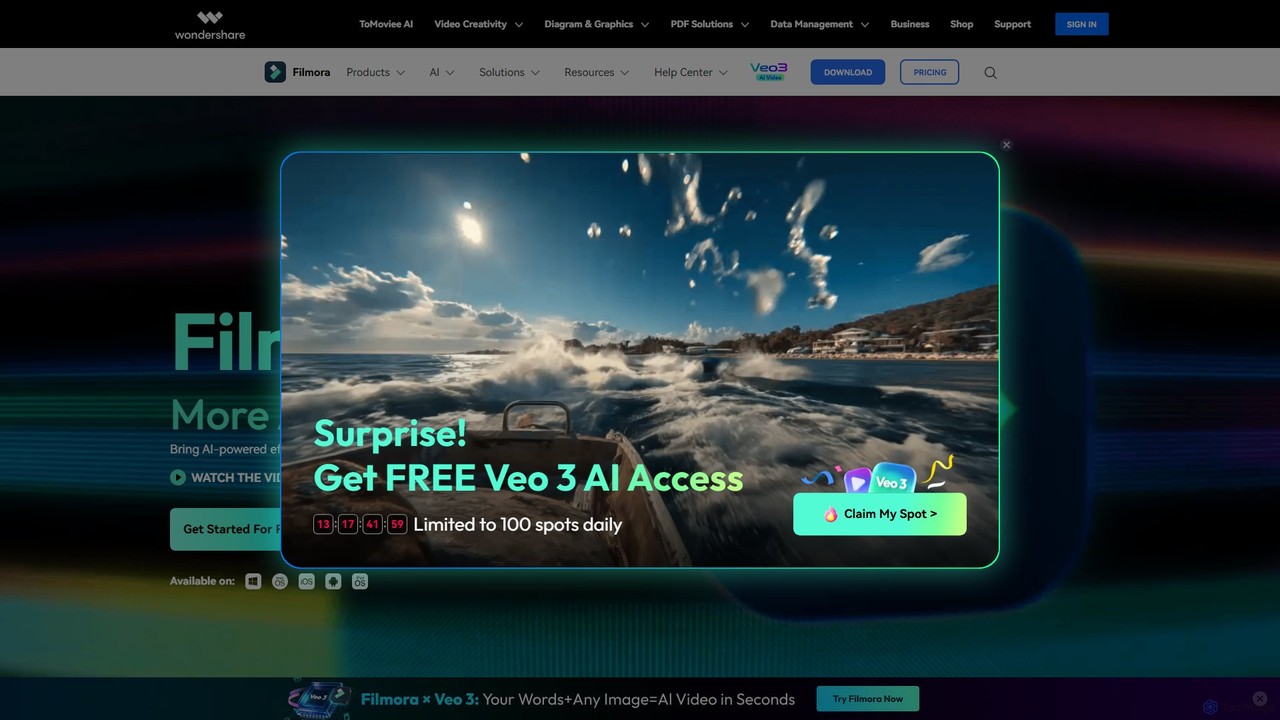
Filmora
Filmora is a powerful and intuitive AI video editor designed for creators of all skill levels. It simplifies the editing process with a suite of AI-powered tools, an extensive library of assets, and a user-friendly interface, making it easy to create professional-quality videos for social media, personal projects, and commercial use.
Social Media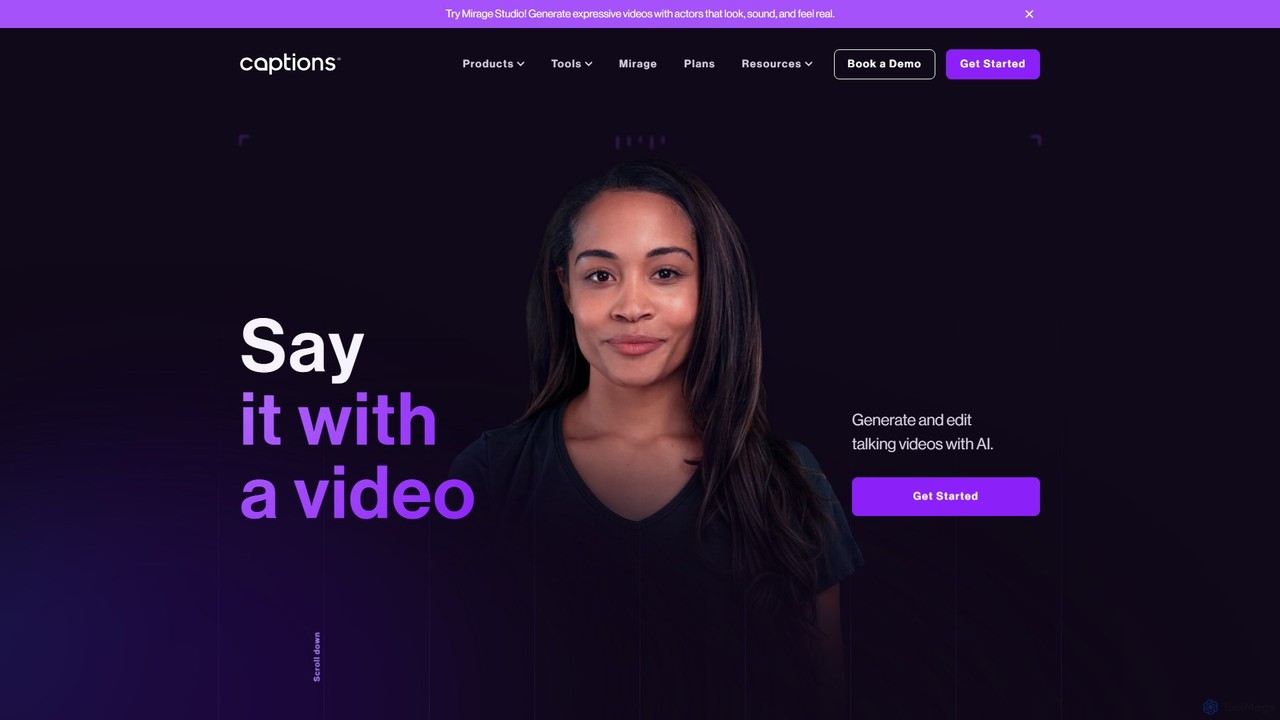
Captions
Captions is an AI-powered creative studio designed for video creators. It automates editing, adds dynamic subtitles, and offers advanced features like AI dubbing, voice generation, and creating a digital twin. It simplifies professional video production, making it accessible for everyone from social media influencers to businesses.
Transcription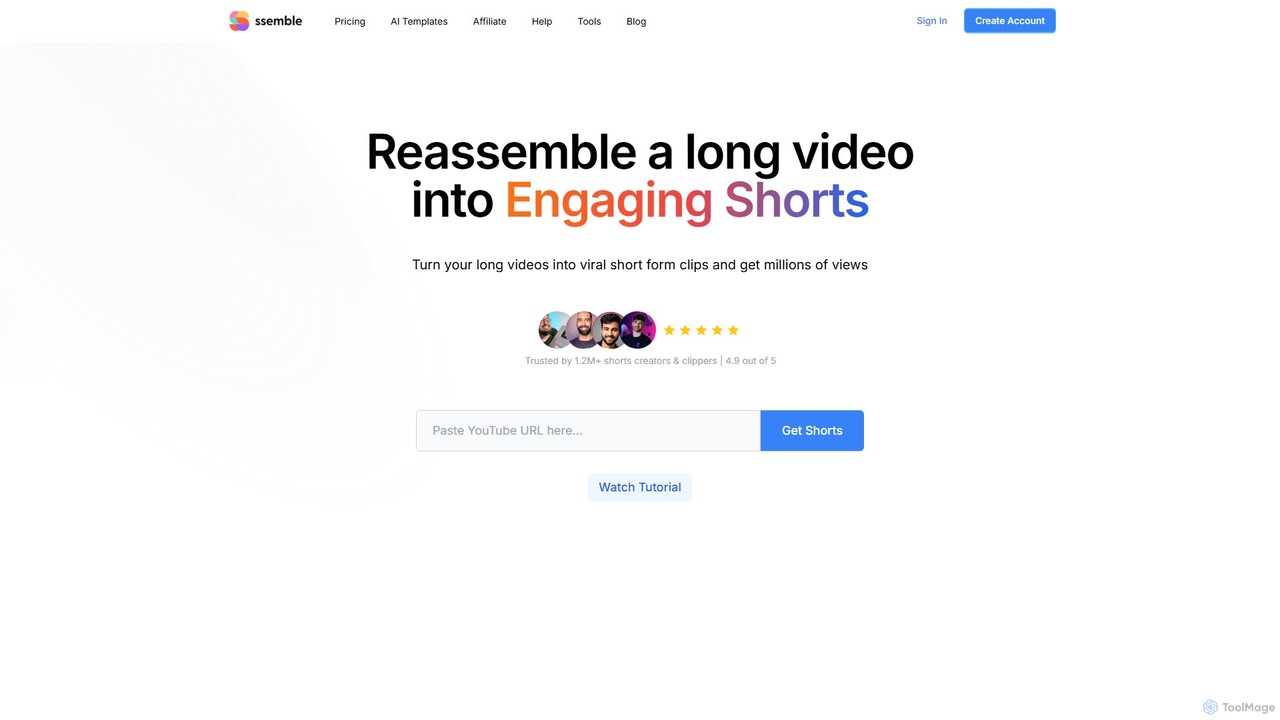
Ssemble
Ssemble is an AI-powered video editing platform that transforms long-form videos into engaging, viral short-form clips. It automates finding key moments, adding captions, reframing for vertical formats, and scheduling posts for TikTok, YouTube Shorts, and Instagram Reels. Ideal for content creators and marketers looking to maximize their reach and engagement with minimal effort.
Video Marketing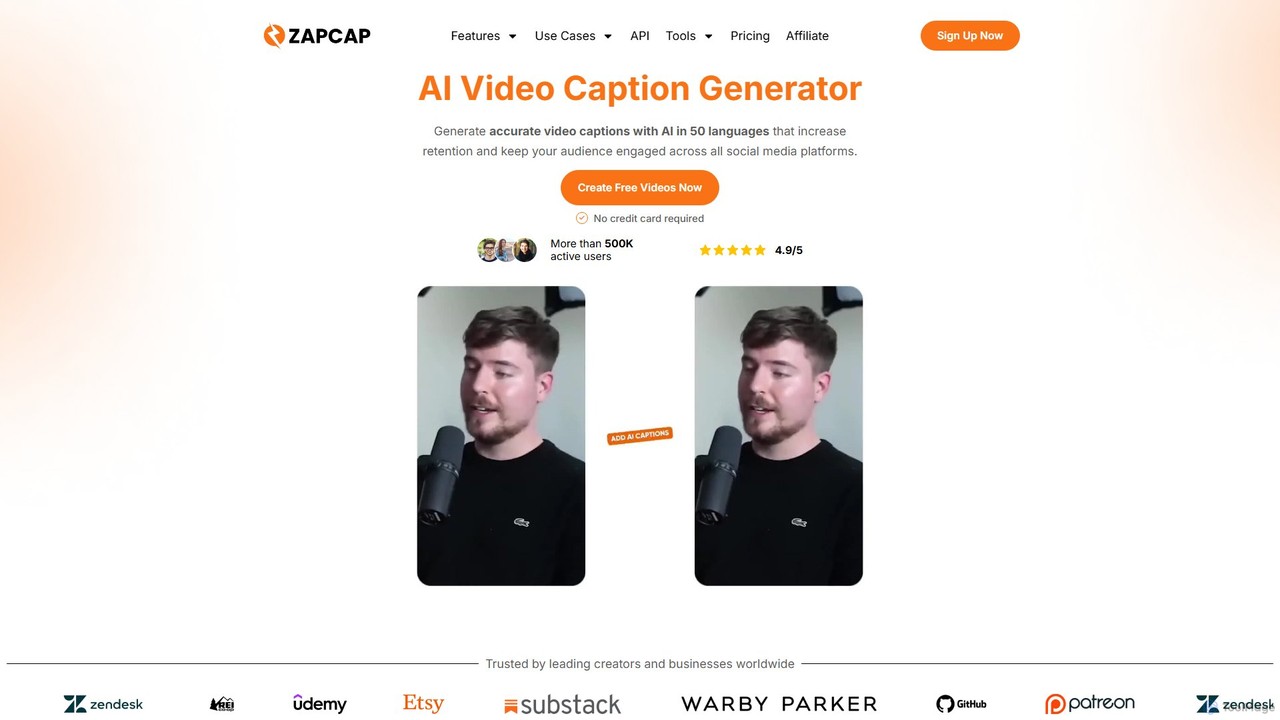
zapcap
zapcap is an AI-powered video editing platform designed to create viral short-form videos with ease. It automatically generates accurate captions in over 50 languages, removes silences, creates short clips from long videos, adds B-roll, sound effects, and generates SEO-optimized descriptions. It's an all-in-one tool for content creators, marketers, and businesses to boost engagement and save time.
Video MarketingVideoBGRemover Categories
VideoBGRemover Embed Widget
Copy this embed code to place the badge on your blog, article, or product site and send readers directly to this ToolMage detail page.

Related AI tools
Unscreen
Unscreen is an AI-powered tool that automatically removes video backgrounds without needing a green screen. It allows users to upload videos, GIFs, or URLs to instantly get a transparent background, perfect for content creators, marketers, and video editors seeking a quick, high-quality solution.
Social Media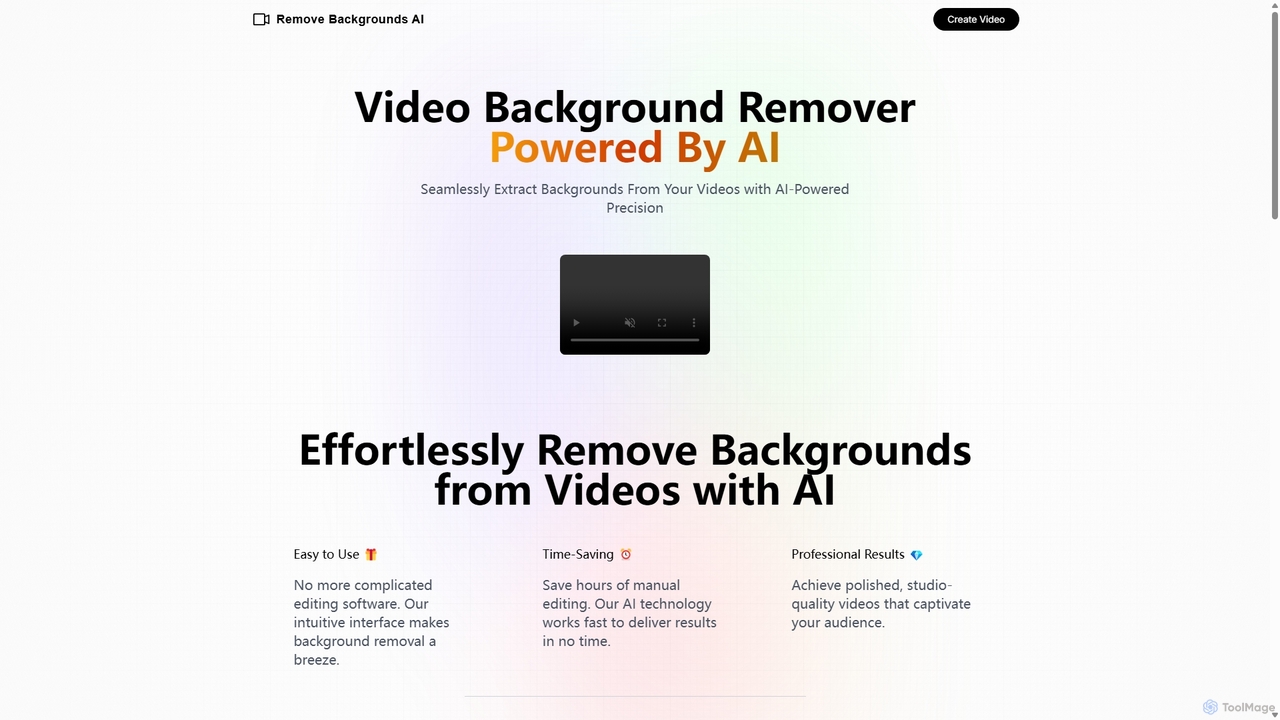
Remove Backgrounds AI
Remove Backgrounds AI is an AI-powered tool for seamless video background removal. It specializes in human video matting, using a recurrent neural network to accurately and quickly extract subjects from their backgrounds. Ideal for content creators and marketers, it delivers professional, studio-quality results in minutes, simplifying complex editing tasks with an intuitive interface and a simple pay-per-video pricing model.
Social Media
Nim
Nim is an all-in-one AI video production platform that consolidates the best AI models and editing tools. It enables users to create full-length videos from text or images with features like text-to-video, lip-sync, upscaling, and a comprehensive clip editor, catering to over 1.5 million creators.
Generative Art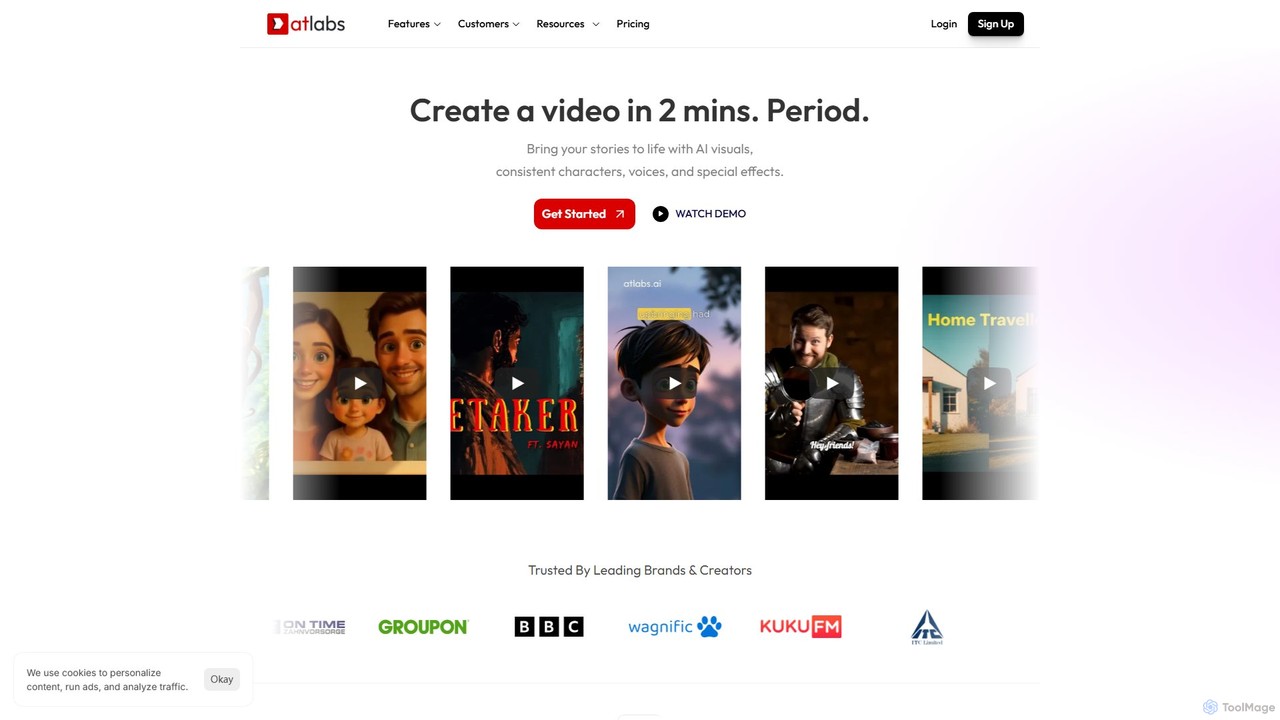
atlabs
atlabs is a powerful AI video generator that transforms text scripts into engaging visual stories in minutes. It features AI-driven scriptwriting, consistent character generation, ultra-realistic voiceovers, and intelligent editing. With support for over 40 languages and various visual styles, it's designed for marketers, creators, and businesses to produce high-quality video content efficiently, from social media clips to full-length series.
Social Media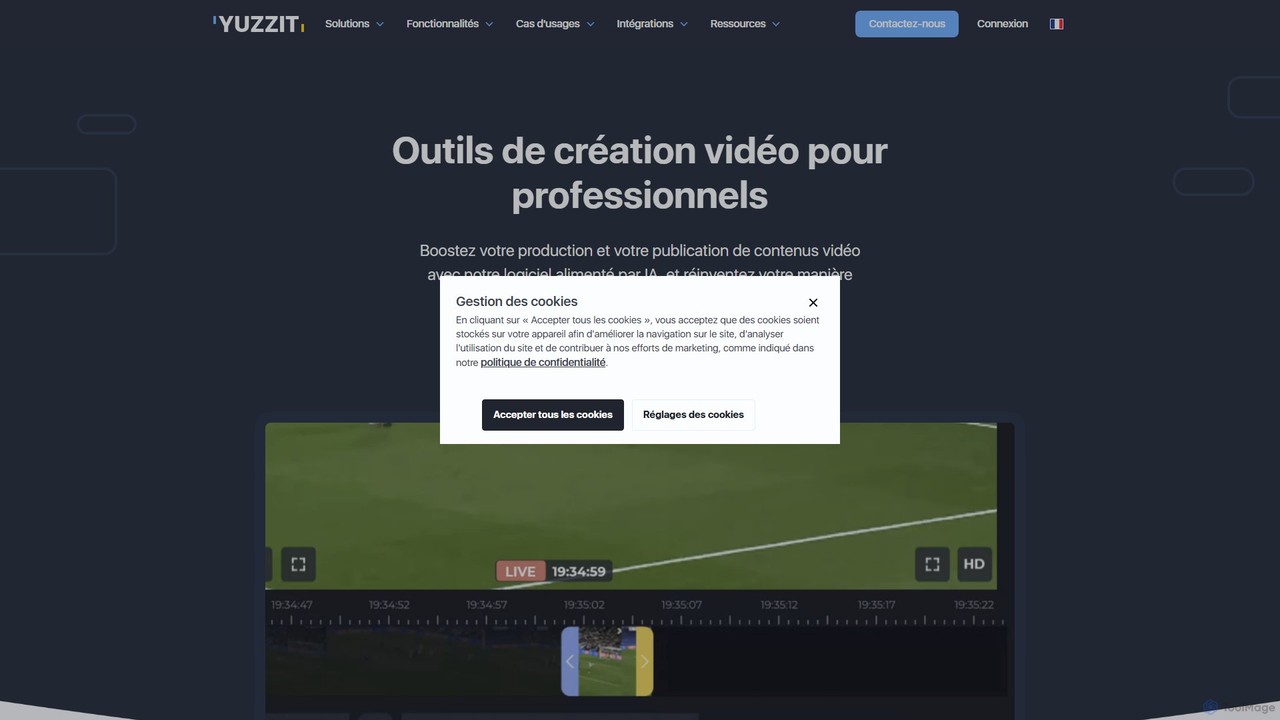
Yuzzit
Yuzzit is an AI-powered online video editing platform for professionals. It specializes in real-time clipping of live streams, automated editing, and multi-platform publishing. Designed for speed and collaboration, it helps media, sports, and marketing teams create and distribute engaging video content effortlessly.
Collaboration
Vivu.ai
Vivu.ai is an AI-powered video editing platform that simplifies and accelerates the video creation process. It uses AI to automatically generate smart rough cuts, index and search video content, and suggest background music, enabling creators of all skill levels to produce professional-quality videos with ease.
Social Media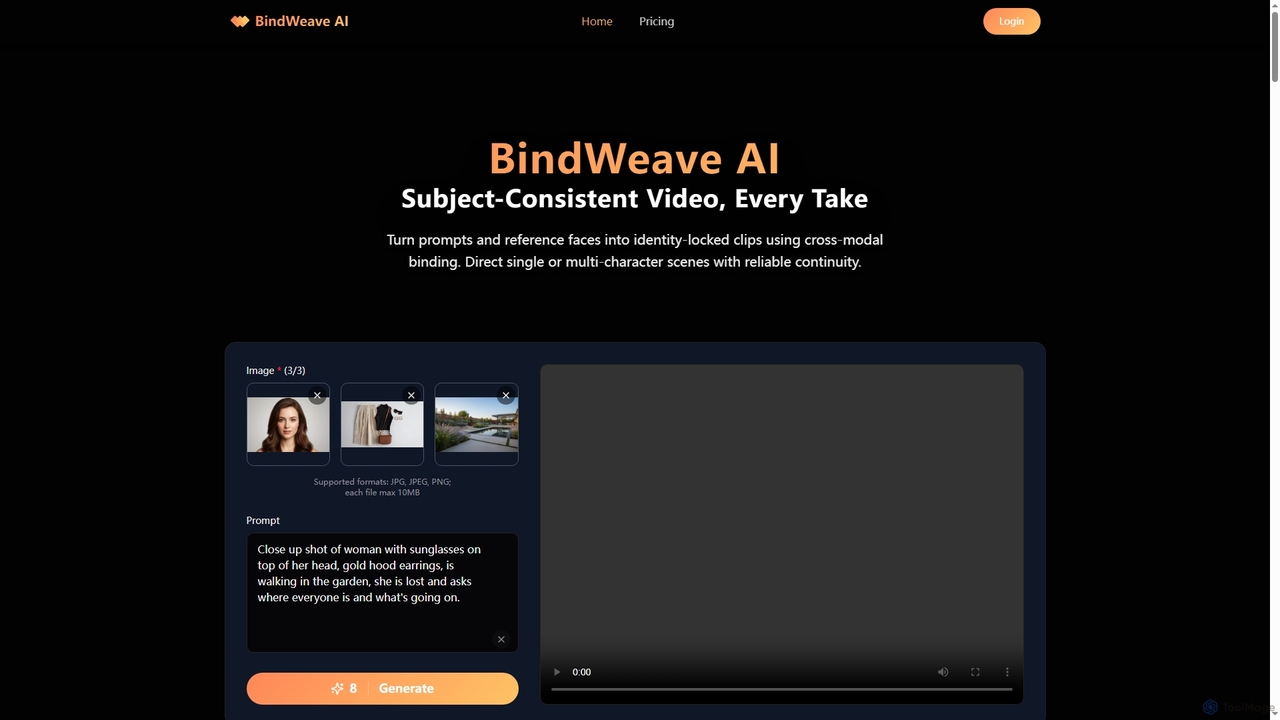
BindWeave AI
BindWeave AI is an advanced AI video generation platform that creates subject-consistent videos by binding text prompts to reference images. It ensures identity lock for single or multi-character scenes, maintaining visual fidelity and temporal coherence across various takes and interactions.
3D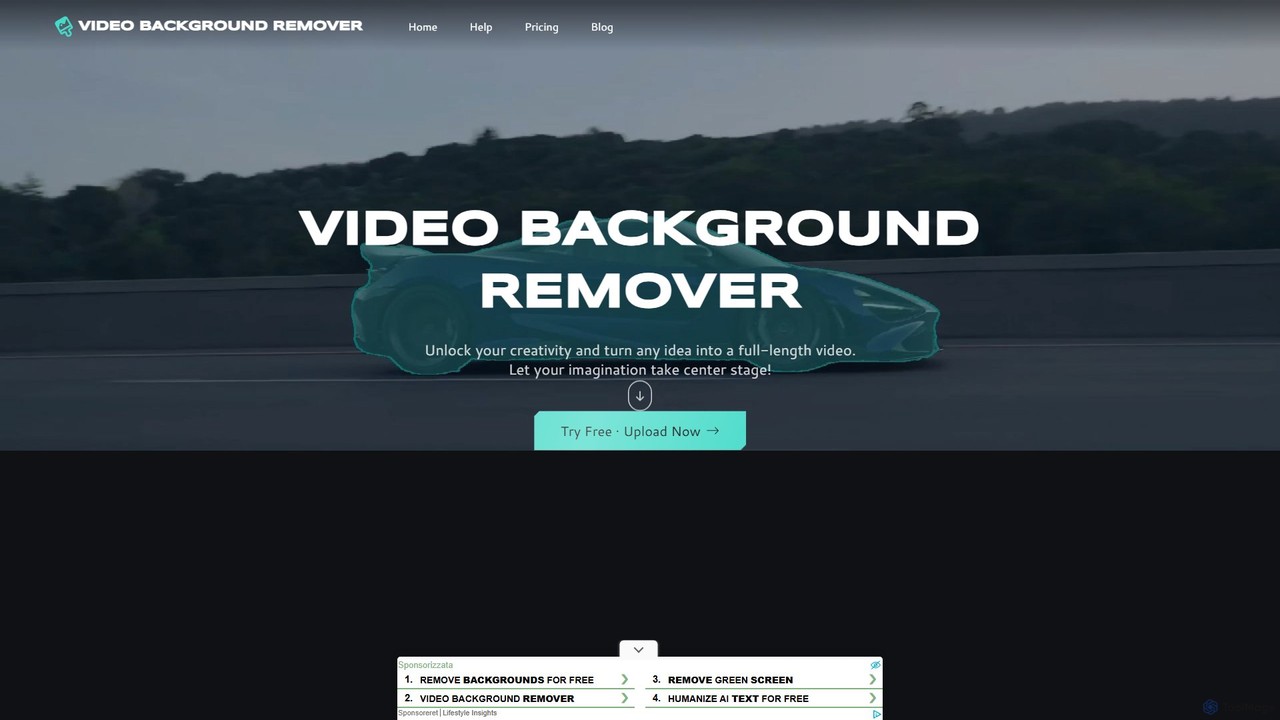
video_background_remover
An AI-powered online tool that allows users to remove video backgrounds instantly without a green screen. It supports multi-subject selection, various editing effects, and Full HD export, all for free and directly in your browser.
Social Media
Fluxvid
Fluxvid is an AI-powered video creation platform that effortlessly transforms text and images into stunning, cinematic videos. Featuring movie-like camera movements and lifelike visuals, it's perfect for marketers, creators, and storytellers. Generate high-quality content for social media, ads, and creative projects in seconds, with support for multiple languages and aspect ratios. Start for free to experience the next generation of video creation.
Social Media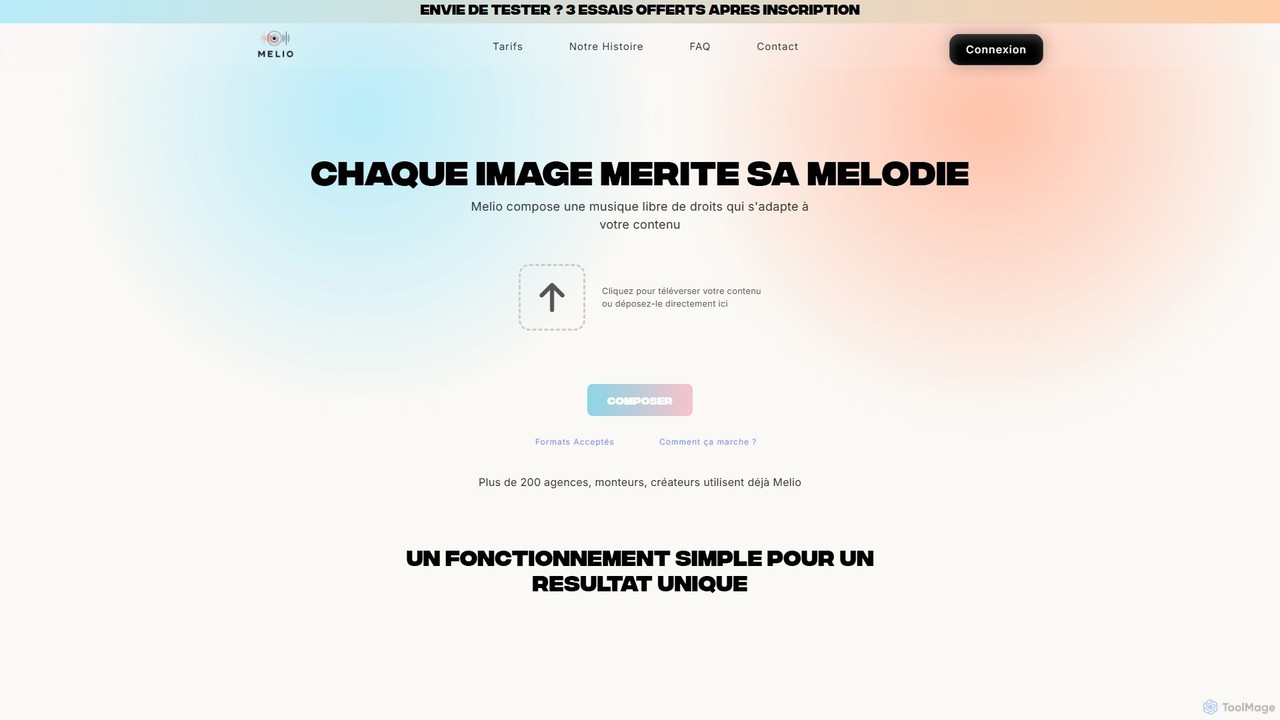
Melio
Melio is an AI-powered music composer that creates unique, royalty-free soundtracks tailored to your video content. By analyzing your video's mood, rhythm, and visuals, Melio generates high-quality, custom music in minutes. It's designed for content creators, marketers, and agencies to save time and enhance their productions with the perfect score, eliminating the hassle of searching through stock music libraries.
Music Generation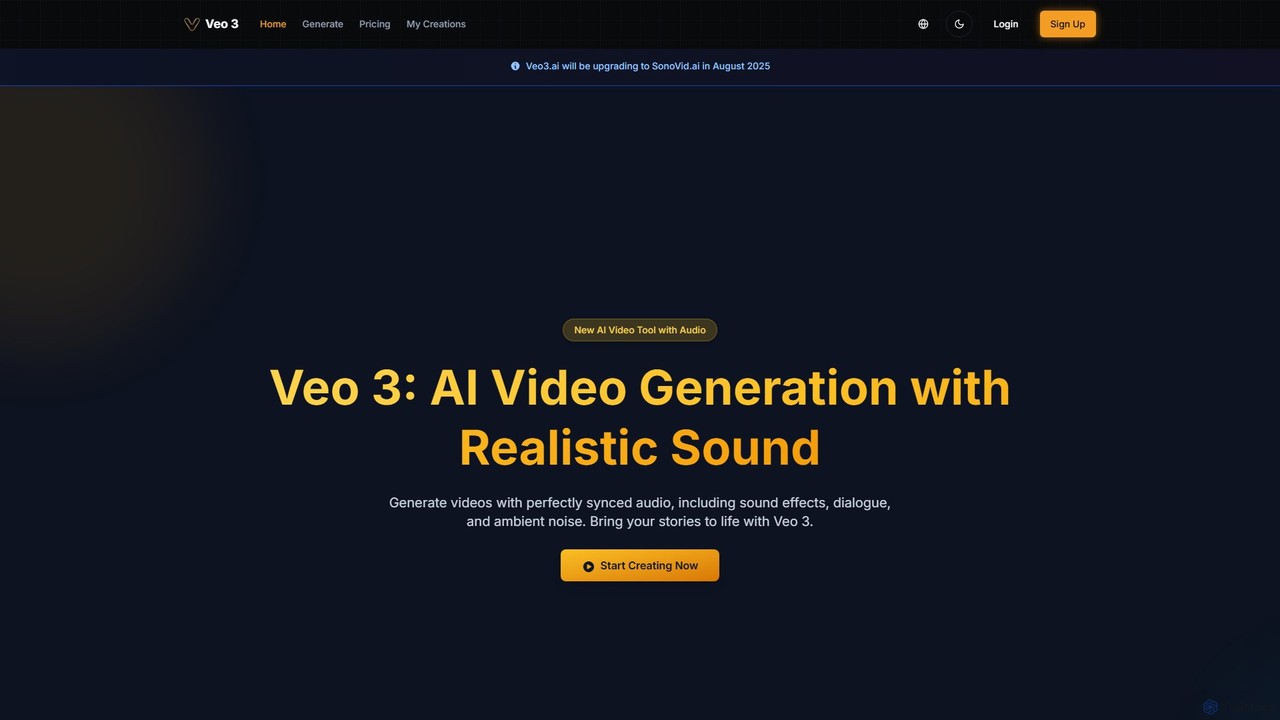
veo3.bot
veo3.bot is an AI video generation platform that provides access to Google's advanced Veo 3 model. It enables users to create high-quality 1080p videos from text or images, complete with native synchronized audio and precise lip-sync. The platform offers a free trial and flexible pricing without requiring a Google Gemini subscription, making advanced video creation accessible to creators, marketers, and developers.
Social Media
aiplix
aiplix is an AI-powered video generation platform that transforms text, scripts, or articles into professional-quality videos in minutes. It's designed for marketers, content creators, and businesses to effortlessly produce engaging video content with AI voiceovers, stock media, and automated editing, no technical skills required.
Text To Speech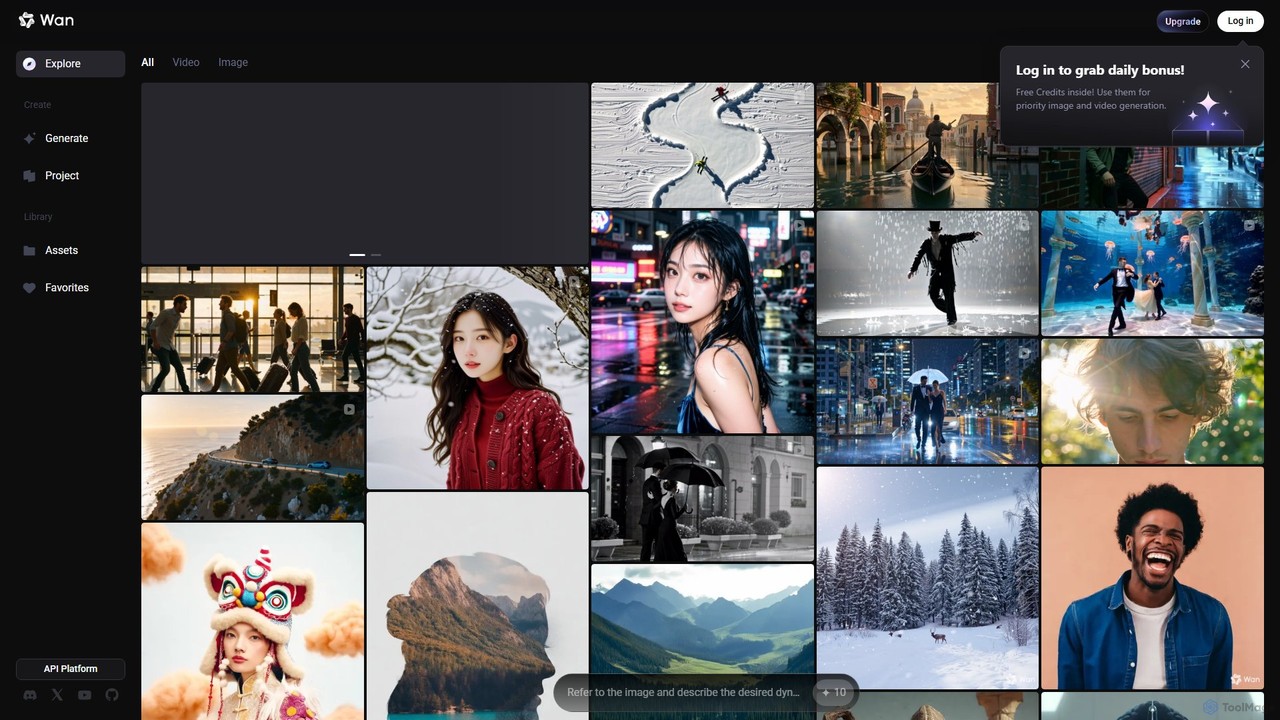
Wan AI
Wan AI is a leading AI video generation platform powered by the Wan 2.2 model. It transforms text prompts and static images into high-quality, dynamic video clips. Ideal for creators, marketers, and developers, it offers an intuitive interface, a project library, and a powerful API for seamless integration.
Generative Art
Roll
Roll is an AI-powered video production studio that enables you to create professional, studio-quality remote videos using only your smartphone. It leverages AI to act as a virtual director, automatically handling framing, lighting, and camera movements like pans and dollies. Ideal for podcasts, webinars, interviews, and testimonials, Roll simplifies video creation, eliminating the need for expensive equipment and production crews, delivering broadcast-level quality in minutes.
Podcasting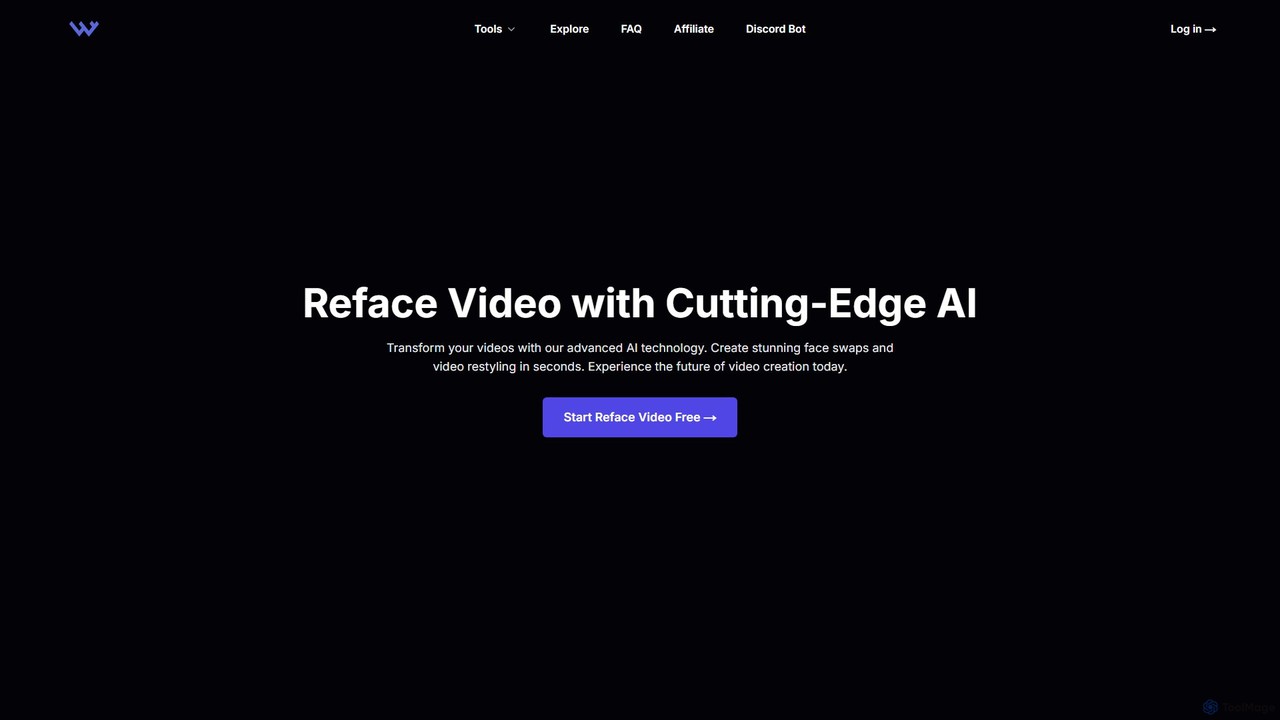
WarpVideo
WarpVideo is an advanced AI-powered platform that enables users to create stunning face swaps and video restyling effects in seconds. Designed for creators, marketers, and artists of all skill levels, it offers an intuitive interface, real-time previews, and high-speed processing. Transform ordinary footage into visually engaging content with powerful AI, accelerating your production workflow and unlocking new creative possibilities.
Video Generation
VideoBGRemover Comments (0)
Sign in to comment.
Sign inNo comments yet.