WarpVideo
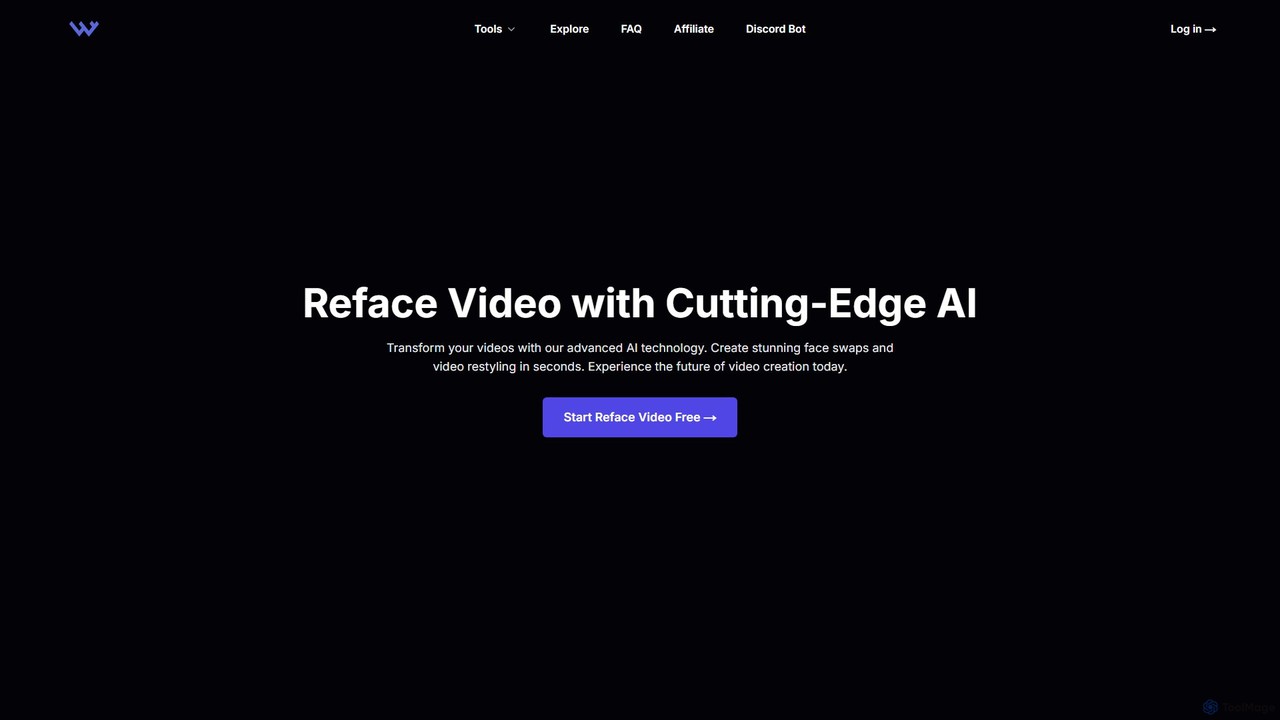
WarpVideo is an advanced AI-powered platform that enables users to create stunning face swaps and video restyling effects …
WarpVideo is an advanced AI-powered platform that enables users to create stunning face swaps and video restyling effects in seconds. Designed for creators, marketers, and artists of all skill levels, it offers an intuitive interface, real-time previews, and high-speed processing. Transform ordinary footage into visually engaging content with powerful AI, accelerating your production workflow and unlocking new creative possibilities.
About Video Generation
AI Video Generation tools are a class of software that uses artificial intelligence to create new video clips from text prompts, images, or other videos. These tools typically leverage advanced models like diffusion or GANs to interpret inputs and synthesize coherent, dynamic motion. They enable users to produce marketing content, animated stories, and visual concepts rapidly without traditional filming or complex animation software. This technology is particularly valued for its ability to quickly translate ideas into motion, accelerating creative workflows and lowering production barriers.
Core Features
- Text-to-Video: Generates video sequences directly from descriptive text prompts.
- Image-to-Video: Animates static images, adding motion like camera pans, zooms, or subtle environmental effects.
- Video-to-Video Transformation: Alters the style or content of an existing video based on a new prompt.
- Style Consistency: Maintains a consistent artistic style (e.g., cinematic, anime, photorealistic) across generated clips.
- Motion Control: Provides options to specify camera movements and the direction of object motion for more precise results.
Use Cases
These tools are widely used by marketing teams for creating short social media ads and promotional content. Content creators and artists use them for generating unique visuals for music videos or short films. In the film and gaming industries, they serve as a powerful tool for pre-visualization, allowing directors to prototype scenes before committing to expensive production.
How to Choose
When selecting an AI Video Generation tool, consider the output quality and resolution (e.g., HD, 4K). Evaluate the generation speed and the pricing model, often based on credits per second of video. Assess the level of control offered over motion, style, and character consistency. Finally, check the supported input types (text, image, video) to ensure they match your workflow needs.

Video GenerationUse Cases
Creating Short Promotional Ads for Social Media
A marketing manager at a small e-commerce brand needs to create a series of engaging video ads for an upcoming product launch but has a limited budget and no access to a production team. Using an AI Video Generation tool, they input simple text prompts describing the product in various scenarios, such as "a sleek water bottle on a mountain peak at sunrise, cinematic style." The tool generates multiple 10-second clips. The manager can then select the best ones, add a logo and text overlay, and deploy them across social media platforms, reducing the ad creation timeline from weeks to a few hours.
Rapid Prototyping for Animated Storyboards
A film director is working on a complex action sequence and needs to communicate their vision to the storyboard artist and VFX team. Instead of relying solely on written descriptions, the director uses a Text-to-Video tool to generate rough animated clips of the key moments. They input prompts like "a futuristic car speeding through a neon-lit city, low-angle shot, raining." This provides a dynamic visual reference, clarifying camera angles, pacing, and overall mood, which helps align the entire production team and accelerates the pre-visualization process significantly.
Generating Abstract Visuals for Music Videos
An independent musician wants to release a music video for their new electronic track but lacks the resources for a live-action shoot. They turn to an AI Video Generation tool to create surreal and abstract visuals that match the song's atmosphere. By inputting lyrics and descriptive moods like "dreamy, flowing colors morphing into geometric shapes," the AI generates a continuous stream of captivating, non-narrative visuals. This allows the artist to produce a professional-looking music video that enhances the listener's experience at a fraction of the traditional cost.
Animating Educational Explainer Content
An online course creator is developing a lesson on cellular mitosis and wants to make the topic more engaging than static diagrams. They use an Image-to-Video tool by uploading illustrations of different stages of cell division. They then apply simple motion prompts like "subtle pulsing motion" or "slow zoom in." The AI animates the diagrams, creating a simple but effective explainer video. This visual aid helps students better understand the dynamic process, improving learning retention without requiring specialized animation skills or software.
Creating Dynamic Backgrounds for Virtual Events
A corporate event planner is organizing a virtual conference and wants to create custom, animated backgrounds for the speakers' video feeds to match the event's theme. They use an AI Video Generation tool with prompts like "slowly moving abstract blue and gold network lines, professional and clean." The tool produces several seamless looping video backgrounds. This adds a high-quality, professional touch to the virtual event, enhancing the brand's image and creating a more immersive experience for attendees compared to using static images.
Visualizing Architectural Concepts
An architect needs to present a new building concept to a client and wants to convey the feeling of the space, not just its structure. They use an AI tool, starting with a static 3D render of the building's exterior. They apply an Image-to-Video function with prompts like "gentle breeze rustling the trees, clouds moving slowly, afternoon sun." The tool brings the static render to life, creating a short, atmospheric clip that helps the client visualize themselves in the environment, making the presentation more compelling and emotionally resonant.