

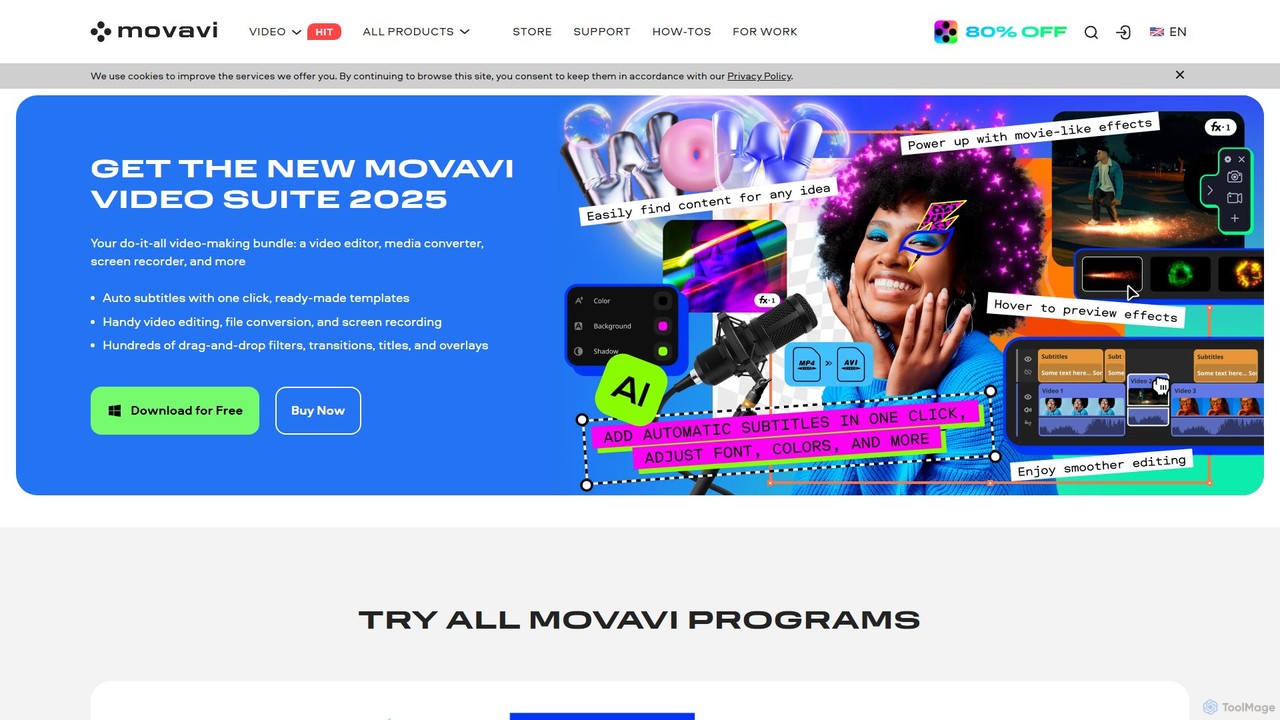
Movavi Overview
Movavi offers a comprehensive and powerful suite of multimedia programs designed to make video and photo editing accessible to everyone, from absolute beginners to experienced creators. The ecosystem includes the flagship Movavi Video Editor, Movavi Photo Editor, a high-speed Video Converter, a versatile Screen Recorder, and the all-in-one Movavi Unlimited bundle, which combines all tools and a vast effects library. With a focus on an intuitive user interface and powerful AI-driven features, Movavi empowers over 70 million users worldwide to create professional-quality content with ease.
The software is built around a simple, drag-and-drop philosophy, removing the steep learning curve often associated with professional editing software. AI tools are seamlessly integrated to automate complex tasks. For instance, the AI Background Removal works without a green screen, and the AI Motion Tracking allows users to attach text or graphics to moving objects effortlessly. These features, combined with a massive library of creative assets, make Movavi a go-to solution for creating compelling content for YouTube, TikTok, family archives, or professional projects.
How to use Movavi
Getting started with Movavi is a straightforward process designed for efficiency and ease of use:
- Download and Install: Visit the official Movavi website, download the appropriate version for your operating system (Windows or macOS), and follow the simple installation instructions.
- Import Your Media: Launch the program and import your video clips, images, and audio files into the media bin. The interface supports a wide range of formats.
- Edit on the Timeline: Drag and drop your media onto the intuitive timeline. You can easily trim, cut, crop, and rearrange clips. The multi-track timeline allows for layering video, text, and audio.
- Apply AI Features and Effects: Explore the sidebar to access Movavi's powerful features. Use AI tools for background removal or motion tracking with just a few clicks. Browse the extensive library of over 6,000 effects, transitions, titles, and stickers, and drag them directly onto your clips.
- Enhance Audio: Use the built-in audio tools to remove background noise with the AI denoiser, adjust volume, and add music from the integrated library of over 1,500 tracks.
- Preview and Export: Preview your project in real-time to see your changes. Once you're satisfied, click the 'Export' button, choose your desired format, resolution, and quality, and save the final video to your computer.
Core Features of Movavi
- AI Motion Tracking: Automatically track any moving object in your video and pin titles, stickers, or masks to it.
- AI Background Removal: Instantly remove or replace the background of your videos without needing a green screen, perfect for creating professional-looking scenes.
- AI Audio Denoising: Clean up your audio by removing wind, traffic, and other unwanted background noises with a single click.
- AI Upscaling: Enhance the resolution of your videos by up to 8 times, transforming standard-definition footage into crisp 4K quality.
- Automatic Subtitles: Generate subtitles for your videos automatically, saving hours of manual transcription.
- Vast Effects Library: Access over 6,000 effects, including LUTs, overlays, titles, transitions, and stickers, plus a library of over 1,500 royalty-free music tracks.
- Complete Multimedia Suite: Beyond video editing, the suite includes a photo editor with AI retouching, a lightning-fast video converter, and a feature-rich screen recorder.
- Intuitive Interface: A clean, user-friendly timeline with drag-and-drop functionality makes the entire editing process simple and enjoyable for all skill levels.
Use Cases for Movavi
Movavi is versatile enough to cater to a wide range of creative needs:
- Content Creators & YouTubers: Create engaging vlogs, tutorials, and reviews with high-quality effects, custom intros, and crystal-clear audio.
- Social Media Managers: Quickly produce eye-catching videos for TikTok, Instagram Reels, and Facebook with trendy effects and fast editing tools.
- Beginners & Hobbyists: Easily compile and edit travel videos, family events, and personal projects without any prior editing experience.
- Educators & Students: Record and edit online lectures, create educational content, and produce polished video presentations for school projects.
- Small Businesses: Develop promotional videos, product demos, and marketing content in-house, saving time and resources.
Advantages of Movavi
Movavi stands out in the crowded market of editing software for several reasons:
- Accessibility for All: Its core strength is its simplicity. New users can master the software in under 20 minutes.
- Powerful AI Integration: Automates complex and time-consuming tasks, allowing creators to focus on the creative aspects of their projects.
- All-in-One Solution: The Movavi Unlimited plan provides a comprehensive toolkit that covers video editing, photo enhancement, screen recording, and file conversion, offering exceptional value.
- High Performance: Optimized for speed, ensuring a smooth editing process and lightning-fast rendering and conversion times.
- Cross-Platform Compatibility: Fully functional on both Windows and macOS.
- Rich Creative Assets: The constantly updated Effects Store provides endless creative possibilities.
Pricing and Plans
Movavi operates on a freemium model, allowing users to test the software before committing. The free trial version includes most features but adds a watermark to exported videos and may have time or feature limitations. For unrestricted access, users can choose from several paid options:
- Movavi Video Editor: Available as a 1-year subscription or a lifetime license for a single program.
- Movavi Unlimited: A subscription plan that bundles all Movavi programs (Video Editor, Photo Editor, Screen Recorder, Converter, and more) and provides full access to the Effects Store. This plan offers the best value for users who need a complete multimedia toolkit.
Prices are competitive, and Movavi frequently offers discounts, making it an affordable yet powerful alternative to more expensive professional software.
Traffic
Latest traffic
Status
Monthly traffic trend
- 2025-9: 3.3M
- 2026-1: 3.0M
- 2026-2: 2.5M
- 2026-3: 2.7M
- 2026-4: 2.5M
- 2026-5: 2.4M
Geography
Top 5 countries / regions
- 🇺🇸United States52.9%
- 🇧🇷Brazil17.3%
- 🇯🇵Japan10.0%
- 🇪🇸Spain9.9%
- 🇷🇺Russia9.9%
Traffic sources
| Source type | Percentage |
|---|---|
Direct | 72.1% |
Referral | 17.0% |
Email | 10.9% |
Top keywords
| Keyword | Cost per click |
|---|---|
| capcut | $0.22 |
| davinci resolve | $0.80 |
| handbrake | $0.51 |
| movavi | $1.23 |
| obs studio | $0.63 |
Movavi Videos on YouTube


TECH DRONE MEDIA
Rayne Guinta

Rayne Guinta

Rayne Guinta

Movavi Alternatives
Runway
Runway is an advanced AI-powered creative suite for content creation. It offers a wide range of tools, including state-of-the-art text-to-video (Gen-2), video-to-video (Gen-1), image generation, AI-powered video editing, and more. It's designed for filmmakers, artists, and marketers to ideate, generate, and edit content like never before, streamlining complex creative workflows.
Image Generation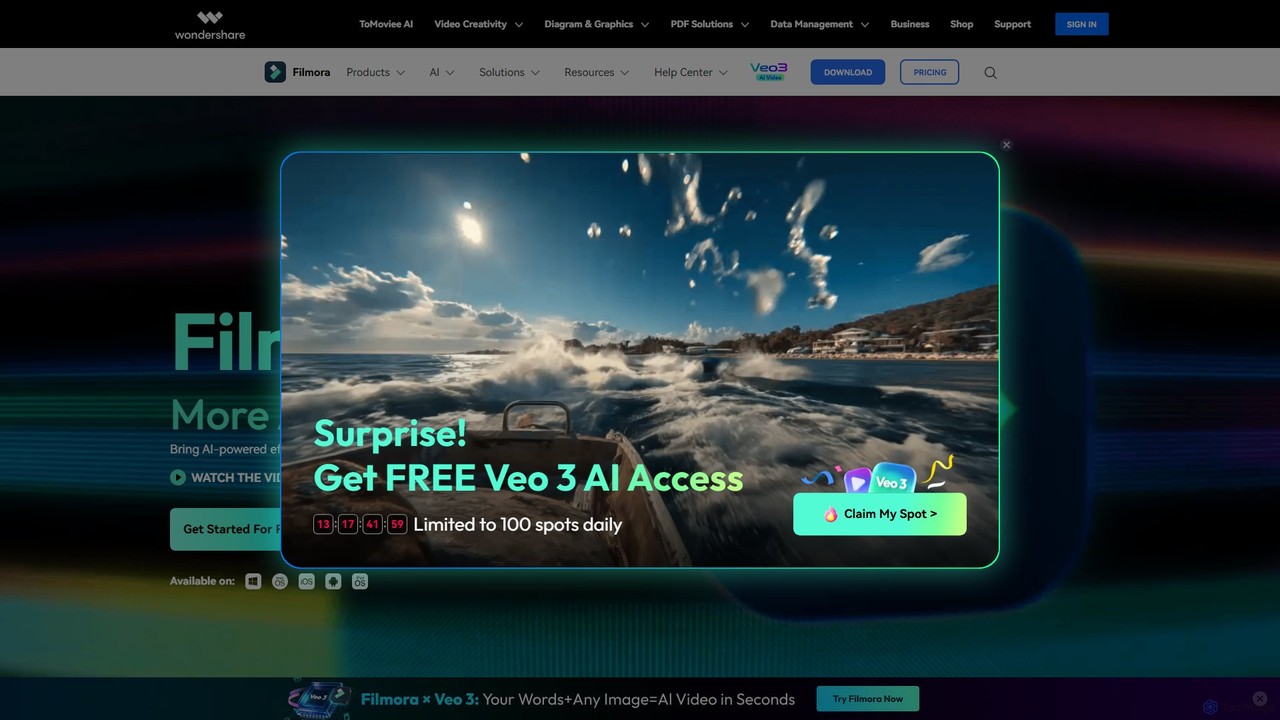
Filmora
Filmora is a powerful and intuitive AI video editor designed for creators of all skill levels. It simplifies the editing process with a suite of AI-powered tools, an extensive library of assets, and a user-friendly interface, making it easy to create professional-quality videos for social media, personal projects, and commercial use.
Social Media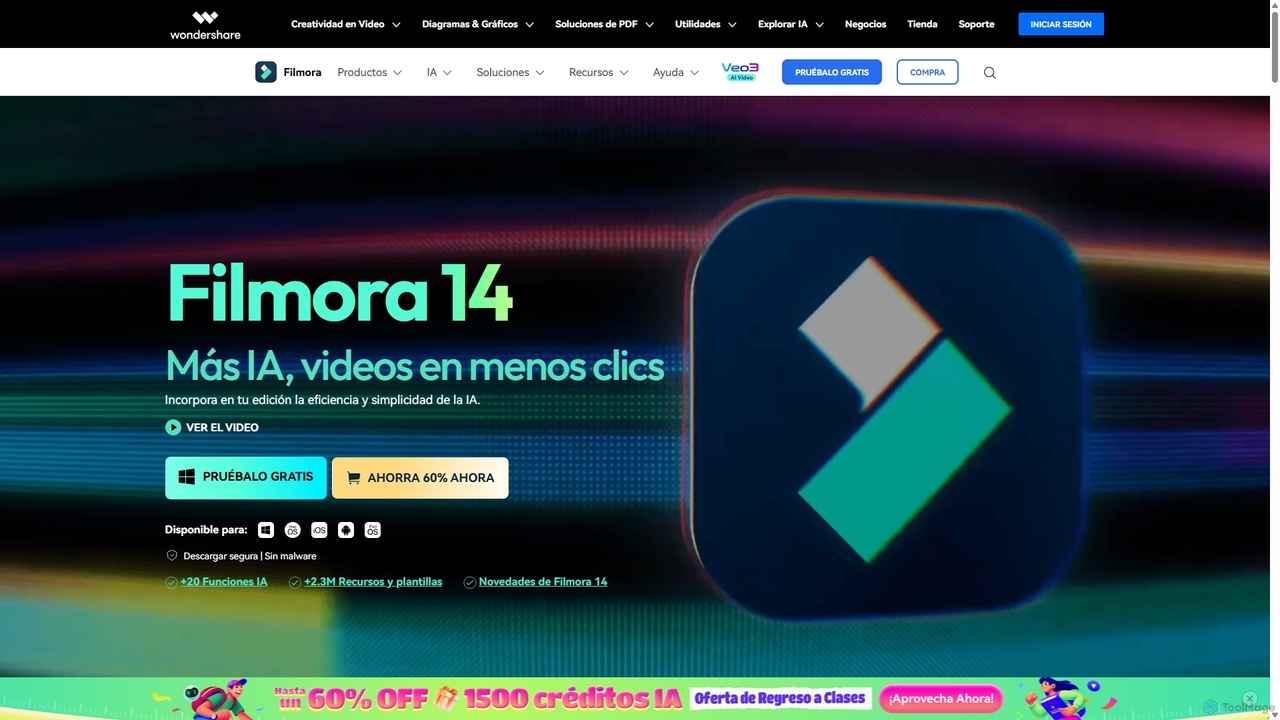
Filmora
Filmora is an AI-powered video editor that simplifies the creation process for both beginners and professionals. It offers a vast suite of AI tools, including smart clip generation, text-to-video, and advanced audio enhancement, combined with a user-friendly interface and a massive library of effects and resources to make video editing faster and more creative.
Social Media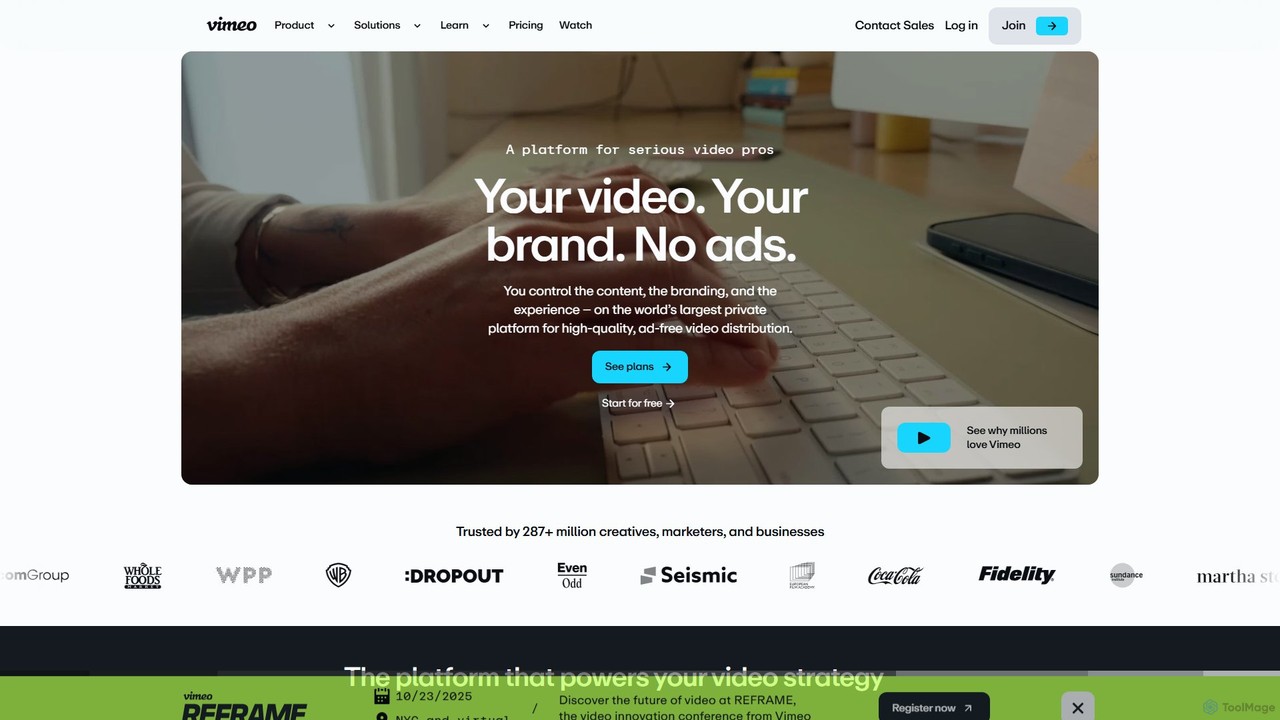
Vimeo
Vimeo is an all-in-one, AI-powered video platform for professionals, businesses, and creators. It offers high-quality, ad-free video hosting, advanced creation and editing tools, live streaming, and monetization solutions. New AI features like text-based editing, automatic translation, and SEO optimization streamline workflows and enhance video impact.
Video Marketing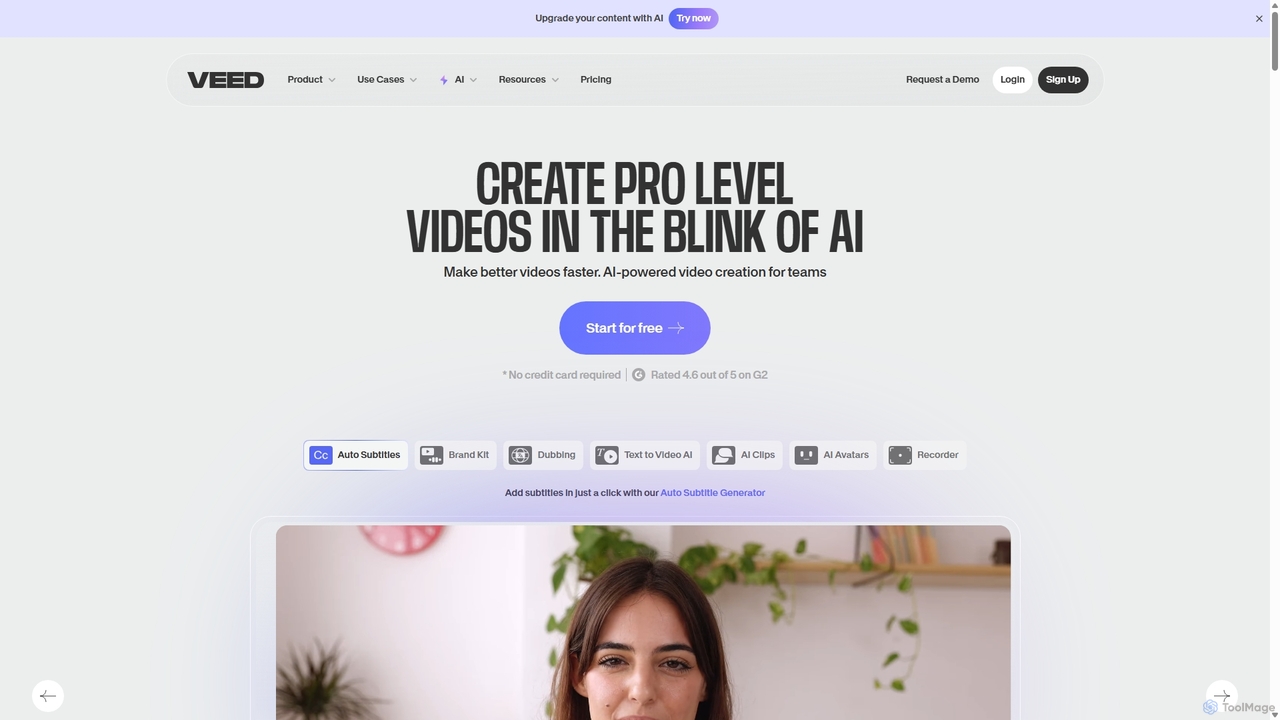
VEED.IO
VEED.IO is a powerful, AI-driven online video editor designed for teams and creators. It simplifies professional video creation with a suite of intuitive tools, including auto-subtitling, text-to-video, AI avatars, and collaborative workspaces. Create, edit, and share high-quality videos directly from your browser, no complex software required.
Social MediaMovavi Categories
Movavi Embed Widget
Copy this embed code to place the badge on your blog, article, or product site and send readers directly to this ToolMage detail page.

Related AI tools
Filmora
Filmora is a powerful and intuitive AI video editor designed for creators of all skill levels. It simplifies the editing process with a suite of AI-powered tools, an extensive library of assets, and a user-friendly interface, making it easy to create professional-quality videos for social media, personal projects, and commercial use.
Social MediaFilmora
Filmora is an AI-powered video editor that simplifies the creation process for both beginners and professionals. It offers a vast suite of AI tools, including smart clip generation, text-to-video, and advanced audio enhancement, combined with a user-friendly interface and a massive library of effects and resources to make video editing faster and more creative.
Social Media
Clipchamp
Clipchamp is a user-friendly, AI-powered online video editor from Microsoft. It enables everyone, from beginners to professionals, to create stunning videos with features like AI-driven text-to-speech, automatic subtitles, and smart editing tools. Available on browsers, Windows, and iOS, it's an all-in-one solution for content creators, businesses, and educators.
Text To Speech
InShot
InShot is a powerful all-in-one video and photo editor for mobile devices, packed with professional-grade features and AI-powered tools. It's designed for everyone from social media creators to beginners, offering an intuitive interface for easy editing, trimming, and enhancing videos. With features like AI auto-captions, advanced effects, a rich music library, and 4K export, InShot makes creating high-quality content for platforms like YouTube, Instagram, and TikTok simple and accessible.
Photo Editing
Filmora
Filmora is a powerful yet user-friendly AI video editor designed for creators of all levels. It integrates advanced AI tools like text-to-video, smart cutout, and an AI music generator to streamline the editing process. It offers a rich library of effects, templates, and stock media, making it easy to create professional-quality videos for social media, marketing, or personal projects on Windows and macOS.
Video GenerationVimeo
Vimeo is an all-in-one, AI-powered video platform for professionals, businesses, and creators. It offers high-quality, ad-free video hosting, advanced creation and editing tools, live streaming, and monetization solutions. New AI features like text-based editing, automatic translation, and SEO optimization streamline workflows and enhance video impact.
Video MarketingVEED.IO
VEED.IO is a powerful, AI-driven online video editor designed for teams and creators. It simplifies professional video creation with a suite of intuitive tools, including auto-subtitling, text-to-video, AI avatars, and collaborative workspaces. Create, edit, and share high-quality videos directly from your browser, no complex software required.
Social Media
Flixier
Flixier is an AI-powered, cloud-based video editor designed for speed and ease of use. It offers features like text-based editing, AI voiceovers, automatic subtitles, and real-time collaboration, making it ideal for creators, marketers, and educators without needing powerful hardware.
Transcription
BeeCut
BeeCut is an intuitive and feature-rich video editing software designed for users of all skill levels. It simplifies video creation with a clean interface, extensive asset library, and powerful AI features like auto-subtitling and text-to-speech, making it ideal for vlogs, tutorials, social media content, and more.
Social Media
edit_videos_online
edit_videos_online is a powerful, browser-based video editor that leverages AI to simplify content creation. Easily remove video backgrounds with one click, automatically generate accurate captions, create AI voiceovers, and add dynamic text and watermarks. It's designed for social media creators, marketers, and anyone looking to produce professional-quality videos for platforms like TikTok, Instagram, and YouTube without complex software.
Advertising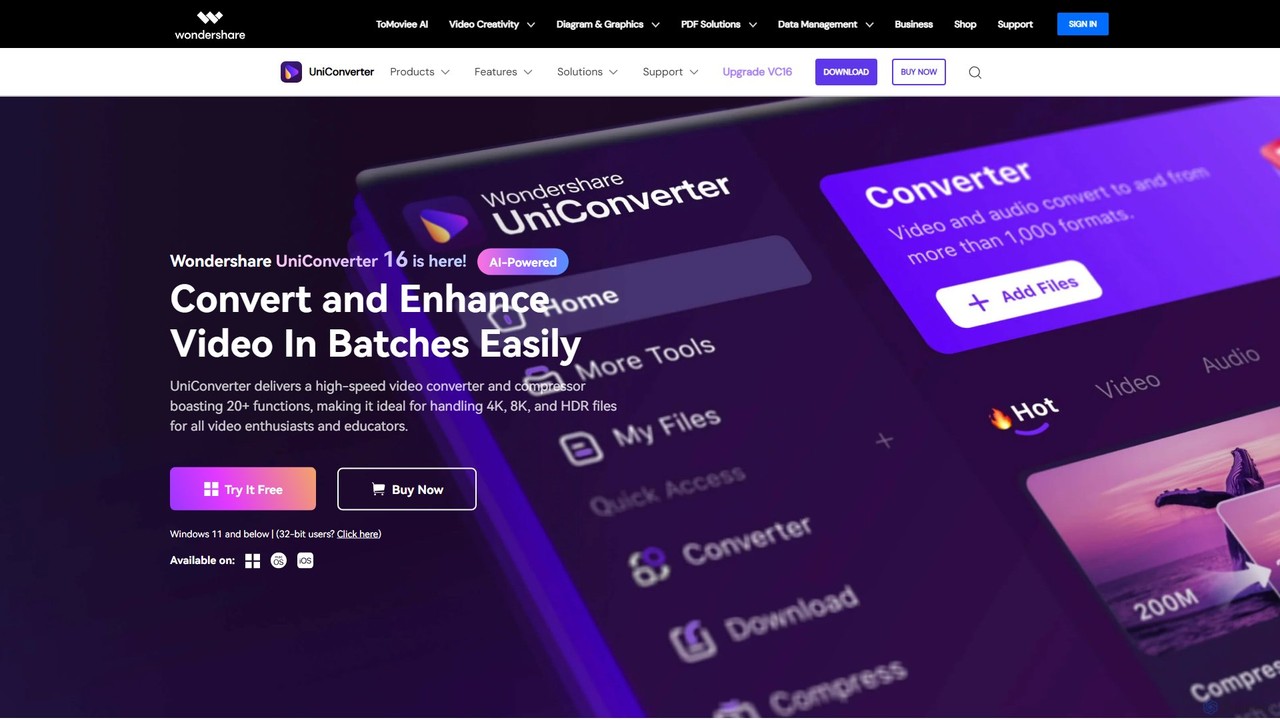
Wondershare UniConverter
Wondershare UniConverter is an all-in-one, AI-powered video toolbox designed for enthusiasts and professionals. It integrates a high-speed video converter, an efficient compressor, a versatile editor, and a suite of AI enhancement tools. Handle 4K/8K/HDR files, convert between 1000+ formats, and leverage AI to upscale video, remove noise, generate subtitles, and more, all within a single, user-friendly application.
Video Enhancement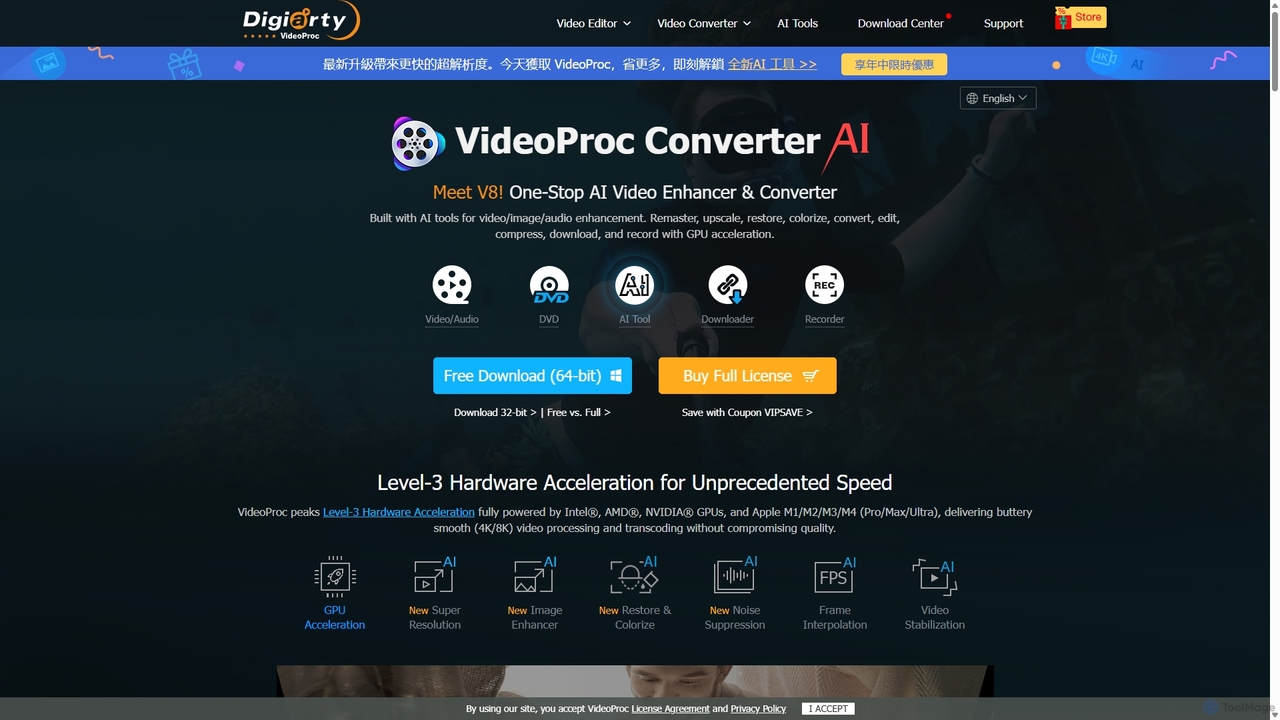
VideoProc
VideoProc is a one-stop, AI-powered media processing suite. It enhances, converts, edits, compresses, downloads, and records 4K/8K videos with full GPU acceleration. Its AI tools upscale video/images, stabilize shaky footage, interpolate frames for smooth motion, and remove background noise from audio.
Audio Editing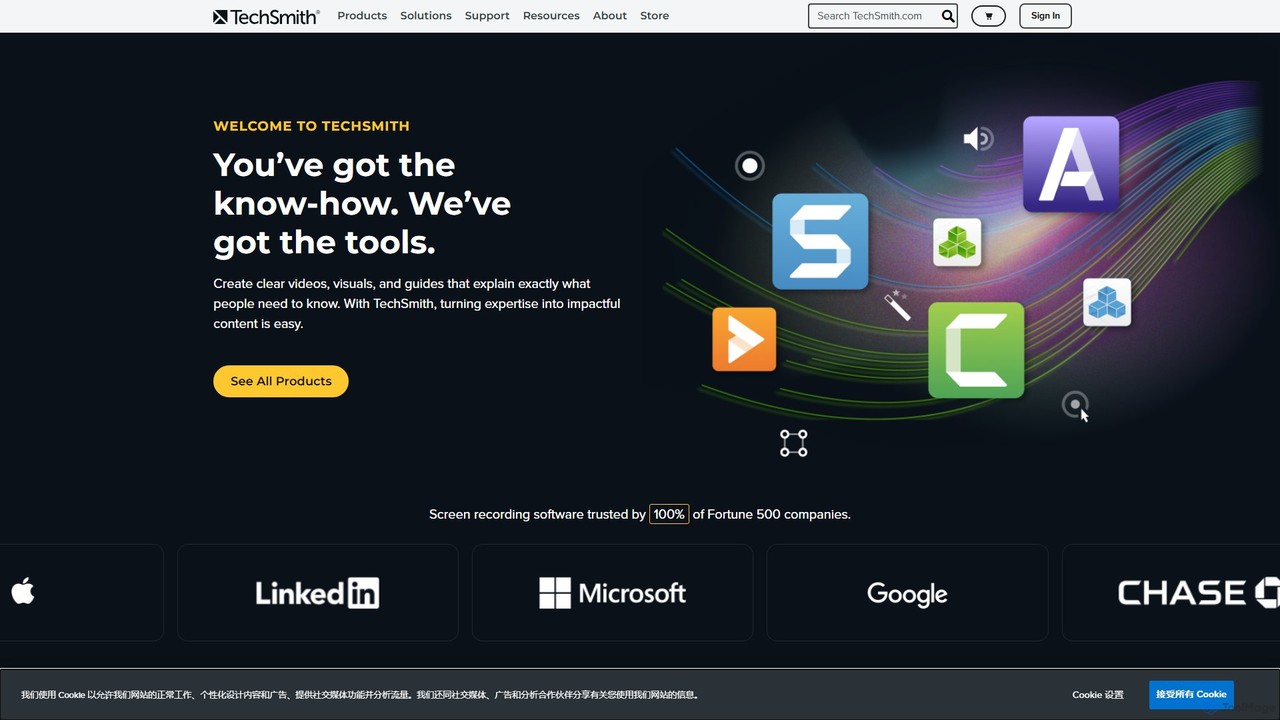
TechSmith
TechSmith offers a powerful suite of tools, including Snagit and Camtasia, for professional screen capture and video creation. Leveraging AI-assisted features, users can easily record, edit, and share high-quality tutorials, training videos, and presentations. It simplifies complex communication by transforming expertise into clear, engaging visual content, trusted by professionals and Fortune 500 companies worldwide.
E Learning
KineMaster
KineMaster is a professional-grade mobile video editing app packed with powerful AI features. It offers a multi-layer timeline, 4K export, and a vast library of templates and assets, making it easy to create stunning videos for social media, vlogs, and marketing directly on your phone.
Mobile Tools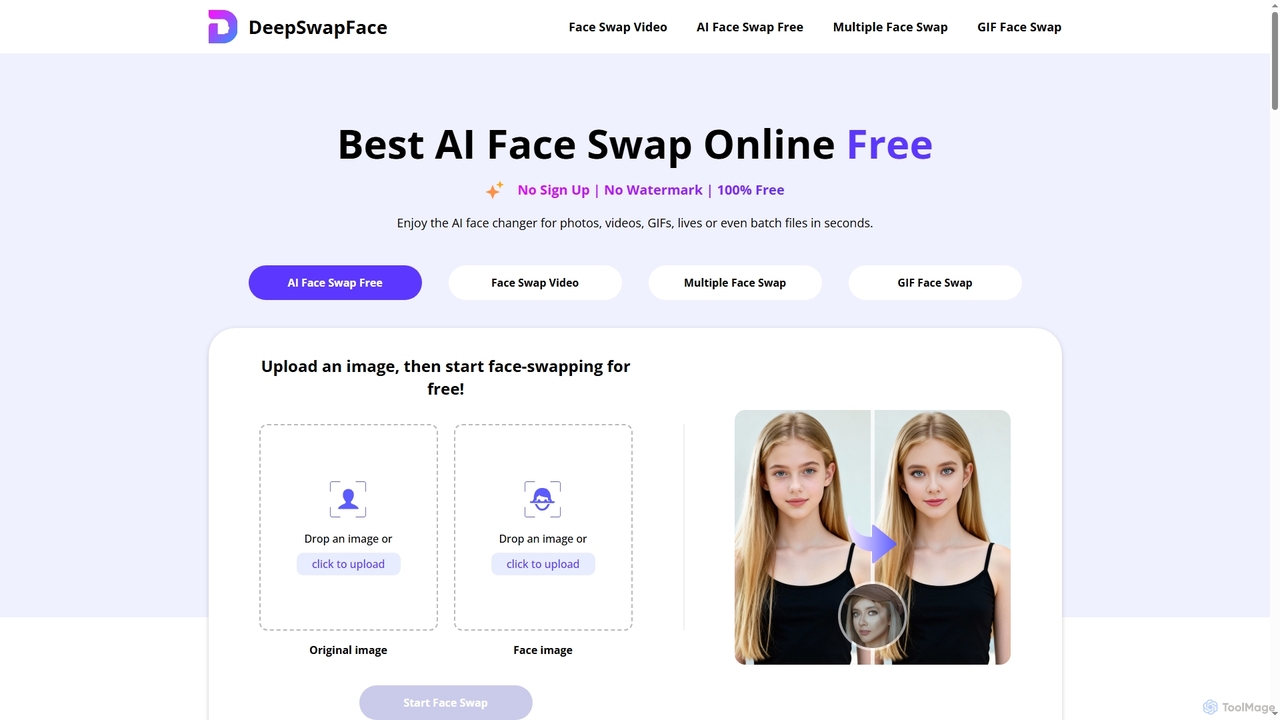
DeepSwapFace
DeepSwapFace is a leading AI-powered online tool for seamless face and body swapping in photos, videos, and GIFs. It offers instant, high-quality results without sign-up or watermarks, making creative editing accessible and fun for everyone. Experience realistic transformations with advanced AI technology.
Face Swap
Movavi Comments (0)
Sign in to comment.
Sign inNo comments yet.