

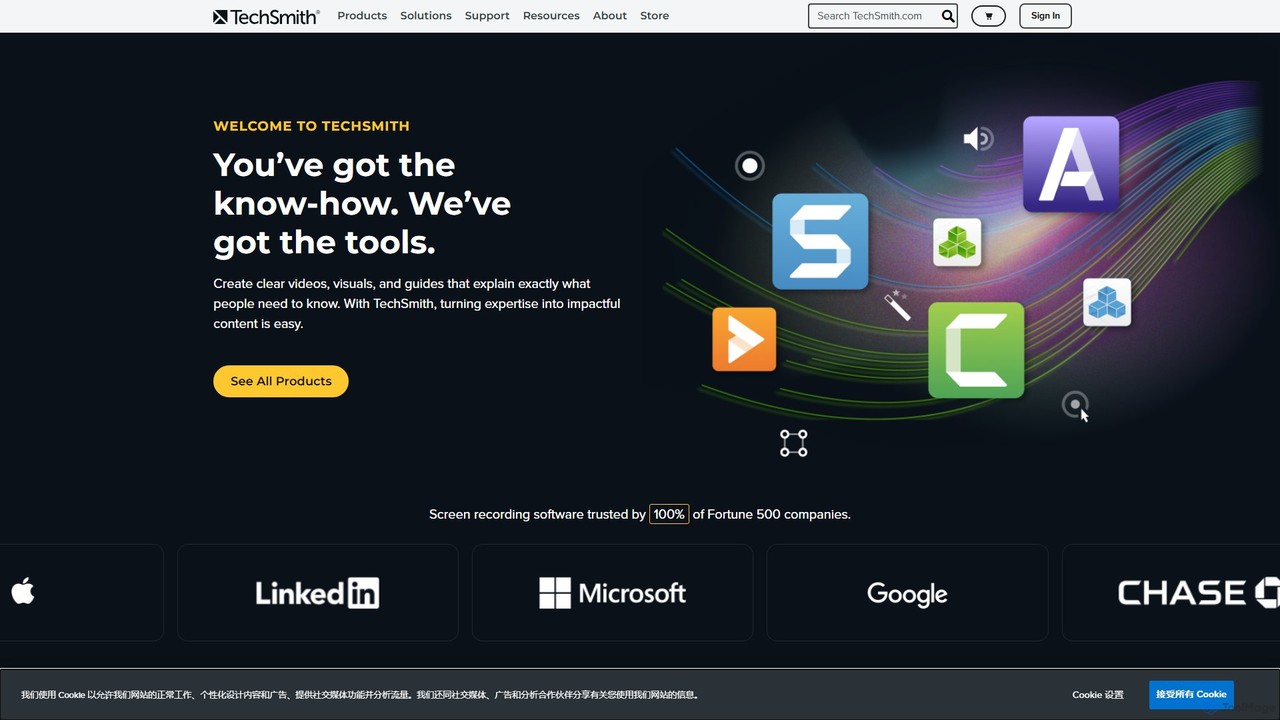
TechSmith Overview
TechSmith is a global leader in visual communication software, empowering users to transform their expertise into impactful content. Its flagship products, Snagit and Camtasia, provide a comprehensive solution for screen capture and video creation, trusted by millions of users, including 100% of Fortune 500 companies. TechSmith's mission is to make it easy for anyone to create clear, concise, and engaging videos and visuals that help explain complex topics, train teams, and communicate more effectively.
At the core of TechSmith's offering is the synergy between Snagit's powerful screen capture capabilities and Camtasia's advanced, AI-assisted video editing. Camtasia, in particular, integrates artificial intelligence to streamline the editing process, making professional-quality video production accessible to everyone, regardless of their technical skill level. These AI features automate tedious tasks, allowing creators to focus on their message and storytelling.
How to use TechSmith
The workflow within the TechSmith ecosystem is designed for efficiency and ease of use:
- Capture Your Screen: Start by capturing anything on your screen. Use Snagit for quick screenshots, scrolling captures, or short video recordings. For more extensive projects like tutorials or presentations, use Camtasia to record your screen, webcam, microphone, and system audio simultaneously.
- Edit and Enhance: Import your captures into the editor. With Snagit, you can add annotations like arrows, text, callouts, and stamps to create visual guides. With Camtasia, you can use the intuitive drag-and-drop timeline editor to trim clips, add transitions, and apply effects. Leverage AI features like automatic background removal, audio noise reduction, and dynamic captions to enhance your video's quality.
- Apply AI-Powered Tools: In Camtasia, use the 'Rev' workflow to instantly apply professional layouts, effects, and filters to your footage for a polished look. The AI automatically analyzes your content to suggest the best enhancements.
- Share Your Content: Once your creation is complete, TechSmith makes sharing simple. Export your file to your local drive in various formats or share it directly to popular platforms like YouTube, Google Drive, Slack, and Microsoft Teams to reach your audience instantly.
Core Features of TechSmith
- Camtasia - AI Video Editing & Screen Recording:
- AI-Powered Background Removal: Instantly remove your webcam background without the need for a green screen.
- Camtasia Rev Workflow: An AI-assisted workflow that provides layouts, backgrounds, effects, and filters to give your videos a professional look in minutes.
- Multi-track Timeline Editor: A user-friendly drag-and-drop interface for editing video and audio tracks with precision.
- High-Quality Recording: Capture your screen, webcam, microphone, and system audio at high frame rates for crisp, clear video.
- Annotations and Effects: A vast library of callouts, transitions, behaviors, and animations to engage your audience.
- Audio Editing: Enhance your audio with features like noise removal, equalization, and voice leveling.
- Snagit - Advanced Screen Capture & Annotation:
- All-in-One Capture®: Capture your entire desktop, a region, a window, or a scrolling screen with a single hotkey.
- Powerful Image Editing: Annotate screenshots with professional markup tools, including arrows, shapes, and step-by-step guides.
- Create Video from Images: Quickly narrate and draw over a series of screenshots to create a brief tutorial or GIF.
- Text Extraction (OCR): Extract text from a screenshot or file and paste it into another document for edits.
- Templates: Use pre-made layouts to create professional-looking technical documentation and guides in seconds.
Use Cases for TechSmith
TechSmith's tools are versatile and used across various industries:
- Corporate Training & Onboarding: Create engaging training modules, software simulations, and onboarding materials that new employees can watch on demand.
- Technical Documentation & Support: Develop clear, visual step-by-step guides, how-to articles, and support videos to reduce customer support tickets.
- Education & E-Learning: Record lectures, flip classrooms, and provide personalized video feedback to students.
- Marketing & Sales: Produce compelling product demonstration videos, promotional content for social media, and visual sales presentations.
- Team Communication: Replace long emails and unnecessary meetings with quick, clear video updates, bug reports, and visual feedback.
Advantages of TechSmith
TechSmith stands out for its user-centric design and powerful features. The primary advantages include its remarkable ease of use, making it accessible for beginners, while still offering the depth required by professionals. The integration of AI in Camtasia significantly accelerates the video creation workflow, automating complex tasks and saving valuable time. The one-time purchase model offers excellent long-term value compared to subscription-only competitors. Finally, being an employee-owned company with decades of experience, TechSmith is known for its stability, reliability, and strong customer support.
Pricing and Plans
TechSmith primarily offers its software through a one-time purchase model, providing a perpetual license for the version you buy. This includes one year of maintenance, which grants you access to all updates and premium support. After the first year, users can opt to pay a small annual fee to continue receiving maintenance. Free trials are available for all major products.
- Snagit: A one-time fee, typically around $62.99.
- Camtasia: A one-time fee, typically around $299.99.
- Snagit & Camtasia Bundle: A discounted package for users who need both screen capture and advanced video editing.
Special pricing is also available for education, government, and non-profit organizations.
Traffic
Latest traffic
Status
Monthly traffic trend
- 2025-9: 1.1M
- 2026-1: 1.2M
- 2026-2: 1.0M
- 2026-3: 1.1M
- 2026-4: 977.4K
- 2026-5: 871.3K
Geography
Top 5 countries / regions
- 🇺🇸United States77.4%
- 🇮🇳India12.1%
- 🇨🇦Canada3.9%
- 🇩🇪Germany3.5%
- 🇬🇧United Kingdom3.3%
Traffic sources
| Source type | Percentage |
|---|---|
Direct | 79.7% |
Referral | 13.6% |
Email | 6.8% |
Top keywords
| Keyword | Cost per click |
|---|---|
| camtasia | $2.83 |
| loom | $1.17 |
| snagit | $2.22 |
| snagit download | $2.96 |
| techsmith | $3.86 |
TechSmith Videos on YouTube

Learning Dojo


Dagfinn Tangen Kolkin
Software Testing by Daniel Knott
Software Testing by Daniel Knott

Software Testing by Daniel Knott

Software Testing by Daniel Knott

TechSmith Alternatives
FocuSee
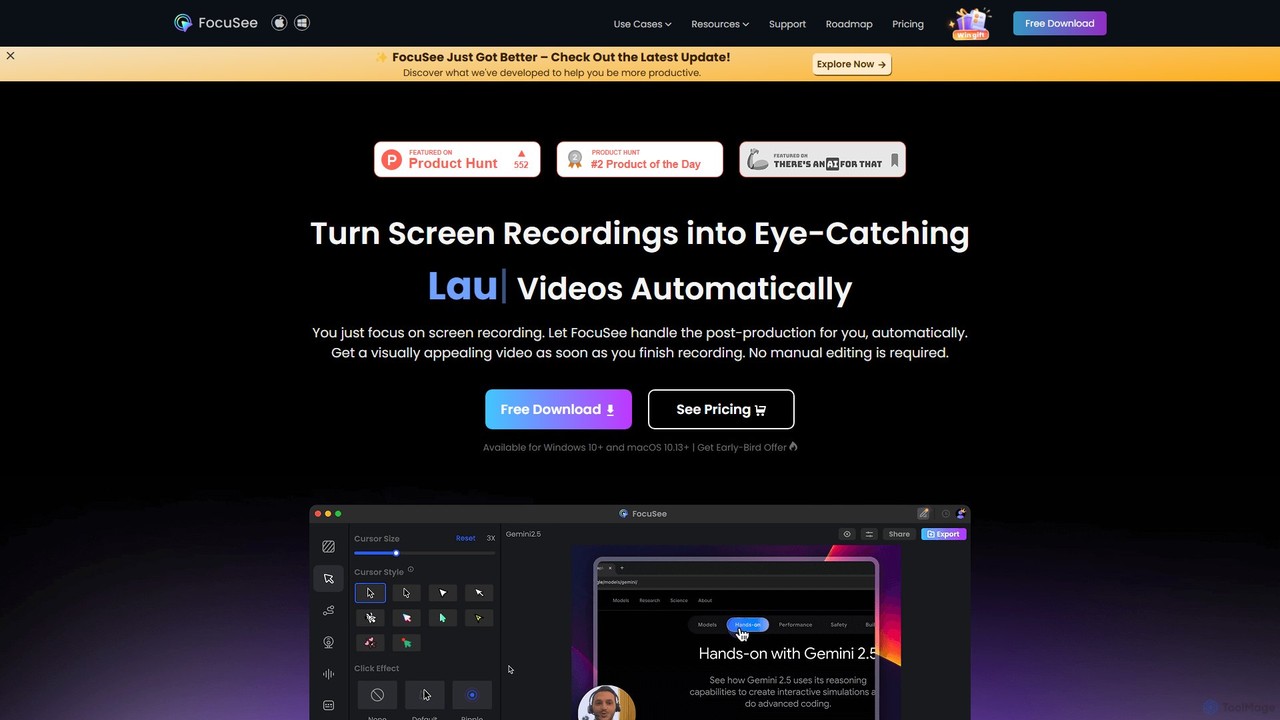
FocuSee is an AI-powered screen recording and video editing software designed to create professional-looking videos with ease. Its standout feature is the automatic zoom and pan effect, which intelligently follows your cursor movements to highlight key actions. This makes it ideal for creating engaging product demos, tutorials, and presentations without complex manual editing, simplifying the entire video creation workflow.
E Learning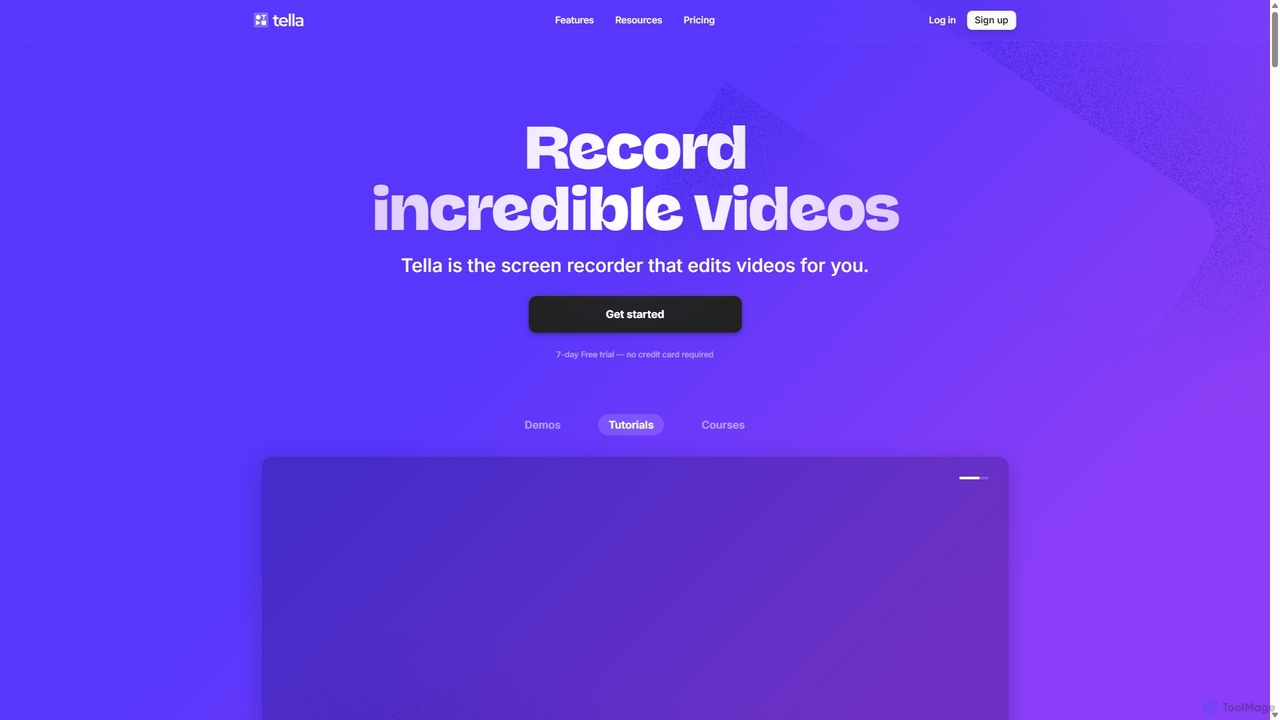
Tella
Tella is an AI-powered screen recorder and video editor for Mac & Windows that simplifies video creation. It automatically removes silences and filler words, offers transcript-based editing, and provides professional customization options like backgrounds, layouts, and zooms. Ideal for creating tutorials, product demos, and online courses in minutes, not hours.
E Learning
Tella
Tella is an AI-powered screen recorder and video editor for Mac and Windows, designed for entrepreneurs and creators. It simplifies video production by recording in manageable clips and using AI to automatically remove filler words and silences. With features like customizable backgrounds, dynamic zooms, and 4K exports, Tella helps users create professional-looking demos, tutorials, and courses in minutes, not hours, without needing any video editing expertise.
Course Creation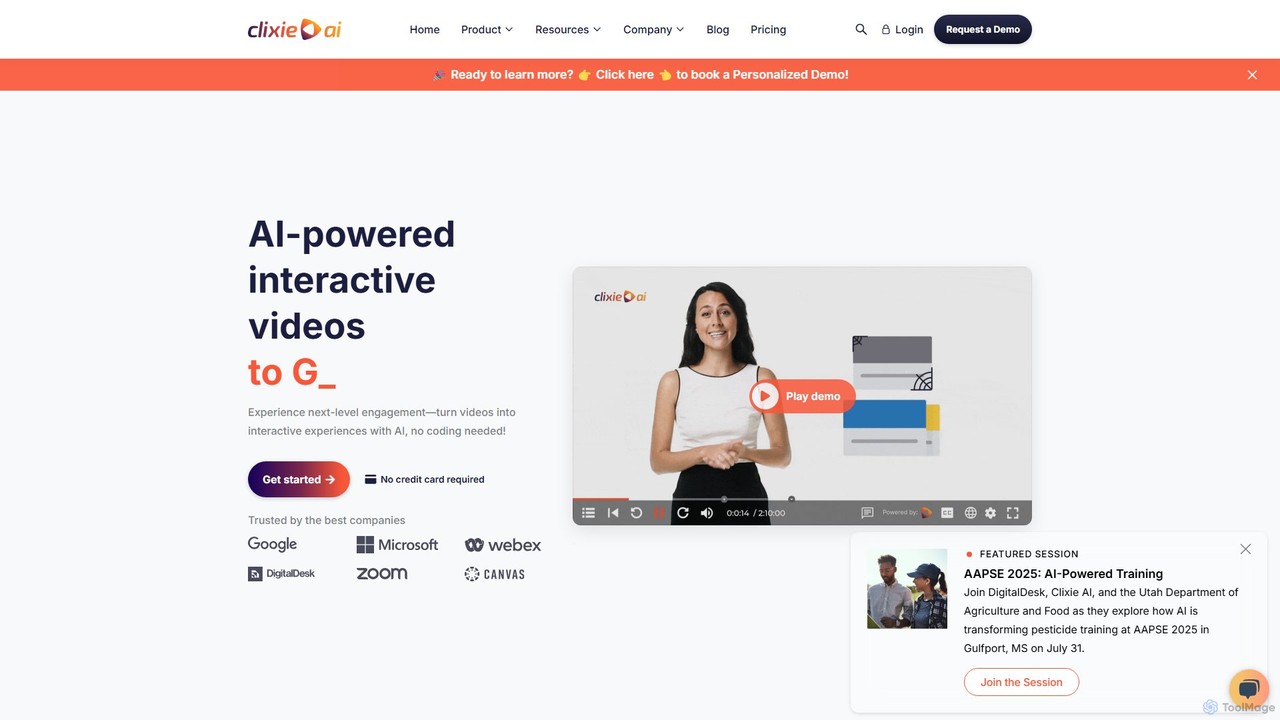
Clixie
Clixie is an AI-powered platform that transforms standard videos into captivating, interactive experiences. It enables users to add elements like quizzes, hotspots, and branching logic without any coding. Ideal for corporate training, e-learning, and marketing, Clixie boosts viewer engagement, provides deep analytics, and supports content localization in over 40 languages.
E Learning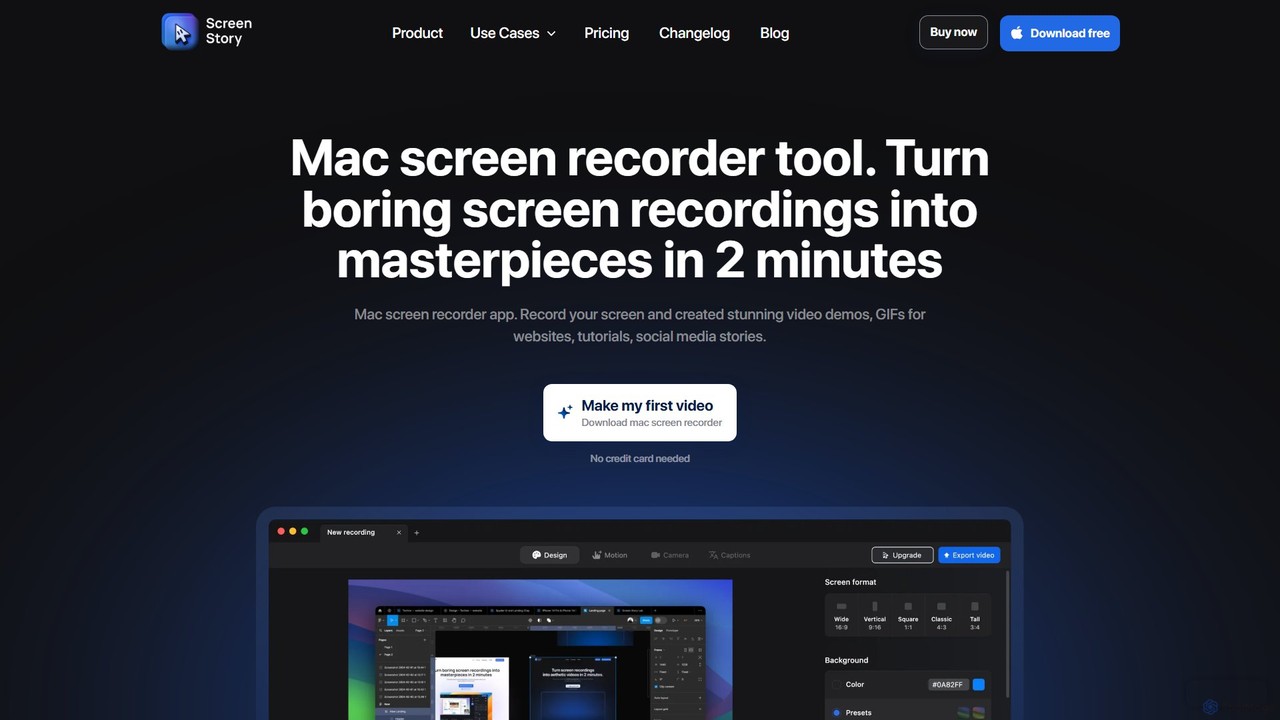
ScreenStory
ScreenStory is an intelligent screen recording app for macOS that automatically transforms standard screen captures into polished, professional-looking videos. It adds dynamic zooms, smooth cursor movements, and motion blur without manual editing. Ideal for creating engaging product demos, tutorials, and marketing content, it simplifies video production for users of all skill levels.
TutorialsTechSmith Categories
TechSmith Embed Widget
Copy this embed code to place the badge on your blog, article, or product site and send readers directly to this ToolMage detail page.

Related AI tools
FocuSee
FocuSee is an AI-powered screen recording and video editing software designed to create professional-looking videos with ease. Its standout feature is the automatic zoom and pan effect, which intelligently follows your cursor movements to highlight key actions. This makes it ideal for creating engaging product demos, tutorials, and presentations without complex manual editing, simplifying the entire video creation workflow.
E LearningTella
Tella is an AI-powered screen recorder and video editor for Mac and Windows, designed for entrepreneurs and creators. It simplifies video production by recording in manageable clips and using AI to automatically remove filler words and silences. With features like customizable backgrounds, dynamic zooms, and 4K exports, Tella helps users create professional-looking demos, tutorials, and courses in minutes, not hours, without needing any video editing expertise.
Course CreationClixie
Clixie is an AI-powered platform that transforms standard videos into captivating, interactive experiences. It enables users to add elements like quizzes, hotspots, and branching logic without any coding. Ideal for corporate training, e-learning, and marketing, Clixie boosts viewer engagement, provides deep analytics, and supports content localization in over 40 languages.
E LearningScreenStory
ScreenStory is an intelligent screen recording app for macOS that automatically transforms standard screen captures into polished, professional-looking videos. It adds dynamic zooms, smooth cursor movements, and motion blur without manual editing. Ideal for creating engaging product demos, tutorials, and marketing content, it simplifies video production for users of all skill levels.
Tutorials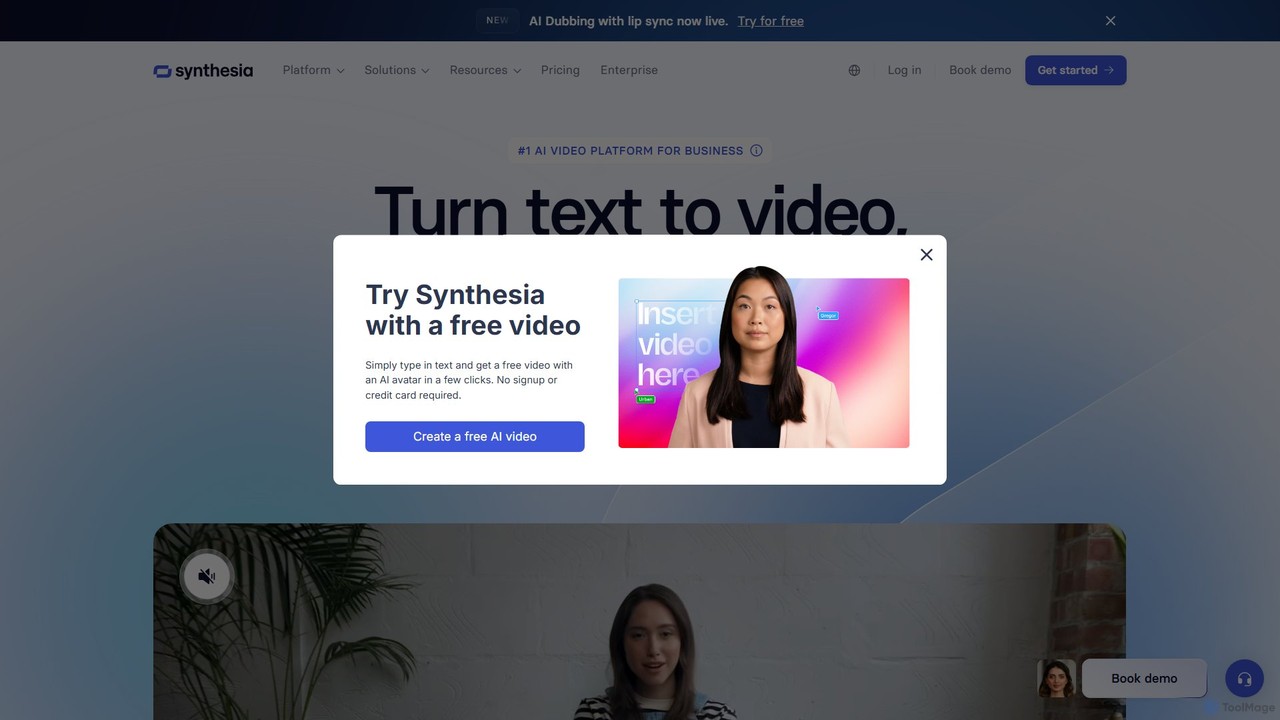
Synthesia
Synthesia is a leading AI video generation platform that enables users to create professional-quality videos with realistic AI avatars and voiceovers in over 140 languages. It eliminates the need for cameras, microphones, and studios, making video production scalable, affordable, and fast. Ideal for corporate training, marketing, and sales communications.
E LearningTella
Tella is an AI-powered screen recorder and video editor for Mac & Windows that simplifies video creation. It automatically removes silences and filler words, offers transcript-based editing, and provides professional customization options like backgrounds, layouts, and zooms. Ideal for creating tutorials, product demos, and online courses in minutes, not hours.
E Learning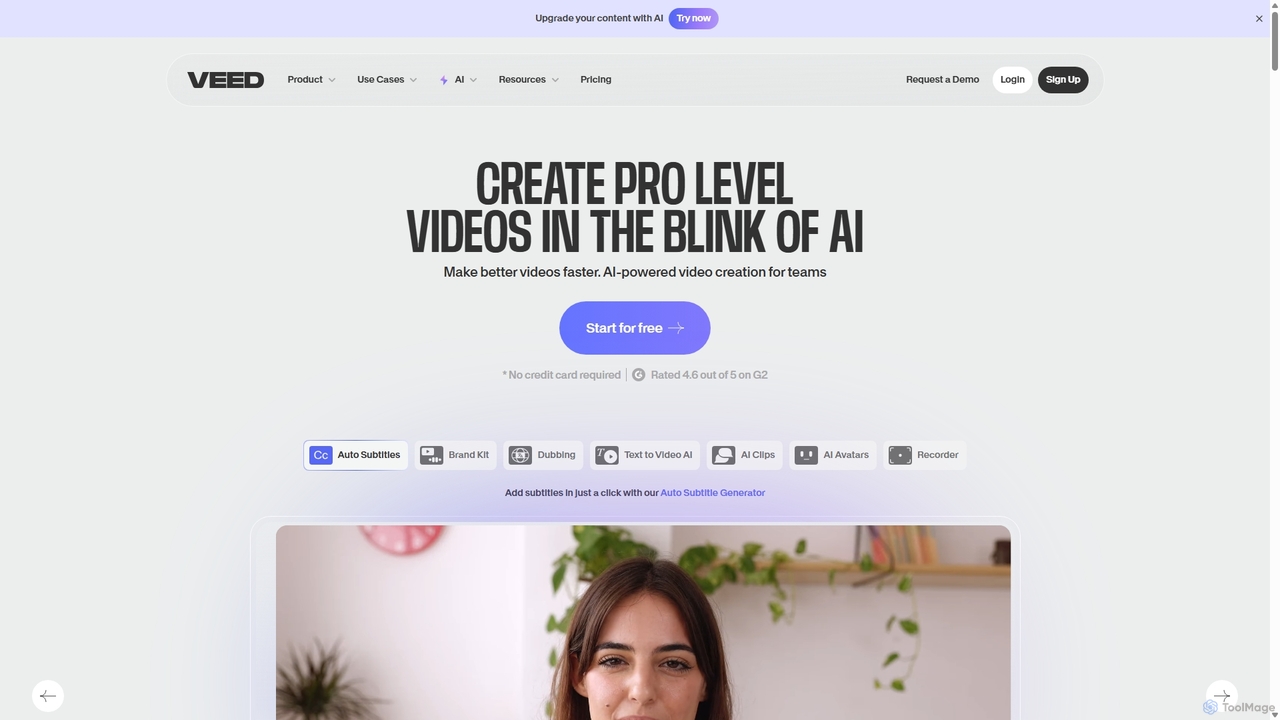
VEED.IO
VEED.IO is a powerful, AI-driven online video editor designed for teams and creators. It simplifies professional video creation with a suite of intuitive tools, including auto-subtitling, text-to-video, AI avatars, and collaborative workspaces. Create, edit, and share high-quality videos directly from your browser, no complex software required.
Social Media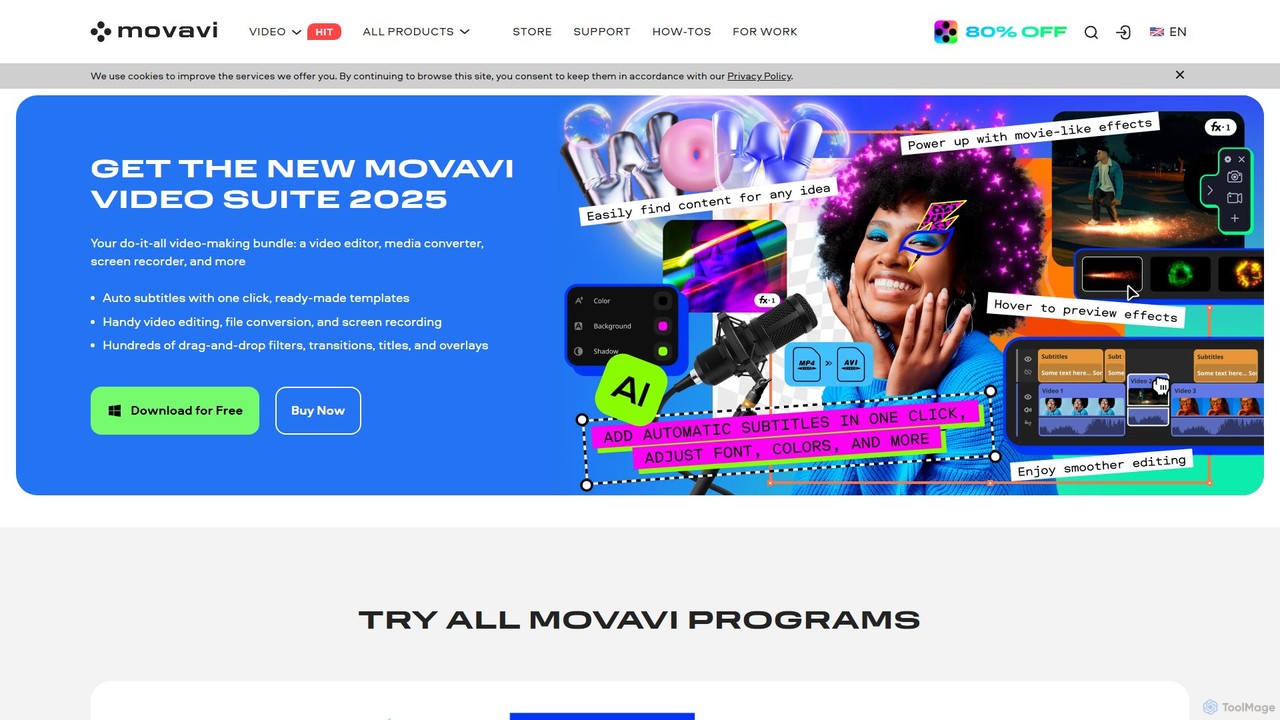
Movavi
Movavi is a comprehensive suite of multimedia programs, featuring a powerful yet user-friendly AI video editor, photo editor, screen recorder, and file converter. It's designed for everyone from beginners to seasoned creators, offering AI-driven features like background removal, motion tracking, and audio denoising to simplify the creative process. Create stunning videos, edit photos, and capture your screen with an intuitive drag-and-drop interface and a vast library of effects.
Screen Recording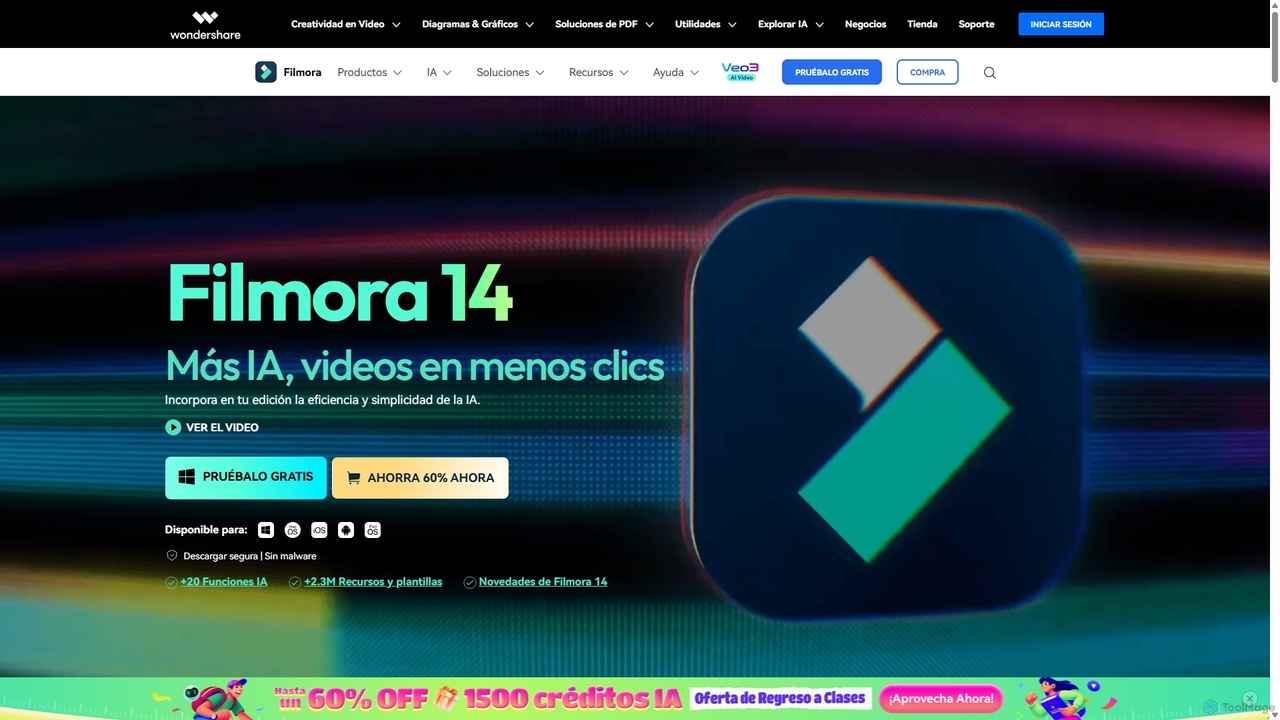
Filmora
Filmora is an AI-powered video editor that simplifies the creation process for both beginners and professionals. It offers a vast suite of AI tools, including smart clip generation, text-to-video, and advanced audio enhancement, combined with a user-friendly interface and a massive library of effects and resources to make video editing faster and more creative.
Social Media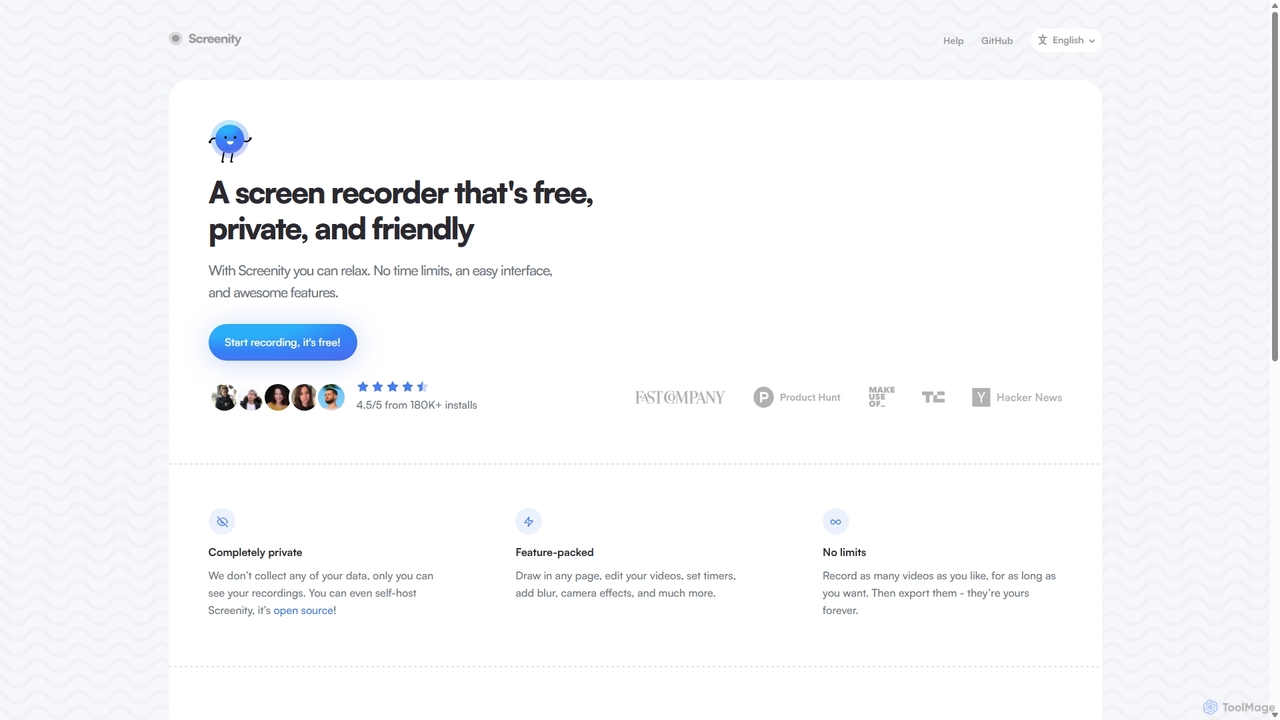
Screenity
Screenity is a powerful, free, and privacy-focused screen and camera recorder for Chrome. It offers unlimited recording, annotation tools, and basic video editing without collecting any user data. Ideal for creating tutorials, demos, and presentations.
Bug Reporting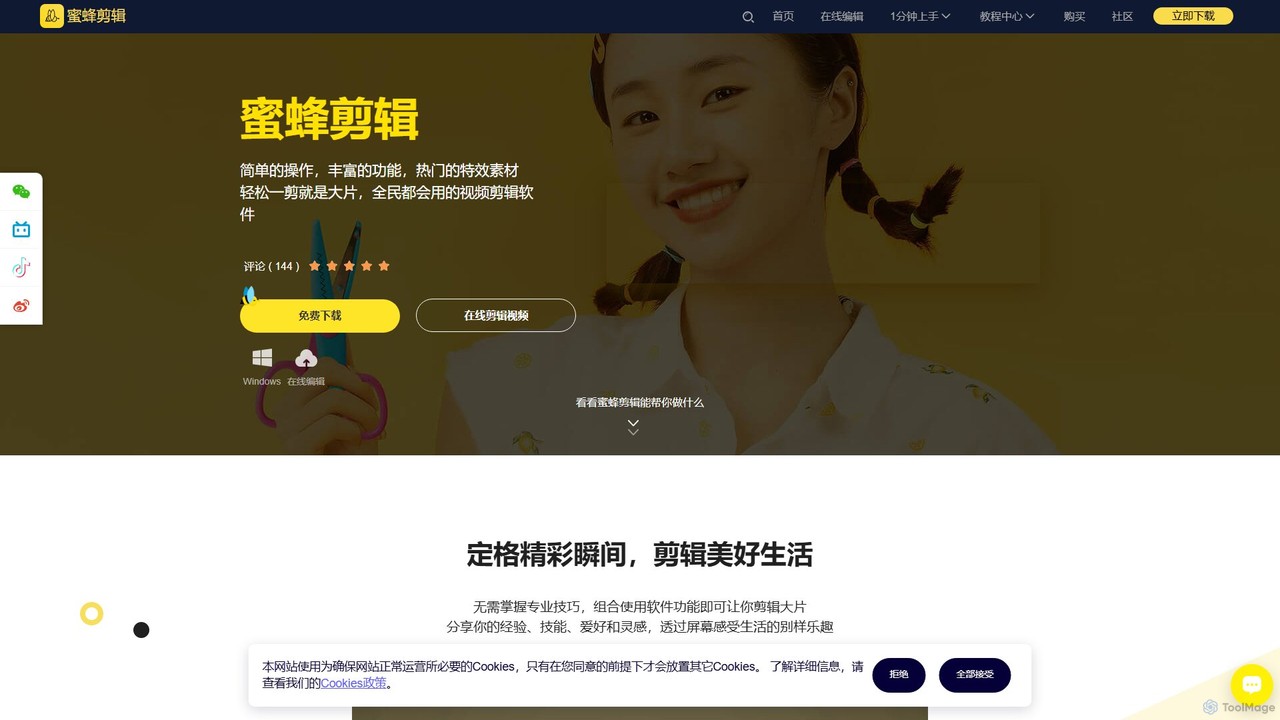
BeeCut
BeeCut is an intuitive and feature-rich video editing software designed for users of all skill levels. It simplifies video creation with a clean interface, extensive asset library, and powerful AI features like auto-subtitling and text-to-speech, making it ideal for vlogs, tutorials, social media content, and more.
Social Media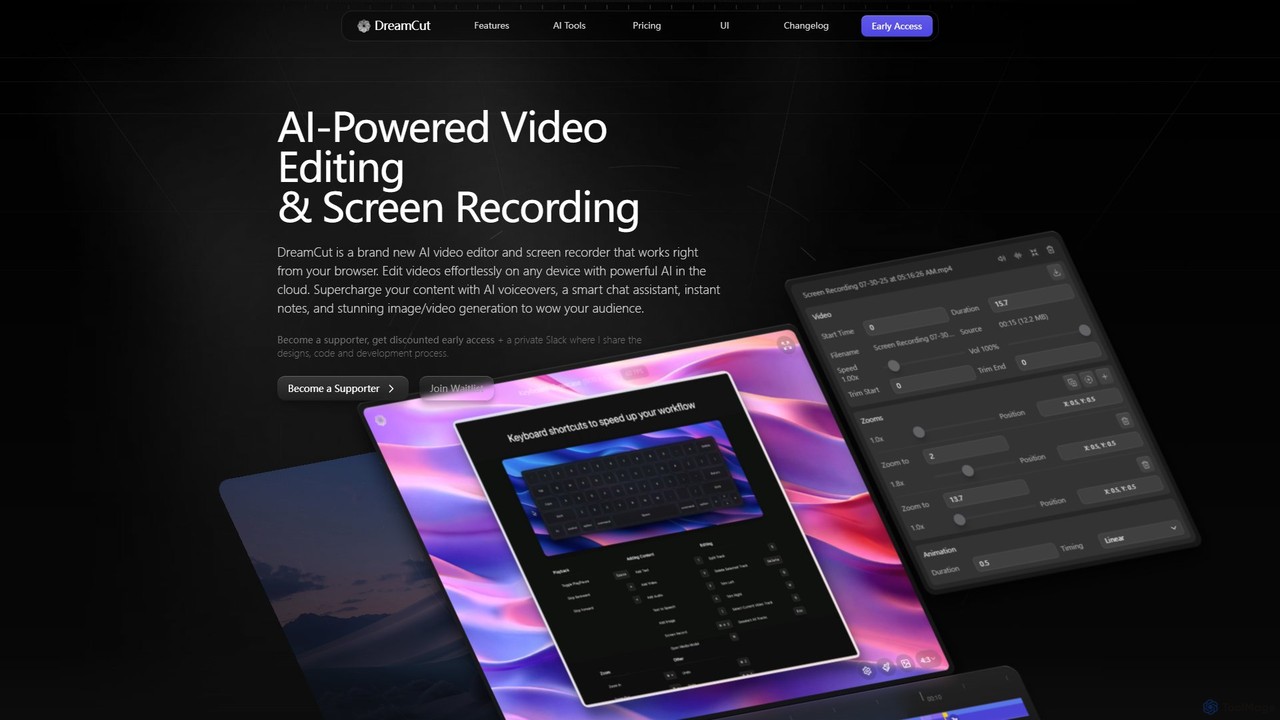
DreamCut
DreamCut is an all-in-one, AI-powered video editor and screen recorder that operates directly from your browser. It combines a multi-track editor, high-quality screen capture, AI voice generation, an AI chat assistant, and image/video creation into a single, cloud-based platform, enabling users to create professional content effortlessly on any device.
Text To Speech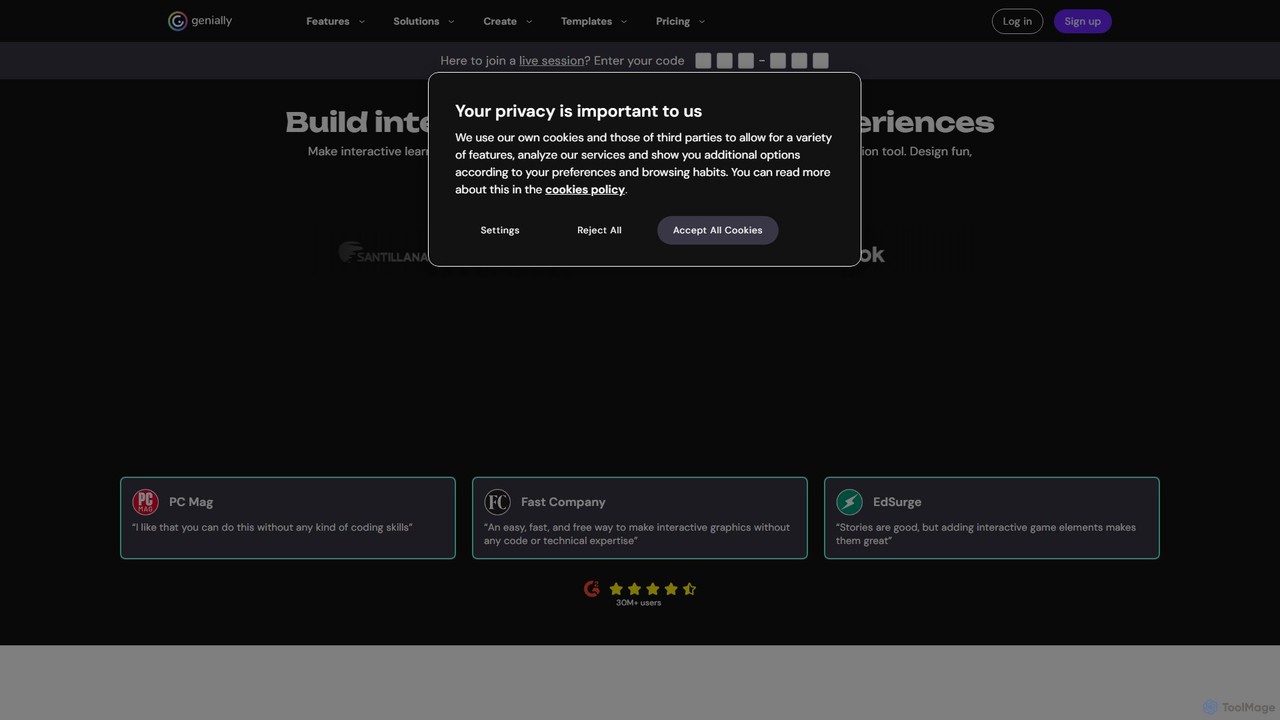
Genially
Genially is an all-in-one online tool for creating stunning interactive and animated content. Without any coding skills, users can design presentations, infographics, gamified quizzes, and eLearning materials. It leverages AI to accelerate content creation, making it ideal for educators, marketers, and corporate trainers to boost audience engagement.
Infographics
Canvid
Canvid is an AI-powered screen recorder for Windows and Mac designed to create professional-looking demos effortlessly. It automatically tracks clicks, applies smart zooms, and uses AI to enhance audio by removing background noise. With features like webcam background replacement and instant captions, Canvid simplifies video production, making it a powerful alternative to tools like Loom.
Content Creation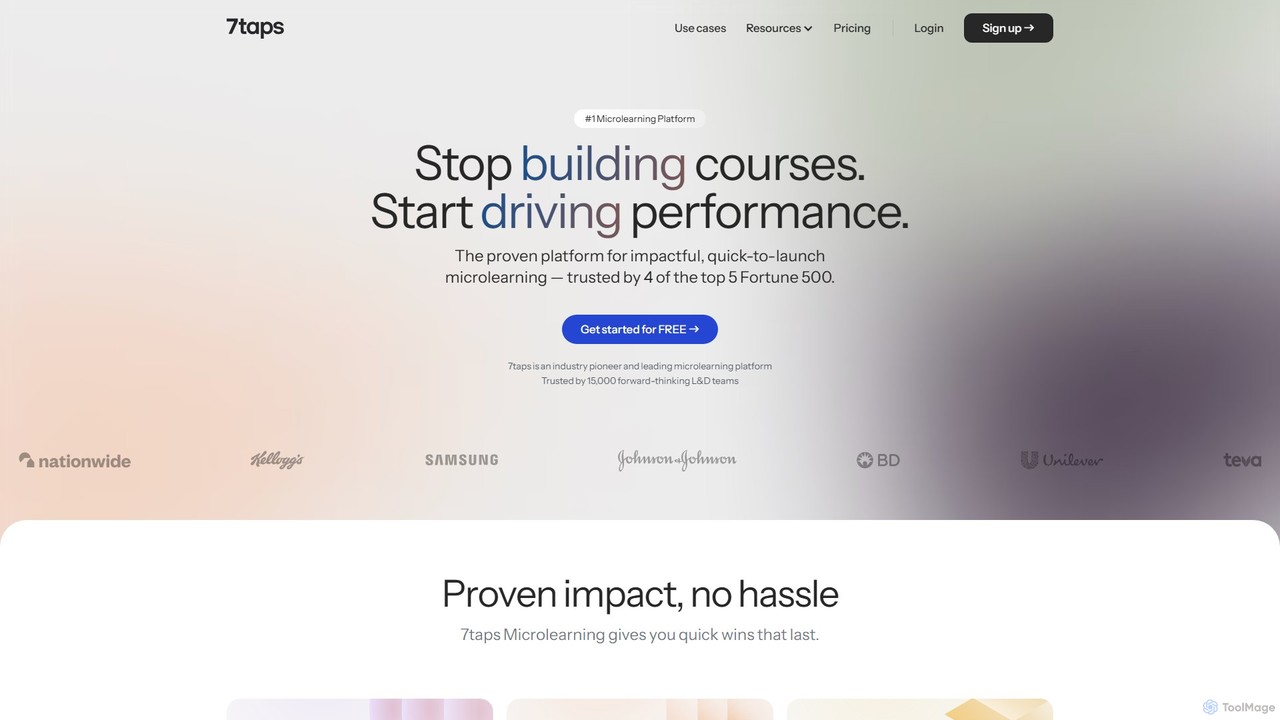
7taps
7taps is an AI-powered microlearning platform for creating and delivering bite-sized training. Trusted by Fortune 500 companies, it enables rapid creation of engaging, mobile-first courses for employee onboarding, sales enablement, and compliance training. Its science-driven approach ensures high engagement and knowledge retention, with no app required for learners.
Human Resources
TechSmith Comments (0)
Sign in to comment.
Sign inNo comments yet.