

Tella Overview
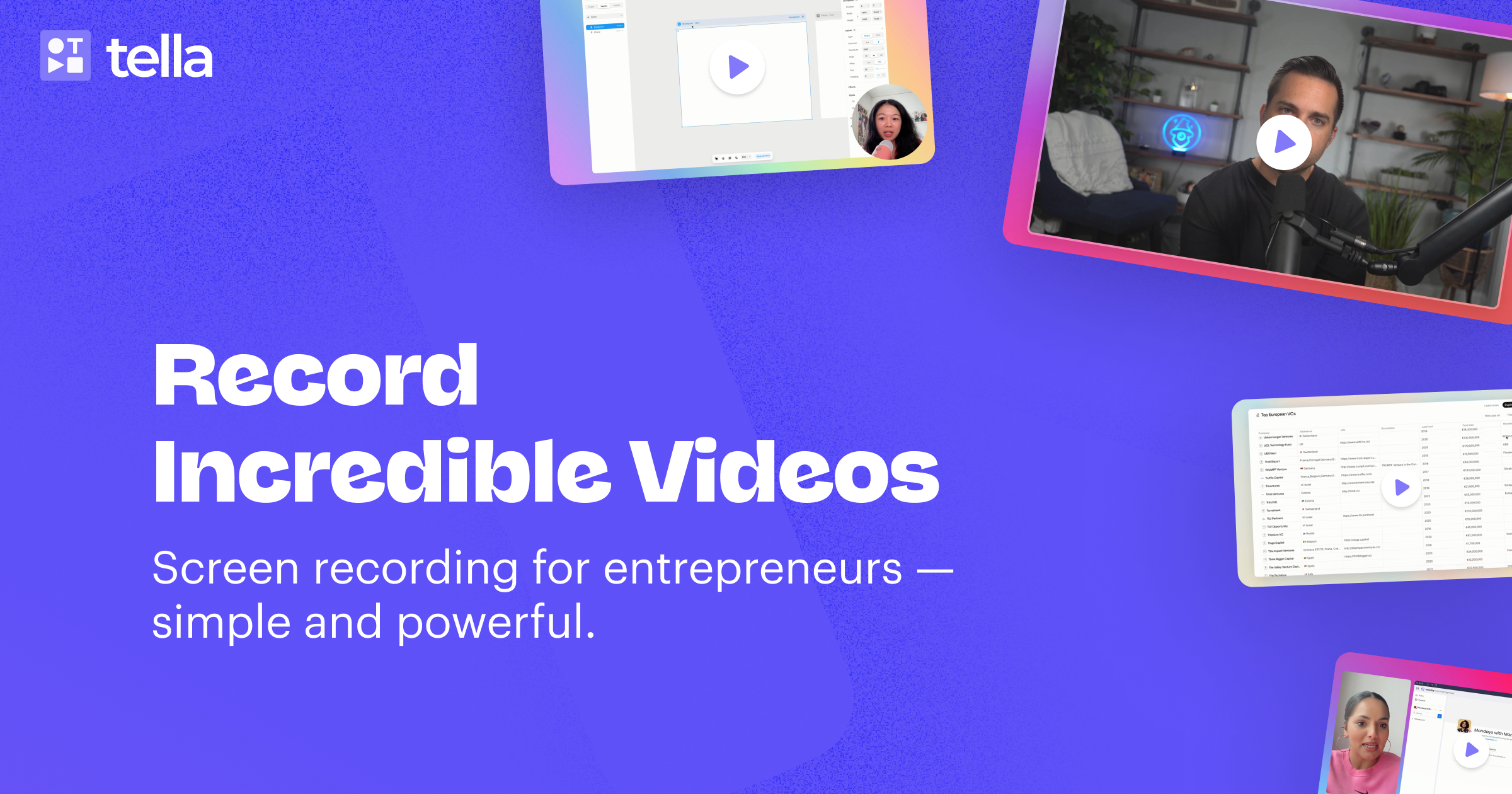
Tella is an advanced, AI-driven screen recorder and video editor designed to empower entrepreneurs, educators, and content creators to produce high-quality videos with remarkable ease and speed. Positioned as a more powerful and intuitive alternative to tools like Loom, Tella redefines the video creation process by integrating smart recording, automated editing, and seamless sharing into a single, cohesive platform. It's built for those who need to create compelling product demos, engaging tutorials, comprehensive online courses, or clear team updates without the steep learning curve of traditional video editing software.
The core philosophy of Tella is to make professional video production accessible to everyone. It moves away from the daunting single-take recording method and introduces 'Clips'—short, manageable recording segments that can be easily rearranged, re-recorded, and edited. This modular approach, combined with speaker notes to keep you on track, ensures a smooth and stress-free recording experience on both its native macOS app and its cross-platform web application.
How to use Tella
Creating a video with Tella is a streamlined, three-step process:
- Record: Start by choosing what to capture—your screen, your camera, or both simultaneously. Break down your presentation into smaller 'Clips' for different topics or sections. This makes the content easier to digest for viewers and simpler to edit for you. Use the built-in speaker notes to deliver a clear and concise message.
- Edit & Customize: This is where Tella's AI shines. Once recorded, the platform automatically suggests edits. You can instantly remove all filler words (like 'um' and 'ah') and awkward silences with a single click. The innovative transcript-based editor allows you to edit your video by simply editing the text. Beyond AI, you can add professional touches like smooth zoom effects to highlight key details, dynamic transitions between clips, and custom backgrounds from Unsplash or your own uploads to match your brand.
- Share or Download: When your video is polished, you can instantly share it with a unique link. Tella hosts the video for you, providing a page where viewers can leave comments or perform custom actions. For broader distribution, export your video in stunning 4K resolution, perfect for platforms like YouTube, LinkedIn, or for embedding directly into your website or application.
Core Features of Tella
- AI Video Editing: Automatically remove filler words and silences, trim the start and end of clips, and edit your video by manipulating its transcript.
- Clip-based Recording: Record in small, manageable parts for easier editing and a more dynamic final video.
- Advanced Customization: Choose from multiple layouts, apply smooth zoom effects, add engaging transitions, and personalize your videos with custom backgrounds.
- High-Quality Output: Export videos in crisp 4K resolution and create animated GIF thumbnails for sharing.
- Seamless Sharing & Hosting: Share videos instantly with a link, embed them on any website, and allow viewer interaction through comments and custom buttons.
- Cross-Platform Availability: Use Tella via its native macOS app, web-based app for all platforms, or the convenient Chrome Extension.
- Brand Alignment: Utilize features like custom branding and custom domains (on premium plans) to ensure your videos align perfectly with your brand identity.
Use Cases for Tella
Tella is versatile and ideal for a wide range of applications, including:
- Product Demos: Create clear, engaging, and professional demonstrations of your software or product.
- Tutorials & How-To Videos: Teach viewers how to perform a task with step-by-step screen recordings.
- Online Courses: Develop entire courses with polished, easy-to-follow video lessons.
- Team Updates & Asynchronous Communication: Share project updates, feedback, and announcements with your team efficiently.
- Marketing & Sales Content: Produce product launch videos, outbound sales messages, and content for social media platforms like YouTube and LinkedIn.
Advantages of Tella
Tella stands out by delivering professional results without the complexity. Its main advantages are speed and quality. The AI editing features drastically reduce post-production time, turning hours of work into minutes. Videos created with Tella have a polished, high-quality look by default, thanks to features like dynamic layouts, zooms, and custom backgrounds. This makes it superior for users who want to create content that looks more professional than a standard screen recording, but who lack the time or skills for complex editing software.
Pricing and Plans
Tella operates on a freemium model, offering a plan for every level of need, including a 7-day free trial for its paid plans without requiring a credit card.
- Starter Plan (Free): A great starting point for individuals to try out the core features.
- Pro Plan ($19/month): Aimed at individual creators and professionals who regularly produce video content and need access to all editing features and 4K exports.
- Premium Plan ($39/month): The best choice for businesses, teams, and creators who need advanced features like custom branding, custom domains, and enhanced analytics for their audience.
Subscriptions can be managed and canceled at any time.
Traffic
Latest traffic
Status
Monthly traffic trend
- 2025-9: 342.8K
- 2026-1: 377.1K
- 2026-2: 276.2K
- 2026-3: 283.5K
- 2026-4: 288.9K
- 2026-5: 313.5K
Geography
Top 5 countries / regions
- 🇺🇸United States58.1%
- 🇫🇷France12.7%
- 🇦🇺Australia12.2%
- 🇬🇧United Kingdom8.5%
- 🇮🇳India8.5%
Traffic sources
| Source type | Percentage |
|---|---|
Direct | 75.5% |
Referral | 22.2% |
Email | 2.2% |
Top keywords
| Keyword | Cost per click |
|---|---|
| loom alternatives | $7.21 |
| screen recorder | $0.68 |
| tella | $1.28 |
| tella ai | $0.00 |
| tella tv | $0.47 |
Tella Videos on YouTube

Tech Talk With Tate


Collin Michael Tutorials

Alberto Di Risio


Tella Alternatives
Tella
Tella is an AI-powered screen recorder and video editor for Mac & Windows that simplifies video creation. It automatically removes silences and filler words, offers transcript-based editing, and provides professional customization options like backgrounds, layouts, and zooms. Ideal for creating tutorials, product demos, and online courses in minutes, not hours.
E Learning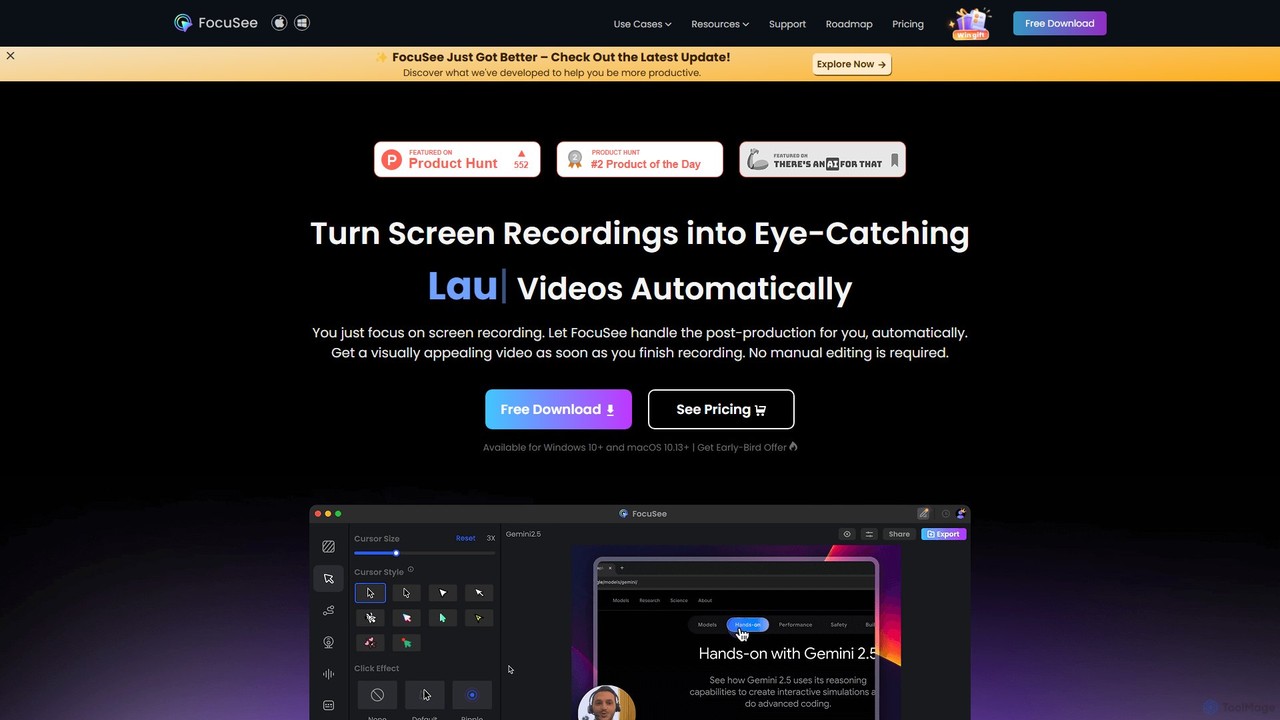
FocuSee
FocuSee is an AI-powered screen recording and video editing software designed to create professional-looking videos with ease. Its standout feature is the automatic zoom and pan effect, which intelligently follows your cursor movements to highlight key actions. This makes it ideal for creating engaging product demos, tutorials, and presentations without complex manual editing, simplifying the entire video creation workflow.
E Learning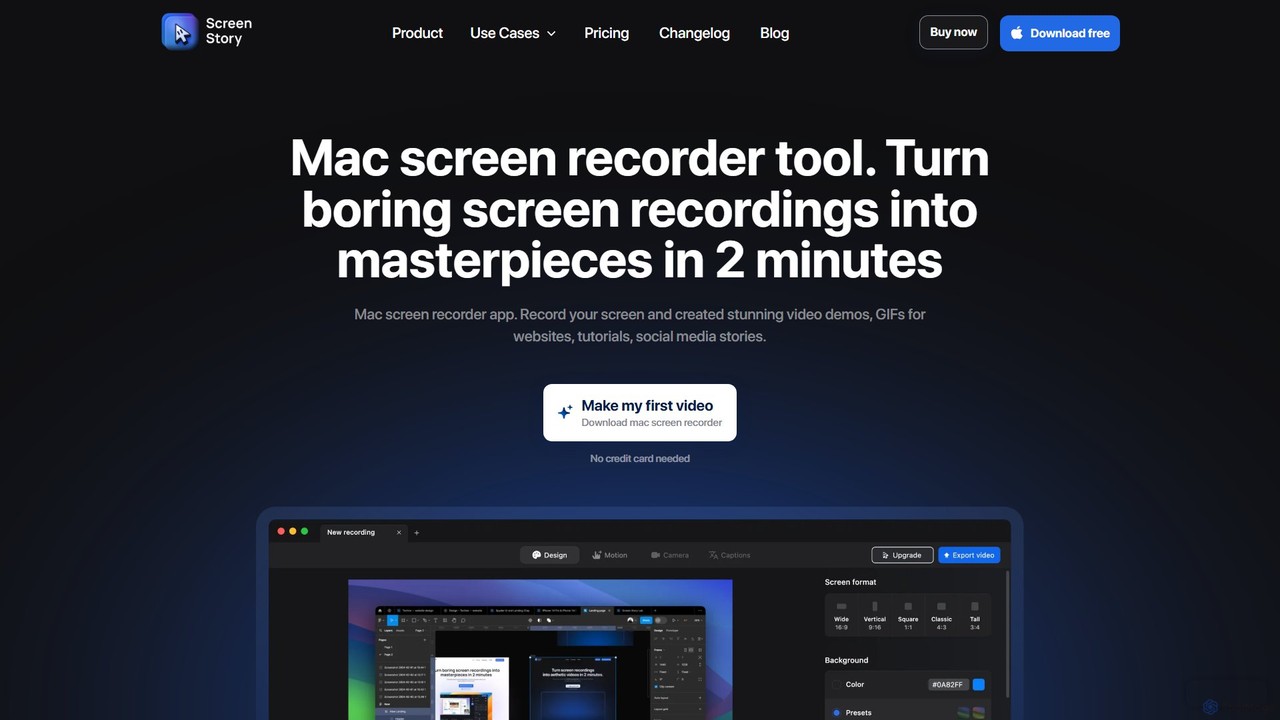
ScreenStory
ScreenStory is an intelligent screen recording app for macOS that automatically transforms standard screen captures into polished, professional-looking videos. It adds dynamic zooms, smooth cursor movements, and motion blur without manual editing. Ideal for creating engaging product demos, tutorials, and marketing content, it simplifies video production for users of all skill levels.
Tutorials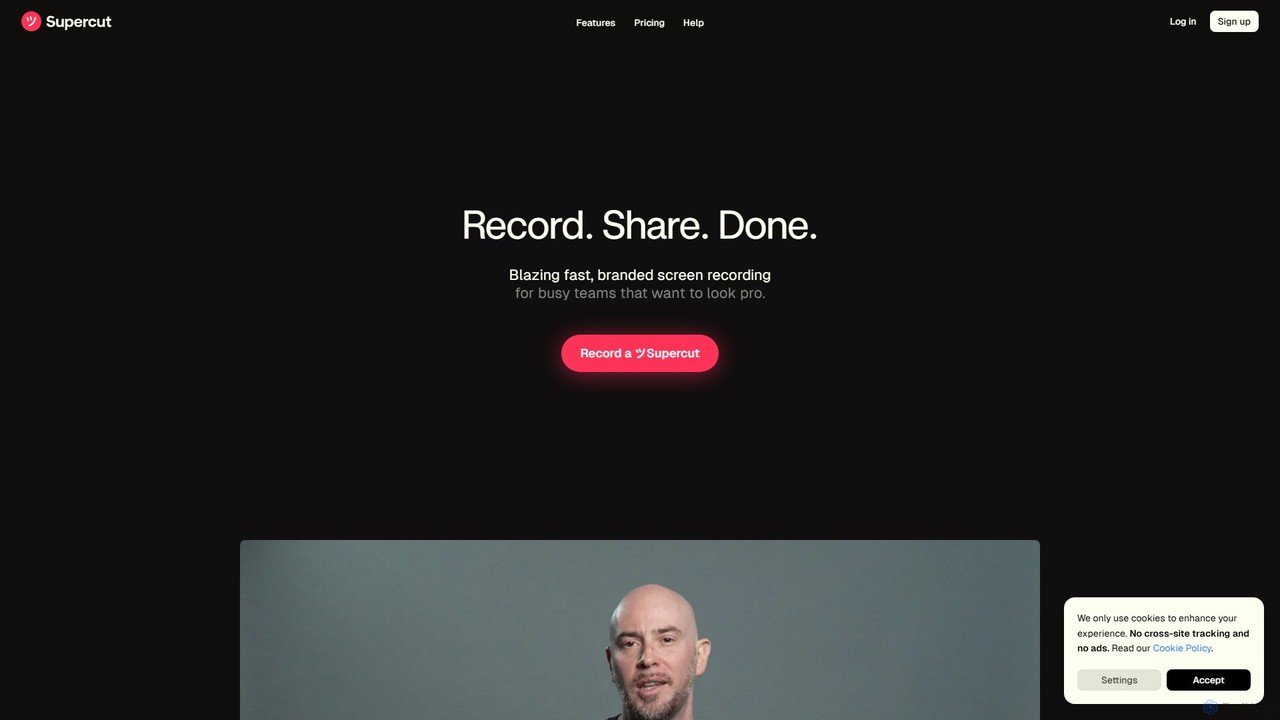
Supercut
Supercut is an AI-powered screen recording tool designed for teams to create professional, branded videos with blazing speed. It automates editing, generates smart chapters, and facilitates collaboration, making it ideal for product demos, sales outreach, and tutorials without a steep learning curve.
Content Creation
Canvid
Canvid is an AI-powered screen recorder for Windows and Mac designed to create professional-looking demos effortlessly. It automatically tracks clicks, applies smart zooms, and uses AI to enhance audio by removing background noise. With features like webcam background replacement and instant captions, Canvid simplifies video production, making it a powerful alternative to tools like Loom.
Content CreationTella Categories
Tella Embed Widget
Copy this embed code to place the badge on your blog, article, or product site and send readers directly to this ToolMage detail page.

Related AI tools
Tella
Tella is an AI-powered screen recorder and video editor for Mac & Windows that simplifies video creation. It automatically removes silences and filler words, offers transcript-based editing, and provides professional customization options like backgrounds, layouts, and zooms. Ideal for creating tutorials, product demos, and online courses in minutes, not hours.
E LearningFocuSee
FocuSee is an AI-powered screen recording and video editing software designed to create professional-looking videos with ease. Its standout feature is the automatic zoom and pan effect, which intelligently follows your cursor movements to highlight key actions. This makes it ideal for creating engaging product demos, tutorials, and presentations without complex manual editing, simplifying the entire video creation workflow.
E LearningScreenStory
ScreenStory is an intelligent screen recording app for macOS that automatically transforms standard screen captures into polished, professional-looking videos. It adds dynamic zooms, smooth cursor movements, and motion blur without manual editing. Ideal for creating engaging product demos, tutorials, and marketing content, it simplifies video production for users of all skill levels.
Tutorials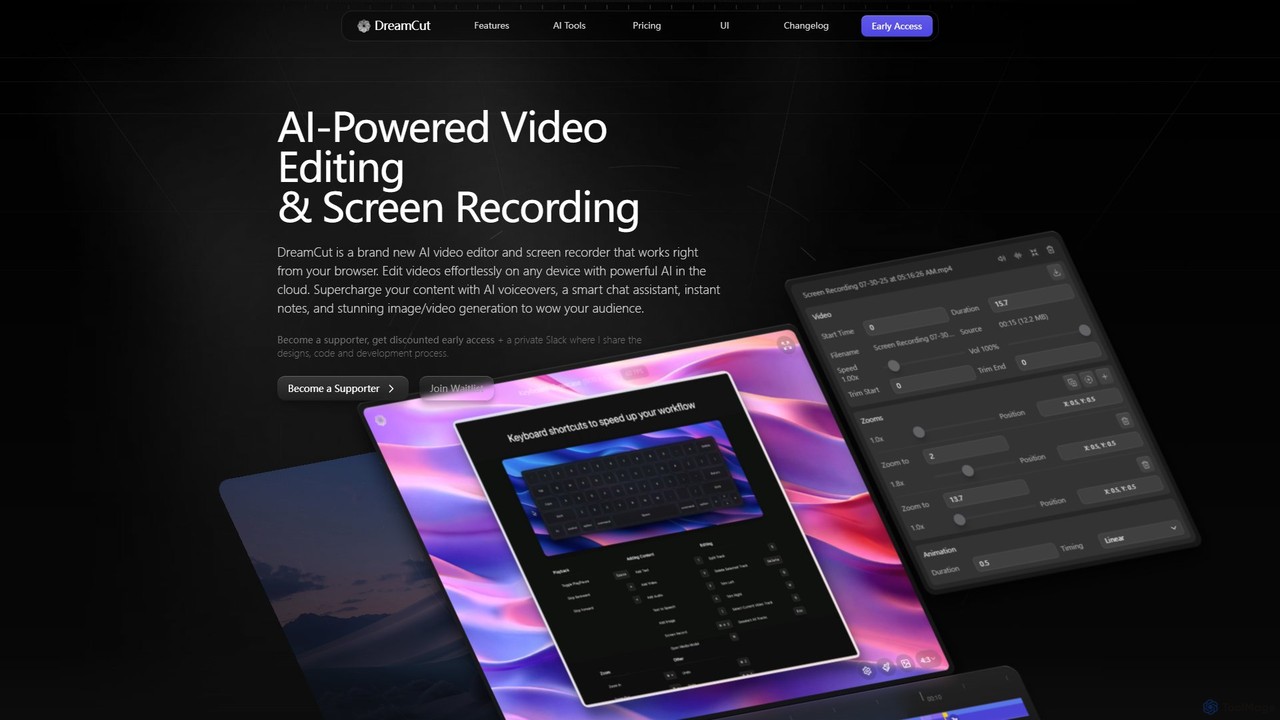
DreamCut
DreamCut is an all-in-one, AI-powered video editor and screen recorder that operates directly from your browser. It combines a multi-track editor, high-quality screen capture, AI voice generation, an AI chat assistant, and image/video creation into a single, cloud-based platform, enabling users to create professional content effortlessly on any device.
Text To SpeechSupercut
Supercut is an AI-powered screen recording tool designed for teams to create professional, branded videos with blazing speed. It automates editing, generates smart chapters, and facilitates collaboration, making it ideal for product demos, sales outreach, and tutorials without a steep learning curve.
Content Creation
Jyek
Jyek is an AI agent platform that understands objectives, creates execution plans, uses tools, and delivers verifiable results for complex, multi-step tasks.
AutomationCanvid
Canvid is an AI-powered screen recorder for Windows and Mac designed to create professional-looking demos effortlessly. It automatically tracks clicks, applies smart zooms, and uses AI to enhance audio by removing background noise. With features like webcam background replacement and instant captions, Canvid simplifies video production, making it a powerful alternative to tools like Loom.
Content Creation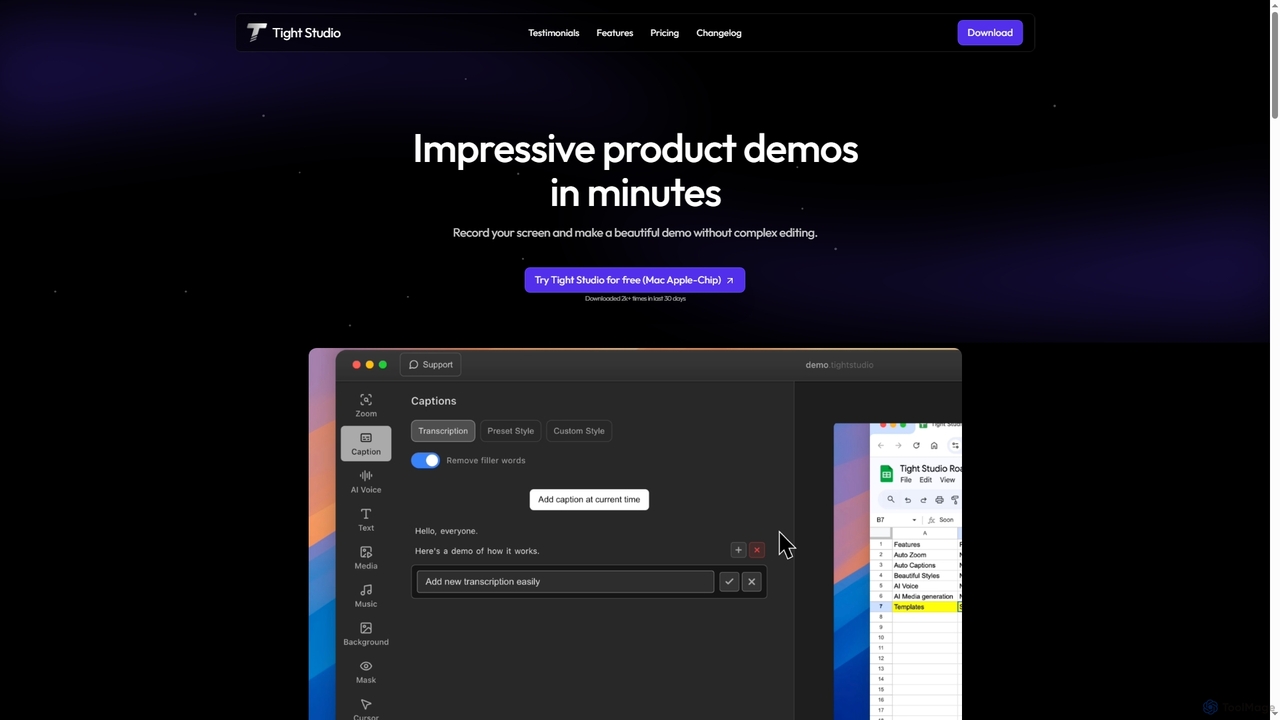
Tight Studio
Tight Studio is an AI-powered screen recording and video editing application for Mac, designed to create professional product demos and tutorials in minutes. It features smart zoom, automatic captions, AI narration, and an intuitive editor, enabling users without editing skills to produce high-quality, engaging videos effortlessly.
Tutorials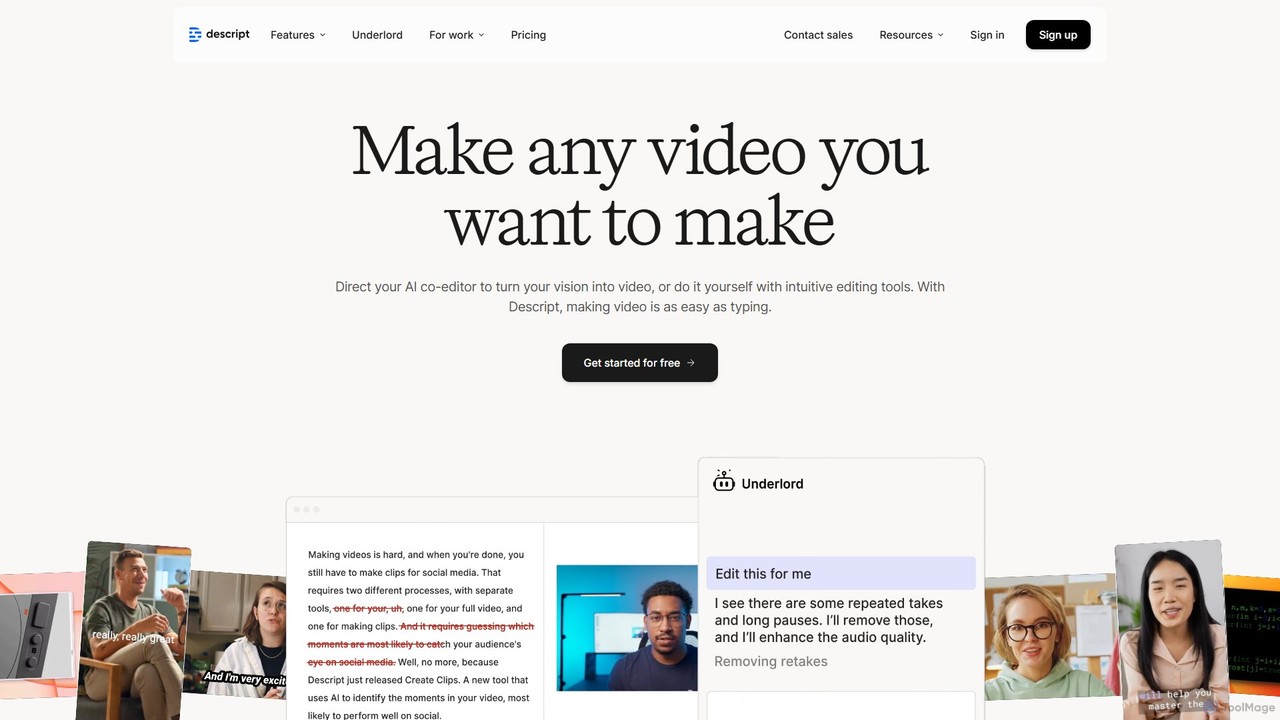
Descript
Descript is an all-in-one AI-powered video and podcast editor that revolutionizes content creation by allowing you to edit media as easily as a text document. It features text-based editing, automatic transcription, and powerful AI tools like Studio Sound, green screen, eye contact correction, and filler word removal. It's the ideal solution for creators and businesses aiming to produce high-quality, professional content with unparalleled efficiency.
Social Media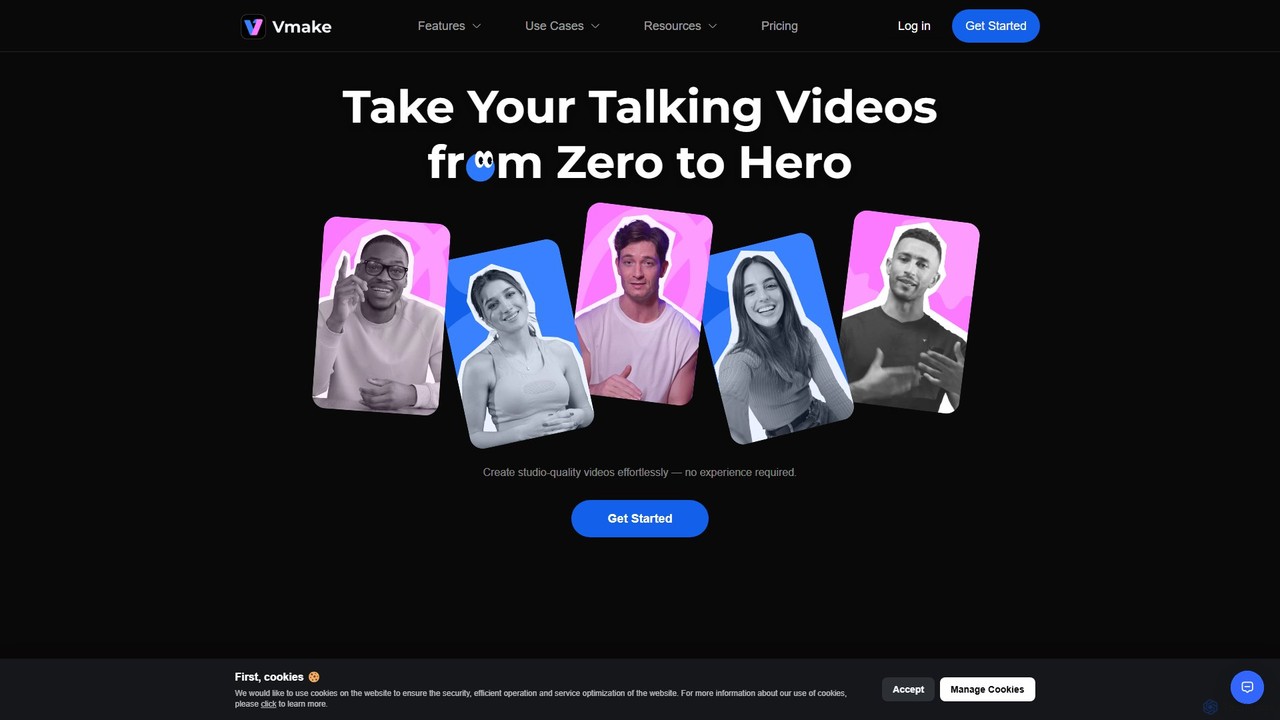
Vmake
Vmake is an all-in-one AI video solution designed for creators. It simplifies video production with features like watermark removal, auto-captions, background removal, and video enhancement. Effortlessly create studio-quality talking videos for social media and marketing without prior experience.
Transcription
FlexClip
A powerful yet easy-to-use online video maker that combines traditional editing tools with a suite of AI features. Create professional videos for marketing, social media, or personal use with a vast library of templates, stock media, and intelligent tools like AI video generation, auto-subtitling, and text-to-speech.
Social Media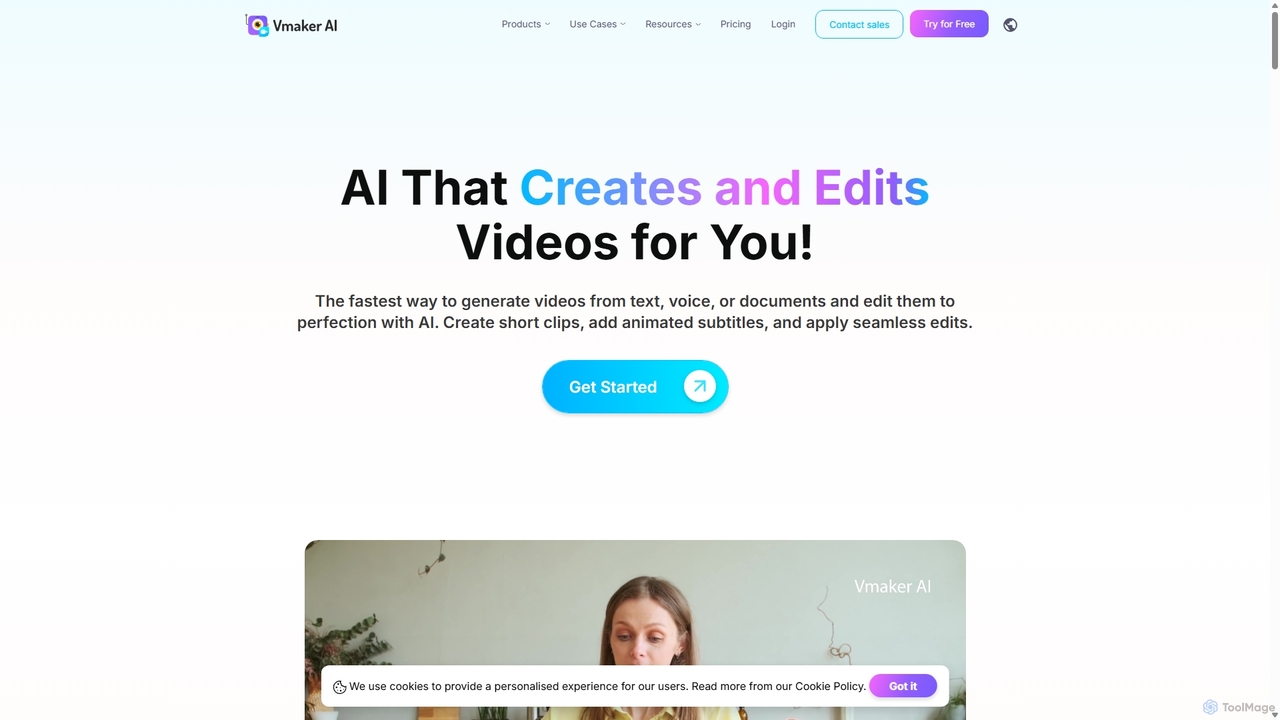
Vmaker
Vmaker is an all-in-one AI video creation and editing suite. It enables users to generate videos from text, audio, or documents using AI avatars, record screens in 4K, and edit footage with a powerful AI editor. Key features include auto-subtitles, background removal, and content repurposing tools, designed for marketers, content creators, and L&D teams.
Training
Filmora
Filmora is a powerful yet user-friendly AI video editor designed for creators of all levels. It integrates advanced AI tools like text-to-video, smart cutout, and an AI music generator to streamline the editing process. It offers a rich library of effects, templates, and stock media, making it easy to create professional-quality videos for social media, marketing, or personal projects on Windows and macOS.
Video Generation
Zubtitle
Zubtitle is an AI-powered online video editor designed to help creators and marketers quickly optimize videos for social media. It specializes in automatic transcription and subtitling, allowing users to add captions, headlines, logos, and progress bars with just a few clicks. The tool simplifies video repurposing for platforms like Instagram, TikTok, and YouTube Shorts, making it easy to create engaging, professional-looking content that captures attention even when muted.
Transcription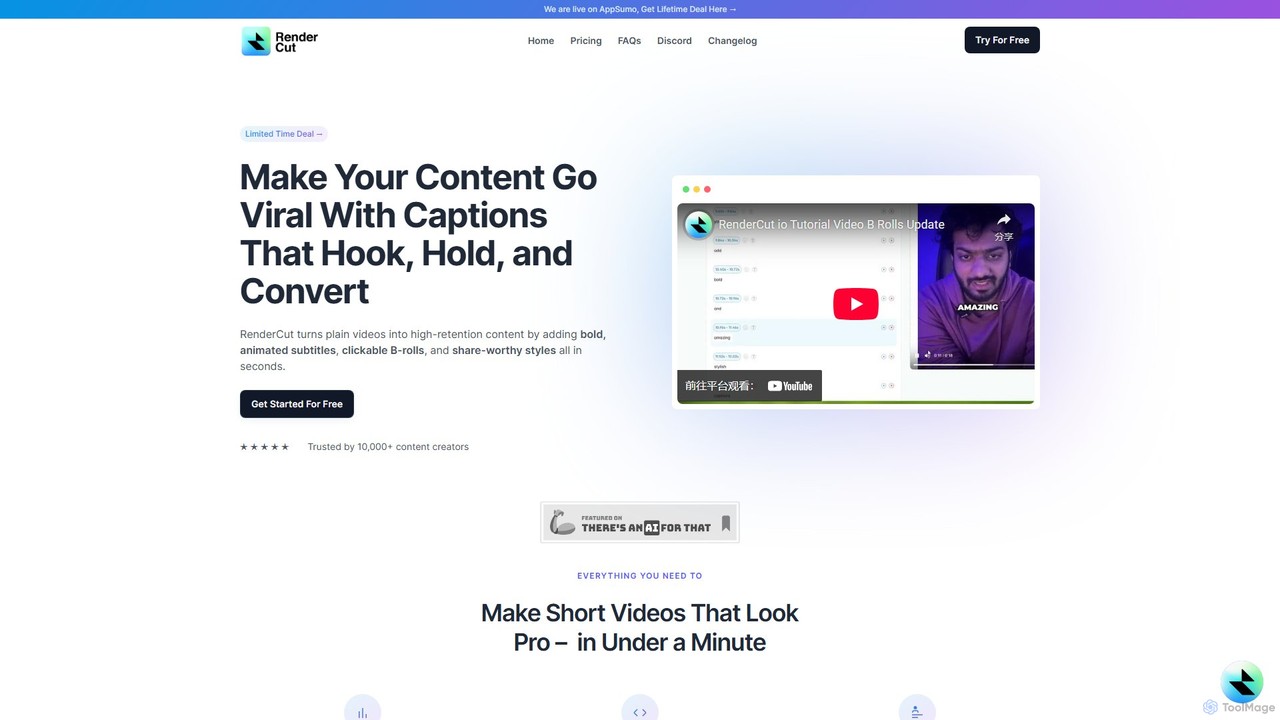
RenderCut
RenderCut is an AI-powered video editing tool that automates the creation of engaging short-form videos. It instantly adds stylish, animated subtitles, B-rolls, emojis, and sound effects, transforming plain videos or audio into high-retention content for platforms like TikTok, Reels, and Shorts. It's designed for content creators, marketers, and businesses to produce professional-looking videos in minutes, not hours.
Video Marketing
Tella Comments (0)
Sign in to comment.
Sign inNo comments yet.