Education Best in category 13 results Tutorials AI Tool

Popular AI tools in the Tutorials field of Education include Midlibrary、PromptZone、ScreenStory、How to Leverage AI、ai2image、Tight Studio、aiart.dev、midlearning、Kiswani、aipixarposters, etc., helping you quickly improve efficiency.

Nano Banana Guide

Nano Banana Guide

Nano Banana Guide is a comprehensive platform offering step-by-step tutorials and a credit-based service for mastering Google's AI …

2.5K
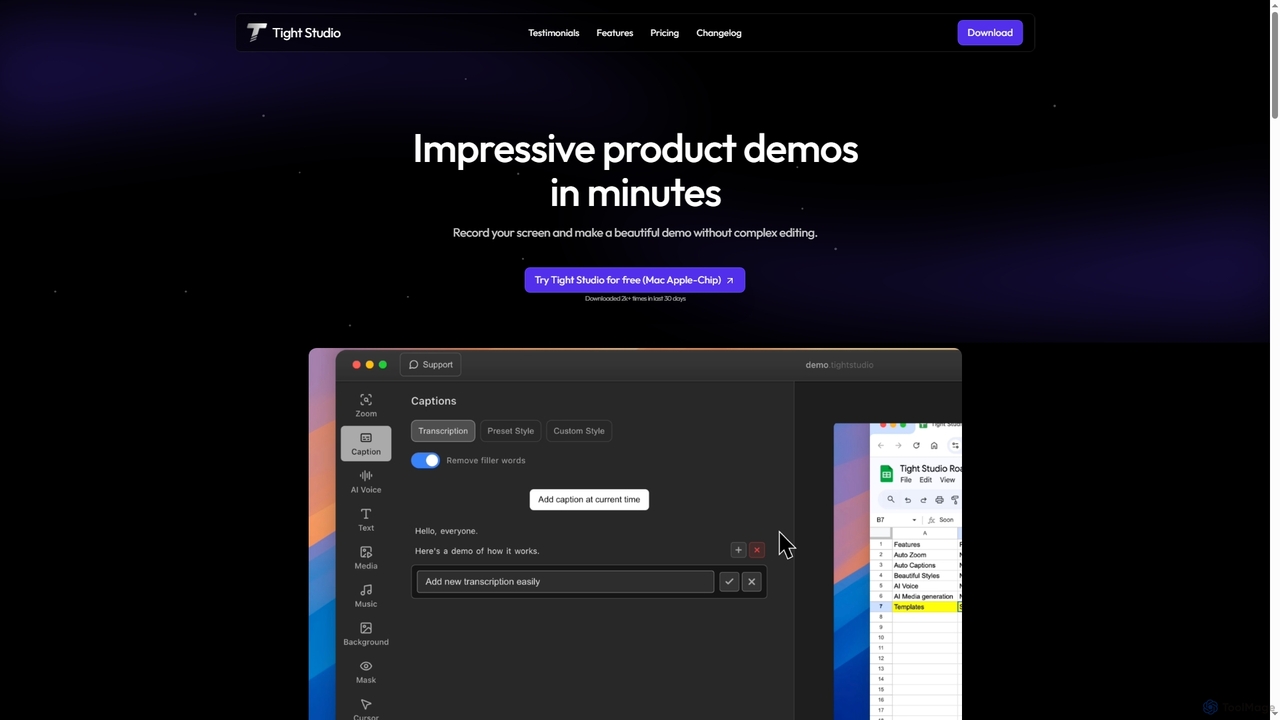
Tight Studio

Tight Studio

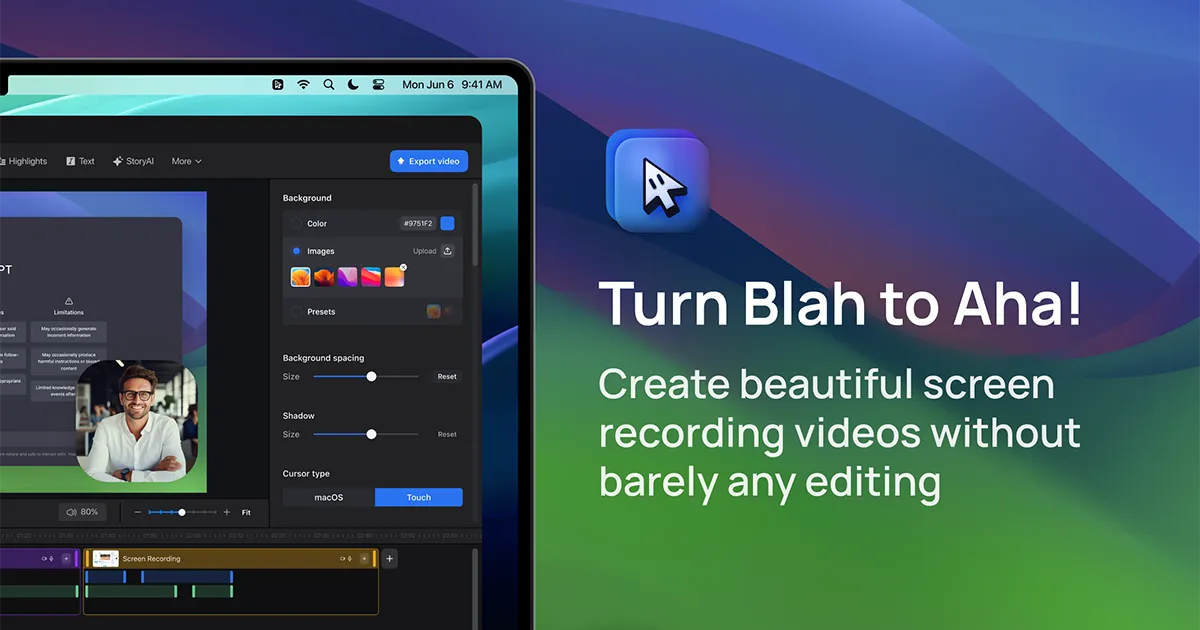
Tight Studio is an AI-powered screen recording and video editing application for Mac, designed to create professional product …

2.9K
Free
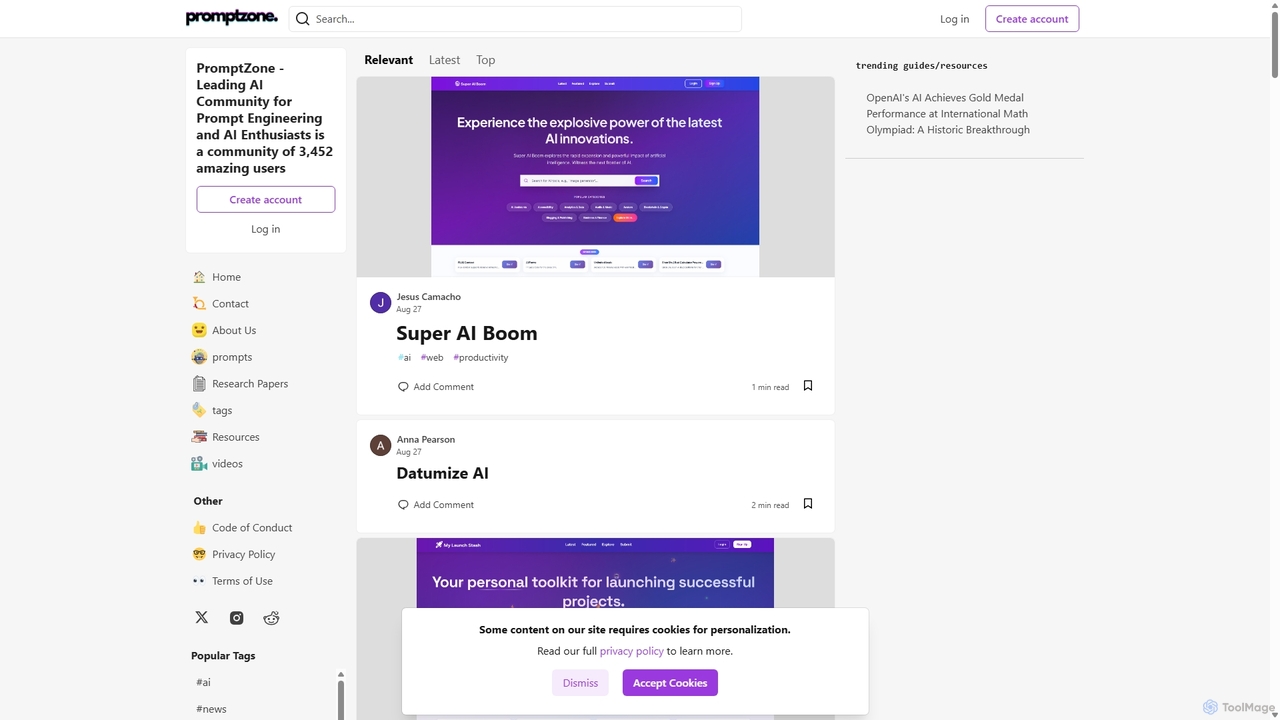
PromptZone

PromptZone

PromptZone is a leading online community for AI enthusiasts, developers, and prompt engineers. It serves as a vibrant …

13.0K
airshot

airshot

Airshot is an AI-powered platform that transforms screen recordings into interactive step-by-step guides and product demos. Effortlessly capture …

2.5K
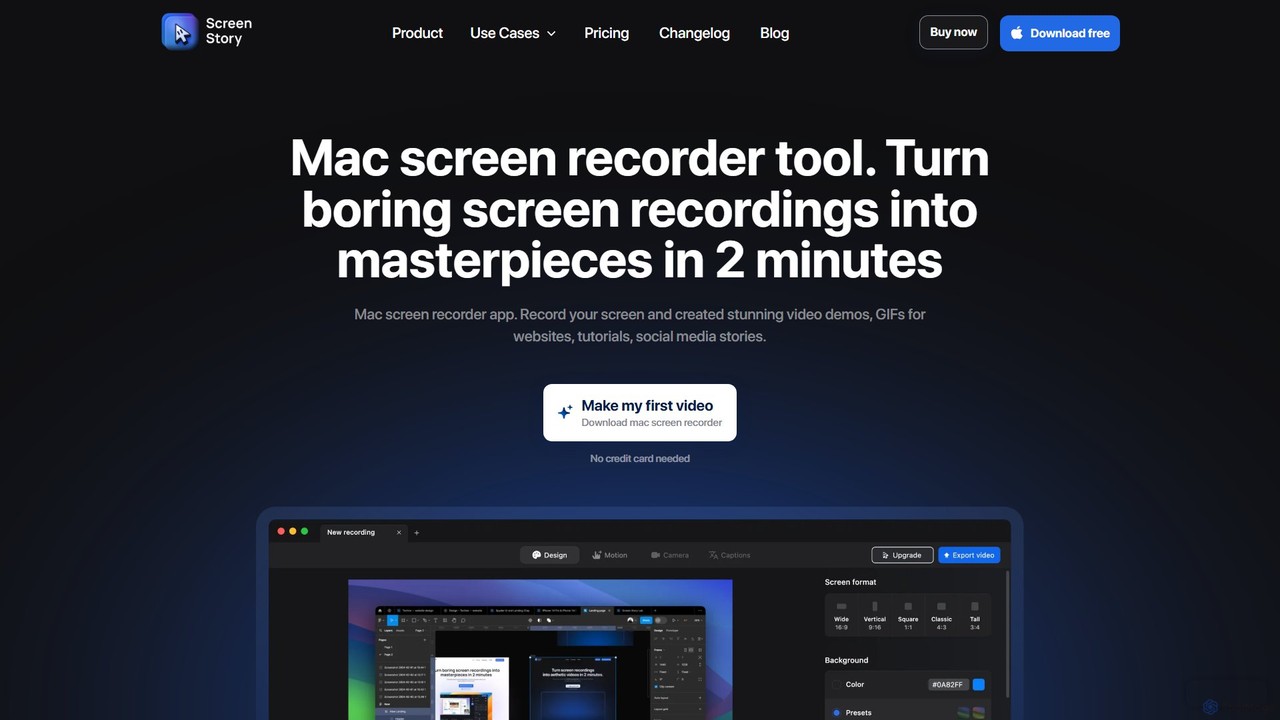
ScreenStory

ScreenStory

ScreenStory is an intelligent screen recording app for macOS that automatically transforms standard screen captures into polished, professional-looking …

12.8K
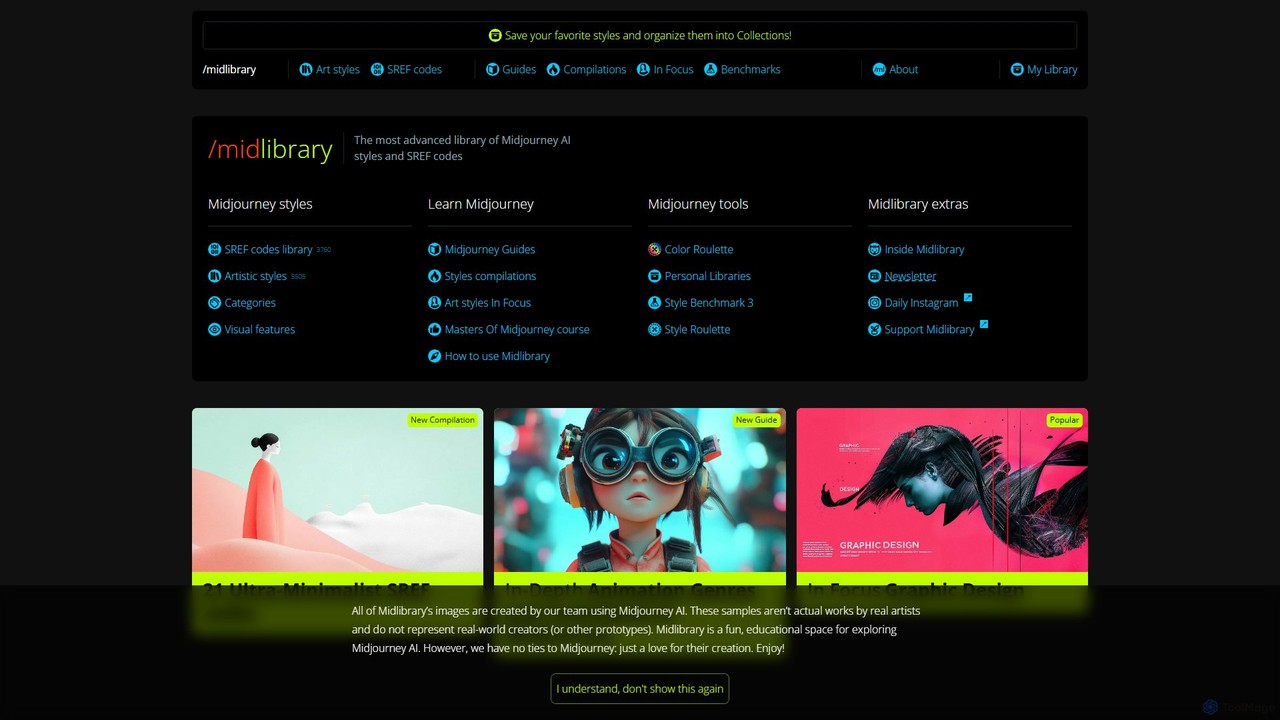
Midlibrary

Midlibrary

Midlibrary is an extensive, curated resource for Midjourney users, offering a massive library of over 5,300 artistic styles …

174.5K
Free
How to Leverage AI

How to Leverage AI

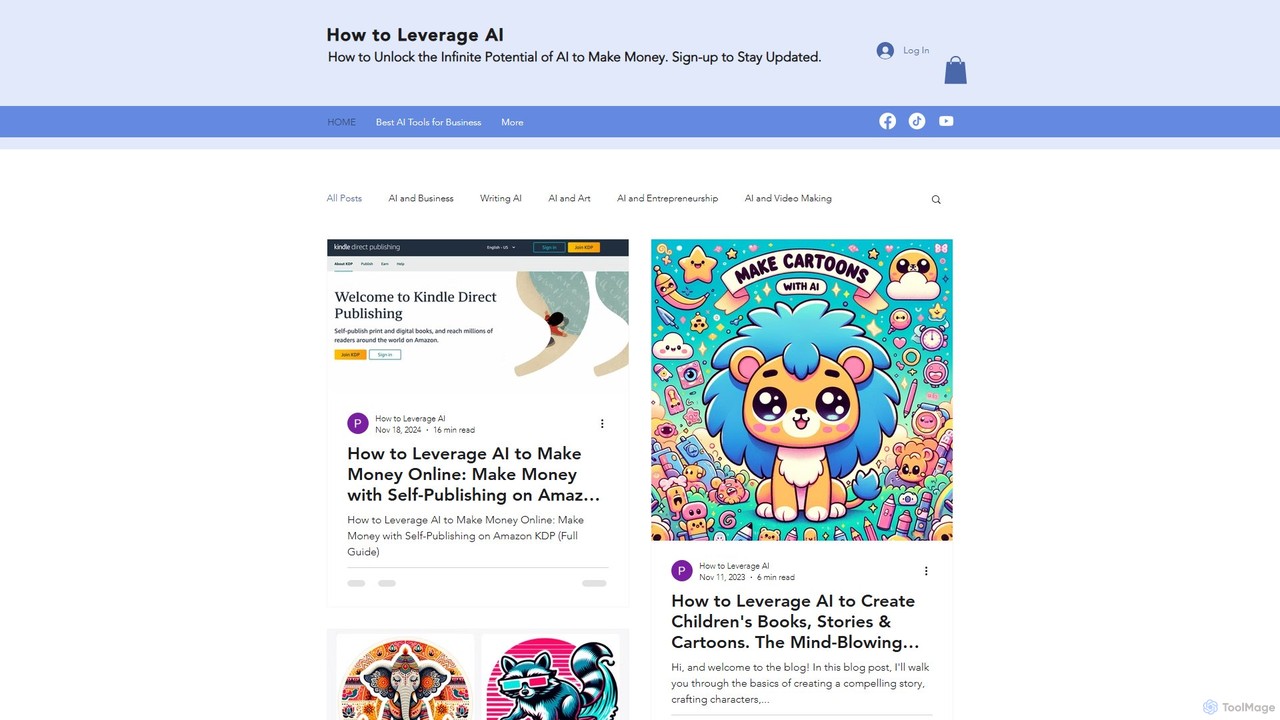
An educational platform and blog offering comprehensive guides and tutorials on how to use artificial intelligence for content …

10.1K
midlearning

midlearning

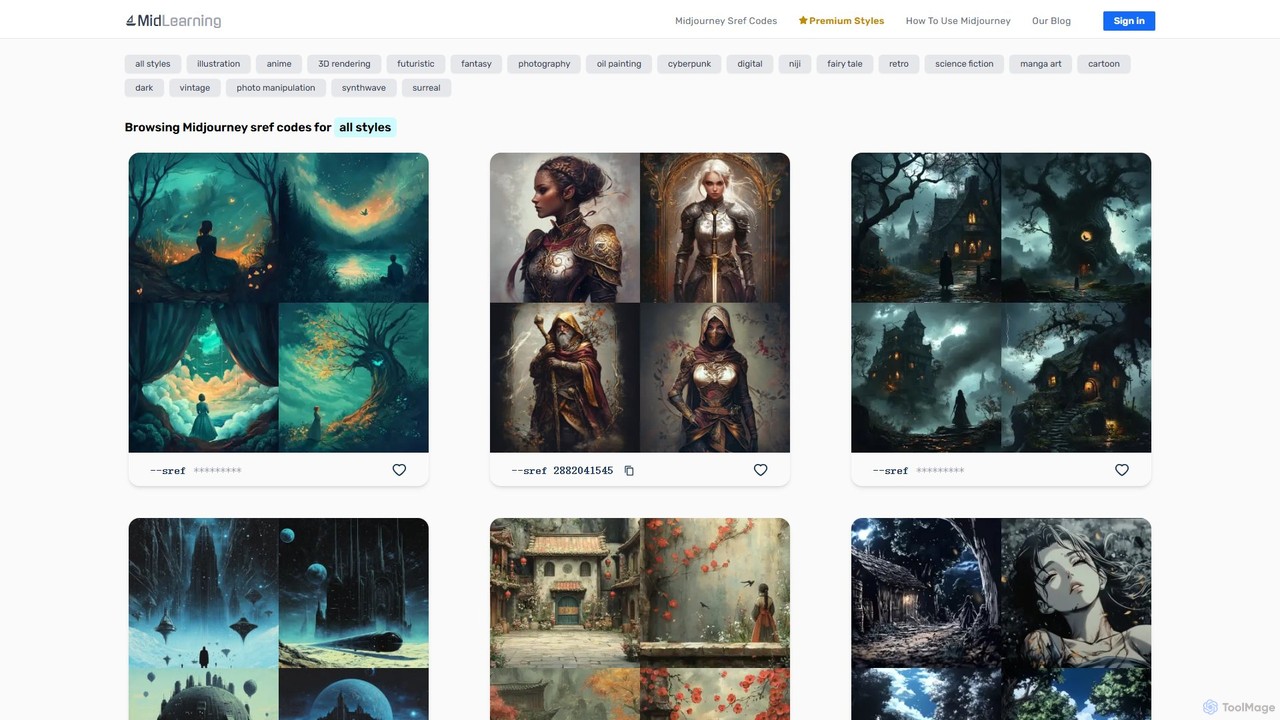
midlearning is the ultimate resource library for Midjourney users. It offers a vast, curated collection of sref codes …

2.6K
Kiswani

Kiswani

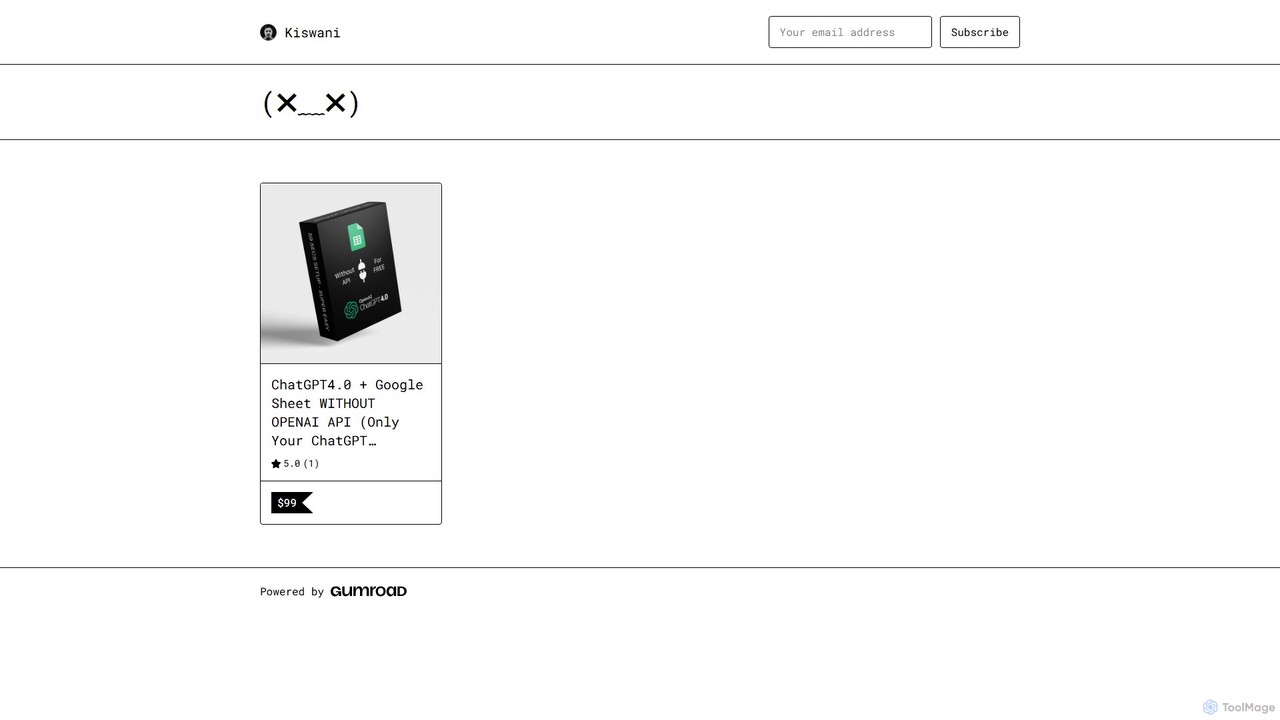
Kiswani offers a collection of premium digital products, including expertly crafted prompt packs and comprehensive guides for AI …

2.6K
Free
ai2image

ai2image

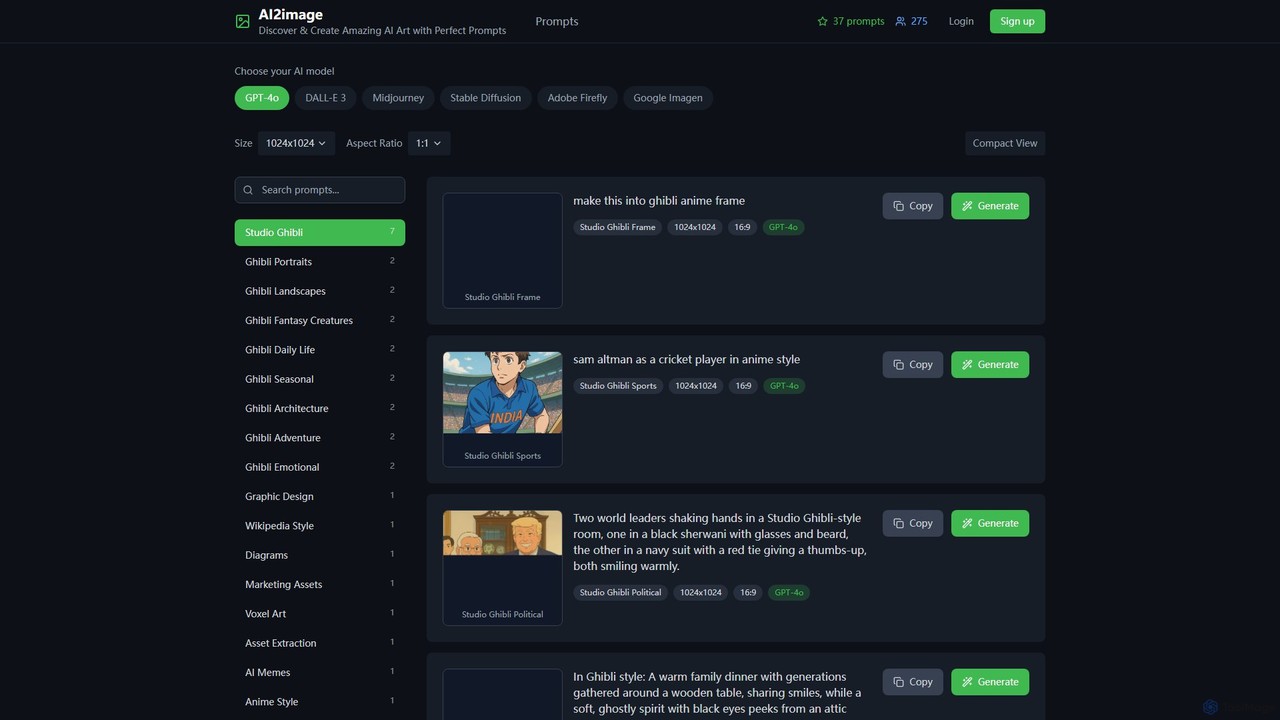
ai2image is a specialized AI image generation platform and open-source prompt library, focusing on creating stunning Studio Ghibli-style …

7.8K
Free
aipixarposters

aipixarposters

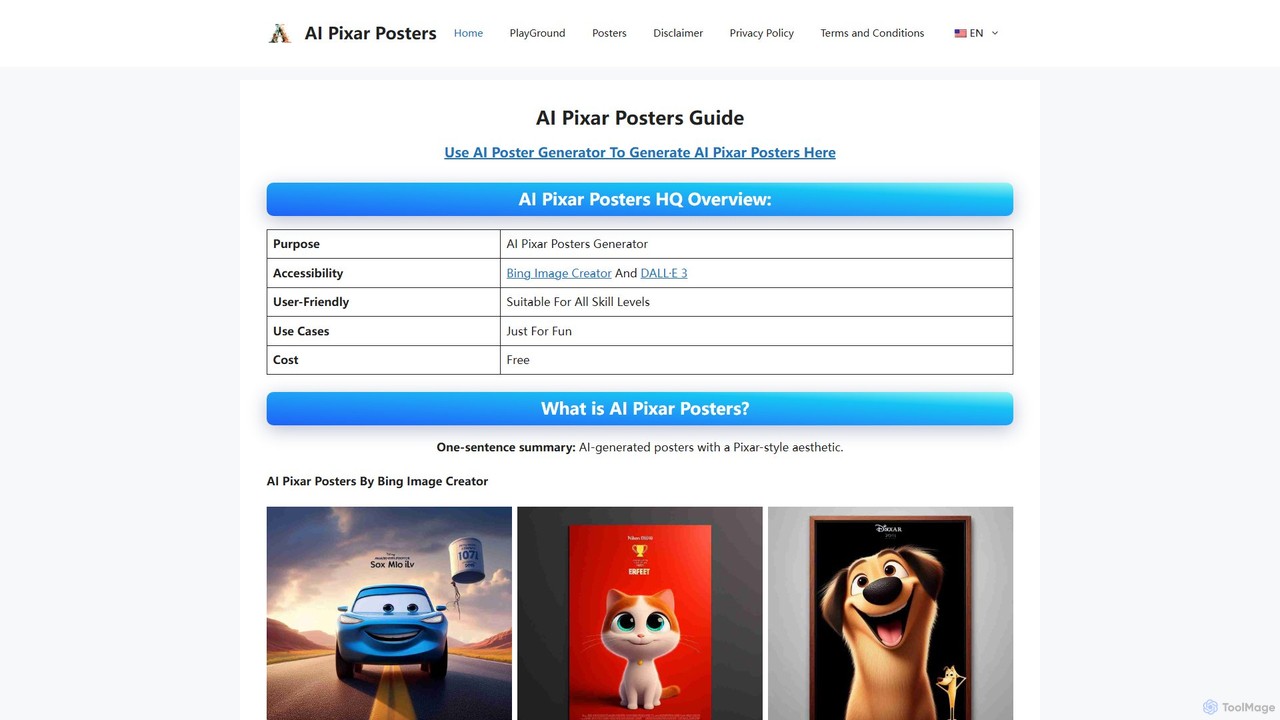
aipixarposters is a free online guide that teaches users how to create unique, Pixar-style movie posters using AI …

2.5K
Free
critiqs.ai

critiqs.ai

critiqs.ai is a comprehensive platform for AI enthusiasts, offering the latest AI news, a curated directory of useful …

2.5K
Free
aiart.dev

aiart.dev

aiart.dev is an educational hub and resource platform dedicated to advanced AI art and video creation. It provides …

2.8K

About Tutorials

AI-powered Tutorials tools are platforms that leverage artificial intelligence to automate the creation, personalization, and delivery of educational content and step-by-step guides. These tools analyze complex information, generate structured learning paths, and adapt content to individual user needs. They significantly streamline the process of knowledge transfer, making learning more accessible and engaging for various audiences. By integrating advanced NLP and content generation, they transform raw data into digestible, interactive learning experiences.

Core Features

  • Automated Content Generation: Automatically drafts step-by-step guides, explanations, and examples from raw input or existing documentation.
  • Personalized Learning Paths: Adapts tutorial content and sequence based on user progress, skill level, and learning style.
  • Interactive Element Creation: Generates quizzes, simulations, and interactive exercises to enhance engagement and retention.
  • Multilingual Translation: Provides instant translation of tutorial content into multiple languages, broadening accessibility.
  • Performance Analytics: Tracks user engagement, completion rates, and comprehension to optimize tutorial effectiveness.

Applicable Scenarios

These tools are invaluable for educators, corporate trainers, software developers, and content creators who need to efficiently produce high-quality instructional materials. They are used to onboard new employees, teach complex software functionalities, or create engaging online courses.

Selection Criteria

When selecting an AI Tutorials tool, consider its content generation capabilities, the level of personalization offered, integration with existing learning management systems (LMS), and the types of interactive elements it supports. Evaluate the ease of use for content creators and the clarity of the generated output.

TutorialsUse Cases

1

Automated Software Onboarding Guides

Software companies use AI Tutorials tools to automatically generate interactive onboarding guides for new users, explaining features and workflows based on user behavior data. This ensures a personalized and efficient introduction to the product, reducing support queries and improving user retention.

2

Personalized E-learning Course Creation

Educators and online course creators leverage these tools to develop adaptive e-learning modules that adjust content difficulty and examples based on each student's performance and learning pace. This ensures a highly individualized learning experience, leading to better comprehension and engagement.

3

Technical Documentation to Interactive Tutorials

Developers and technical writers transform complex API documentation or product manuals into simplified, step-by-step interactive web tutorials for end-users. This makes technical information more digestible and actionable, improving user adoption and reducing the need for direct support.

4

Corporate Training Material Generation

HR departments and corporate trainers utilize AI to quickly produce engaging training modules for new hires or for upskilling existing employees on new policies, tools, or compliance requirements. This accelerates employee development and ensures consistent knowledge dissemination across the organization.

5

DIY Project Instruction Generation

Hobbyists and DIY enthusiasts can input project ideas or raw materials, and the AI generates detailed, illustrated step-by-step instructions, including safety tips and tool recommendations. This democratizes complex crafting and building, making intricate projects accessible to a wider audience.

6

Customer Support Troubleshooting Guides

Businesses employ AI Tutorials tools to create dynamic, self-service troubleshooting guides for common customer issues, reducing support load by empowering users to find solutions independently. This improves customer satisfaction and frees up support agents for more complex inquiries.

TutorialsFrequently Asked Questions