
Midlibrary Overview
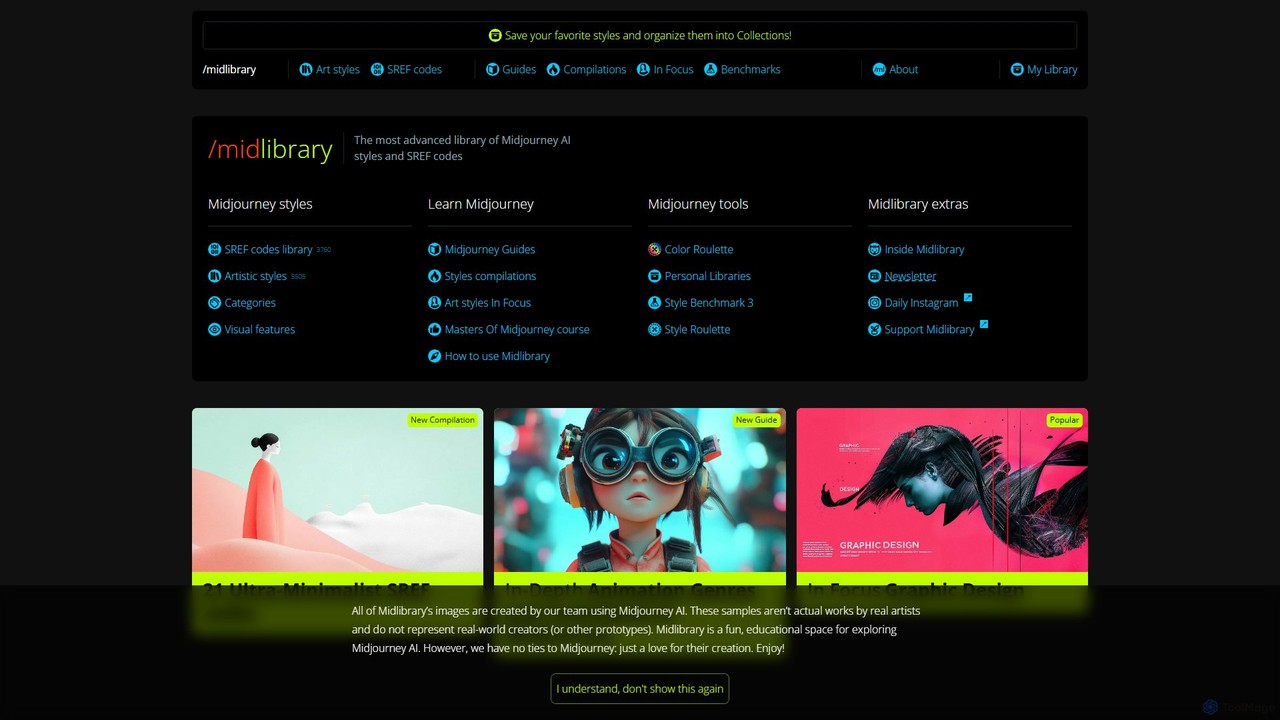
Midlibrary stands as the most advanced and comprehensive library dedicated to Midjourney AI users. It is not an image generator itself, but an indispensable companion tool designed to elevate the creative process. With a meticulously curated collection of over 5,300 artistic styles and a vast database of SREF (Style Reference) codes, Midlibrary empowers artists, designers, and enthusiasts to move beyond generic AI outputs and create truly unique, stylized artwork. The platform serves as a bridge between creative vision and technical execution, providing the resources needed to explore the full potential of Midjourney's capabilities through visual discovery, detailed benchmarks, and expert-written guides.
How to use Midlibrary
Using Midlibrary is an intuitive process designed to seamlessly integrate into your Midjourney workflow. The goal is to find the perfect style and apply it to your prompts with ease.
- Explore and Discover: Begin by browsing the main 'Art styles' or 'SREF codes' pages. You can visually scan through thousands of style examples. For a more targeted search, use the powerful search bar or the advanced filtering panel.
- Filter and Refine: Narrow down your options using a wide range of filters, including Theme (e.g., Dark, Dreamy), Technique (e.g., Collage, Oil Painting), Subject, Color, and even specific Cultures. This allows you to quickly find styles that match your project's requirements.
- Benchmark and Preview: Before committing to a style, you can view its benchmark gallery. Midlibrary tests each style against a set of standardized prompts (like portraits, landscapes, abstract designs) to show you exactly how it behaves. Hover over previews to see variants and click to explore the style's dedicated page.
- Copy and Apply: Once you've found the perfect style, simply click the 'Copy prompt' or 'Copy SREF code' button. This copies the necessary modifier (e.g.,
by [artist's name]or--sref 123456789) to your clipboard. - Generate in Midjourney: Paste the copied text directly into your prompt in Midjourney. For example, your prompt might look like:
a mystical forest at twilight --sref 987654321. This applies the chosen visual characteristics to your image. - Save and Organize: Create a free account to use 'My Library', where you can save your favorite styles and organize them into custom collections for future projects.
Core Features of Midlibrary
- Expansive Style & SREF Library: Access a hand-picked collection of over 3,700 artistic styles and more than 5,500 SREF codes, each with visual examples and benchmarks.
- Advanced Search and Filtering: Efficiently navigate the vast library with multi-faceted filtering based on 50+ visual features across categories like Theme, Style, Technique, and Color.
- Comprehensive Style Benchmarks: Each style and SREF code is tested on a suite of 17 standardized prompts, allowing users to see how an aesthetic translates across different subjects and compositions before using it.
- In-depth Midjourney Guides: An extensive 'Midguide' section offers dozens of tutorials, in-depth studies, and reviews covering everything from beginner features like
/blendto advanced concepts like Style Reference (SREF), Style Tuner, and high-quality upscaling. - Personal Collections: Registered users can save their favorite styles and SREF codes, organizing them into personal libraries for quick access and streamlined workflows.
- Inspiration Tools: Features like 'Style Roulette' and 'Color Roulette' help users break creative blocks by suggesting random styles and color palettes to experiment with.
Use Cases for Midlibrary
Midlibrary is a versatile tool for anyone using Midjourney:
- Digital Artists and Illustrators: Discover unique aesthetics, from obscure painters to modern graphic design styles, to give their creations a signature look.
- Graphic Designers: Quickly find and test styles for specific projects like posters, logos, or brand visuals, ensuring stylistic consistency.
- Midjourney Beginners: Learn the platform's nuances through practical examples and detailed guides, accelerating the learning curve from basic prompting to advanced techniques.
- Photographers: Explore and emulate various photographic styles, from vintage film looks to high-fashion aesthetics, in their AI-generated imagery.
- Content Creators and Marketers: Develop a consistent visual identity for social media feeds, blog posts, or marketing campaigns by using pre-vetted styles.
Advantages of Midlibrary
The primary advantage of Midlibrary is its ability to enhance both efficiency and creativity.
- Time and Cost Savings: Drastically reduces the trial-and-error process in Midjourney, saving valuable time and GPU credits.
- Creative Expansion: Acts as a massive source of inspiration, exposing users to thousands of artistic possibilities they might never have discovered on their own.
- Educational Value: The platform is one of the best learning resources for Midjourney, turning complex features into understandable and applicable knowledge.
- Quality and Consistency: By providing tested styles and optimal prompt structures, it helps users achieve higher-quality, more consistent results.
- Free Access: The entire library and all its educational content are available for free, making it accessible to everyone in the AI art community.
Pricing and Plans
Midlibrary is a free-to-use resource for the entire community. The project is maintained and expanded through the generous support of its users via a Patreon community. While all core features, including the style libraries and guides, are available for free, supporting the project on Patreon helps ensure its continued development, the production of high-quality educational content, and that it remains an open resource for everyone.
Traffic
Latest traffic
Status
Monthly traffic trend
- 2025-9: 175.6K
- 2026-1: 224.9K
- 2026-2: 185.7K
- 2026-3: 190.8K
- 2026-4: 172.0K
- 2026-5: 171.9K
Geography
Top 5 countries / regions
- 🇨🇳China32.6%
- 🇺🇸United States27.8%
- 🇬🇧United Kingdom14.4%
- 🇹🇭Thailand12.8%
- 🇰🇷South Korea12.4%
Traffic sources
| Source type | Percentage |
|---|---|
Direct | 80.5% |
Referral | 18.3% |
Email | 1.2% |
Top keywords
| Keyword | Cost per click |
|---|---|
| midjourney | $0.74 |
| midjourney style | $4.63 |
| midjourney styles | $3.30 |
| midlibrary | $0.00 |
| stylr.art | $0.00 |
Midlibrary Videos on YouTube

Midlibrary Alternatives
sref-midjourney
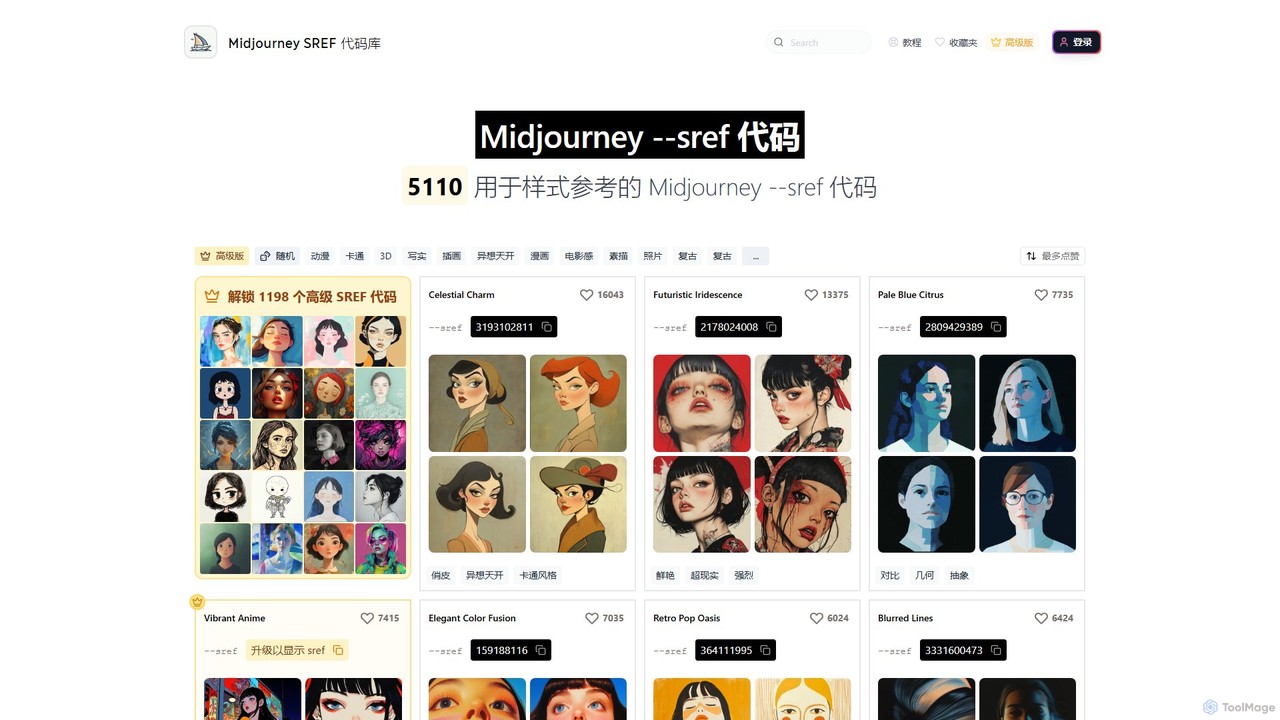
A comprehensive, searchable library of Midjourney Style Reference (--sref) codes. Discover and apply thousands of unique artistic styles to your AI image generations, from anime and realistic to cinematic and abstract. Features extensive categorization, one-click copying, and both free and premium style codes.
Inspiration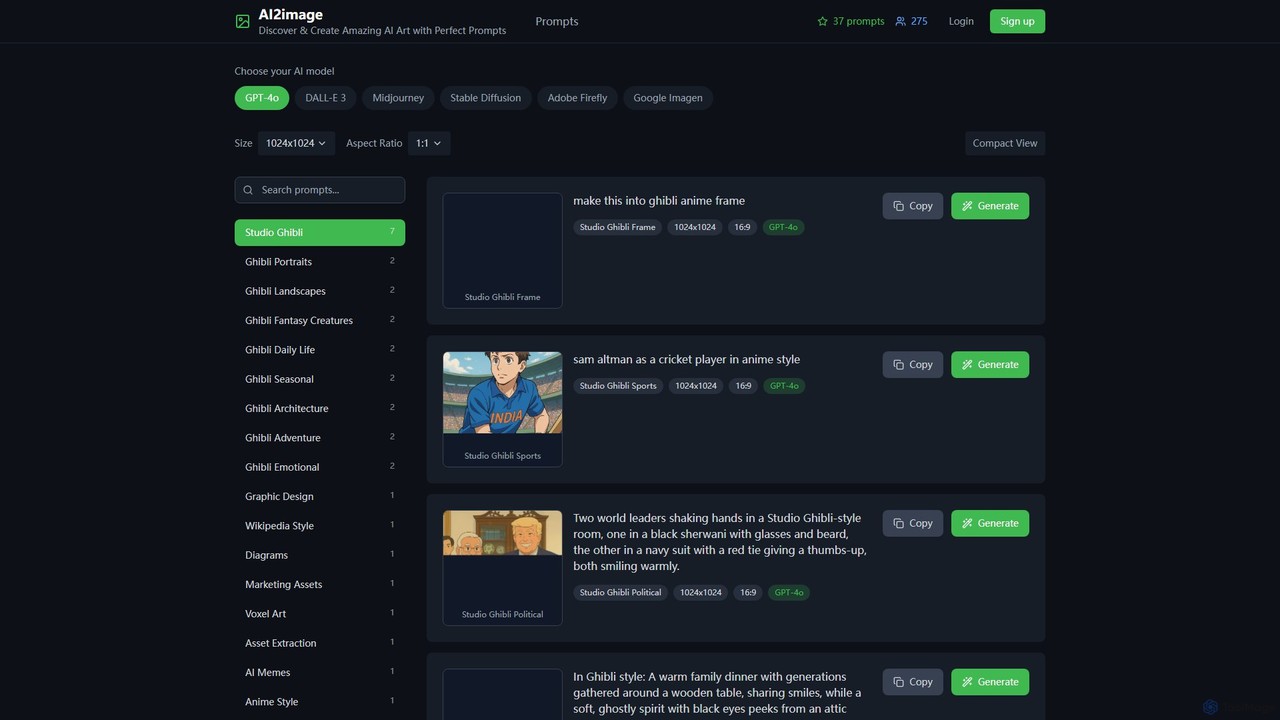
ai2image
ai2image is a specialized AI image generation platform and open-source prompt library, focusing on creating stunning Studio Ghibli-style artwork. It provides a vast collection of high-quality, community-contributed prompts optimized for models like GPT-4o, DALL-E 3, and Midjourney, making it easy for anyone to generate magical, anime-inspired images.
Image Generation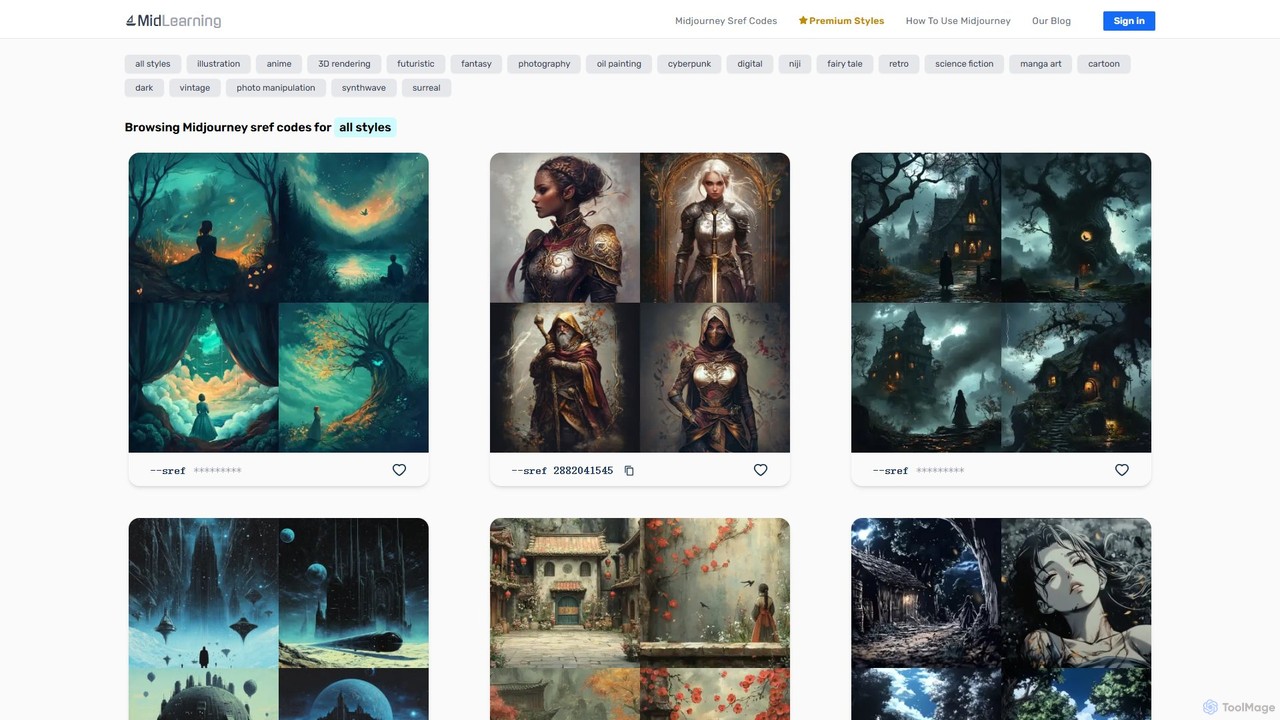
midlearning
midlearning is the ultimate resource library for Midjourney users. It offers a vast, curated collection of sref codes (style references), detailed prompts, and art inspiration across dozens of styles. Enhance your AI art, save time, and learn advanced techniques with comprehensive tutorials and guides, helping you master Midjourney and unlock your full creative potential.
Inspiration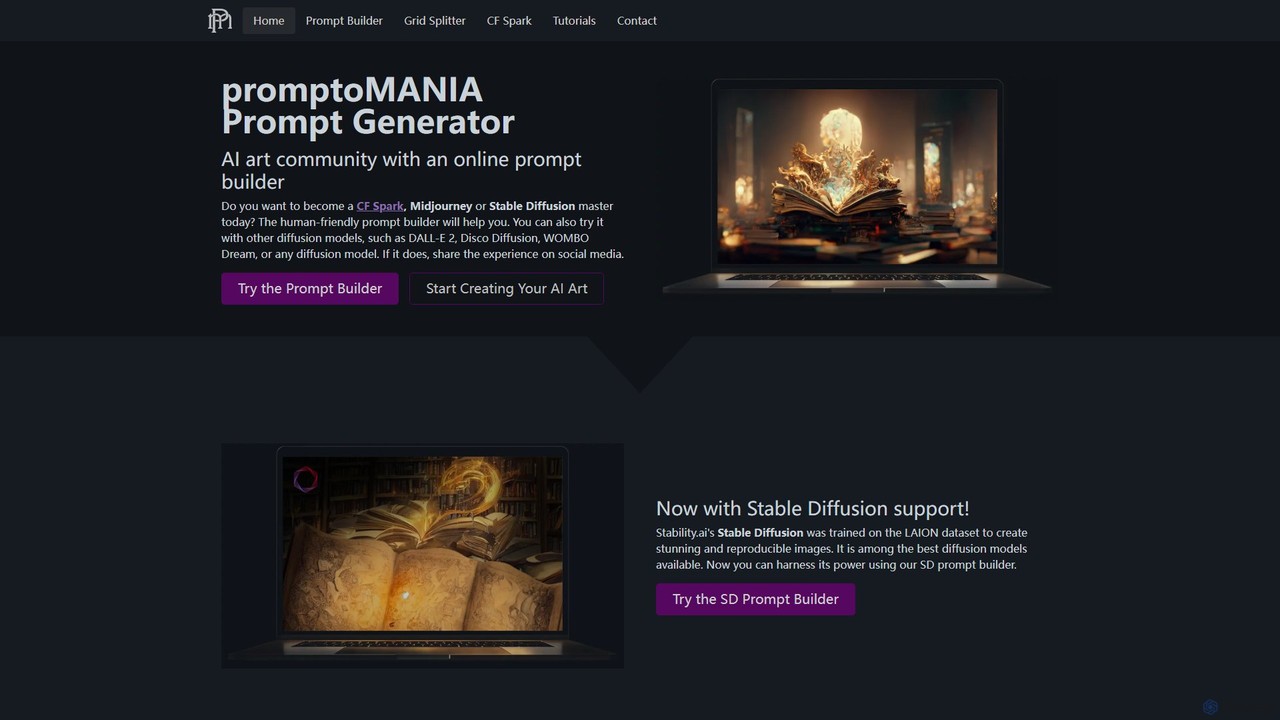
promptoMANIA
A free, user-friendly AI art prompt builder and helper tool. It enables users to create detailed and complex prompts for various AI art generators like Midjourney, Stable Diffusion, and DALL-E 2. Features include a visual prompt builder, interactive tutorials, and a handy grid splitter tool to separate generated images.
Prompt Engineering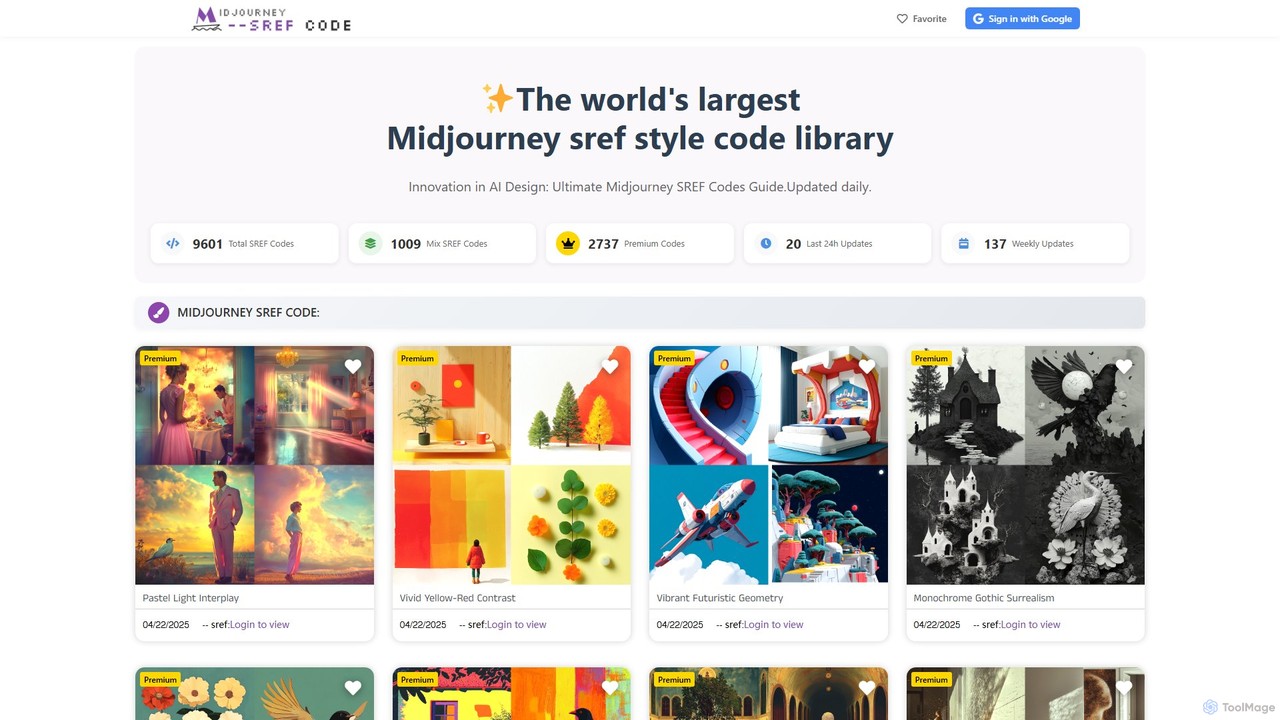
mjsrefcode
mjsrefcode is the world's largest library of Midjourney Style Reference (SREF) codes, updated daily. It provides thousands of free and premium style codes, enabling artists, designers, and creators to easily apply consistent and complex artistic styles to their AI-generated images. The platform saves significant time on prompt engineering and serves as a vast source of creative inspiration.
ResourcesMidlibrary Categories
Midlibrary Embed Widget
Copy this embed code to place the badge on your blog, article, or product site and send readers directly to this ToolMage detail page.

Related AI tools
mjsrefcode
mjsrefcode is the world's largest library of Midjourney Style Reference (SREF) codes, updated daily. It provides thousands of free and premium style codes, enabling artists, designers, and creators to easily apply consistent and complex artistic styles to their AI-generated images. The platform saves significant time on prompt engineering and serves as a vast source of creative inspiration.
Resourcessref-midjourney
A comprehensive, searchable library of Midjourney Style Reference (--sref) codes. Discover and apply thousands of unique artistic styles to your AI image generations, from anime and realistic to cinematic and abstract. Features extensive categorization, one-click copying, and both free and premium style codes.
Inspirationmidlearning
midlearning is the ultimate resource library for Midjourney users. It offers a vast, curated collection of sref codes (style references), detailed prompts, and art inspiration across dozens of styles. Enhance your AI art, save time, and learn advanced techniques with comprehensive tutorials and guides, helping you master Midjourney and unlock your full creative potential.
Inspiration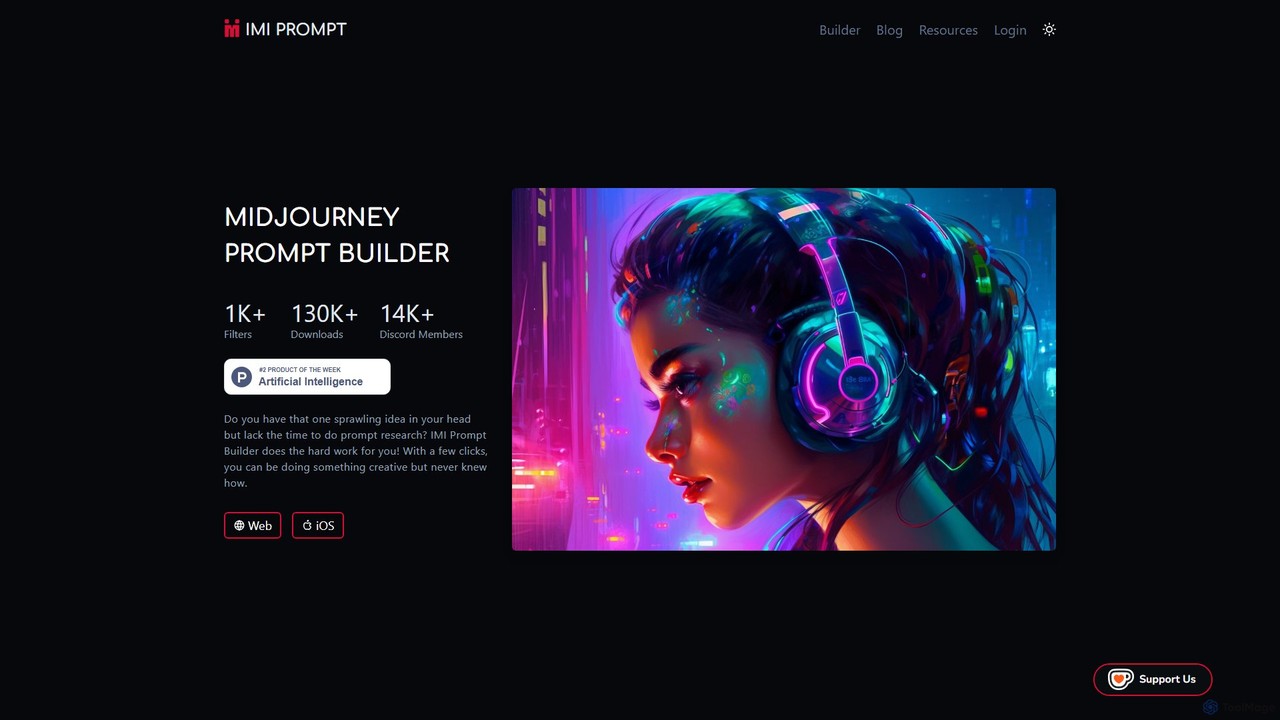
imiprompt
imiprompt is an advanced prompt builder for Midjourney, designed to simplify the creation of complex and detailed text-to-image prompts. With over 1,000 filters for styles, colors, and objects, it empowers users of all skill levels to generate stunning AI art by translating simple ideas into sophisticated, ready-to-use prompts compatible with the latest Midjourney versions.
Creative Assistant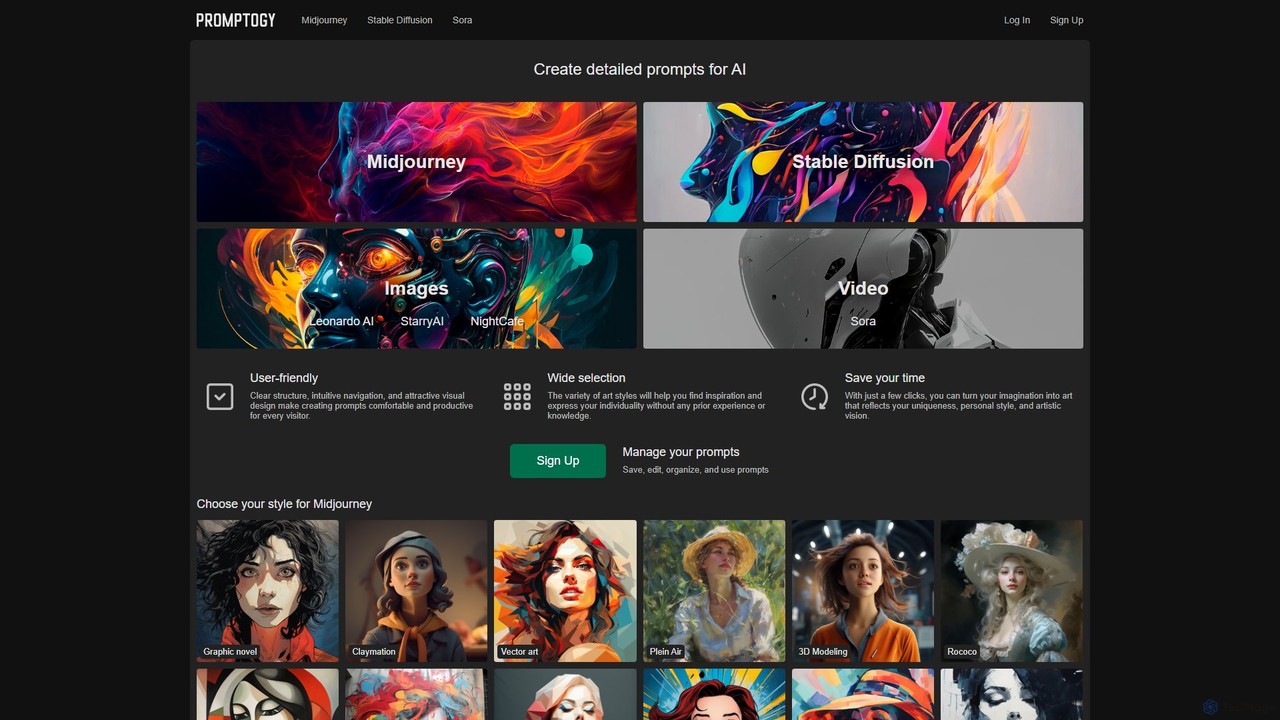
Promptogy
Promptogy is a free, user-friendly AI prompt manager and generator designed for artists and creators. It helps you craft detailed and effective prompts for leading AI models like Midjourney, Stable Diffusion, Sora, and more. Explore a vast library of styles and parameters to effortlessly turn your creative ideas into stunning visual art and videos.
Prompt GenerationpromptoMANIA
A free, user-friendly AI art prompt builder and helper tool. It enables users to create detailed and complex prompts for various AI art generators like Midjourney, Stable Diffusion, and DALL-E 2. Features include a visual prompt builder, interactive tutorials, and a handy grid splitter tool to separate generated images.
Prompt Engineering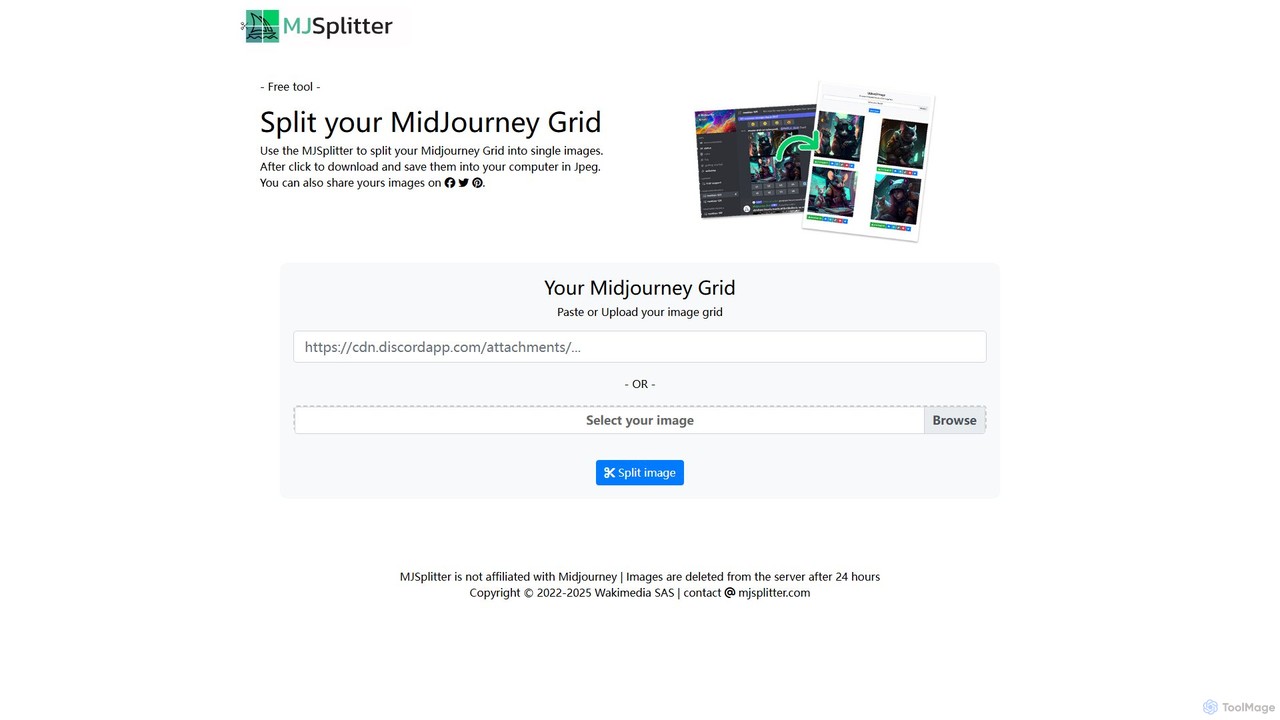
mjsplitter
mjsplitter is a free, web-based tool designed to effortlessly split Midjourney image grids into individual high-quality images. Simply upload or paste your 2x2 grid, and the tool instantly separates it into four downloadable images, streamlining the workflow for AI artists, designers, and content creators without needing any software or sign-up.
Image Editing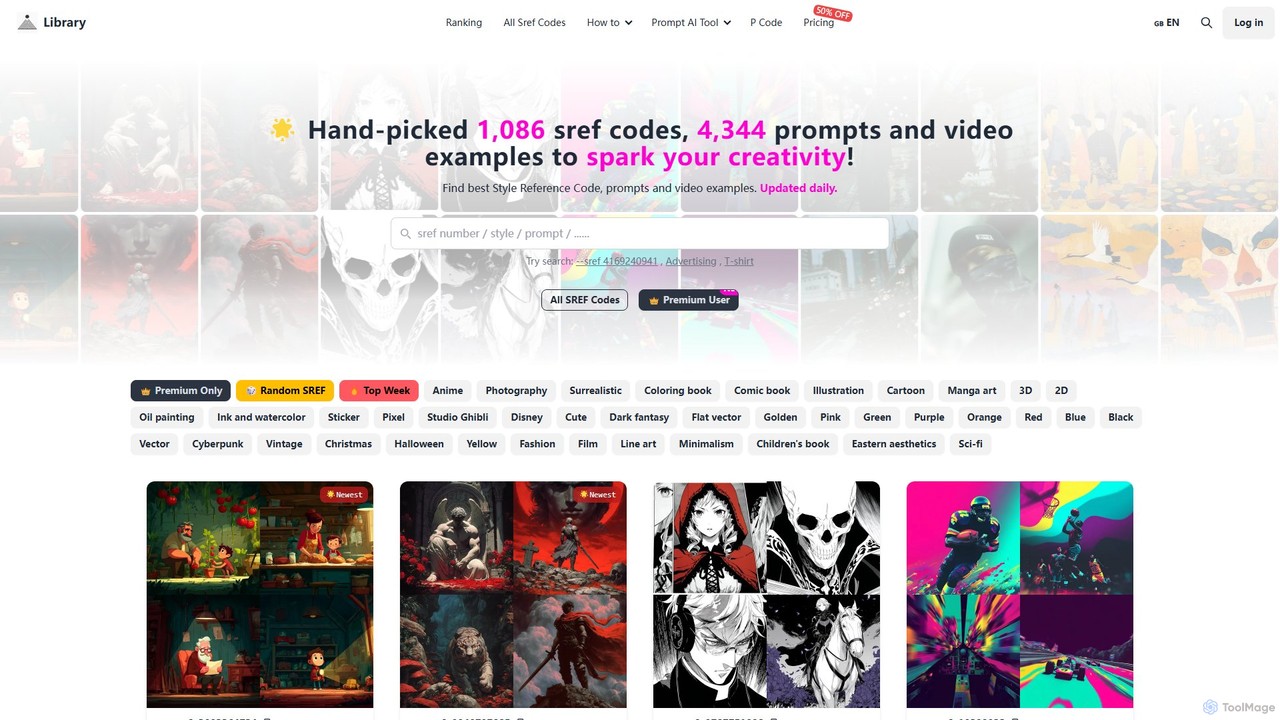
Midjourneysref
A comprehensive library of Midjourney SREF codes, prompts, and video examples. It offers over 1,000 hand-picked style reference codes and 4,000+ prompts, updated daily, to help AI artists discover new styles, spark creativity, and generate high-quality images with ease. It also includes AI-powered prompt helper tools.
Inspiration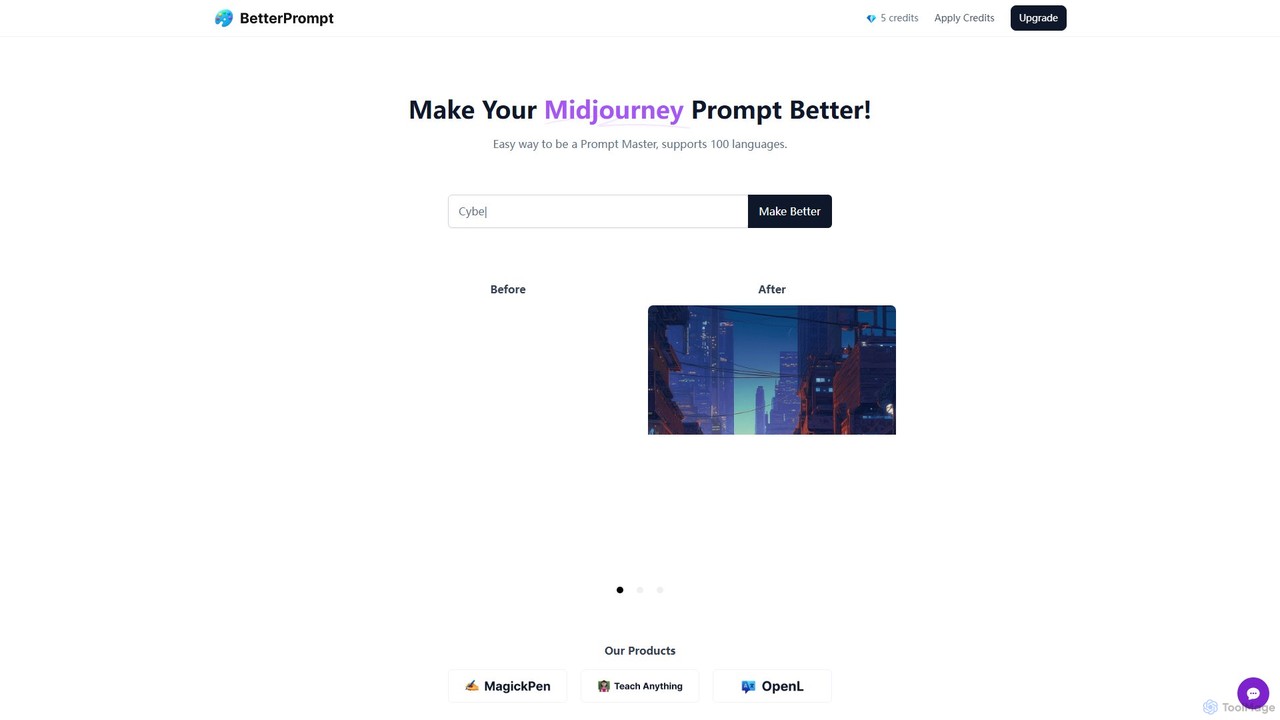
BetterPrompt
BetterPrompt is a free AI-powered tool that enhances your Midjourney prompts. It transforms simple text ideas into detailed, artistic, and effective prompts, helping you create stunning AI images effortlessly. It supports over 100 languages, making it accessible to a global audience of artists and creators.
Ai Artai2image
ai2image is a specialized AI image generation platform and open-source prompt library, focusing on creating stunning Studio Ghibli-style artwork. It provides a vast collection of high-quality, community-contributed prompts optimized for models like GPT-4o, DALL-E 3, and Midjourney, making it easy for anyone to generate magical, anime-inspired images.
Image Generation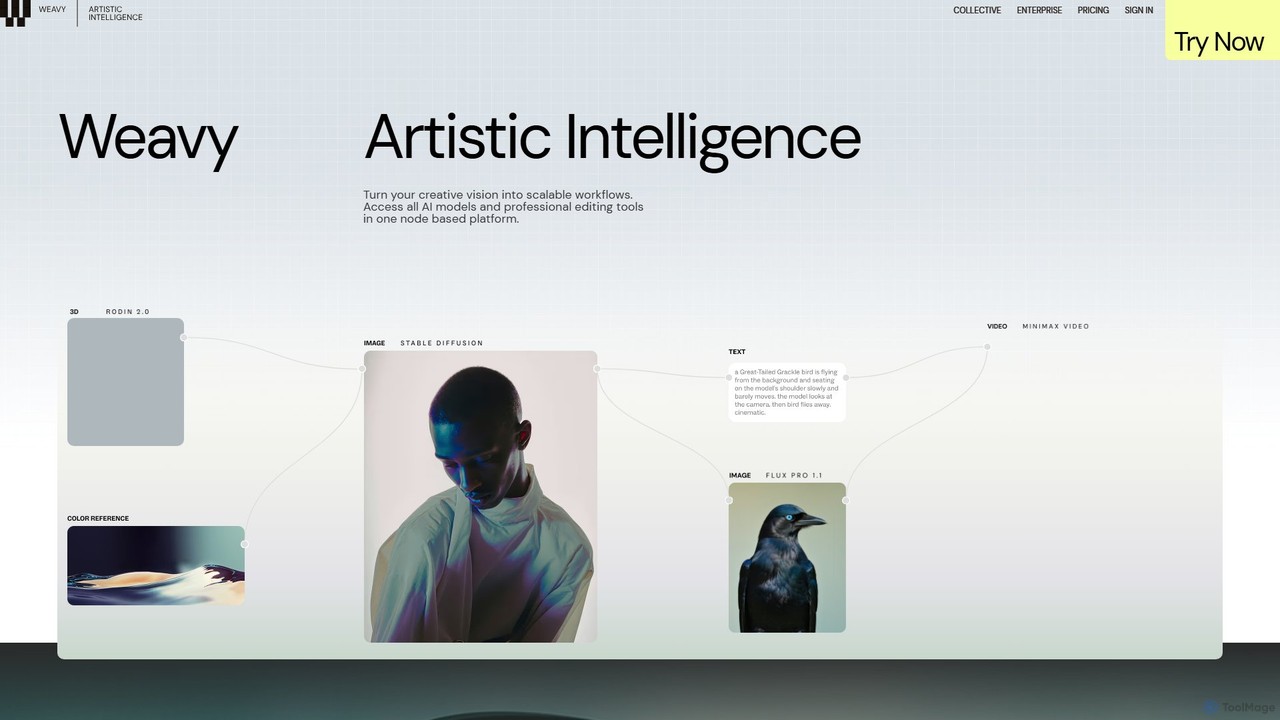
Weavy
Weavy is an AI-powered design platform for creative professionals, integrating multiple top-tier AI models into a single, node-based workflow. It combines generative AI capabilities with professional-grade editing and compositing tools, allowing users to build scalable, repeatable creative processes with unparalleled control. It's designed to bridge the gap between AI and artistic craft, focusing on process and quality.
Image Generation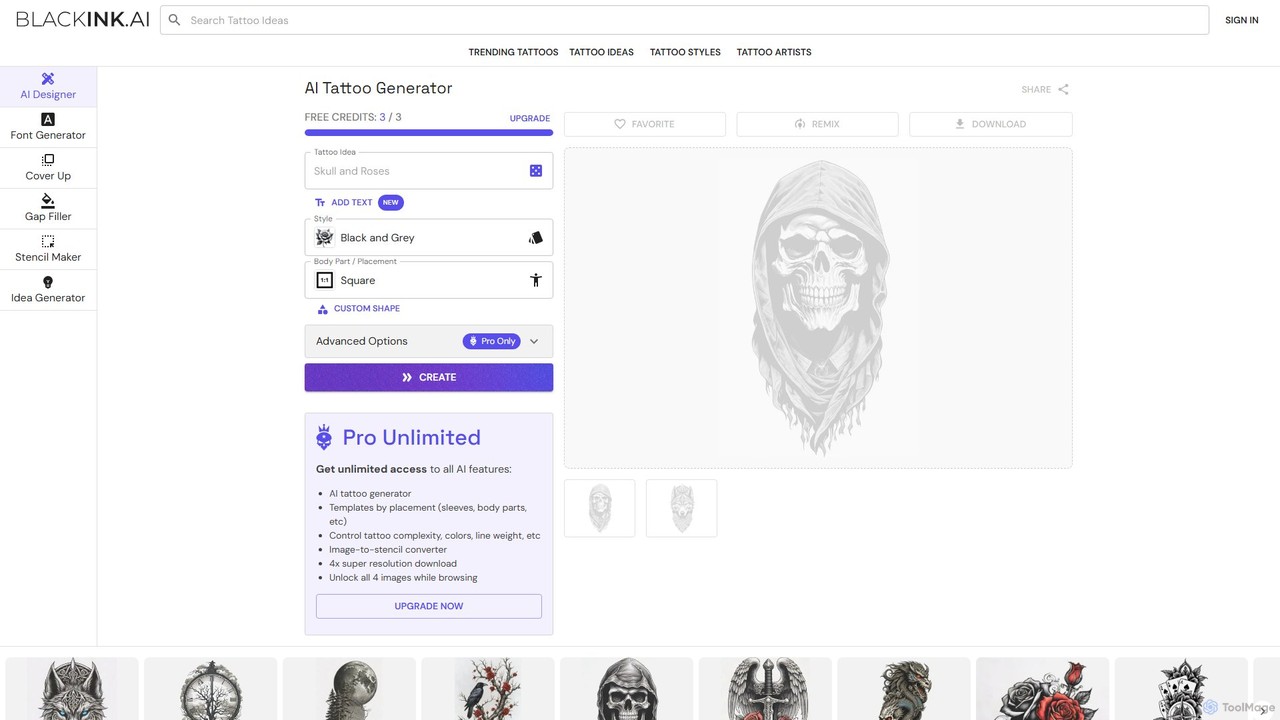
BlackInk
BlackInk is an AI-powered tattoo generator that allows users to create unique, custom tattoo designs in seconds. Simply describe your idea, choose a style, and the AI brings it to life. It offers features like a stencil converter, cover-up and gap filler tools, and high-resolution downloads, making it perfect for tattoo enthusiasts and artists seeking inspiration.
Tattoo Design
Jyek
Jyek is an AI agent platform that understands objectives, creates execution plans, uses tools, and delivers verifiable results for complex, multi-step tasks.
Automation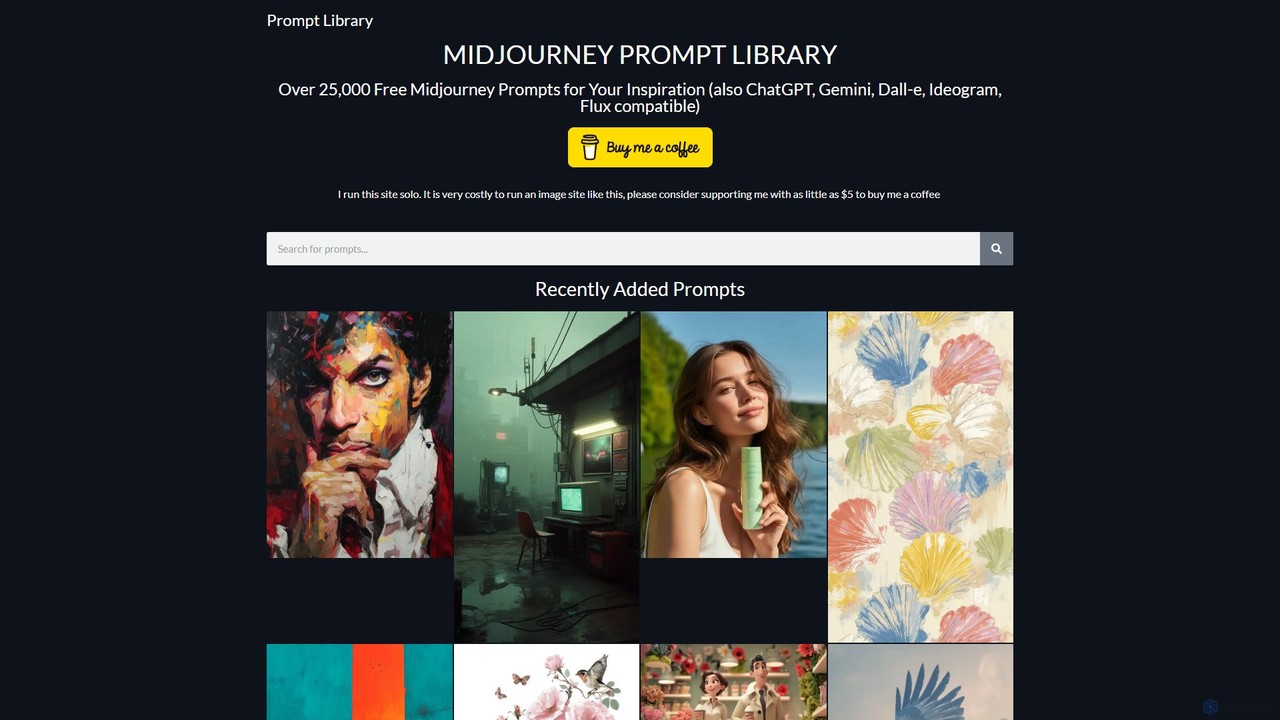
Prompt Library
A massive, free library of over 25,000 prompts for leading AI models like Midjourney, ChatGPT, Gemini, and DALL-E. Find inspiration and copy-paste high-quality prompts for image and text generation, saving time and enhancing your creative projects.
Image Generation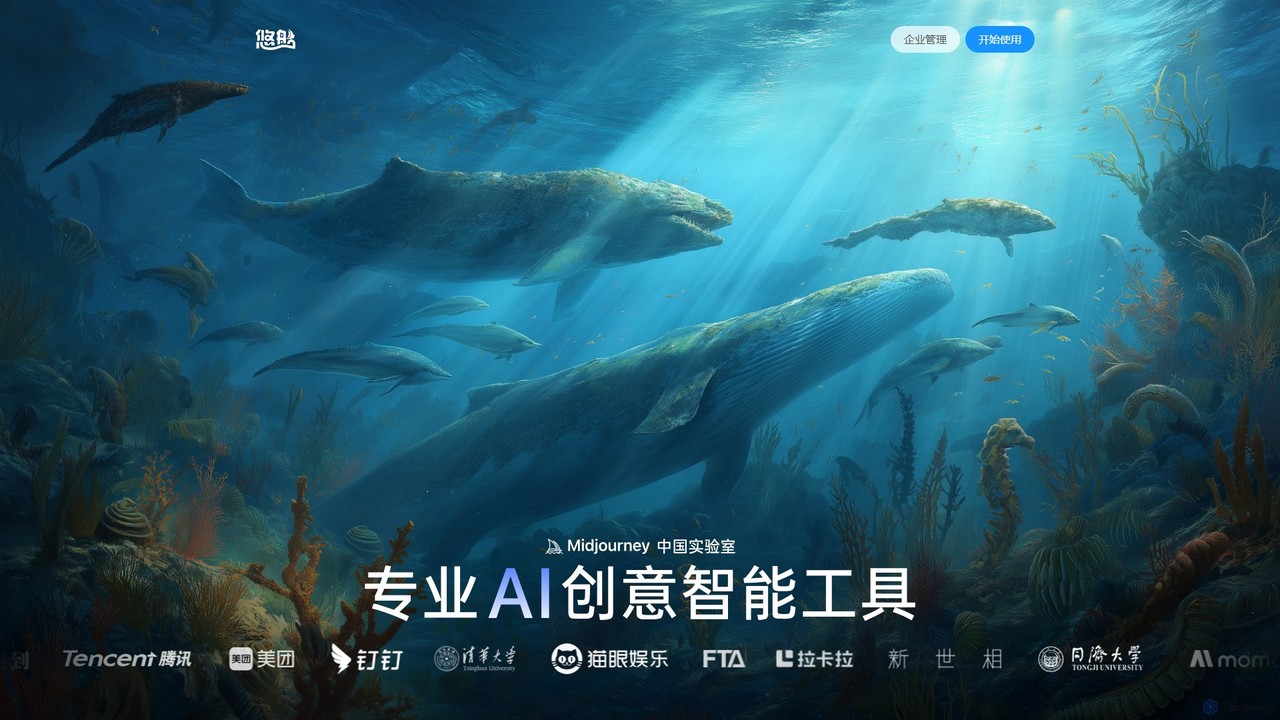
youchuan
youchuan is a professional AI creative suite for generating high-quality images and videos. As the 'Midjourney China Lab,' it offers powerful text-to-image, image-to-video, style transfer, and advanced editing features. Designed for creators and enterprises, it emphasizes ease of use, superior output quality, and competitive pricing across web and desktop platforms.
Ai Art Generator
Midlibrary Comments (0)
Sign in to comment.
Sign inNo comments yet.