
Weavy Overview
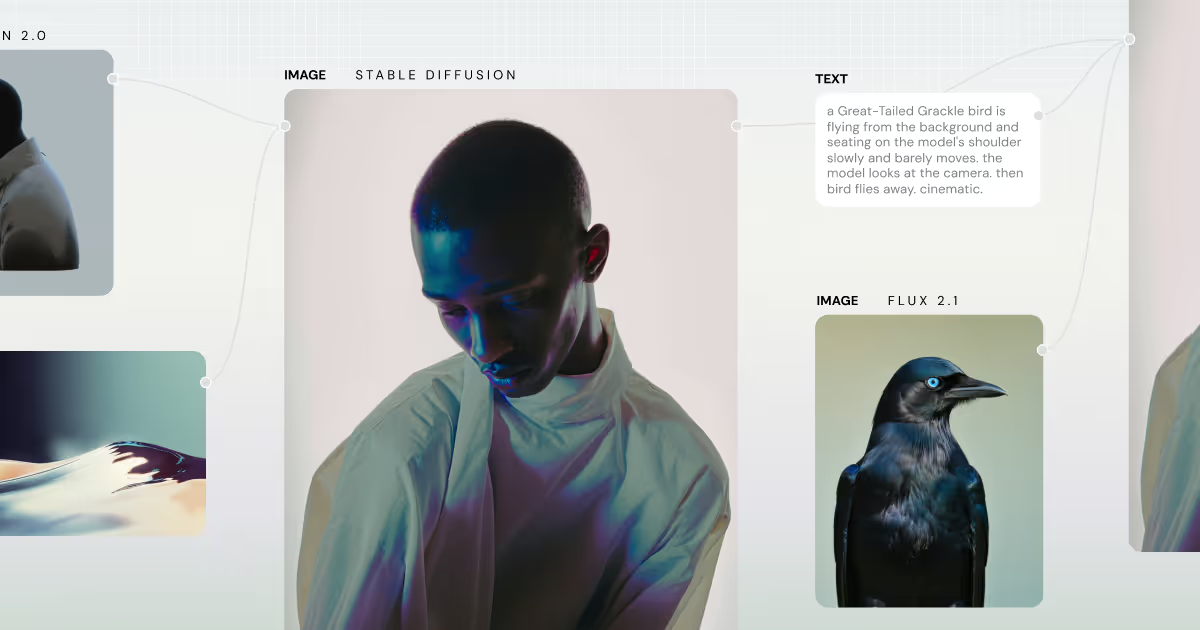
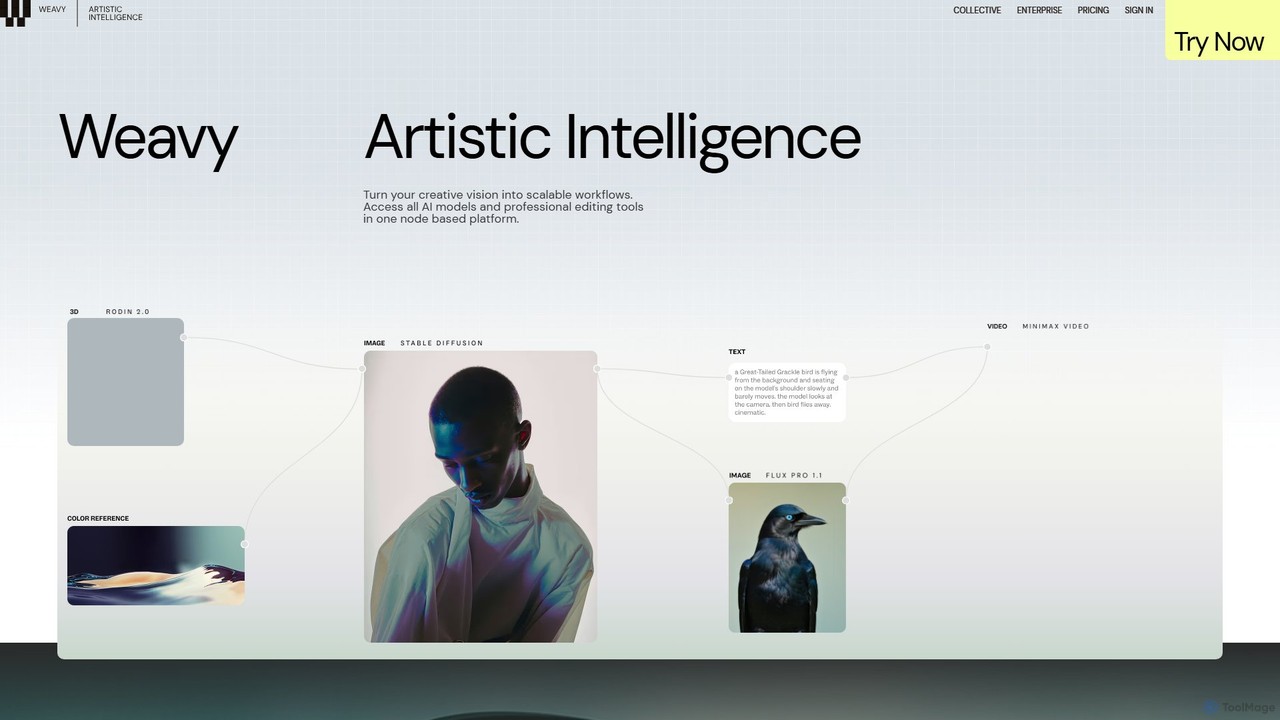
Weavy introduces itself as a platform for 'Artistic Intelligence,' designed to empower creative professionals by integrating advanced AI technologies into a sophisticated, controllable workflow. It moves beyond simple prompt-based generation, offering a node-based environment where users can chain together various AI models and professional editing tools to turn a creative vision into a scalable production process. This approach allows for a high degree of precision, repeatability, and collaboration, making it ideal for individual artists, design teams, and agencies.
The platform provides unified access to a vast array of leading AI models for both image and video generation, including Stable Diffusion 3.5, Runway Gen-4, Imagen 3, Veo 3, Kling, and many others. This eliminates the need to switch between different services, centralizing the creative process within a single, seamless interface. Weavy emphasizes that true artistry comes from craft and process, not just a 'magic button,' and provides the tools to support this philosophy.
How to use Weavy
Weavy operates on a visual, node-based system that is intuitive for those familiar with visual effects or 3D software. The process generally follows these steps:
- Build a Workflow: Start on a blank canvas and add nodes. Nodes can be AI model generators (e.g., 'Generate with SD 3.5'), editing tools (e.g., 'Upscale,' 'Crop,' 'Inpaint'), or control modules (e.g., 'ControlNet').
- Connect the Nodes: Drag connections between nodes to define the flow of data. For example, you can pipe the output of an image generator into an upscaler, then into a relighting tool.
- Fine-Tune Parameters: Each node has specific settings. You can adjust prompts, model versions, control weights, masking areas, and other parameters to achieve the desired outcome.
- Run and Iterate: Execute the workflow to see the results. The node-based structure makes it easy to go back, tweak a specific step, and re-run the process without starting from scratch.
- Create an App: For team collaboration, a complex workflow can be simplified into an 'App Mode.' This creates a user-friendly interface with only the essential controls exposed, allowing team members to use the workflow without needing to understand its underlying complexity.
Core Features of Weavy
- Unified AI Model Access: Access a comprehensive library of top AI image and video models (GPT, Stable Diffusion, Runway, Imagen, Veo, Kling, etc.) in one place.
- Node-Based Workflow Editor: Visually construct, manage, and scale complex creative processes by connecting different AI and editing tools.
- Professional Editing & Compositing Suite: A full set of tools including layers, blending modes, masking, inpainting, outpainting, upscaling, and color adjustments.
- Advanced Control Mechanisms: Utilize tools like ControlNet for structure and pose reference, camera angle controls, and sophisticated relighting tools to precisely guide AI generation.
- Workflow to App Mode: Convert complex node graphs into simplified, user-friendly applications for team members or clients to use easily.
- Team Collaboration: Features designed for teams, including shared credit pools, unified billing, and member administration.
- Commercial License & Data Privacy: Provides clear commercial rights for creations and maintains a strict policy of not training on user data.
Use Cases for Weavy
Weavy is versatile and can be applied to numerous creative and commercial projects:
- Advertising & Marketing: Create unique, on-brand visuals for campaigns at scale. The Chupa Chups “AI World of Lollipops” campaign, shortlisted at Cannes, is a prime example of its power in brand storytelling.
- Animation & Motion Design: Develop complex animated sequences by chaining video generation models with editing and compositing nodes.
- Product Visualization: Generate high-quality product shots in various settings and lighting conditions using relighting and compositing tools.
- Game Development: Create concept art, textures, and other game assets with a consistent style using repeatable workflows.
- Agency Production: Scale content creation for multiple clients by building template workflows that can be quickly adapted for different needs.
Advantages of Weavy
Weavy's primary advantage is its focus on professional workflow over simple generation. It empowers creators with:
- Unprecedented Control: The node-based system offers granular control over every step of the creative process.
- Efficiency and Scalability: Build a workflow once and reuse it endlessly, ensuring consistency and saving significant time.
- Creative Exploration: Easily experiment by swapping models or adjusting parameters within a workflow to discover new creative avenues.
- All-in-One Platform: Saves time and subscription costs by consolidating numerous AI tools and editing software into a single environment.
- Built for Professionals: With features like team management, API access, clear commercial terms, and robust data privacy, it's tailored for serious creative work.
Pricing and Plans
Weavy offers a freemium model with several tiers to suit different needs:
- Free: $0/month. Includes 150 monthly credits, full access to all AI models, professional editing tools, and a commercial license. Limited to 5 workflows and no workflow history.
- Starter: $19/month (billed annually). Offers 1,200 monthly credits, unlimited workflows, and 30 days of workflow history.
- Professional: $36/month (billed annually). Provides 3,500 monthly credits and full workflow history.
- Team: $48/user/month (billed annually). Includes 3,500 monthly credits per user, a shared credit pool, and team administration tools.
- Enterprise: Custom pricing. Includes everything in Team plus custom credit allocation, dedicated API keys, team training, and premium support.
Credits are used for AI generation, with costs varying by model. Paid plans can top up credits, which roll over for 12 months.
Traffic
Latest traffic
Status
Monthly traffic trend
- 2025-9: 402.0K
- 2026-1: 1.2M
- 2026-2: 1.7M
- 2026-3: 2.4M
- 2026-4: 2.1M
- 2026-5: 1.6M
Geography
Top 5 countries / regions
- 🇺🇸United States28.7%
- 🇧🇷Brazil25.8%
- 🇮🇳India16.1%
- 🇷🇺Russia14.9%
- 🇬🇧United Kingdom14.5%
Traffic sources
| Source type | Percentage |
|---|---|
Direct | 75.7% |
Referral | 21.7% |
Email | 2.6% |
Top keywords
| Keyword | Cost per click |
|---|---|
| figma weave | $4.25 |
| wavy ai | $0.86 |
| weavy | $1.12 |
| weavy ai | $1.14 |
| weavy.ai | $0.00 |
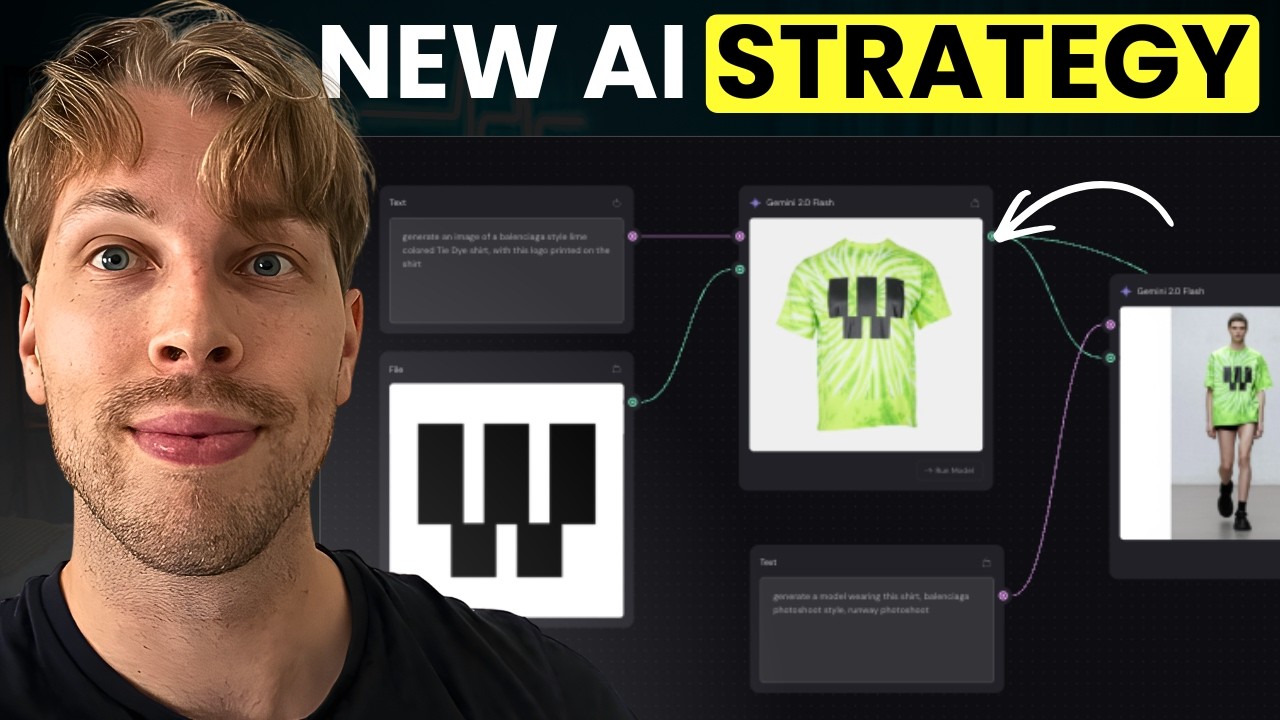
Weavy Videos on YouTube



Weavy Alternatives
ComfyUI
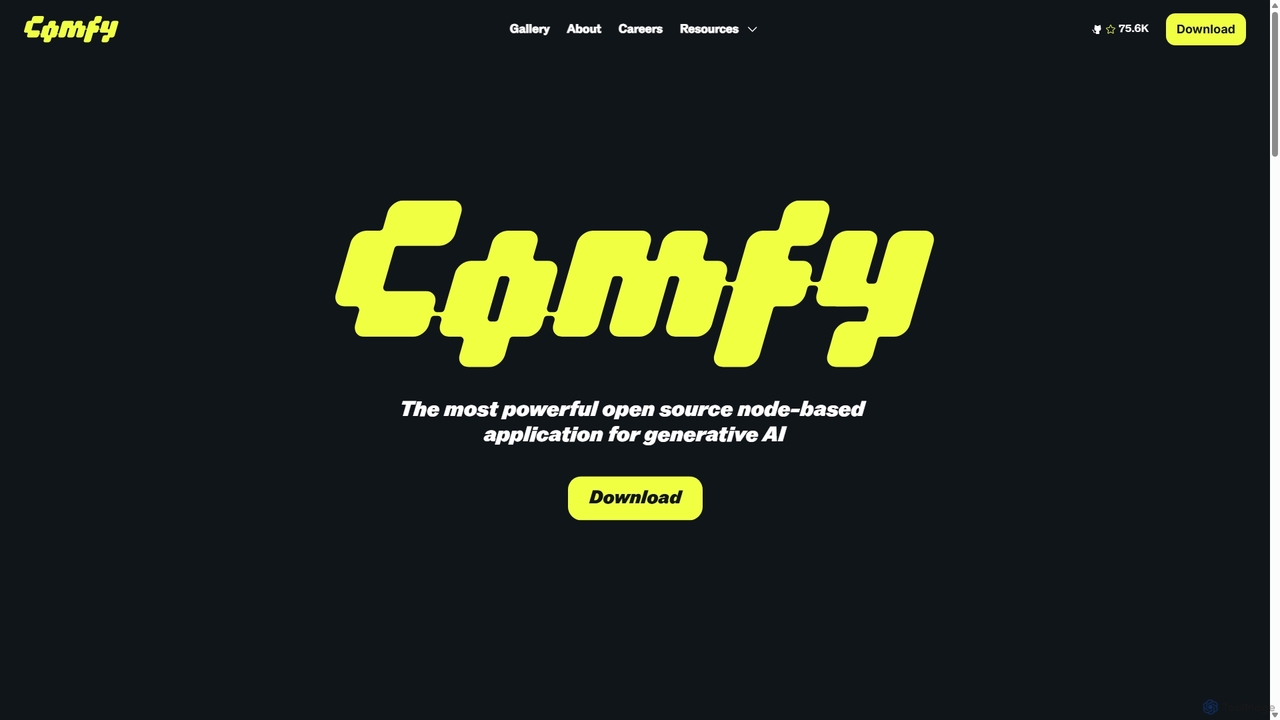
ComfyUI is a powerful, free, and open-source node-based graphical user interface for generative AI. It offers unparalleled control and flexibility for creating complex workflows to generate images, videos, 3D assets, and audio, designed for artists, developers, and researchers.
3D Modeling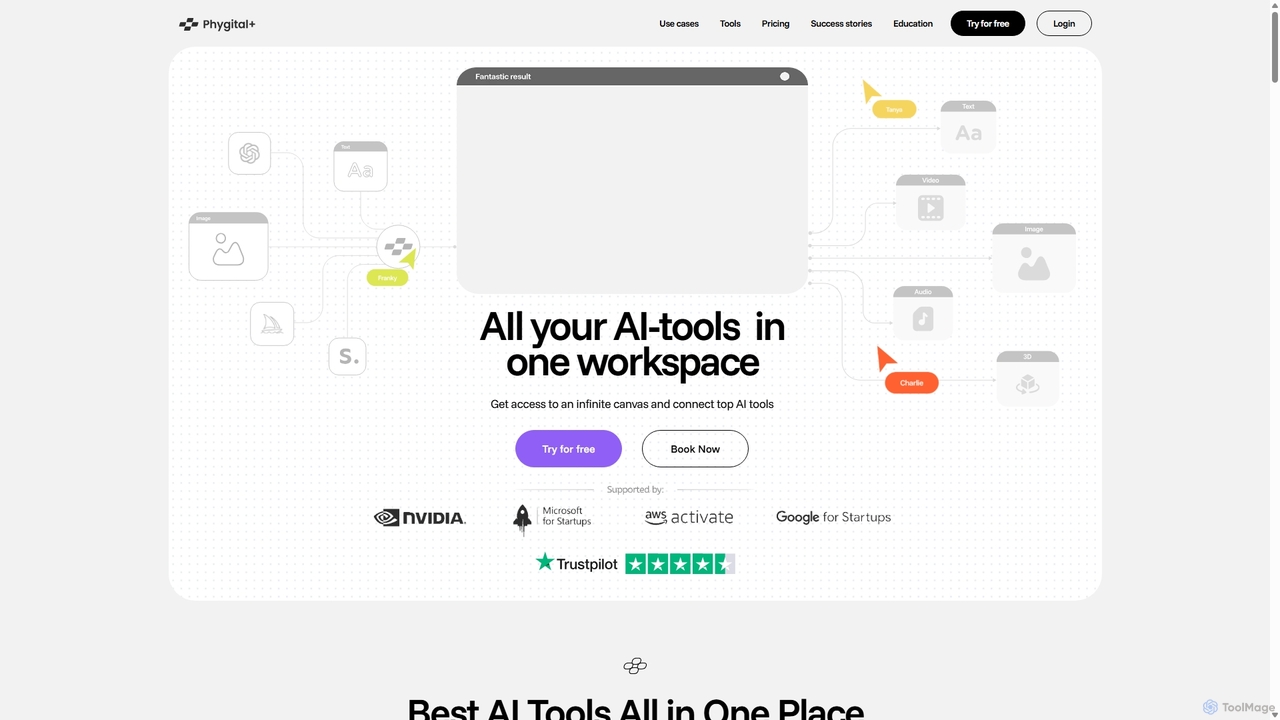
Phygital+
Phygital+ is an all-in-one AI creative workspace that integrates over 30 top generative AI models like GPT-4o, Midjourney, and Stable Diffusion. It offers a unified infinite canvas for generating and editing images, text, videos, and 3D models. Designed for creative professionals and teams, it streamlines workflows, ensures brand consistency through custom model training, and accelerates content production for marketing, design, and game development.
Generative Art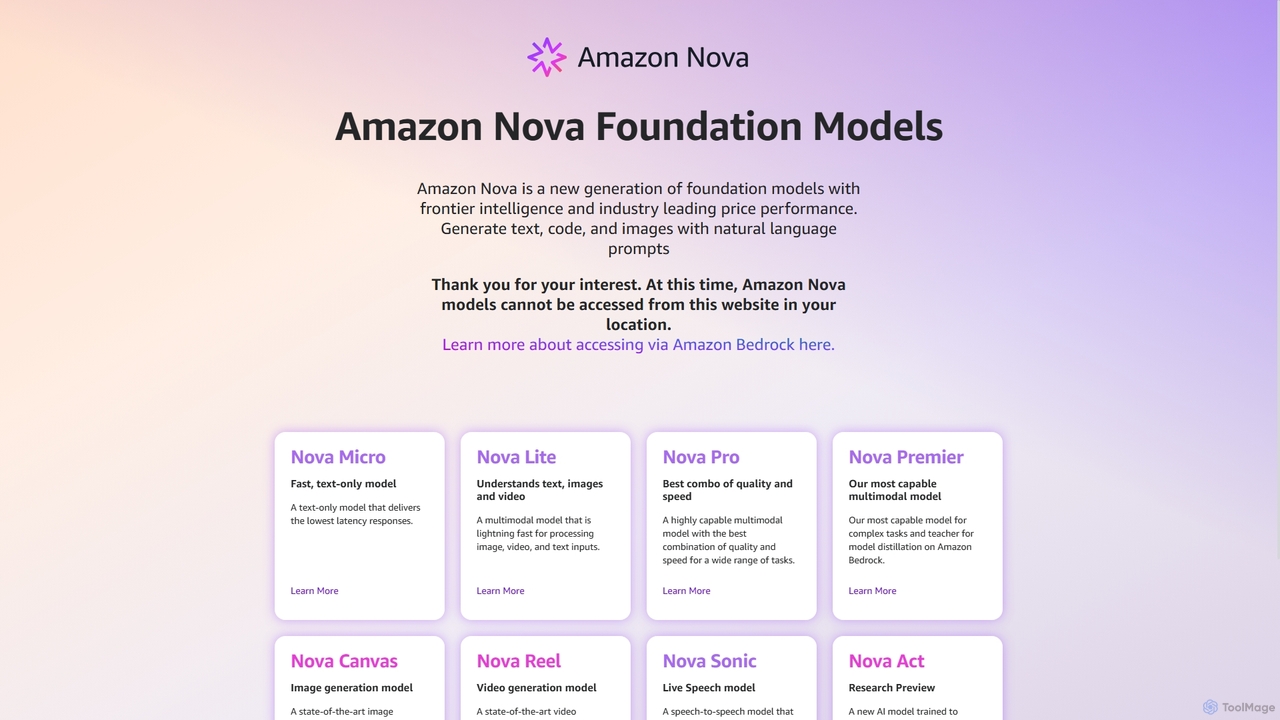
Amazon Nova
Amazon Nova is a suite of next-generation foundation models developed by Amazon. It offers a range of specialized models for generating text, code, images, video, and human-like speech, designed for high performance and cost-efficiency. These models are accessible to developers through Amazon Bedrock.
Foundation Model
Phygital+
Phygital+ is a comprehensive, node-based AI workspace designed for creative teams and individuals. It integrates over 30 AI models, including Stable Diffusion, DALL-E 3, and GPT-4o, into a single collaborative platform. Users can visually build complex workflows for generating images, videos, text, and 3D models without writing any code, significantly accelerating the creative production process.
3D Modeling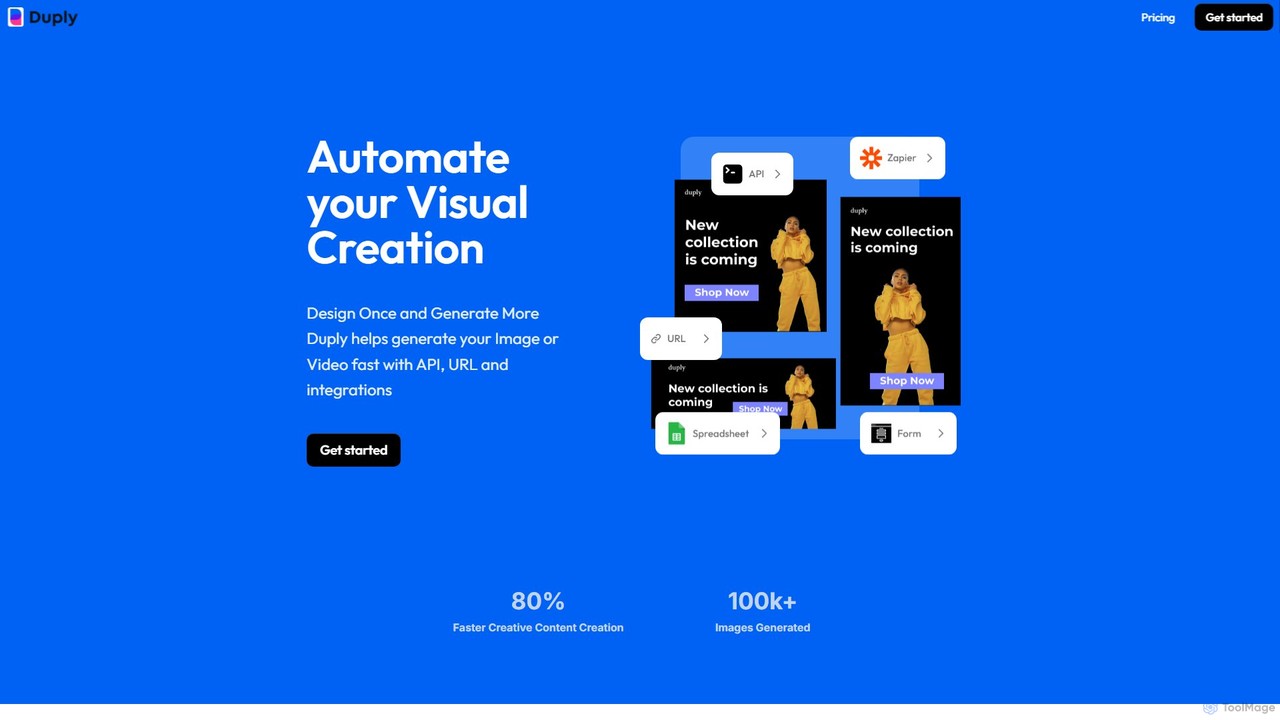
Duply
Duply is a visual automation platform that enables users to automatically generate personalized images and videos at scale. Using dynamic URLs, a powerful API, or no-code integrations with Zapier and Make.com, you can create countless variations from a single template. It's designed for marketers, developers, and businesses to streamline their visual content creation workflows, saving significant time and effort.
Image GenerationWeavy Categories
Weavy Embed Widget
Copy this embed code to place the badge on your blog, article, or product site and send readers directly to this ToolMage detail page.

Related AI tools
ComfyUI
ComfyUI is a powerful, free, and open-source node-based graphical user interface for generative AI. It offers unparalleled control and flexibility for creating complex workflows to generate images, videos, 3D assets, and audio, designed for artists, developers, and researchers.
3D ModelingPhygital+
Phygital+ is an all-in-one AI creative workspace that integrates over 30 top generative AI models like GPT-4o, Midjourney, and Stable Diffusion. It offers a unified infinite canvas for generating and editing images, text, videos, and 3D models. Designed for creative professionals and teams, it streamlines workflows, ensures brand consistency through custom model training, and accelerates content production for marketing, design, and game development.
Generative ArtPhygital+
Phygital+ is a comprehensive, node-based AI workspace designed for creative teams and individuals. It integrates over 30 AI models, including Stable Diffusion, DALL-E 3, and GPT-4o, into a single collaborative platform. Users can visually build complex workflows for generating images, videos, text, and 3D models without writing any code, significantly accelerating the creative production process.
3D Modeling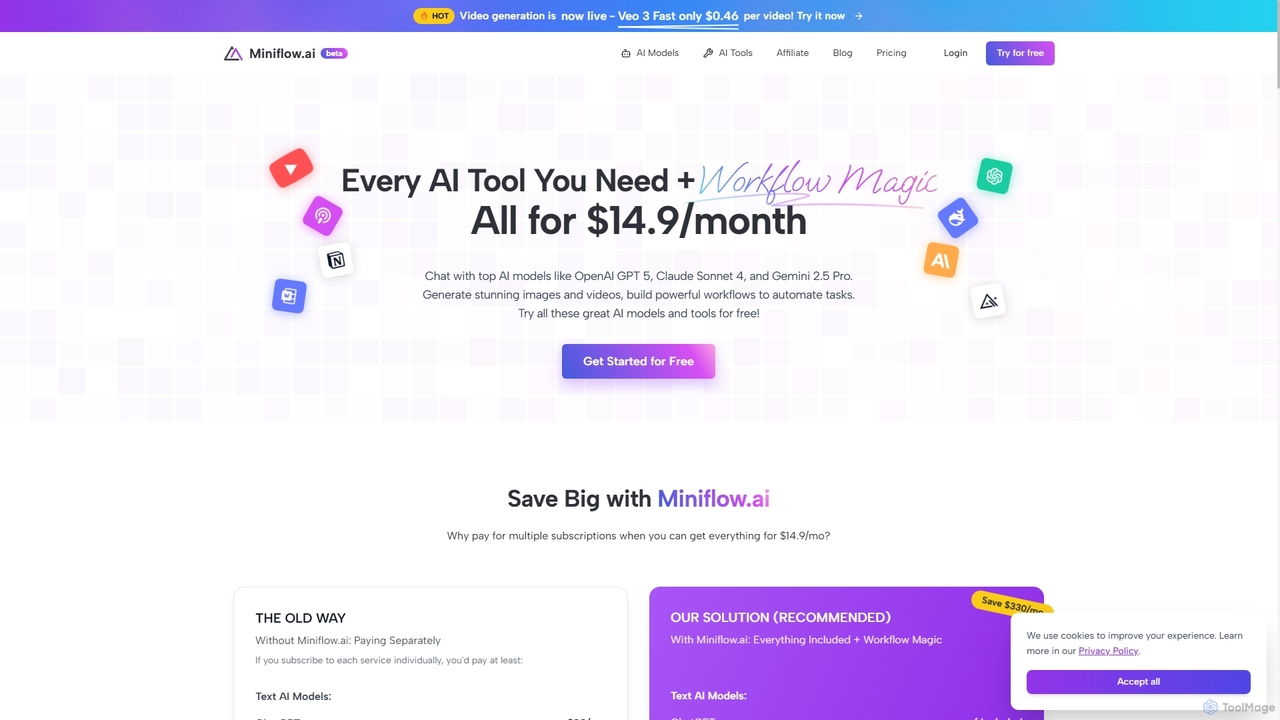
Miniflow.ai
Miniflow.ai is an all-in-one AI platform that consolidates top AI models for text, image, and video generation into a single subscription. It features a powerful no-code visual workflow builder, allowing users to chain multiple AI models and automate complex tasks, saving significant costs compared to individual subscriptions.
Ai Platform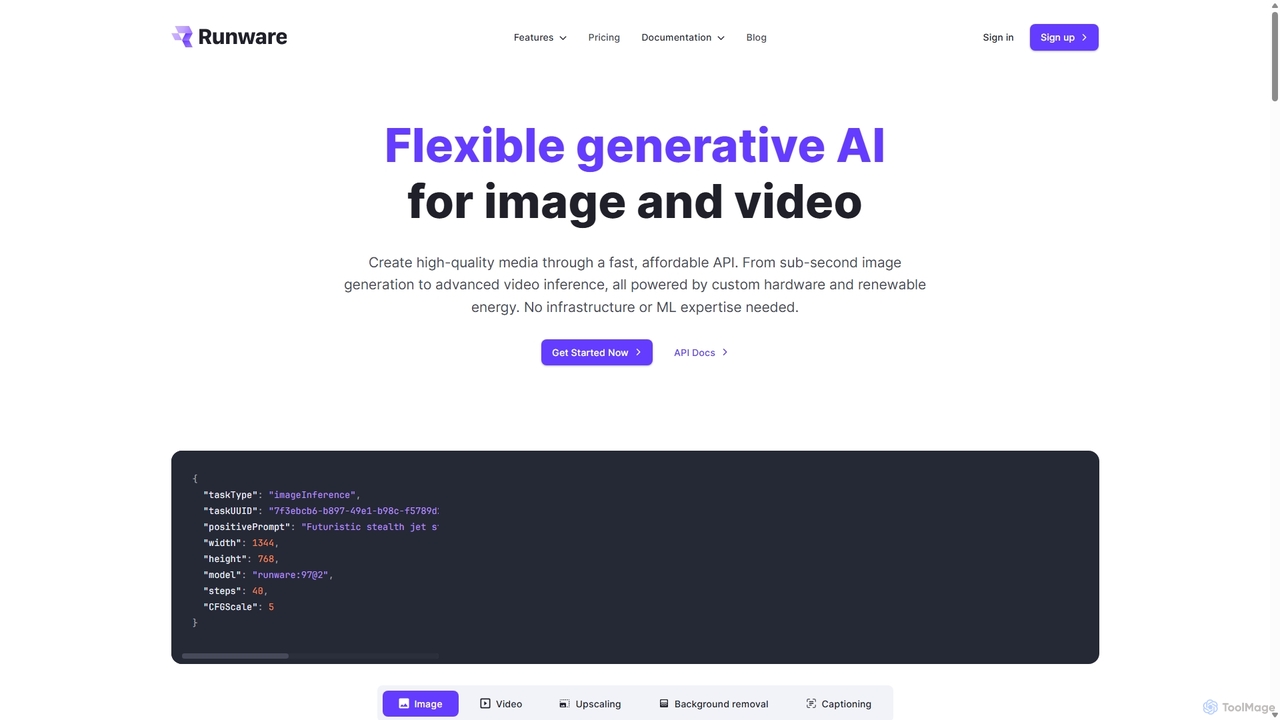
Runware
Runware provides a high-performance, low-cost API for developers to integrate generative AI for image and video creation. Leveraging custom hardware and renewable energy, it offers industry-leading inference speeds for over 300,000 models, including Stable Diffusion, FLUX.1, and Kling. It's a scalable, easy-to-use platform that requires no ML expertise, designed for building next-generation AI-native applications.
Api Platform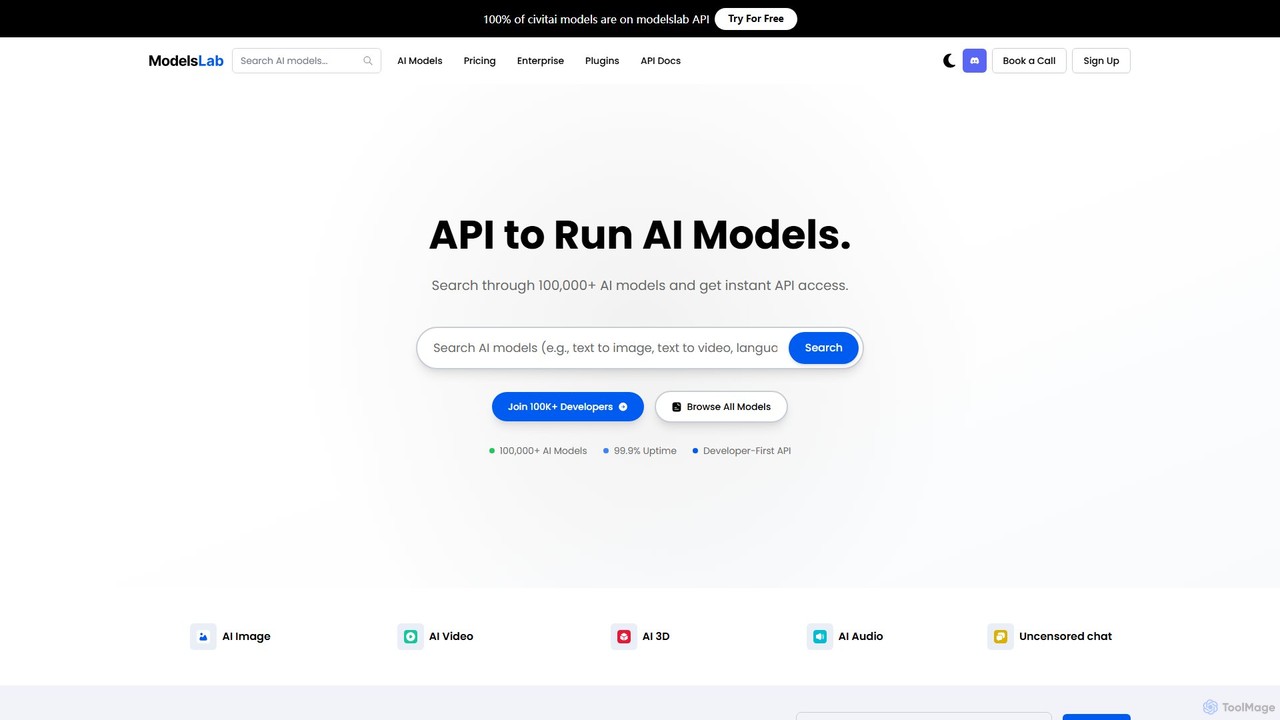
ModelsLab
A developer-first API platform offering unified access to over 100,000 AI models for image, video, audio, 3D, and text generation. It simplifies development with a single API, one subscription, and robust, scalable infrastructure for building advanced AI applications.
3D Model Generation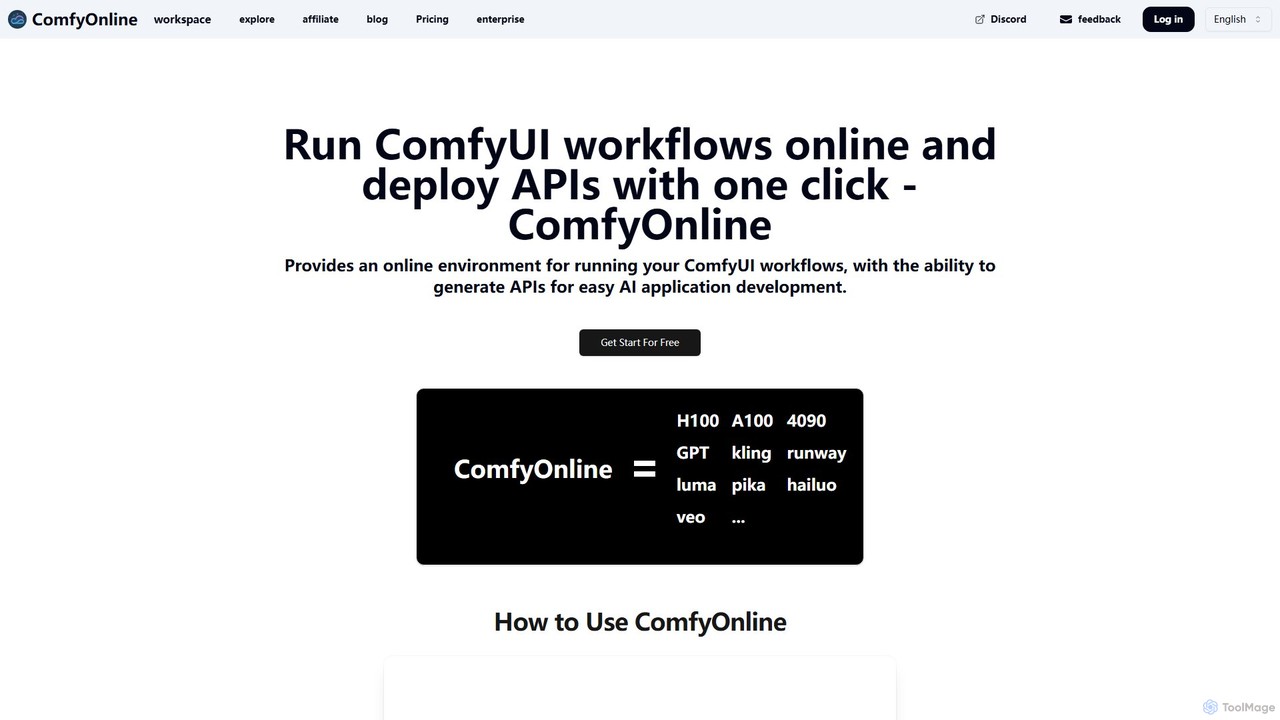
ComfyOnline
A cloud-based platform for running ComfyUI workflows online without expensive hardware. It offers a serverless environment, one-click API deployment for AI applications, and pay-as-you-go access to high-performance GPUs like H100 and A100. It simplifies the entire process from workflow creation to scalable deployment.
Api & Infrastructure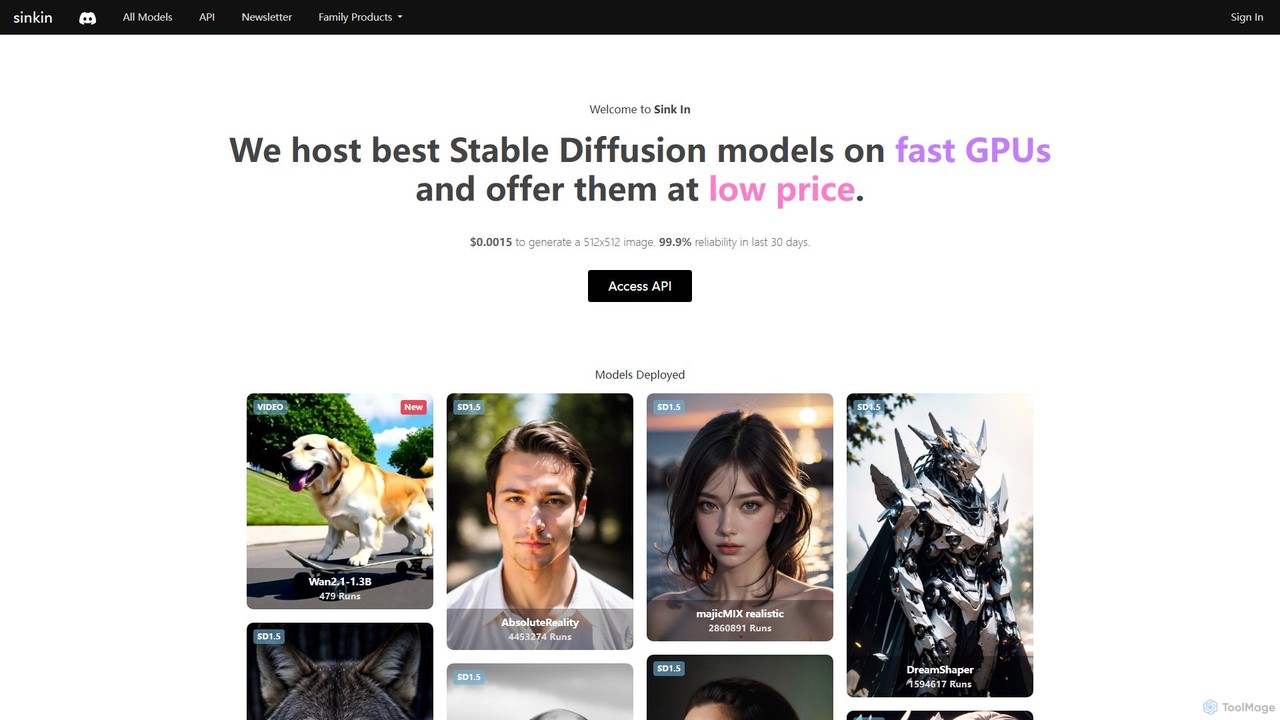
Sink In
Sink In provides developers and businesses with a low-cost, high-performance API for accessing a vast library of Stable Diffusion models. Generate images and videos programmatically with 99.9% reliability, leveraging fast GPUs for styles ranging from photorealistic to anime.
Api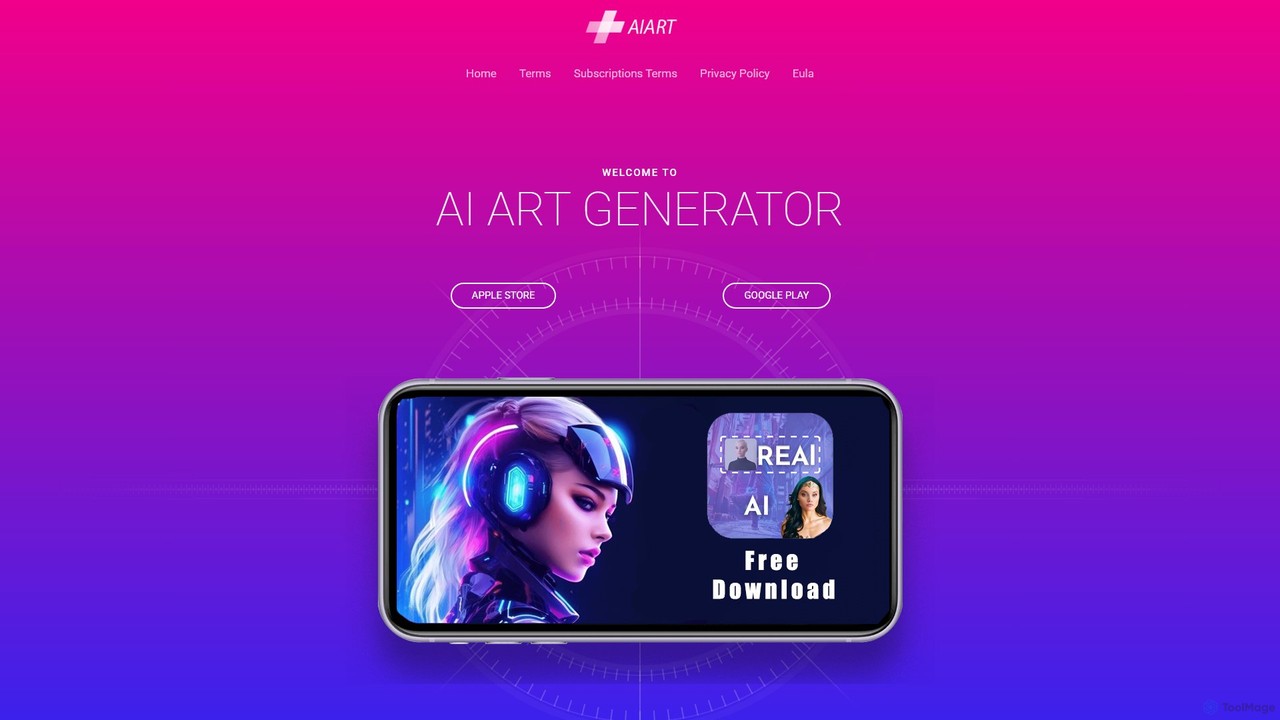
aiart.dev
aiart.dev is an educational hub and resource platform dedicated to advanced AI art and video creation. It provides in-depth tutorials, an inspirational gallery, and resources for creators looking to master complex techniques like generating AI music videos with Stable Diffusion. It's a go-to site for artists and developers wanting to push the boundaries of AI-generated media.
Image Generation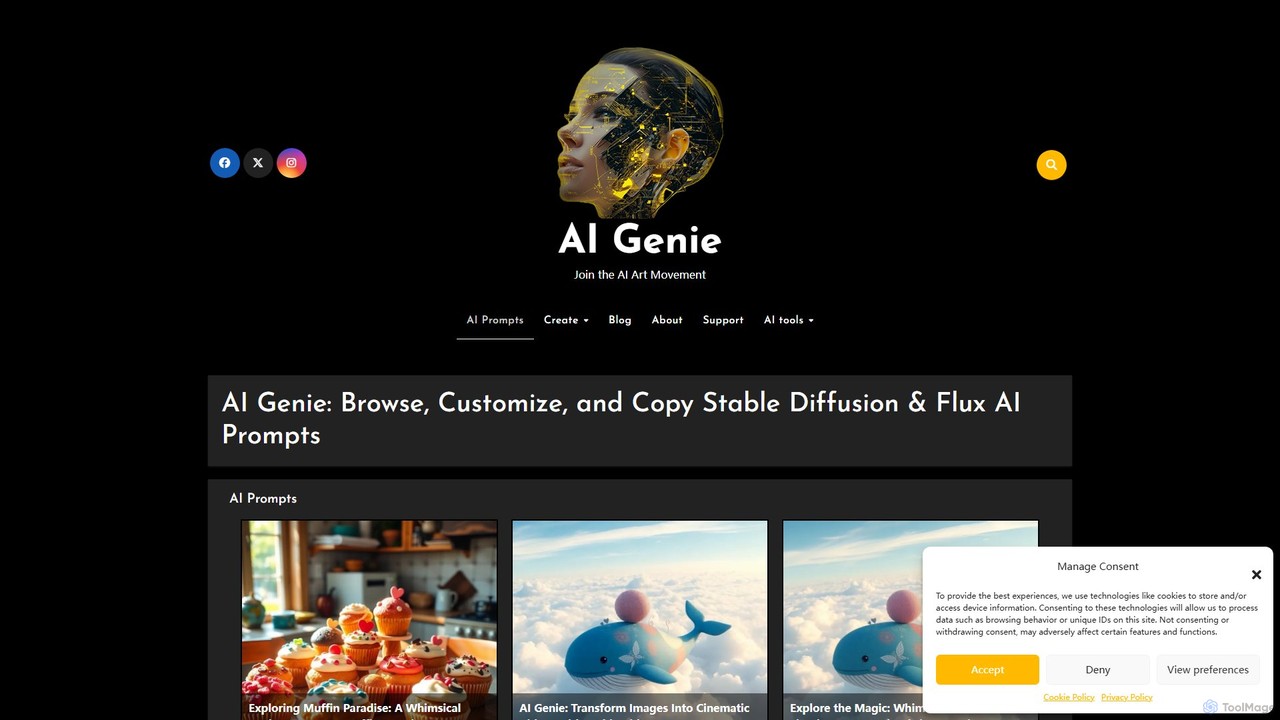
AI Genie
AI Genie is an iOS app designed for AI art enthusiasts and creators. It provides a vast library of high-quality prompts for Stable Diffusion, Flux AI, and Stable Video Diffusion, allowing users to browse, customize, and copy complex prompts with ease. It simplifies prompt engineering and helps create stunning images and videos.
Ai Art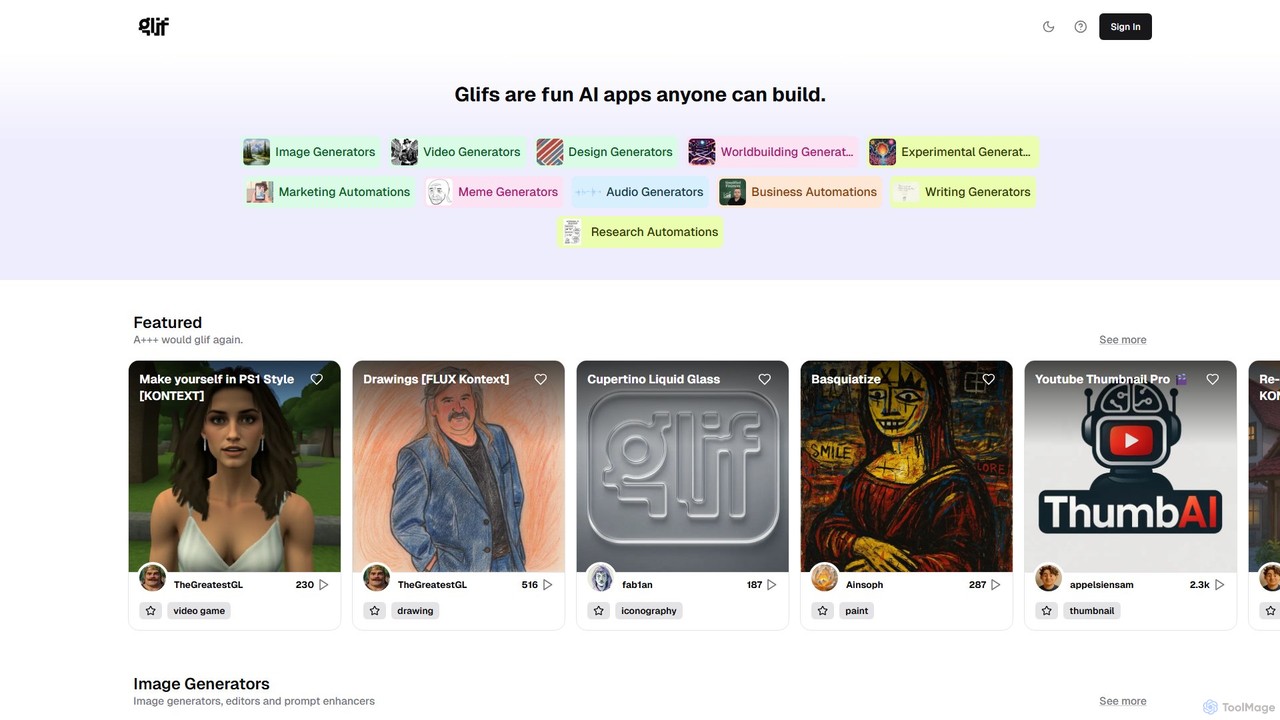
glif
glif is a low-code platform for creating and sharing AI-powered mini-apps, known as "glifs." It enables users to combine large language models, image generators like Stable Diffusion and DALL-E 3, and other advanced tools like ComfyUI to build custom generators for images, videos, memes, audio, and more, without needing to code.
No Code Platform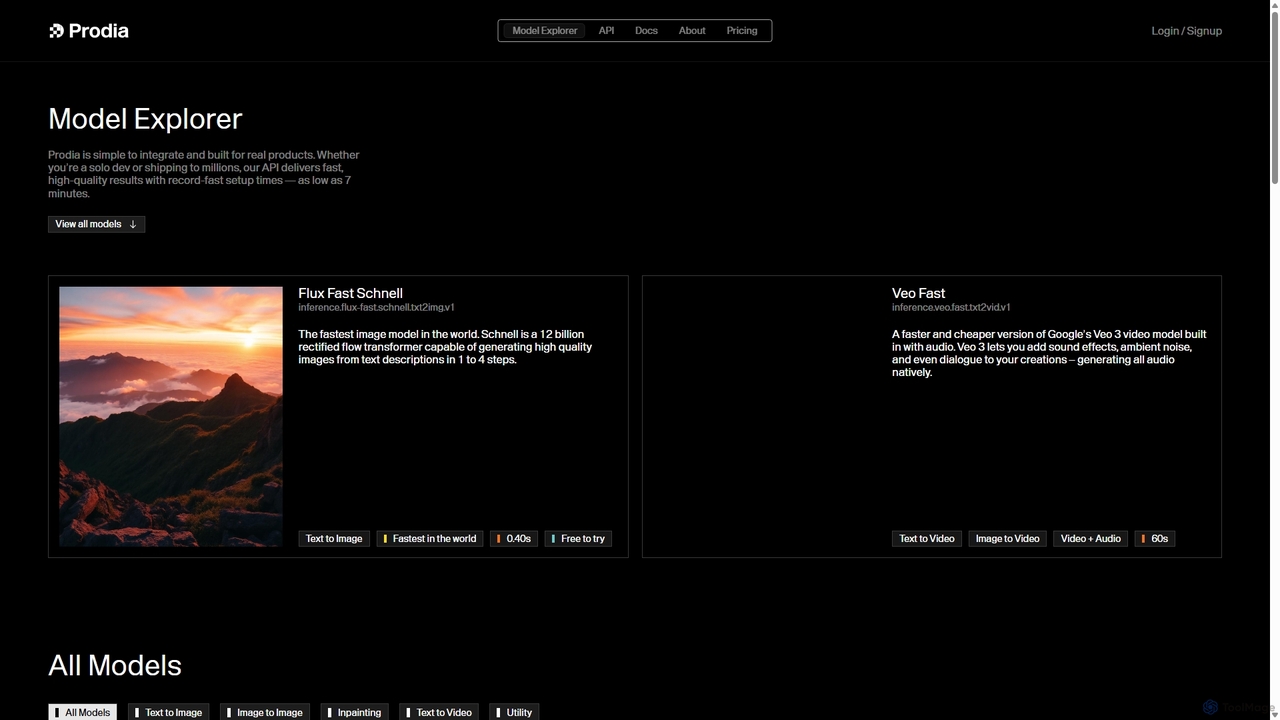
Prodia
Prodia is a developer-first API platform that enables seamless integration of fast, high-quality generative AI models into any application. It offers a diverse range of models for text-to-image, text-to-video, image editing, and more, designed for scalability and record-fast setup times.
Image Generation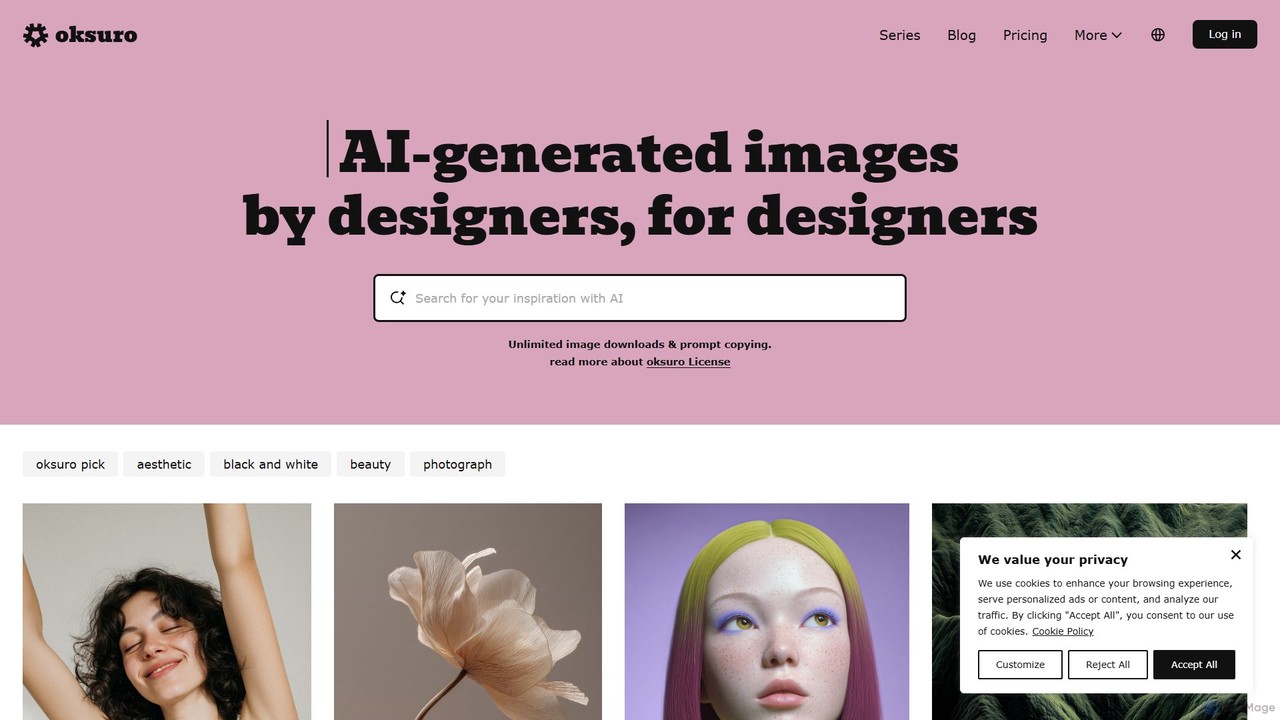
Oksuro
Oksuro is a platform offering a vast library of high-quality AI-generated stock images. It uniquely provides the detailed prompts and settings used for each image, allowing users to recreate, learn from, and customize stunning visuals using models like Stable Diffusion.
Image Generation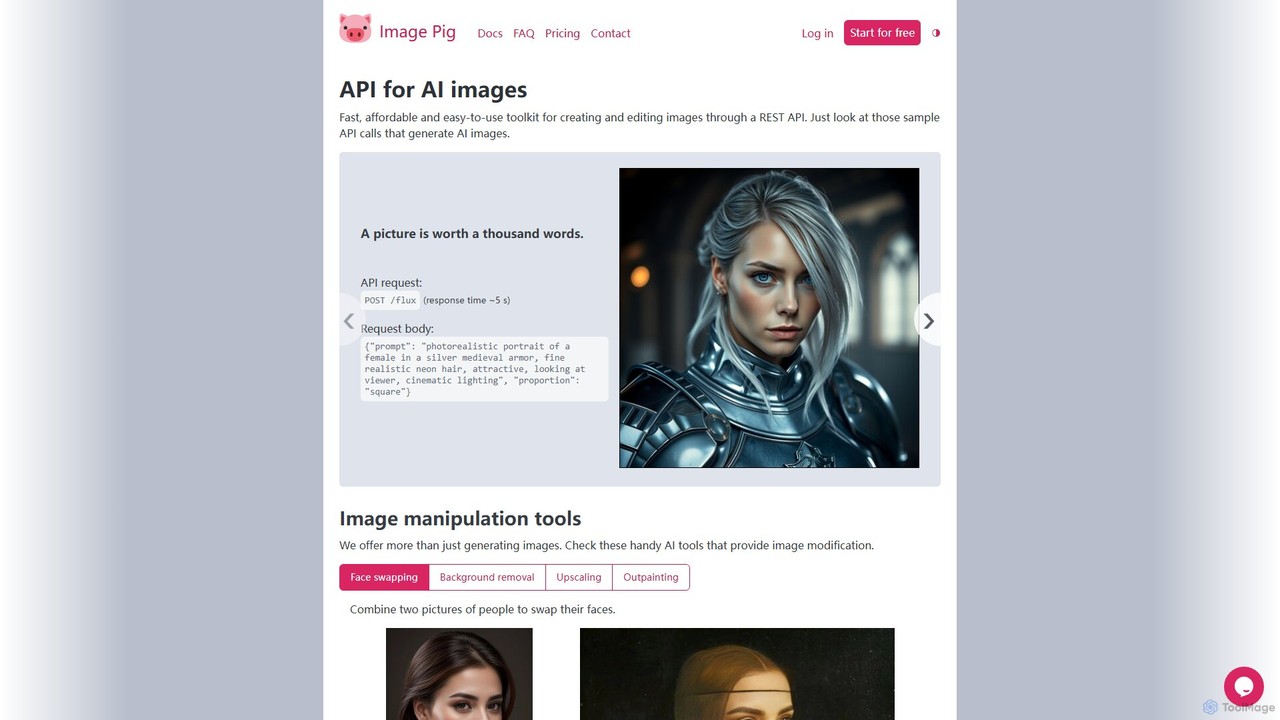
Image Pig
Image Pig is a developer-focused REST API for AI image generation and manipulation. It offers a fast, affordable, and easy-to-use toolkit for creating images from text, swapping faces, removing backgrounds, upscaling, and outpainting. With curated models like Stable Diffusion and FLUX, it allows developers to integrate powerful visual AI into their projects without managing complex hardware.
Api
Magicflow AI
Magicflow AI is a professional workspace for generative AI image experimentation. It enables users to test prompts, evaluate models like Stable Diffusion, and analyze thousands of images at scale. Designed for teams and individuals, it streamlines the workflow of perfecting AI-generated visuals through organized, collaborative, and data-driven testing.
Testing
Weavy Comments (0)
Sign in to comment.
Sign inNo comments yet.