

Phygital+ Overview
Phygital+ is a revolutionary all-in-one AI workspace that empowers creative professionals, design teams, and digital artists to accelerate their content creation process. By consolidating over 30 powerful generative AI models into a single, intuitive platform, Phygital+ eliminates the need to juggle multiple tools and subscriptions. Its core is a node-based graphical user interface (GUI) that allows users to visually construct and manage complex AI workflows, making advanced AI technology accessible to everyone, regardless of their technical expertise.
The platform is designed for versatility, catering to a wide range of creative needs. Whether you're generating high-resolution images, producing engaging videos, crafting compelling text, or creating detailed 3D models, Phygital+ provides the necessary tools. It integrates leading models like Stable Diffusion (1.5, XL, 3), DALL-E 3, Midjourney, GPT-4o, and RunwayML, offering a state-of-the-art creative suite.
How to use Phygital+
Using Phygital+ is an intuitive, visual process that requires no coding. The workflow is built on a node-based canvas:
- Select a Node: Start by choosing an AI model from the extensive library. For instance, you might select a 'GPT-4o' node for text generation.
- Configure the Node: Input your initial data or prompt. For the GPT-4o node, you would type in your text prompt, such as "Create a detailed description for a fantasy landscape."
- Connect Nodes: Drag and connect the output of one node to the input of another to create a chain. For example, you can feed the detailed description from the GPT-4o node into a 'Stable Diffusion 3' node to generate an image based on that text.
- Refine and Enhance: Add more nodes to the workflow to refine the output. You could connect the generated image to an 'Upscale Image' node to increase its resolution or a 'ControlNet' node to modify its composition while preserving key elements.
- Generate and Export: Once your workflow is complete, run the process to generate the final content. The results can be easily exported for use in your projects. This modular approach allows for infinite creative combinations and automations.
Core Features of Phygital+
- Node-Based Editor: A visual, no-code interface for building, managing, and automating complex AI workflows by connecting different models.
- Comprehensive Image Suite: Generate images with Stable Diffusion, DALL-E 3, FLUX, and Midjourney. Edit with tools like Inpainting, Outpainting, Background Removal, Upscaling, Face Restore, and Style Transfer.
- Advanced Text Generation: Utilize GPT-4o and other large language models for prompt generation, content creation, and image analysis (describing images).
- Video Creation Tools: Generate videos from text or images using models like Stable Diffusion Video and RunwayML. Apply effects like Morph and upscale video quality.
- 3D Model Generation: Create 3D assets from text or image prompts, a crucial feature for gaming, film, and VR industries.
- Team Collaboration: The workspace is designed for teams, allowing real-time collaboration on creative projects, sharing workflows, and managing assets.
- AI Model Training: Advanced users can train their own LoRA models on the platform to create custom styles or characters.
Use Cases for Phygital+
Phygital+ is a versatile tool for various industries and roles:
- Creative Agencies: Accelerate the production of marketing materials, ad campaigns, and social media content by automating the generation of visuals and copy.
- Digital Artists & Designers: Experiment with unique audiovisual concepts, create stunning digital art, and streamline the design process from concept to final asset.
- Game & Film Studios: Rapidly prototype and generate 3D models, textures, and concept art, significantly cutting down on production time and costs.
- Web3 & Metaverse Projects: Create 3D mascots and virtual assets, as demonstrated by the W3RLDS case study where a 2D generated image was transformed into a 3D model.
- Educators and Students: Use the platform as an all-in-one environment for teaching, learning, and practicing generative AI without complex setups.
Advantages of Phygital+
The primary advantage of Phygital+ is its ability to centralize and simplify the creative process. By integrating dozens of tools, it boosts efficiency by an estimated 80-100%. The no-code, node-based interface democratizes access to powerful AI, while collaborative features make it ideal for team-based environments. This combination of power, versatility, and ease of use allows creators to push their creative boundaries and achieve results that were previously time-consuming or technically prohibitive.
Pricing and Plans
Phygital+ offers a tiered pricing structure to suit different needs:
- Free Plan: $0/month. Includes 10 generations per week and access to a limited set of AI tools.
- Advanced Plan: $14.99/month. Provides 500 generations per month, access to 13 AI tools, 3 projects, and commercial use rights.
- Premium Plan: $28.99/month. Offers 1000 generations per month, 24 AI tools (including DALL-E 3, GPT-4o, Morph), 5 projects, and AI training (LoRA).
- Plus Plan: $58.99/month. Features unlimited generations, access to 27 tools (including Stable Diffusion 3 and FLUX), 7 projects, unlimited GPU time, and higher daily limits for premium models.
- Teams Plan: Custom pricing. Designed for creative teams, offering unlimited generations and tools, personalized onboarding, private support, and more.
Traffic
Latest traffic
Status
Monthly traffic trend
- 2025-9: 38.1K
- 2026-1: 27.2K
- 2026-2: 16.5K
- 2026-3: 50.5K
- 2026-4: 21.3K
- 2026-5: 3.3K
Geography
Top 5 countries / regions
- 🇺🇸United States53.6%
- 🇷🇺Russia14.2%
- 🇵🇰Pakistan11.8%
- 🇮🇳India11.6%
- 🇫🇷France8.8%
Top keywords
| Keyword | Cost per click |
|---|---|
| ai frame morphing | $0.00 |
| aipornworks | $0.00 |
| image to prompt | $0.55 |
| prompt hero | $1.87 |
| библиотека ии генераций | $0.00 |
Phygital+ Alternatives
ComfyUI
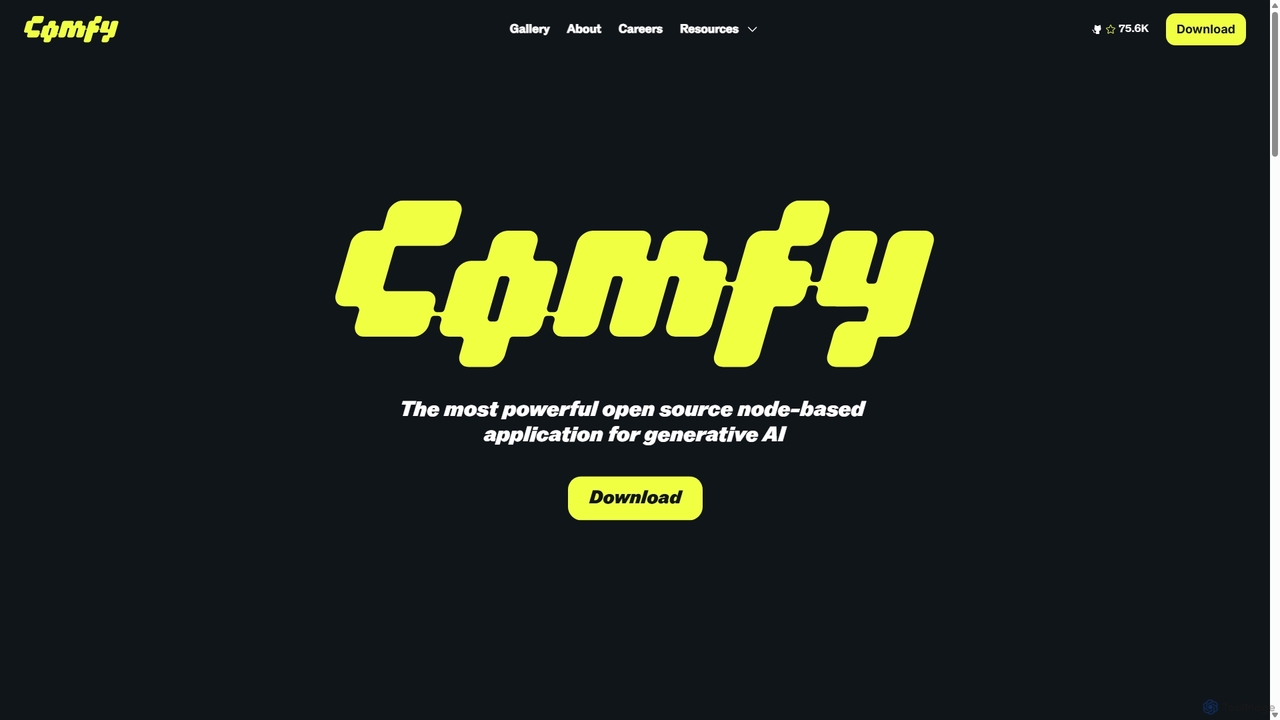
ComfyUI is a powerful, free, and open-source node-based graphical user interface for generative AI. It offers unparalleled control and flexibility for creating complex workflows to generate images, videos, 3D assets, and audio, designed for artists, developers, and researchers.
3D Modeling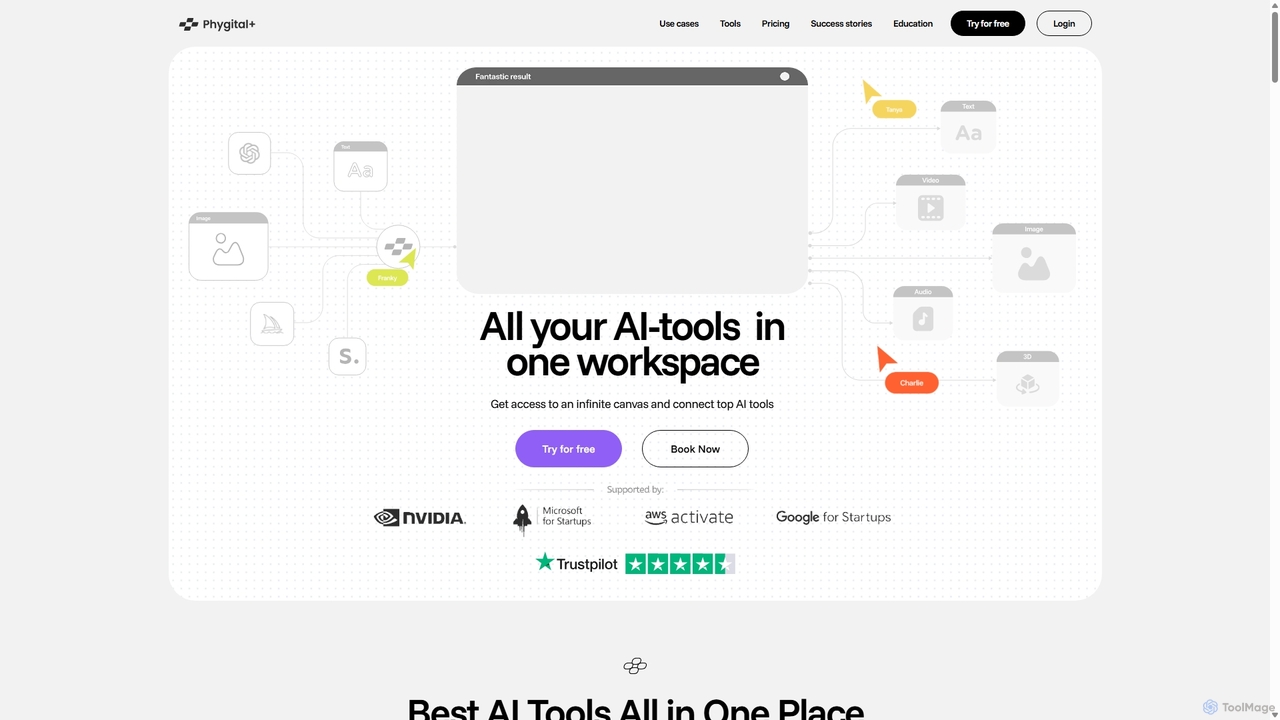
Phygital+
Phygital+ is an all-in-one AI creative workspace that integrates over 30 top generative AI models like GPT-4o, Midjourney, and Stable Diffusion. It offers a unified infinite canvas for generating and editing images, text, videos, and 3D models. Designed for creative professionals and teams, it streamlines workflows, ensures brand consistency through custom model training, and accelerates content production for marketing, design, and game development.
Generative Art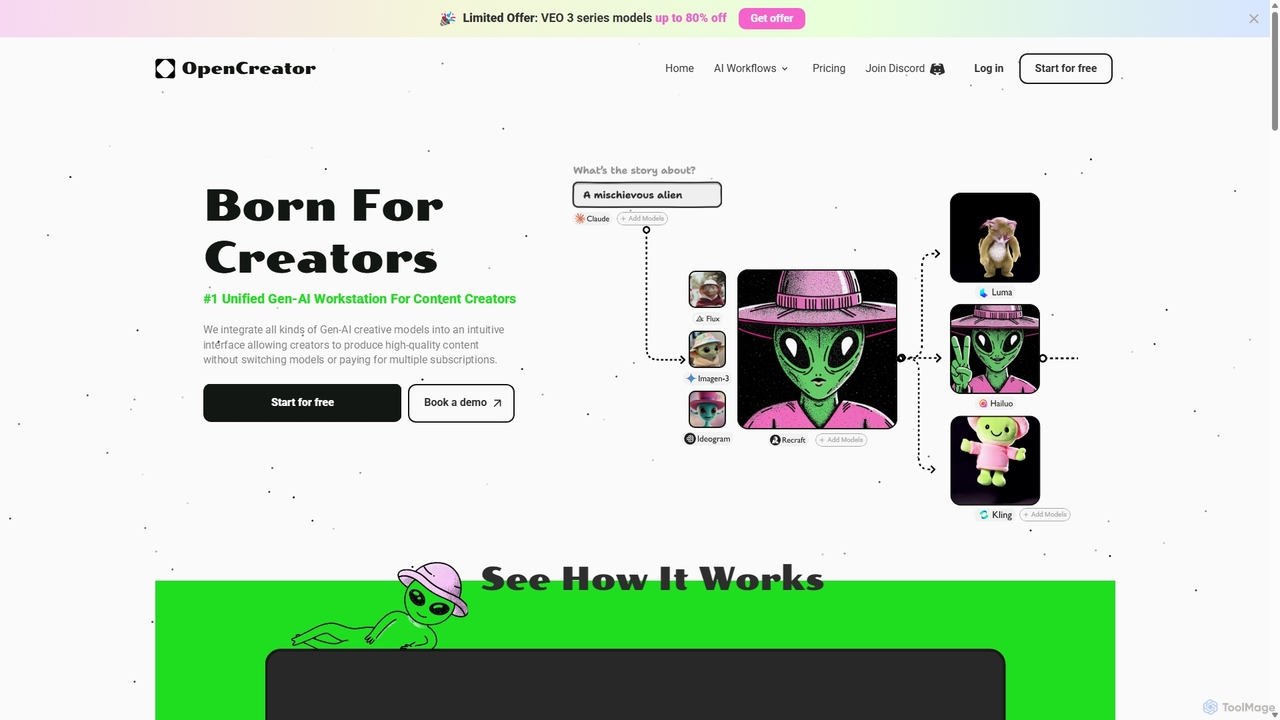
OpenCreator
OpenCreator is a unified Gen-AI workstation for content creators, integrating over 20 top AI models like Kling, Luma, and Stable Diffusion. It provides an intuitive interface to produce high-quality videos and images from text, scripts, or sketches, eliminating the need for multiple subscriptions and complex tools.
Image Generation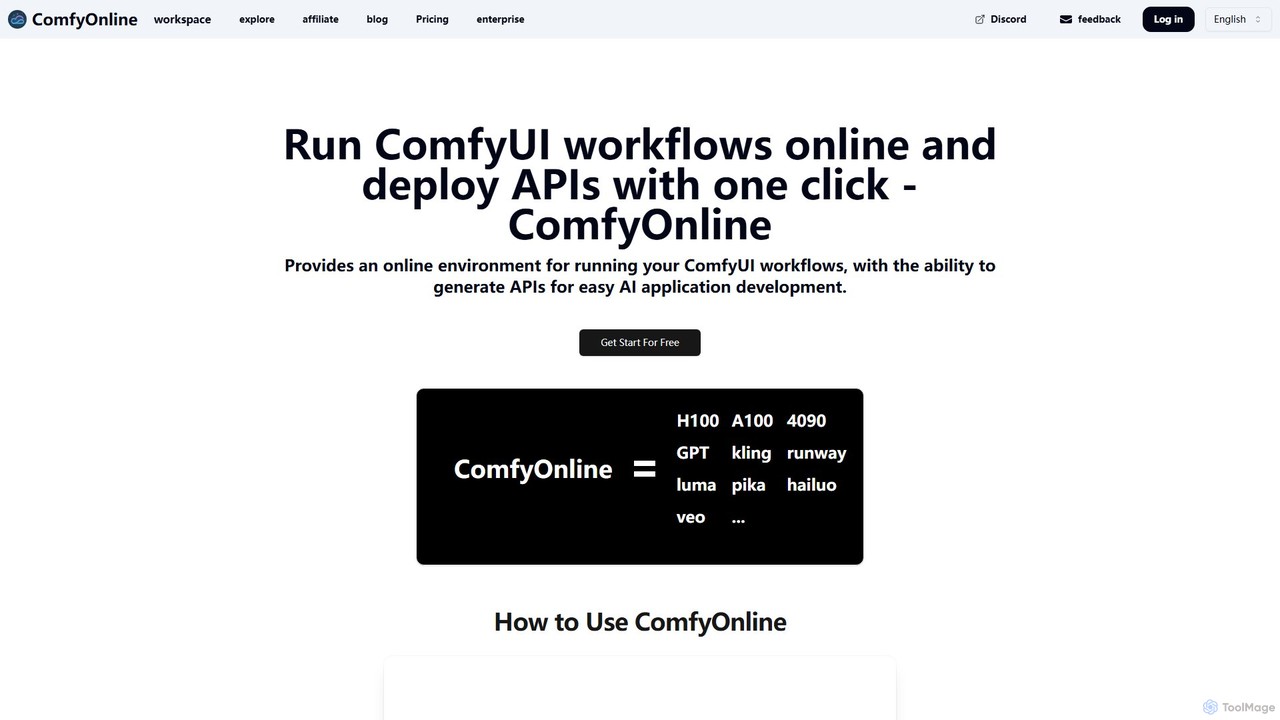
ComfyOnline
A cloud-based platform for running ComfyUI workflows online without expensive hardware. It offers a serverless environment, one-click API deployment for AI applications, and pay-as-you-go access to high-performance GPUs like H100 and A100. It simplifies the entire process from workflow creation to scalable deployment.
Api & Infrastructure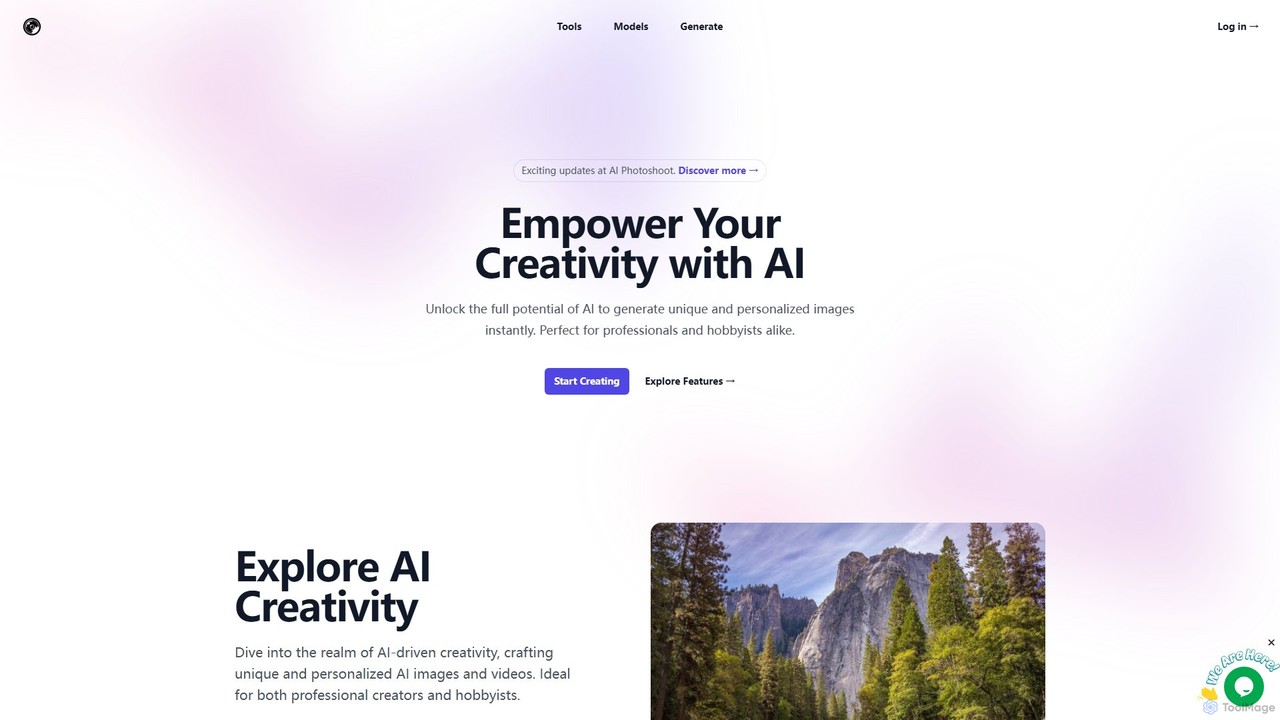
aiphotoshoot
AI Photoshoot is a comprehensive AI creative suite for generating unique images and videos. It offers a wide array of specialized tools, from AI headshot and logo generators to art and character creators. By providing access to numerous advanced AI models like Stable Diffusion, SDXL, and DreamShaper, it empowers both professionals and hobbyists to bring their creative visions to life instantly.
Generative ArtPhygital+ Categories
Phygital+ Embed Widget
Copy this embed code to place the badge on your blog, article, or product site and send readers directly to this ToolMage detail page.

Related AI tools
Phygital+
Phygital+ is an all-in-one AI creative workspace that integrates over 30 top generative AI models like GPT-4o, Midjourney, and Stable Diffusion. It offers a unified infinite canvas for generating and editing images, text, videos, and 3D models. Designed for creative professionals and teams, it streamlines workflows, ensures brand consistency through custom model training, and accelerates content production for marketing, design, and game development.
Generative Art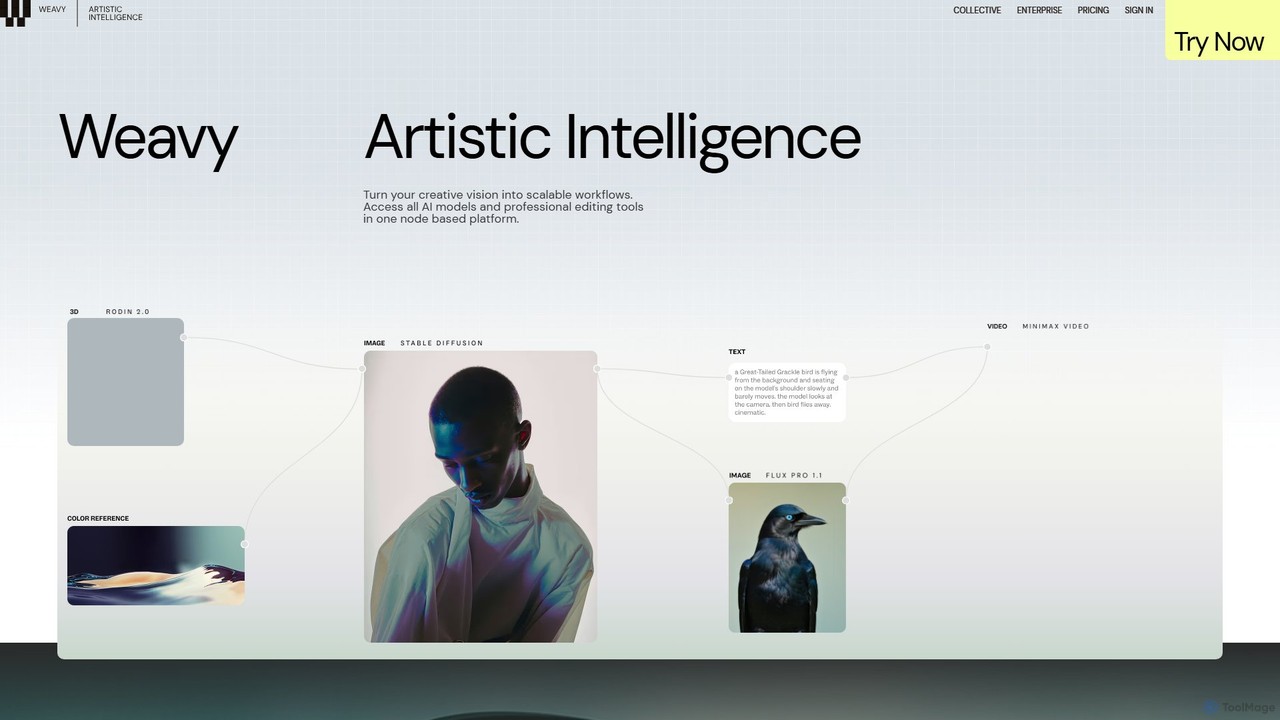
Weavy
Weavy is an AI-powered design platform for creative professionals, integrating multiple top-tier AI models into a single, node-based workflow. It combines generative AI capabilities with professional-grade editing and compositing tools, allowing users to build scalable, repeatable creative processes with unparalleled control. It's designed to bridge the gap between AI and artistic craft, focusing on process and quality.
Image Generation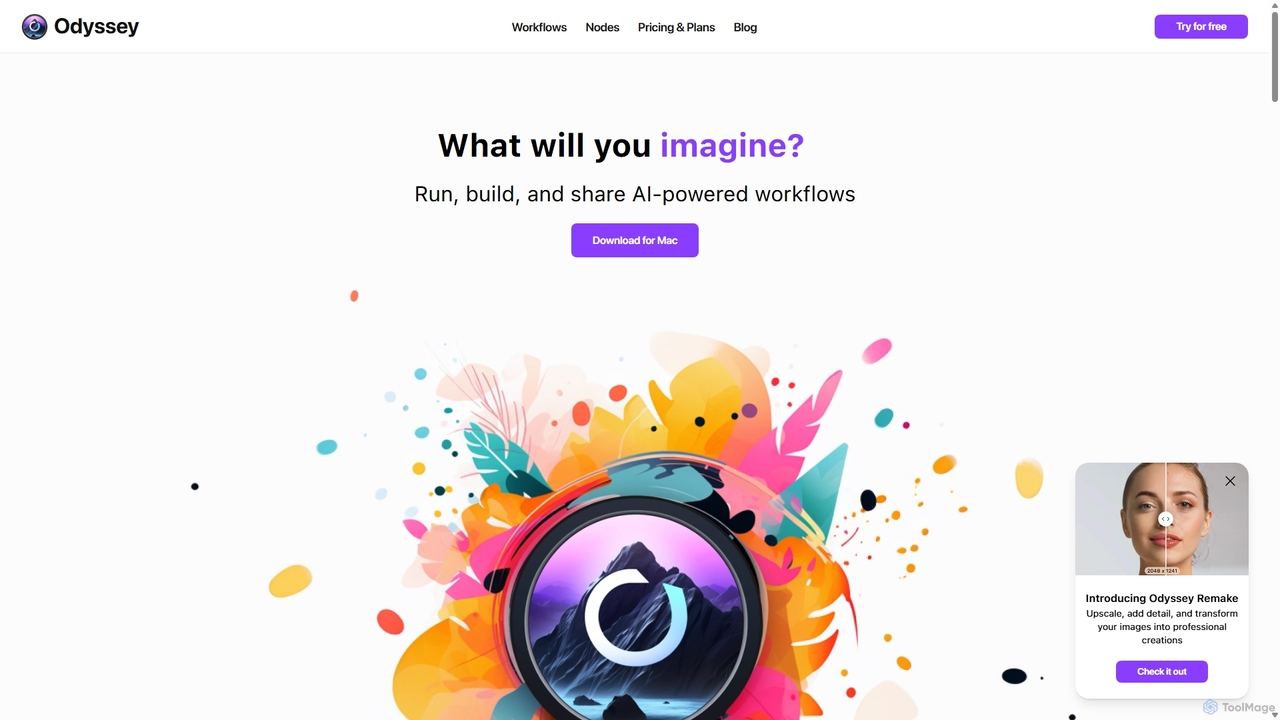
Odyssey
Odyssey is an all-in-one desktop application for macOS that empowers users to build, run, and share complex AI-powered workflows. It combines image generation, text processing, and powerful automation in a visual, node-based editor. With a focus on privacy, it runs major AI models like Stable Diffusion and Llama2 locally on your machine, ensuring your data remains secure. It's a one-time purchase for a lifetime license, designed for creatives, marketers, and developers.
Creative Assistant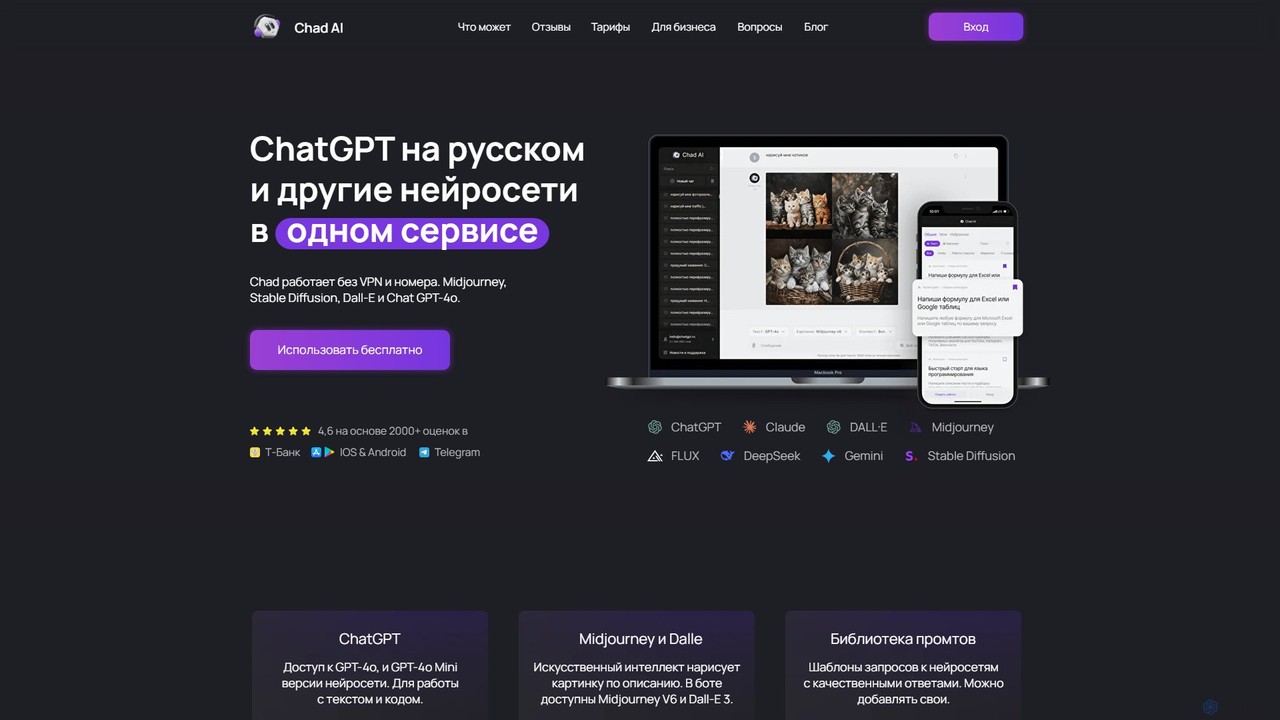
Chad AI
Chad AI is an all-in-one platform providing seamless, VPN-free access to a wide range of leading AI models like GPT-4o, Claude 3, Midjourney, DALL-E 3, and various video generators. It's designed for text generation, coding, image creation, and more, all within a single, user-friendly interface with a flexible credit-based pricing system.
Generative Ai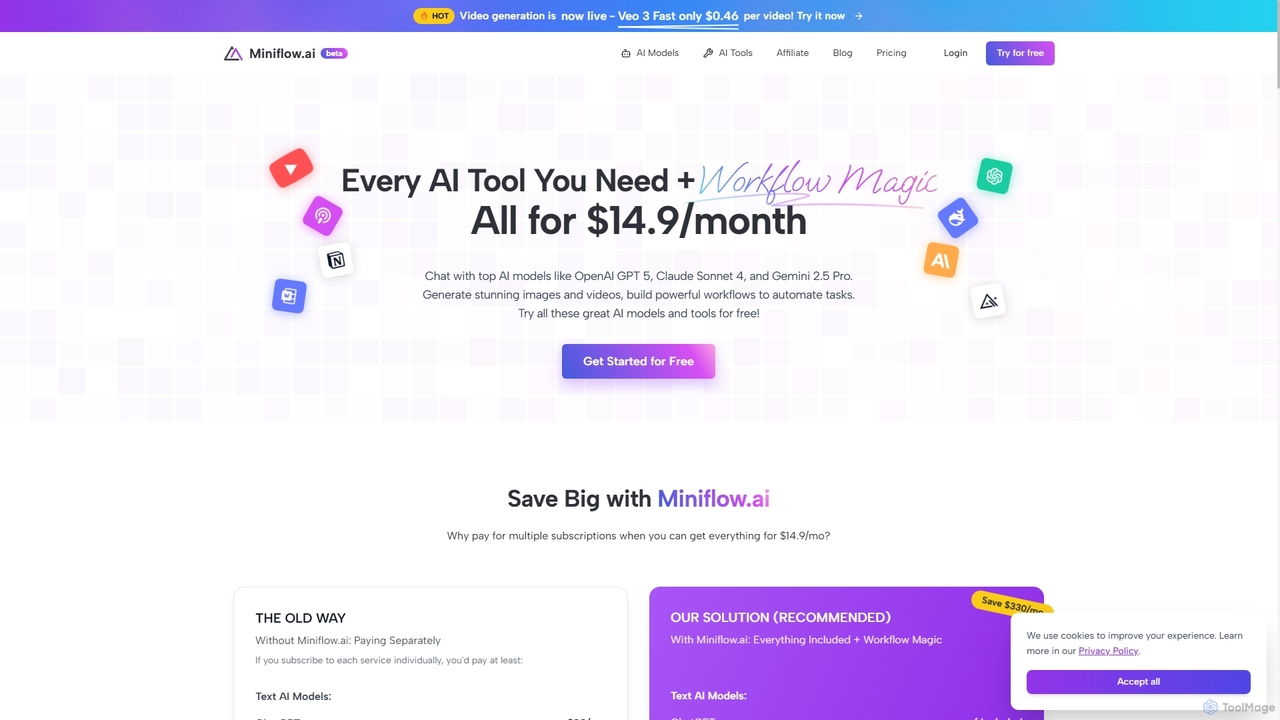
Miniflow.ai
Miniflow.ai is an all-in-one AI platform that consolidates top AI models for text, image, and video generation into a single subscription. It features a powerful no-code visual workflow builder, allowing users to chain multiple AI models and automate complex tasks, saving significant costs compared to individual subscriptions.
Ai PlatformComfyOnline
A cloud-based platform for running ComfyUI workflows online without expensive hardware. It offers a serverless environment, one-click API deployment for AI applications, and pay-as-you-go access to high-performance GPUs like H100 and A100. It simplifies the entire process from workflow creation to scalable deployment.
Api & Infrastructure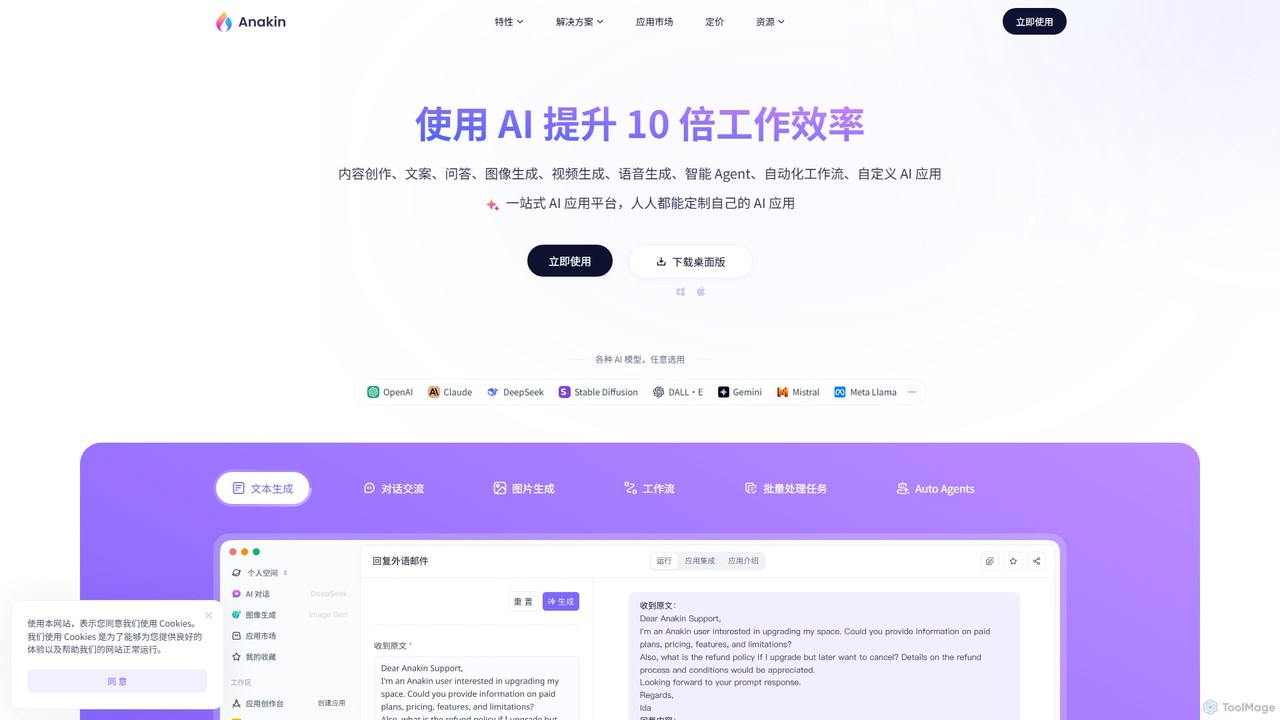
Anakin.ai
Anakin.ai is an all-in-one, no-code AI platform designed to boost productivity. It allows users to build custom AI applications, automate workflows, and perform tasks like content creation, image generation, and data analysis. By integrating major AI models like GPT-4, Claude 3, and Stable Diffusion, Anakin.ai provides a vast library of pre-built apps and a powerful visual editor, making advanced AI accessible to everyone, from individuals to teams, without needing to code.
No Code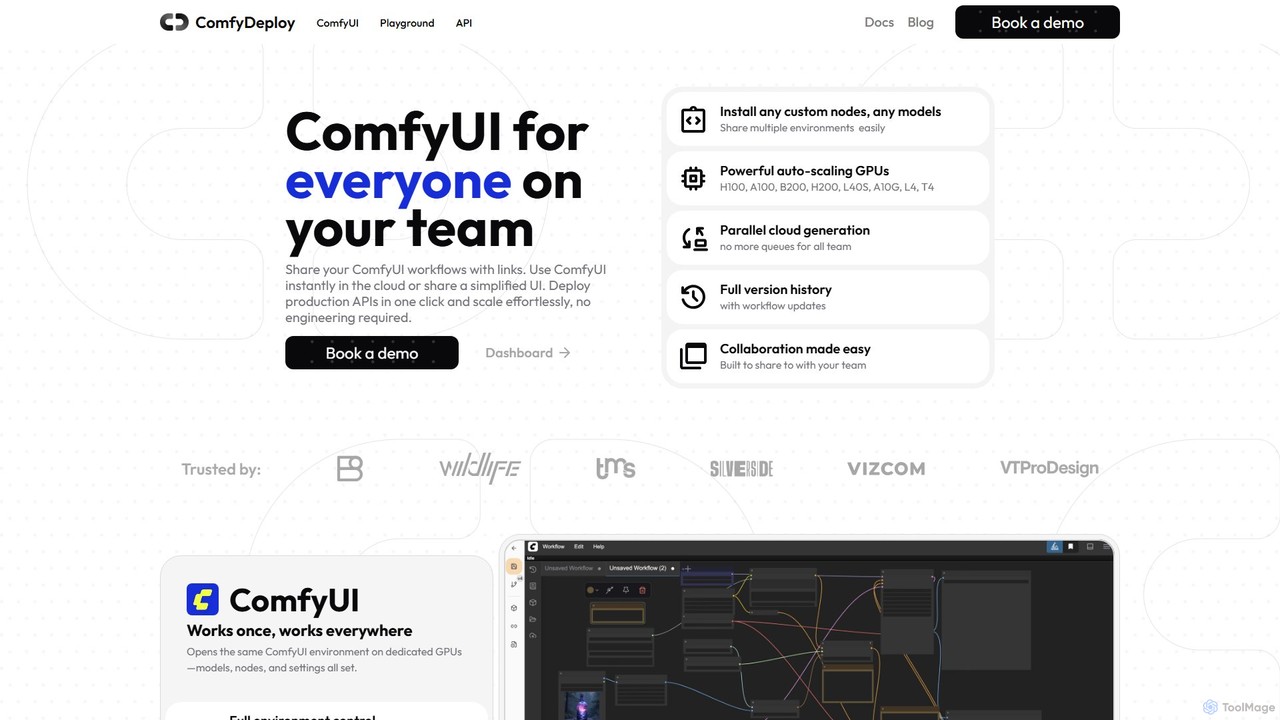
ComfyDeploy
ComfyDeploy is a cloud platform for teams to build, share, and scale ComfyUI workflows. It enables one-click deployment of production-ready APIs, provides auto-scaling GPU infrastructure, and offers simplified interfaces for non-technical users. Collaborate seamlessly, manage custom nodes and models, and turn complex creative processes into scalable applications without engineering overhead.
Model Deployment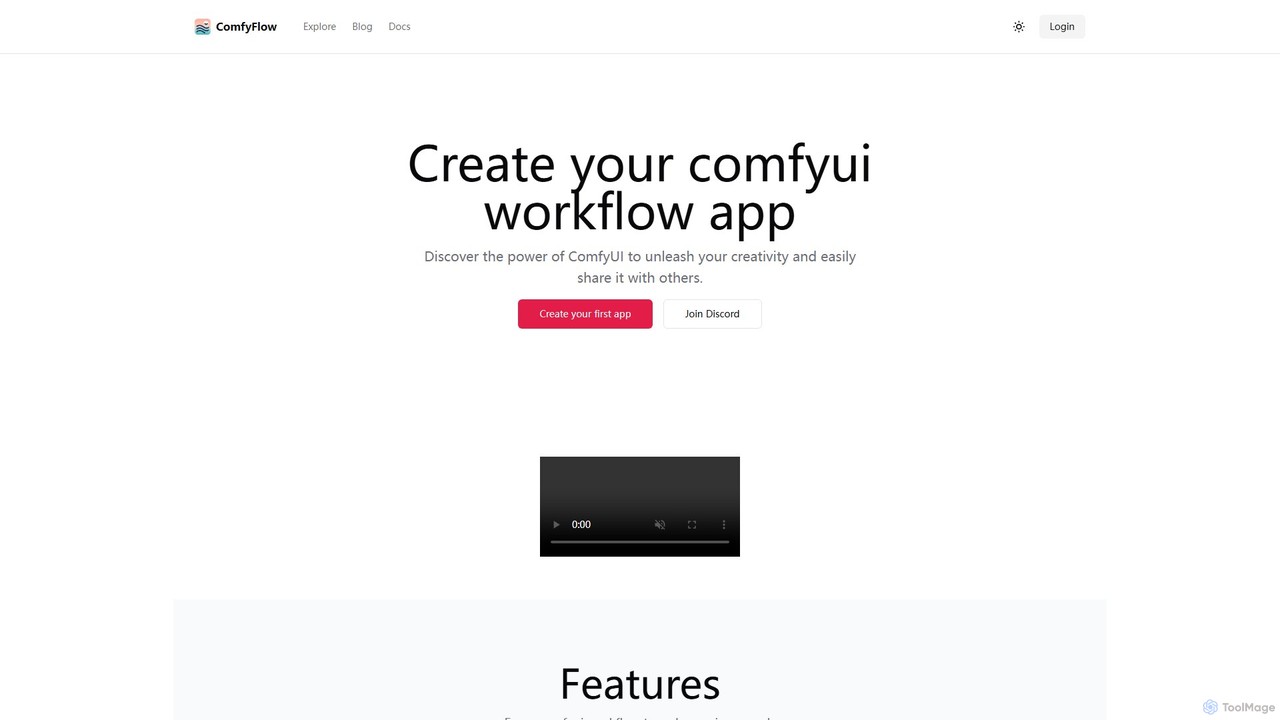
ComfyFlow
ComfyFlow is a platform that transforms complex ComfyUI workflows into user-friendly, shareable web applications in seconds. It provides a fully hosted environment, protecting your workflow's privacy while allowing anyone to use your AI creations without managing GPU servers.
No Code PlatformComfyUI
ComfyUI is a powerful, free, and open-source node-based graphical user interface for generative AI. It offers unparalleled control and flexibility for creating complex workflows to generate images, videos, 3D assets, and audio, designed for artists, developers, and researchers.
3D Modeling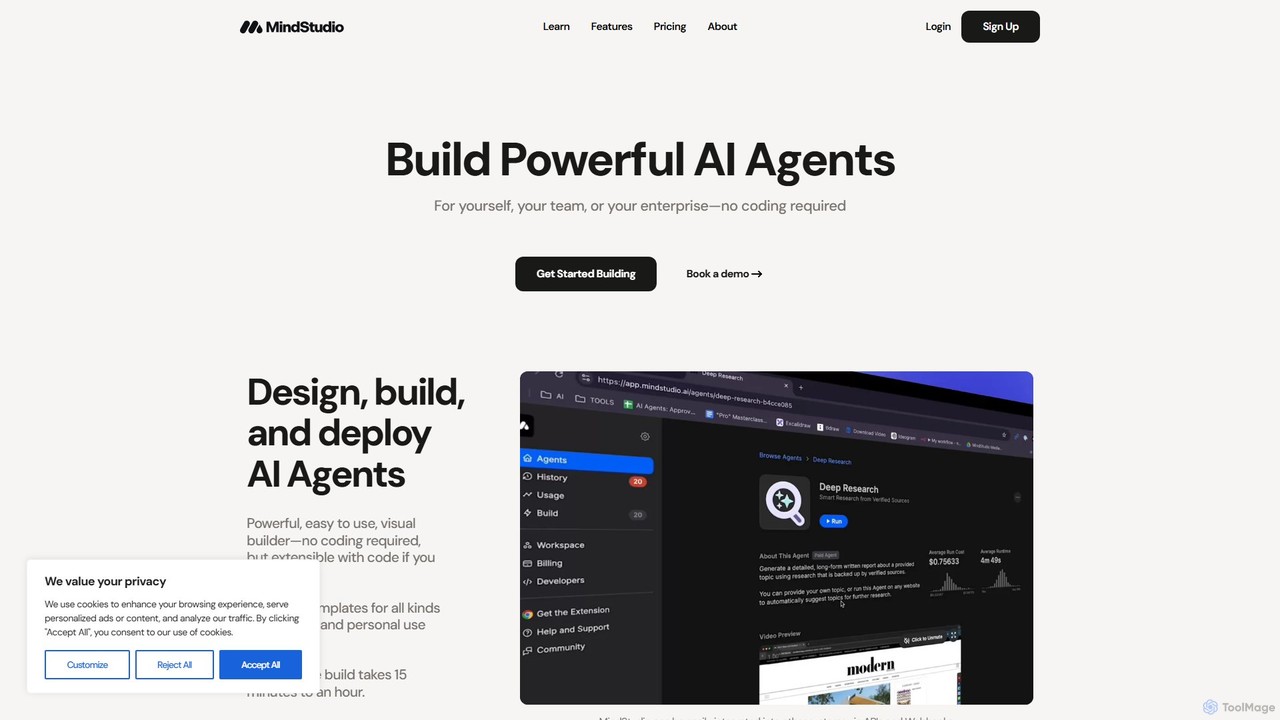
MindStudio
MindStudio is a powerful no-code platform for designing, building, and deploying custom AI agents. It enables users to create AI-powered web apps, automations, and extensions for personal, team, or enterprise use through an intuitive visual builder, without needing to write any code.
Workflow Management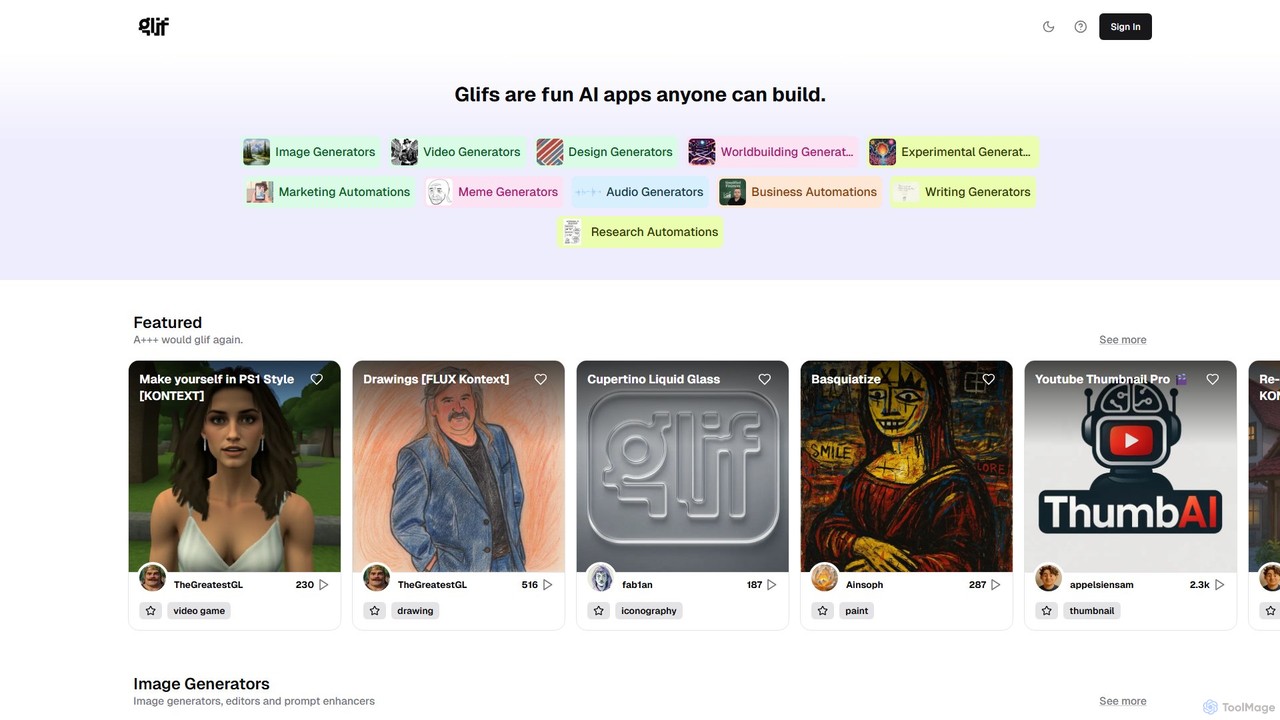
glif
glif is a low-code platform for creating and sharing AI-powered mini-apps, known as "glifs." It enables users to combine large language models, image generators like Stable Diffusion and DALL-E 3, and other advanced tools like ComfyUI to build custom generators for images, videos, memes, audio, and more, without needing to code.
No Code Platform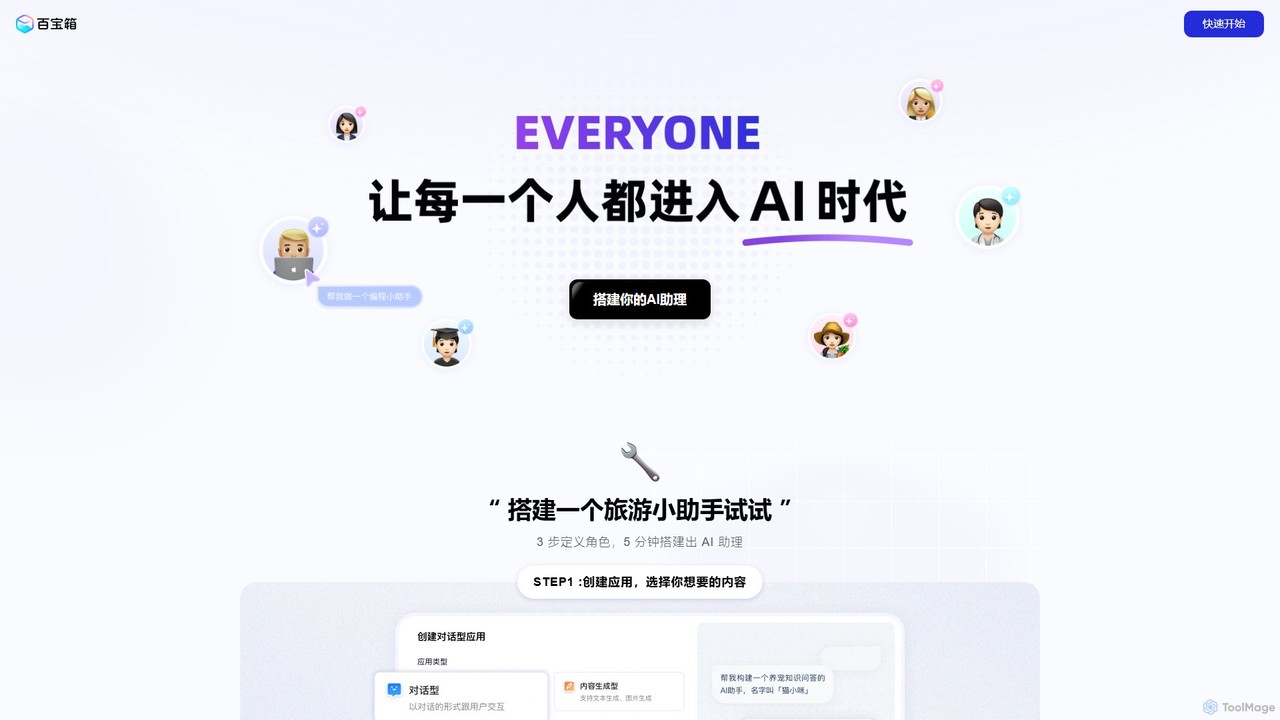
tbox
tbox is a powerful no-code AI application development platform that enables users to quickly build, train, and deploy custom AI assistants. Create conversational bots, text generators, and image tools in minutes, and seamlessly publish them to platforms like Alipay mini-programs for easy monetization.
Bot Builder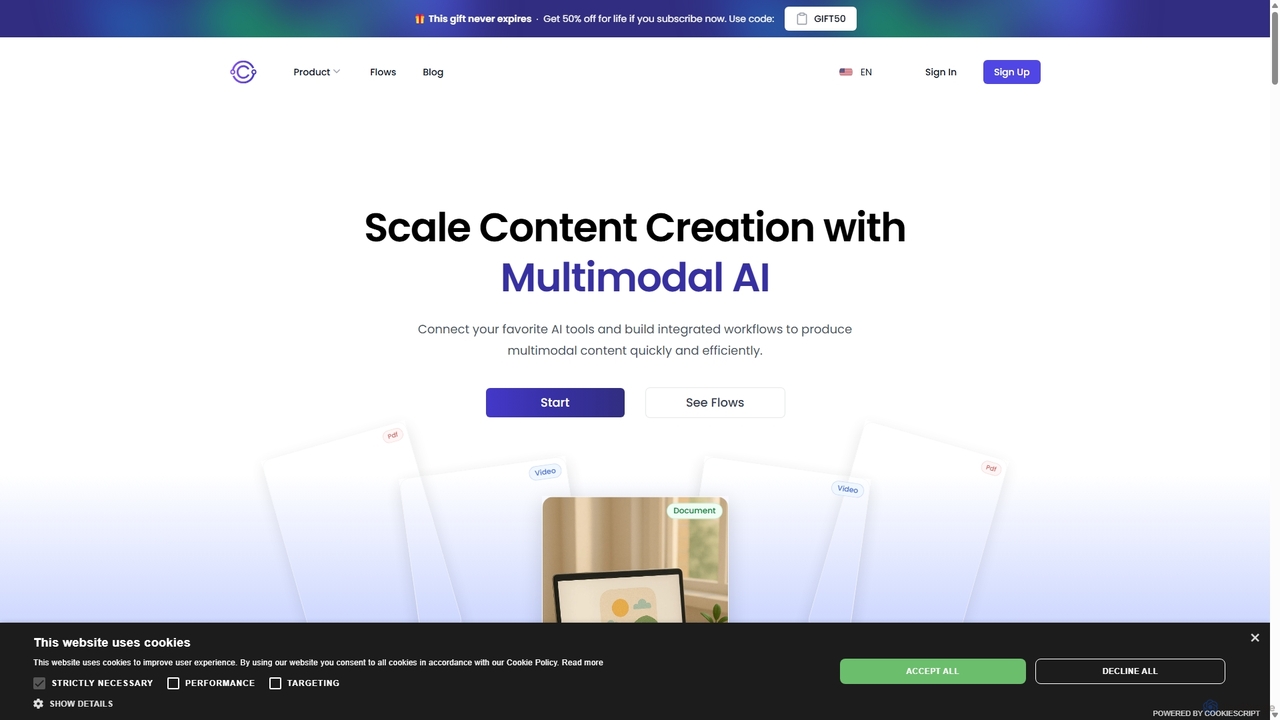
Aicontentlabs
AI Content Labs is a powerful workflow automation platform that integrates a vast array of AI models for advanced content creation. It enables users to build complex, multi-step workflows for generating text, images, audio, and video, streamlining content production for marketers, developers, and creators.
Api & Integration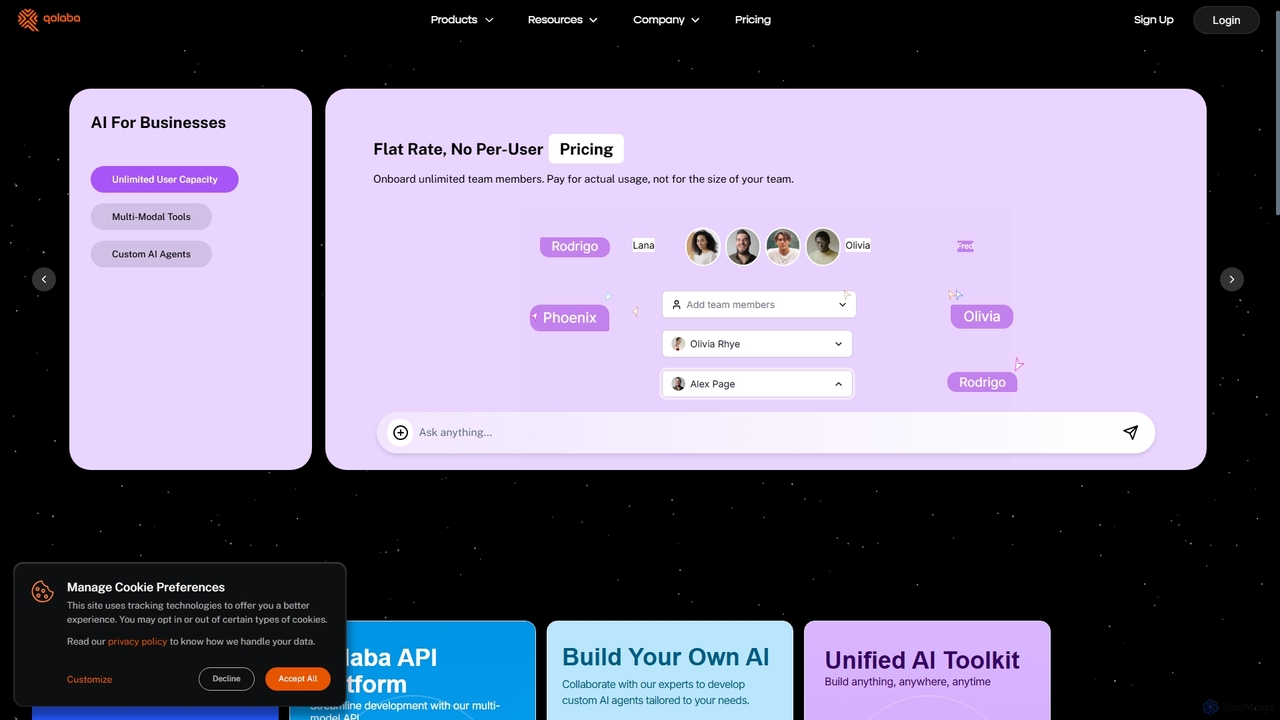
Qolaba
Qolaba is a unified AI studio and API platform providing access to a wide range of generative AI models like GPT-4o, Claude, and SDXL for text, image, video, and speech generation. It caters to individuals, developers, and businesses with features like a no-code AI agent builder, knowledge base interaction, and a flexible, credit-based pricing system, consolidating multiple AI tools into one subscription.
Automation
Phygital+ Comments (0)
Sign in to comment.
Sign inNo comments yet.