

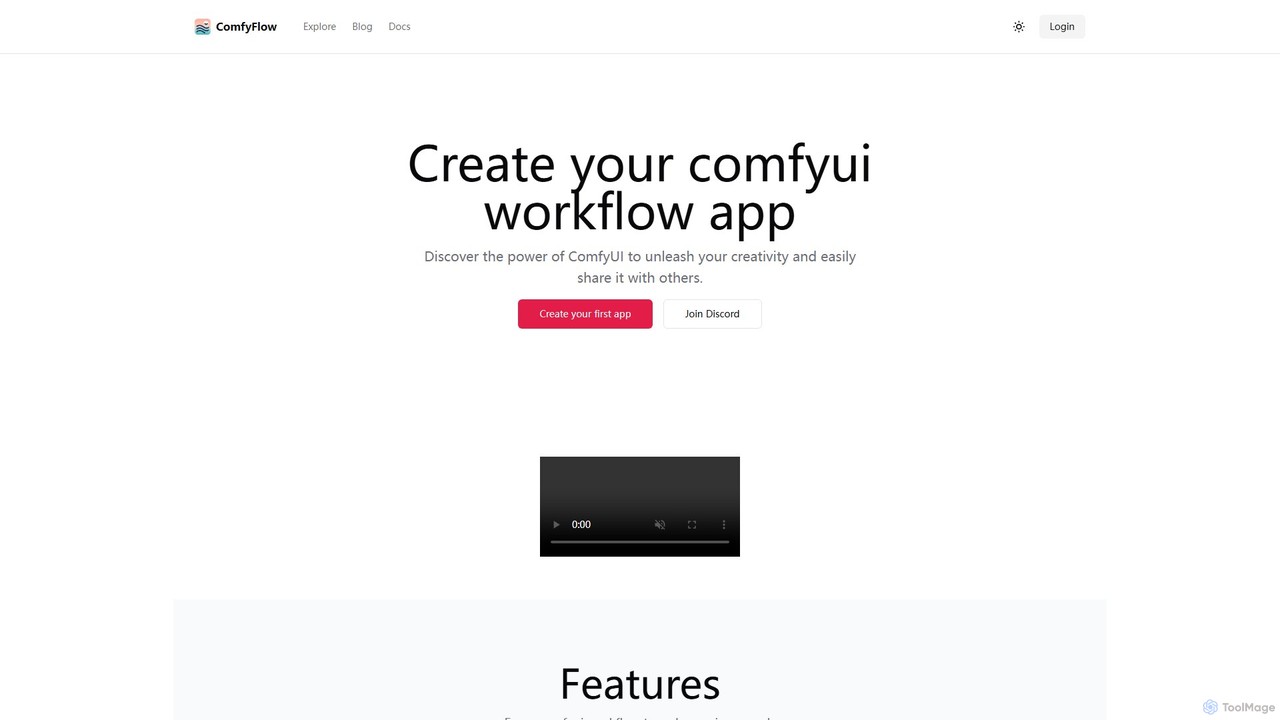
ComfyFlow Overview
ComfyFlow is a revolutionary platform designed to bridge the gap between complex AI image generation workflows and accessible, user-friendly applications. Built upon the powerful and flexible open-source technologies of Stable Diffusion and ComfyUI, ComfyFlow empowers creators to package their intricate node-based workflows into simple, shareable web apps. This allows anyone, regardless of their technical expertise, to leverage sophisticated AI models for creative tasks. The platform handles all the backend complexity, including GPU server management, model hosting, and custom node dependencies, allowing creators to focus solely on building innovative and imaginative workflows.
The core mission of ComfyFlow is to democratize the creation and distribution of AI-powered tools. By providing a seamless conversion process from a ComfyUI JSON file to a live web application, it opens up new possibilities for AI artists, developers, and hobbyists. They can now easily share their unique image generation tools with friends, clients, or the wider community, and even monetize their most popular creations through a benefits program. Privacy is a key aspect, as the underlying complex workflow remains hidden, presenting only a clean, intuitive interface to the end-user.
How to use ComfyFlow
Using ComfyFlow is designed to be a straightforward process, turning your creative ideas into shareable applications with minimal friction:
- Design Your Workflow: Start by creating or refining your image generation process in ComfyUI. This involves arranging nodes for models, prompts, samplers, and post-processing to achieve your desired output.
- Prepare for App Conversion: Identify the inputs (e.g., text prompts, seed numbers, input images) and outputs (the final generated image) in your workflow that you want to expose in the web app's user interface.
- Create the App on ComfyFlow: Upload your ComfyUI workflow (usually as a JSON file) to the ComfyFlow platform. The system will automatically parse the workflow and its dependencies.
- Configure the Interface: In the ComfyFlow dashboard, you can configure the web app's interface, labeling the input fields and defining how the output is displayed. No coding is required.
- Publish and Share: With a single click, publish your application. ComfyFlow hosts it and provides you with a unique URL. You can share this link with anyone, embed it on your website, or post it on social media.
- Monitor and Monetize: Track the usage of your app through the ComfyFlow dashboard. Top-performing creators can apply to join the benefits program to earn revenue from their work.
Core Features of ComfyFlow
- Instant Workflow-to-App Conversion: Transform any ComfyUI workflow into a functional web application in seconds.
- Fully Hosted Infrastructure: ComfyFlow manages all server and GPU resources, so creators don't need to worry about setup, maintenance, or costs.
- Workflow Privacy Protection: Share your AI tools without exposing your proprietary node structures or techniques. End-users only interact with the simple web interface.
- Seamless Sharing: Every app gets a unique, shareable URL, making distribution effortless.
- Creator Monetization: A benefits program allows successful creators to get paid for their popular applications.
- Extensive Model and Node Support: The platform includes built-in support for common models and a wide range of custom nodes, ensuring most ComfyUI workflows run out-of-the-box.
- Open-Source Foundation: Built on the robust and transparent technologies of Stable Diffusion and ComfyUI, with resources available on GitHub.
- Generous Free Tier: Newly published apps receive 1000 free credits, and every user gets 5 free uses of an app, encouraging experimentation and discovery.
Use Cases for ComfyFlow
ComfyFlow is versatile and can be used to create a wide variety of specialized AI tools, as seen on its 'Explore' page:
- Artistic Style Transfer: Create apps that apply specific artistic styles, like watercolor, line art, or anime, to user-uploaded images (e.g., 'AnimeMe', 'Lineart paint').
- Specialized Photo Tools: Develop single-purpose utilities like high-quality background removers ('Remove Background'), image enhancers ('Rembg enhance'), or colorizers ('Colorful Image').
- Personalized Content Generators: Build applications that generate personalized content, such as custom stickers from faces ('Face to Sticker'), unique portraits ('Personal Portrait'), or artistic name designs.
- Virtual Try-On & Concepting: Prototype applications for virtual makeup application ('At the Makeup Counter') or character design concepts.
- AI Product Prototyping: Developers can quickly build and share a functional prototype of an AI feature for user testing and feedback without investing in backend development.
Advantages of ComfyFlow
ComfyFlow offers significant advantages for both AI creators and end-users:
- Democratization of AI: Makes advanced AI image generation accessible to a non-technical audience.
- Speed and Efficiency: Radically reduces the time and effort required to deploy a custom AI tool.
- Cost-Effectiveness: Eliminates the high cost and complexity of owning and managing dedicated GPU hardware.
- Intellectual Property Protection: Allows creators to monetize their skills while keeping their workflow logic private.
- Community and Visibility: The platform's 'Explore' section serves as a gallery for creators to showcase their work and gain users.
Pricing and Plans
ComfyFlow operates on a freemium, credit-based model designed to be accessible for everyone. When a creator publishes a new application, it is automatically granted 1000 free credits to facilitate initial usage and sharing. End-users can typically try any application for free up to 5 times. This system encourages widespread experimentation and allows users to discover the value of different tools. For creators of popular apps or users who require more extensive use, ComfyFlow will likely offer plans to purchase additional credits, ensuring that the service can scale with demand while remaining free to start.
Traffic
Latest traffic
Status
Monthly traffic trend
- 2025-9: 3.3K
- 2026-1: 5.8K
- 2026-2: 2.1K
- 2026-3: 1.8K
- 2026-4: 2.7K
- 2026-5: 1.5K
Geography
Top 5 countries / regions
- 🇺🇸United States88.3%
- 🇻🇳Vietnam11.7%
Top keywords
| Keyword | Cost per click |
|---|---|
| comfyflow | $0.00 |
| comfyflows | $0.00 |
| comfyui | $0.50 |
| comfyui flow | $0.00 |
| how remove background image in comfy | $0.00 |
ComfyFlow Alternatives
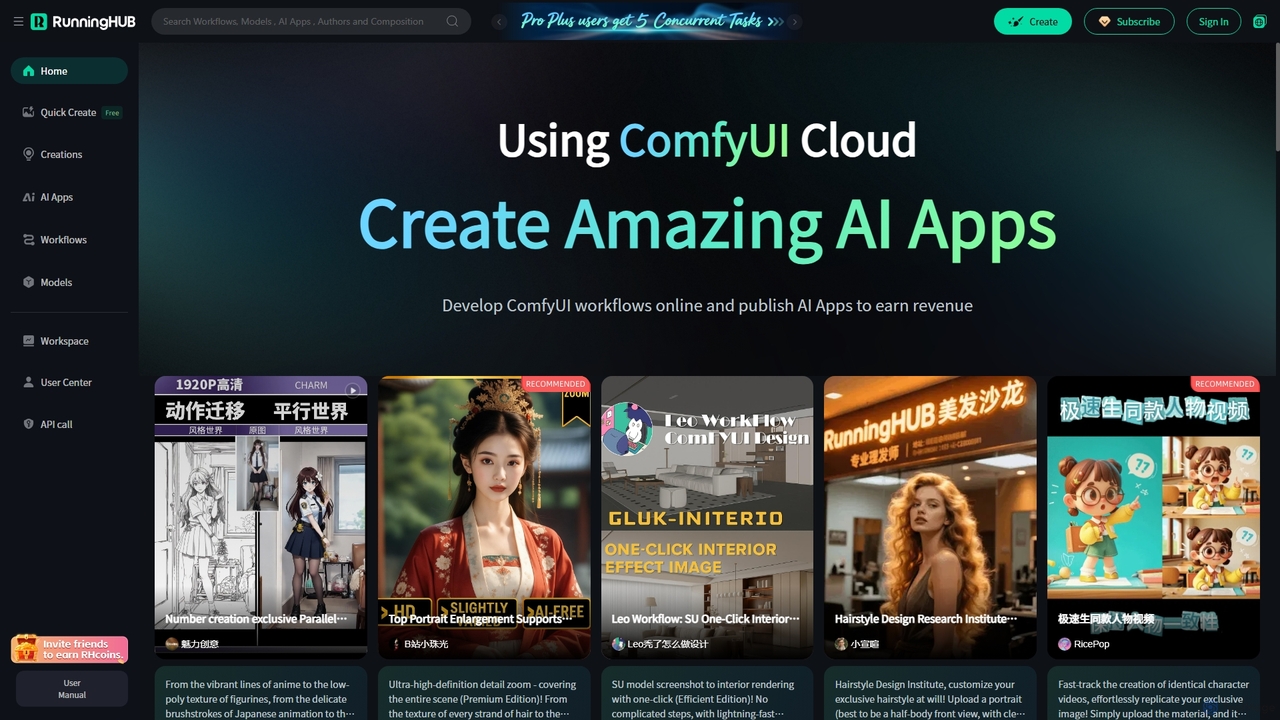
RunningHub
RunningHub is a powerful cloud-based platform for ComfyUI, enabling users to create, run, and share complex AI workflows without needing local hardware. It provides an online workspace with high-performance GPUs, a vast library of pre-installed models and nodes, and the ability to publish workflows as user-friendly AI applications for monetization.
Api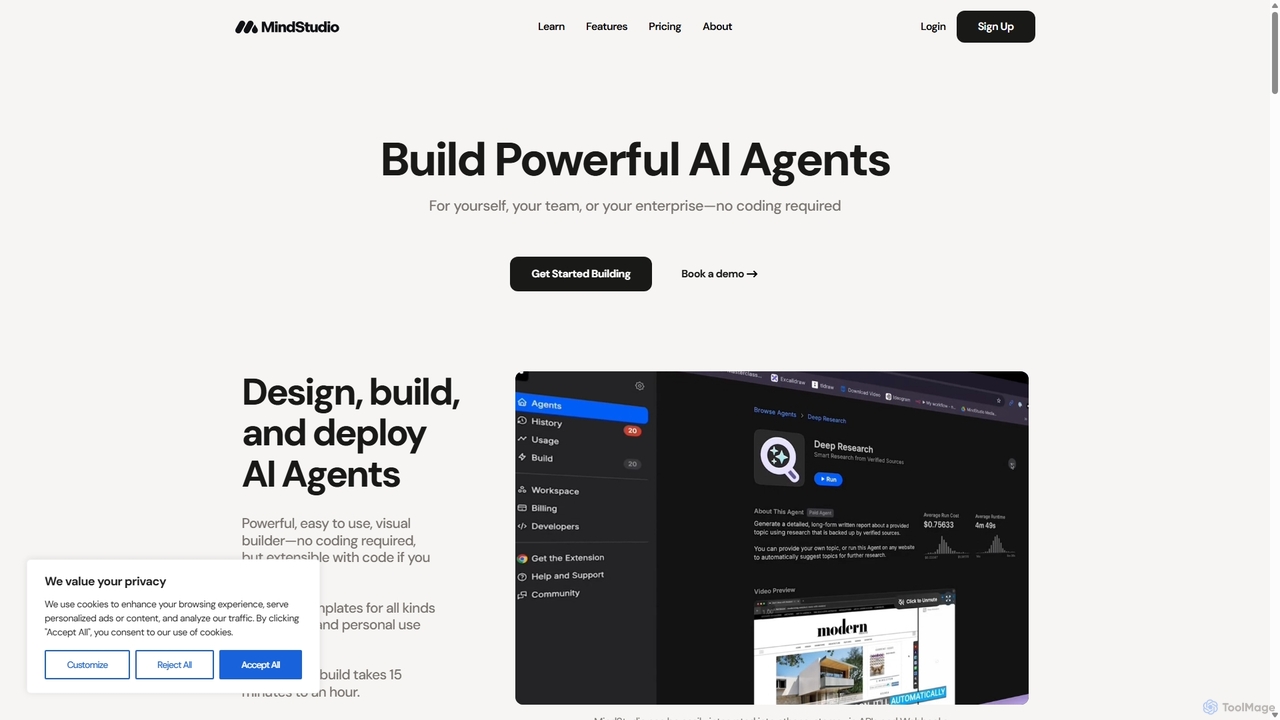
MindStudio
MindStudio is a no-code platform for designing, building, and deploying powerful AI agents. It offers a visual builder, over 100 templates, and seamless integration with 90+ LLMs and various data sources. Users can create AI-powered web apps, autonomous workflows, browser extensions, and more for personal, team, or enterprise use. It's designed for rapid development, robust automation, and scalable AI solutions without needing to write a single line of code, but is extensible with code if needed.
Ai Agent Builder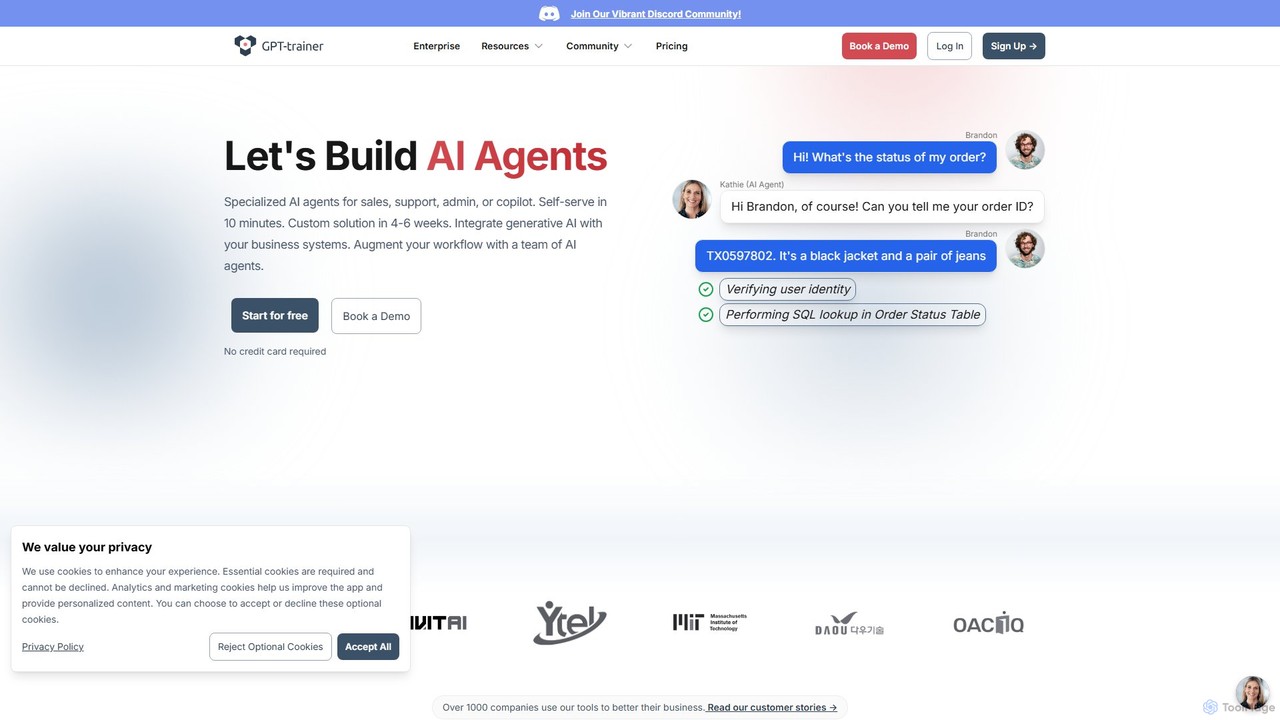
GPT-trainer
A no-code platform for building specialized AI agents for sales, support, and internal operations. Train ChatGPT-like bots on your own data, integrate with business systems, and deploy across multiple channels to automate workflows and enhance productivity.
Chatbots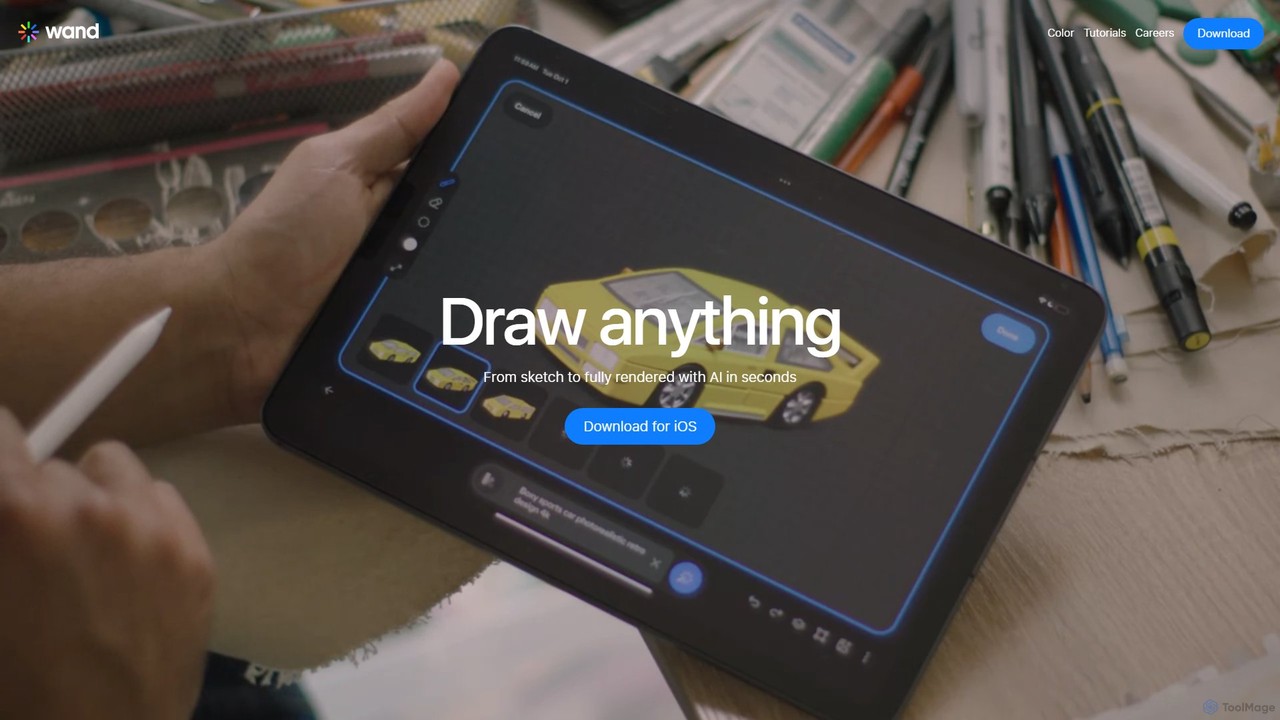
Wand
Wand is an enterprise-grade operating system for creating and managing a hybrid workforce of humans and AI agents. It provides a unified platform to manage, execute, and create autonomous agents, enabling seamless collaboration, process automation, and scalable operations across the entire organization.
Agent Management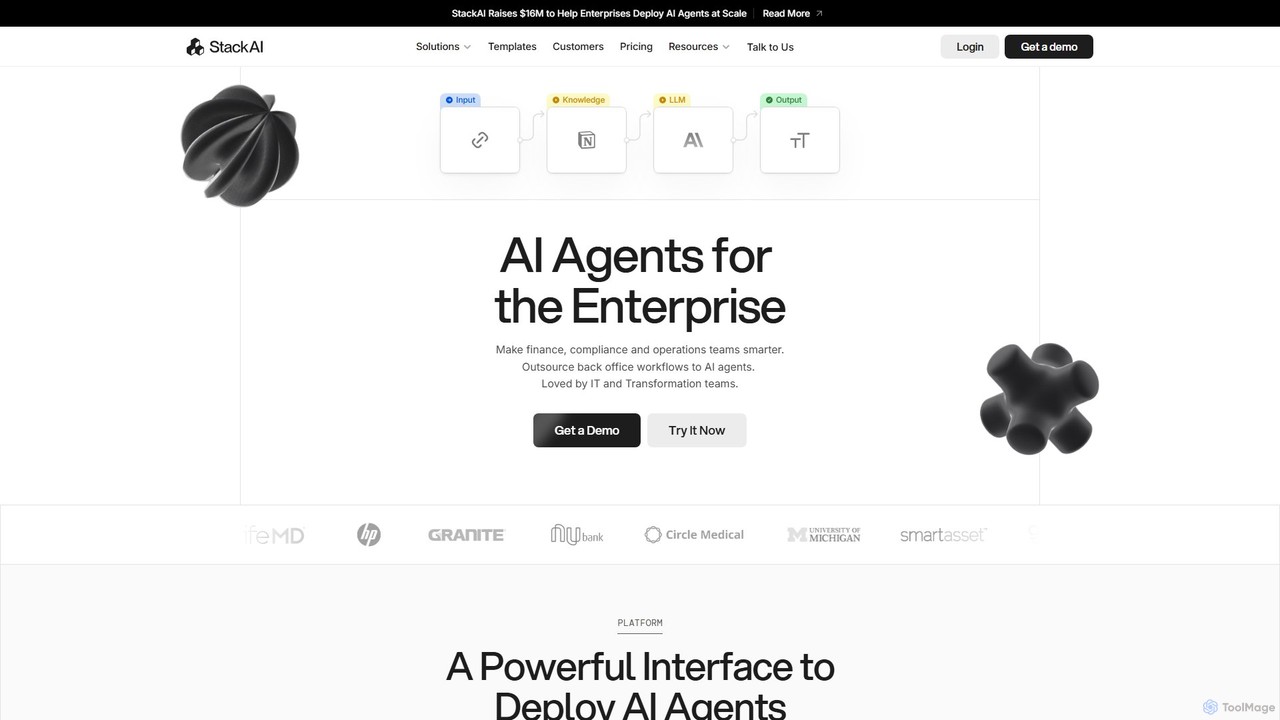
Stack AI
Stack AI is an enterprise-grade platform for building and deploying AI agents without code. It empowers teams in finance, compliance, and operations to automate complex back-office workflows, process documents, and create intelligent assistants using a visual interface and pre-built templates, all with a strong focus on security and data privacy (SOC2, HIPAA, GDPR compliant).
Enterprise SolutionsComfyFlow Categories
ComfyFlow Embed Widget
Copy this embed code to place the badge on your blog, article, or product site and send readers directly to this ToolMage detail page.

Related AI tools
RunningHub
RunningHub is a powerful cloud-based platform for ComfyUI, enabling users to create, run, and share complex AI workflows without needing local hardware. It provides an online workspace with high-performance GPUs, a vast library of pre-installed models and nodes, and the ability to publish workflows as user-friendly AI applications for monetization.
Api
mimicpc
MimicPC is a cloud-based AI platform providing affordable access to high-performance GPUs and over 20 pre-installed AI applications. Effortlessly create images, videos, and audio, train custom LoRA models, and run LLMs without any complex setup. It's designed for both beginners and experts, offering a fully customizable and user-friendly environment to unleash creativity without expensive hardware.
Voice Cloning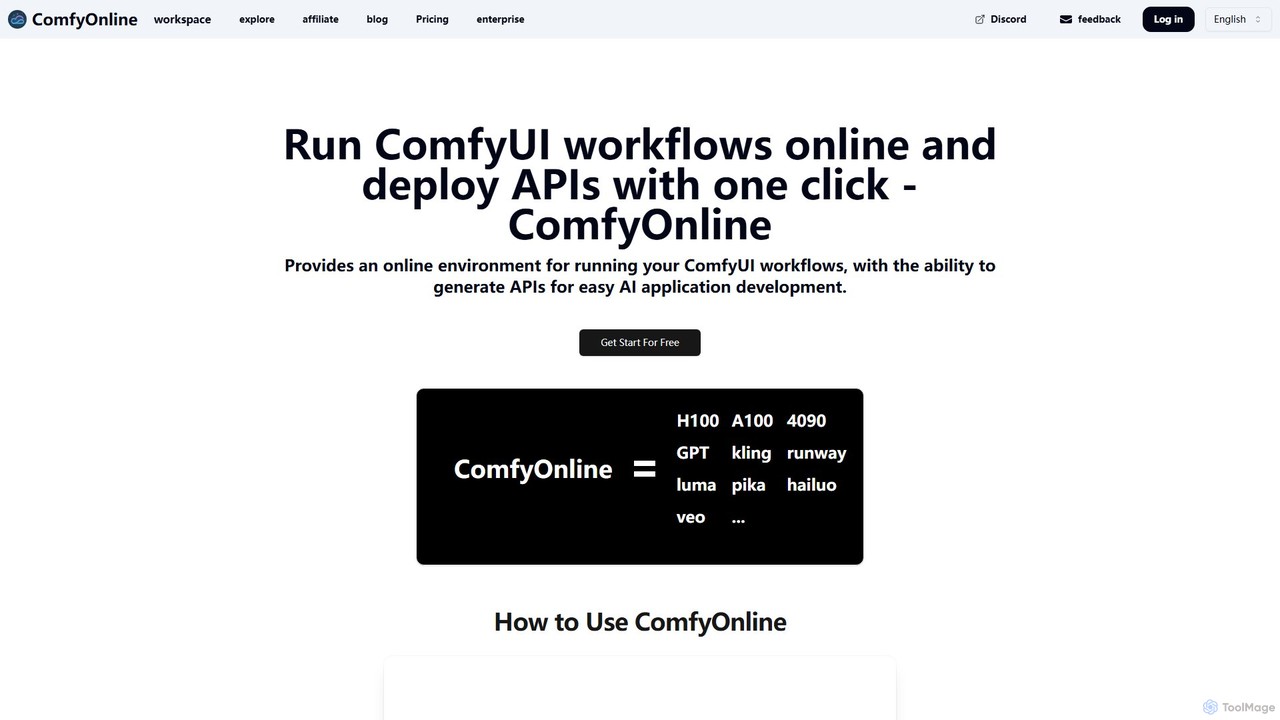
ComfyOnline
A cloud-based platform for running ComfyUI workflows online without expensive hardware. It offers a serverless environment, one-click API deployment for AI applications, and pay-as-you-go access to high-performance GPUs like H100 and A100. It simplifies the entire process from workflow creation to scalable deployment.
Api & Infrastructure
Phygital+
Phygital+ is a comprehensive, node-based AI workspace designed for creative teams and individuals. It integrates over 30 AI models, including Stable Diffusion, DALL-E 3, and GPT-4o, into a single collaborative platform. Users can visually build complex workflows for generating images, videos, text, and 3D models without writing any code, significantly accelerating the creative production process.
3D Modeling
Magicflow AI
Magicflow AI is a professional workspace for generative AI image experimentation. It enables users to test prompts, evaluate models like Stable Diffusion, and analyze thousands of images at scale. Designed for teams and individuals, it streamlines the workflow of perfecting AI-generated visuals through organized, collaborative, and data-driven testing.
Testing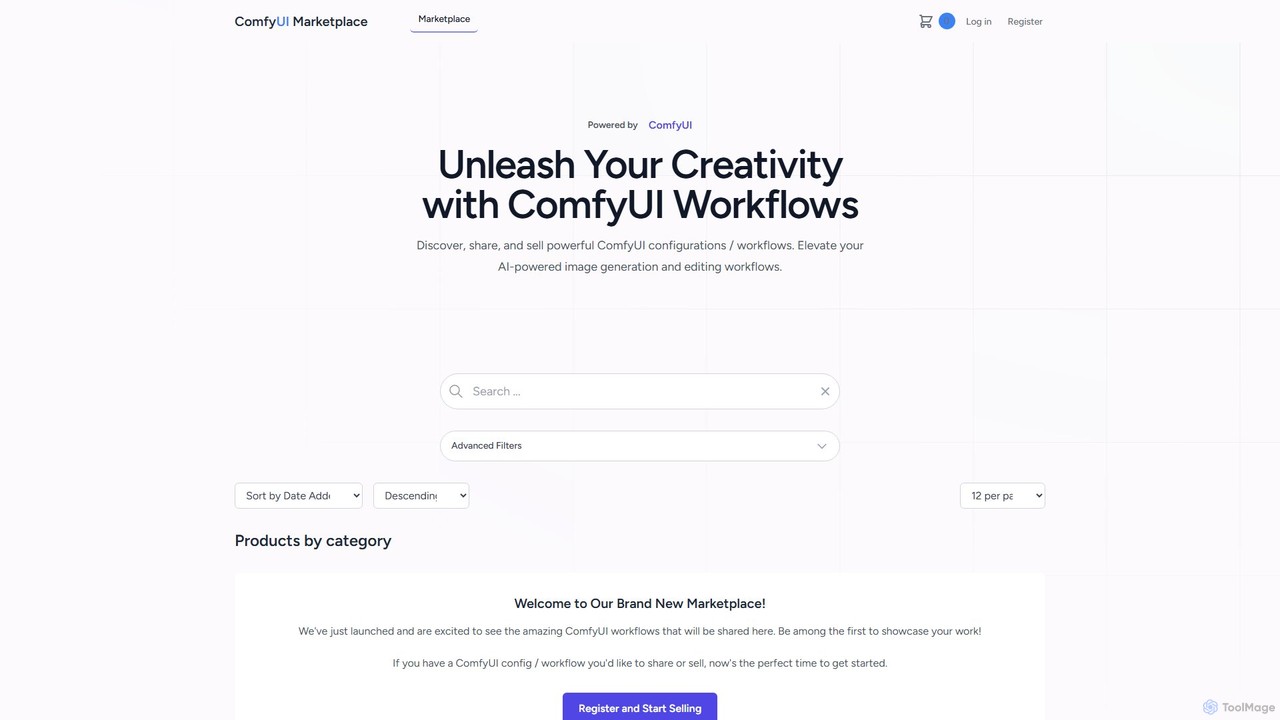
comfyui_market
ComfyUI Market is a dedicated marketplace for discovering, buying, and selling ComfyUI workflows. It empowers AI artists and enthusiasts by providing a platform to share and access powerful, pre-built configurations for advanced image and video generation with Stable Diffusion. Elevate your creative projects by leveraging community-built node graphs, saving time and unlocking new artistic possibilities.
Workflow Templates
Comfy Directory
A central resource hub for ComfyUI, offering a vast, searchable directory of workflows, custom nodes, and models. It's the essential one-stop platform for generative AI artists and developers to discover, share, and enhance their projects.
Developer Tools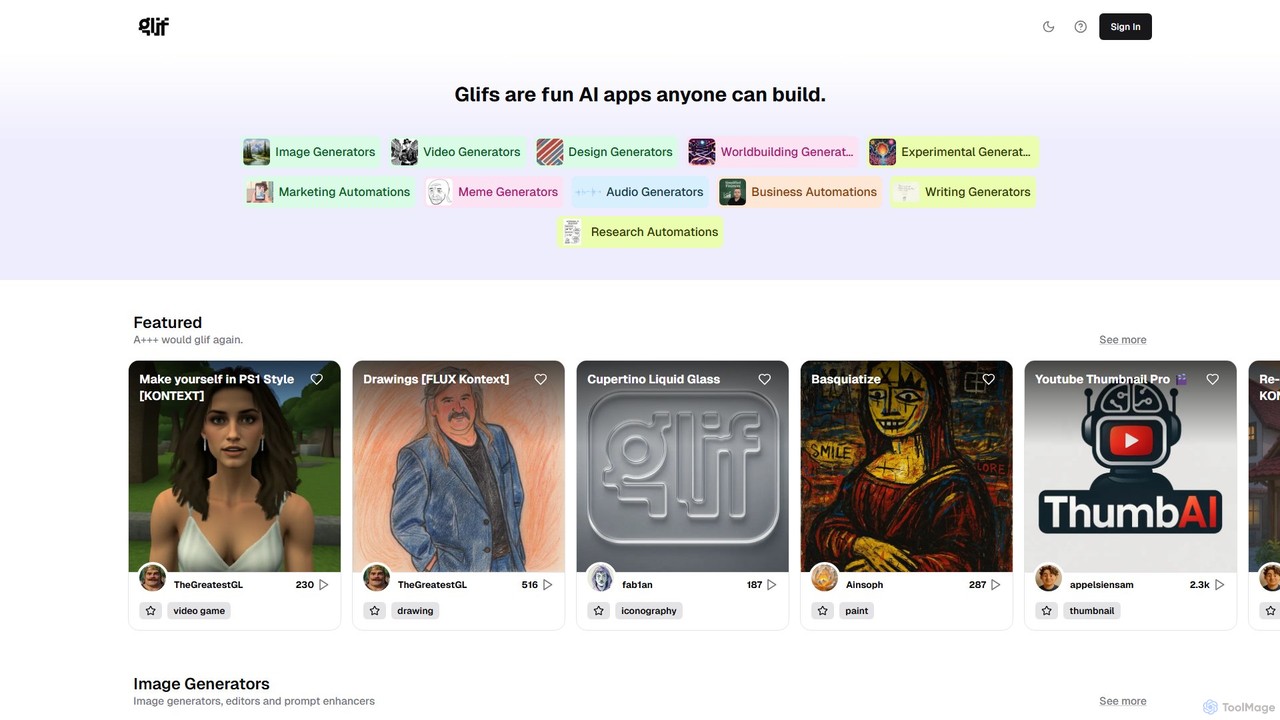
glif
glif is a low-code platform for creating and sharing AI-powered mini-apps, known as "glifs." It enables users to combine large language models, image generators like Stable Diffusion and DALL-E 3, and other advanced tools like ComfyUI to build custom generators for images, videos, memes, audio, and more, without needing to code.
No Code PlatformMindStudio
MindStudio is a no-code platform for designing, building, and deploying powerful AI agents. It offers a visual builder, over 100 templates, and seamless integration with 90+ LLMs and various data sources. Users can create AI-powered web apps, autonomous workflows, browser extensions, and more for personal, team, or enterprise use. It's designed for rapid development, robust automation, and scalable AI solutions without needing to write a single line of code, but is extensible with code if needed.
Ai Agent Builder
ComfyUI
ComfyUI is a powerful, free, and open-source node-based graphical user interface for generative AI. It offers unparalleled control and flexibility for creating complex workflows to generate images, videos, 3D assets, and audio, designed for artists, developers, and researchers.
3D Modeling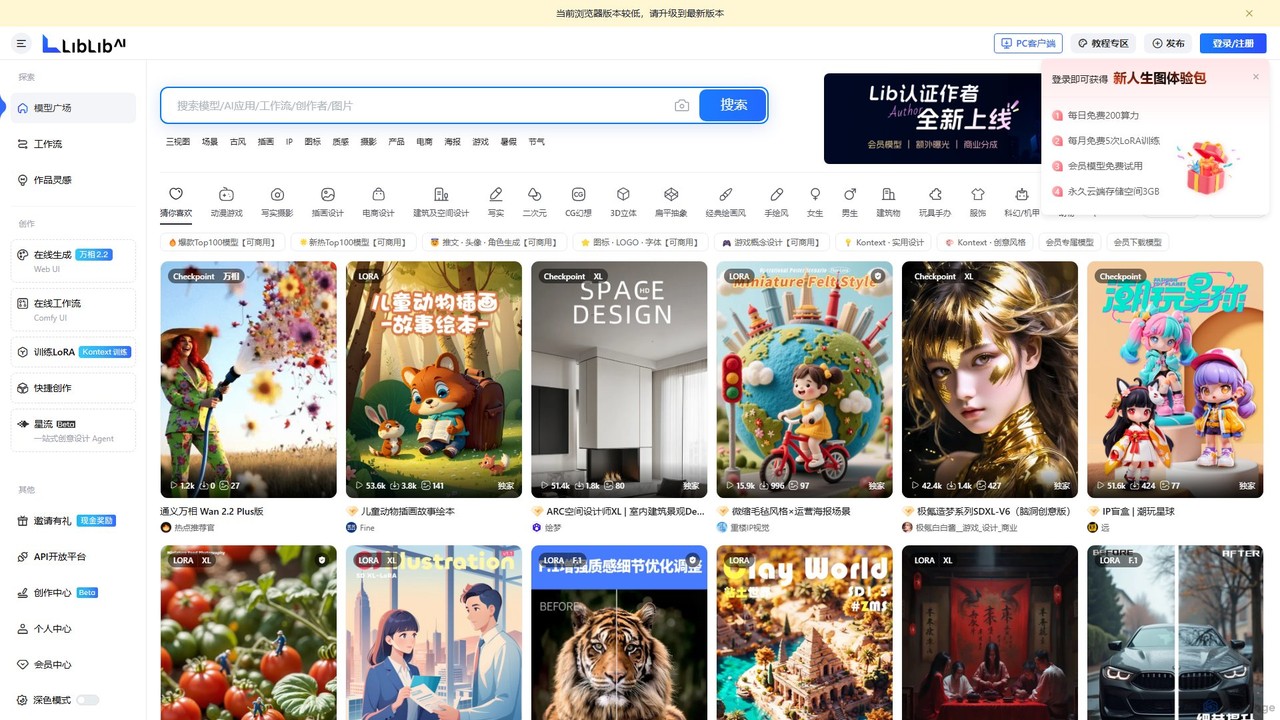
LiblibAI
LiblibAI is a leading AI creation platform and community, focusing on AI model sharing for image generation. It offers a vast library of Stable Diffusion models, including Checkpoints and LoRAs, with a special emphasis on anime, gaming, and unique Chinese artistic styles. Users can generate images online or download models for local use.
Ai Art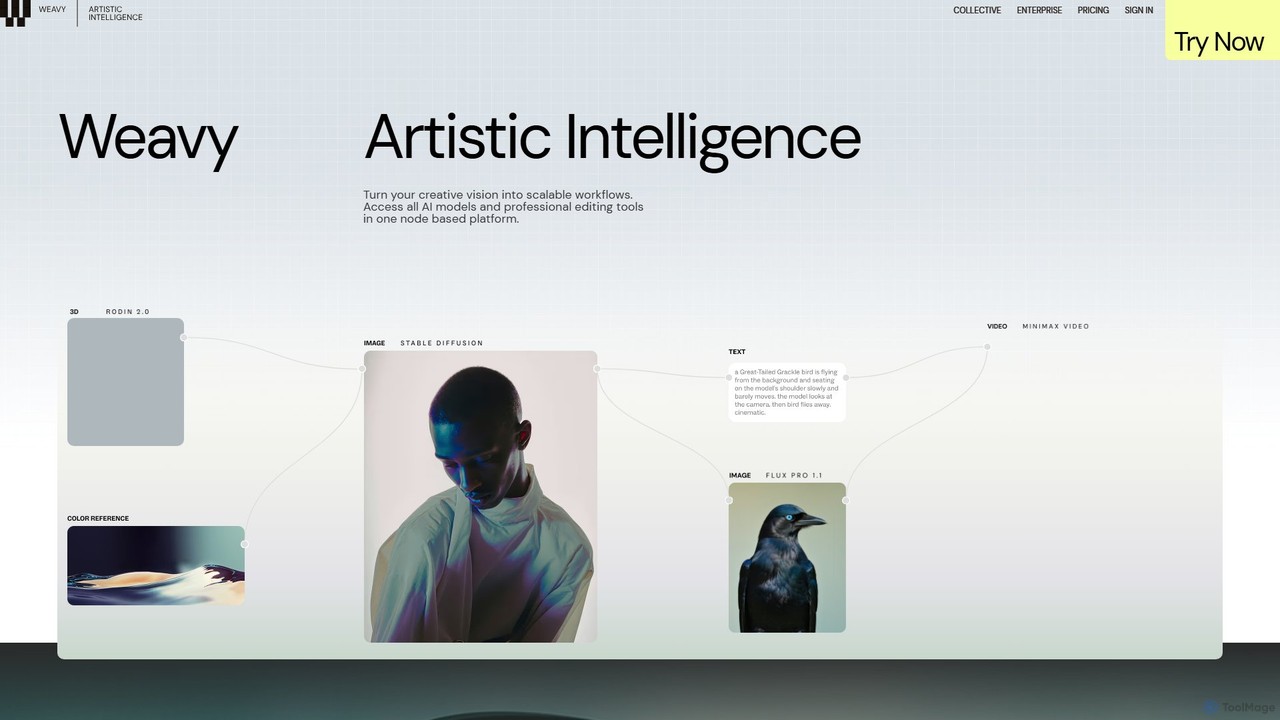
Weavy
Weavy is an AI-powered design platform for creative professionals, integrating multiple top-tier AI models into a single, node-based workflow. It combines generative AI capabilities with professional-grade editing and compositing tools, allowing users to build scalable, repeatable creative processes with unparalleled control. It's designed to bridge the gap between AI and artistic craft, focusing on process and quality.
Image Generation
Anakin.ai
Anakin.ai is an all-in-one, no-code AI platform designed to boost productivity. It allows users to build custom AI applications, automate workflows, and perform tasks like content creation, image generation, and data analysis. By integrating major AI models like GPT-4, Claude 3, and Stable Diffusion, Anakin.ai provides a vast library of pre-built apps and a powerful visual editor, making advanced AI accessible to everyone, from individuals to teams, without needing to code.
No Code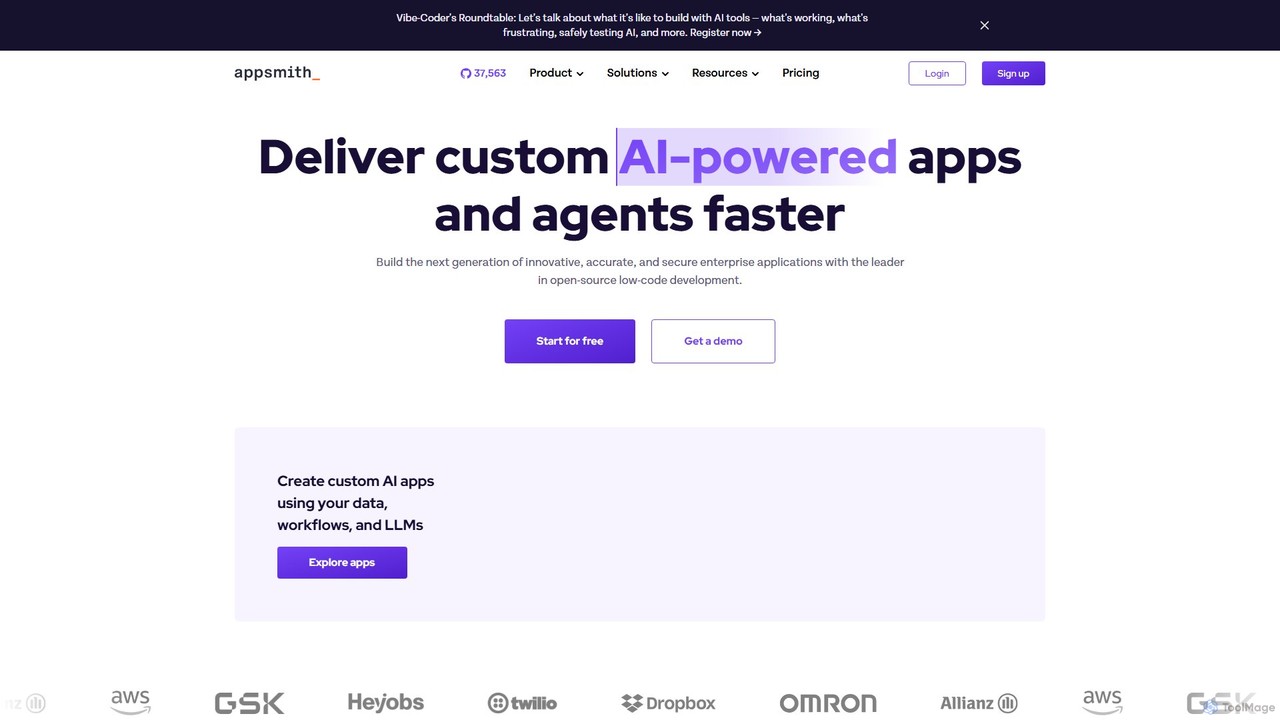
Appsmith
Appsmith is an open-source, low-code platform designed for developers to build, ship, and maintain internal tools, dashboards, and AI-powered applications rapidly. It connects to any data source, allows UI building via drag-and-drop or natural language, and offers full customization with JavaScript, empowering teams to create secure, scalable enterprise-grade applications with unprecedented speed.
Internal Tools
ComfyUI Web
ComfyUI Web is a free, online AI image generator that provides a web-based interface for Stable Diffusion. It leverages the powerful and flexible node-based workflow of ComfyUI, allowing users to create complex and customized AI art without needing powerful local hardware or any installation. It supports high-quality models like SDXL Turbo and is designed for both beginners and advanced users.
Ai Art Generator
ComfyFlow Comments (0)
Sign in to comment.
Sign inNo comments yet.