

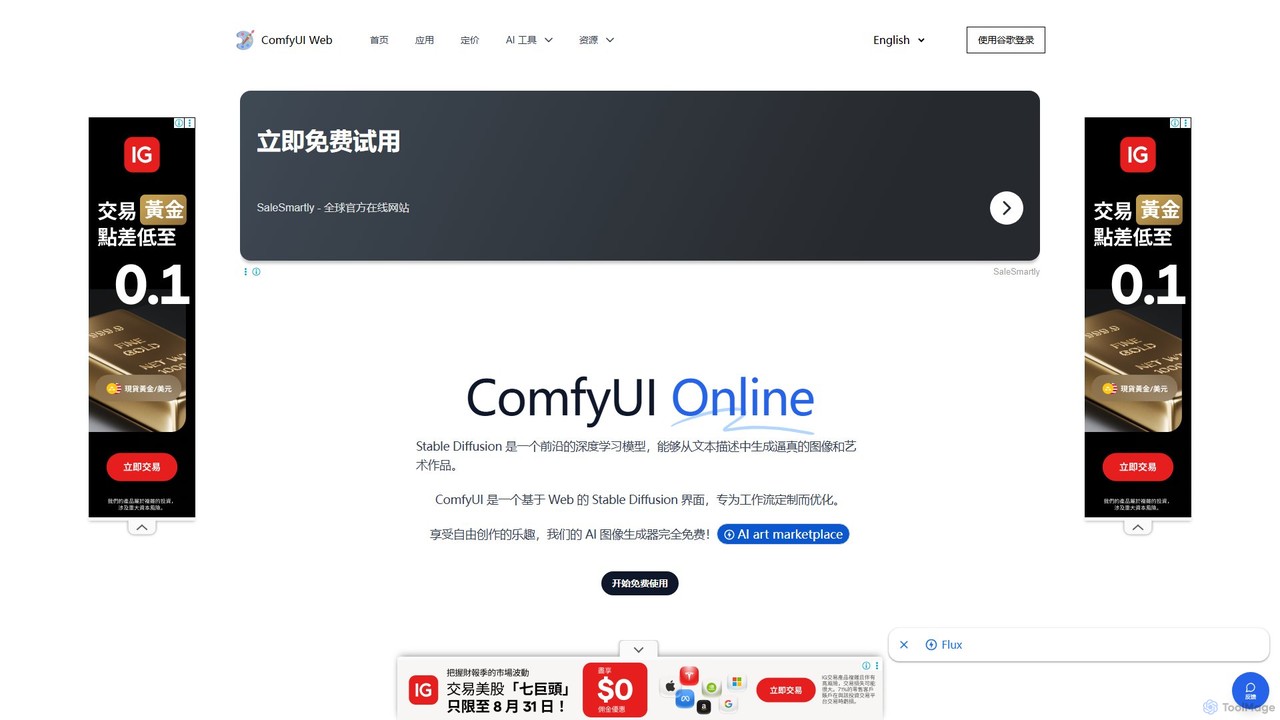
ComfyUI Web Overview
ComfyUI Web is a cutting-edge, free-to-use online platform that brings the power of Stable Diffusion to your browser. It serves as a web-based graphical user interface (GUI) for ComfyUI, a renowned node-based system for creating and managing complex AI image generation workflows. This tool democratizes AI art creation, making it accessible to everyone, regardless of their technical expertise or the power of their computer. By running on dedicated servers, ComfyUI Web eliminates the need for expensive GPUs and complex local installations, allowing users to start generating high-quality images from text descriptions in seconds.
The platform is built on the principle of flexibility and customization. Unlike simple text-to-image generators, ComfyUI Web utilizes a modular, node-based interface. This means users can visually construct their image generation pipeline by connecting different functional blocks (nodes) for tasks like loading models, inputting prompts, selecting samplers, and decoding images. This approach offers unparalleled control and allows for the creation of highly specific and reproducible results. The platform also supports advanced models like Stable Diffusion XL (SDXL) Turbo and FLUX.1, ensuring state-of-the-art image quality and performance.
How to use ComfyUI Web
Getting started with ComfyUI Web is incredibly straightforward. For basic image generation, users can simply use the default workflow:
- Navigate to the ComfyUI Web website. The default text-to-image workflow is pre-loaded.
- Locate the positive and negative prompt nodes (CLIP Text Encoder).
- Enter your desired image description in the positive prompt box and any elements you want to exclude in the negative prompt box.
- Click the "Queue Prompt" button to start the generation process.
- Within seconds, the generated image will appear in the "Save Images" or "Preview Image" node. You can right-click the image to save it to your computer.
For more advanced usage, the true power of ComfyUI Web lies in its workflow system:
- Loading Workflows: You can load pre-existing workflows by clicking "Load" and selecting a JSON file. Many users share their complex workflows online.
- Importing from Images: A unique feature is the ability to load a workflow directly from an image that was generated using ComfyUI. Simply drag and drop the PNG image onto the workspace, and the entire node setup used to create it will be loaded.
- Building from Scratch: Advanced users can build their own workflows by right-clicking on the canvas and adding nodes for samplers (K Sampler), loaders (Load Checkpoint), VAE decoders, and more, connecting them to build a custom pipeline.
Core Features of ComfyUI Web
- Node-Based Workflow: Offers a highly flexible and powerful interface for creating custom image generation pipelines.
- Completely Free: Provides unlimited AI image generation at no cost, with no subscriptions or credit systems for basic use.
- No Installation or Hardware Needed: Runs entirely in the cloud, making it accessible from any PC with a web browser without requiring a powerful GPU.
- High-Quality Models: Powered by advanced models like SDXL Turbo and FLUX.1 for fast, high-resolution, and photorealistic image generation.
- Workflow Reusability: Easily save, load, and share entire workflows as JSON files or embedded in generated PNG images.
- Privacy-Focused: The platform states that it does not store user-generated images or personal information.
- Extensive Learning Resources: Provides detailed tutorials and guides, from beginner-friendly introductions to advanced workflow creation.
- Commercial Use License: Images generated on the site can be used for commercial purposes under a CC0 license, subject to the content policy.
Use Cases for ComfyUI Web
The flexibility of ComfyUI Web makes it suitable for a wide range of users and applications:
- Digital Artists & Designers: Create complex, layered images, enhance photos, and experiment with unique artistic styles.
- Content Creators & Marketers: Quickly generate custom visuals for social media, blog posts, advertisements, and promotional materials.
- Game Developers & Animators: Produce game assets, character designs, concept art, and background environments.
- AI Researchers & Enthusiasts: Experiment with different Stable Diffusion models, samplers, and custom workflows to test the limits of AI generation.
- Product Designers & Architects: Create rapid prototypes, mockups, and design visualizations.
- Educators & Students: A perfect tool for teaching and learning the fundamentals of AI image generation and processing concepts.
Advantages of ComfyUI Web
ComfyUI Web stands out from other AI image generators due to its unique combination of power, accessibility, and cost-effectiveness. Its primary advantage is providing the full flexibility of a node-based system without the high barrier to entry of a local setup. Users gain granular control over the entire generation process, from model choice to sampling methods, which is not possible with simpler tools. Being completely free and unlimited makes it an unbeatable option for experimentation and large-scale content creation. Furthermore, the ability to share and import workflows fosters a collaborative community where users can learn from and build upon the work of others.
Pricing and Plans
ComfyUI Web is a completely free tool. The platform offers unlimited AI image generation without any fees, subscriptions, or credit systems. Some specific, advanced applications on the site may require credits, but the core image generation functionality is free for all users.
Traffic
Latest traffic
Status
Monthly traffic trend
- 2026-1: 150.4K
- 2026-2: 108.8K
- 2026-3: 111.4K
- 2026-4: 142.9K
- 2026-5: 149.9K
Geography
Top 5 countries / regions
- 🇺🇸United States37.4%
- 🇪🇸Spain19.1%
- 🇮🇩Indonesia15.3%
- 🇬🇧United Kingdom14.7%
- 🇷🇺Russia13.5%
Traffic sources
| Source type | Percentage |
|---|---|
Direct | 61.9% |
Referral | 38.1% |
Top keywords
| Keyword | Cost per click |
|---|---|
| comfy ai | $1.22 |
| comfy ui | $0.68 |
| comfyui | $0.50 |
| comfyui ai | $0.96 |
| confyui | $0.80 |
ComfyUI Web Alternatives
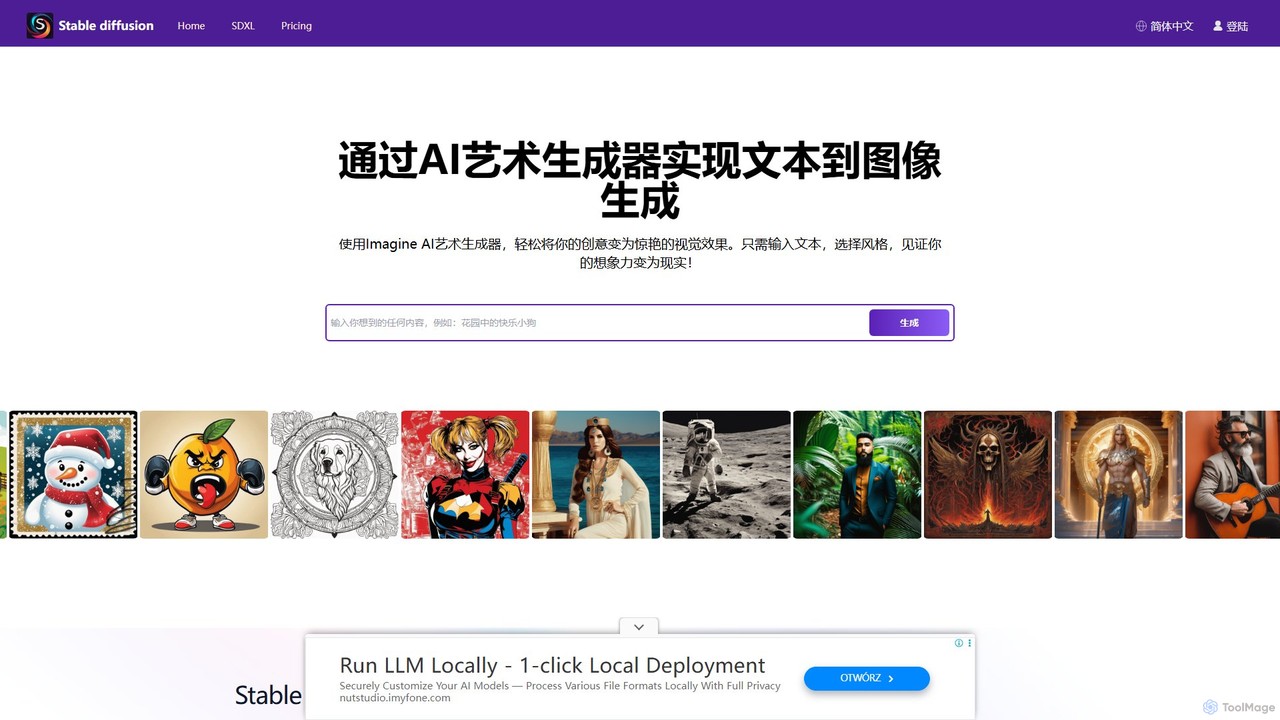
stablediffusionai.ai
stablediffusionai.ai is a user-friendly online platform for generating high-quality AI art using the powerful Stable Diffusion XL model. It allows users to transform text prompts into stunning visuals, offering features like preset styles, negative prompts, and high-resolution output. Suitable for both beginners and experienced artists, it provides a simple interface to explore advanced AI image generation, including image editing and model customization with LoRAs and embeddings. A freemium model offers both free access and premium plans for enhanced features.
Ai Art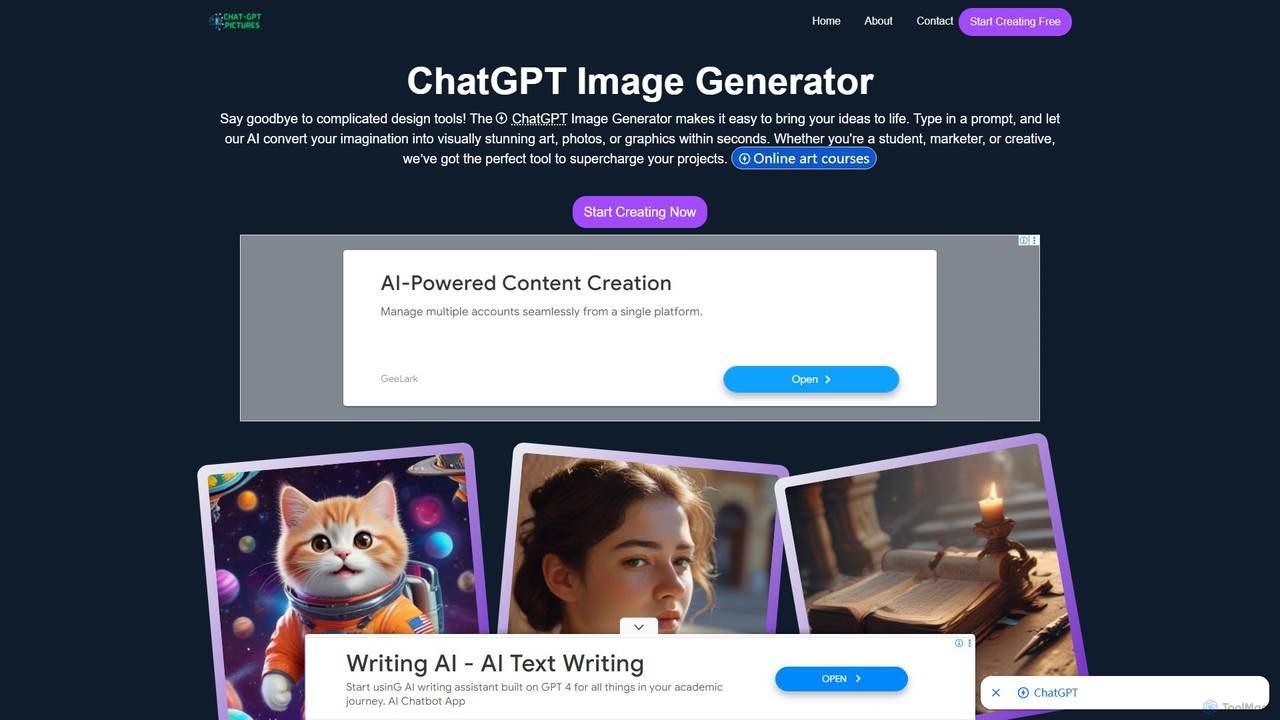
ChatGPT Image Generator
A free, user-friendly AI image generator that transforms text prompts into high-quality, visually stunning art, photos, and graphics in seconds. Powered by advanced technologies like Flux.1 Pro and GPT architecture, it offers fast performance, extensive customization with over 50 styles, and 4K resolution output. Ideal for artists, marketers, and developers, it simplifies the creative process for everyone.
Generative Art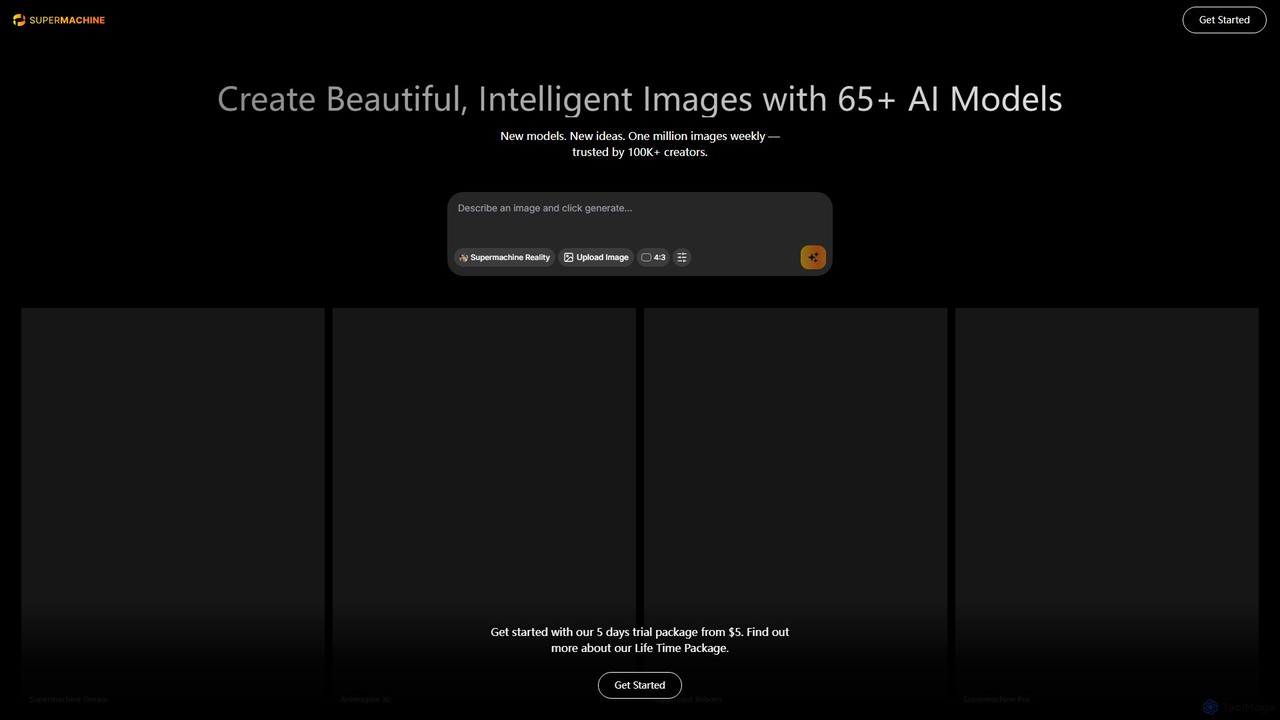
supermachine
supermachine is a powerful AI image generation platform offering access to over 65 specialized models. It enables creators to produce beautiful, intelligent images from text prompts, catering to a wide range of styles from photorealistic and anime to abstract art. Trusted by over 100,000 creators, it's a versatile tool for artists, marketers, and designers.
Generative Art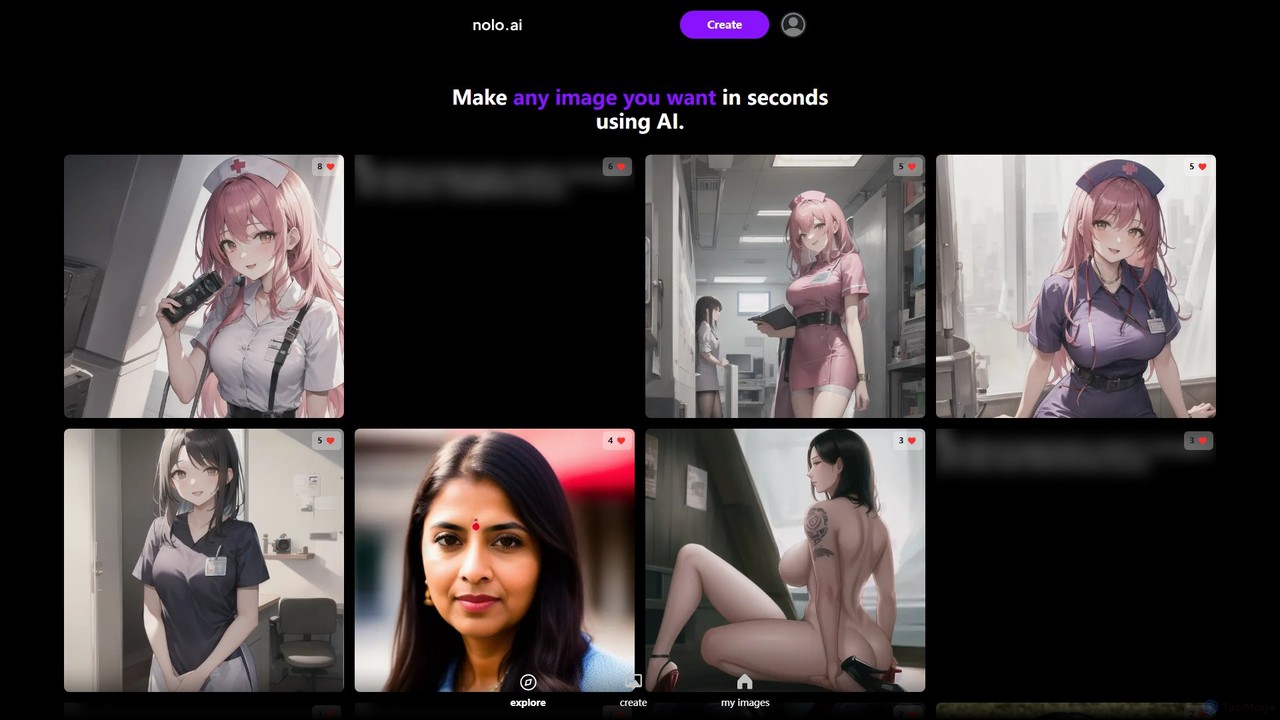
Nolo
Nolo is an AI image generator that allows users to create high-quality photorealistic and anime-style images in seconds. It features an intuitive interface with highly detailed controls for character attributes, settings, lighting, and camera angles, making it easy for anyone to bring their creative visions to life without complex prompting.
Ai Art Generator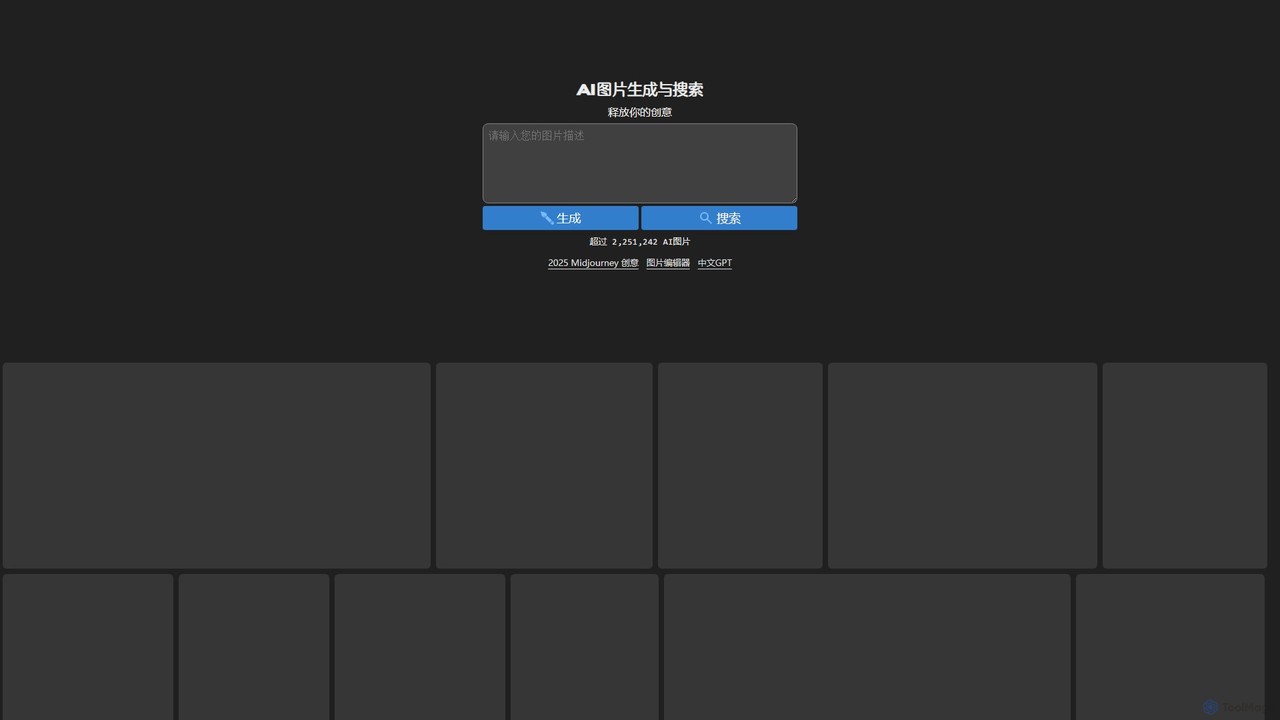
ai_img_gen
A powerful and free AI tool for generating unique images from text prompts. It features a vast, searchable gallery of over 2 million AI-generated images for inspiration and an integrated photo editor to refine creations by adding text, shapes, and other elements. Ideal for artists, marketers, and creators.
InspirationComfyUI Web Categories
ComfyUI Web Embed Widget
Copy this embed code to place the badge on your blog, article, or product site and send readers directly to this ToolMage detail page.

Related AI tools
Fooocus
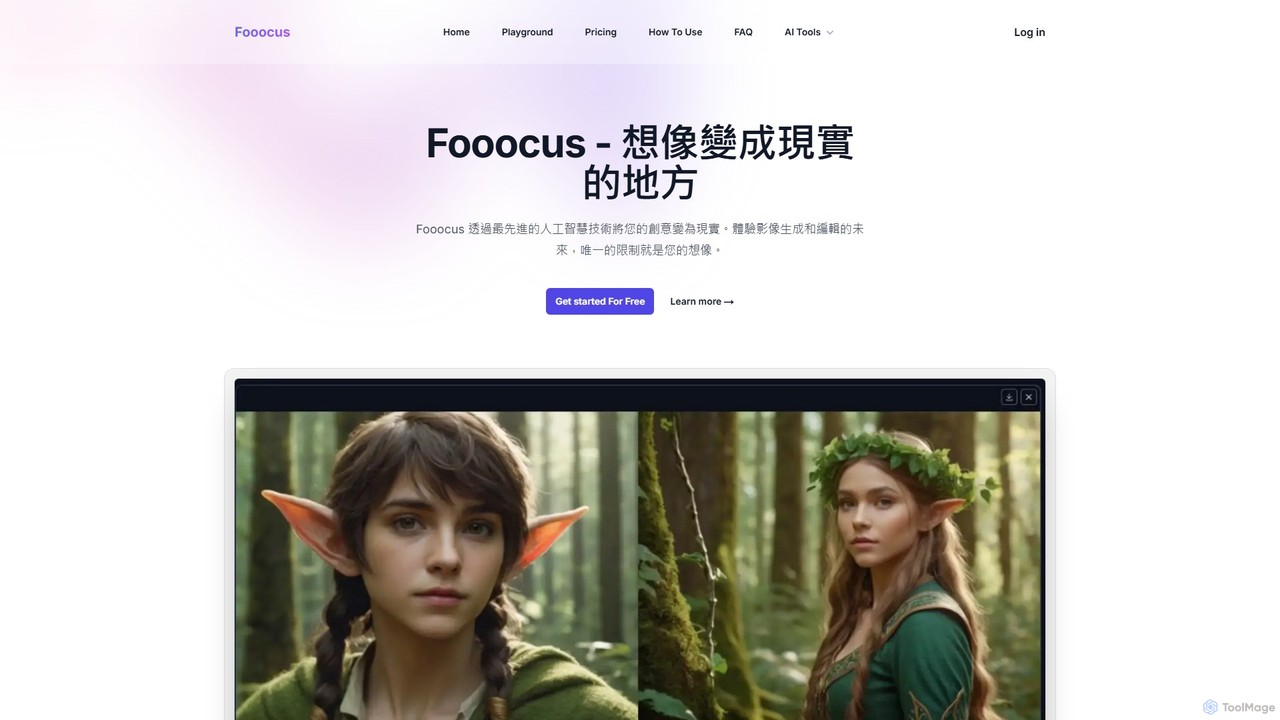
Fooocus is a free, open-source AI image generation tool that simplifies the process of creating high-quality images with Stable Diffusion. It combines ease of use with powerful features like inpainting, style control, and face swapping, making it accessible for both beginners and advanced users.
Digital Artstablediffusionai.ai
stablediffusionai.ai is a user-friendly online platform for generating high-quality AI art using the powerful Stable Diffusion XL model. It allows users to transform text prompts into stunning visuals, offering features like preset styles, negative prompts, and high-resolution output. Suitable for both beginners and experienced artists, it provides a simple interface to explore advanced AI image generation, including image editing and model customization with LoRAs and embeddings. A freemium model offers both free access and premium plans for enhanced features.
Ai ArtChatGPT Image Generator
A free, user-friendly AI image generator that transforms text prompts into high-quality, visually stunning art, photos, and graphics in seconds. Powered by advanced technologies like Flux.1 Pro and GPT architecture, it offers fast performance, extensive customization with over 50 styles, and 4K resolution output. Ideal for artists, marketers, and developers, it simplifies the creative process for everyone.
Generative Art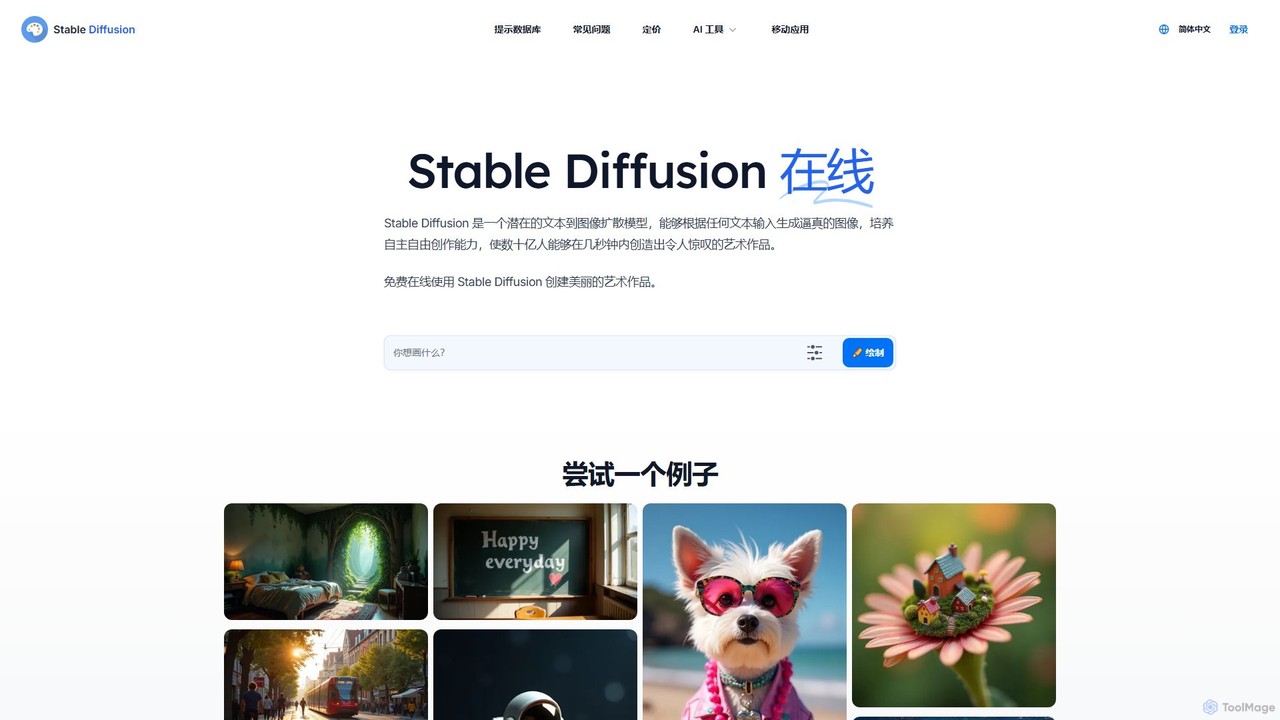
Stable Diffusion Online
Stable Diffusion Online is a free and user-friendly web tool for creating high-quality, photorealistic images from text prompts. Powered by the advanced Stable Diffusion XL (SDXL) and SDXL Turbo models, it allows anyone to generate stunning AI art in seconds without any technical setup. It emphasizes privacy, requires no registration, and includes a massive searchable database of over 9 million prompts to inspire your creations. All generated images are in the public domain (CC0).
Generative Art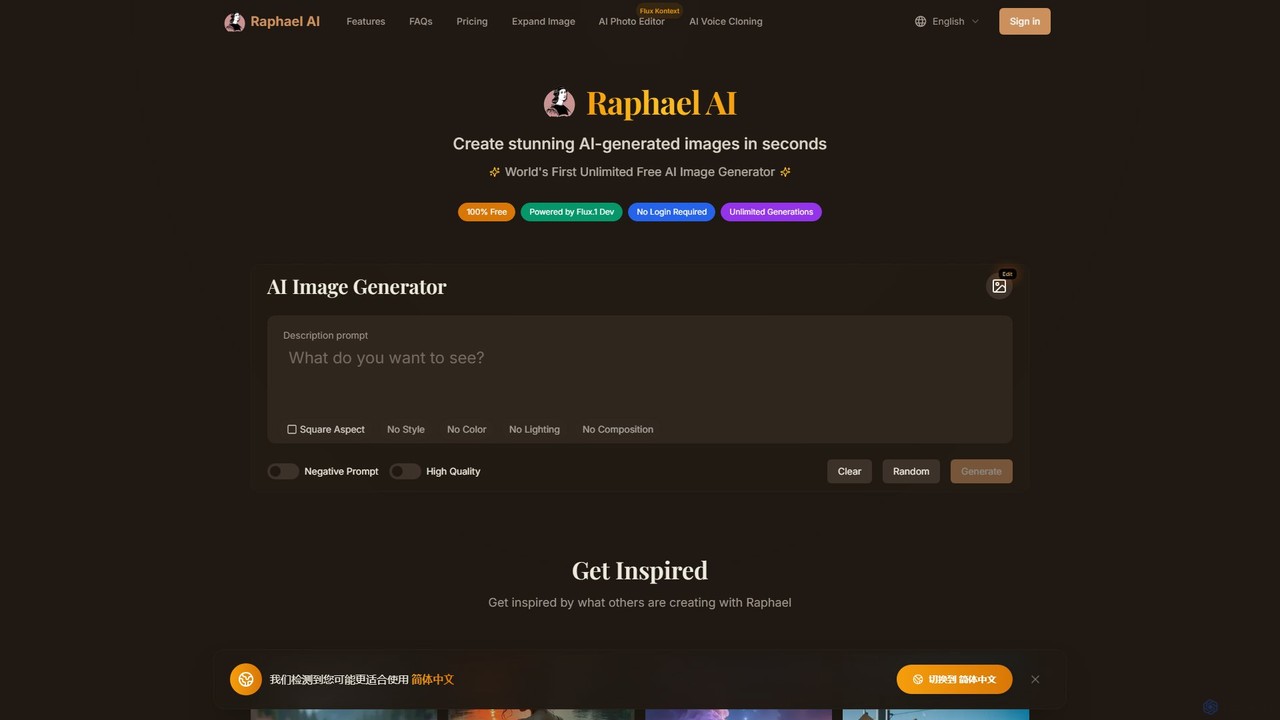
Raphael
Raphael is a versatile AI image suite offering a free, unlimited AI image generator powered by the advanced FLUX.1 model. It requires no login and ensures user privacy. Key features include a powerful AI Uncrop/Expander tool for extending images, multi-style support, and high-quality, photorealistic outputs. Paid plans unlock faster generation, HD images, and advanced editing features.
Image Editing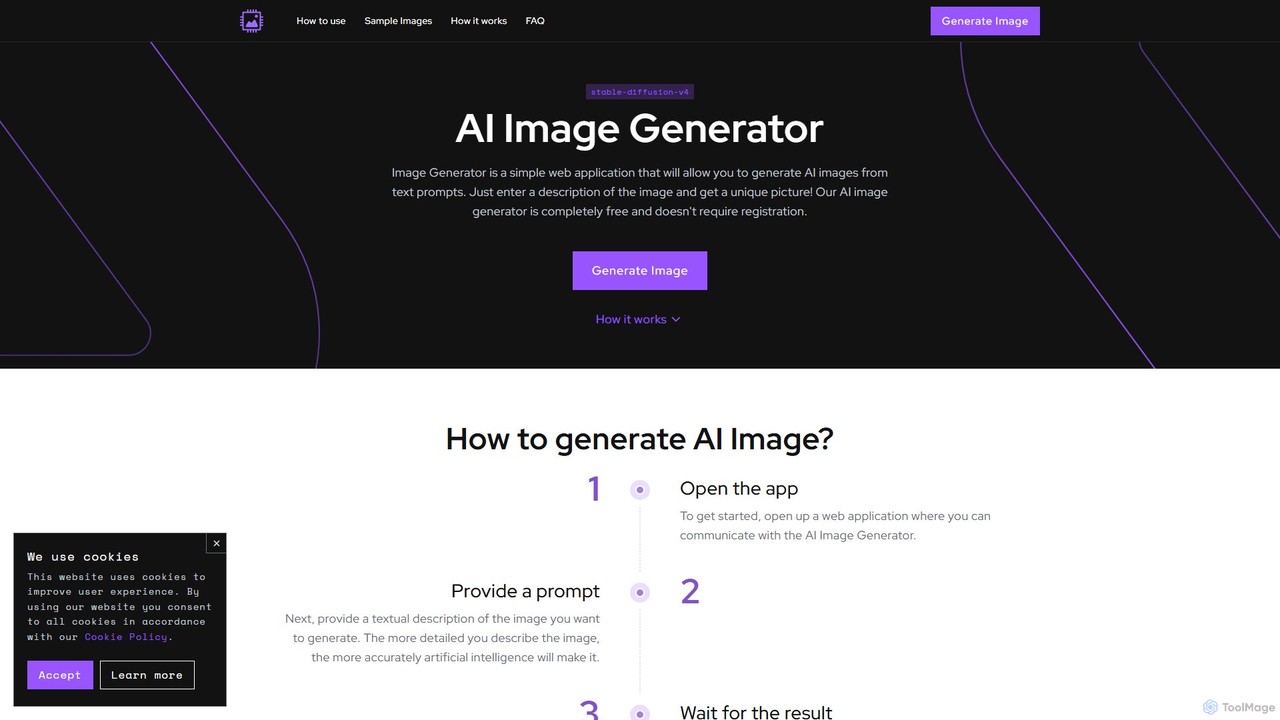
image_generator
A completely free, web-based AI image generator that creates unique images from text prompts. Powered by Stable Diffusion, it requires no registration and offers customization options like negative prompts and image dimensions. Ideal for artists, designers, and hobbyists for personal projects.
Generative Art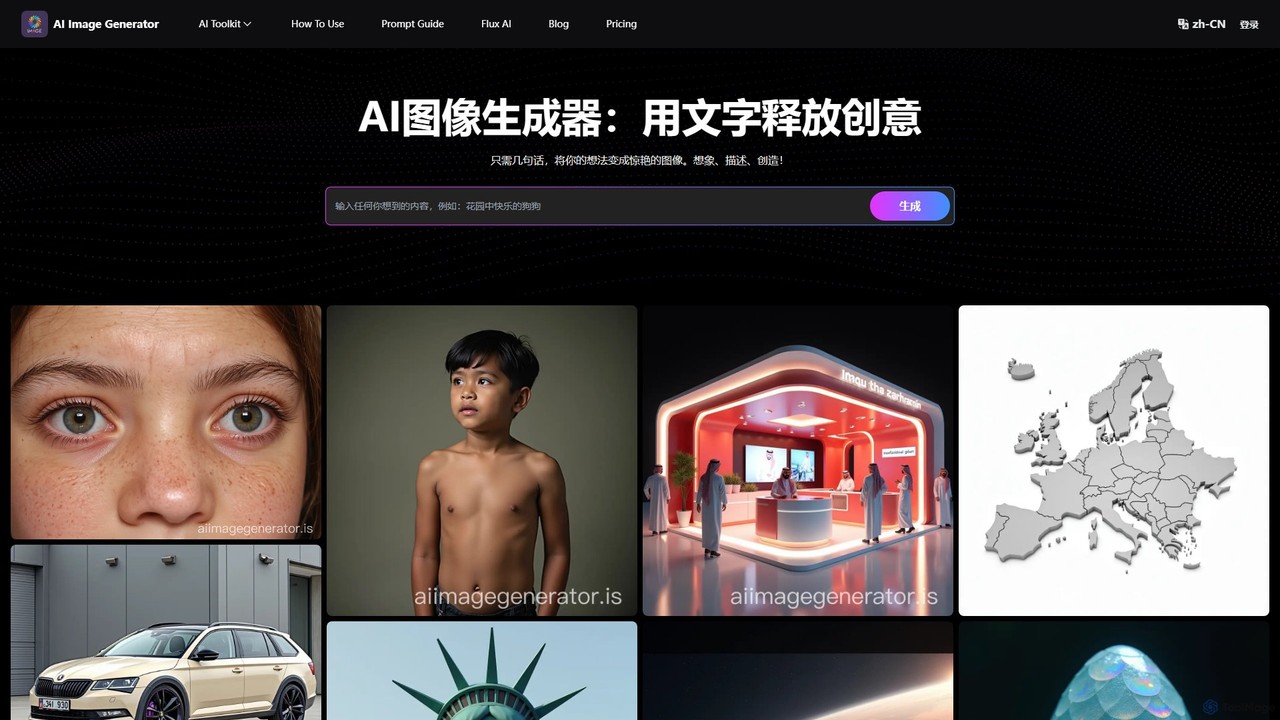
AI Image Generator
A free, web-based AI tool that transforms text descriptions into stunning images using advanced models like Stable Diffusion XL. It offers various styles, including realistic, anime, and 3D, making it ideal for artists, designers, marketers, and hobbyists. Users can easily generate unique, high-quality visuals for commercial or personal projects by simply writing a prompt, selecting a model, and choosing dimensions.
Generative Art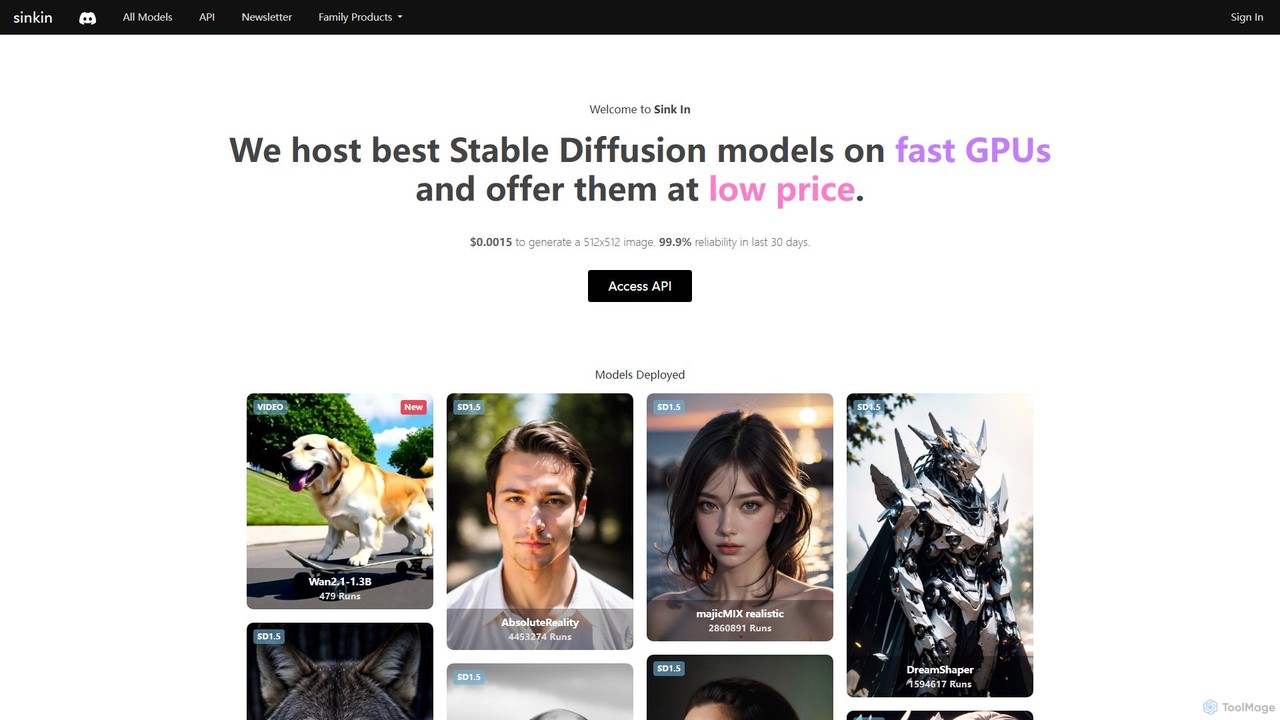
Sink In
Sink In provides developers and businesses with a low-cost, high-performance API for accessing a vast library of Stable Diffusion models. Generate images and videos programmatically with 99.9% reliability, leveraging fast GPUs for styles ranging from photorealistic to anime.
Api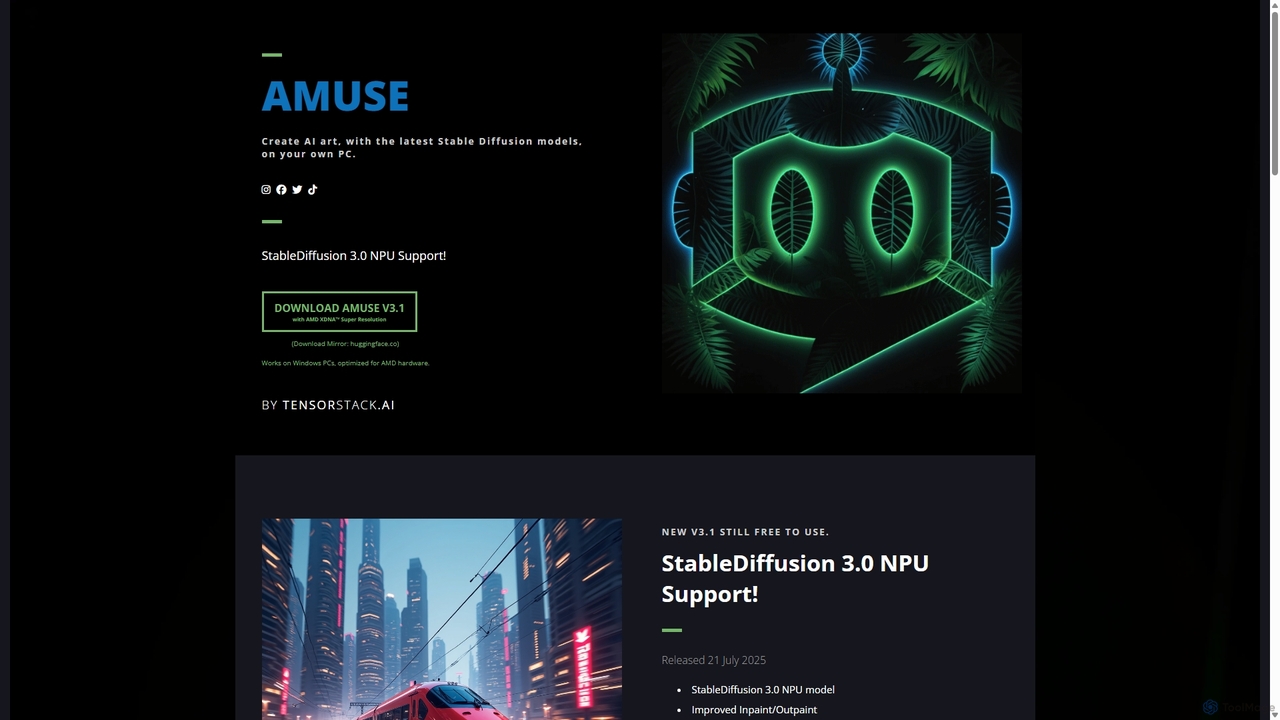
Amuse
Amuse is a free, powerful AI image and video generation tool for Windows PCs that runs locally on your hardware. It features Stable Diffusion 3.0, an easy mode for beginners, an expert mode for advanced users, and is highly optimized for AMD hardware with NPU support. Create stunning art, apply custom AI filters, and experiment with video generation without any cost or login requirements.
Generative Art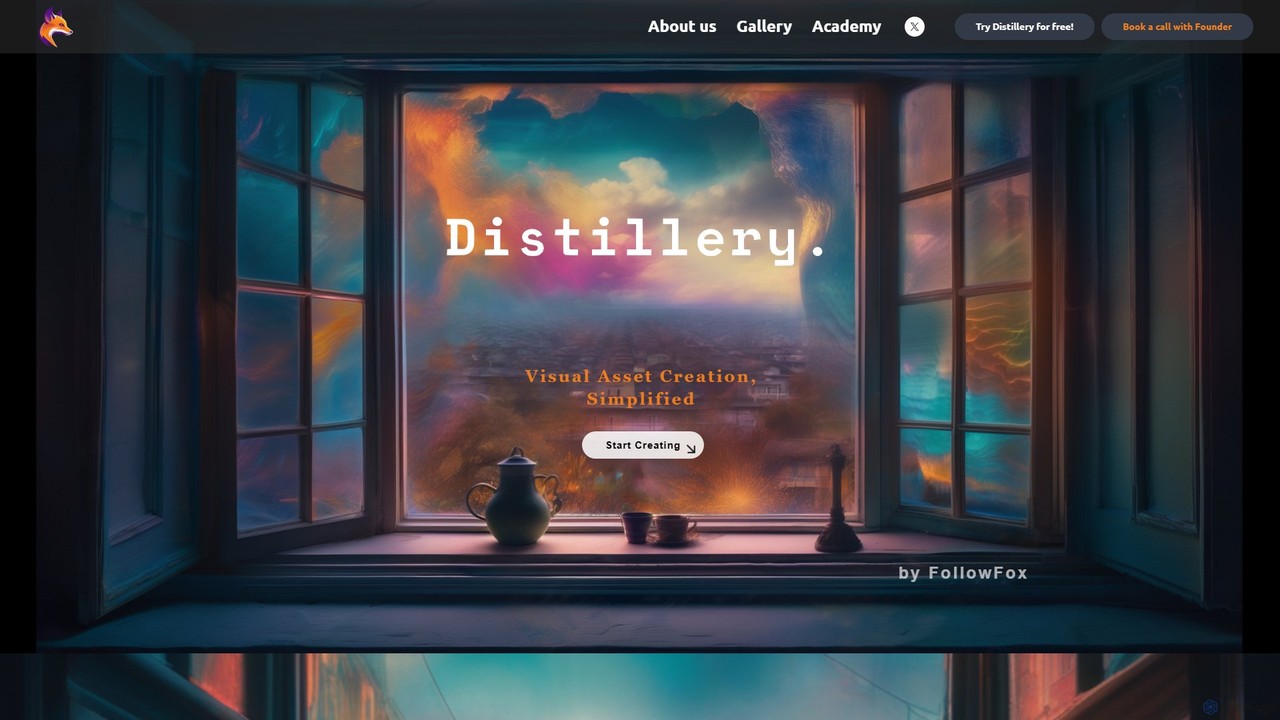
FollowFox
FollowFox offers Distillery, an open-source AI text-to-image generator. It provides advanced control with over 25 parameters, 1-image training for custom avatars, and a commitment to accessibility with 10 free daily generations. Ideal for artists, developers, and hobbyists seeking creative freedom and transparency.
Generative Art
Lusion AI
Lusion AI is a free, web-based AI image generator that provides access to multiple advanced models like Imagen 3, Flux.1, and Stable Diffusion. It allows users to create high-quality images, including those with accurate text, from simple text prompts without any cost or registration.
Generative Art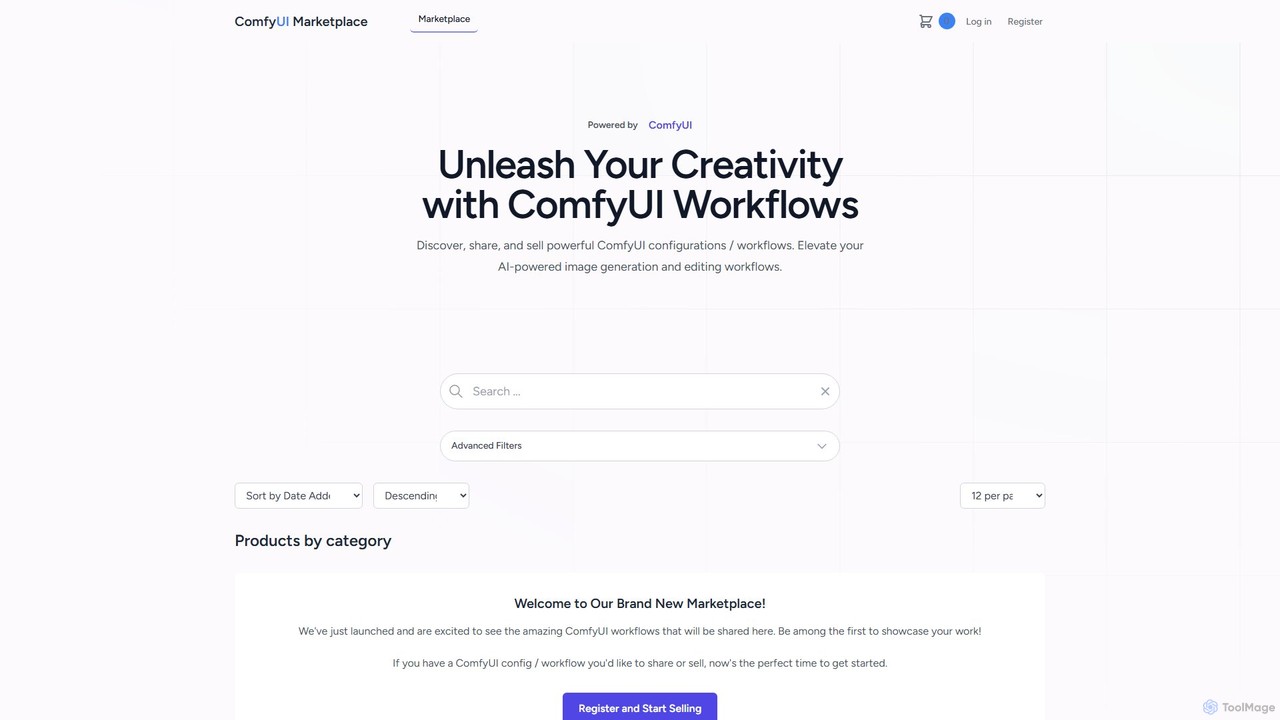
comfyui_market
ComfyUI Market is a dedicated marketplace for discovering, buying, and selling ComfyUI workflows. It empowers AI artists and enthusiasts by providing a platform to share and access powerful, pre-built configurations for advanced image and video generation with Stable Diffusion. Elevate your creative projects by leveraging community-built node graphs, saving time and unlocking new artistic possibilities.
Workflow Templates
freeimage.ai
freeimage.ai is a powerful and completely free AI image generator. It allows users to create high-quality, unique, and royalty-free images from simple text descriptions. Ideal for content creators, marketers, and designers, it provides a fast and accessible way to generate custom visuals for any project without any cost.
Image Generation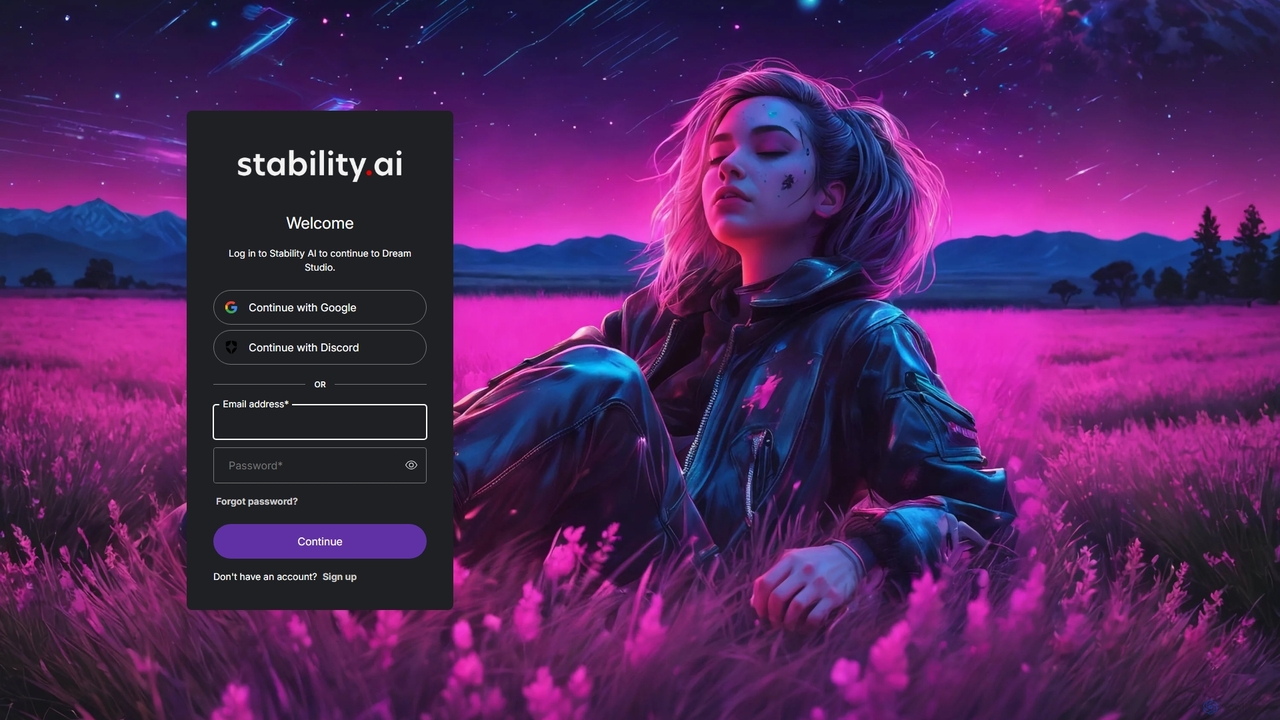
DreamStudio
DreamStudio is the official web interface for Stability AI's Stable Diffusion models. It's a powerful AI image generation tool that allows users to create high-quality, unique images from text descriptions. It offers advanced controls, various models, and editing features like inpainting and outpainting, catering to artists, designers, and creators of all levels.
Generative Artsupermachine
supermachine is a powerful AI image generation platform offering access to over 65 specialized models. It enables creators to produce beautiful, intelligent images from text prompts, catering to a wide range of styles from photorealistic and anime to abstract art. Trusted by over 100,000 creators, it's a versatile tool for artists, marketers, and designers.
Generative Art
ComfyUI Web Comments (0)
Sign in to comment.
Sign inNo comments yet.