

Raphael Overview
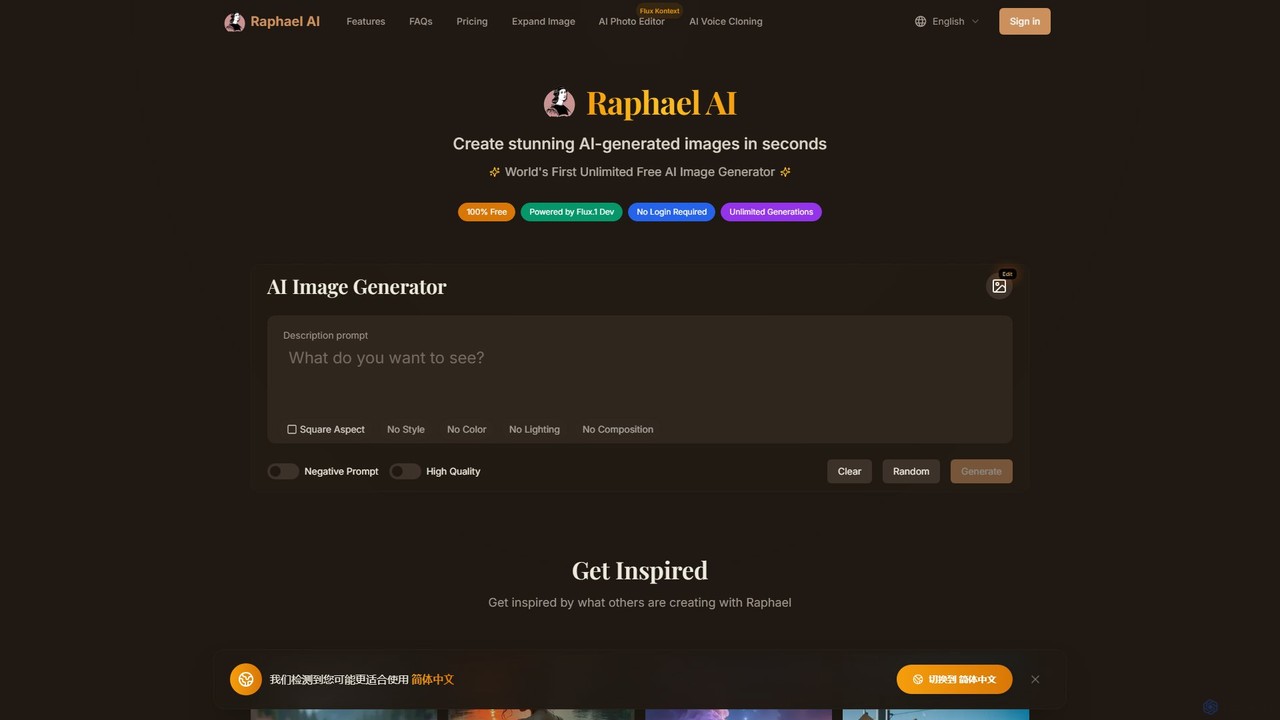
Raphael is a comprehensive and powerful AI image generation platform designed to cater to a wide range of users, from casual creators to professional designers and marketers. At its core, Raphael offers a completely free, unlimited AI image generator that operates without requiring any user registration or login, making it one of the most accessible tools on the market. It is powered by the state-of-the-art FLUX.1-Dev model, which is renowned for its ability to produce stunning, photorealistic images with exceptional detail and its superior understanding of complex text prompts.
Beyond simple text-to-image generation, Raphael distinguishes itself with a suite of advanced features. A standout tool is the AI Uncrop & Image Expander. This feature, also known as outpainting, allows users to upload an image and seamlessly extend its background in any direction. This is incredibly useful for adapting images to different aspect ratios, extending product photos for e-commerce, or creatively altering compositions without losing quality. The platform also emphasizes user privacy, with a strict zero data retention policy for free users, meaning prompts and generated images are never stored.
How to use Raphael
Using Raphael's tools is designed to be simple and intuitive. The workflow is straightforward for both its main functions:
For AI Image Generation:
- Navigate to the AI Image Generator on the Raphael website.
- In the 'Description prompt' box, type a detailed description of the image you want to create. Be as specific as possible for better results.
- Optionally, select an aspect ratio (e.g., Square, Portrait, Landscape), an artistic style, color, lighting, and composition to guide the AI.
- Use the 'Negative Prompt' field to specify elements you want to exclude from the image.
- Click the 'Generate' button. Your AI-generated image will appear in seconds.
For AI Uncrop & Image Expander:
- Go to the 'Uncrop & Expand Image' tool.
- Upload your image from your device or drag and drop it into the designated area. The tool supports formats like JPG, PNG, and WEBP.
- Select your desired final aspect ratio and position your original image within the new frame.
- Click 'Generate'. The AI will intelligently fill in the extended areas, creating a larger, seamless image.
- Download your newly expanded image in high quality.
Core Features of Raphael
- Unlimited Free Image Generation: Create as many images as you want without any cost or usage limits on the free plan.
- No Login Required: Start creating immediately without the need for an account, ensuring a frictionless experience.
- AI Uncrop & Image Expander: A powerful outpainting tool to extend images in any direction, perfect for resizing and recomposing visuals.
- State-of-the-Art Quality: Powered by the FLUX.1-Dev model, delivering photorealistic and highly detailed images.
- Advanced Text Understanding: The AI accurately interprets complex and nuanced prompts, including the ability to render text within images.
- Enhanced Privacy Protection: Features a zero data retention policy on the free plan. Paid plans offer fully private generation.
- Multi-Style Support: Generate images across a wide spectrum of artistic styles, including photorealistic, anime, oil painting, and digital art.
- HD Image Generation: The Ultimate plan provides access to high-definition (HD) image outputs for superior clarity and detail.
- Advanced Refine Feature: An exclusive tool for Ultimate plan users to further enhance and perfect the quality of generated images.
- Fast Generation Speeds: An optimized pipeline ensures quick results, with paid subscribers receiving priority processing and significantly faster speeds.
Use Cases for Raphael
Raphael's versatility makes it suitable for various applications:
- Digital Marketing & E-commerce: Create unique ad creatives, social media posts, and website banners. Use the Uncrop tool to perfectly frame product photos or adapt visuals for different platforms.
- Content Creation: Generate eye-catching blog headers, YouTube thumbnails, podcast covers, and illustrations for articles without worrying about copyright.
- Art & Design: Artists and designers can use Raphael for rapid brainstorming, concept art, mood boards, and generating base layers for digital paintings.
- Photography: Photographers can use the Uncrop tool to fix framing issues, change aspect ratios post-shoot, or creatively expand the scene of a photograph.
- Personal Projects: Create custom wallpapers, avatars, or simply bring imaginative ideas to life for fun and personal expression.
Advantages of Raphael
Raphael stands out from other AI image tools due to several key advantages:
- Unmatched Accessibility: The truly free, unlimited, and no-registration model removes all barriers to entry for new users.
- Superior Quality & Control: The use of the FLUX.1 model and options for negative prompts and style selection gives users high-quality results with fine-tuned control.
- Functional Versatility: It's not just a generator; the integrated Uncrop/Expander tool adds significant value and utility.
- Strong Privacy Stance: The commitment to user privacy with a no-log policy is a significant differentiator in the AI space.
- Scalable for Professionals: The freemium model allows anyone to start for free, while the paid plans offer the speed, quality (HD), and features (Refine, Privacy) that professionals require.
Pricing and Plans
Raphael operates on a freemium model, offering a powerful free version and several paid tiers for advanced users.
- Free Plan: $0/month. Includes unlimited image generation, but with ads, watermarks, potential queues during high traffic, and public image galleries. Commercial use is permitted if raphael.ai is credited.
- Premium Plan: $10/month (billed annually). Offers everything in the Free plan plus 5x faster generation, no ads, no watermarks, and a 2x speed AI Photo Editor.
- Ultimate Plan: $20/month (billed annually). Includes all Premium benefits plus the fastest generation speed, an instant AI Photo Editor (5x speed), the Advanced Refine feature, private generation, HD image generation, and early access to new features.
- Enterprise Plan: Custom pricing. Designed for businesses needing full privacy, custom models, API access, dedicated support, and custom integrations.
Traffic
Latest traffic
Status
Monthly traffic trend
- 2025-9: 277.2K
- 2026-1: 2.1M
- 2026-2: 1.6M
- 2026-3: 1.7M
- 2026-4: 1.6M
- 2026-5: 1.4M
Geography
Top 5 countries / regions
- 🇺🇸United States28.0%
- 🇫🇷France22.5%
- 🇨🇳China17.8%
- 🇩🇪Germany17.6%
- 🇧🇷Brazil14.0%
Traffic sources
| Source type | Percentage |
|---|---|
Direct | 85.1% |
Referral | 13.9% |
Email | 1.0% |
Top keywords
| Keyword | Cost per click |
|---|---|
| ai image generator free | $0.62 |
| free ai image generator | $0.87 |
| free ai image generator with no restrictions | $1.09 |
| raphael ai | $0.49 |
| raphael ai image generator | $1.21 |
Raphael Videos on YouTube
Nexus K3
John Likens


Y Combinator

Raphael Alternatives

OmniGen AI
OmniGen AI is a powerful, open-source AI image generation platform that unifies text-to-image, image editing, and controlled generation into a single framework. Leveraging advanced Diffusion Transformer models and OminiControl technology, it allows users to create stunning, high-quality visuals from text prompts, edit existing images with precision, and utilize features like virtual try-on, background removal, and subject-driven generation with unprecedented ease and control.
Virtual Try On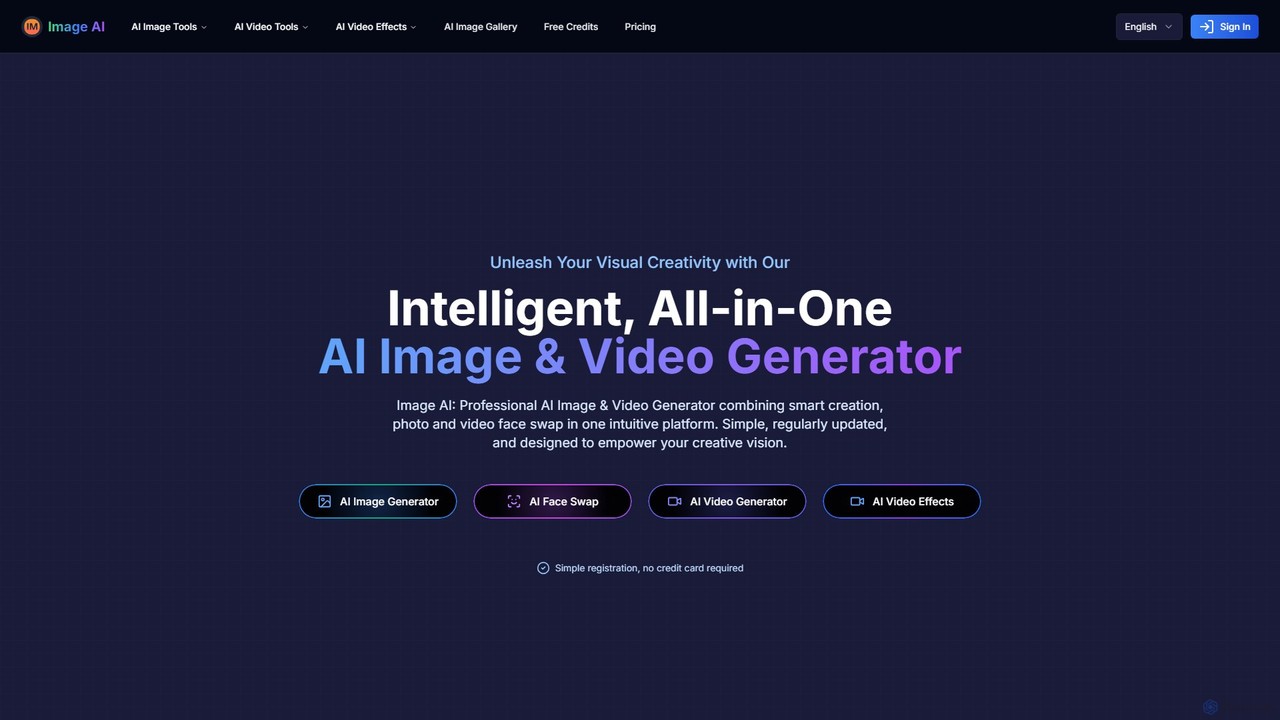
imgai
imgai is a comprehensive, all-in-one AI platform for image and video creation and editing. It offers a vast suite of tools, including text-to-image generation, face swapping for photos and videos, image upscaling, background removal, photo restoration, and unique artistic effects. Designed for both professionals and casual users, it provides a user-friendly experience with a generous free plan and flexible credit-based pricing.
Face Swap
Picit
Picit is a comprehensive, free online AI image suite. It offers a wide range of tools, including text-to-image generation, background removal, image upscaling, AI filters, avatar creation, and watermark removal. Designed for ease of use, it empowers users to create and edit high-quality visuals in seconds without any cost or technical expertise, making it ideal for designers, marketers, and content creators.
Image Editing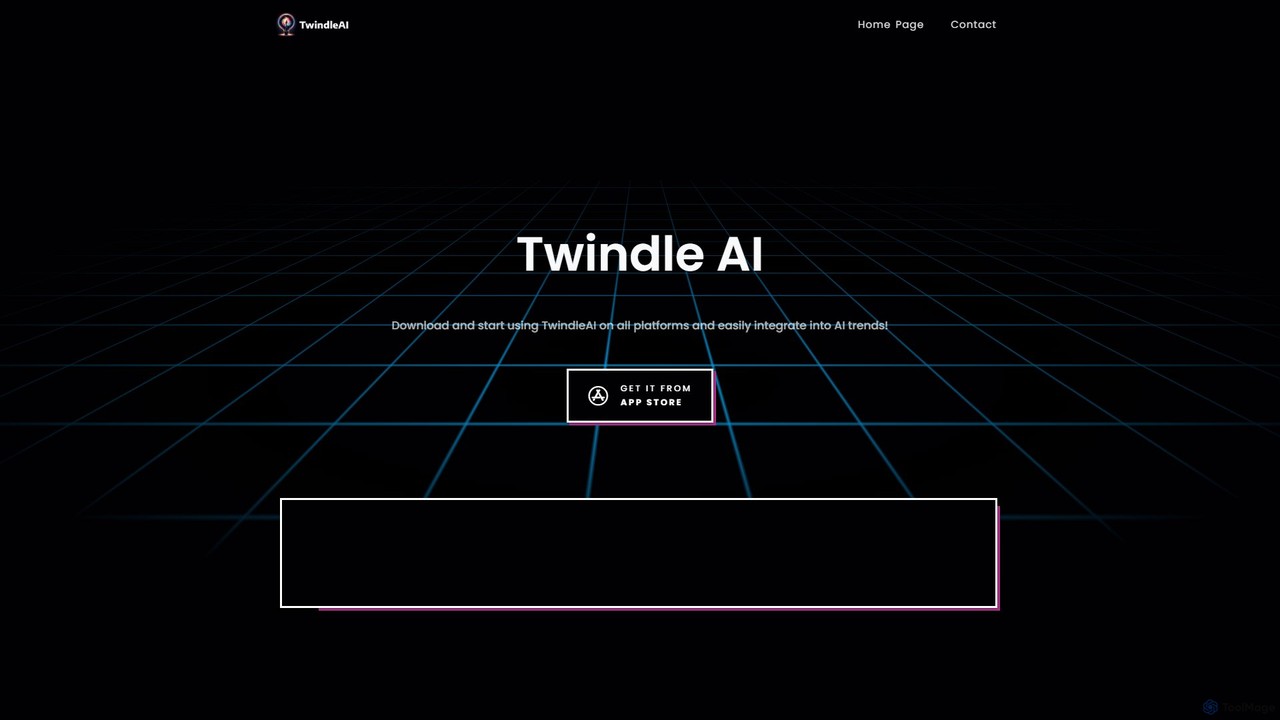
twindleai
TwindleAI is a powerful mobile AI application that puts a creative suite in your pocket. Generate stunning images from text descriptions, transform face photos with unique artistic styles, and enhance your pictures with an advanced AI engine. Perfect for artists, creators, and anyone looking to bring their imagination to life.
Avatar & Face
Kira
Kira is a powerful AI-powered platform for professional-grade image generation and editing. It combines a versatile text-to-image generator with a comprehensive suite of editing tools, including background removal, inpainting, upscaling, and stylization. Its key feature is the ability to maintain consistent styles and characters across multiple edits and generations, making it ideal for branding, marketing, and creative projects that require a cohesive visual identity.
Graphic DesignRaphael Categories
Raphael Embed Widget
Copy this embed code to place the badge on your blog, article, or product site and send readers directly to this ToolMage detail page.

Related AI tools
Lusion AI
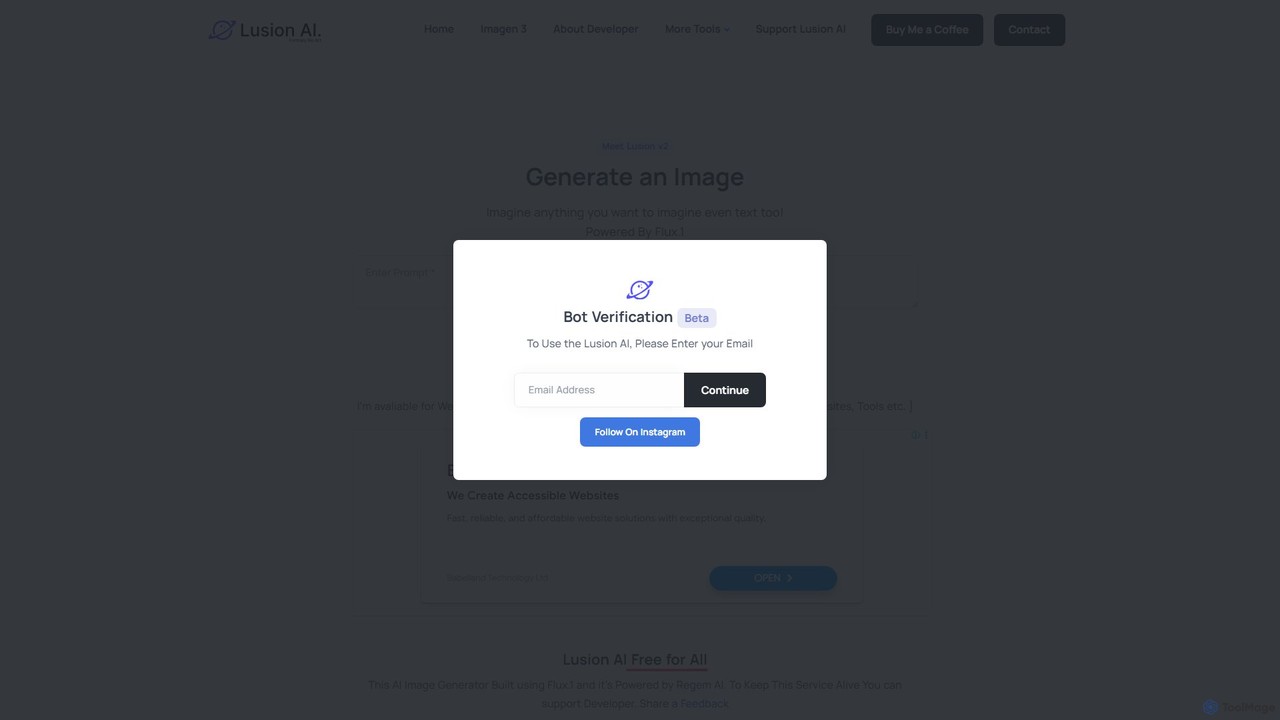
Lusion AI is a free, web-based AI image generator that provides access to multiple advanced models like Imagen 3, Flux.1, and Stable Diffusion. It allows users to create high-quality images, including those with accurate text, from simple text prompts without any cost or registration.
Generative Art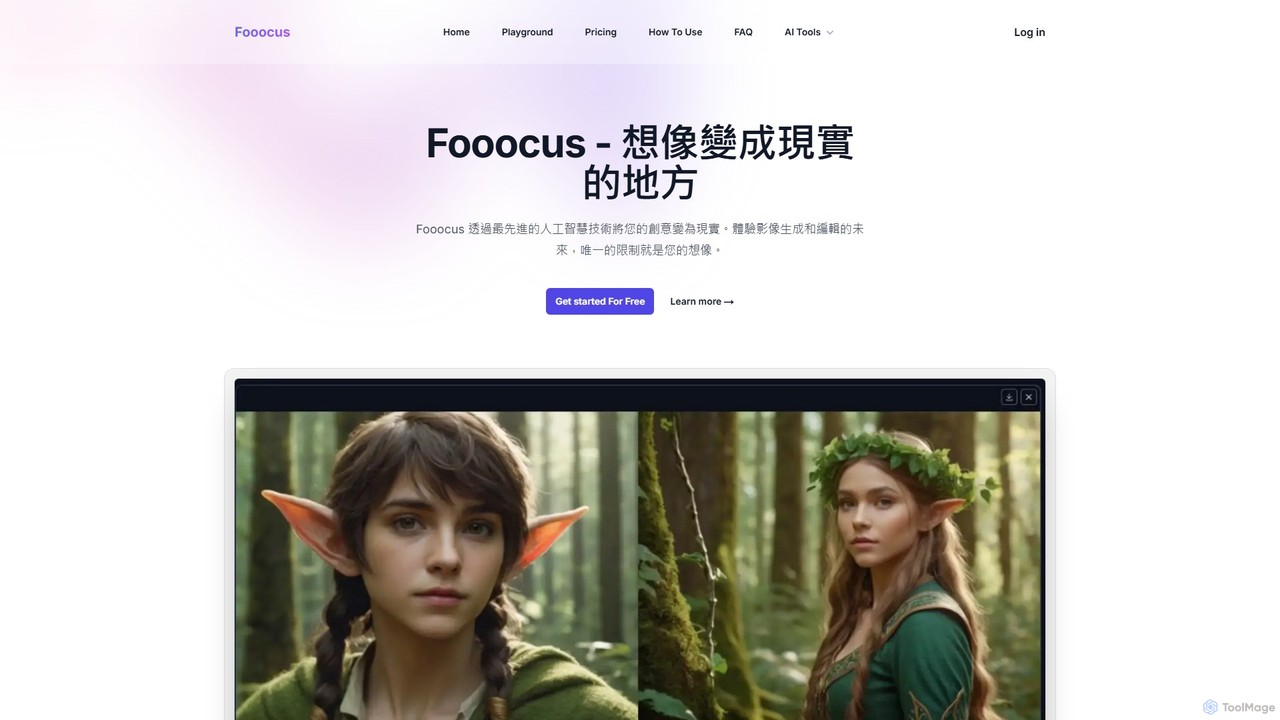
Fooocus
Fooocus is a free, open-source AI image generation tool that simplifies the process of creating high-quality images with Stable Diffusion. It combines ease of use with powerful features like inpainting, style control, and face swapping, making it accessible for both beginners and advanced users.
Digital Art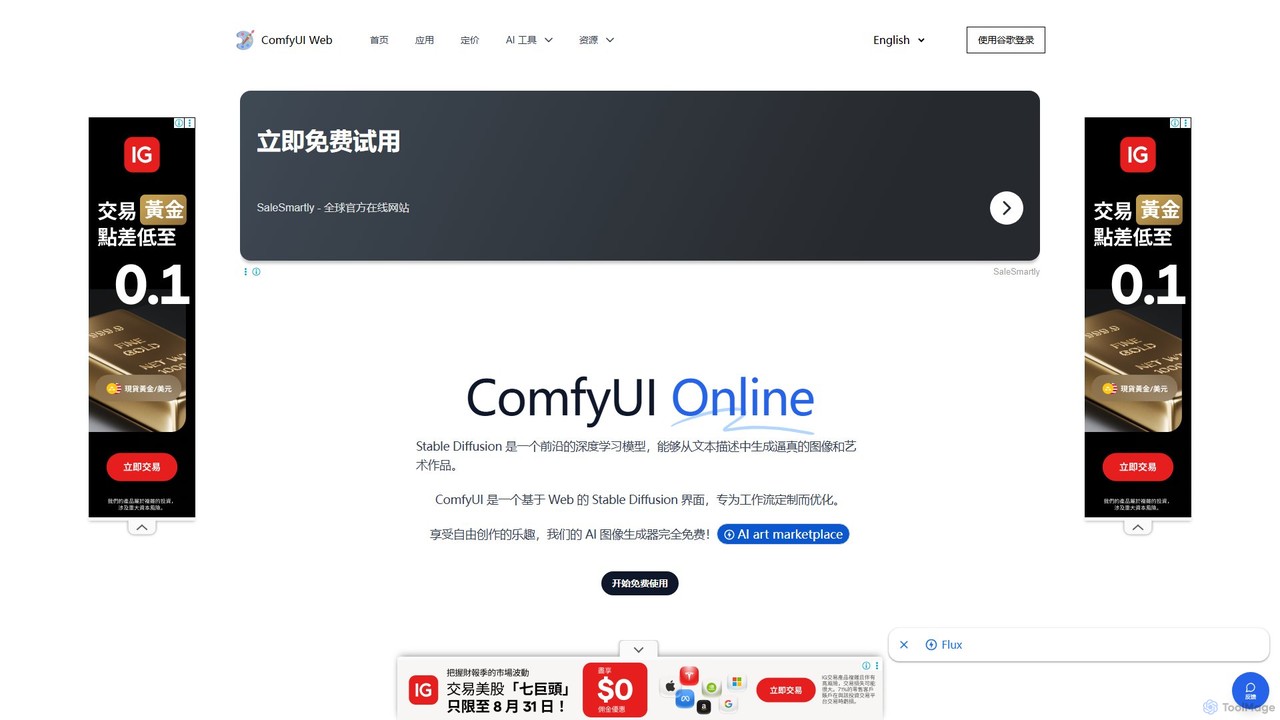
ComfyUI Web
ComfyUI Web is a free, online AI image generator that provides a web-based interface for Stable Diffusion. It leverages the powerful and flexible node-based workflow of ComfyUI, allowing users to create complex and customized AI art without needing powerful local hardware or any installation. It supports high-quality models like SDXL Turbo and is designed for both beginners and advanced users.
Ai Art Generator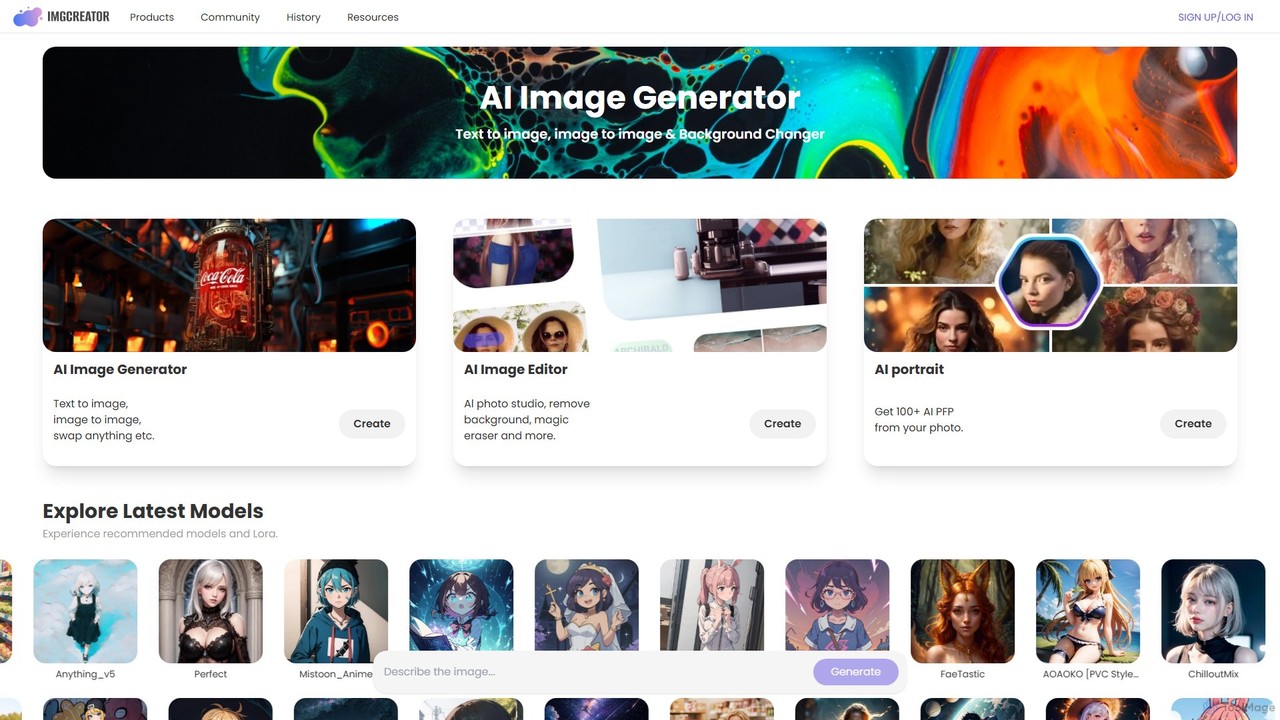
imgcreator
imgcreator is a powerful AI creative suite for generating and editing images. It offers text-to-image, image-to-image, an extensive library of art models (Lora), an AI photo studio with background removal, magic eraser, and an AI portrait generator for creating unique PFPs.
Generative Art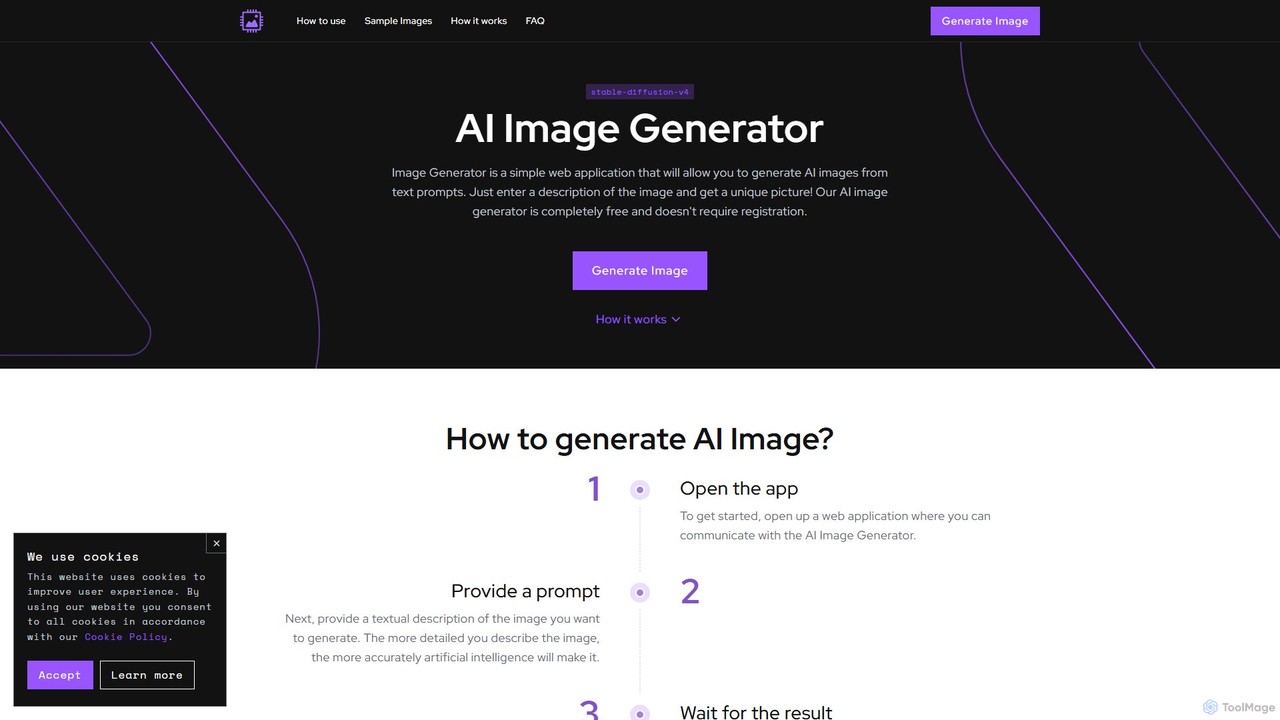
image_generator
A completely free, web-based AI image generator that creates unique images from text prompts. Powered by Stable Diffusion, it requires no registration and offers customization options like negative prompts and image dimensions. Ideal for artists, designers, and hobbyists for personal projects.
Generative Art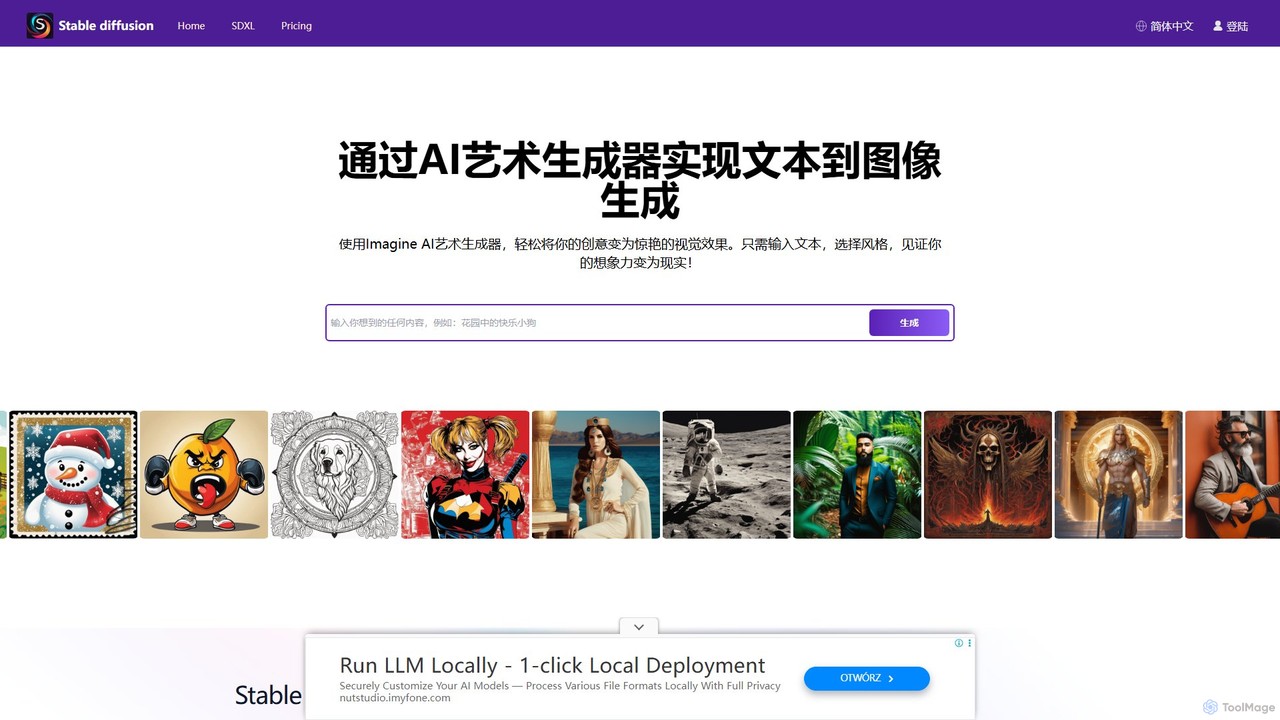
stablediffusionai.ai
stablediffusionai.ai is a user-friendly online platform for generating high-quality AI art using the powerful Stable Diffusion XL model. It allows users to transform text prompts into stunning visuals, offering features like preset styles, negative prompts, and high-resolution output. Suitable for both beginners and experienced artists, it provides a simple interface to explore advanced AI image generation, including image editing and model customization with LoRAs and embeddings. A freemium model offers both free access and premium plans for enhanced features.
Ai Art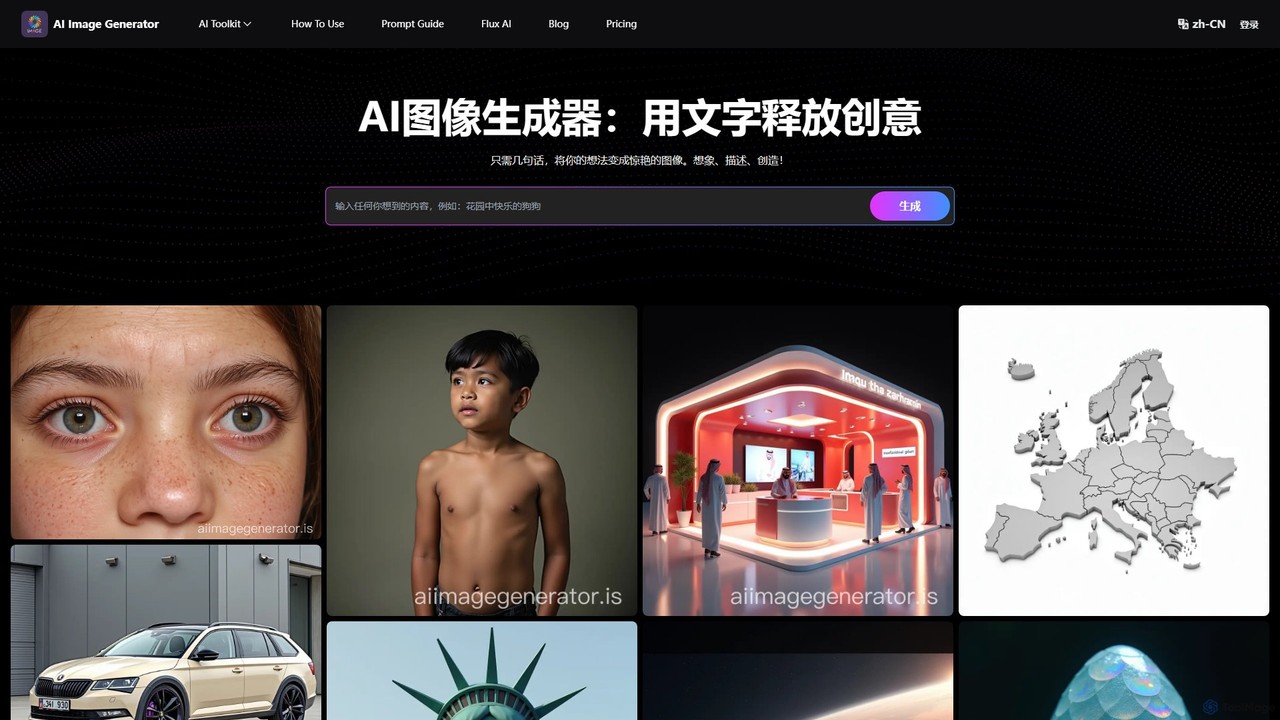
AI Image Generator
A free, web-based AI tool that transforms text descriptions into stunning images using advanced models like Stable Diffusion XL. It offers various styles, including realistic, anime, and 3D, making it ideal for artists, designers, marketers, and hobbyists. Users can easily generate unique, high-quality visuals for commercial or personal projects by simply writing a prompt, selecting a model, and choosing dimensions.
Generative Art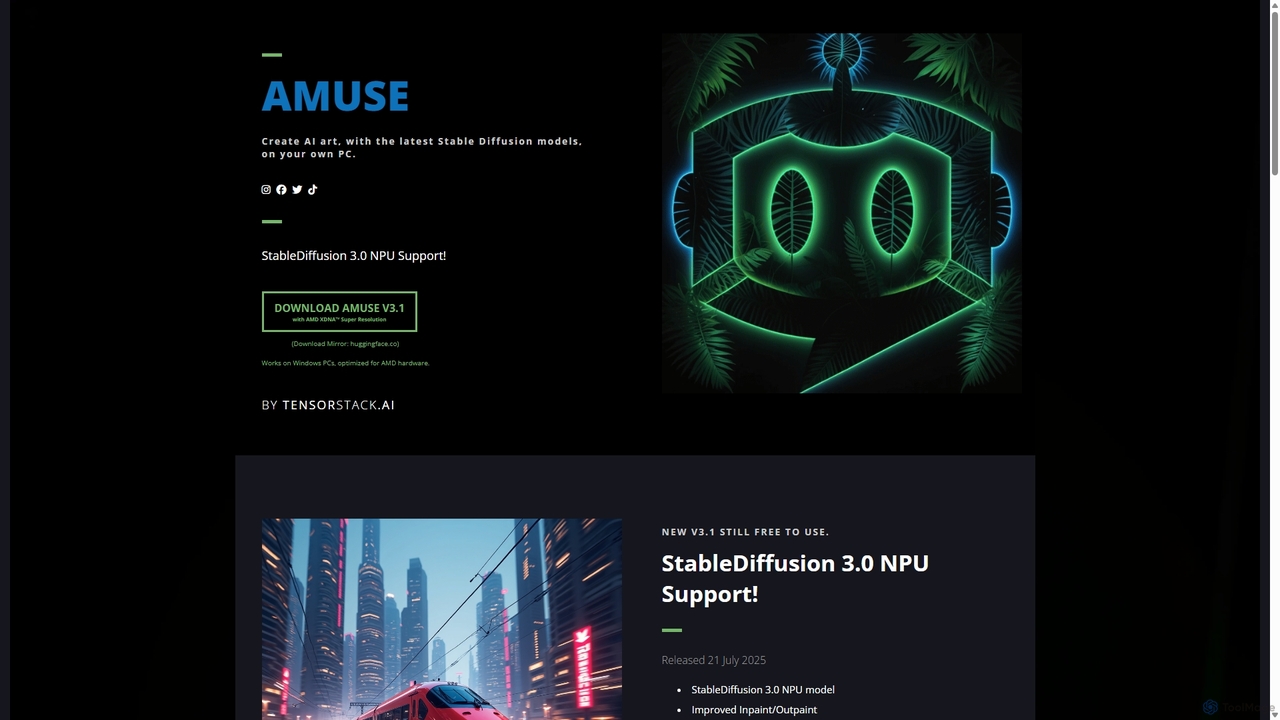
Amuse
Amuse is a free, powerful AI image and video generation tool for Windows PCs that runs locally on your hardware. It features Stable Diffusion 3.0, an easy mode for beginners, an expert mode for advanced users, and is highly optimized for AMD hardware with NPU support. Create stunning art, apply custom AI filters, and experiment with video generation without any cost or login requirements.
Generative Art
getalpaca.io
getalpaca.io is a powerful AI plugin for Adobe Photoshop that integrates Stable Diffusion's image generation capabilities directly into your workflow. Create stunning visuals, concepts, and assets from text prompts without ever leaving Photoshop, streamlining your creative process.
Generative Art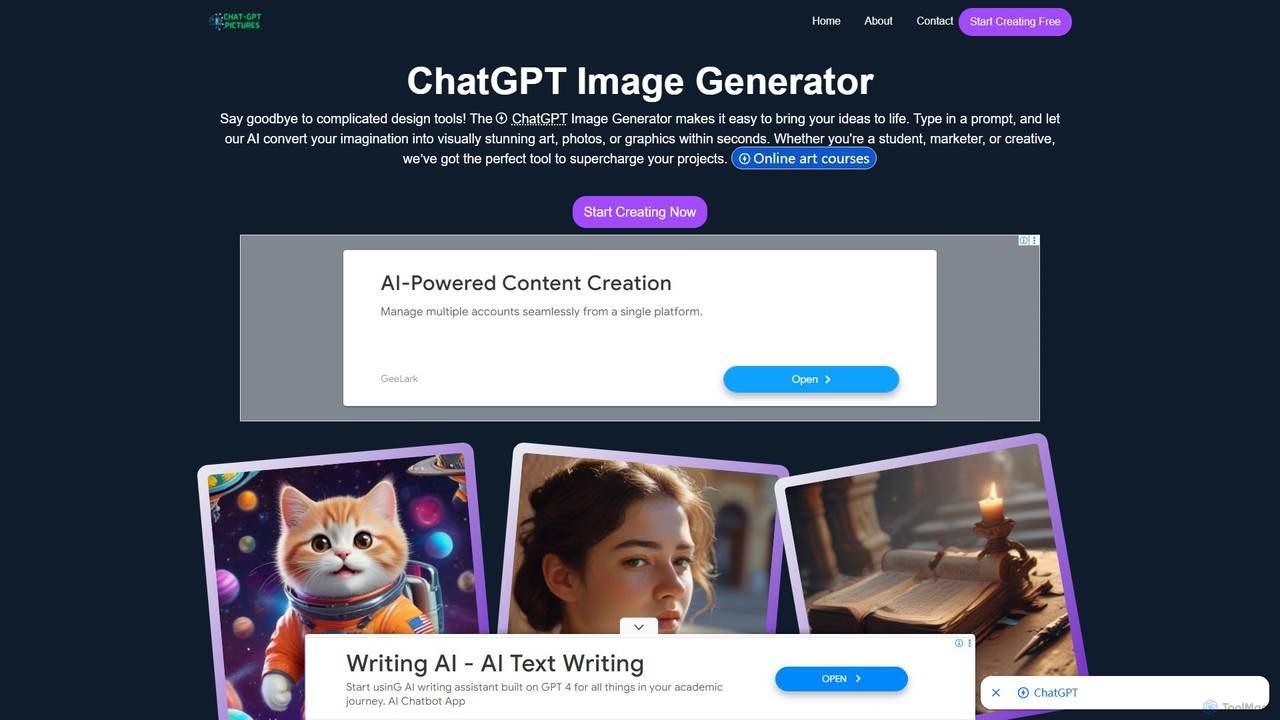
ChatGPT Image Generator
A free, user-friendly AI image generator that transforms text prompts into high-quality, visually stunning art, photos, and graphics in seconds. Powered by advanced technologies like Flux.1 Pro and GPT architecture, it offers fast performance, extensive customization with over 50 styles, and 4K resolution output. Ideal for artists, marketers, and developers, it simplifies the creative process for everyone.
Generative Art
freeimage.ai
freeimage.ai is a powerful and completely free AI image generator. It allows users to create high-quality, unique, and royalty-free images from simple text descriptions. Ideal for content creators, marketers, and designers, it provides a fast and accessible way to generate custom visuals for any project without any cost.
Image Generation
DreamStudio
DreamStudio is the official web interface for Stability AI's Stable Diffusion models. It's a powerful AI image generation tool that allows users to create high-quality, unique images from text descriptions. It offers advanced controls, various models, and editing features like inpainting and outpainting, catering to artists, designers, and creators of all levels.
Generative ArtOmniGen AI
OmniGen AI is a powerful, open-source AI image generation platform that unifies text-to-image, image editing, and controlled generation into a single framework. Leveraging advanced Diffusion Transformer models and OminiControl technology, it allows users to create stunning, high-quality visuals from text prompts, edit existing images with precision, and utilize features like virtual try-on, background removal, and subject-driven generation with unprecedented ease and control.
Virtual Try Onimgai
imgai is a comprehensive, all-in-one AI platform for image and video creation and editing. It offers a vast suite of tools, including text-to-image generation, face swapping for photos and videos, image upscaling, background removal, photo restoration, and unique artistic effects. Designed for both professionals and casual users, it provides a user-friendly experience with a generous free plan and flexible credit-based pricing.
Face SwapPicit
Picit is a comprehensive, free online AI image suite. It offers a wide range of tools, including text-to-image generation, background removal, image upscaling, AI filters, avatar creation, and watermark removal. Designed for ease of use, it empowers users to create and edit high-quality visuals in seconds without any cost or technical expertise, making it ideal for designers, marketers, and content creators.
Image Editing
Raphael Comments (0)
Sign in to comment.
Sign inNo comments yet.