
Design Best in category 1 results Workflow Templates AI Tool

Popular AI tools in the Workflow Templates field of Design include comfyui_market, etc., helping you quickly improve efficiency.

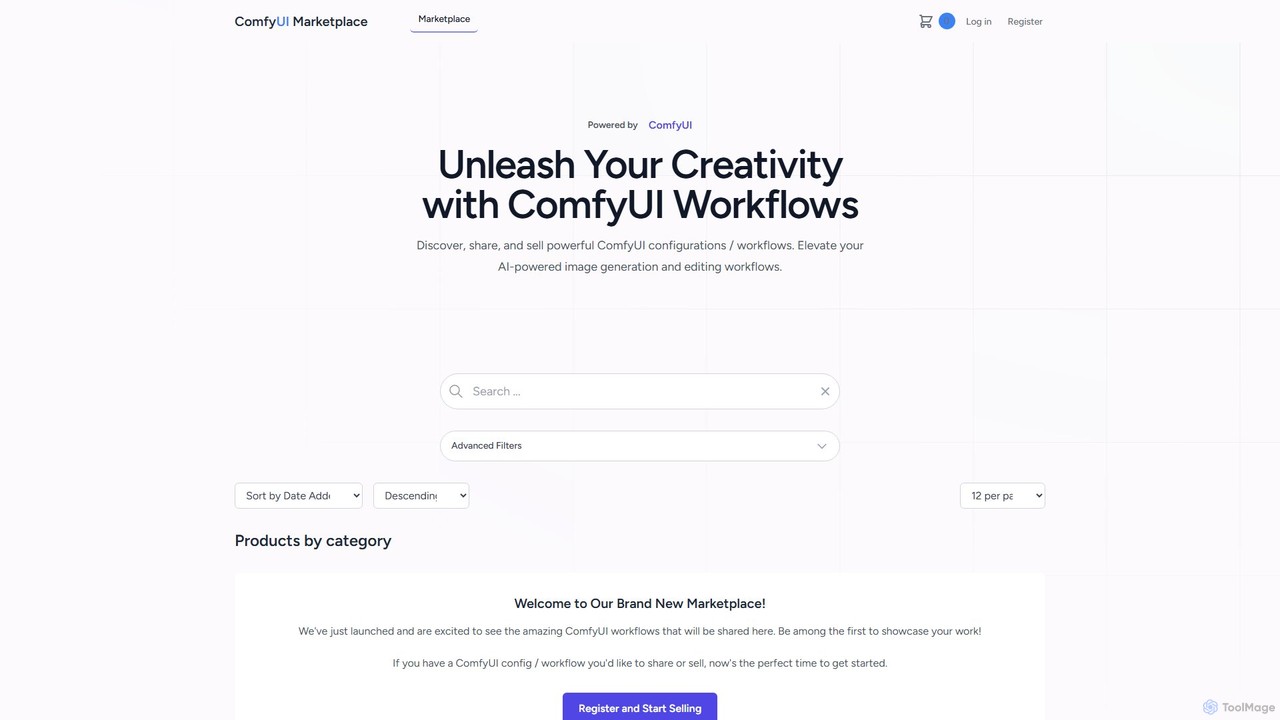
comfyui_market

comfyui_market

ComfyUI Market is a dedicated marketplace for discovering, buying, and selling ComfyUI workflows. It empowers AI artists and …

2.5K

About Workflow Templates

Workflow Templates are AI-powered tools that provide pre-designed, structured sequences of tasks to automate and streamline repetitive processes, particularly within design and creative fields. These templates leverage artificial intelligence to adapt, optimize, or generate content, ensuring consistency and efficiency across projects. They empower designers and teams to reduce manual effort, accelerate project delivery, and maintain brand standards by standardizing common workflows. This category helps bridge the gap between creative vision and operational execution, allowing for more focus on innovation.

Core Features

  • Automated Task Sequencing: Pre-configured steps for common design processes, from asset creation to final delivery.
  • AI-Powered Content Generation: Automatically generates variations of design elements, text, or layouts based on input parameters.
  • Brand Consistency Enforcement: Ensures designs adhere to established brand guidelines, colors, fonts, and styles through automated checks.
  • Dynamic Customization: Allows users to modify template parameters, inputs, and outputs to fit specific project requirements.
  • Integration with Design Software: Seamlessly connects with popular design tools and platforms for a unified workflow experience.

Use Cases

Design teams utilize Workflow Templates to standardize their creative output, such as automating the creation of social media graphics or resizing images for various platforms. Marketing departments can deploy them for consistent campaign asset generation, ensuring all visuals align with brand identity. Freelancers benefit by quickly setting up project structures for client work, from initial concept to final approval.

How to Choose

When selecting Workflow Templates, evaluate their compatibility with your existing design software and the specific types of tasks they automate. Consider the level of AI integration for features like generative design or intelligent optimization. Assess customization flexibility to ensure templates can adapt to unique project needs, and review scalability for team collaboration and growing project volumes.

Workflow TemplatesUse Cases

1

Automate Social Media Content Creation

Social media managers or content creators can use workflow templates to automate the generation and scheduling of daily posts. By inputting core messages or themes, the template leverages AI to create multiple visual variations, write captions, and even suggest optimal posting times across different platforms, ensuring brand consistency and freeing up significant time for strategic planning.

2

Standardize Brand Asset Production

For marketing teams or brand agencies, workflow templates ensure all design assets adhere strictly to brand guidelines. A template can automatically apply corporate colors, fonts, logos, and layouts to various marketing materials, such as brochures, banners, or presentations, reducing manual review time and preventing off-brand outputs. This is crucial for maintaining a cohesive brand identity across all touchpoints.

3

Streamline UI/UX Component Generation

UI/UX designers can employ workflow templates to rapidly generate variations of interface components like buttons, cards, or navigation bars. By defining core design system parameters, the template uses AI to produce consistent components across different screen sizes and themes, accelerating the prototyping phase and ensuring design system adherence throughout the development cycle.

4

Batch Image Processing and Optimization

E-commerce businesses or photographers frequently need to process large volumes of images. Workflow templates can automate tasks such as resizing, cropping, applying watermarks, background removal, and optimizing file sizes for web use. This significantly reduces the manual effort involved in preparing product photos or portfolio images, ensuring consistency and faster upload times.

5

Manage Client Feedback and Iteration Cycles

Creative agencies and freelance designers can use workflow templates to standardize their client communication and revision processes. A template might include automated steps for sending design drafts, collecting structured feedback, tracking revisions, and notifying team members of updates, ensuring a smooth and transparent iteration cycle and reducing miscommunication.

6

Generate Personalized Marketing Collateral

Sales and marketing professionals can leverage workflow templates to create personalized marketing collateral at scale. By integrating with CRM data, a template can automatically populate brochures, emails, or presentations with client-specific information, names, and relevant product recommendations, enhancing engagement and conversion rates without manual customization for each prospect.

Workflow TemplatesFrequently Asked Questions