
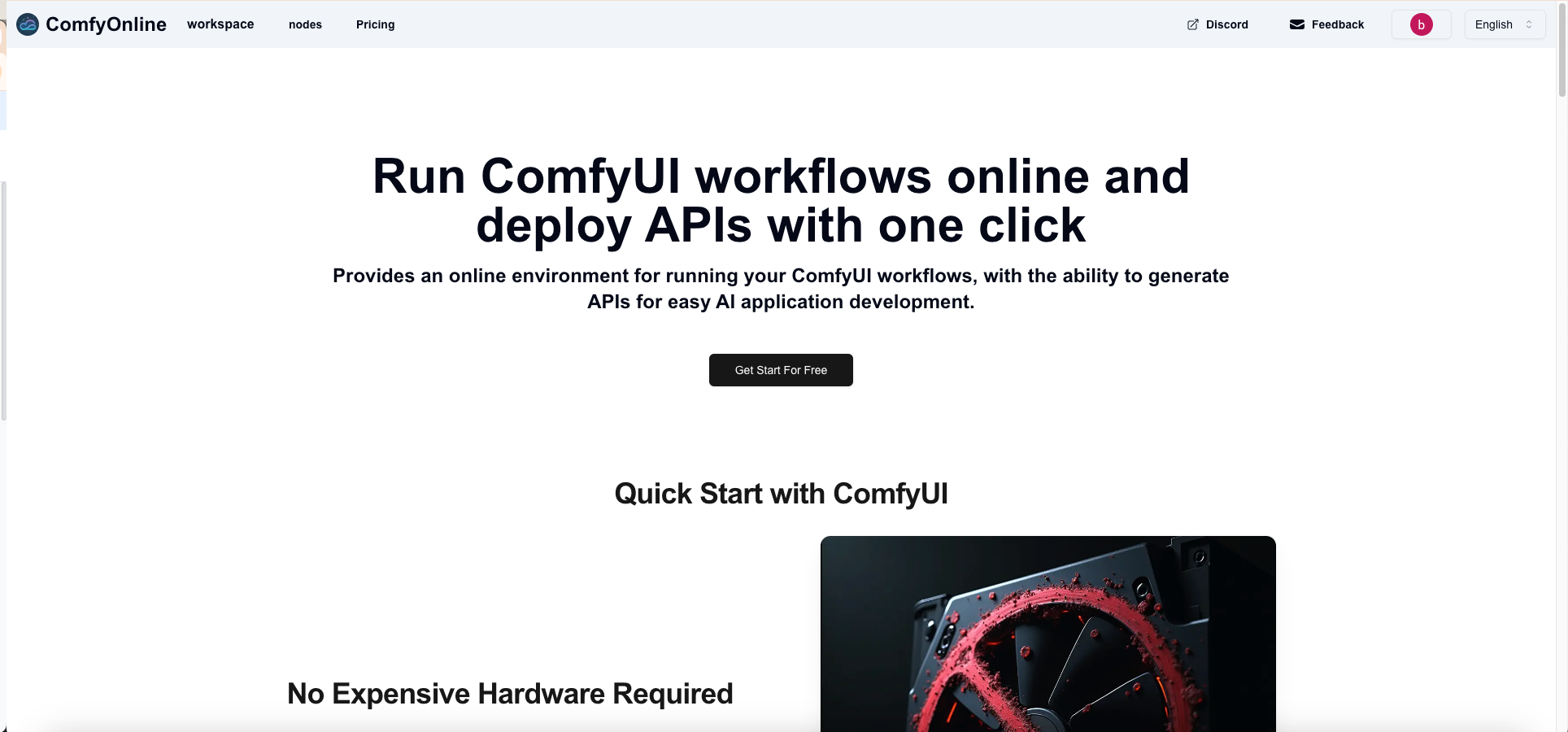
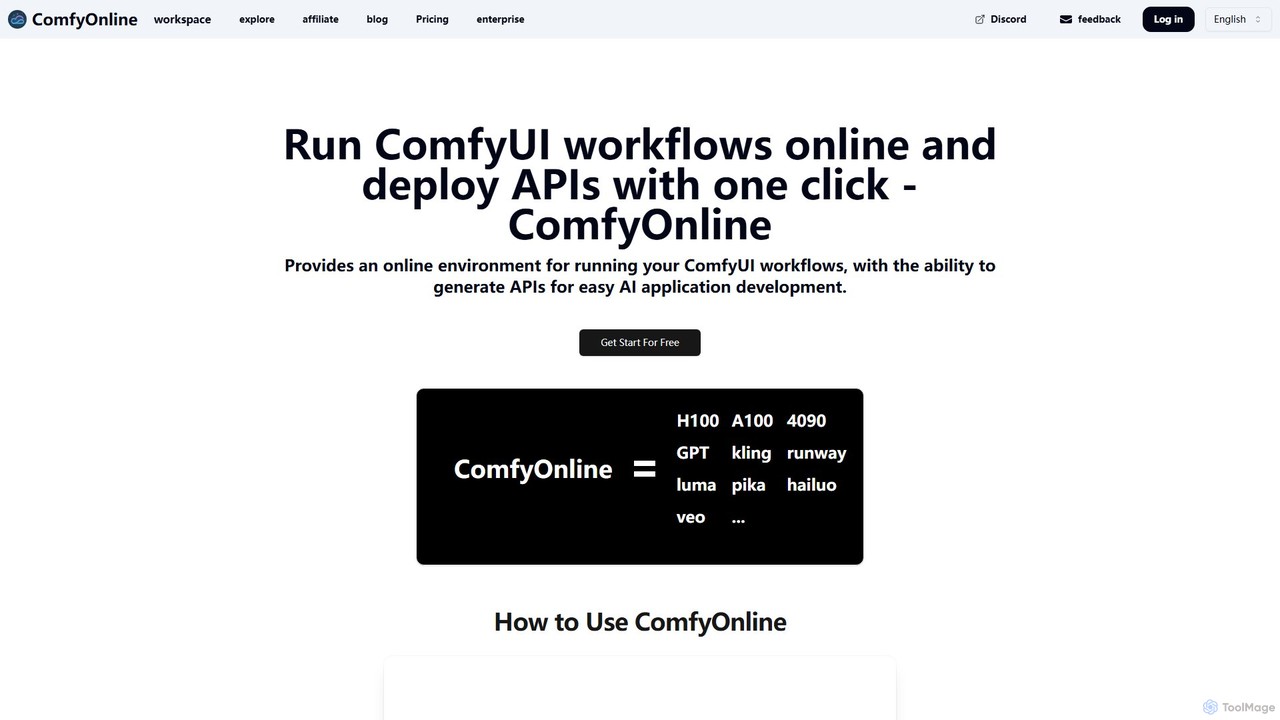
ComfyOnline Overview
ComfyOnline is a powerful cloud platform designed to run and manage ComfyUI workflows seamlessly online. It eliminates the need for users to invest in expensive, high-end GPU hardware or deal with complex environment setups and dependency installations. By providing a fully managed, serverless environment, ComfyOnline allows creators, developers, and businesses to focus on building innovative AI applications and generating content. The platform's core value lies in its simplicity and efficiency, enabling one-click deployment of any ComfyUI workflow as a scalable, production-ready API.
The service is built on a pay-as-you-go model, ensuring users only pay for the actual GPU runtime when their workflows are active. This serverless approach prevents costs associated with idle GPUs, making it a highly cost-effective solution. Whether you are editing a workflow or not actively using the service, you won't incur any charges, removing the anxiety of surprise bills. This makes advanced AI accessible to a broader audience, from individual hobbyists to large-scale enterprises.
How to use ComfyOnline
Getting started with ComfyOnline is straightforward and designed for rapid implementation. First, users sign up and can start for free, which allows them to access the online ComfyUI editor. In the editor, you can either create a new workflow from scratch using the familiar node-based interface or import an existing workflow file. The platform pre-installs a vast library of popular custom nodes, such as ControlNet, AnimateDiff, IPAdapter, and many more, saving you hours of setup time. Once your workflow is ready, you simply click to run it. ComfyOnline automatically allocates the necessary GPU resources (like NVIDIA 4090, A100, or H100) and executes the job. For developers looking to integrate AI capabilities into their own applications, ComfyOnline offers a game-changing one-click API generation feature. With a single click, your entire workflow is converted into a REST API endpoint, ready to be called from any application, making the transition from prototype to production incredibly fast.
Core Features of ComfyOnline
- Cloud-Based ComfyUI Environment: Access a fully-featured ComfyUI interface in your browser, with no local installation or hardware required.
- Serverless GPU Computing: Pay only for the seconds your workflow is running. No charges for idle time, workflow editing, or model management.
- One-Click API Deployment: Instantly turn any ComfyUI workflow into a robust, scalable API for easy integration into your applications.
- Access to High-Performance GPUs: Utilize top-tier GPUs including NVIDIA H100, A100, L40S, and 4090 to accelerate your most demanding tasks.
- Broad AI Model Integration: Natively supports a wide range of cutting-edge AI services for video generation (Kling, Runway, Luma, Pika), image generation (Ideogram, Flux Pro), audio synthesis (ElevenLabs), and large language models (Claude 3, Gemini, GPT-4).
- Extensive Custom Node Support: Pre-installed and managed support for dozens of the most popular custom nodes, ensuring compatibility and saving setup time.
- Automatic Scalability: The infrastructure automatically scales to handle traffic surges, ensuring your application remains responsive and reliable.
- Private Model & LoRA Support: Users can upload and use their own private models and LoRAs within their workflows.
Use Cases for ComfyOnline
ComfyOnline is ideal for a diverse range of users. AI developers and startups can use it to rapidly prototype and deploy AI-powered features without the overhead of managing infrastructure. Digital artists and content creators can leverage its power to experiment with complex generative art, animation, and video workflows that would be impossible on standard consumer hardware. Researchers can run large-scale experiments without being constrained by local computing resources. Businesses can integrate custom AI solutions for marketing, product design, and media production by building and deploying specialized workflows as internal or public-facing APIs.
Advantages of ComfyOnline
The primary advantage of ComfyOnline is its ability to democratize access to powerful AI tools. It significantly lowers the barrier to entry by removing hardware costs and technical setup complexities. The pay-per-use model offers unparalleled cost efficiency compared to renting dedicated servers. Its one-click API deployment feature drastically reduces development time, allowing for faster iteration and time-to-market. Furthermore, the platform's automatic scaling and robust infrastructure provide a reliable foundation for building production-grade AI applications that can grow with user demand.
Pricing and Plans
ComfyOnline operates on a flexible pricing model with two main options: Pay-as-you-go and Subscription Plans.
Pay-as-you-go: Users purchase credits, which are consumed based on the GPU used and the runtime. Packages start at $10 for 12,000 credits (with a 20% bonus). The cost per second varies by GPU, for example, an NVIDIA 4090 costs 0.62 credits/s, while an H100 costs 2.07 credits/s.
Subscription Plans: For regular users, monthly or yearly plans offer better value.
- Personal: ~$17.5/month. Includes a monthly credit allowance and access to "relax mode" for an unlimited generation queue.
- Startups: ~$70/month. Includes a larger credit allowance and all Personal plan features.
- Business: ~$700/month. Offers a massive credit allowance and customized features for enterprise needs.
Traffic
Latest traffic
Status
Monthly traffic trend
- 2025-9: 30.5K
- 2026-1: 79.3K
- 2026-2: 58.9K
- 2026-3: 51.2K
- 2026-4: 47.4K
- 2026-5: 53.4K
Geography
Top 5 countries / regions
- 🇺🇸United States33.0%
- 🇻🇳Vietnam21.7%
- 🇳🇱Netherlands16.1%
- 🇮🇶Iraq16.0%
- 🇷🇺Russia13.2%
Traffic sources
| Source type | Percentage |
|---|---|
Direct | 69.3% |
Referral | 30.8% |
Top keywords
| Keyword | Cost per click |
|---|---|
| comfyui segmentation ultralyticsdetectorprovider | $0.00 |
| cr prompt list | $0.00 |
| jjktext comfyui | $0.00 |
| jwinteger comfyui | $0.00 |
| ultralyticsdetectorprovider | $0.00 |
ComfyOnline Videos on YouTube

AIPURE
ComfyOnline Alternatives
fal.ai
A generative media platform for developers, providing lightning-fast APIs for running and fine-tuning advanced AI models for images, video, and 3D. Access state-of-the-art models with up to 4x faster inference speeds.
Api & Infrastructure
Runware
Runware provides a high-performance, low-cost API for developers to integrate generative AI for image and video creation. Leveraging custom hardware and renewable energy, it offers industry-leading inference speeds for over 300,000 models, including Stable Diffusion, FLUX.1, and Kling. It's a scalable, easy-to-use platform that requires no ML expertise, designed for building next-generation AI-native applications.
Api Platform
ComfyUI
ComfyUI is a powerful, free, and open-source node-based graphical user interface for generative AI. It offers unparalleled control and flexibility for creating complex workflows to generate images, videos, 3D assets, and audio, designed for artists, developers, and researchers.
3D Modeling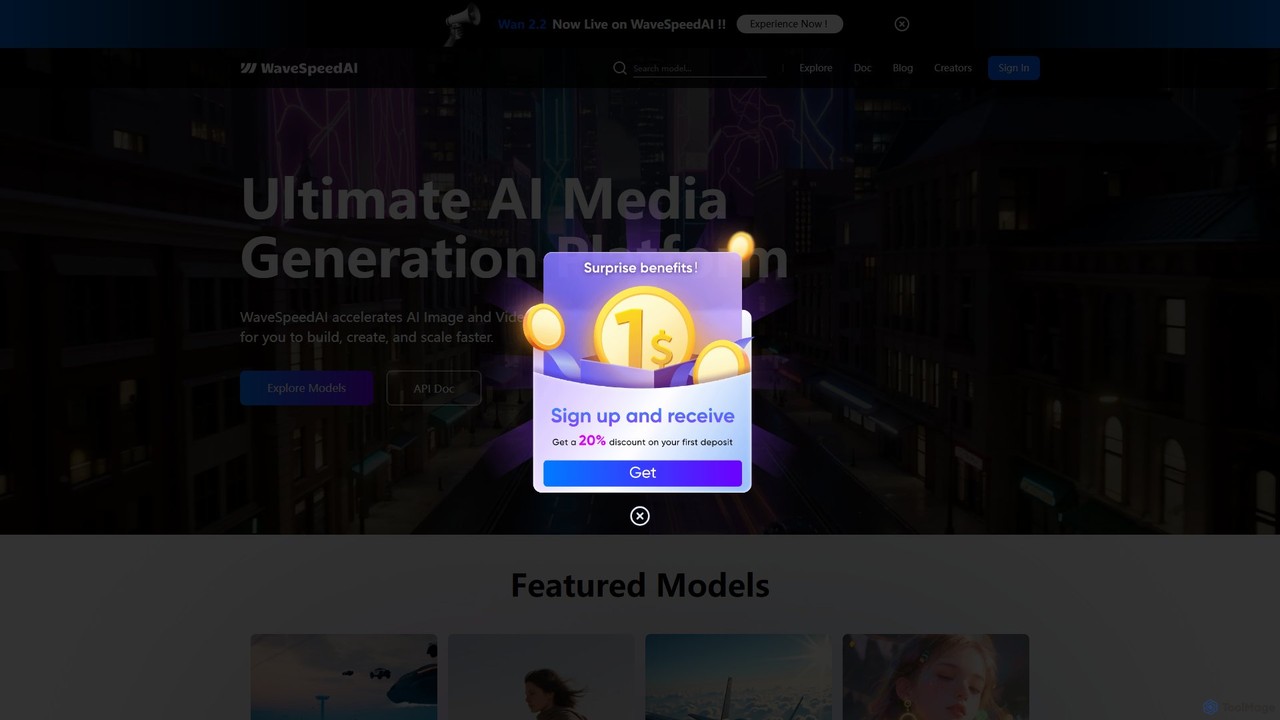
WaveSpeedAI
WaveSpeedAI is a high-performance, unified API platform designed to accelerate AI image, video, and audio generation. It provides developers and creators with a single point of access to a vast library of state-of-the-art models from providers like Google, ByteDance, and Kuaishou, enabling faster building, creation, and scaling of multimodal AI applications.
Speech Synthesis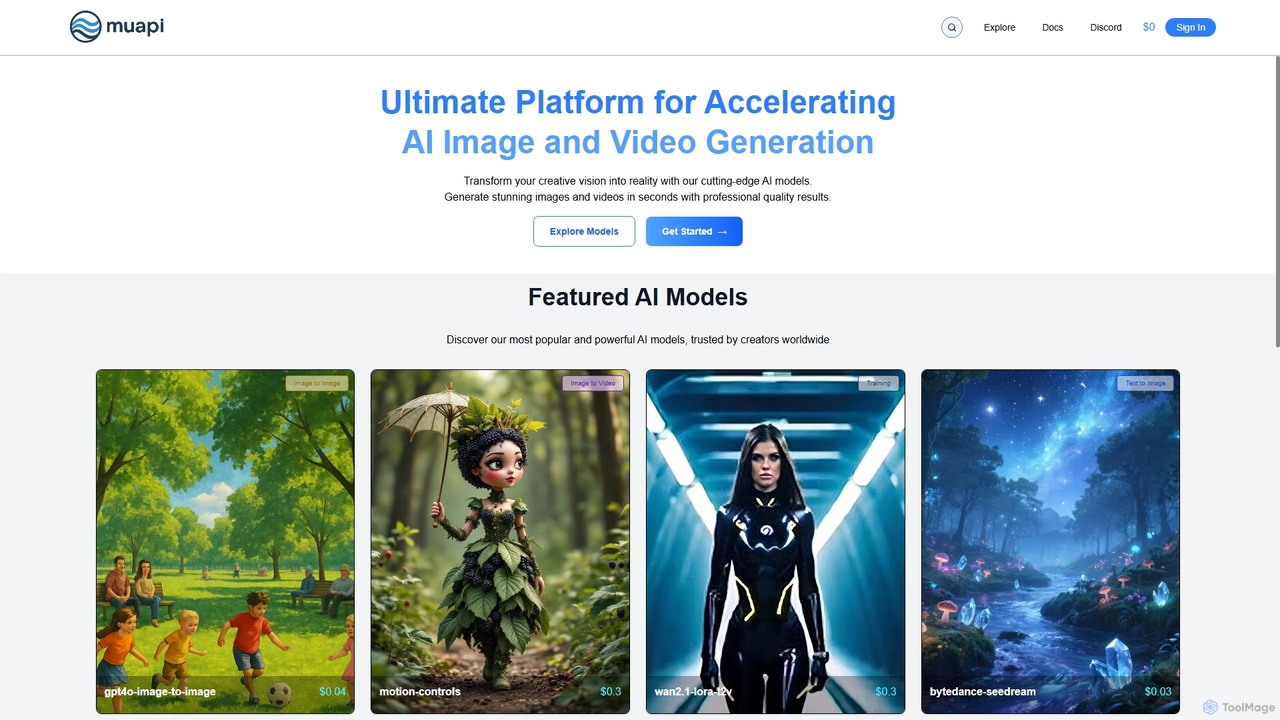
Muapi
Muapi is a powerful API platform designed to accelerate AI image and video generation. It provides developers and creators with unified access to a diverse range of cutting-edge AI models. With Muapi, you can easily integrate functionalities like text-to-video, image-to-video, consistent character generation, and style transfer into your applications. The platform simplifies the development process, offering a single API endpoint for multiple advanced generative AI tasks, backed by a clear, pay-as-you-go pricing structure.
ApiComfyOnline Categories
ComfyOnline Embed Widget
Copy this embed code to place the badge on your blog, article, or product site and send readers directly to this ToolMage detail page.

Related AI tools
glif
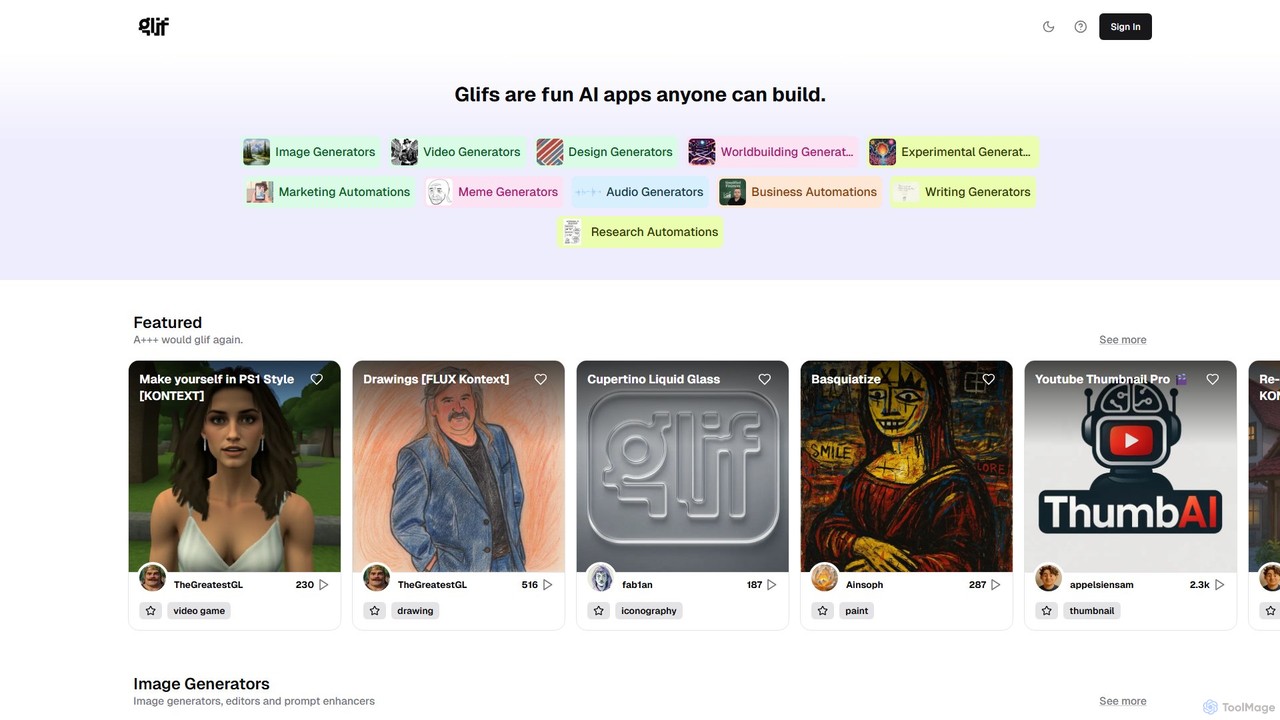
glif is a low-code platform for creating and sharing AI-powered mini-apps, known as "glifs." It enables users to combine large language models, image generators like Stable Diffusion and DALL-E 3, and other advanced tools like ComfyUI to build custom generators for images, videos, memes, audio, and more, without needing to code.
No Code Platform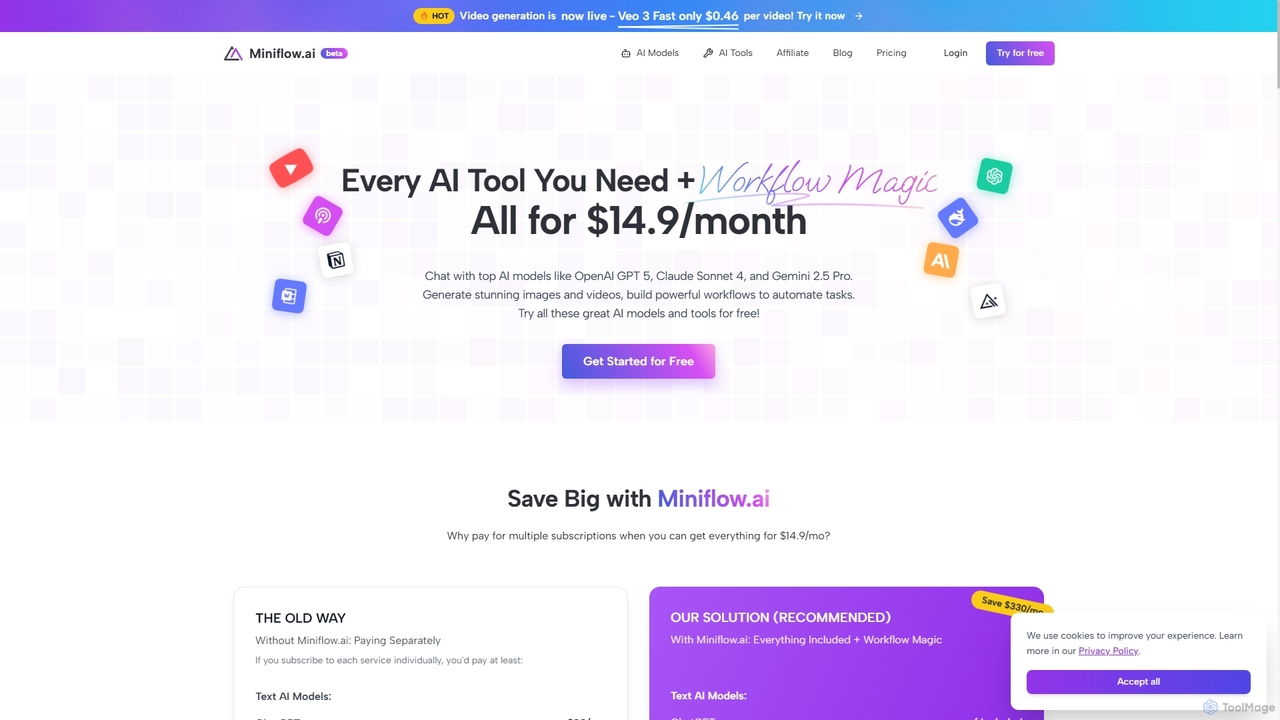
Miniflow.ai
Miniflow.ai is an all-in-one AI platform that consolidates top AI models for text, image, and video generation into a single subscription. It features a powerful no-code visual workflow builder, allowing users to chain multiple AI models and automate complex tasks, saving significant costs compared to individual subscriptions.
Ai PlatformRunware
Runware provides a high-performance, low-cost API for developers to integrate generative AI for image and video creation. Leveraging custom hardware and renewable energy, it offers industry-leading inference speeds for over 300,000 models, including Stable Diffusion, FLUX.1, and Kling. It's a scalable, easy-to-use platform that requires no ML expertise, designed for building next-generation AI-native applications.
Api Platform
Prodia
Prodia is a developer-first API platform that enables seamless integration of fast, high-quality generative AI models into any application. It offers a diverse range of models for text-to-image, text-to-video, image editing, and more, designed for scalability and record-fast setup times.
Image GenerationComfyUI
ComfyUI is a powerful, free, and open-source node-based graphical user interface for generative AI. It offers unparalleled control and flexibility for creating complex workflows to generate images, videos, 3D assets, and audio, designed for artists, developers, and researchers.
3D ModelingWaveSpeedAI
WaveSpeedAI is a high-performance, unified API platform designed to accelerate AI image, video, and audio generation. It provides developers and creators with a single point of access to a vast library of state-of-the-art models from providers like Google, ByteDance, and Kuaishou, enabling faster building, creation, and scaling of multimodal AI applications.
Speech SynthesisMuapi
Muapi is a powerful API platform designed to accelerate AI image and video generation. It provides developers and creators with unified access to a diverse range of cutting-edge AI models. With Muapi, you can easily integrate functionalities like text-to-video, image-to-video, consistent character generation, and style transfer into your applications. The platform simplifies the development process, offering a single API endpoint for multiple advanced generative AI tasks, backed by a clear, pay-as-you-go pricing structure.
Api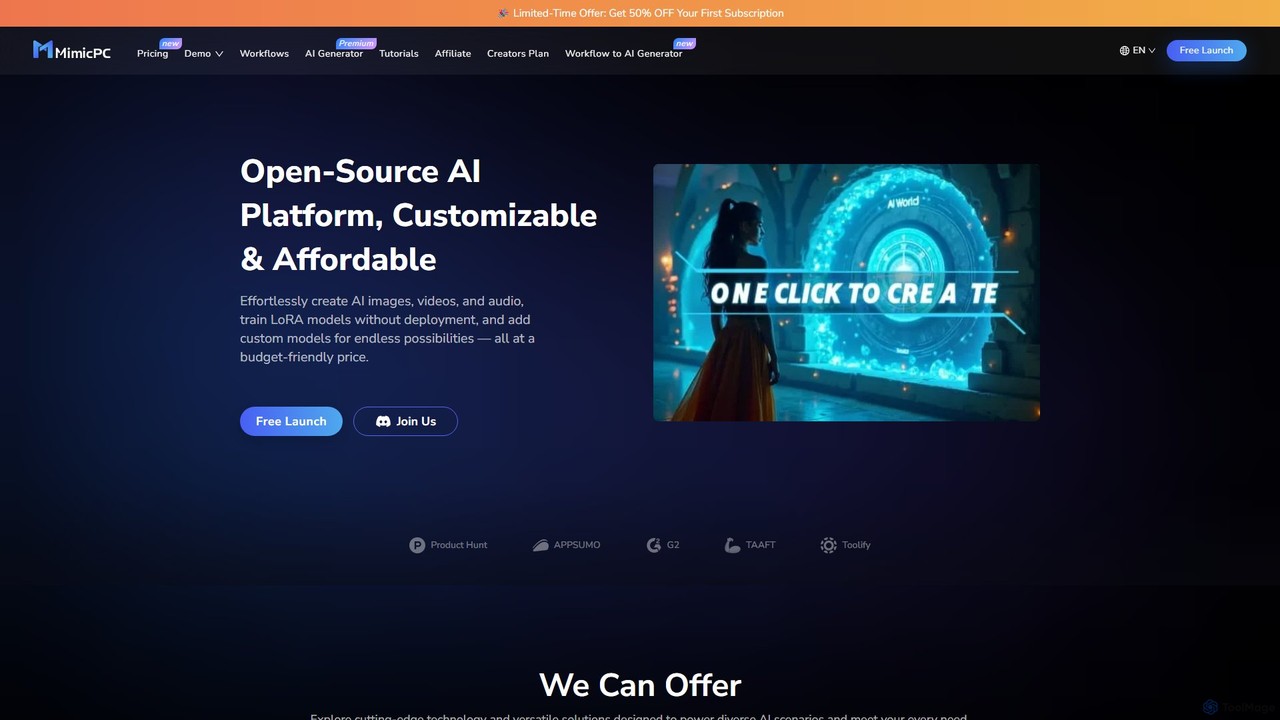
mimicpc
MimicPC is a cloud-based AI platform providing affordable access to high-performance GPUs and over 20 pre-installed AI applications. Effortlessly create images, videos, and audio, train custom LoRA models, and run LLMs without any complex setup. It's designed for both beginners and experts, offering a fully customizable and user-friendly environment to unleash creativity without expensive hardware.
Voice Cloning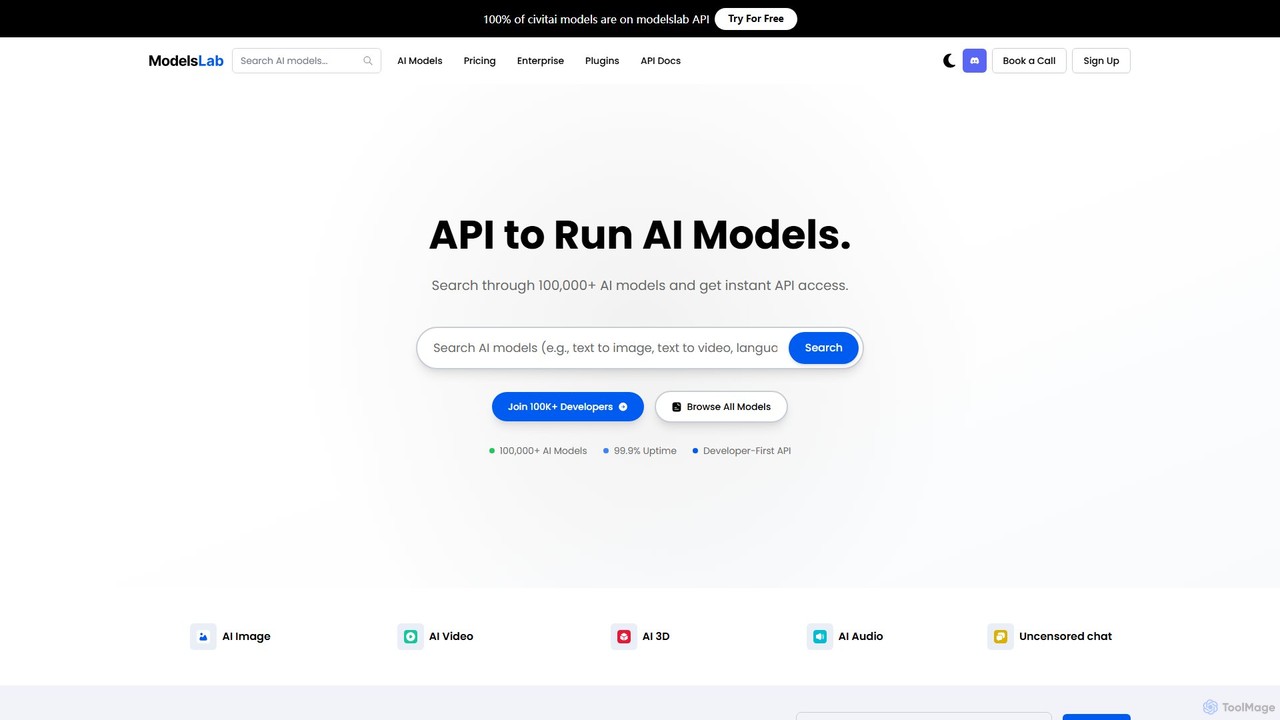
ModelsLab
A developer-first API platform offering unified access to over 100,000 AI models for image, video, audio, 3D, and text generation. It simplifies development with a single API, one subscription, and robust, scalable infrastructure for building advanced AI applications.
3D Model Generation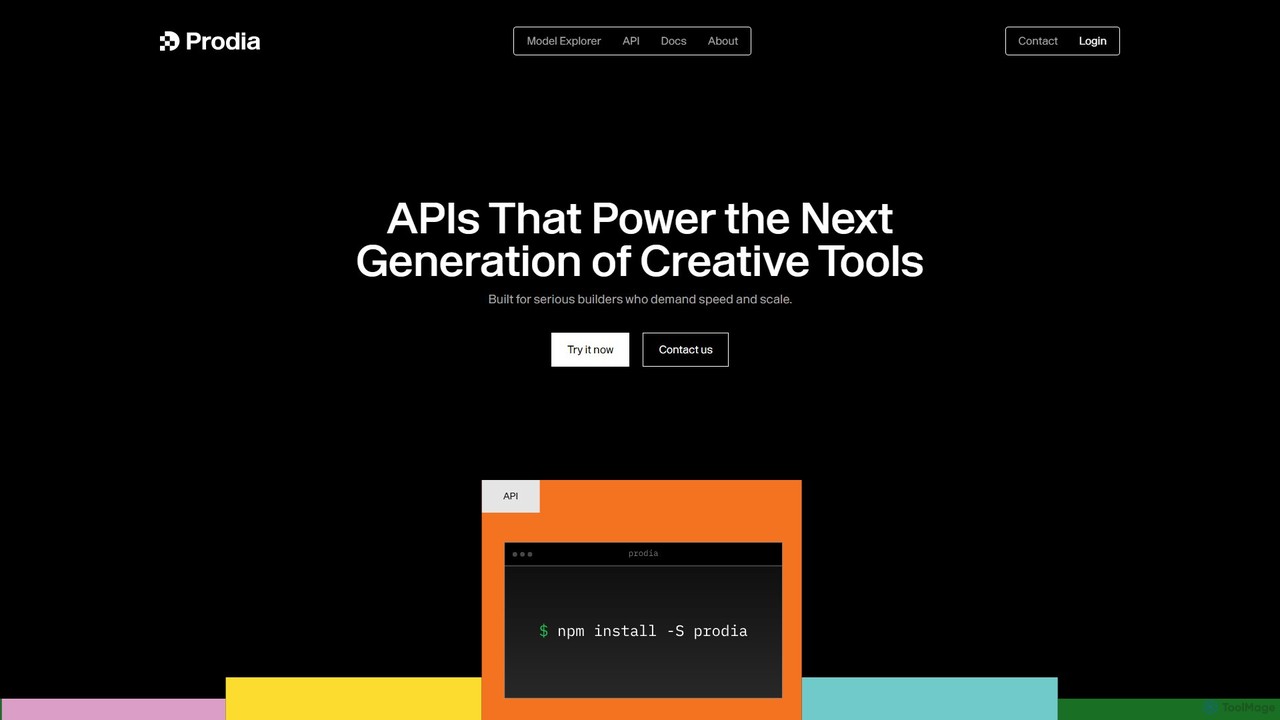
Prodia
Prodia is a high-speed, scalable generative AI API for developers. It enables seamless integration of image and video generation into applications, offering ultra-low latency and eliminating the need for GPU infrastructure management. Built for production, it powers the next generation of creative tools.
Api
Phygital+
Phygital+ is a comprehensive, node-based AI workspace designed for creative teams and individuals. It integrates over 30 AI models, including Stable Diffusion, DALL-E 3, and GPT-4o, into a single collaborative platform. Users can visually build complex workflows for generating images, videos, text, and 3D models without writing any code, significantly accelerating the creative production process.
3D Modeling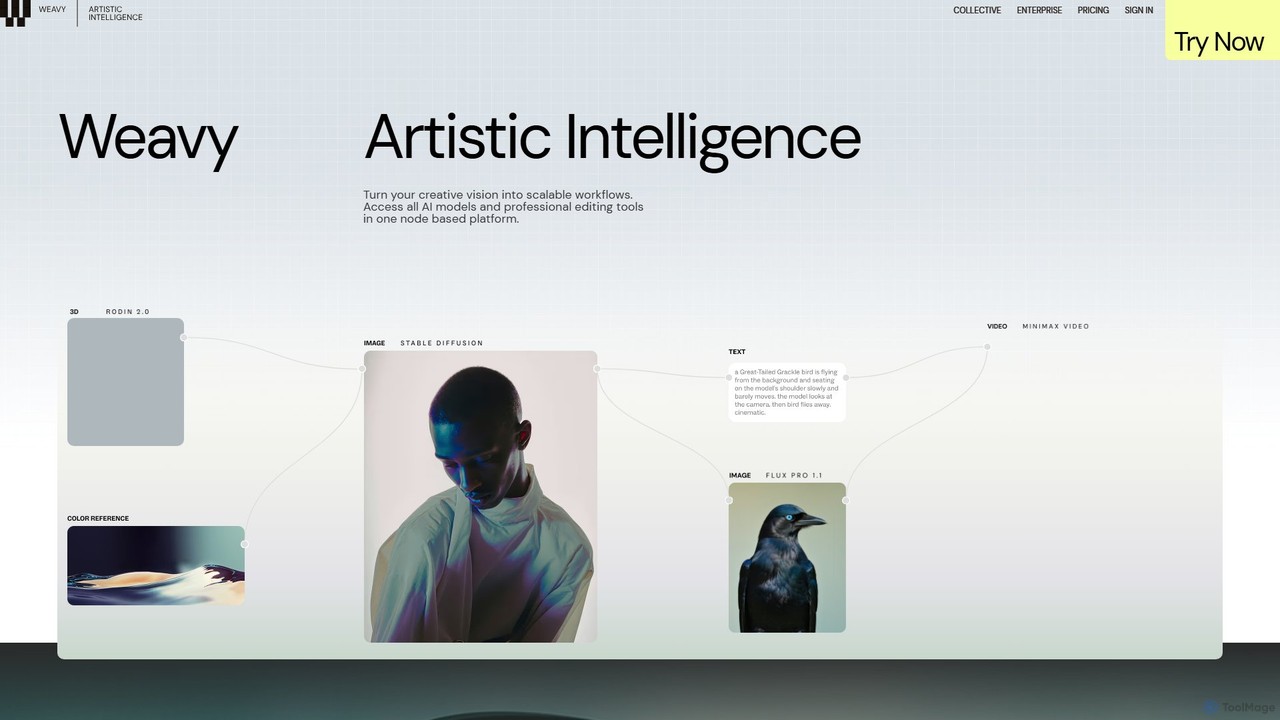
Weavy
Weavy is an AI-powered design platform for creative professionals, integrating multiple top-tier AI models into a single, node-based workflow. It combines generative AI capabilities with professional-grade editing and compositing tools, allowing users to build scalable, repeatable creative processes with unparalleled control. It's designed to bridge the gap between AI and artistic craft, focusing on process and quality.
Image Generation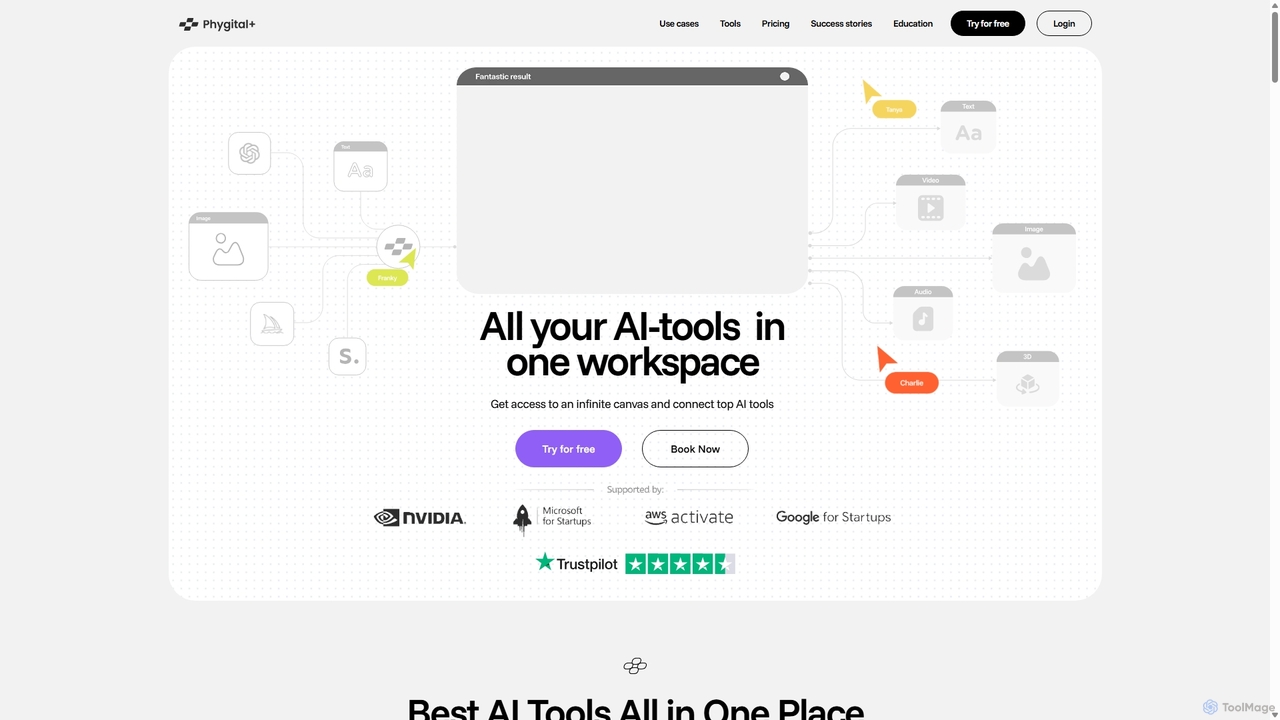
Phygital+
Phygital+ is an all-in-one AI creative workspace that integrates over 30 top generative AI models like GPT-4o, Midjourney, and Stable Diffusion. It offers a unified infinite canvas for generating and editing images, text, videos, and 3D models. Designed for creative professionals and teams, it streamlines workflows, ensures brand consistency through custom model training, and accelerates content production for marketing, design, and game development.
Generative Art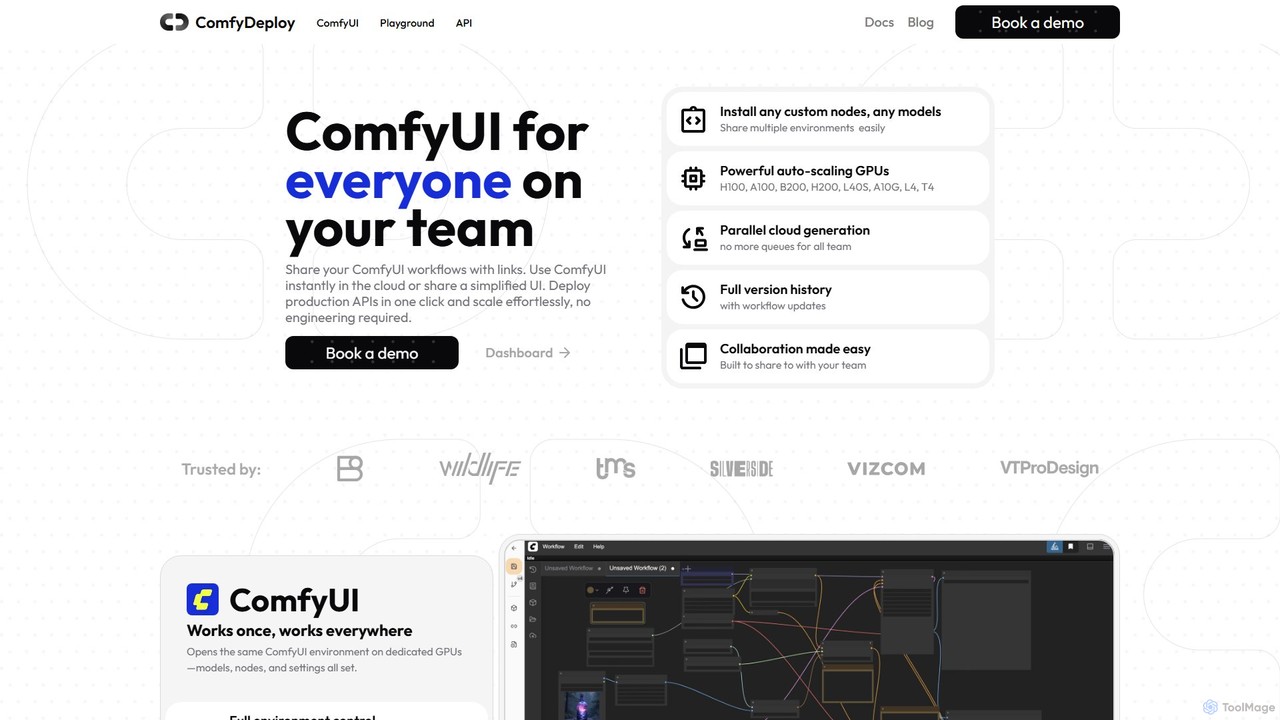
ComfyDeploy
ComfyDeploy is a cloud platform for teams to build, share, and scale ComfyUI workflows. It enables one-click deployment of production-ready APIs, provides auto-scaling GPU infrastructure, and offers simplified interfaces for non-technical users. Collaborate seamlessly, manage custom nodes and models, and turn complex creative processes into scalable applications without engineering overhead.
Model Deployment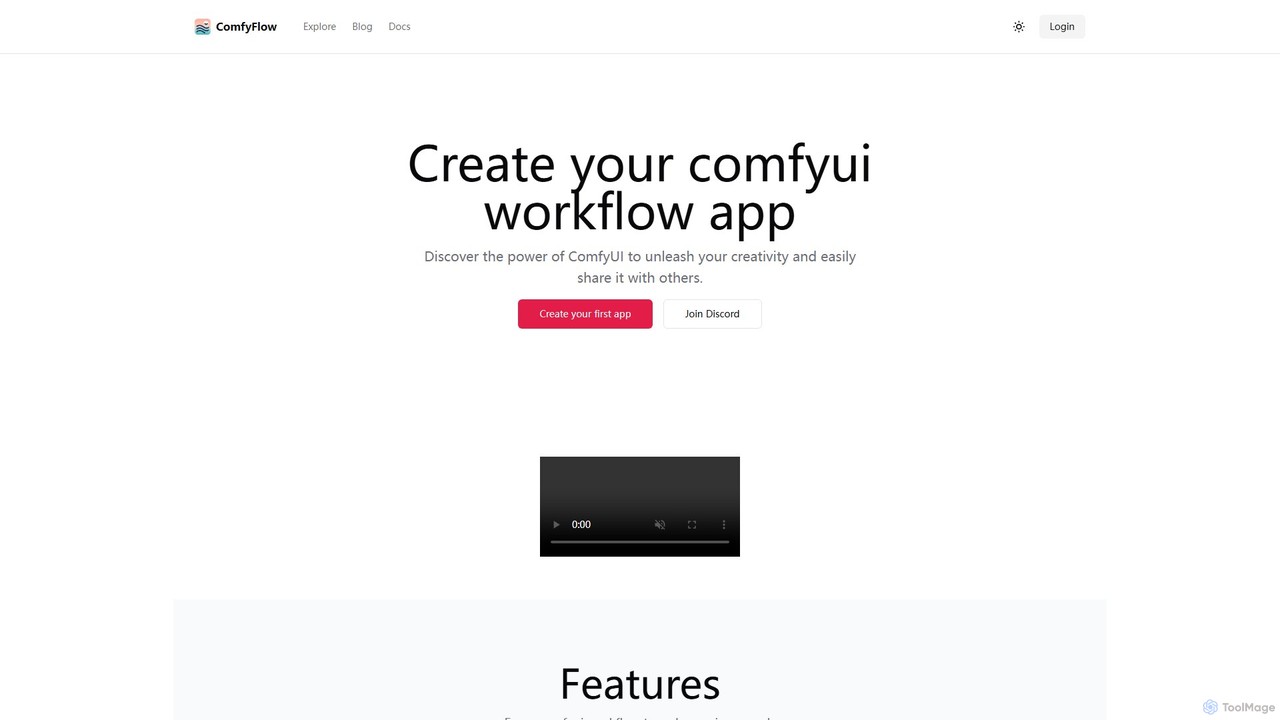
ComfyFlow
ComfyFlow is a platform that transforms complex ComfyUI workflows into user-friendly, shareable web applications in seconds. It provides a fully hosted environment, protecting your workflow's privacy while allowing anyone to use your AI creations without managing GPU servers.
No Code Platform
ComfyOnline Comments (0)
Sign in to comment.
Sign inNo comments yet.