

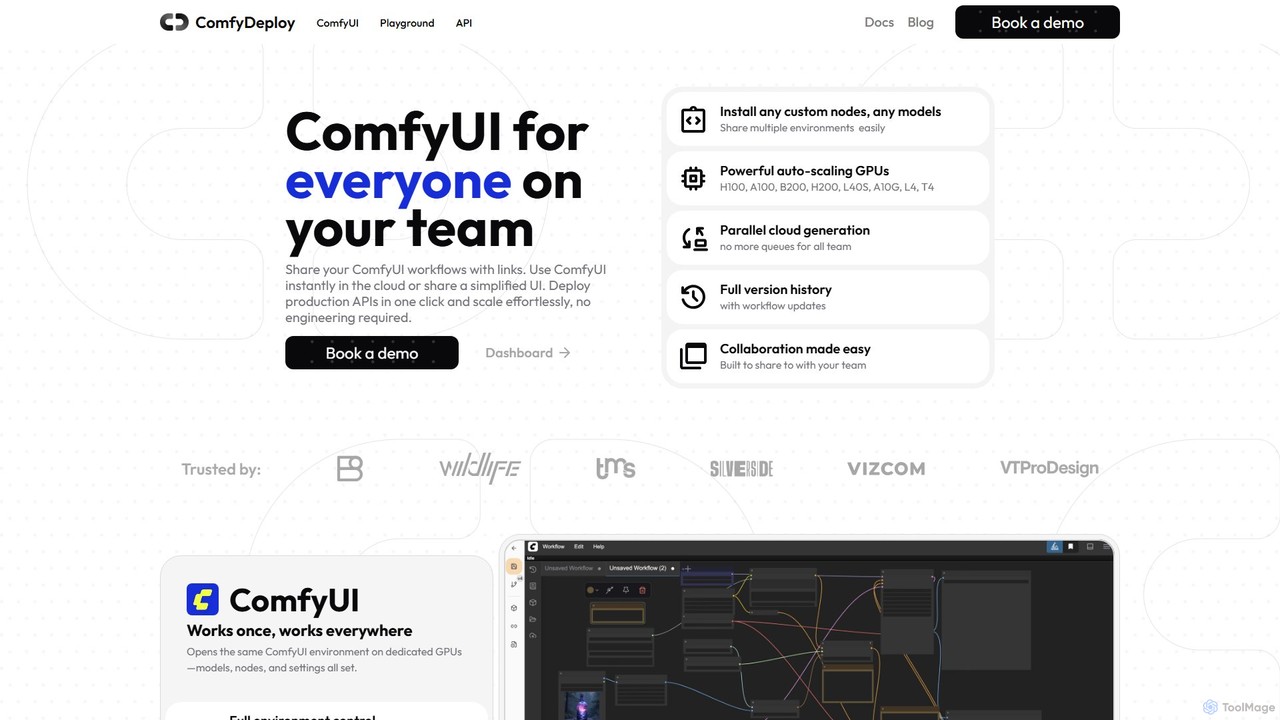
ComfyDeploy Overview
ComfyDeploy is a comprehensive cloud platform designed to revolutionize how teams and organizations utilize ComfyUI, the powerful and modular stable diffusion GUI. It addresses the critical challenges of setup, collaboration, deployment, and scalability, making advanced AI image generation accessible to everyone from individual artists to large enterprise teams. The platform allows you to take any ComfyUI workflow and instantly run it in a managed cloud environment, share it with a simple link, or deploy it as a robust, auto-scaling production API in a single click.
By providing a unified environment, ComfyDeploy ensures that if a workflow runs for one person, it runs for everyone on the team, eliminating the classic "it works on my machine" problem. It offers full control over the environment, allowing teams to install any custom nodes and models, which are then immediately available to all collaborators. This collaborative spirit is at the core of the platform, empowering teams to innovate faster together.
How to use ComfyDeploy
Using ComfyDeploy is designed to be an intuitive, multi-step process that caters to both technical and non-technical users:
- Upload or Build Your Workflow: Start by dragging and dropping your existing ComfyUI workflow JSON file onto the ComfyDeploy dashboard. Alternatively, you can build a new workflow from scratch directly within their cloud-based ComfyUI interface.
- Manage Environment: Install any required custom nodes or models. ComfyDeploy handles the dependencies and makes them instantly available in your environment.
- Collaborate and Share: Share your entire ComfyUI setup, including models and nodes, with team members using a single shareable link. This ensures perfect environment replication.
- Create a Simplified UI (Playground): For non-technical users like designers or product managers, you can define specific inputs (text prompts, image uploads, sliders) and outputs in your workflow. ComfyDeploy automatically generates a simplified 'Playground' interface, hiding the complexity of the node graph.
- Deploy as an API: When you're ready for production, deploy your workflow as a high-performance API with a single click. ComfyDeploy automatically generates the API endpoints based on the inputs and outputs you defined.
- Scale Effortlessly: The deployed API is backed by an auto-scaling GPU cluster. It automatically adjusts resources based on traffic, from zero to handling massive parallel requests, ensuring optimal performance and cost-efficiency.
Core Features of ComfyDeploy
- One-Click Production API Deployment: Convert any ComfyUI workflow into a scalable, production-grade API without writing any code.
- Auto-Scaling GPU Infrastructure: Access to a wide range of powerful GPUs (H100, A100, B200, L40S, etc.) that automatically scale with demand, including scaling to zero to save costs.
- Seamless Team Collaboration: Share complete, replicable ComfyUI environments with simple links, ensuring consistency across your team.
- Simplified UI Generation (Playground): Automatically create user-friendly interfaces from complex workflows, empowering creative and business teams to use powerful AI tools without technical expertise.
- Full Environment Control: Easily install and manage any custom nodes and models, which are shared across the team's environment.
- Complete Workflow Versioning: Safely iterate on your workflows with a full version history and the ability to roll back to any previous version with one click.
- Parallel Cloud Generation: Eliminate queues and allow all team members to generate images and run workflows simultaneously.
- Optimized Performance: Features an extensive caching system to minimize cold-start latency and ensure lightning-fast inference.
Use Cases for ComfyDeploy
ComfyDeploy is trusted by various industries to streamline their creative and production pipelines:
- Creative Agencies and Design Studios: Empower artists and designers to use proprietary, high-fidelity generative pipelines for concept art, marketing materials, and product visualization, reducing design cycles from weeks to minutes.
- Enterprise Innovation: Industrial design teams can rapidly prototype and iterate on product designs, using custom AI models to generate realistic mockups and variations.
- AI Application Development: Developers can build the backend for scalable AI-powered applications, such as virtual try-on (VTON) services, personalized content generators, or AI avatar creators, by leveraging ComfyDeploy's robust API infrastructure.
- Product Management and Marketing: Product managers can test different prompts and parameters to optimize results for a campaign, while marketing teams can generate on-brand imagery at scale without deep technical knowledge.
Advantages of ComfyDeploy
The primary advantage of ComfyDeploy is its ability to bridge the gap between the technical complexity of ComfyUI and the practical needs of a business. It democratizes access to powerful generative AI, reduces technical barriers, and significantly accelerates the path from idea to production. By handling the difficult infrastructure management, it allows teams to focus on creativity and innovation. The platform delivers rock-solid, reliable infrastructure for lightning-fast inference and fully customizable workflows, backed by a responsive engineering team.
Pricing and Plans
ComfyDeploy operates on a model that appears to be freemium or usage-based, designed to scale with your needs. While specific pricing tiers are not publicly listed on the main page, the platform encourages potential users to "Book a demo" for a detailed consultation. This suggests custom enterprise plans and tailored solutions are available. The model likely includes a free or developer tier for individual experimentation, with paid plans for teams and businesses that require advanced features like dedicated GPUs, higher concurrency, and production-level API usage. The auto-scaling-to-zero feature implies a pay-as-you-go pricing structure for compute resources, making it cost-effective for sporadic and high-traffic use cases alike.
Traffic
Latest traffic
Status
Monthly traffic trend
- 2025-9: 50.7K
- 2026-1: 28.8K
- 2026-2: 25.8K
- 2026-3: 24.7K
- 2026-4: 28.5K
- 2026-5: 19.5K
Geography
Top 5 countries / regions
- 🇺🇸United States44.6%
- 🇻🇳Vietnam18.9%
- 🇧🇷Brazil14.0%
- 🇲🇽Mexico13.2%
- 🇮🇳India9.2%
Top keywords
| Keyword | Cost per click |
|---|---|
| comfy deploy | $0.00 |
| comfy deploy. | $0.00 |
| comfydeploy | $6.40 |
| "comfydeploy" coldstart | $0.00 |
| "comfydeploy" speed | $0.00 |
ComfyDeploy Videos on YouTube

Morfeo Academy

ComfyDeploy Alternatives

RunDiffusion
RunDiffusion is a powerful cloud-based platform for AI content creation, specializing in video and image generation. It simplifies complex models like Stable Diffusion, offering tools like Runnit Scenes for dynamic video effects, custom model training, and collaborative workspaces for teams. It's designed for creators, marketers, and enterprises to produce high-quality AI content efficiently.
Image Generation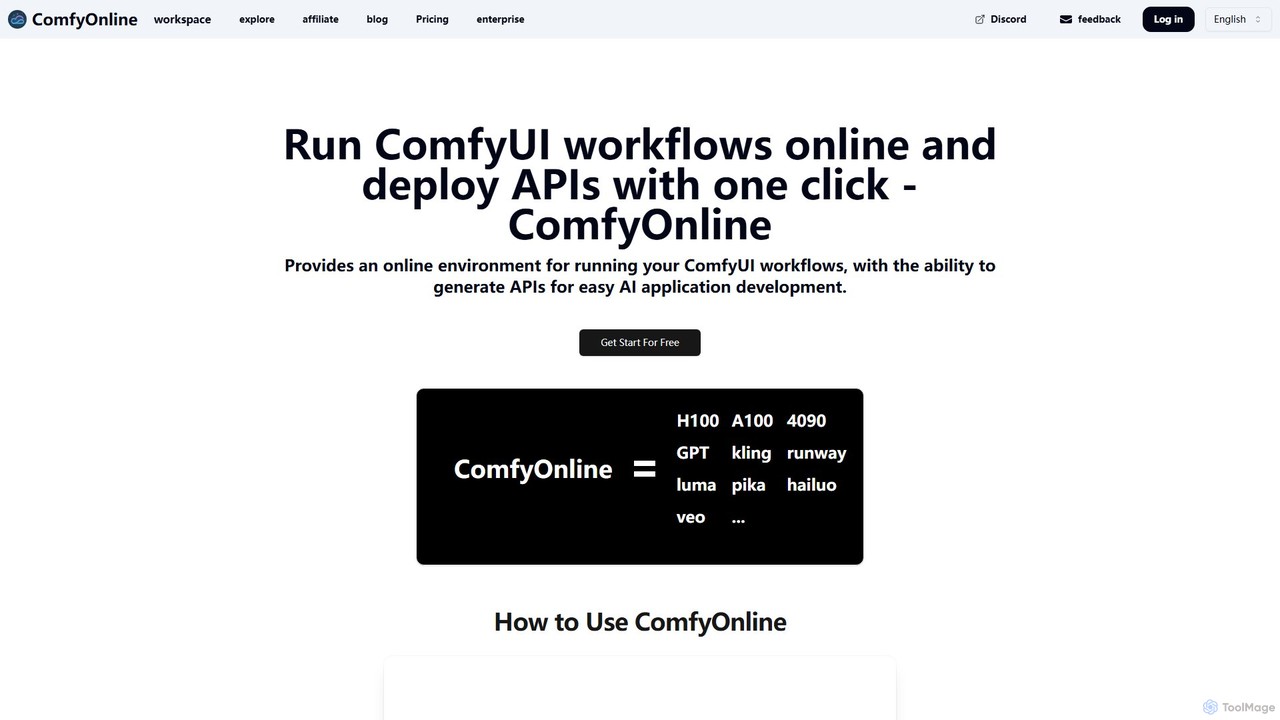
ComfyOnline
A cloud-based platform for running ComfyUI workflows online without expensive hardware. It offers a serverless environment, one-click API deployment for AI applications, and pay-as-you-go access to high-performance GPUs like H100 and A100. It simplifies the entire process from workflow creation to scalable deployment.
Api & Infrastructure
Remade
Remade is an AI-native, collaborative canvas designed for creative workflows. It provides a unified workspace for teams to generate and edit images, videos, and text. Key features include context-aware generation, consistent characters, intelligent inpainting, 4K upscaling, and real-time collaboration for up to 50 users, streamlining the entire creative process.
Creative
Phygital+
Phygital+ is a comprehensive, node-based AI workspace designed for creative teams and individuals. It integrates over 30 AI models, including Stable Diffusion, DALL-E 3, and GPT-4o, into a single collaborative platform. Users can visually build complex workflows for generating images, videos, text, and 3D models without writing any code, significantly accelerating the creative production process.
3D Modeling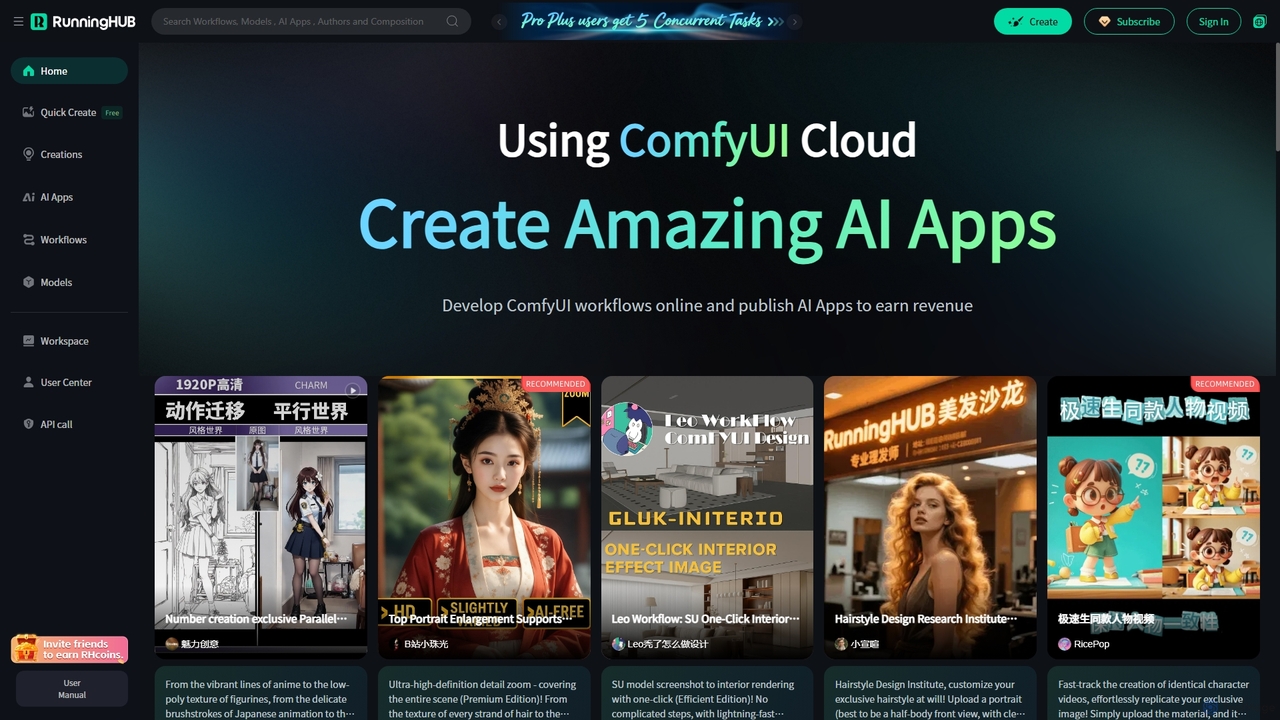
RunningHub
RunningHub is a powerful cloud-based platform for ComfyUI, enabling users to create, run, and share complex AI workflows without needing local hardware. It provides an online workspace with high-performance GPUs, a vast library of pre-installed models and nodes, and the ability to publish workflows as user-friendly AI applications for monetization.
ApiComfyDeploy Categories
ComfyDeploy Embed Widget
Copy this embed code to place the badge on your blog, article, or product site and send readers directly to this ToolMage detail page.

Related AI tools
ComfyOnline
A cloud-based platform for running ComfyUI workflows online without expensive hardware. It offers a serverless environment, one-click API deployment for AI applications, and pay-as-you-go access to high-performance GPUs like H100 and A100. It simplifies the entire process from workflow creation to scalable deployment.
Api & InfrastructurePhygital+
Phygital+ is a comprehensive, node-based AI workspace designed for creative teams and individuals. It integrates over 30 AI models, including Stable Diffusion, DALL-E 3, and GPT-4o, into a single collaborative platform. Users can visually build complex workflows for generating images, videos, text, and 3D models without writing any code, significantly accelerating the creative production process.
3D ModelingRunningHub
RunningHub is a powerful cloud-based platform for ComfyUI, enabling users to create, run, and share complex AI workflows without needing local hardware. It provides an online workspace with high-performance GPUs, a vast library of pre-installed models and nodes, and the ability to publish workflows as user-friendly AI applications for monetization.
Api
mimicpc
MimicPC is a cloud-based AI platform providing affordable access to high-performance GPUs and over 20 pre-installed AI applications. Effortlessly create images, videos, and audio, train custom LoRA models, and run LLMs without any complex setup. It's designed for both beginners and experts, offering a fully customizable and user-friendly environment to unleash creativity without expensive hardware.
Voice Cloning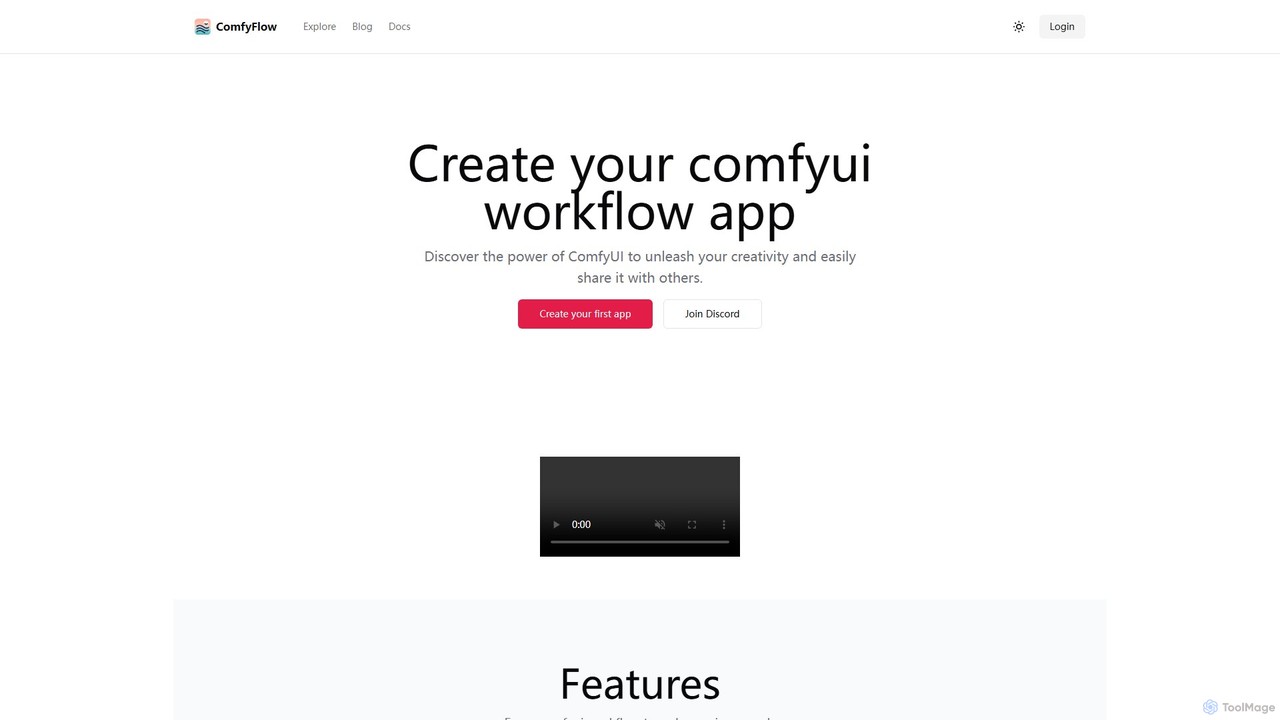
ComfyFlow
ComfyFlow is a platform that transforms complex ComfyUI workflows into user-friendly, shareable web applications in seconds. It provides a fully hosted environment, protecting your workflow's privacy while allowing anyone to use your AI creations without managing GPU servers.
No Code Platform
Magicflow AI
Magicflow AI is a professional workspace for generative AI image experimentation. It enables users to test prompts, evaluate models like Stable Diffusion, and analyze thousands of images at scale. Designed for teams and individuals, it streamlines the workflow of perfecting AI-generated visuals through organized, collaborative, and data-driven testing.
Testing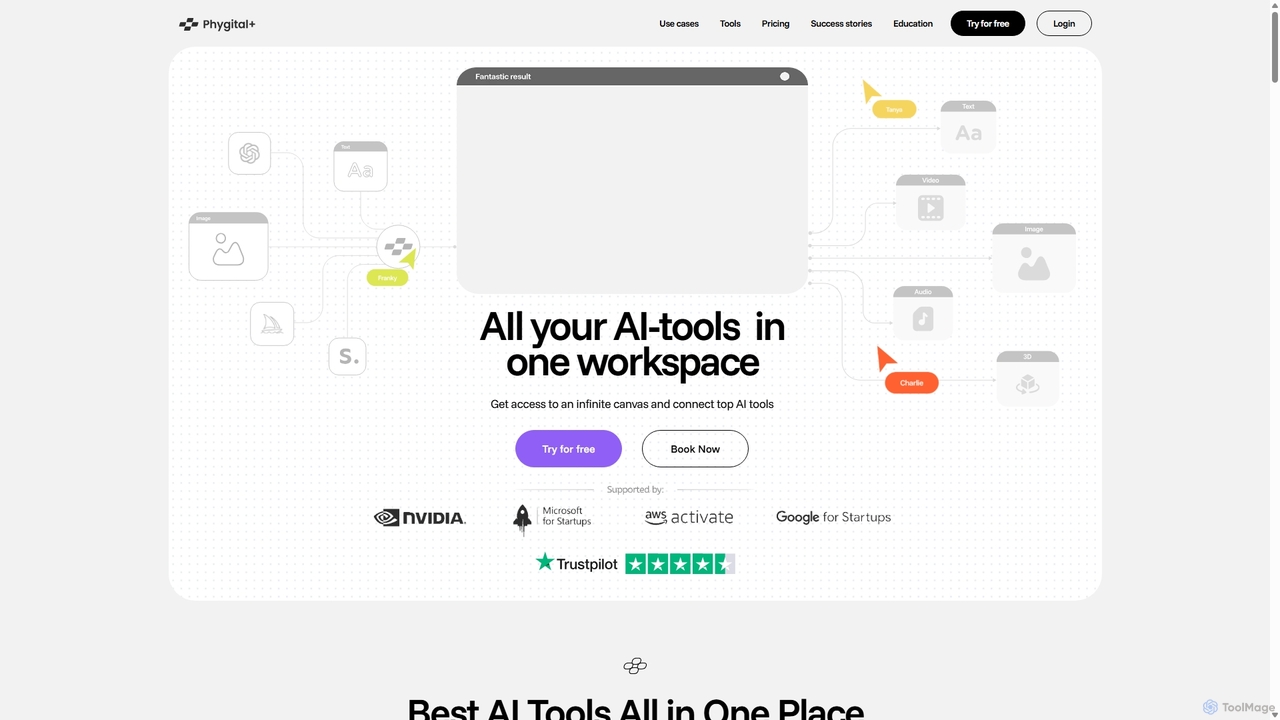
Phygital+
Phygital+ is an all-in-one AI creative workspace that integrates over 30 top generative AI models like GPT-4o, Midjourney, and Stable Diffusion. It offers a unified infinite canvas for generating and editing images, text, videos, and 3D models. Designed for creative professionals and teams, it streamlines workflows, ensures brand consistency through custom model training, and accelerates content production for marketing, design, and game development.
Generative Art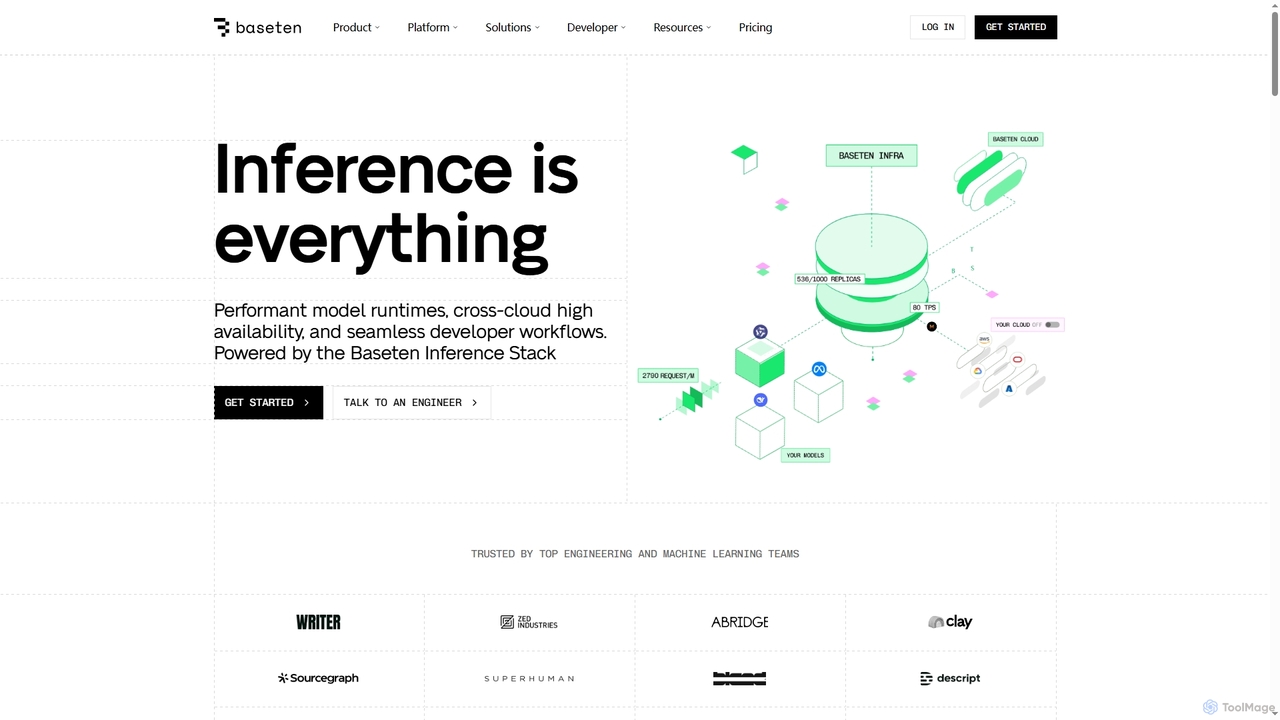
Baseten
Baseten is a production-grade inference platform for deploying, scaling, and managing AI models. It offers high-performance runtimes, seamless developer workflows, and flexible deployment options (cloud, self-hosted, hybrid). Ideal for engineering and ML teams building mission-critical AI applications.
Deployment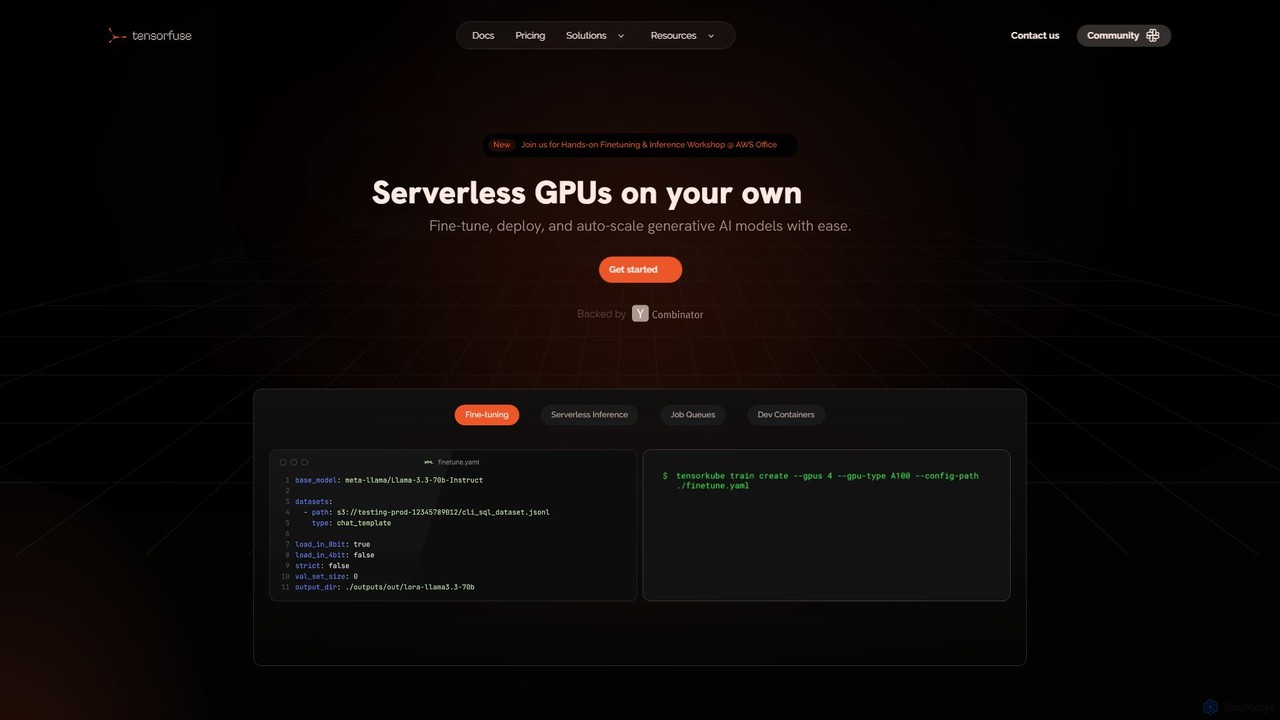
Tensorfuse
Tensorfuse is a serverless GPU platform that allows developers to fine-tune, deploy, and auto-scale generative AI models on their own AWS cloud. It simplifies infrastructure management, offering features like serverless inference, job queues, and dev containers to accelerate development, reduce costs, and eliminate DevOps overhead.
Deployment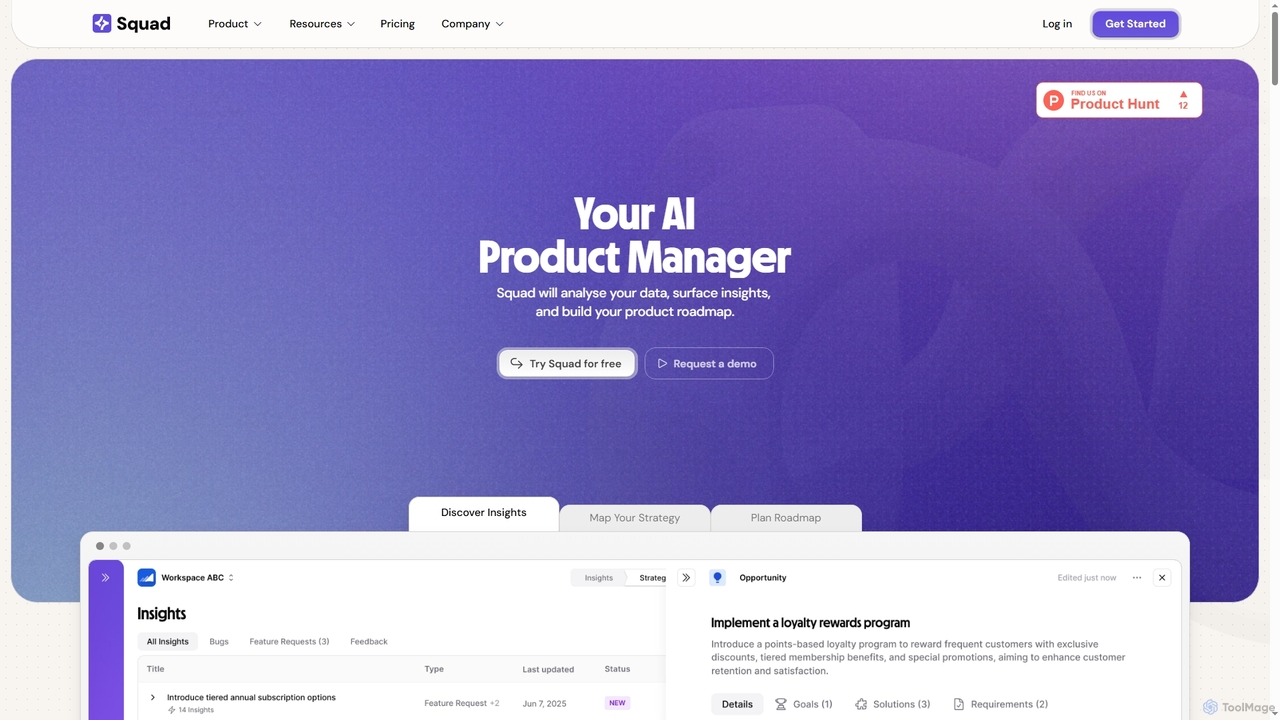
Squad
Squad is an AI-powered product management platform designed to streamline product discovery, strategy, and roadmapping. It aggregates customer feedback, aligns it with business goals, and leverages AI agents to surface opportunities, automate documentation, and ensure team alignment for building user-centric products.
Analytics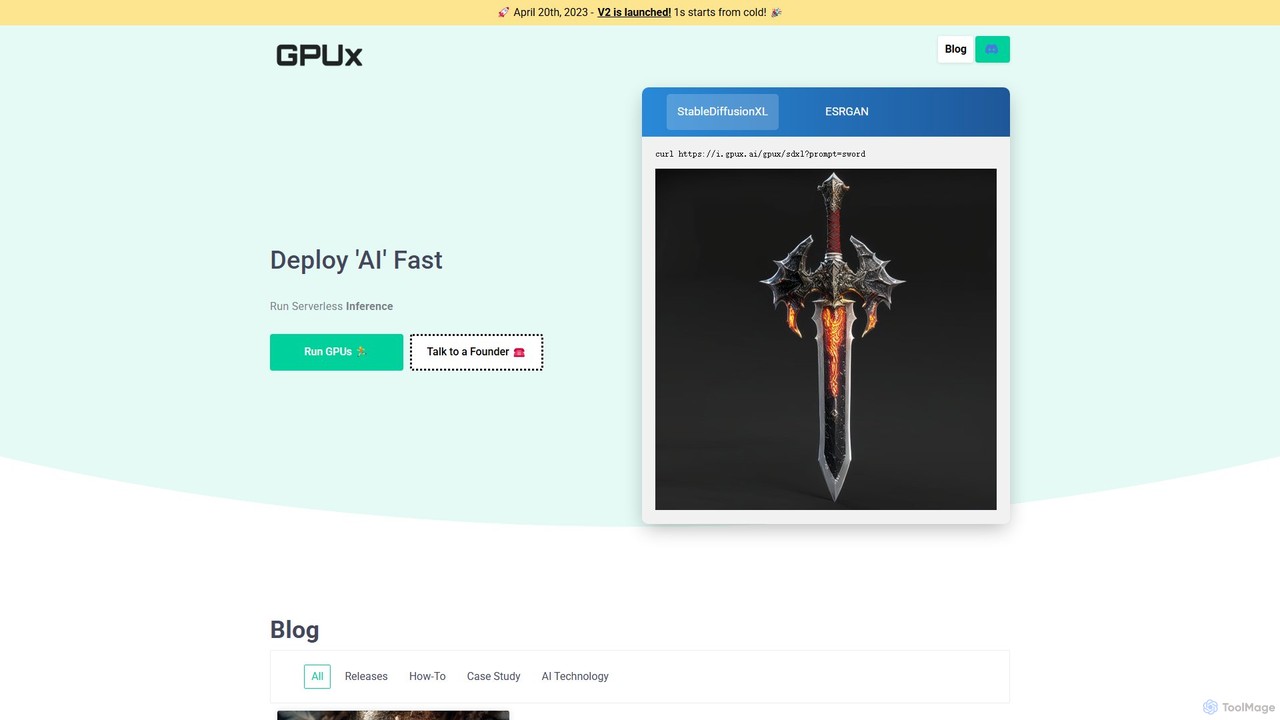
GPUX
GPUX is a serverless, decentralized GPU cloud platform for fast and affordable AI model inference. It allows developers to run models via API and enables GPU owners to earn money by contributing their hardware to a P2P network.
Model Deployment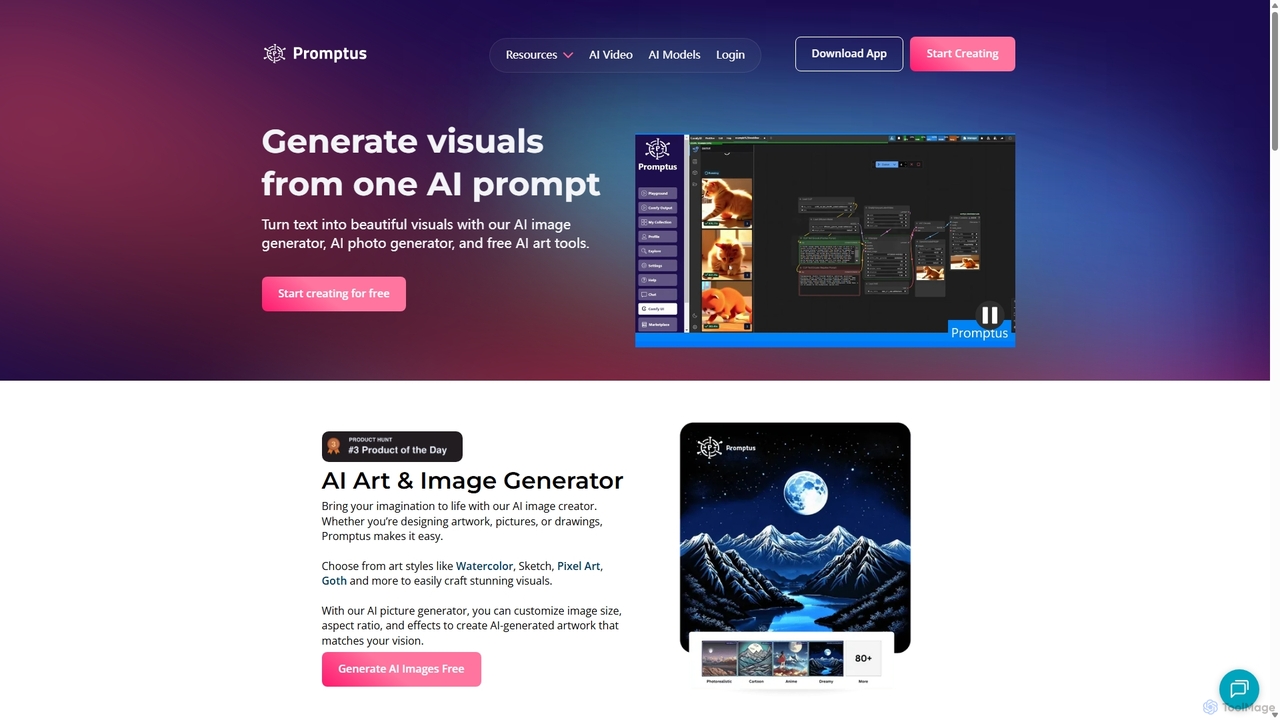
Promptus
Promptus is a versatile AI creation suite for generating high-resolution images, videos, art, and logos from text or audio. It features advanced models like Stable Diffusion and Flux, a user-friendly interface, and a powerful ComfyUI workflow for advanced customization. Ideal for creators, designers, and marketers, Promptus simplifies the creative process with features like batch generation, prompt enhancement, and a decentralized GPU marketplace.
Logo Generation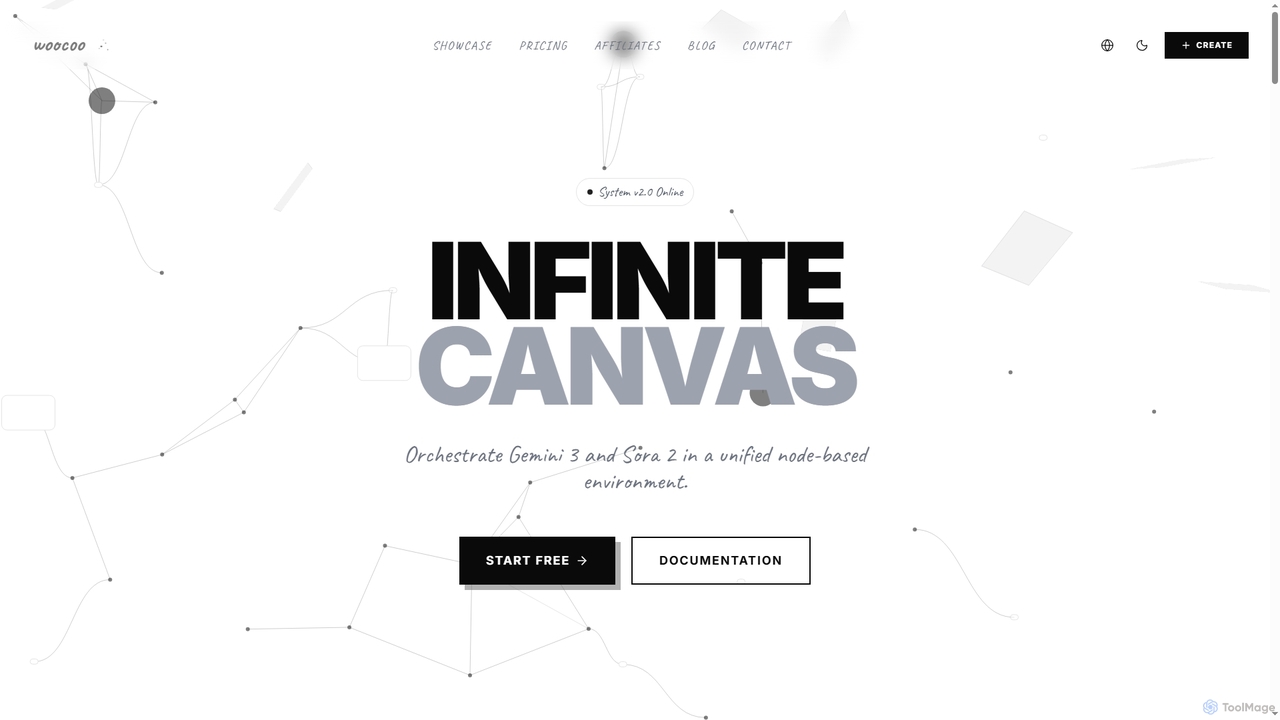
Woocoo
Woocoo is an AI canvas for orchestrating advanced AI models like Gemini 3 and Sora 2 within a unified, node-based environment. It enables users to build repeatable AI workflows for video, image generation, and automation, streamlining creative content production from idea to final cut.
Ai Image
Comfy Directory
A central resource hub for ComfyUI, offering a vast, searchable directory of workflows, custom nodes, and models. It's the essential one-stop platform for generative AI artists and developers to discover, share, and enhance their projects.
Developer Tools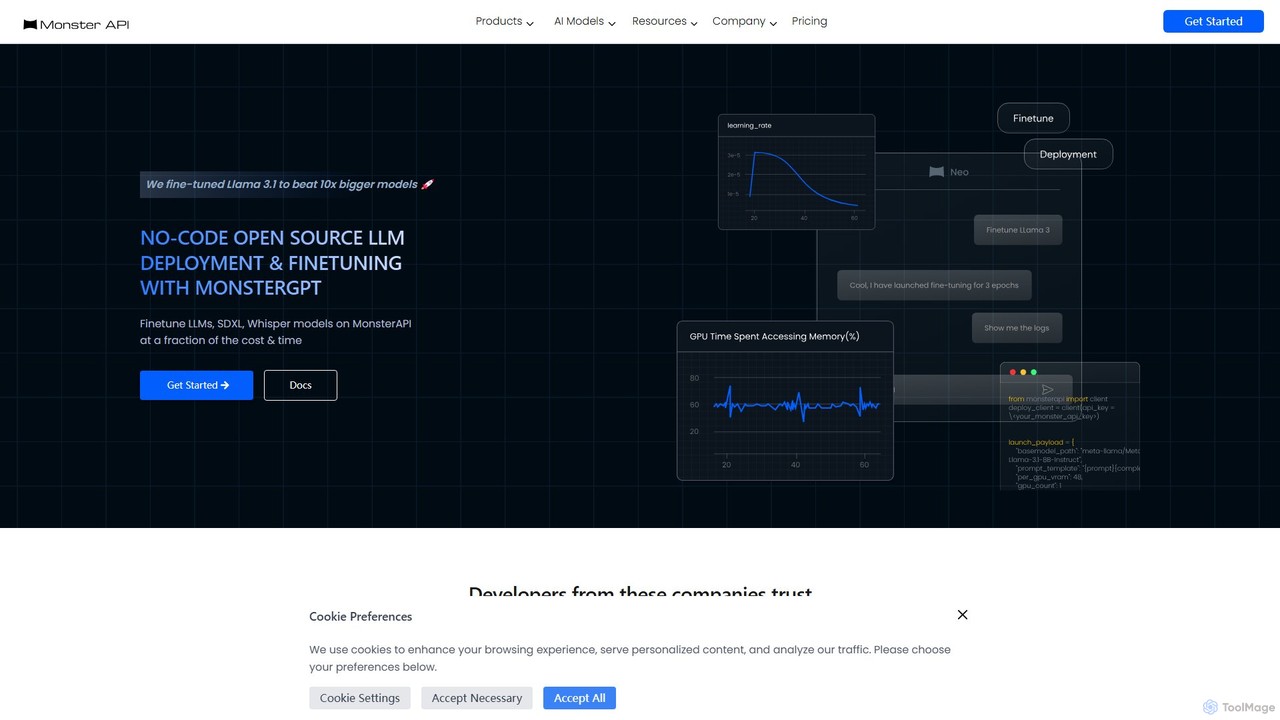
MonsterAPI
MonsterAPI is a developer-centric platform that simplifies the fine-tuning and deployment of open-source generative AI models. It offers a no-code chat interface, MonsterGPT, to manage complex tasks, supporting models like Llama, SDXL, and Whisper. The platform provides scalable API endpoints and enterprise-grade GPU infrastructure at a fraction of the typical cost and time, making advanced AI accessible to all developers.
Platform As A Service (Paas)
ComfyDeploy Comments (0)
Sign in to comment.
Sign inNo comments yet.