
Comfy Directory Overview
Comfy Directory is a comprehensive and community-driven platform designed to be the ultimate resource hub for users of ComfyUI, the powerful node-based graphical user interface for Stable Diffusion. It centralizes all essential assets, saving users countless hours of searching across disparate platforms like GitHub, Discord, and Reddit. The directory is meticulously organized into key sections, including a vast library of workflows and an extensive collection of custom nodes, making it an indispensable tool for both beginners and advanced generative AI practitioners.
The platform's core mission is to streamline the creative and development process within the ComfyUI ecosystem. By providing a curated, searchable, and easy-to-navigate repository, Comfy Directory empowers users to quickly find the tools they need, learn new techniques from shared workflows, and push the boundaries of AI-powered art and animation. It also features a dedicated job board, ComfyJobs, connecting talented ComfyUI professionals with opportunities in the generative AI industry.
How to use Comfy Directory
Using Comfy Directory is straightforward and intuitive. Users can start by browsing the main sections: 'Workflows' and 'Custom Nodes'.
1. Finding and Using Workflows: Navigate to the 'Workflows' section. You can use the search bar or filter by tags like 'txt2img', 'img2img', 'upscale', 'lora', or 'AnimateDiff' to find a specific type of workflow. Once you find a suitable workflow, you can often download a generated image. This image contains the full workflow metadata. Simply drag and drop this image onto your ComfyUI canvas to instantly load the entire node structure.
2. Discovering Custom Nodes: In the 'Custom Nodes' section, you can explore a massive list of extensions that add new functionality to ComfyUI. Each listing provides a description and a link to its GitHub repository for installation instructions. This is the perfect way to find powerful nodes like IPAdapter, ControlNet preprocessors, SUPIR upscalers, and more.
3. Contributing to the Community: If you have created a useful workflow or custom node, you can submit it to the directory to share it with the community, helping the platform grow.
4. Finding Employment: Professionals can visit the 'ComfyJobs' section to browse and apply for jobs specifically requiring ComfyUI and generative AI skills.
Core Features of Comfy Directory
- Extensive Workflow Library: A vast, searchable collection of pre-built ComfyUI workflows for tasks like text-to-image, image-to-image, inpainting, upscaling, animation (AnimateDiff), and complex compositions.
- Comprehensive Custom Node Directory: A curated list of the most popular and powerful custom nodes, complete with descriptions and direct links to their source for easy installation.
- Community-Driven Platform: Allows users to contribute by submitting their own workflows and nodes, ensuring the content is always fresh and expanding.
- Powerful Filtering and Search: Enables users to quickly find specific resources using a robust tagging system (e.g., `lora`, `hires_fix`, `3d`, `controlnet`).
- ComfyJobs Board: A specialized job board for connecting ComfyUI talent with companies seeking generative AI expertise.
- Seamless Workflow Integration: Facilitates the unique ComfyUI feature of loading entire workflows by simply dragging and dropping a PNG file into the interface.
Use Cases for Comfy Directory
For Beginners: New ComfyUI users can find basic workflows to understand the fundamentals of node-based image generation without feeling overwhelmed.
For Advanced Artists & Developers: Experienced users can discover complex workflows and cutting-edge custom nodes (e.g., AnimateDiff, LayerDiffuse, 3D-Pack) to create sophisticated and unique AI art and animations.
For Workflow Optimization: Instead of building complex node graphs from scratch, users can find and adapt existing workflows for their specific needs, saving significant time and effort.
For Research and Experimentation: Researchers can find implementations of new techniques and models packaged as custom nodes, accelerating their experimentation process.
Advantages of Comfy Directory
The primary advantage of Comfy Directory is centralization. It aggregates essential ComfyUI resources into a single, well-organized location. This dramatically saves time and effort, enhances discovery of new tools and techniques, and fosters a strong sense of community and collaboration by making it easy to share and build upon others' work. It effectively lowers the barrier to entry for complex AI art generation, making powerful techniques more accessible to everyone.
Pricing and Plans
Comfy Directory is a completely free-to-use platform for the community. Its operation is supported through optional advertising space available to relevant product and service providers. There are no subscription fees or hidden costs for accessing or downloading resources.
Comfy Directory Alternatives
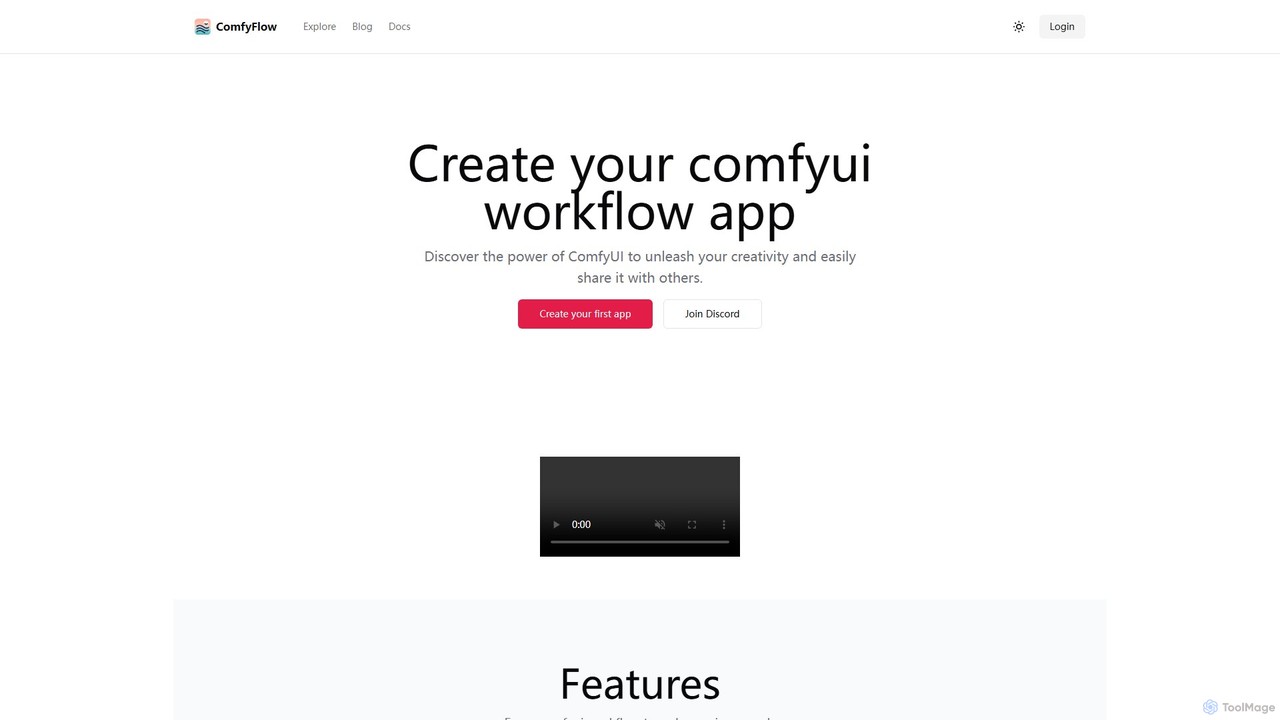
ComfyFlow
ComfyFlow is a platform that transforms complex ComfyUI workflows into user-friendly, shareable web applications in seconds. It provides a fully hosted environment, protecting your workflow's privacy while allowing anyone to use your AI creations without managing GPU servers.
No Code Platform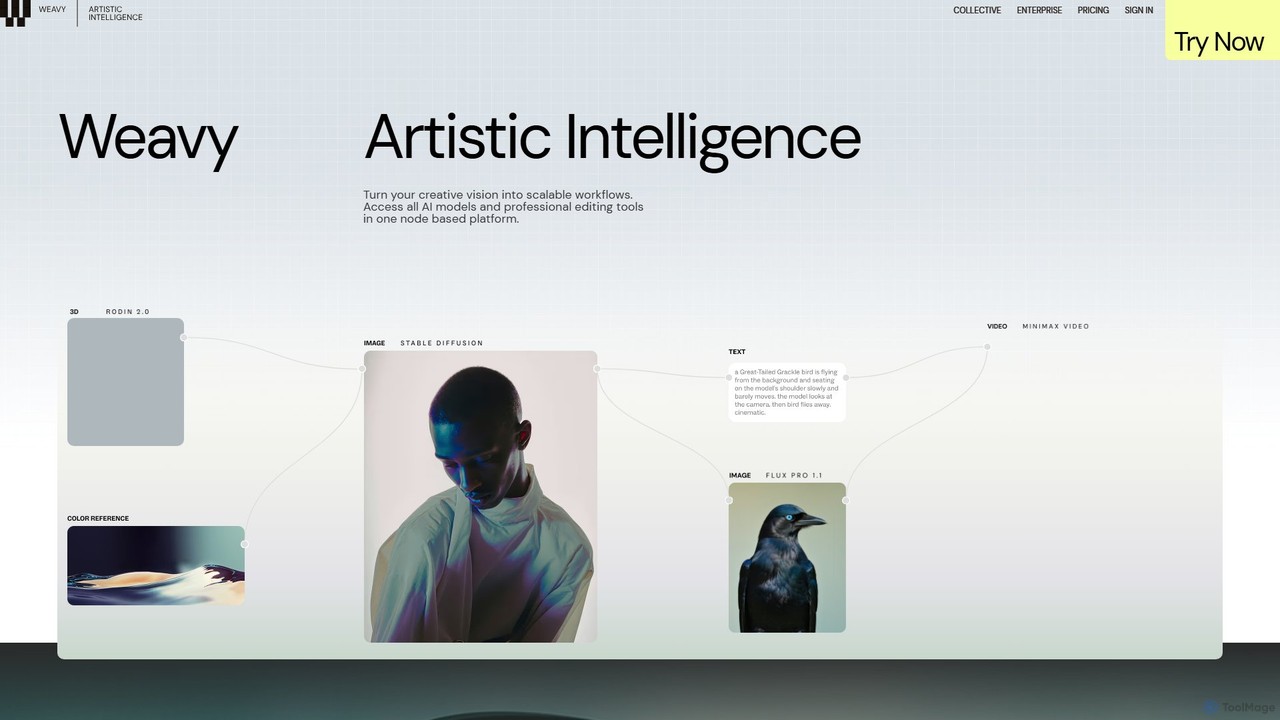
Weavy
Weavy is an AI-powered design platform for creative professionals, integrating multiple top-tier AI models into a single, node-based workflow. It combines generative AI capabilities with professional-grade editing and compositing tools, allowing users to build scalable, repeatable creative processes with unparalleled control. It's designed to bridge the gap between AI and artistic craft, focusing on process and quality.
Image Generation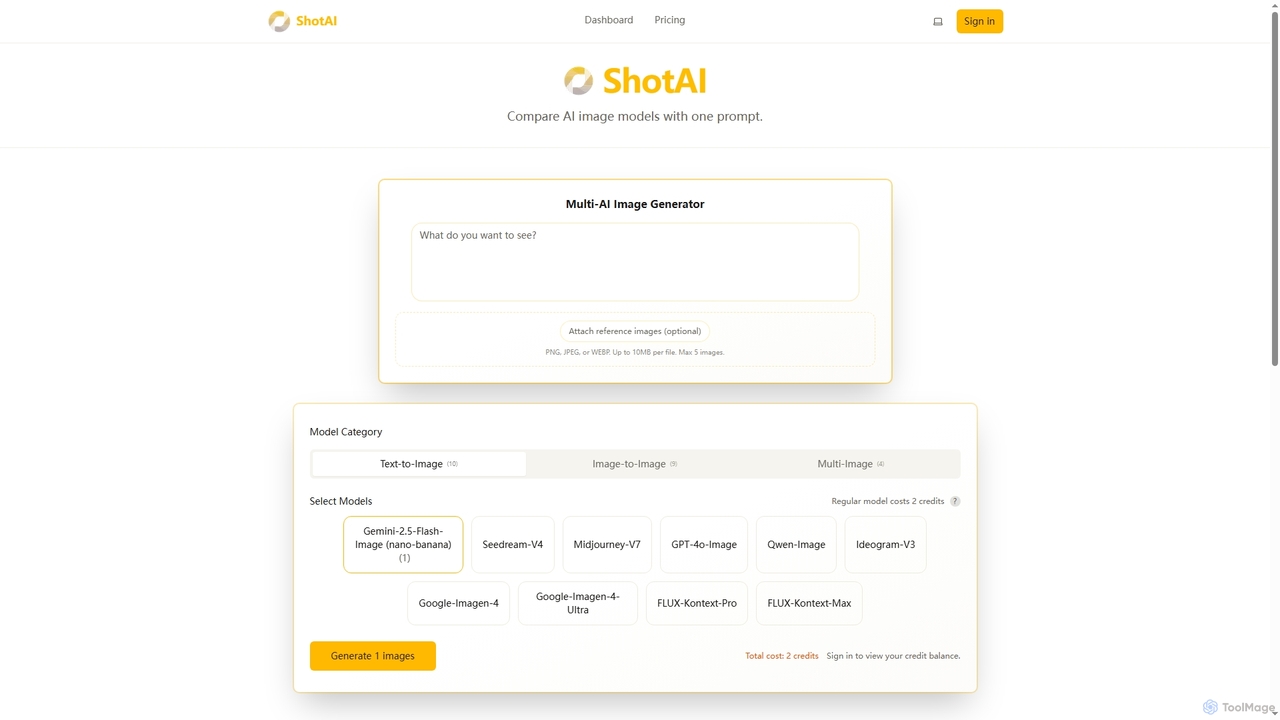
ShotAI
ShotAI is a multi-model AI image generation platform that allows users to compare outputs from various AI models simultaneously with a single prompt. It streamlines the creative process by offering instant side-by-side comparisons and professional tools for creators.
Ai Art
ComfyUI
ComfyUI is a powerful, free, and open-source node-based graphical user interface for generative AI. It offers unparalleled control and flexibility for creating complex workflows to generate images, videos, 3D assets, and audio, designed for artists, developers, and researchers.
3D Modeling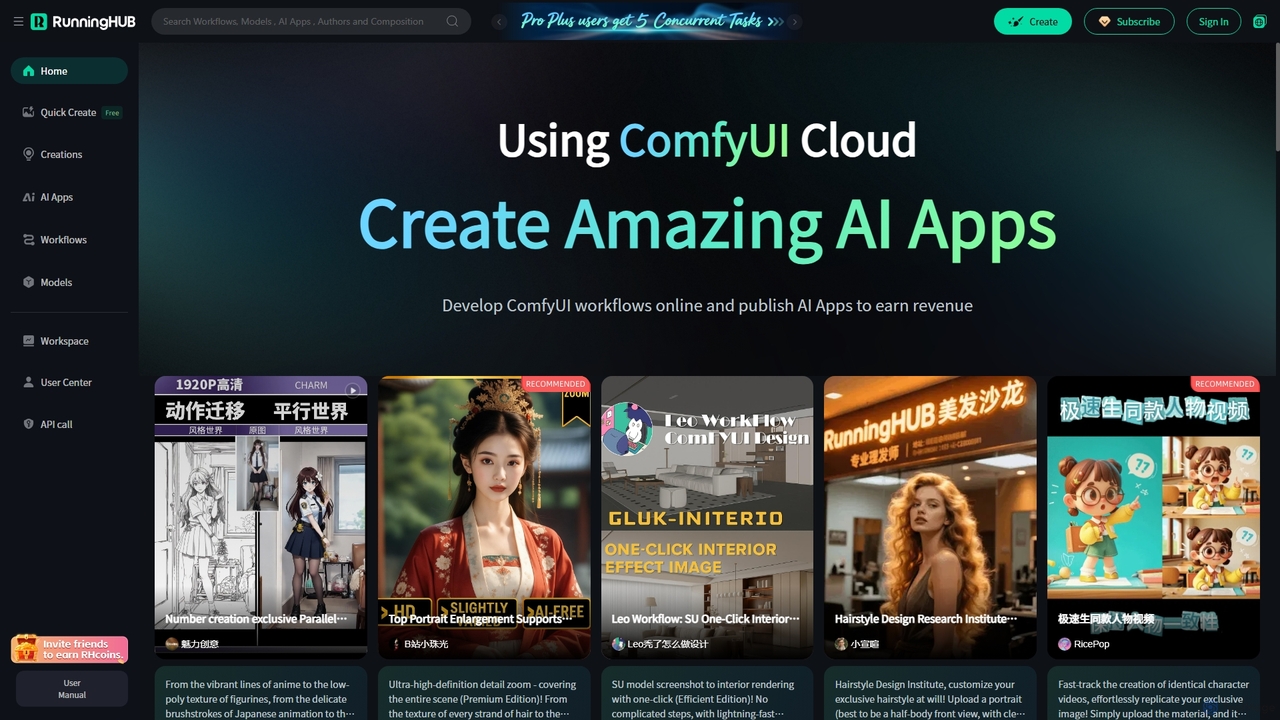
RunningHub
RunningHub is a powerful cloud-based platform for ComfyUI, enabling users to create, run, and share complex AI workflows without needing local hardware. It provides an online workspace with high-performance GPUs, a vast library of pre-installed models and nodes, and the ability to publish workflows as user-friendly AI applications for monetization.
ApiComfy Directory Categories
Comfy Directory Embed Widget
Copy this embed code to place the badge on your blog, article, or product site and send readers directly to this ToolMage detail page.

Related AI tools
ComfyUI
ComfyUI is a powerful, free, and open-source node-based graphical user interface for generative AI. It offers unparalleled control and flexibility for creating complex workflows to generate images, videos, 3D assets, and audio, designed for artists, developers, and researchers.
3D Modeling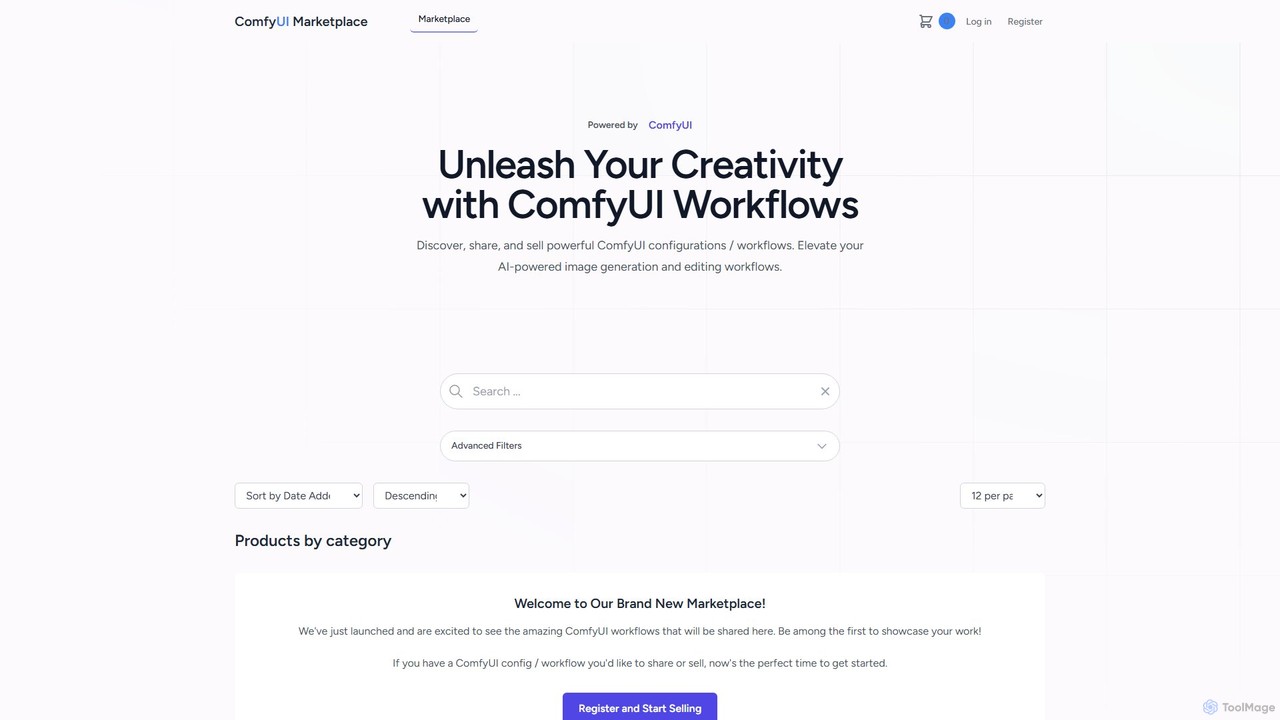
comfyui_market
ComfyUI Market is a dedicated marketplace for discovering, buying, and selling ComfyUI workflows. It empowers AI artists and enthusiasts by providing a platform to share and access powerful, pre-built configurations for advanced image and video generation with Stable Diffusion. Elevate your creative projects by leveraging community-built node graphs, saving time and unlocking new artistic possibilities.
Workflow TemplatesComfyFlow
ComfyFlow is a platform that transforms complex ComfyUI workflows into user-friendly, shareable web applications in seconds. It provides a fully hosted environment, protecting your workflow's privacy while allowing anyone to use your AI creations without managing GPU servers.
No Code Platform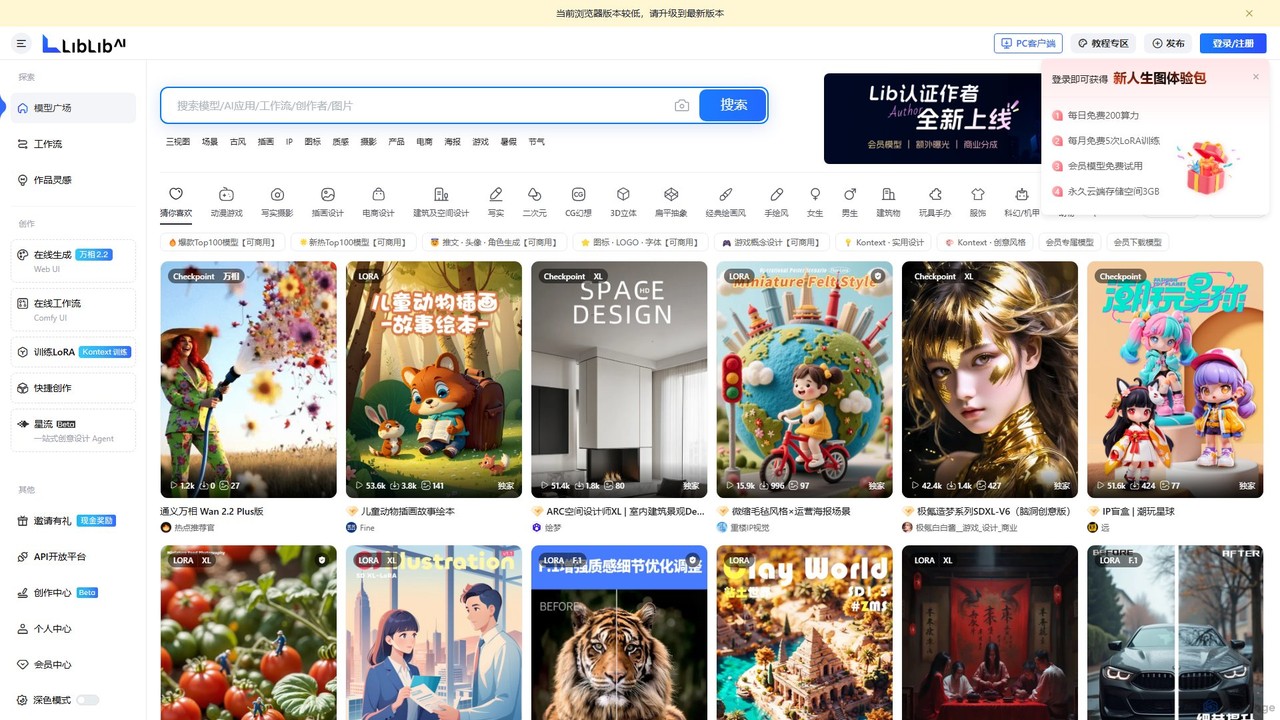
LiblibAI
LiblibAI is a leading AI creation platform and community, focusing on AI model sharing for image generation. It offers a vast library of Stable Diffusion models, including Checkpoints and LoRAs, with a special emphasis on anime, gaming, and unique Chinese artistic styles. Users can generate images online or download models for local use.
Ai Art
ComfyUI Web
ComfyUI Web is a free, online AI image generator that provides a web-based interface for Stable Diffusion. It leverages the powerful and flexible node-based workflow of ComfyUI, allowing users to create complex and customized AI art without needing powerful local hardware or any installation. It supports high-quality models like SDXL Turbo and is designed for both beginners and advanced users.
Ai Art Generator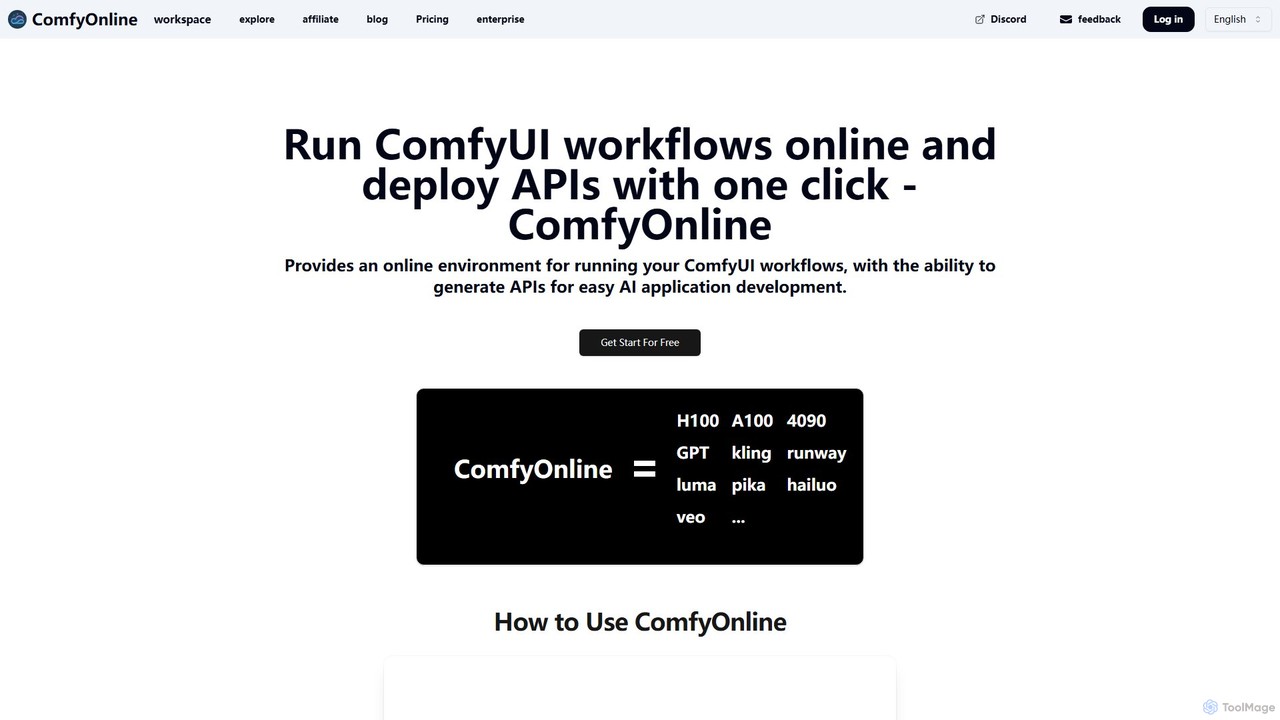
ComfyOnline
A cloud-based platform for running ComfyUI workflows online without expensive hardware. It offers a serverless environment, one-click API deployment for AI applications, and pay-as-you-go access to high-performance GPUs like H100 and A100. It simplifies the entire process from workflow creation to scalable deployment.
Api & Infrastructure
Magicflow AI
Magicflow AI is a professional workspace for generative AI image experimentation. It enables users to test prompts, evaluate models like Stable Diffusion, and analyze thousands of images at scale. Designed for teams and individuals, it streamlines the workflow of perfecting AI-generated visuals through organized, collaborative, and data-driven testing.
Testing
Jyek
Jyek is an AI agent platform that understands objectives, creates execution plans, uses tools, and delivers verifiable results for complex, multi-step tasks.
AutomationWeavy
Weavy is an AI-powered design platform for creative professionals, integrating multiple top-tier AI models into a single, node-based workflow. It combines generative AI capabilities with professional-grade editing and compositing tools, allowing users to build scalable, repeatable creative processes with unparalleled control. It's designed to bridge the gap between AI and artistic craft, focusing on process and quality.
Image GenerationShotAI
ShotAI is a multi-model AI image generation platform that allows users to compare outputs from various AI models simultaneously with a single prompt. It streamlines the creative process by offering instant side-by-side comparisons and professional tools for creators.
Ai Art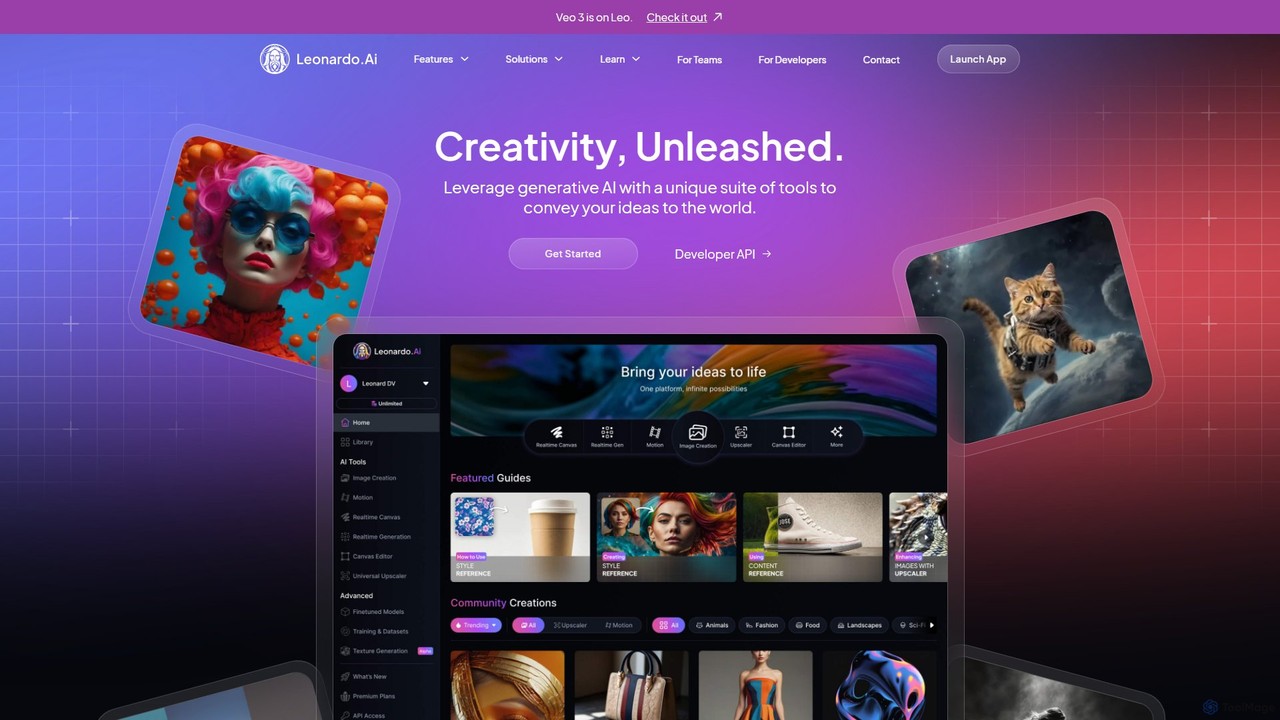
Leonardo.ai
Leonardo.ai is a comprehensive generative AI suite for creating high-quality visual assets. It offers a wide range of tools, including image and video generation, AI Canvas, 3D texturing, and numerous fine-tuned models. Ideal for individual creators, collaborative teams, and developers, it emphasizes quality, speed, and style consistency.
Generative Art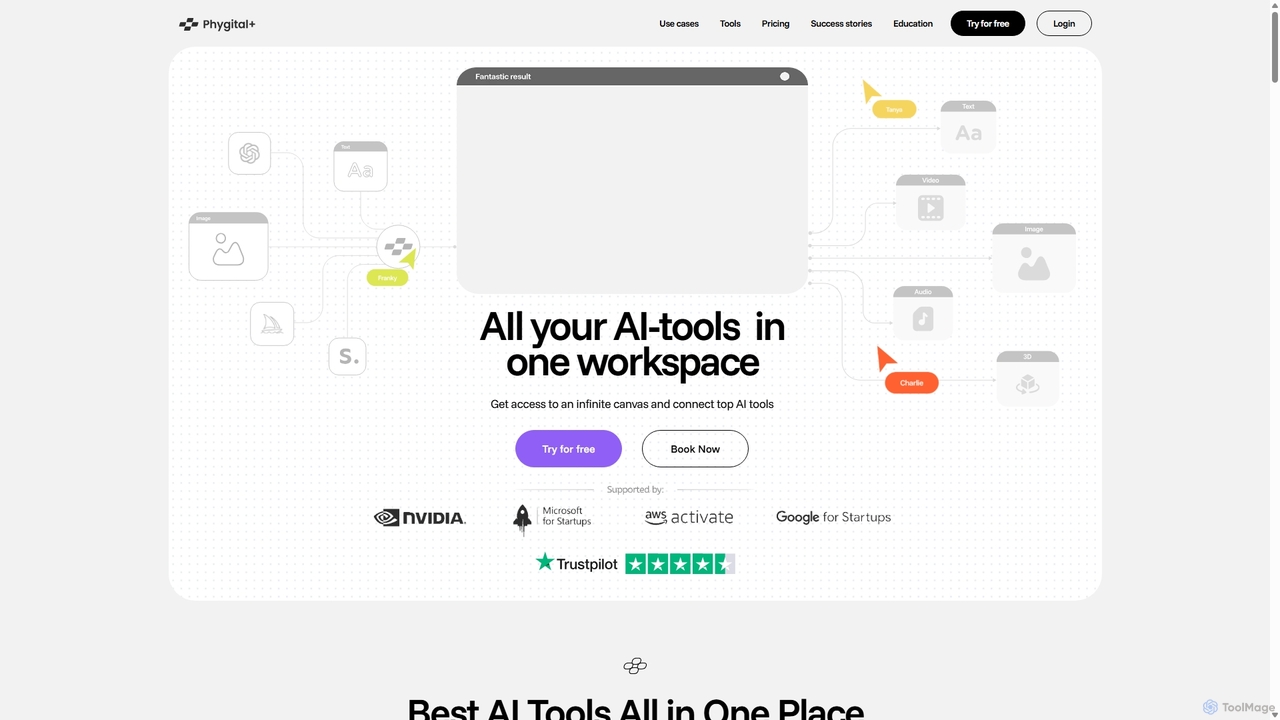
Phygital+
Phygital+ is an all-in-one AI creative workspace that integrates over 30 top generative AI models like GPT-4o, Midjourney, and Stable Diffusion. It offers a unified infinite canvas for generating and editing images, text, videos, and 3D models. Designed for creative professionals and teams, it streamlines workflows, ensures brand consistency through custom model training, and accelerates content production for marketing, design, and game development.
Generative Art
mimicpc
MimicPC is a cloud-based AI platform providing affordable access to high-performance GPUs and over 20 pre-installed AI applications. Effortlessly create images, videos, and audio, train custom LoRA models, and run LLMs without any complex setup. It's designed for both beginners and experts, offering a fully customizable and user-friendly environment to unleash creativity without expensive hardware.
Voice Cloning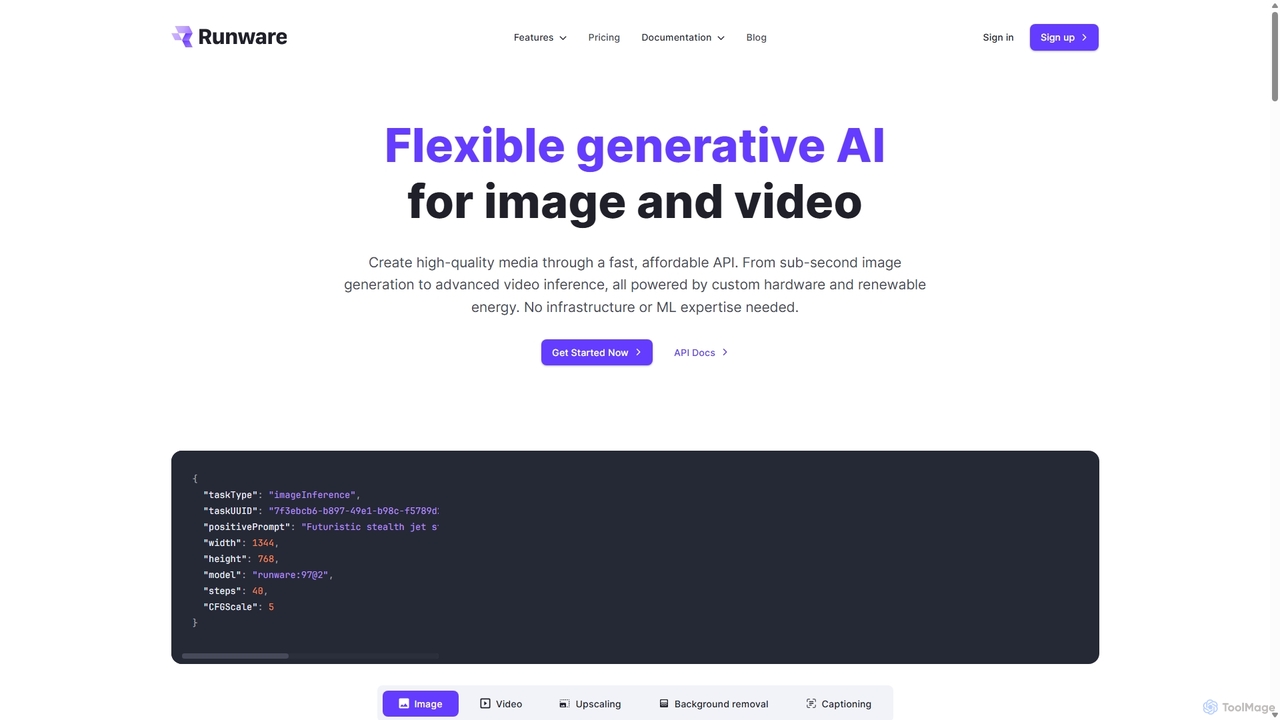
Runware
Runware provides a high-performance, low-cost API for developers to integrate generative AI for image and video creation. Leveraging custom hardware and renewable energy, it offers industry-leading inference speeds for over 300,000 models, including Stable Diffusion, FLUX.1, and Kling. It's a scalable, easy-to-use platform that requires no ML expertise, designed for building next-generation AI-native applications.
Api Platform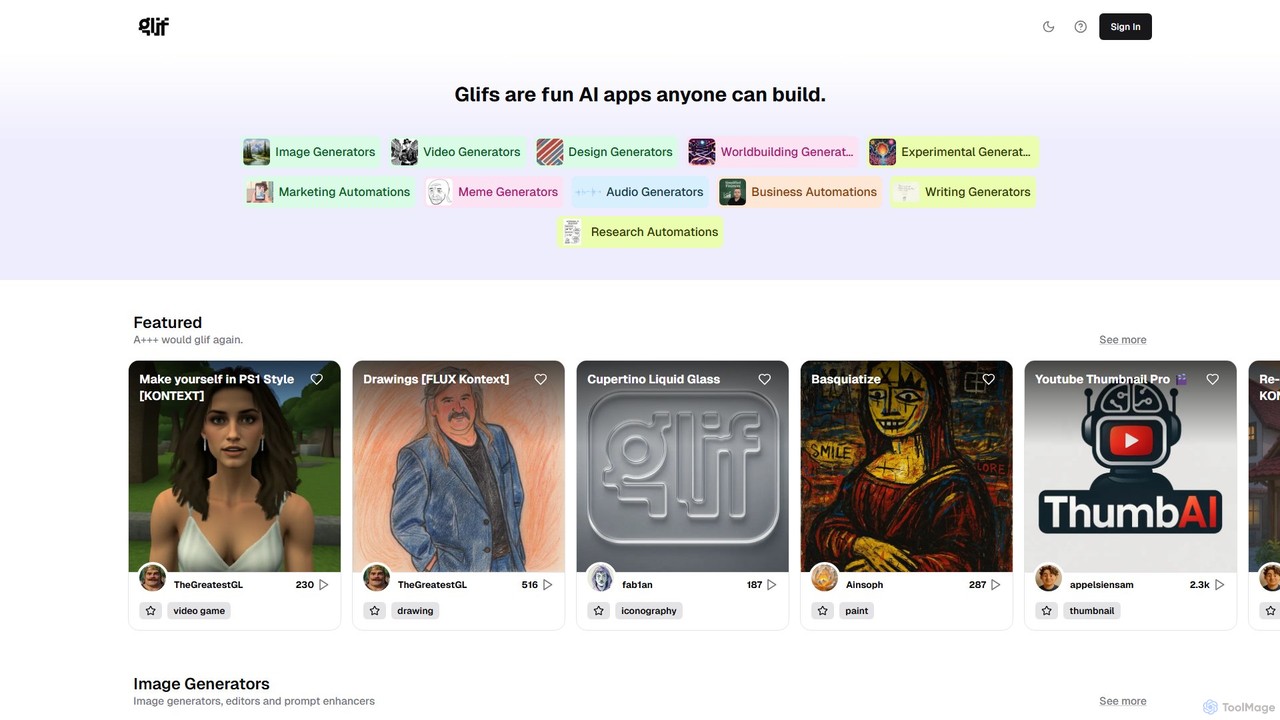
glif
glif is a low-code platform for creating and sharing AI-powered mini-apps, known as "glifs." It enables users to combine large language models, image generators like Stable Diffusion and DALL-E 3, and other advanced tools like ComfyUI to build custom generators for images, videos, memes, audio, and more, without needing to code.
No Code Platform
Comfy Directory Comments (0)
Sign in to comment.
Sign inNo comments yet.