ToolMage
Sign in

Best 1 Developer Tools for Community

Popular Developer Tools in Community include Comfy Directory, helping you work more efficiently.

Free

Comfy Directory

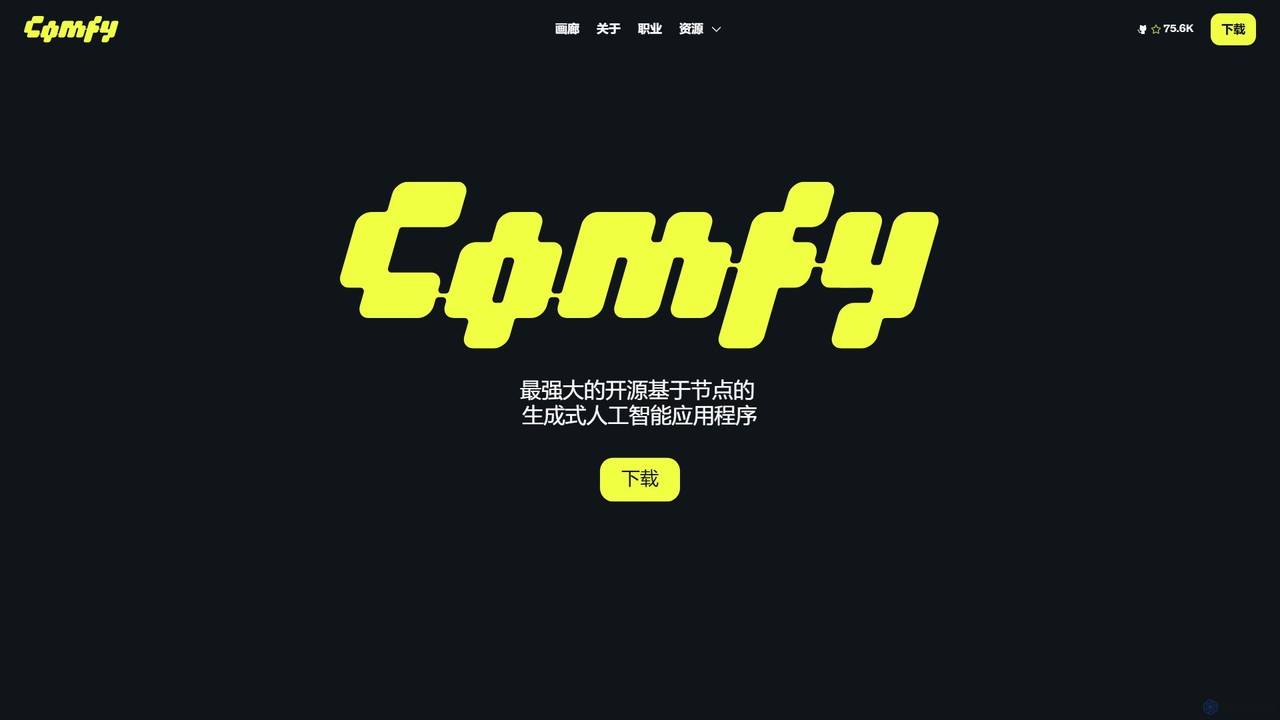
A central resource hub for ComfyUI, offering a vast, searchable directory of workflows, custom nodes, and models. It's the essential one-stop platform for generative AI artists and developers to discover, share, and enhance their projects.

Developer Tools
Visits 3.4KFavorites 106Likes 118

About Developer Tools

AI Developer Tools are a specialized category of software designed to assist programmers in building, deploying, and managing applications with artificial intelligence capabilities. These tools leverage AI itself, using large language models and machine learning to automate tasks like code generation, debugging, and API integration. Their primary value lies in accelerating the development lifecycle, reducing repetitive work, and making complex AI technologies more accessible. As part of the broader developer community, these tools foster innovation by providing the essential building blocks for creating next-generation software.

Core Features

  • AI-Powered Code Generation: Automatically writes, completes, and suggests code snippets in various programming languages.
  • API & SDK Access: Provides simplified access to pre-trained AI models for functions like natural language processing or image recognition.
  • Model Deployment & Management (MLOps): Offers platforms to streamline the deployment, monitoring, and scaling of machine learning models.
  • Intelligent Debugging & Testing: Identifies bugs, security vulnerabilities, and performance issues with AI-driven analysis and suggests fixes.
  • Low-Code/No-Code Platforms: Enables the creation of AI-powered applications through visual interfaces with minimal manual coding.

Use Cases

These tools are widely used by software engineers, data scientists, and MLOps teams. They are integral in web and mobile app development for adding smart features, in enterprise environments for automating internal workflows, and in research for rapidly prototyping and testing new AI models.

How to Choose

When selecting an AI Developer Tool, consider its integration with your existing IDE and version control systems (e.g., VS Code, Git). Evaluate its support for your required programming languages and frameworks (Python, JavaScript, etc.). Also, assess the tool's specific function—whether you need code assistance, an API for a specific task, or a full MLOps platform. Finally, consider the pricing model and the learning curve involved.

Featured tool rankings

Developer Tools use cases

1

Accelerate Prototyping with AI Code Assistants

A software developer is tasked with building a proof-of-concept for a new application feature. Instead of writing all boilerplate code, API connection logic, and unit tests from scratch, they use an AI code assistant integrated into their IDE. By writing comments or function signatures, the developer prompts the AI to generate complete, functional code blocks. This approach significantly reduces initial setup time, allowing the developer to focus on the core business logic and iterate on the prototype much faster, often cutting development time for new features by up to 40%.

2

Integrate Advanced AI Features via APIs

A web development team wants to add a sentiment analysis feature to their customer feedback portal. Building, training, and deploying a sentiment analysis model from scratch would be time-consuming and require specialized expertise. Instead, they use an AI developer tool that provides this functionality through a simple REST API. Within a few hours, they integrate the API, sending customer comments to the service and receiving a sentiment score (positive, negative, neutral) in return. This allows them to quickly launch a valuable feature without deep machine learning knowledge.

3

Streamline Model Deployment and Monitoring (MLOps)

An MLOps engineer is responsible for deploying a new machine learning model into a production environment. They use an AI developer platform that automates the entire process. The platform connects to their code repository, automatically builds a containerized version of the model, runs integration tests, and deploys it to a scalable cloud infrastructure. Post-deployment, the platform provides a dashboard to monitor the model's performance, track prediction accuracy, and detect data drift, automatically alerting the team if performance degrades below a set threshold.

4

Automate Bug Detection and Code Refactoring

A quality assurance team integrates an AI-powered code analysis tool into their continuous integration/continuous deployment (CI/CD) pipeline. Every time a developer commits new code, the tool automatically scans it for potential bugs, security vulnerabilities, and performance bottlenecks. It goes beyond traditional static analysis by understanding the code's context and logic. The tool not only flags issues but also provides concrete suggestions for refactoring the code to be more efficient and secure, helping maintain a high-quality codebase with less manual review effort.

5

Generate Complex SQL Queries from Natural Language

A data analyst needs to extract specific insights from a large database for a business report. Writing the complex SQL query with multiple joins and aggregations would be challenging and time-consuming. Instead, they use an AI developer tool where they can type their request in plain English, such as 'Show me the total sales per product category for the last quarter in the European region.' The tool translates this natural language request into an optimized, executable SQL query. This empowers less technical users to perform complex data analysis and saves time for experienced analysts.

6

Build Internal Tools with Low-Code AI Platforms

A project manager in a marketing agency needs a tool to automatically categorize incoming client requests and assign them to the right team members. Lacking dedicated developer resources, the manager uses a low-code AI platform. They connect their email inbox and project management software as data sources. Using a drag-and-drop interface, they build a workflow that uses a pre-built text classification model to analyze each request's content and then automatically creates a task in the appropriate team member's queue. This automates a manual process, saving hours of administrative work each week.

Developer Tools FAQ

What are AI Developer Tools?

AI Developer Tools are software applications and platforms that use artificial intelligence to help developers write, debug, test, and deploy code more efficiently. They are not just environments for coding, but active assistants in the development process. Key features often include AI-powered code completion, automated bug detection, API access to pre-trained models, and platforms for managing the machine learning lifecycle (MLOps). Their main goal is to augment developer capabilities and accelerate software creation.

How do I choose the right AI Developer Tool?

Choosing the right tool depends on your specific needs. Consider the following factors:

  • Integration: Does it integrate well with your current workflow, such as your IDE (e.g., VS Code, JetBrains) and version control system (e.g., Git)?
  • Functionality: What is your primary goal? Do you need a code assistant for faster writing, an API for a specific AI task (like translation), or a full platform for MLOps?
  • Language & Framework Support: Ensure the tool supports the programming languages (e.g., Python, JavaScript, Go) and frameworks you use.
  • Ease of Use: Evaluate the learning curve. Some tools are simple API calls, while others are complex platforms that require significant setup and expertise.
What's the difference between an AI Developer Tool and a traditional IDE?

A traditional Integrated Development Environment (IDE) provides a comprehensive environment for software development, including a source code editor, build automation tools, and a debugger. An AI Developer Tool is often a component *within* or a plugin *for* an IDE. The key difference is that AI tools actively participate in the coding process by generating code, suggesting fixes, and analyzing logic, whereas a traditional IDE provides the passive infrastructure for a developer to perform those tasks manually.

Do I need to be a machine learning expert to use these tools?

Not necessarily. The level of expertise required varies greatly. For tools that provide AI functionality via an API (e.g., image recognition services), you only need basic programming skills to make API calls. Low-code/no-code platforms are specifically designed for non-experts. However, for more advanced tools like MLOps platforms or libraries for building custom models (e.g., TensorFlow, PyTorch), a solid understanding of machine learning concepts is highly beneficial and often required.

Who are AI Developer Tools for?

AI Developer Tools cater to a wide range of users within the technology community. This includes:

  • Software Engineers: To accelerate coding, improve code quality, and integrate AI features into applications.
  • Data Scientists & ML Engineers: To build, train, and deploy machine learning models more efficiently.
  • MLOps & DevOps Engineers: To automate the deployment, monitoring, and management of AI systems in production.
  • Citizen Developers & Business Analysts: To build simple AI-powered applications and automate workflows using low-code/no-code platforms.