ToolMage
Sign in

Best 3 Image Generation AI tools for Ai Content Generation

Popular Image Generation AI tools in Ai Content Generation include Canva, soona, and Prodia, helping you work more efficiently.

Prodia
Freemium

Prodia

Prodia is a developer-first API platform that enables seamless integration of fast, high-quality generative AI models into any application. It offers a diverse range of models for text-to-image, text-to-video, image editing, and more, designed for scalability and record-fast setup times.

Image Generation
Visits 25.4KFavorites 137Likes 137
Canva
Freemium

Canva

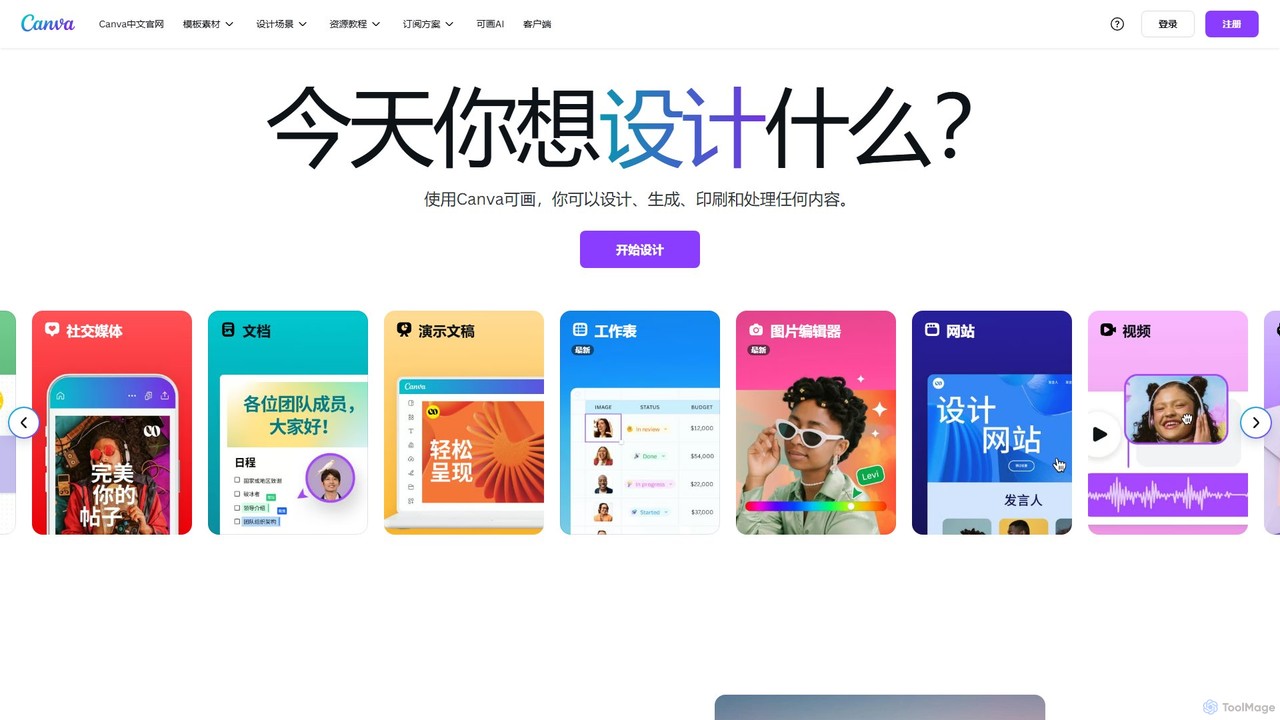
Canva is an all-in-one visual communication platform that empowers users to design anything, from social media graphics to presentations and videos. It integrates a powerful suite of AI tools, a vast library of templates and assets, and seamless collaborative features, making professional design accessible to everyone, regardless of skill level.

Image Generation
Visits 974.5MFavorites 111Likes 124
soona
Paid

soona

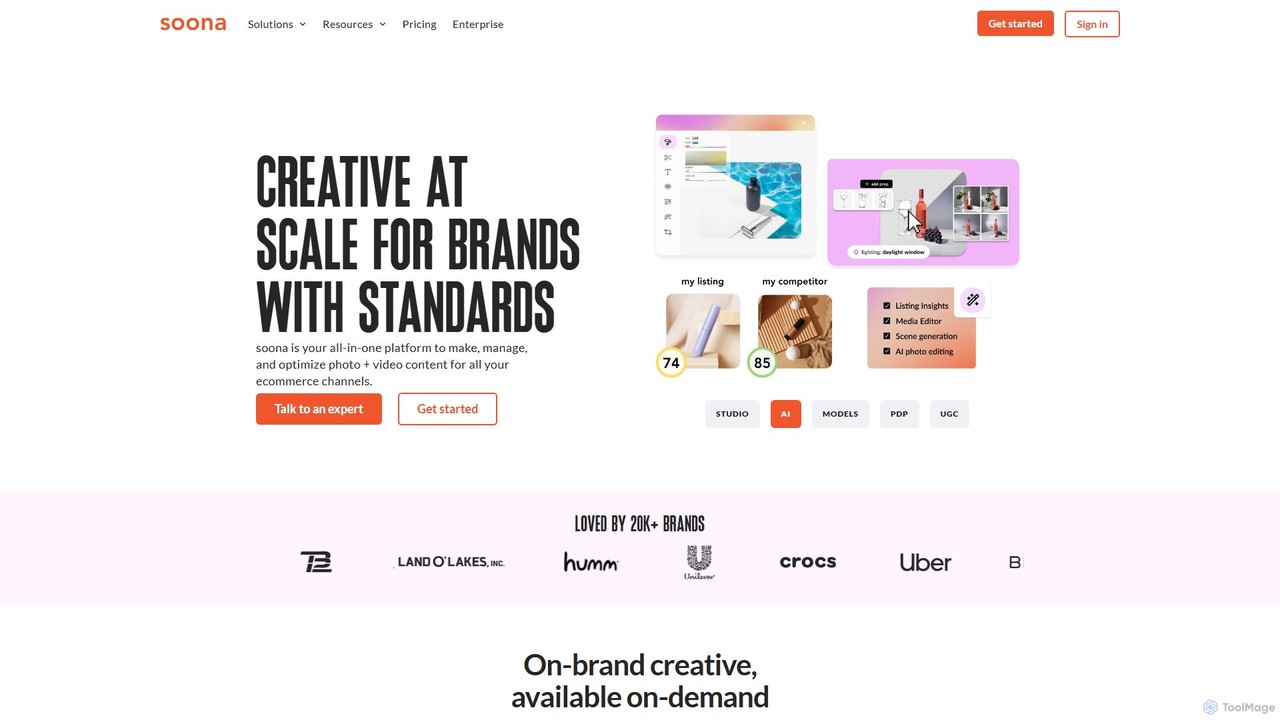
soona is an all-in-one creative platform for e-commerce, combining virtual photo and video shoots with powerful AI tools. It enables brands to create, manage, and optimize high-quality visual content quickly and affordably, with real-time collaboration and a 24-hour turnaround.

Image Generation
Visits 116.6KFavorites 104Likes 126

About Image Generation

Image Generation tools are a specialized category within AI Content Generation that leverage artificial intelligence to create novel images from textual descriptions, existing images, or other data inputs. These powerful tools utilize advanced deep learning models, such as Generative Adversarial Networks (GANs) and Diffusion Models, to transform abstract concepts into visual realities, enabling users to produce unique graphics, illustrations, and photographs without manual design. They significantly accelerate creative workflows, offering unprecedented possibilities for visual content creation across various industries.

Core Features

  • Text-to-Image Synthesis: Generate diverse images purely from descriptive text prompts.
  • Image-to-Image Translation: Transform existing images into new styles or variations based on prompts or reference images.
  • Inpainting & Outpainting: Fill in missing parts of an image or extend its boundaries seamlessly.
  • Style Transfer: Apply the artistic style of one image to the content of another.
  • Variations & Iteration: Generate multiple versions of an image or refine outputs through iterative prompting.

Use Cases

Image Generation tools are invaluable for professionals requiring rapid visual content. Graphic designers can quickly prototype concepts, marketers can create unique ad creatives, and game developers can generate character or environment assets. They are also used by architects for visualizing designs, fashion designers for concept art, and educators for creating engaging learning materials, streamlining the visual production process across diverse fields.

How to Choose

When selecting an Image Generation tool, consider the quality and realism of the output, the range of available styles and models, and the ease of use of the prompting interface. Evaluate the cost structure, including credit systems or subscription models, and check for integration capabilities with existing design software. Finally, assess the community support and the frequency of model updates, as the technology evolves rapidly.

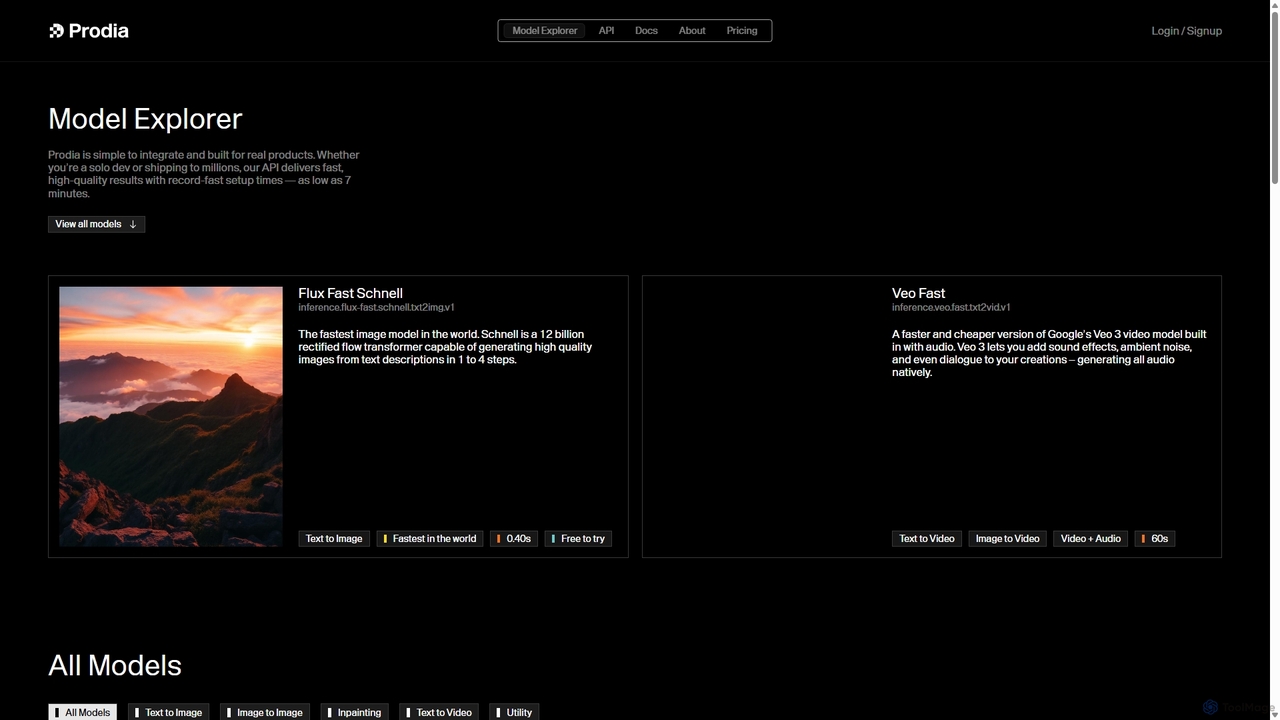
Image Generation use cases

1

Rapid Prototyping for Graphic Design

Graphic designers can utilize AI image generation to quickly visualize and iterate on design concepts. By inputting text prompts describing desired layouts, color schemes, and elements, they can generate multiple design variations in minutes. This accelerates the initial brainstorming phase, allowing designers to present diverse options to clients and refine ideas much faster than traditional manual mock-up processes, saving significant time and resources.

2

Creating Unique Marketing & Advertising Visuals

Marketing professionals and advertisers can leverage image generation tools to produce bespoke visuals for campaigns, social media, and product promotions. Instead of relying on stock photos or expensive photoshoots, they can generate unique, brand-aligned images that perfectly match their messaging. This ensures originality, helps campaigns stand out, and allows for rapid A/B testing of different visual concepts to optimize engagement.

3

Game Development Asset Creation

Game developers, especially indie studios, can use AI image generation to create concept art, character designs, environment textures, and even UI elements. By describing the desired aesthetic and content, artists can generate numerous iterations of assets, speeding up the pre-production and asset creation pipeline. This allows for more creative exploration and reduces the manual effort required for initial visual development.

4

Architectural Visualization & Interior Design

Architects and interior designers can employ image generation to quickly visualize design concepts for clients. Inputting descriptions of building styles, material textures, lighting conditions, or room layouts can generate realistic or stylized renderings. This helps clients better understand proposed designs, facilitates faster feedback cycles, and allows designers to explore various aesthetic options without extensive 3D modeling work.

5

Personalized Content for E-commerce

E-commerce businesses can generate highly personalized product images or lifestyle shots tailored to specific customer segments or marketing channels. For instance, an online clothing store could generate images of a dress on different body types or in various settings, enhancing product appeal and relevance for diverse audiences. This capability boosts conversion rates by showing products in contexts that resonate directly with individual shoppers.

6

Educational Material & Presentation Graphics

Educators and presenters can use AI image generation to create engaging and custom visuals for lessons, presentations, and learning materials. Instead of searching for generic stock images, they can generate specific illustrations, diagrams, or thematic images that perfectly complement their content. This makes educational resources more unique, visually appealing, and effective in conveying complex information to students.

Image Generation FAQ

What are AI Image Generation tools?

AI Image Generation tools are software applications that use artificial intelligence, primarily deep learning models like GANs and Diffusion Models, to create new images. They can generate visuals from text prompts (text-to-image), transform existing images, or fill in missing parts, enabling users to produce unique and diverse visual content without traditional artistic skills. They are a subset of AI Content Generation, focusing specifically on visual output.

How do AI Image Generation tools work?

Most AI Image Generation tools operate by training large neural networks on vast datasets of images and their corresponding descriptions. When a user provides a text prompt, the AI model interprets the prompt's semantic meaning and generates an image that matches the description. Diffusion models, for example, start with random noise and gradually refine it into a coherent image based on the prompt, learning to "denoise" the image towards the target concept.

What is the difference between AI Image Generation and AI Image Editing?

AI Image Generation focuses on creating entirely new images from scratch, typically from text prompts or conceptual inputs. In contrast, AI Image Editing tools modify or enhance existing images, performing tasks like background removal, object manipulation, color correction, or upscaling. While both use AI for visual tasks, generation creates new content, whereas editing refines or alters existing content.

Who can benefit from using Image Generation tools?

A wide range of professionals and individuals can benefit. This includes graphic designers for rapid prototyping, marketers for unique ad creatives, game developers for asset creation, architects for visualization, content creators for blog and social media visuals, and educators for custom learning materials. Anyone needing to quickly produce diverse and original visual content without extensive manual effort will find these tools valuable.

What factors should I consider for ethical AI image generation?

Ethical considerations include avoiding the generation of harmful, biased, or misleading content, respecting intellectual property rights (especially when using existing art styles or specific artists' names in prompts), and being transparent about AI-generated content. Users should also be mindful of data privacy if using personal images for input and consider the environmental impact of training large AI models.