

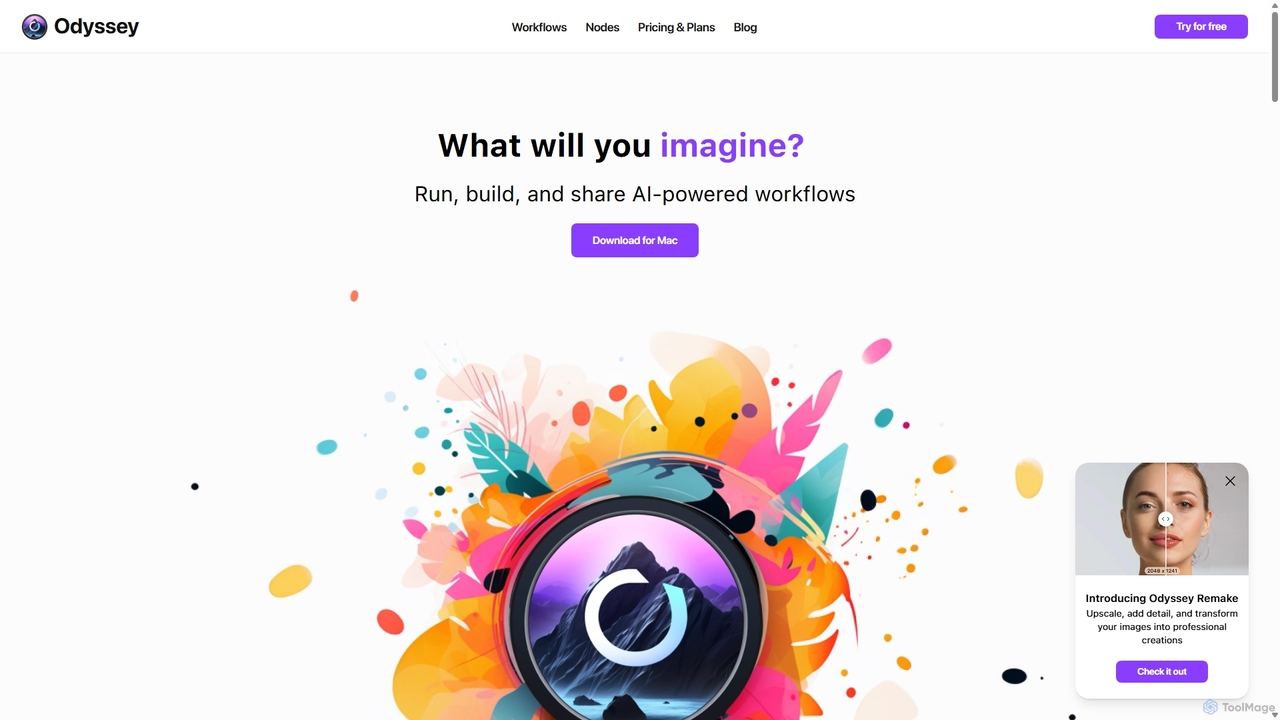
Odyssey Overview
Odyssey is a versatile and powerful desktop application designed exclusively for macOS, serving as an all-purpose tool for creatives, marketers, photographers, and developers. It revolutionizes the way users interact with AI by providing a visual, node-based interface to build, run, and share sophisticated AI-powered workflows. The core philosophy of Odyssey is to put control, privacy, and power directly into the hands of the user. By running advanced AI models like Stable Diffusion, SDXL, and Llama2-based LLMs locally on your device, it guarantees that your data, creations, and inputs remain completely private and secure, with no need for an active internet connection for most operations.
How to use Odyssey
Getting started with Odyssey is straightforward. First, you download the application from the official website and install the .dmg file on your Mac. Once launched, you are greeted with a clean, intuitive canvas. The workflow creation process is visual and code-free. You simply drag and drop different 'nodes' onto the canvas and connect them to define a sequence of actions. For example, a workflow could start with a 'Load Image' node, connect to a 'Remove Background' node, then to an 'Upscale Image' node, and finally to a 'Save File' node. You can create complex chains involving text generation, image manipulation, and conditional logic. Once a workflow is built, you can run it on a single file or in batch mode on hundreds of files. For even greater efficiency, workflows can be turned into 'Odyssey Widgets' on your desktop or integrated with Apple Shortcuts for one-click execution from anywhere in macOS.
Core Features of Odyssey
- Advanced Image Generation: Run Stable Diffusion 1.5, SDXL, and SDXL Turbo locally. Connect your API key for Stable Diffusion 3. Full ControlNet support is included for precise control over image generation (e.g., Canny edges, depth estimation, QR Code Monster).
- Comprehensive Image Processing Suite: Upscale images up to 8K, add detail with creative upscaling using Odyssey Remake, and perform batch operations like background removal, in-painting, out-painting, and object erasure. Dozens of processing nodes are available for resizing, blurring, extracting colors, and more.
- Integrated Large Language Models (LLMs): Run multiple Llama2-based models completely locally for text generation, summarization, and analysis. It also supports ChatGPT integration via your own API key, in both chatbot and instruction-following modes.
- Powerful Automation and Batch Workflows: The node-based editor allows for the creation of intricate, reusable workflows. Process hundreds of images or text documents at once. Integrate with your system via Odyssey Widgets and Apple Shortcuts for seamless automation.
- Privacy-First Architecture: All local models run directly on your machine. No images, chats, or inputs are stored or accessed by the Odyssey team. This makes it ideal for handling sensitive or proprietary data.
- Customizable and Shareable: Easily save, reuse, and share your custom-built workflows with colleagues, clients, or the community. Add your own custom Stable Diffusion models to tailor the tool to your specific needs.
Use Cases for Odyssey
Odyssey is designed for a wide range of professionals and hobbyists:
- Photographers: Automate tedious editing tasks such as batch background removal, color correction, upscaling event photos, and applying consistent artistic styles across a set of images.
- Marketing Designers: Accelerate asset production by creating workflows to generate ad variations, resize visuals for different social media platforms, create branded QR codes, or embed logos into AI-generated scenes.
- Studios and Agencies: Standardize and scale production processes. Create and share reusable workflows for client projects to ensure brand consistency and dramatically improve team efficiency.
- AI Artists and Enthusiasts: Experiment with complex, multi-step AI art generation. Create intricate ControlNet workflows, generate AI-powered slideshows with custom transitions, or embed hidden messages in images.
- Developers and Power Users: Integrate AI capabilities into other scripts and system automations using Apple Shortcuts, creating powerful, personalized tools without writing extensive code.
Advantages of Odyssey
Odyssey stands out by offering a unique combination of power, privacy, and affordability. Its node-based visual editor makes complex automation accessible to non-coders. The commitment to local processing provides unparalleled security and the ability to work offline. Unlike subscription-based services, Odyssey's one-time purchase model offers a lifetime license, making it a cost-effective long-term investment. This all-in-one approach eliminates the need to juggle multiple apps for image generation, text processing, and automation.
Pricing and Plans
Odyssey offers a simple, one-time payment structure for a lifetime license, with all features included in every plan. There are no recurring subscriptions.
- 2 Devices: $99 - Lifetime license for use on up to 2 devices.
- 5 Devices: $149 - Lifetime license for use on up to 5 devices.
- 10 Devices: $249 - Lifetime license for use on up to 10 devices.
Each plan includes unlimited workflows and access to all current and future Odyssey features.
Traffic
Latest traffic
Status
Monthly traffic trend
- 2025-9: 13.0K
- 2026-1: 11.0K
- 2026-2: 6.9K
- 2026-3: 10.0K
- 2026-4: 5.6K
- 2026-5: 5.9K
Geography
Top 5 countries / regions
- 🇺🇸United States63.4%
- 🇮🇳India20.4%
- 🇬🇧United Kingdom14.5%
- 🇩🇪Germany1.6%
Top keywords
| Keyword | Cost per click |
|---|---|
| hero odyssey ai professional website | $0.00 |
| how to install odysseus ai mac | $0.00 |
| odysser ai | $0.00 |
| odysseu ai | $0.00 |
| odyssey ai | $1.80 |
Odyssey Alternatives
Runware
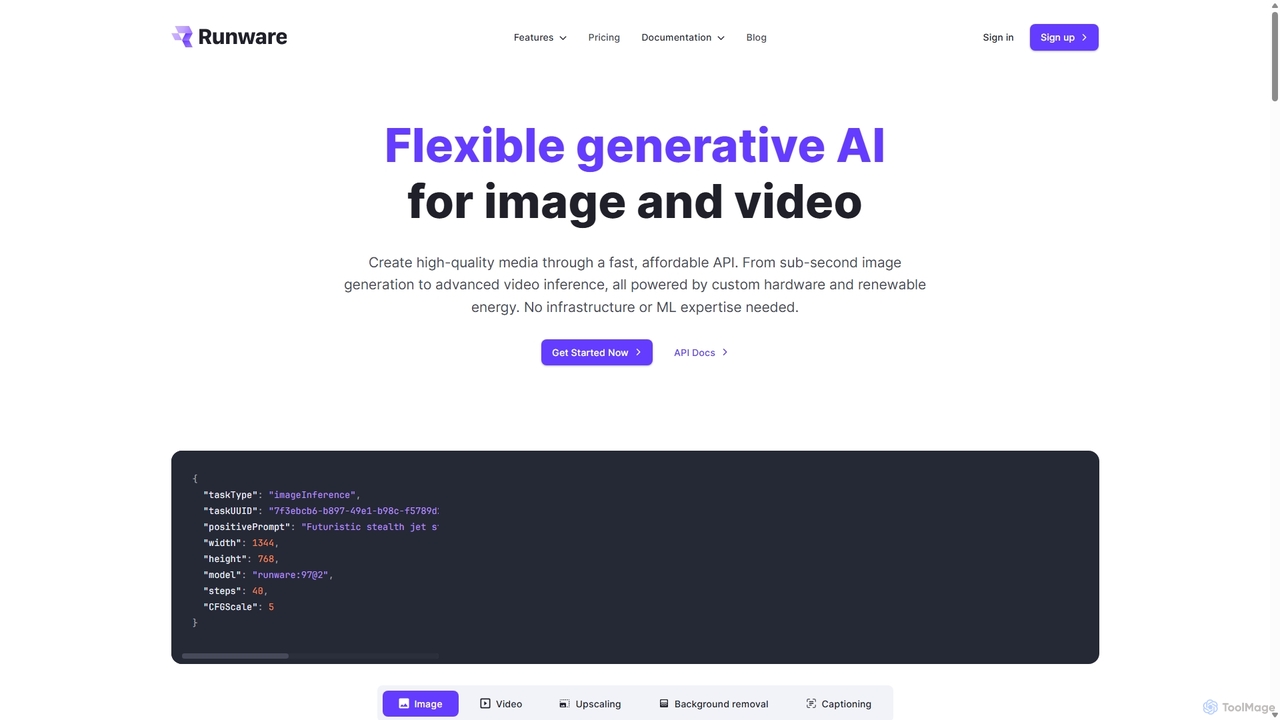
Runware provides a high-performance, low-cost API for developers to integrate generative AI for image and video creation. Leveraging custom hardware and renewable energy, it offers industry-leading inference speeds for over 300,000 models, including Stable Diffusion, FLUX.1, and Kling. It's a scalable, easy-to-use platform that requires no ML expertise, designed for building next-generation AI-native applications.
Api Platform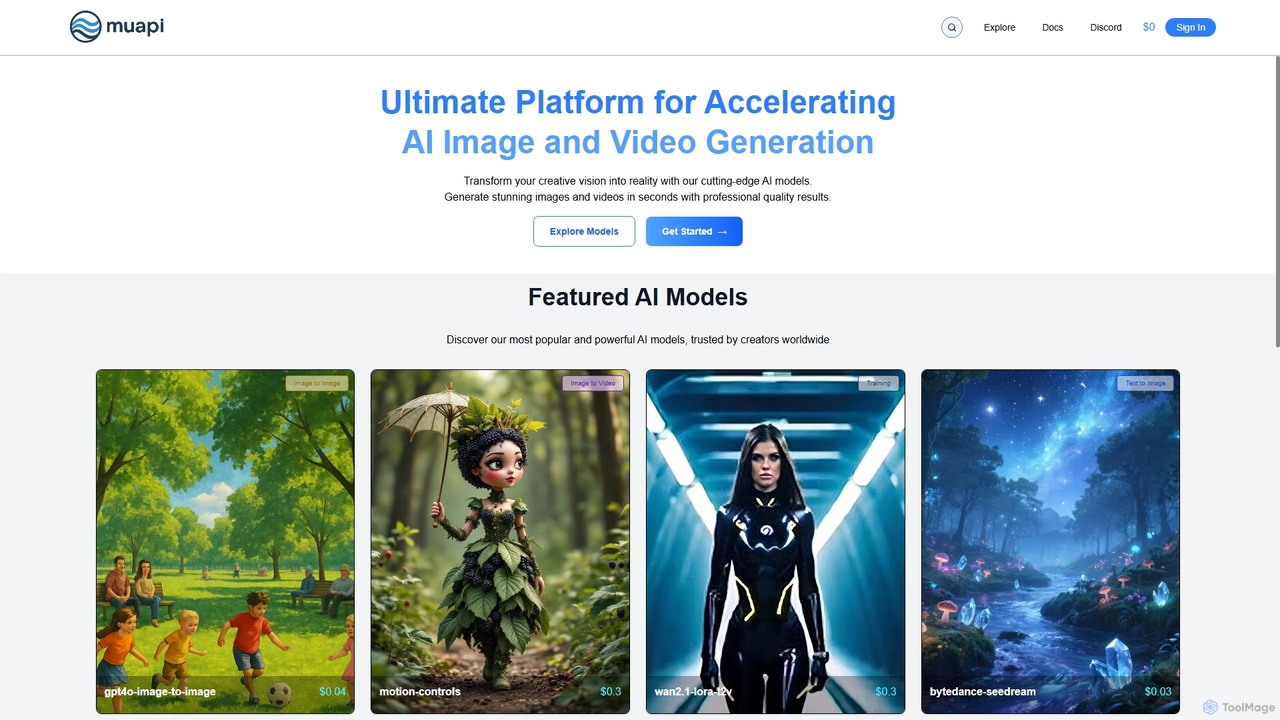
Muapi
Muapi is a powerful API platform designed to accelerate AI image and video generation. It provides developers and creators with unified access to a diverse range of cutting-edge AI models. With Muapi, you can easily integrate functionalities like text-to-video, image-to-video, consistent character generation, and style transfer into your applications. The platform simplifies the development process, offering a single API endpoint for multiple advanced generative AI tasks, backed by a clear, pay-as-you-go pricing structure.
Api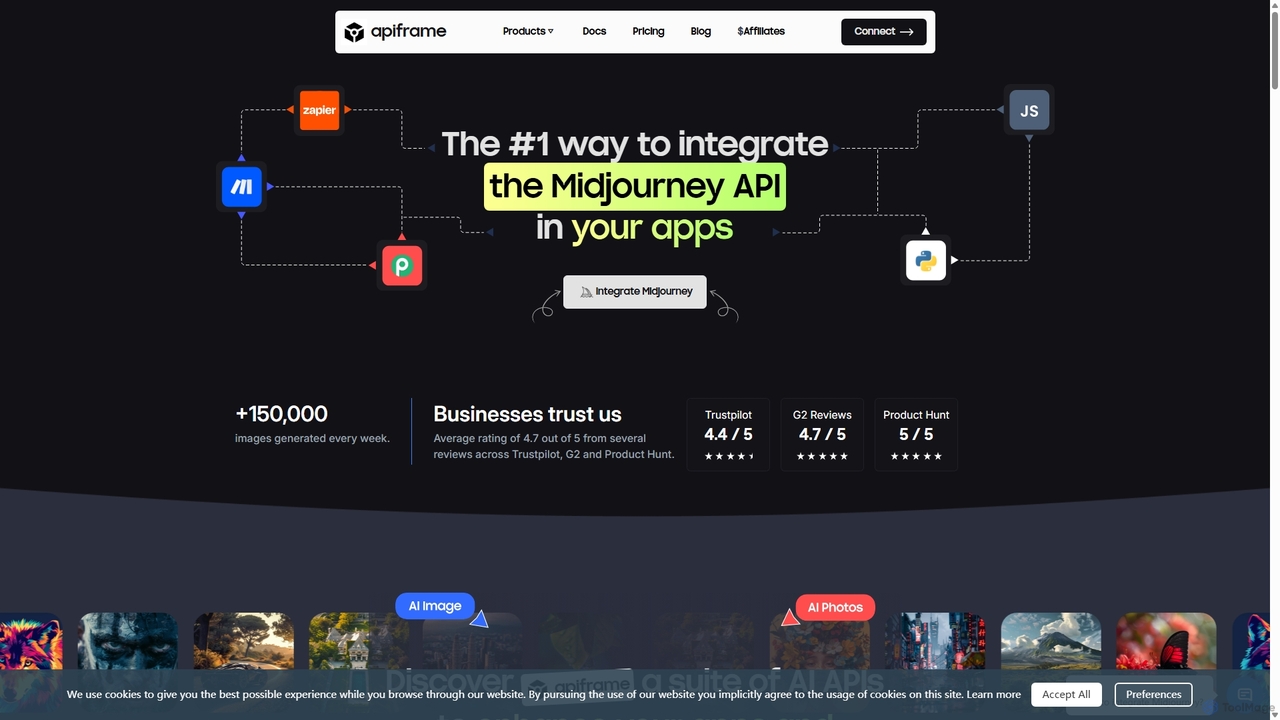
Slashimagine
A developer-focused platform offering a unified REST API for leading AI generative models. It specializes in providing reliable, scalable access to Midjourney for high-quality image generation, as well as APIs for video creation (RunwayML, Luma AI), faceswapping, and realistic photo generation. It simplifies integration, manages underlying complexities like Discord accounts, and provides tools for developers to easily embed AI creativity into their applications and workflows.
Api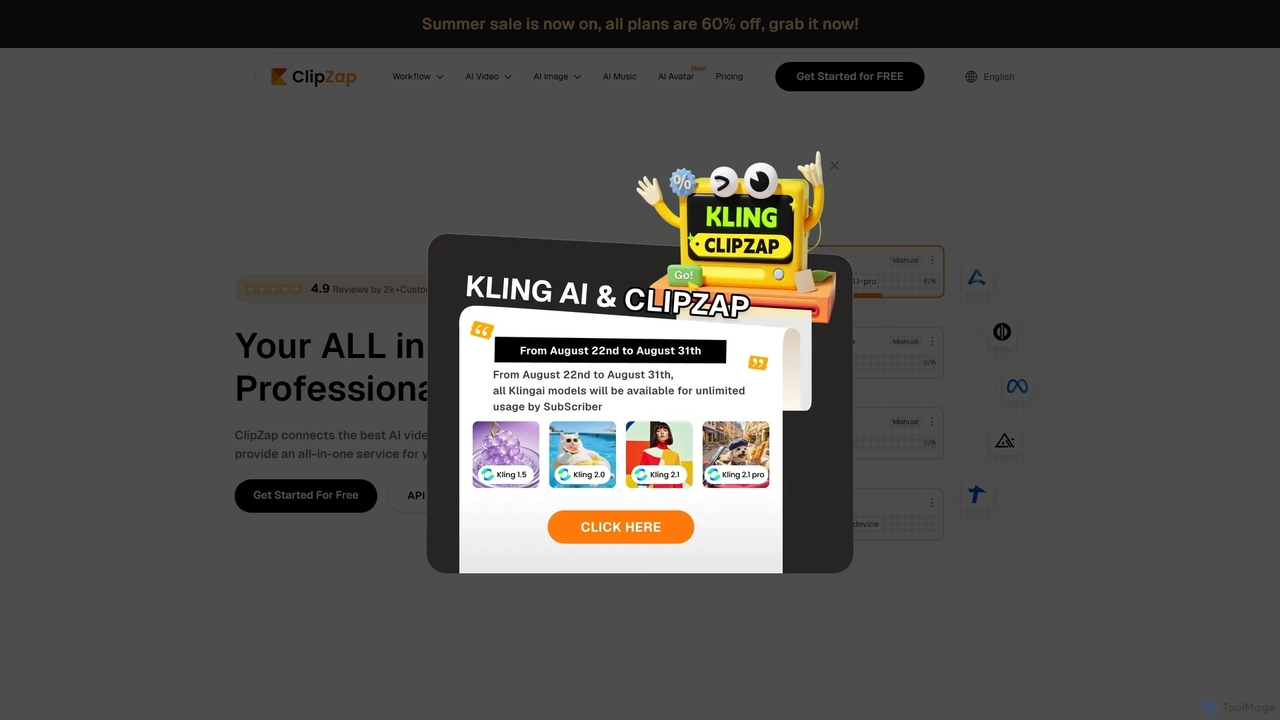
ClipZap
ClipZap is an all-in-one AI content creation platform that streamlines video, image, and audio production through a powerful workflow editor. It integrates over 40 leading AI models like VEO, Pika, and Midjourney, enabling users to automate their creative process, from text prompts to finished social media videos. Ideal for creators, marketers, and businesses looking to scale content production efficiently.
Music Generation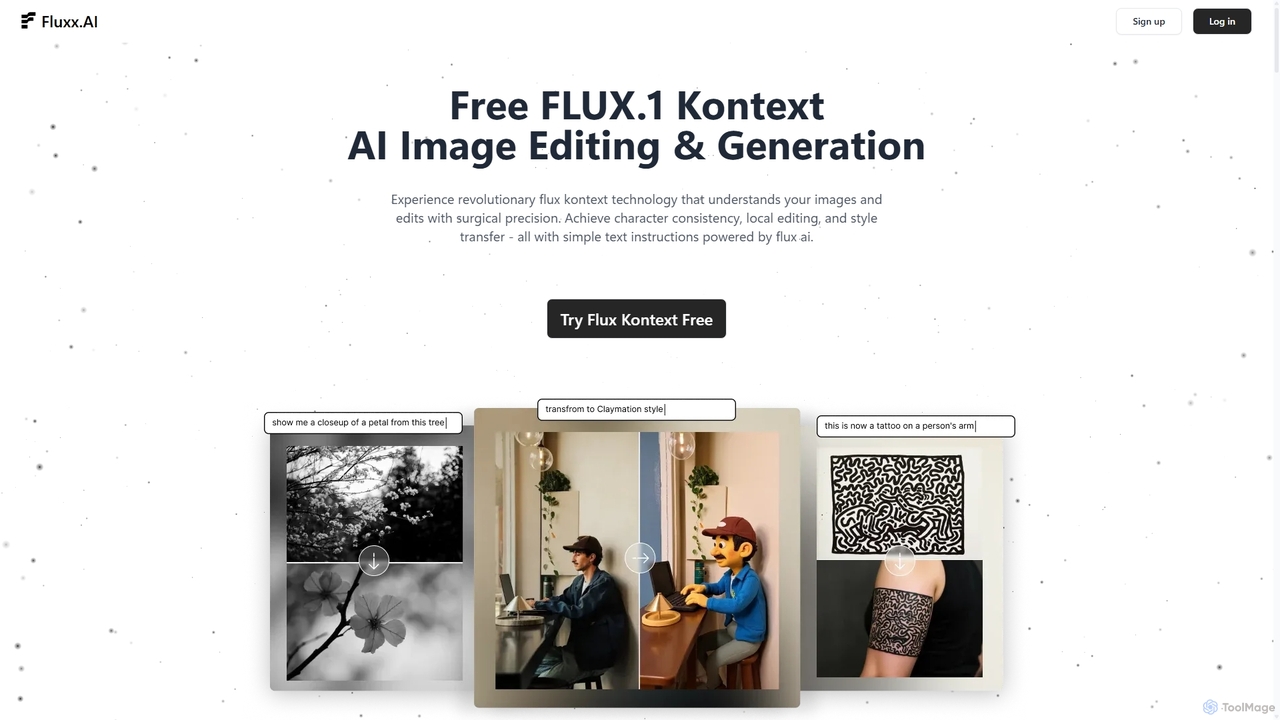
Fluxx
Fluxx is a revolutionary AI image editing and generation platform powered by the FLUX.1 Kontext model. It uniquely understands both text and visual context, enabling surgical precision in local edits, maintaining character consistency across scenes, and executing style transfers with simple text instructions. Developed by the team behind Stable Diffusion, it offers professional-grade results with exceptional speed.
Creative AssistantOdyssey Categories
Odyssey Jobs
Odyssey Embed Widget
Copy this embed code to place the badge on your blog, article, or product site and send readers directly to this ToolMage detail page.

Related AI tools
Runware
Runware provides a high-performance, low-cost API for developers to integrate generative AI for image and video creation. Leveraging custom hardware and renewable energy, it offers industry-leading inference speeds for over 300,000 models, including Stable Diffusion, FLUX.1, and Kling. It's a scalable, easy-to-use platform that requires no ML expertise, designed for building next-generation AI-native applications.
Api Platform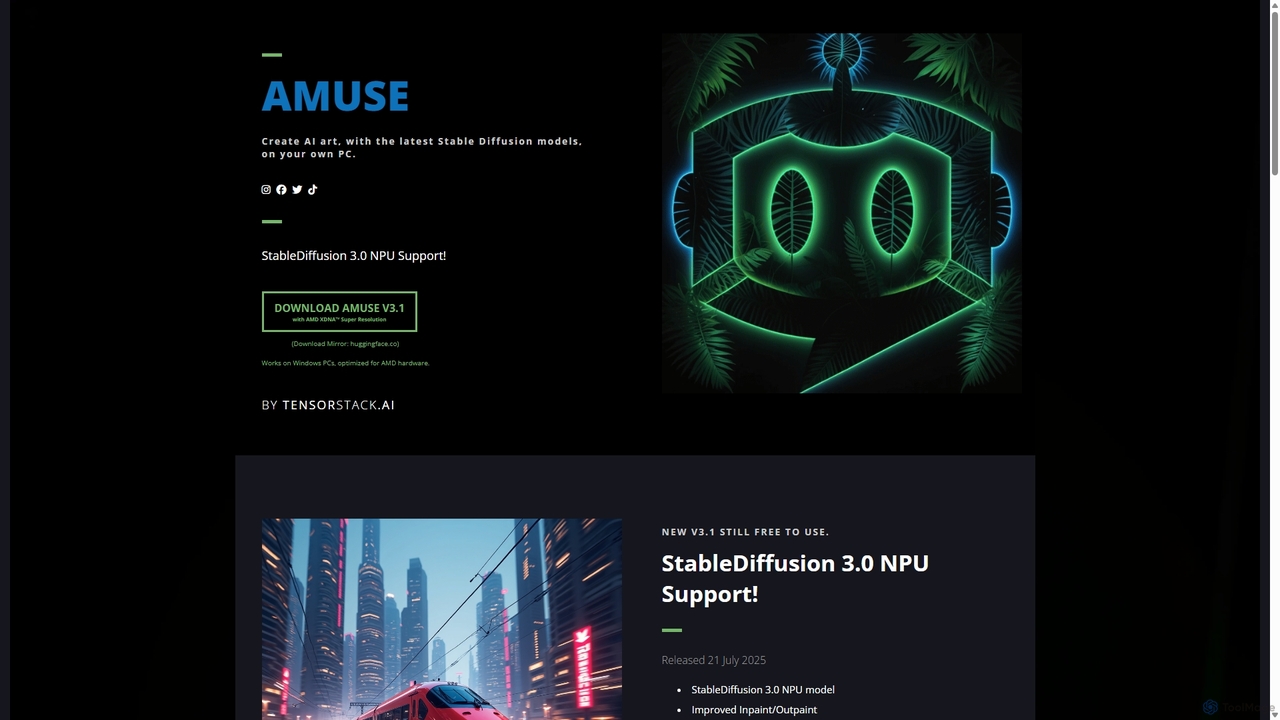
Amuse
Amuse is a free, powerful AI image and video generation tool for Windows PCs that runs locally on your hardware. It features Stable Diffusion 3.0, an easy mode for beginners, an expert mode for advanced users, and is highly optimized for AMD hardware with NPU support. Create stunning art, apply custom AI filters, and experiment with video generation without any cost or login requirements.
Generative Art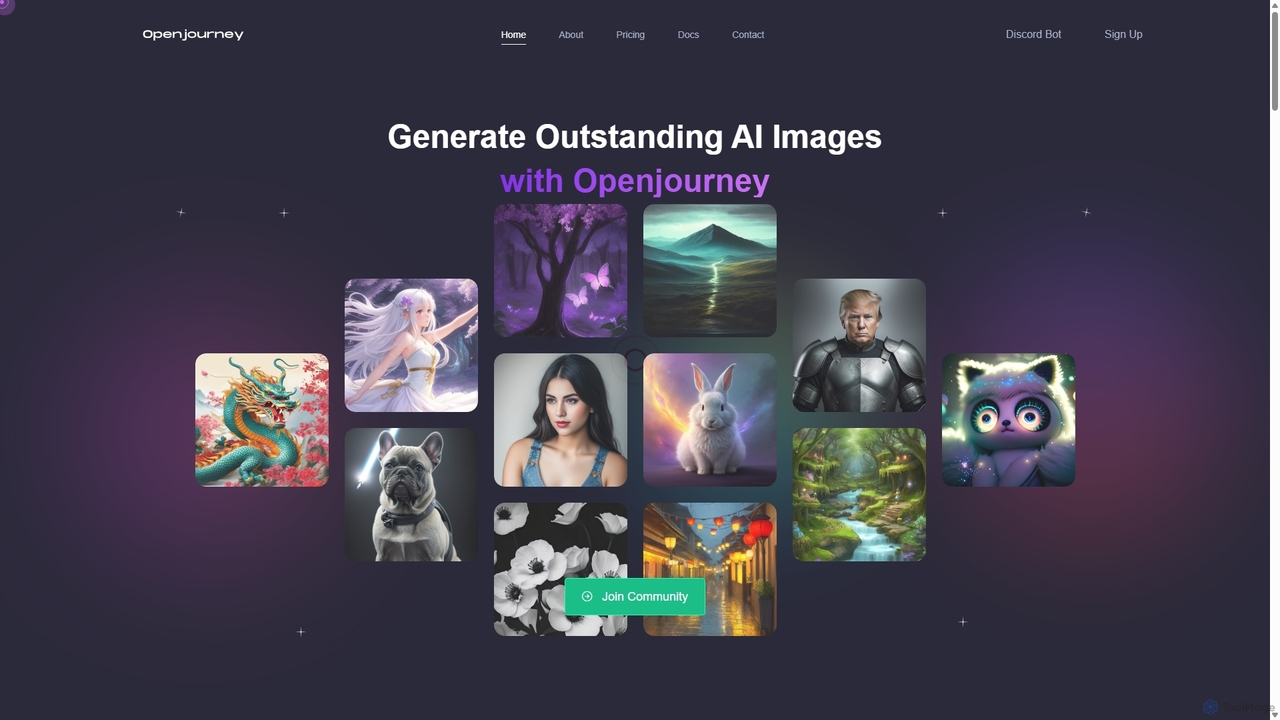
Openjourney
Openjourney is a comprehensive AI creative suite that offers a wide range of generative tools in one place. It excels in generating high-quality images from text prompts but also includes powerful features like face restoration, face swapping, background removal, image upscaling to 4K, an unlimited AI chatbot, and advanced controls like Controlnet. It's designed for creators, marketers, and artists seeking a versatile and powerful AI toolkit.
Generative Art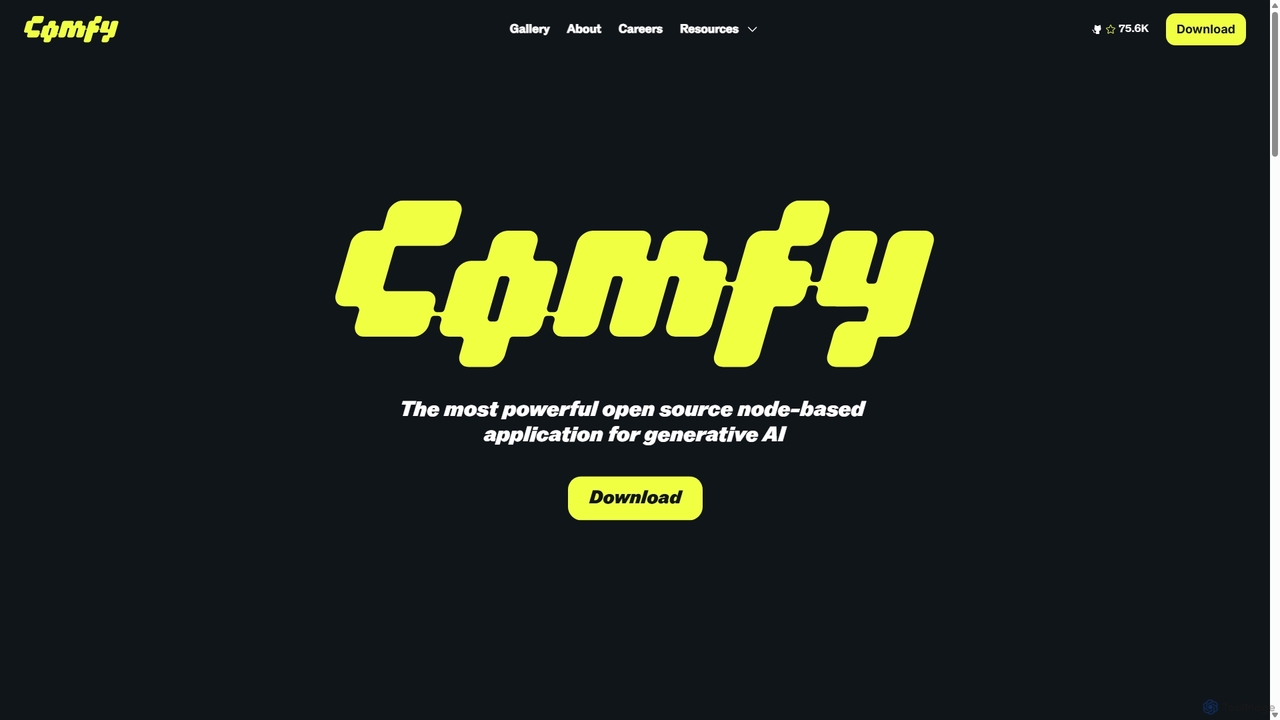
ComfyUI
ComfyUI is a powerful, free, and open-source node-based graphical user interface for generative AI. It offers unparalleled control and flexibility for creating complex workflows to generate images, videos, 3D assets, and audio, designed for artists, developers, and researchers.
3D Modeling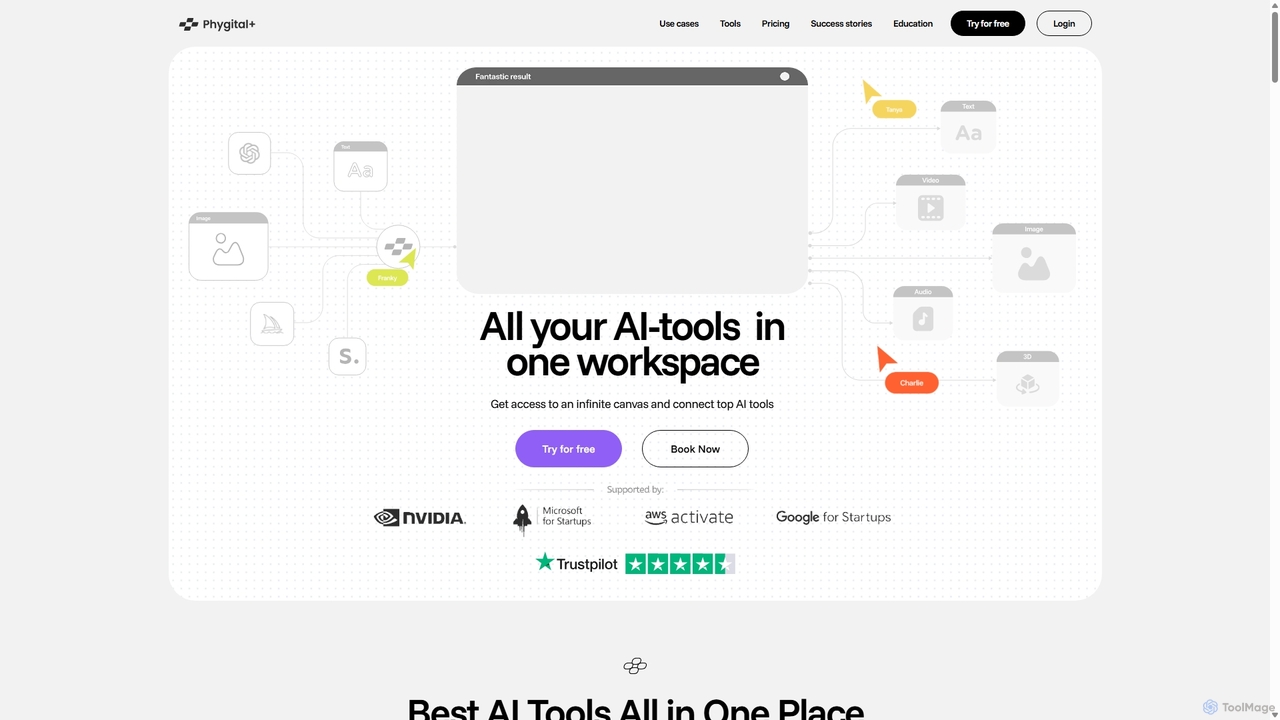
Phygital+
Phygital+ is an all-in-one AI creative workspace that integrates over 30 top generative AI models like GPT-4o, Midjourney, and Stable Diffusion. It offers a unified infinite canvas for generating and editing images, text, videos, and 3D models. Designed for creative professionals and teams, it streamlines workflows, ensures brand consistency through custom model training, and accelerates content production for marketing, design, and game development.
Generative Art
AI Collective
AI Collective is a comprehensive platform that centralizes access to over 50 of the world's leading AI models. It offers a unified interface to interact with models from OpenAI, Google, Anthropic, Meta, and more, simplifying the process of leveraging diverse AI capabilities for tasks ranging from content creation and coding to complex reasoning and image generation.
Api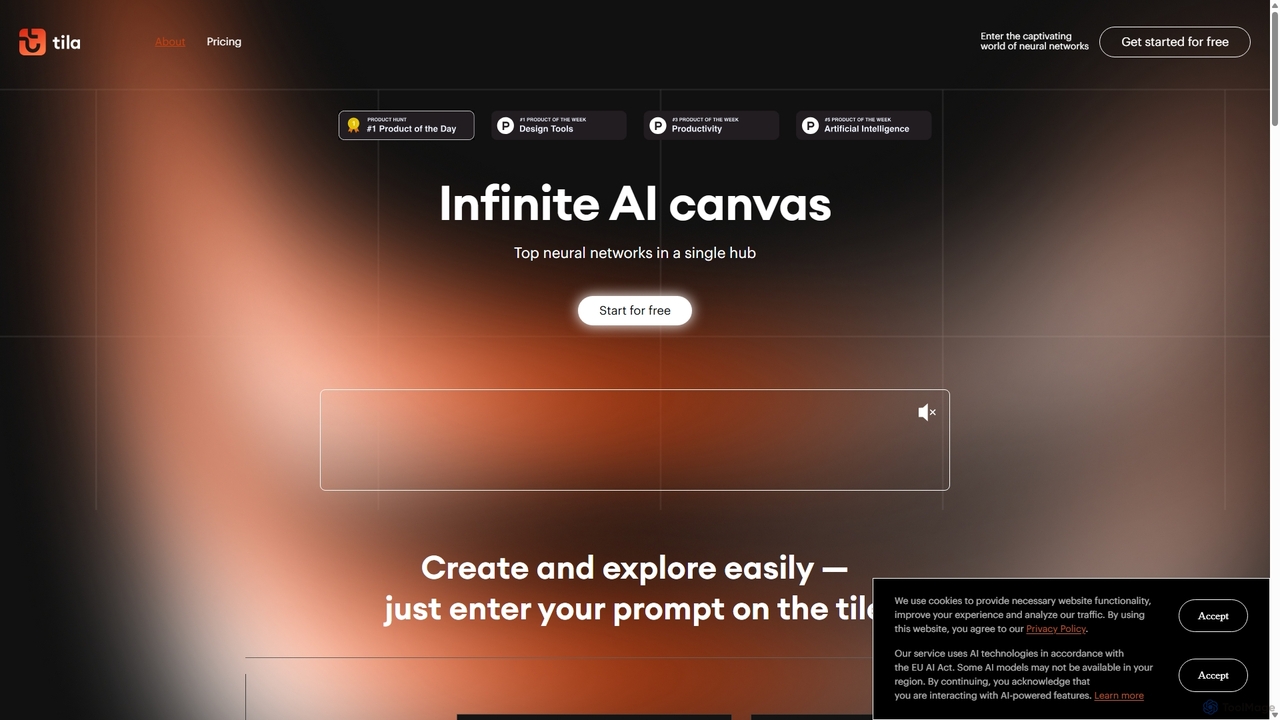
Tila
Tila is a multi-agent AI platform that combines workflow automation and content creation in a unified visual workspace. It offers an infinite canvas where users can connect various AI models like GPT-4o, Claude 3.5, and DALL-E 3 to generate text, images, videos, and audio. Its smart multi-agent technology automates complex tasks, from data analysis to app development, streamlining creative and productive workflows without needing multiple subscriptions.
Generative Ai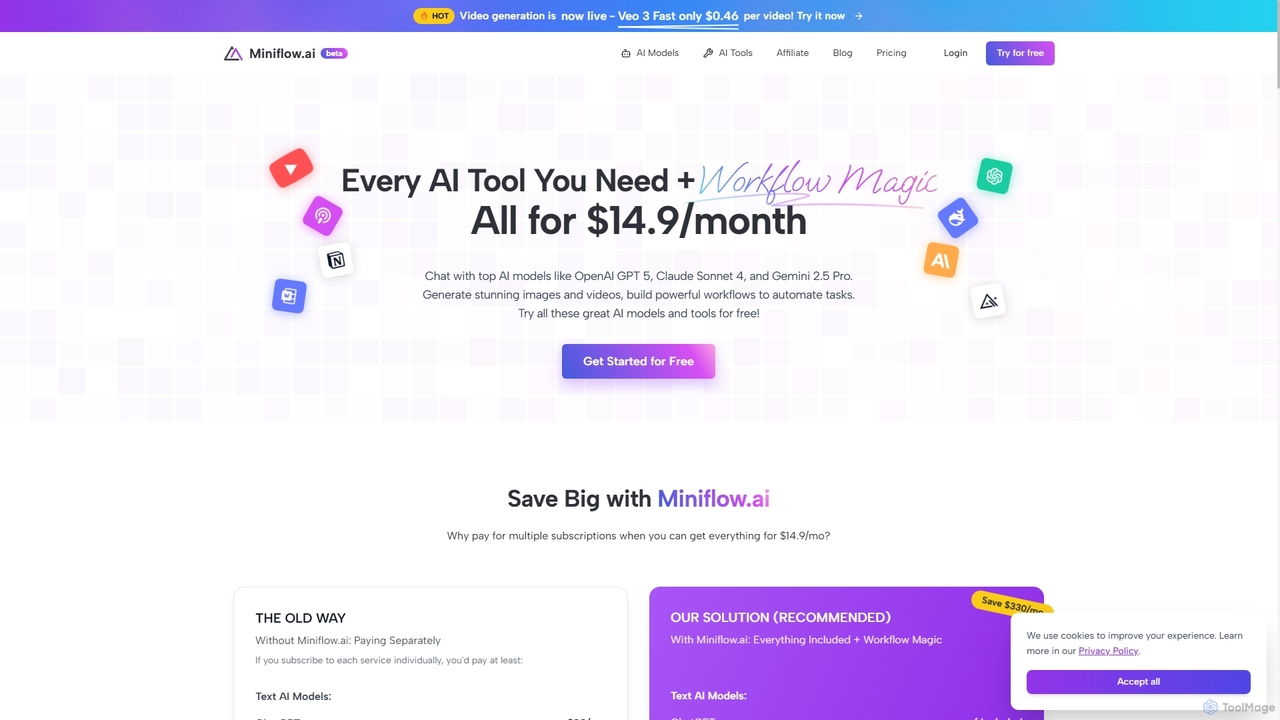
Miniflow.ai
Miniflow.ai is an all-in-one AI platform that consolidates top AI models for text, image, and video generation into a single subscription. It features a powerful no-code visual workflow builder, allowing users to chain multiple AI models and automate complex tasks, saving significant costs compared to individual subscriptions.
Ai Platform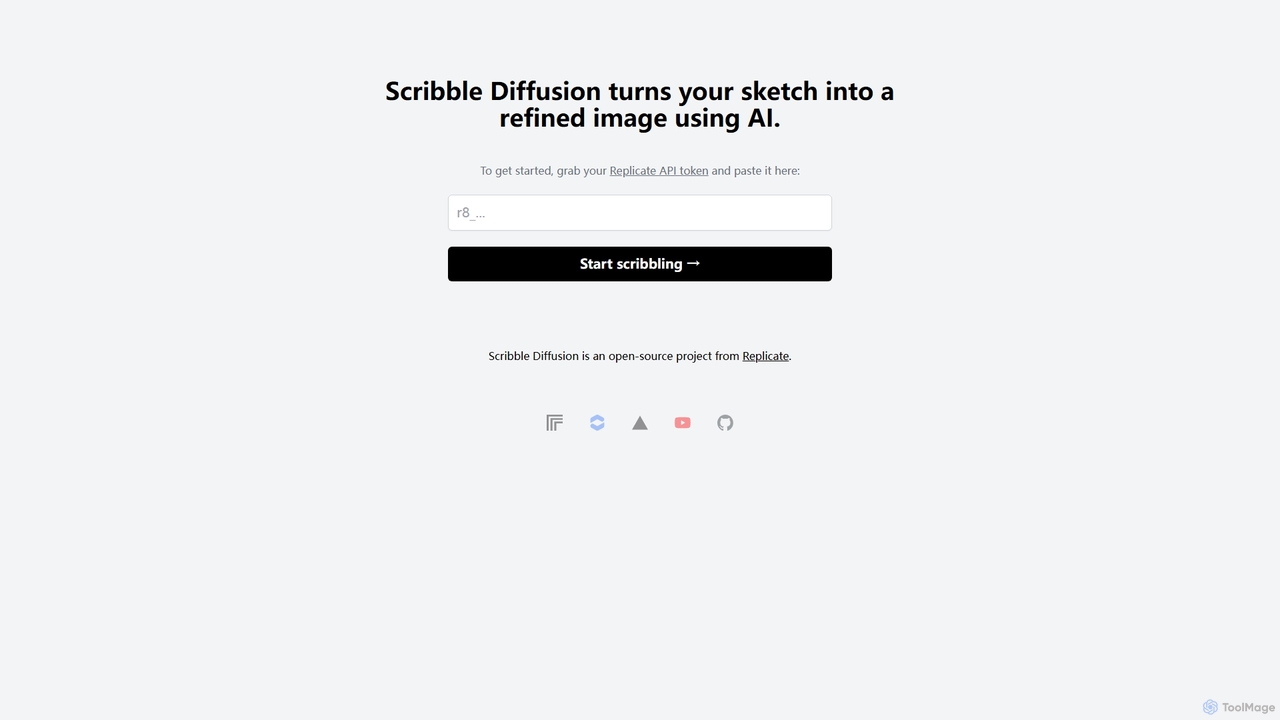
Scribble Diffusion
Scribble Diffusion is a powerful AI tool that transforms your simple sketches and doodles into detailed, high-quality images. Just draw a rough outline, provide a text prompt, and watch as the AI brings your vision to life with stunning artistic detail. It's an open-source project, making it accessible for both creative exploration and developer integration via API.
Creative Tools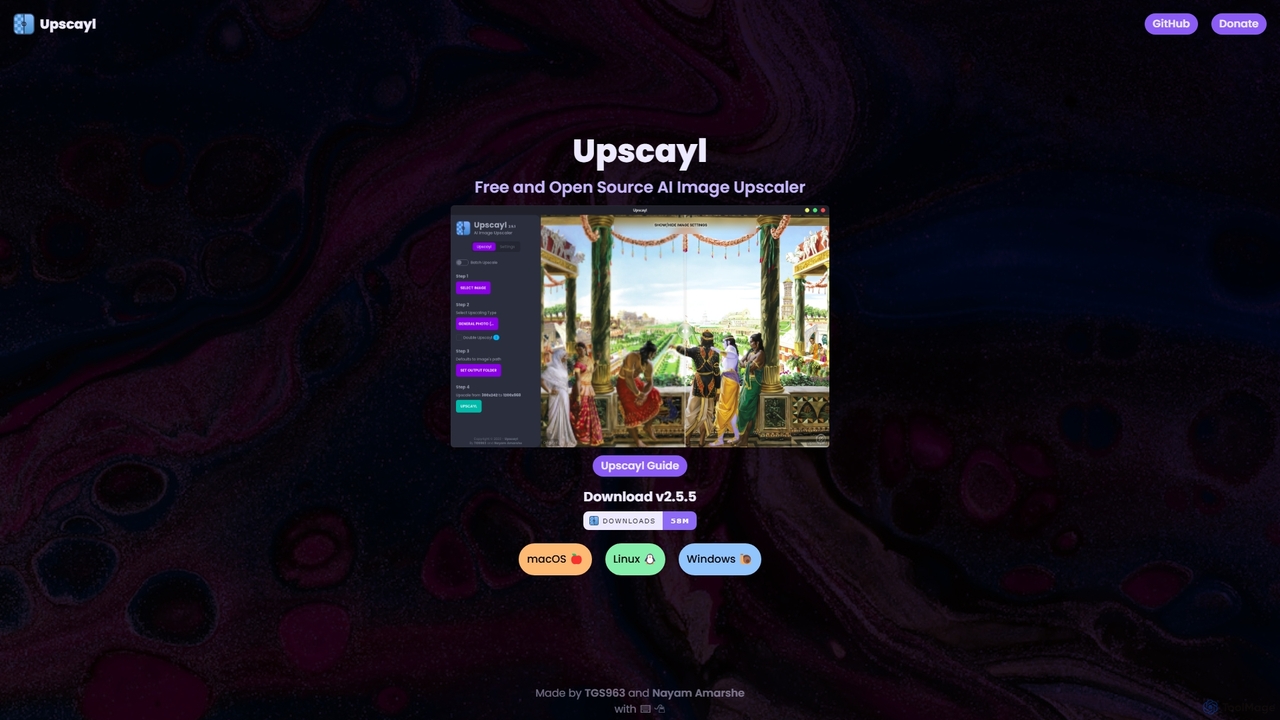
Upscayl
Upscayl is a free and open-source AI image upscaler for Windows, macOS, and Linux. It enhances low-resolution images using advanced AI models, processing everything locally on your device to ensure complete privacy. Ideal for photographers, designers, and AI artists.
Graphics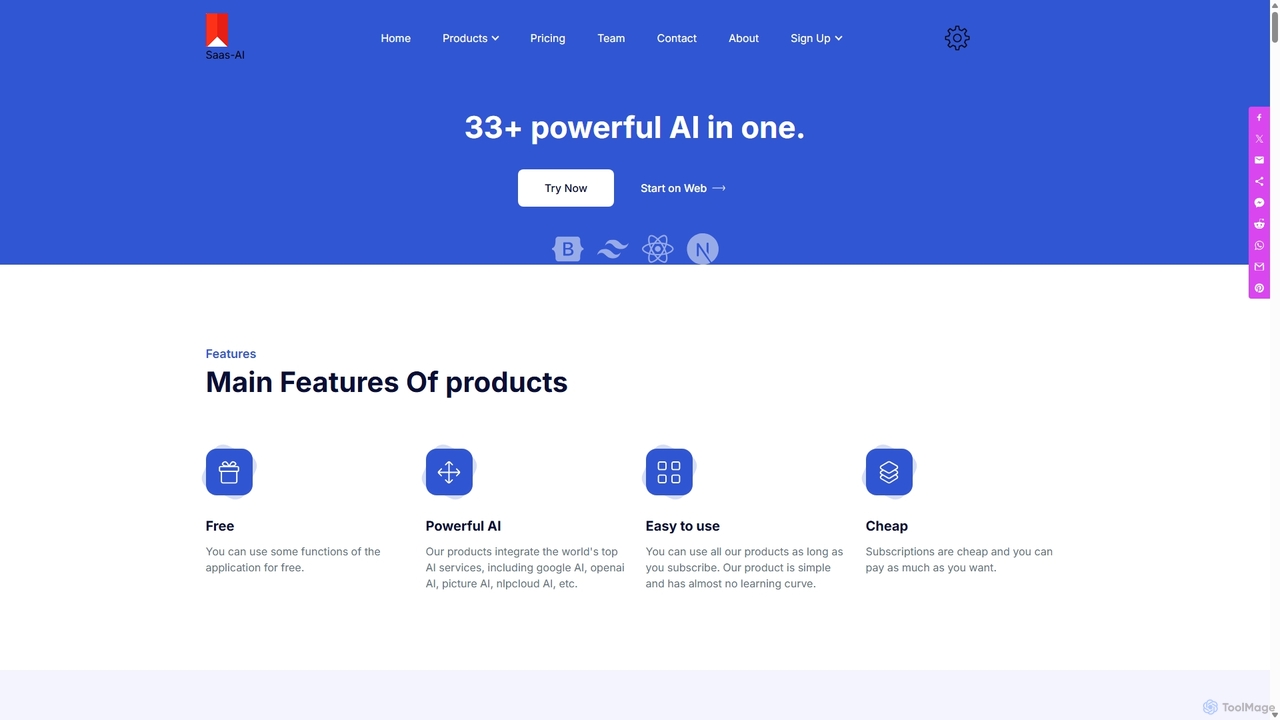
SaaS AI
SaaS AI is a comprehensive AI-powered suite that integrates top-tier models like GPT-4, Stable Diffusion, and Google AI into a single platform. It empowers users to effortlessly generate high-quality written content, from articles to marketing copy, and create stunning AI art and images. Available as a web application and a Google Workspace add-on, it's designed to boost productivity for creators, marketers, and business professionals with its user-friendly interface.
Image Generator
Phygital+
Phygital+ is a comprehensive, node-based AI workspace designed for creative teams and individuals. It integrates over 30 AI models, including Stable Diffusion, DALL-E 3, and GPT-4o, into a single collaborative platform. Users can visually build complex workflows for generating images, videos, text, and 3D models without writing any code, significantly accelerating the creative production process.
3D Modeling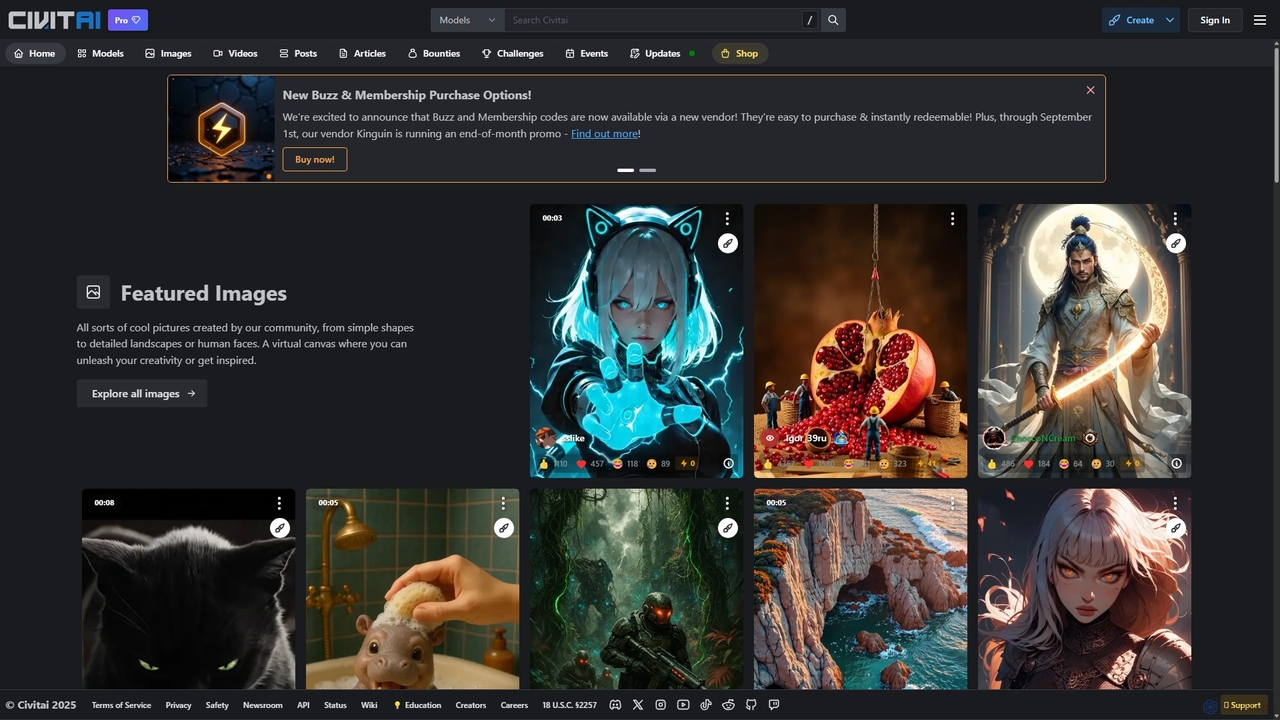
Civitai
Civitai is the leading hub for the open-source generative AI community. It serves as a massive repository for discovering, sharing, and downloading AI models like Stable Diffusion checkpoints and LoRAs. The platform also features an integrated AI image and video generator, allowing users to create content directly on the site, fostering a vibrant ecosystem for AI artists, developers, and enthusiasts.
Creative Communities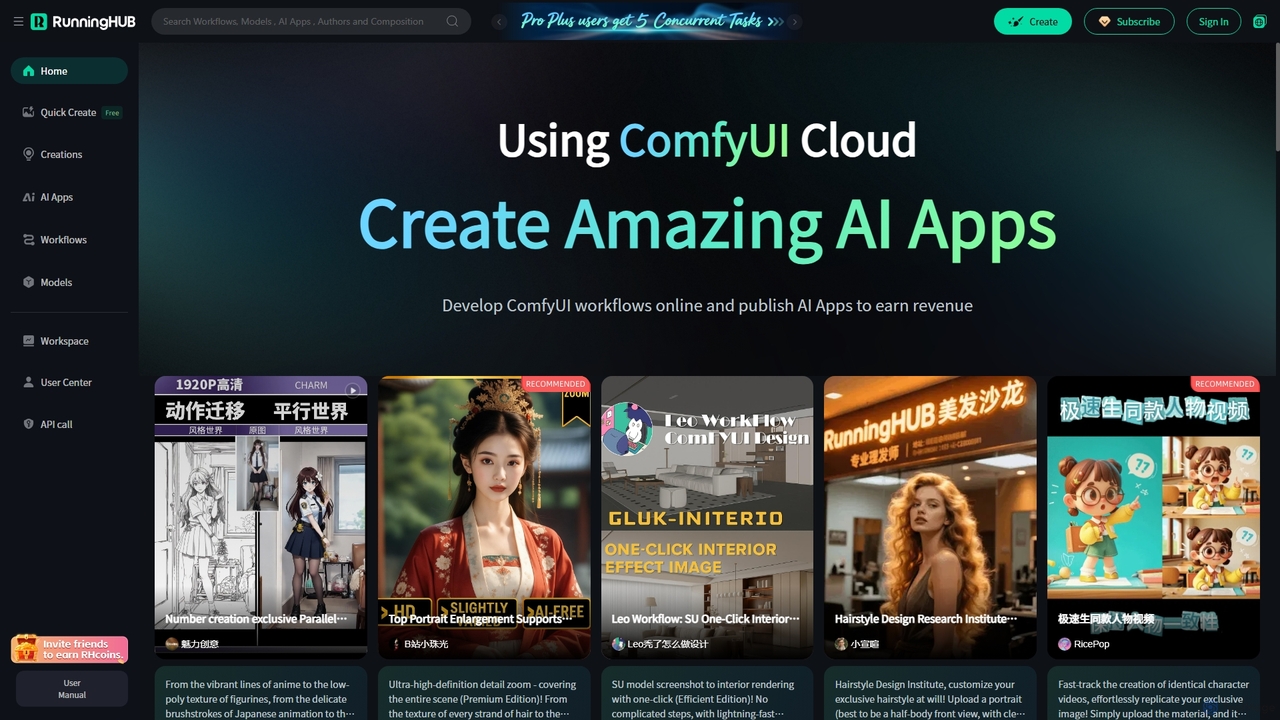
RunningHub
RunningHub is a powerful cloud-based platform for ComfyUI, enabling users to create, run, and share complex AI workflows without needing local hardware. It provides an online workspace with high-performance GPUs, a vast library of pre-installed models and nodes, and the ability to publish workflows as user-friendly AI applications for monetization.
Api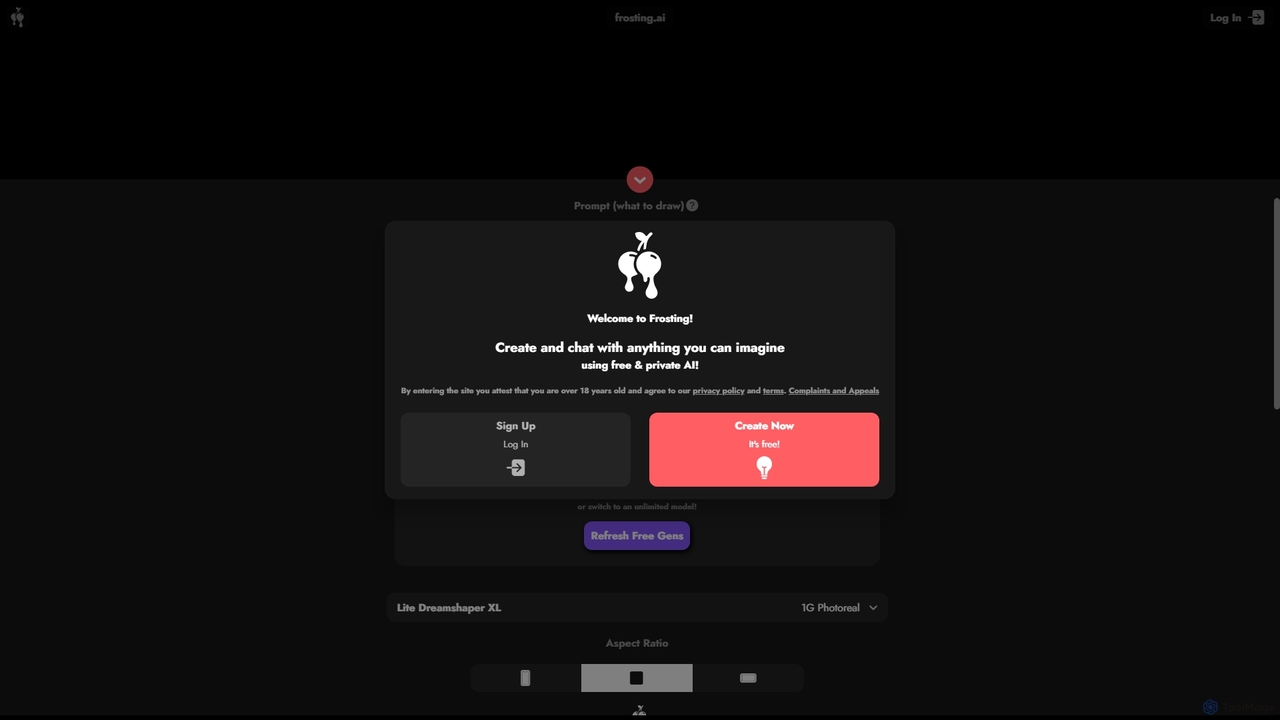
Frosting.ai
Frosting.ai is a versatile AI creation suite that combines advanced text-to-image and text-to-video generation with private AI chatbot capabilities. It offers a user-friendly interface for beginners and powerful, detailed controls like ControlNet and LoRAs for professionals, all within a freemium model.
Chatbots
Odyssey Comments (0)
Sign in to comment.
Sign inNo comments yet.