
Upscayl Overview
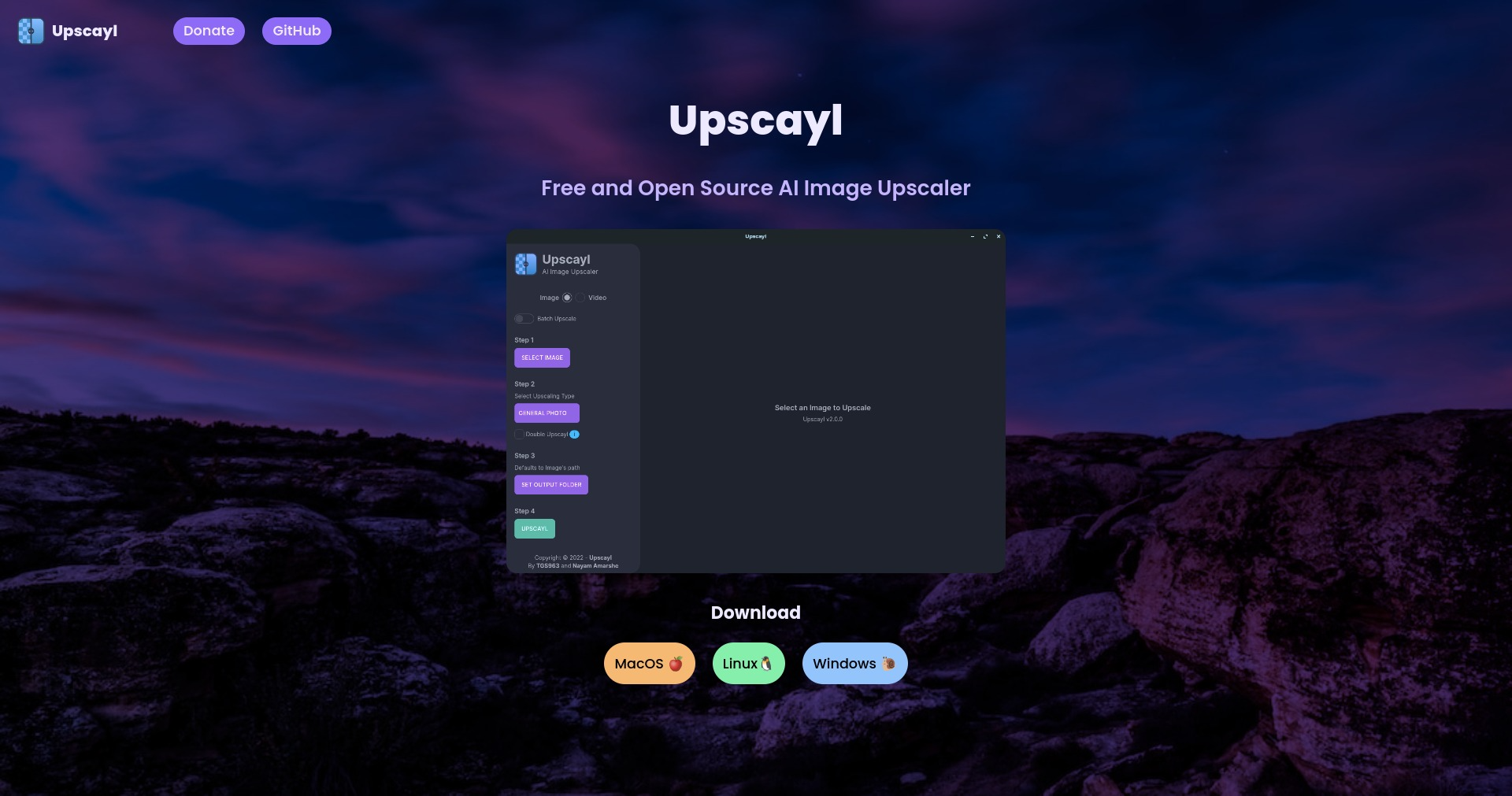
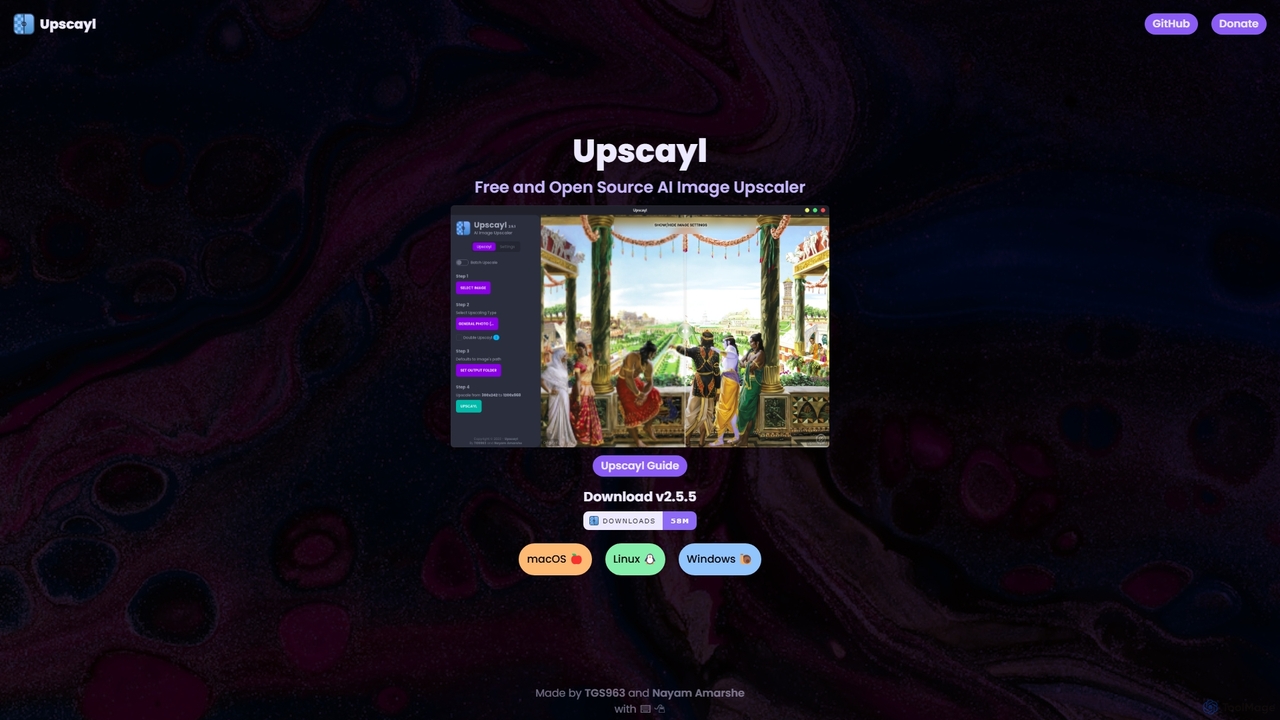
Upscayl is a powerful, free, and open-source desktop application designed to upscale and enhance low-resolution images using advanced Artificial Intelligence algorithms. Built for Windows, macOS, and Linux, it provides a user-friendly interface that allows anyone to achieve professional-grade results without any cost. Unlike online upscaling services, Upscayl performs all processing locally on your computer, ensuring that your images remain private and secure. This makes it an ideal choice for handling sensitive or personal photos.
How to use Upscayl
Using Upscayl is a straightforward process, designed to be accessible for both beginners and professionals:
- Download and Install: Visit the official Upscayl website or its GitHub page to download the correct version for your operating system (Windows, macOS, or Linux).
- Select Image: Launch the application and click the 'Select Image' button to browse for the image you want to upscale. You can also simply drag and drop your image file into the application window.
- Choose Upscaling Settings: Select the AI model that best suits your image type. Upscayl offers various models optimized for different kinds of images, such as photographs, digital art, or cartoons. You can also choose the desired upscaling factor (e.g., 4x).
- Set Output Folder: Specify where you want the upscaled image to be saved.
- Start Upscaling: Click the 'Upscayl' button to begin the process. The application will use your computer's GPU (if available) to accelerate the process. Once completed, the high-resolution image will be available in your chosen output folder.
Core Features of Upscayl
- High-Quality AI Upscaling: Utilizes state-of-the-art AI models (like Real-ESRGAN) to increase image resolution (typically by 4x) while intelligently adding detail and reducing noise and artifacts.
- Multiple AI Models: Provides a selection of different AI models, allowing users to choose the best one for their specific image type, whether it's a realistic photo, a digital painting, or an anime drawing.
- Batch Processing: Upscale multiple images at once, saving significant time and effort for large projects or photo collections.
- 100% Local and Private: All image processing happens on your own device. Your images are never uploaded to a cloud server, guaranteeing absolute privacy and security.
- Cross-Platform Compatibility: Native applications are available for Windows, macOS, and Linux, ensuring a consistent experience across all major desktop platforms.
- GPU Acceleration: Automatically leverages your system's GPU (NVIDIA, AMD, Apple M1/M2) for significantly faster processing times.
- Simple and Intuitive Interface: Features a clean, minimalist user interface that is easy to navigate, making powerful AI technology accessible to everyone.
- Completely Free and Open Source: Upscayl is free to use without any limitations, subscriptions, or watermarks. Its open-source nature means its code is transparent and can be audited by the community.
Use Cases for Upscayl
Upscayl is a versatile tool suitable for a wide range of users and applications:
- Photographers: Enhance old, low-resolution photographs, recover details from cropped images, or prepare photos for large-format printing.
- Graphic Designers: Upscale logos, icons, and other graphic assets for use in high-resolution designs without losing quality.
- AI Artists: Improve the resolution and detail of images generated by AI models like Midjourney or Stable Diffusion, making them suitable for printing or professional use.
- Web Developers: Optimize and enlarge images for high-resolution (Retina) displays on websites.
- Archivists and Historians: Digitize and restore old documents, maps, and photographs with enhanced clarity.
- Personal Use: Improve the quality of old family photos, enhance favorite wallpapers, or restore compressed images downloaded from the internet.
Advantages of Upscayl
The primary advantages of Upscayl lie in its accessibility, privacy, and performance:
- No Cost: As a free and open-source project, it provides professional-level upscaling capabilities without any financial investment.
- Ultimate Privacy: By processing images locally, it eliminates the privacy risks associated with uploading files to third-party websites.
- High-Quality Results: The AI models used by Upscayl are trained to produce sharp, clean, and detailed images that often surpass traditional resizing methods.
- User-Friendly: Its simple drag-and-drop interface makes it incredibly easy to use, even for those with no technical expertise.
- Community-Driven: Being open source, it benefits from a passionate community of developers who contribute to its continuous improvement and feature development.
Pricing and Plans
Upscayl is completely free. There are no paid plans, subscriptions, or hidden fees. The project is maintained by its creators and supported by community donations.
Upscayl Alternatives

Icons8
Icons8 is a comprehensive design platform offering a vast library of icons, illustrations, photos, and music. It integrates powerful AI tools like a face generator, image upscaler, and background remover to streamline the creative workflow for designers, marketers, and developers.
Graphics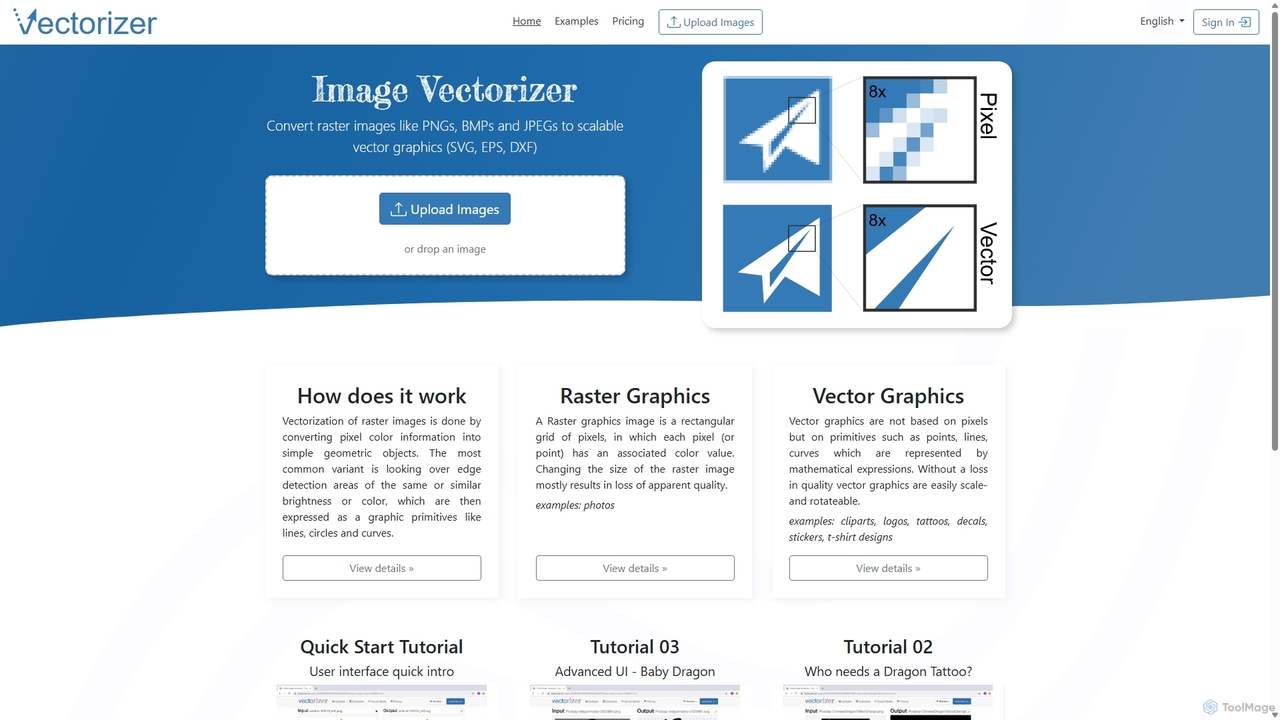
Vectorizer
Vectorizer is an AI-powered online tool that converts raster images like JPEGs and PNGs into high-quality, scalable vector graphics (SVG, EPS, PDF). It automates the image tracing process, making it ideal for designers, marketers, and creators who need clean, resizable graphics for logos, T-shirts, and large-format printing.
Graphics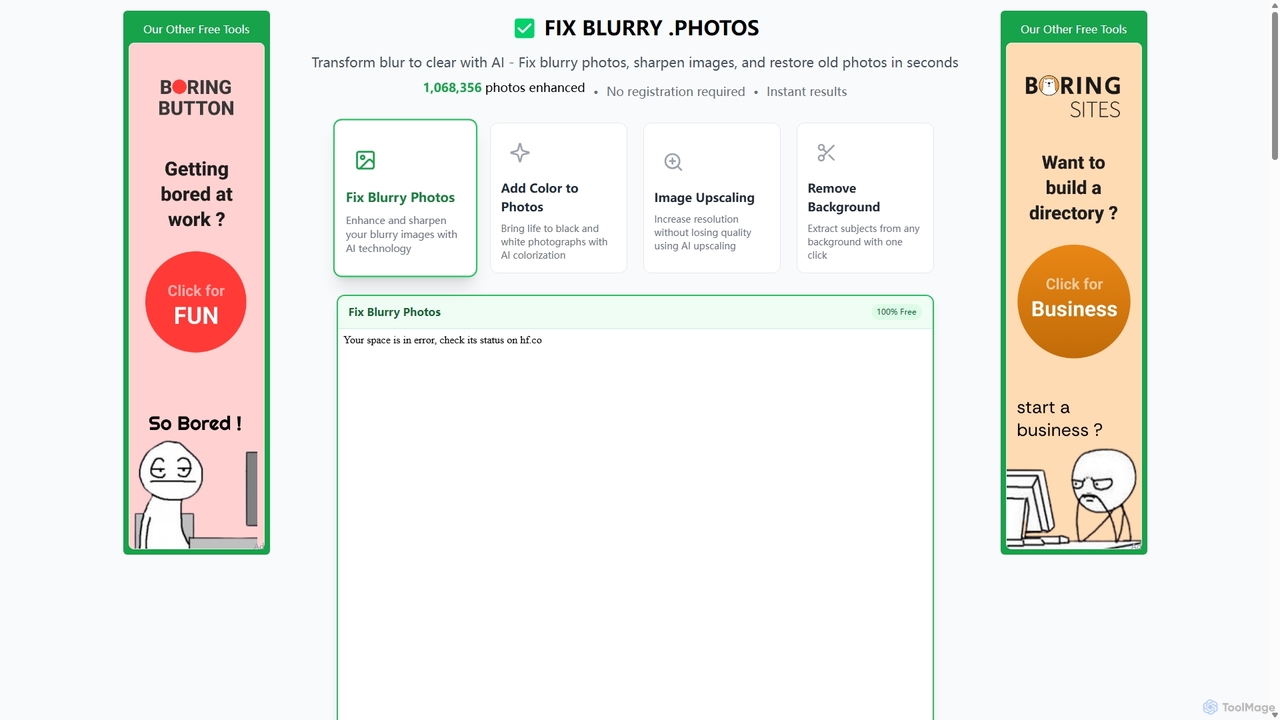
Fixblurry
fixblurry is a free, AI-powered online tool suite designed to enhance your images instantly. It specializes in unblurring and sharpening photos, restoring old or faded pictures, upscaling low-resolution images without quality loss, colorizing black-and-white photos, and removing backgrounds with a single click. No registration or software installation is required, offering professional-grade results for everyone.
Image Editing
PhotoGrid
PhotoGrid is an all-in-one online collage maker and AI photo editor. It offers over 20,000 templates and a suite of powerful AI tools to create stunning photo collages, remove backgrounds, enhance image quality, and apply creative filters, making professional photo editing accessible to everyone.
Collage Maker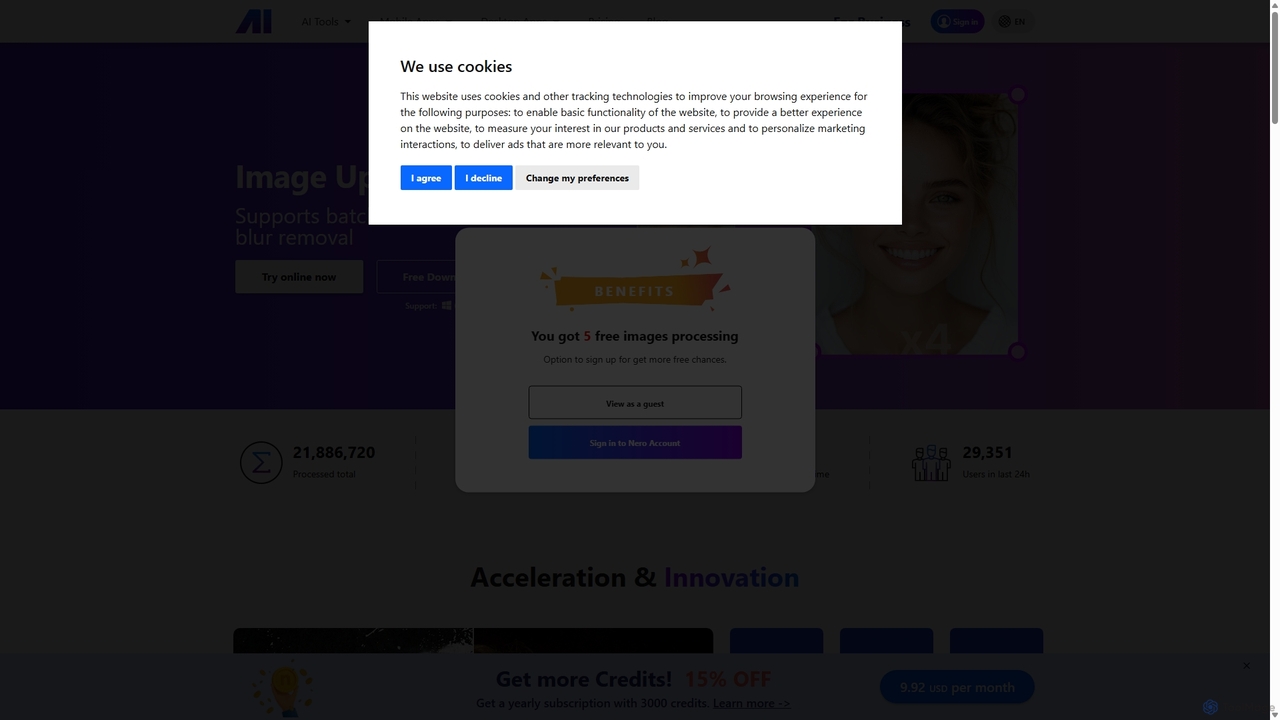
Nero AI
Nero AI is a comprehensive suite of AI-powered tools for image and video enhancement. It offers features like image and video upscaling, photo restoration, background and object removal, face animation, and creative stylization. Designed for creators, marketers, and designers, it provides easy-to-use solutions for both online and desktop platforms to elevate visual content quality.
Graphic DesignUpscayl Categories
Upscayl Jobs
Upscayl Embed Widget
Copy this embed code to place the badge on your blog, article, or product site and send readers directly to this ToolMage detail page.

Related AI tools
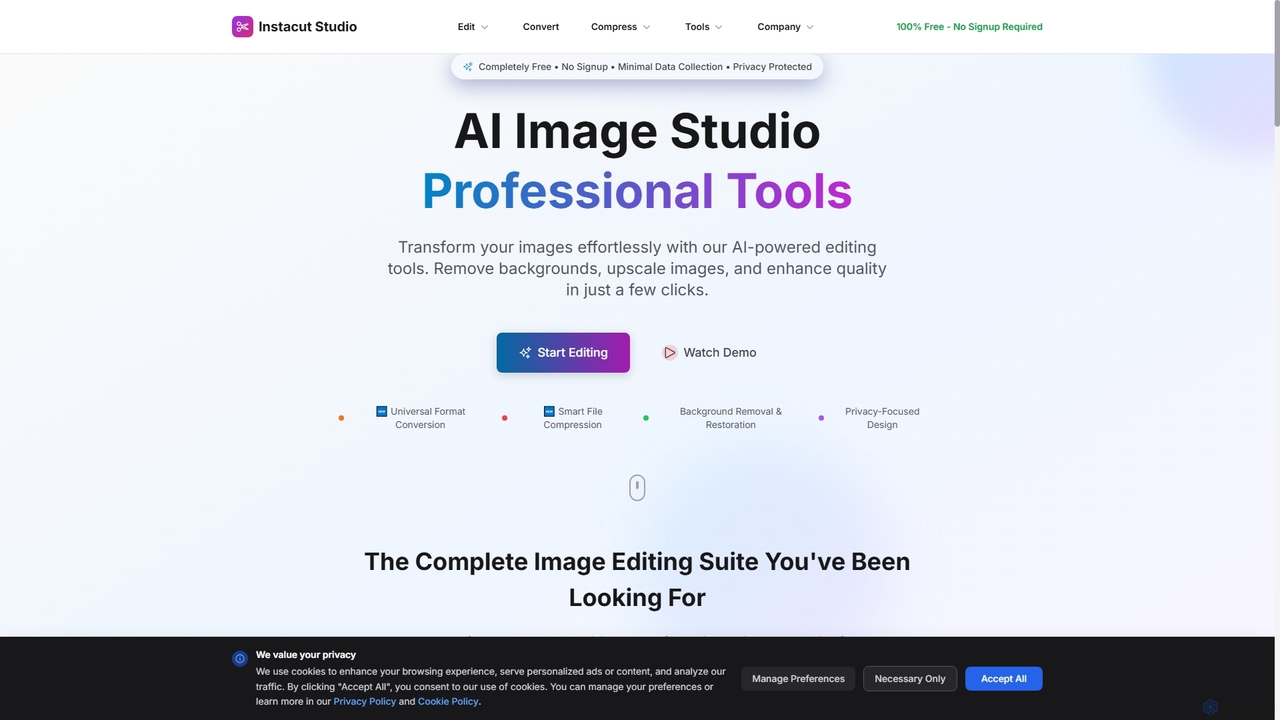
Instacut
Instacut is a comprehensive, privacy-first suite of AI-powered image editing tools available online for free. It requires no signup and offers features like background removal, image upscaling, photo restoration, format conversion, and file compression, ensuring user data is never stored.
GraphicsFixblurry
fixblurry is a free, AI-powered online tool suite designed to enhance your images instantly. It specializes in unblurring and sharpening photos, restoring old or faded pictures, upscaling low-resolution images without quality loss, colorizing black-and-white photos, and removing backgrounds with a single click. No registration or software installation is required, offering professional-grade results for everyone.
Image Editing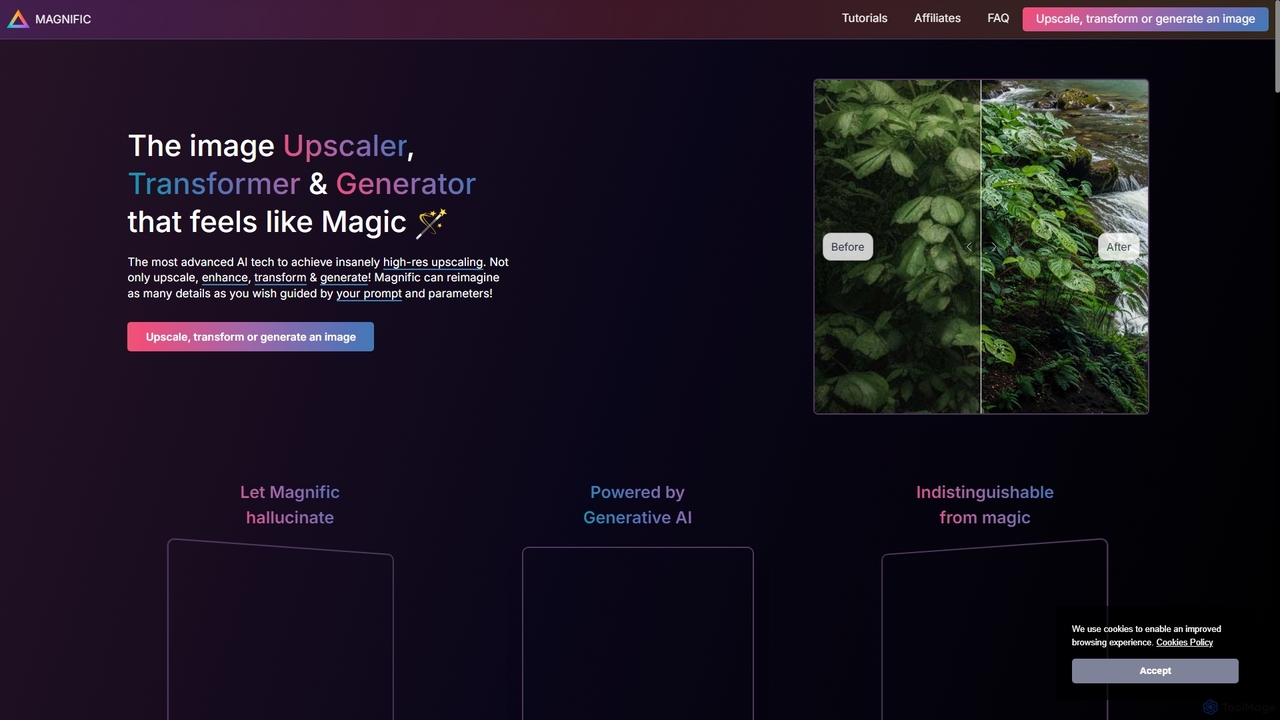
Magnific AI
Magnific AI is an advanced AI-powered image upscaler, enhancer, and transformer. It goes beyond traditional upscaling by using generative AI to intelligently add new, high-resolution details guided by user prompts. With intuitive controls like the 'Creativity' slider, users can transform any image—from portraits and illustrations to game assets and landscapes—into stunningly detailed, high-resolution masterpieces. It's a magical tool for artists, designers, and photographers seeking unparalleled image quality and creative control.
Generative Art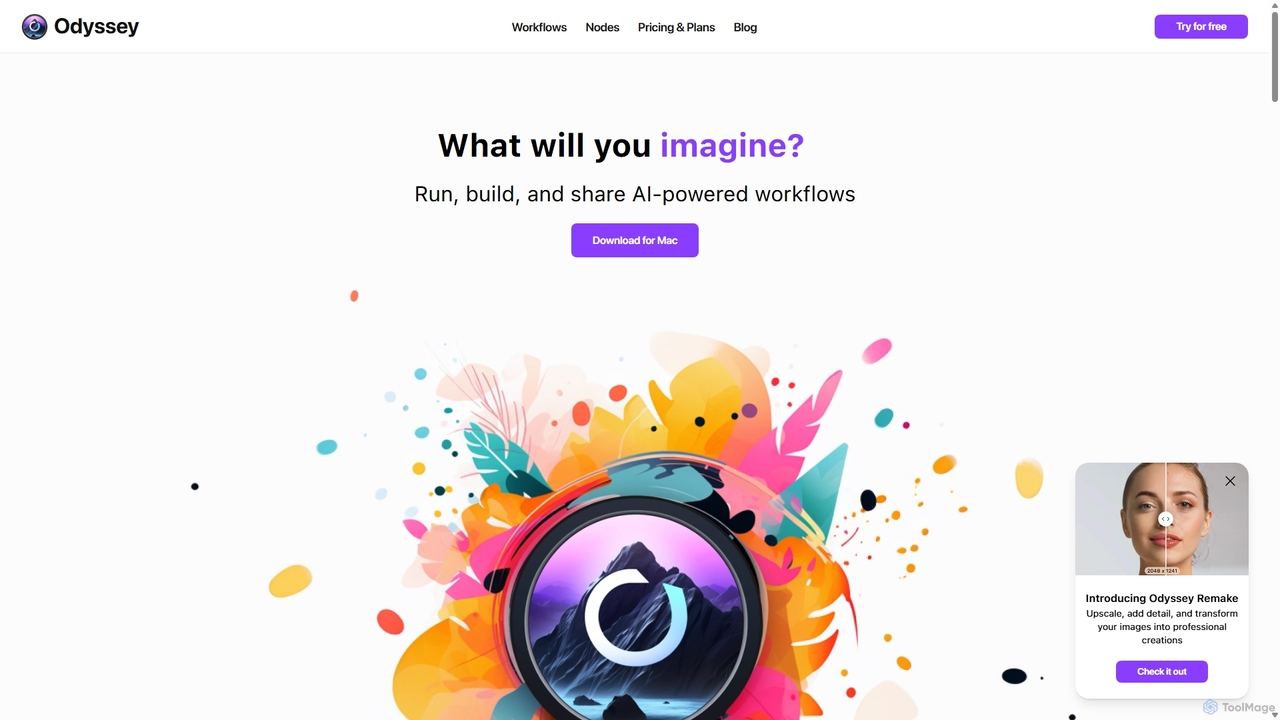
Odyssey
Odyssey is an all-in-one desktop application for macOS that empowers users to build, run, and share complex AI-powered workflows. It combines image generation, text processing, and powerful automation in a visual, node-based editor. With a focus on privacy, it runs major AI models like Stable Diffusion and Llama2 locally on your machine, ensuring your data remains secure. It's a one-time purchase for a lifetime license, designed for creatives, marketers, and developers.
Creative Assistant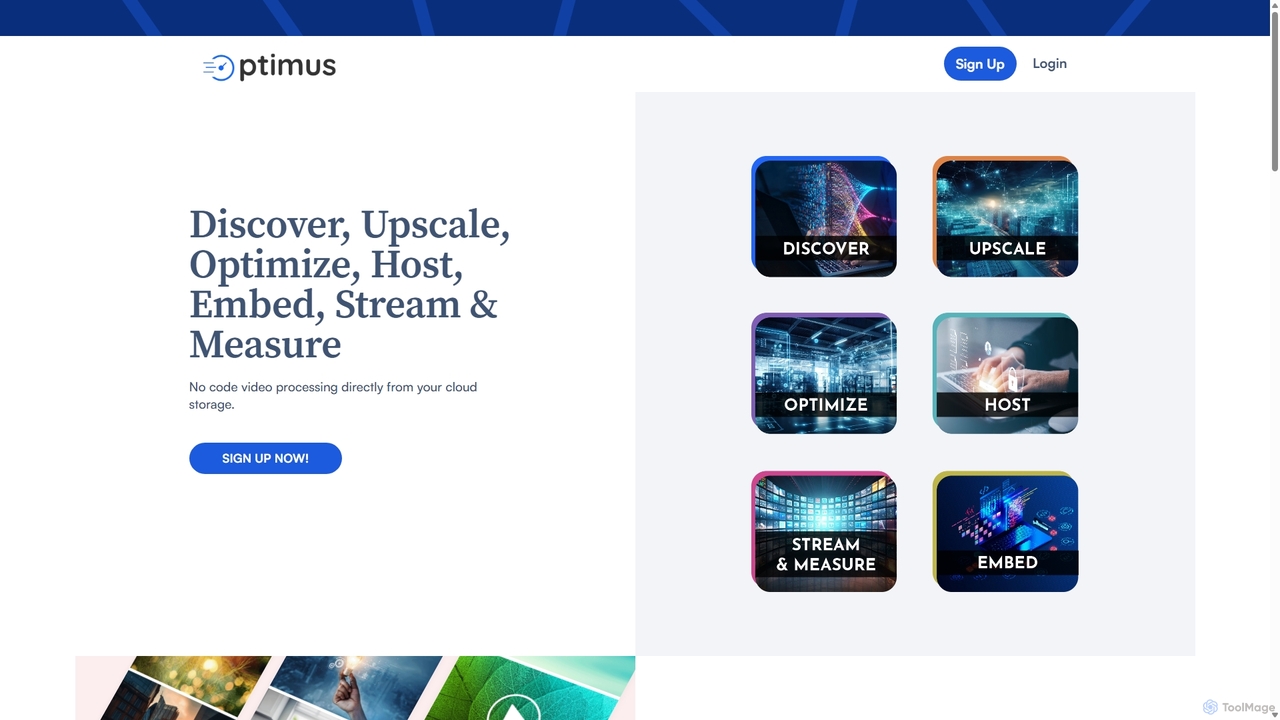
optimusdrive
An AI-powered media processing platform offering a suite of tools for video and image optimization. It specializes in high-quality compression, resolution upscaling to 4K, and advanced facial enhancement to transform your media assets for web and streaming.
Image EnhancementPhotoGrid
PhotoGrid is an all-in-one online collage maker and AI photo editor. It offers over 20,000 templates and a suite of powerful AI tools to create stunning photo collages, remove backgrounds, enhance image quality, and apply creative filters, making professional photo editing accessible to everyone.
Collage Maker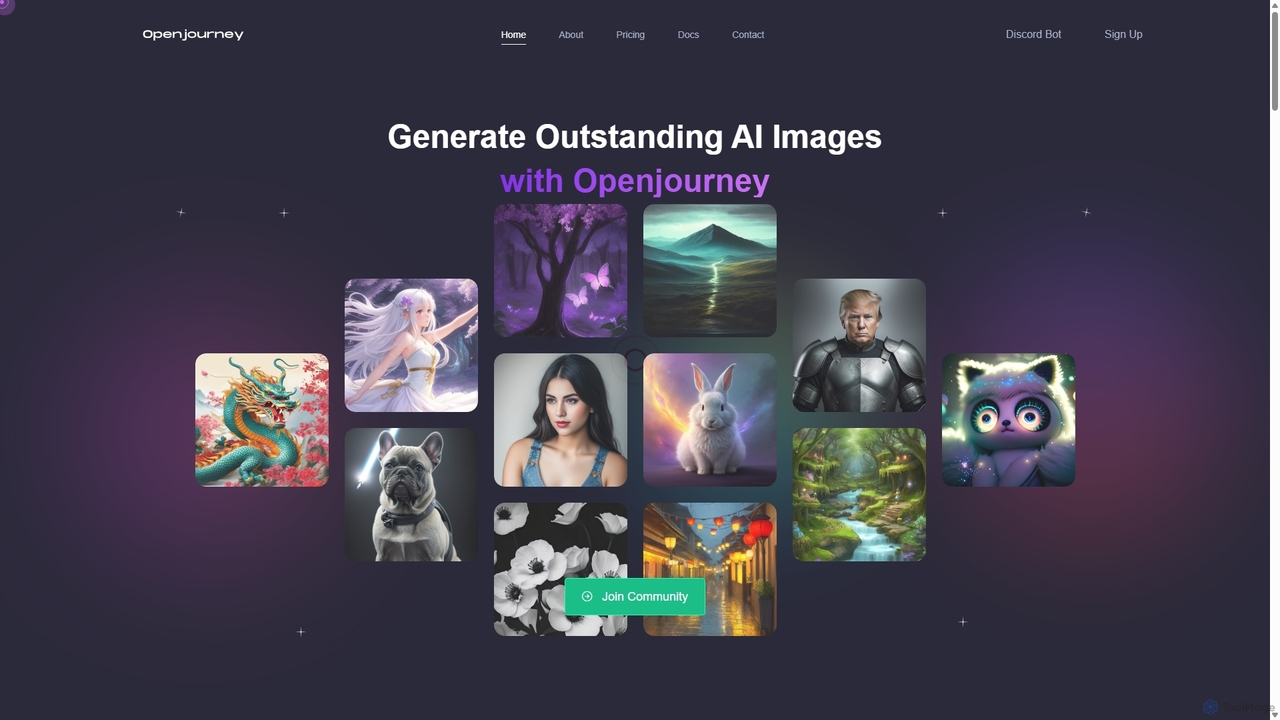
Openjourney
Openjourney is a comprehensive AI creative suite that offers a wide range of generative tools in one place. It excels in generating high-quality images from text prompts but also includes powerful features like face restoration, face swapping, background removal, image upscaling to 4K, an unlimited AI chatbot, and advanced controls like Controlnet. It's designed for creators, marketers, and artists seeking a versatile and powerful AI toolkit.
Generative Art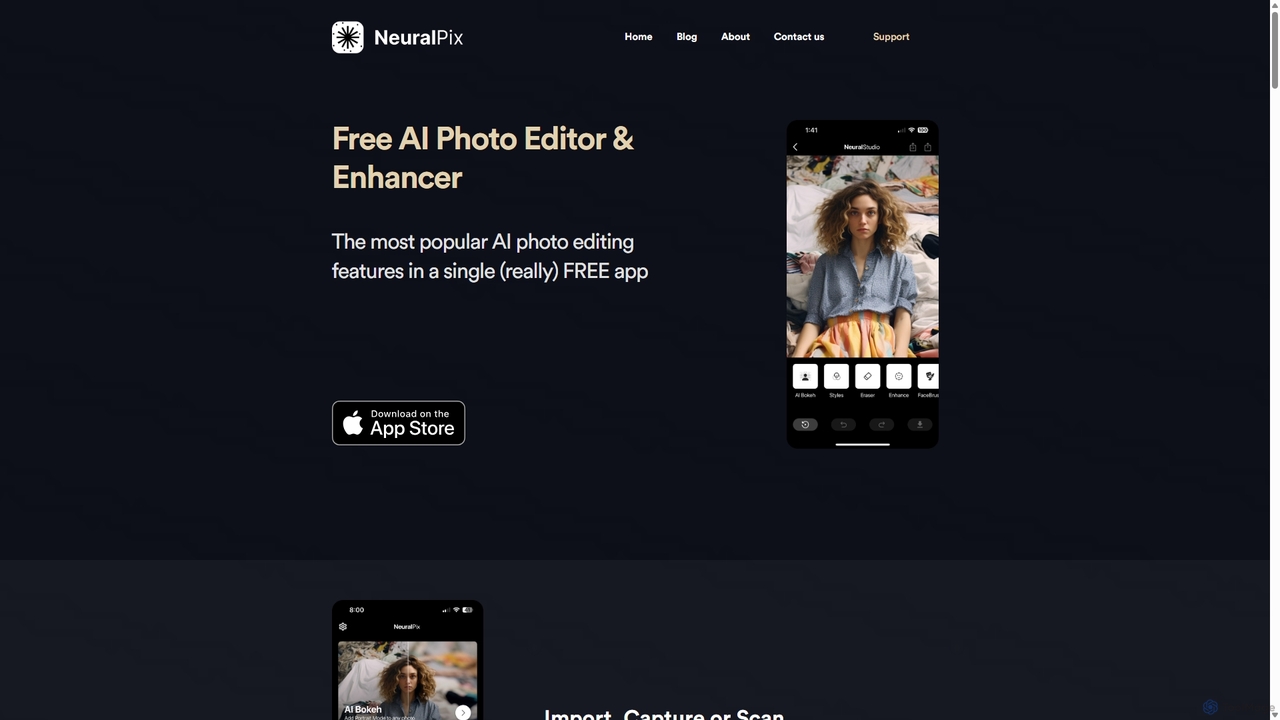
NeuralPix
NeuralPix is a completely free, all-in-one AI photo editor and enhancer app. It packs powerful features like Magic Eraser, AI Bokeh, Photo Enhancer, Unblur, Colorization, and Upscaling into a single, user-friendly interface. Perfect for both casual users and professionals to effortlessly improve photos, restore old memories, and create stunning images without subscriptions or ads.
Image Editing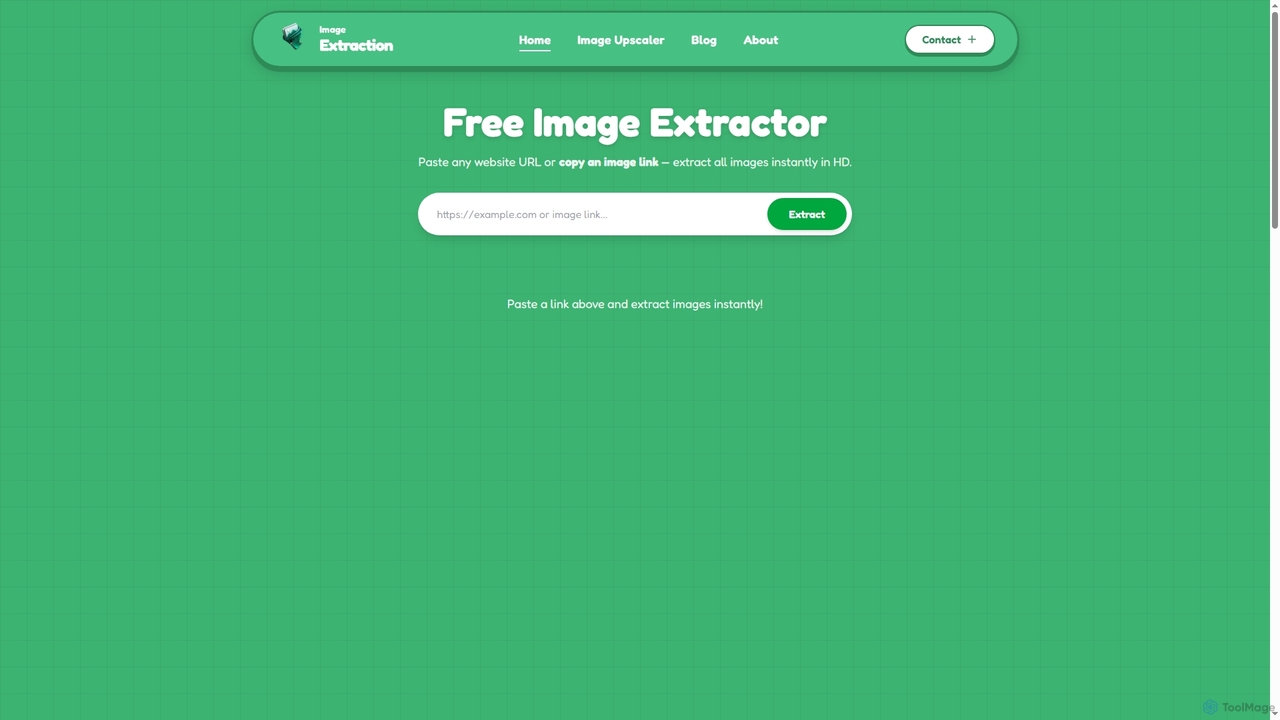
Image Extraction
Image Extraction is a free online platform offering powerful AI-powered tools for image management. It includes an Image Extractor to quickly download high-resolution images from any public website and an AI Image Upscaler to enhance low-quality images into stunning HD visuals for various professional and creative needs.
Graphic Assets
Upscayl
Upscayl is a free and open-source AI image upscaler that enhances low-resolution images into high-quality, sharp visuals. It offers both a cross-platform desktop application for local processing and a powerful cloud version with advanced features like batch upscaling and commercial use.
Image EditingNero AI
Nero AI is a comprehensive suite of AI-powered tools for image and video enhancement. It offers features like image and video upscaling, photo restoration, background and object removal, face animation, and creative stylization. Designed for creators, marketers, and designers, it provides easy-to-use solutions for both online and desktop platforms to elevate visual content quality.
Graphic Design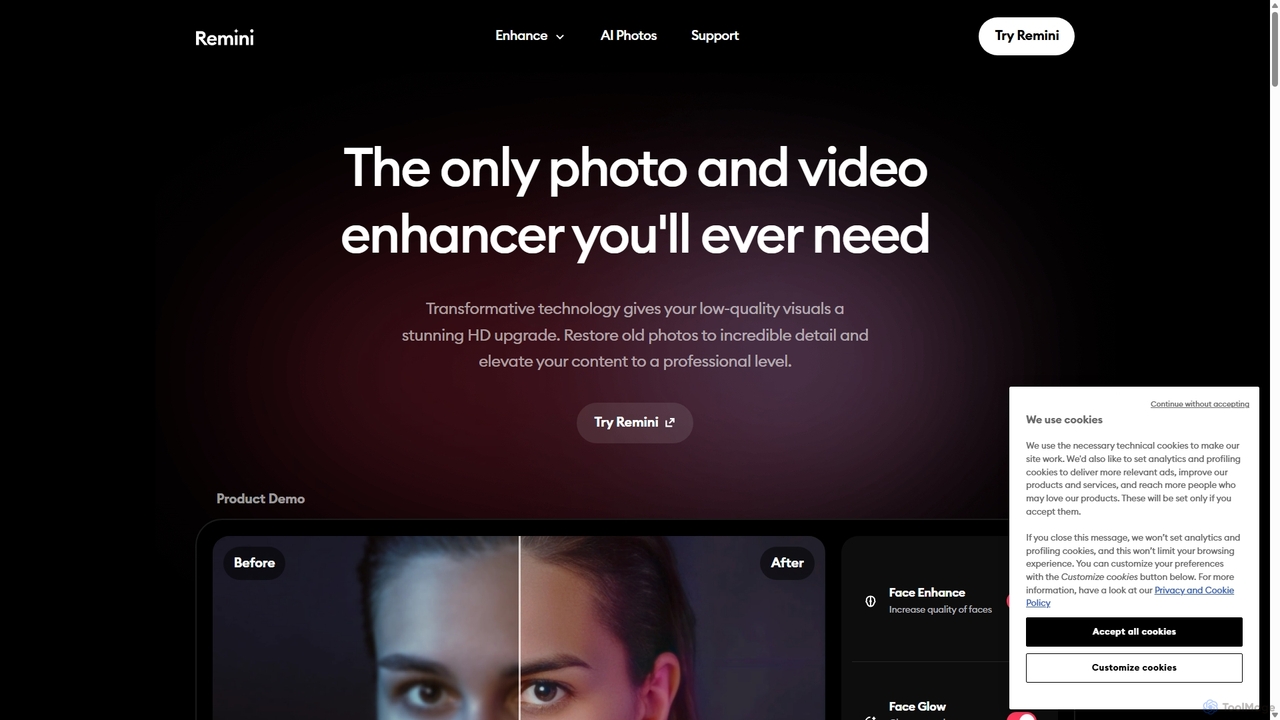
Remini
Remini is an AI-powered photo and video enhancer that transforms low-quality, blurry, or old images and videos into stunning high-definition visuals. Using advanced AI, it restores details, sharpens focus, reduces noise, and can even generate professional-quality AI photos of yourself.
3D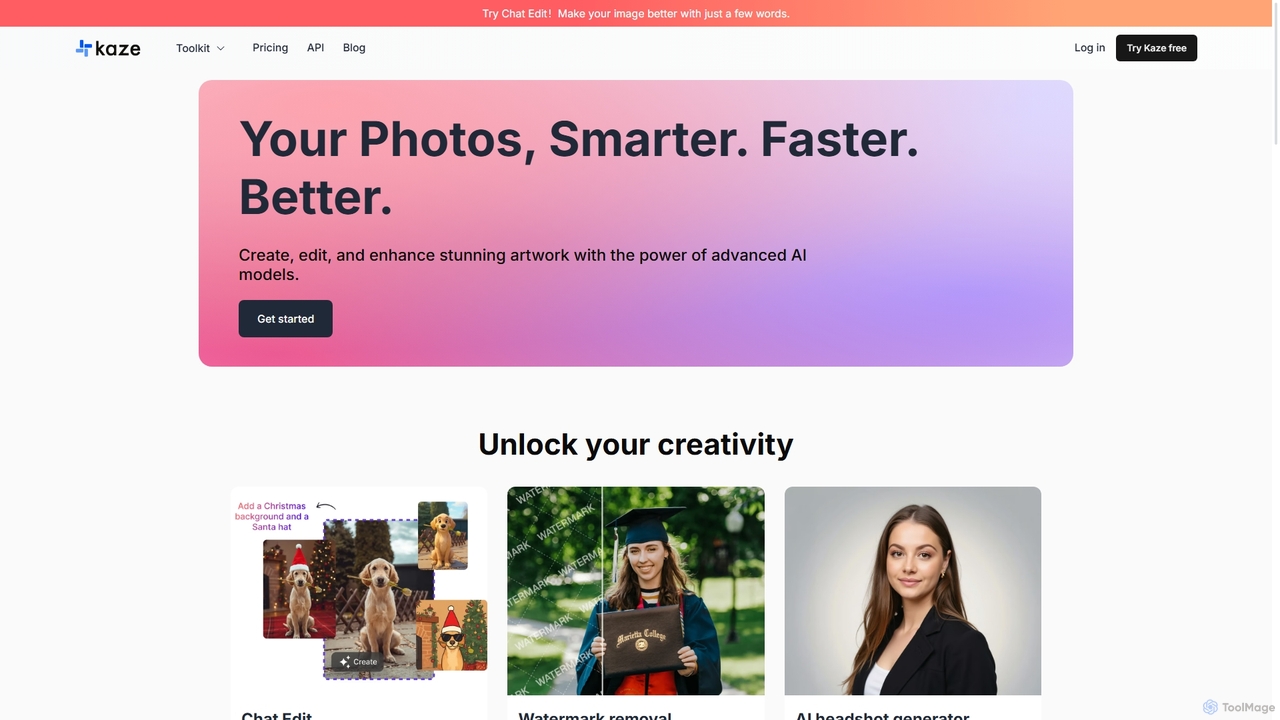
Kaze
Kaze is a comprehensive AI-powered image editing suite designed to create, edit, and enhance photos effortlessly. It offers a wide range of tools including one-click watermark and object removal, photo restoration, image upscaling, background removal, and an AI headshot generator. With its user-friendly interface and advanced AI models, Kaze delivers professional, studio-quality results in seconds, catering to creators, marketers, and photographers.
3D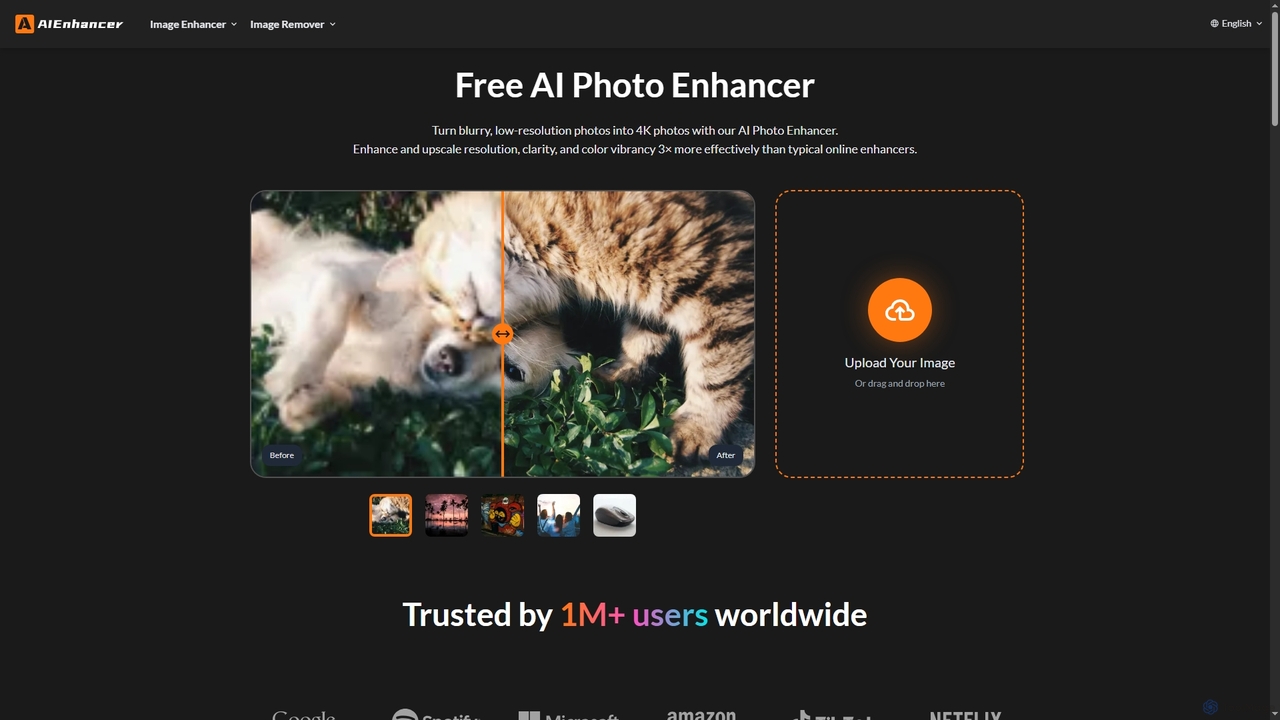
AIEnhancer
AIEnhancer is a powerful online AI tool that transforms and perfects images. It enhances resolution, restores old photos, removes blur and noise, sharpens details, converts to HD, and precisely removes backgrounds, making professional-grade photo editing accessible and effortless for everyone.
Background Removal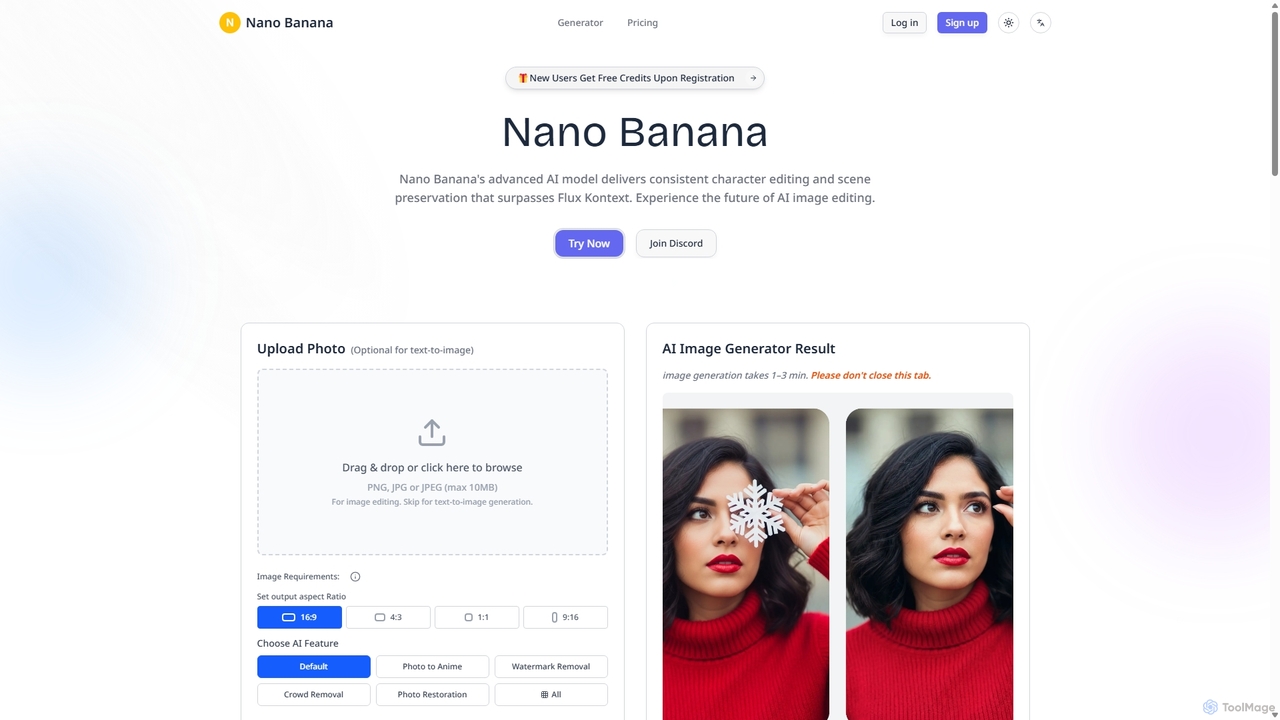
Nanobanana
Nanobanana is an advanced AI image editing and generation platform that transforms images using natural language prompts. It specializes in maintaining character consistency and scene integrity while offering powerful features like watermark removal, photo restoration, and batch processing. Ideal for creators, marketers, and photographers seeking efficient, high-quality visual content creation.
3D
Upscayl Comments (0)
Sign in to comment.
Sign inNo comments yet.