ToolMage
Sign in

Best 4 Desktop Applications for Productivity

Popular Desktop Applications in Productivity include Sanctum, RecurseChat, AIimag.es, and Upscayl, helping you work more efficiently.

RecurseChat
Paid

RecurseChat

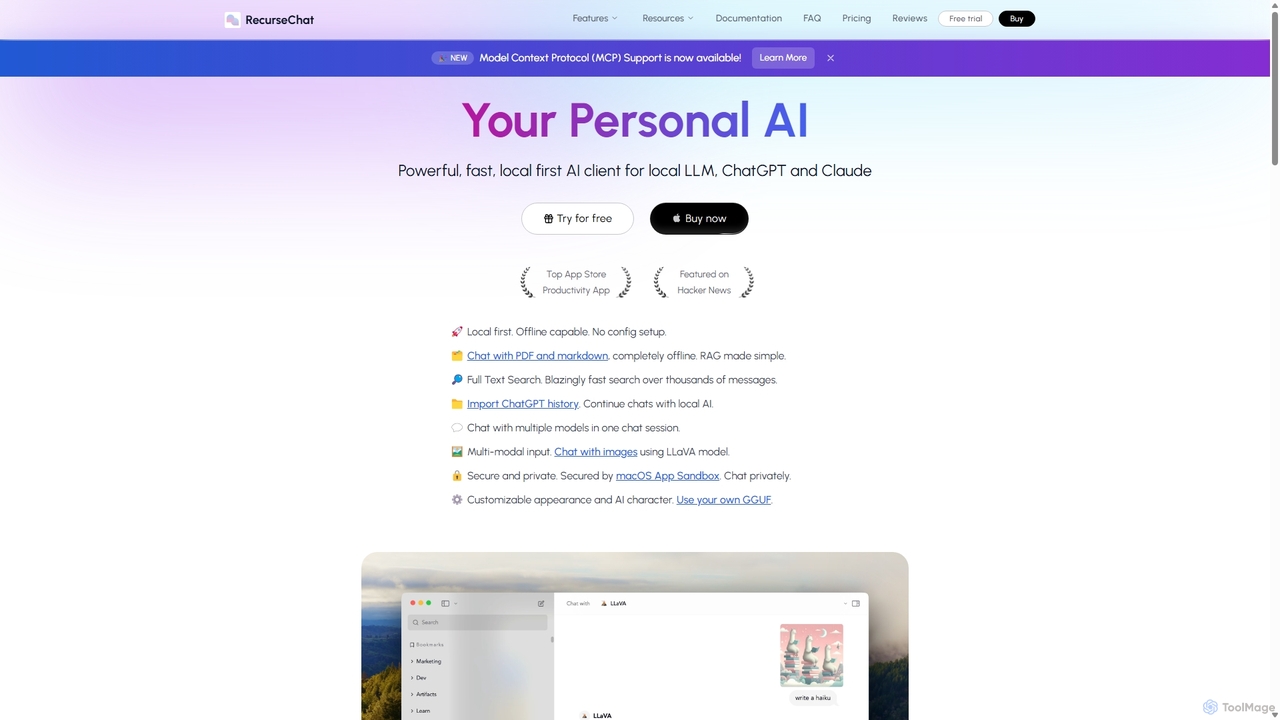
RecurseChat is a powerful, privacy-focused AI client for macOS. It operates local-first, allowing you to chat with local LLMs, ChatGPT, and Claude, even offline. Interact with your PDFs and documents securely on your device using RAG technology. It features multi-modal input, full-text search, and extensive customization without requiring a subscription.

Llm Clients
Visits 5.5KFavorites 117Likes 126
Upscayl
Free

Upscayl

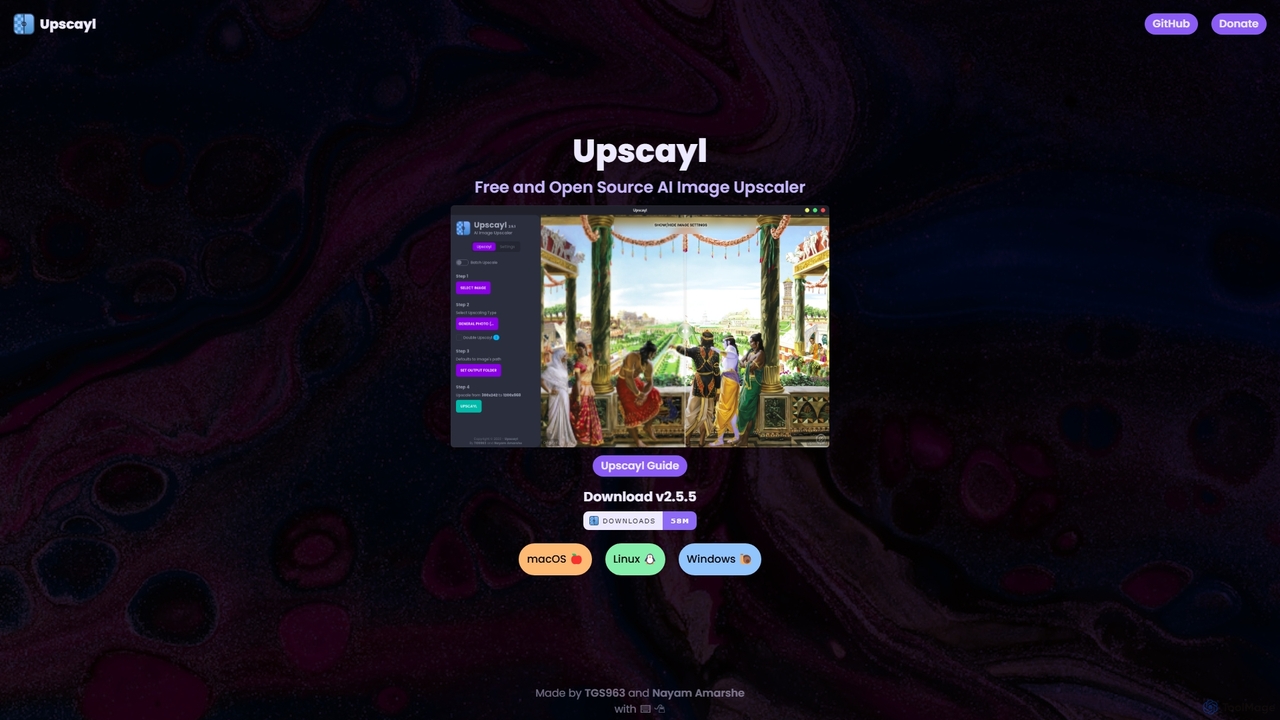
Upscayl is a free and open-source AI image upscaler for Windows, macOS, and Linux. It enhances low-resolution images using advanced AI models, processing everything locally on your device to ensure complete privacy. Ideal for photographers, designers, and AI artists.

Graphics
Visits 5.4KFavorites 128Likes 131
Sanctum
Freemium

Sanctum

Sanctum is a privacy-first AI assistant that allows you to run powerful open-source Large Language Models (LLMs) directly on your local machine. It ensures your data is encrypted, secure, and never leaves your device. Interact with models, chat with your documents, and transcribe audio, all offline and with complete privacy.

Local Development
Visits 8.2KFavorites 128Likes 120
AIimag.es
Free

AIimag.es

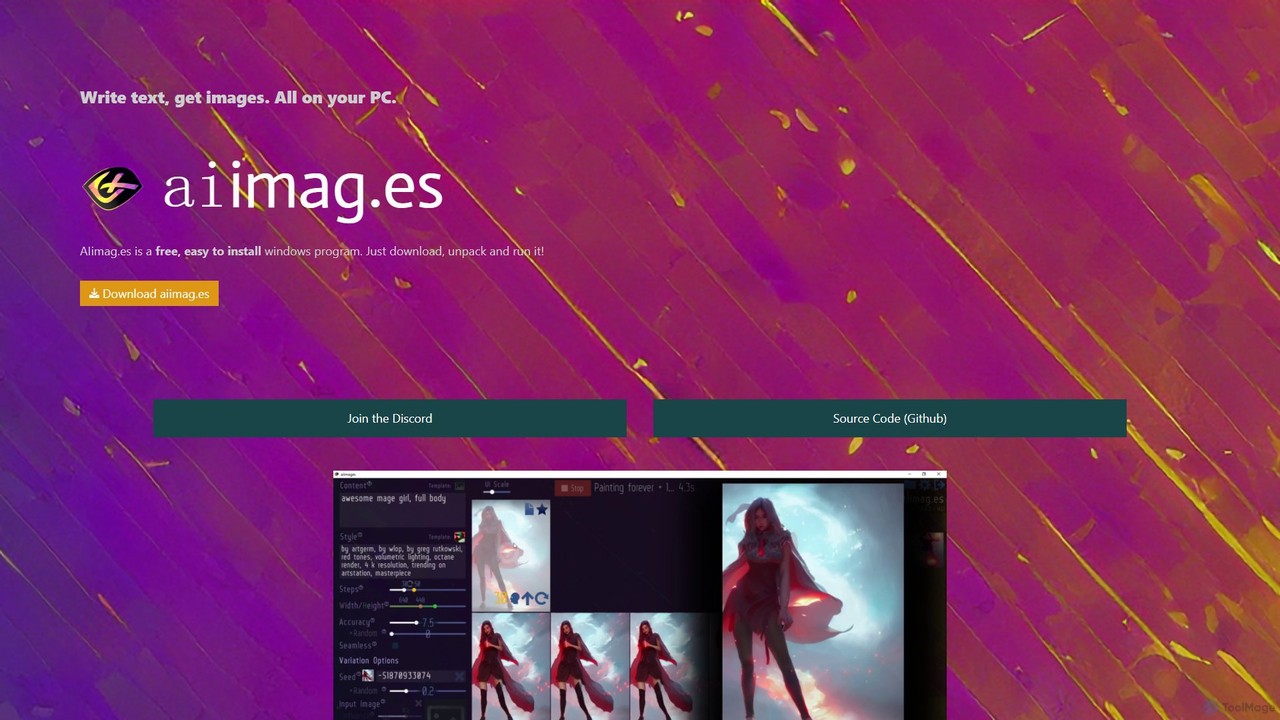
AIimag.es is a free, open-source, and easy-to-install Windows application for text-to-image generation. It runs entirely on your local PC, leveraging the power of Stable Diffusion to create unlimited images for free, even for commercial use. It's designed for simplicity, speed, and accessibility, making AI art creation available to everyone without needing technical skills or cloud subscriptions.

Creative Tools
Visits 5.5KFavorites 165Likes 154

About Desktop Applications

AI Desktop Applications are software programs installed and run directly on your computer, leveraging local hardware to perform powerful AI tasks. These tools utilize your machine's CPU and GPU, enabling faster processing, offline functionality, and enhanced data privacy compared to web-based alternatives. They are designed for resource-intensive work, offering professionals stable performance and direct control over their data. This local processing model is particularly advantageous for handling large files and sensitive information without relying on an internet connection.

Core Features

  • Offline Functionality: Operate fully without an internet connection, ensuring accessibility and privacy.
  • Hardware Acceleration: Directly utilize the local CPU and GPU for significantly faster AI model inference and data processing.
  • Enhanced Data Privacy: Process sensitive information entirely on your local machine, preventing data from being sent to external servers.
  • Deep OS Integration: Seamlessly interact with the local file system, clipboard, and other native applications for a fluid workflow.
  • Stable Performance: Deliver consistent and reliable performance, independent of internet speed or server load.

Use Cases

AI desktop applications are ideal for professionals who require high performance and data security. This includes software developers using local AI coding assistants, video editors rendering complex effects with GPU acceleration, photographers batch-processing high-resolution images, and researchers analyzing confidential data sets without cloud exposure.

How to Choose

When selecting an AI desktop application, consider its operating system compatibility (Windows, macOS, Linux) and specific hardware requirements, especially the need for a dedicated GPU. Evaluate the tool's feature set to ensure it meets your workflow needs. Also, review its data privacy policy to understand how it handles information, and check the pricing model, which often involves a one-time purchase or subscription.

Desktop Applications use cases

1

AI-Powered Video Editing and Rendering

A professional video editor needs to produce high-resolution 4K content with complex visual effects and color grading under tight deadlines. Using an AI desktop application, they can leverage their computer's dedicated GPU to accelerate rendering times by up to 5-10x. AI features like intelligent object tracking, automated scene detection, and audio enhancement are processed locally, ensuring fast performance and that large, sensitive video files never leave their workstation. This allows for a more efficient, secure, and responsive editing workflow compared to uploading and processing footage on a cloud platform.

2

Local Code Completion and Analysis

A software developer working in a highly regulated industry like finance or healthcare needs to maintain strict code confidentiality. By using an AI coding assistant as a desktop application or IDE plugin, they receive intelligent, context-aware code suggestions and real-time bug analysis directly within their local environment. The AI models run on their machine, so proprietary code is never transmitted to a third-party server. This approach ensures compliance with data privacy regulations, allows for offline development, and provides faster response times for suggestions compared to cloud-based services that may have latency.

3

Batch Image Enhancement for Photographers

A professional photographer returns from a shoot with hundreds of high-resolution RAW images that need denoising, sharpening, and upscaling. Instead of processing each file manually or uploading large batches to an online service, they use an AI desktop application. The software leverages the computer's GPU to process the entire folder of images simultaneously, applying consistent enhancements across all photos in minutes rather than hours. This local process preserves the original files, maintains maximum image quality, and ensures the photographer retains full ownership and privacy over their creative work.

4

Offline Document Analysis and Summarization

A legal professional needs to review and summarize lengthy, confidential contracts. Using a web-based tool would risk exposing sensitive client data. Instead, they use an AI desktop application for document analysis. They can securely load multiple documents from their local drive, and the tool's AI model, running offline, extracts key clauses, identifies risks, and generates concise summaries. The entire process happens within a sandboxed environment on their computer, ensuring full compliance with attorney-client privilege and data protection standards like GDPR. This provides a secure and efficient way to handle sensitive legal paperwork.

5

Advanced 3D Modeling and Design

A 3D artist is creating complex models for a video game or architectural visualization. They use a desktop 3D modeling application that integrates AI features. These features, running locally, can intelligently generate textures from text prompts, optimize mesh topology for better performance, or suggest structural improvements. Because the application has direct access to the system's high-performance GPU and RAM, the artist can see these complex AI-driven changes in real-time previews without lag. This tight hardware integration accelerates the creative process and allows for more intricate and detailed designs than would be practical with a slower, web-based tool.

6

Offline Transcription of Sensitive Audio

A journalist needs to transcribe a confidential interview with a whistleblower, while a therapist needs to transcribe patient sessions for their records. In both cases, uploading the audio to a cloud service poses a significant privacy risk. By using an AI desktop transcription tool, the audio file is processed entirely on their local computer. The AI model converts speech to text offline, ensuring the sensitive contents of the conversation remain private and secure. This provides peace of mind and helps professionals adhere to ethical guidelines and privacy laws like HIPAA, without sacrificing the efficiency of AI-powered transcription.

Desktop Applications FAQ

What are AI Desktop Applications?

AI Desktop Applications are software programs that you install and run directly on your computer (like Windows or macOS) to perform AI-powered tasks. Unlike web-based tools that run in a browser, these applications use your computer's local processing power (CPU and GPU). This results in several key advantages, including higher performance for demanding tasks, the ability to work offline without an internet connection, and enhanced data privacy since your information is processed locally instead of being sent to the cloud.

How do AI desktop apps differ from web-based AI tools?

The primary difference lies in where the processing happens. AI desktop apps run locally on your machine, while web-based tools run on remote servers. This leads to key distinctions:

  • Performance: Desktop apps can be faster as they use your dedicated hardware (GPU/CPU) and aren't affected by internet latency.
  • Privacy: Desktop apps are generally more secure for sensitive data because the information stays on your computer.
  • Offline Access: Desktop apps work without an internet connection, whereas web tools require one.
  • Installation: Desktop apps require installation and use local storage, while web tools are accessed instantly through a browser.
What are the typical system requirements for AI desktop applications?

System requirements vary significantly depending on the application's complexity. However, some general guidelines apply. Most modern AI desktop tools require a 64-bit operating system (like Windows 10/11 or a recent macOS version). Sufficient RAM (often 16 GB or more) is crucial for handling large models and data. For tasks involving image generation, video editing, or training models, a powerful, dedicated graphics card (GPU) from NVIDIA or AMD is often a necessity for acceptable performance. Always check the specific requirements listed by the developer before purchasing or installing an application.

Who should use AI desktop applications?

AI desktop applications are particularly well-suited for users who prioritize performance, data privacy, or offline access. Key user groups include:

  • Creative Professionals: Video editors, graphic designers, and photographers who work with large files and need maximum processing power.
  • Developers and Data Scientists: Individuals who need to run models locally for coding assistance, data analysis, or experimentation without sending proprietary code or data to the cloud.
  • Users with Sensitive Data: Professionals in legal, healthcare, or finance who must ensure client or patient information remains confidential.
  • Anyone with Unreliable Internet: Users who need their tools to function consistently, regardless of their connection status.
How do I choose the right AI desktop application?

To choose the right AI desktop application, evaluate your needs against these key factors:

  • Operating System Compatibility: Ensure the software runs on your system (e.g., Windows, macOS, or Linux).
  • Hardware Requirements: Check if your computer, especially your GPU, meets the minimum and recommended specifications for smooth operation.
  • Core Functionality: Does the application have the specific AI features you need for your workflow, such as video upscaling, code completion, or data analysis?
  • Data Privacy Policy: Even for desktop apps, understand if and how any data is collected or transmitted. Look for tools that guarantee 100% local processing for maximum privacy.
  • Pricing Model: Compare one-time purchase costs versus subscription fees to find what best fits your budget.