


Sanctum Overview
Sanctum is a desktop application designed for users who prioritize data privacy and control in the age of artificial intelligence. It serves as a private, local gateway to the world of open-source Large Language Models (LLMs). Unlike cloud-based AI services that process your data on remote servers, Sanctum runs entirely on your own device (Windows or Mac, with Linux support coming soon). This local-first approach guarantees that all your conversations, documents, and data are encrypted and remain securely within your personal 'Sanctum,' never being shared or exposed to the internet unless you choose to.
The core mission of Sanctum is to empower individuals and developers to harness AI's potential without compromising on security. It simplifies the often complex process of setting up and running powerful open-source models from hubs like Hugging Face. With an intuitive interface, users can easily download, manage, and interact with a vast library of GGUF models, including popular ones like Llama 3, Mistral, and Phi-3, directly within the application.
How to use Sanctum
Getting started with Sanctum is designed to be straightforward and user-friendly:
- Download and Install: Visit the official Sanctum website and download the application for your operating system (Windows 10+ or macOS for Intel/Apple Silicon).
- Explore and Download Models: Once installed, browse the integrated Hugging Face library. Sanctum helps you check if your system's hardware is compatible with a specific model. Select a model and download it directly to your device.
- Start Chatting: With a model downloaded, you can begin chatting immediately. Since the processing is local, no internet connection is required after the initial model download.
- Chat with Files (RAG): Drag and drop your local files (PDFs, DOCX, code files, etc.) into the chat. You can then ask questions, summarize content, and extract information from your documents in a completely private environment.
- Transcribe Audio: Use the audio-to-text feature by downloading a Whisper model. Upload an audio file (like a meeting recording or a voice memo) to get a local, private transcription.
- For Developers (Local API): Activate the local API server to interact with the running LLM programmatically from your other applications or development projects, all on your local network.
Core Features of Sanctum
- Local AI Processing: Runs full-featured open-source LLMs on your device, ensuring 100% privacy and offline capability.
- Hugging Face Integration: Directly access, check compatibility, and download thousands of GGUF models from Hugging Face.
- Private Document Chat (RAG): Securely chat with, summarize, and ask questions about your local documents, including PDFs, DOCX, PPTX, and various code files.
- Local Audio Transcription: Transcribe audio files privately on your device using Whisper models, with features like real-time synced playback.
- Sanctum Vault: An encrypted local database that securely stores all your chat history. It's protected by a password and a 24-word recovery phrase.
- Local API Server: Powered by llama.cpp, it allows developers to run a local server with any GGUF model, customizable for ports and parameters.
- Advanced Model Customization: Fine-tune LLM performance with custom prompt templates, hardware optimization settings, and inference parameters.
- Cross-Platform Support: Available for Windows and macOS (both Intel and Apple Silicon), with a Linux version in development.
Use Cases for Sanctum
Sanctum is ideal for any task that involves sensitive information:
- Confidential Data Analysis: Analyze private financial data, personal health records, or proprietary business documents without risk of data leaks.
- Secure Content Creation: Draft sensitive emails, write reports, or brainstorm strategic ideas in a secure environment.
- Private Code Development: Collaborate on code, debug, and get programming assistance without exposing your source code to third-party services.
- Research and Study: Interact with research papers, textbooks, and notes in PDF format to summarize key points and deepen understanding.
- Meeting and Call Analysis: Transcribe and review call notes or meeting recordings to extract action items and insights privately.
Advantages of Sanctum
The primary advantage of Sanctum is its unwavering commitment to privacy.
- Unmatched Privacy: With on-device processing and encryption, your data never leaves your computer.
- Full Data Control: You own your data and conversations, stored securely in the local Sanctum Vault.
- Offline Functionality: Work with your AI assistant anywhere, anytime, without needing an internet connection.
- Cost-Effective: Avoid recurring subscription fees for cloud-based AI services by leveraging your own hardware.
- Access to Open-Source Innovation: Stay at the forefront of AI by easily running the latest and greatest open-source models.
- User-Friendly: It removes the technical barriers to running local LLMs, making them accessible to a broader audience.
Pricing and Plans
Sanctum operates on a freemium model, providing both a free and a paid tier to cater to different user needs.
- Base Plan (Free): This plan includes all the essential features for private chatting with locally run LLMs. It's perfect for users getting started with private AI.
- Sanctum Pro (Paid): This subscription plan unlocks advanced features for power users, such as secure and private PDF chatting, advanced search capabilities within your encrypted chat history (Sanctum Vault), and exclusive early access to new features and model updates. Specific pricing details are available on the official website or within the application.
Traffic
Latest traffic
Status
Monthly traffic trend
- 2025-9: 2.9K
- 2026-1: 3.1K
- 2026-2: 4.9K
- 2026-3: 4.6K
- 2026-4: 3.7K
- 2026-5: 2.8K
Geography
Top 5 countries / regions
- 🇺🇸United States96.7%
- 🇵🇪Peru3.3%
Top keywords
| Keyword | Cost per click |
|---|---|
| sanctum | $0.53 |
| sanctum ai | $0.00 |
| sanctum ai / ecoute | $0.00 |
| sanctum company | $0.00 |
| sanctum labs | $0.00 |
Sanctum Alternatives
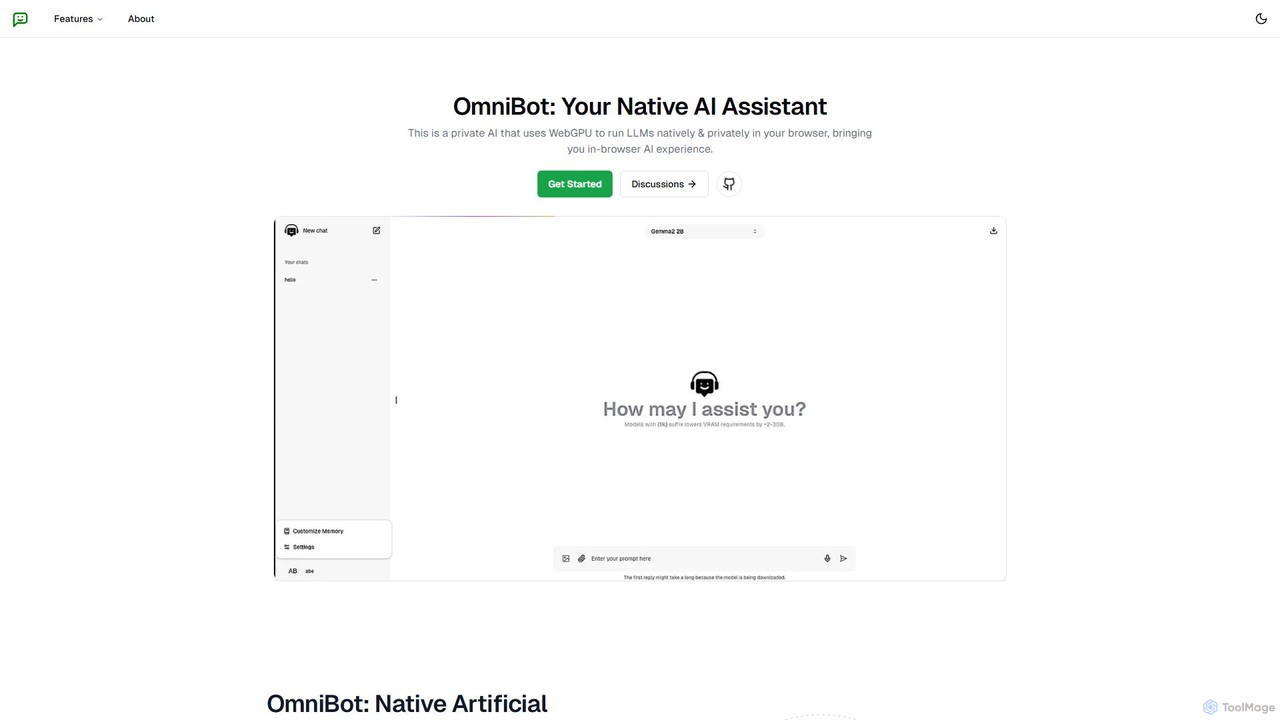
Omnibot
Omnibot is a private, native AI assistant that runs large language models (LLMs) directly in your browser using WebGPU. It offers a completely offline and secure chat experience, ensuring your data never leaves your computer. Customize it with your own instructions for personalized responses.
Local Development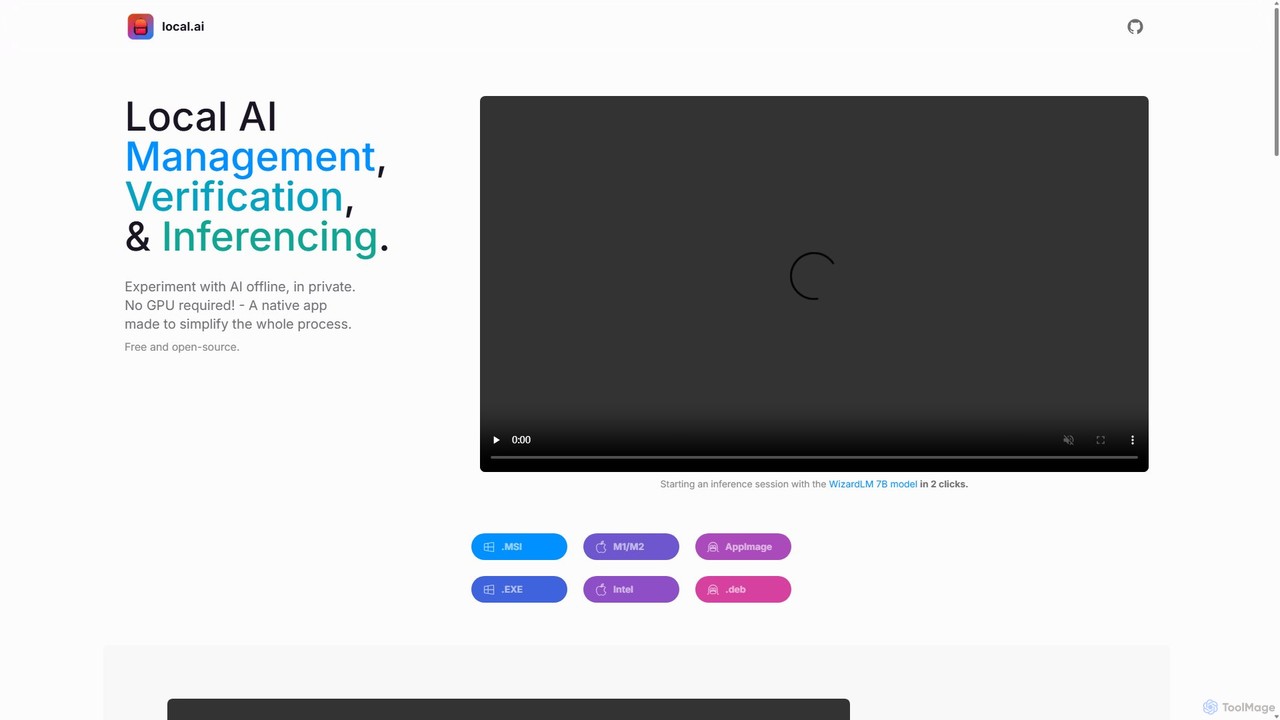
LocalAI
LocalAI is a free, open-source desktop application that allows you to run AI models privately and offline on your computer. It simplifies AI experimentation without needing a GPU, offering features like model management, integrity verification, and a local inference server.
Model Deployment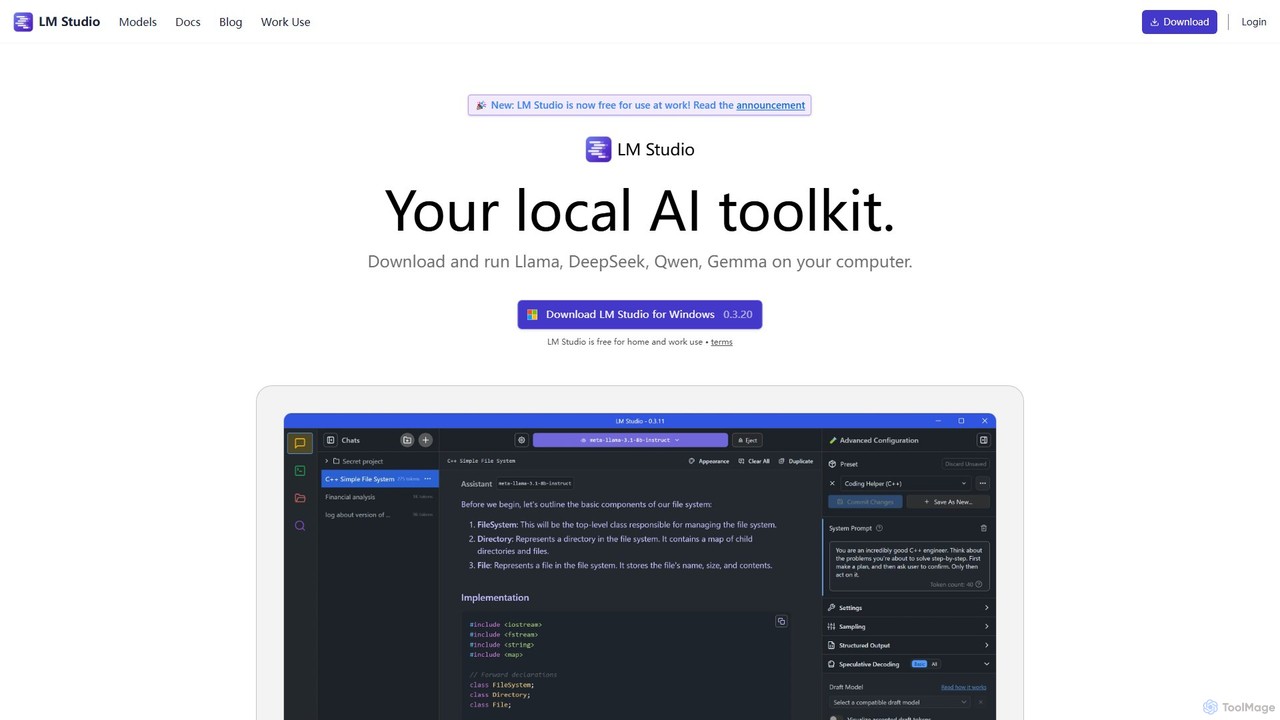
LM Studio
LM Studio is a desktop application for Windows, macOS, and Linux that allows you to discover, download, and run open-source Large Language Models (LLMs) entirely on your local machine. It offers a user-friendly interface, an OpenAI-compatible local server, and robust privacy features, making it ideal for developers, researchers, and anyone seeking a private AI experience.
Model Deployment
pinokio
Pinokio is a desktop browser that allows you to install, run, and control AI applications and terminal-based apps on your computer with a single click. It simplifies the complex setup of open-source AI models by automating environment creation, dependency management, and execution. This empowers users of all skill levels to experiment with powerful AI tools locally, ensuring privacy and full control over their data.
Model Deployment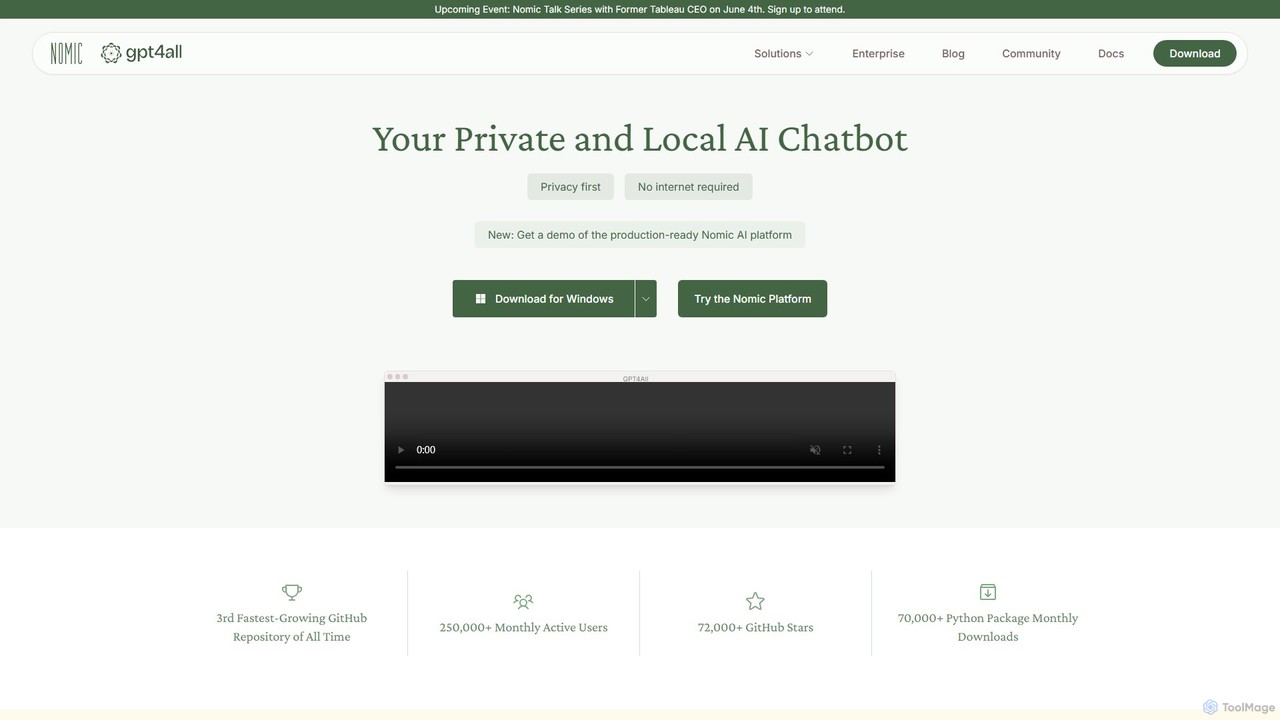
GPT4All
GPT4All is a free, open-source, and privacy-focused desktop application that allows you to run powerful large language models (LLMs) locally on your own computer. It works completely offline, ensuring your data never leaves your device. Chat with your private documents, choose from thousands of open-source models, and integrate local AI into your projects with its Python SDK.
LlmSanctum Categories
Sanctum Embed Widget
Copy this embed code to place the badge on your blog, article, or product site and send readers directly to this ToolMage detail page.

Related AI tools
GPT4All
GPT4All is a free, open-source, and privacy-focused desktop application that allows you to run powerful large language models (LLMs) locally on your own computer. It works completely offline, ensuring your data never leaves your device. Chat with your private documents, choose from thousands of open-source models, and integrate local AI into your projects with its Python SDK.
Llm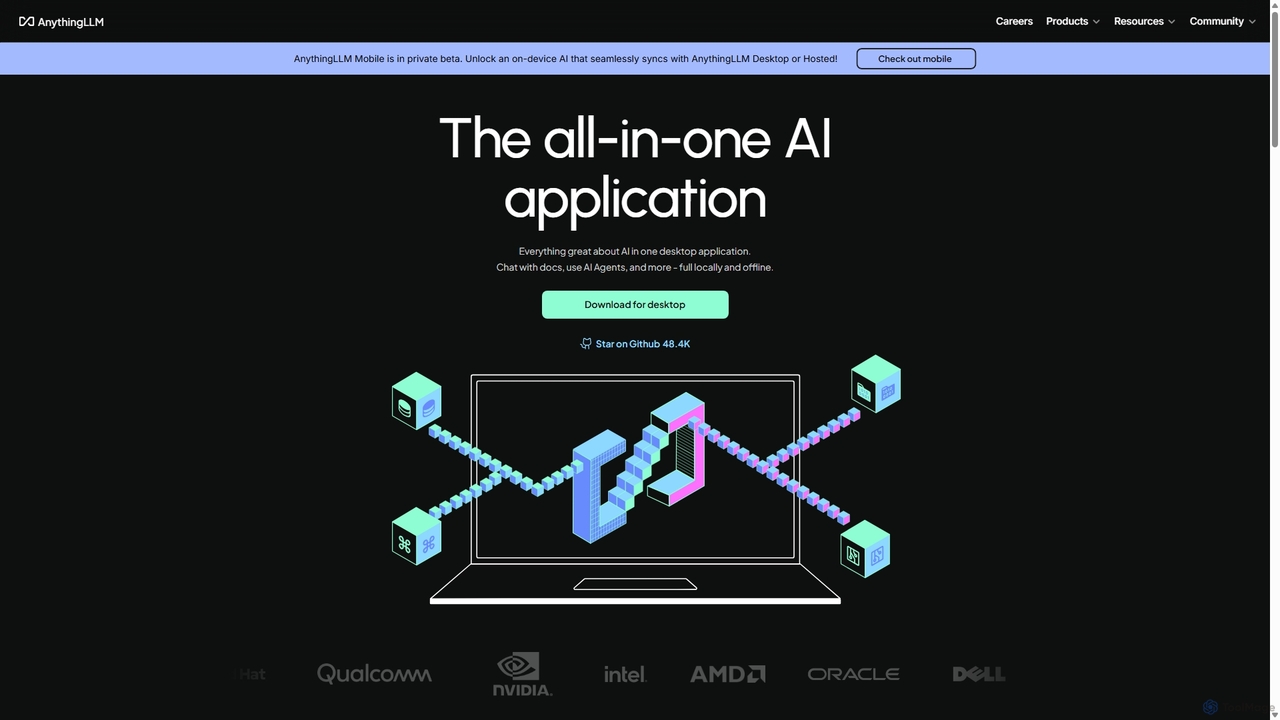
AnythingLLM
AnythingLLM is an open-source, all-in-one AI application that runs locally on your desktop or can be self-hosted. It allows you to create a private knowledge base from any document, chat with your data, and utilize powerful AI agents while ensuring complete data privacy and control.
Document ManagementLocalAI
LocalAI is a free, open-source desktop application that allows you to run AI models privately and offline on your computer. It simplifies AI experimentation without needing a GPU, offering features like model management, integrity verification, and a local inference server.
Model Deployment
AnythingLLM
AnythingLLM is an open-source, all-in-one AI application that allows you to chat with any document, use AI agents, and leverage powerful LLMs. It runs locally on your desktop or in a private, self-hosted environment, ensuring complete data privacy and security for individuals and teams.
Document Analysis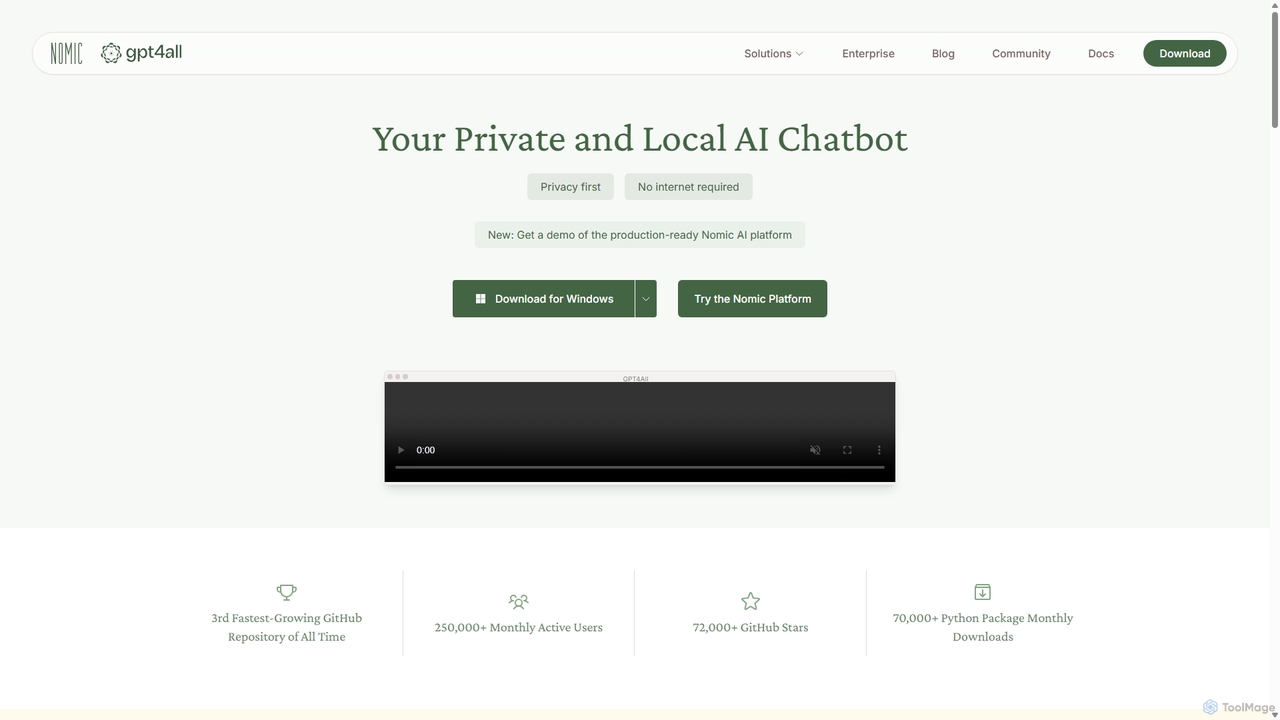
GPT4All
GPT4All is a free, open-source, and privacy-focused AI chatbot that runs powerful language models locally on your desktop. It works offline, ensuring your data never leaves your device, and allows you to chat with your own documents securely.
Machine Learning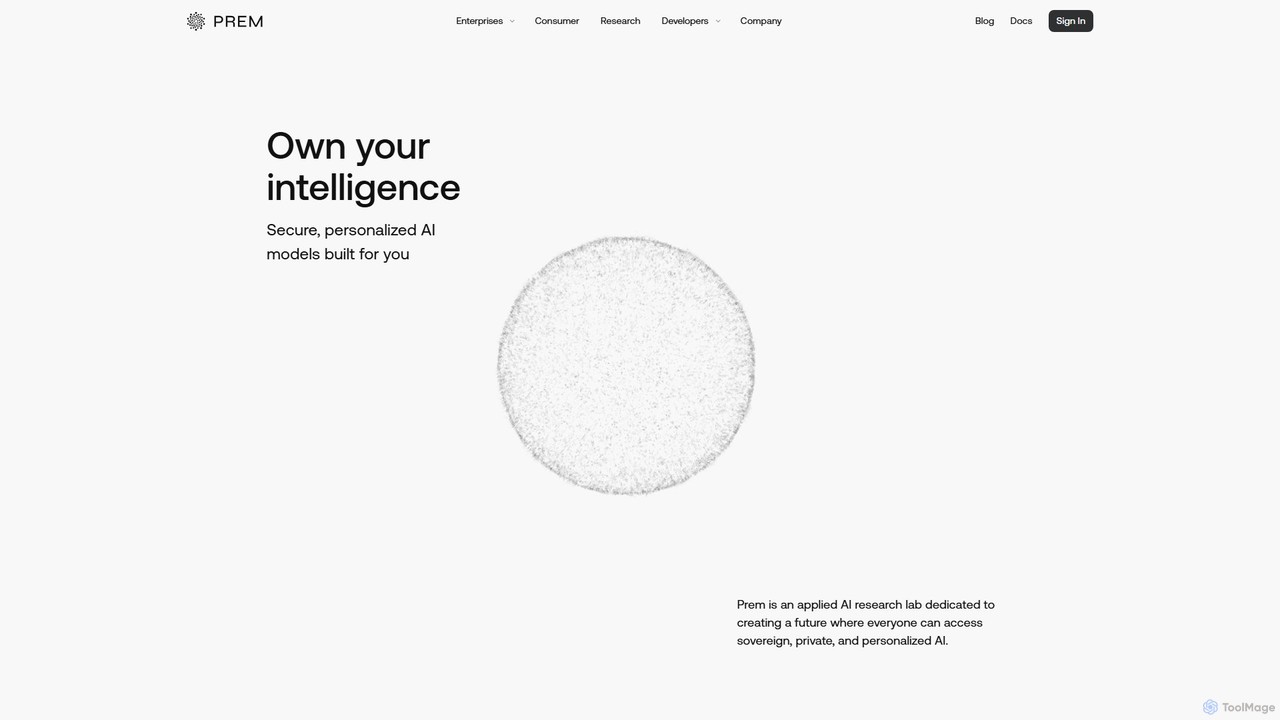
PremAI
PremAI is an enterprise-grade platform for building, fine-tuning, and deploying secure, private AI models. It empowers businesses to transform their raw data into high-performance, specialized models while maintaining absolute data sovereignty and leveraging state-of-the-art encryption for maximum privacy.
Database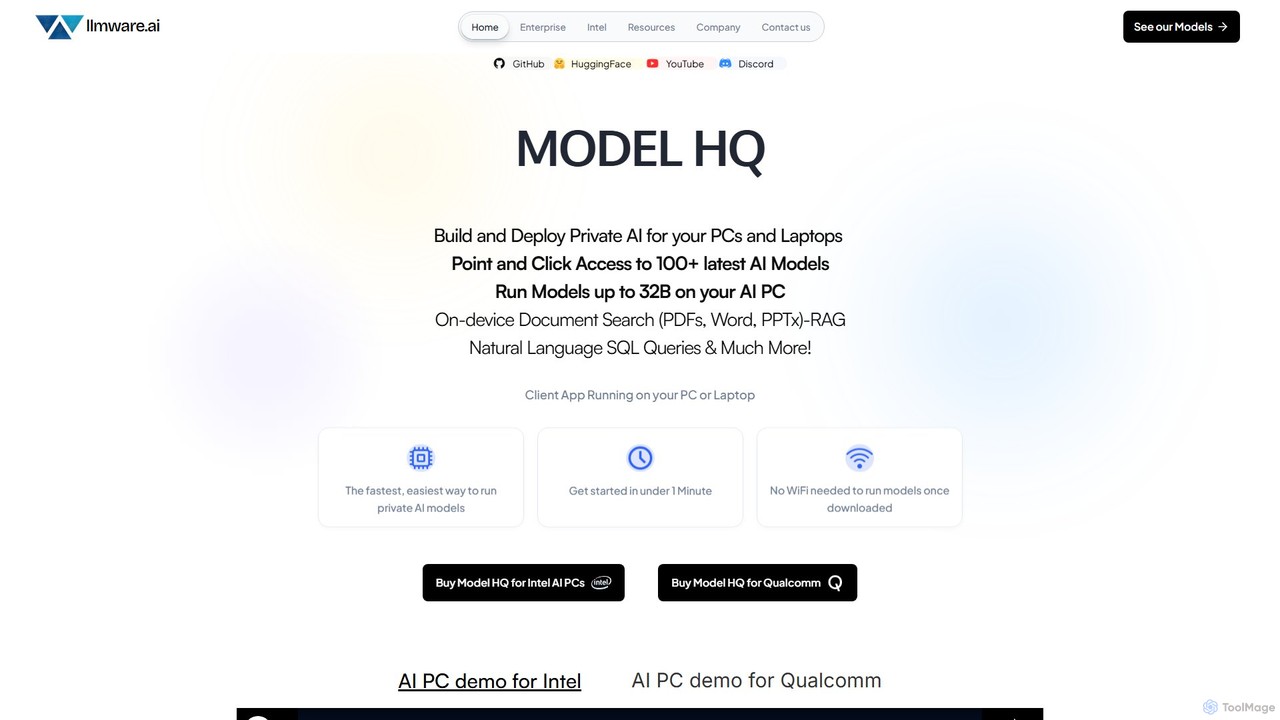
llmware
llmware is an enterprise-focused AI platform for building and deploying private AI workflows. Its flagship product, Model HQ, enables users to run over 100 small language models (up to 32B parameters) securely and locally on AI PCs without an internet connection. It offers on-device RAG, SQL queries, and other automated tasks, emphasizing data privacy, hardware optimization, and zero per-token inference costs.
Data Analysis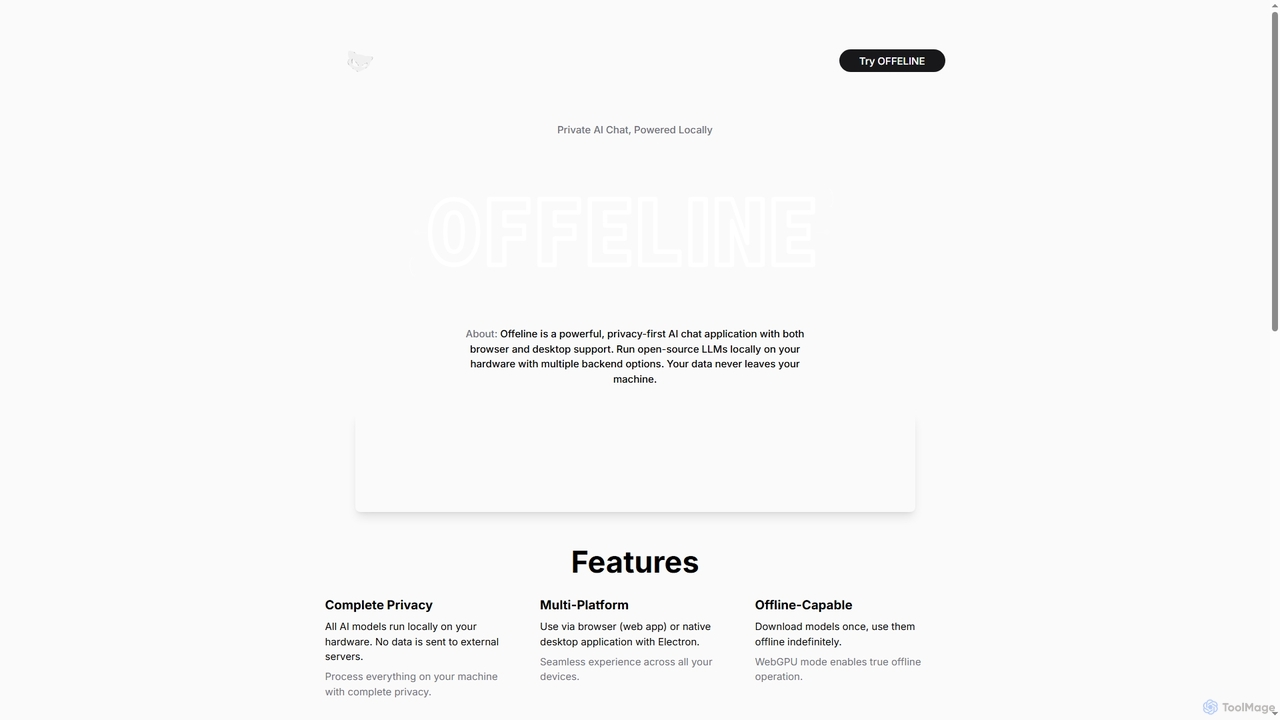
Offeline
Offeline is a powerful, privacy-first AI chat application that runs open-source Large Language Models (LLMs) locally on your hardware. It supports both browser and native desktop use, ensuring your data never leaves your machine. Enjoy offline capabilities, web search integration, document analysis, and voice support.
Local Llms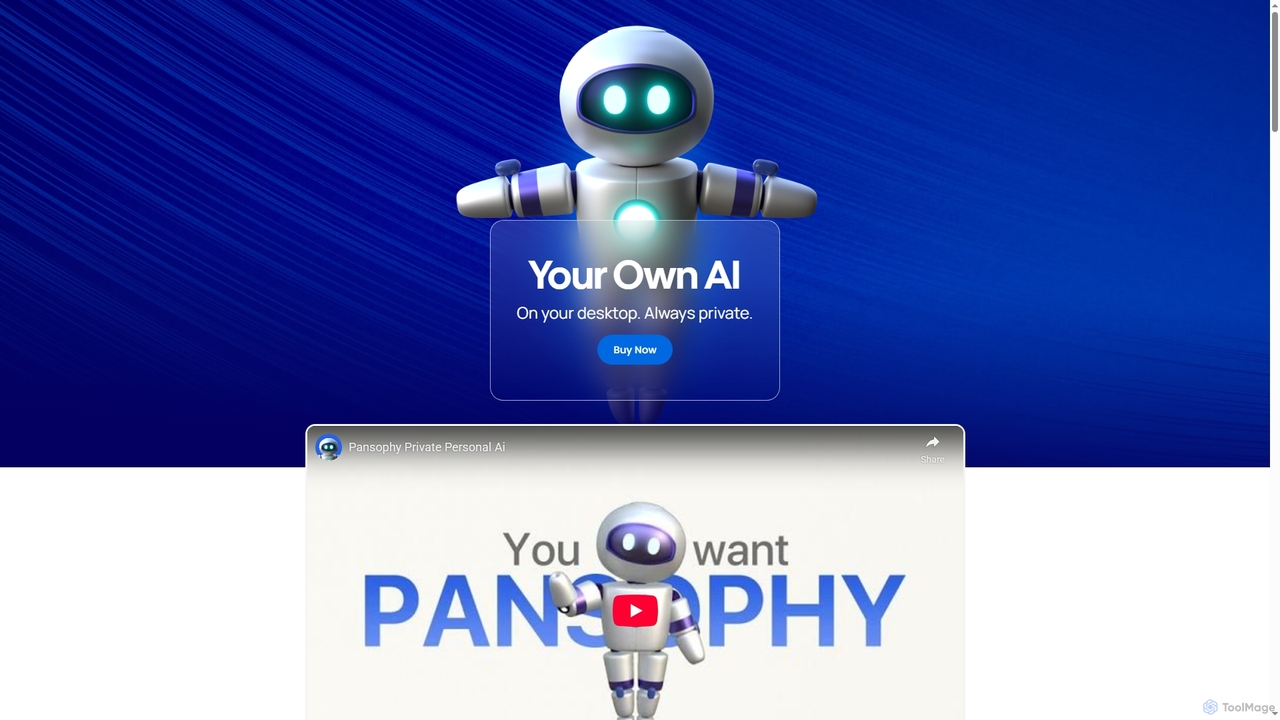
Pansophy
Pansophy is a private desktop AI tool that processes all data locally, offering secure document summarization, text and code generation, and smart search capabilities without cloud dependence. It's designed for enhanced productivity and data privacy across multiple operating systems.
Code Generation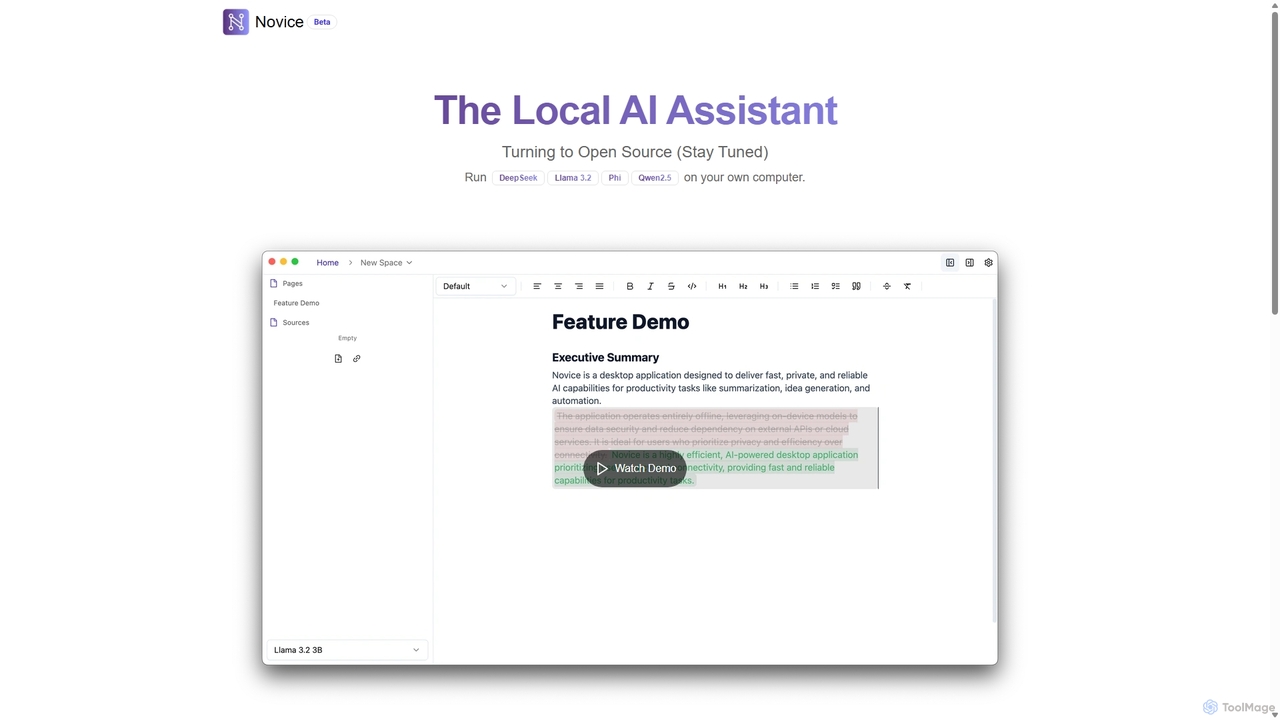
Novice
Novice is a local-first AI assistant that runs powerful language models like Llama 3.2 and Phi directly on your computer. It transforms your documents into a private, offline knowledge base, allowing you to analyze, summarize, and query information with complete data privacy. Every answer is backed by clear citations from your sources, ensuring accuracy and trust.
Local AiOmnibot
Omnibot is a private, native AI assistant that runs large language models (LLMs) directly in your browser using WebGPU. It offers a completely offline and secure chat experience, ensuring your data never leaves your computer. Customize it with your own instructions for personalized responses.
Local DevelopmentLM Studio
LM Studio is a desktop application for Windows, macOS, and Linux that allows you to discover, download, and run open-source Large Language Models (LLMs) entirely on your local machine. It offers a user-friendly interface, an OpenAI-compatible local server, and robust privacy features, making it ideal for developers, researchers, and anyone seeking a private AI experience.
Model Deploymentpinokio
Pinokio is a desktop browser that allows you to install, run, and control AI applications and terminal-based apps on your computer with a single click. It simplifies the complex setup of open-source AI models by automating environment creation, dependency management, and execution. This empowers users of all skill levels to experiment with powerful AI tools locally, ensuring privacy and full control over their data.
Model Deployment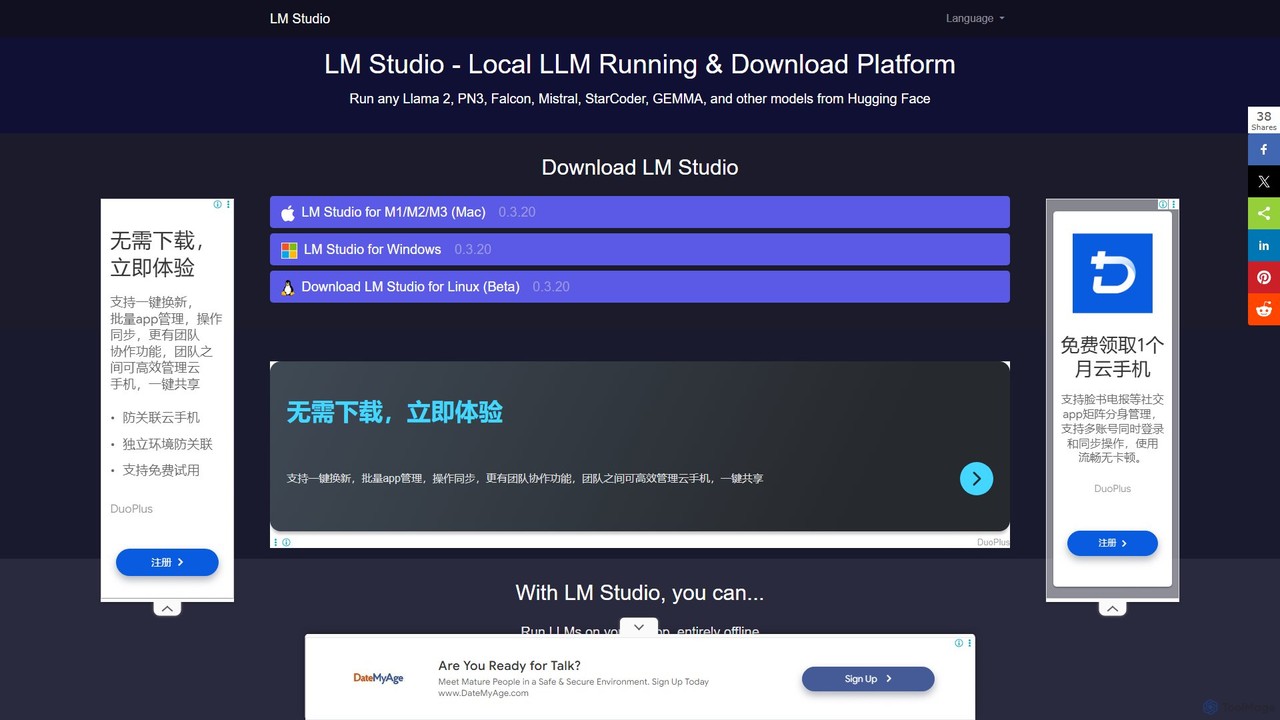
LM Studio
LM Studio is a user-friendly desktop application for discovering, downloading, and running open-source Large Language Models (LLMs) locally on your computer. It offers a simple chat interface and a local inference server, ensuring privacy and offline access.
Chat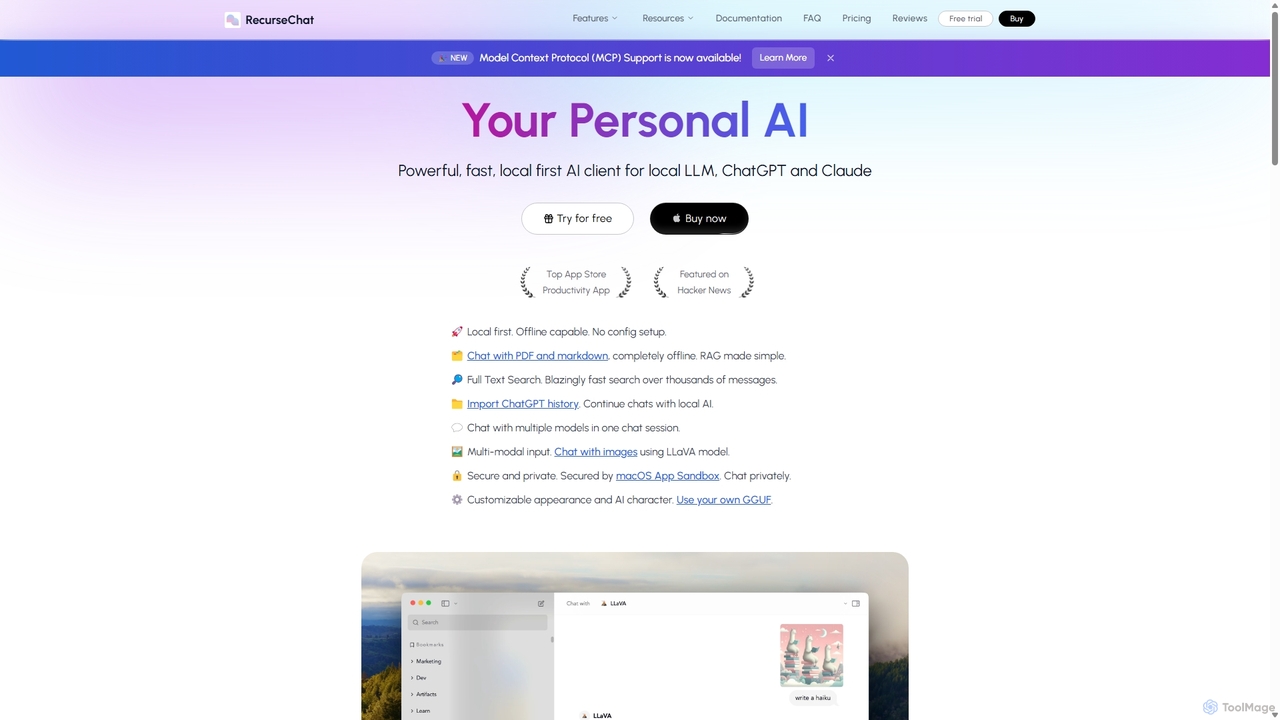
RecurseChat
RecurseChat is a powerful, privacy-focused AI client for macOS. It operates local-first, allowing you to chat with local LLMs, ChatGPT, and Claude, even offline. Interact with your PDFs and documents securely on your device using RAG technology. It features multi-modal input, full-text search, and extensive customization without requiring a subscription.
Llm Clients
Sanctum Comments (0)
Sign in to comment.
Sign inNo comments yet.